ChurchCRM — Free church management, built by the community

Open-source software for churches to manage people, giving, groups and events.

Manage your congregation, track giving, organize ministries, and protect privacy—self-host or choose affordable hosting. No vendor lock-in, no licensing fees. Built by volunteers who serve churches.

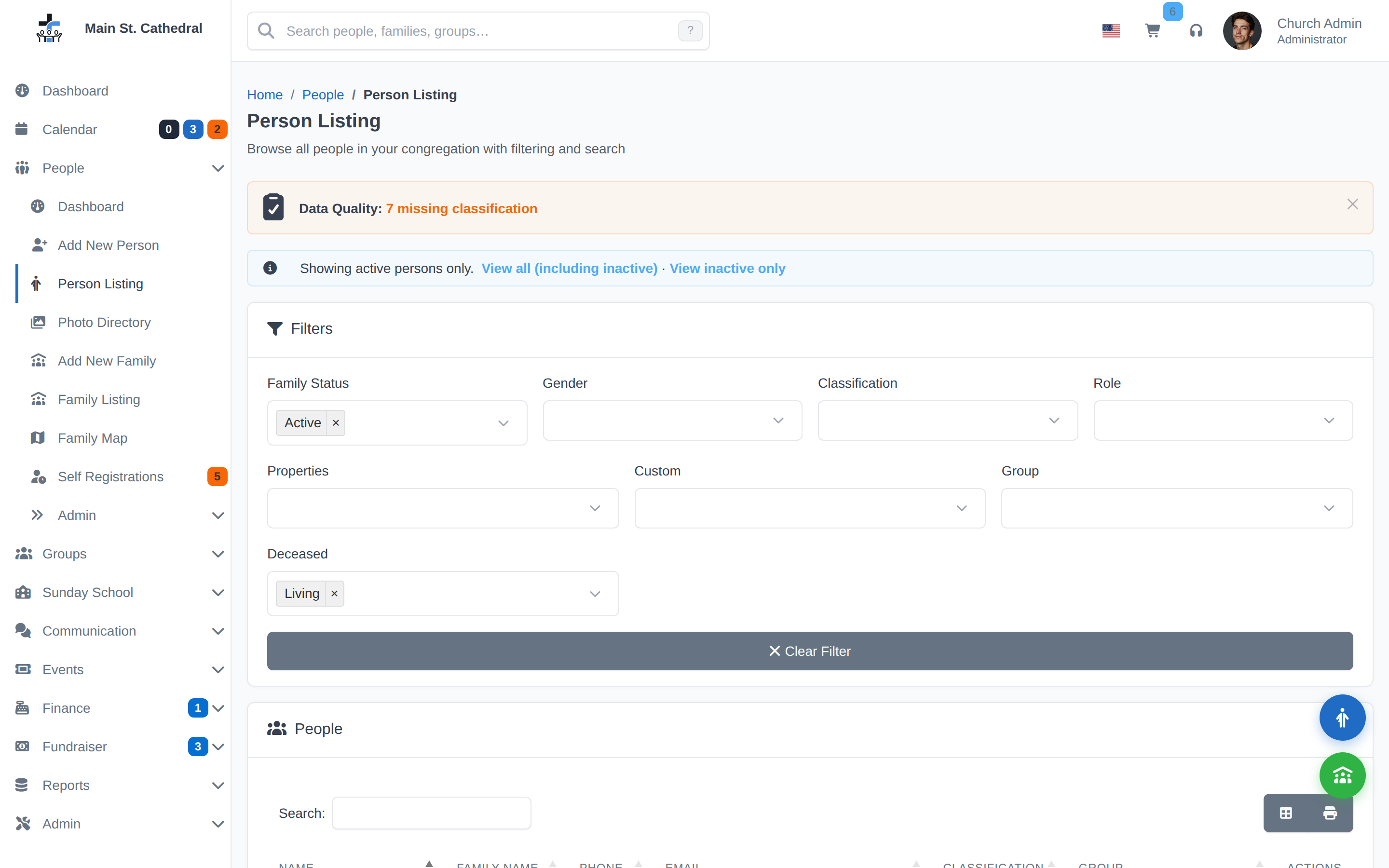
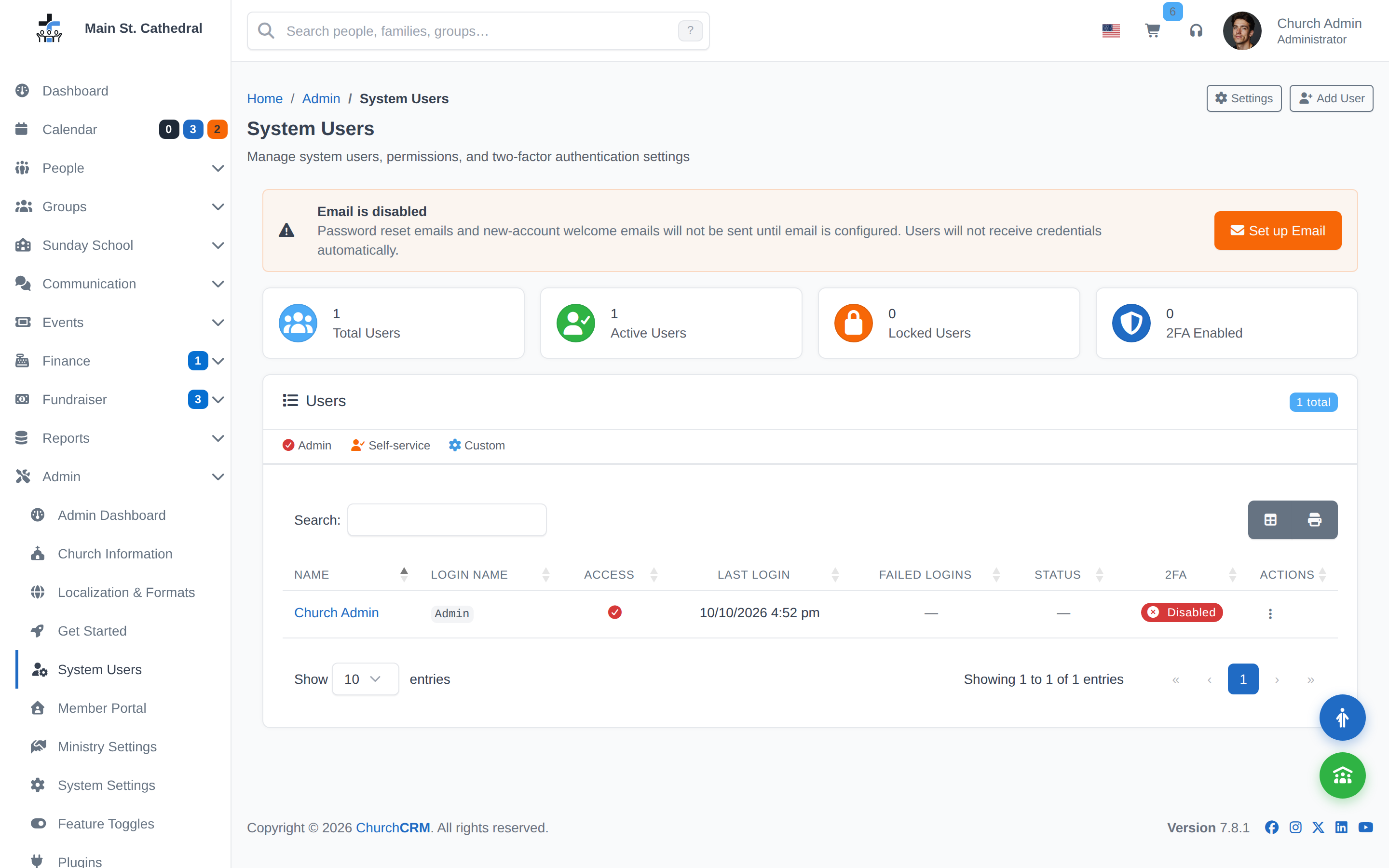
ChurchCRM Dashboard
100% Free

Open source, no licensing fees

45+ Languages

Serve diverse congregations globally

Privacy First

Role-based permissions, your data

Standard LAMP

Runs anywhere PHP works

Complete Solutions for Every Ministry

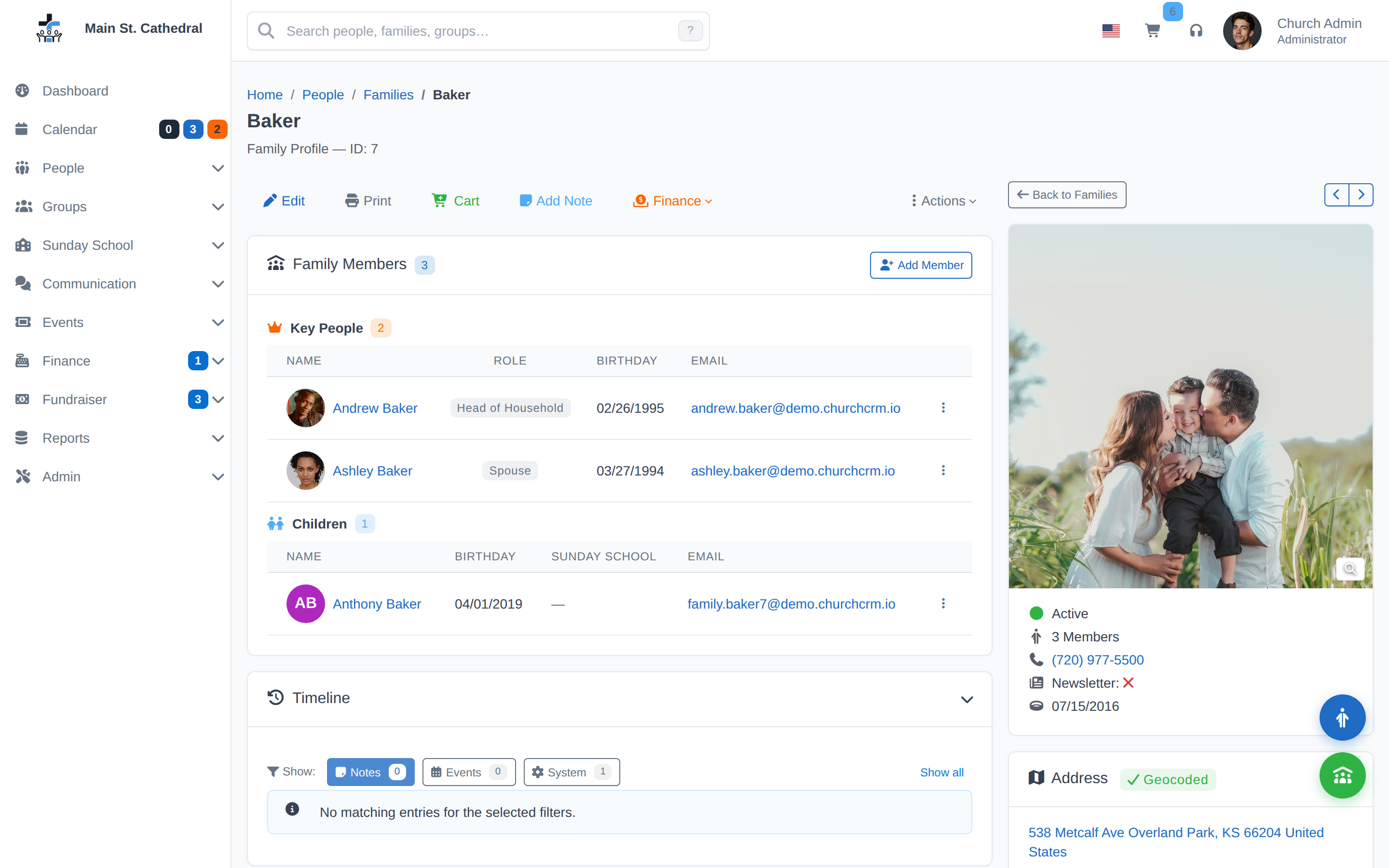
Congregation & Members

Member Profiles

  • Organize by families
  • Photos & contact info
  • Track attendance
  • Custom fields

Self-Service Portal

  • Members update info
  • Online registration
  • Visitor signup
  • Secure verification

Groups & Teams

  • Organize ministries
  • Manage committees
  • Role assignment
  • Communication tools

Notes & Properties

  • Custom notes
  • Track properties
  • Personal preferences
  • Contact history

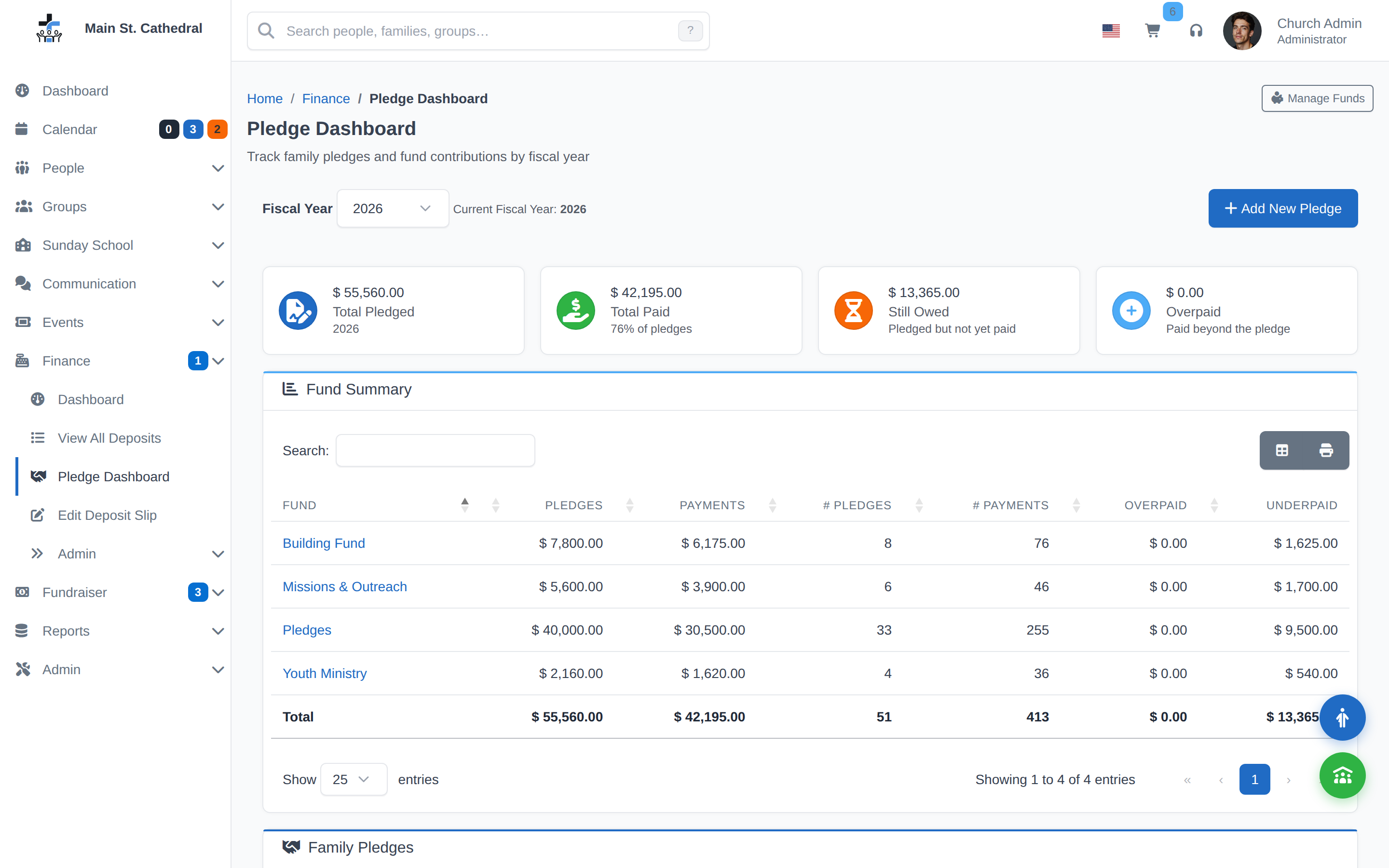
Finance & Giving

Giving & Pledges

  • Track tithes
  • Record pledges
  • Donations log
  • Donor profiles

Reports & Analytics

  • Giving summaries
  • Financial reports
  • Attendance analytics
  • Custom queries

Fundraisers

  • Organize campaigns
  • Track sales
  • Member involvement
  • Direct giving

Data Management

  • CSV import/export
  • Batch operations
  • Backup functions
  • Data integrity

Programs & Events

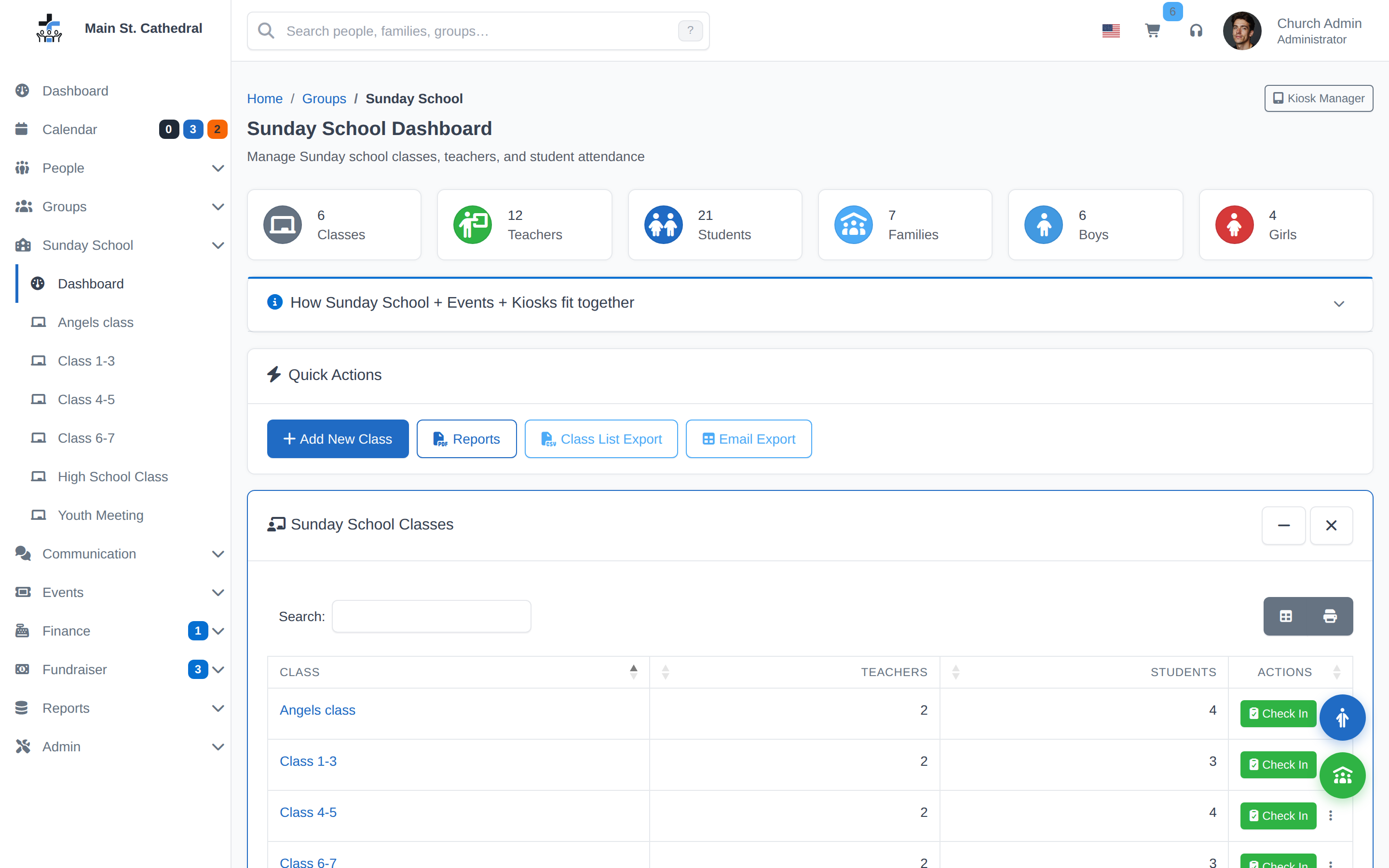
Sunday School

  • Manage classes
  • Class rosters
  • Parent emails
  • Attendance tracking

Events

  • Create & manage
  • Participant tracking
  • Auto reminders
  • RSVP management

Volunteer Management

  • Track skills
  • Availability schedules
  • Ministry matching
  • Scheduling

More Features

  • Prayer requests
  • Email campaigns
  • Document management
  • Role-based access

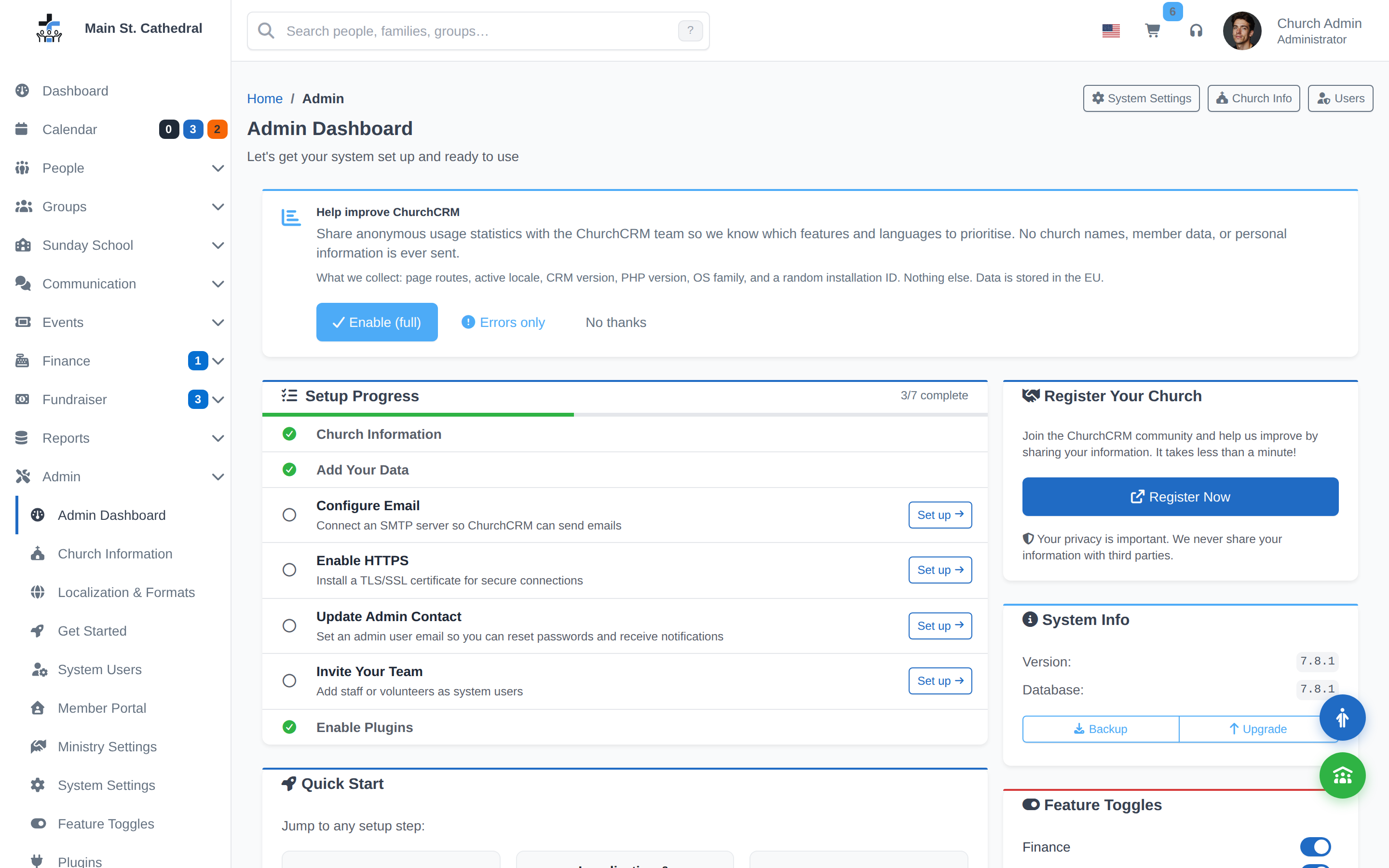
Installation Overview

ChurchCRM installs on standard LAMP hosting. Here's the simplified flow—detailed step-by-step instructions are on the installation guide.

1

Check Requirements

Verify your server has PHP 8.4+, MySQL 8.0+, and Apache with mod_rewrite. Most web hosts support this standard stack.

2

Download & Upload

Download ChurchCRM from GitHub, extract the files, and upload them to your web hosting account using FTP or your host's file manager.

3

Run the Installer

Visit your installation URL in a browser and follow the setup wizard. It walks you through database creation and initial configuration in minutes.

Installation Options

📦 GitHub Download

Clone or download from GitHub. Full control, latest updates, community support.

Learn More →
🔧 Softaculous Auto-Installer

One-click installation if your host has Softaculous in cPanel. Perfect for beginners!

Learn More →
🏗️ Manual LAMP Setup

Manual installation using cPanel's file manager, FTP, and MySQL tools. Most common.

Learn More →
💬 Community Support

Having issues? Check GitHub issues or reach out to the community for help.

Get Help →

Ready to install? The detailed installation guide below covers all methods with step-by-step screenshots and instructions.