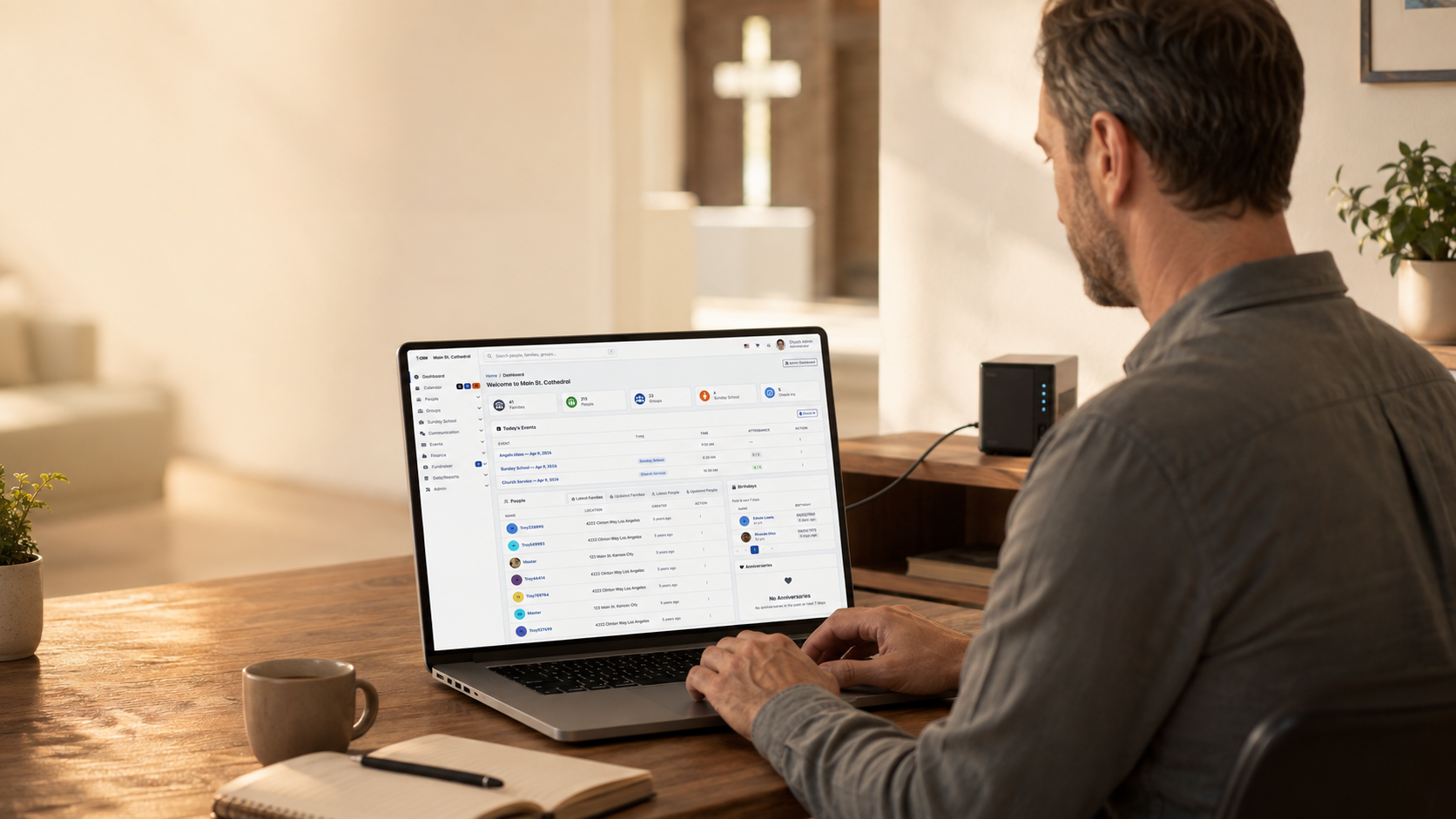
ثلاث خطوات بسيطة اختر طريقة التثبيت الأنسب لبيئة الاستضافة لديك
المثبِّت التلقائي Softaculous vs التثبيت اليدوي عبر cPanel vs التنزيل المباشر من GitHub
1
المثبِّت التلقائي Softaculous
تثبيت بنقرة واحدة متاح لدى كثير من مزودي الاستضافة الذين يوفرون cPanel
اعرف المزيد →متطلبات النظام
متطلبات النظام
- إصدار PHP: 8.4+ (required for v7.0.0+)
- قاعدة البيانات: 8.0.11+ or MariaDB 10.5+
- خادم الويب: 2.4+ with mod_rewrite
- Memory: 256MB minimum (512MB+ recommended)
- Execution Time: 30+ seconds minimum
- مساحة القرص: Minimum 500MB available
PHP Extensions
- php-bcmath, php-curl, php-exif, php-gd
- php-gettext, php-intl, php-json, php-mbstring
- php-mysqli, php-soap, php-sodium, php-xml, php-zip
Most hosting providers include these by default
Database User Permissions
The database user must have these permissions:
- CREATE: To create tables and indexes
- ALTER: To modify table structures during updates
- SELECT, INSERT, UPDATE, DELETE: To read and write data
- EXECUTE: To run stored procedures
- CREATE VIEW: To create database views
Tip: In cPanel, selecting ALL PRIVILEGES grants all permissions.
الطريقة الأولى: التثبيت بنقرة واحدة عبر Softaculous / الطريقة الثانية: التثبيت اليدوي عبر cPanel / الطريقة الثالثة: التثبيت المباشر من GitHub
الطريقة الأولى: التثبيت بنقرة واحدة عبر Softaculous
Recommended if available - Easiest and fastest!
سجِّل الدخول إلى لوحة تحكم الاستضافة (cPanel)
- Log into your cPanel account
- Look for Softaculous or Application Installer in Software section
- If you see it, Softaculous is installed!
ابحث عن قسم Softaculous أو 'تثبيت البرامج'
- Click on Softaculous in cPanel
- In the search box, type ChurchCRM
- Click on the ChurchCRM icon to view details
ابحث عن ChurchCRM وانقر فوق تثبيت
- Click the green Install Now button
- You'll see the installation form
اتبع التعليمات لاستكمال التثبيت
- Installation URL: Select your primary domain
- Directory: Leave blank for root, or enter subdirectory name
- Admin Username: Create a secure username
- Admin Password: Create a strong password
- Admin Email: Enter the admin email
- Site Name: Enter your church name
- Click Install button
- Softaculous handles everything automatically
- Installation completes in 2-5 minutes
- Log in with your credentials
That's it! Softaculous automates everything. No technical knowledge required!
الطريقة الثانية: التثبيت اليدوي عبر cPanel
If Softaculous isn't available, follow these manual steps.
أنشئ قاعدة بيانات MySQL باستخدام أداة قواعد بيانات MySQL في cPanel
- In cPanel, find and click "MySQL Databases"
- Create a new database (e.g., churchcrm_db)
- Create a new MySQL user with a strong password
- Add the user to the database with ALL PRIVILEGES
- Note your database name, username, and password
نزِّل ChurchCRM من GitHub
- Download from GitHub Releases
- Unzip the file on your computer
- Get files ready to upload
ارفع الملفات عبر مدير الملفات أو FTP
- In cPanel, click "File Manager"
- Navigate to public_html directory
- Upload all ChurchCRM files
- Set file permissions to 644 (files) and 755 (folders)
افتح رابط التثبيت واتبع معالج الإعداد
- Open your browser and go to your ChurchCRM URL
- The installation wizard will load automatically
- Enter your database information
- Create your admin account
- Complete the wizard
هل تحتاج إلى مزيد من المساعدة؟ راجع توثيق GitHub.
الطريقة الثالثة: التثبيت المباشر من GitHub
For any web hosting with PHP and MySQL.
استنسخ أو نزِّل من GitHub: https://github.com/ChurchCRM/CRM
- Go to ChurchCRM Releases
- Download the latest zip file
- Unzip on your computer
أنشئ قاعدة بيانات MySQL على خادمك
- Use your hosting control panel to create a MySQL database and user
- Note the database name, username, and password
ارفع الملفات إلى خادم الويب عبر FTP أو SFTP
- Connect via FTP or use your hosting's file manager
- Upload files to web root (public_html, www, or httpdocs)
- Set file permissions: files to 644, folders to 755
شغِّل المثبِّت من رابط التثبيت
- Visit your ChurchCRM URL in a browser
- The setup wizard will appear
- Enter your database credentials
- Complete the configuration
التوثيق الكامل متاح في GitHub Wiki
هل تحتاج مساعدة؟
هل أنت مستعد للتثبيت؟
تستخدم معظم الكنائس Softaculous أو التثبيت اليدوي عبر cPanel. كلاهما يوفر التحكم الكامل والتكامل مع الاستضافة الموجودة.
تريد أن ترى أولاً؟ جرّب النسخة التجريبية المباشرة · استكشف الميزات