From Google Sheets to One Place: A Missouri Church's Story
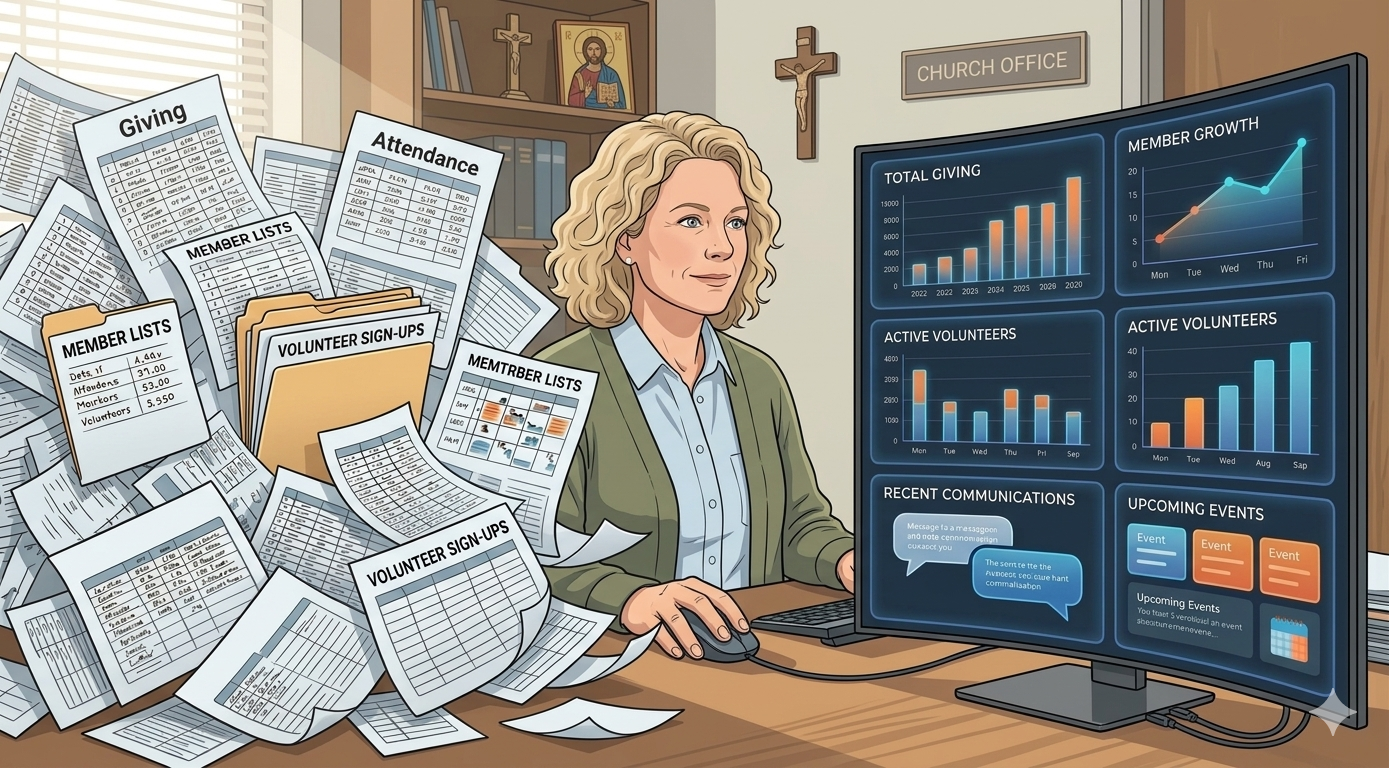
Every week someone writes in to tell us what life was like before ChurchCRM — and what changed after. This one came from a non-technical church admin at a growing congregation in Missouri. We are sharing it (with permission) because their story is the story we hear most often, and it might be yours too.
The Spreadsheet Years
Most churches start the same way. A Google Doc for the directory. A Google Sheet for tithes. Another tab for birthdays. Another for anniversaries. It works — until it doesn’t.
“When our church first started growing, we were managing everything through Google — Docs, Sheets, and multiple tools open at once. While it worked for a time, it quickly became overwhelming. We found ourselves constantly switching between tabs just to keep track of basic information.”
If you have ever had four tabs open at once trying to answer one simple question about a family in your church, you already know the feeling. It isn’t that spreadsheets are bad. It is that a church is not a spreadsheet. A church is families, gifts, events, care, and history — all connected.
Finding ChurchCRM
Like most of our users, they found us through a Google search.
“What immediately stood out was how simple and clean the layout was, while still offering all the core features we needed. As a growing church, affordability was also important to us, and having a free solution that didn’t sacrifice functionality made ChurchCRM an easy choice.”
We build ChurchCRM as a ministry, not a product. Every feature has to earn its place by actually helping a church do its work. That is why the layout stays clean even as the feature list grows — and why it will always be free.
A Smooth First Week
One of the fears we hear most often is “we’re not technical enough for church software.” This testimony speaks directly to that fear:
“The onboarding process was incredibly smooth. Setup was simple, and with the help of available documentation, we were able to get up and running quickly. Honestly, we felt confident in our decision from the moment we first opened the platform.”
If you are worried about the learning curve, the Getting Started guide will walk you through your first hour. Most churches are tracking real members within a day.
What Changed
Here is what we love most about this story. It isn’t about software. It is about what software freed them to do.
“One of the biggest benefits has been having easy access to member information, especially addresses. This has helped our pastoral care efforts and allows us to stay connected by sending cards and flowers for birthdays and anniversaries — something that means a lot to our church family.”
That is Data for Discipleship in one sentence. A tidy address list isn’t the point. A card in the mailbox on someone’s anniversary is the point. The software is just what makes the card possible.
They also reported:
- More efficient workflows across the team
- Streamlined member tracking
- Easier deposit tracking for the treasurer
- Less time spent juggling tools, more time spent on ministry
“Our leadership team loves it, and it has truly helped prepare us for stepping into the technological age as a church.”
Their Advice to Other Churches
We will let them close this one in their own words:
“It’s simple enough for anyone to use, yet powerful enough to give church leadership access to the information they need. It strikes the perfect balance between ease of use and functionality.”
If that sounds like the tool your church has been looking for, you can try the live demo right now — no signup, no credit card, no sales call. If you like what you see, the installation guide will help you choose an approach and get running on your own server.
And if you have a story like this one, tell us about it. We would love to share it.