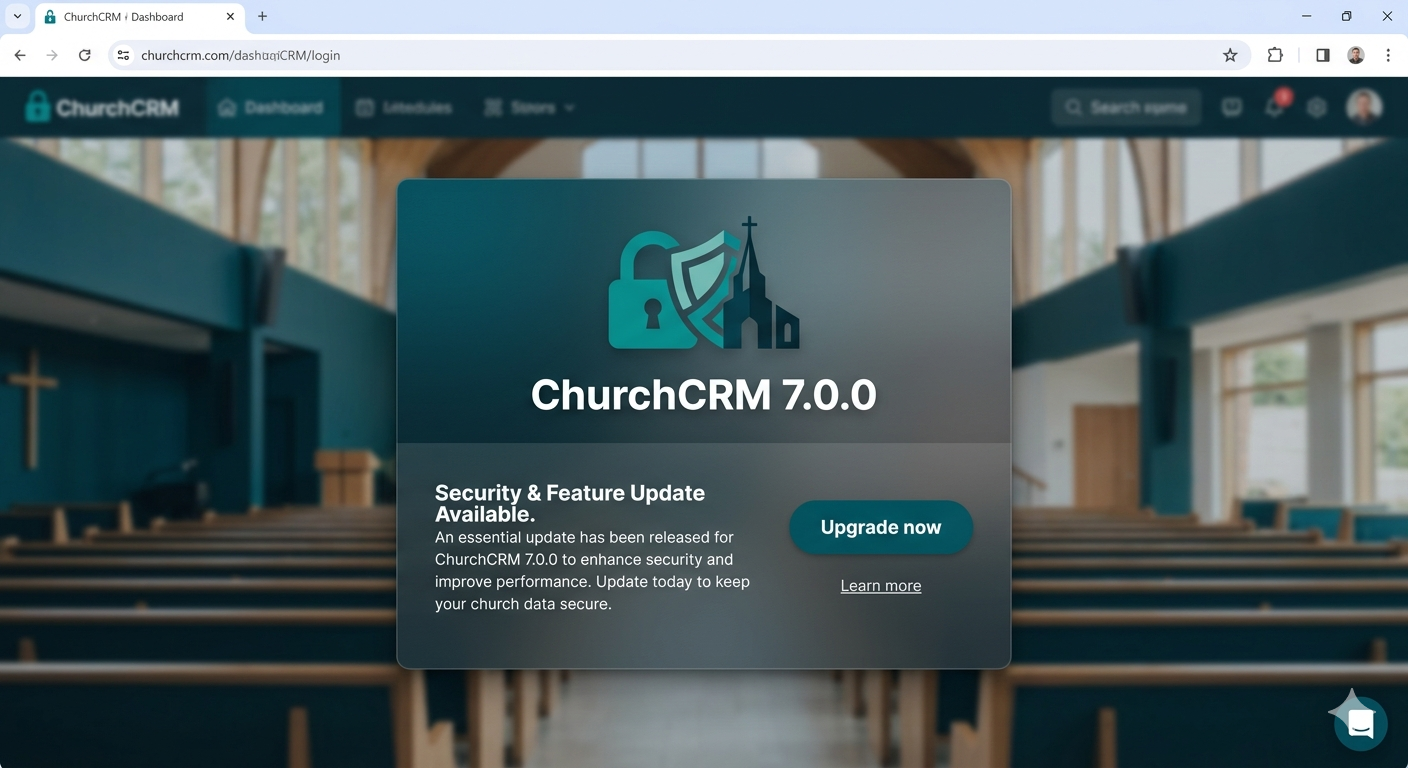
Have you ever worried that a visitor slipped through the follow-up process, or that a volunteer’s account could be exposed by a weak password? ChurchCRM exists to serve churches — helping your leaders, volunteers, and administrators care for your people safely and simply. The 7.0.0–7.0.3 release series focuses on protecting that trust: fixing security issues, improving privacy, and making important improvements that keep your data and people safe.
What this means for your church
- Safer screens for your admins: We fixed places where someone could hide harmful content in the system so it can’t run in an administrator’s browser anymore. Those fixes are covered by new automated tests so they stay fixed.
- No more accidental redirects: The system now checks outgoing links so visitors and staff won’t be sent to unexpected external sites — this closes a route attackers sometimes use for phishing.
- Secrets stay secret: Passwords and API keys in plugin settings are now hidden on screen so they aren’t exposed when sharing a view or training volunteers.
- Stronger sign-in protection: Two-factor authentication was improved, making it easier for your leaders to protect their accounts with a second verification step.
- Maps that respect privacy: We removed vendor tracking and replaced it with open, private mapping so family addresses and congregation maps are shown without sending data to third parties.
Upgrades that make daily life easier
- Plugins for integrations: Things like email lists, SMS, and presentation software are now managed as plugins — you can enable or disable them without touching the core system. That makes it safer to try new integrations and to remove ones you don’t use.
- More reliable reports and schedules: We fixed PDF and calendar issues so printed reports and scheduled event displays work correctly for your team.
- Better developer tools (so your site stays healthy): We tightened automated checks and tests so updates introduce fewer surprises for churches that rely on ChurchCRM every day.
Quick notes before you update
- Required PHP version: ChurchCRM 7.0.0 and later require a newer PHP on your host (PHP 8.4). If your hosting provider still runs an older PHP, please ask them to upgrade or test the update in a staging site first.
- Backup first: Always back up your database and site files before upgrading.
- Re-enter some integration settings: After upgrading, you may need to re-enter plugin credentials (this moves settings into the new Plugin Manager for safety).
How this helps your ministry
Keeping ChurchCRM up to date is about more than technology — it protects the privacy and safety of the people in your care. When we fix vulnerabilities, harden sign-in protections, and reduce third-party tracking, we reduce risk to vulnerable members, protect volunteer accounts, and maintain the confidentiality churches expect.
We’re with you
ChurchCRM is built and maintained by a community of volunteers and contributors who care about ministry and privacy. If you need help upgrading, testing, or understanding the changes, please check our upgrade guide and join the community for help.
Thank you to the translators, testers, and security reviewers who helped make the 7.0.x series safer for churches worldwide.
For full technical details, see the changelogs in the project repository.
Call to action
If you’d like help testing or upgrading, try the demo or join our community channels for step-by-step help and best practices.