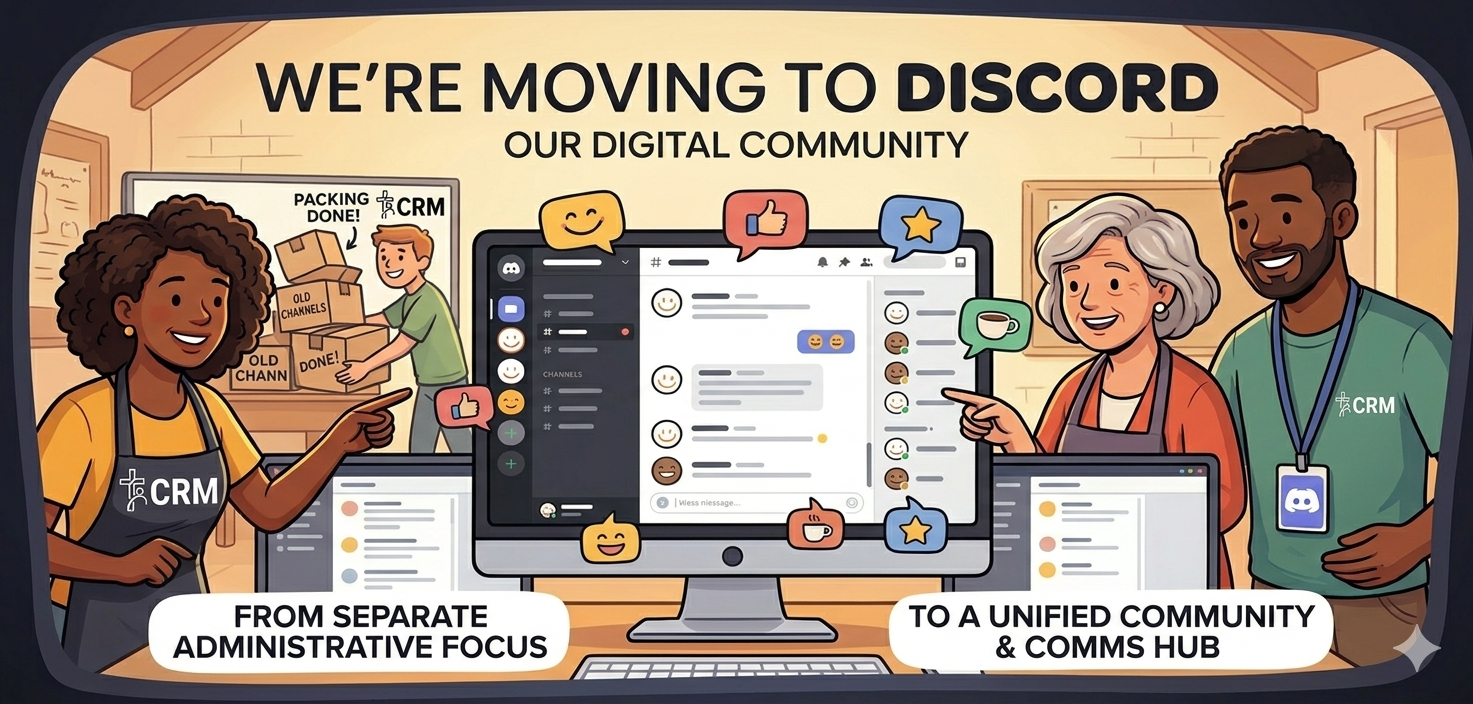
For years, the ChurchCRM community has gathered on Gitter to troubleshoot, brainstorm, and connect. It’s served us well as a simple, developer-centric chat tool, but as our community grows and the needs of our users evolve, we’ve realized we need a “home” that offers a bit more room to breathe.
That’s why we are officially moving our primary support and community discussion from Gitter to Discord.
Change can be a hurdle, but after reviewing our recent history and the way we interact, it’s clear that Discord is the better fit for the future of ChurchCRM. Here is why we’re making the leap.
1. Organization Over Chaos
Gitter is essentially one long, continuous scroll. If three different people ask questions about Sunday School reports, CSV imports, and server configurations at the same time, the conversations become hopelessly intertwined.
Discord’s channel-based architecture changes the game. We’ve set up dedicated spaces for:
- #announcements: High-level project updates.
- #general-support: For day-to-day user questions.
- #dev-talk: Specifically for code-heavy technical discussions.
- #showcase: To share how you’re using ChurchCRM in your local ministry.
This means you no longer have to dig through 500 lines of chat history just to see if someone answered a question similar to yours.
2. Better Multimedia and File Sharing
In our recent chat logs, we’ve seen how often a picture is worth a thousand words. Whether it’s a screenshot of a specific error message or a mockup of a new feature idea, Gitter often struggled with quick, high-quality image rendering and file management.
Discord handles media natively and beautifully. You can drag and drop logs, screenshots, and even short screen recordings directly into the chat. This allows our contributors to see exactly what you’re seeing, leading to faster resolutions and less guesswork.
3. Presence and Notifications
One of the biggest pain points on Gitter was the “ghost town” effect—you’d ask a question and have no idea if anyone was actually around to see it.
Discord provides a much clearer sense of community. You can see who is online, who is a “Core Developer,” and who is a “Community Helper” at a glance. Furthermore, Discord’s notification system is much more robust and customizable across mobile and desktop, ensuring that when someone does answer your plea for help, you’ll actually know about it.
4. Search That Actually Works
We’ve all been there: “I know we talked about this three months ago…” On Gitter, finding that specific snippet of advice could feel like finding a needle in a haystack. Discord’s search filters—allowing you to search by user, date, or specific channel—make our collective knowledge much more accessible. We want the solutions we find today to be searchable for the users of tomorrow.
Join Us Today!
We aren’t just moving for the features; we’re moving because we want to foster a more welcoming, organized, and vibrant space for everyone—from the veteran PHP developer to the church secretary just trying to print a mailing label.
The Gitter room will remain open for a short transition period as a read-only archive, but all new discussions and support requests should happen in our new home.
Step into the new ChurchCRM headquarters here: https://discord.gg/tuWyFzj3Nj
We can’t wait to see you there and continue building the best open-source church management tool together.
Learn more at the ChurchCRM community page and visit the online manual for guides and FAQs.