Software
Free church management software for churches that want to stay organized
ChurchCRM helps churches manage people, groups, events, giving, and volunteers — and you keep full control of your data. Free. No subscription. Open source. Self-hosted.
Free. No subscription.
Zero software costs. No recurring fees. Download it once, use it forever.
You own your data.
Self-hosted and open source. Export anytime. Never dependent on a vendor.
49 languages.
Community-built translations. Auto-detect. Per-user language choice.
Community-driven.
Open source. Plugins. Extensible. No black boxes.
Common workflows
What churches accomplish with ChurchCRM
No feature dump. Here are the real jobs ChurchCRM helps churches do.
Is ChurchCRM right for your church?
ChurchCRM works best for churches that:
- Need practical church management — member directory, groups, attendance, giving, volunteers.
- Want to own their data — no vendor lock-in, no subscription pressure.
- Prefer self-hosting or simple hosting — can deploy to affordable shared hosting or their own server.
- Work in multiple languages — benefit from community translations in 49 languages.
Understanding self-hosting
The software is free. Hosting costs depend on what you have available.
ChurchCRM runs on a standard web server (PHP + MySQL). Your costs depend on how you host:
- Existing server or donated hosting: $0/month. If your church already has a server or someone has donated hosting, you may have no additional cost.
- Shared hosting: $3–10/month. Easy setup. Works for most churches. No technical skills required beyond following installation guides.
- Docker / VPS: $5–50/month depending on traffic. ChurchCRM is developed and tested with Docker, but there is no officially maintained production image — your IT volunteer is responsible for keeping the container patched and secure. Full control, more responsibility.
Common questions
Can we migrate from another system?
What if we need customization?
Can we use it offline?
What about security and backups?
Platform highlights
A modern interface, a powerful platform
ChurchCRM ships with a modern interface and a growing set of platform capabilities, actively maintained and improved with every release.
- Modern interface
- Plugin ecosystem
- Zero-config maps
- Kiosk for all groups
- Export hub
- 49 languages
Screenshots
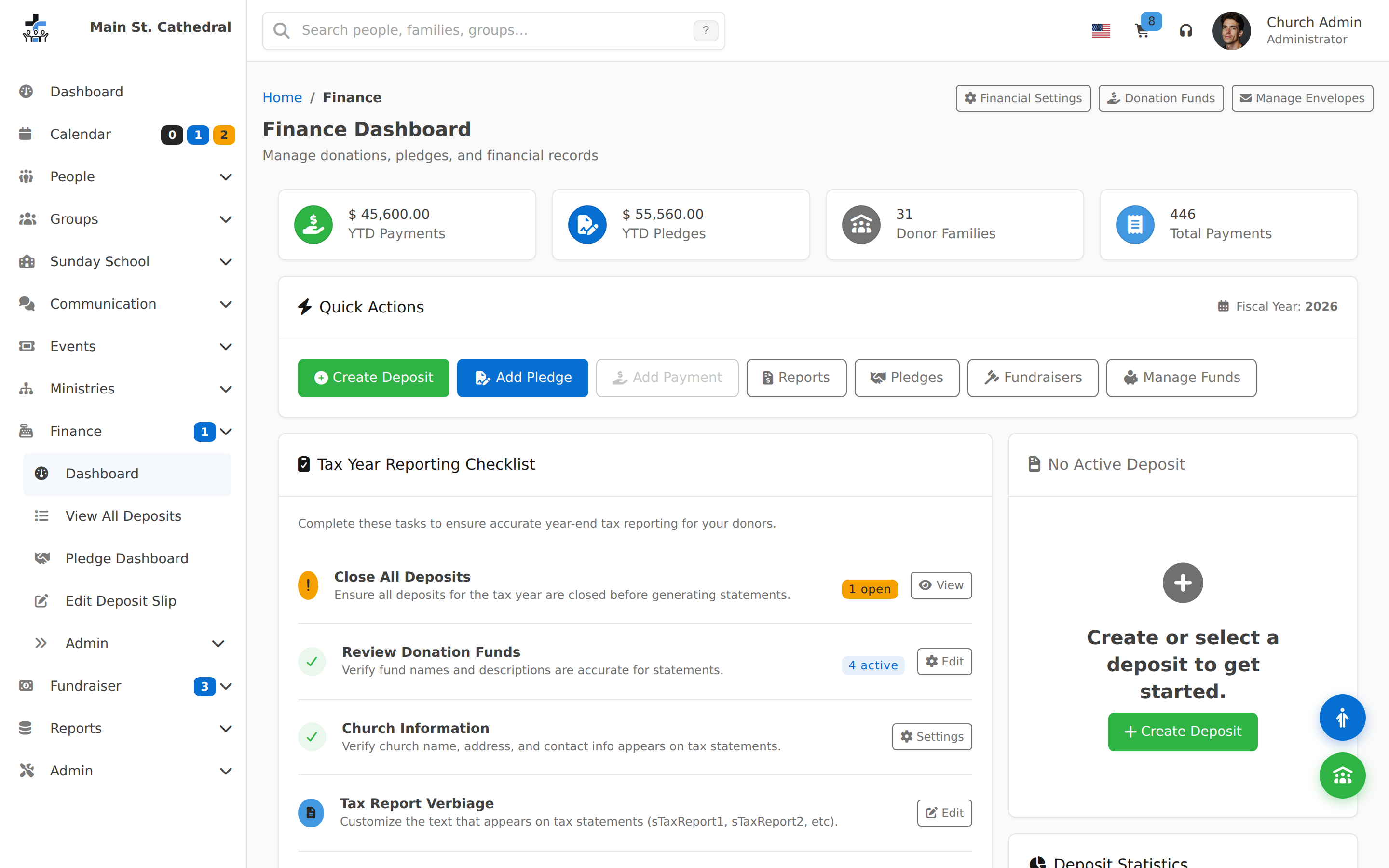
A quick look at ChurchCRM across core ministry workflows.
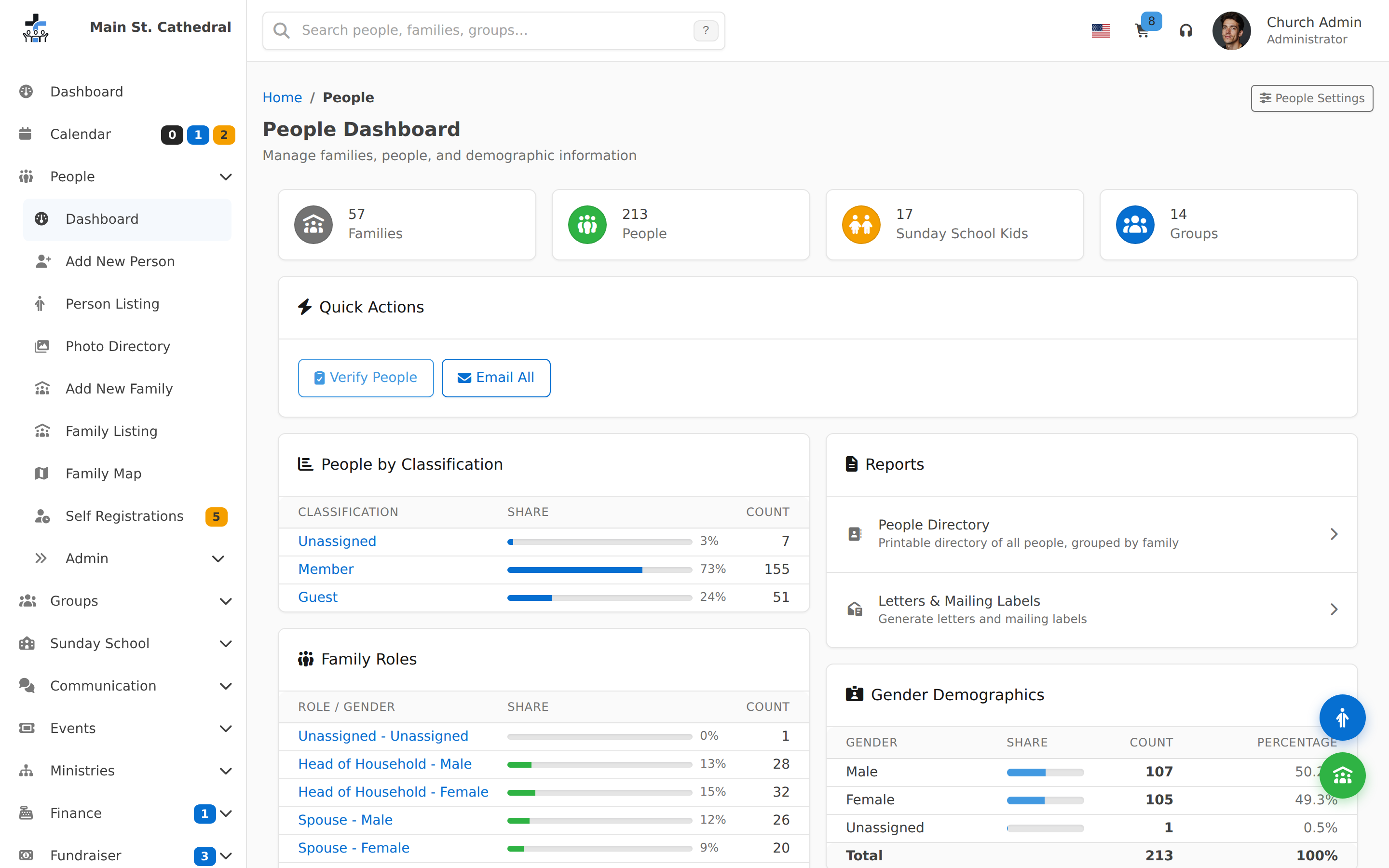
Dashboard and at-a-glance activity.
Try the live demo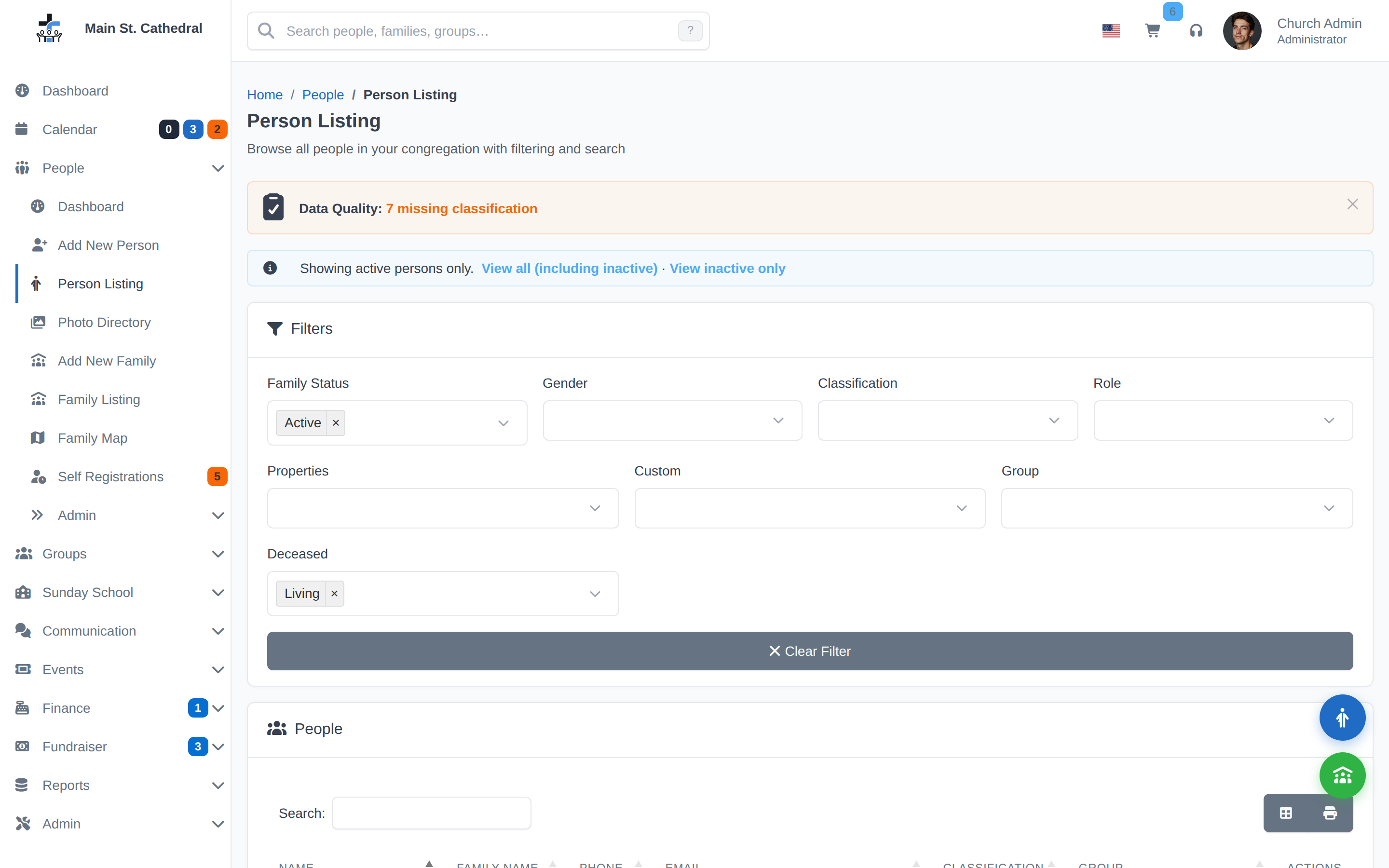
Ready to see if ChurchCRM fits your church?
Try the live demo with no signup, or install ChurchCRM on your own hosting today.