How to Contribute
ChurchCRM is a community project. Every church that uses it does so because someone — a volunteer, a developer, a designer, a pastor’s assistant — gave a little of their time to make it better.
You don’t need to write code to make a meaningful contribution. Churches need to find ChurchCRM, understand it, and feel confident choosing it. That takes writers, designers, testers, social media managers, translators, and developers working together.
AI tools are welcome here. If you have an idea but not the technical background to build it yourself, tools like Claude Code, GitHub Copilot, or ChatGPT are a legitimate way to turn that idea into a working plugin, a documentation fix, or a first pull request — see the wiki’s AI Agent Workflow guide for how to use them safely on this codebase. Just be upfront that AI helped, test what it produces, and expect the same review as any other PR.
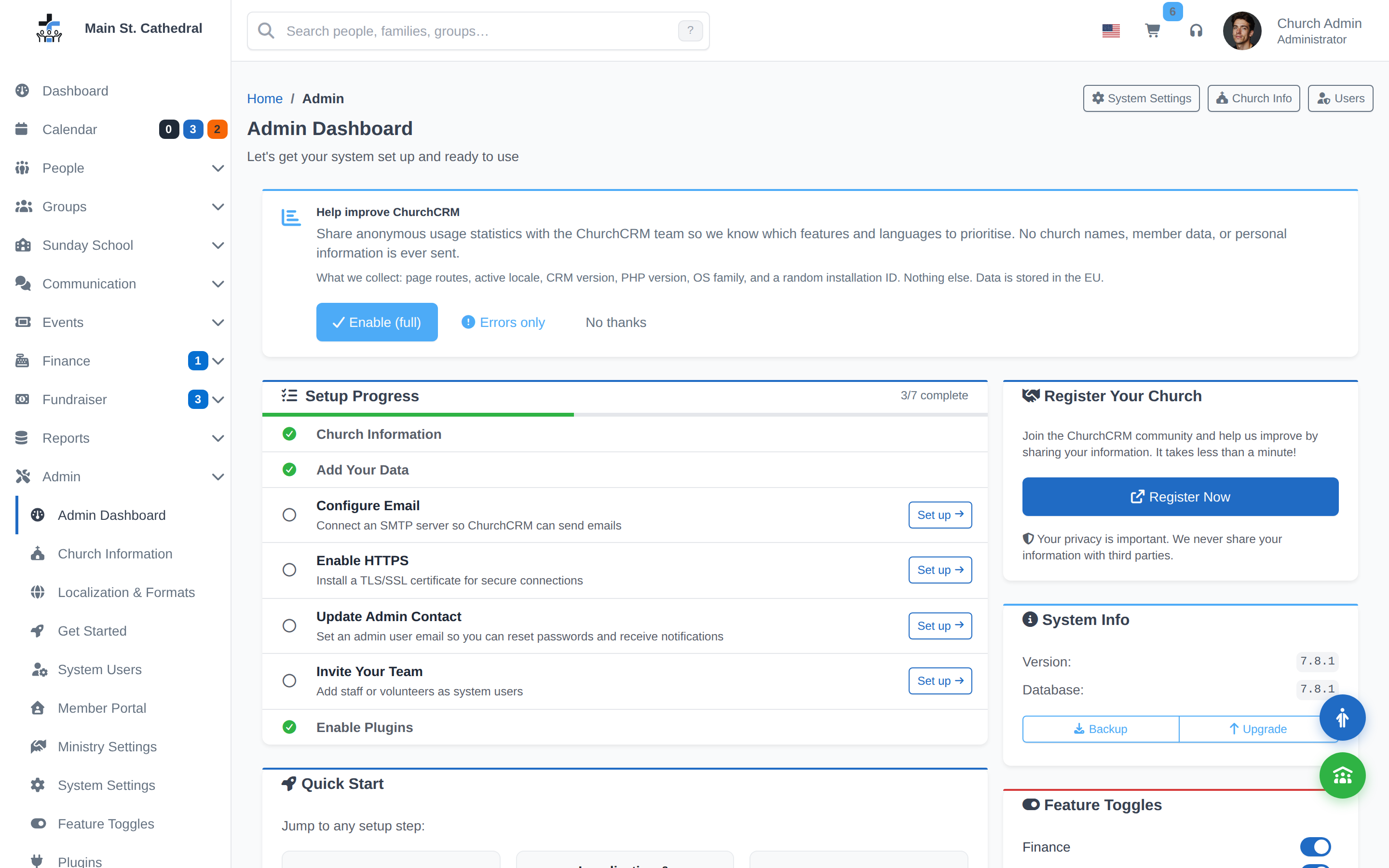
This is what you’d be contributing to — the real, current interface, not a mockup.
Every Skill Matters
| Your skill | How you help |
|---|---|
| Developer | Fix bugs, add features, build community plugins |
| Plugin builder | Create integrations ChurchCRM doesn’t include yet |
| QA tester | Find bugs, test new features, validate fixes |
| Designer | UI/UX improvements, logo work, social graphics |
| Writer / content creator | Blog posts, tutorials, case studies |
| Documentation writer | User guides, admin docs, developer wiki |
| Translator | Translate ChurchCRM into your language |
| Social media manager | Grow ChurchCRM’s presence and reach |
| Photographer / image creator | Screenshots, promotional images, social assets |
| Community helper | Answer questions on Discord and GitHub |
No Code Required
Write Content
ChurchCRM’s story needs to be told. Blog posts, tutorials, how-to guides, and church testimonials help other congregations understand what ChurchCRM can do and feel confident choosing it.
What’s needed: blog posts about features and use cases, church testimonials, how-to guides for common tasks, social media content.
Where to contribute: open an issue on GitHub with the documentation label, share a draft on Discord, or open a pull request against the website or docs repos.
Improve Documentation
Improve explanations, examples, and screenshots in the documentation repository. Most pages have an “Edit this page” link that opens a pull request for you.
Translate
- Join the ChurchCRM POEditor project
- Select or request a language
- Translate strings directly in the browser
See the Localization guide for translators.
Test the Application
Try releases across browsers and devices, test common workflows, and report issues on GitHub Issues using the Bug Reporting & Diagnostics Guide.
Design & Screenshots
Clear screenshots and good design make the product easier to understand and trust. Share mockups or updated screenshots via Discord or a pull request.
Social Media & Marketing
Share ChurchCRM in relevant communities, write reviews, or coordinate content through Discord.
Answer Questions in the Community
A quick, helpful answer on Discord or GitHub Discussions saves a church admin hours of frustration. No expertise required beyond having used ChurchCRM for a while.
Developer Contributions
Contribute to the Core Application
- Get a GitHub account
- Join Discord and introduce yourself
- Find a
good first issue - Set up your development environment
- Open a pull request — every PR must link to an open issue (open one first if it doesn’t exist)
Build a Community Plugin
Add a feature ChurchCRM doesn’t include yet — a third-party integration, a custom workflow, a specialized report — without touching core code. Plugins survive upgrades; direct modifications to source files don’t.
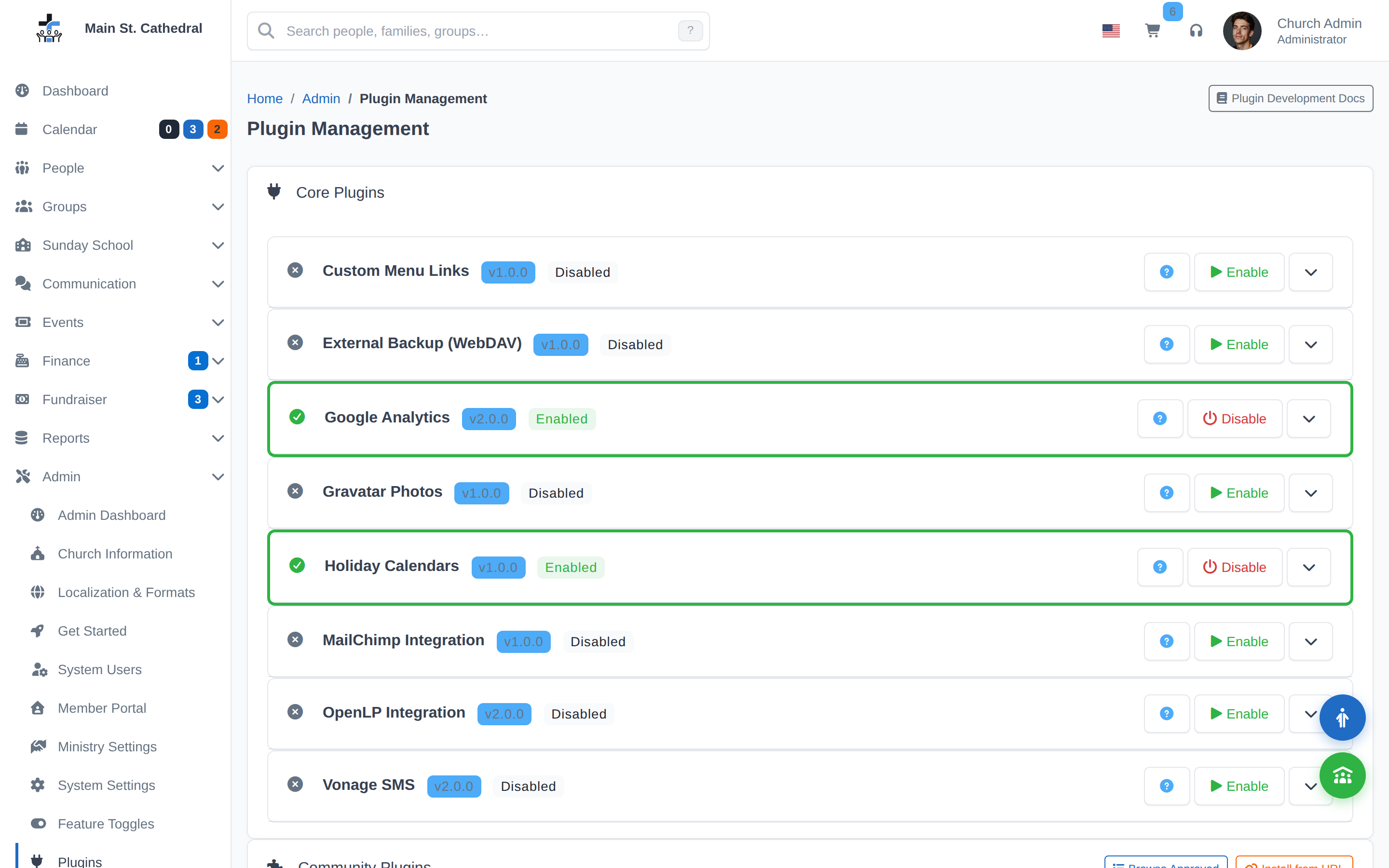
Best for: service integrations (MailChimp, SMS, OpenLP), church-specific workflows, optional features not every install needs. Start here: Plugin development guide.
Setting Up Your Development Environment
The full, current setup steps (Codespaces, Dev Containers, DDEV), coding standards, and testing requirements live on the project wiki — not duplicated here, so there’s one place for them to stay accurate as the stack changes:
- Development Guide — environment setup, dev cycle, npm scripts
- Code / Style Guide — coding standards and conventions
- Cypress Testing Guide — how to write and run tests (required on every PR)
All contributors follow our Code of Conduct. Thank you — every contribution, no matter how small, helps a church somewhere run a little better.
Want the bigger picture — where the community talks, how support works, how decisions get made? See Community or Support.