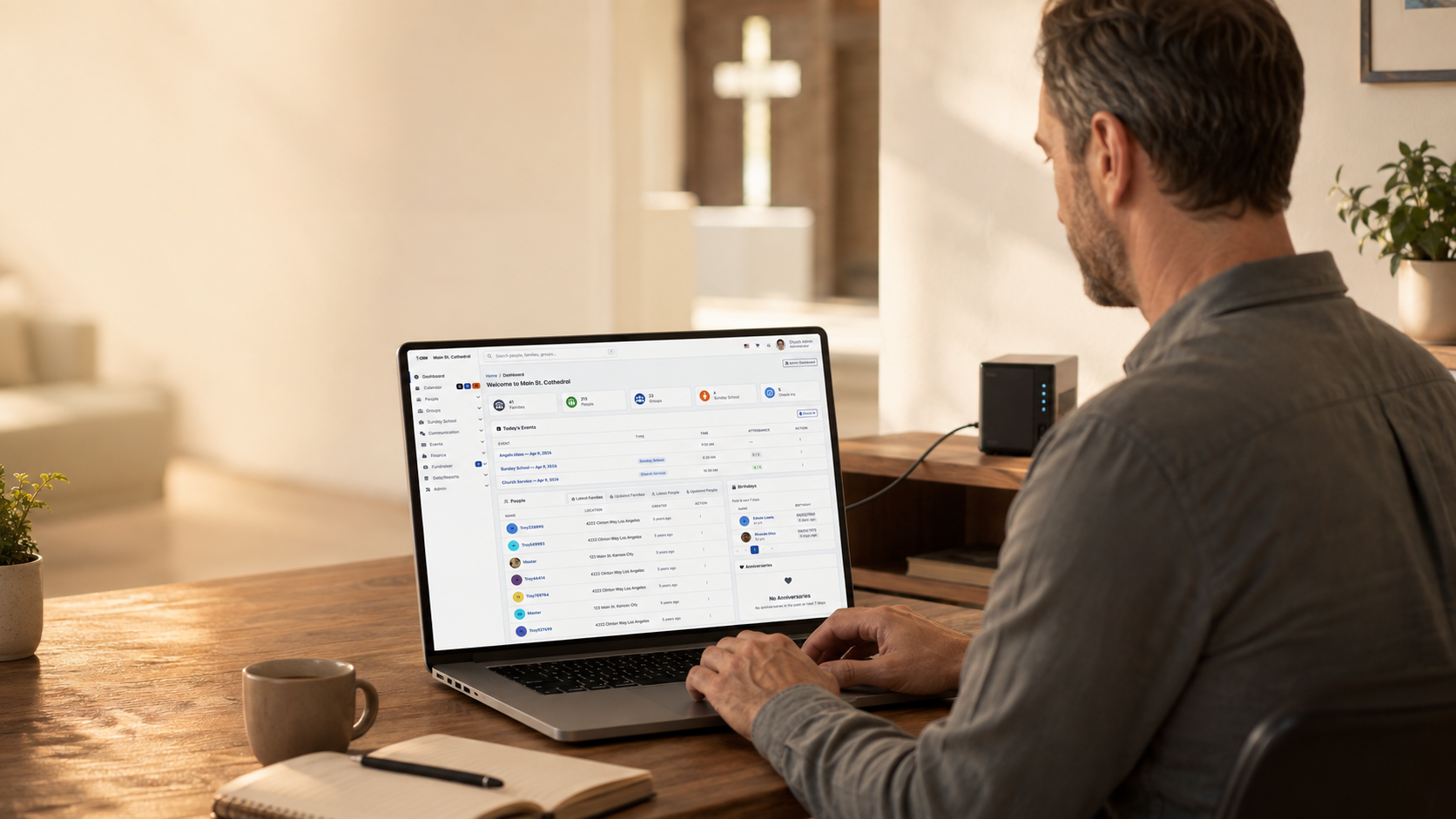
Trois étapes simples Choisissez la méthode d'installation adaptée à votre hébergement

Démo produit ChurchCRM en direct Documentation officielle d'installation de ChurchCRM

Installation automatique via Softaculous vs Installation manuelle via cPanel vs Téléchargement direct depuis GitHub

1

Installation automatique via Softaculous

Installation en un clic disponible chez de nombreux hébergeurs avec cPanel

En savoir plus →
2

Installation manuelle via cPanel

Guide étape par étape utilisant le gestionnaire de fichiers et les outils MySQL de cPanel

En savoir plus →
3

Téléchargement direct depuis GitHub

Installation avec contrôle total via FTP ou ligne de commande

En savoir plus →

Configuration requise

Configuration requise

  • Version PHP: 8.4+ (required for v7.0.0+)
  • Base de données: 8.0.11+ or MariaDB 10.5+
  • Serveur web: 2.4+ with mod_rewrite
  • Memory: 256MB minimum (512MB+ recommended)
  • Execution Time: 30+ seconds minimum
  • Espace disque: Minimum 500MB available

PHP Extensions

  • php-bcmath, php-curl, php-exif, php-gd
  • php-gettext, php-intl, php-json, php-mbstring
  • php-mysqli, php-soap, php-sodium, php-xml, php-zip

Most hosting providers include these by default

Database User Permissions

The database user must have these permissions:

  • CREATE: To create tables and indexes
  • ALTER: To modify table structures during updates
  • SELECT, INSERT, UPDATE, DELETE: To read and write data
  • EXECUTE: To run stored procedures
  • CREATE VIEW: To create database views

Tip: In cPanel, selecting ALL PRIVILEGES grants all permissions.

Méthode 1 : Installation en un clic via Softaculous / Méthode 2 : Installation manuelle via cPanel / Méthode 3 : Installation directe depuis GitHub

Méthode 1 : Installation en un clic via Softaculous

Recommended if available - Easiest and fastest!

Connectez-vous à votre panneau de contrôle d'hébergement (cPanel)
  1. Log into your cPanel account
  2. Look for Softaculous or Application Installer in Software section
  3. If you see it, Softaculous is installed!
Trouvez la section Softaculous ou « Installer un logiciel »
  1. Click on Softaculous in cPanel
  2. In the search box, type ChurchCRM
  3. Click on the ChurchCRM icon to view details
Recherchez ChurchCRM et cliquez sur Installer
  1. Click the green Install Now button
  2. You'll see the installation form
Suivez les instructions pour finaliser l'installation
  • Installation URL: Select your primary domain
  • Directory: Leave blank for root, or enter subdirectory name
  • Admin Username: Create a secure username
  • Admin Password: Create a strong password
  • Admin Email: Enter the admin email
  • Site Name: Enter your church name
  1. Click Install button
  2. Softaculous handles everything automatically
  3. Installation completes in 2-5 minutes
  4. Log in with your credentials
That's it! Softaculous automates everything. No technical knowledge required!

Méthode 2 : Installation manuelle via cPanel

If Softaculous isn't available, follow these manual steps.

Créez une base de données MySQL via les bases de données MySQL de cPanel
  1. In cPanel, find and click "MySQL Databases"
  2. Create a new database (e.g., churchcrm_db)
  3. Create a new MySQL user with a strong password
  4. Add the user to the database with ALL PRIVILEGES
  5. Note your database name, username, and password
Téléchargez ChurchCRM depuis GitHub
  1. Download from GitHub Releases
  2. Unzip the file on your computer
  3. Get files ready to upload
Envoyez les fichiers via le gestionnaire de fichiers ou FTP
  1. In cPanel, click "File Manager"
  2. Navigate to public_html directory
  3. Upload all ChurchCRM files
  4. Set file permissions to 644 (files) and 755 (folders)
Accédez à l'URL d'installation et suivez l'assistant de configuration
  1. Open your browser and go to your ChurchCRM URL
  2. The installation wizard will load automatically
  3. Enter your database information
  4. Create your admin account
  5. Complete the wizard
Besoin d'aide supplémentaire ? Consultez la documentation GitHub.

Méthode 3 : Installation directe depuis GitHub

For any web hosting with PHP and MySQL.

Clonez ou téléchargez depuis GitHub : https://github.com/ChurchCRM/CRM
  1. Go to ChurchCRM Releases
  2. Download the latest zip file
  3. Unzip on your computer
Créez une base de données MySQL sur votre serveur
  1. Use your hosting control panel to create a MySQL database and user
  2. Note the database name, username, and password
Envoyez les fichiers sur votre serveur web via FTP ou SFTP
  1. Connect via FTP or use your hosting's file manager
  2. Upload files to web root (public_html, www, or httpdocs)
  3. Set file permissions: files to 644, folders to 755
Lancez l'installateur à l'URL d'installation
  1. Visit your ChurchCRM URL in a browser
  2. The setup wizard will appear
  3. Enter your database credentials
  4. Complete the configuration
Documentation complète sur le GitHub Wiki

Besoin d'aide ?

Documentation

Guides complets et dépannage

Voir la documentation

Communauté

Connectez-vous avec d'autres églises

Demander à la communauté

Contact

Contactez-nous pour une aide directe

Contacter le support

Prêt à installer ?

La plupart des églises utilisent Softaculous ou l'installation manuelle via cPanel. Les deux fournissent un contrôle total et une intégration avec l'hébergement existant.

Vous voulez le voir d'abord ? Essayer la démo en direct · Explorer les fonctionnalités