Screenshots

Découvrez ChurchCRM sur tous les écrans

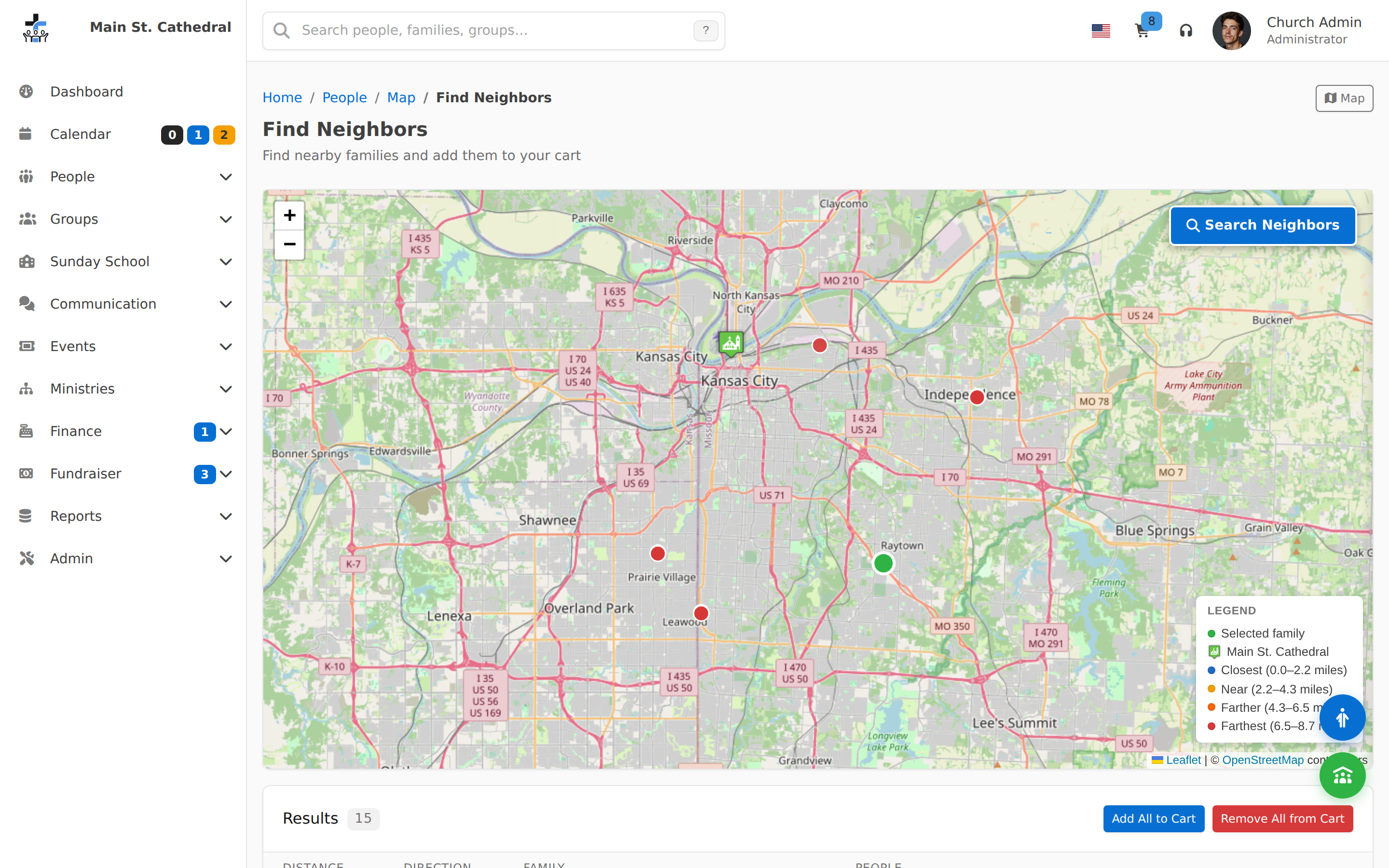
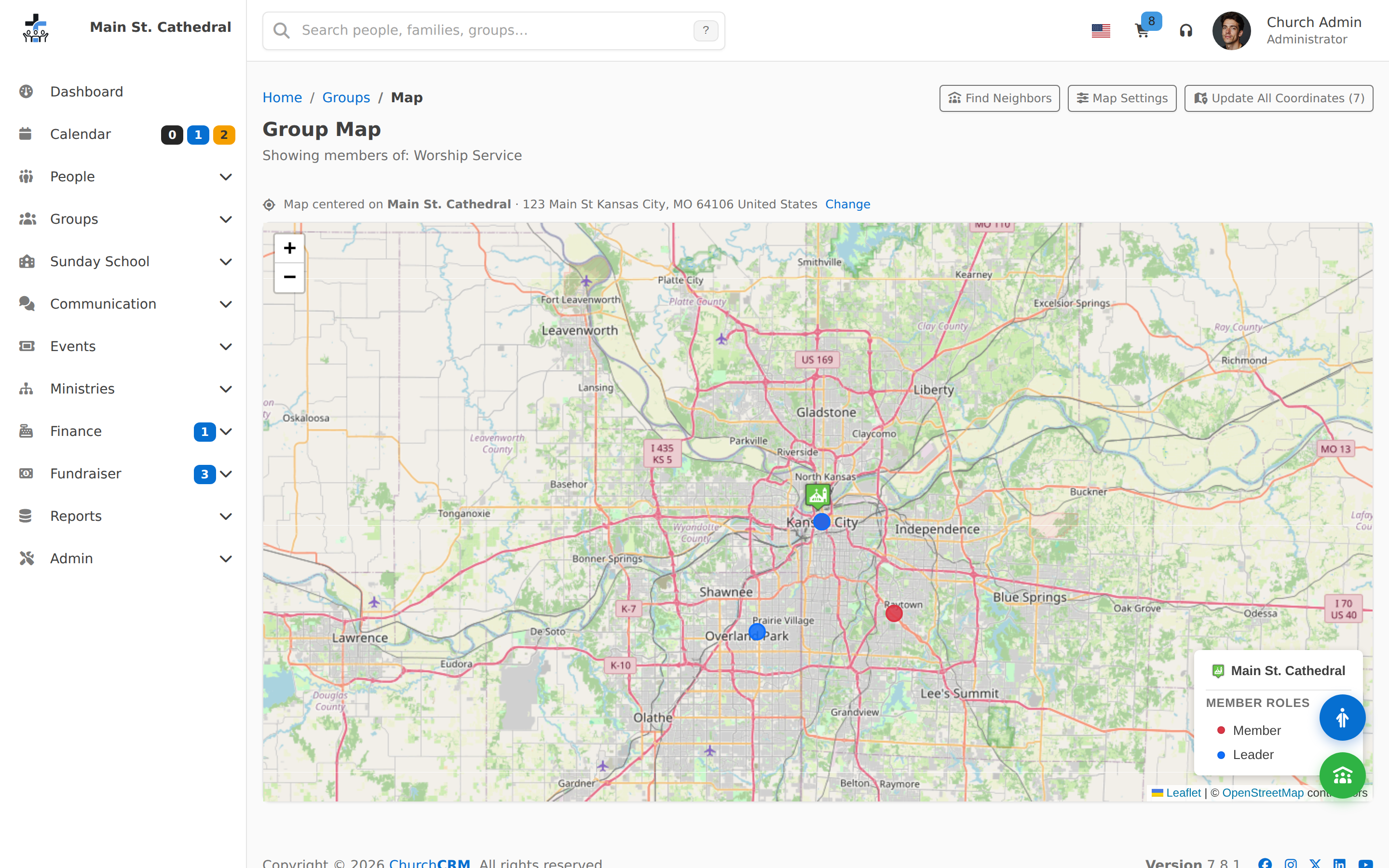
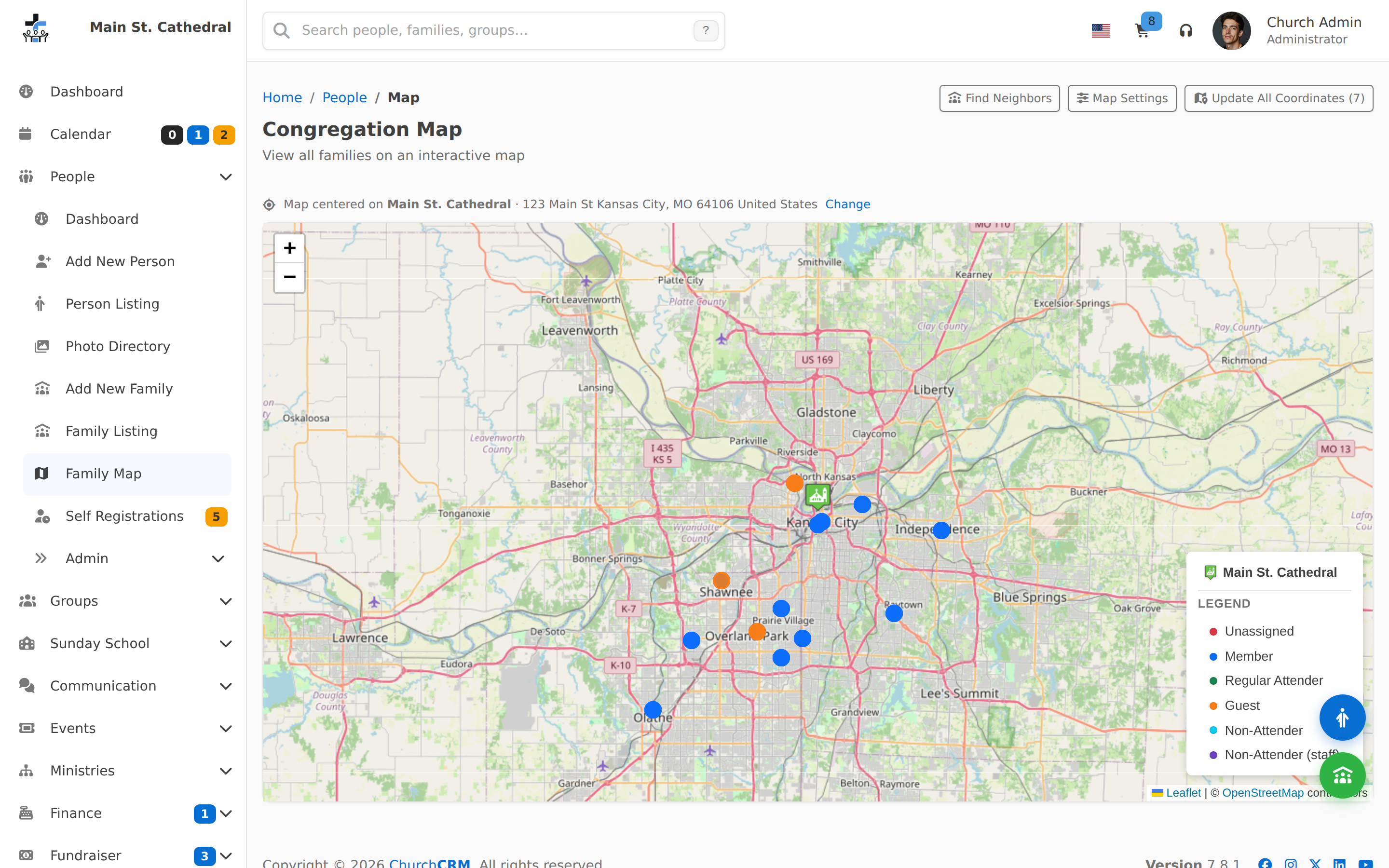
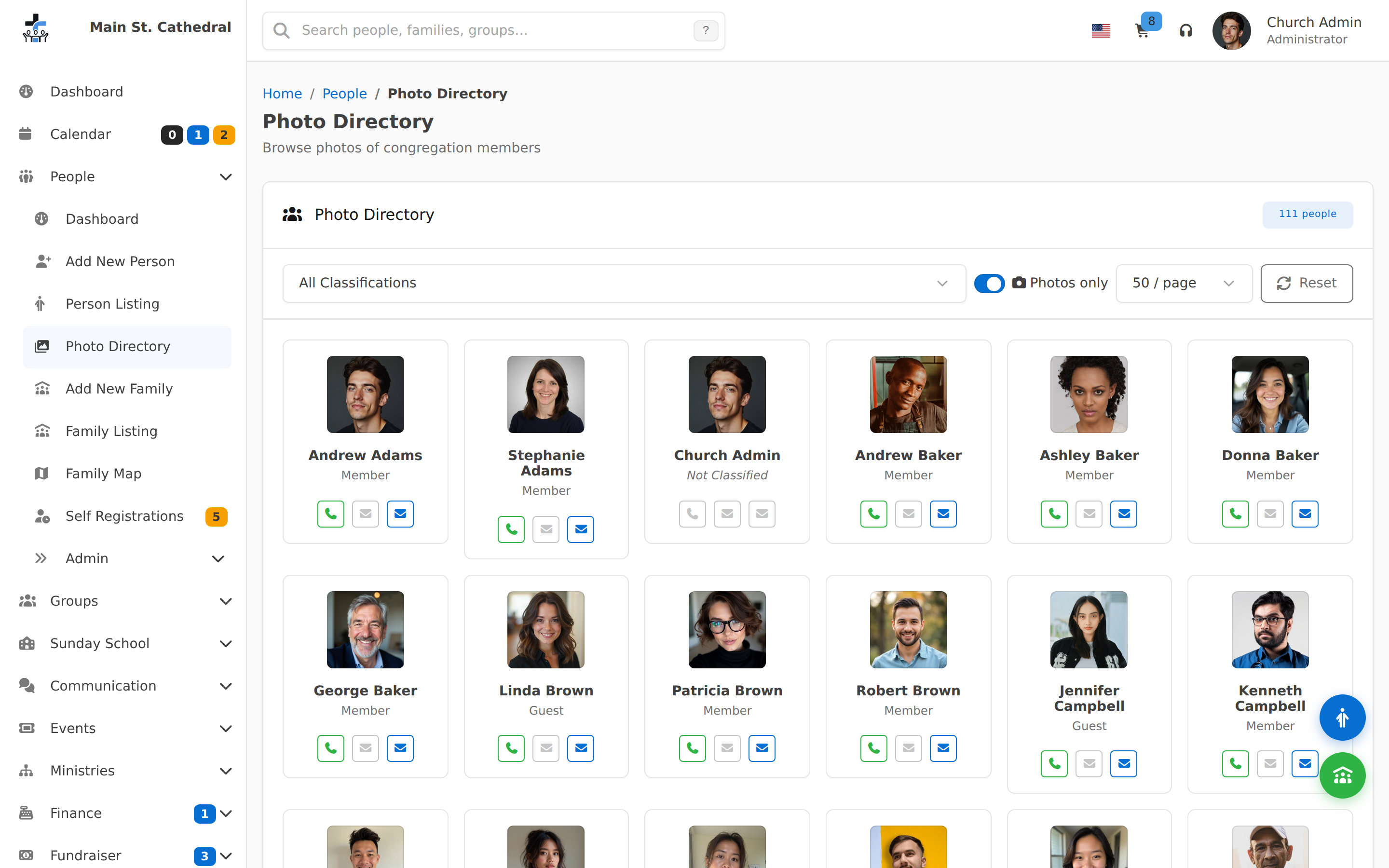
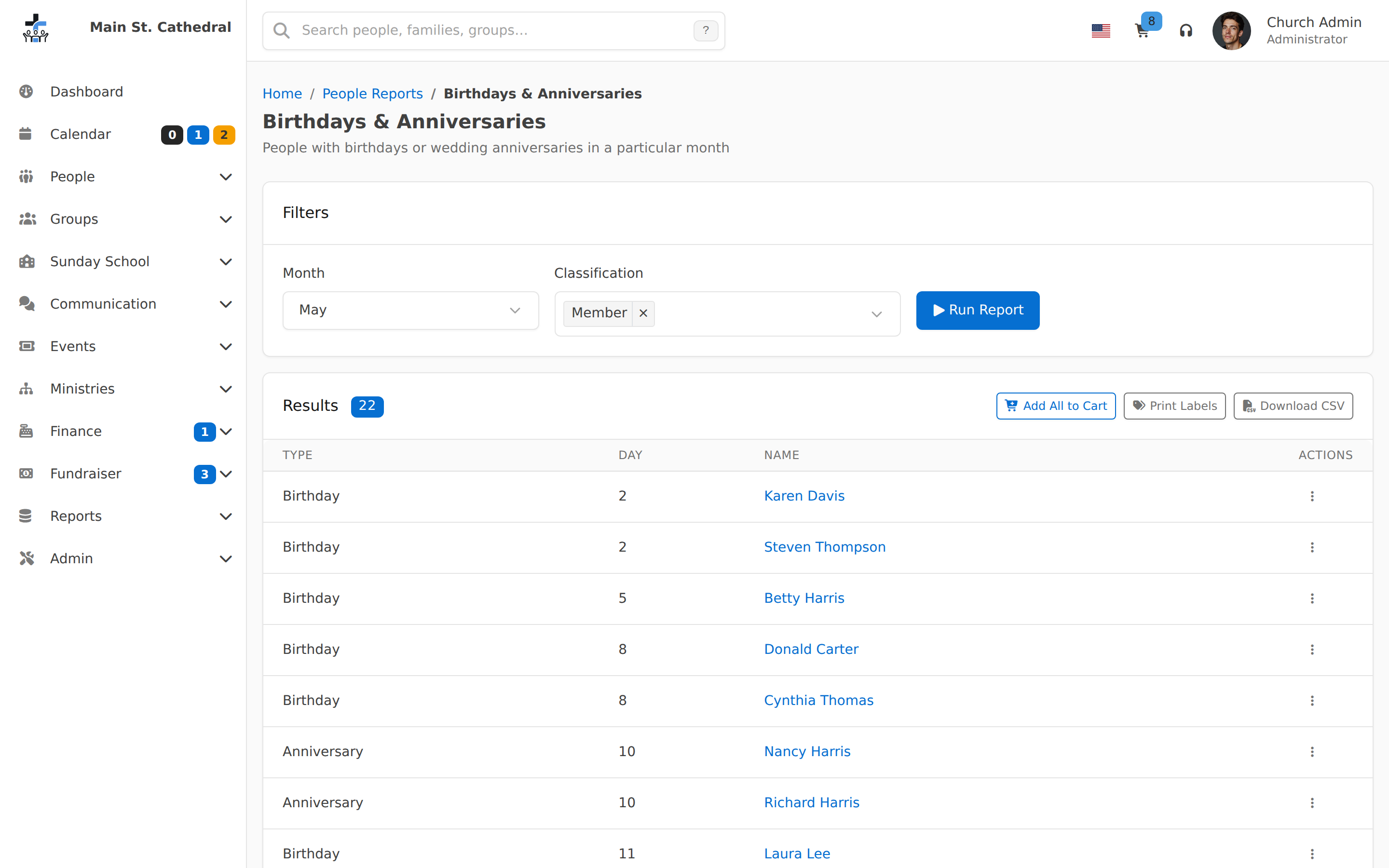
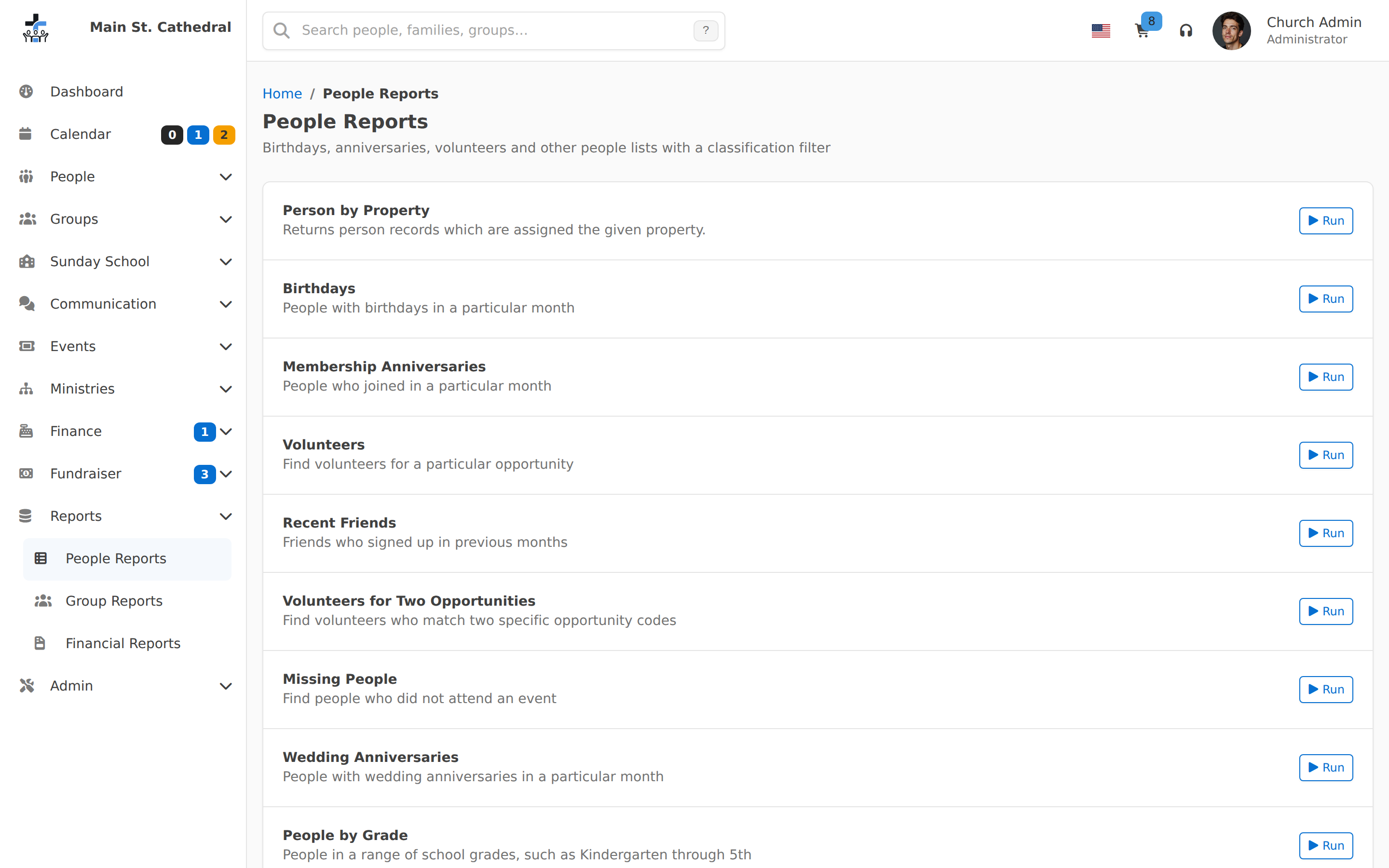
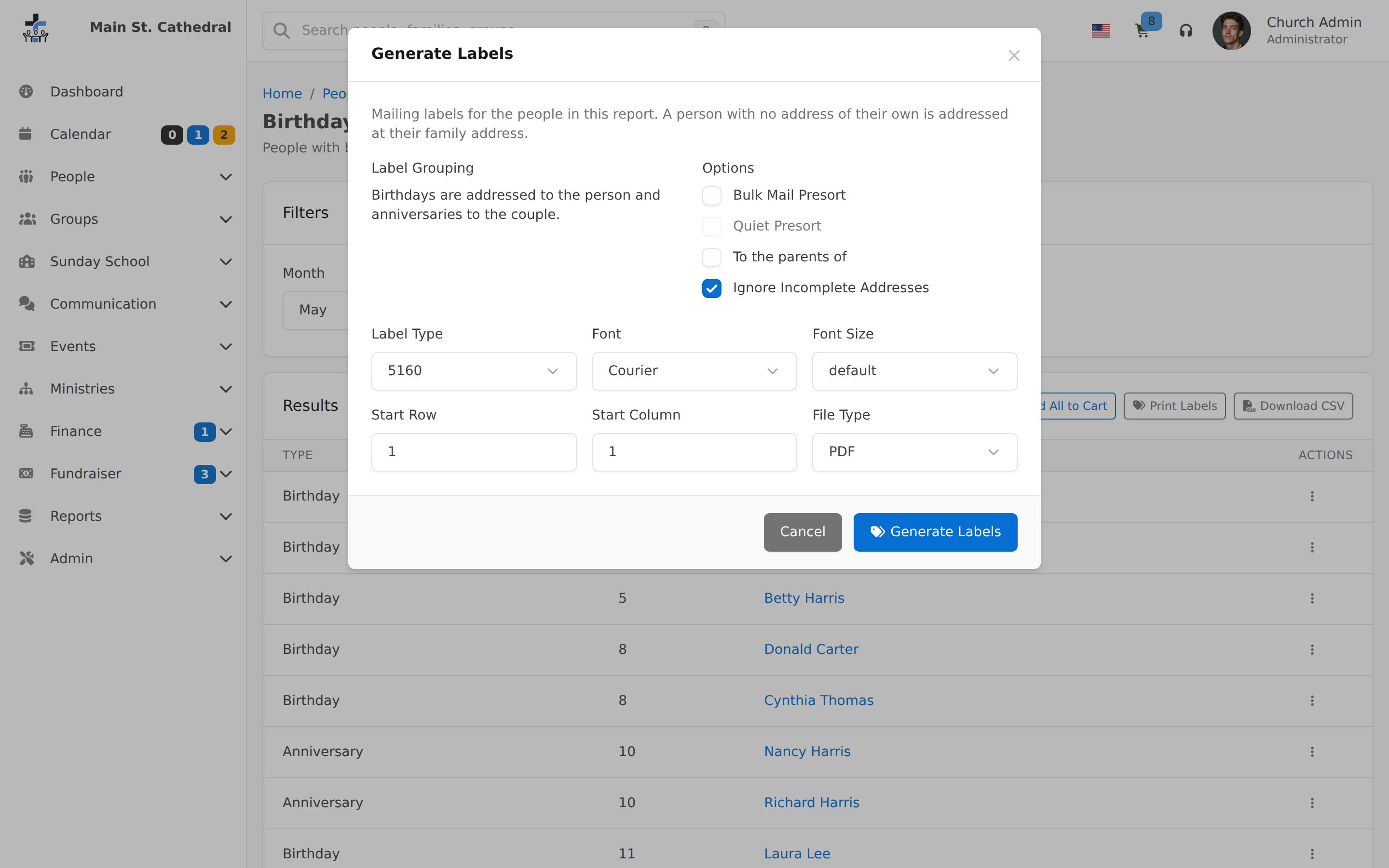
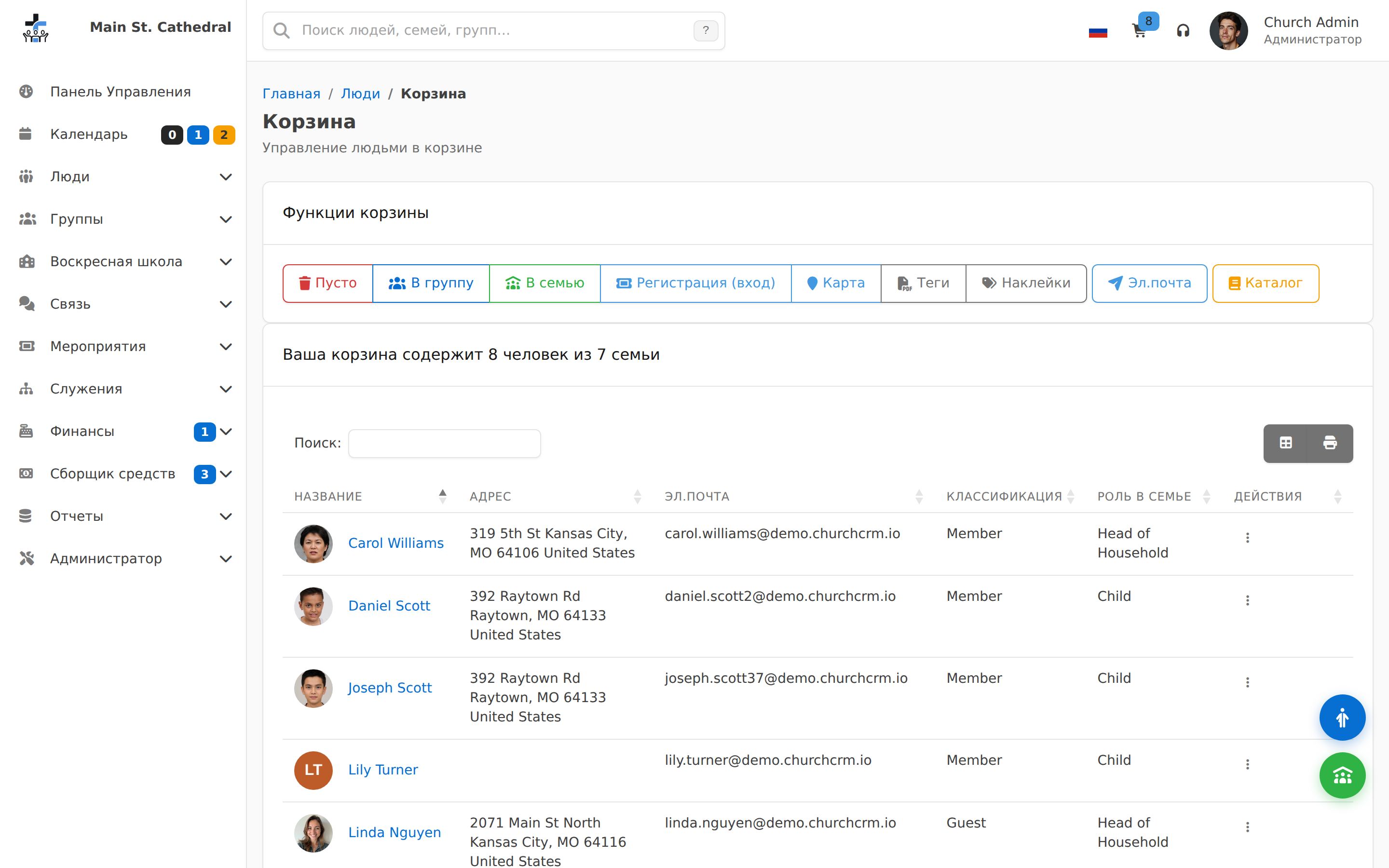
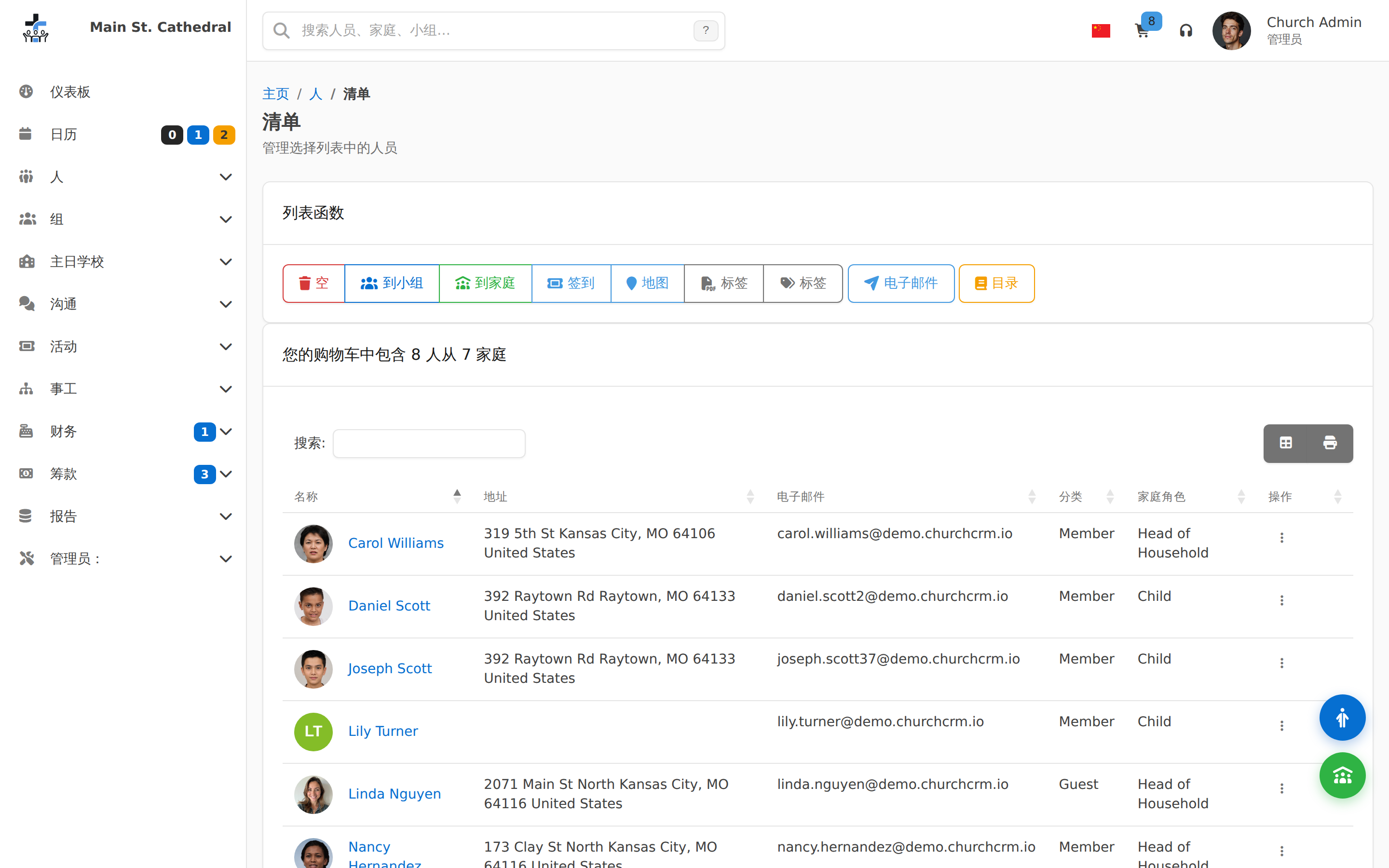
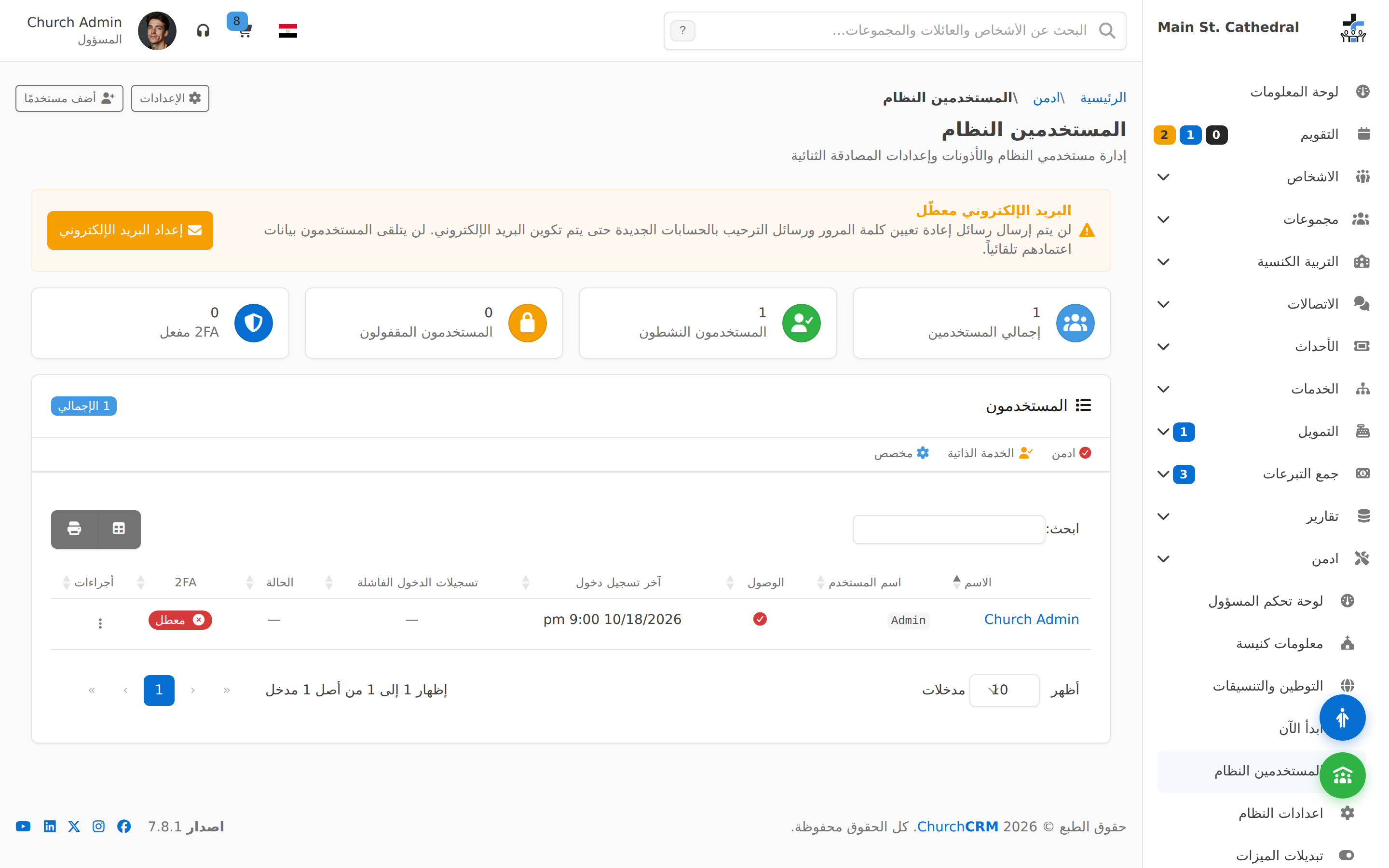
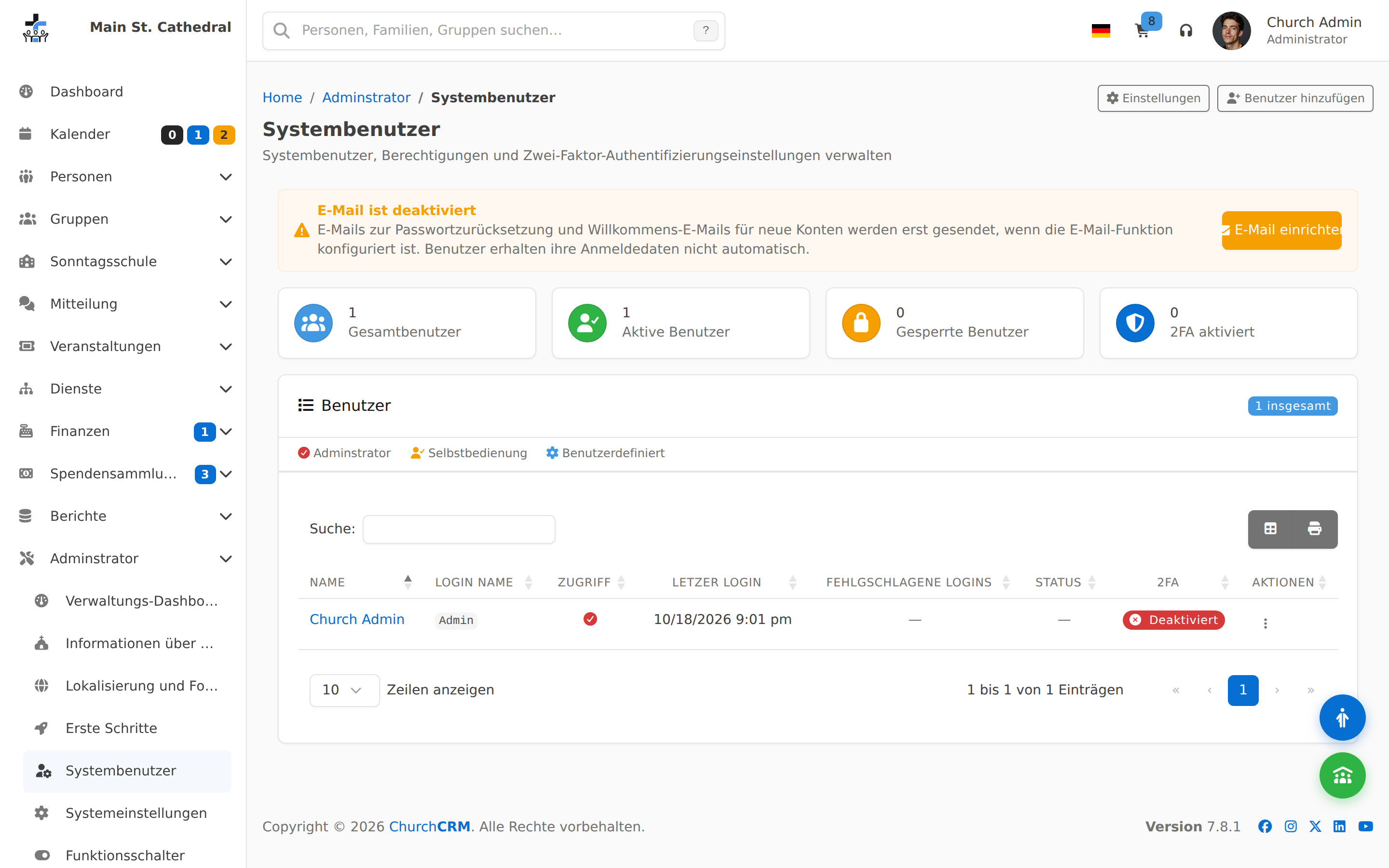
De vraies captures d'écran d'une installation ChurchCRM avec des données de démonstration — pas des maquettes. Passez de l'ordinateur à la tablette, au téléphone ou aux enregistrements pour voir comment chaque écran s'adapte et comment fonctionnent les fonctionnalités.

Tableaux de bord
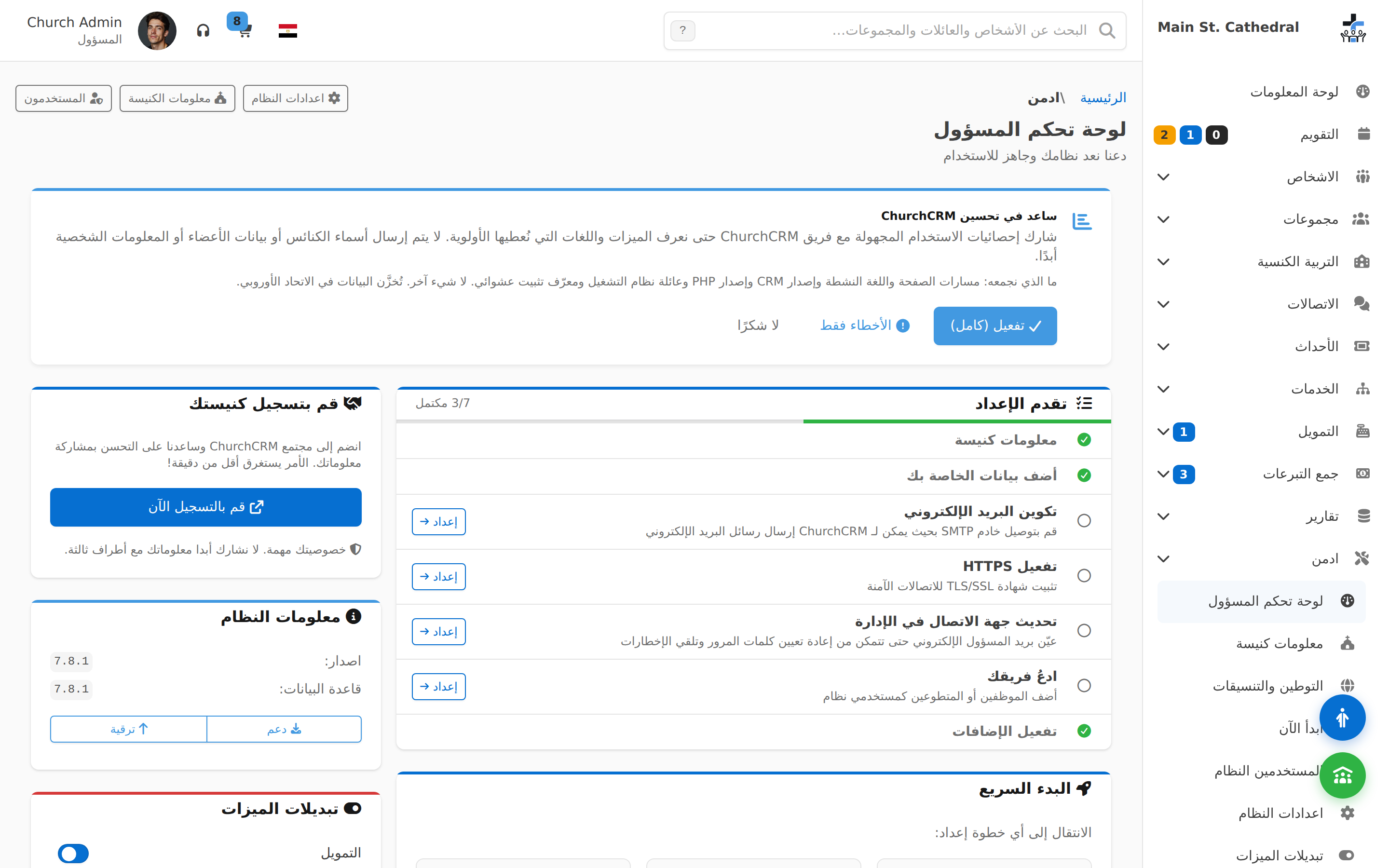
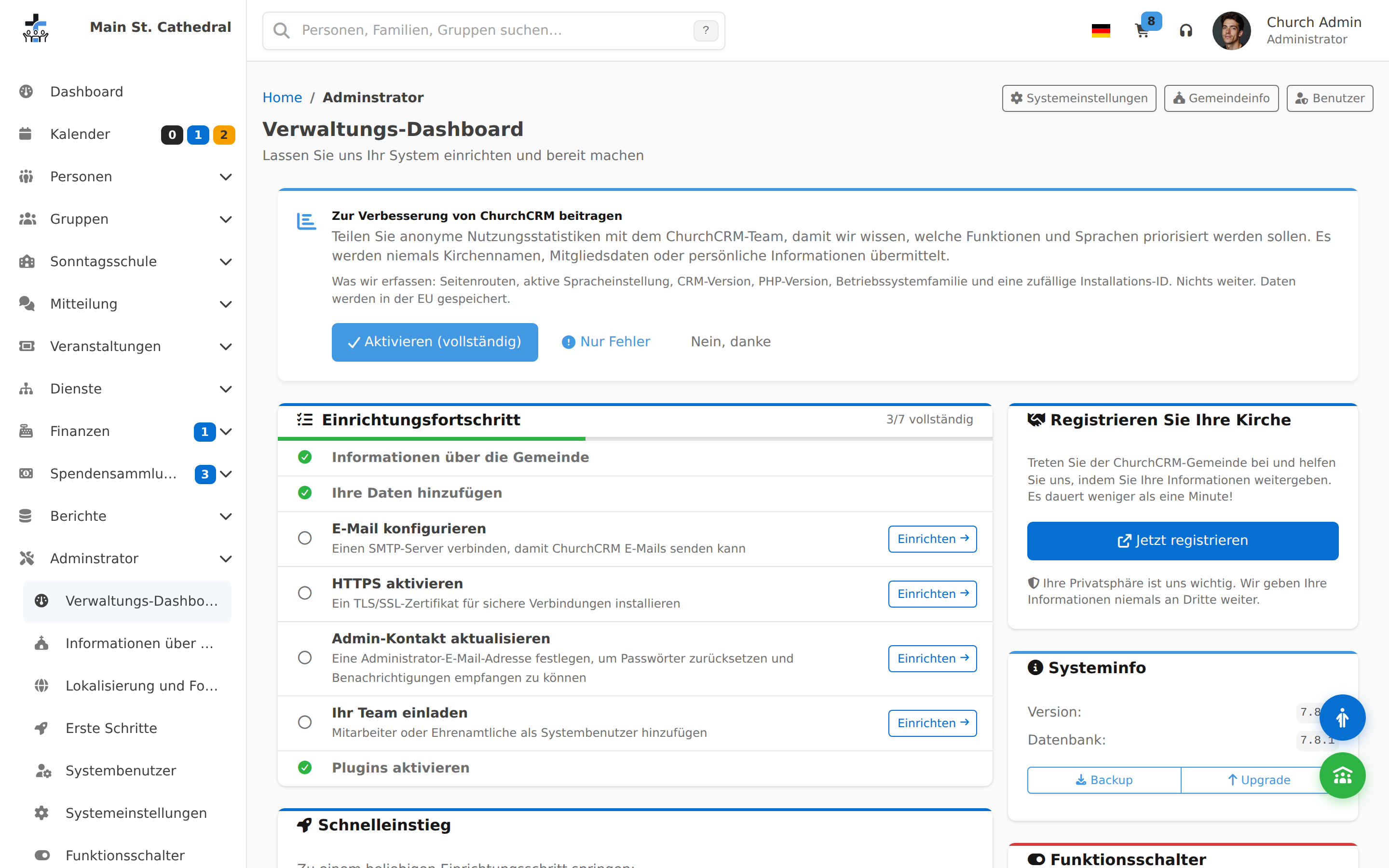
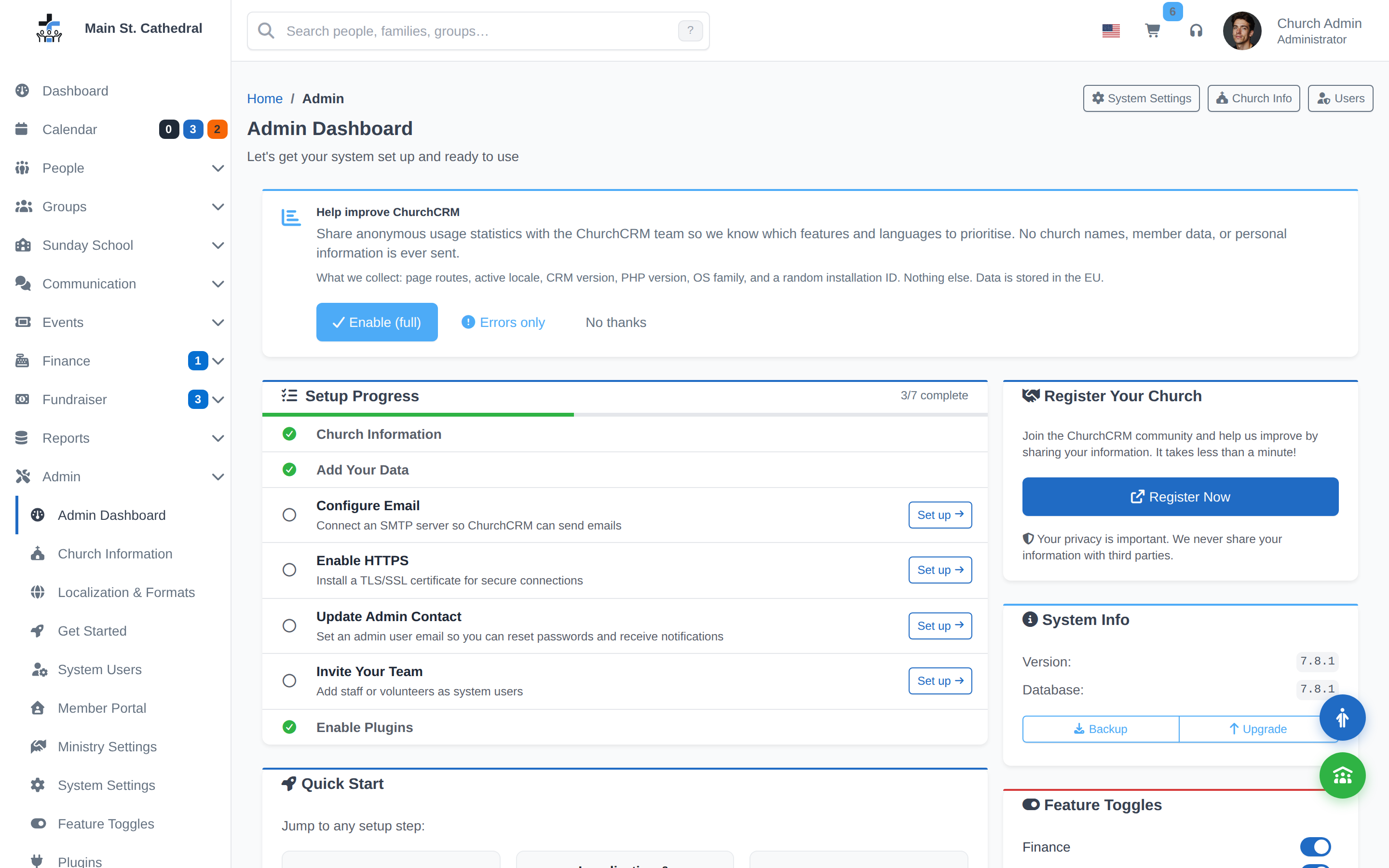
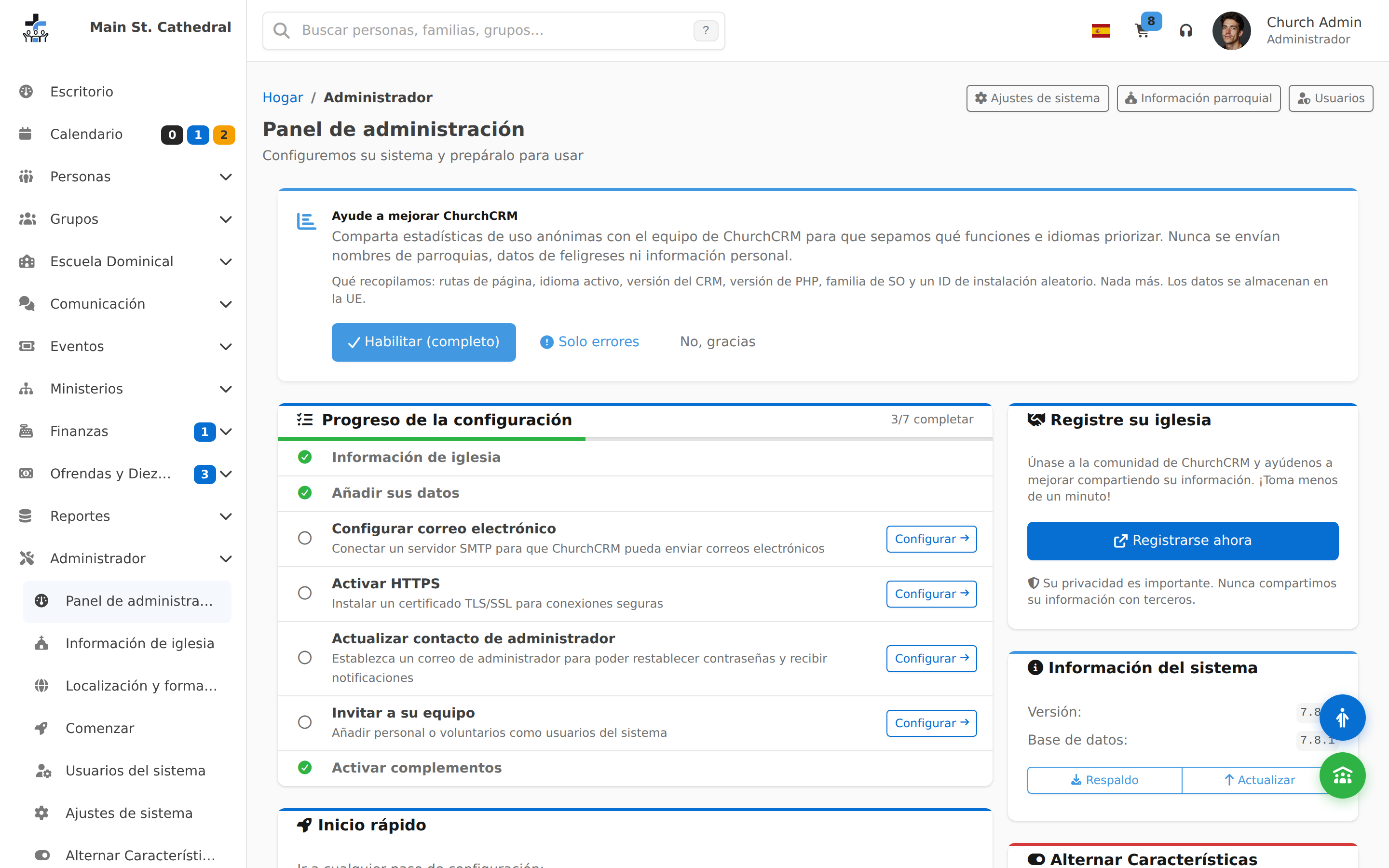
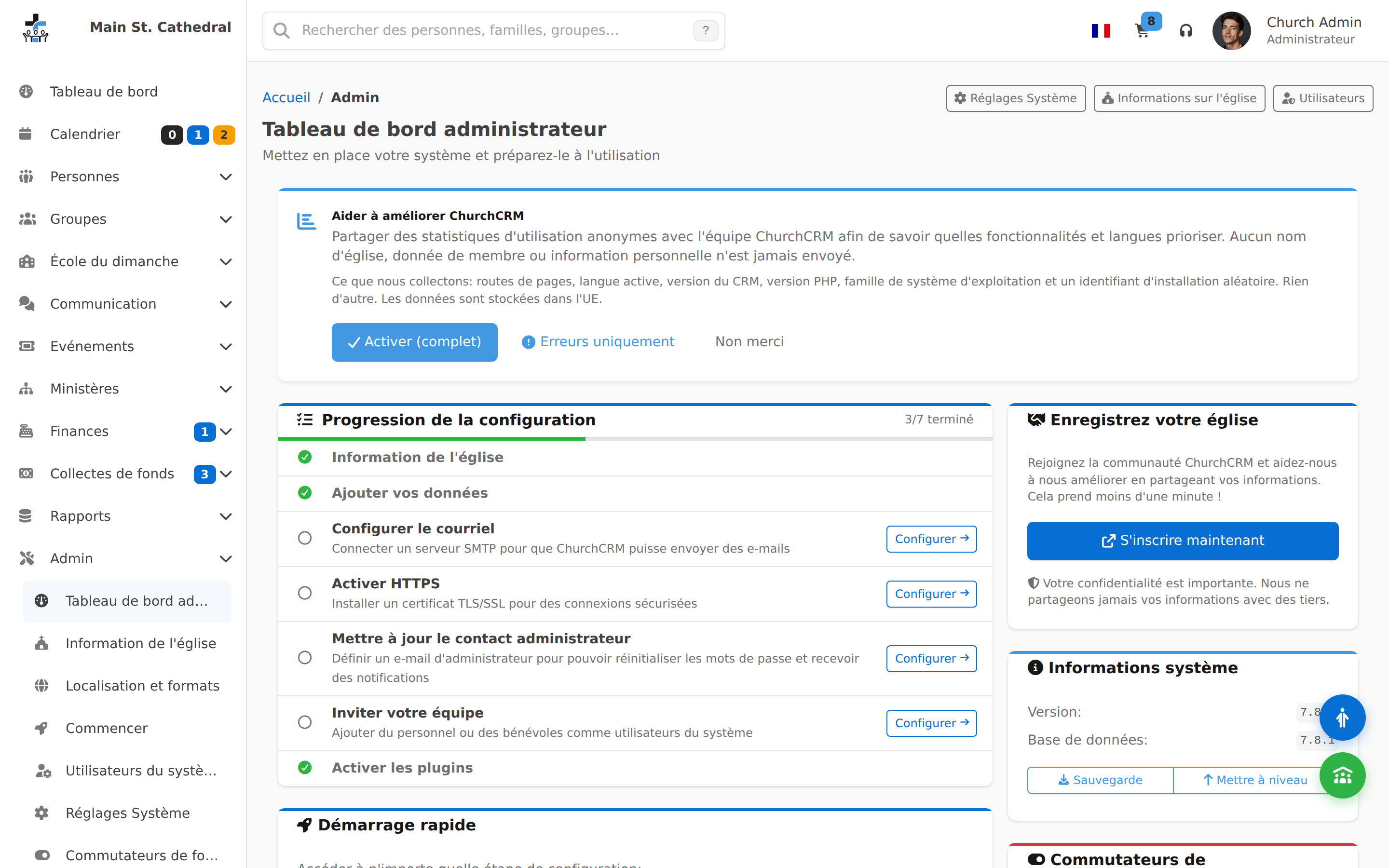
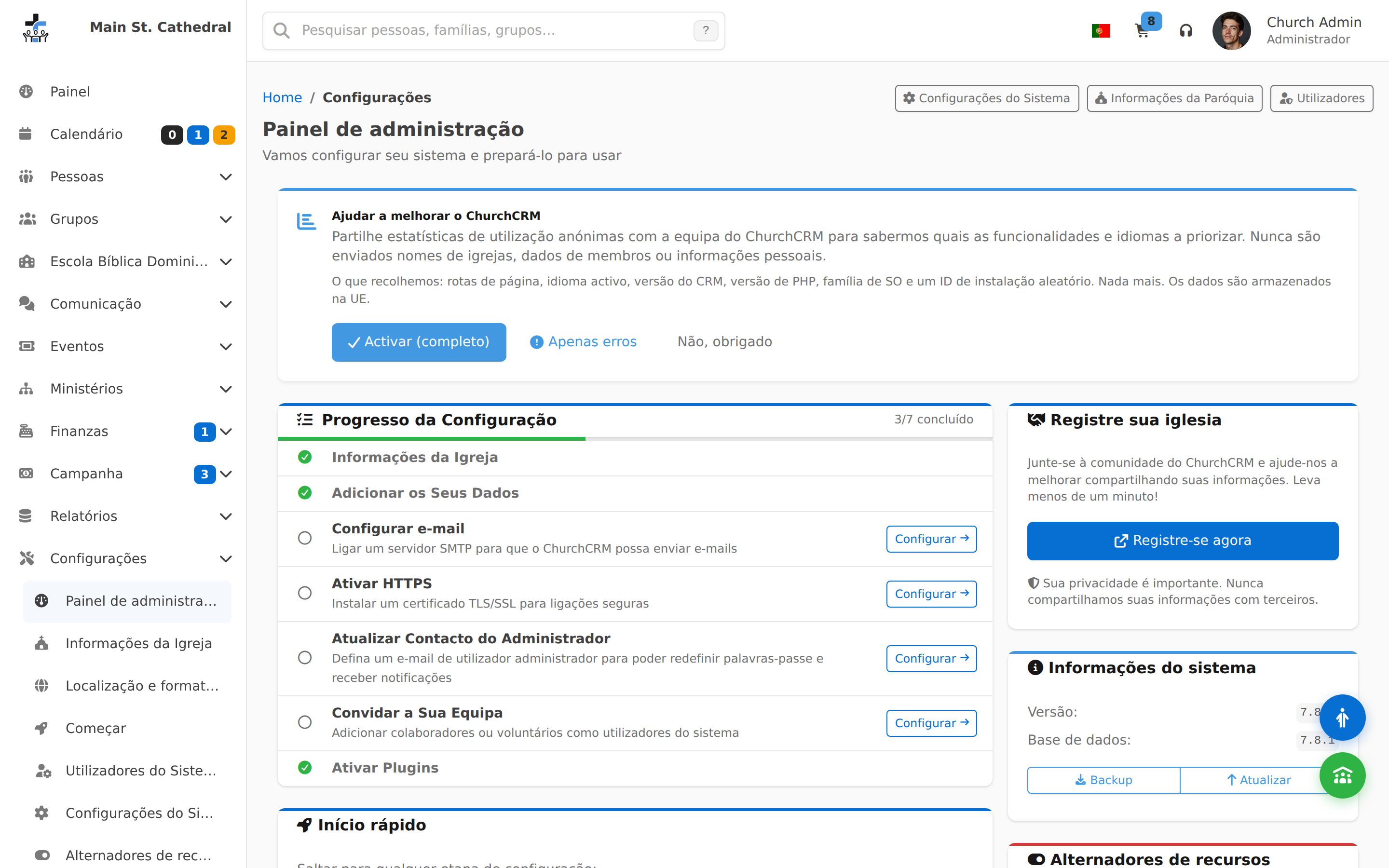
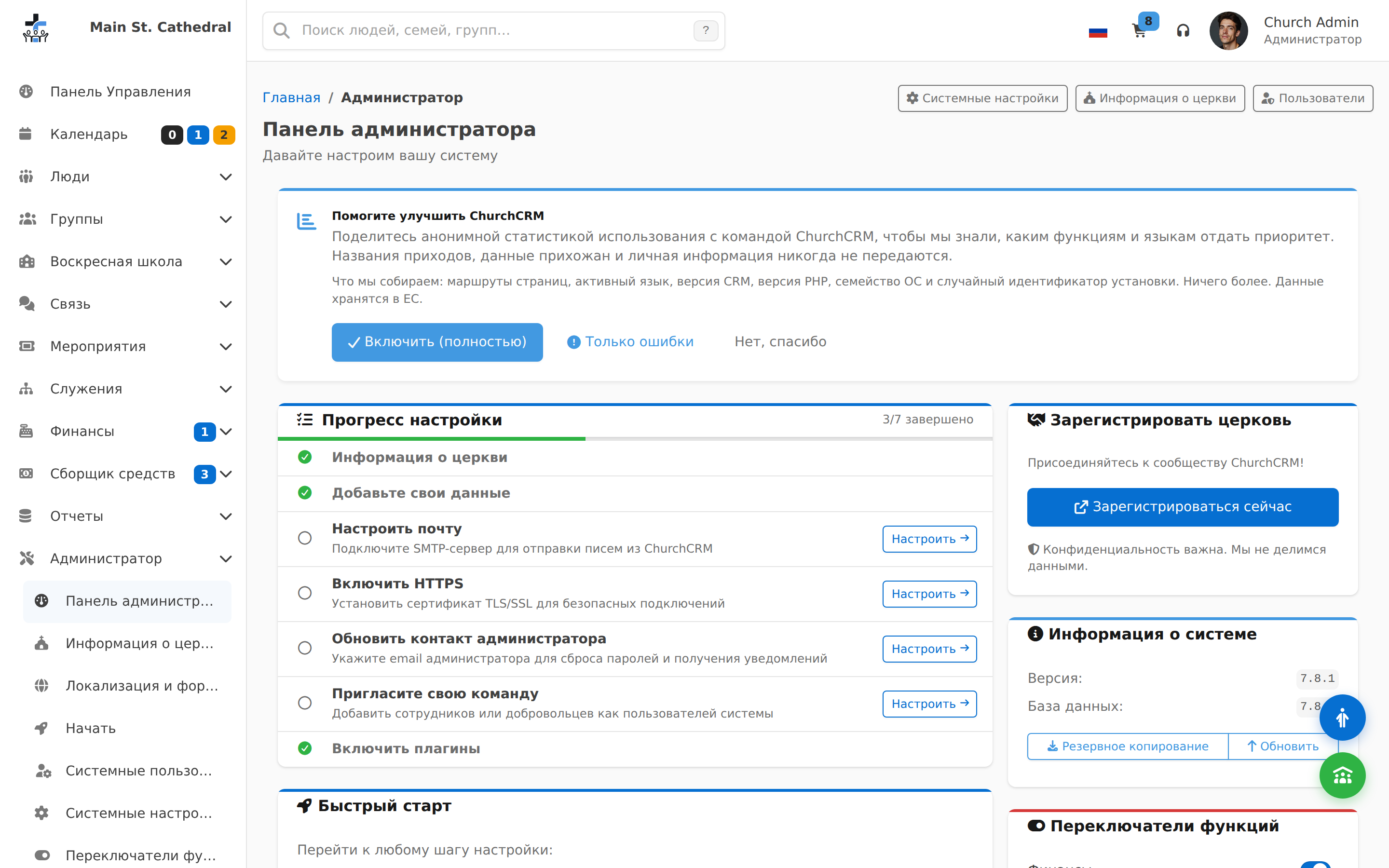
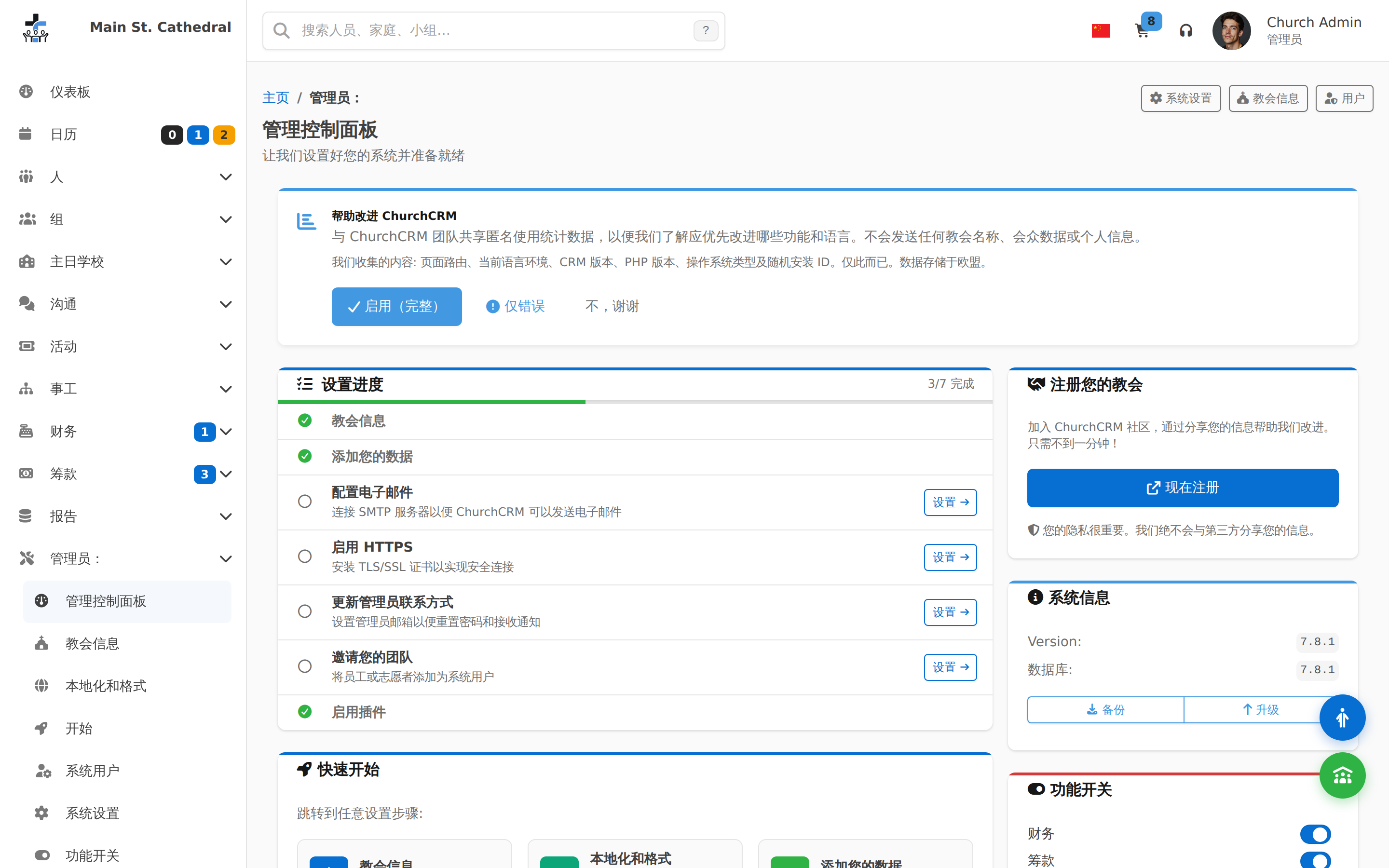
Admin Dashboard Show the Admin dashboard — setup wizard, onboarding checklist
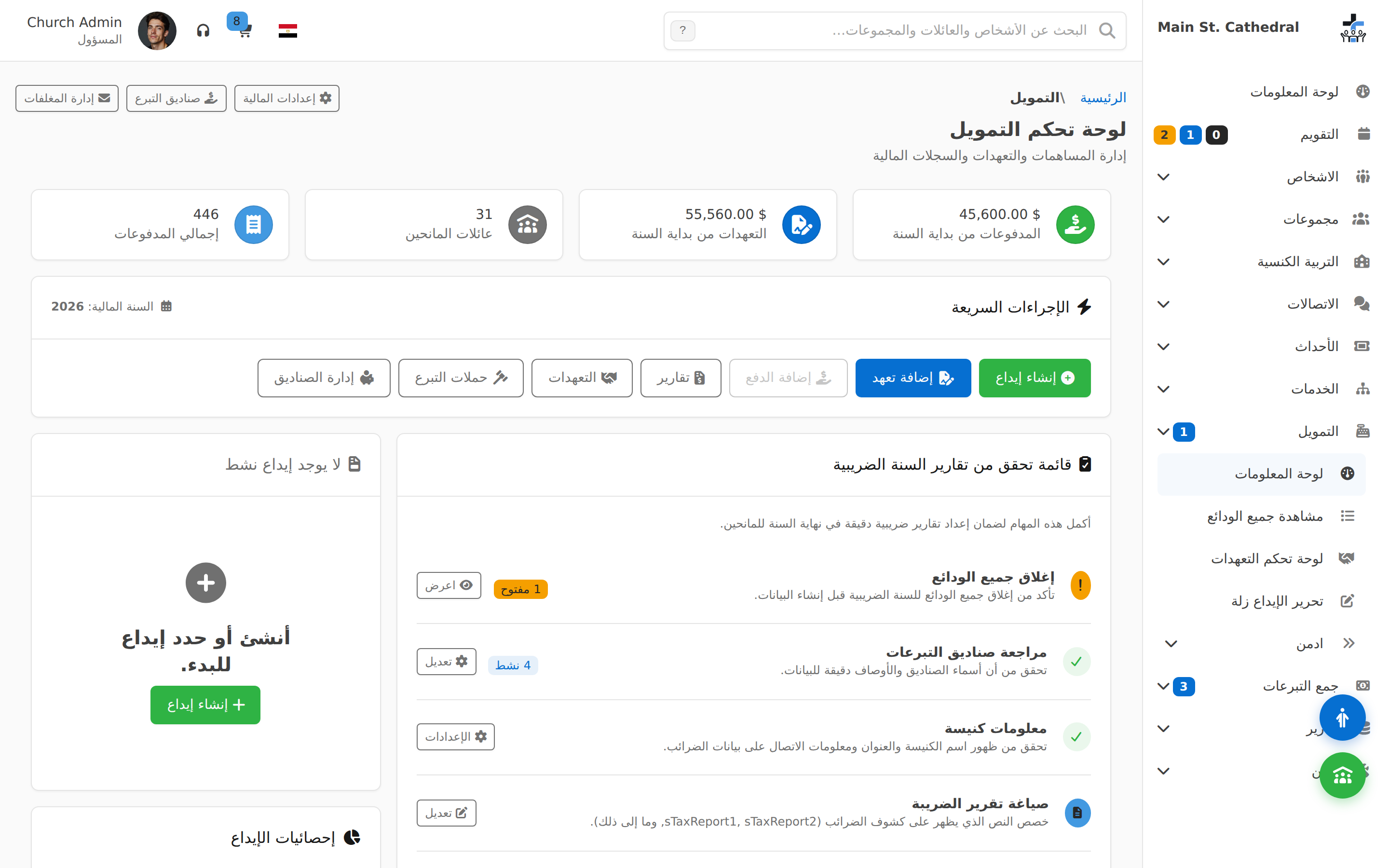
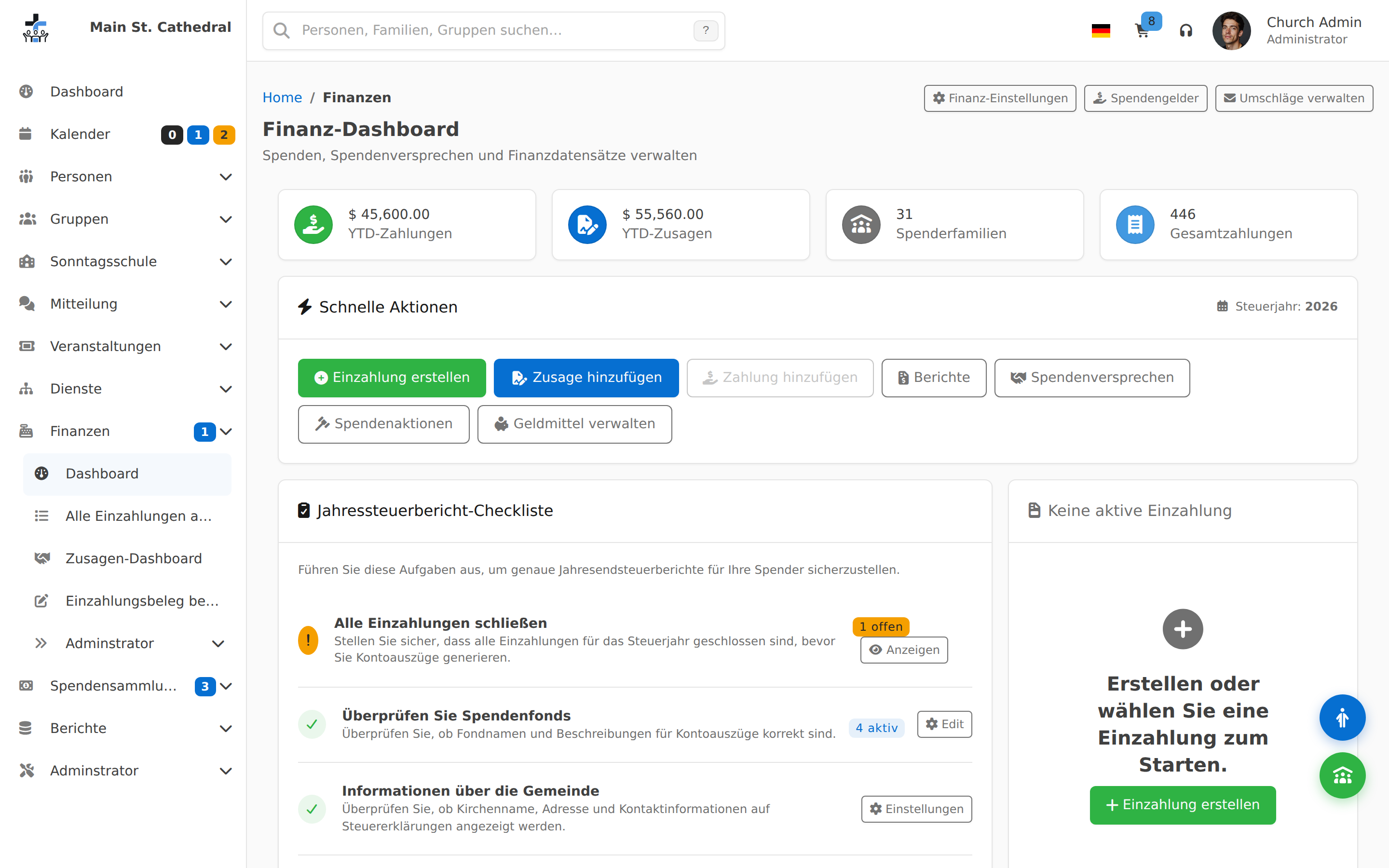
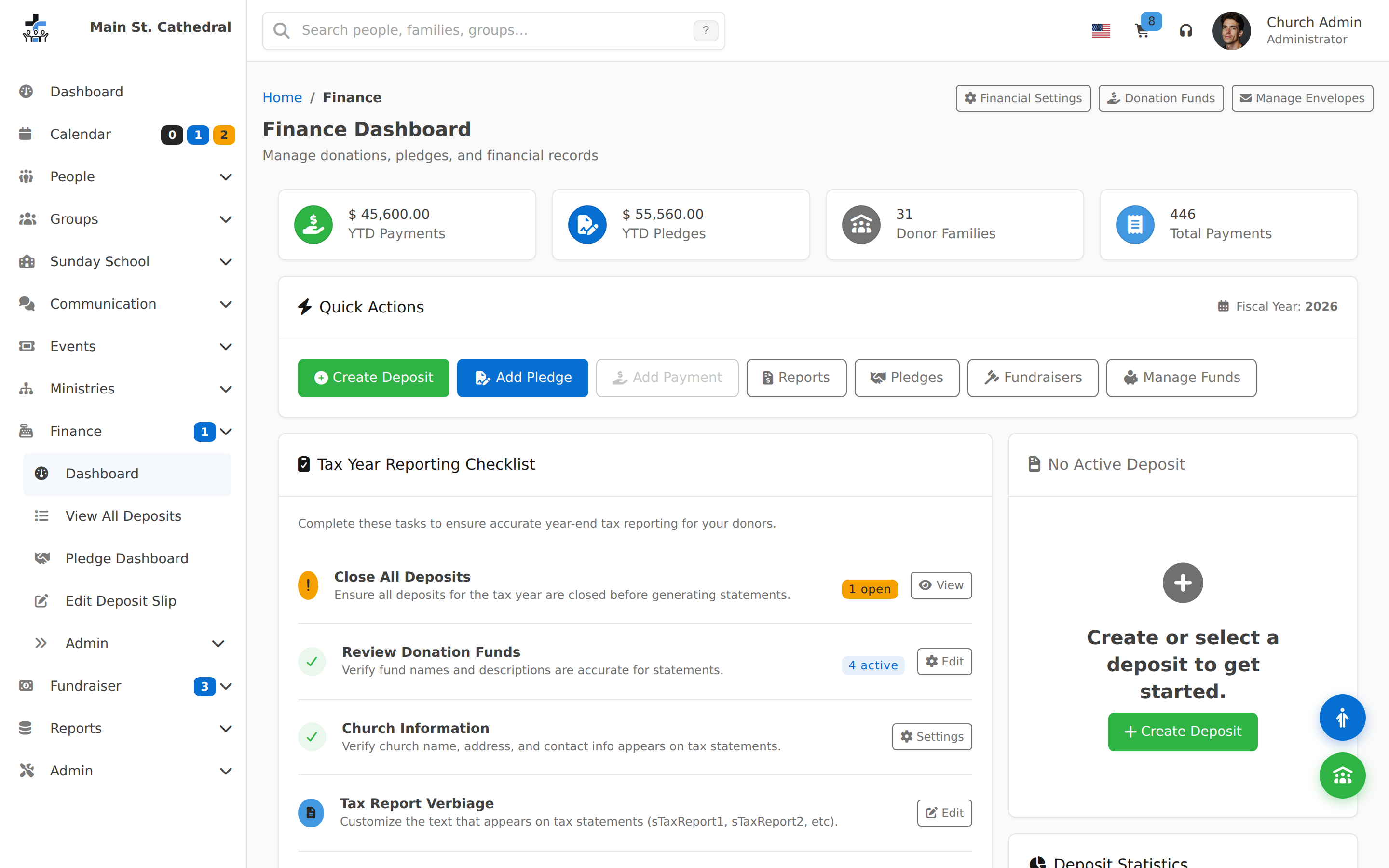
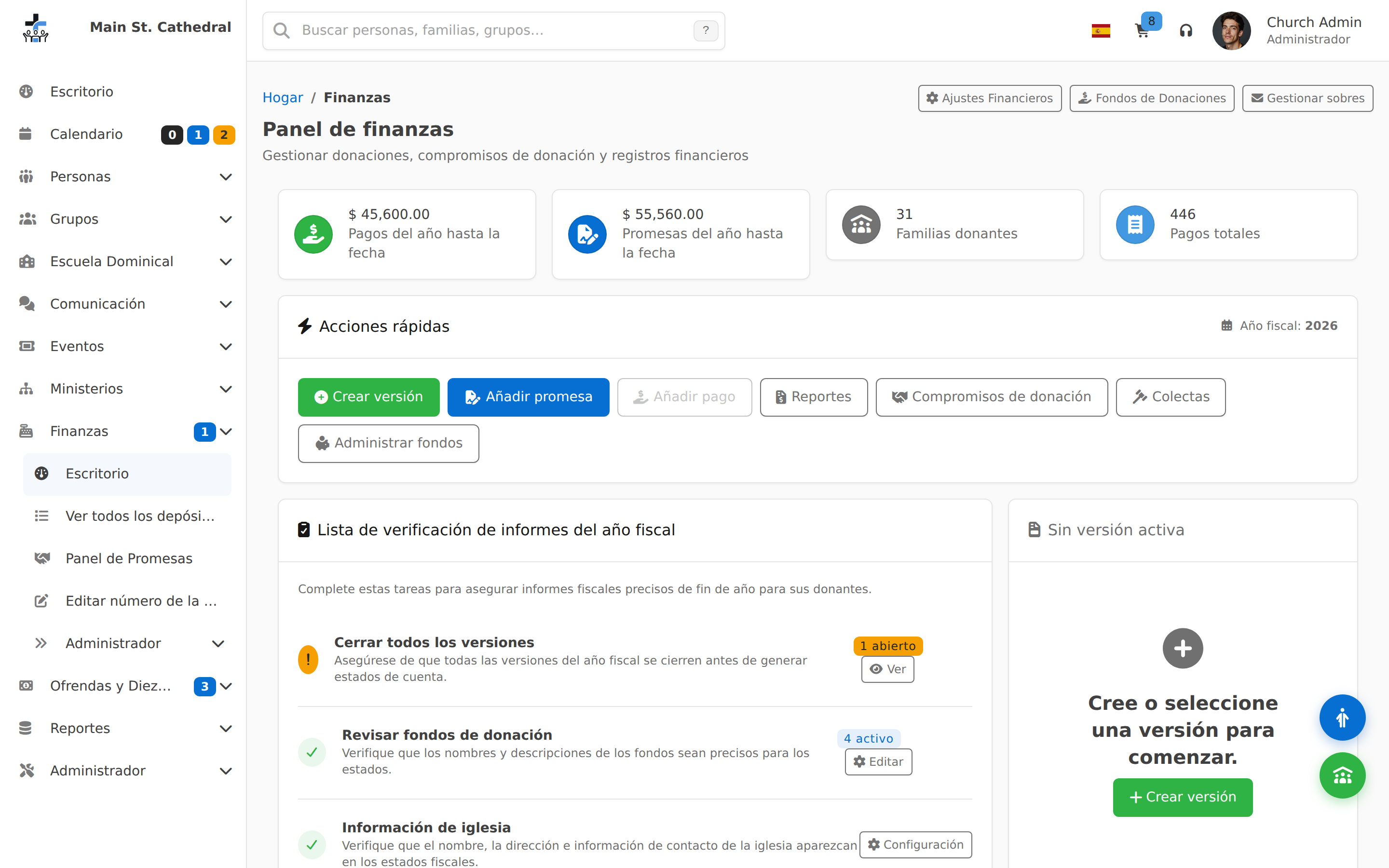
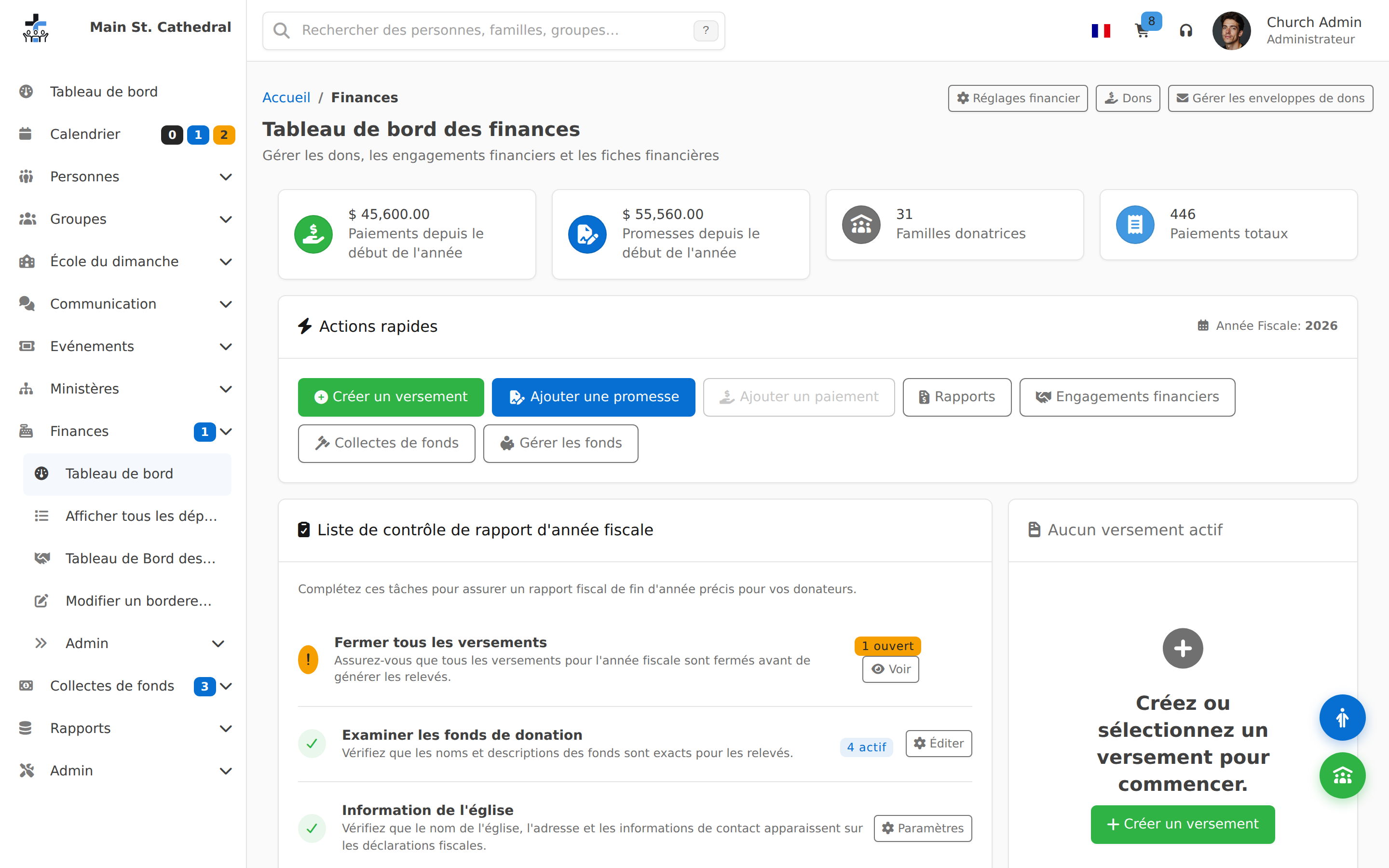
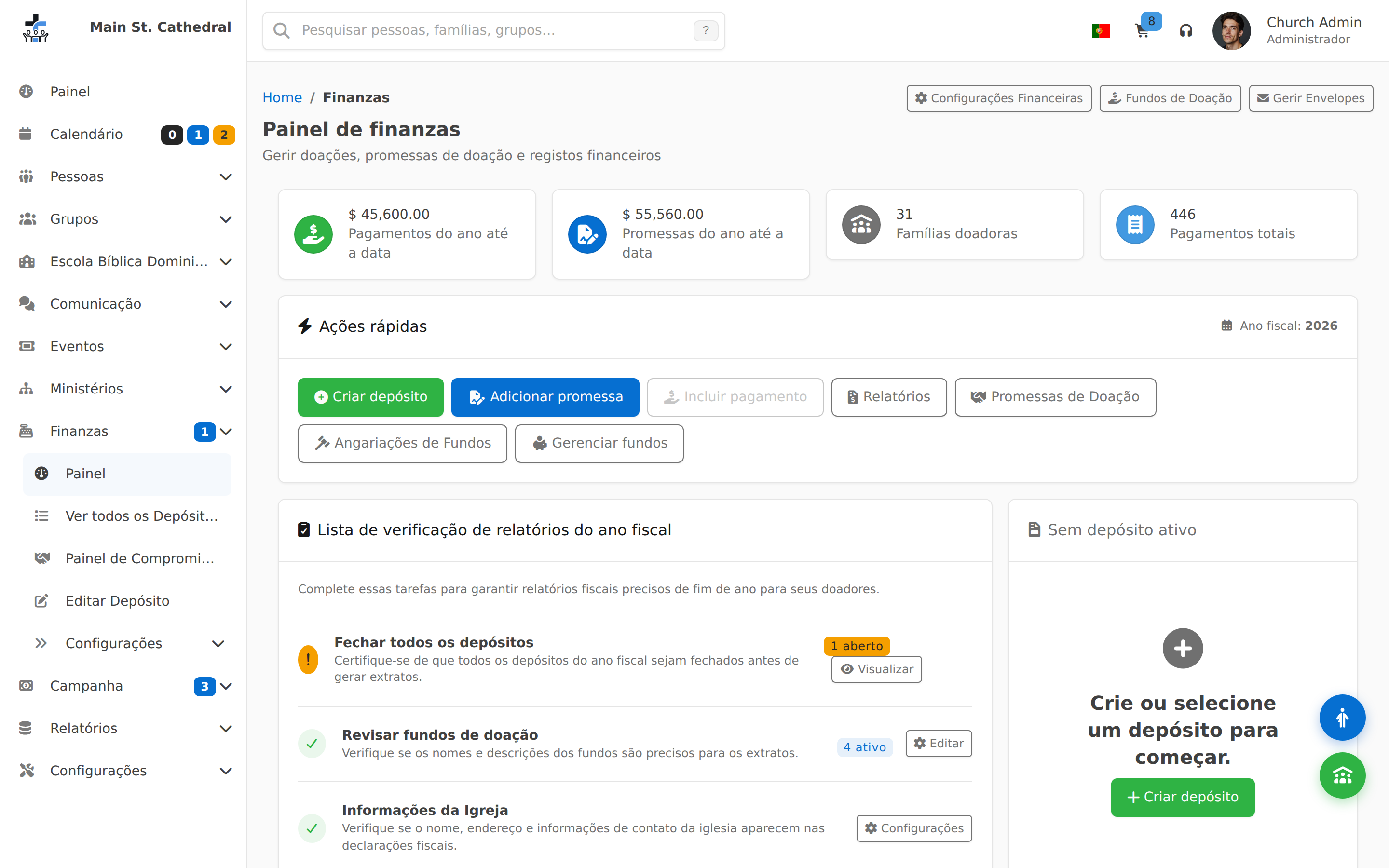
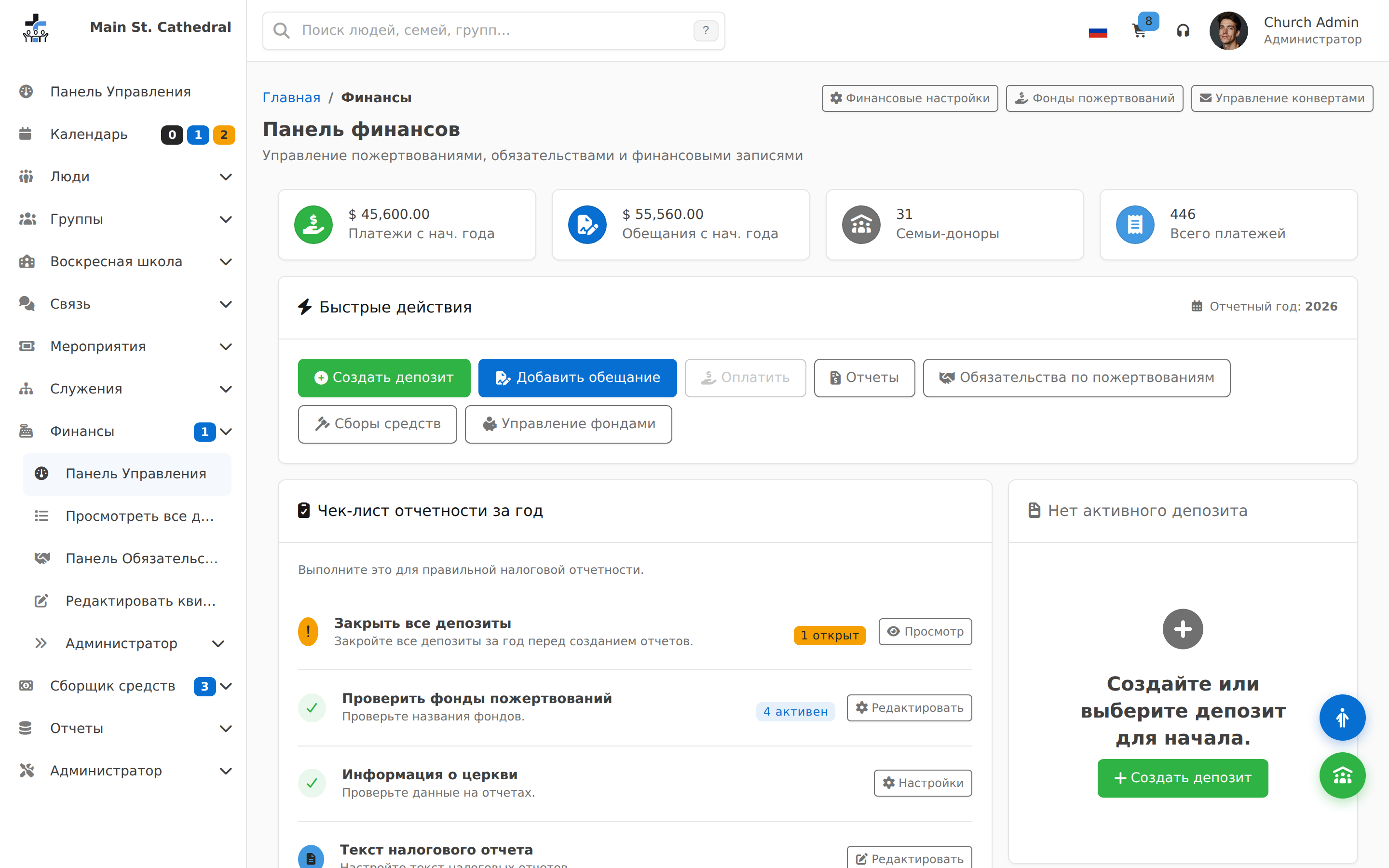
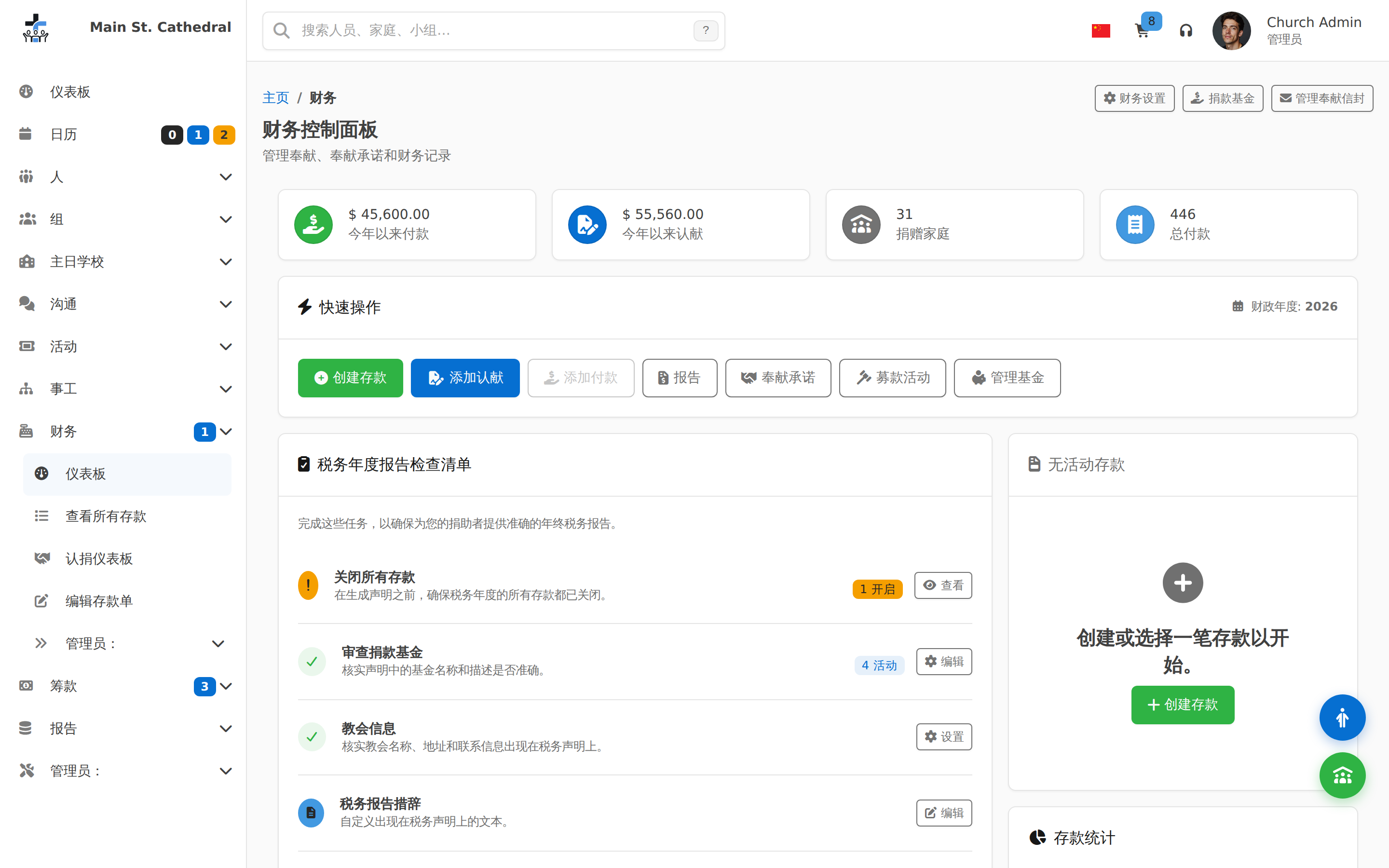
Finance Dashboard Show the Finance dashboard — totals and quick actions
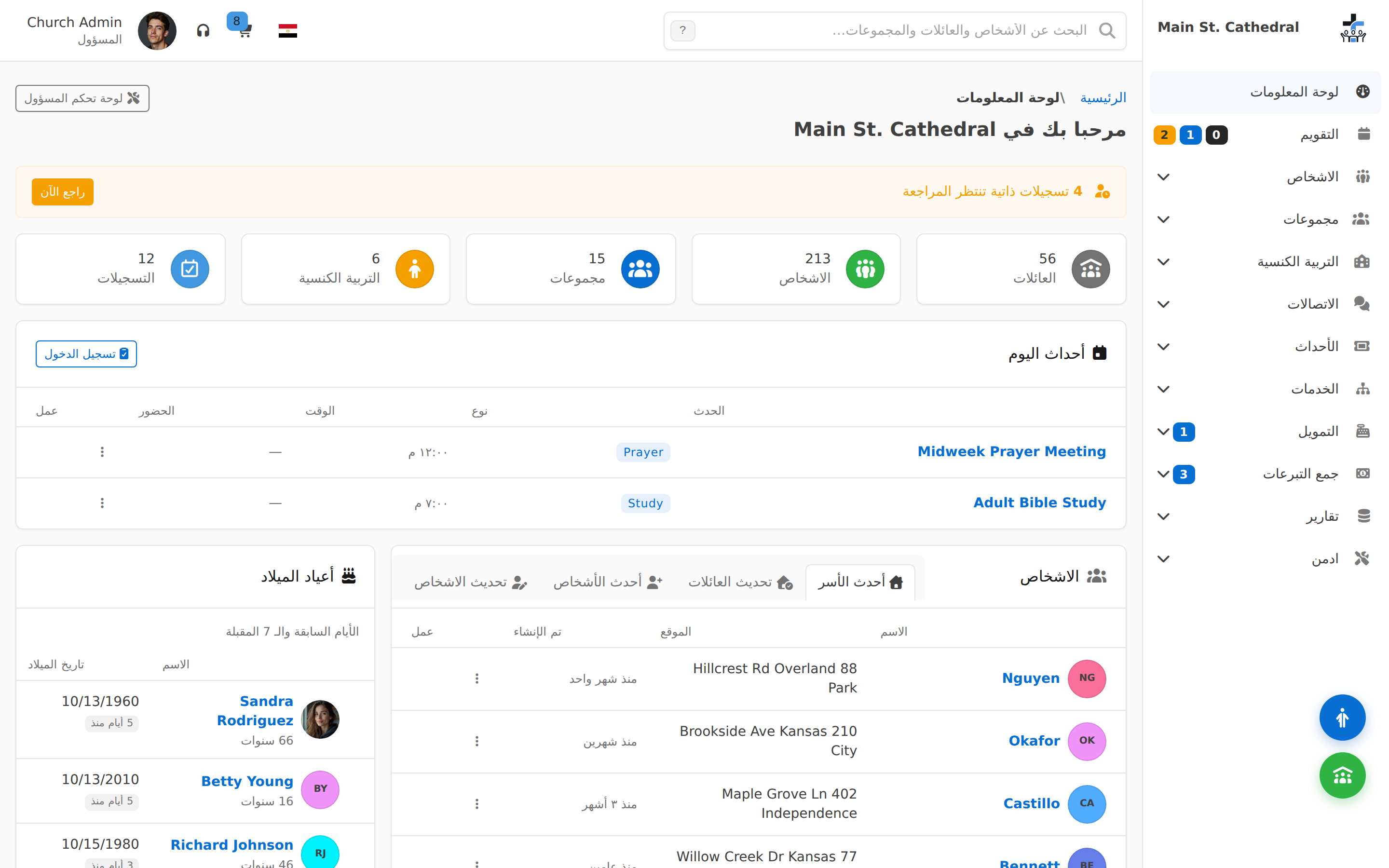
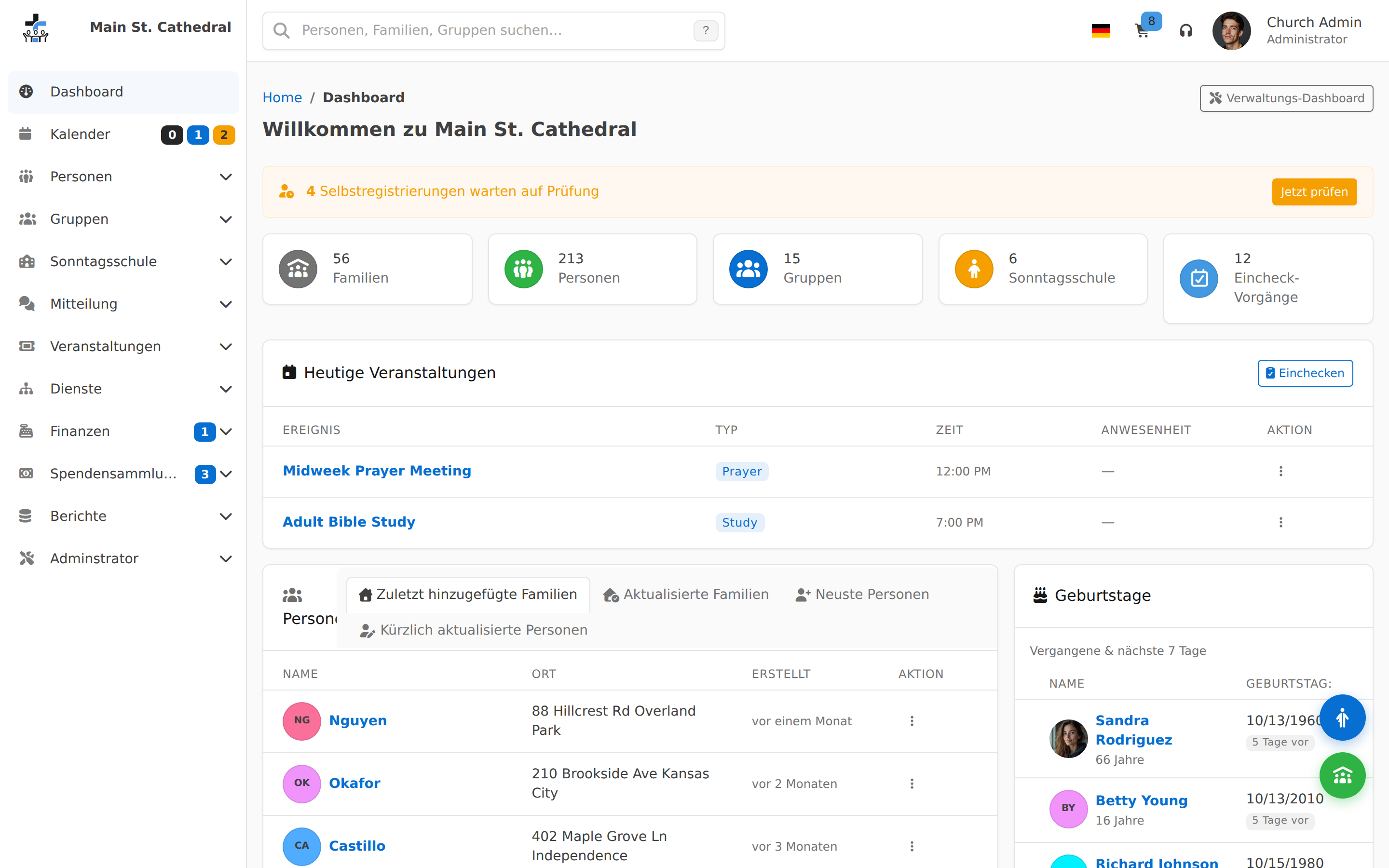
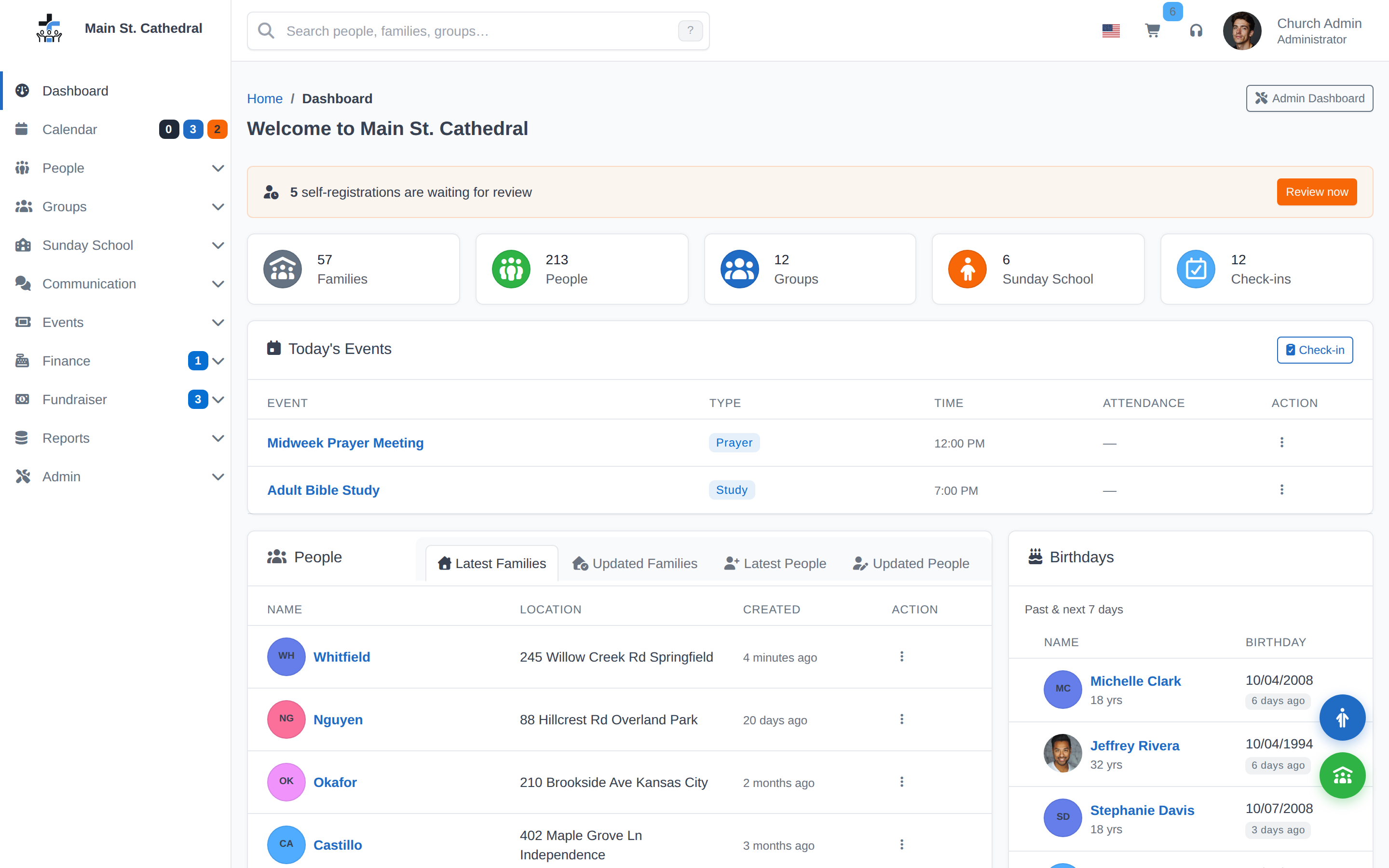
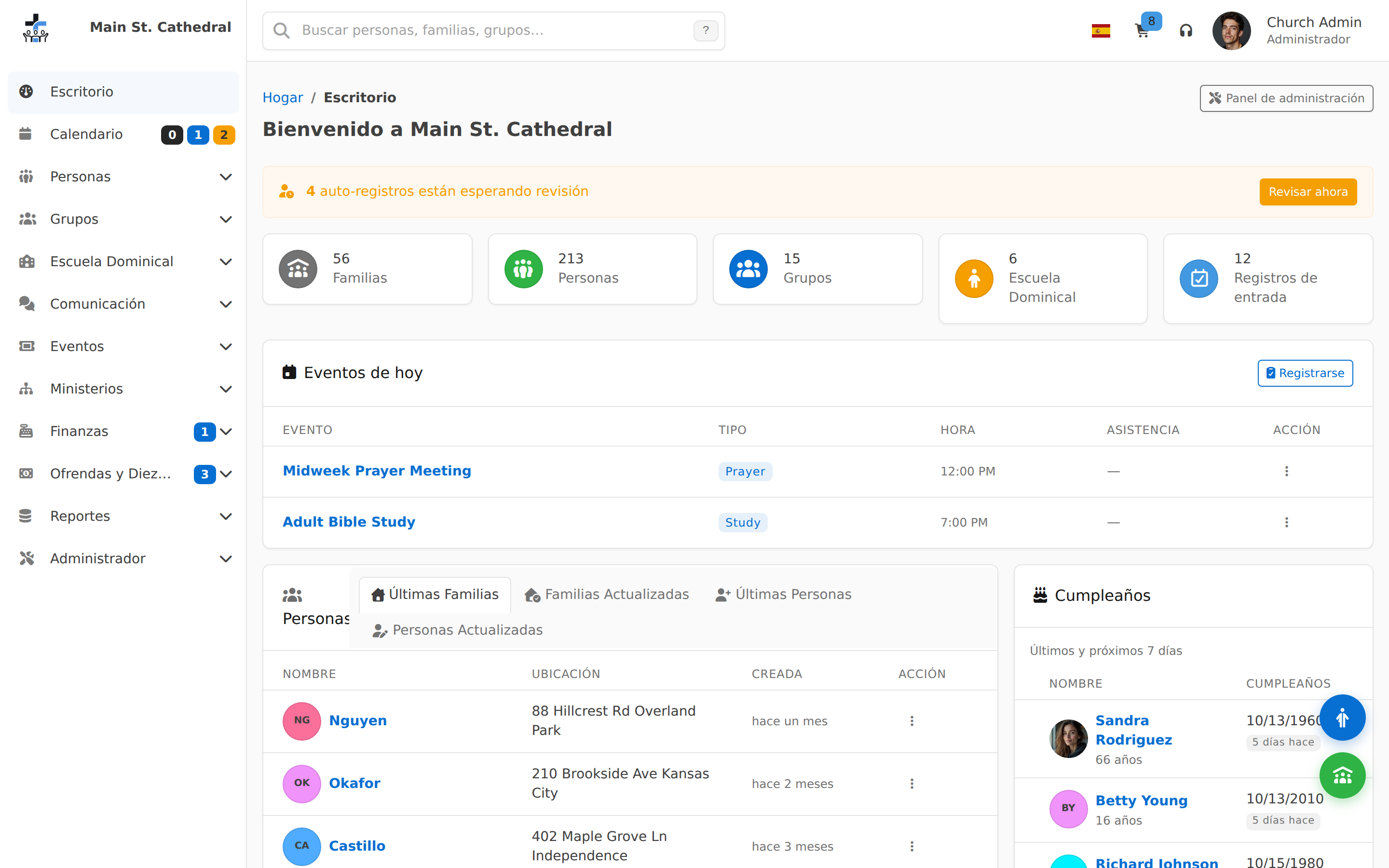
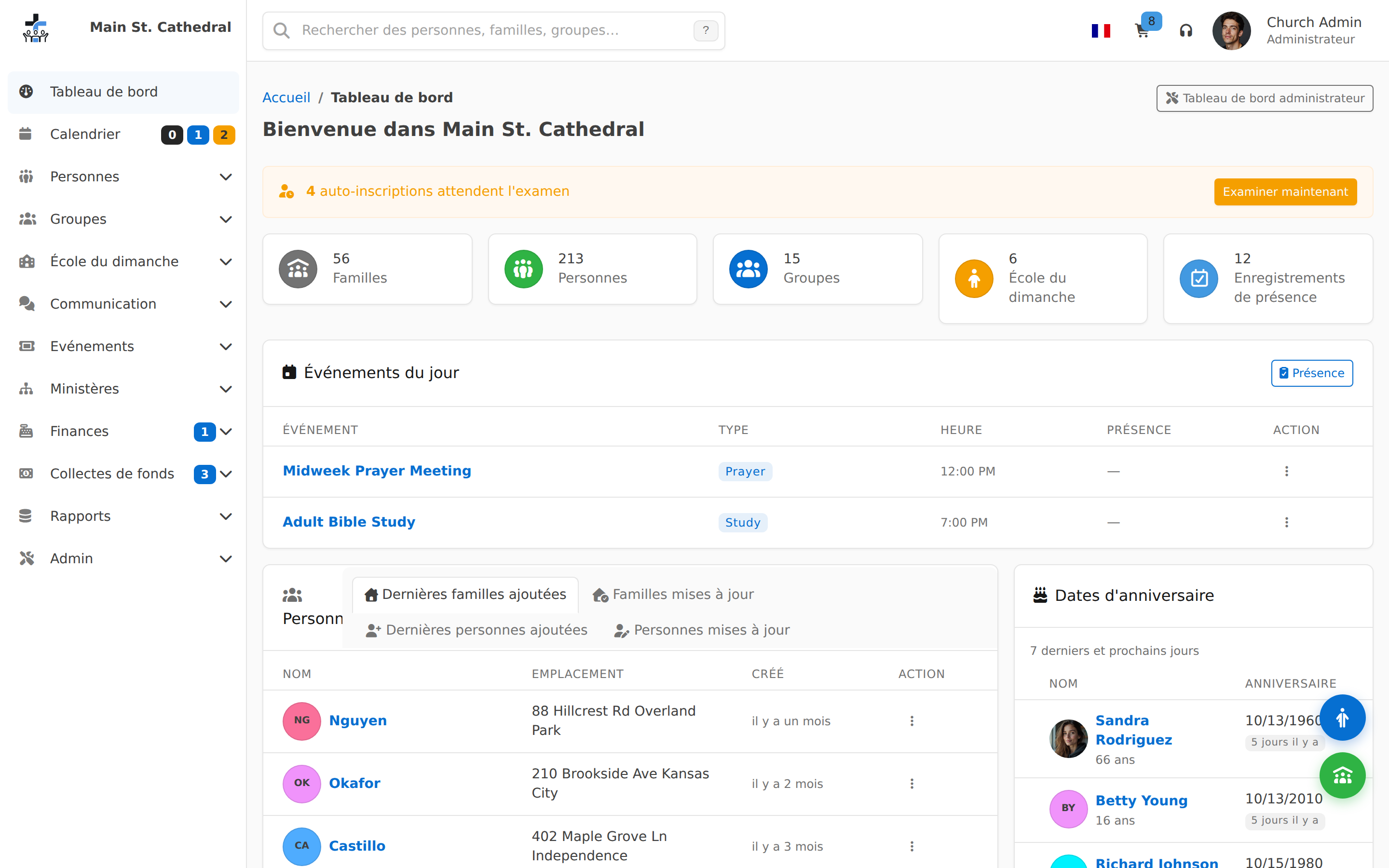
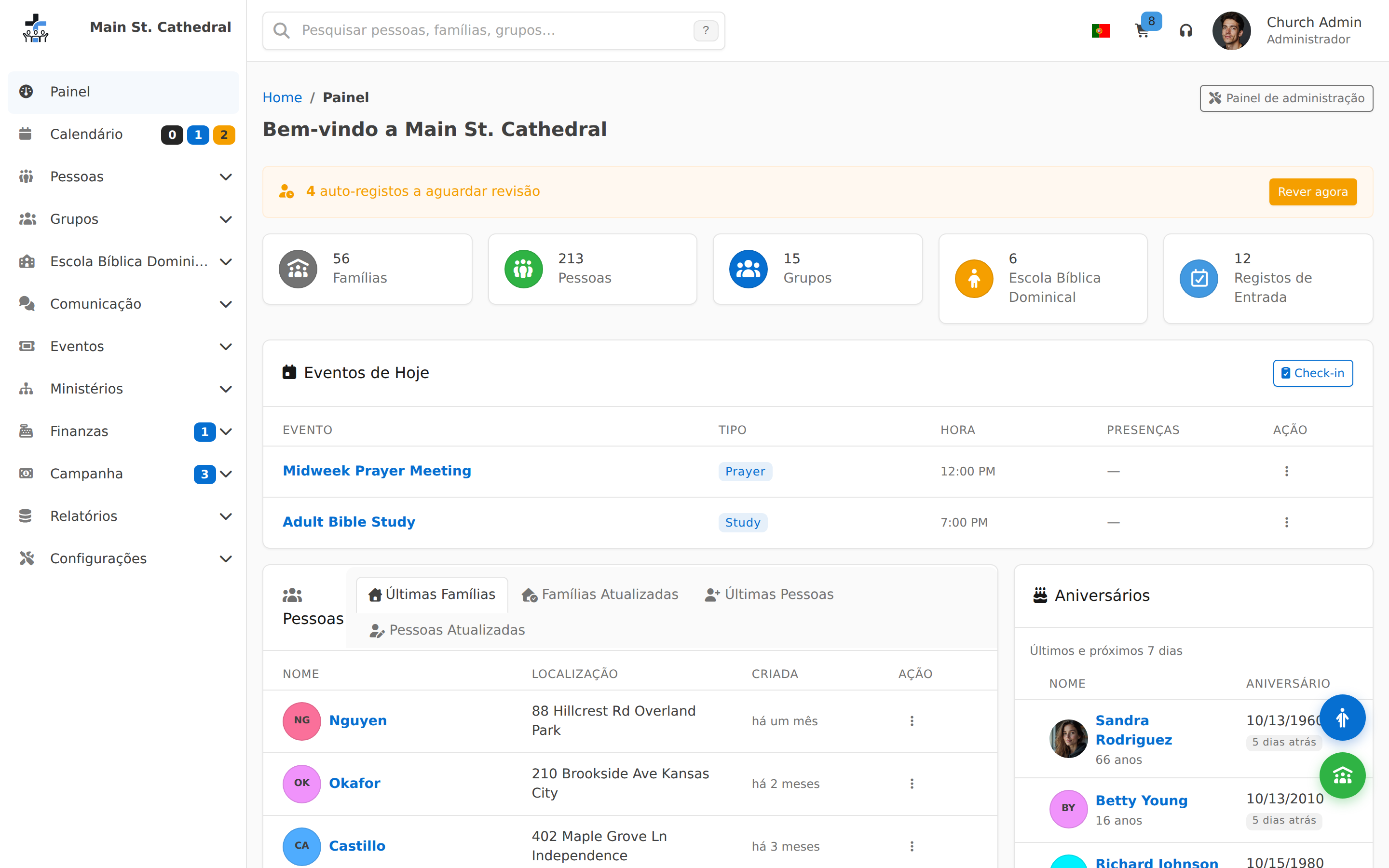
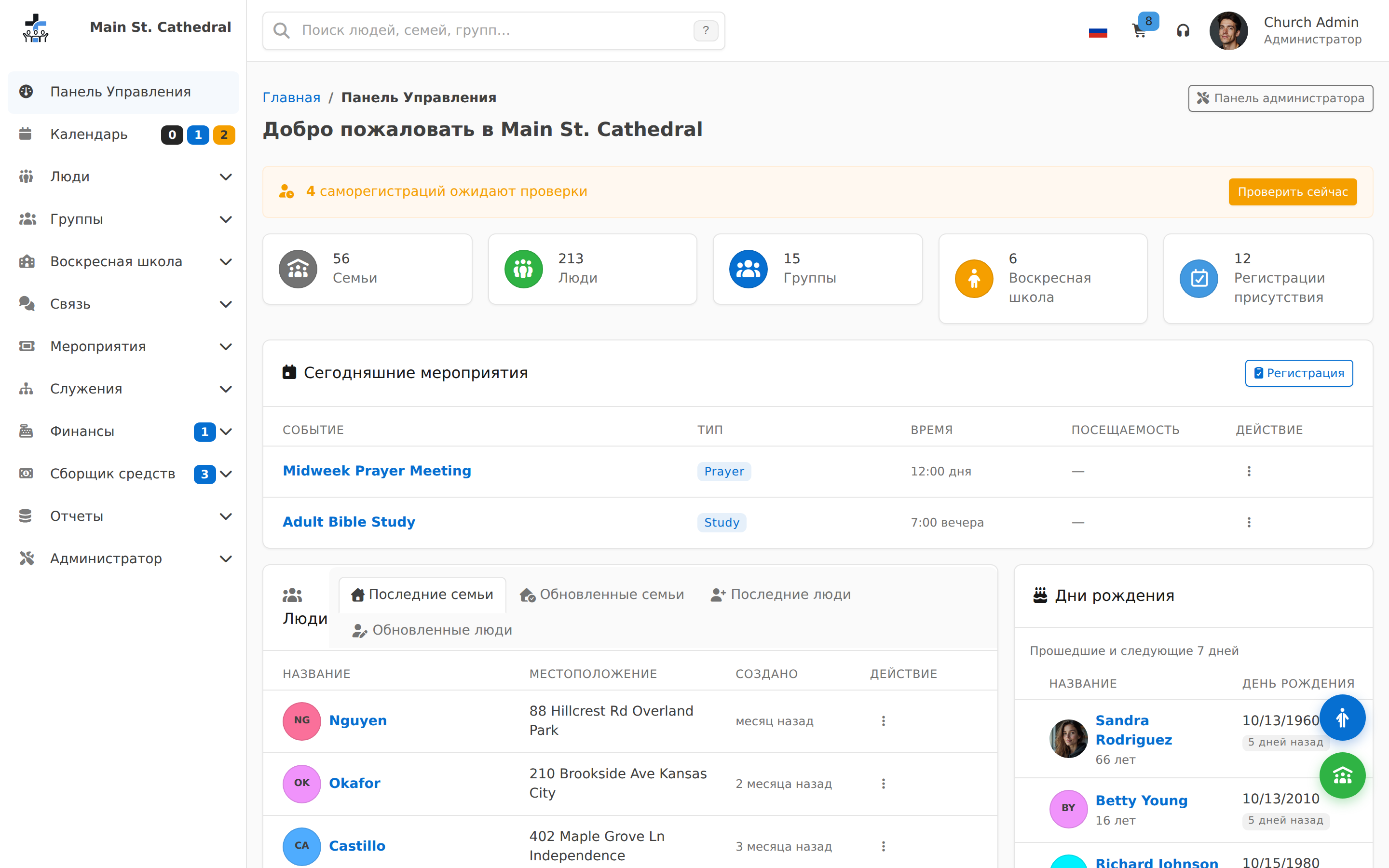
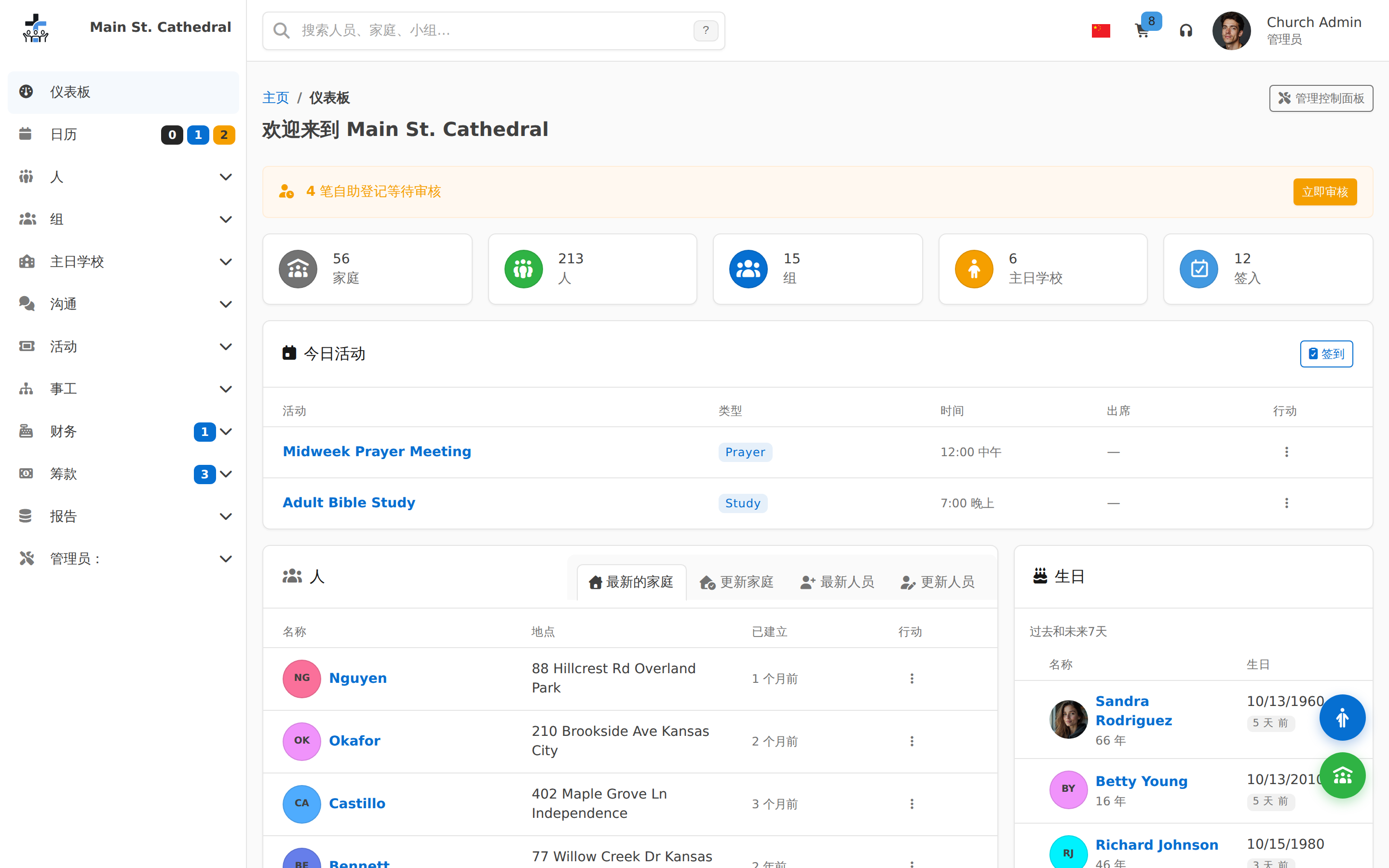
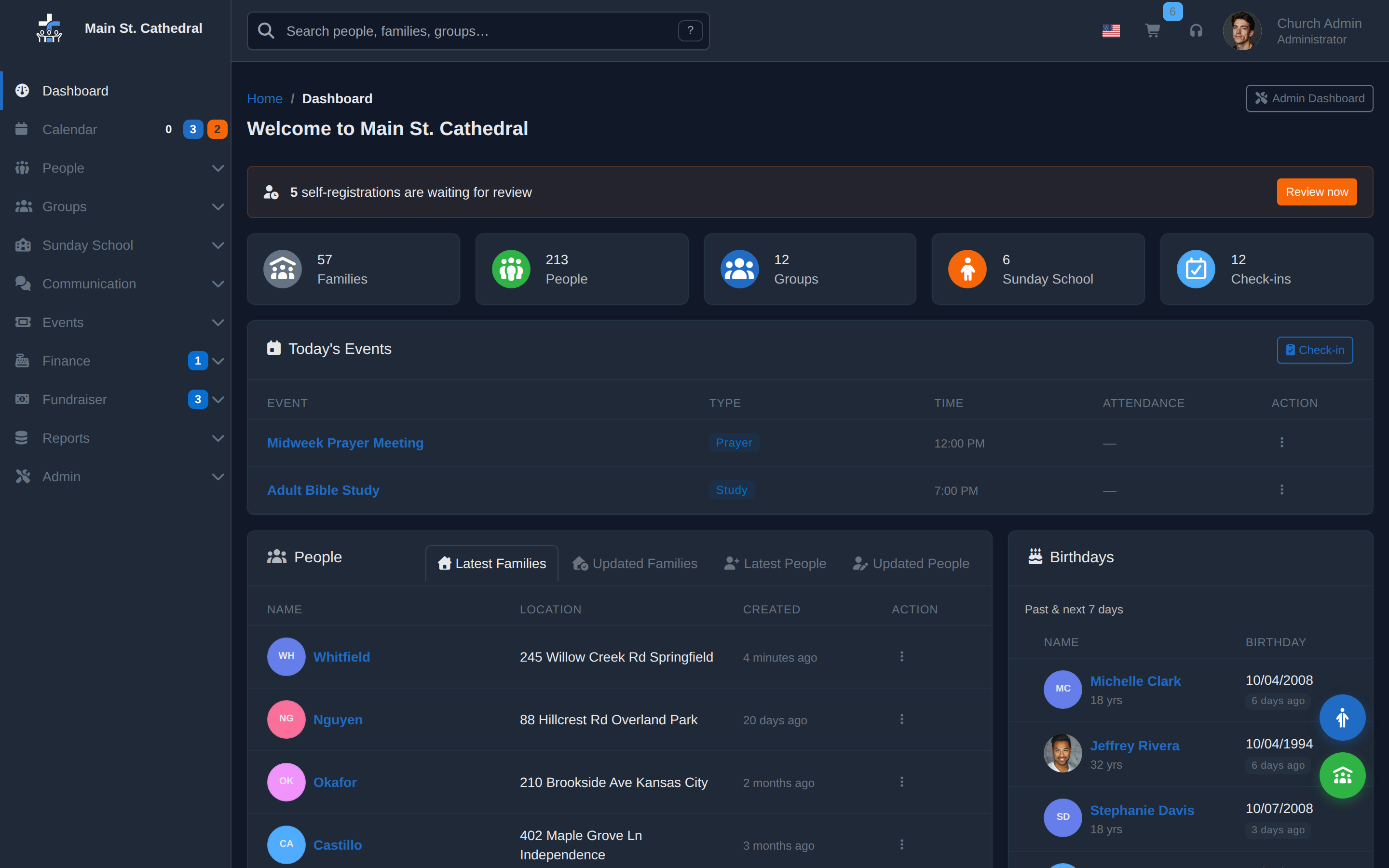
Dashboard Landing dashboard after login — hero shot
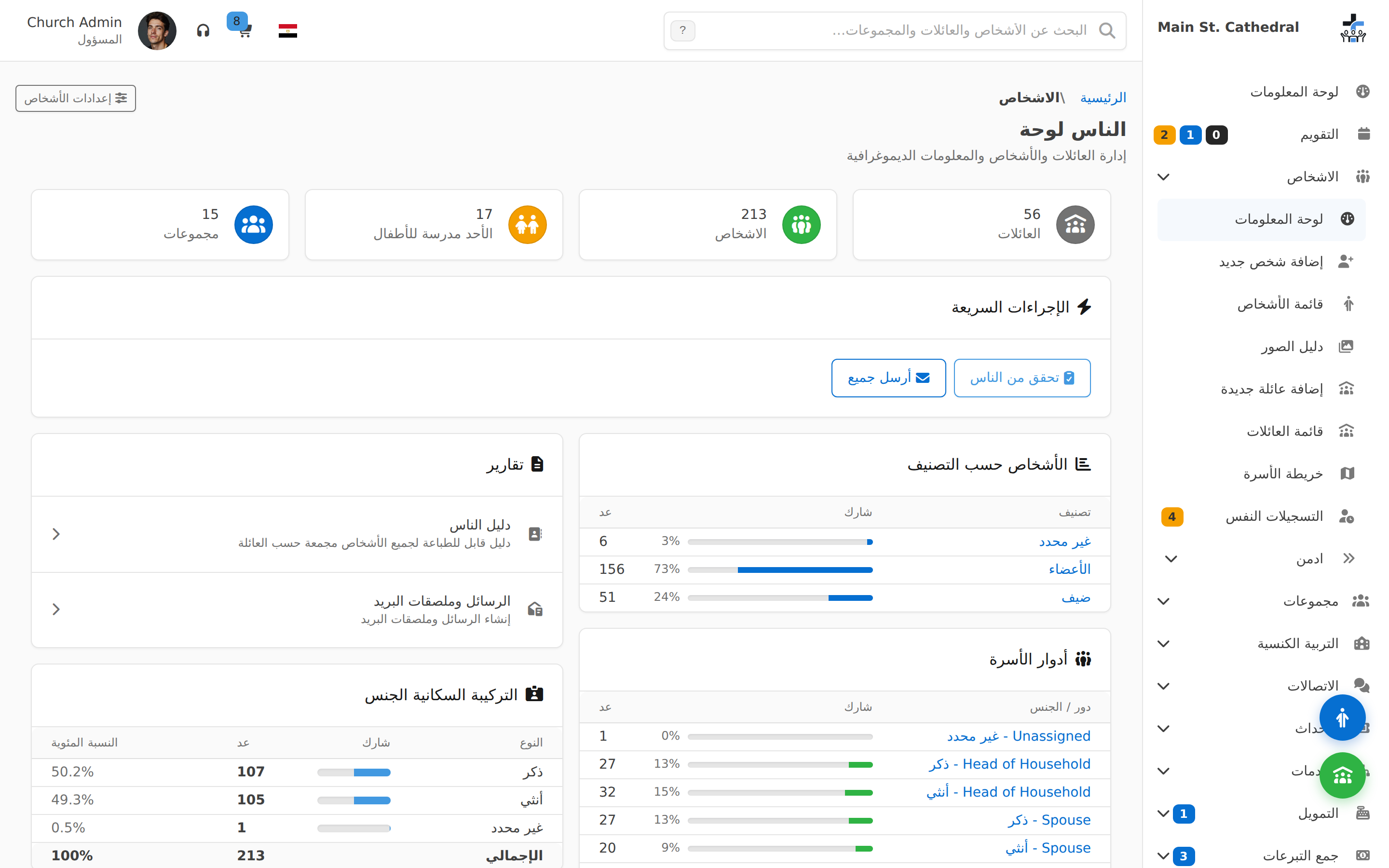
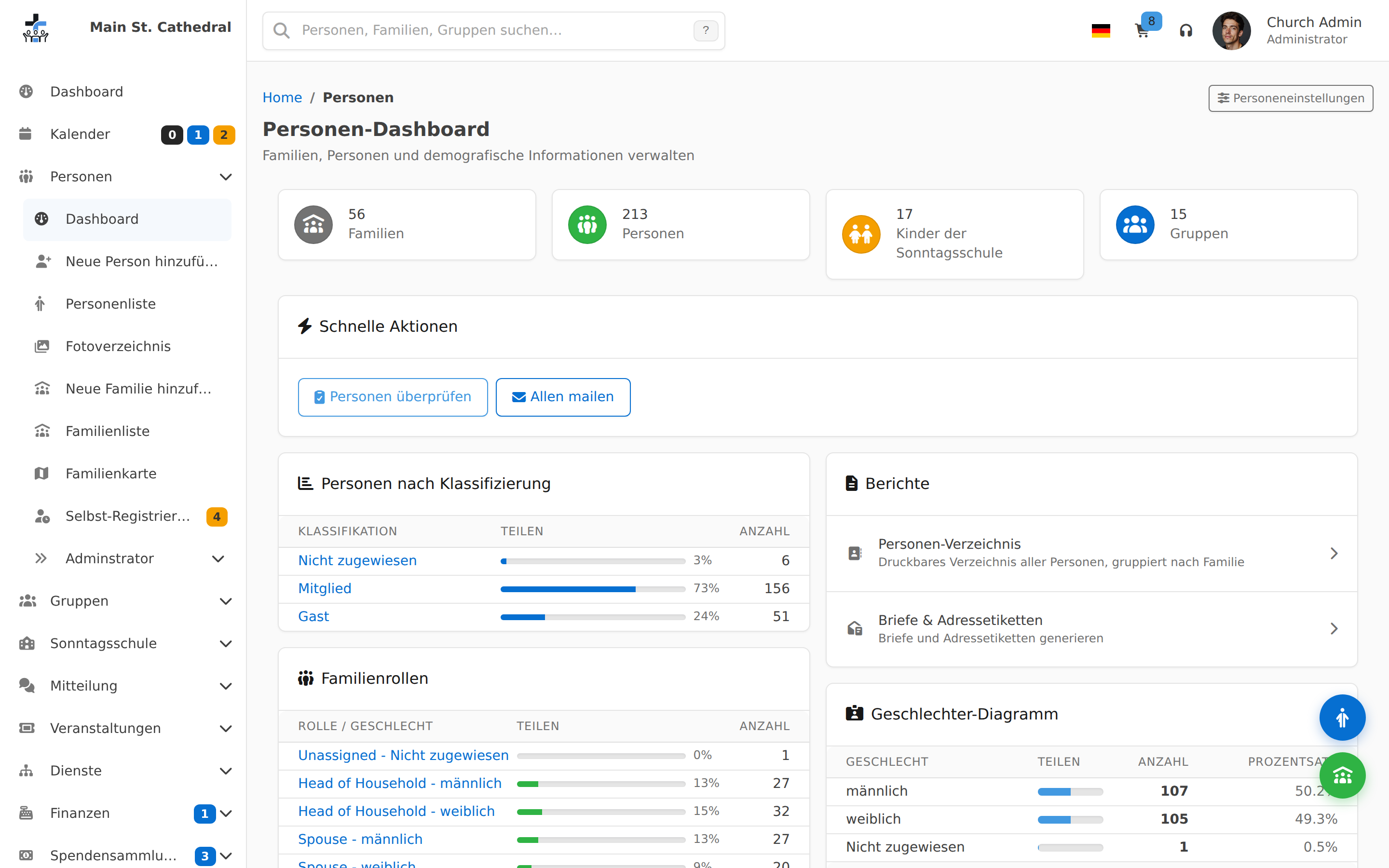
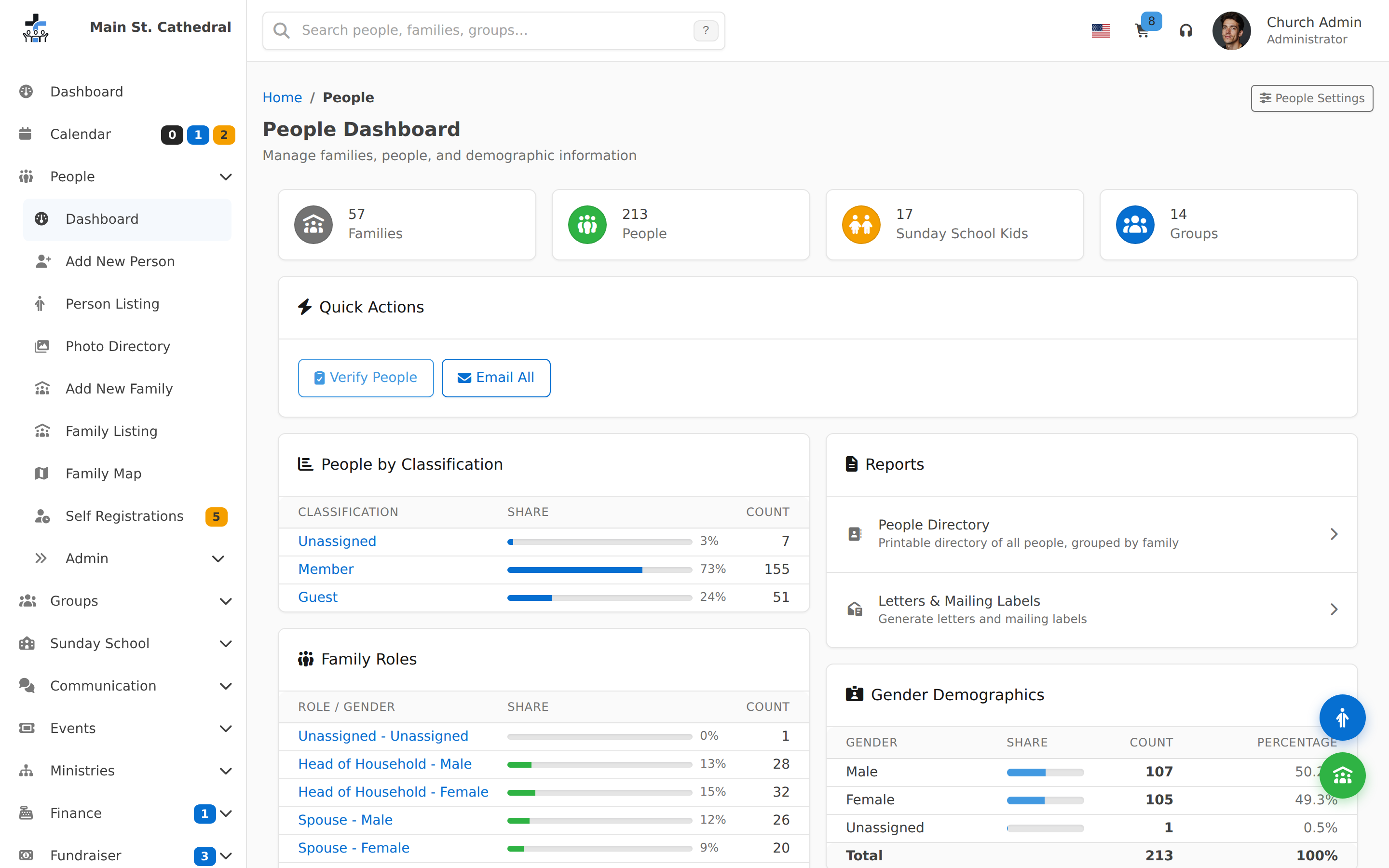
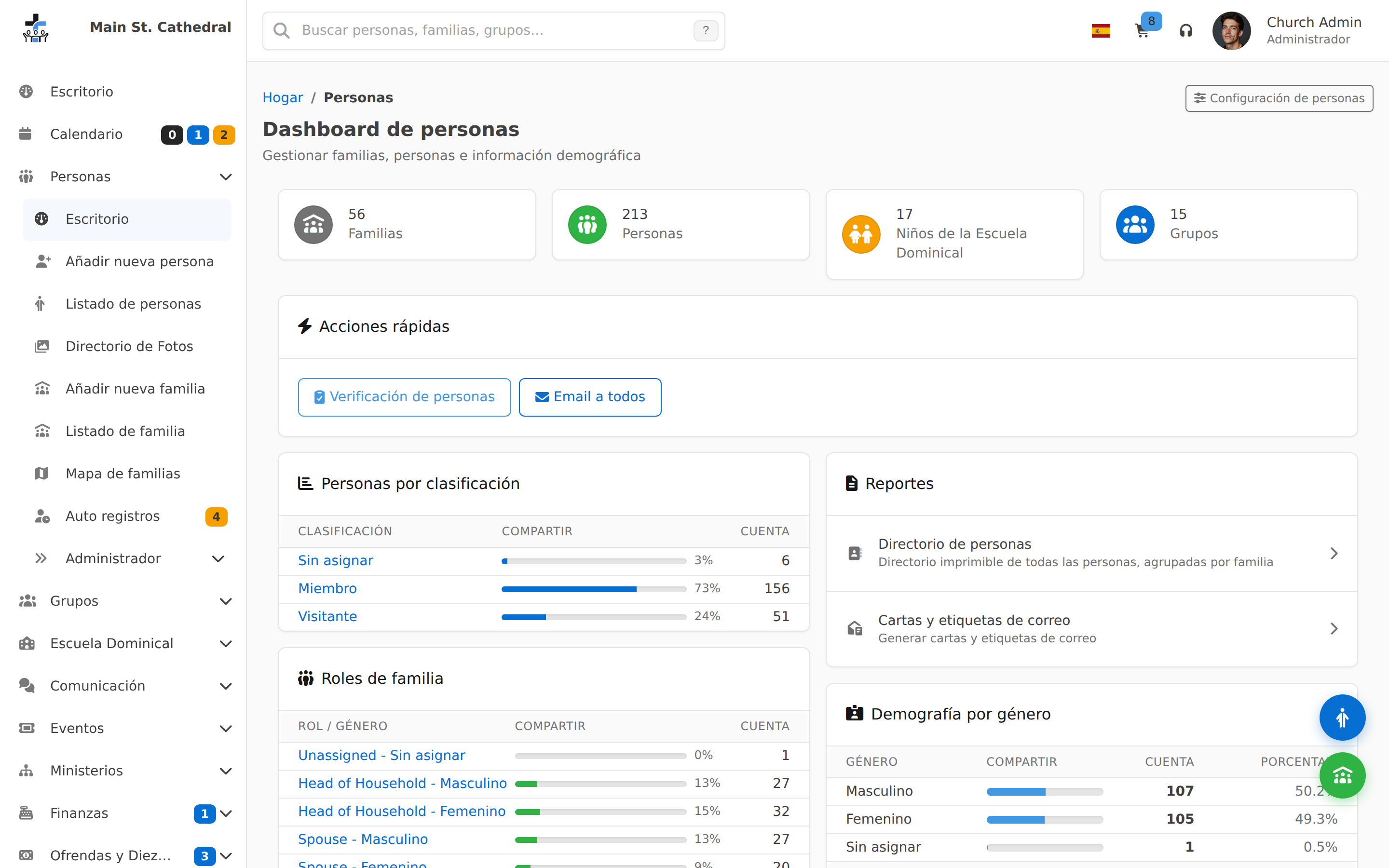
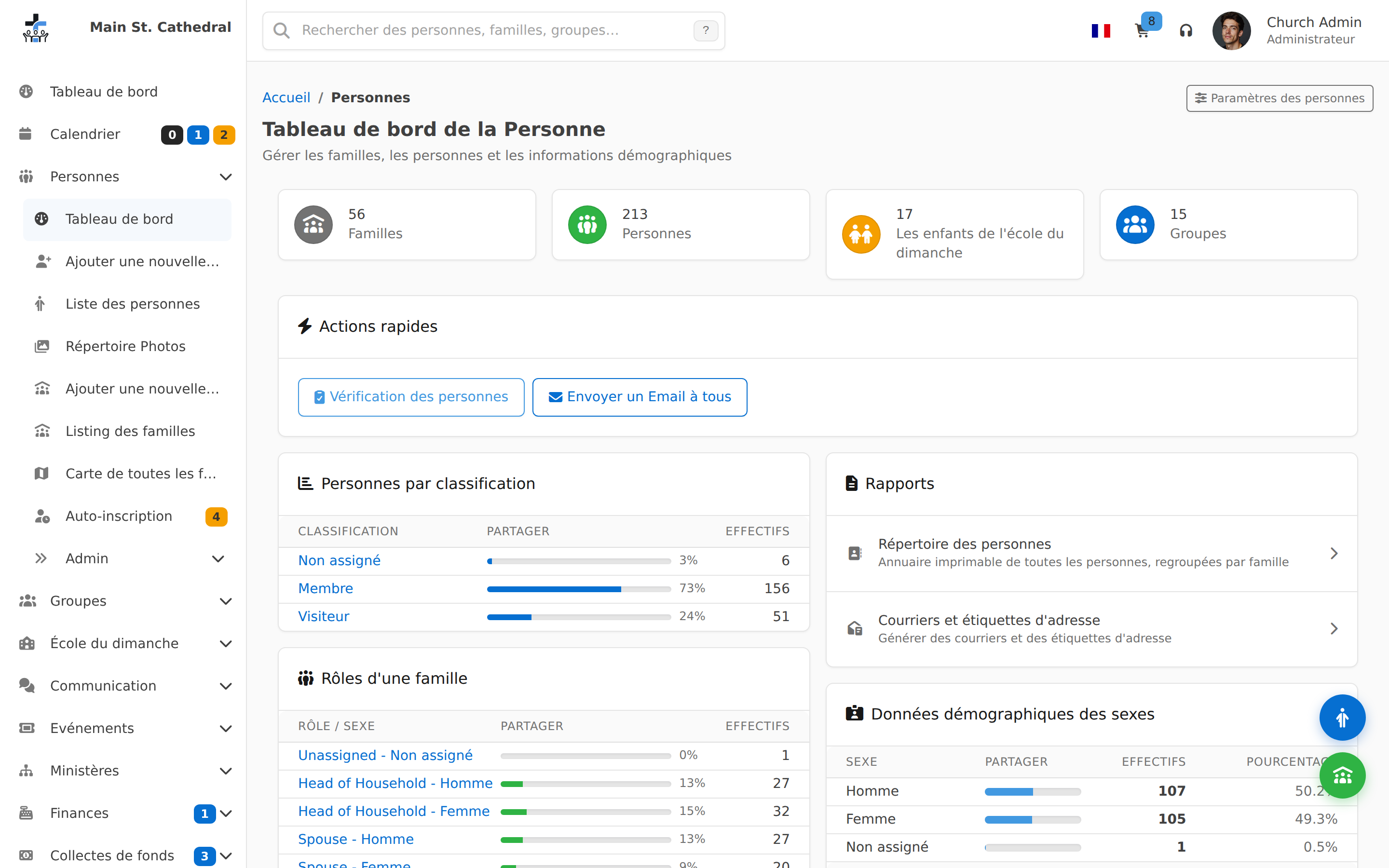
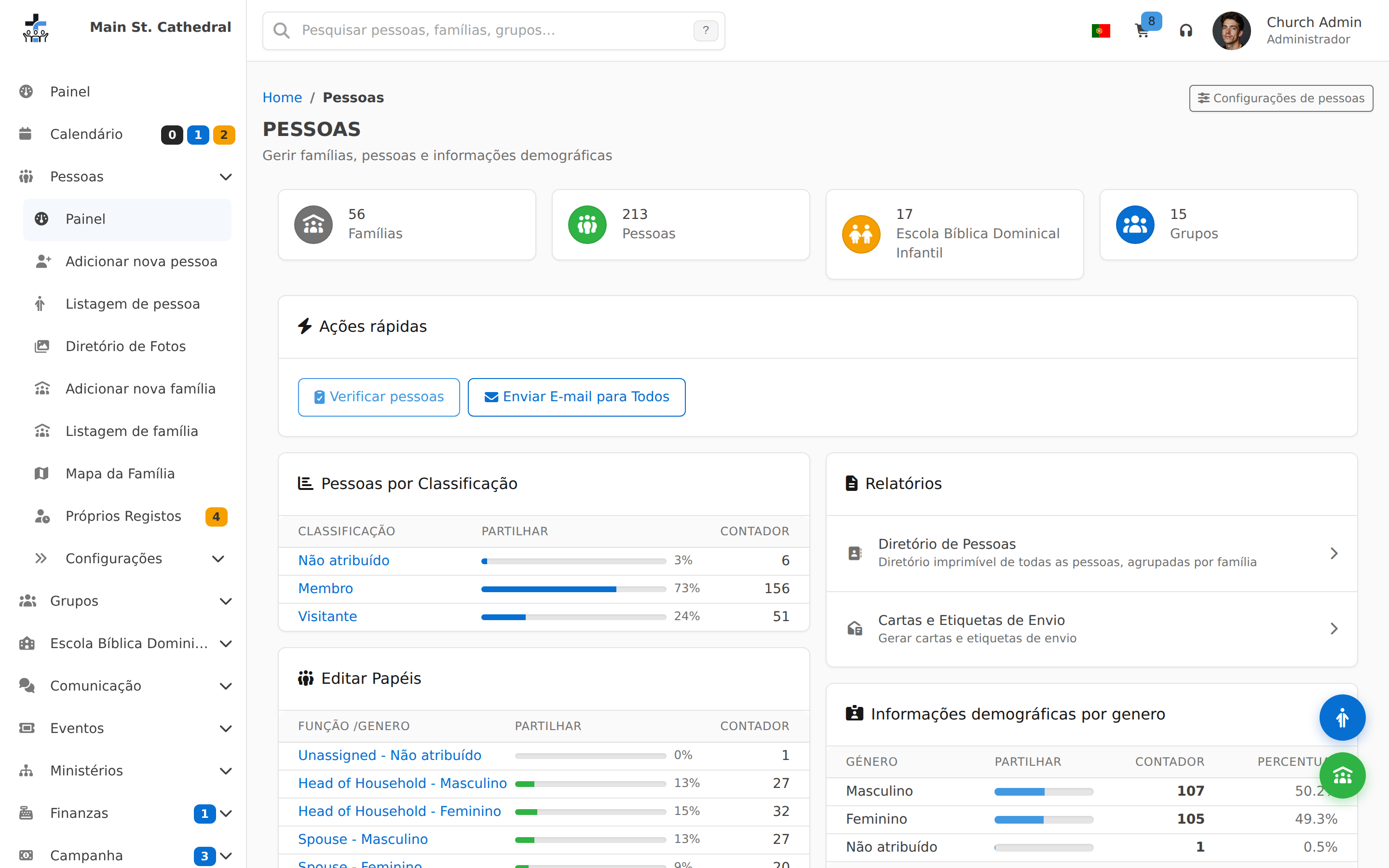
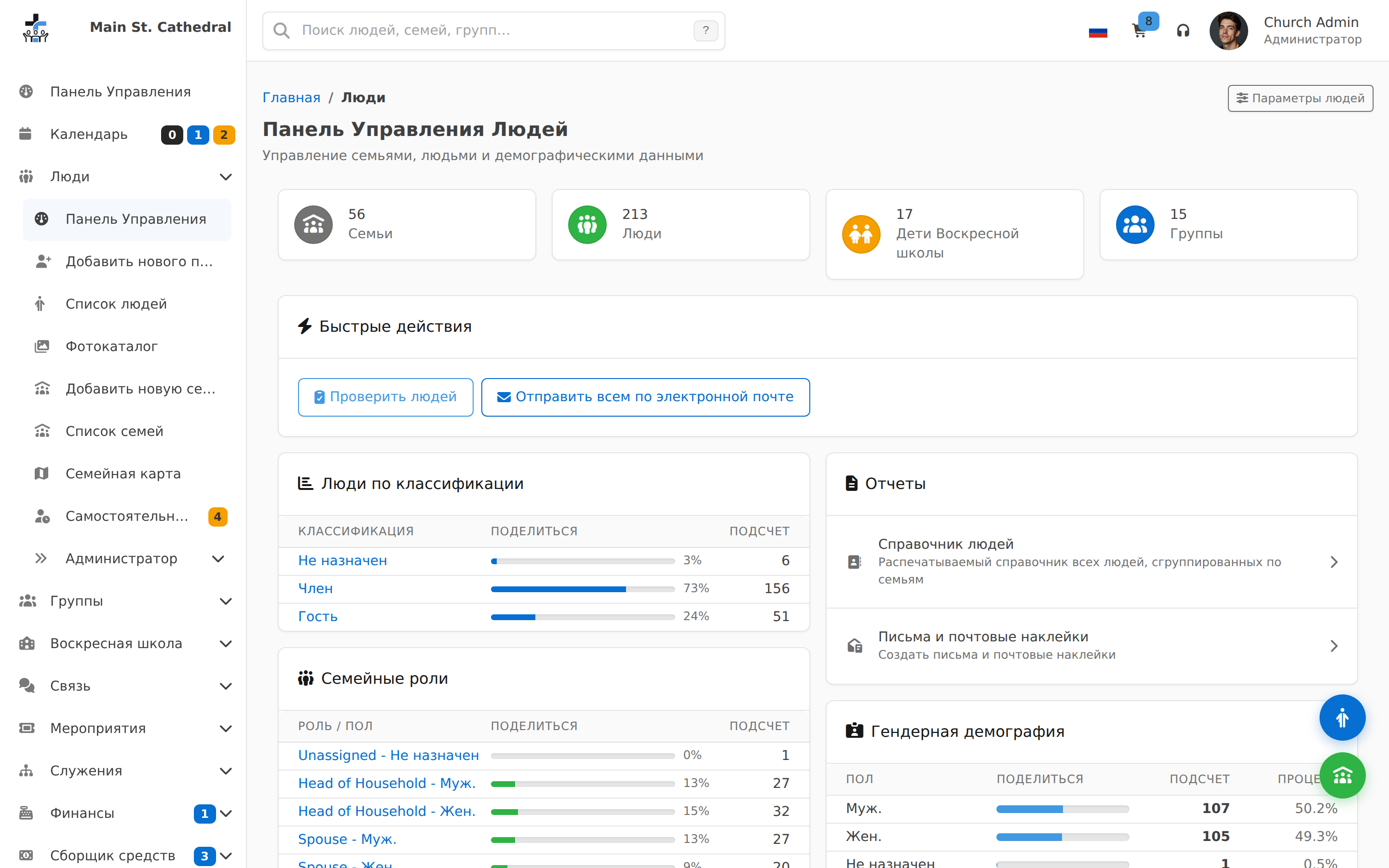
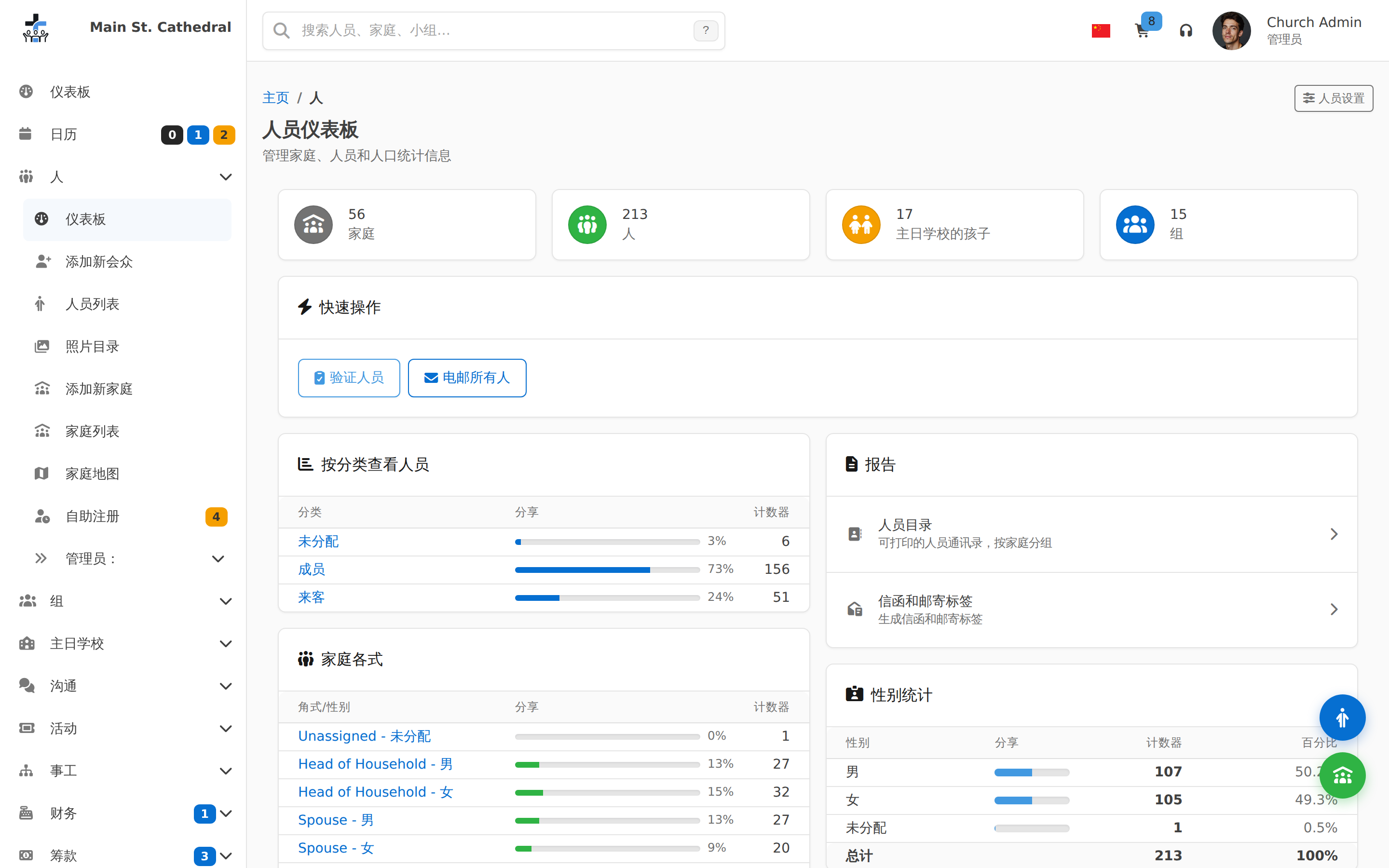
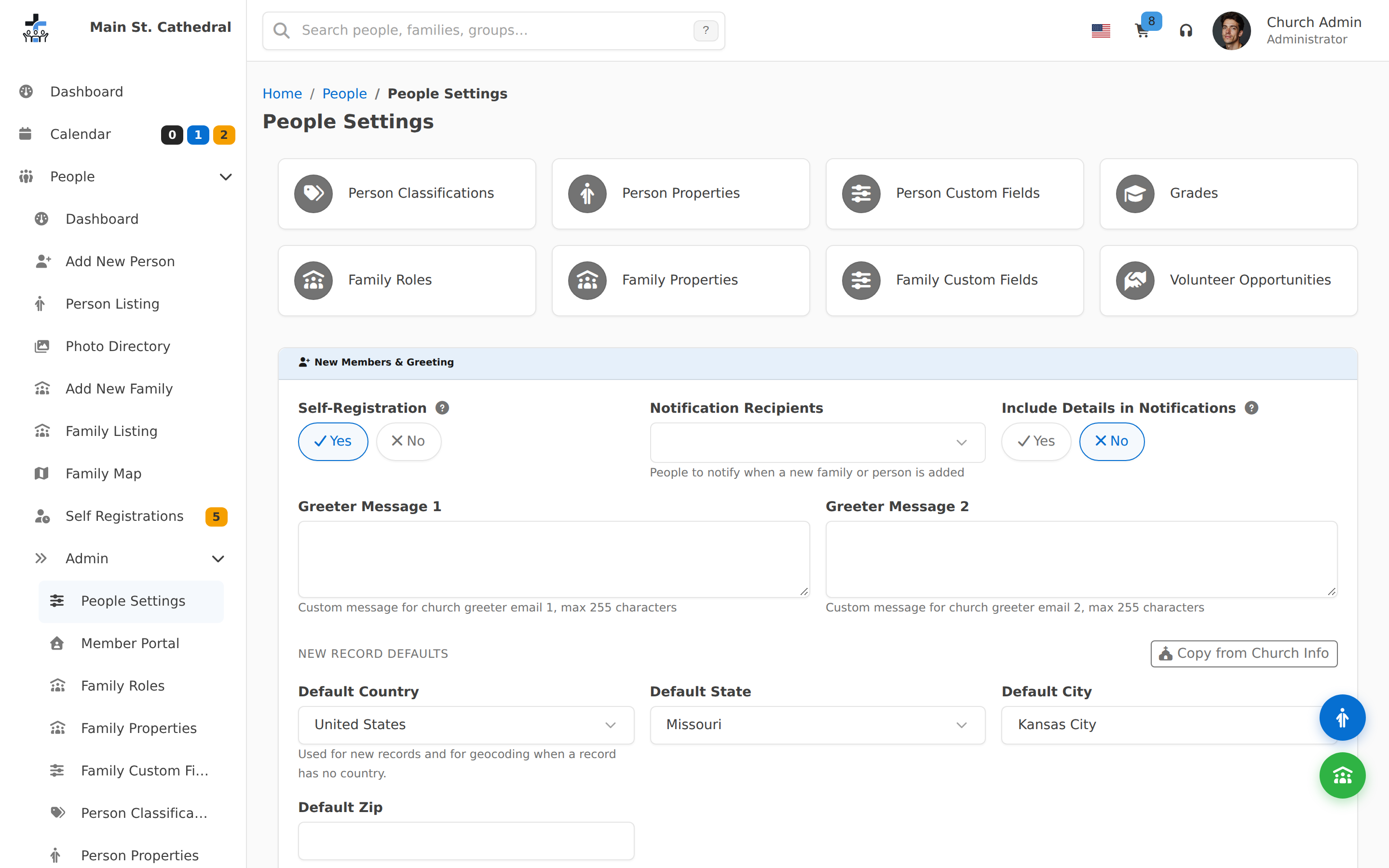
People Dashboard Show the People module dashboard
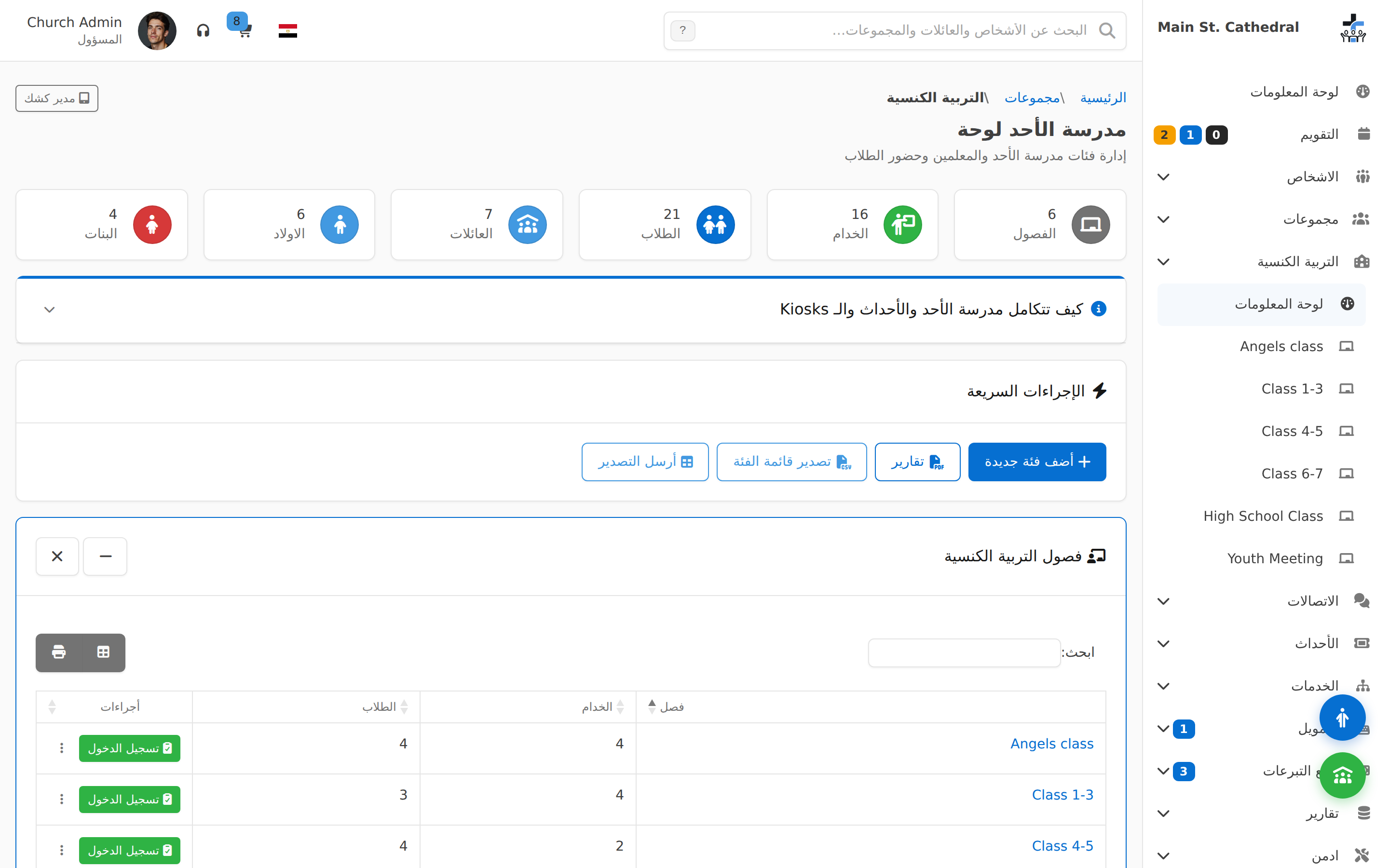
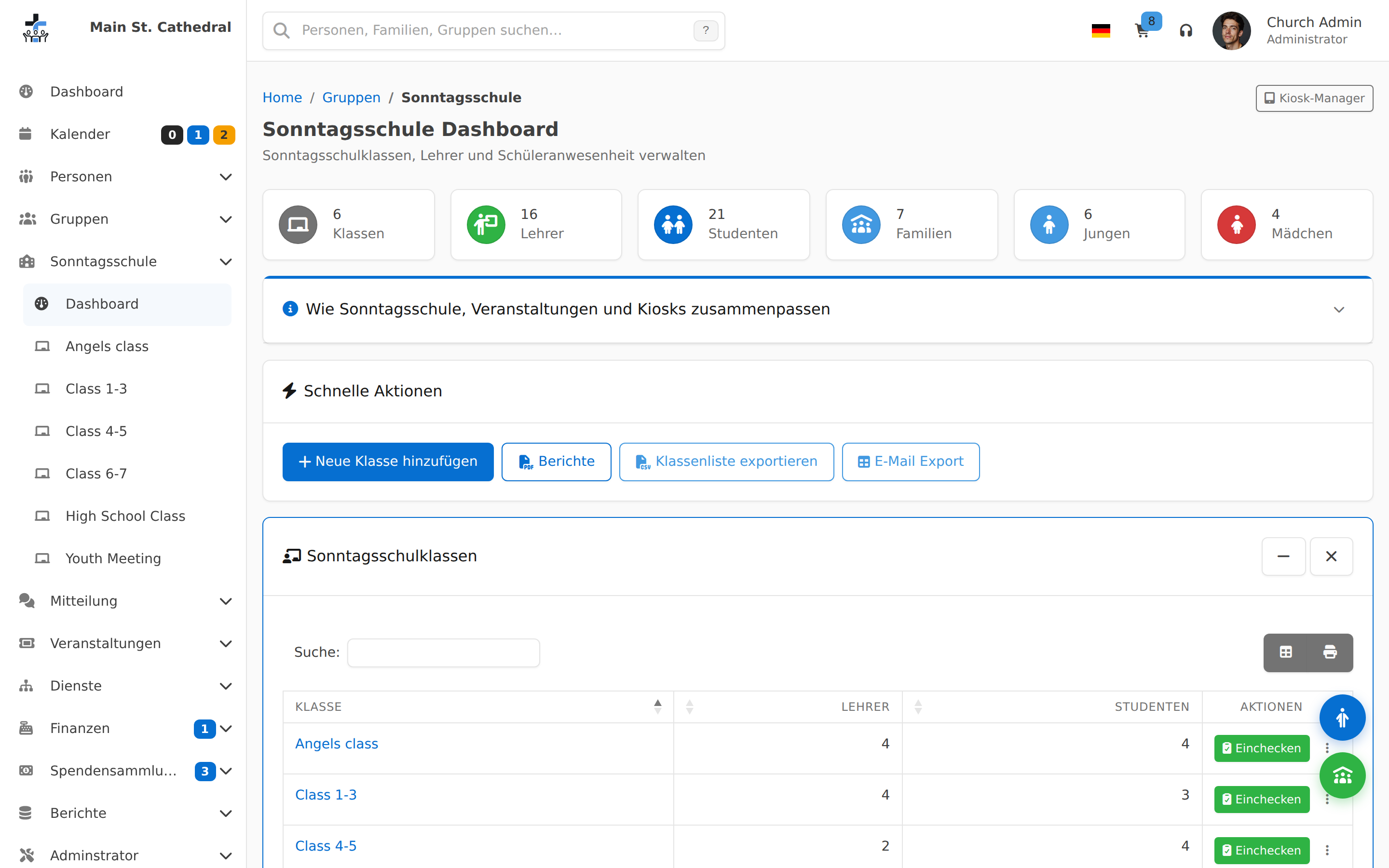
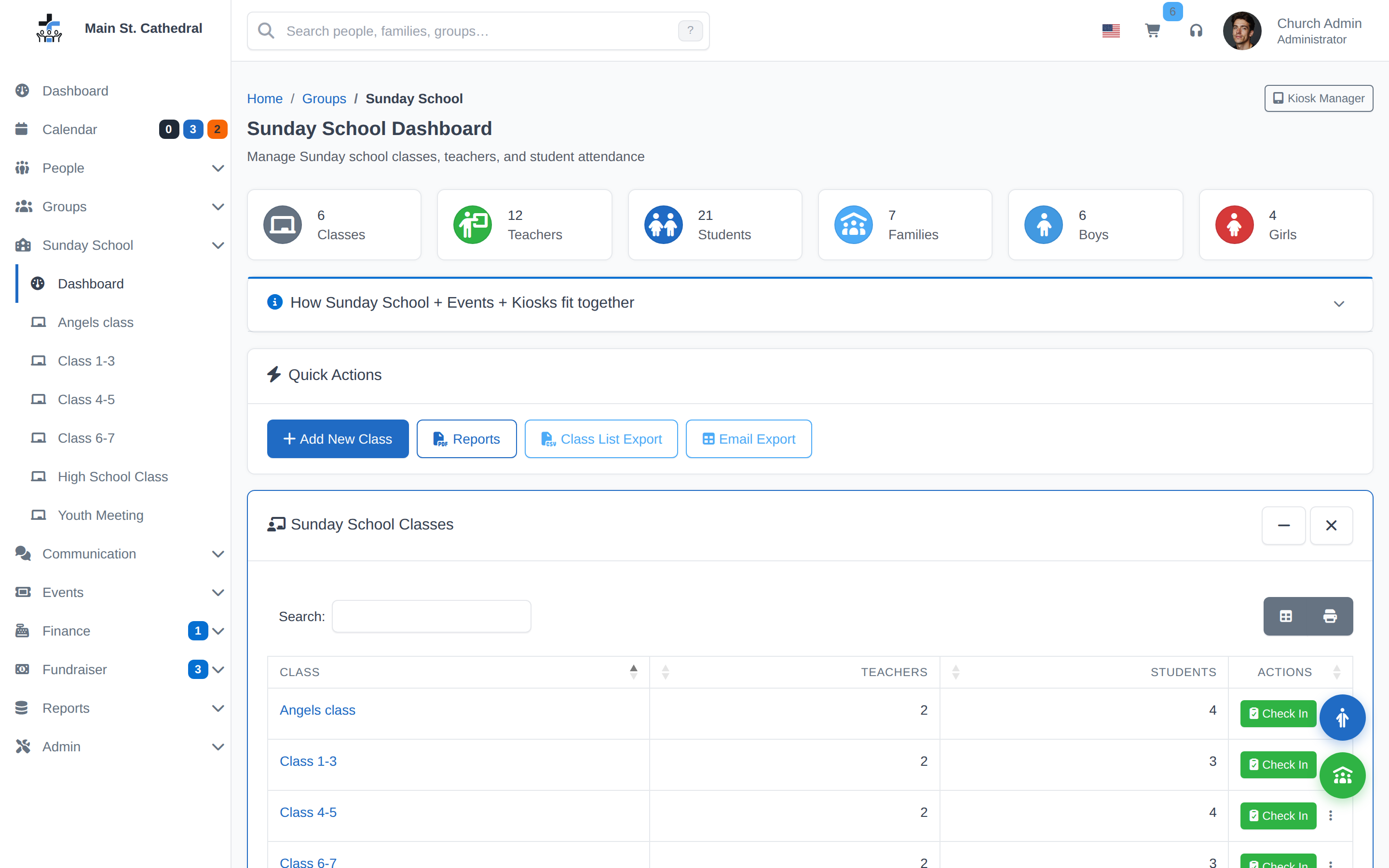
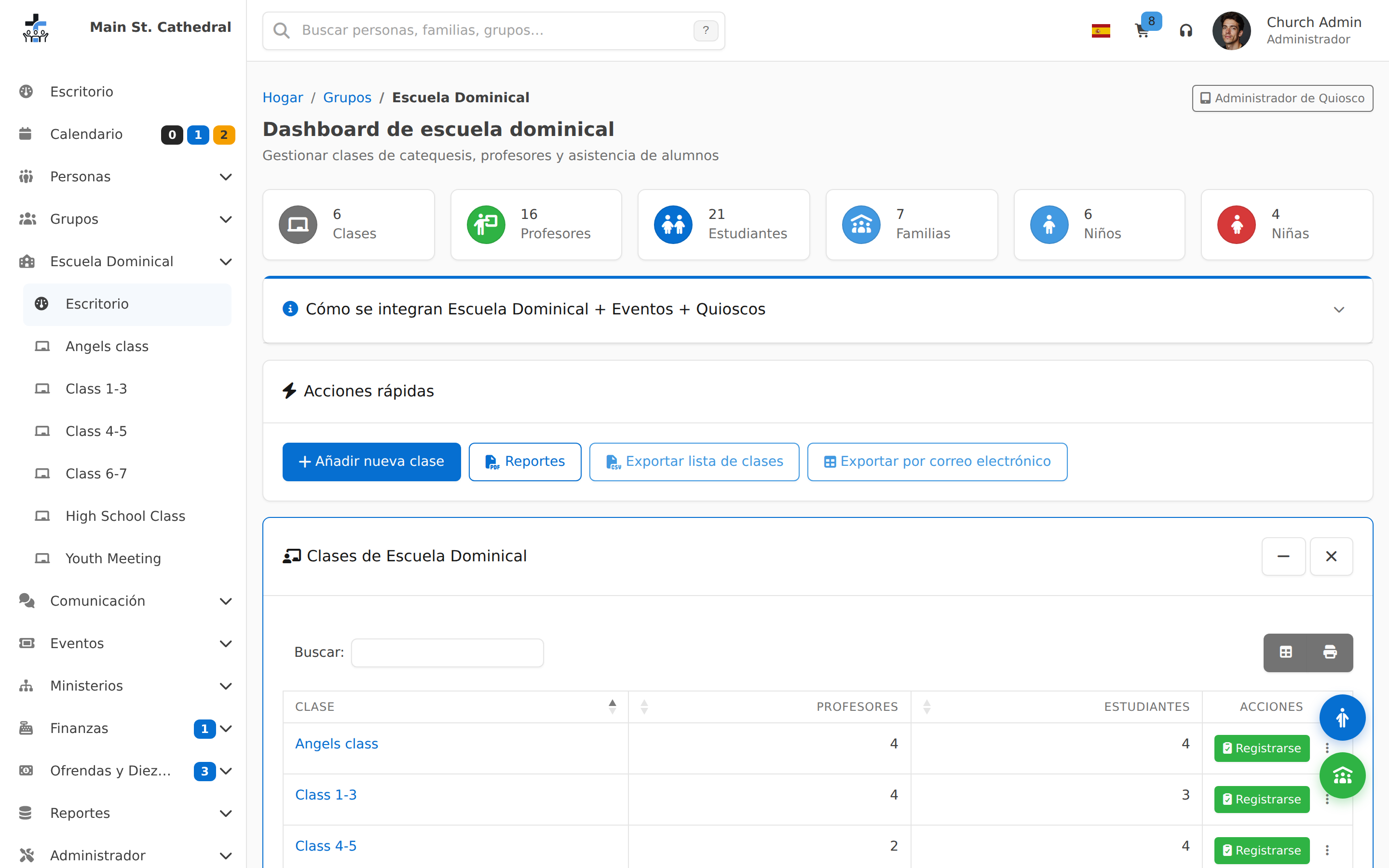
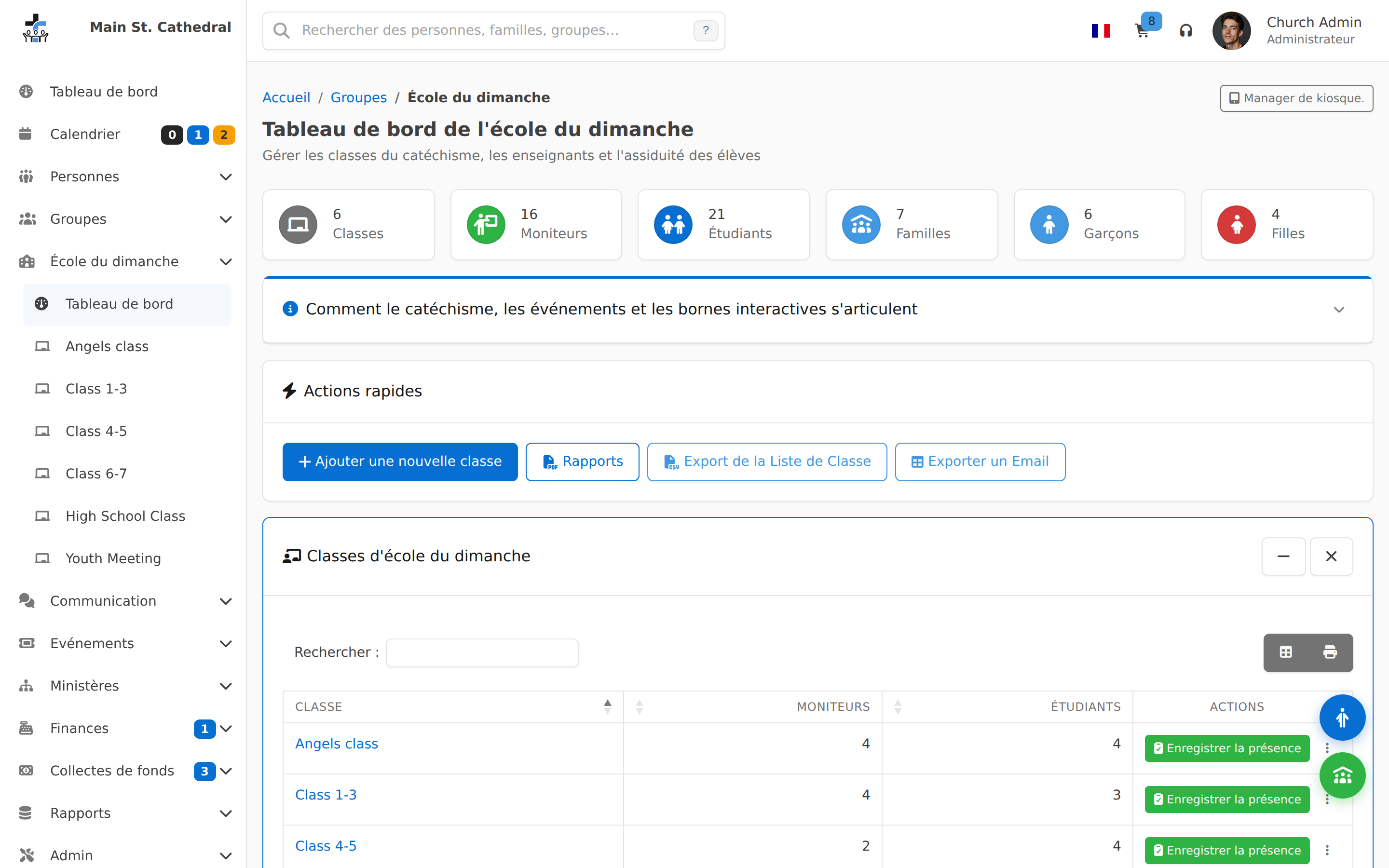
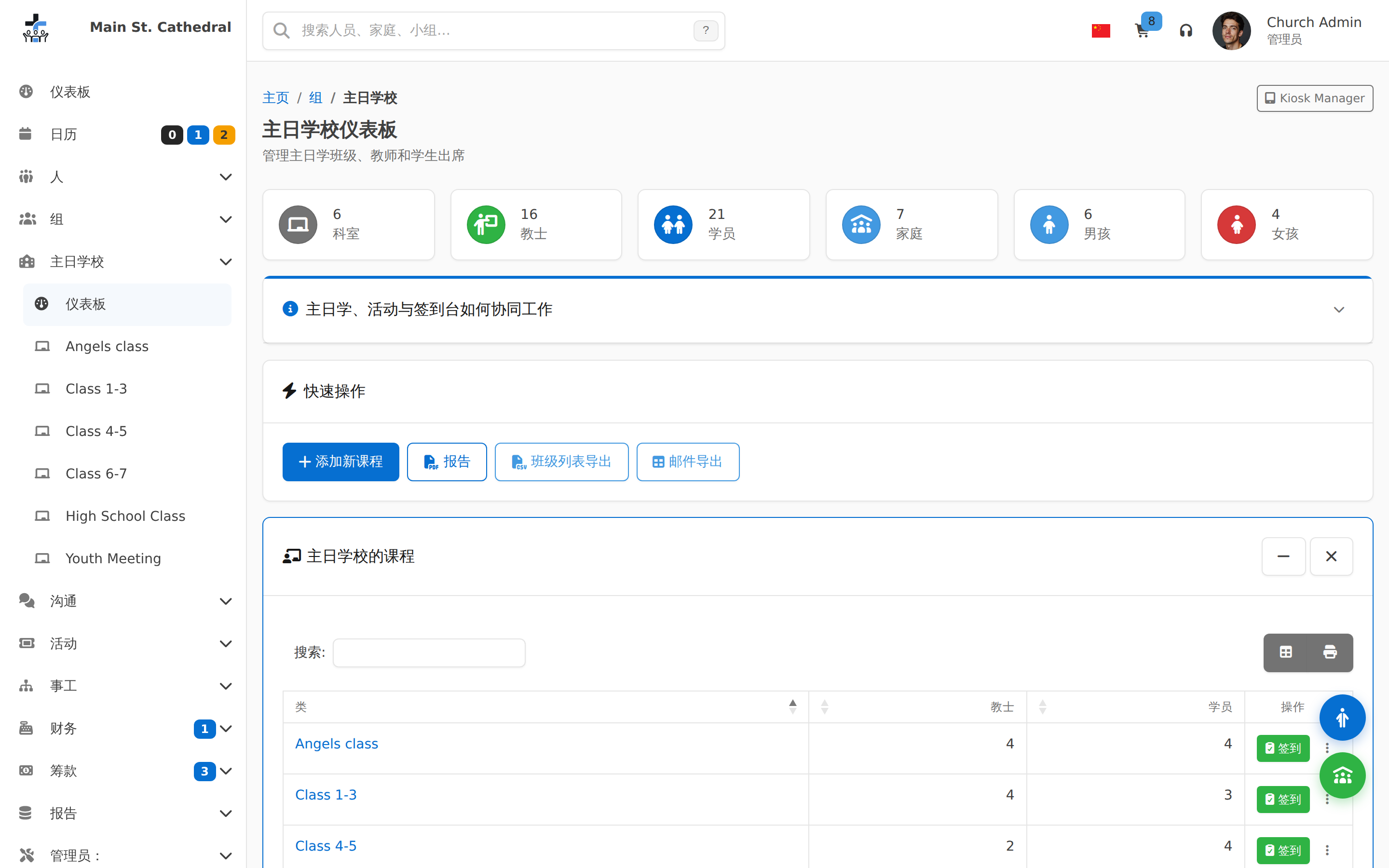
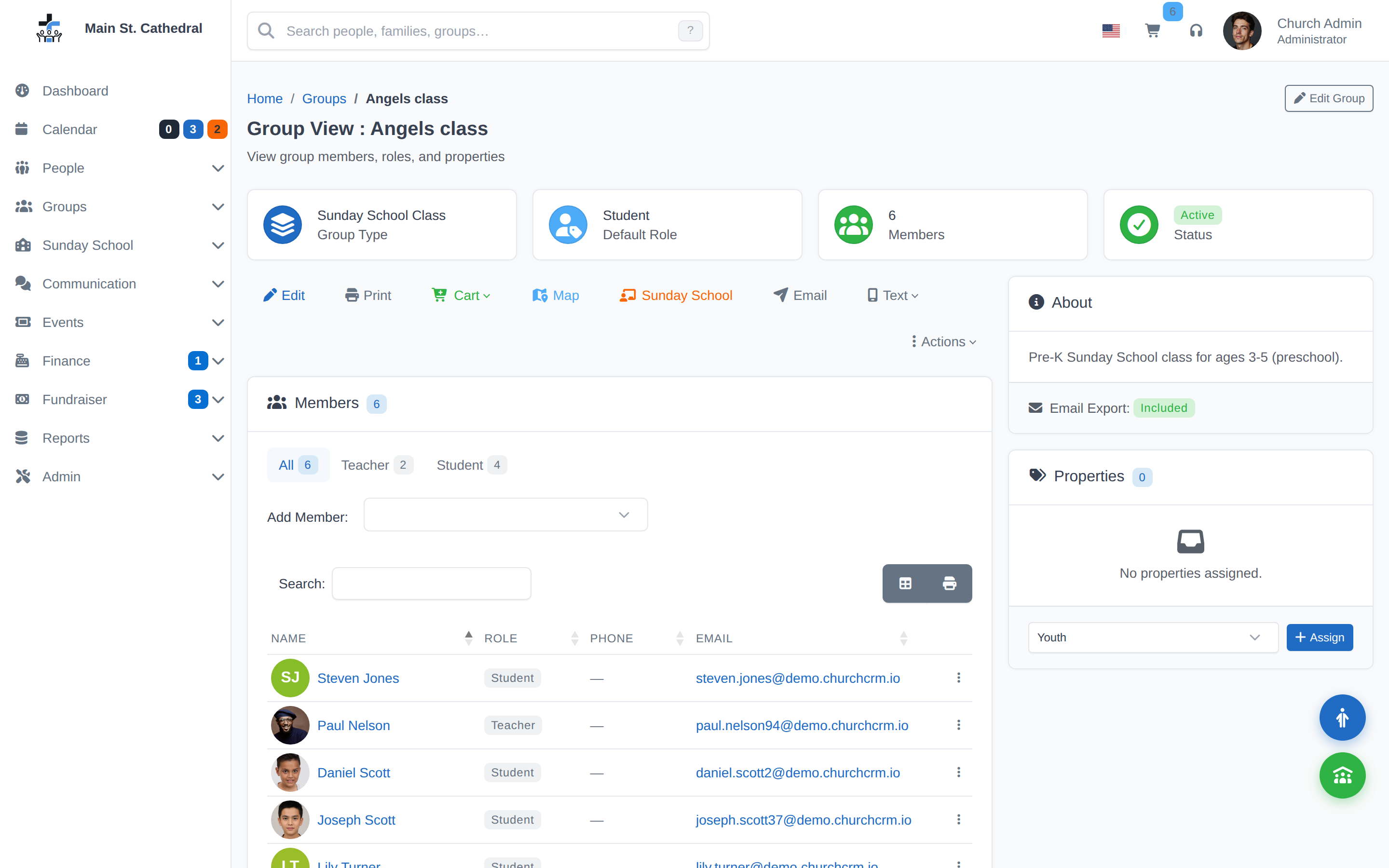
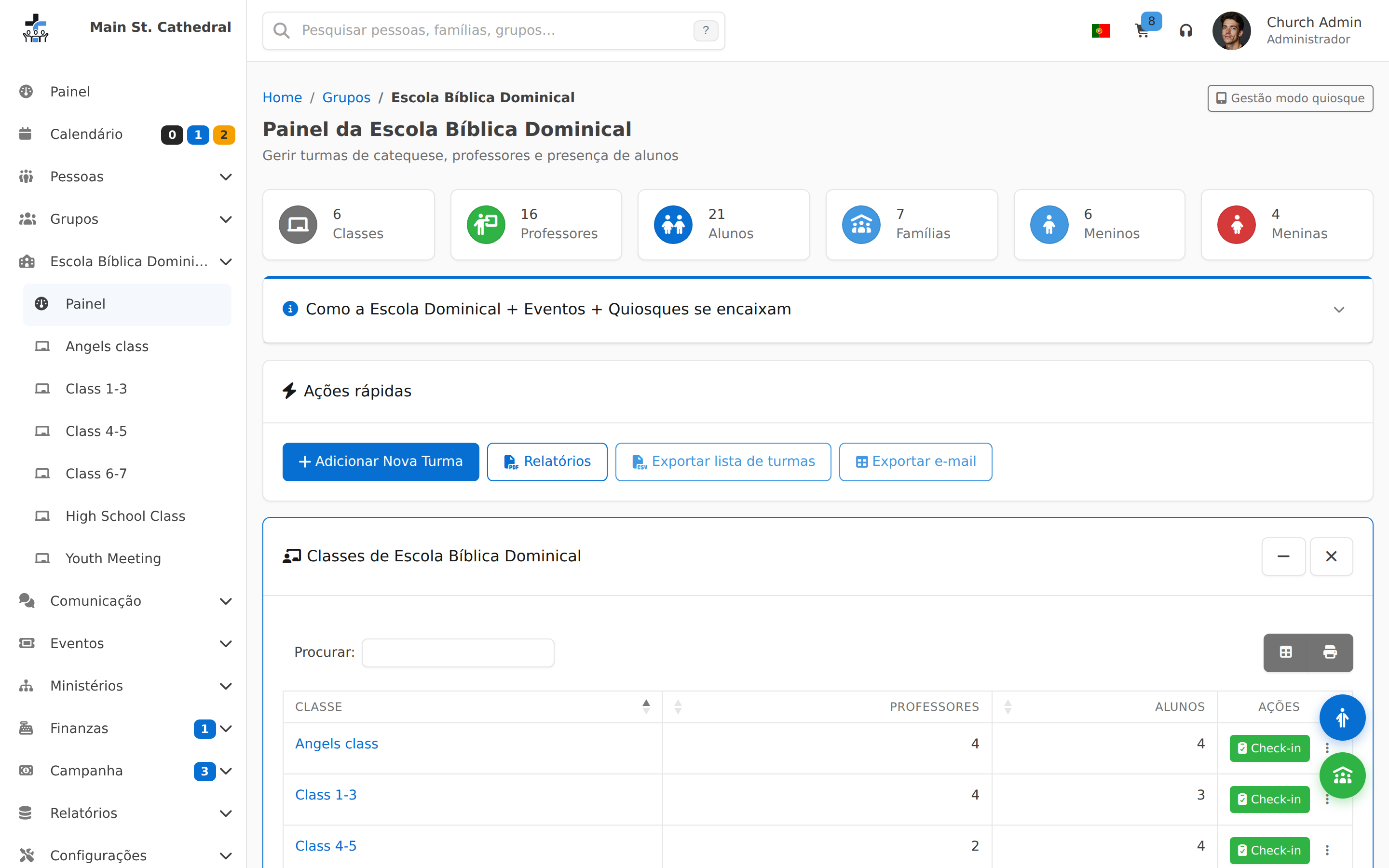
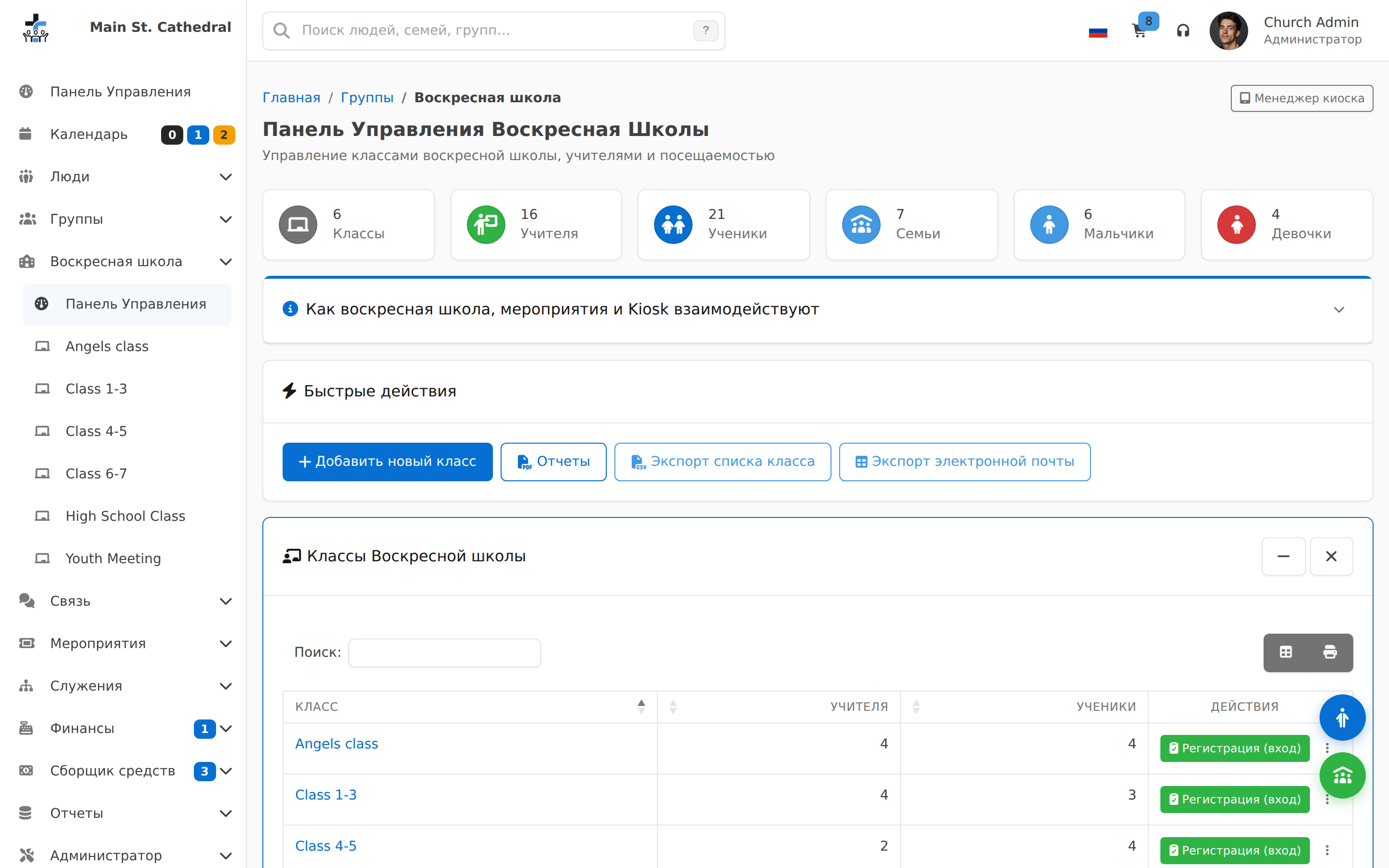
Sunday School Dashboard Show the Sunday School dashboard — classes, teachers, students, attendance

Personnes et familles
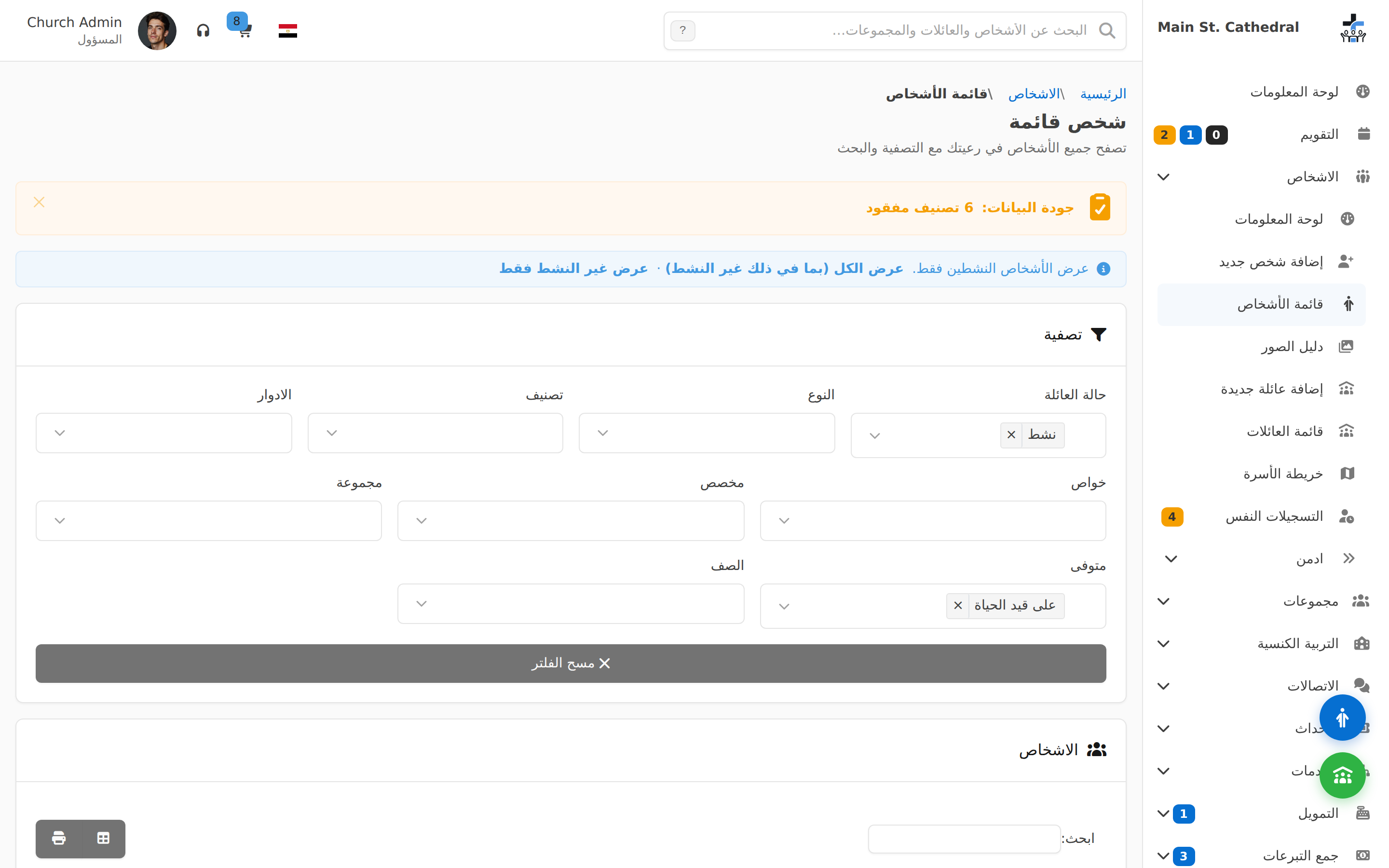
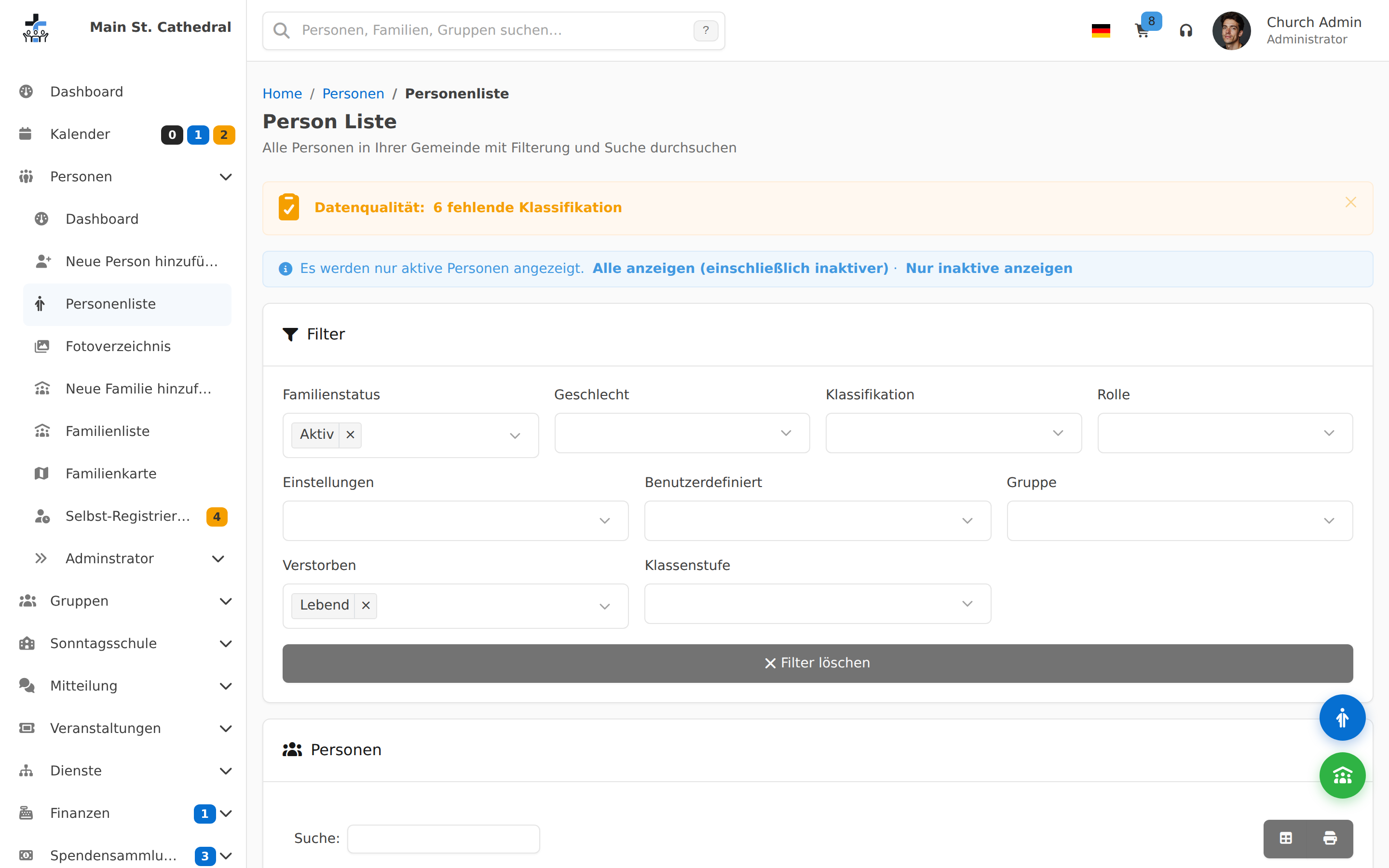
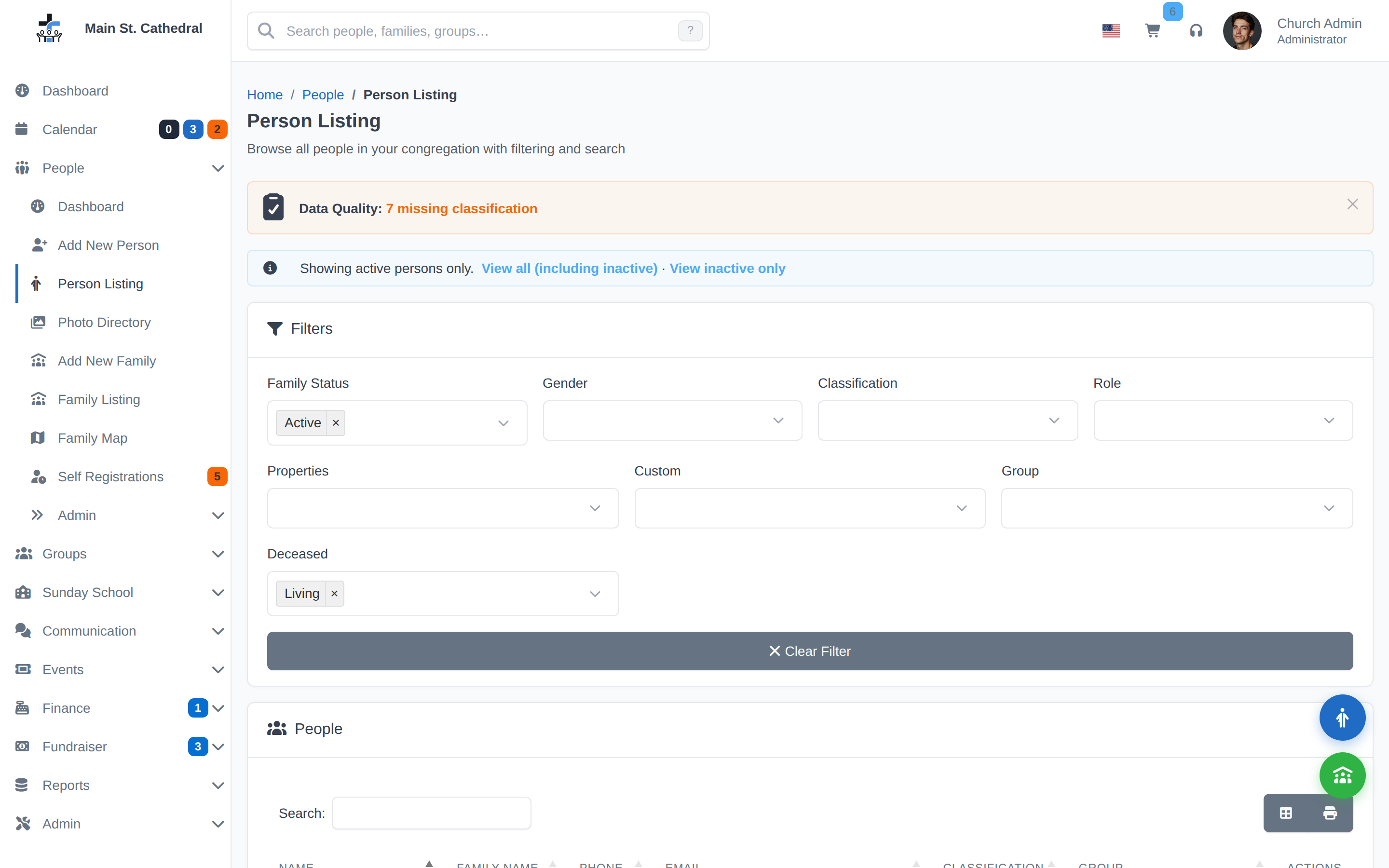
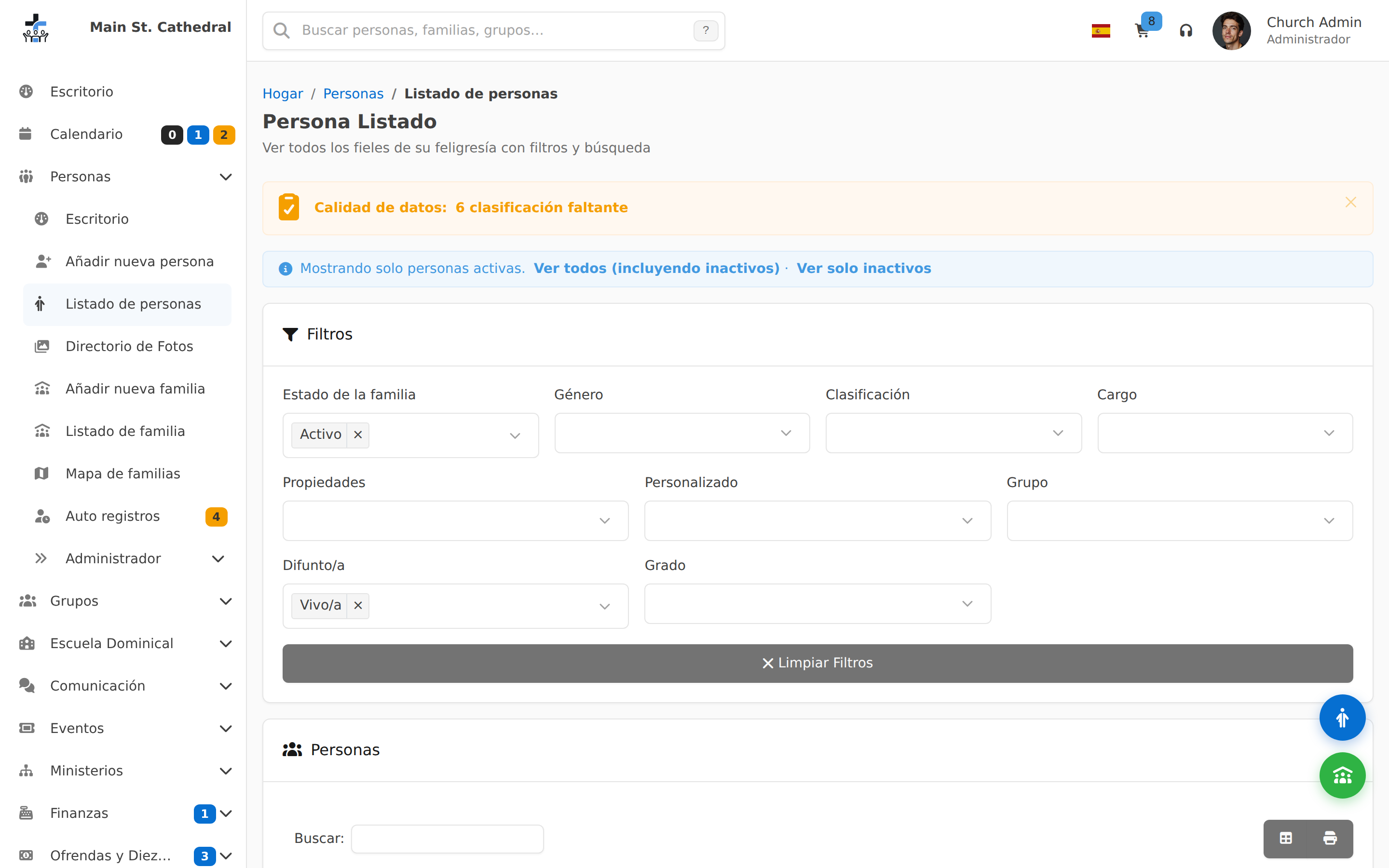
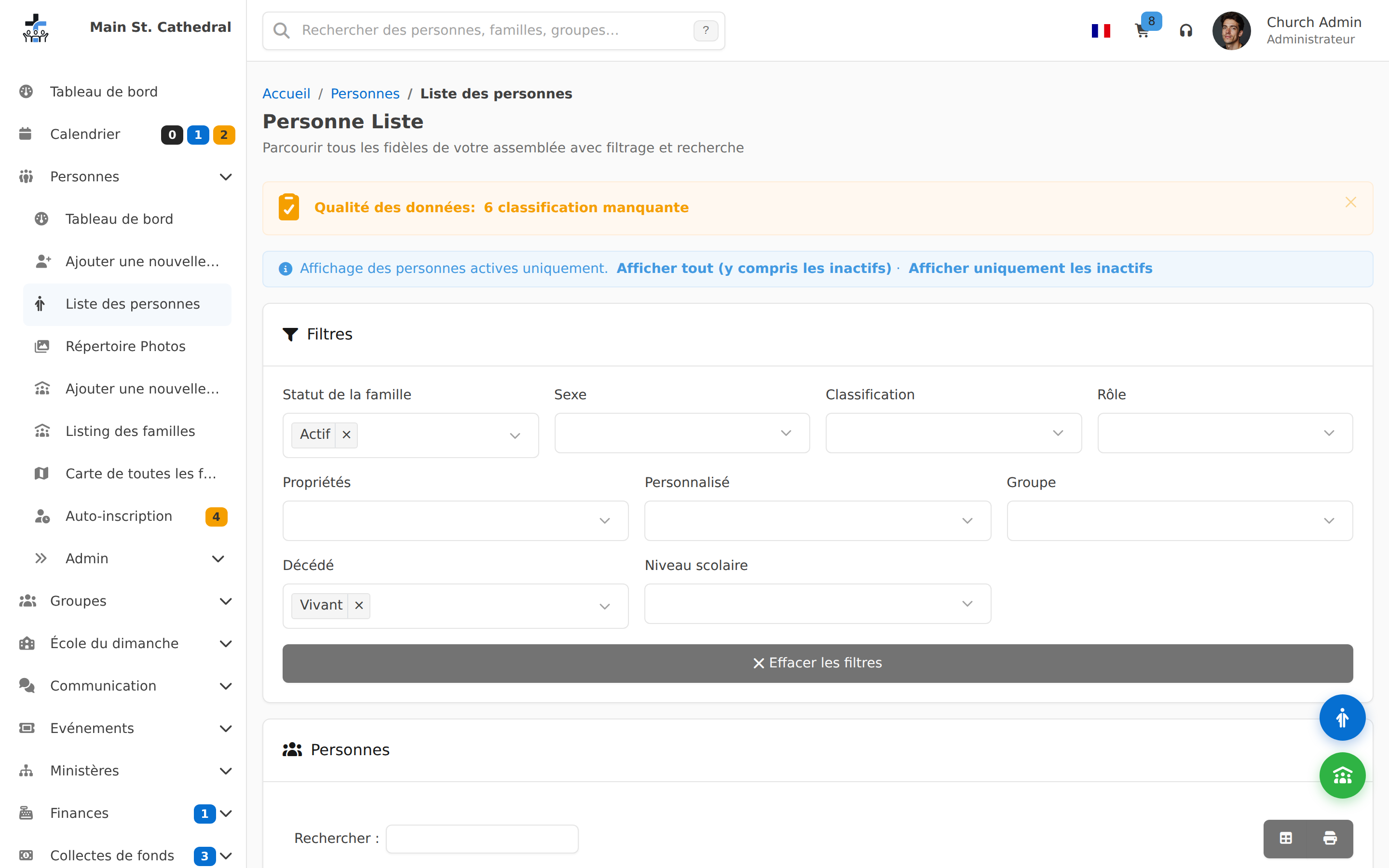
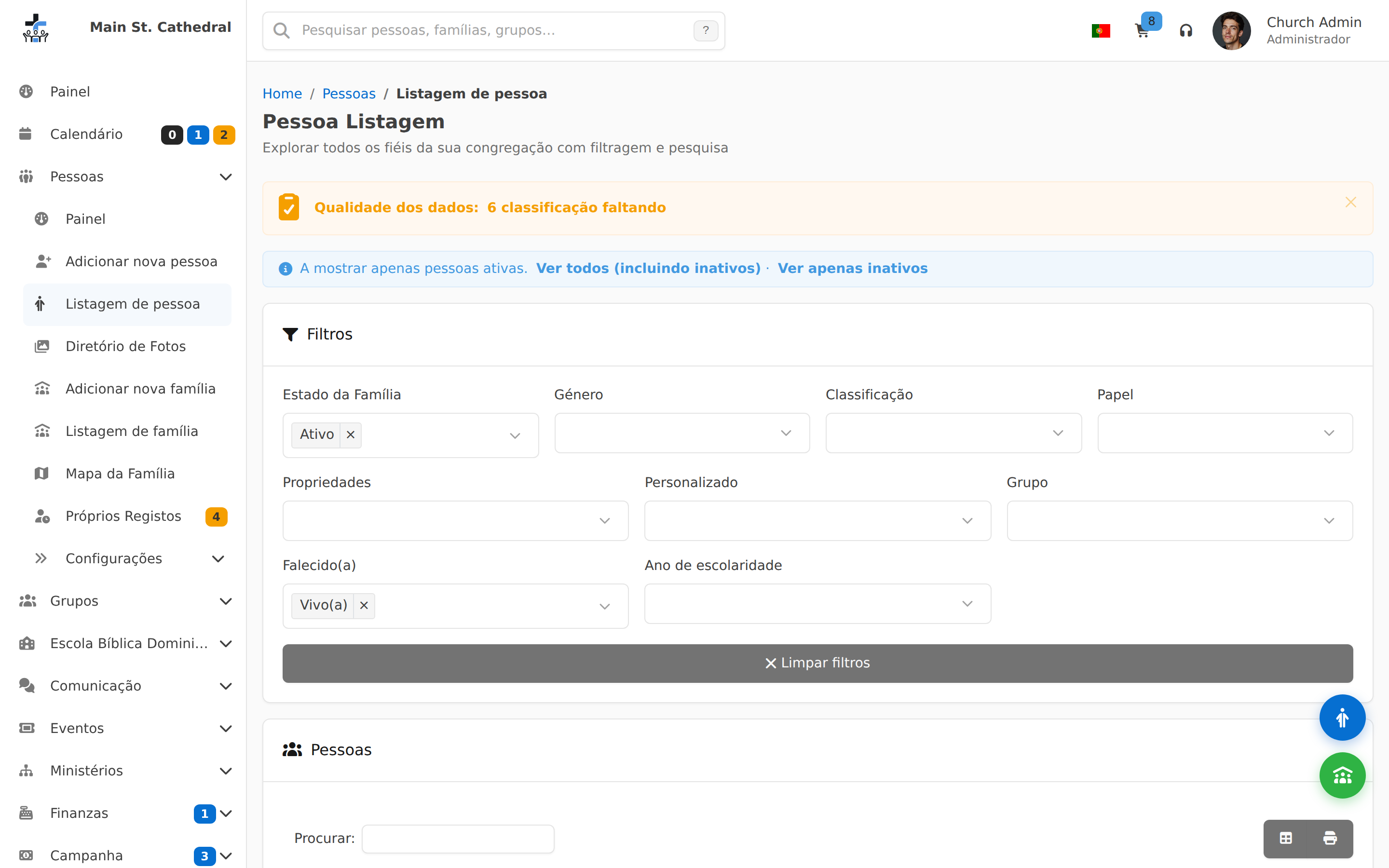
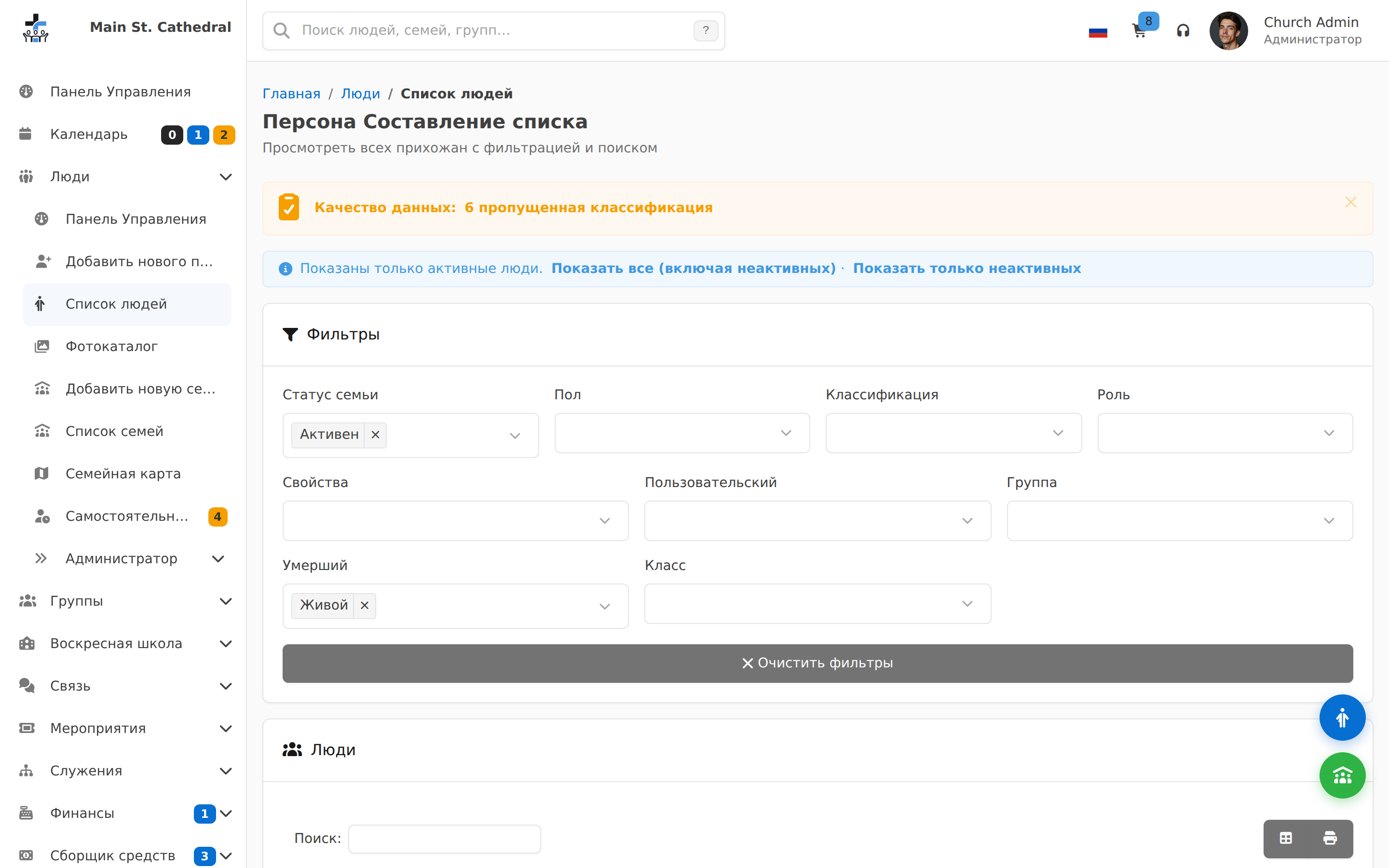
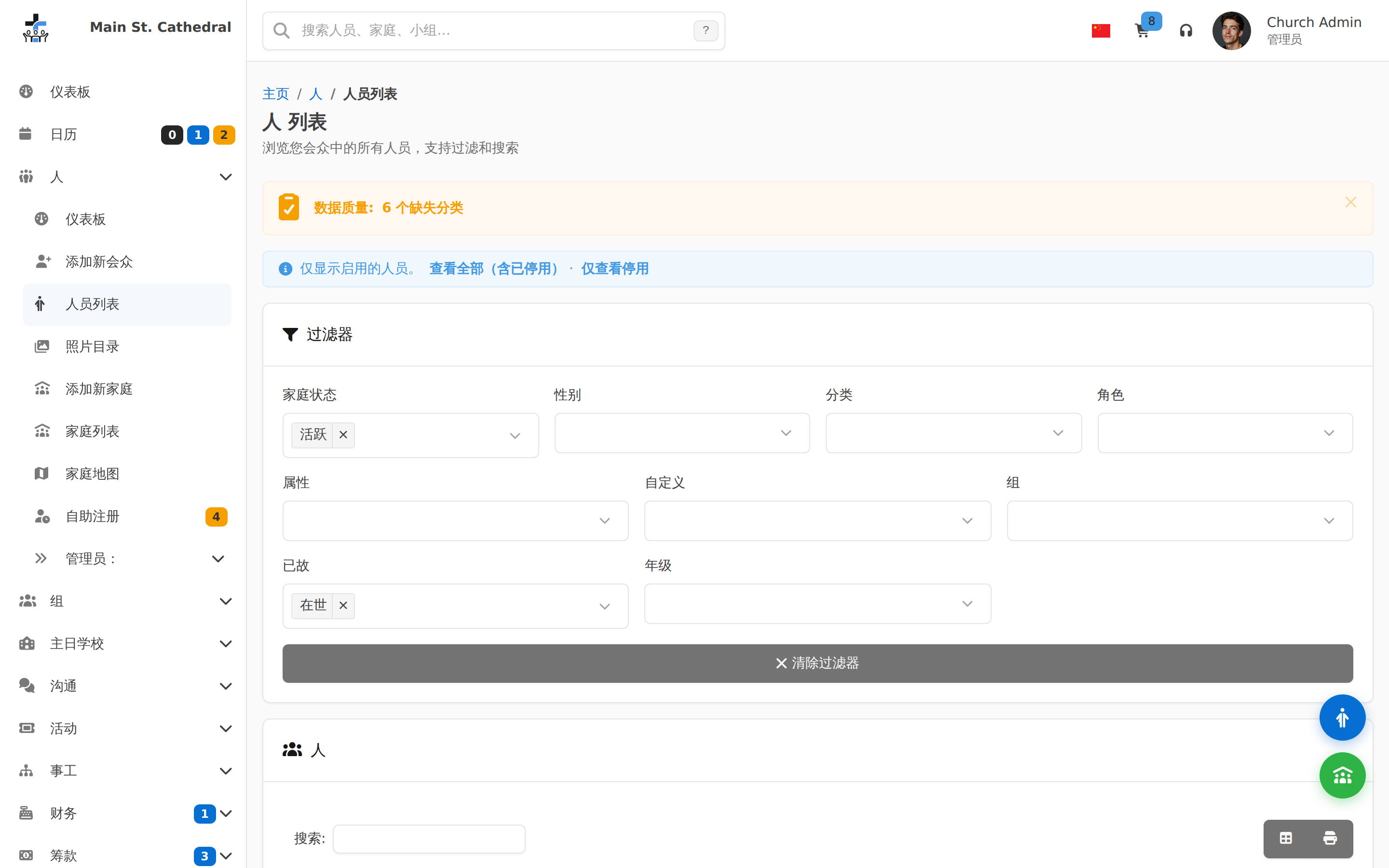
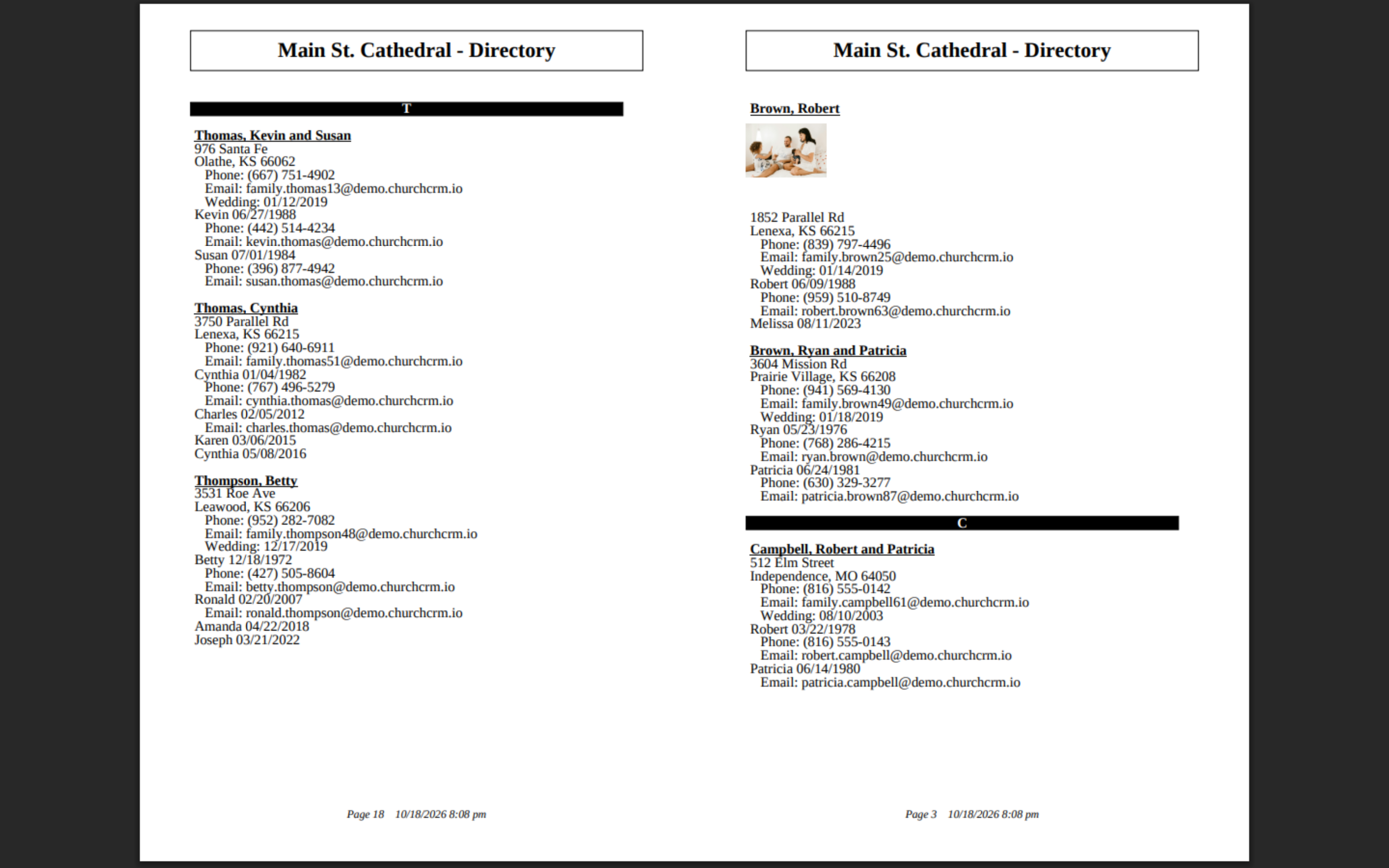
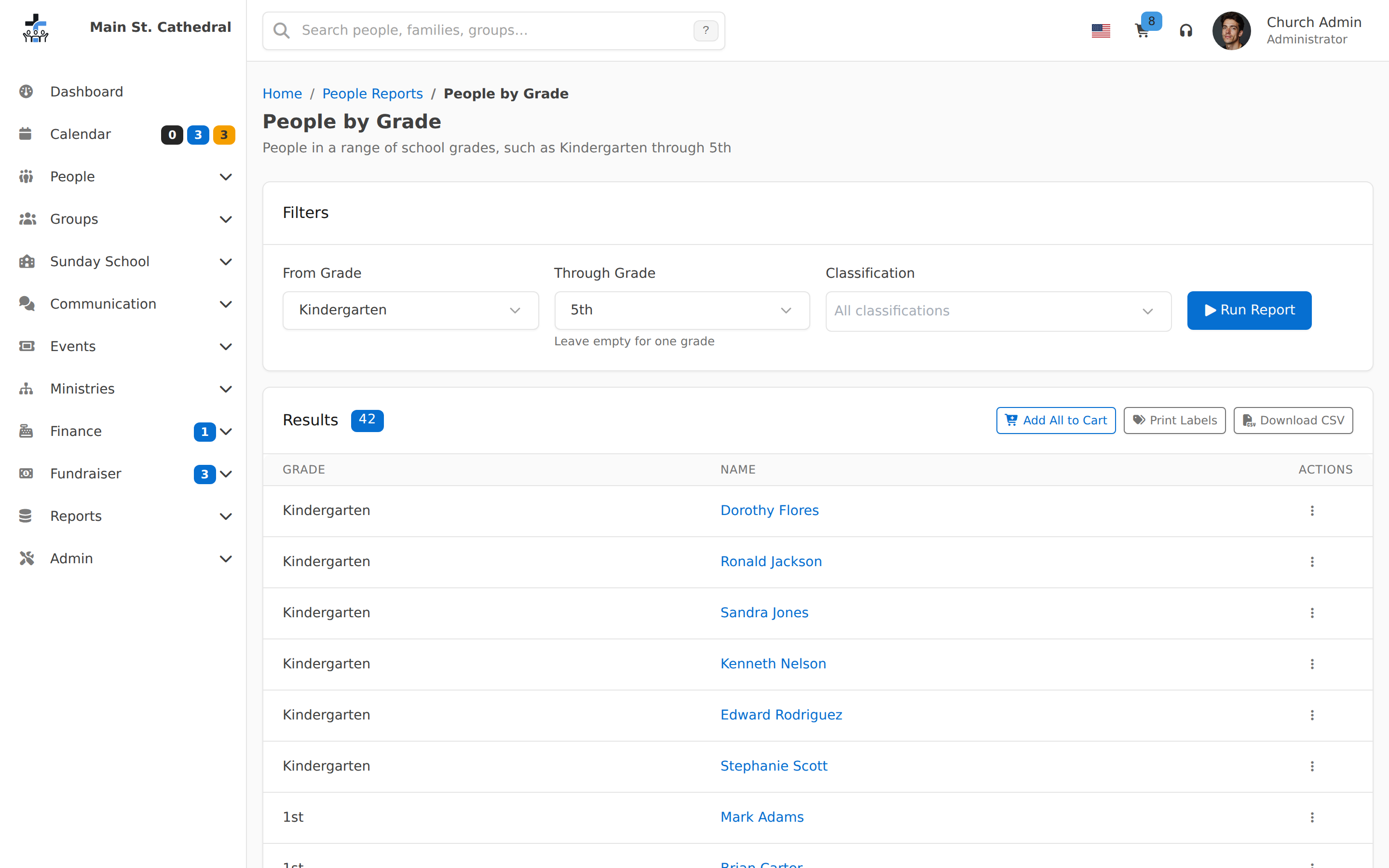
People Directory Show the filtered person directory list
Add a New Family Show creating a new family and its resulting profile page
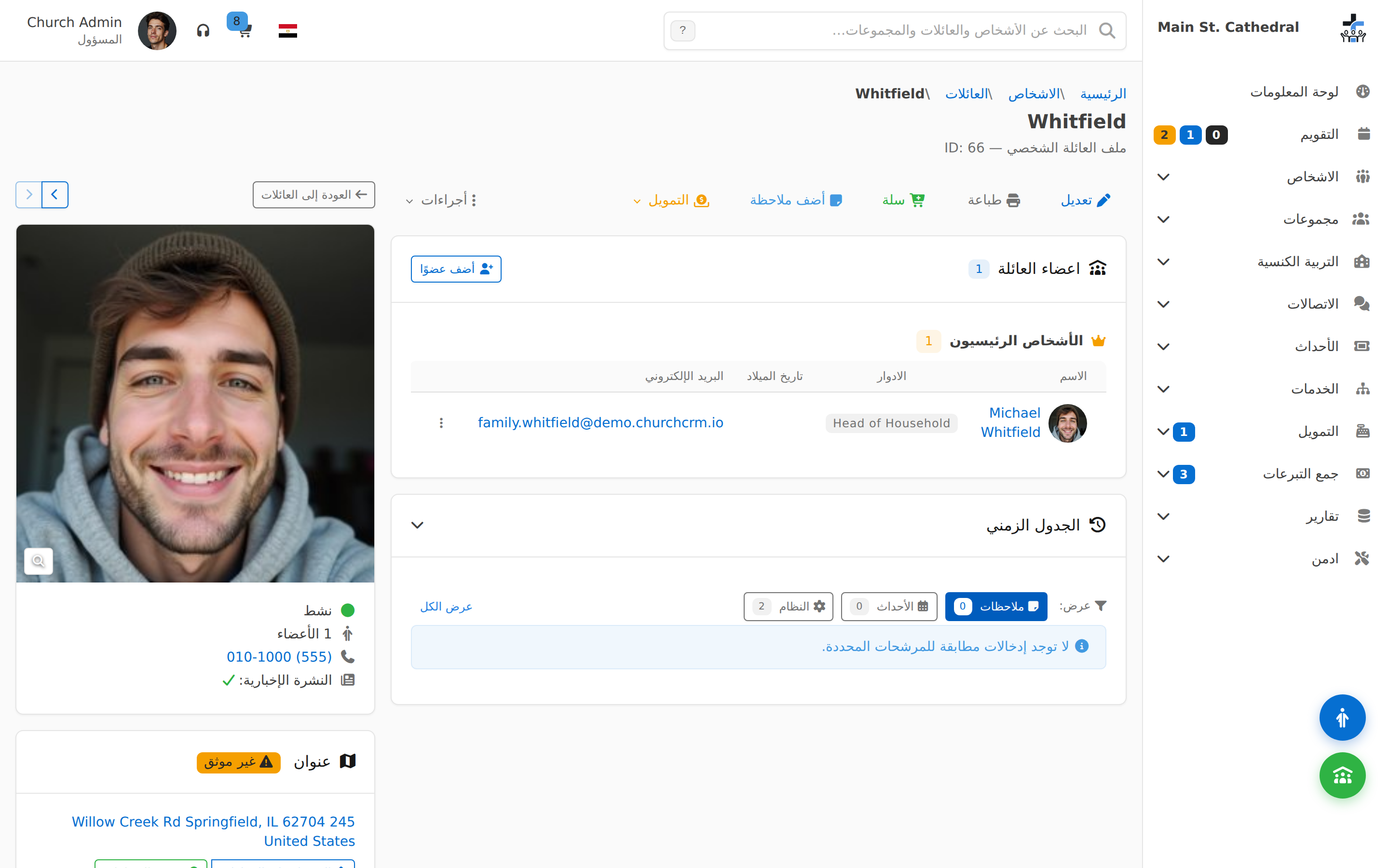
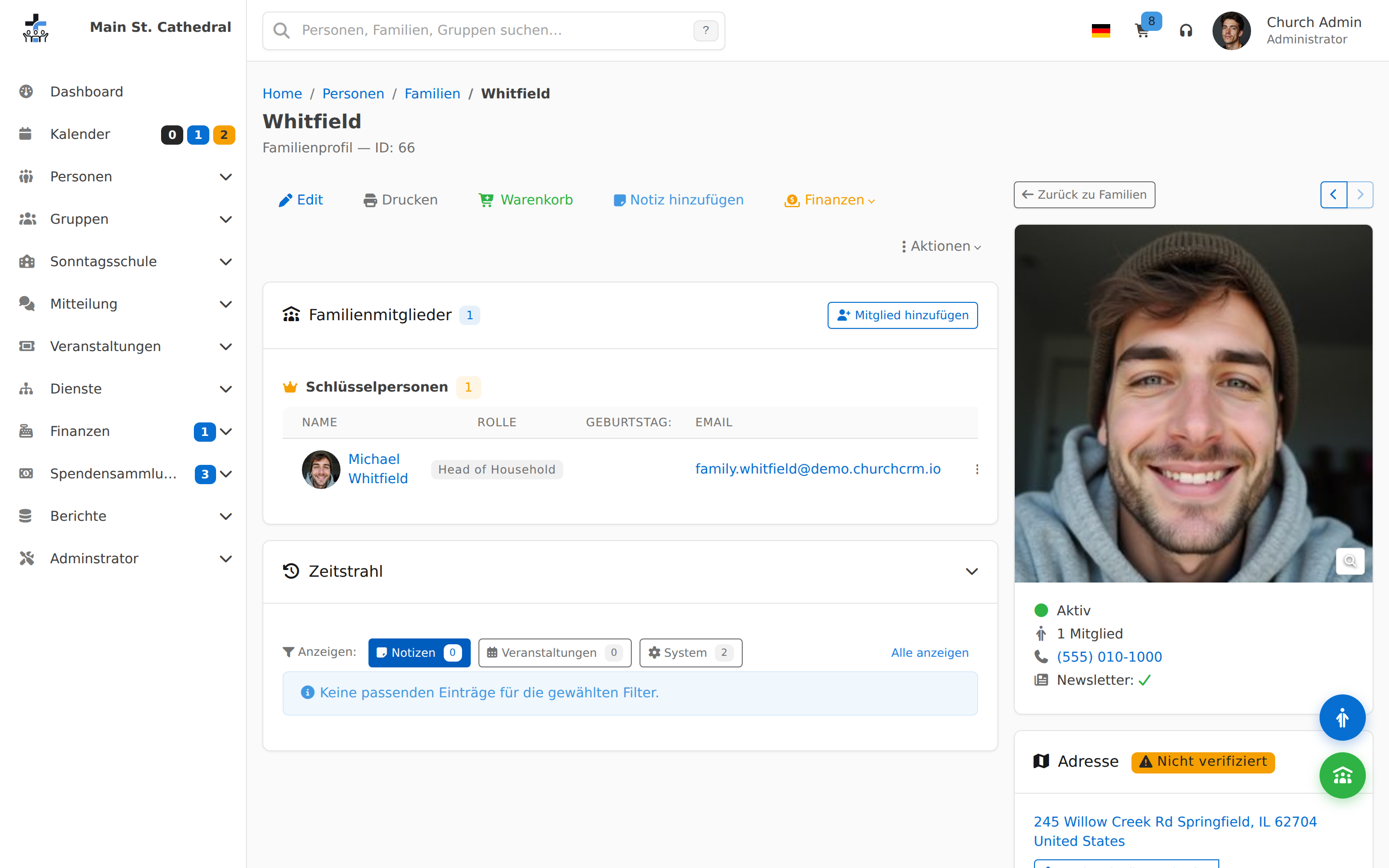
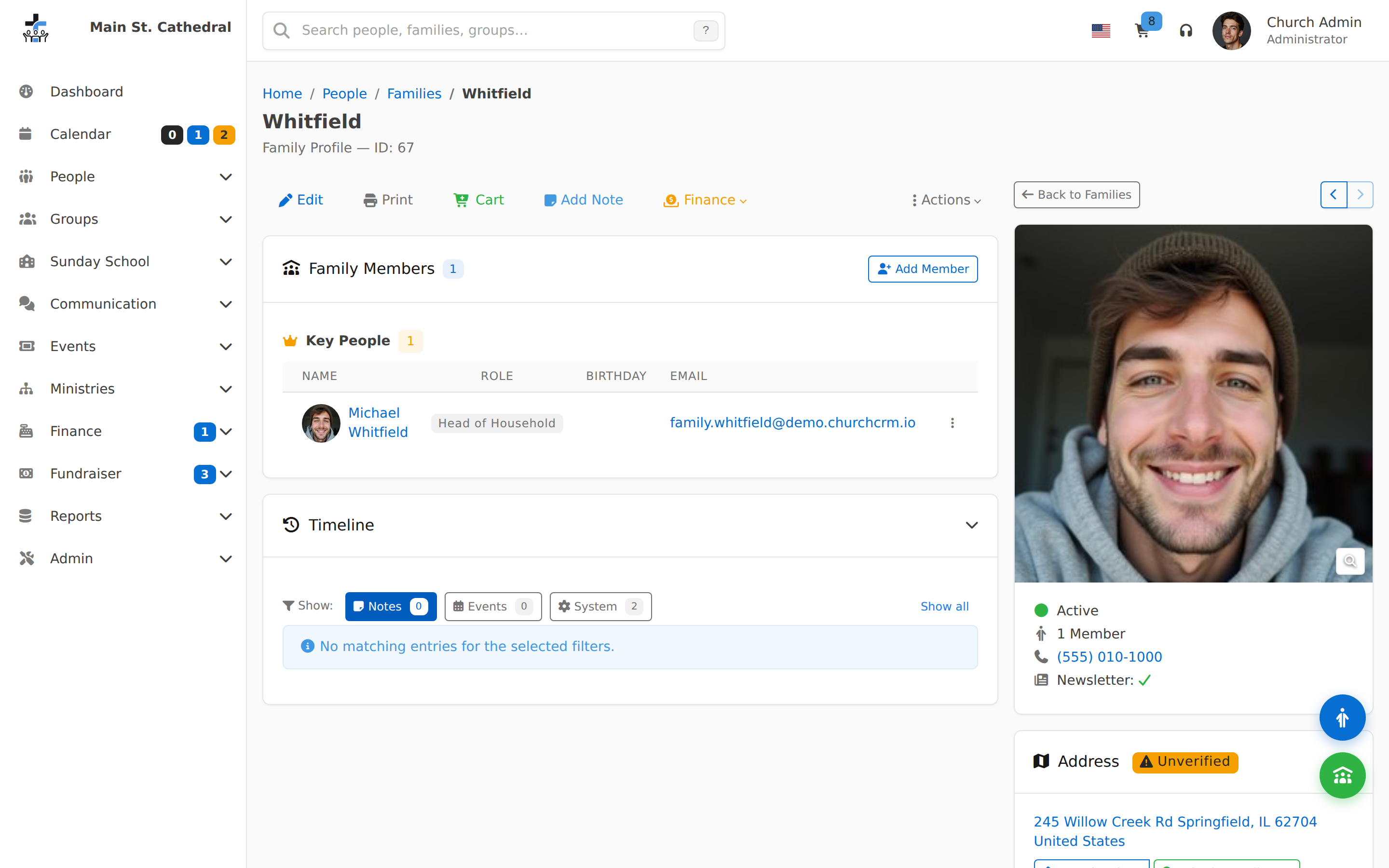
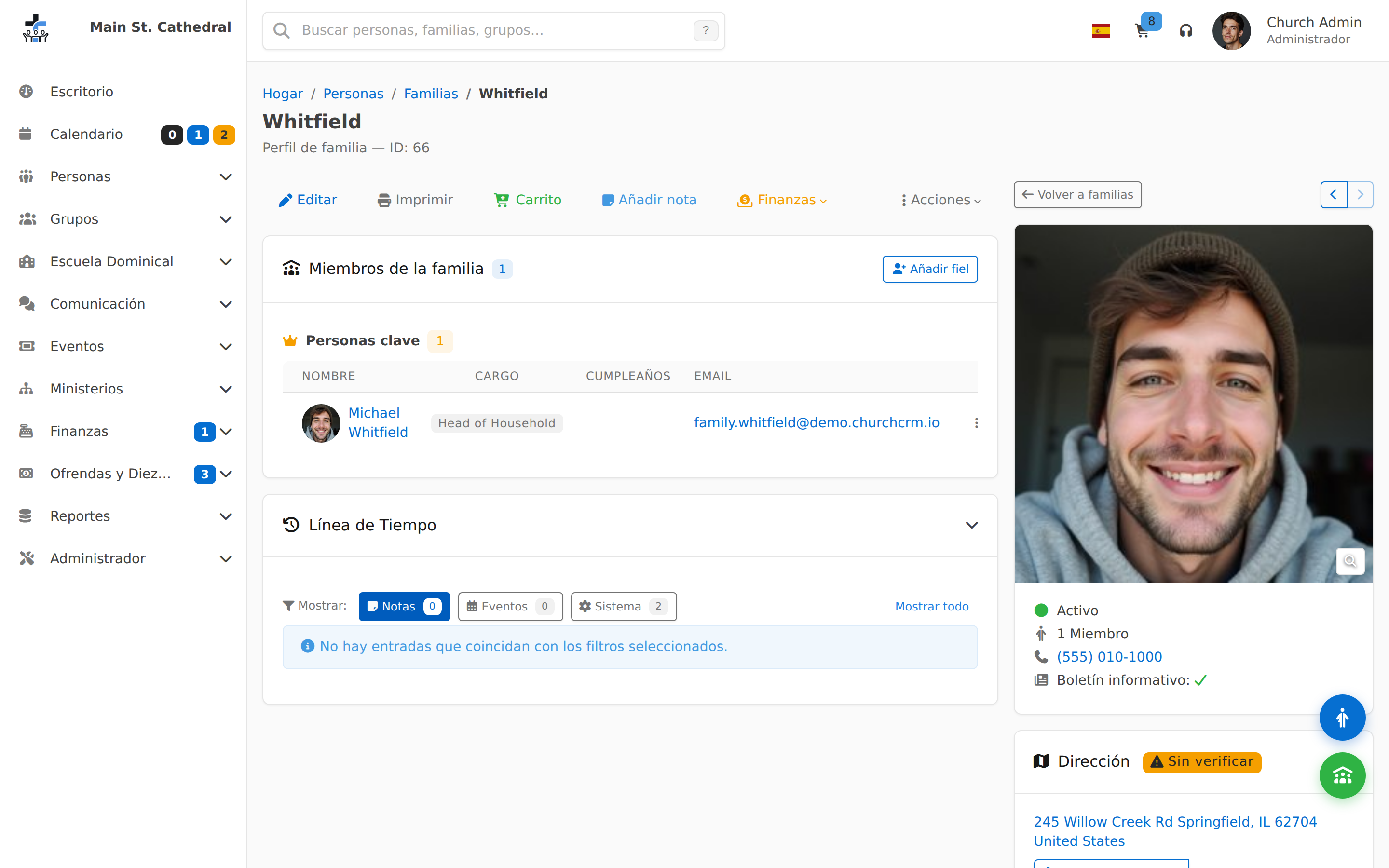
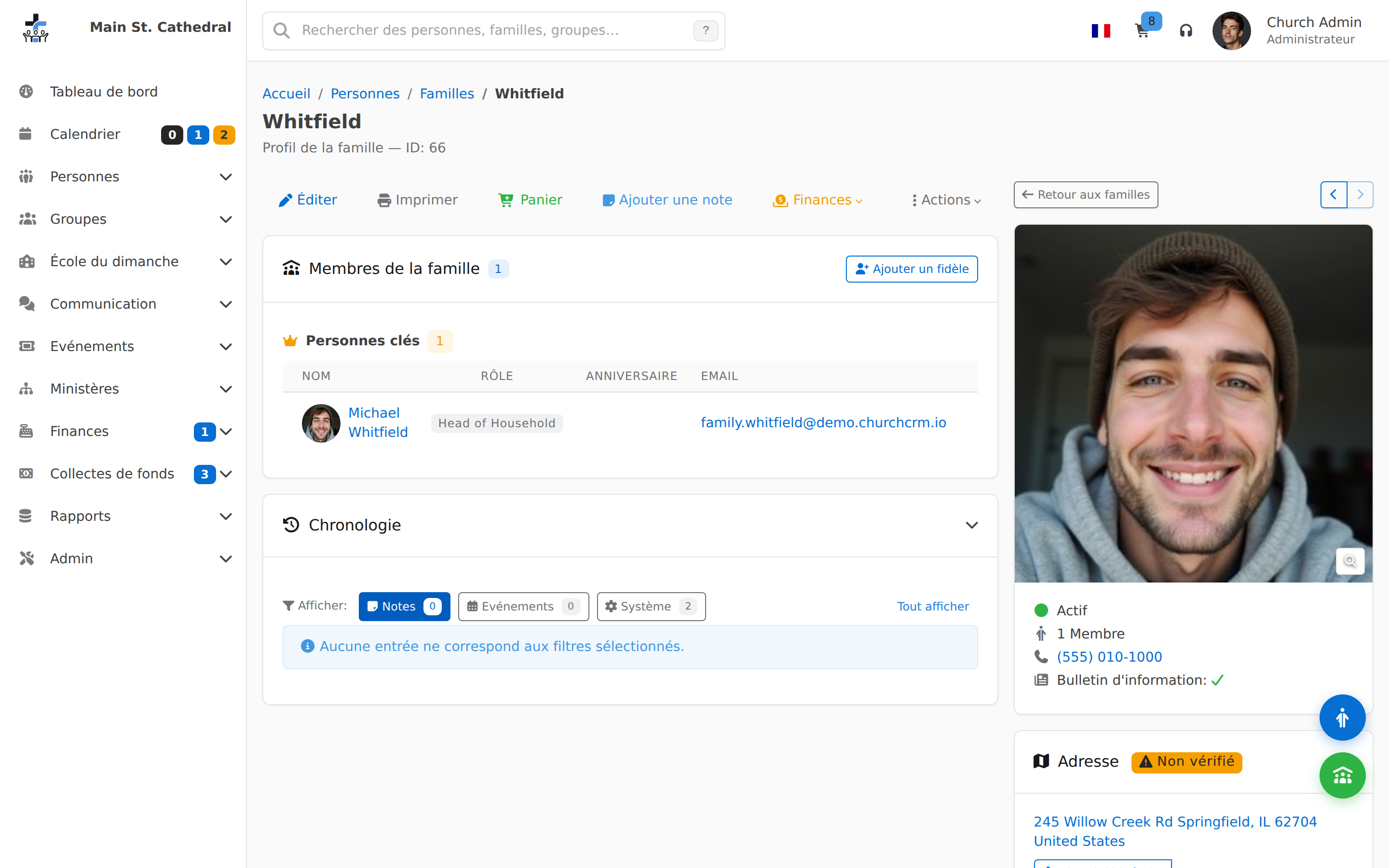
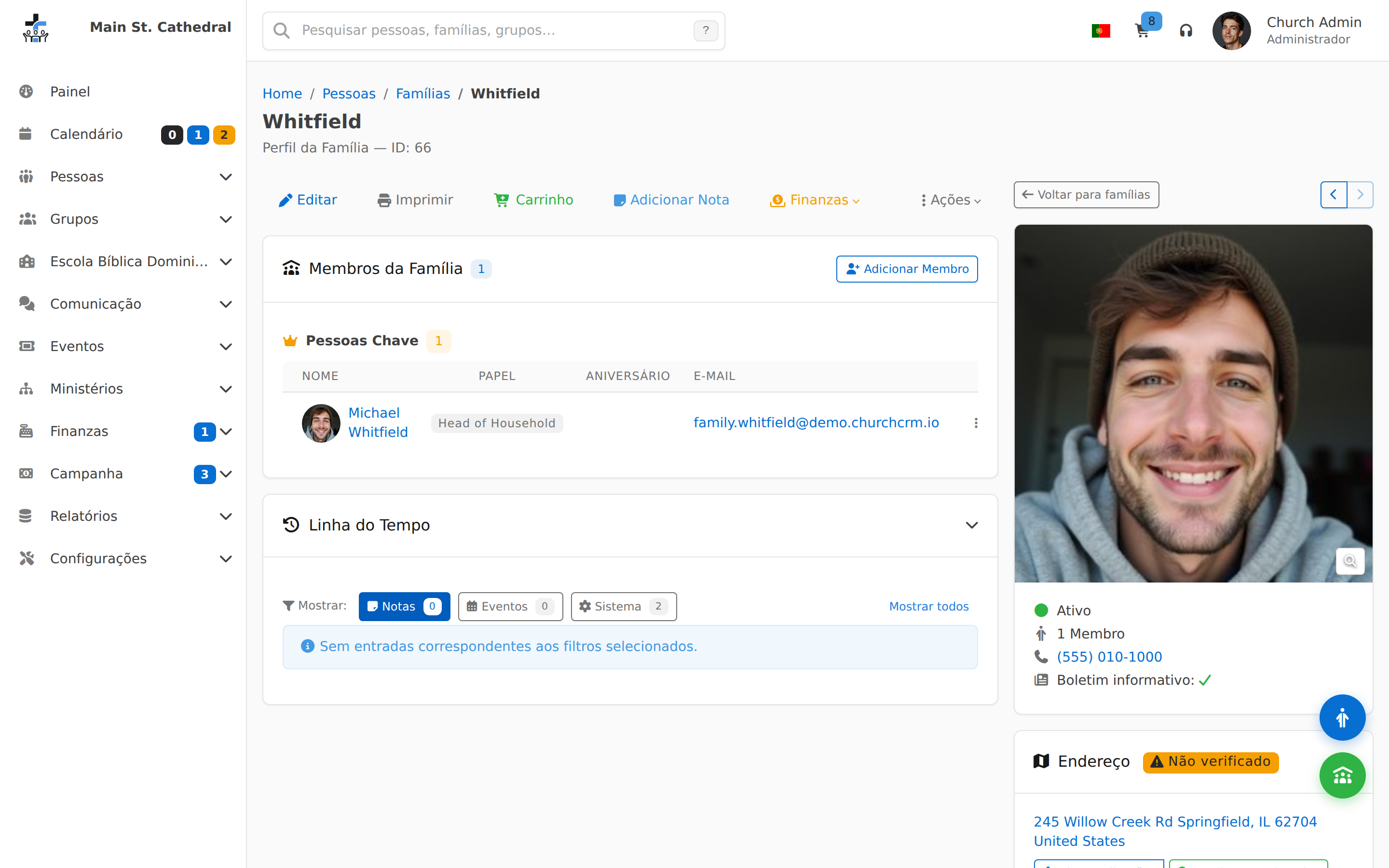
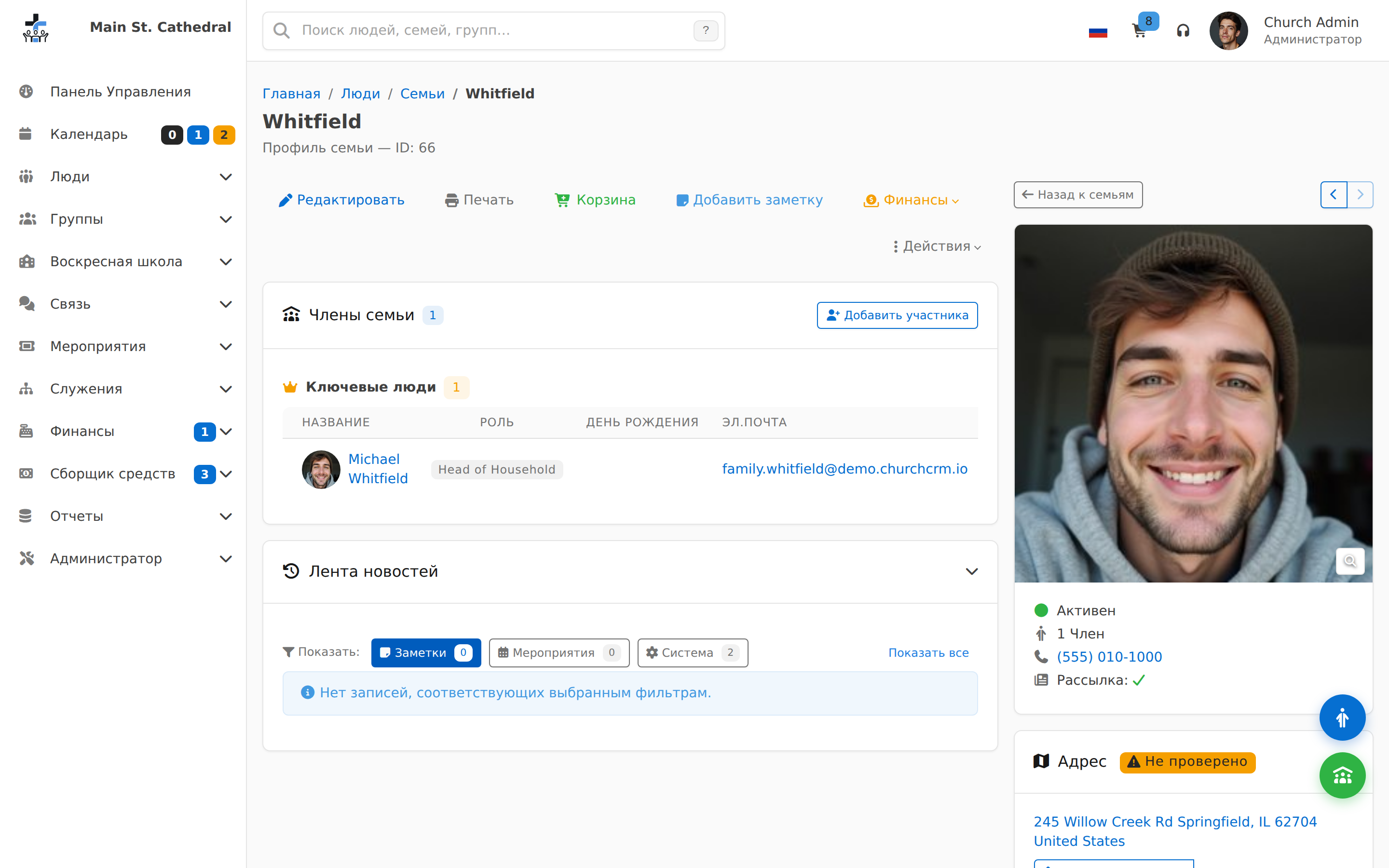
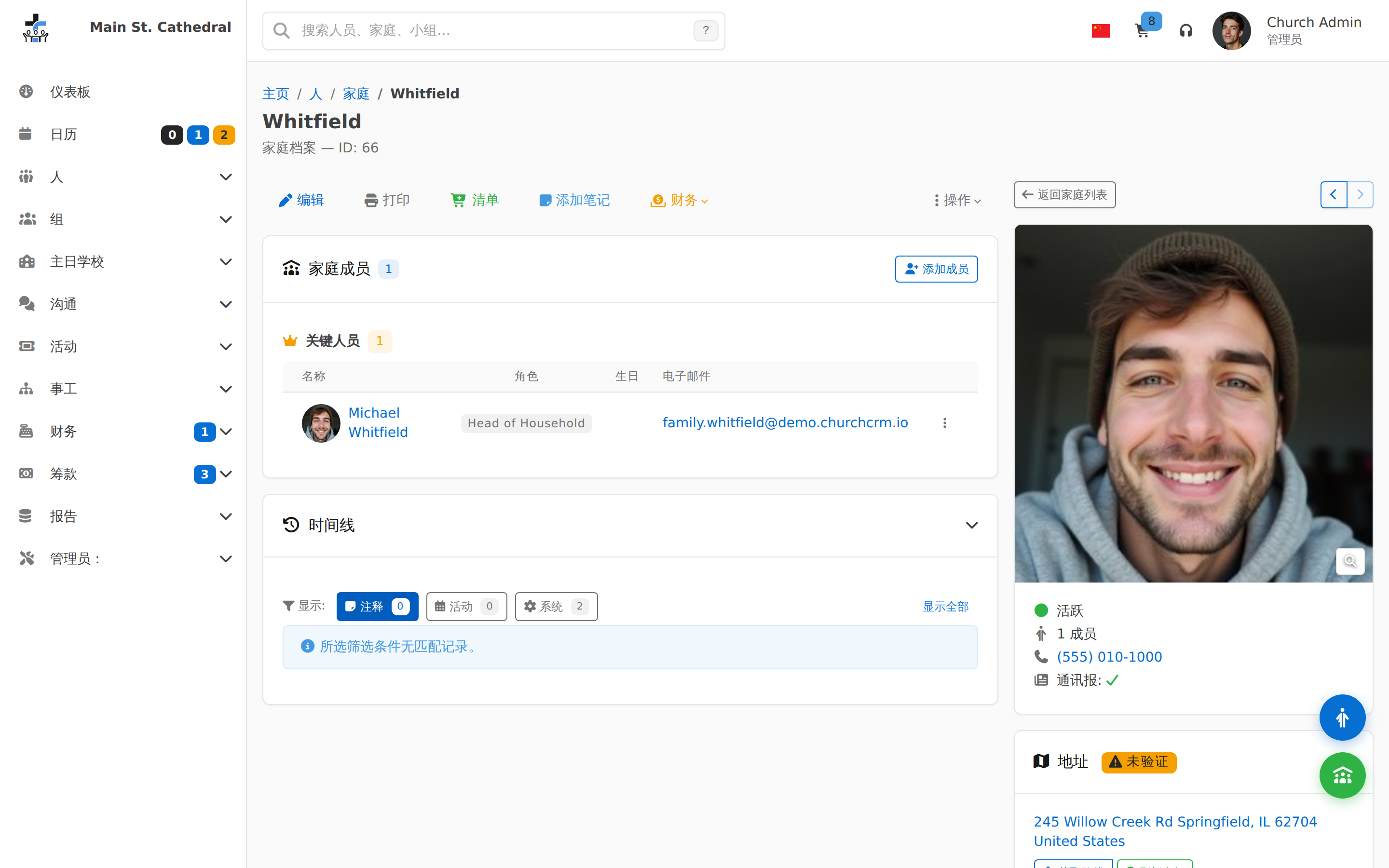
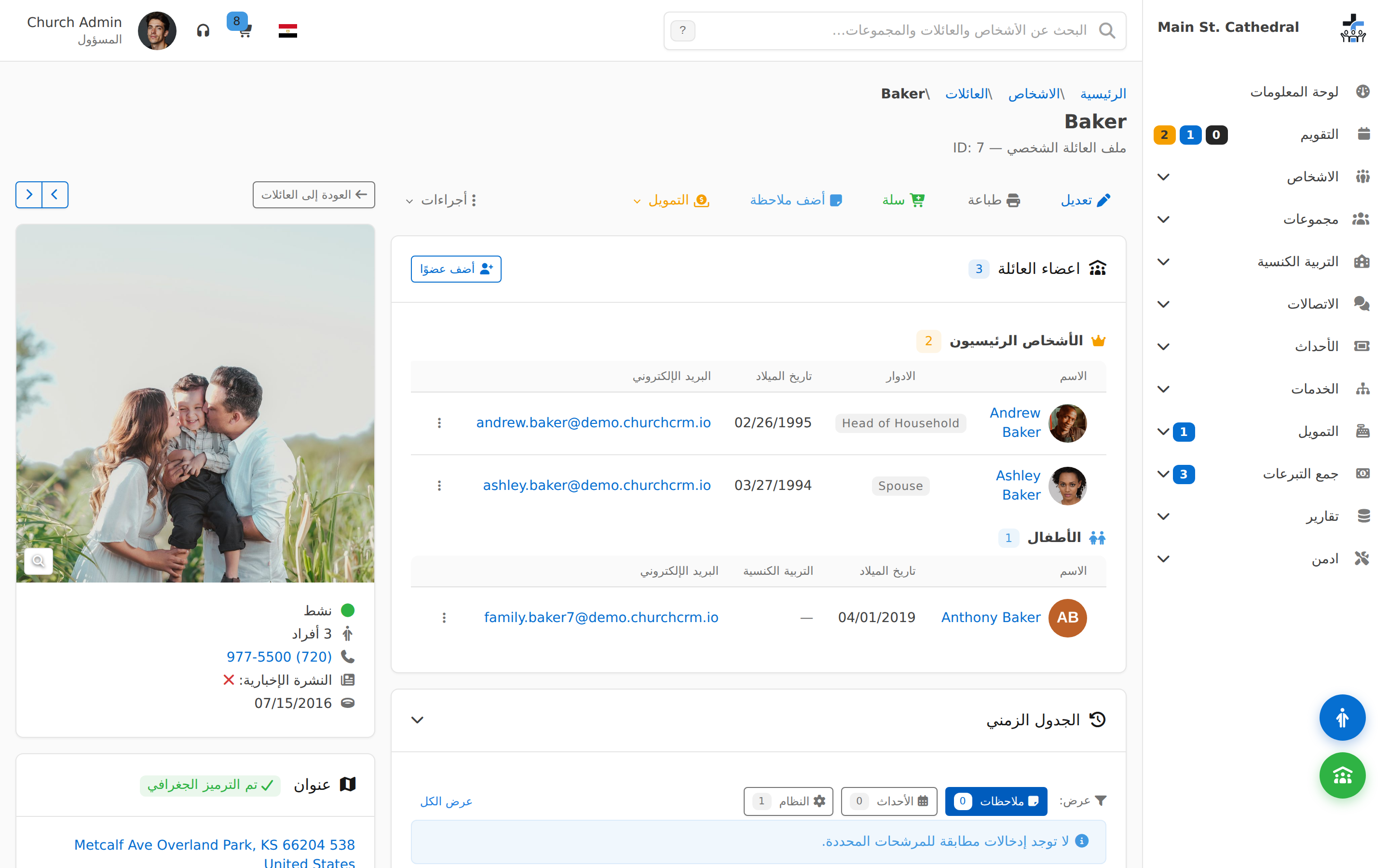
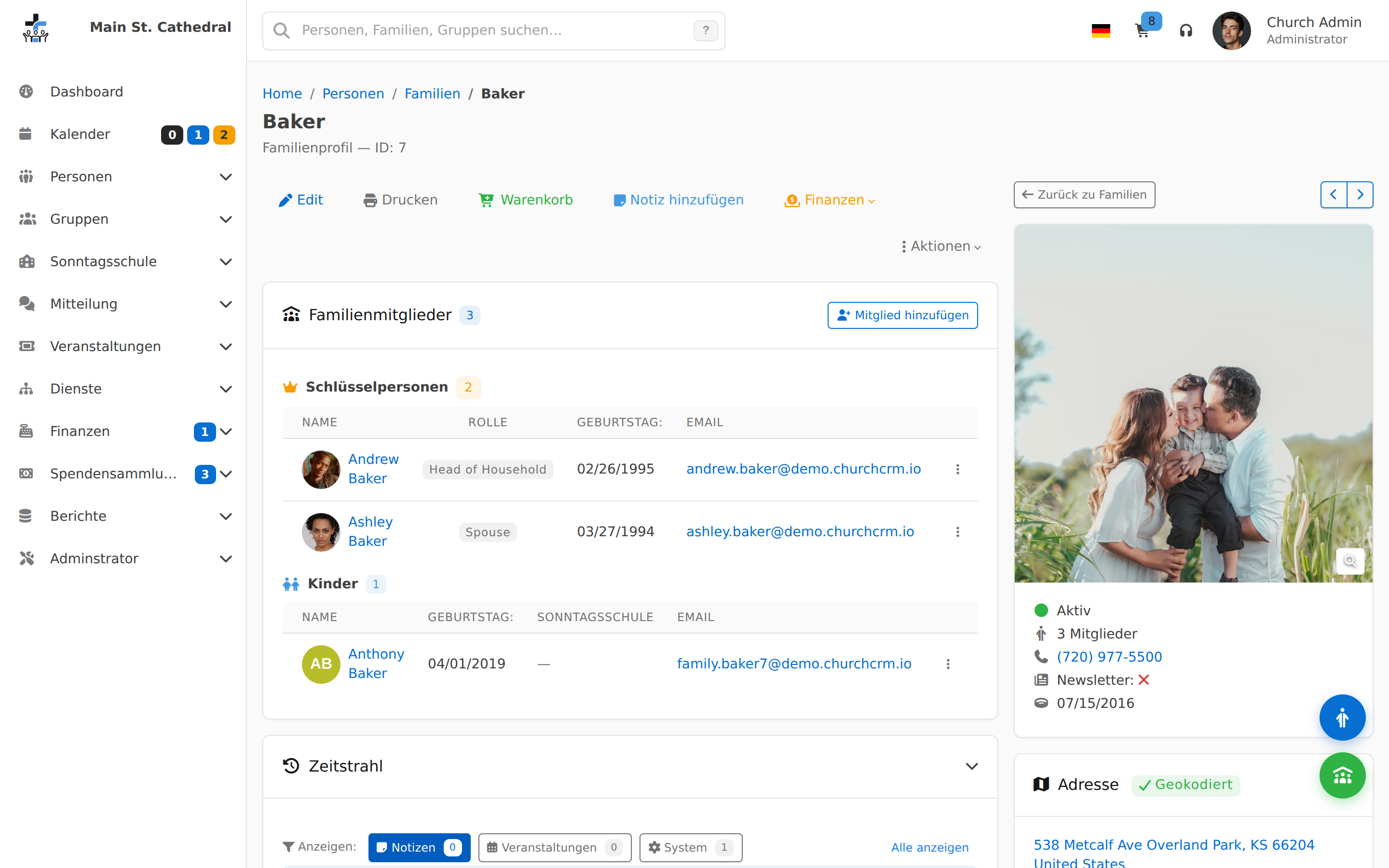
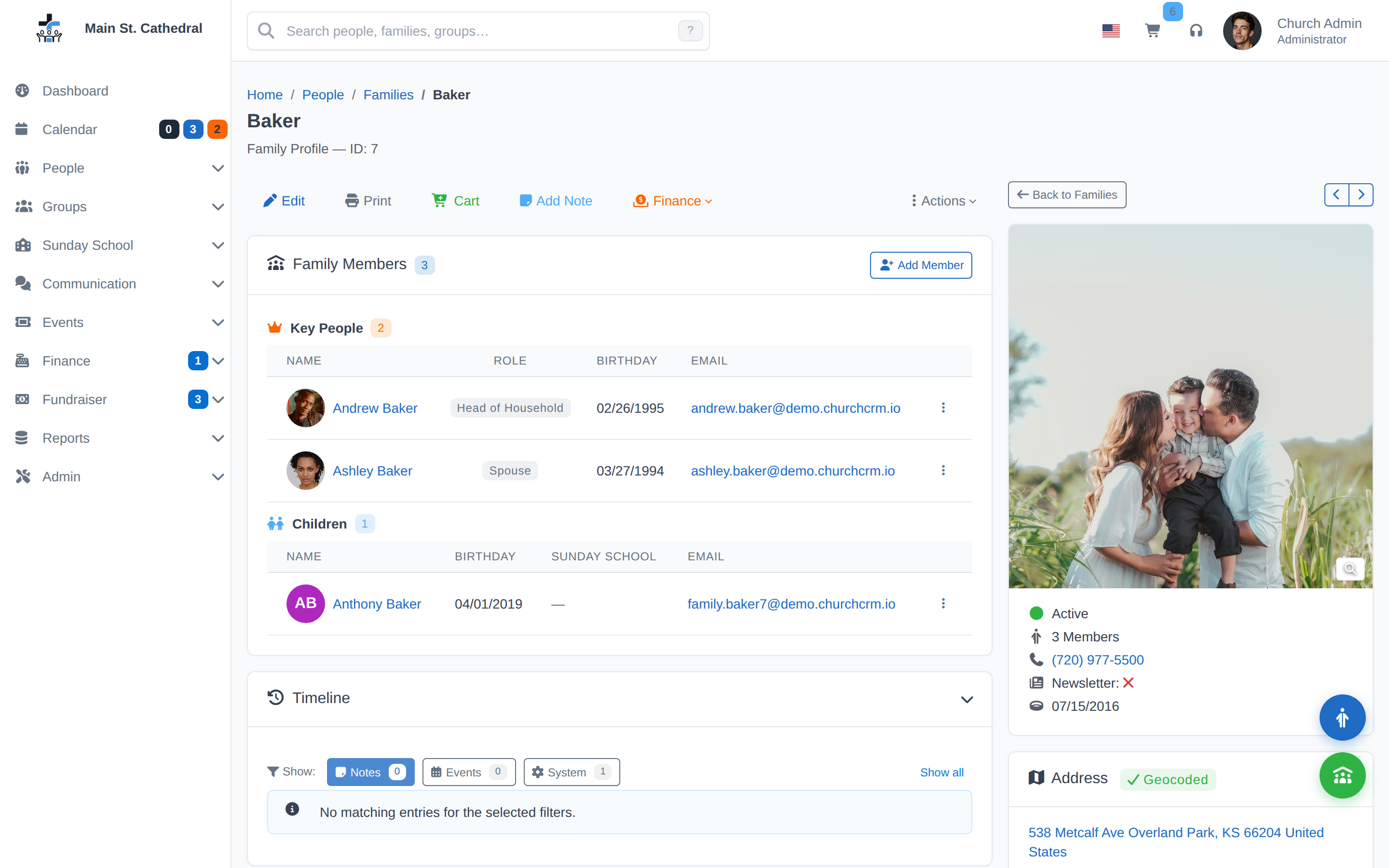
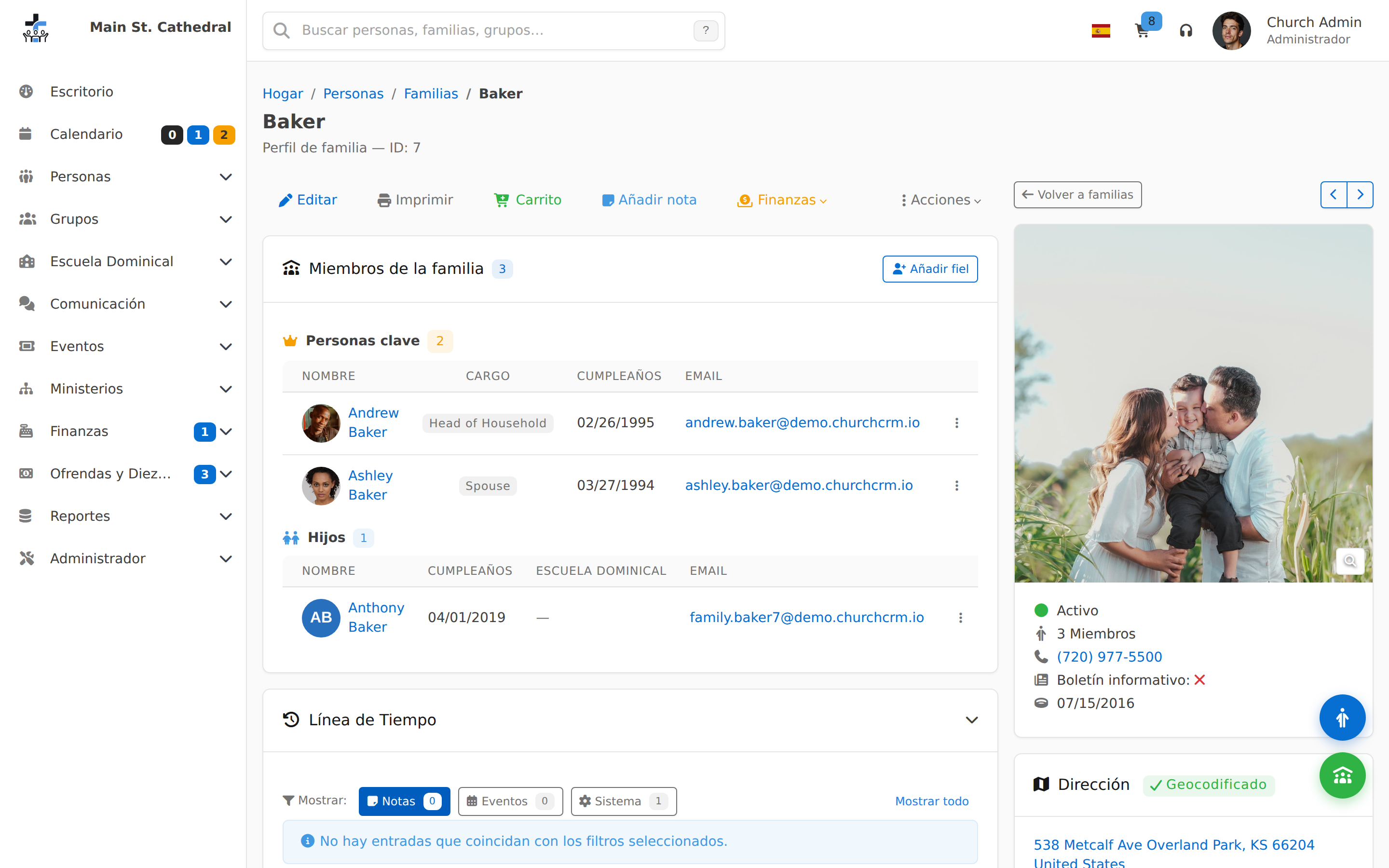
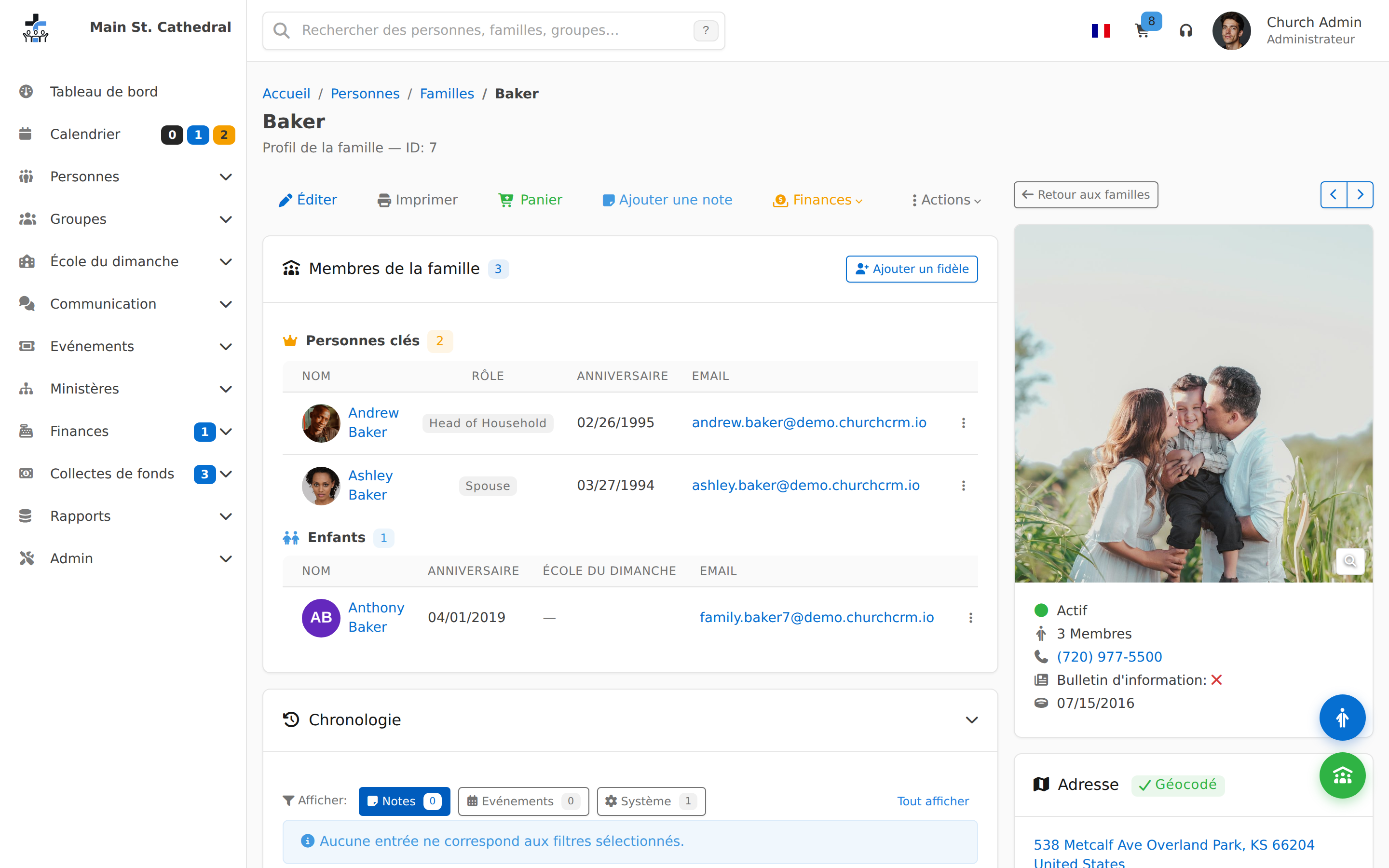
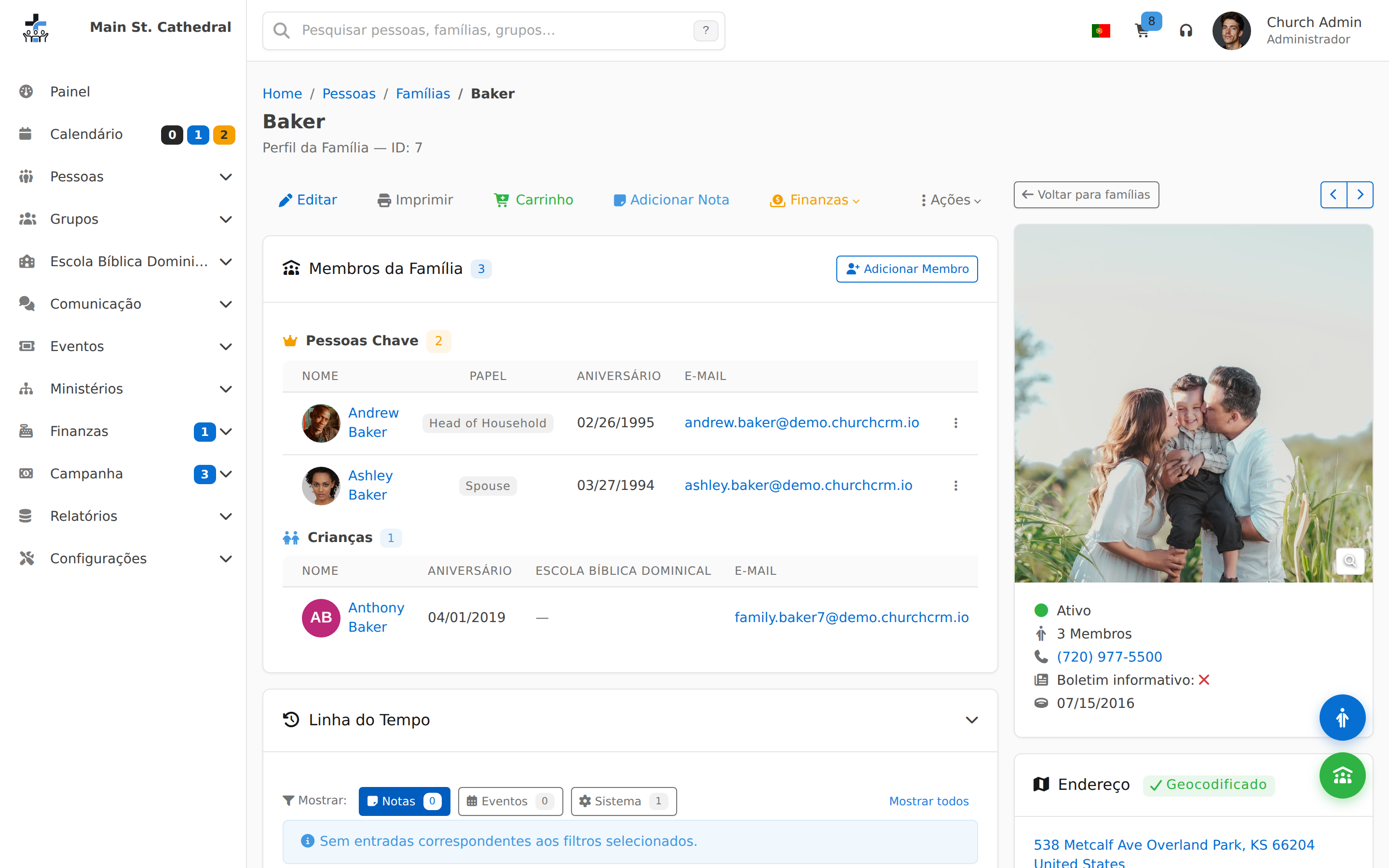
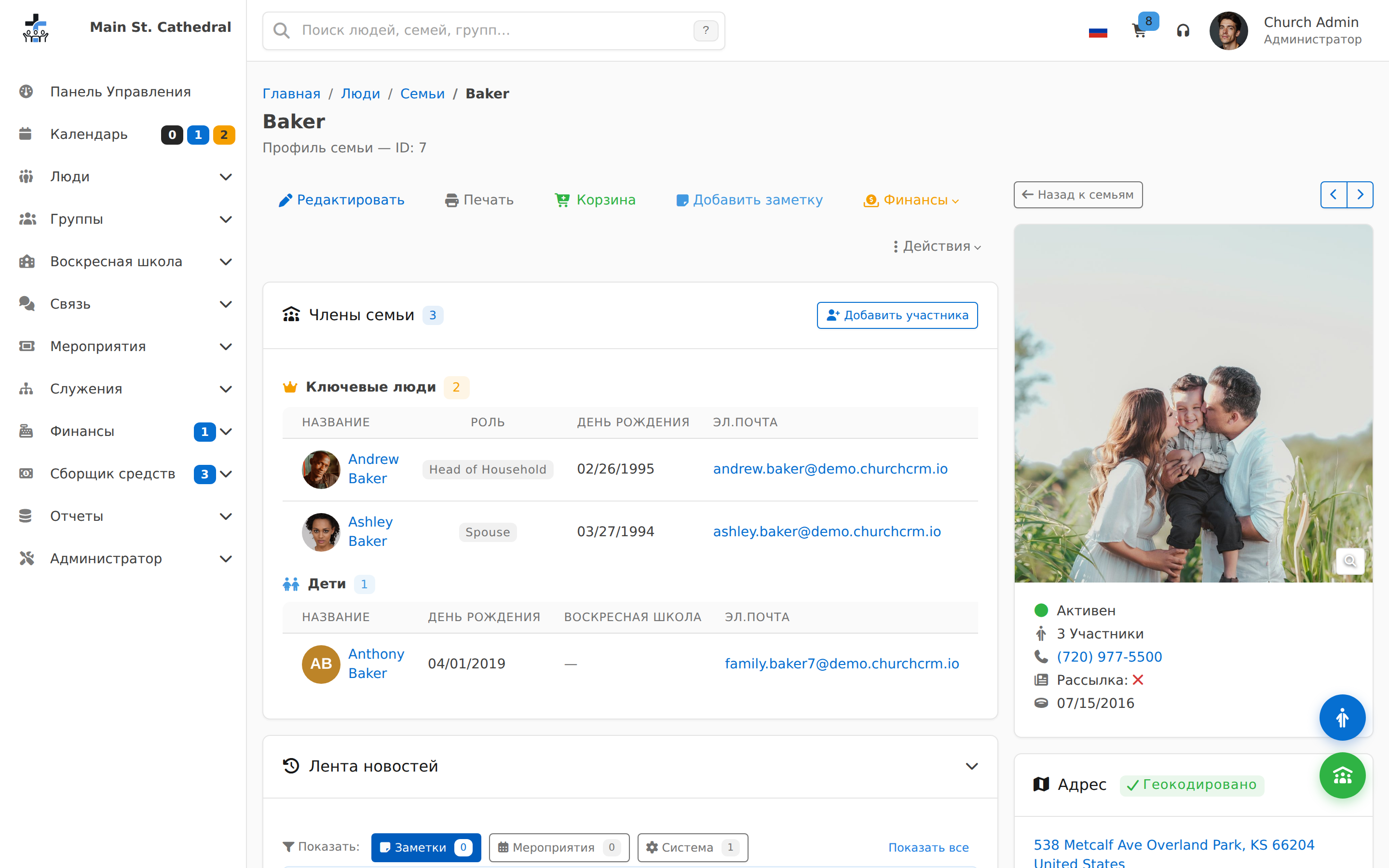
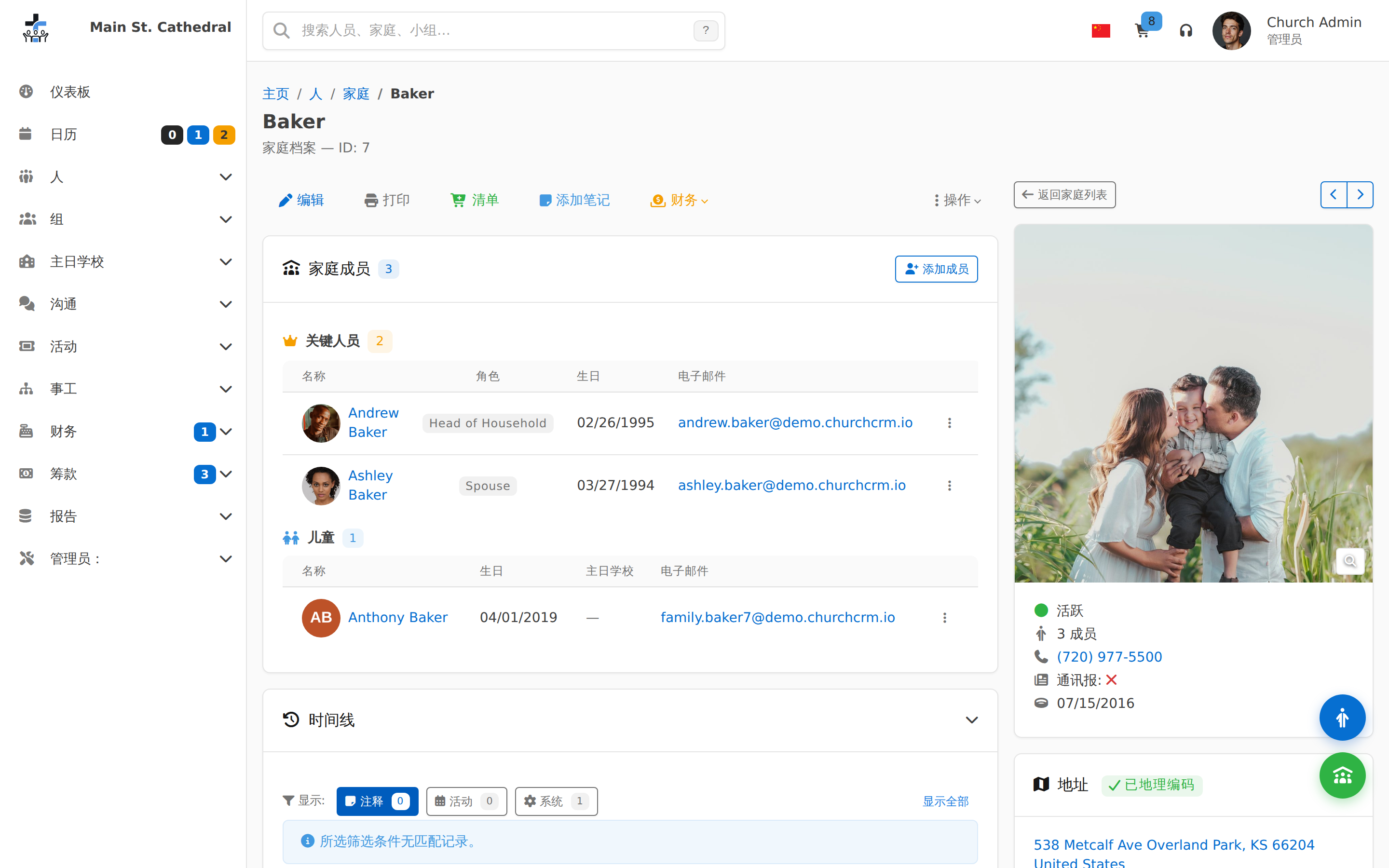
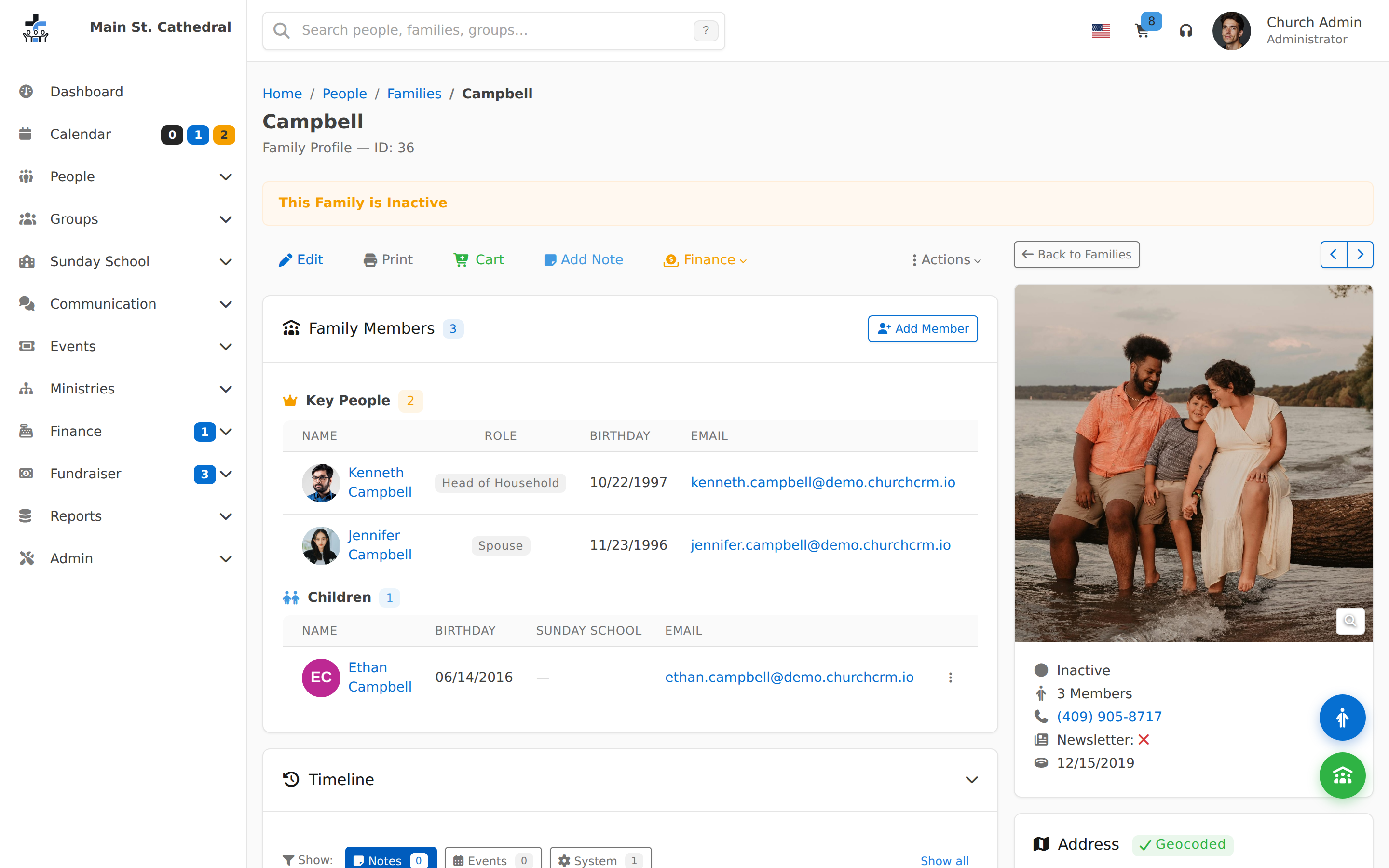
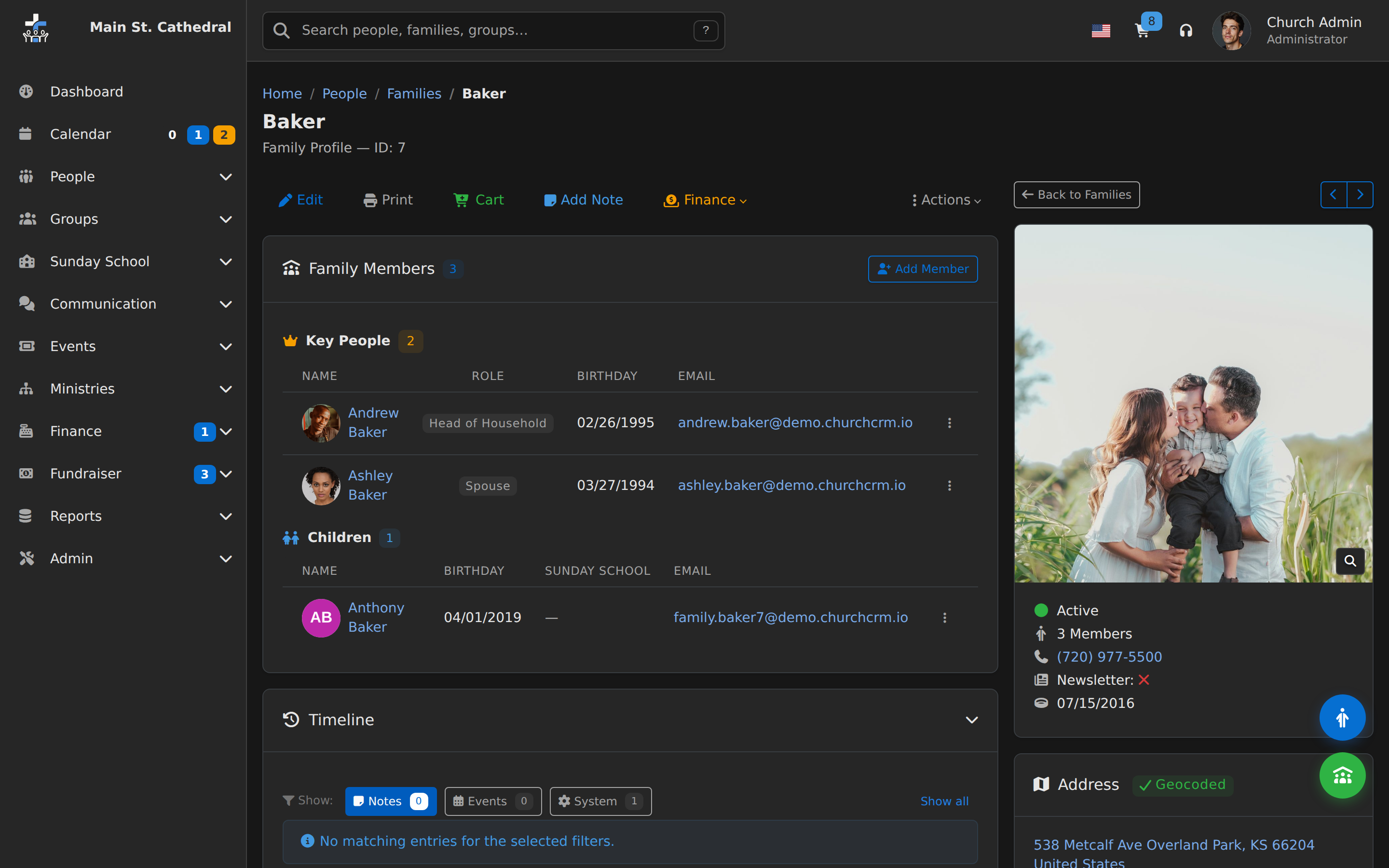
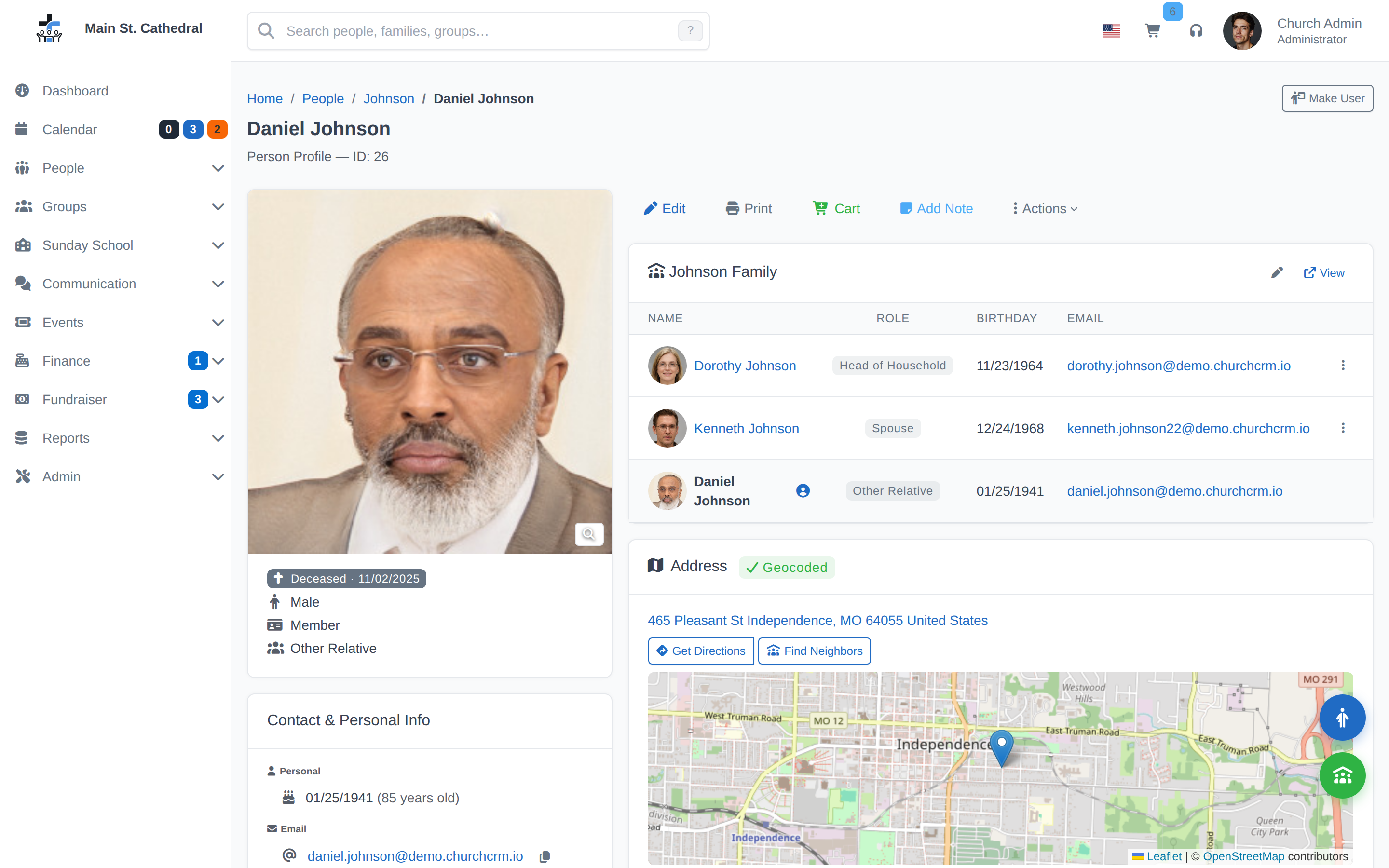
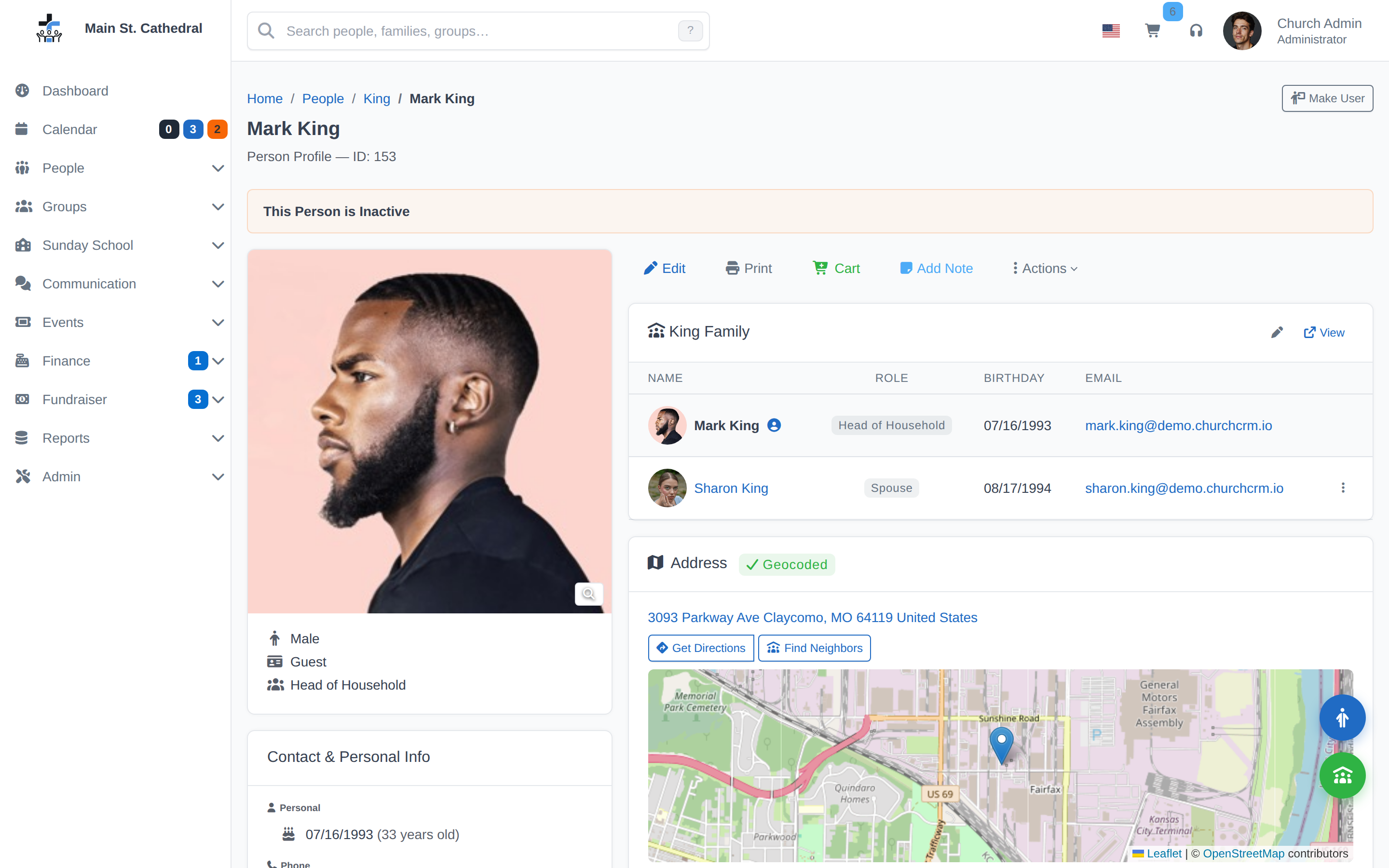
Family Profile Show how ChurchCRM organizes people and families, with member photos and a geocoded address
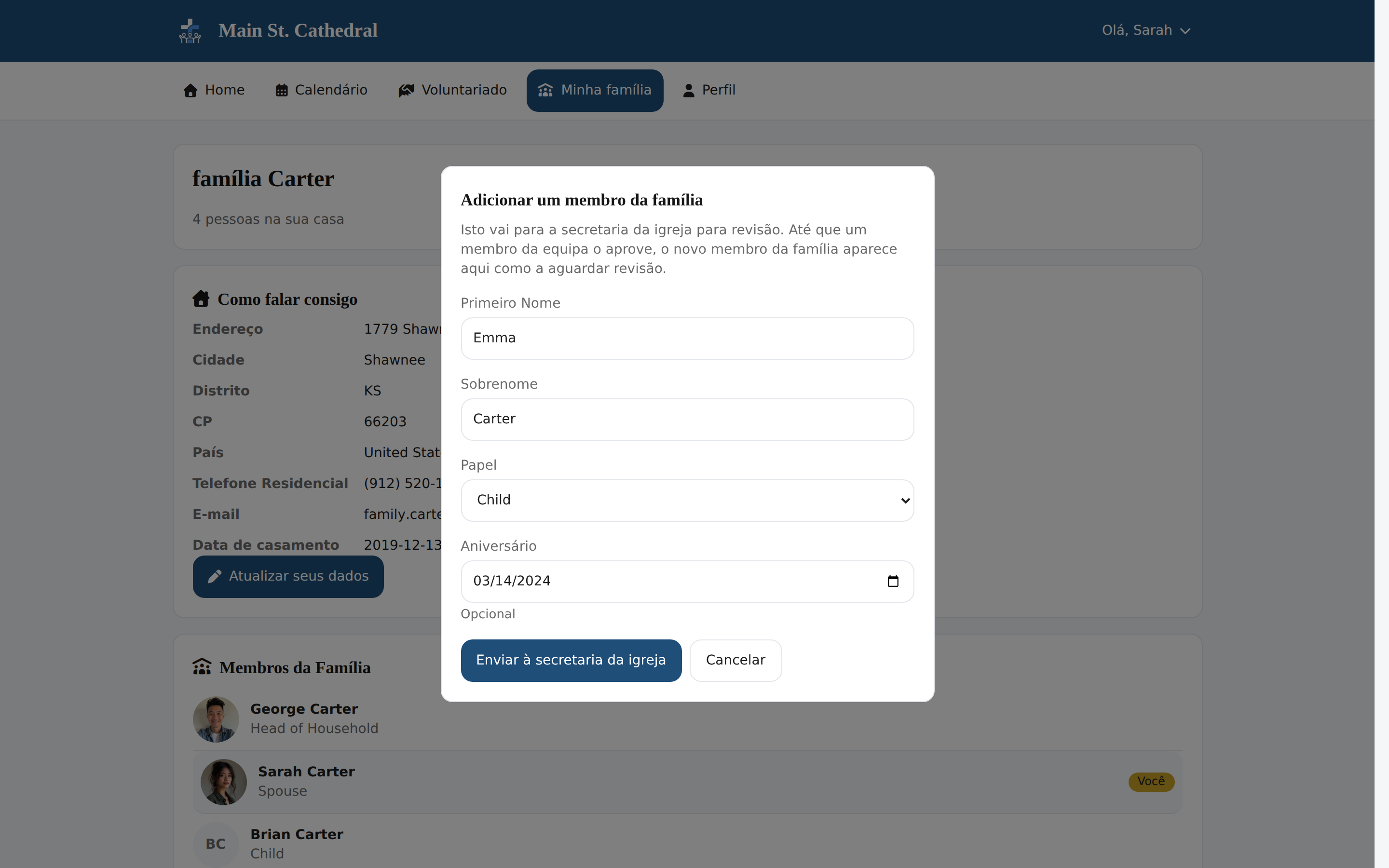
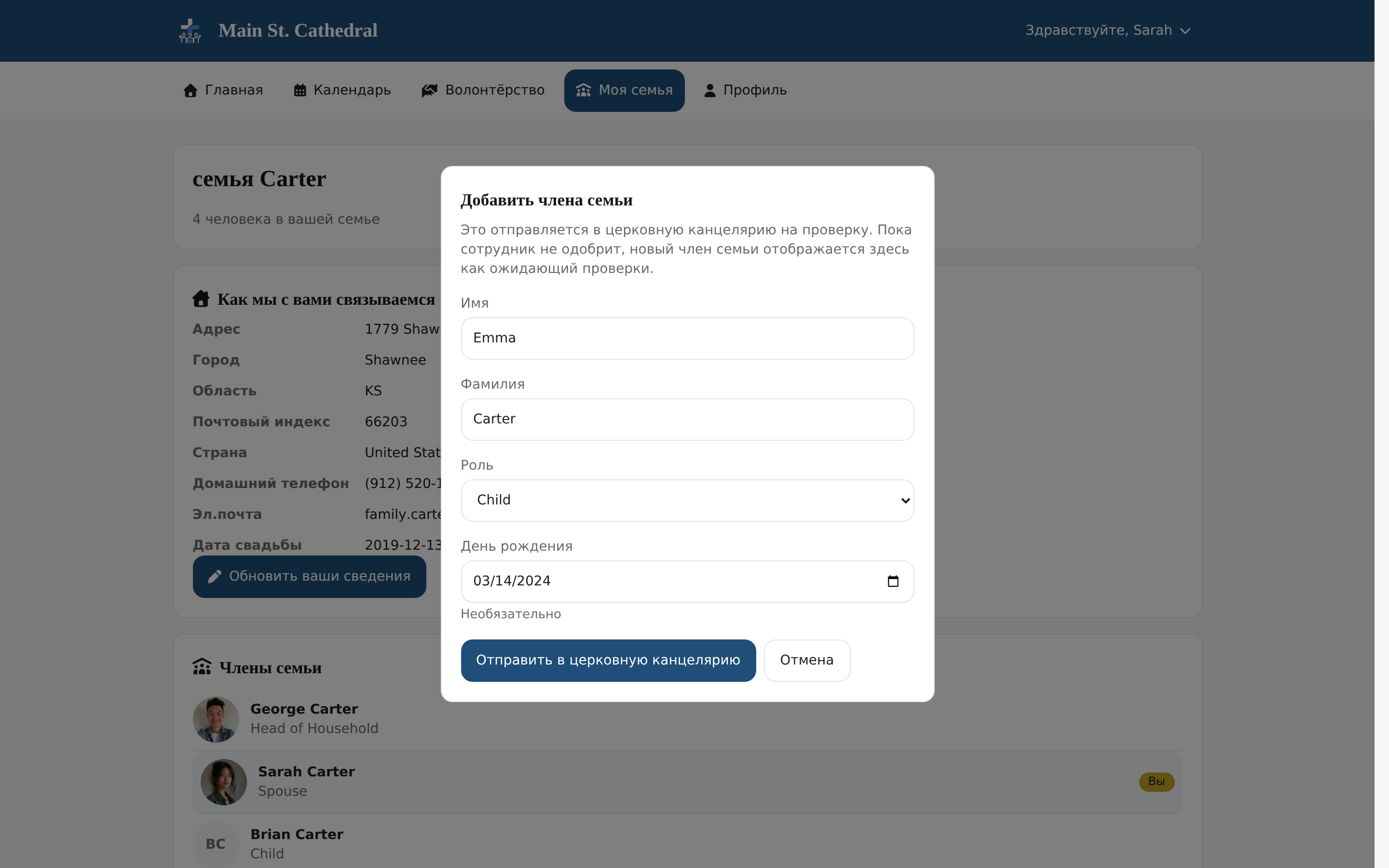
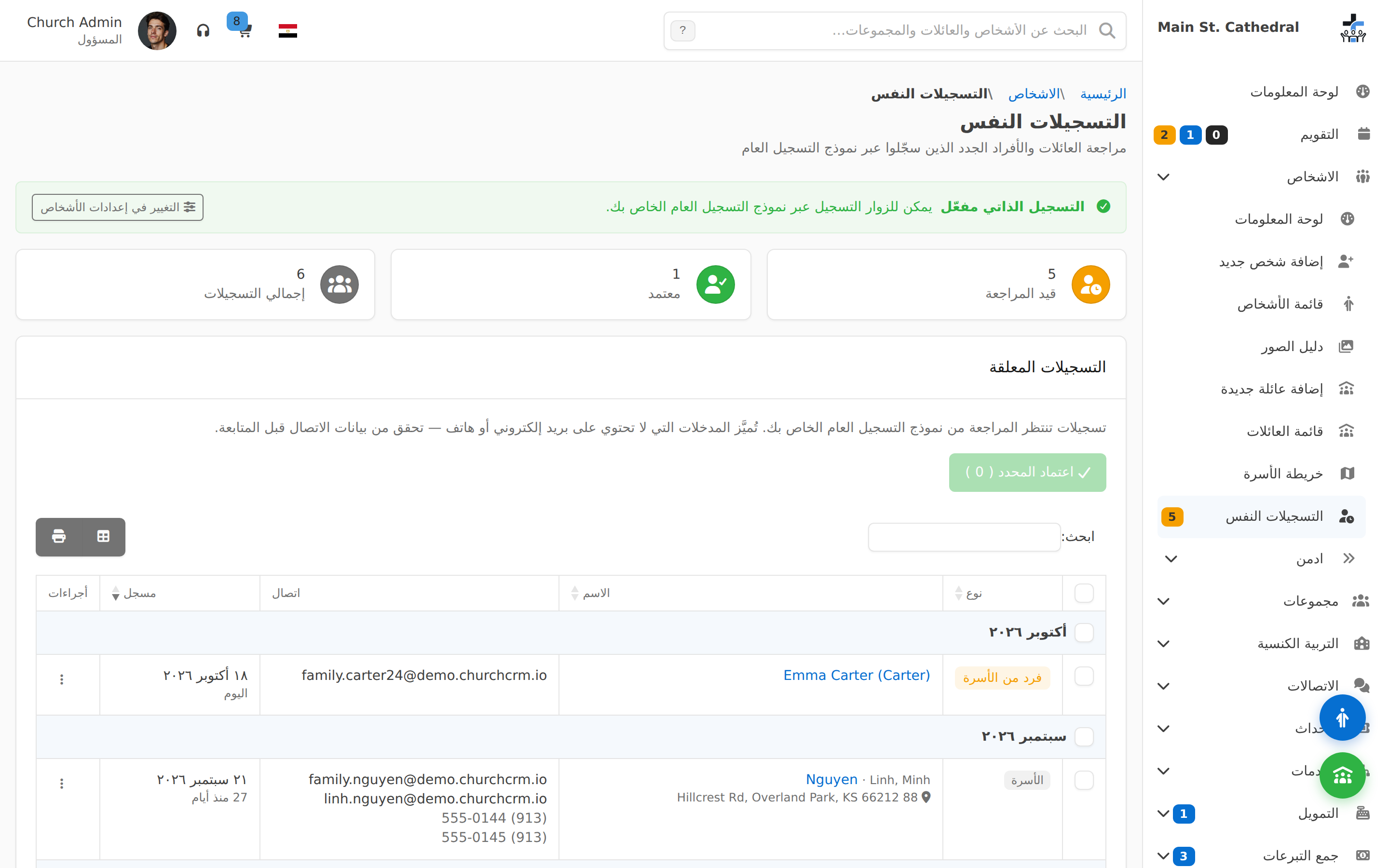
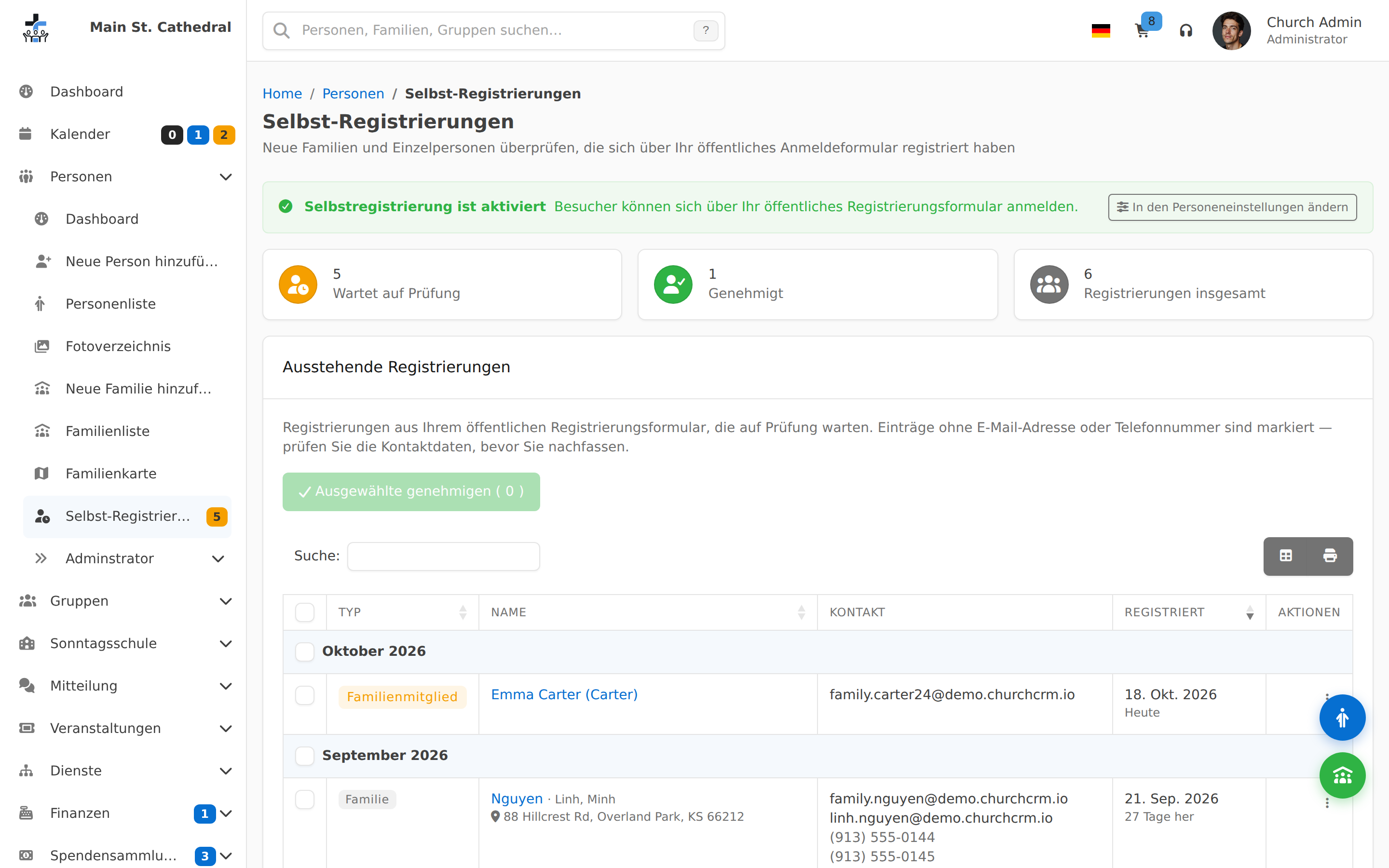
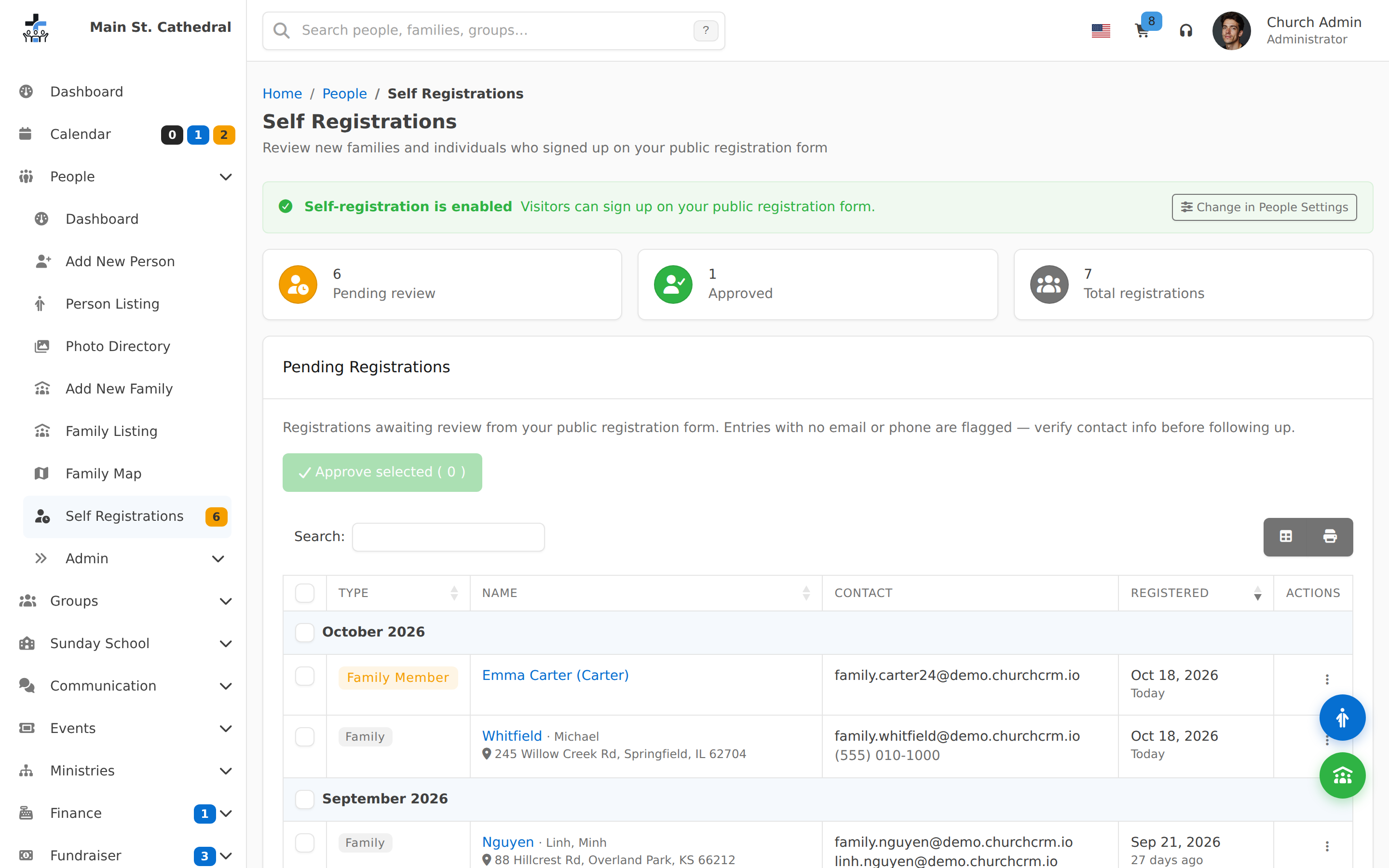
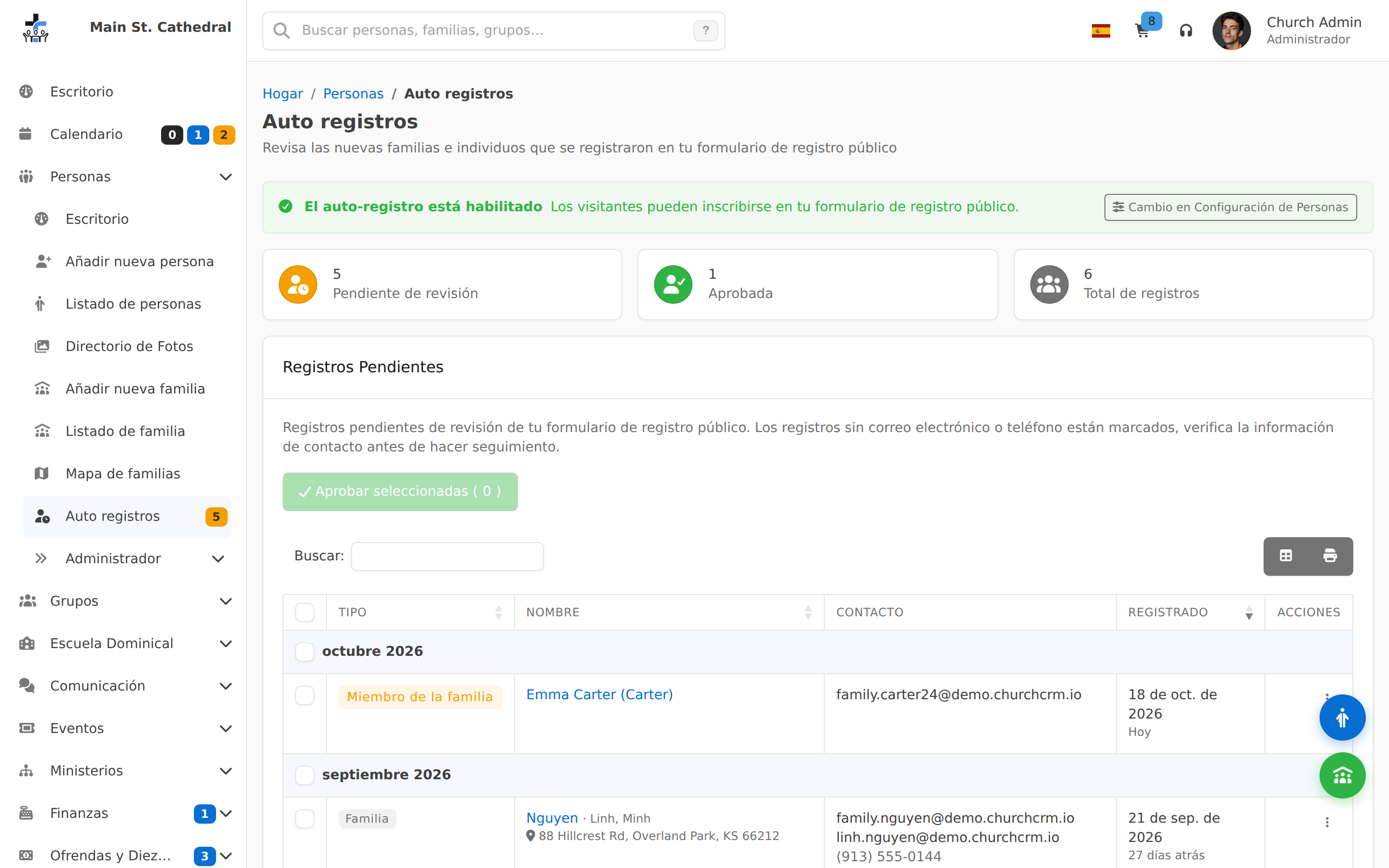
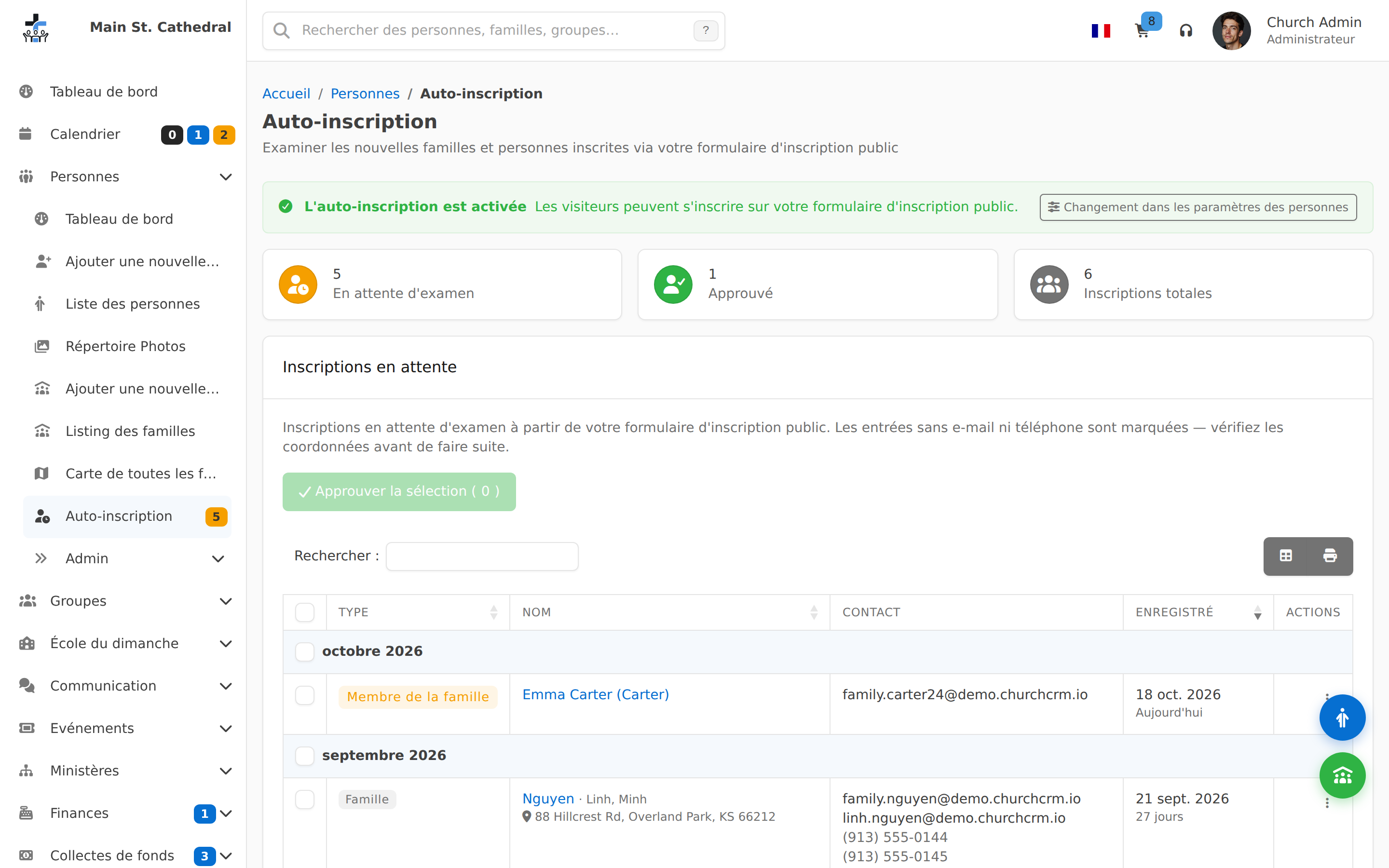
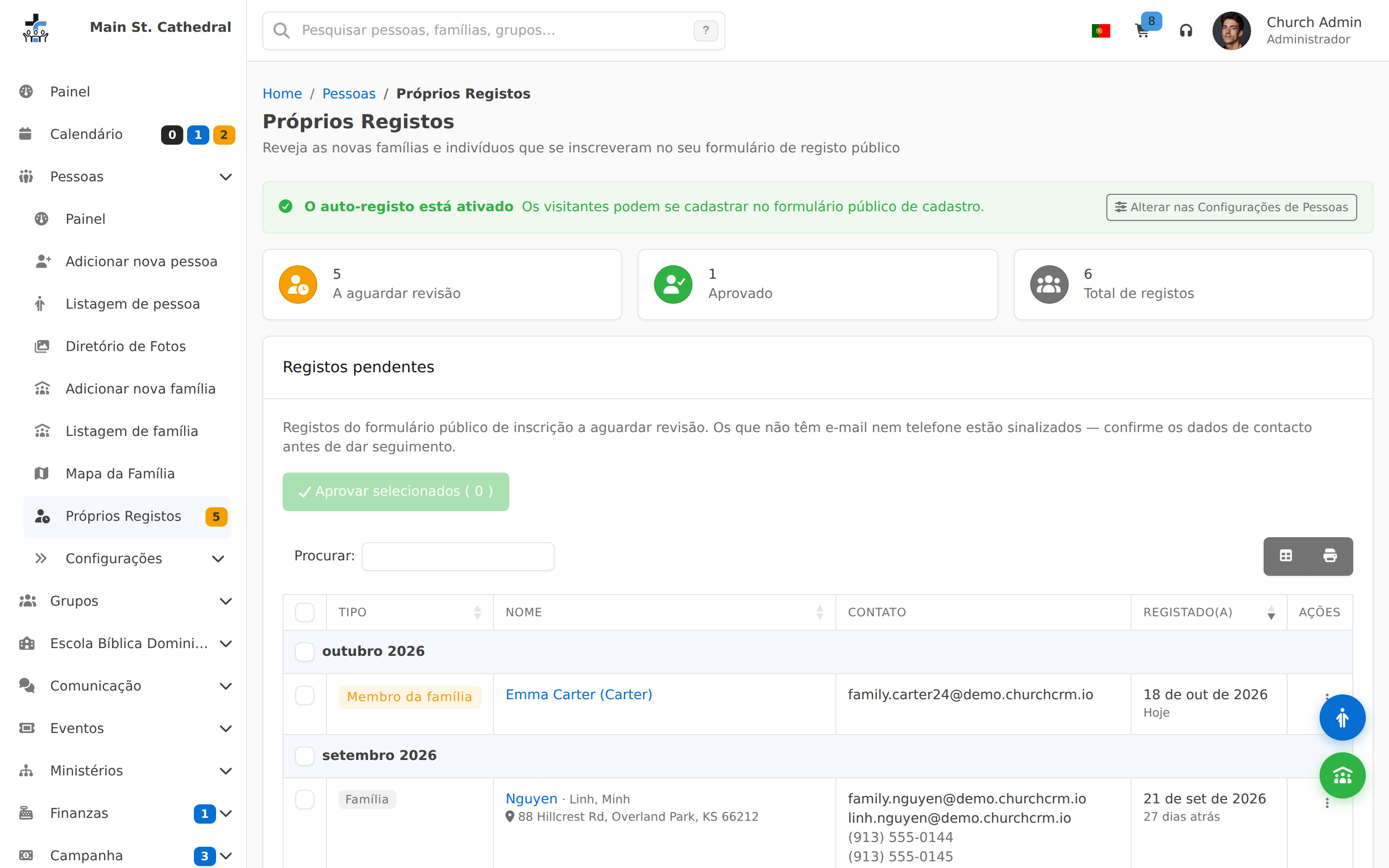
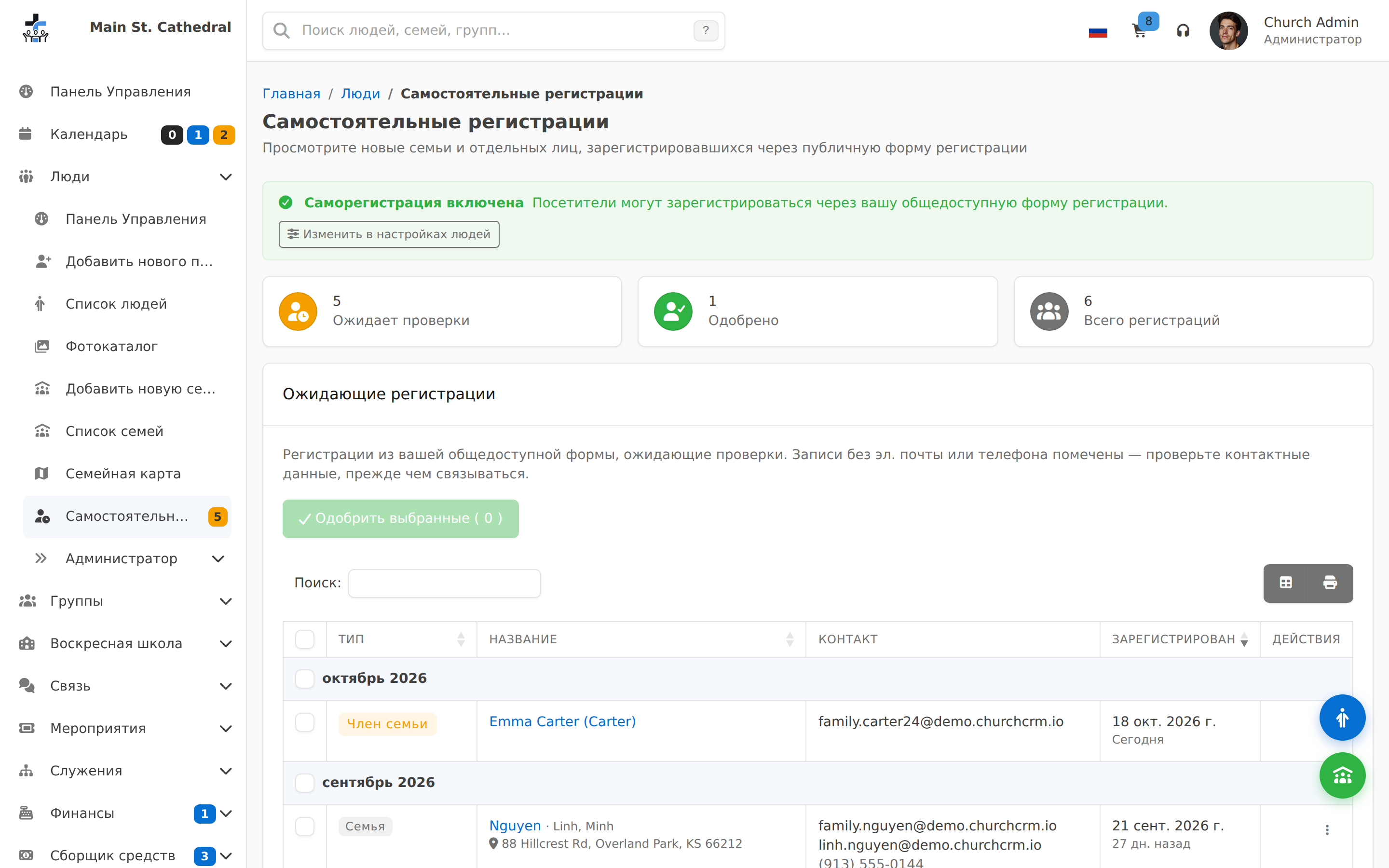
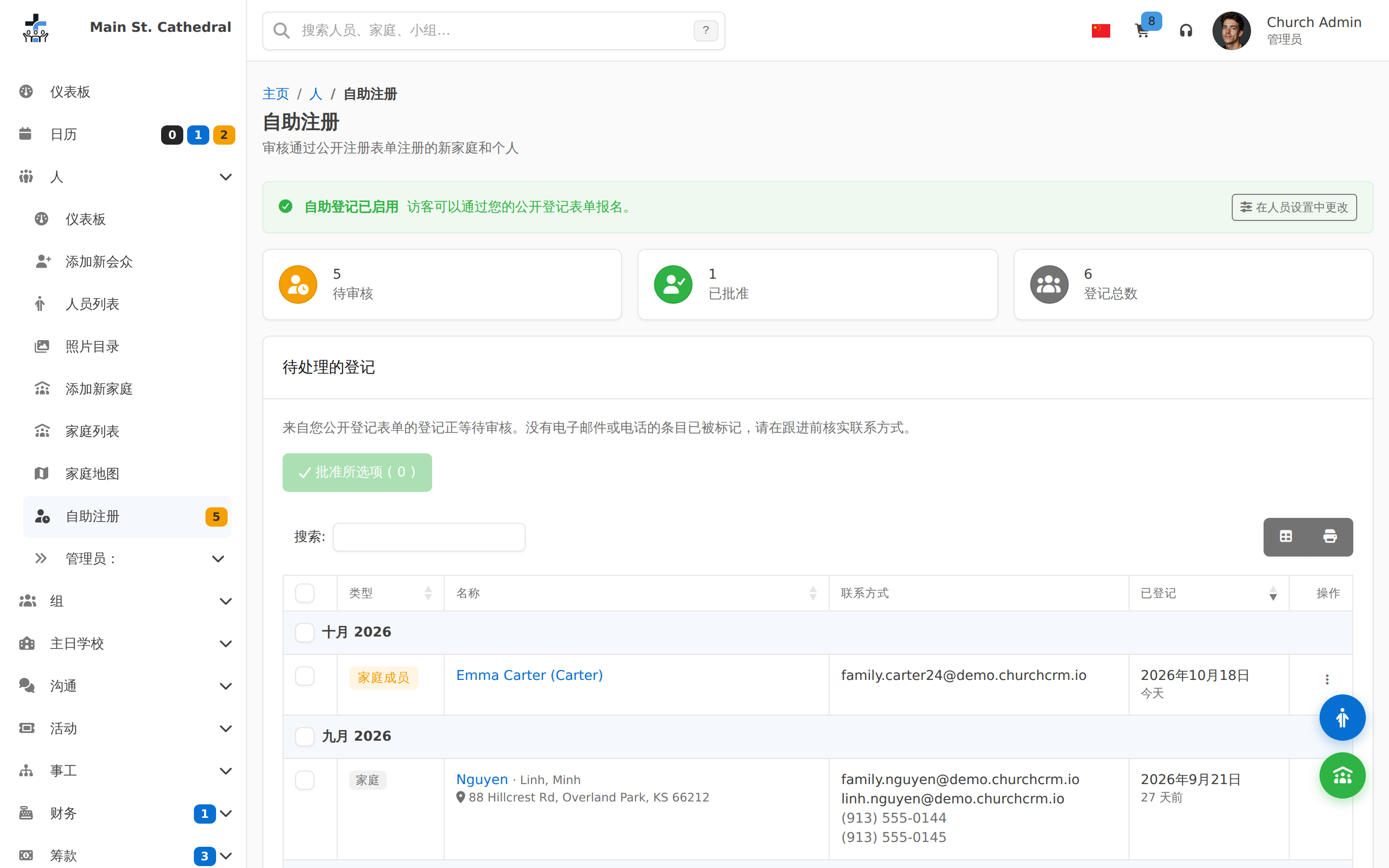
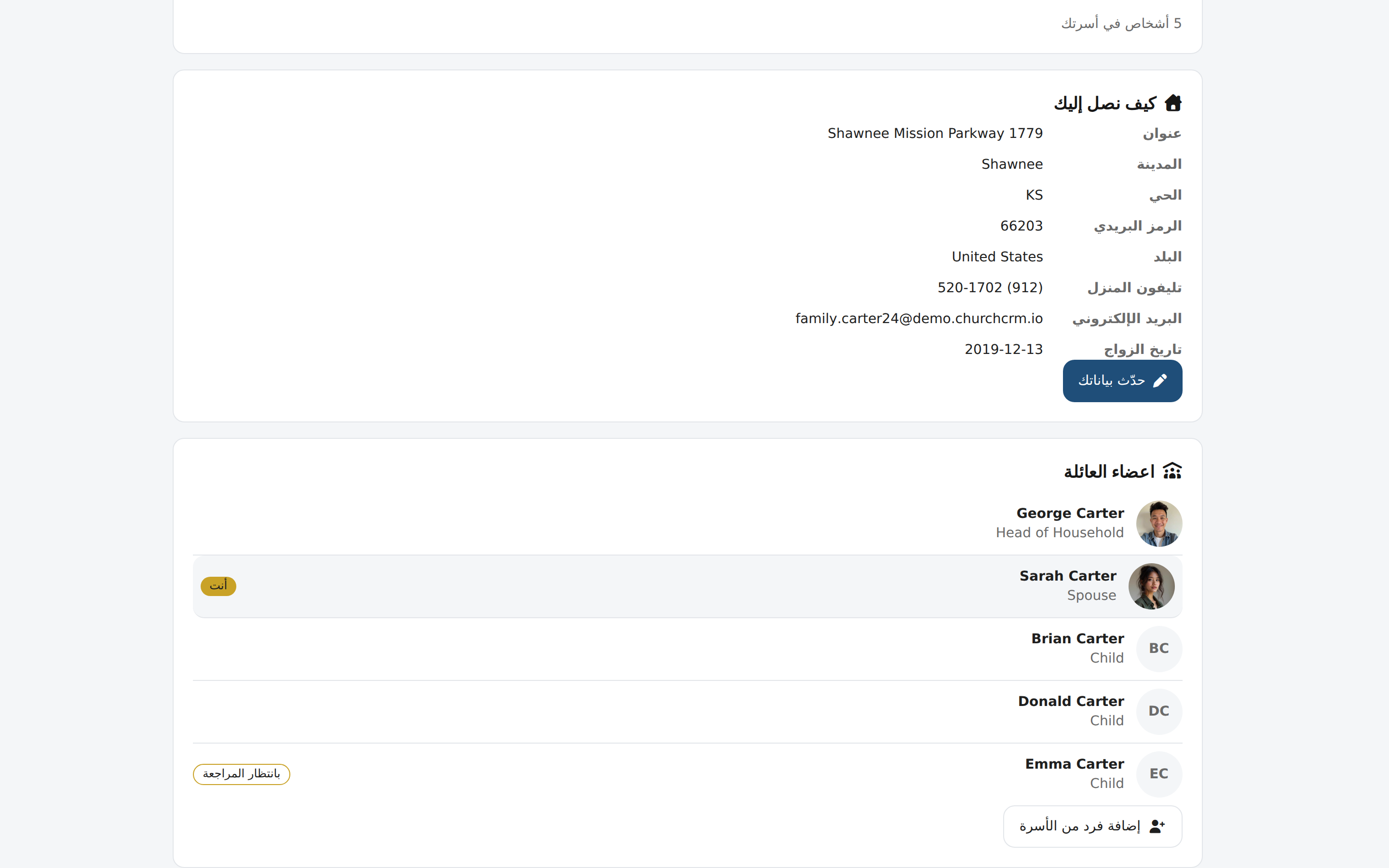
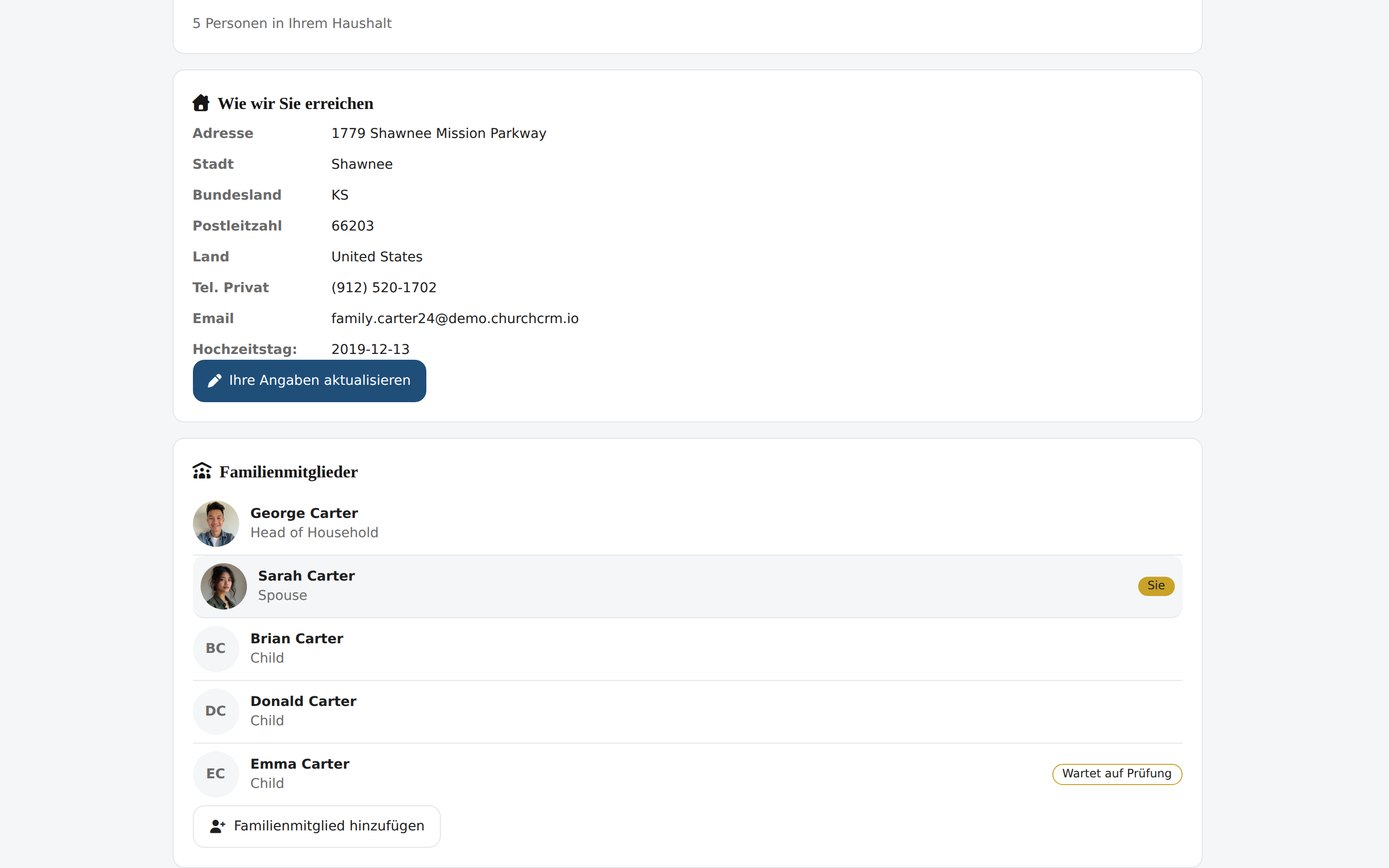
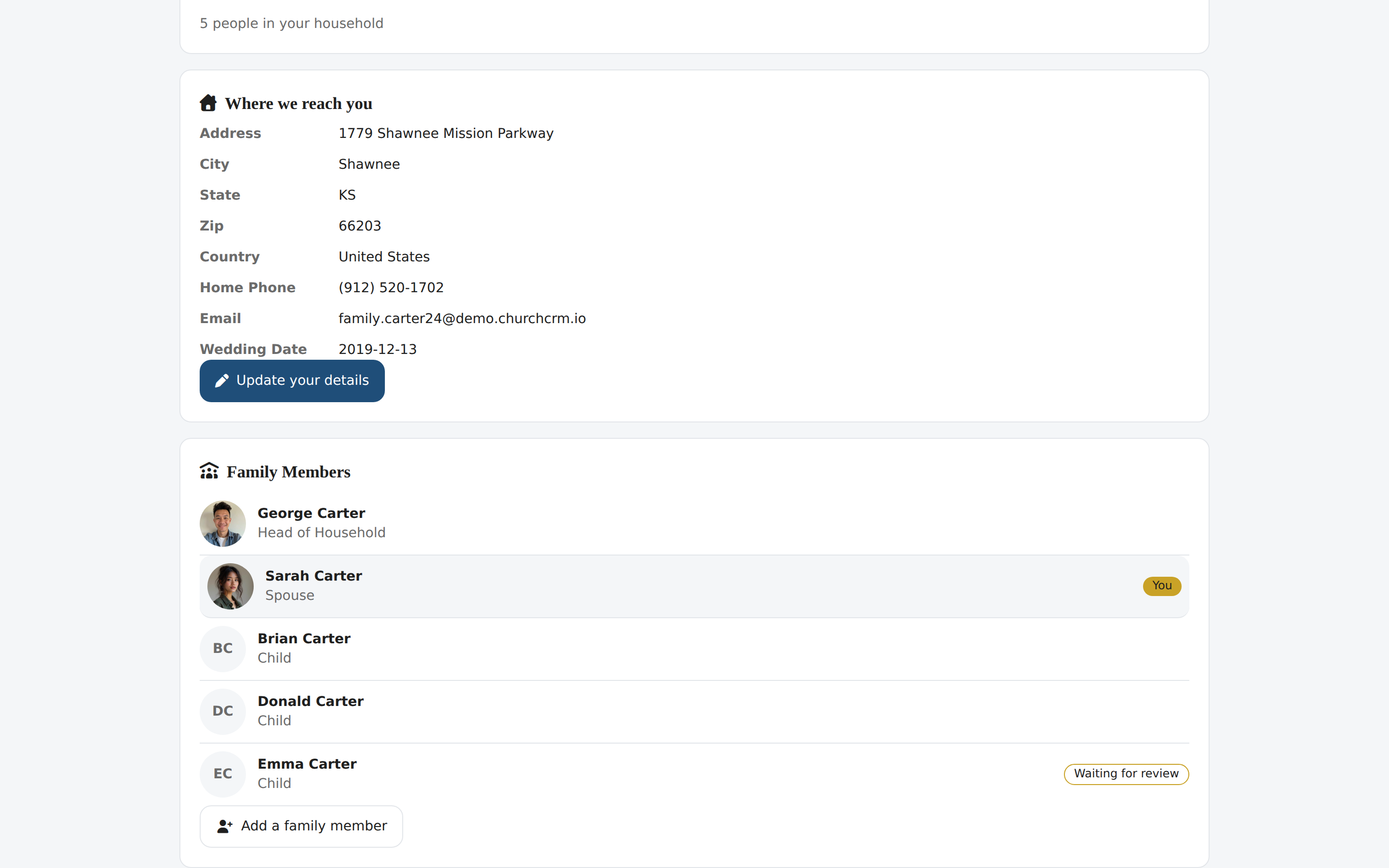
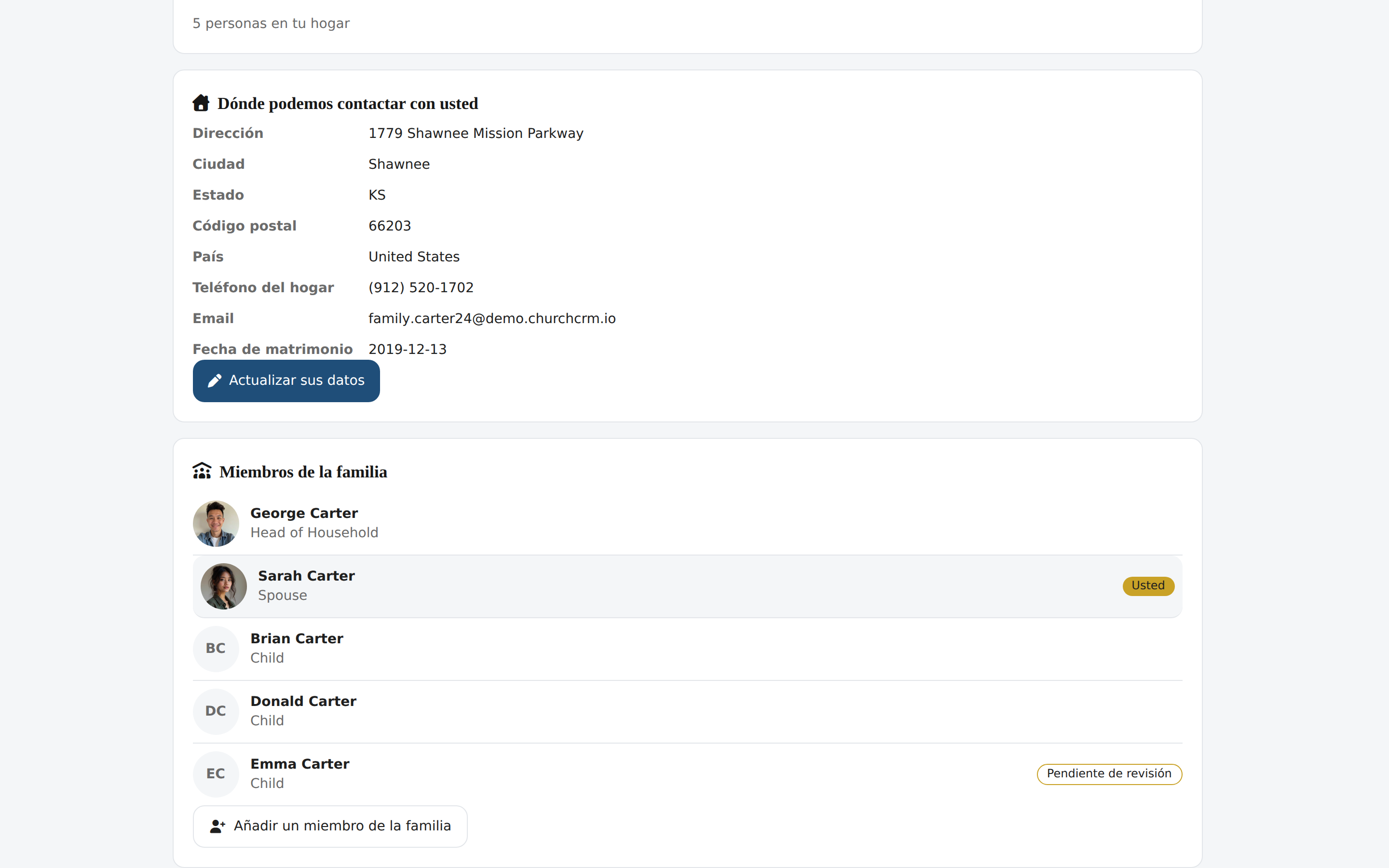
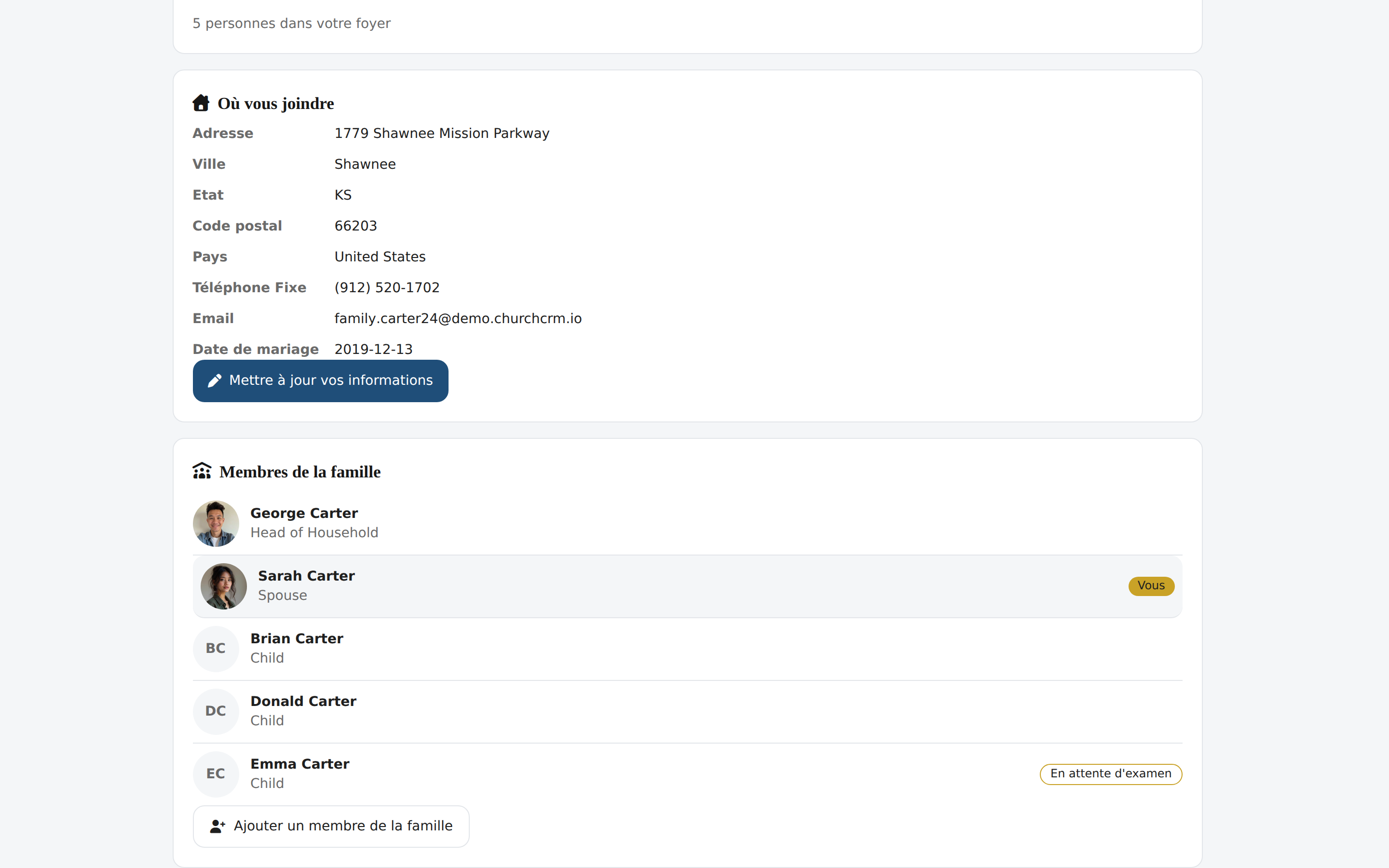
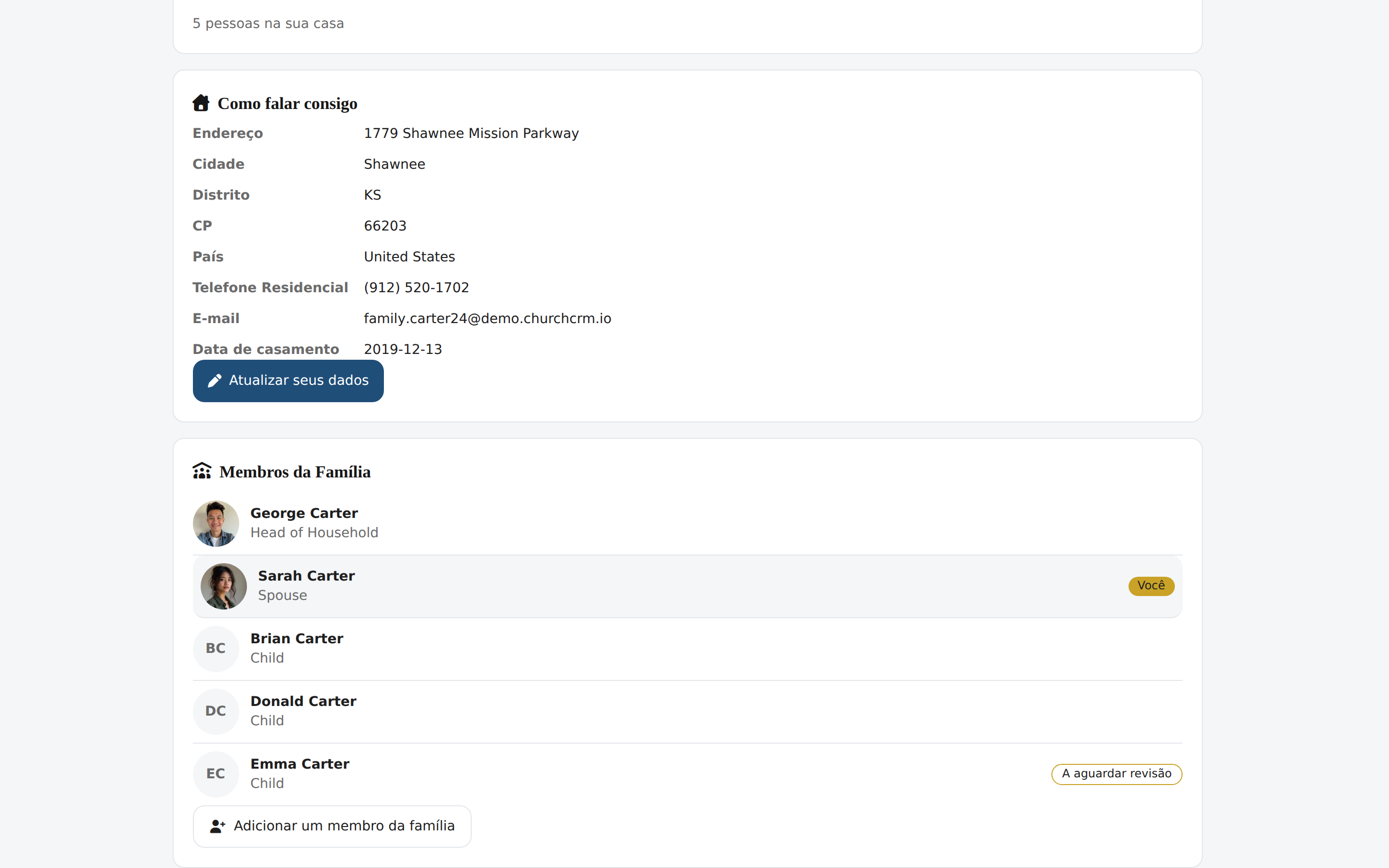
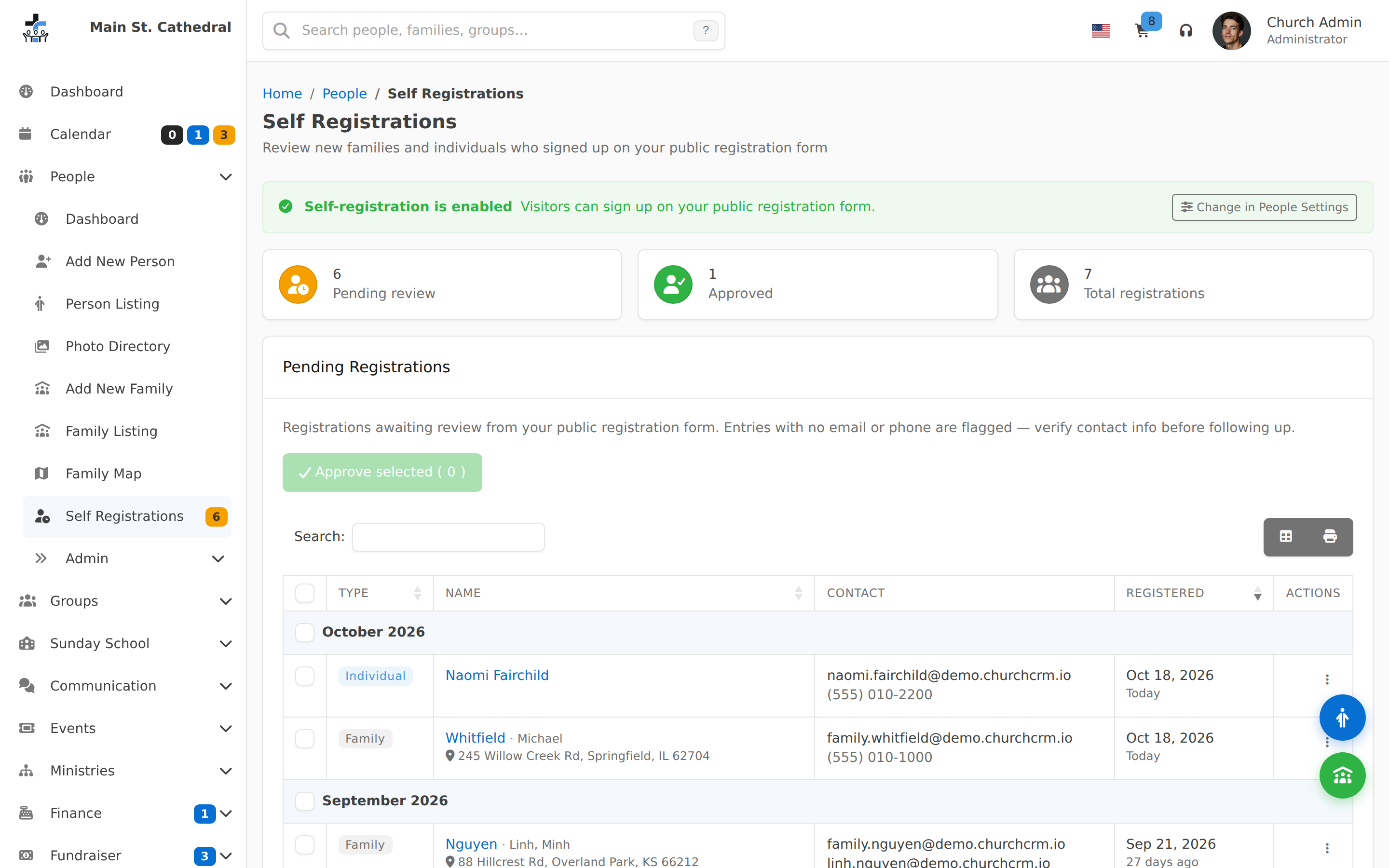
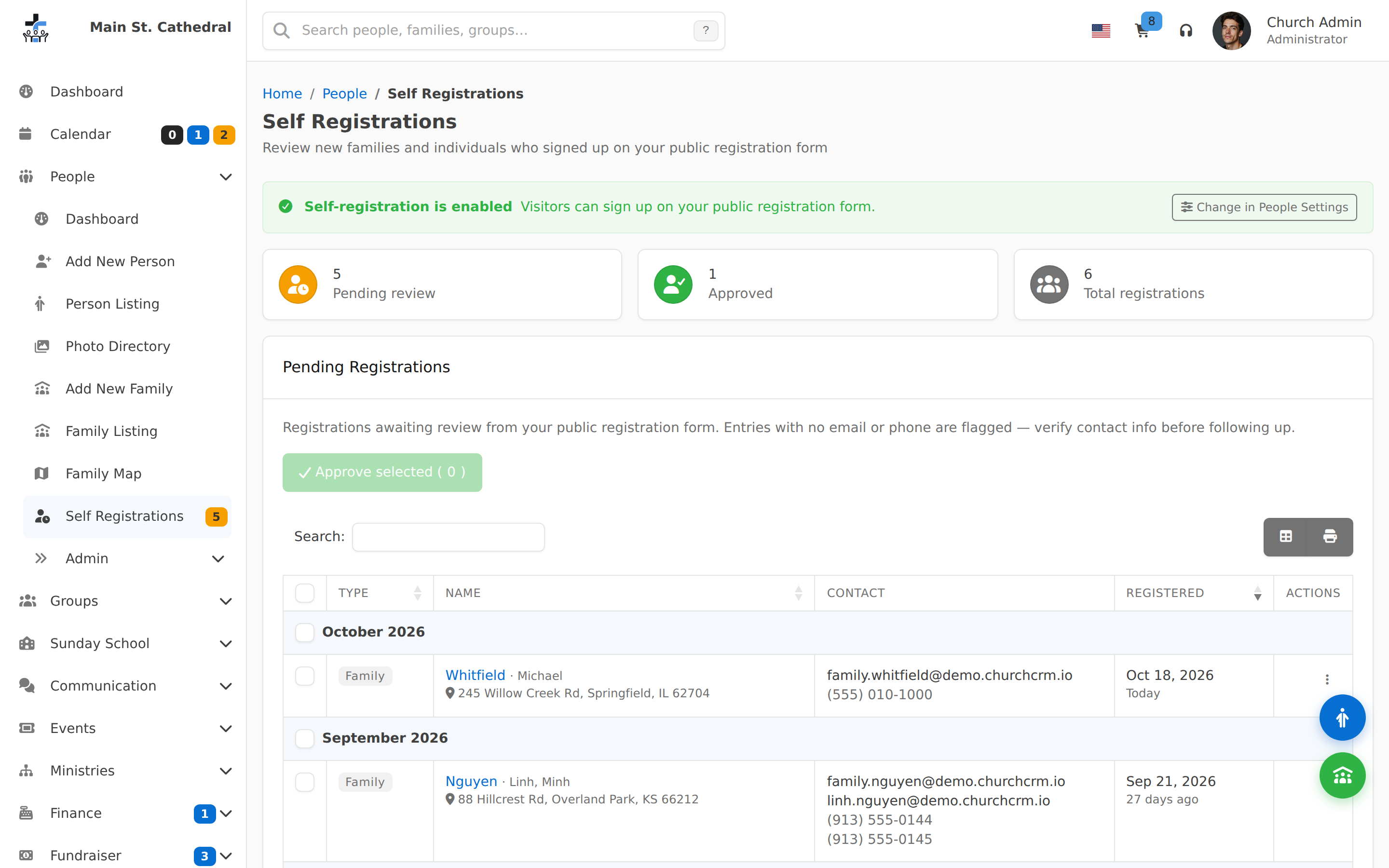
Family Member Awaiting Review A family member proposed in the portal waits for staff on Self Registrations.
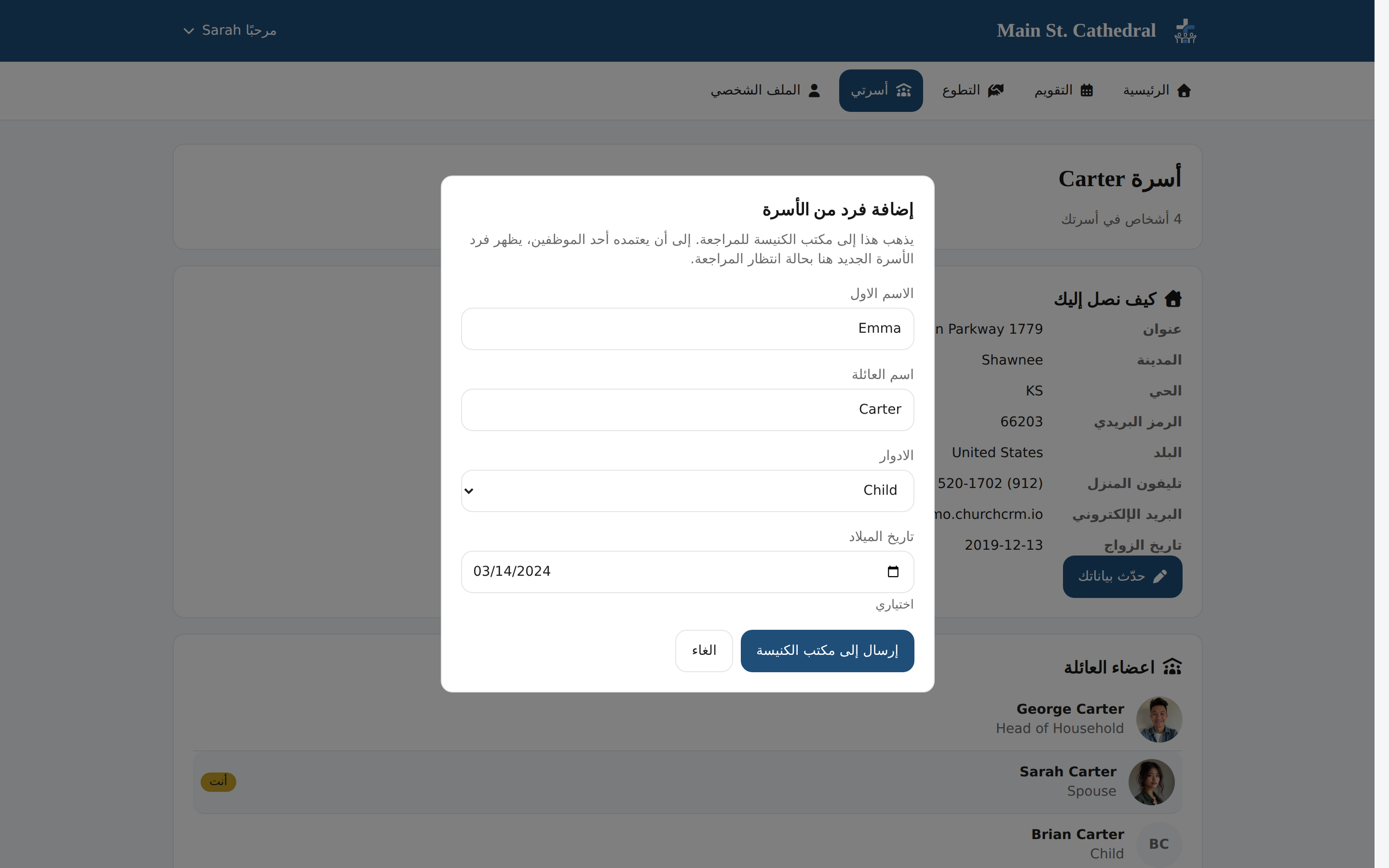
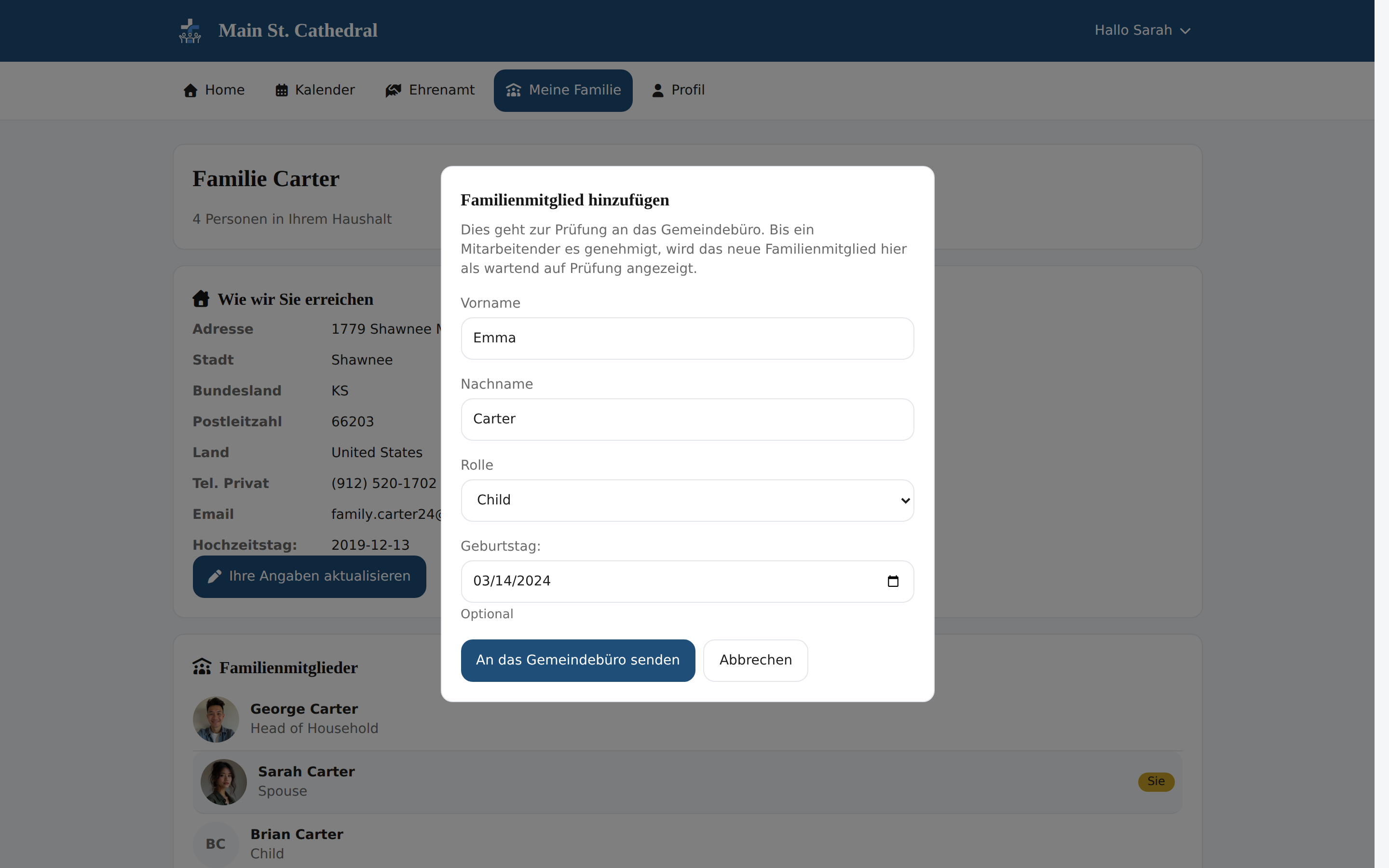
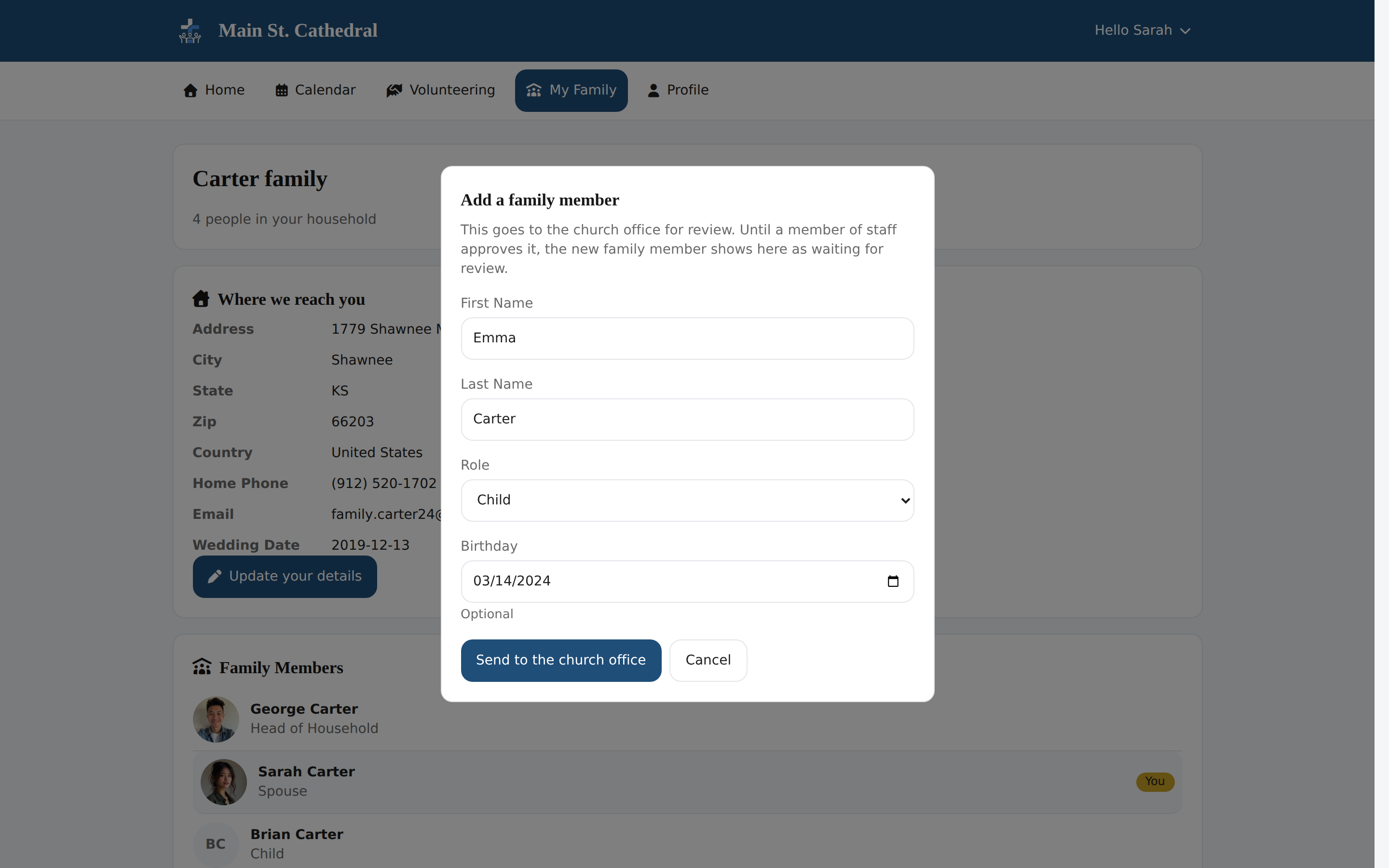
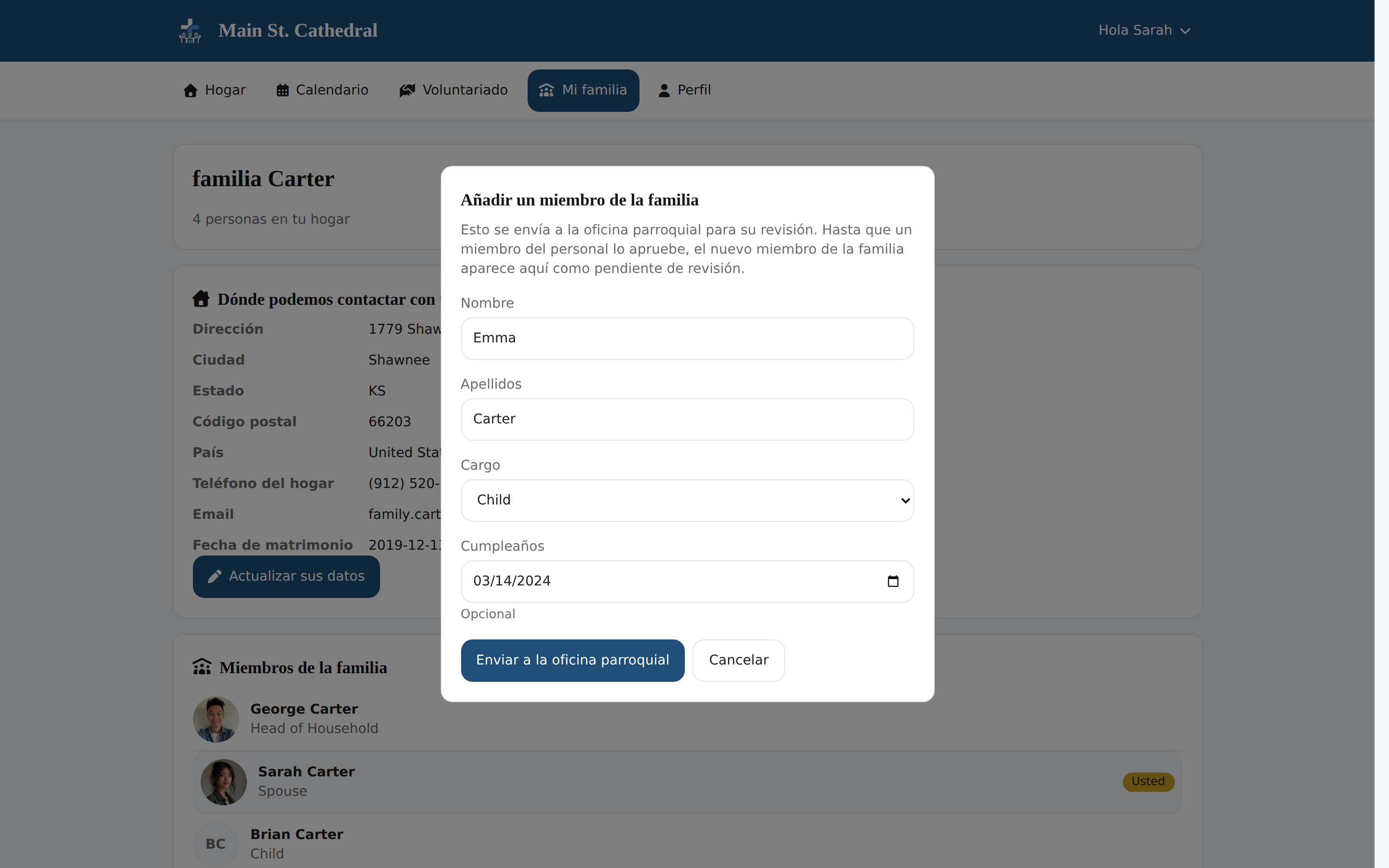
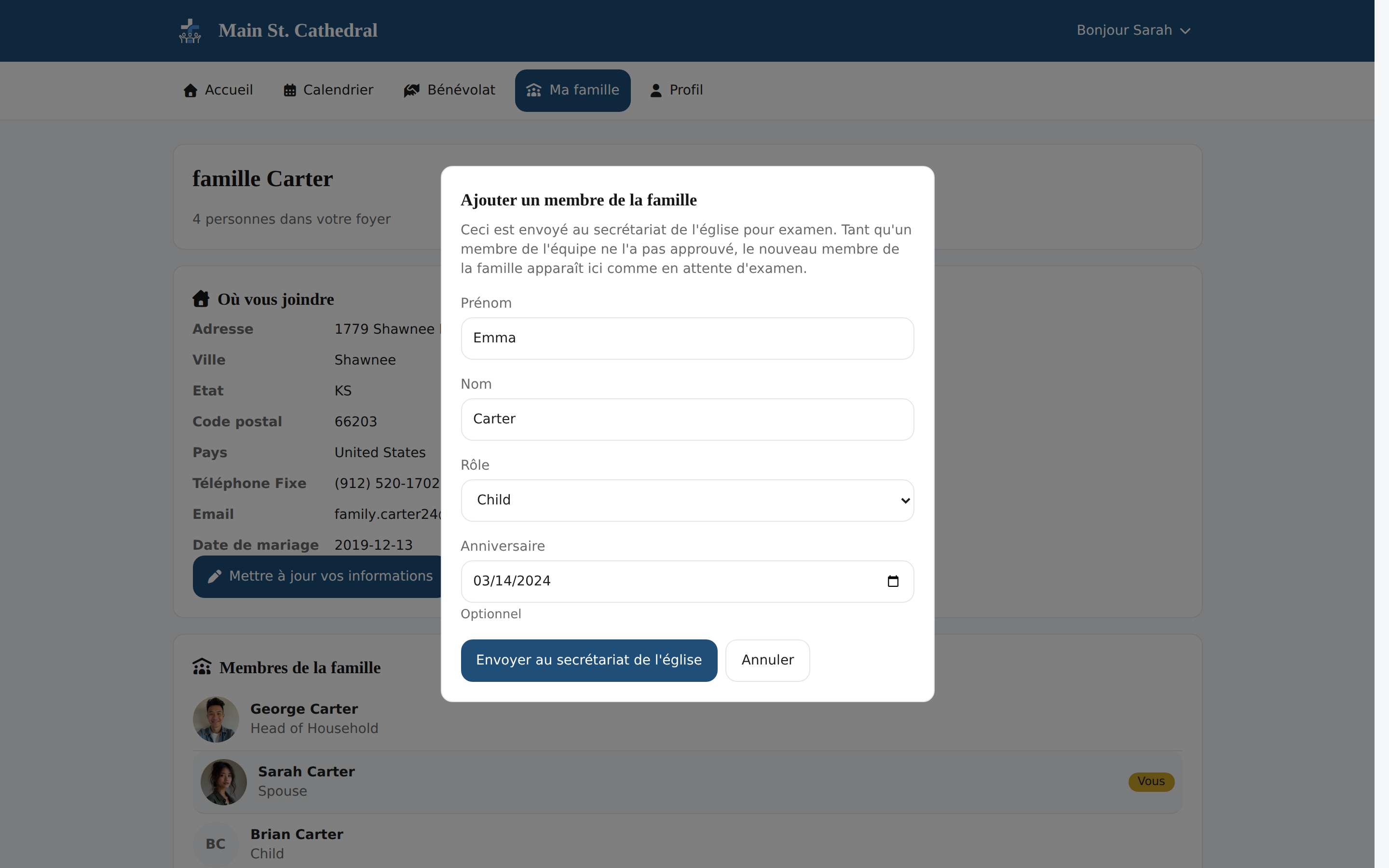
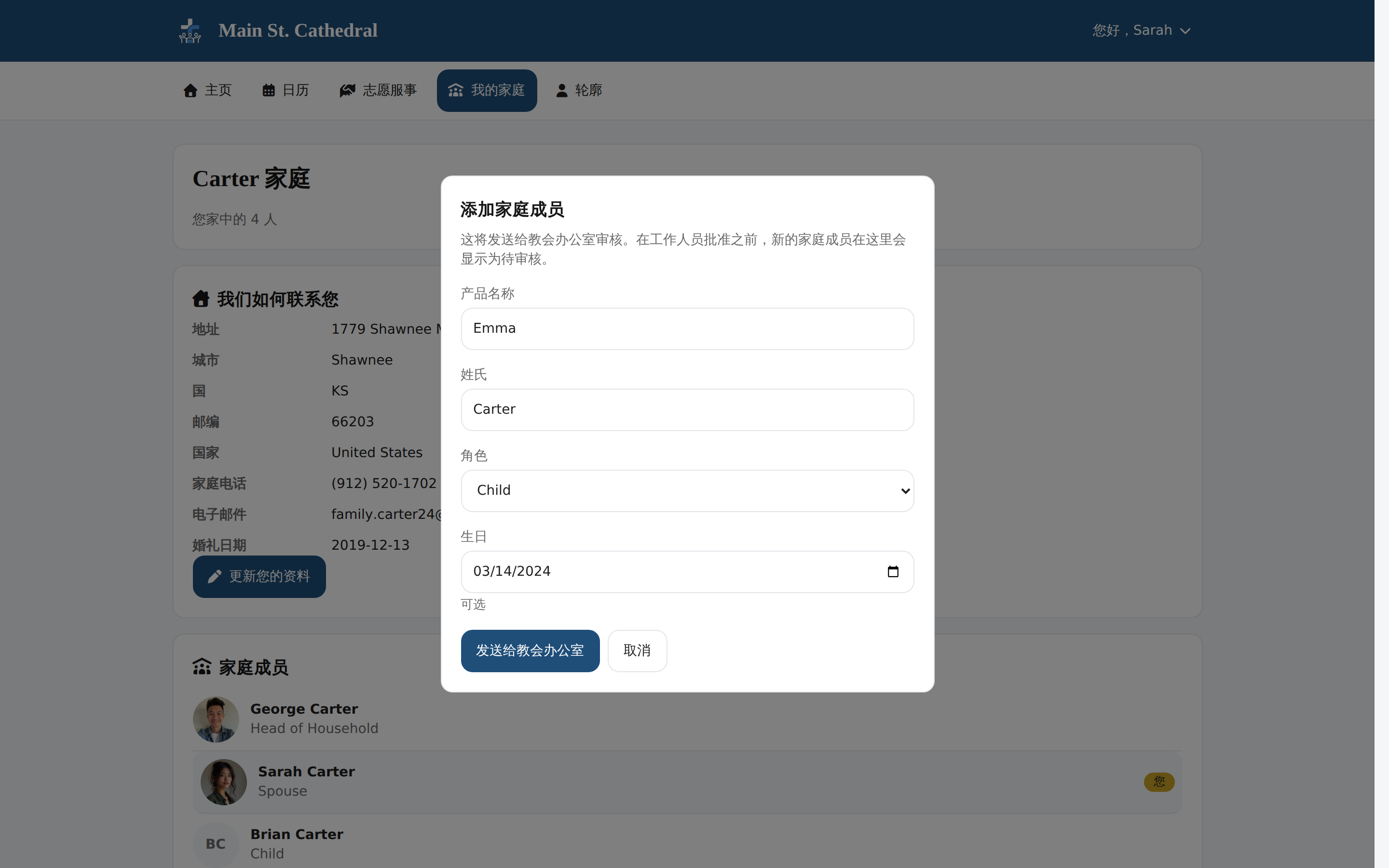
Member Adds a Family Member A member proposes a new family member, and the church office reviews it first.
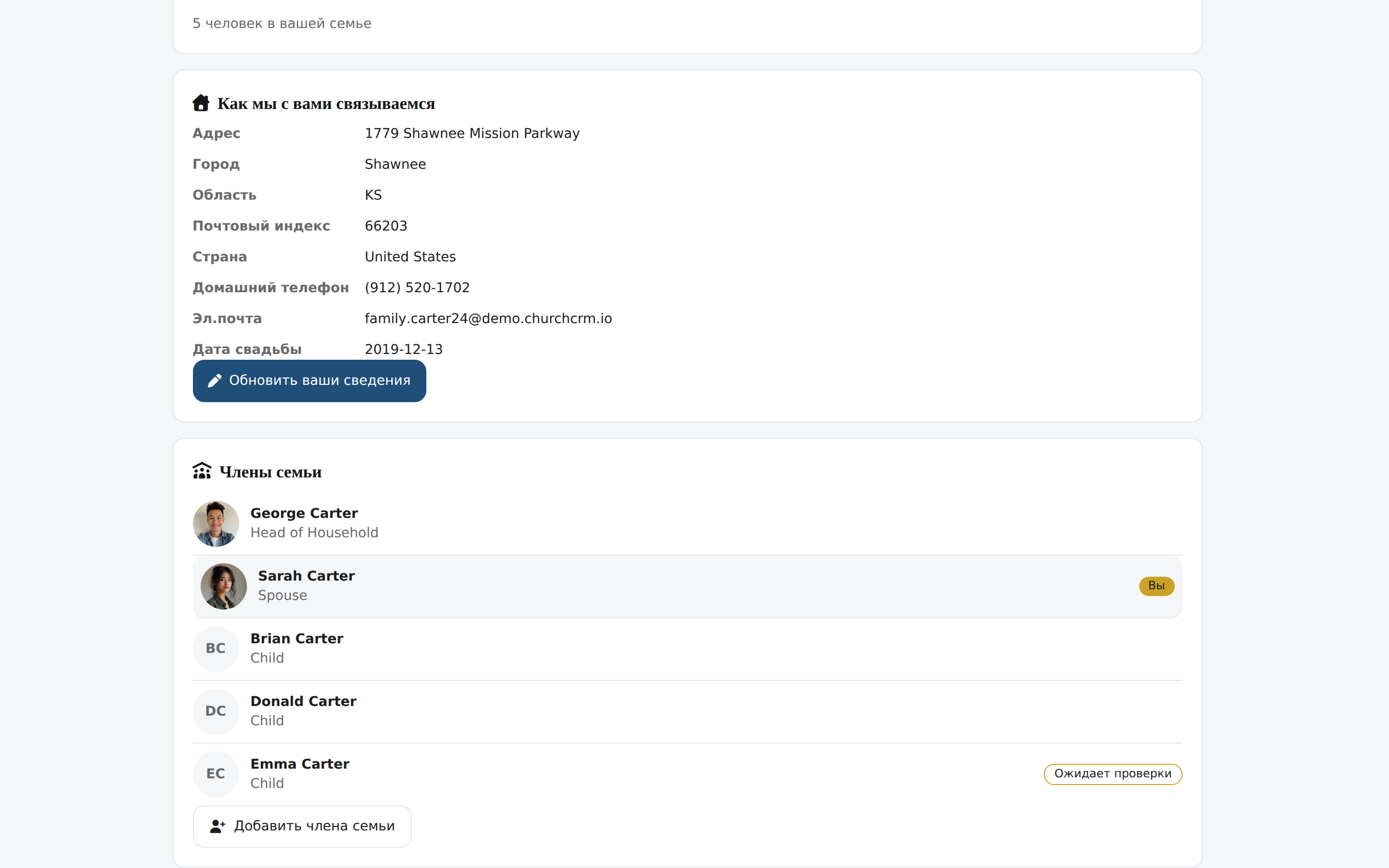
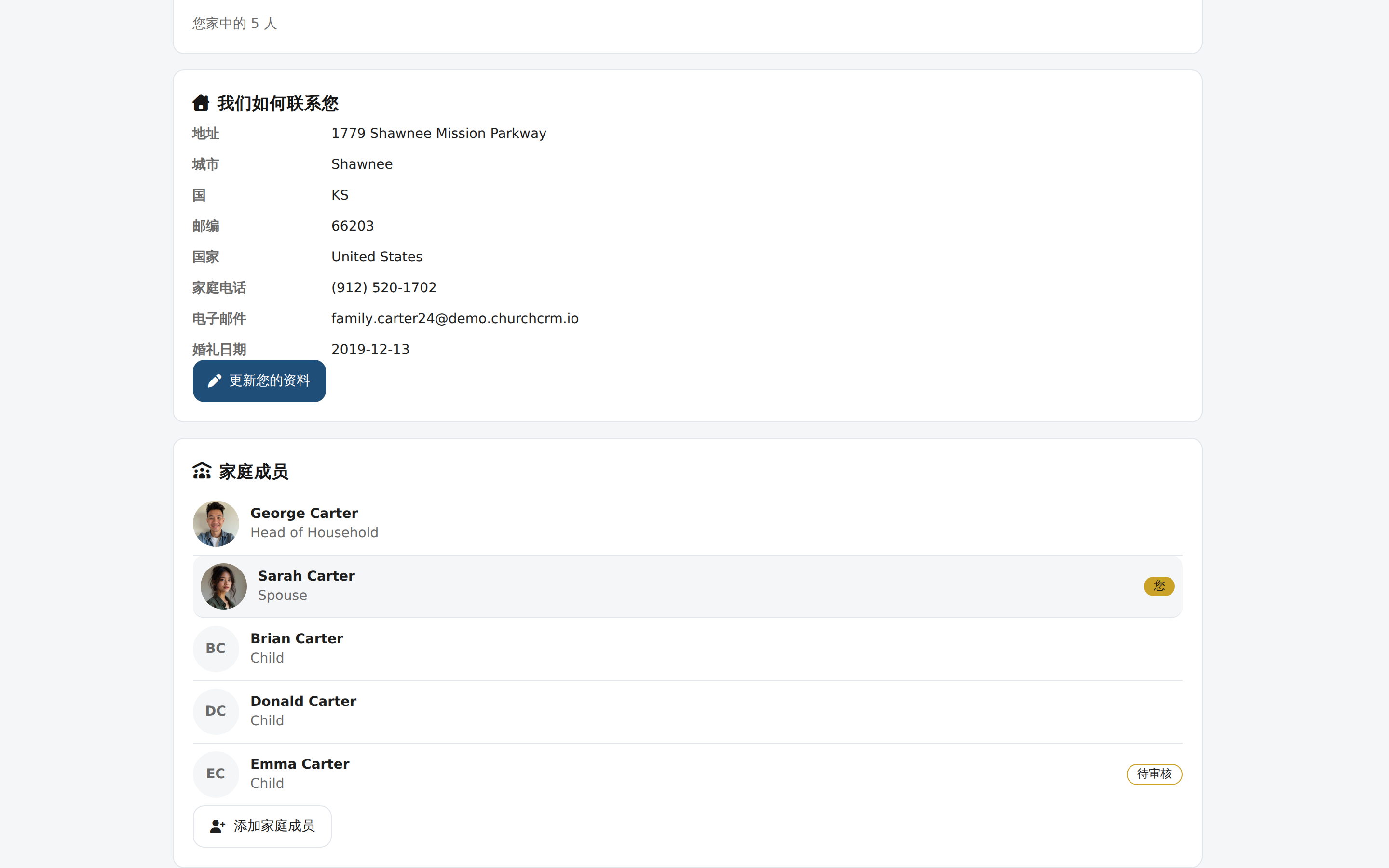
Member Portal: My Family Members see their household and address, with a new member awaiting review.
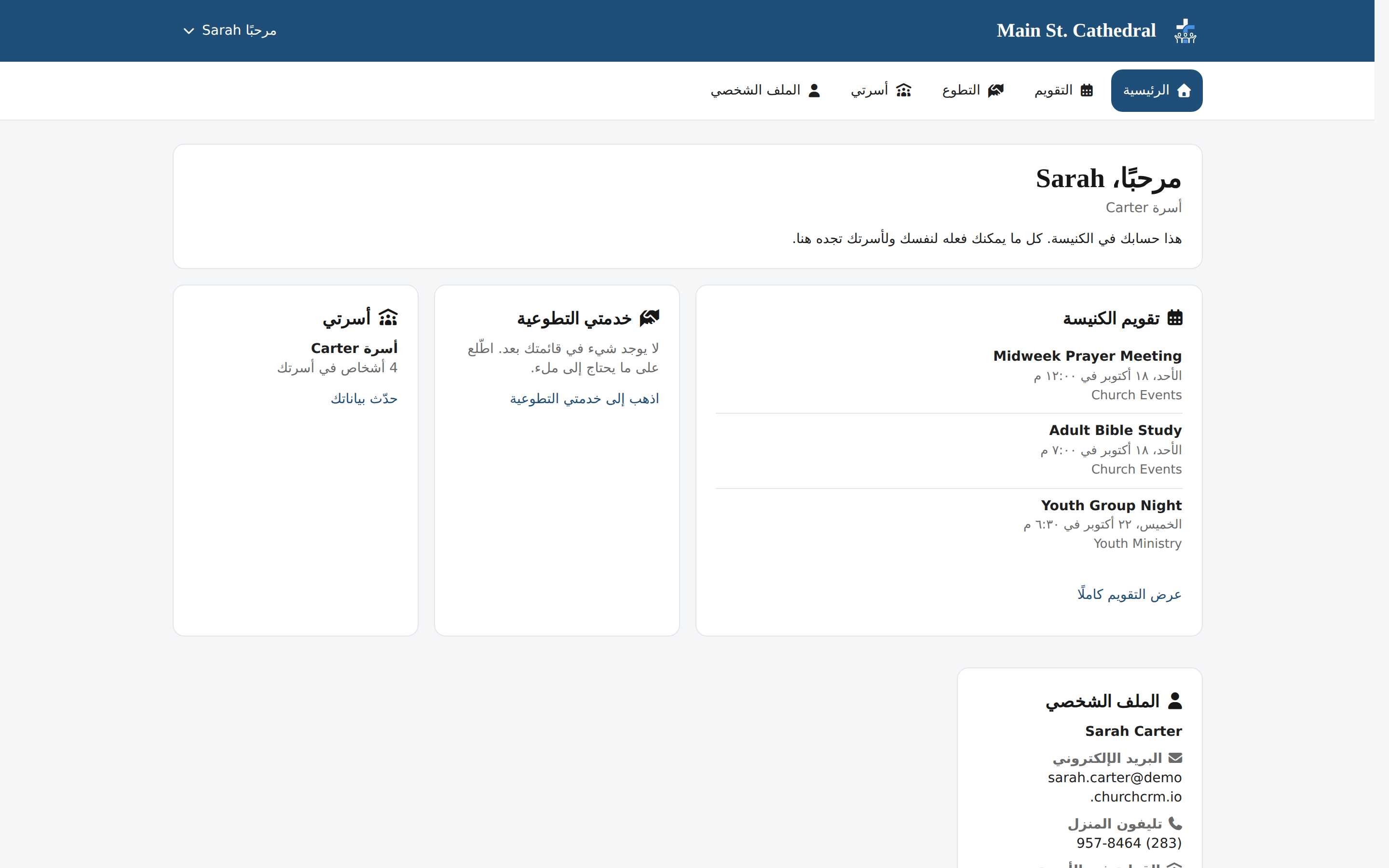
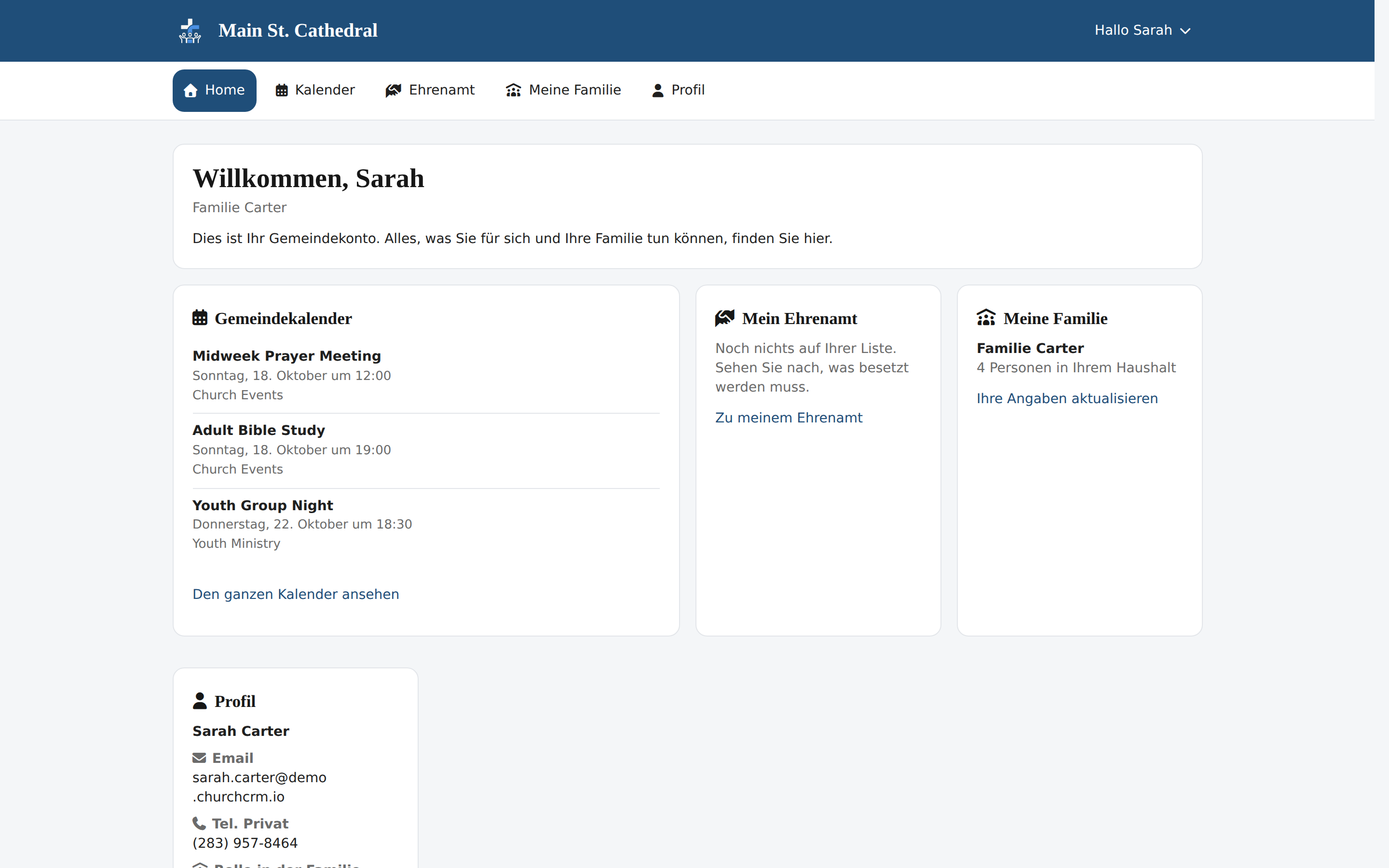
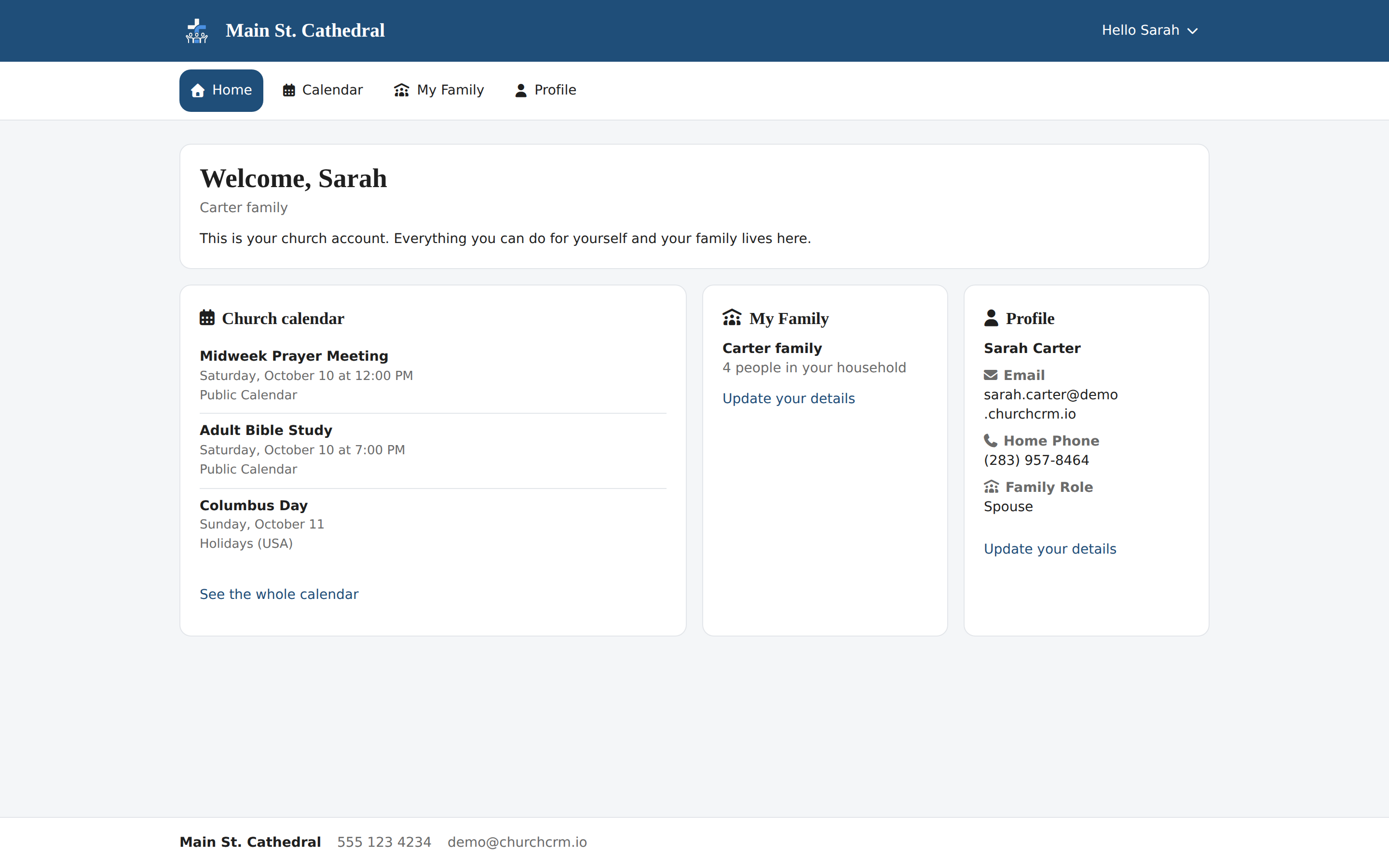
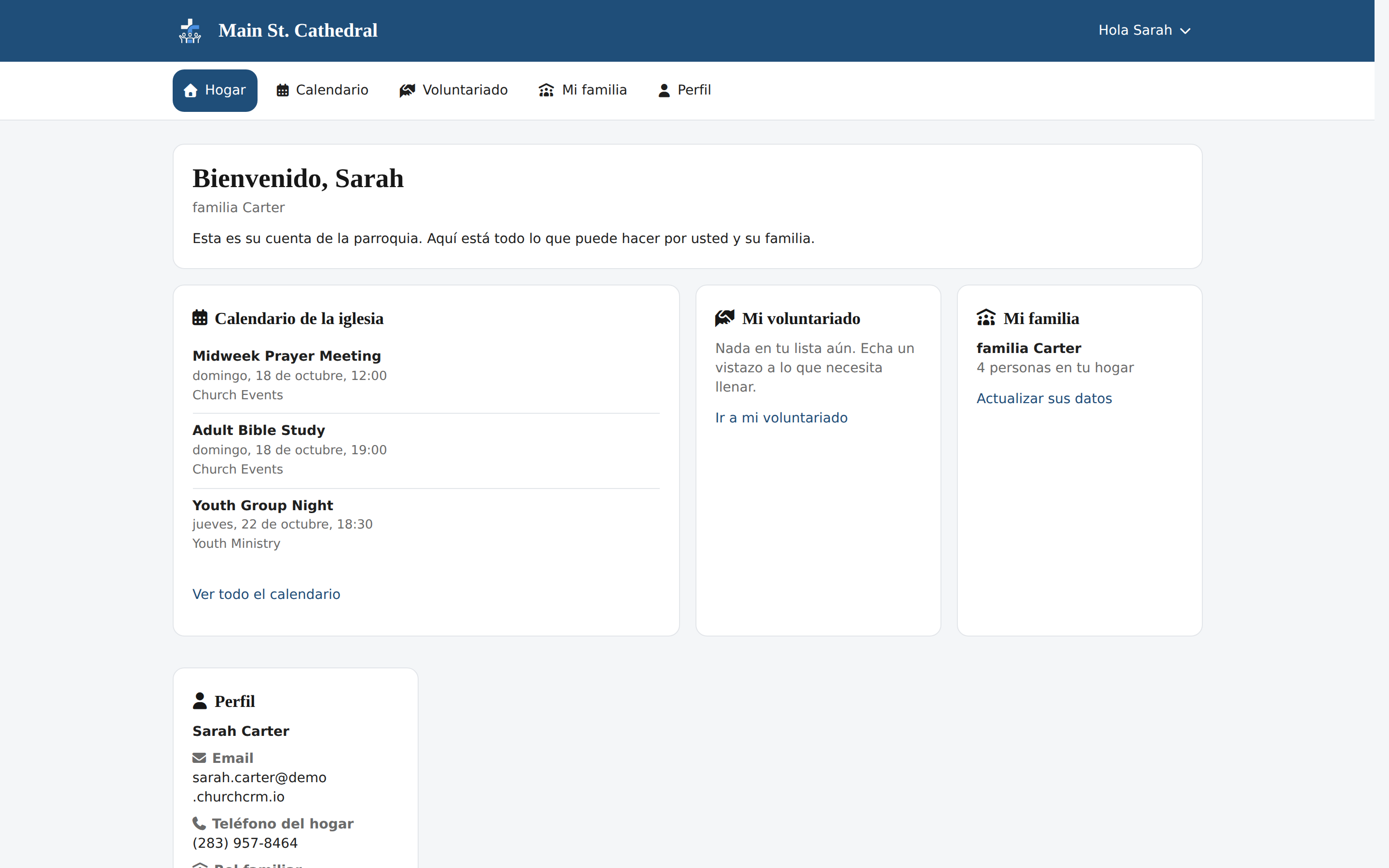
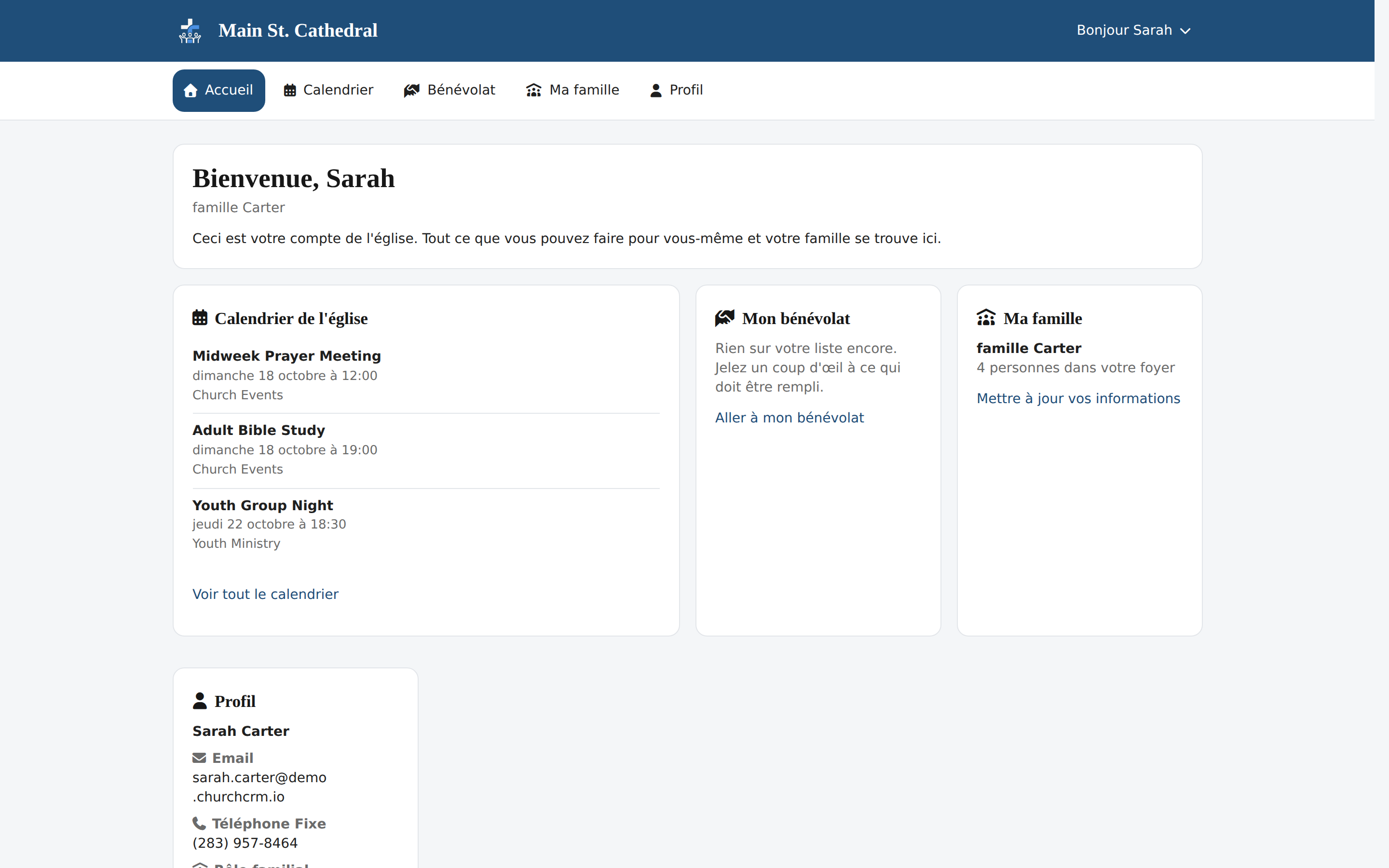
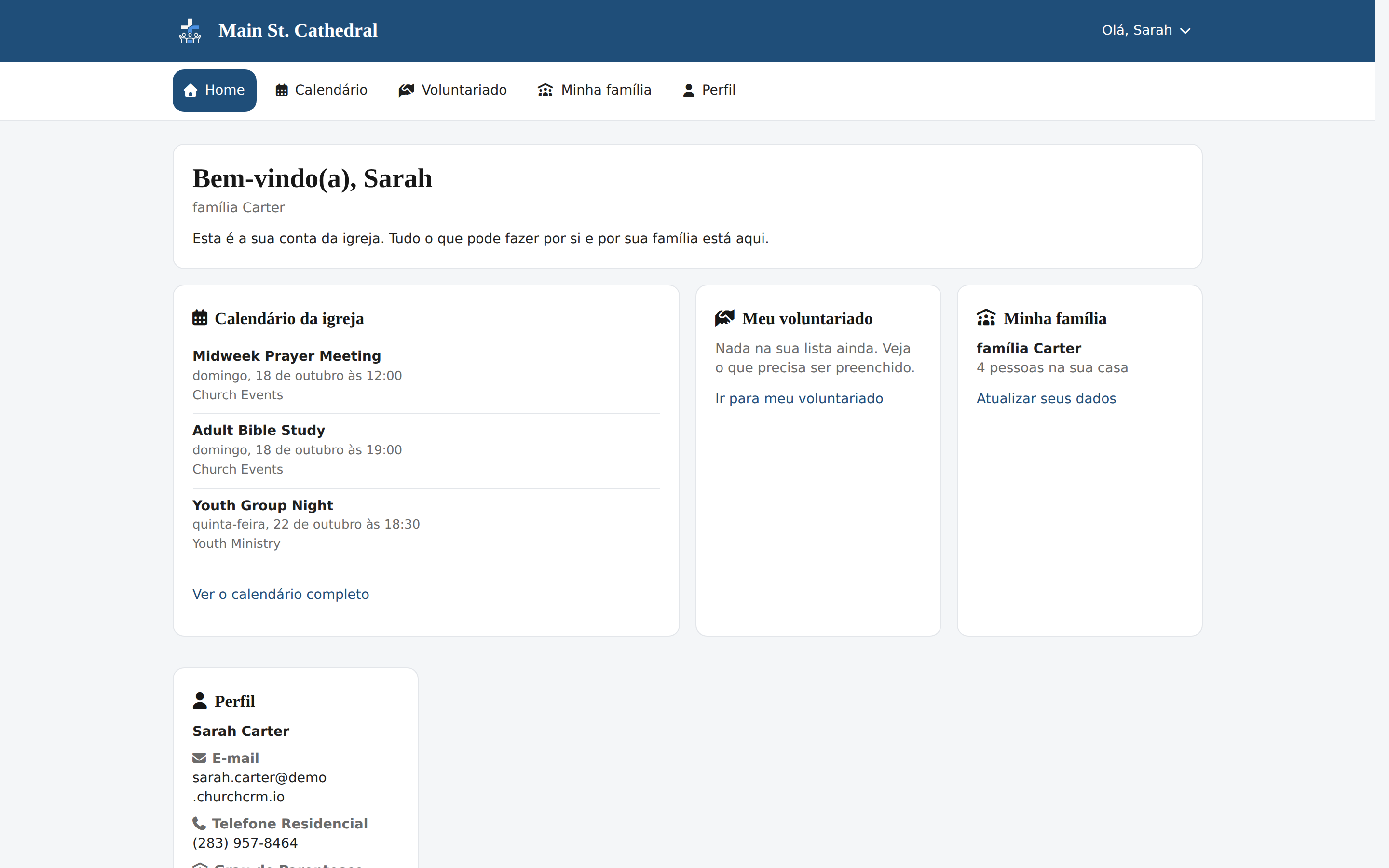
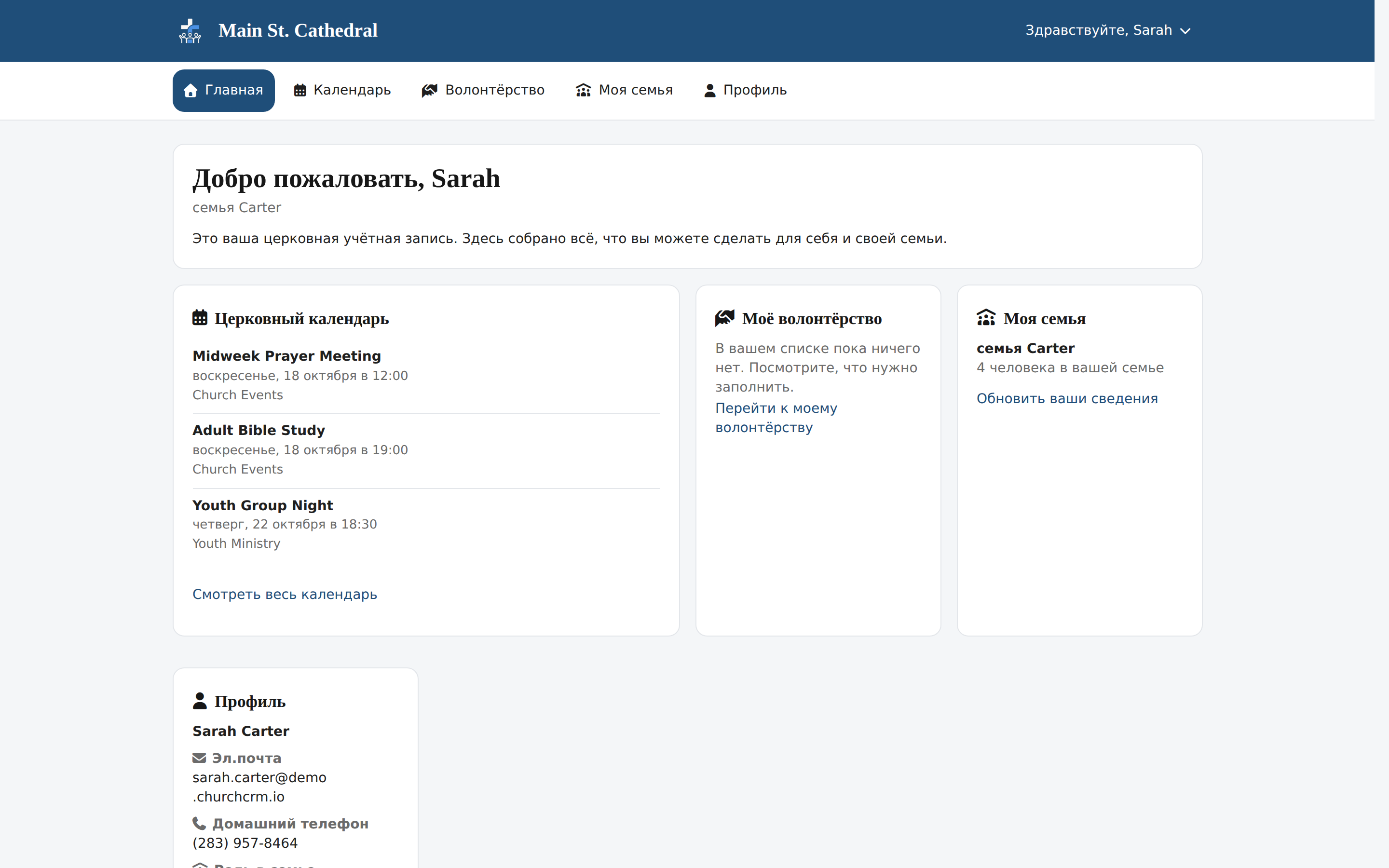
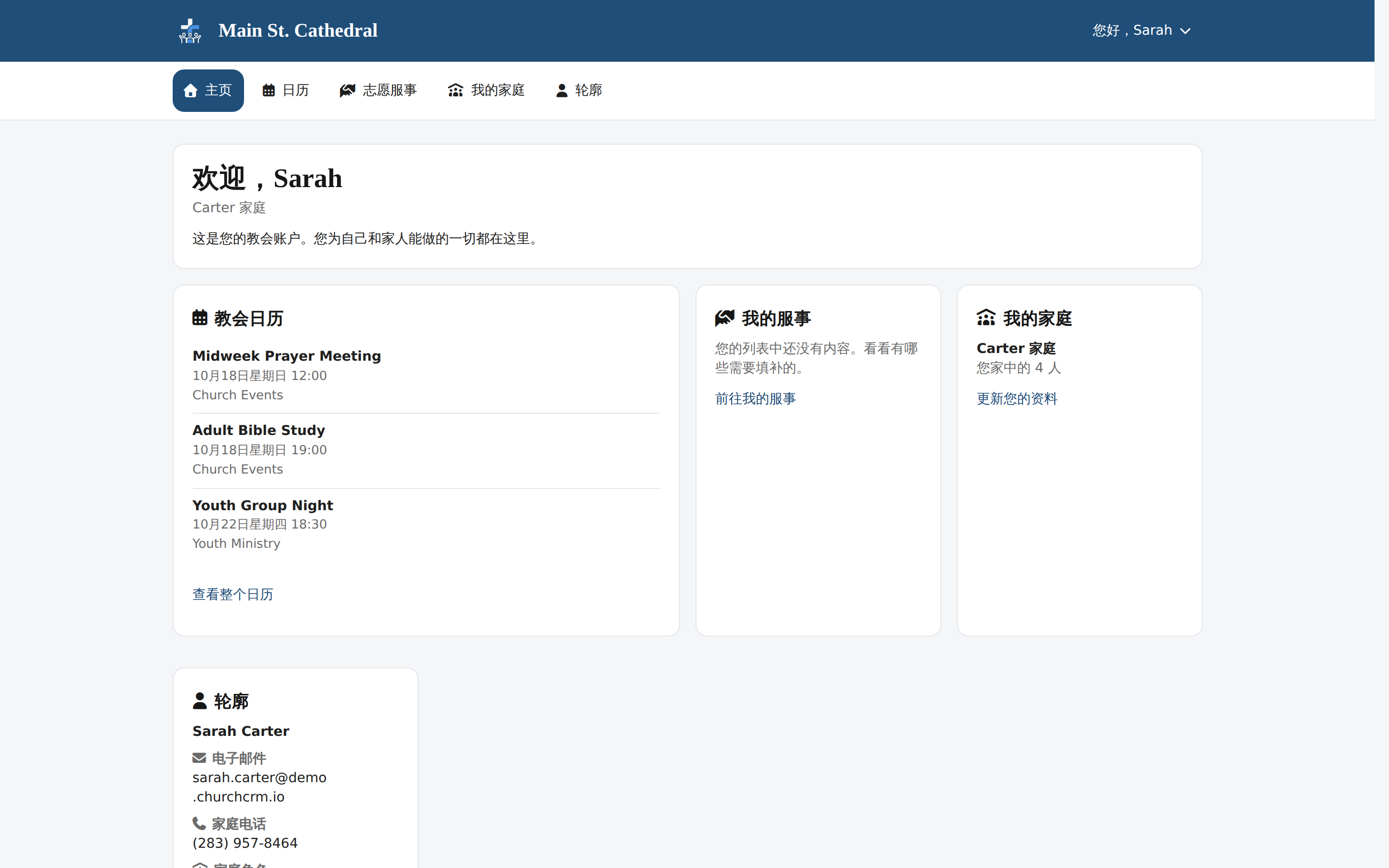
Member Portal Home Page A member signs in to their own portal: upcoming events, family and profile.

Groupes et événements
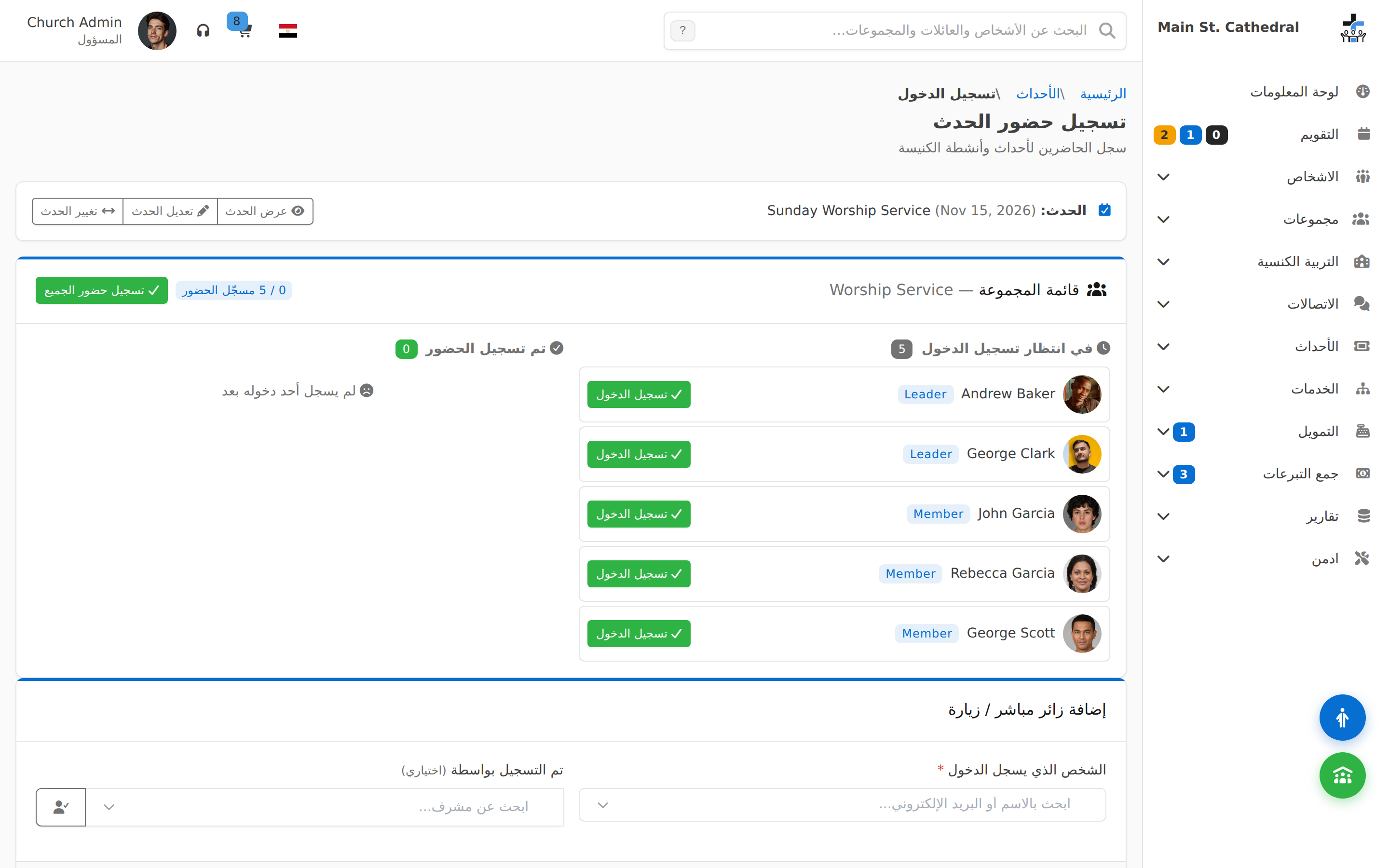
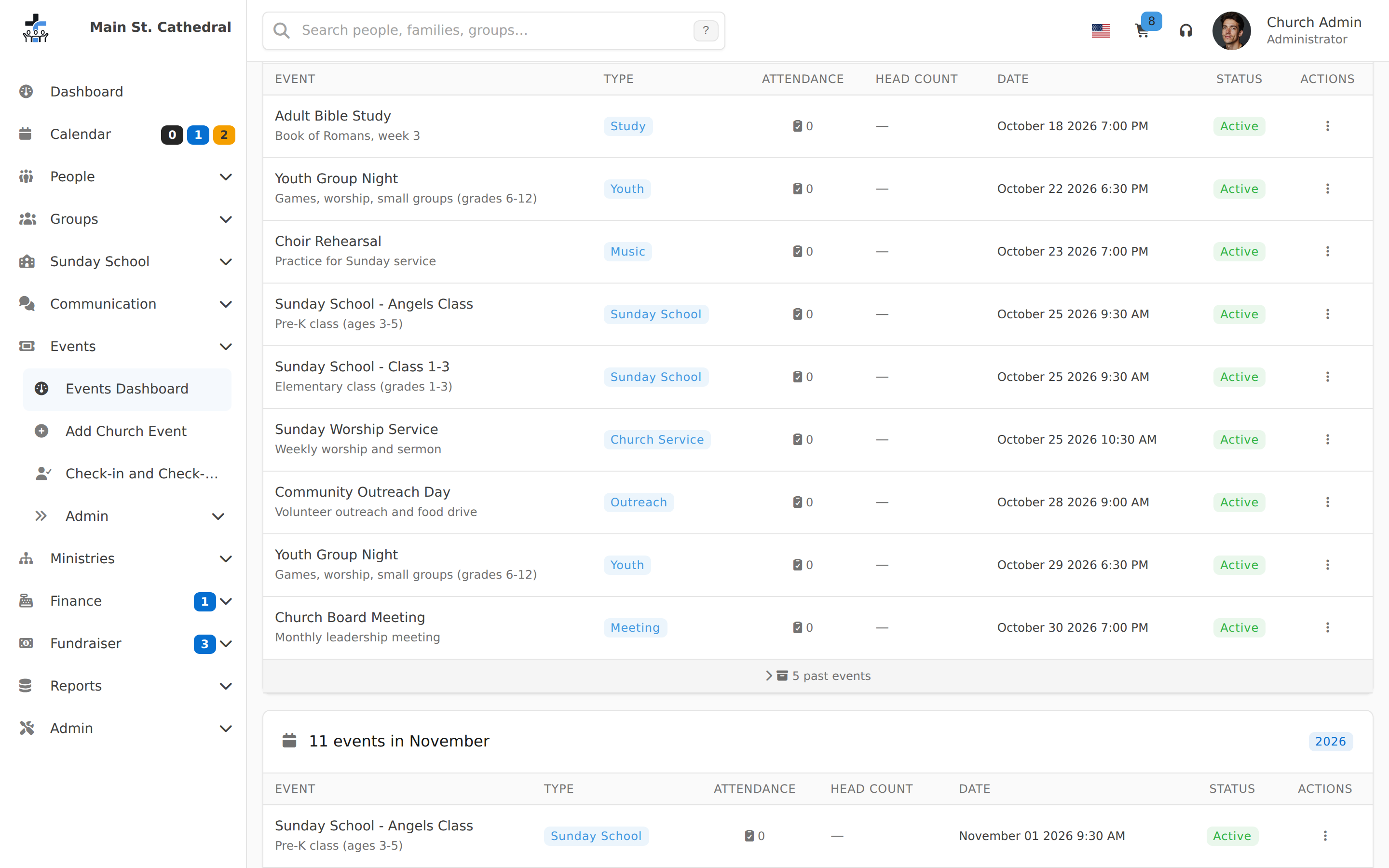
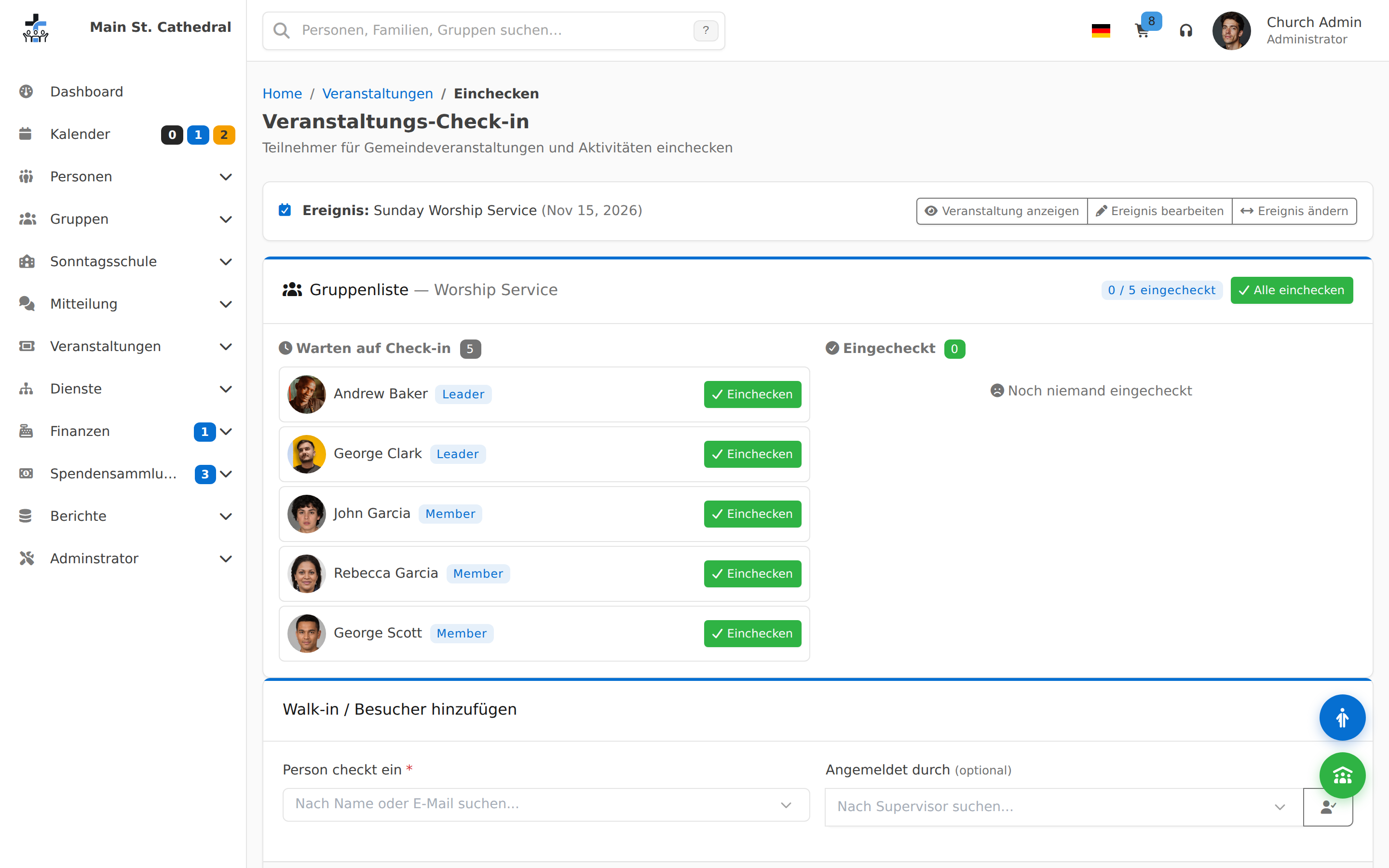
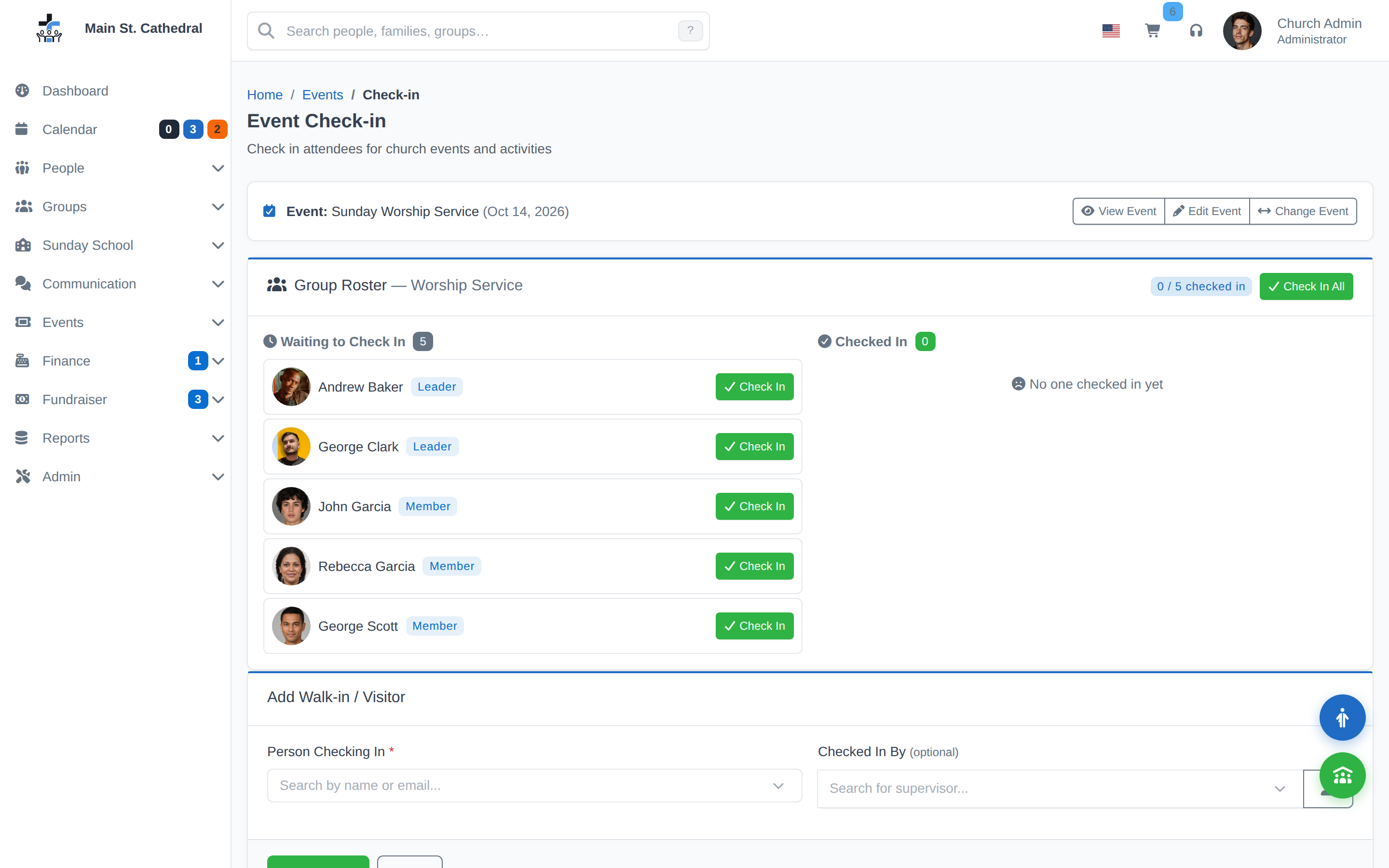
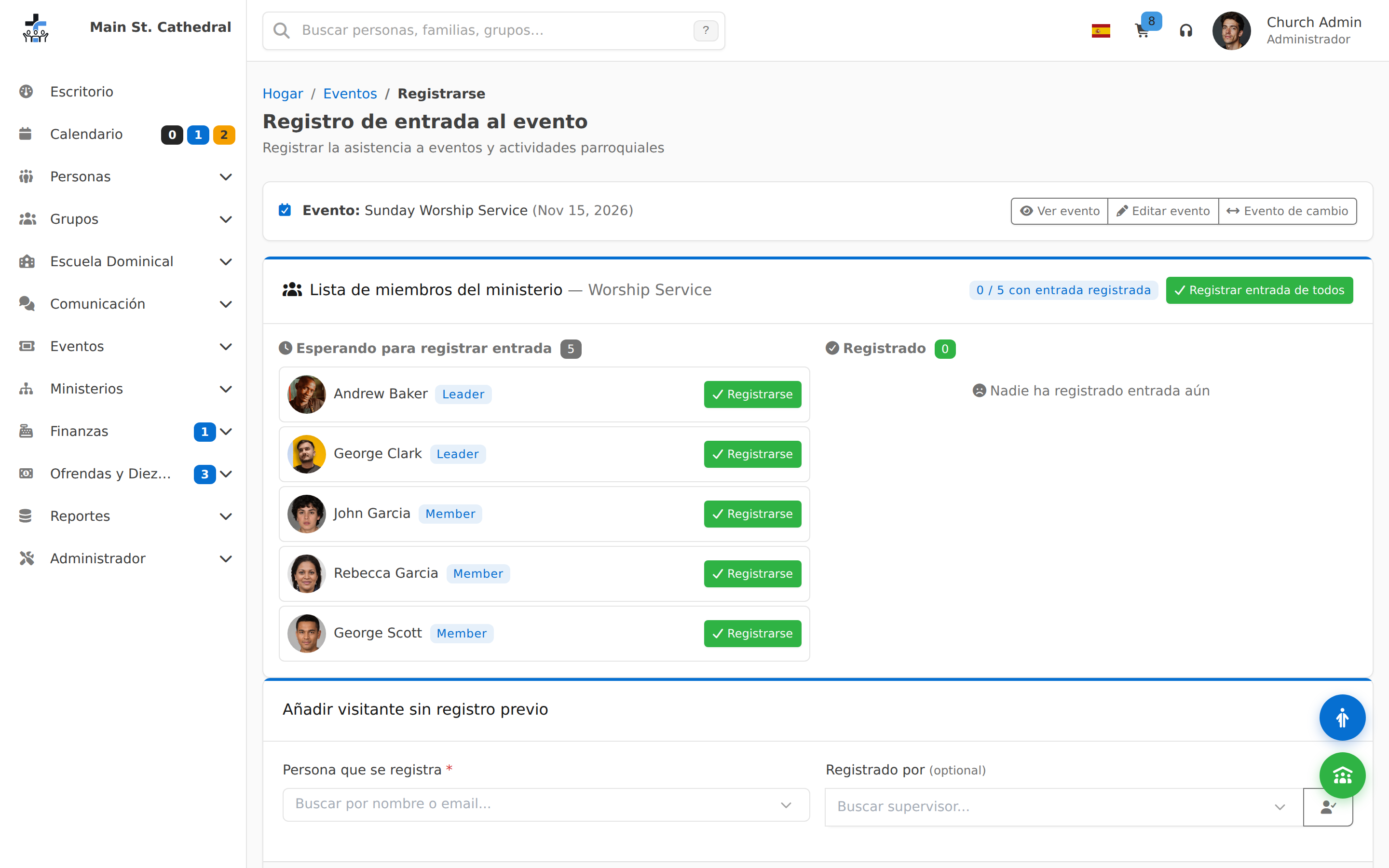
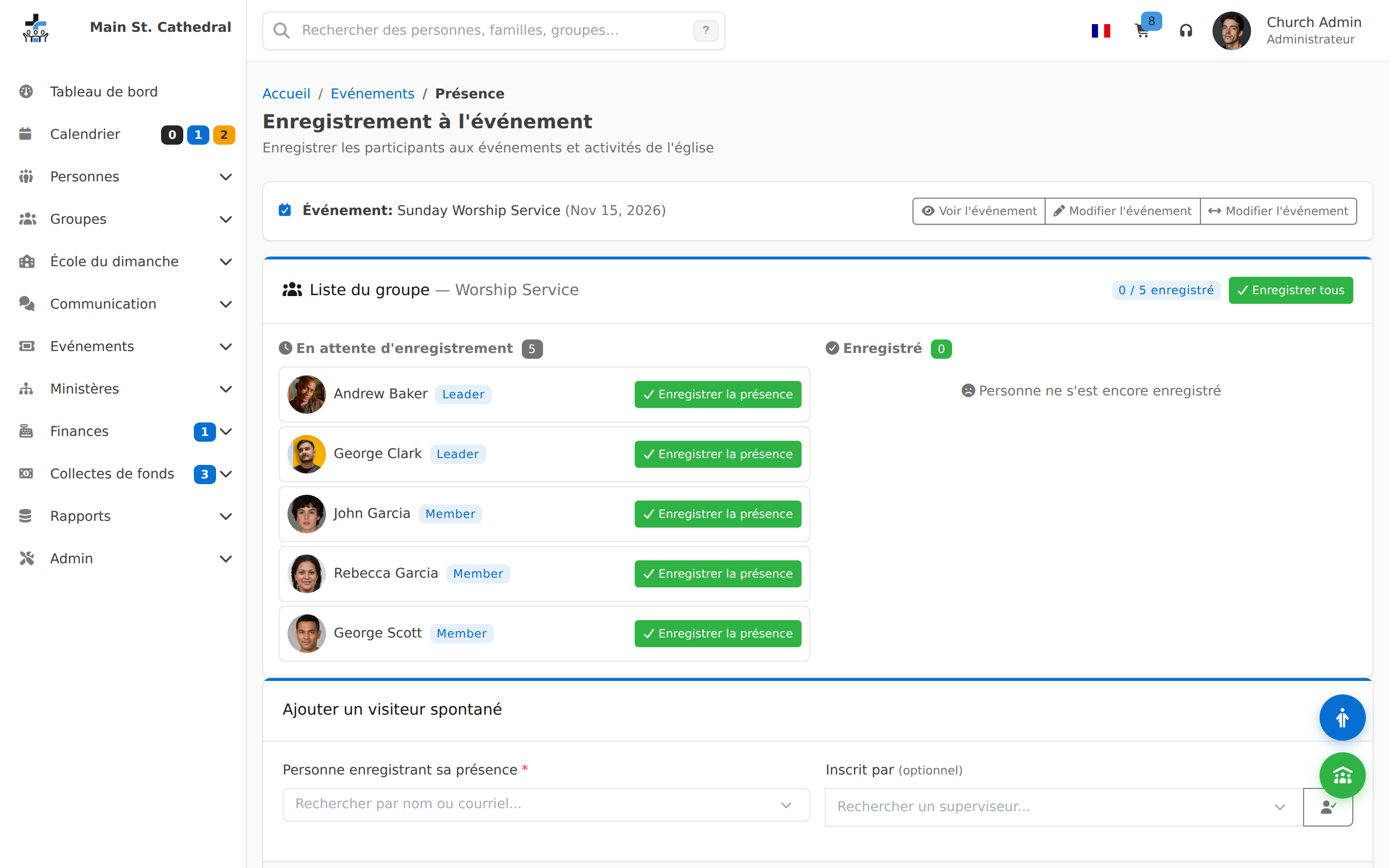
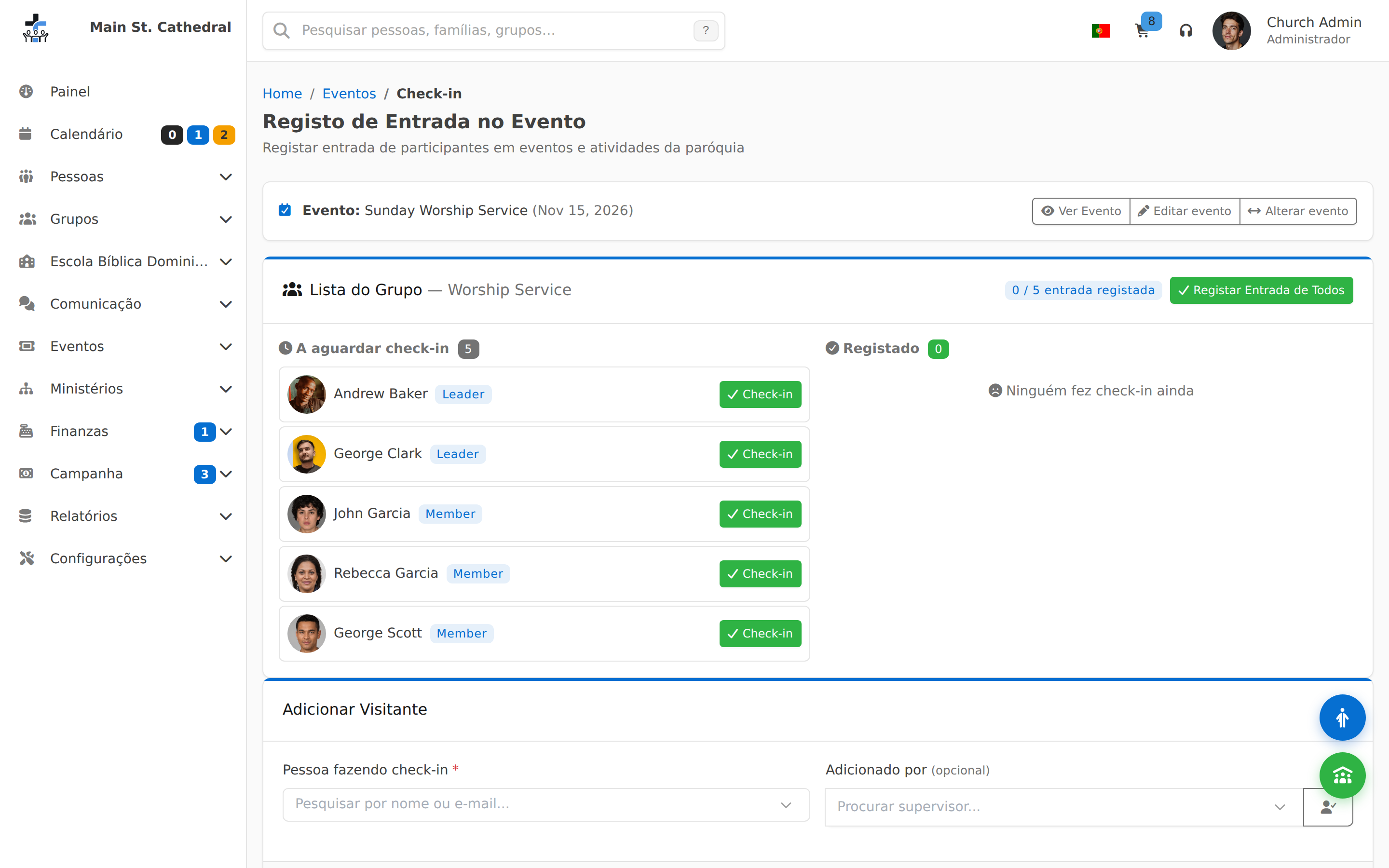
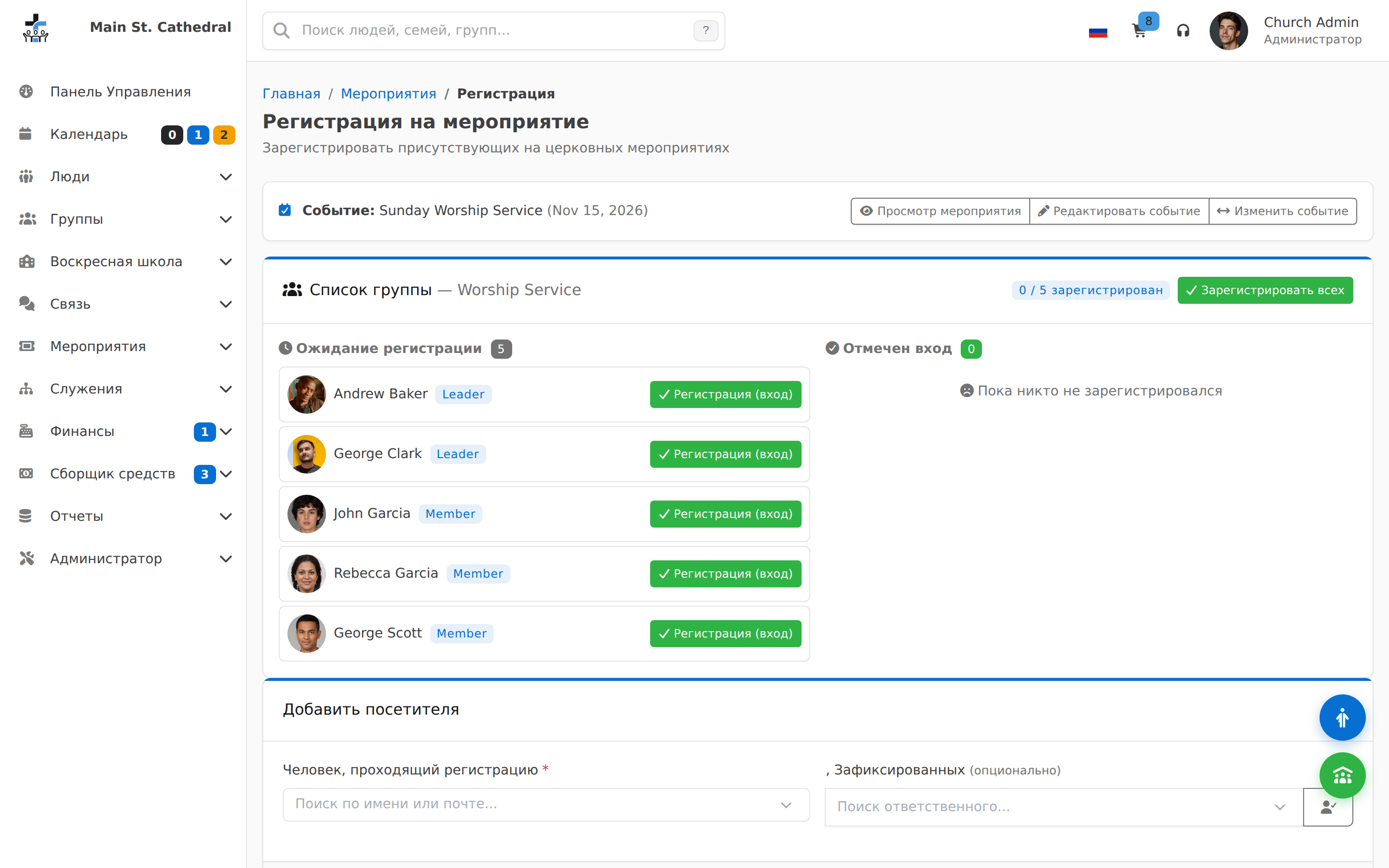
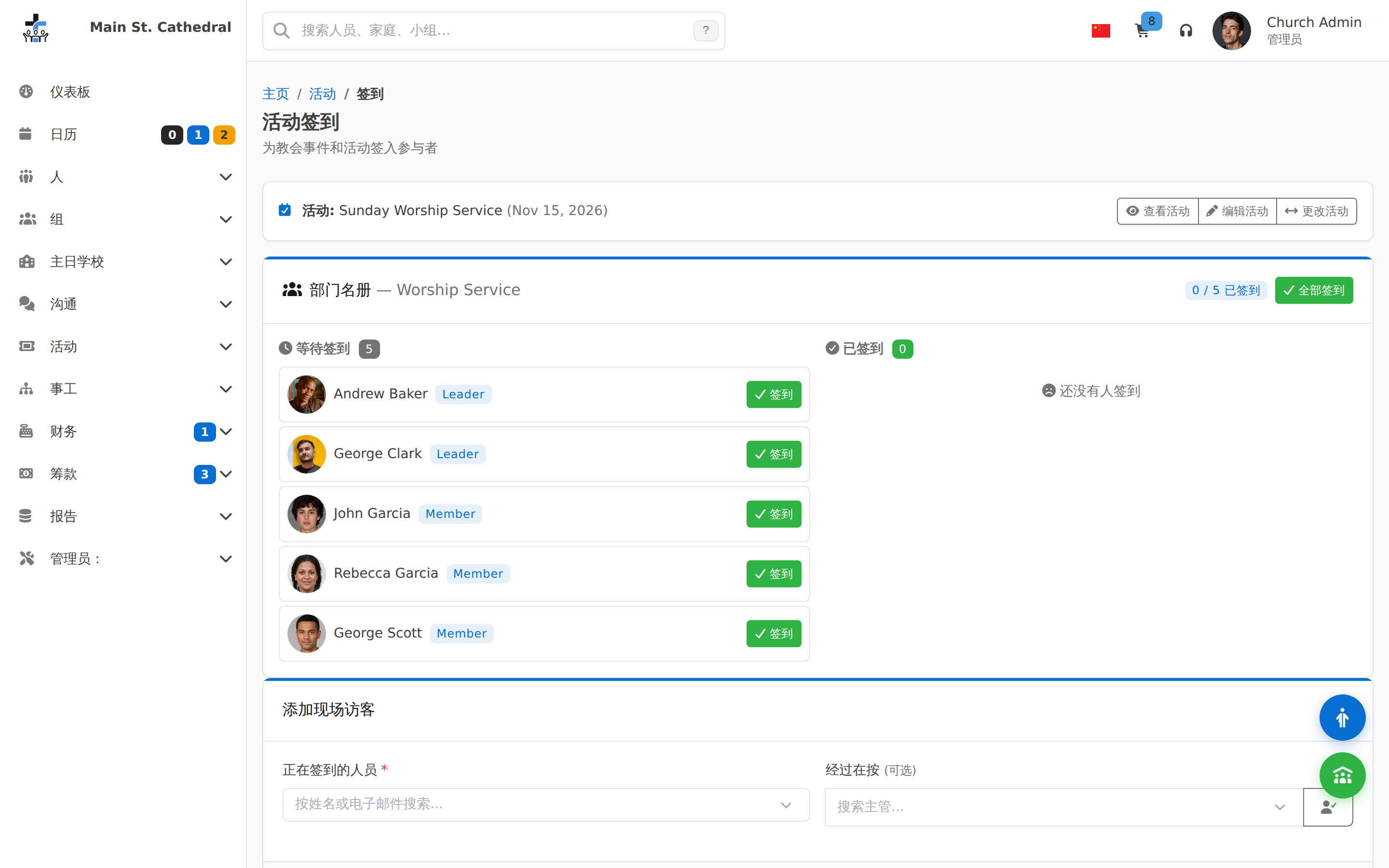
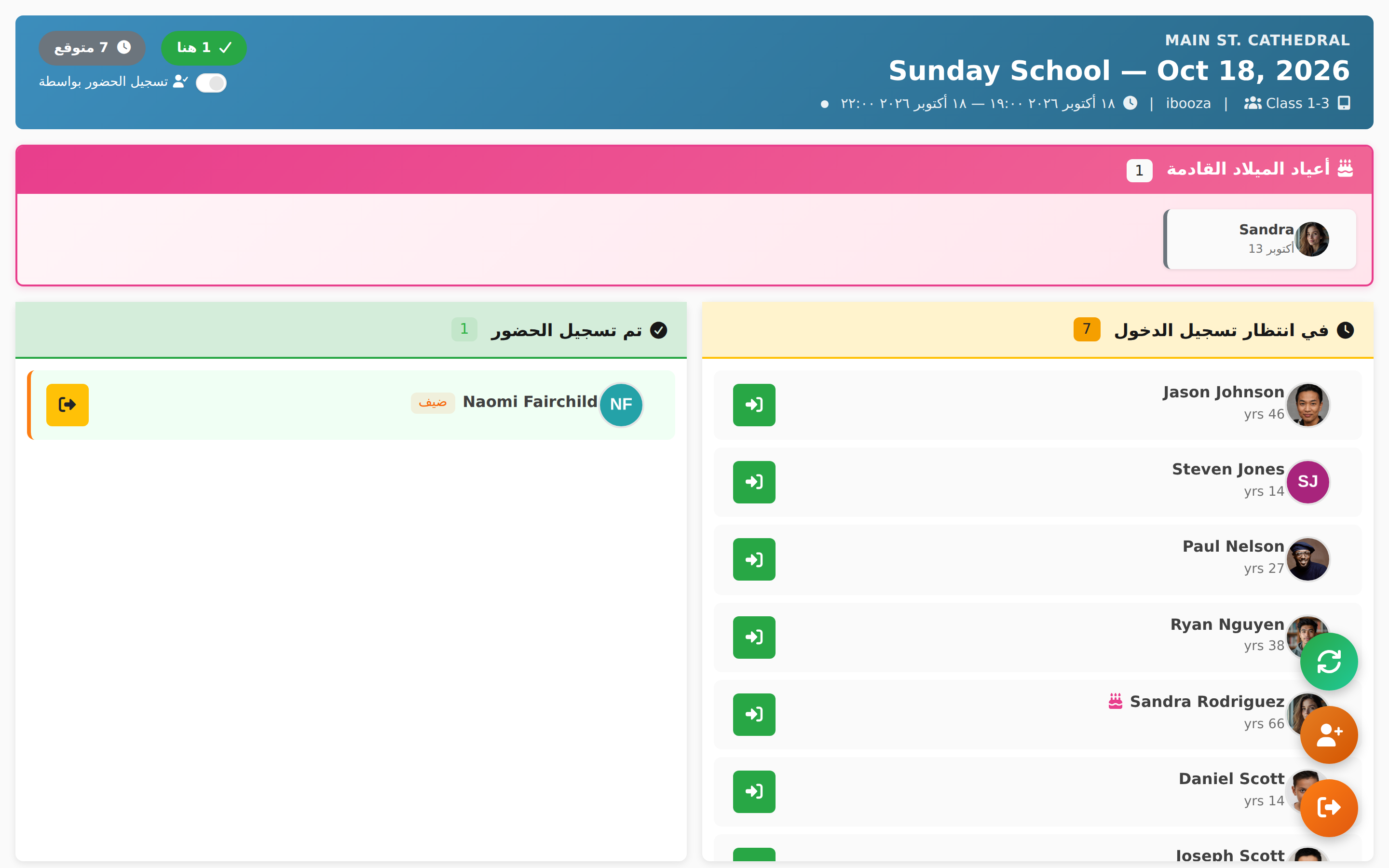
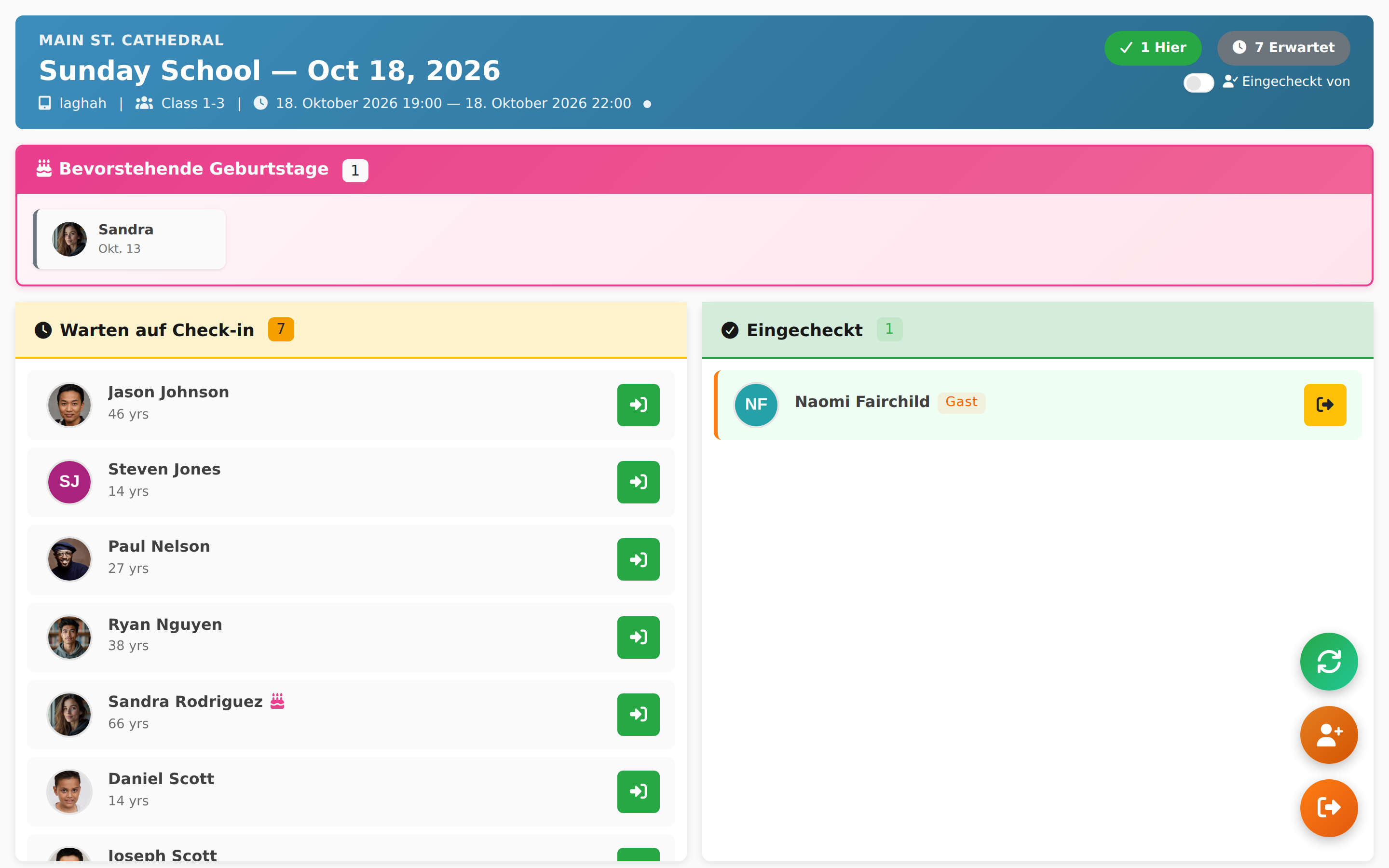
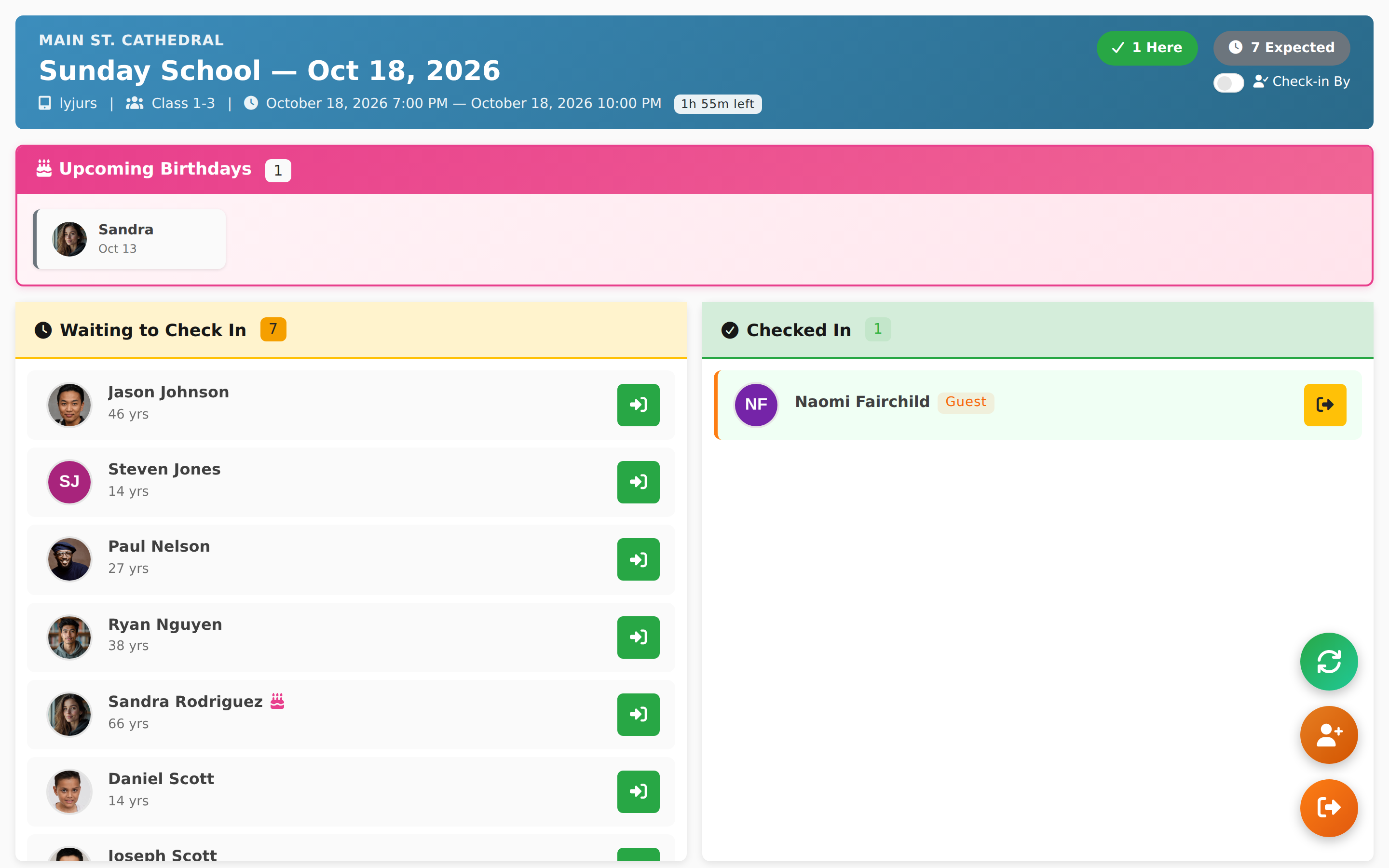
Check-In & Attendance Show the event check-in / attendance workflow
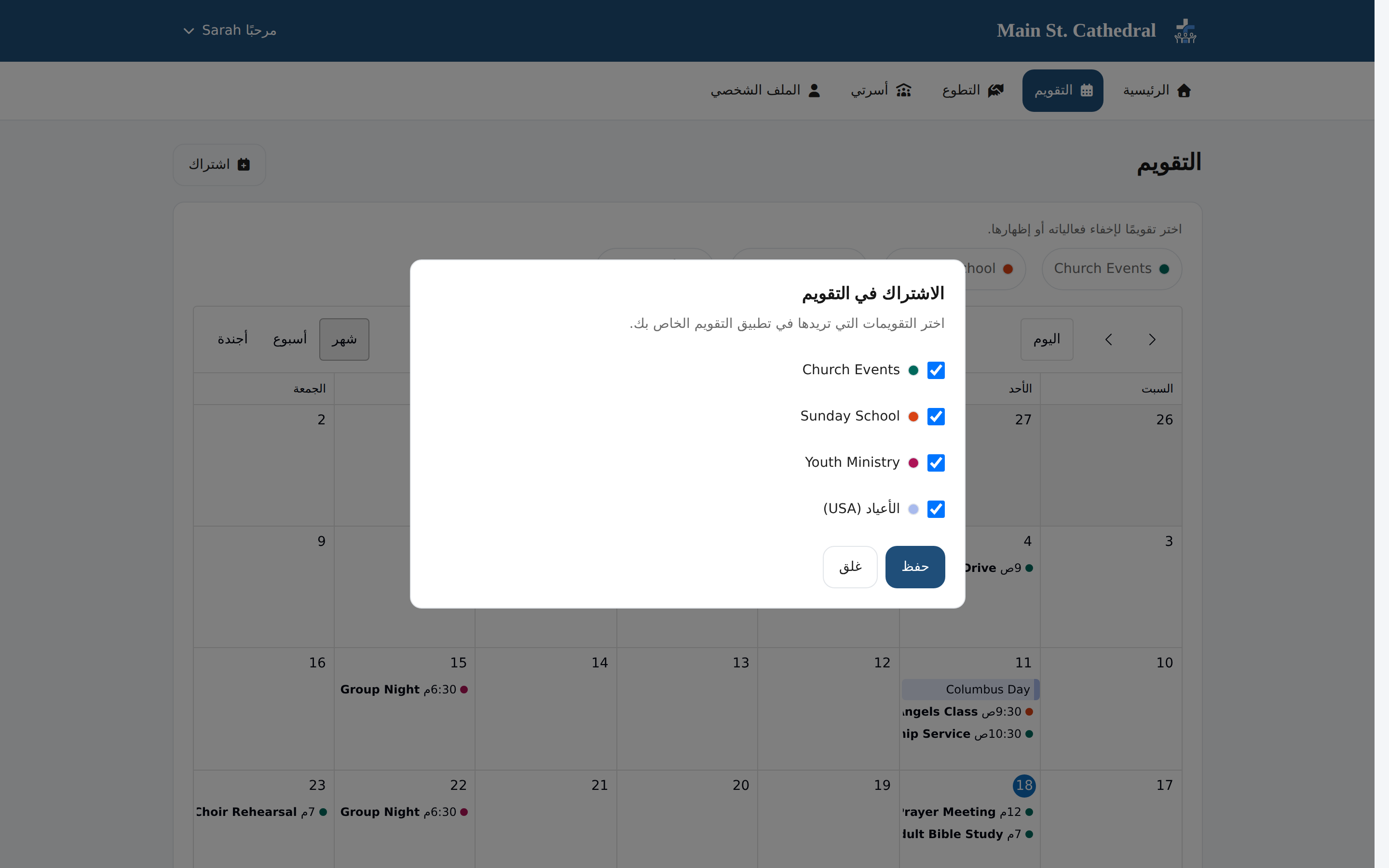
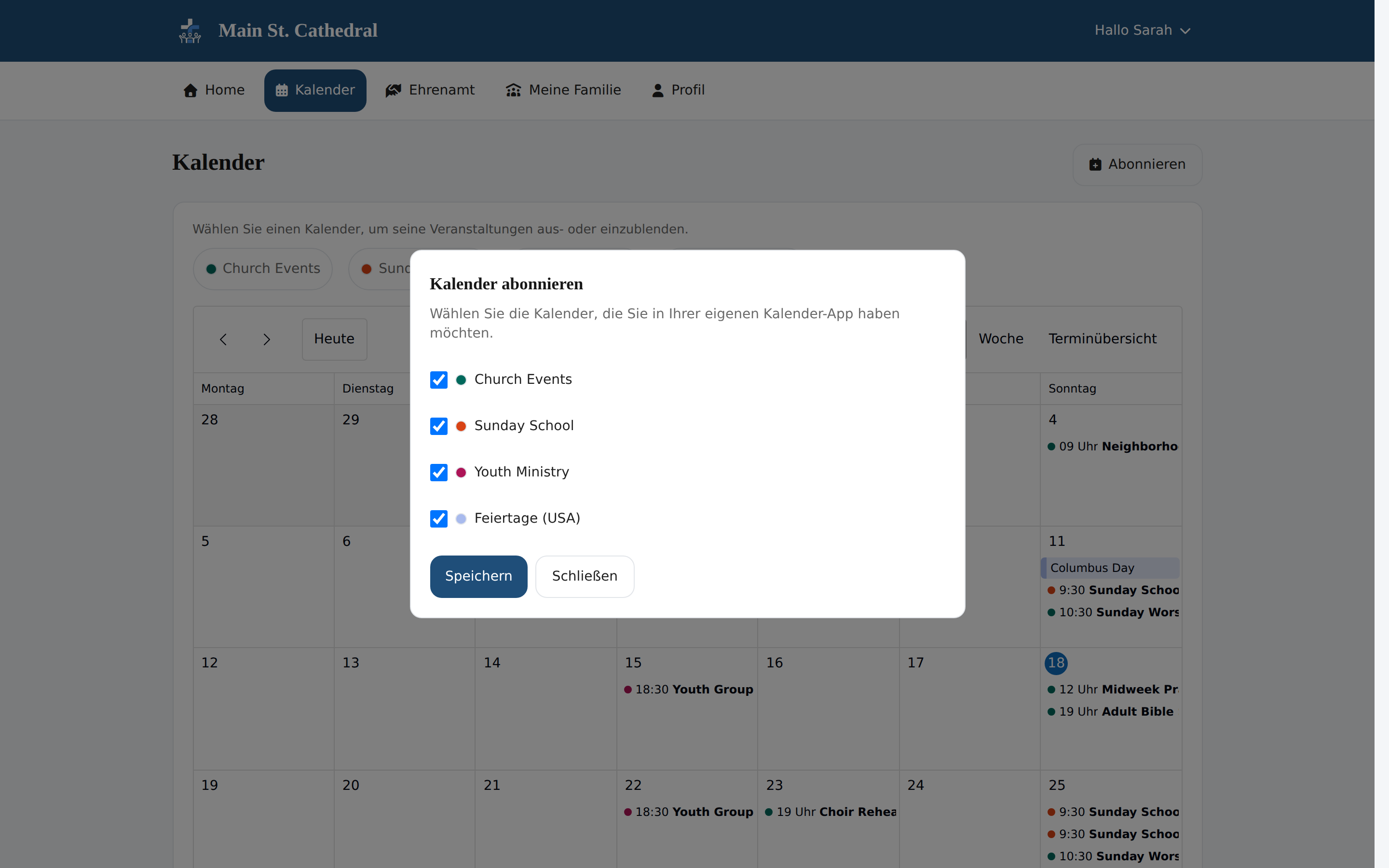
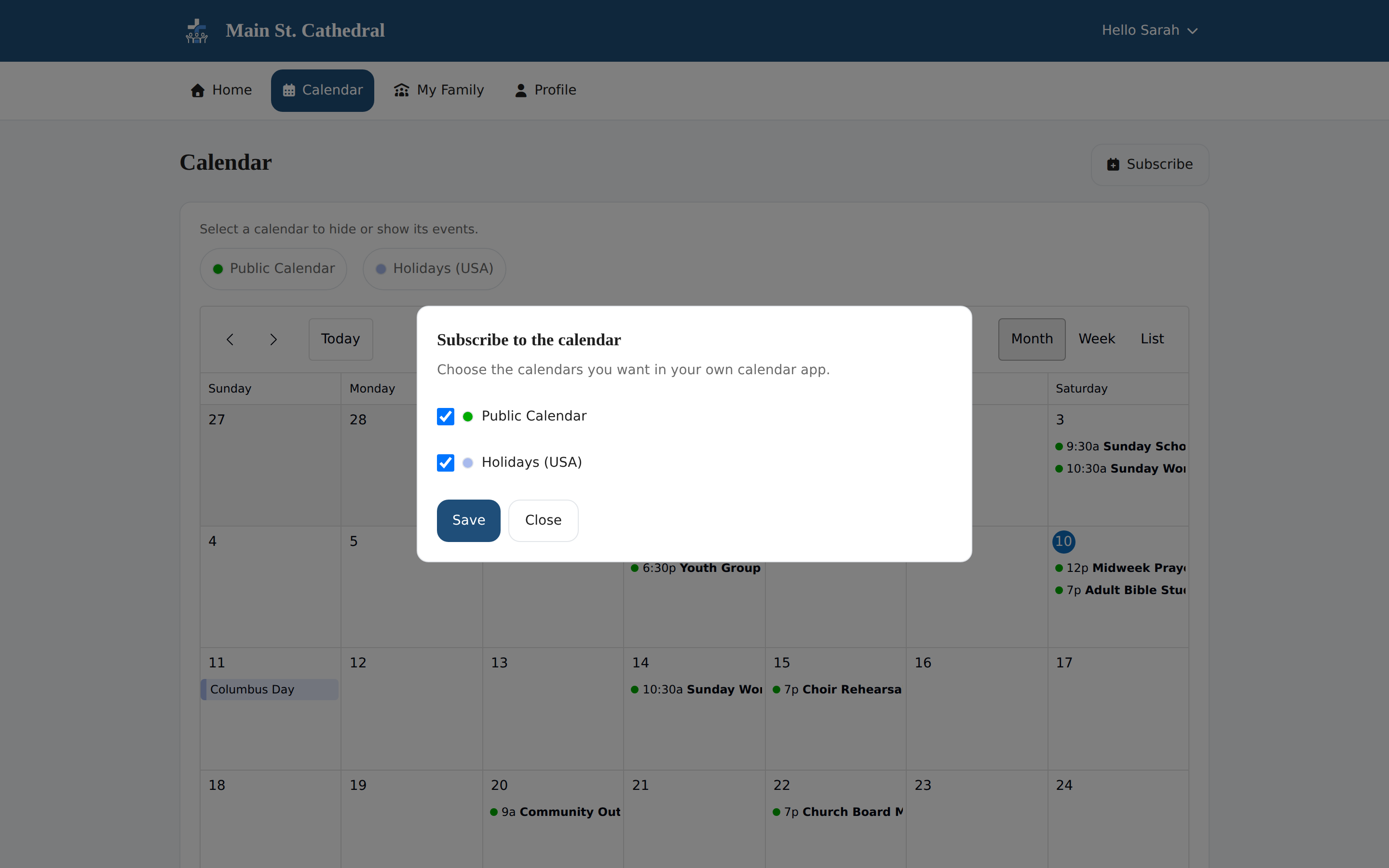
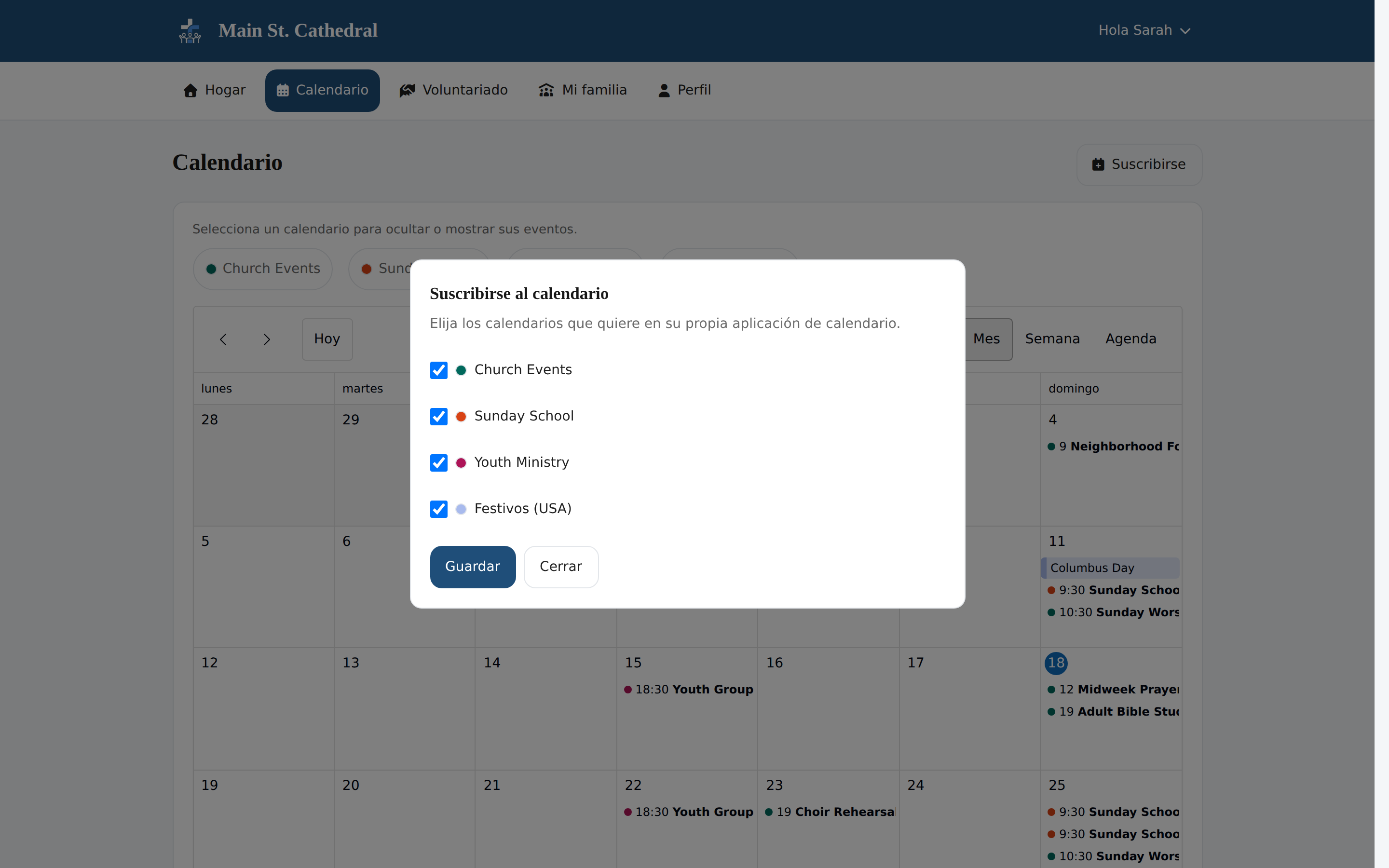
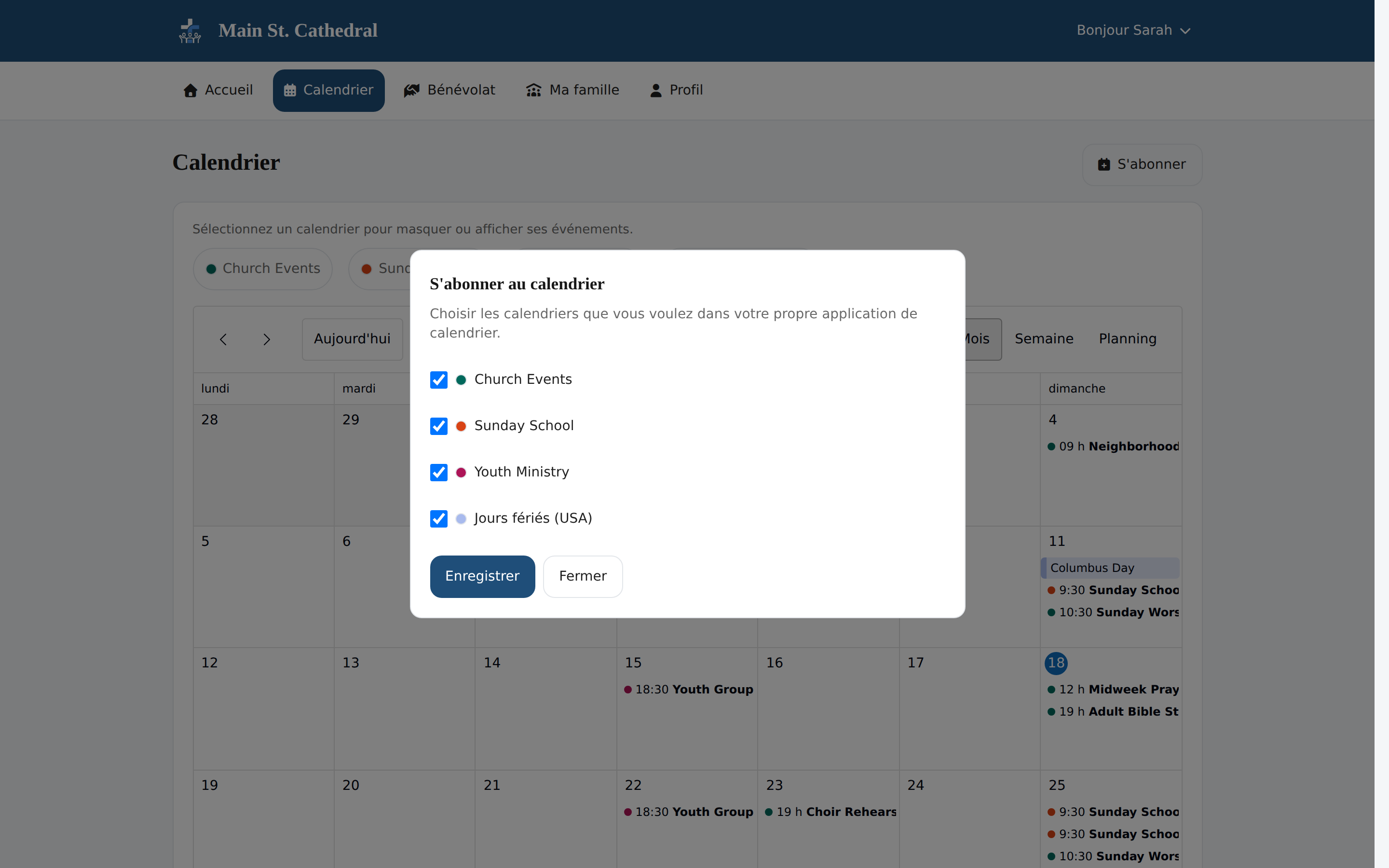
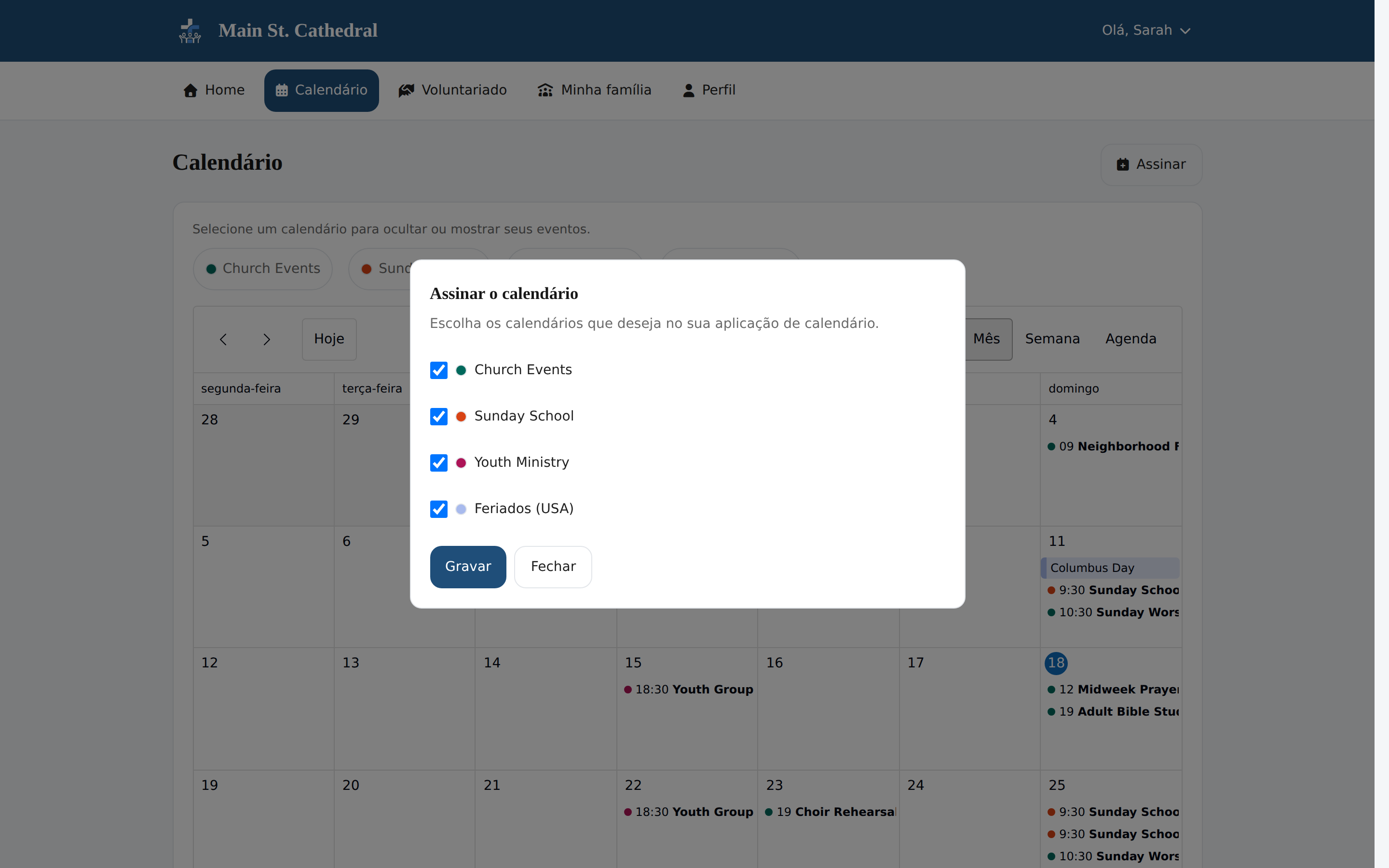
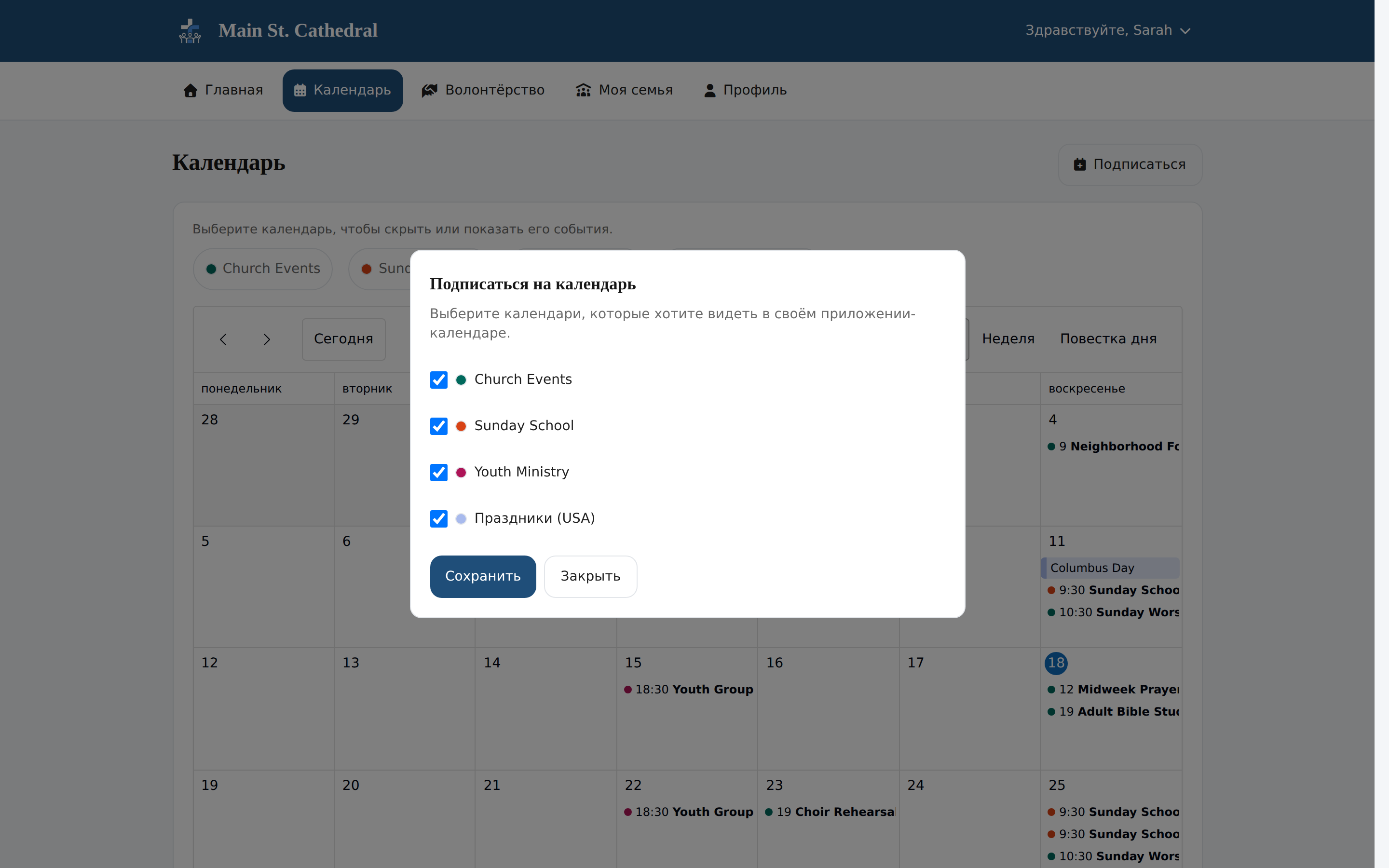
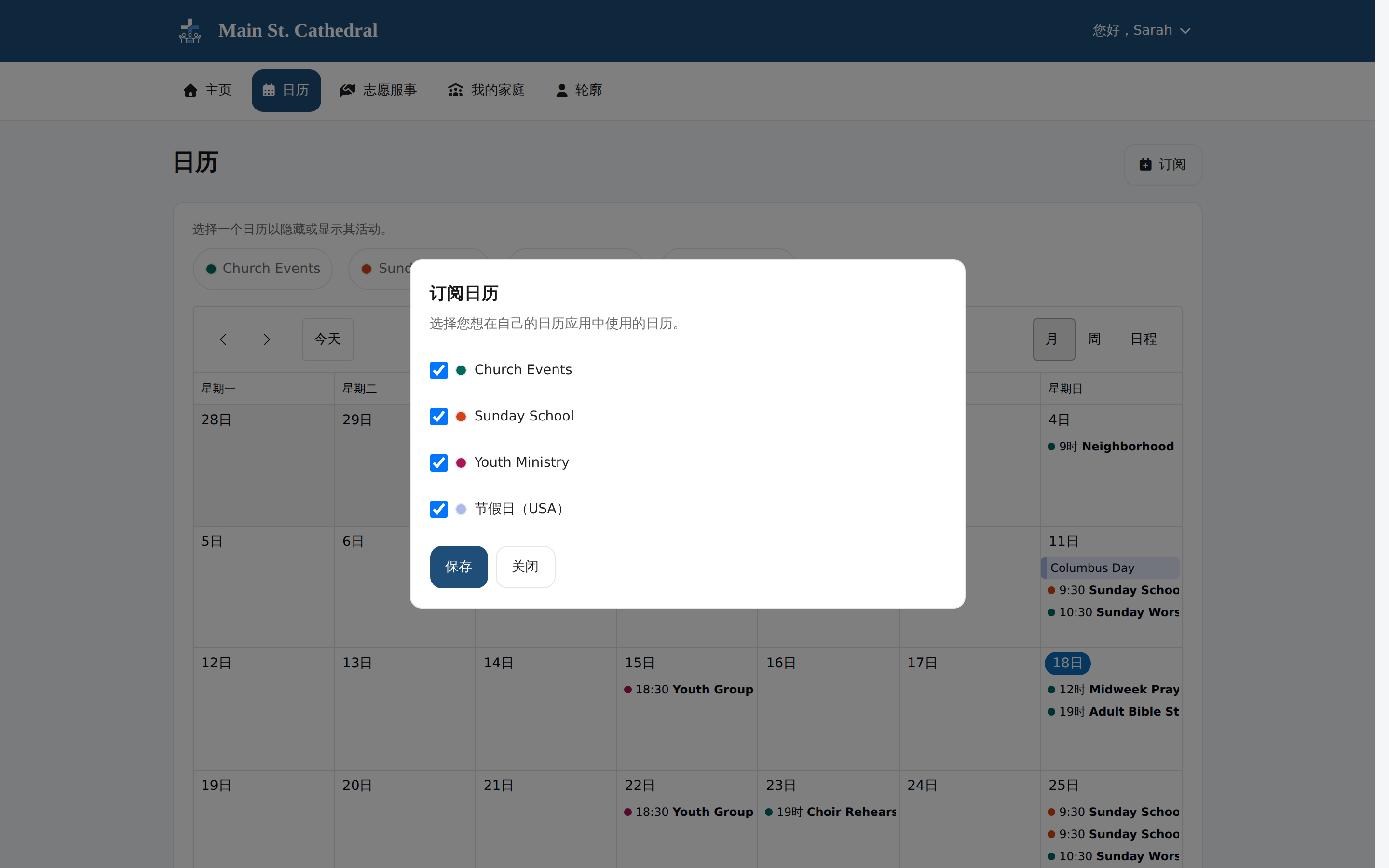
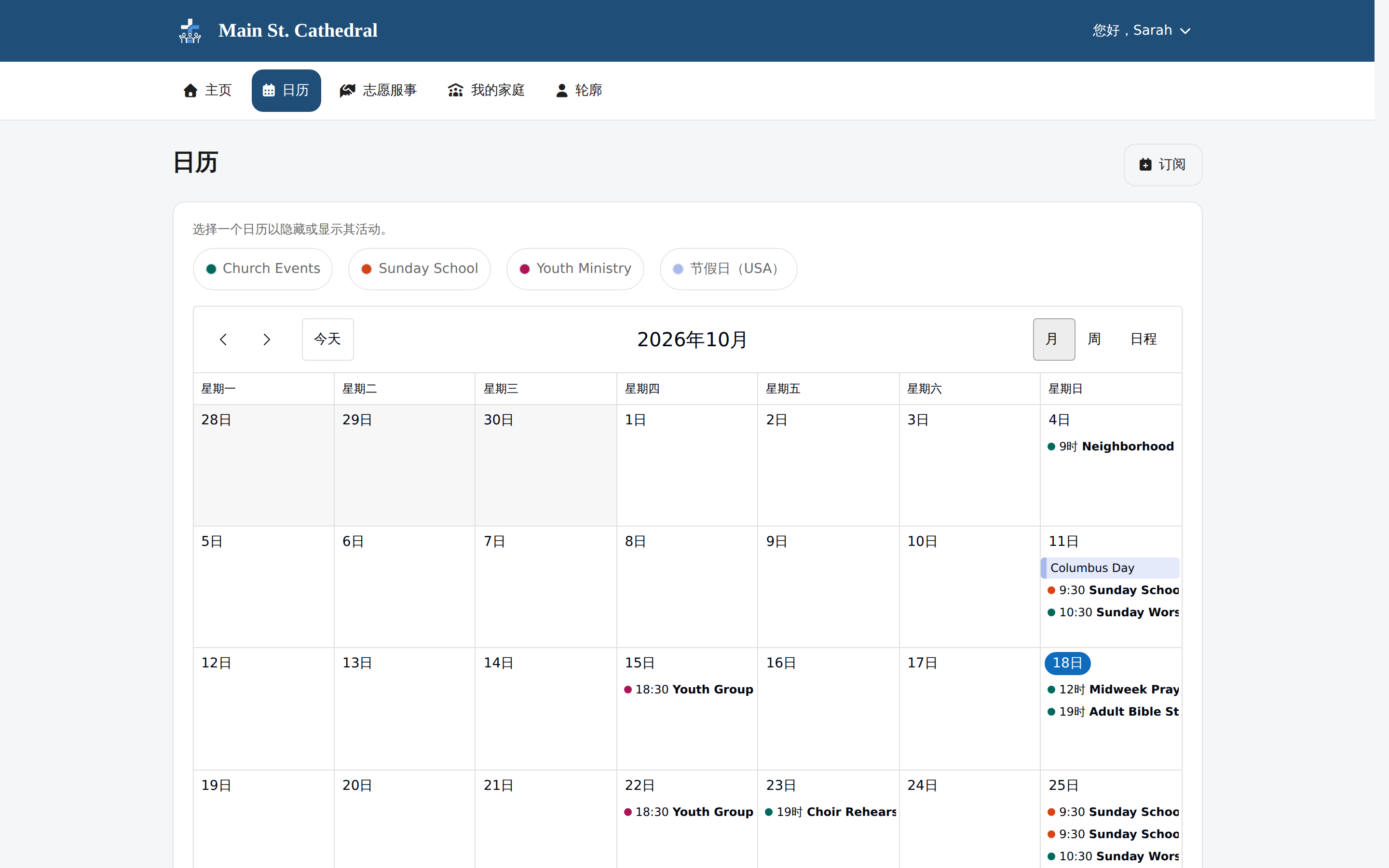
Subscribe to the Church Calendar Members subscribe to the shared church calendars from their own calendar app.
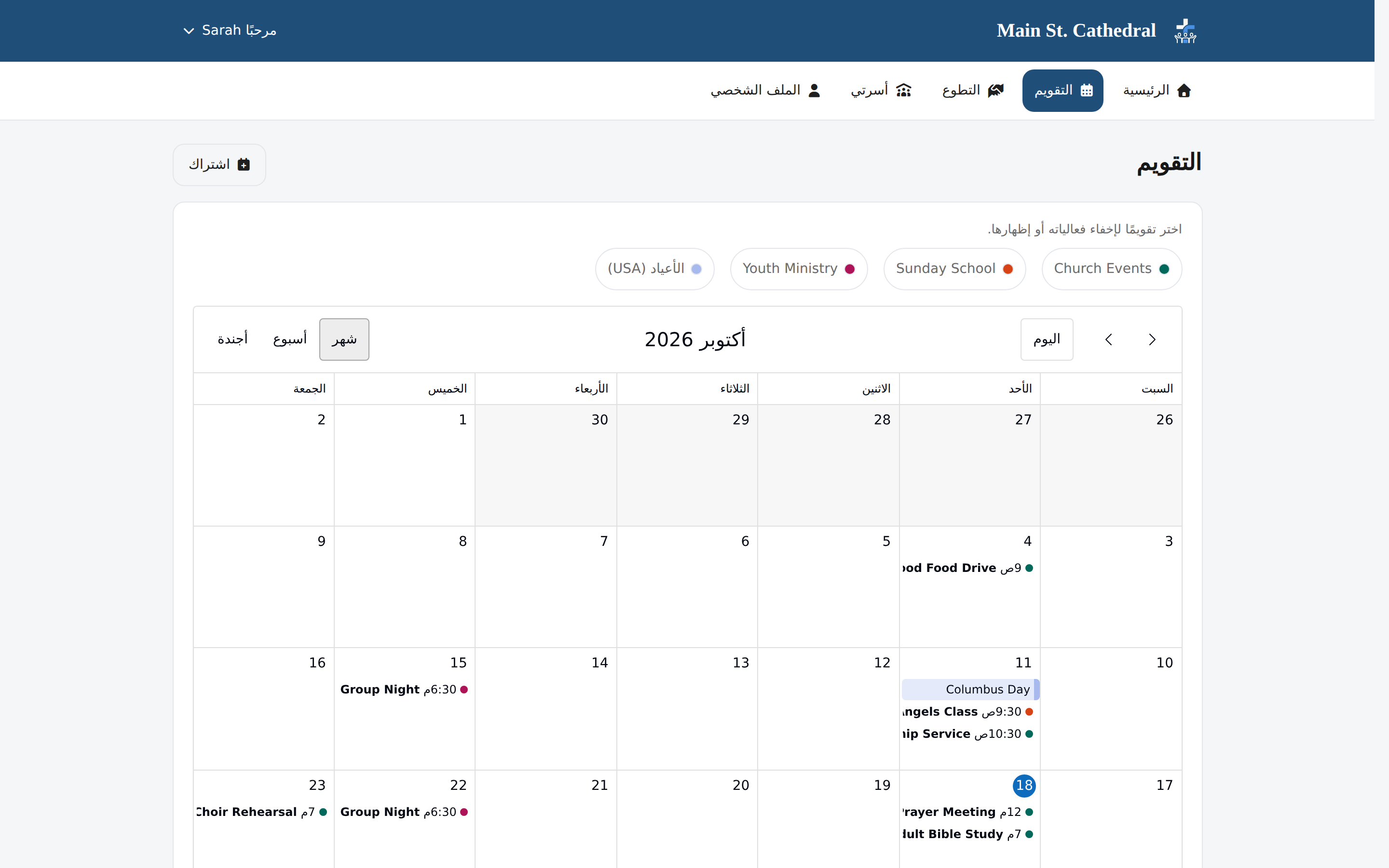
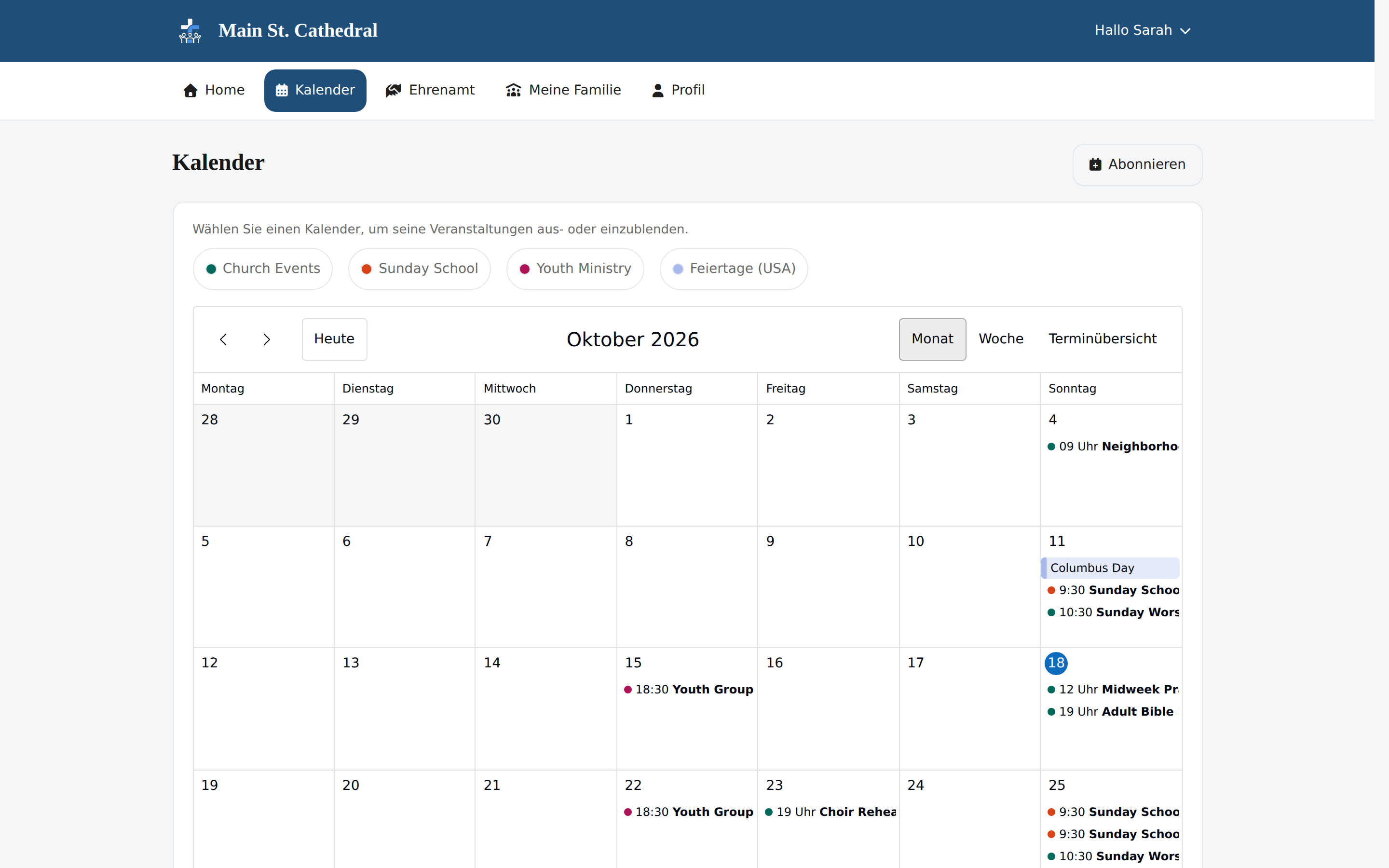
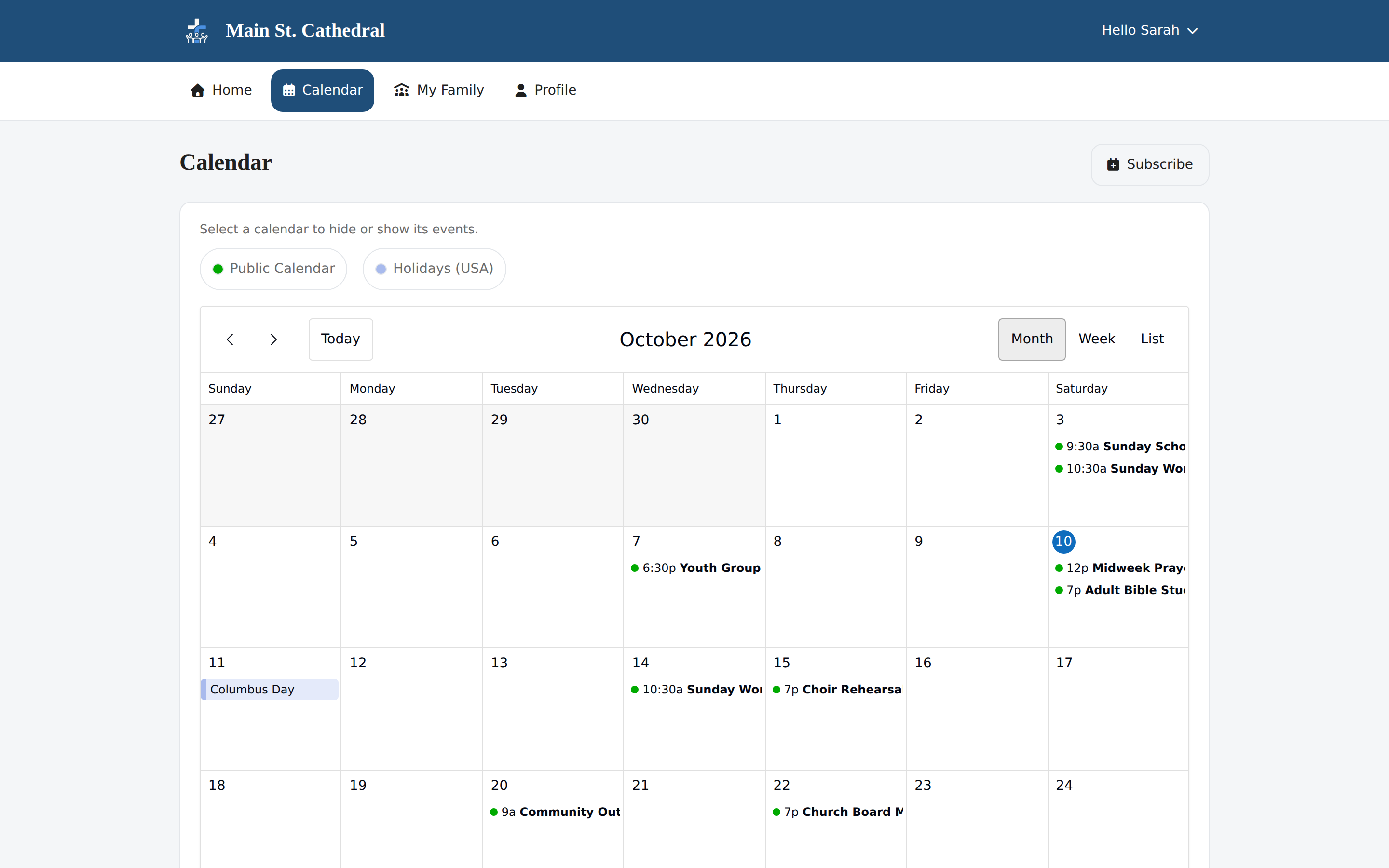
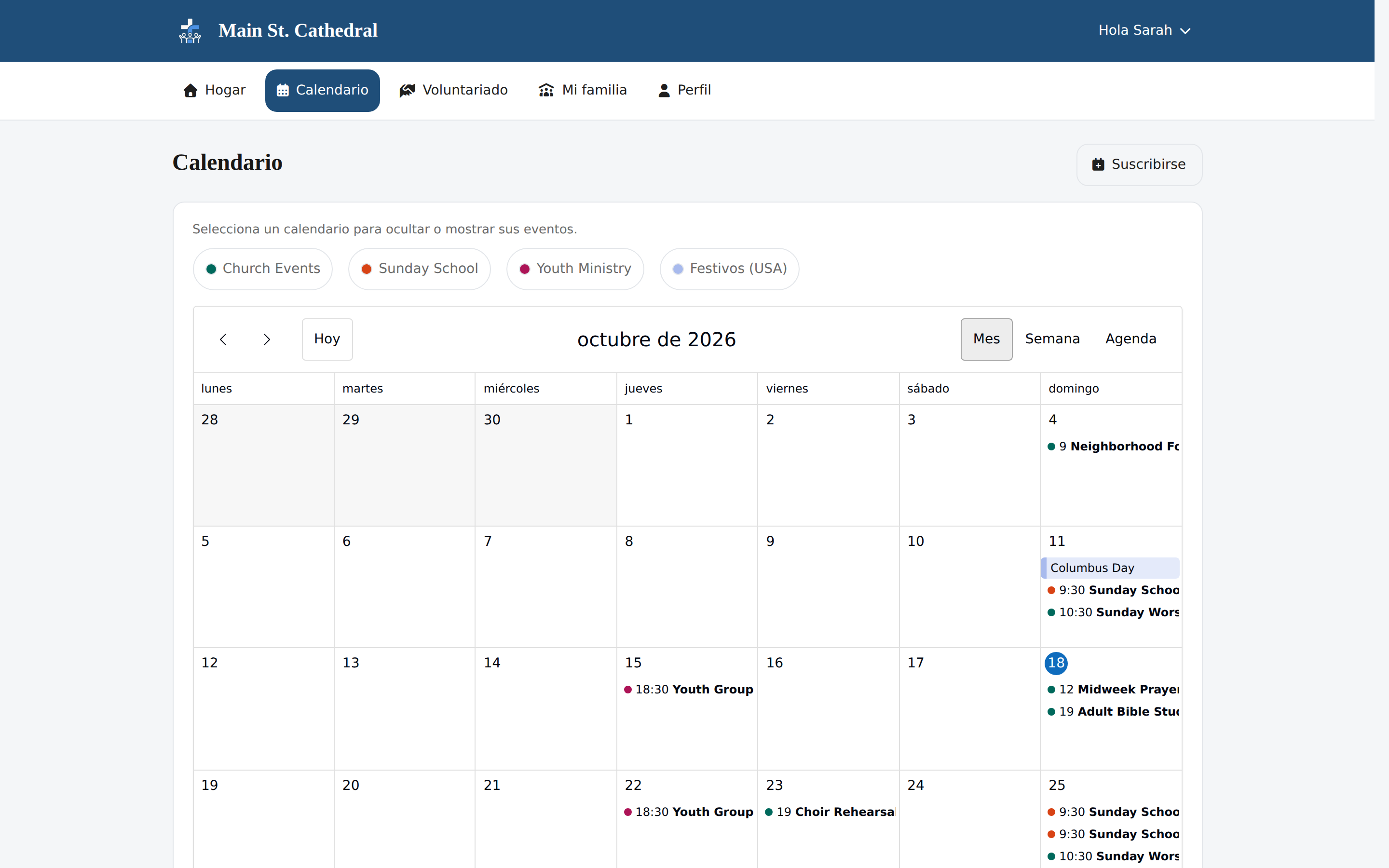
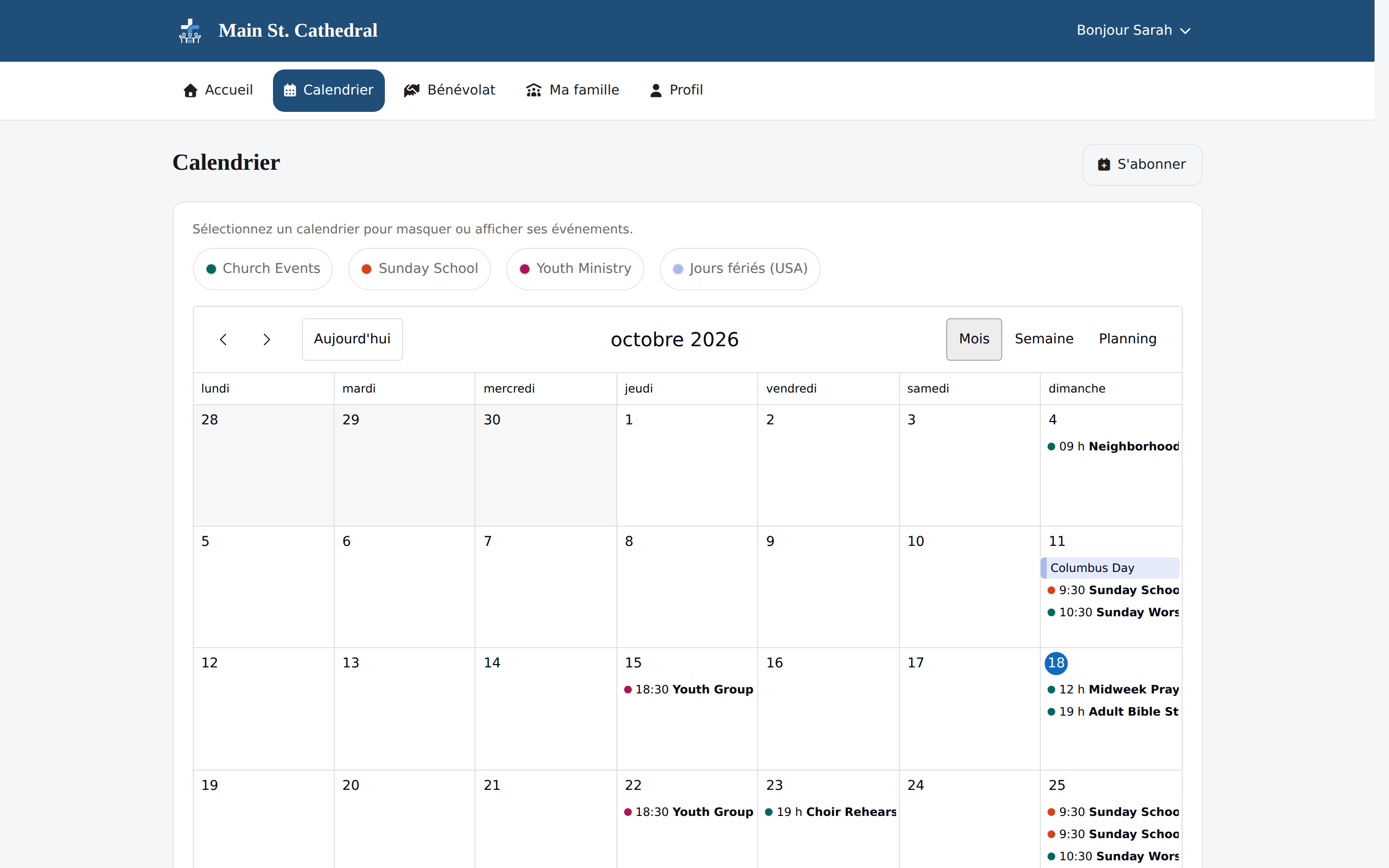
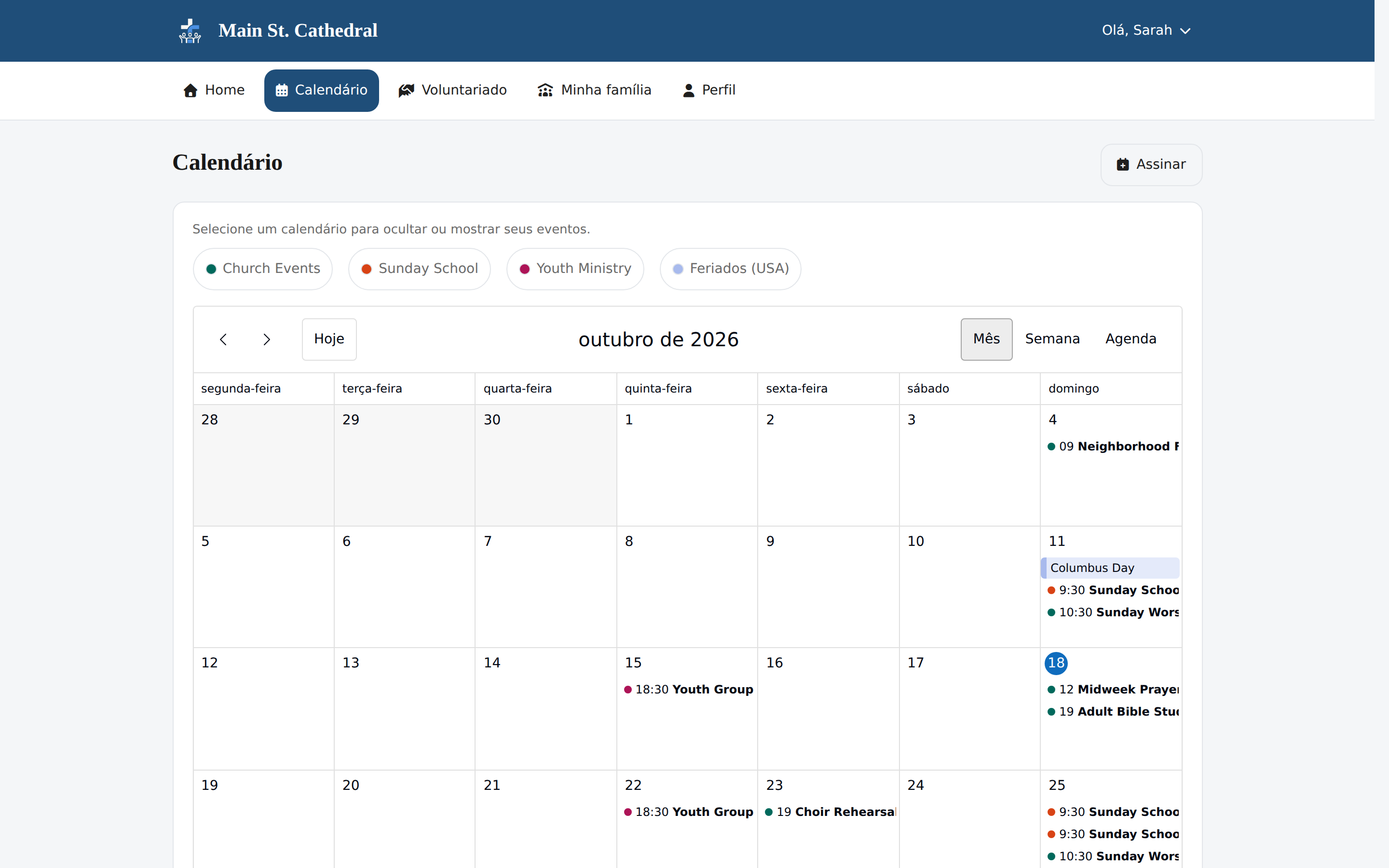
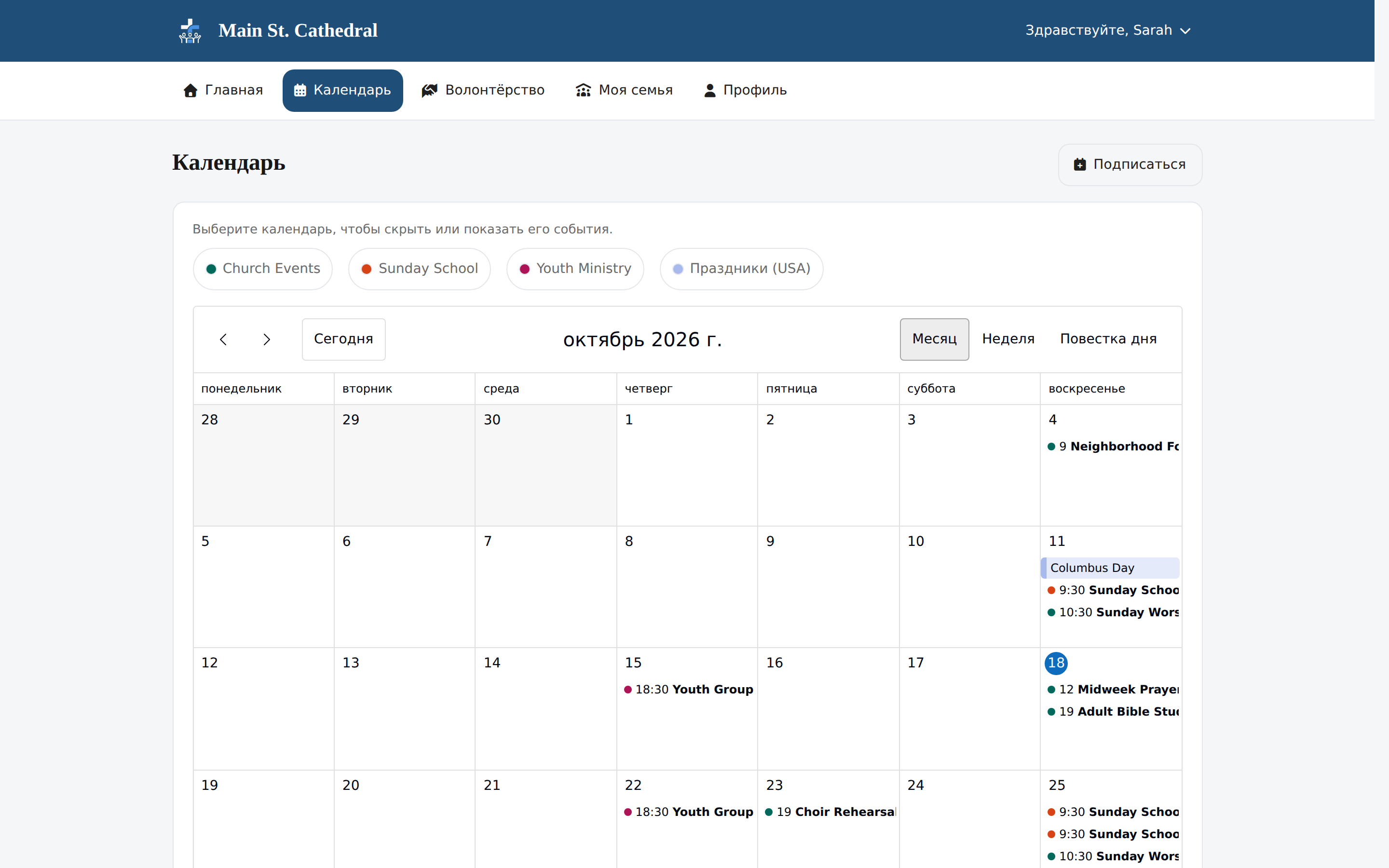
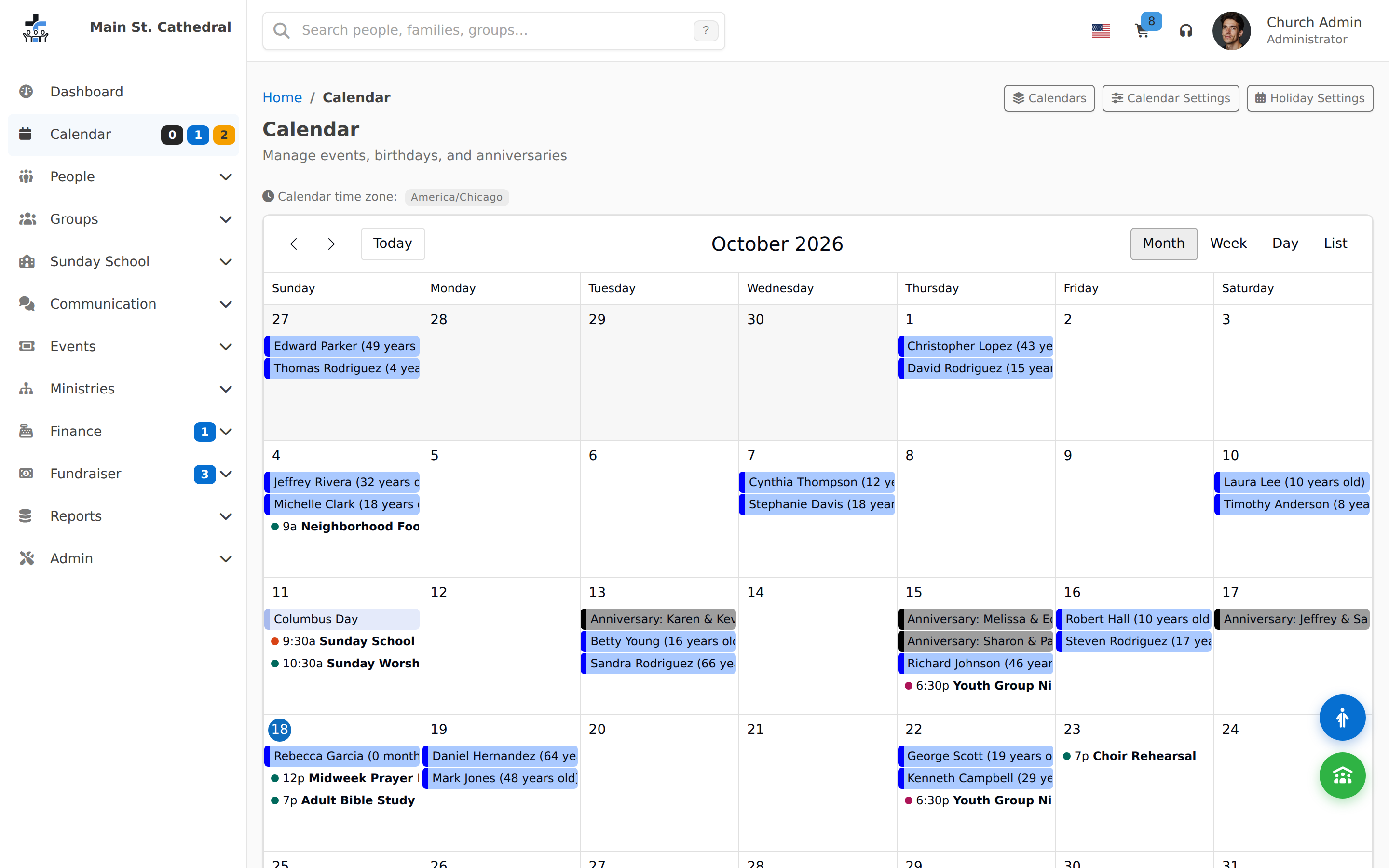
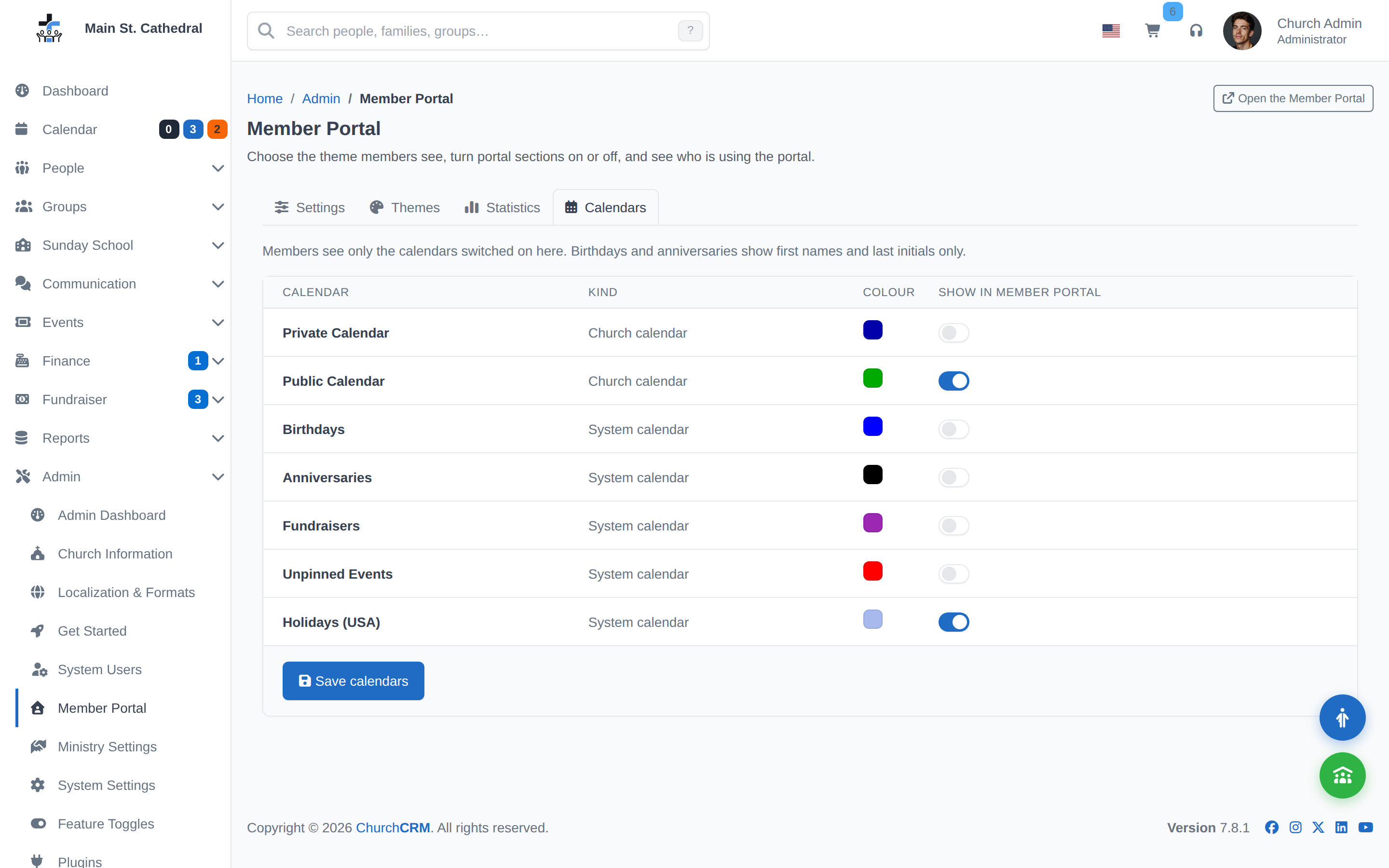
Member Portal Calendar Members browse the calendars the church shares, color-coded with a legend.
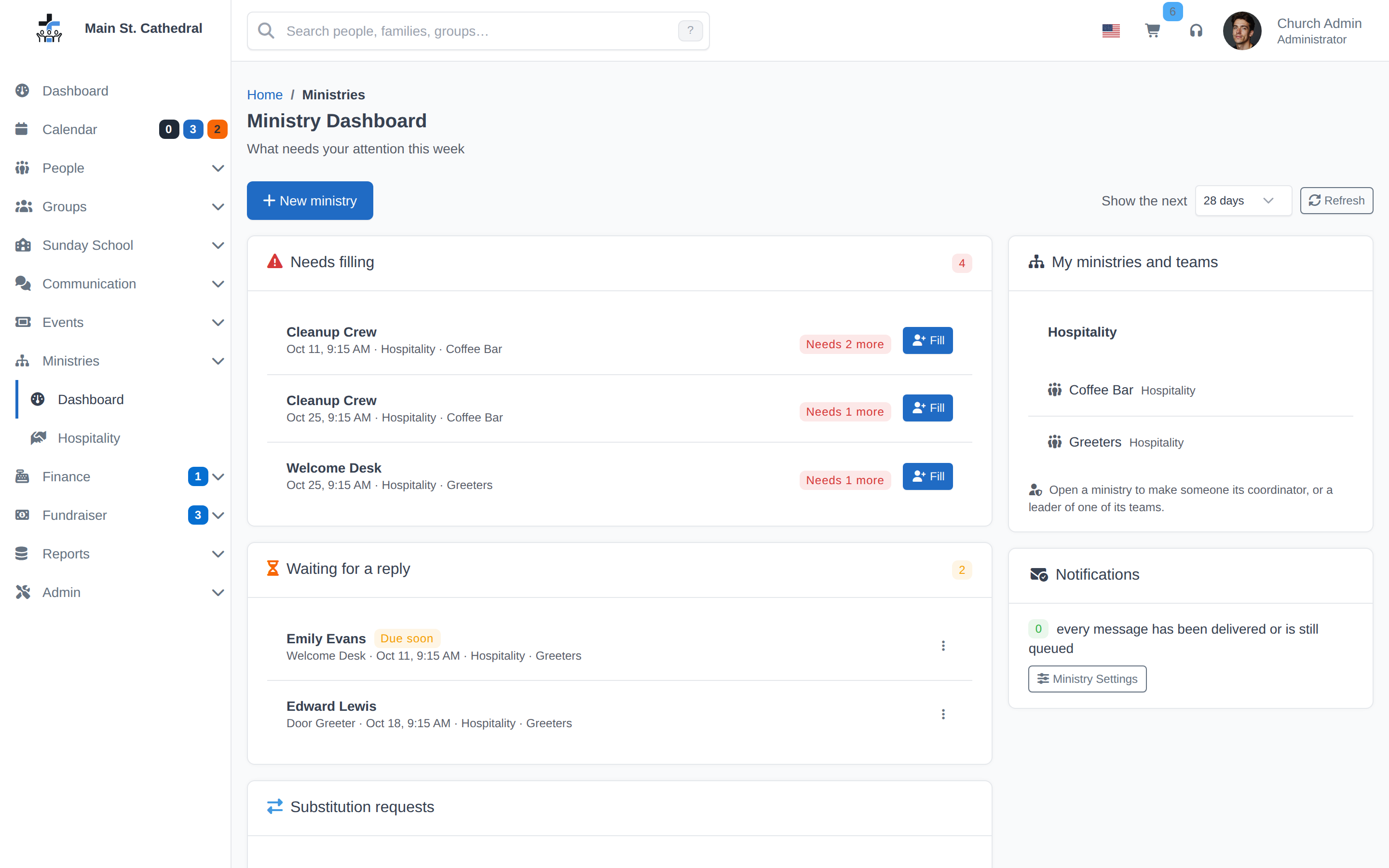
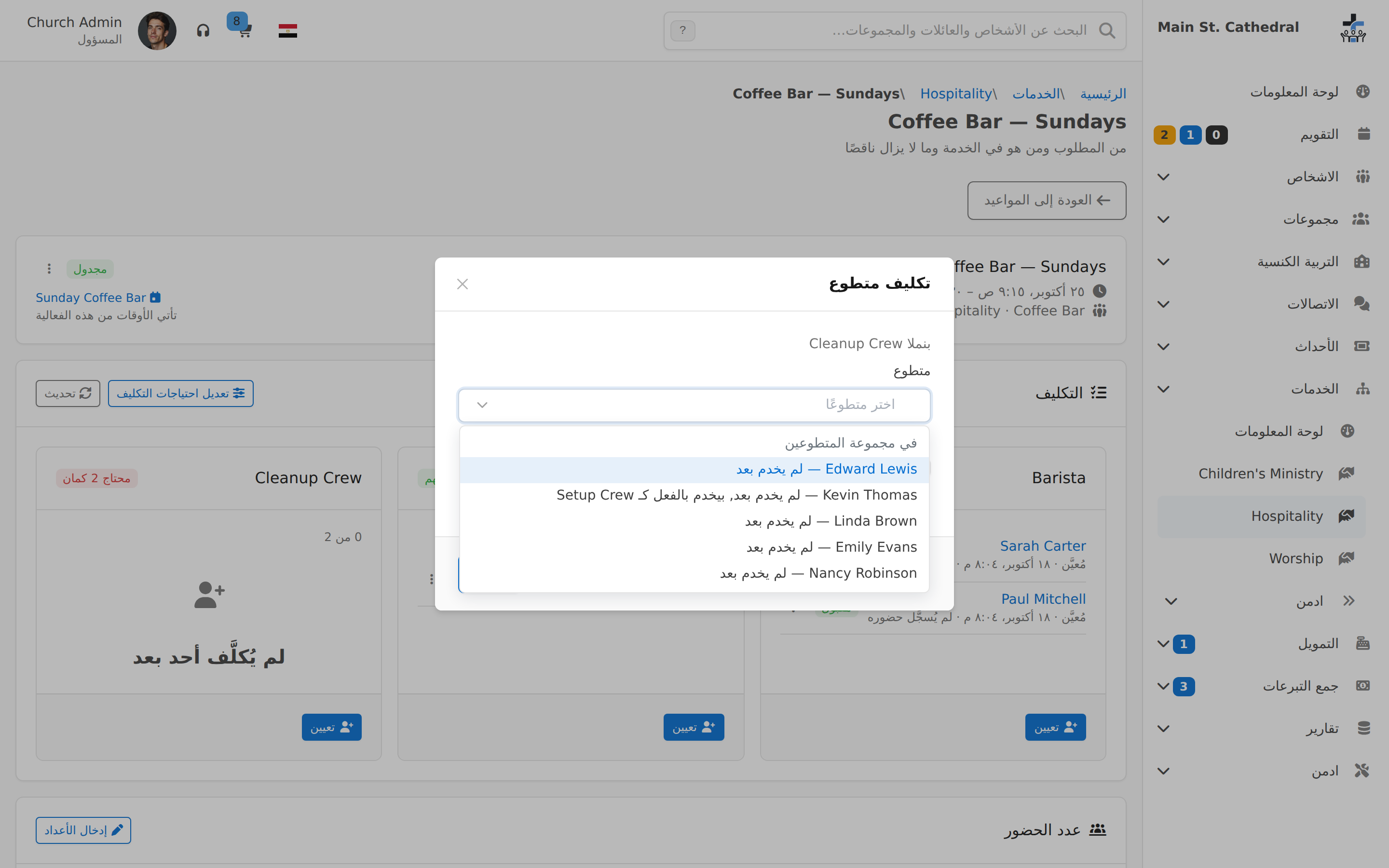
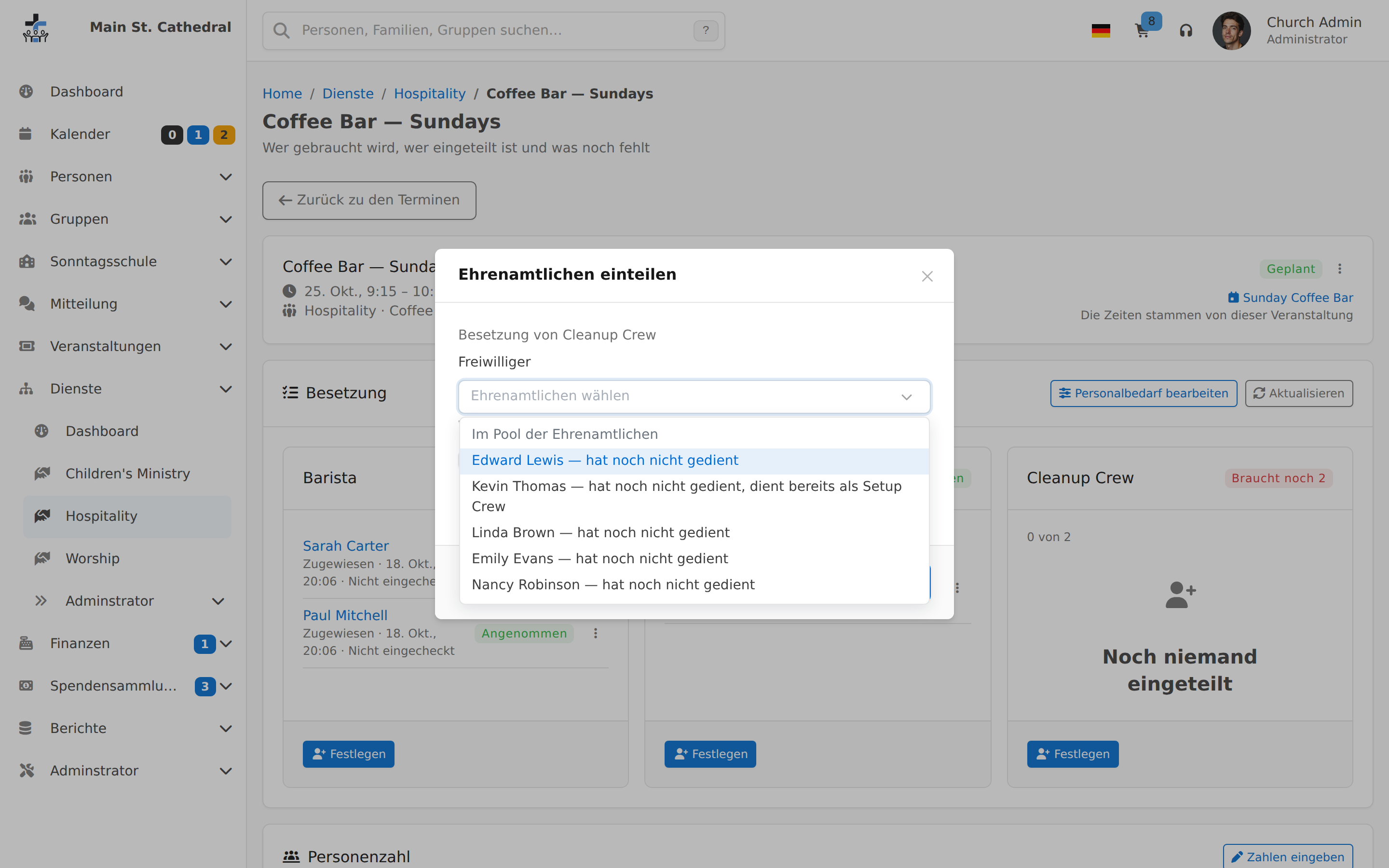
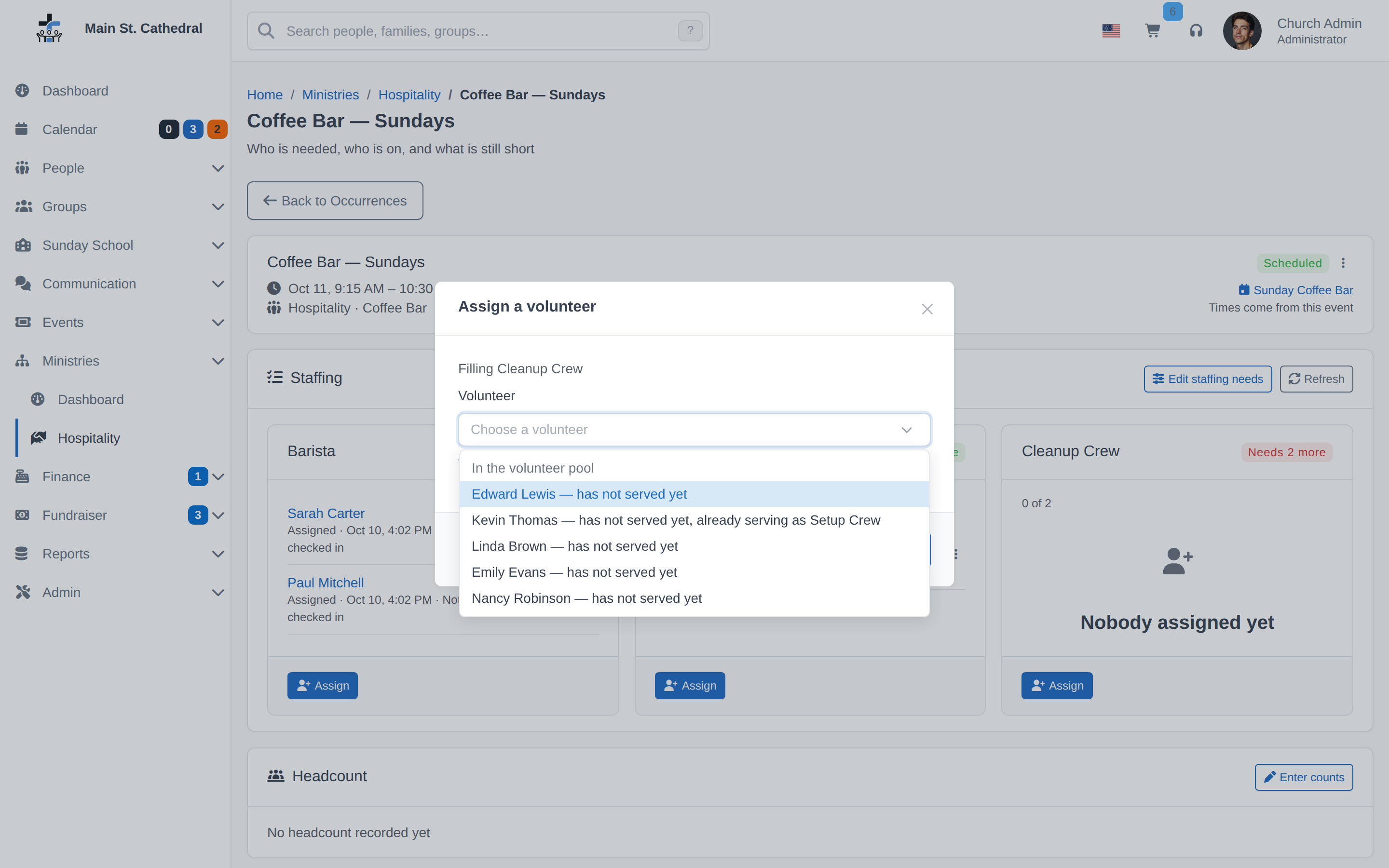
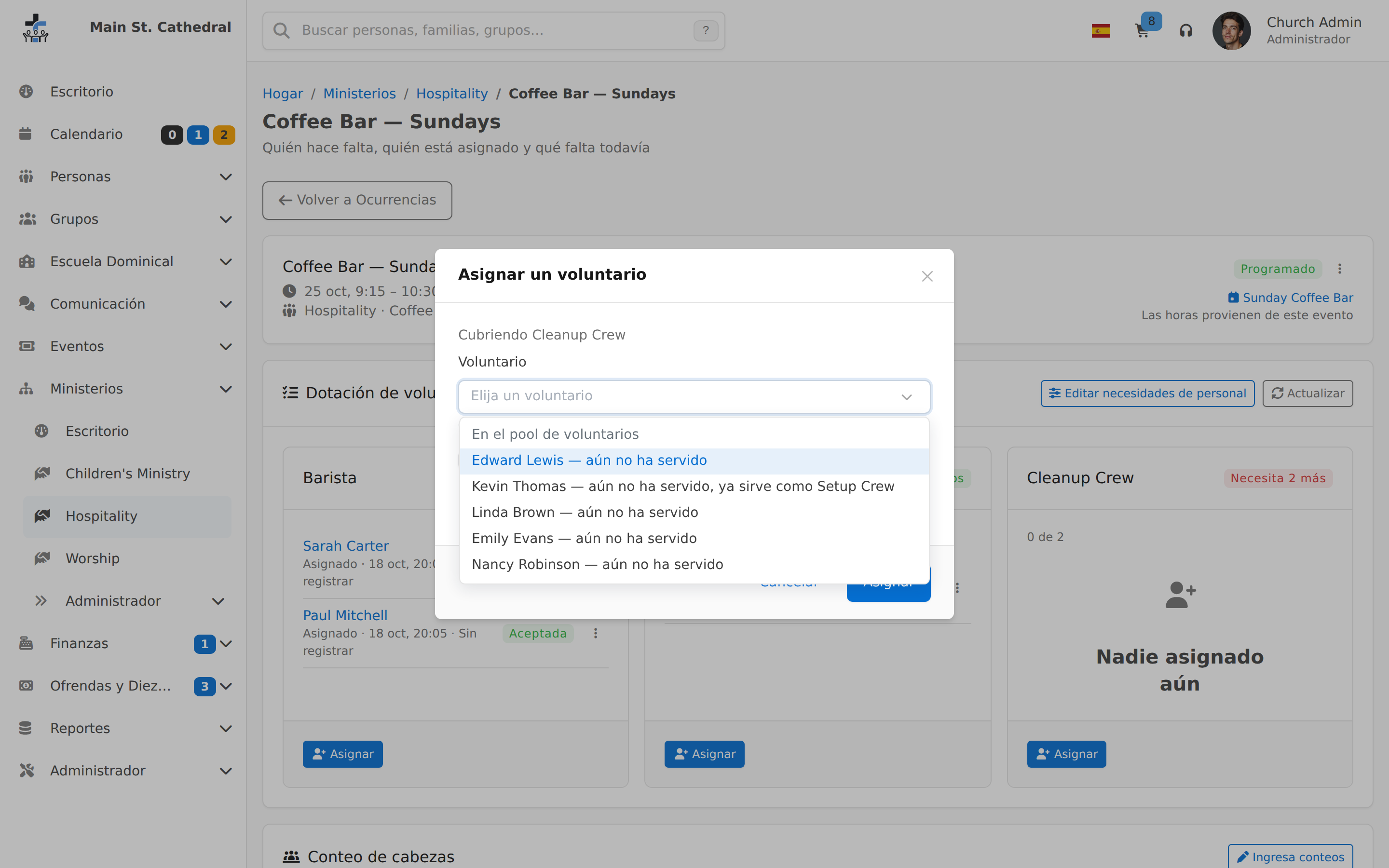
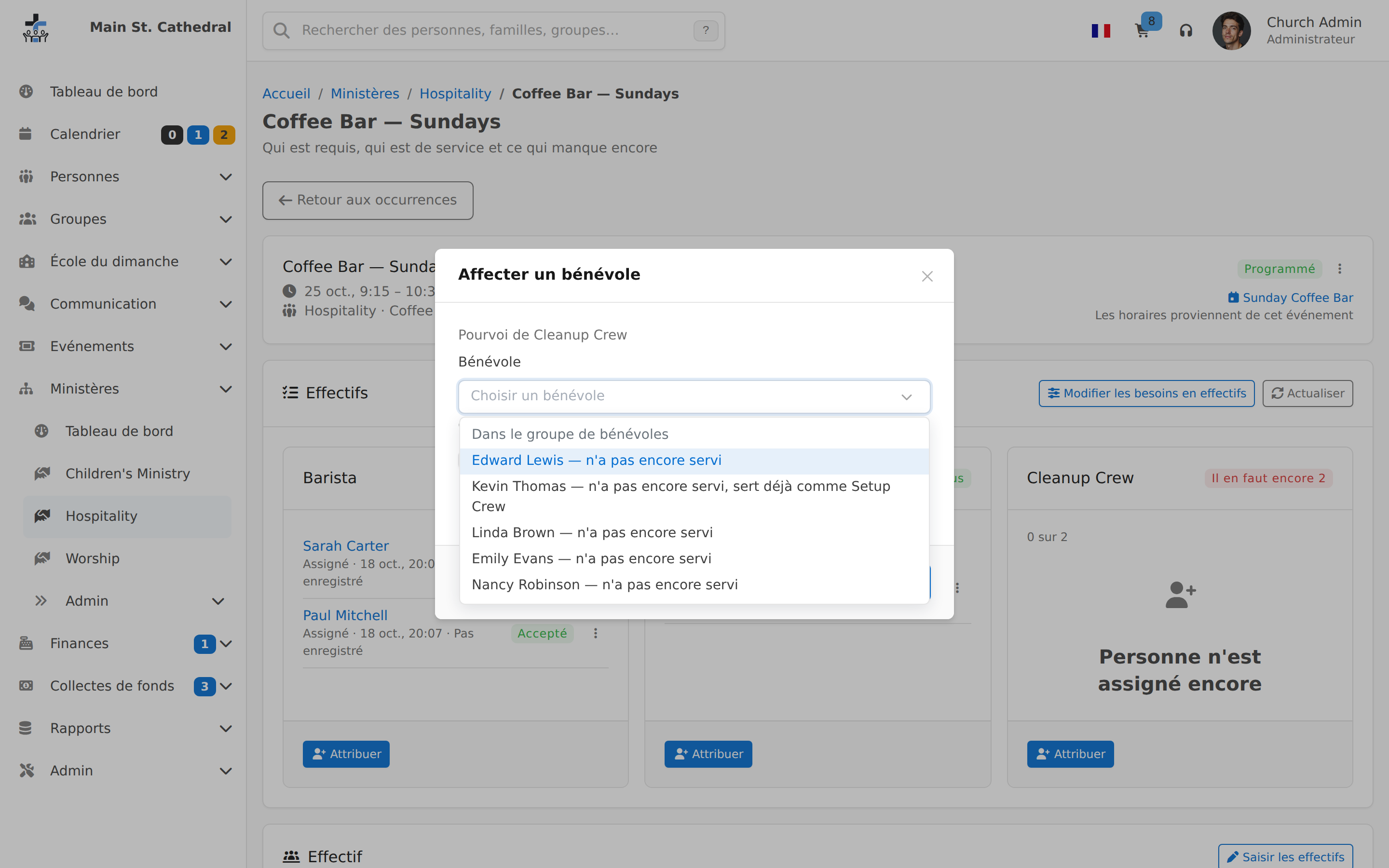
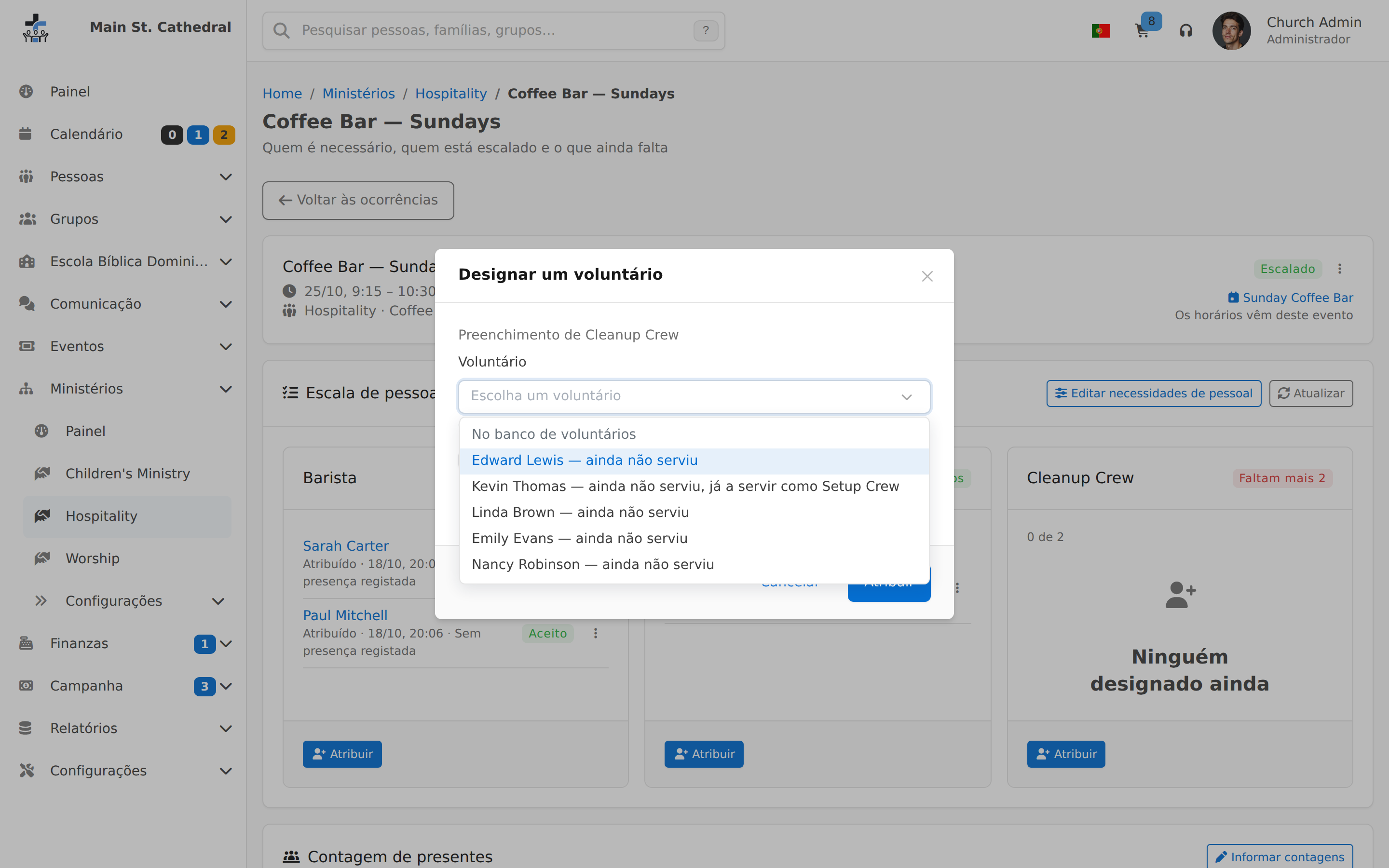
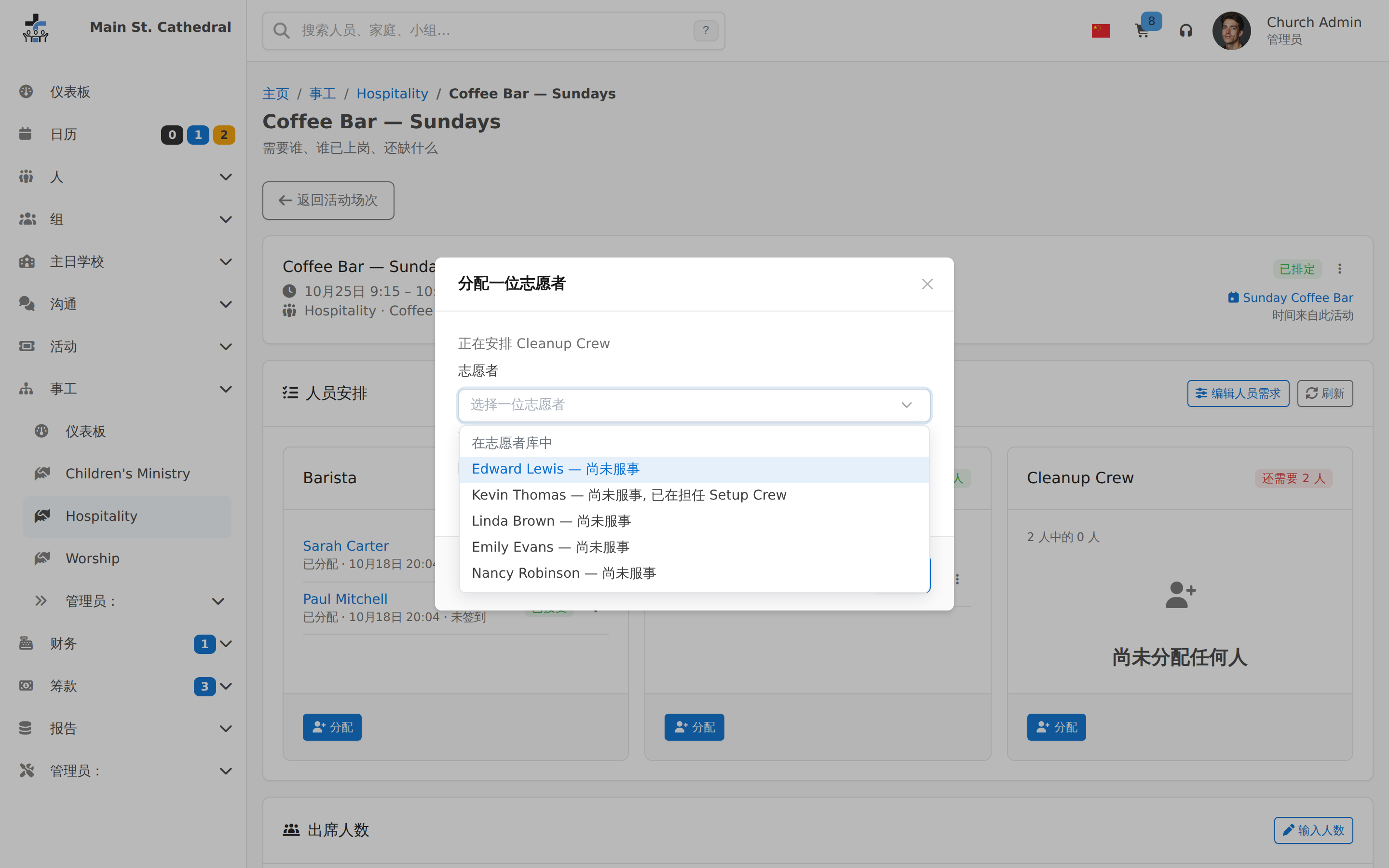
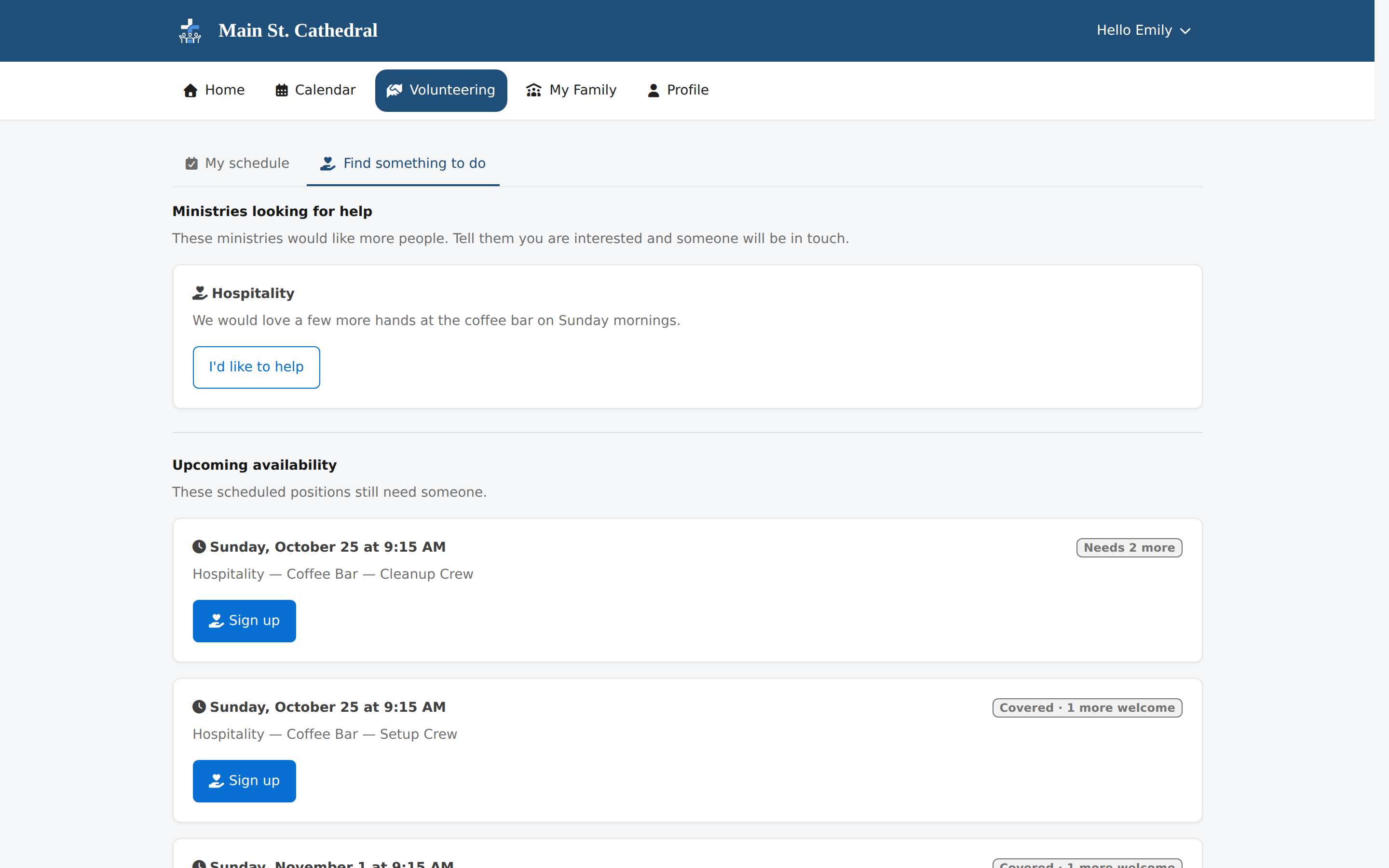
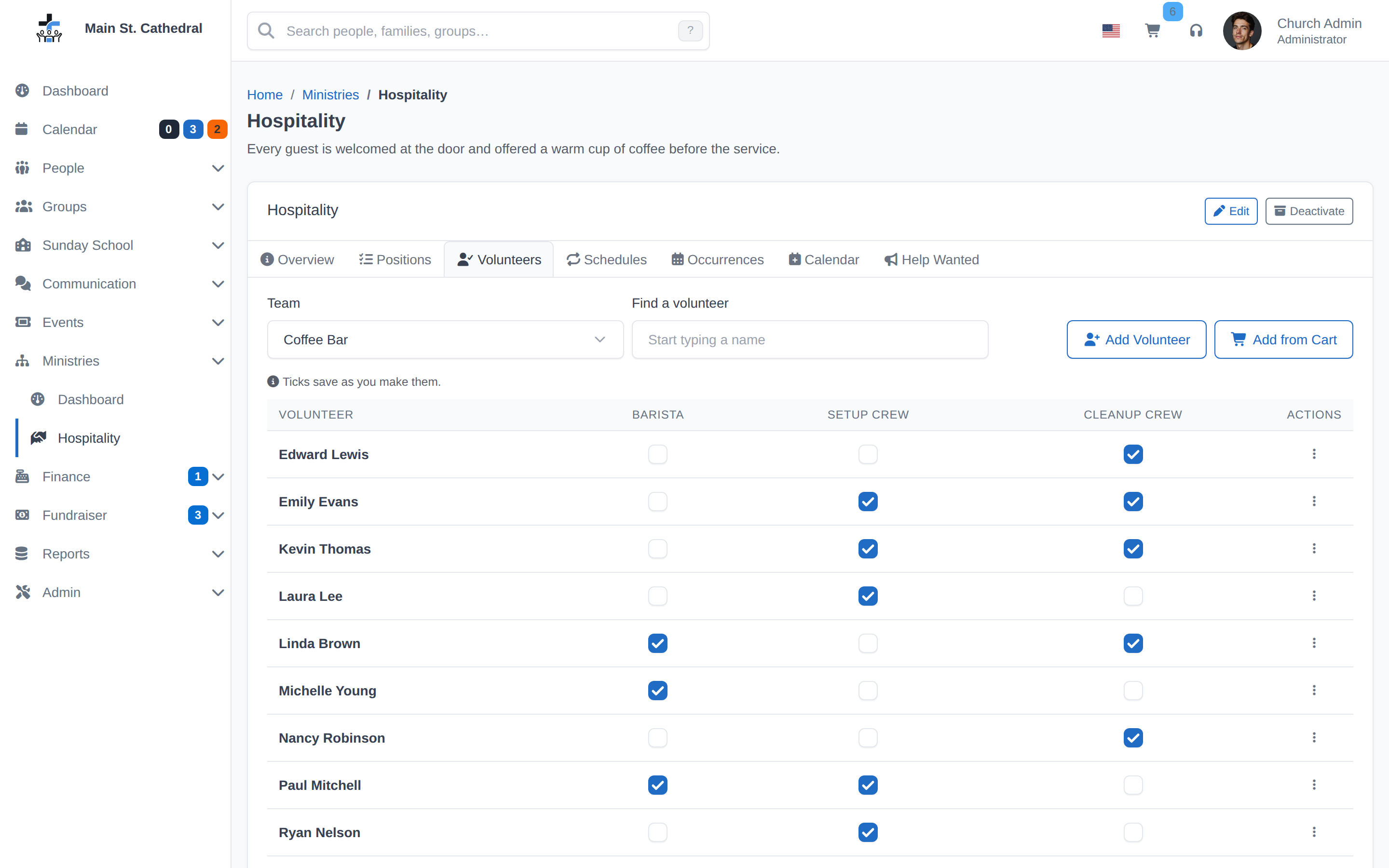
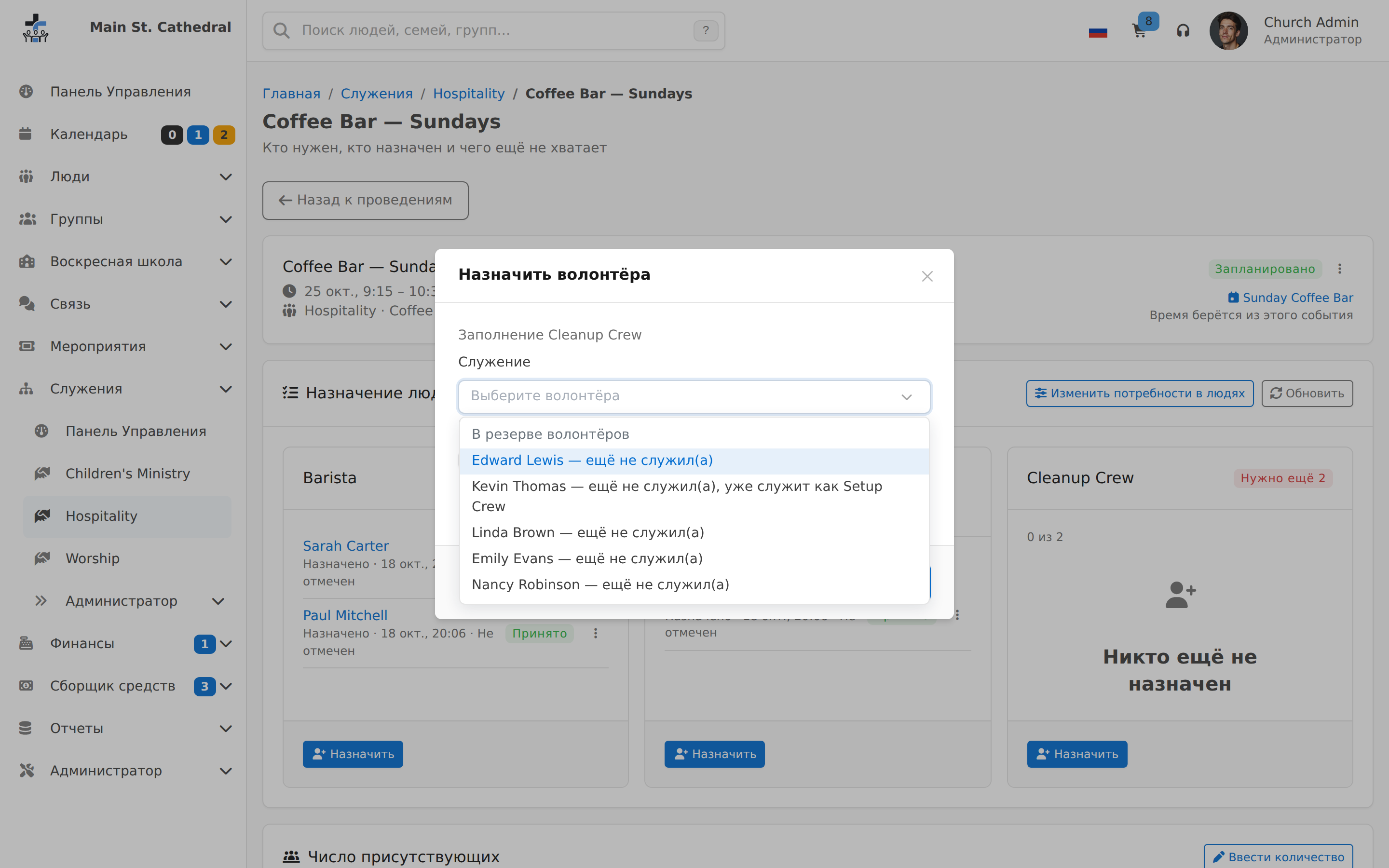
Assign a Qualified Volunteer Show the volunteer picker, which offers only qualified people and who served least recently.
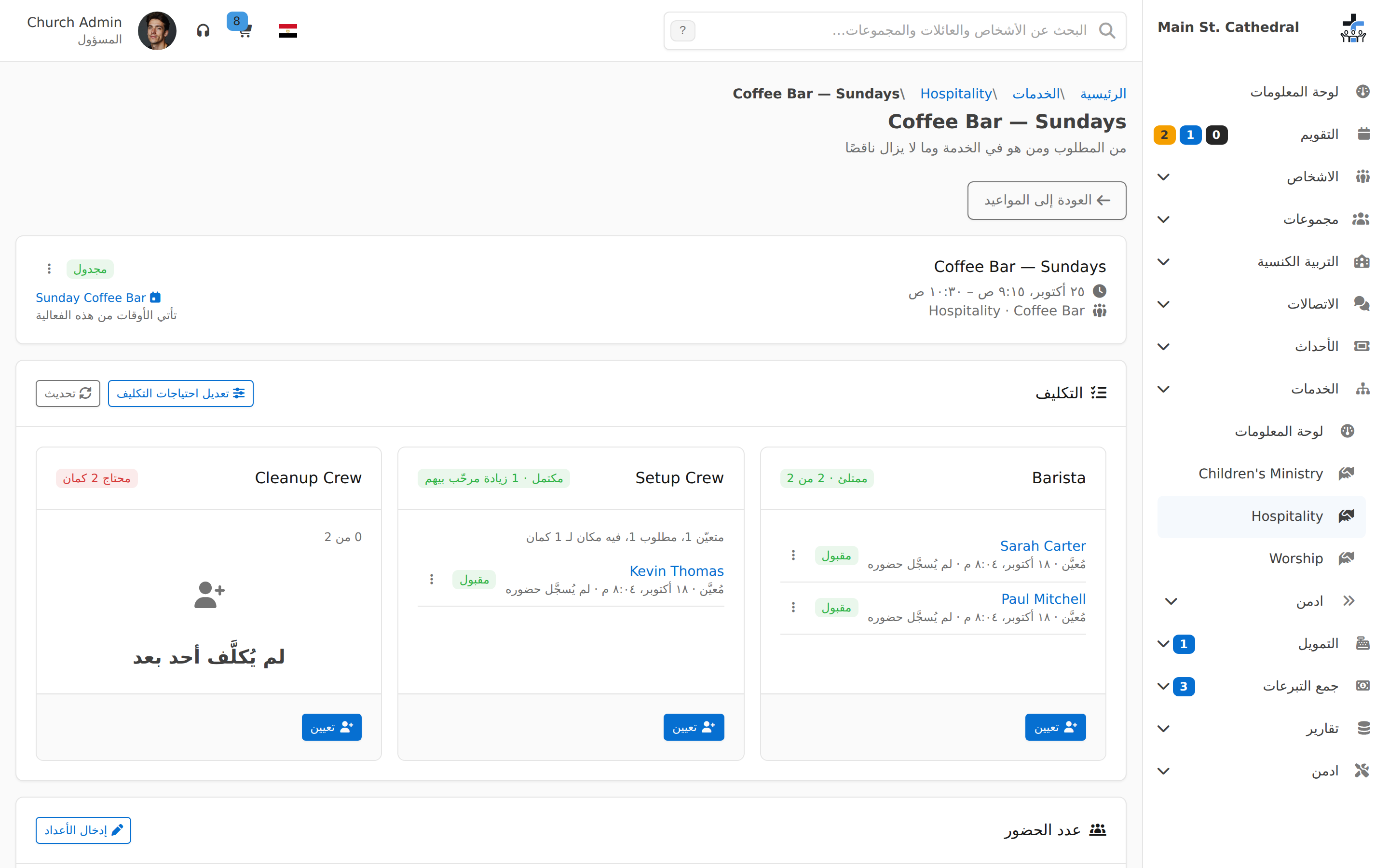
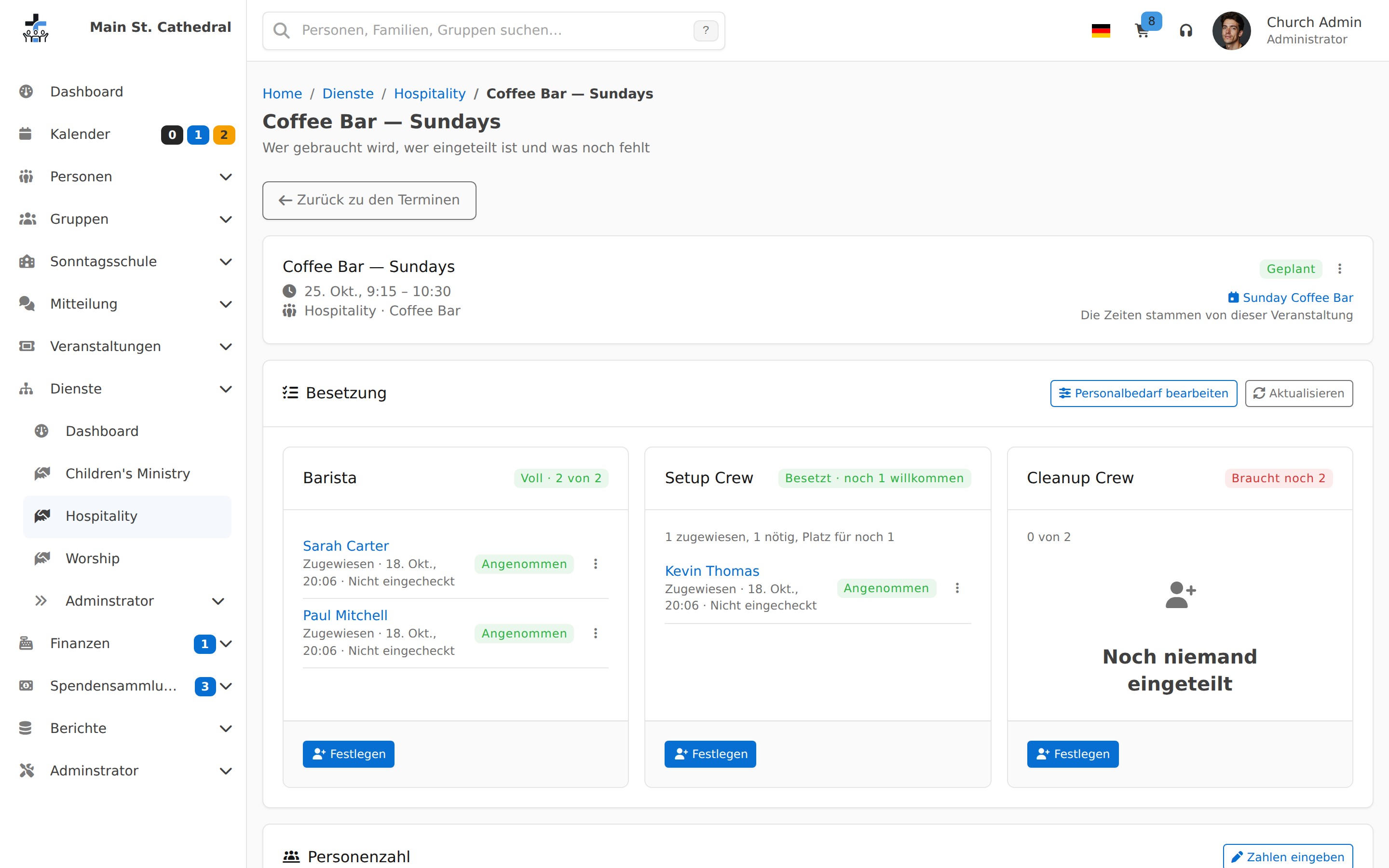
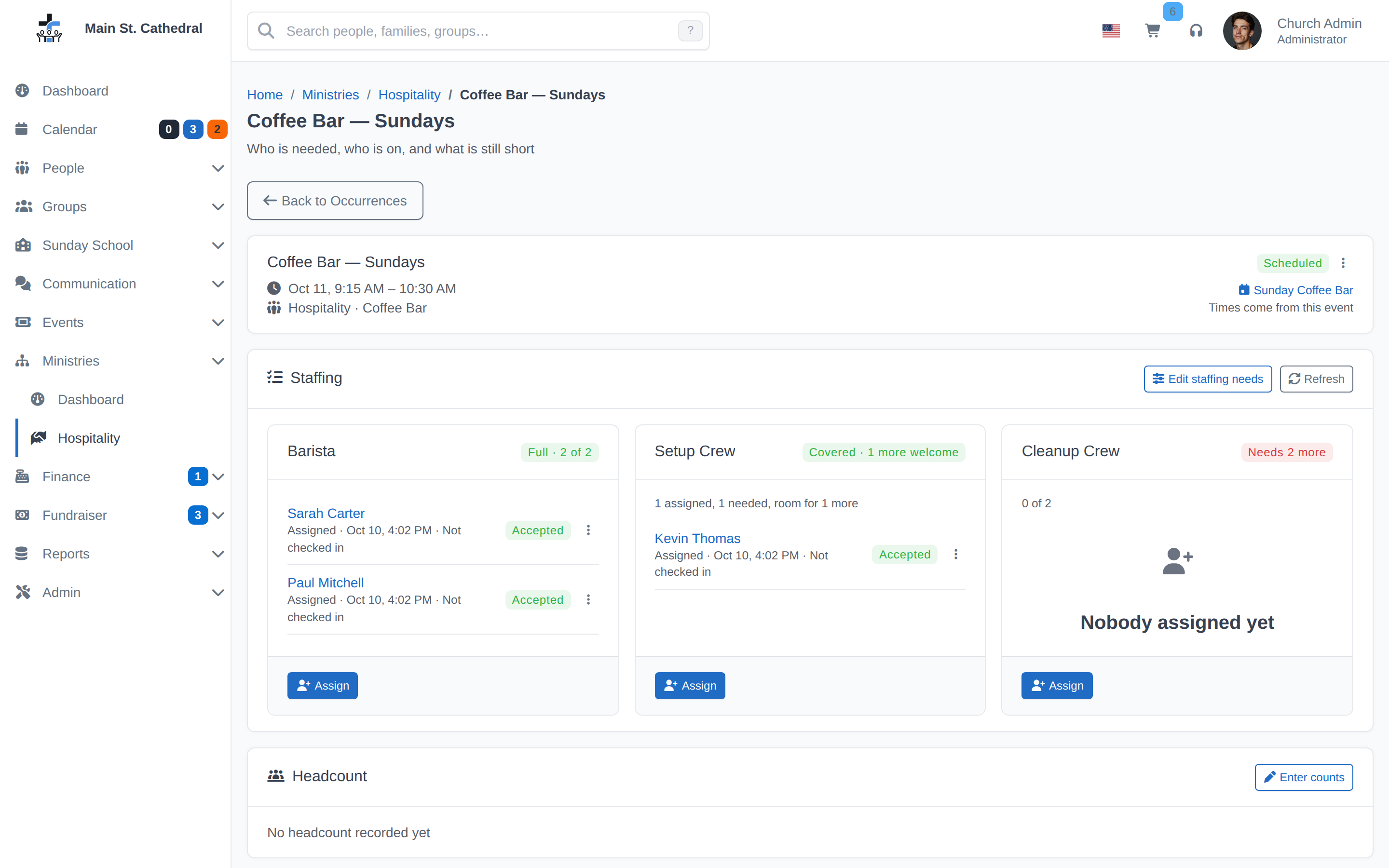
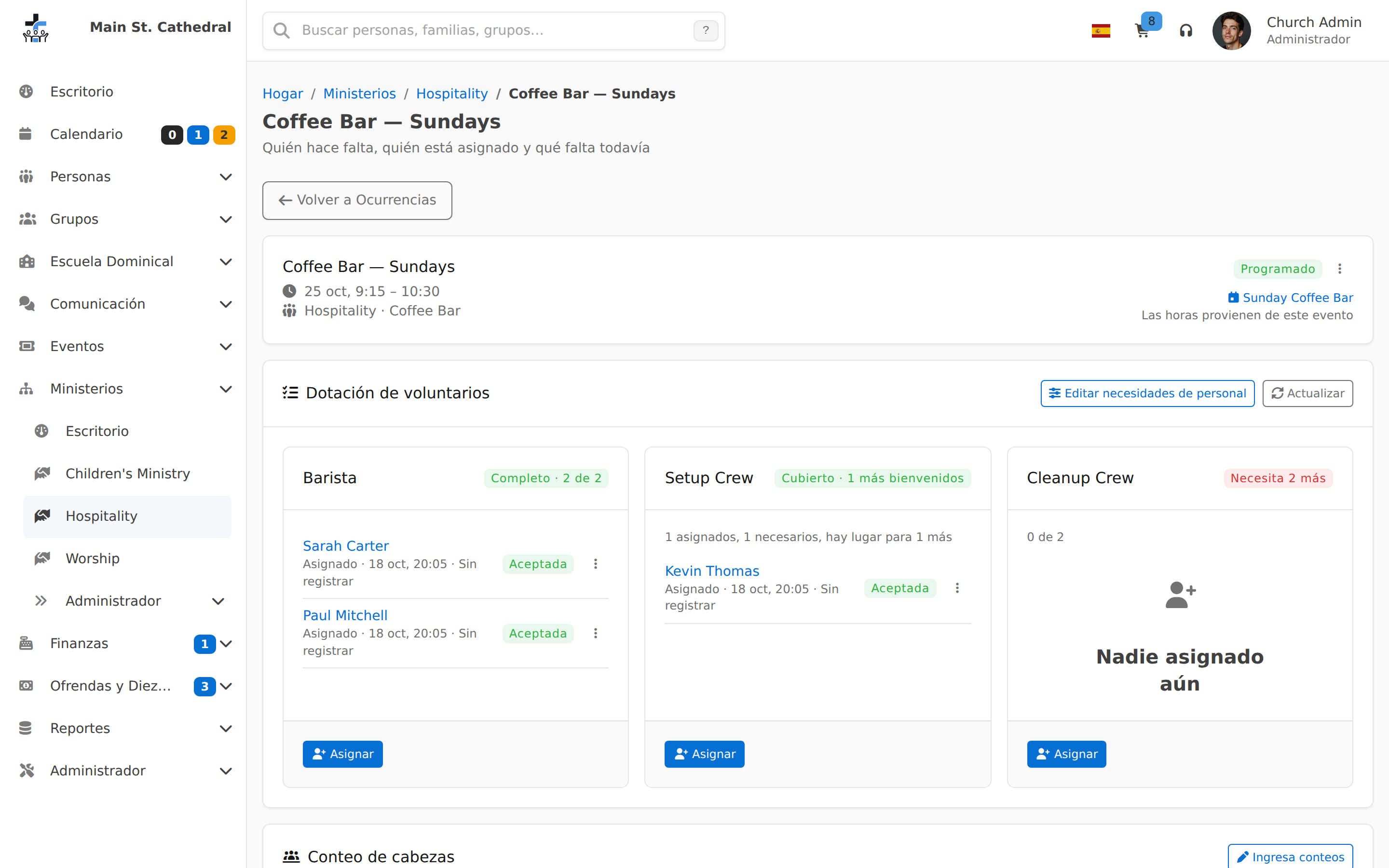
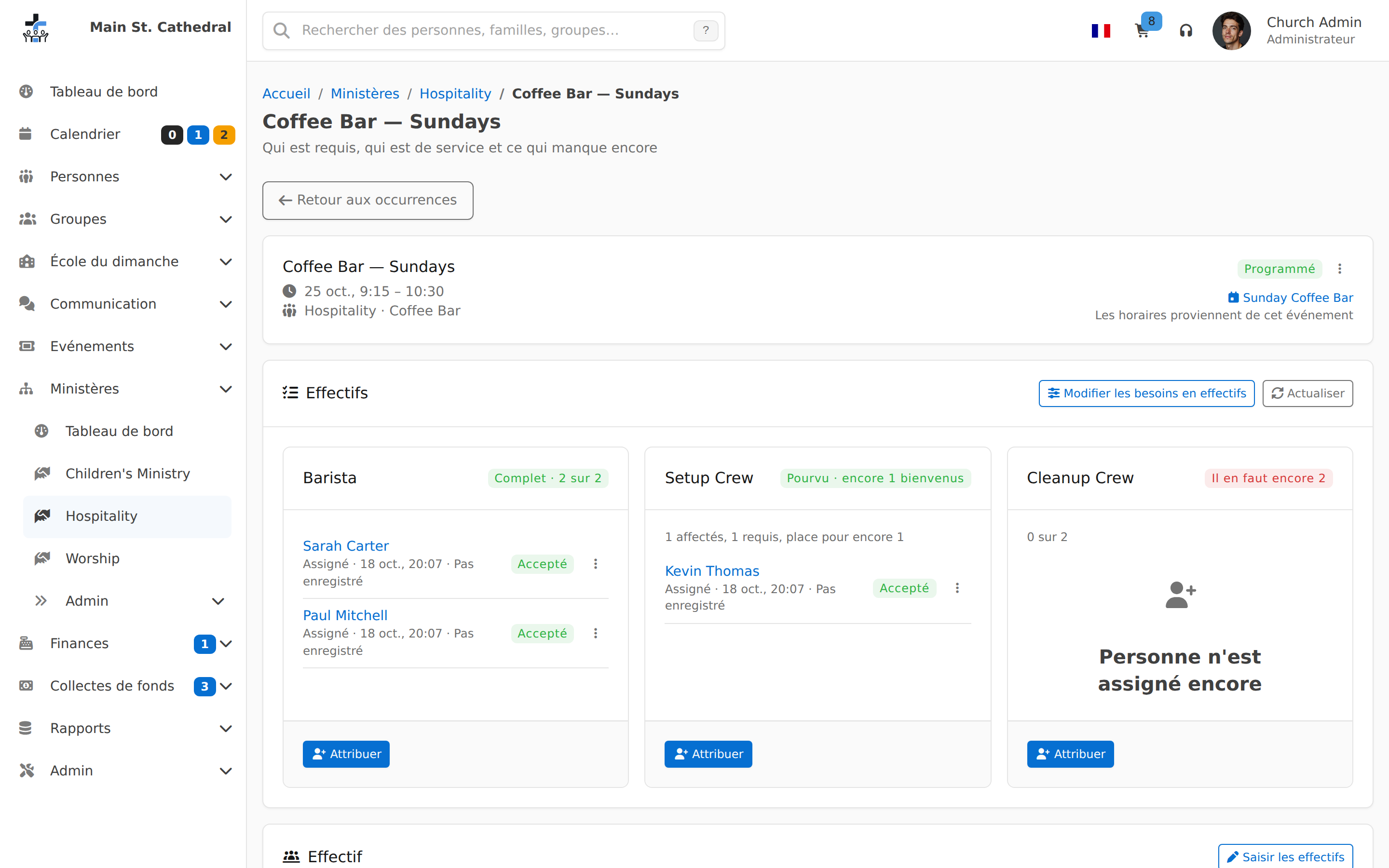
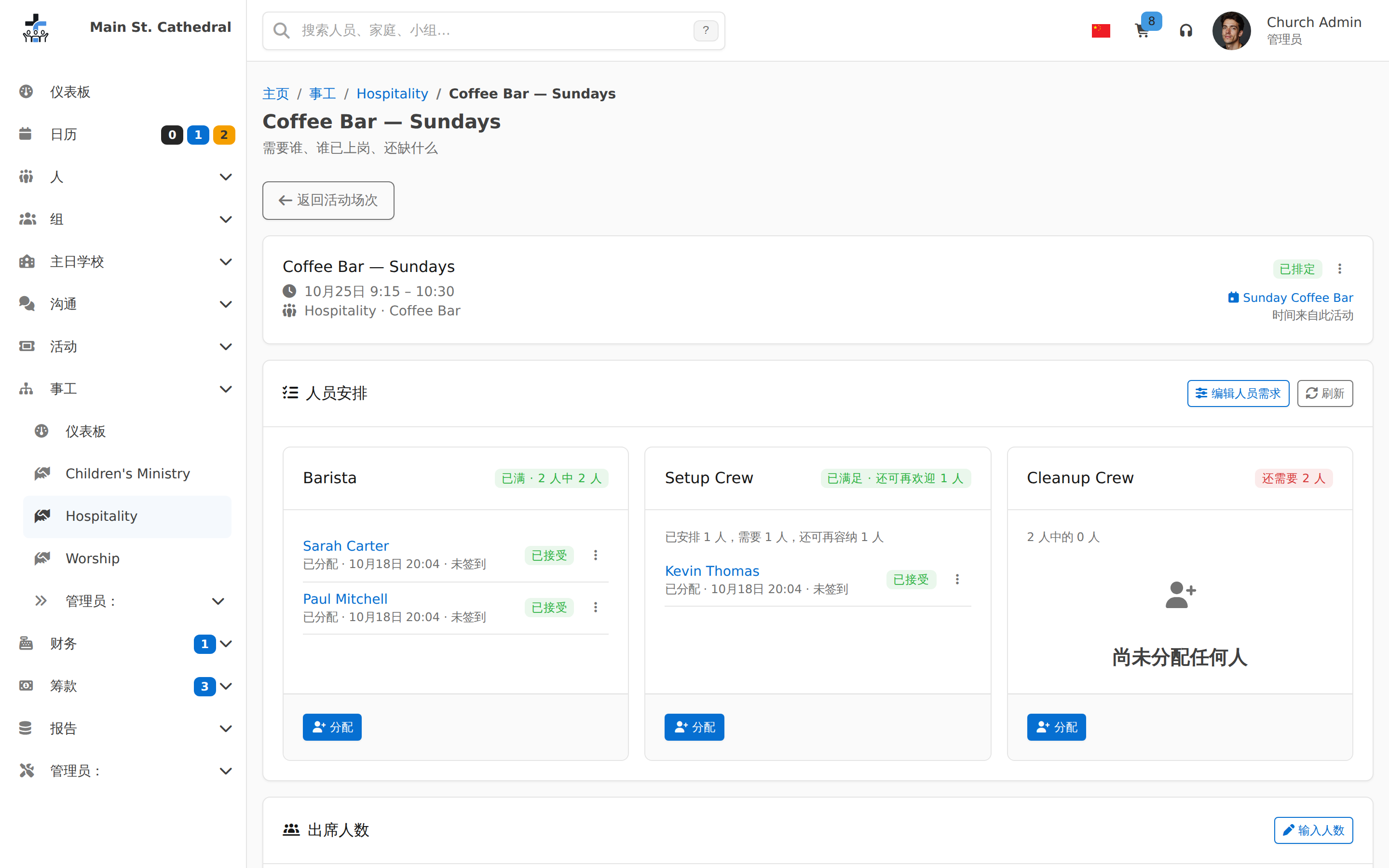
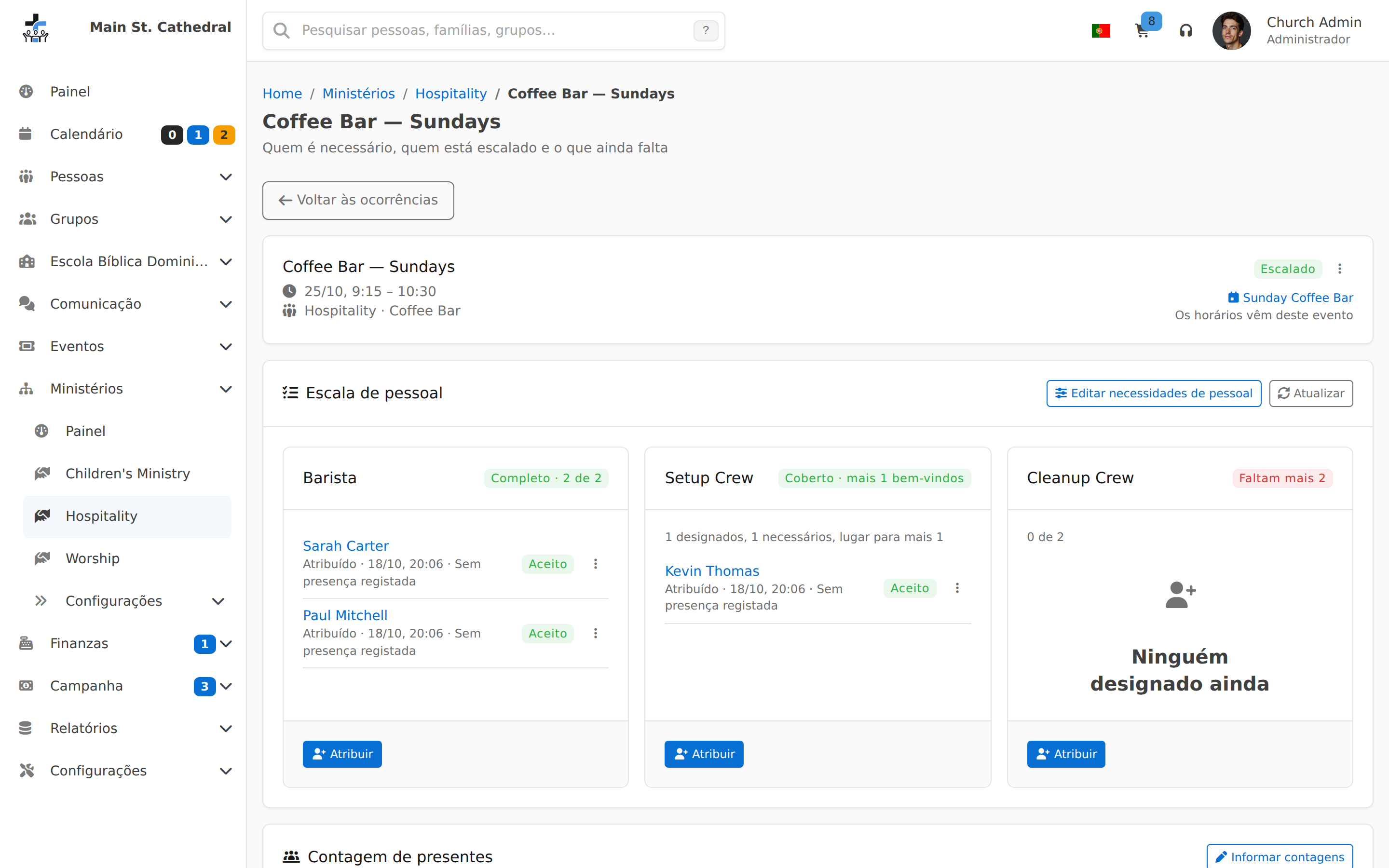
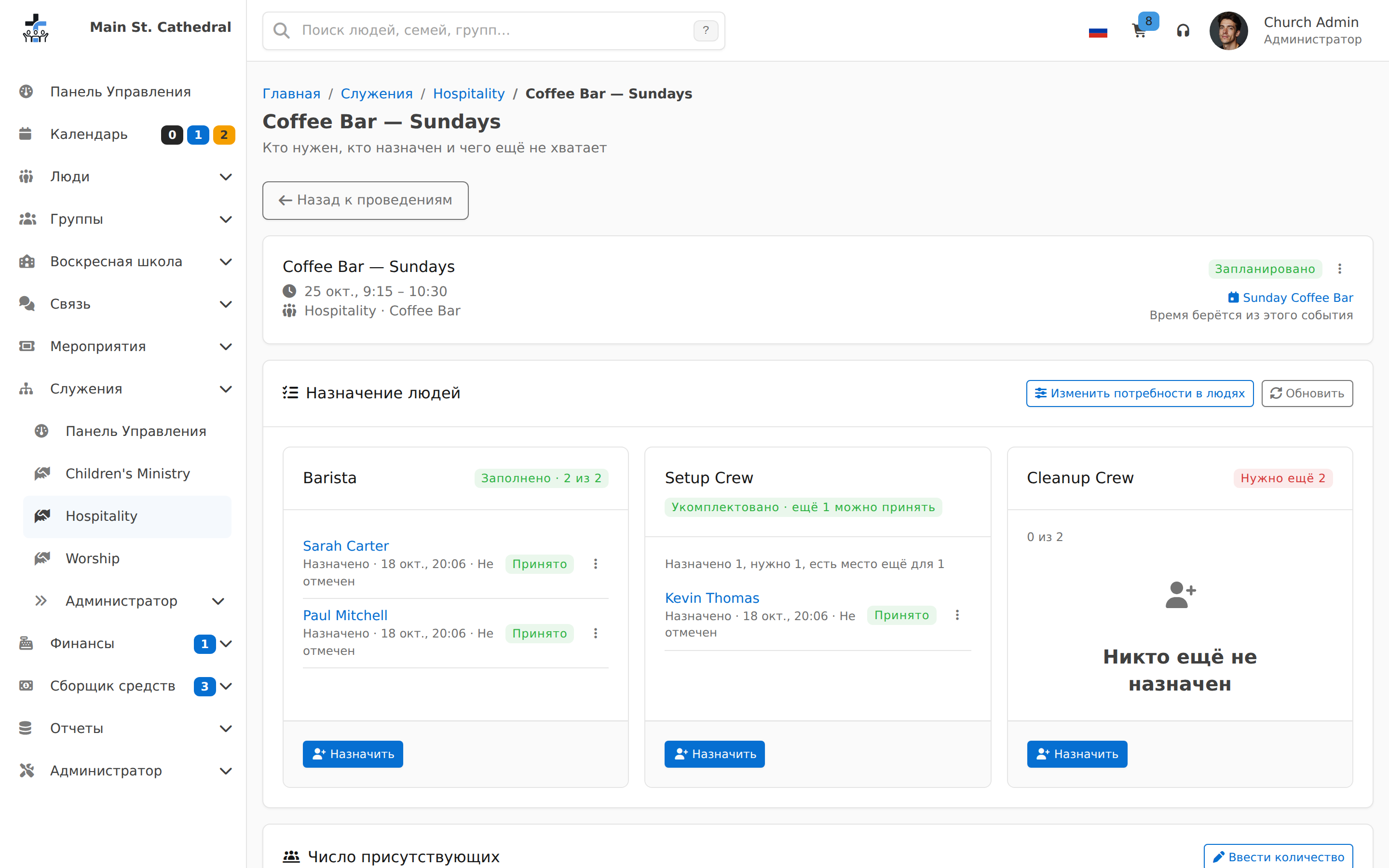
Sunday Staffing at a Glance Show one Sunday staffed position by position, in plain words: Full, Covered, Needs 2 more.
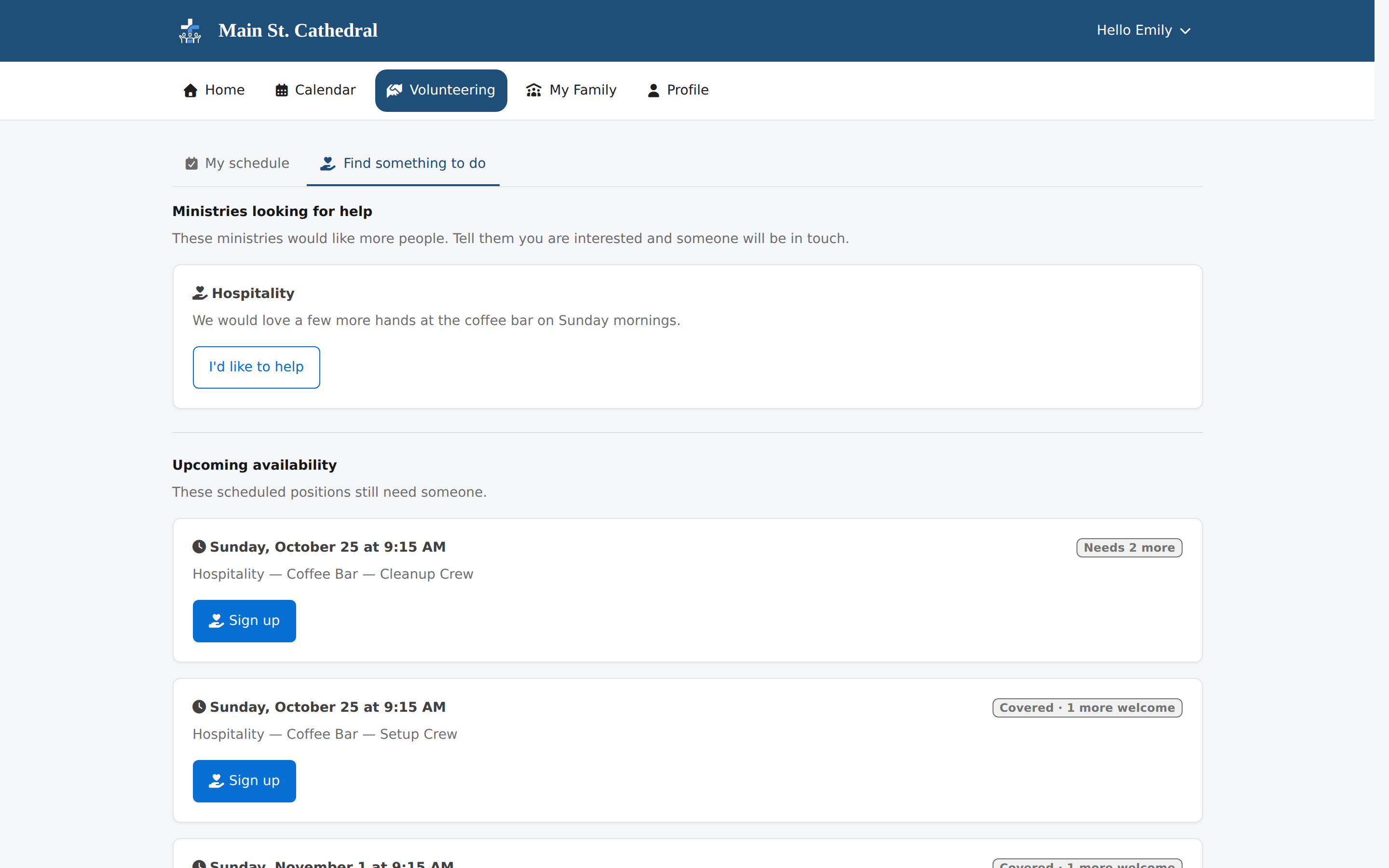
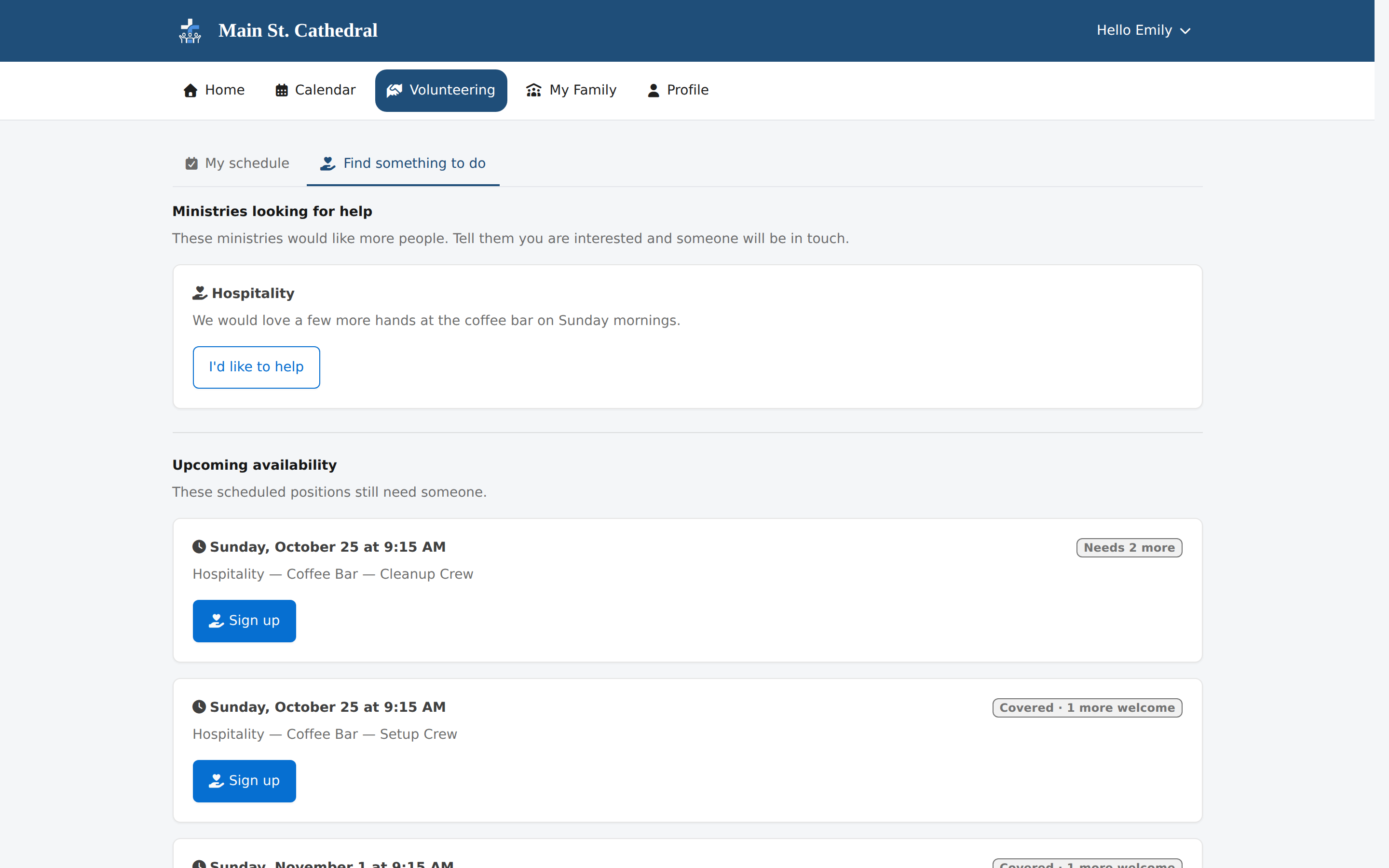
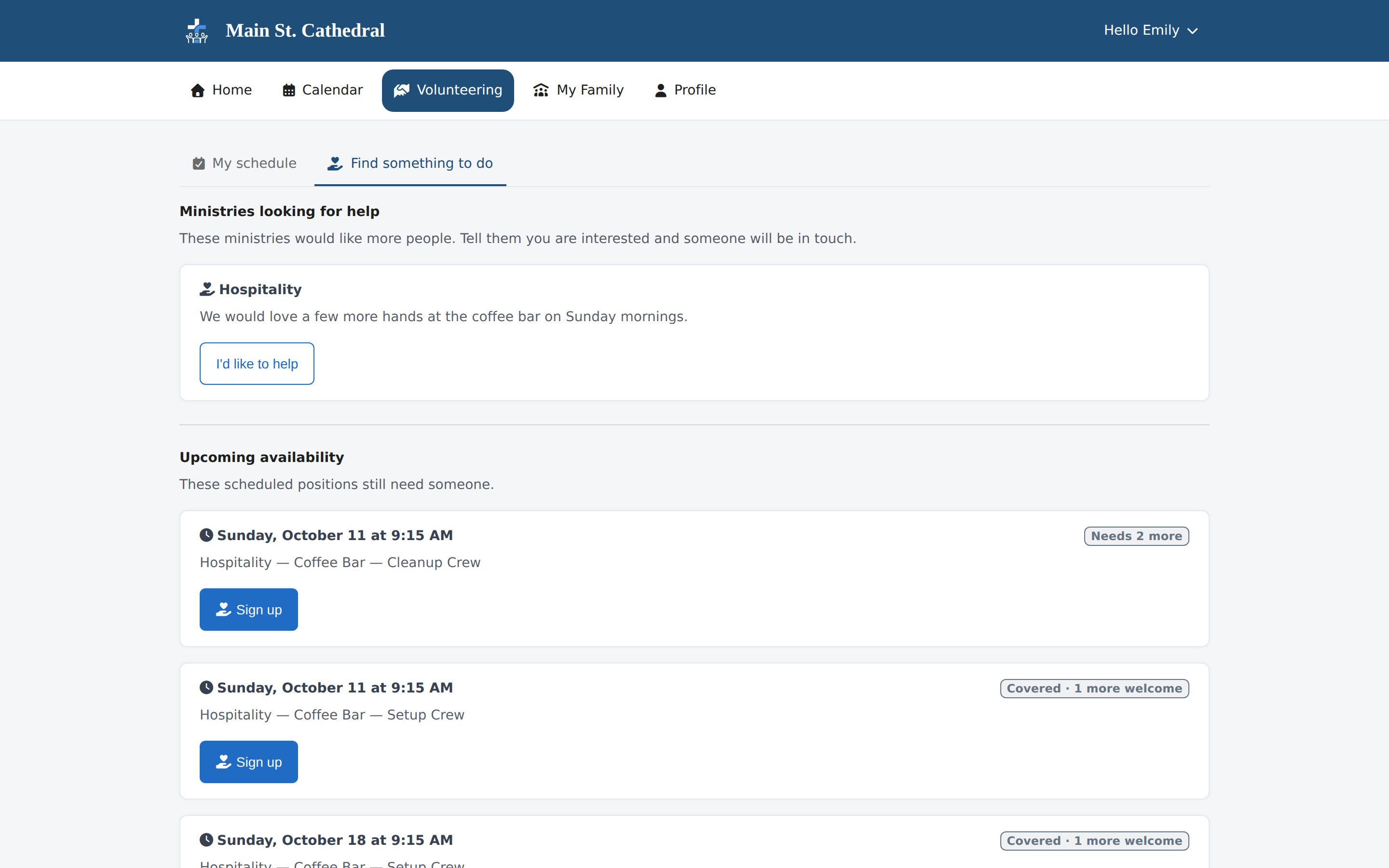
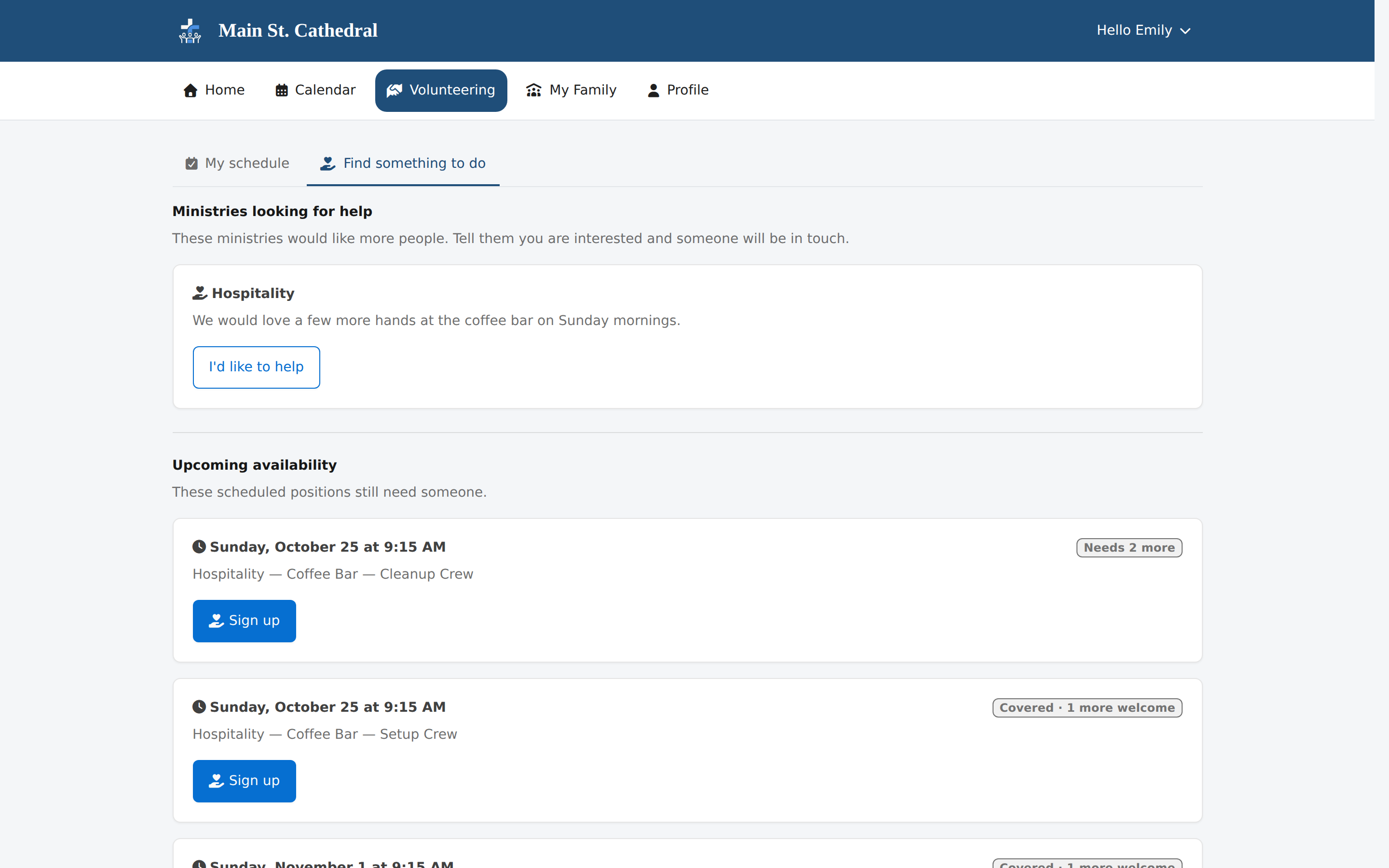
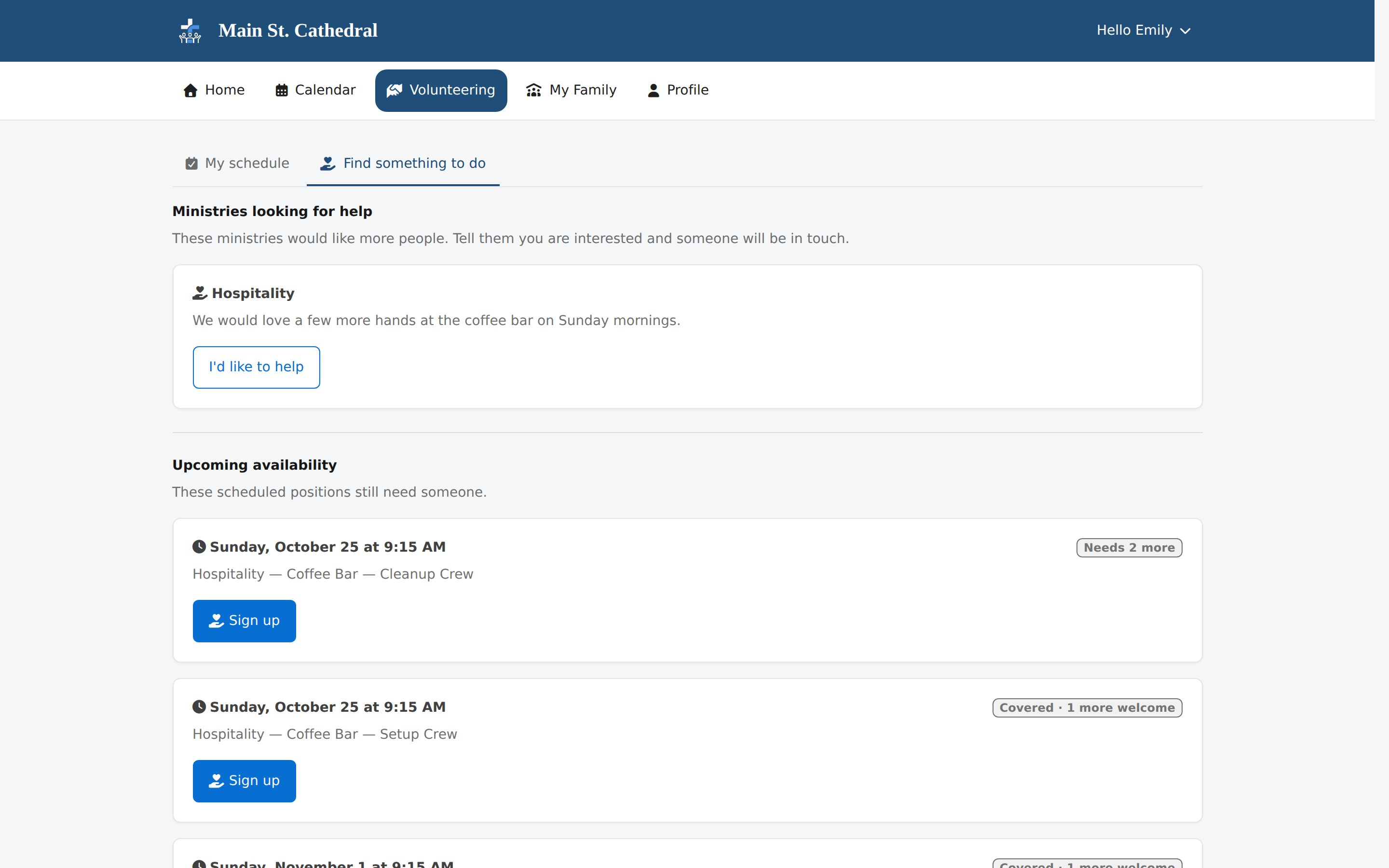
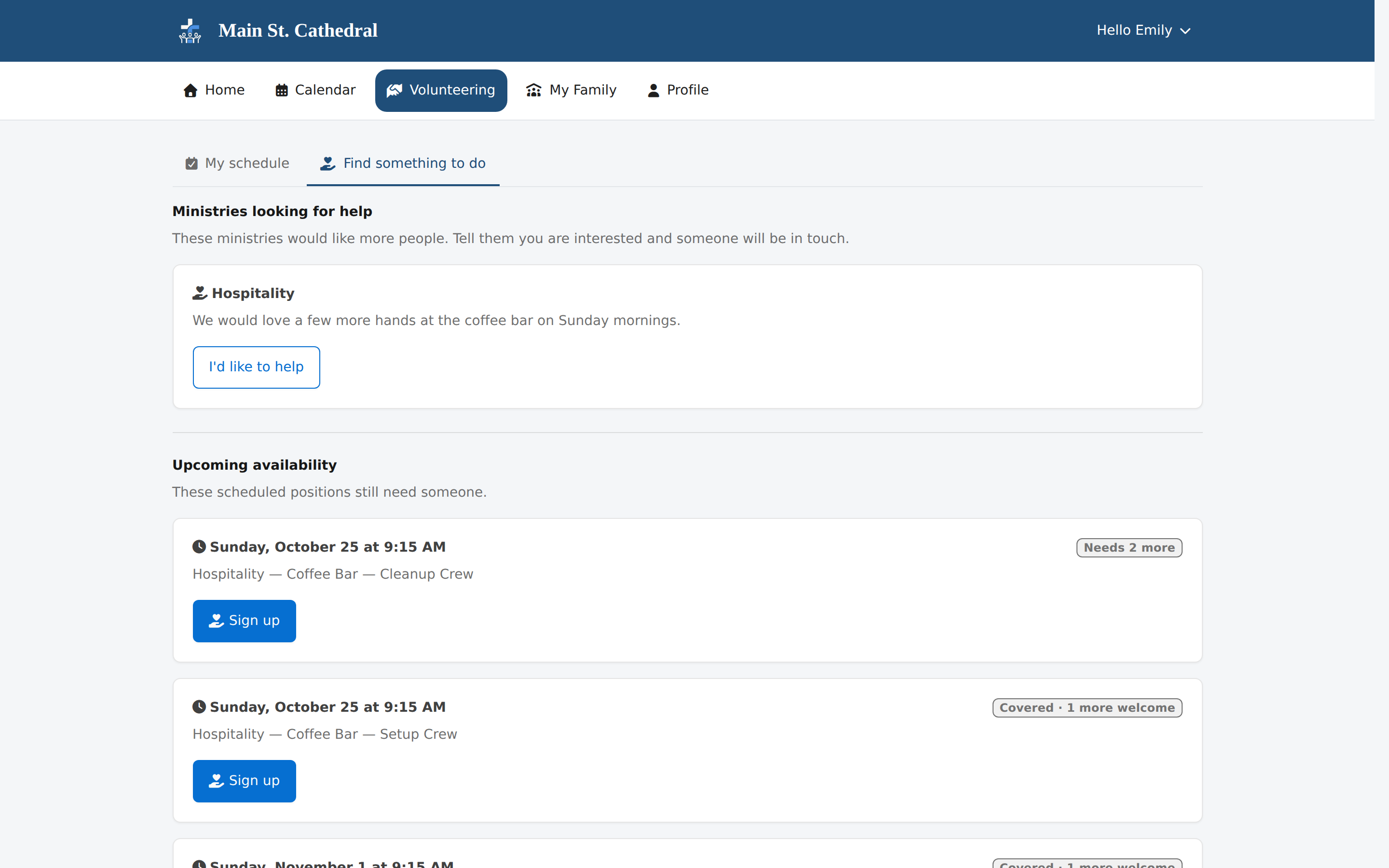
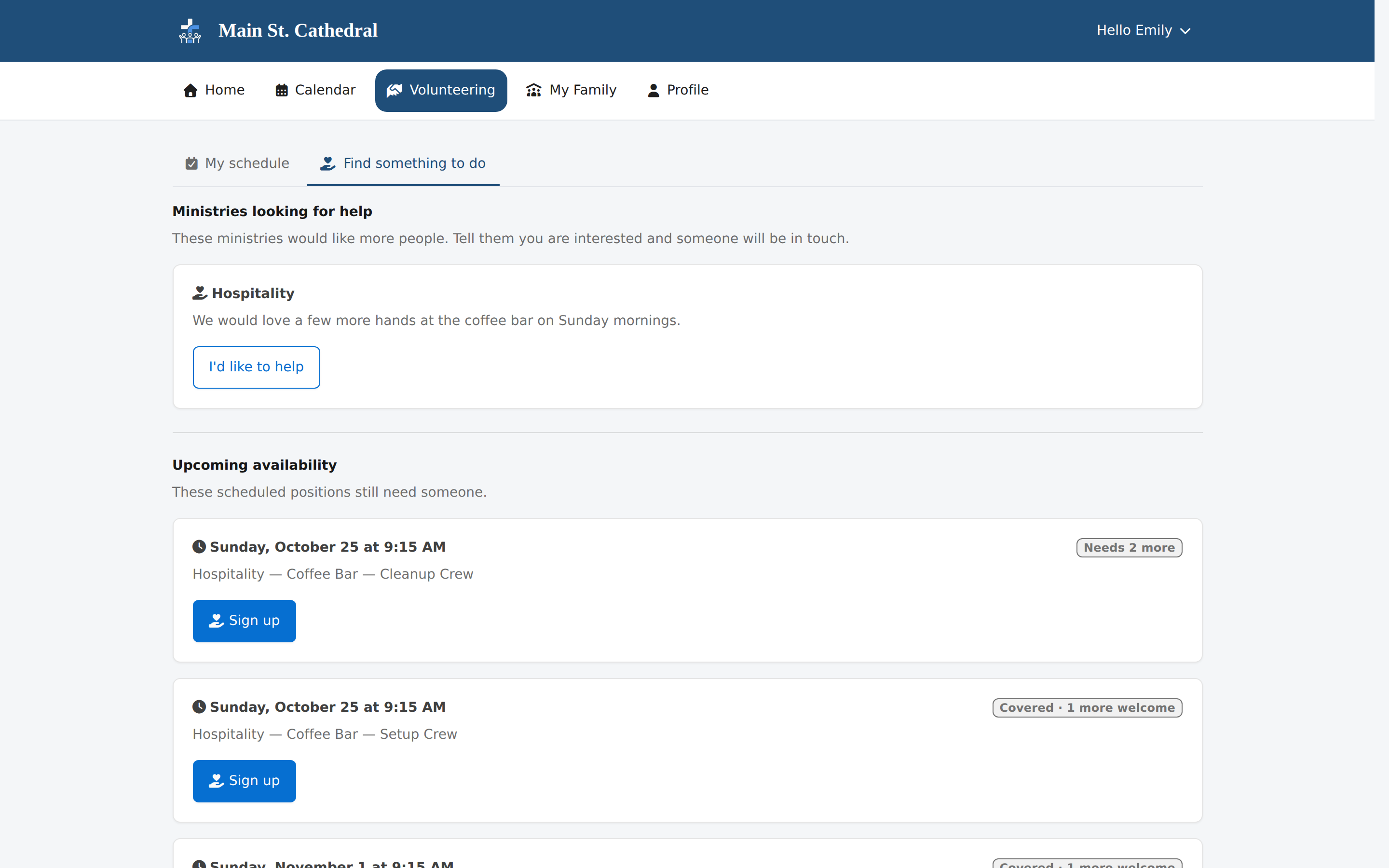
Member Portal: Volunteer Sign-Up Show a volunteer finding open spots they are qualified for and signing up in the Member Portal.
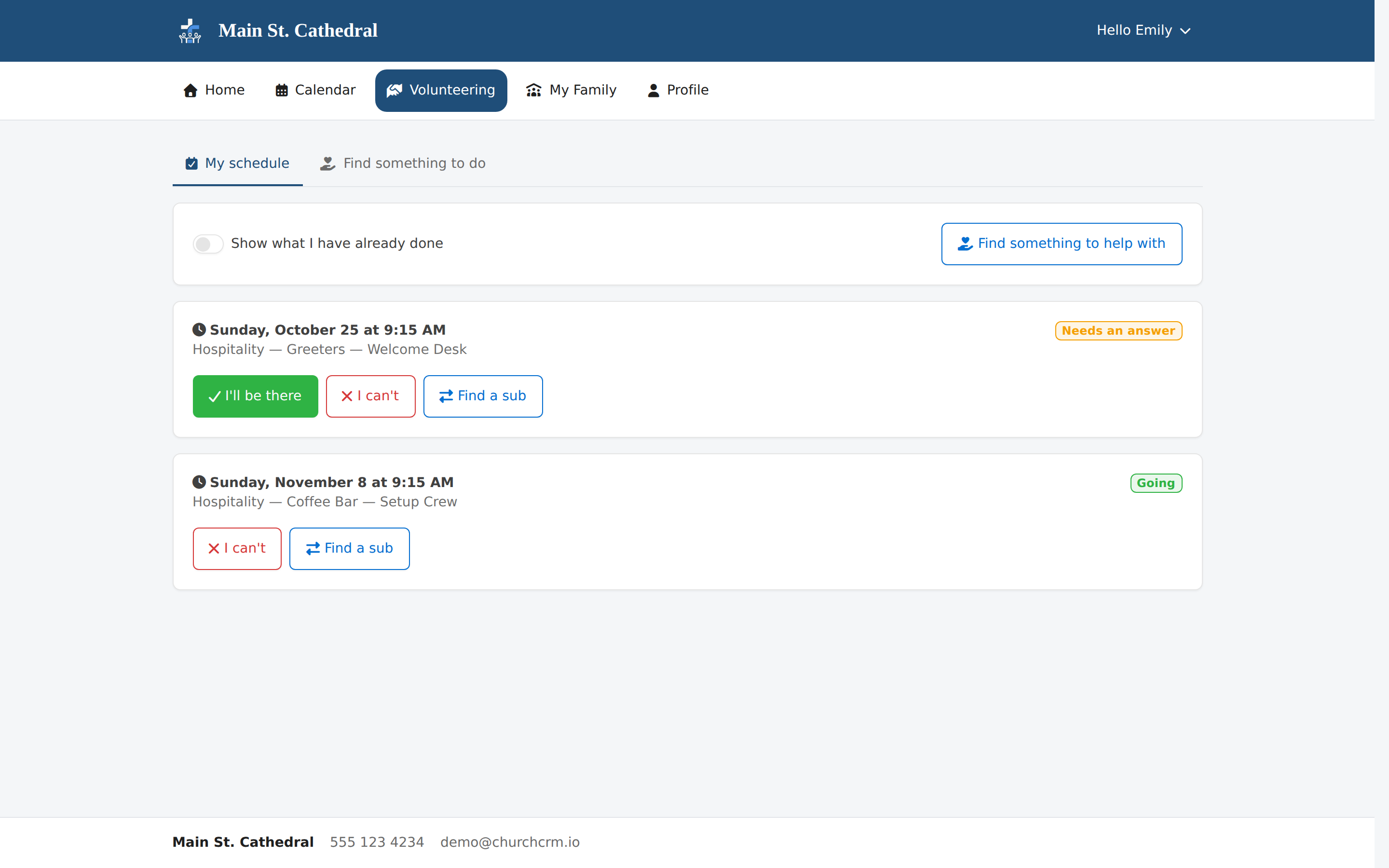
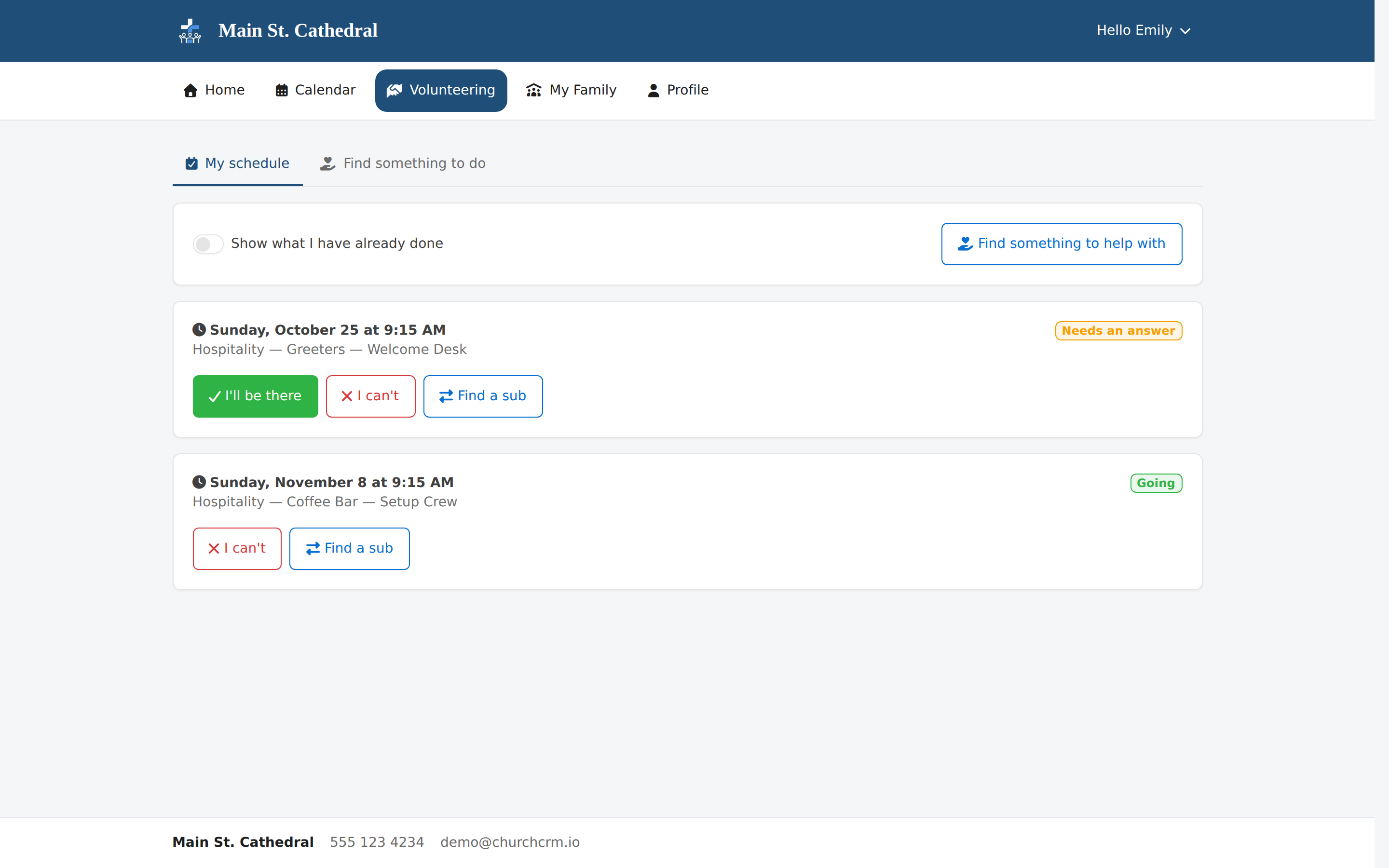
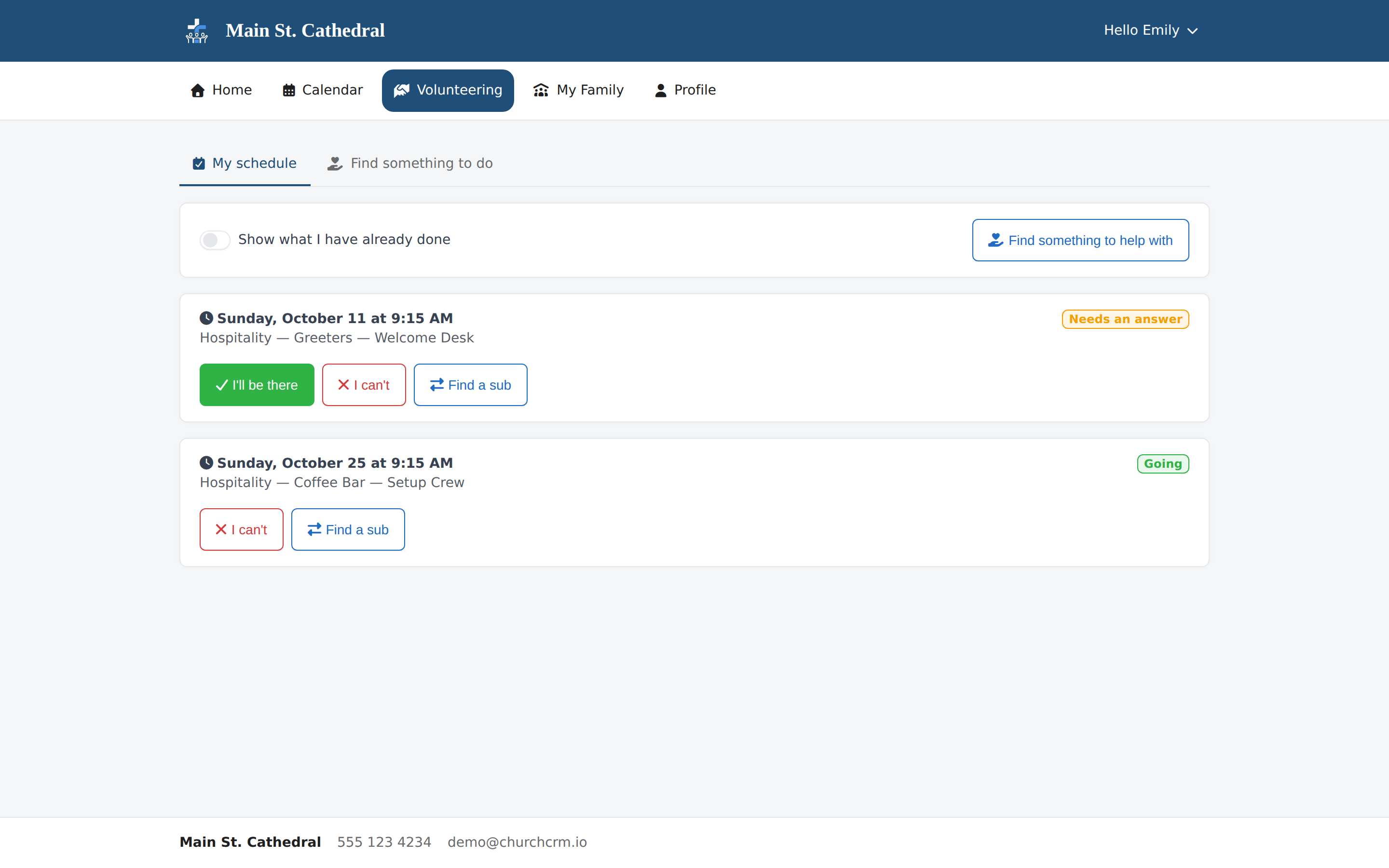
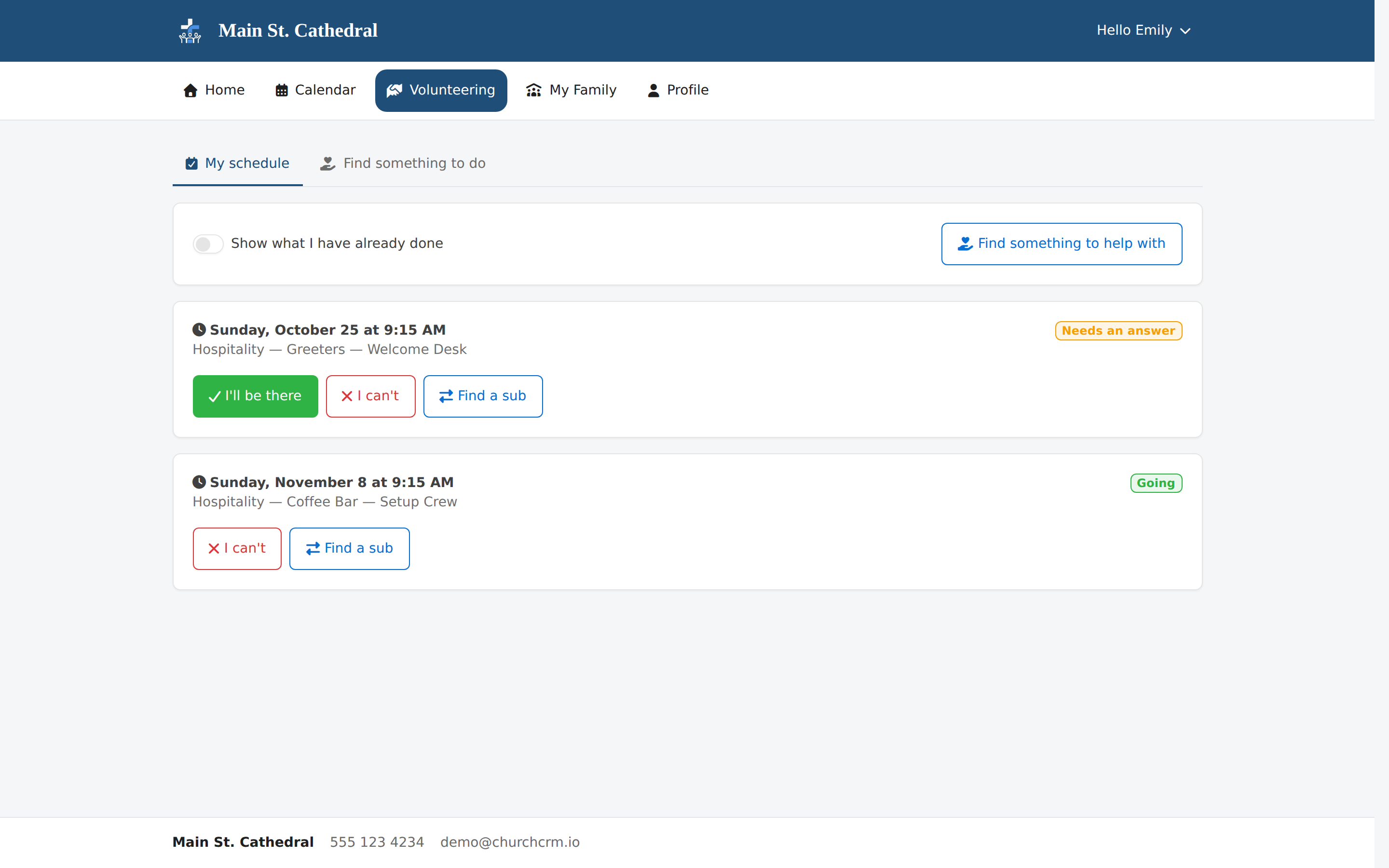
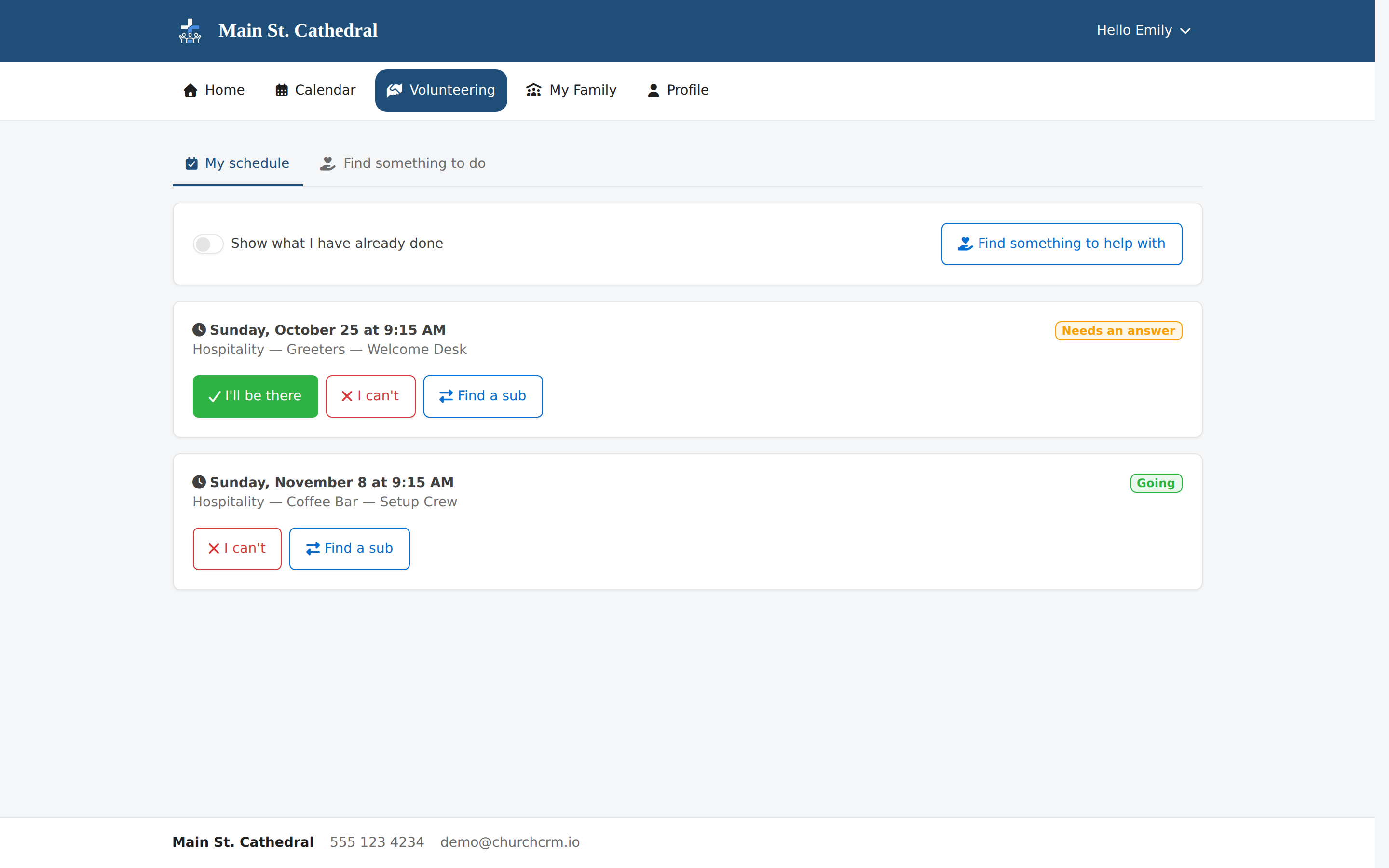
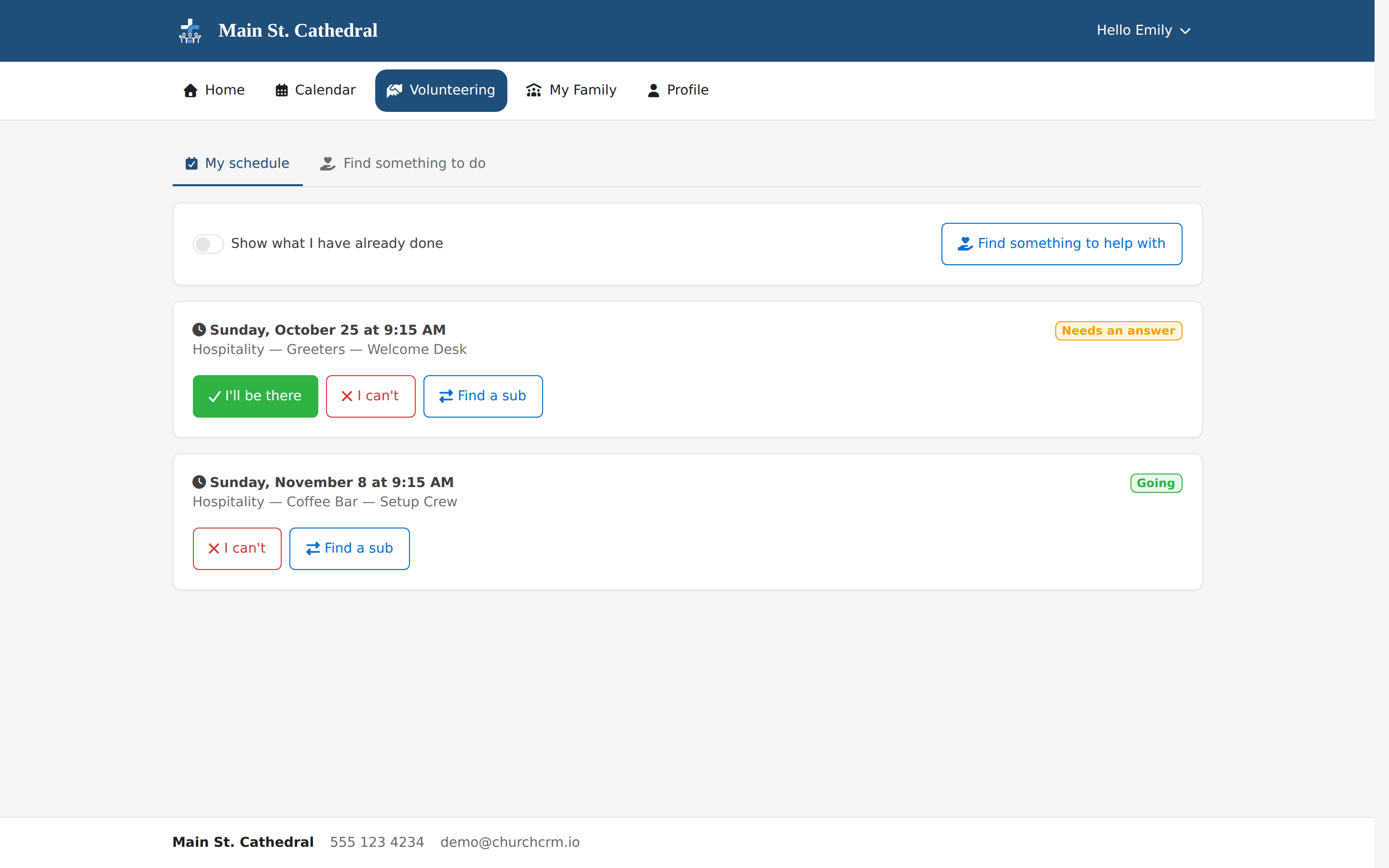
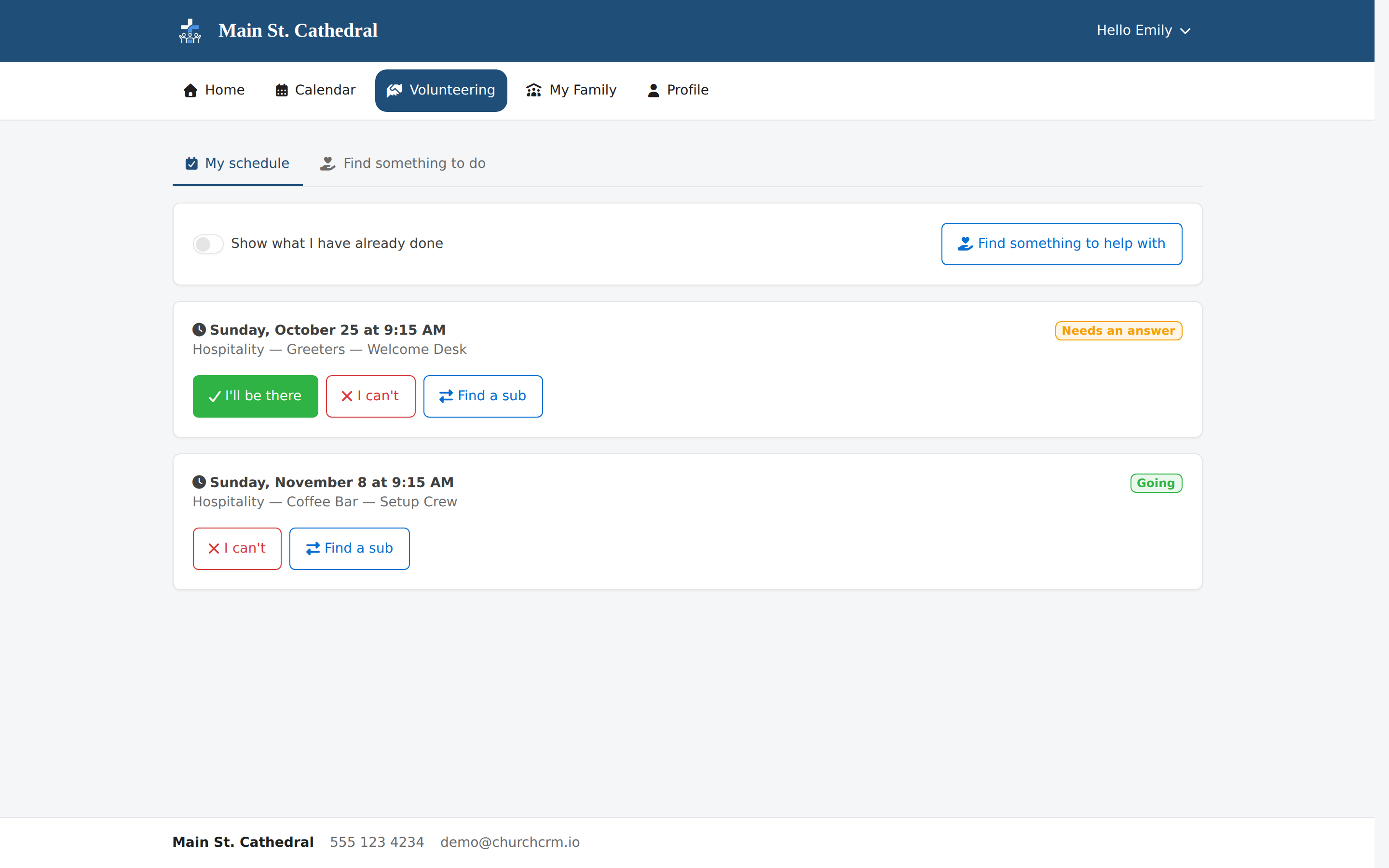
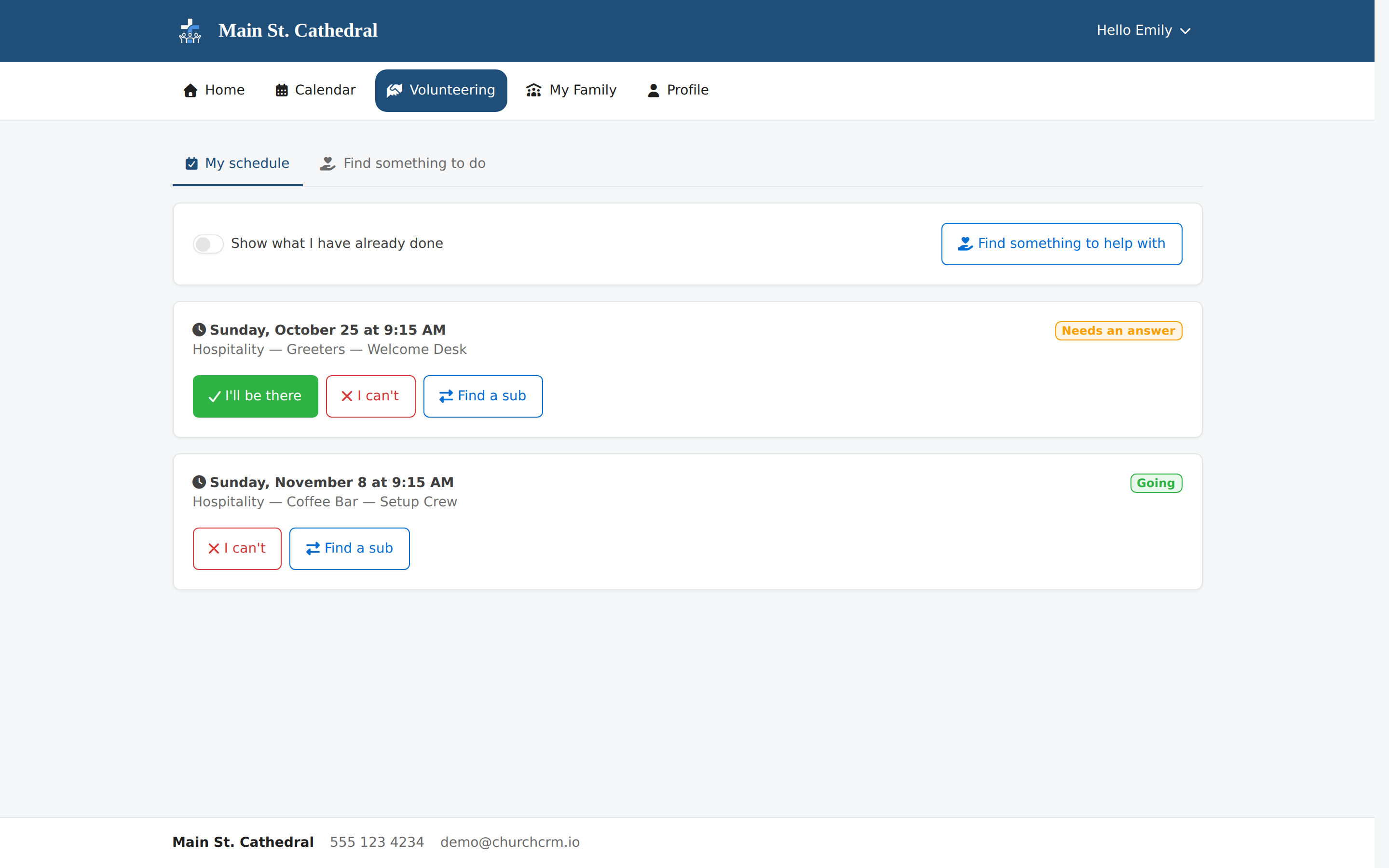
Member Portal: My Volunteer Schedule Show a volunteer answering a request in the Member Portal: accept, decline or find a sub.

Événements et présence
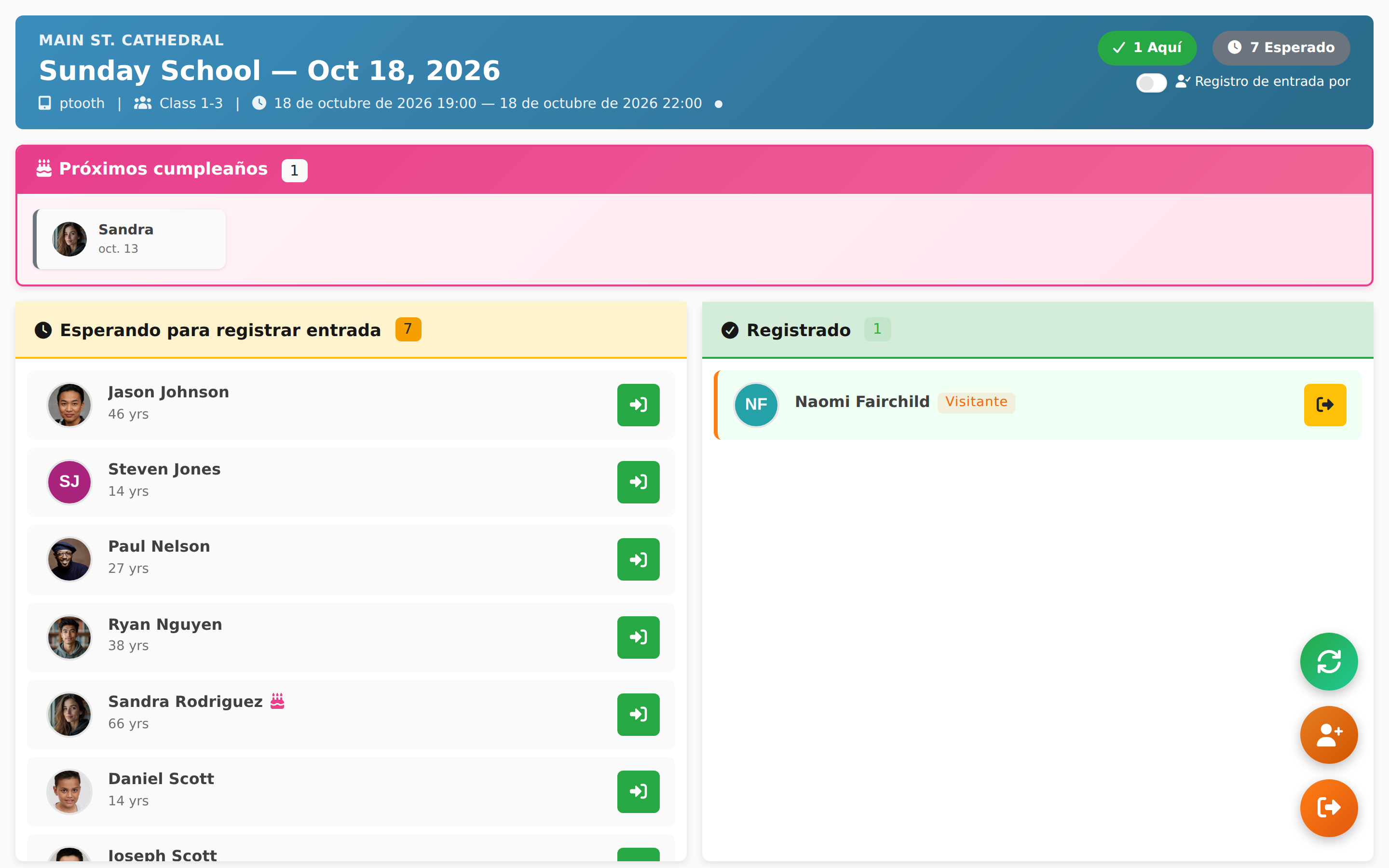
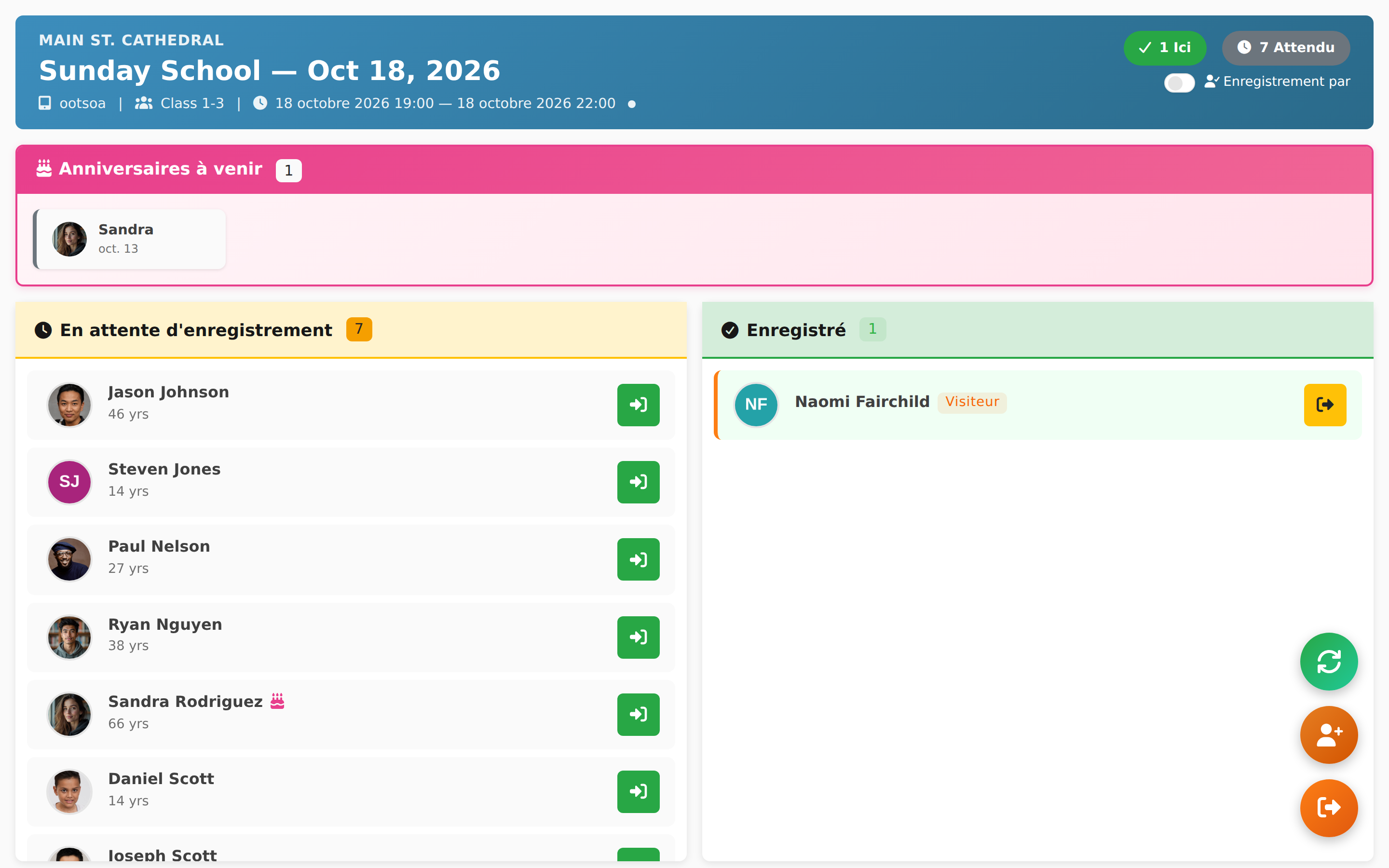
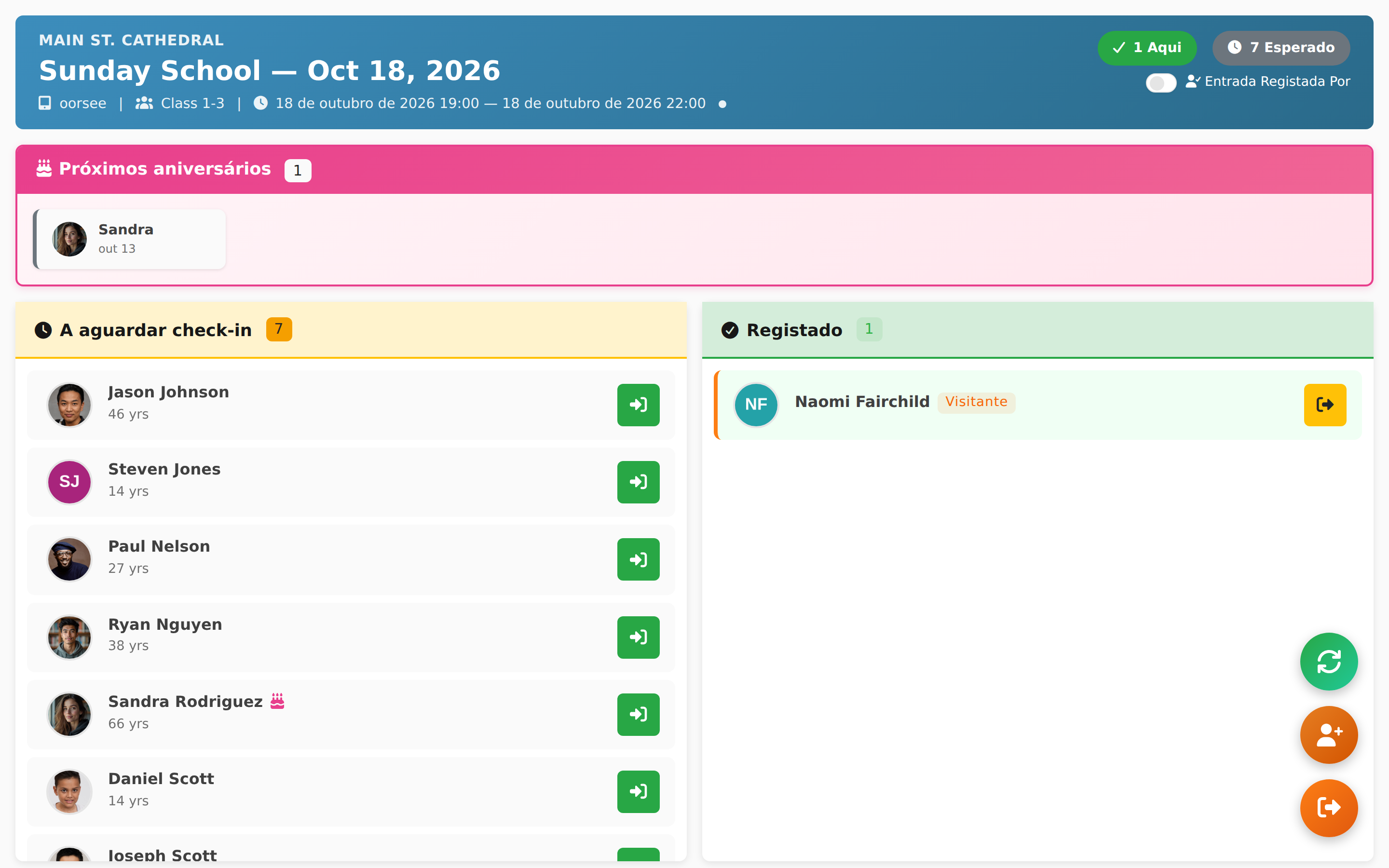
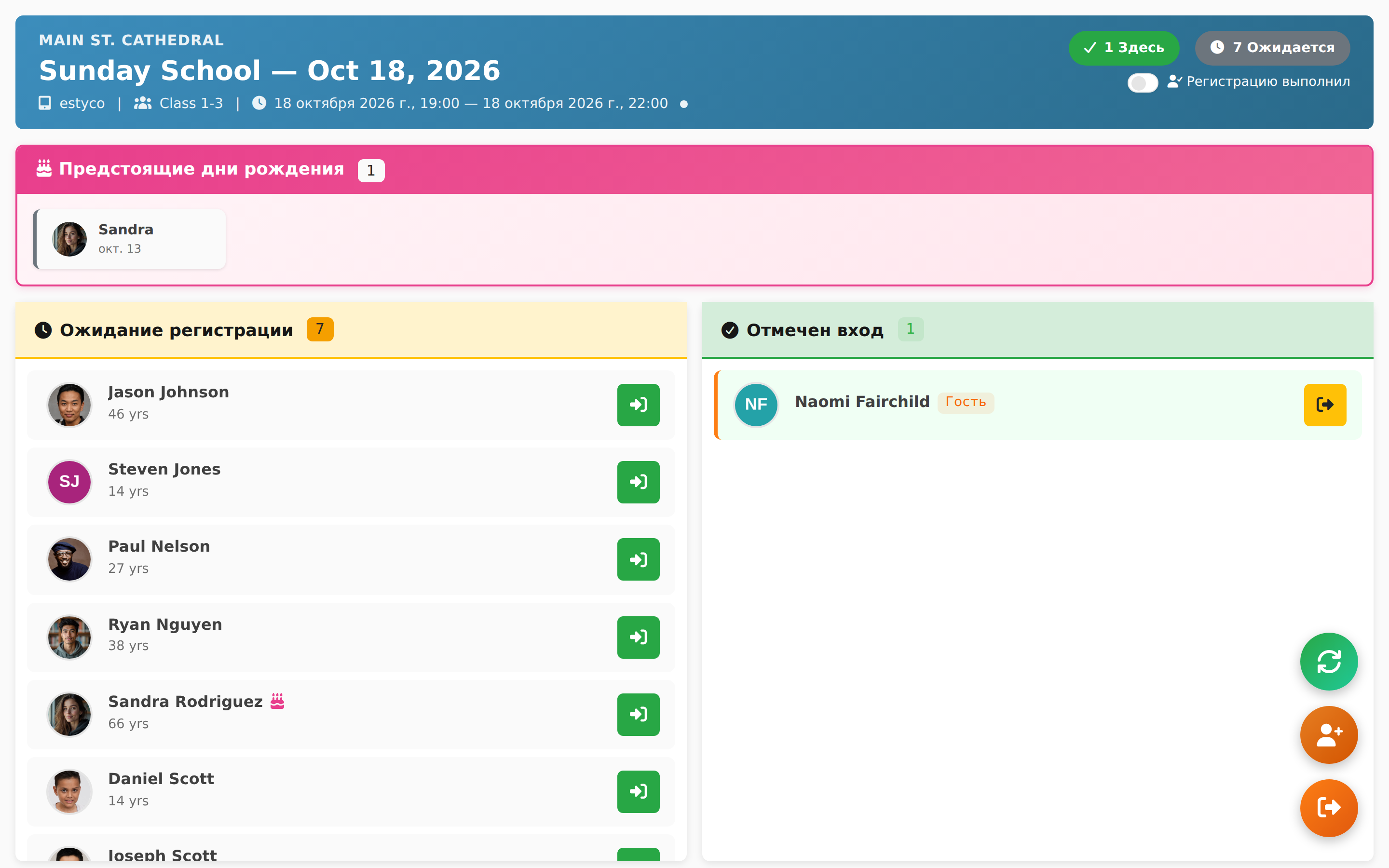
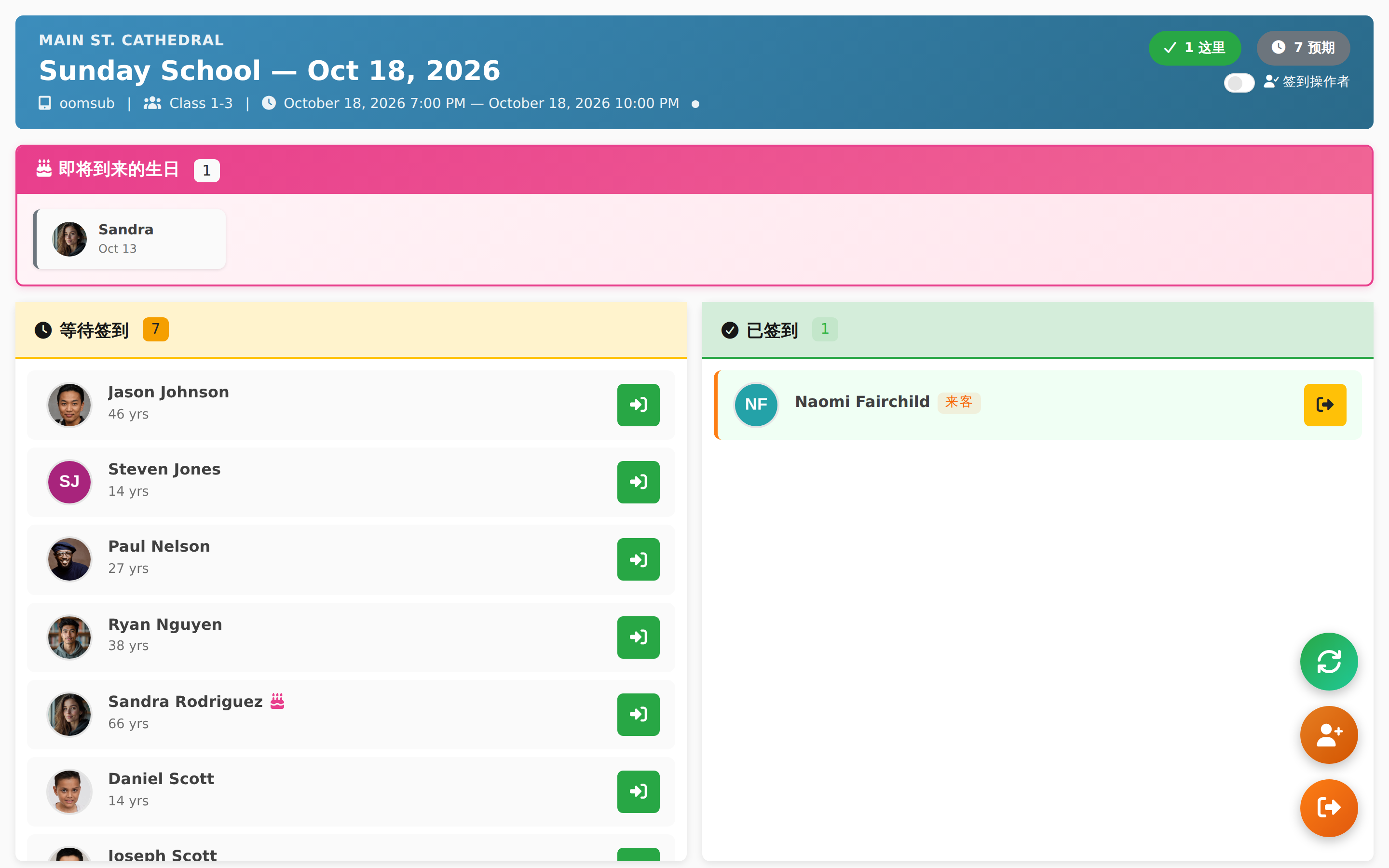
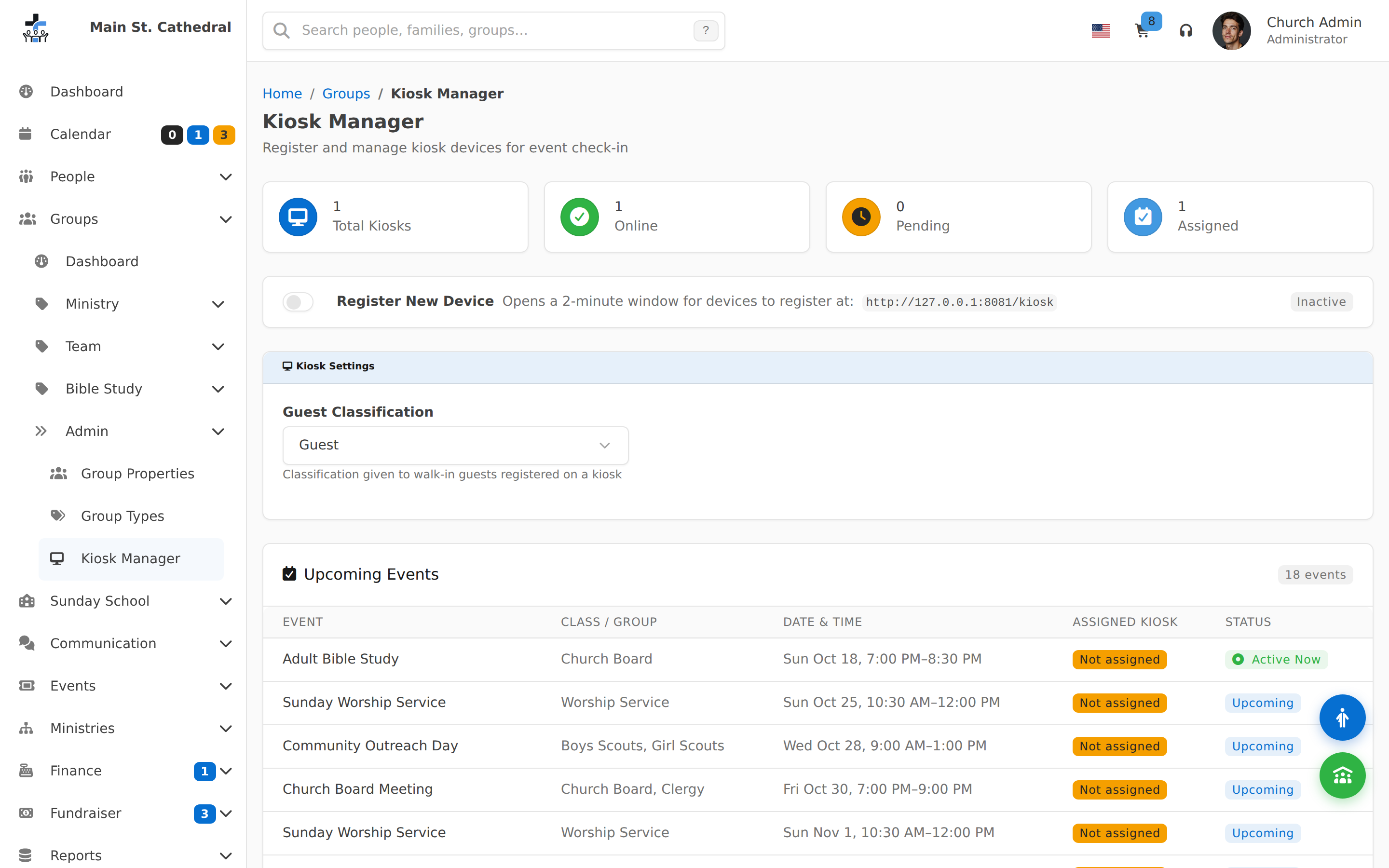
Kiosk Guest Checked In Show a walk-in guest checked in on the kiosk, marked with a Guest badge in the Checked In list
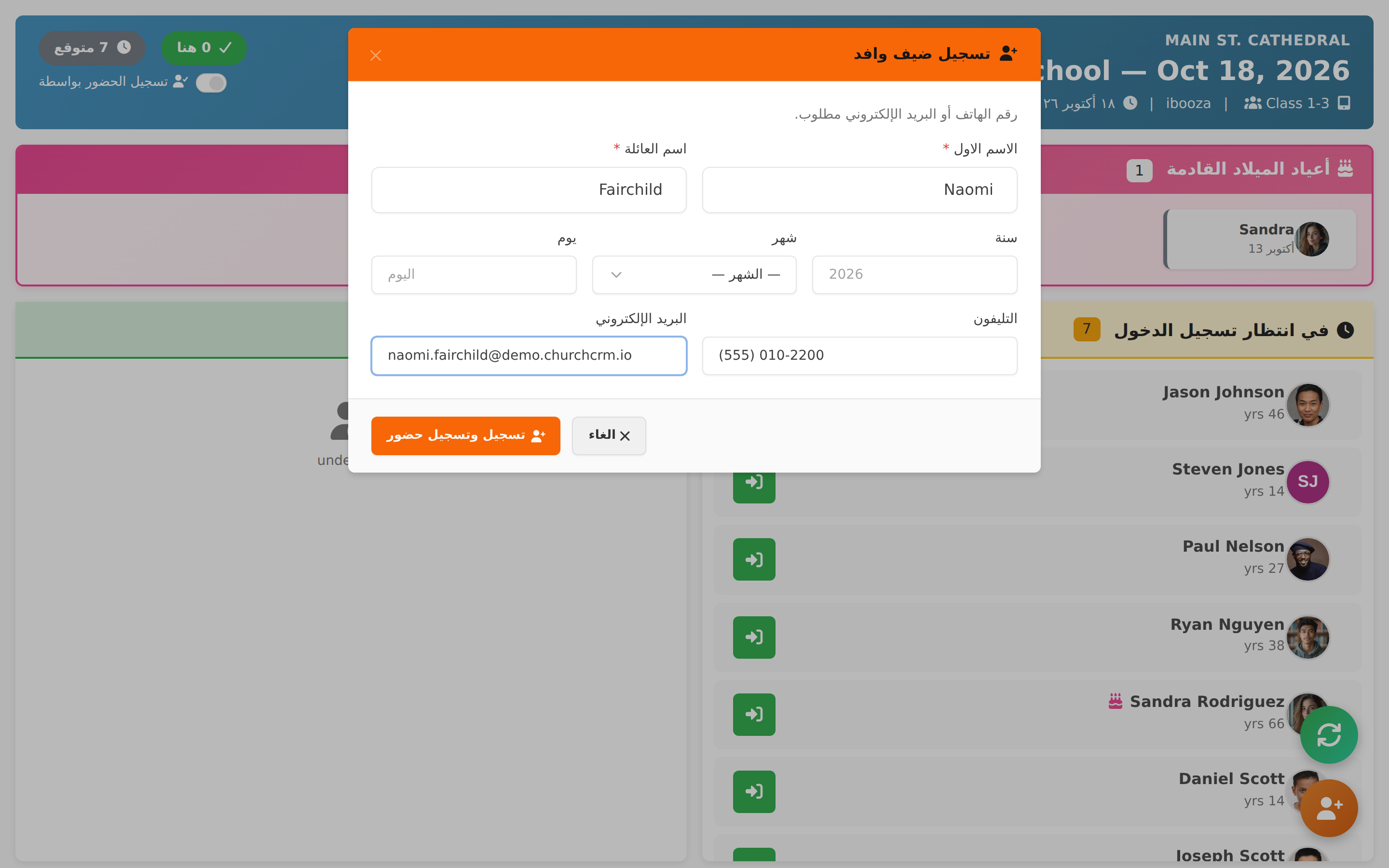
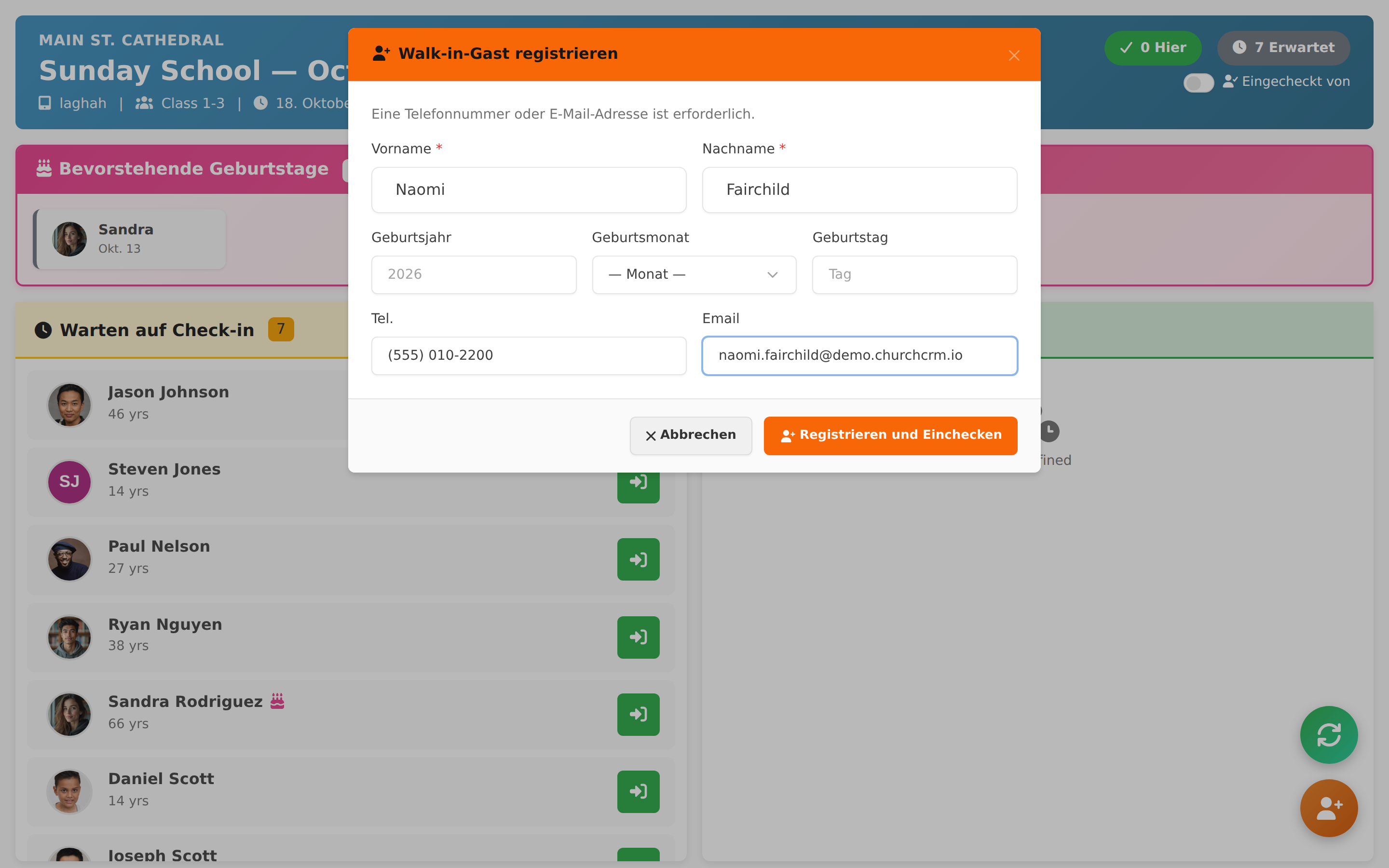
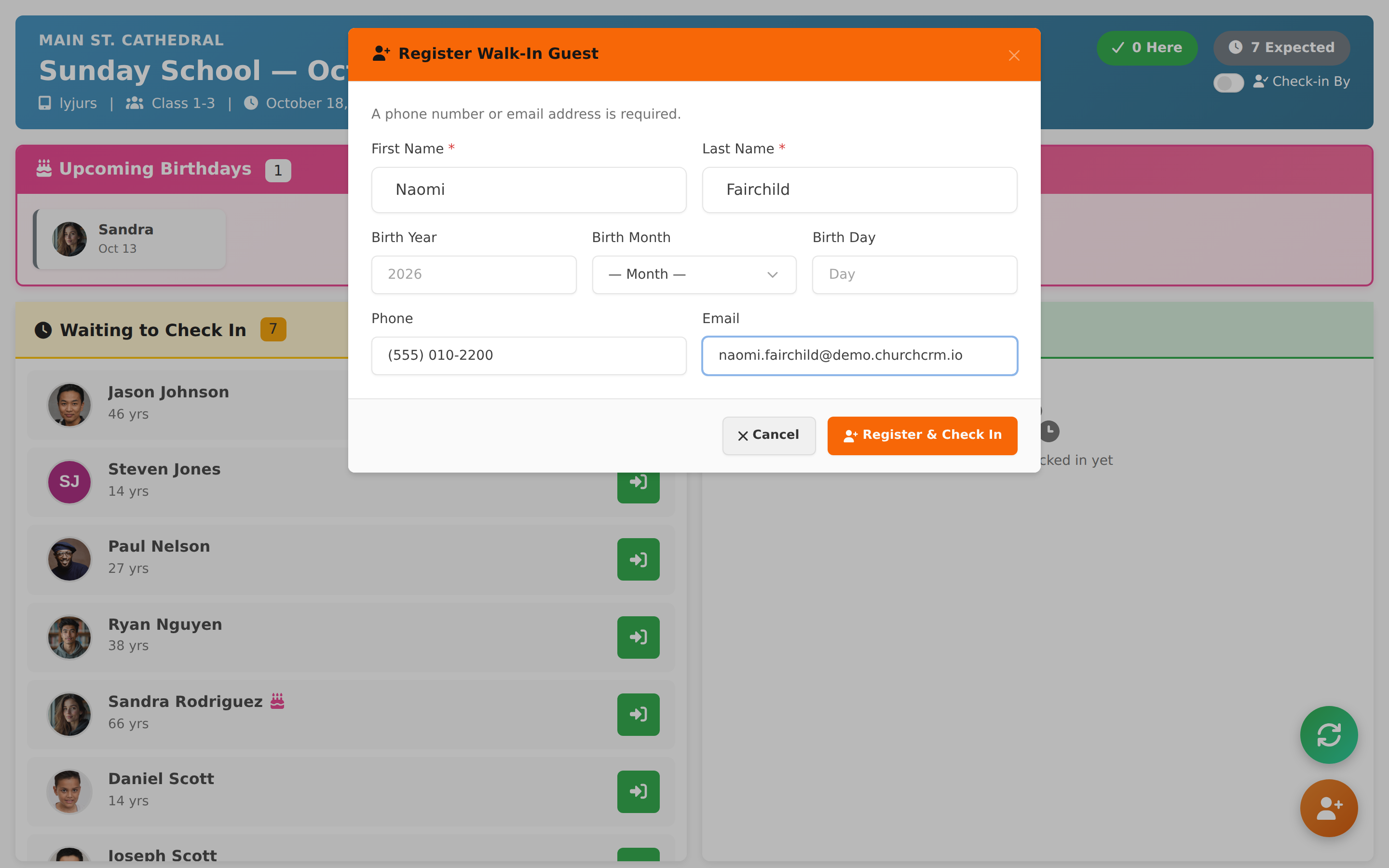
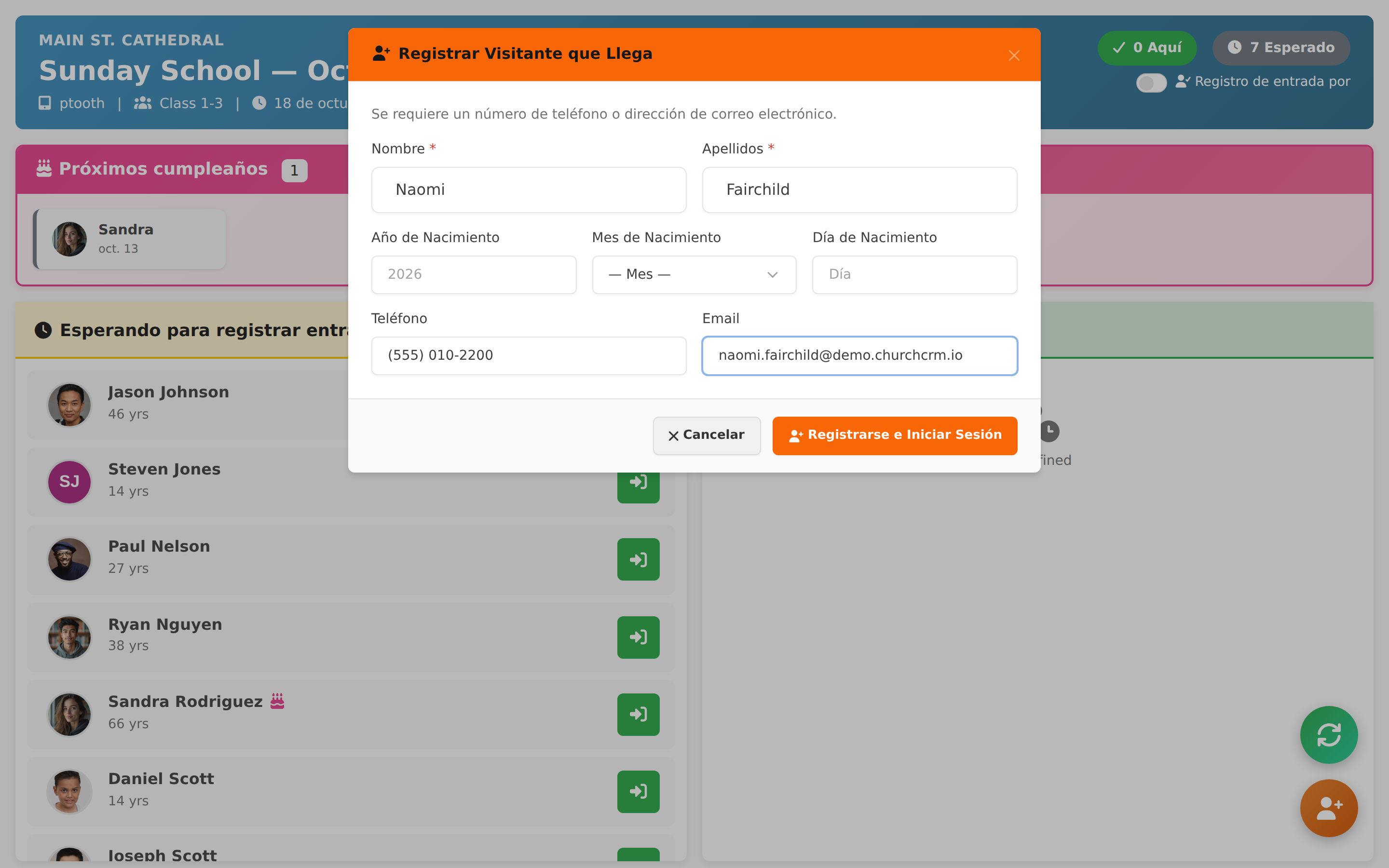
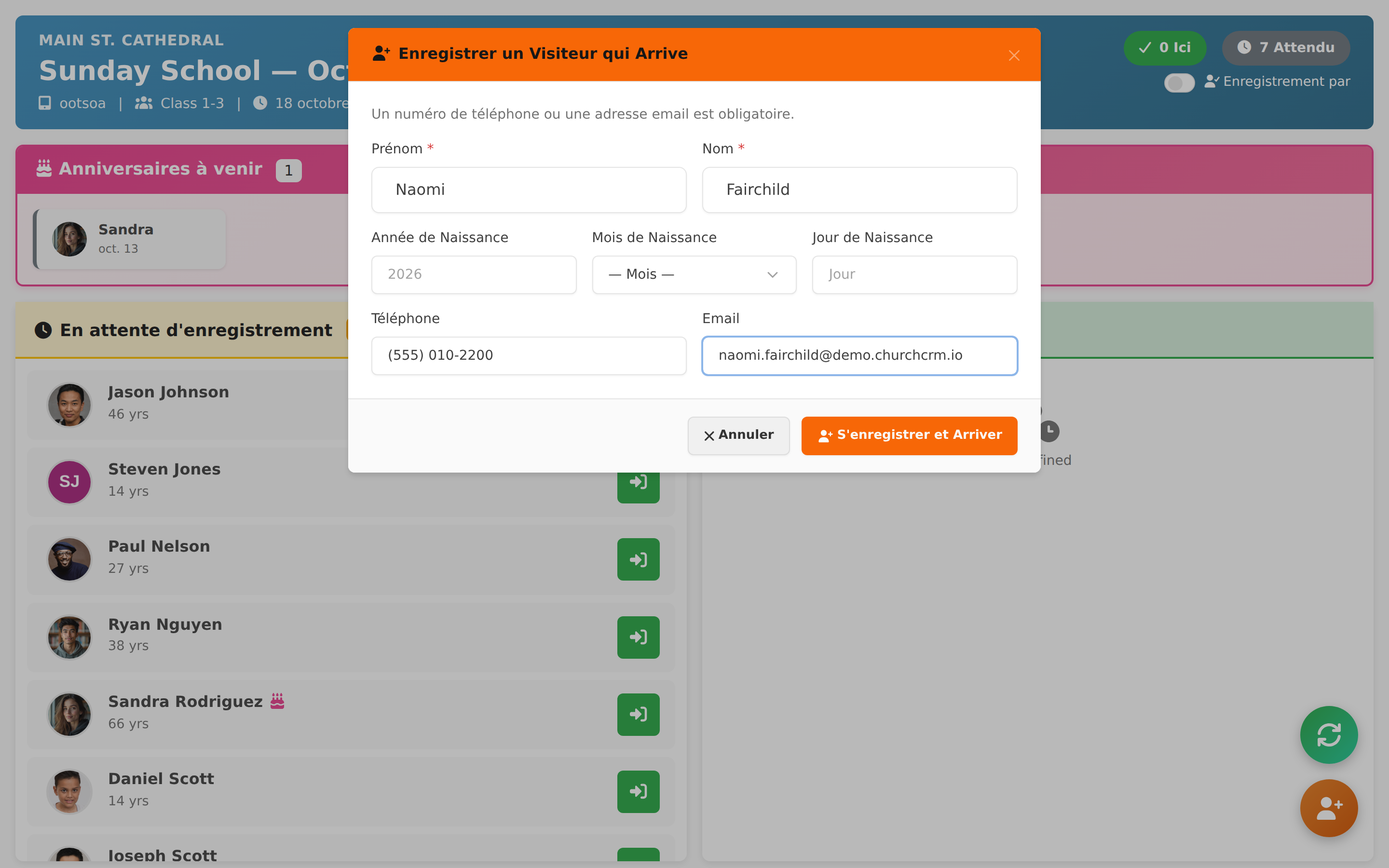
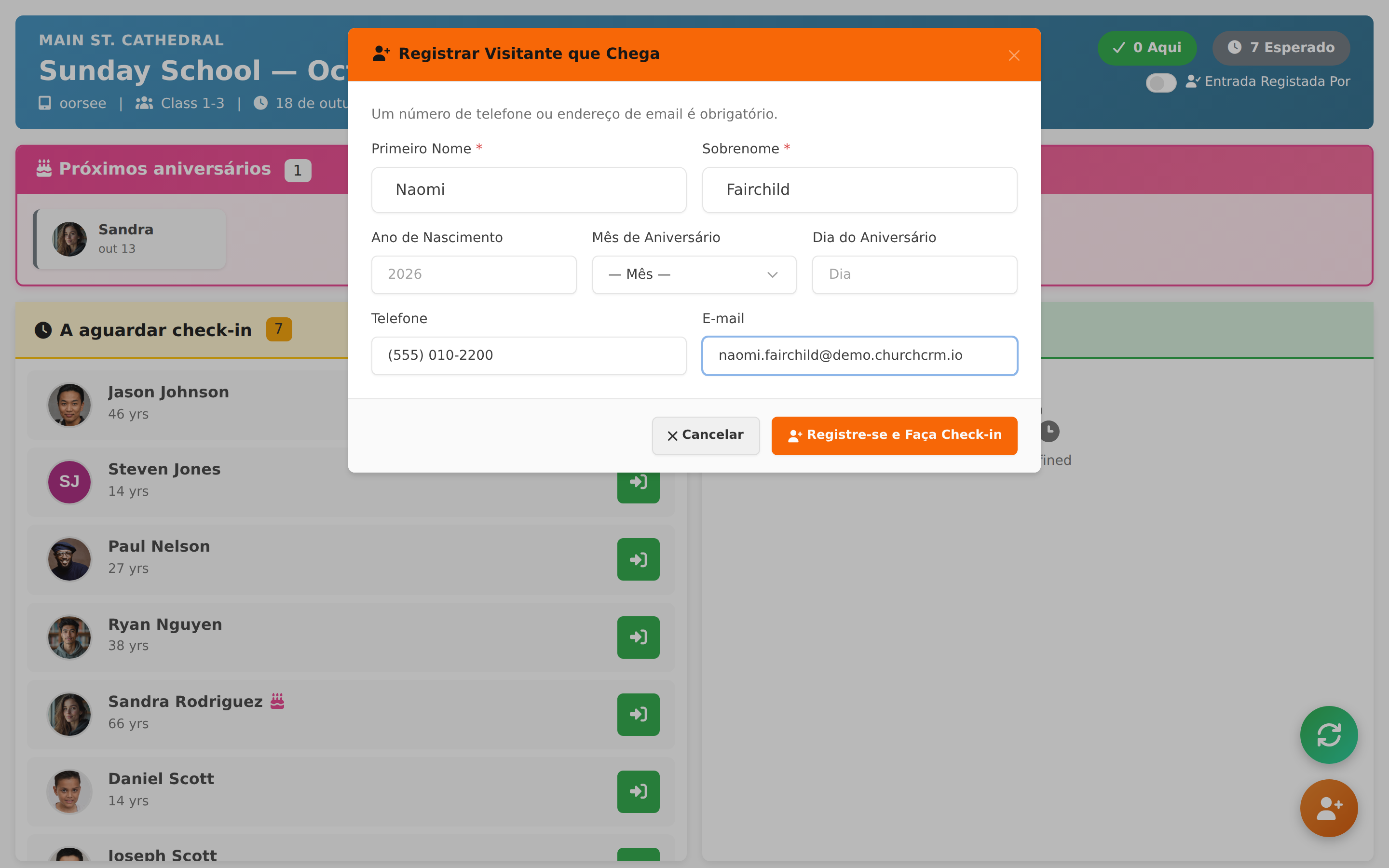
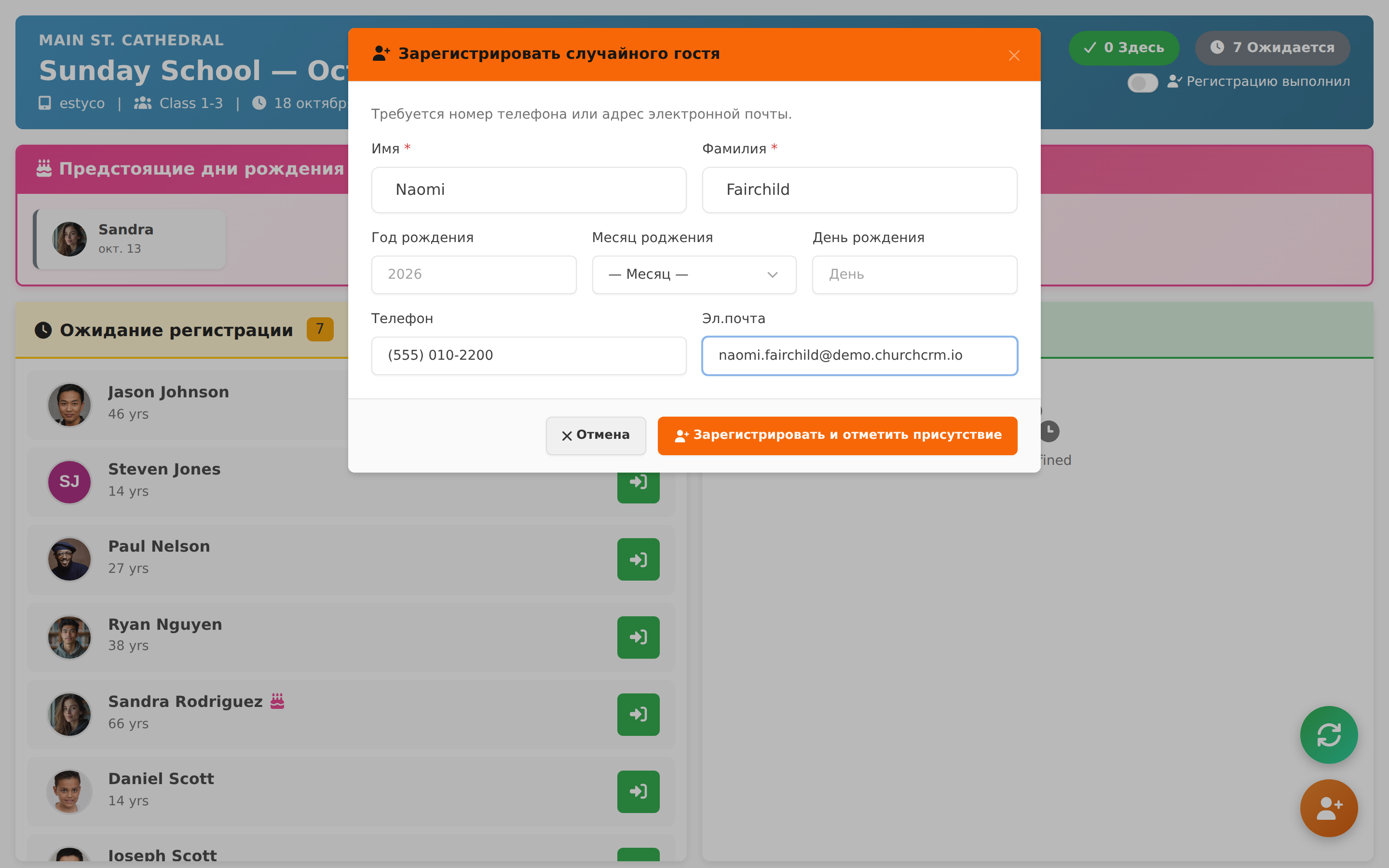
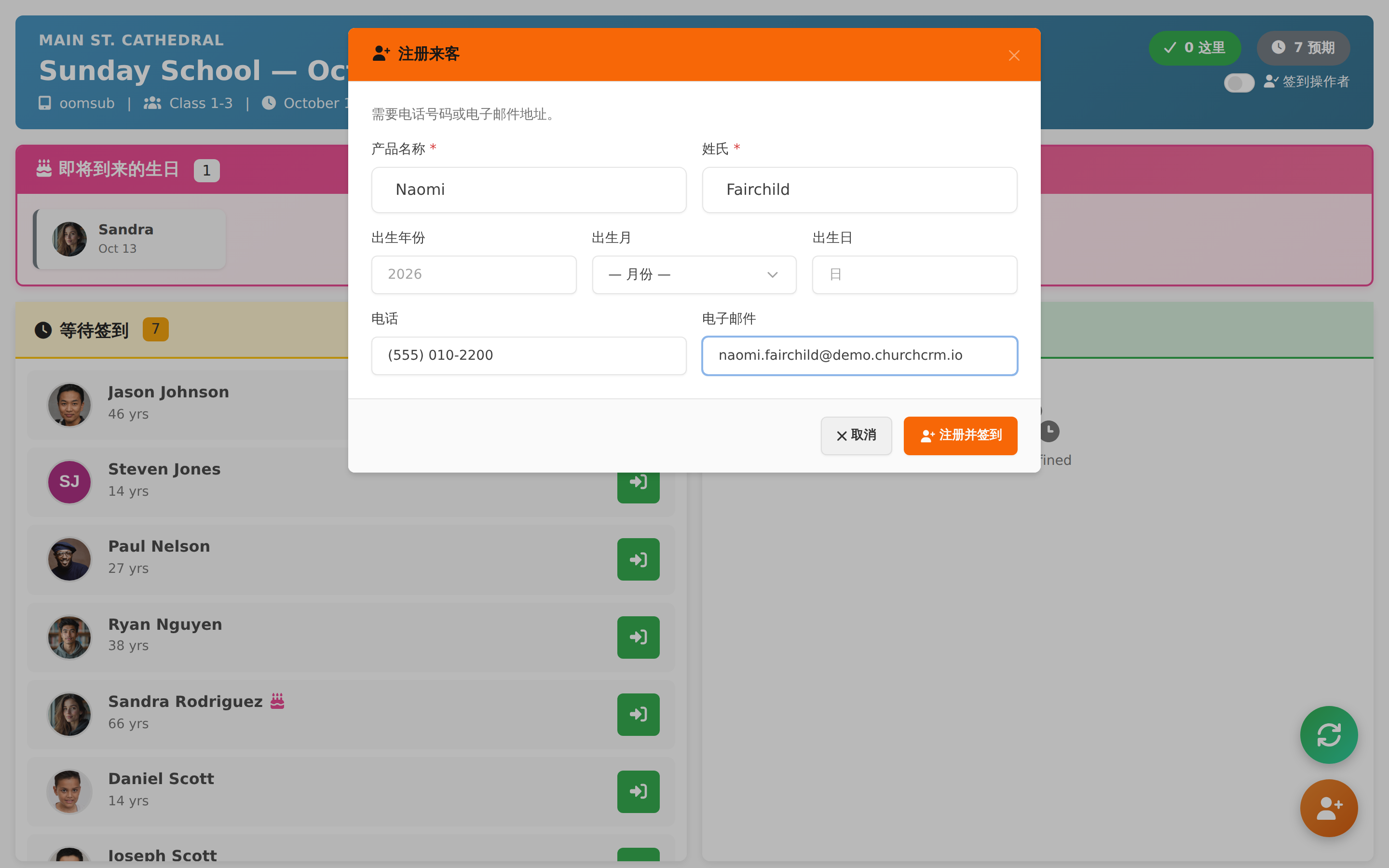
Kiosk Walk-In Guest Form Show the Register Walk-In Guest form on the kiosk: name plus a phone number or email, with optional birth date

Finances et dons

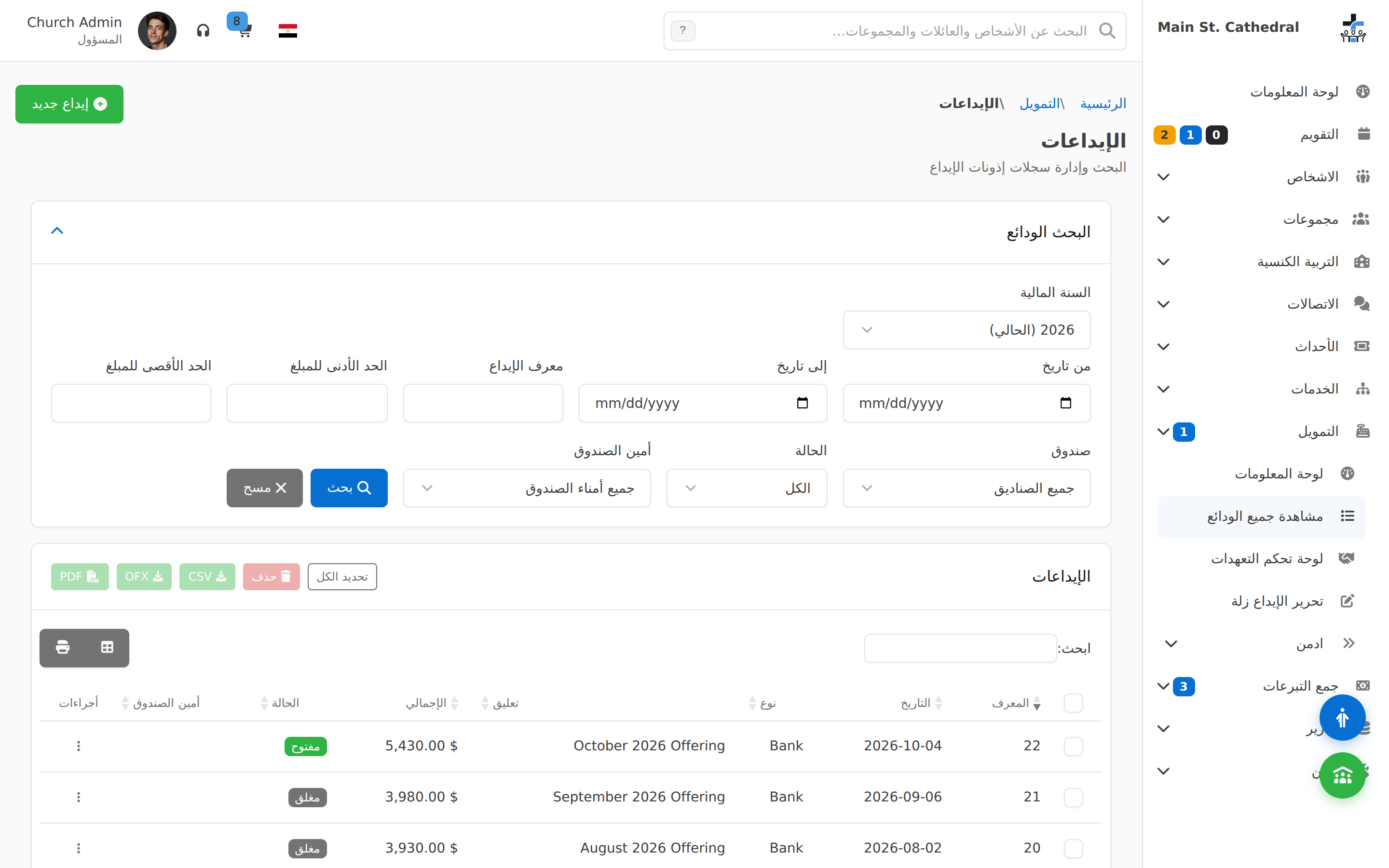
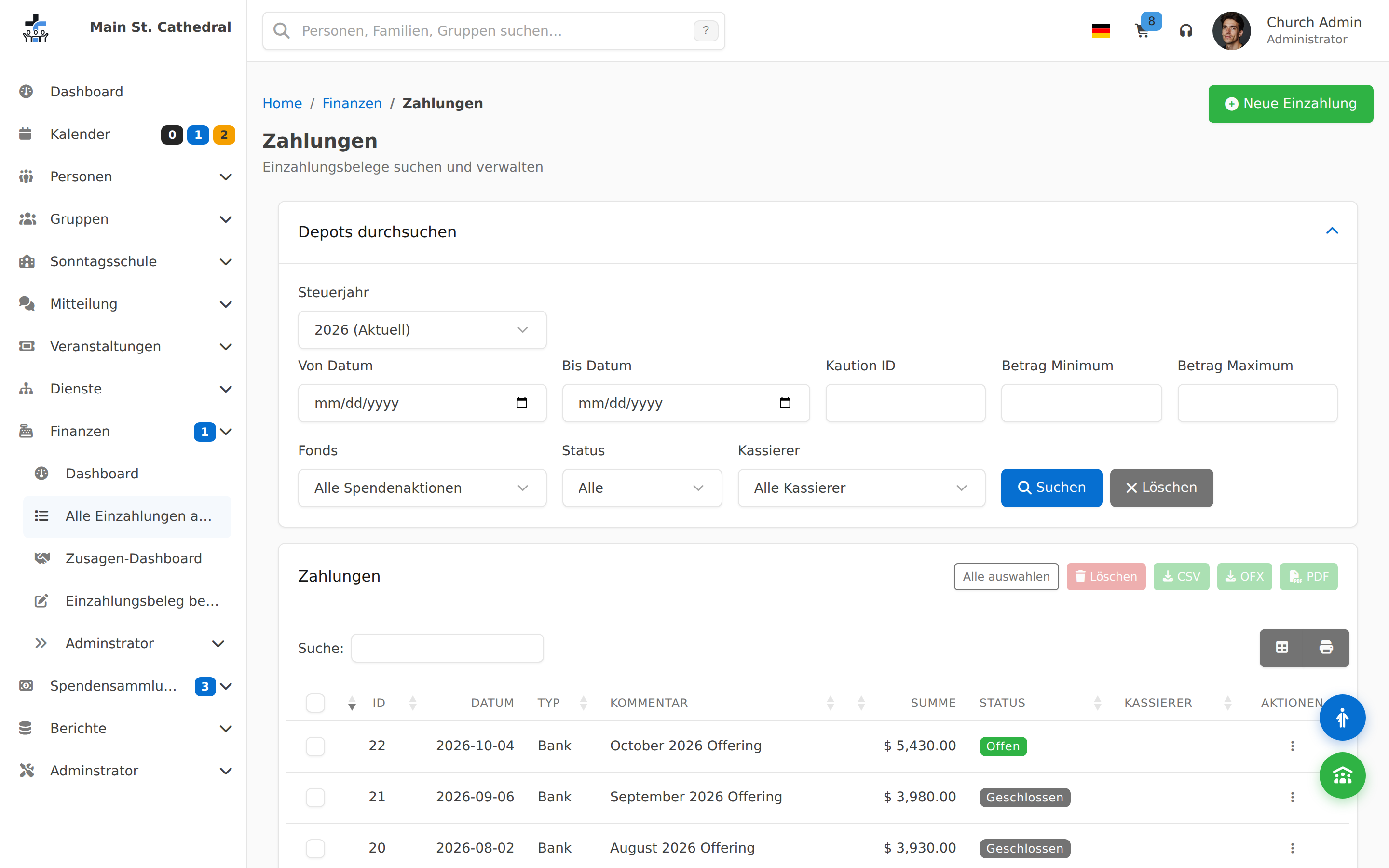
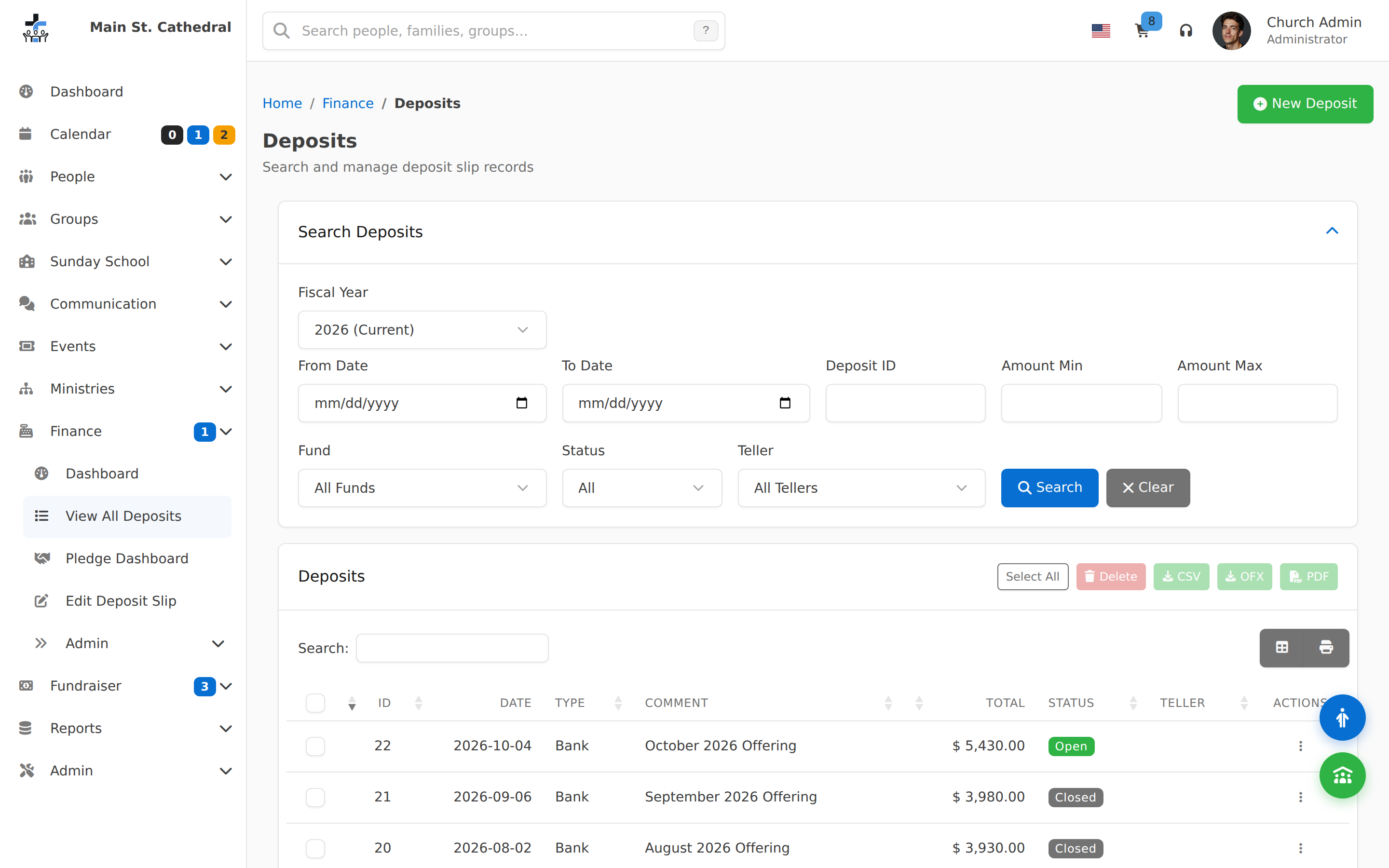
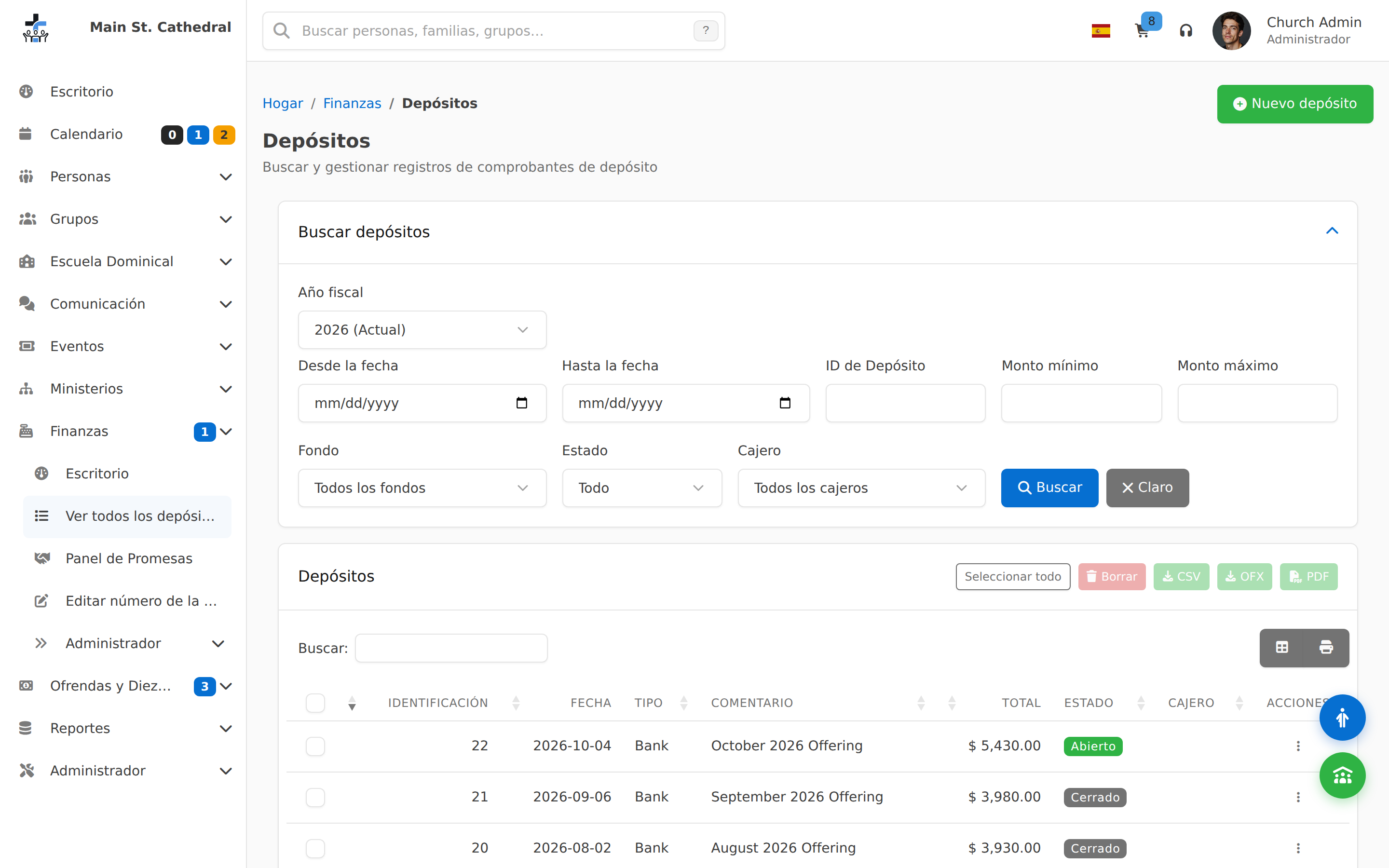
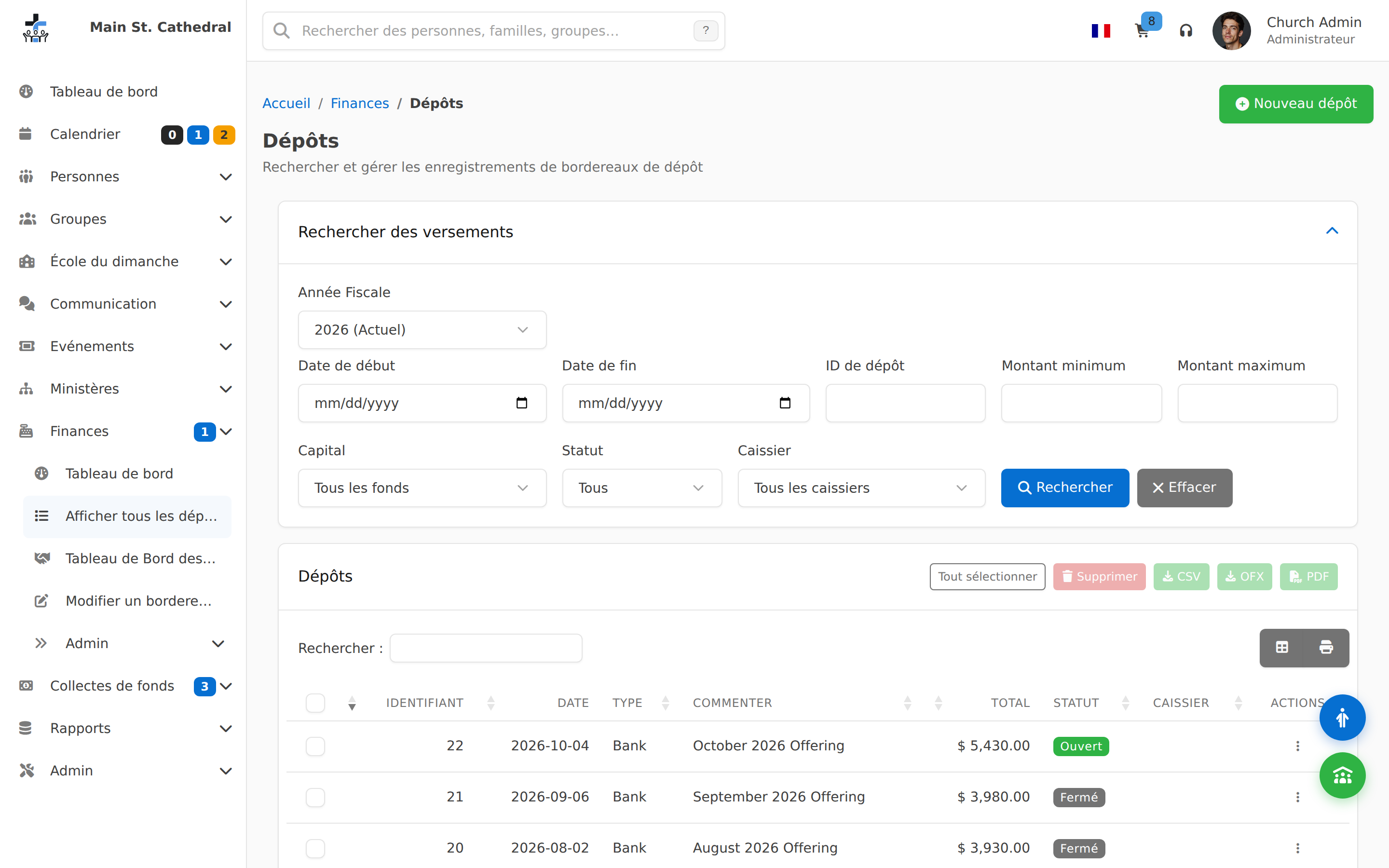
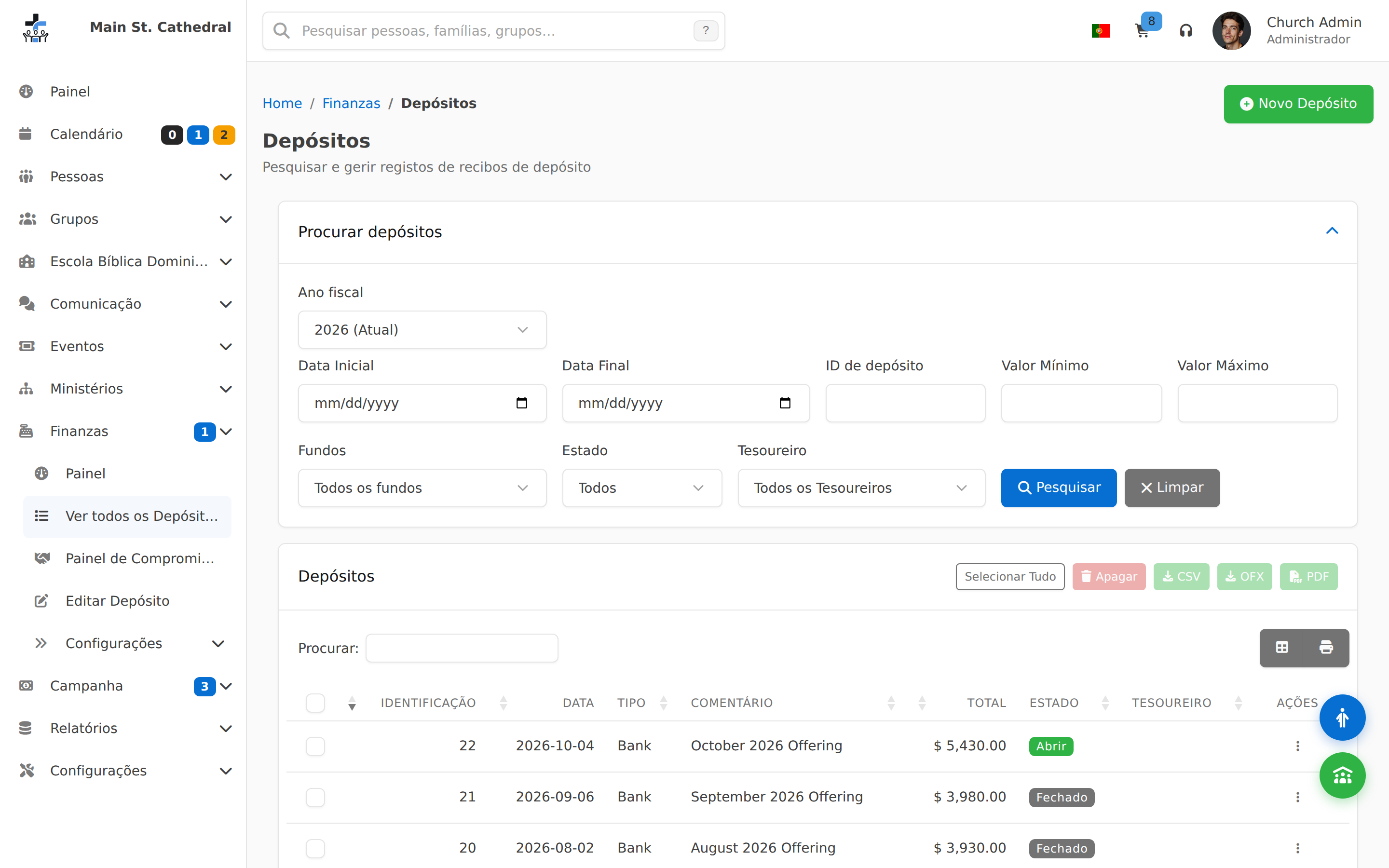
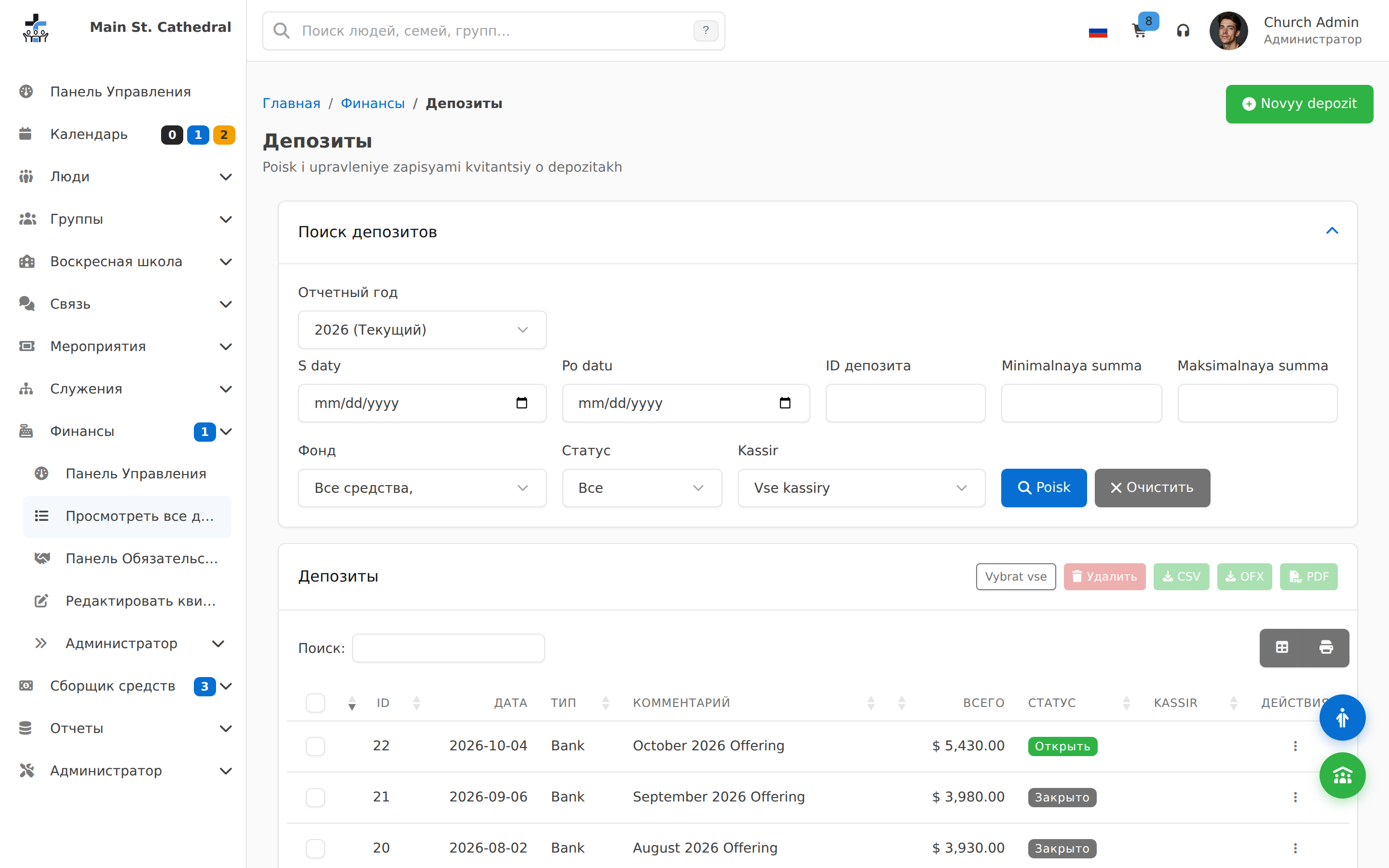
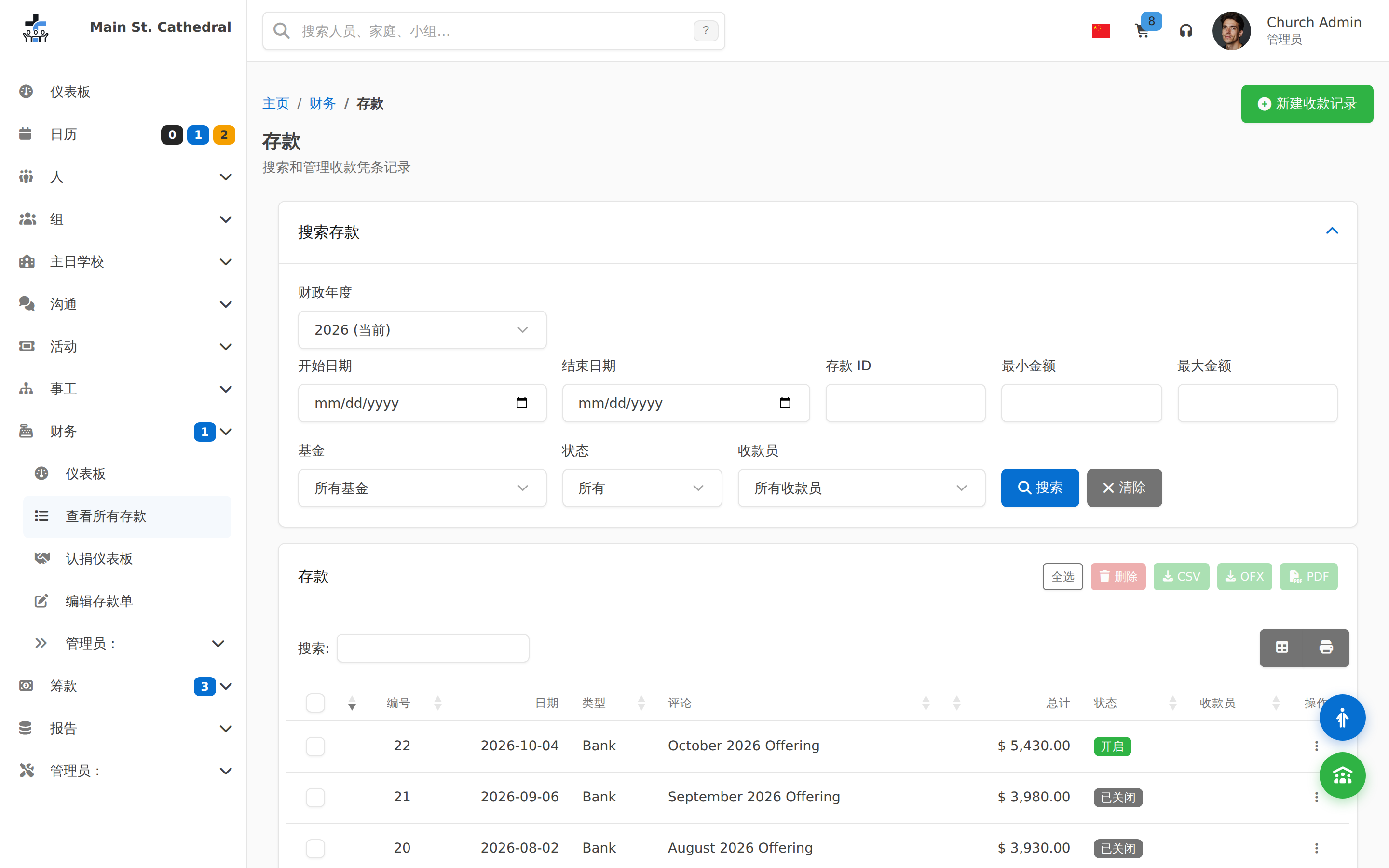
Deposit Entry Show deposit slip records — the transactional side of giving
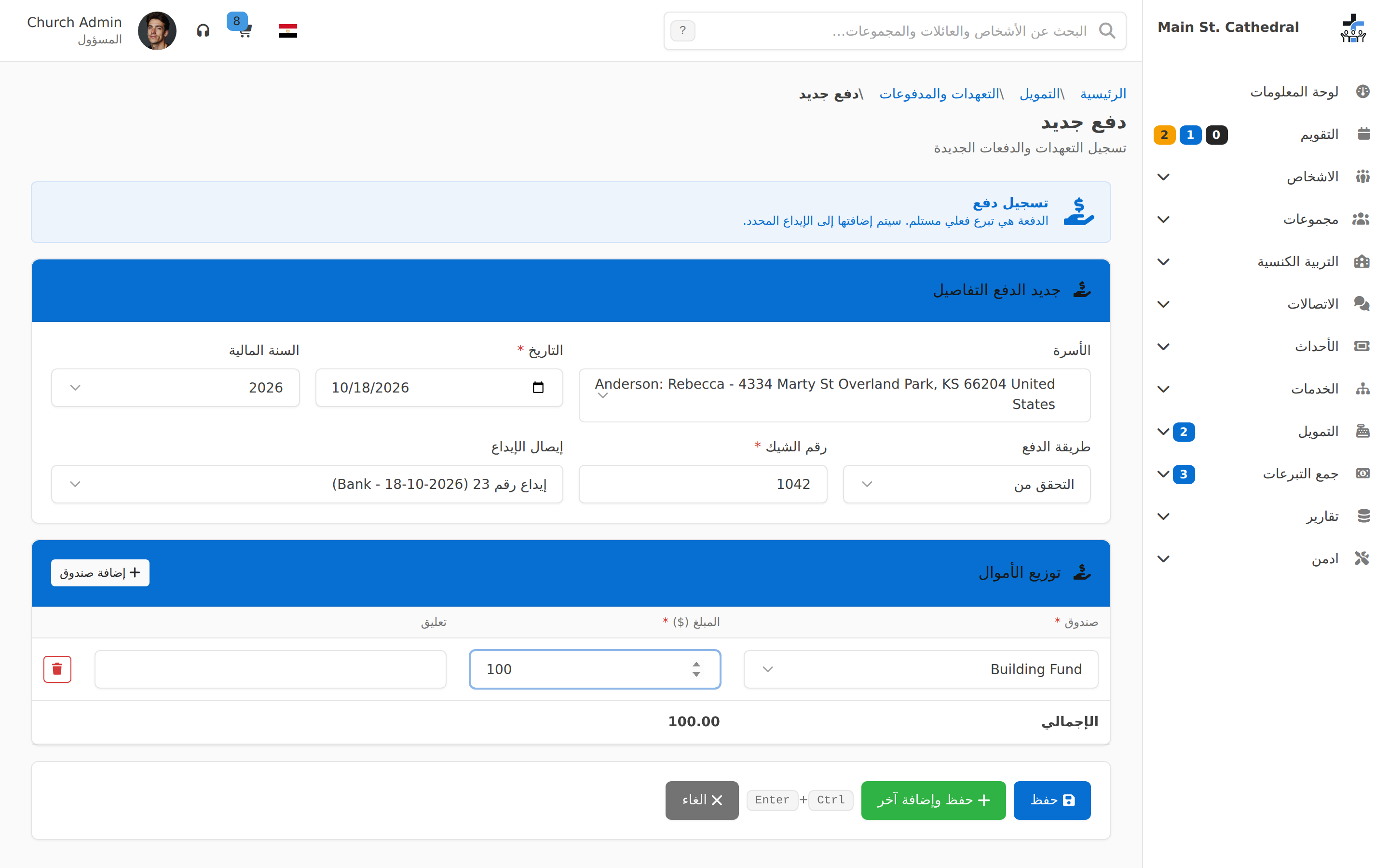
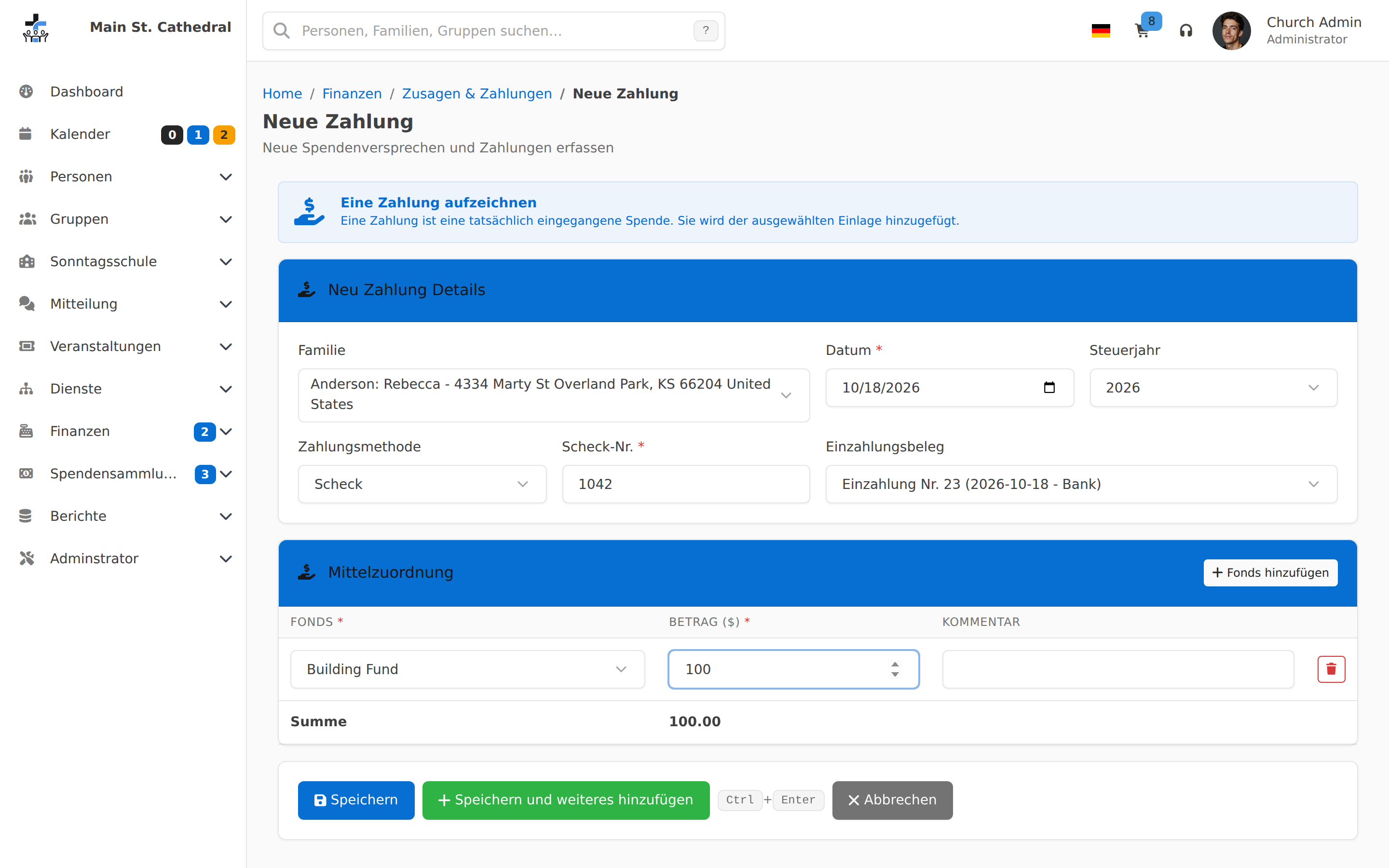
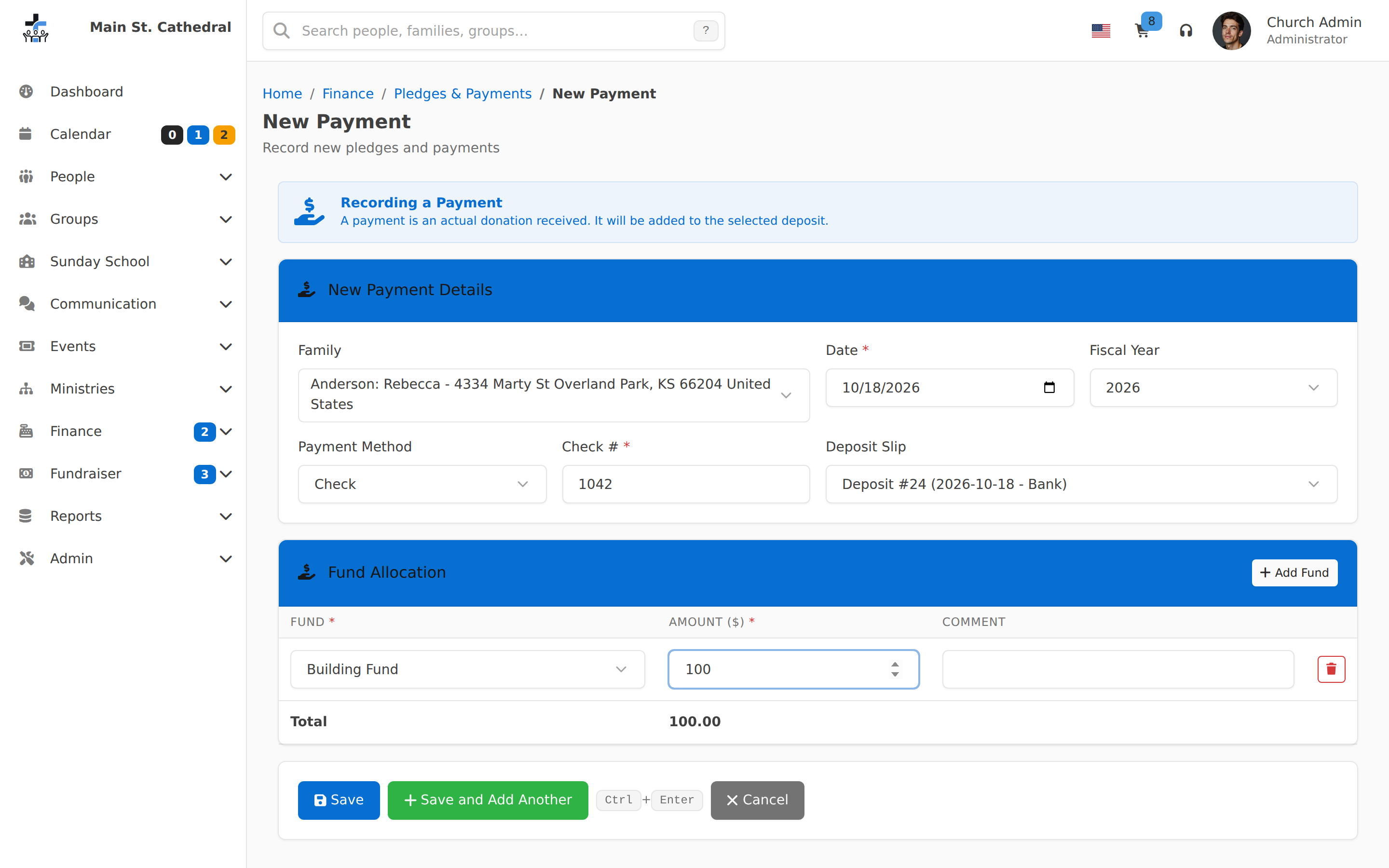
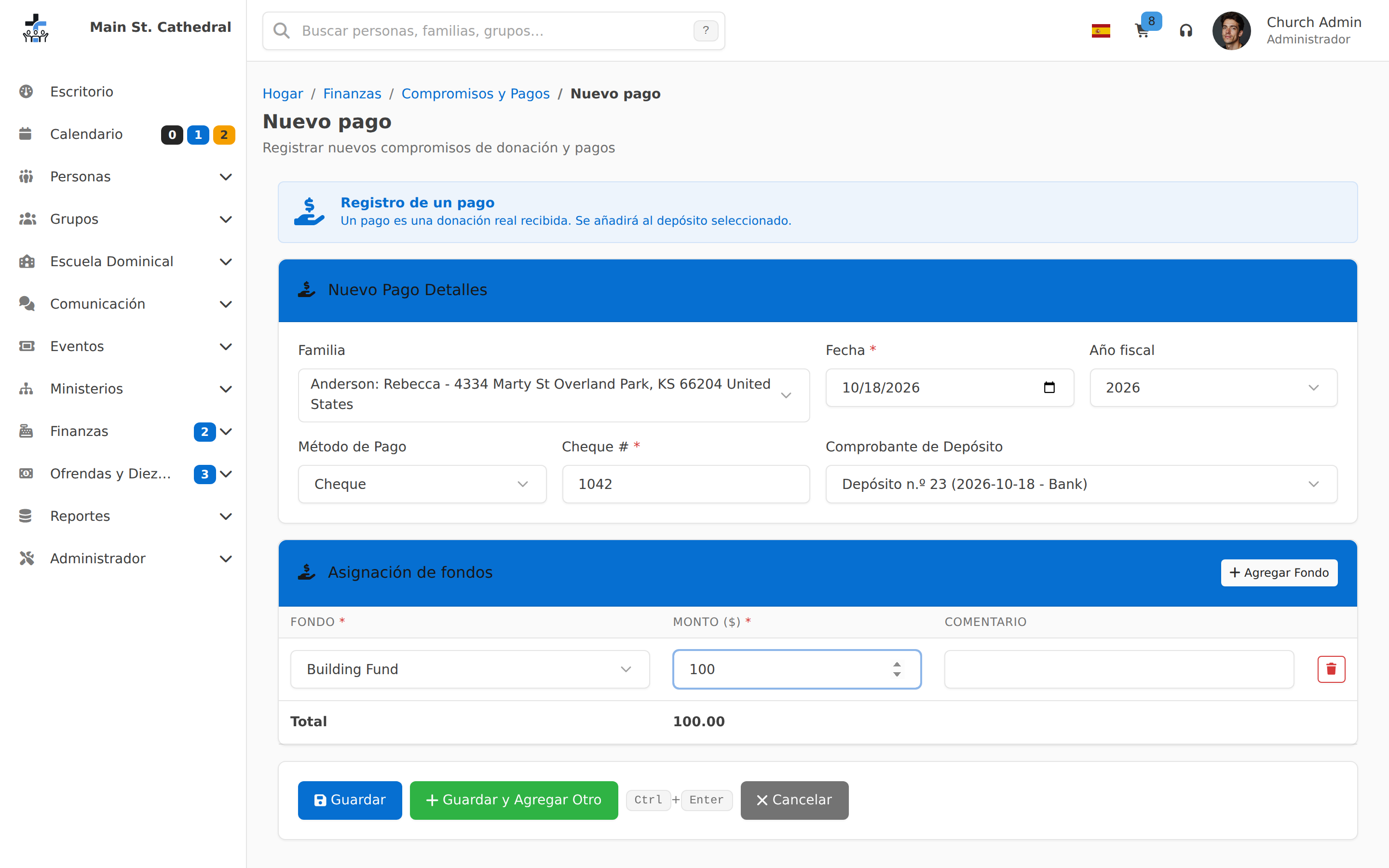
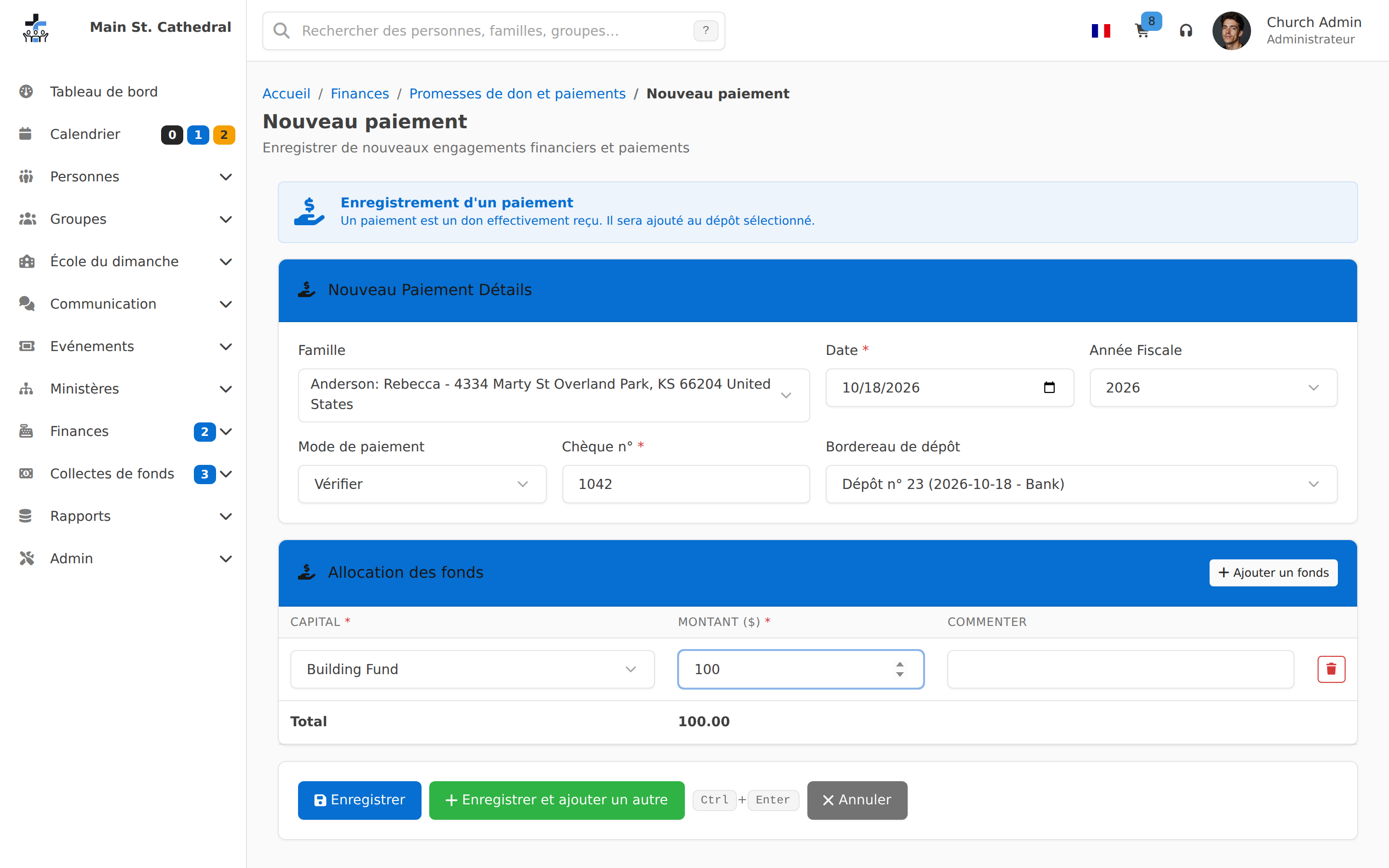
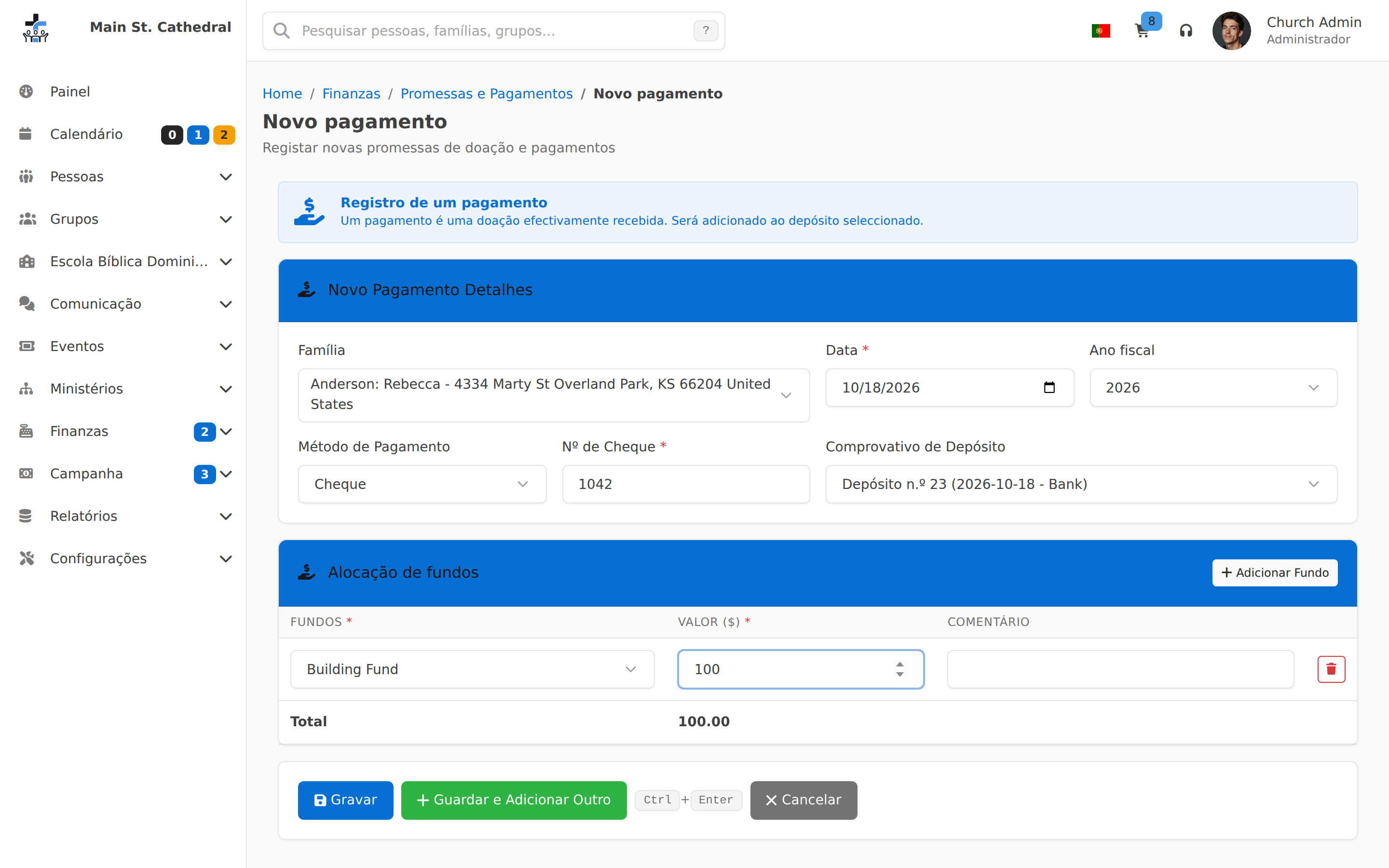
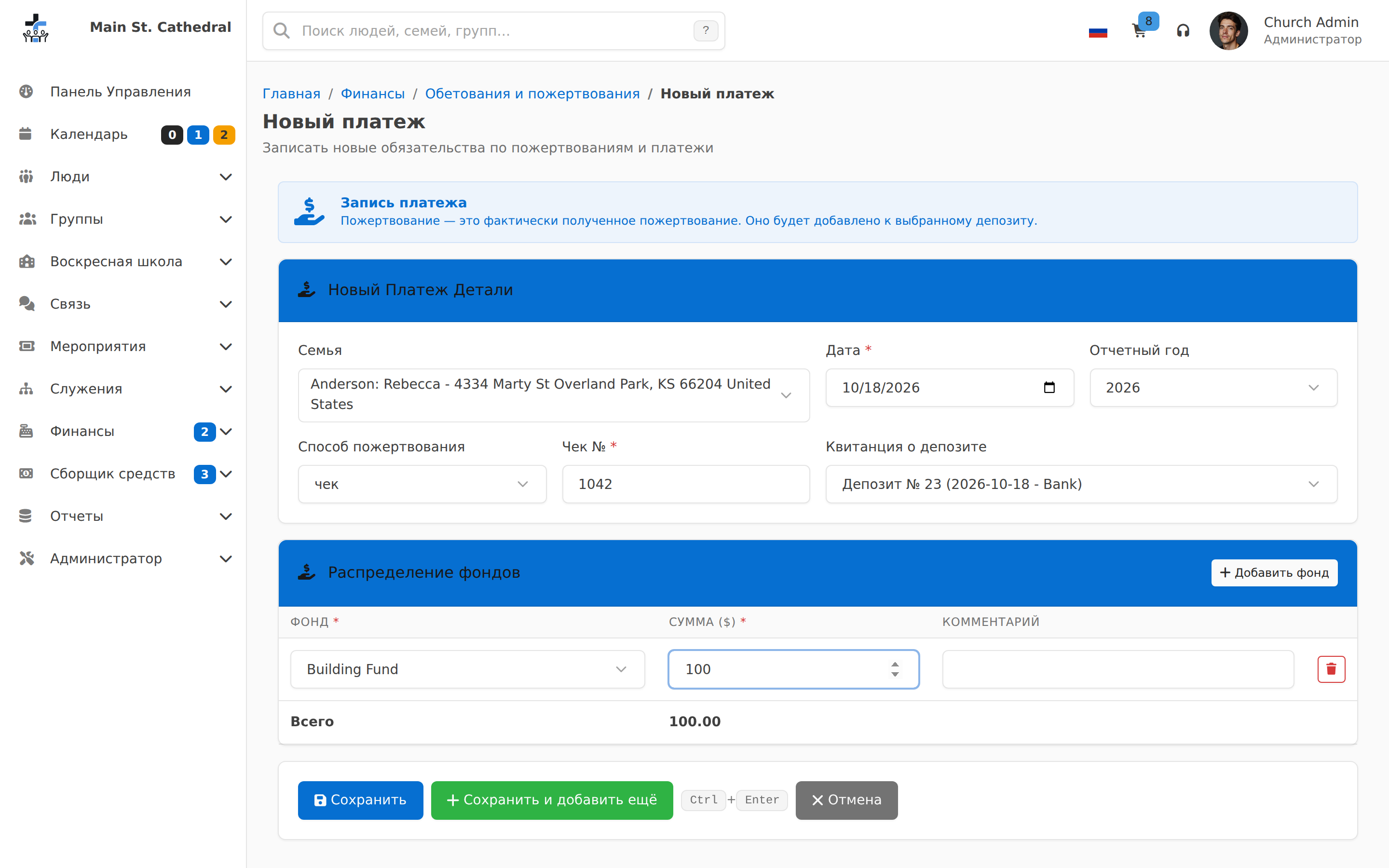
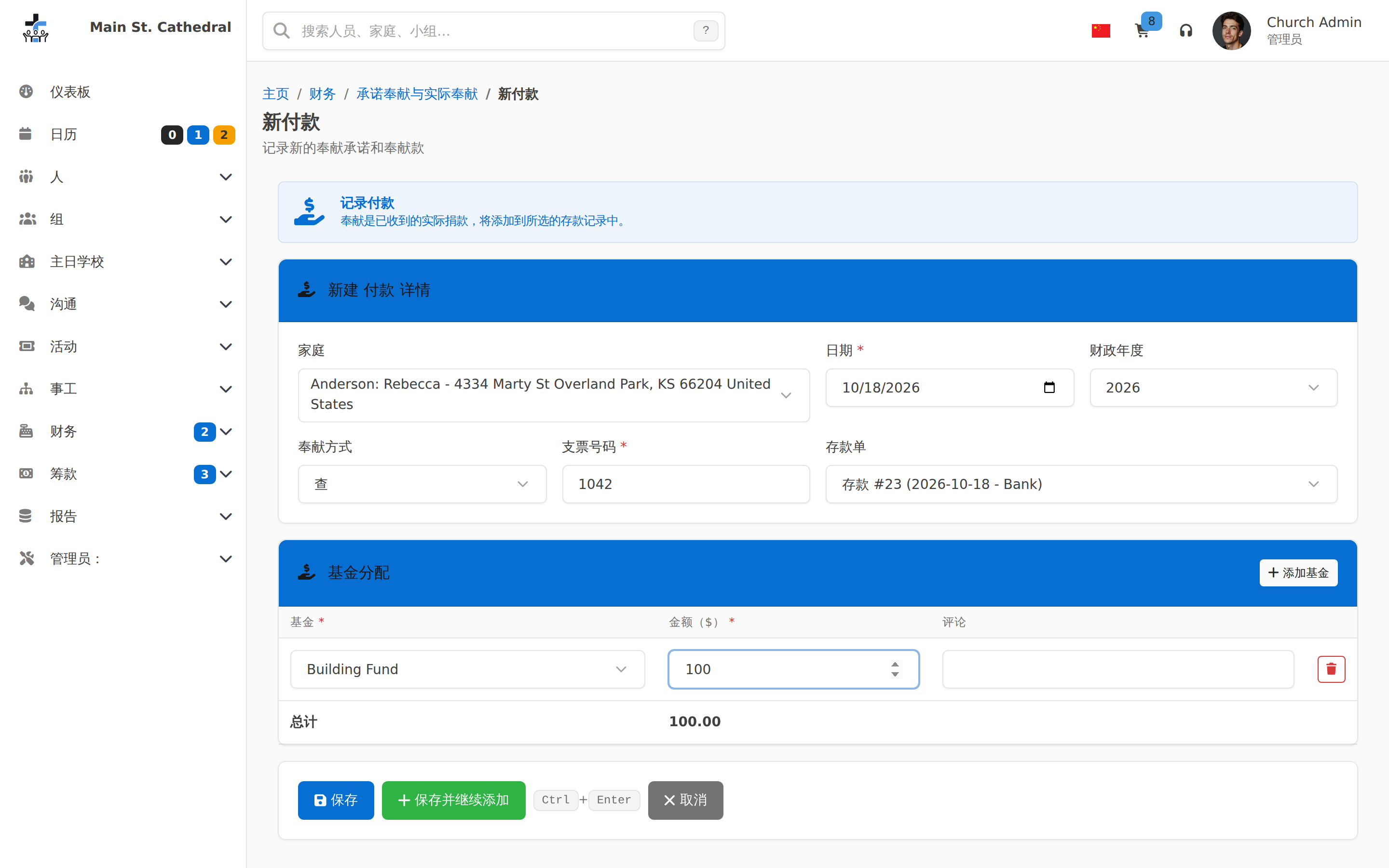
Payment Entry with Ctrl+Enter Show a payment being entered on a deposit, with the Ctrl+Enter save-and-next shortcut by the buttons.
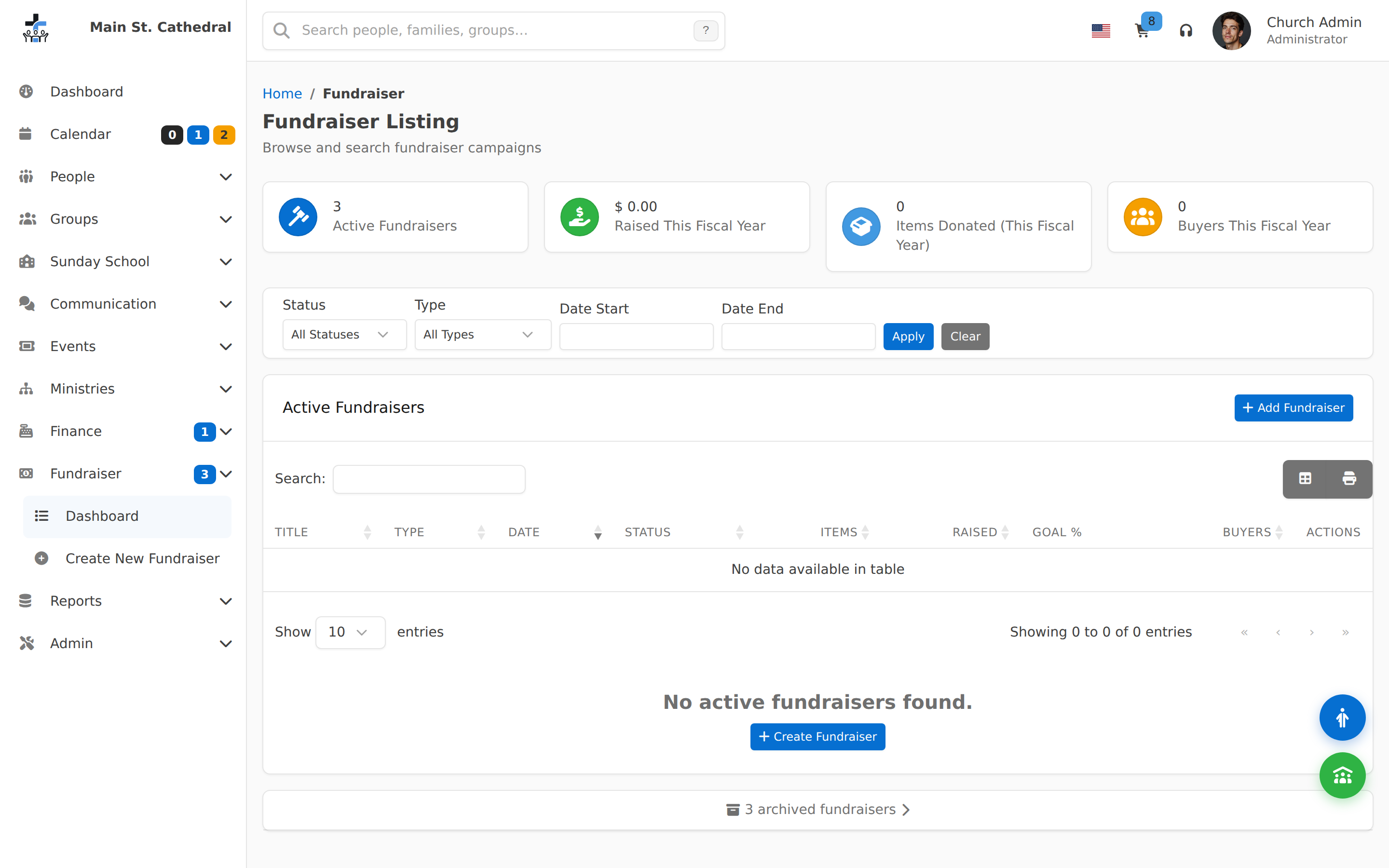
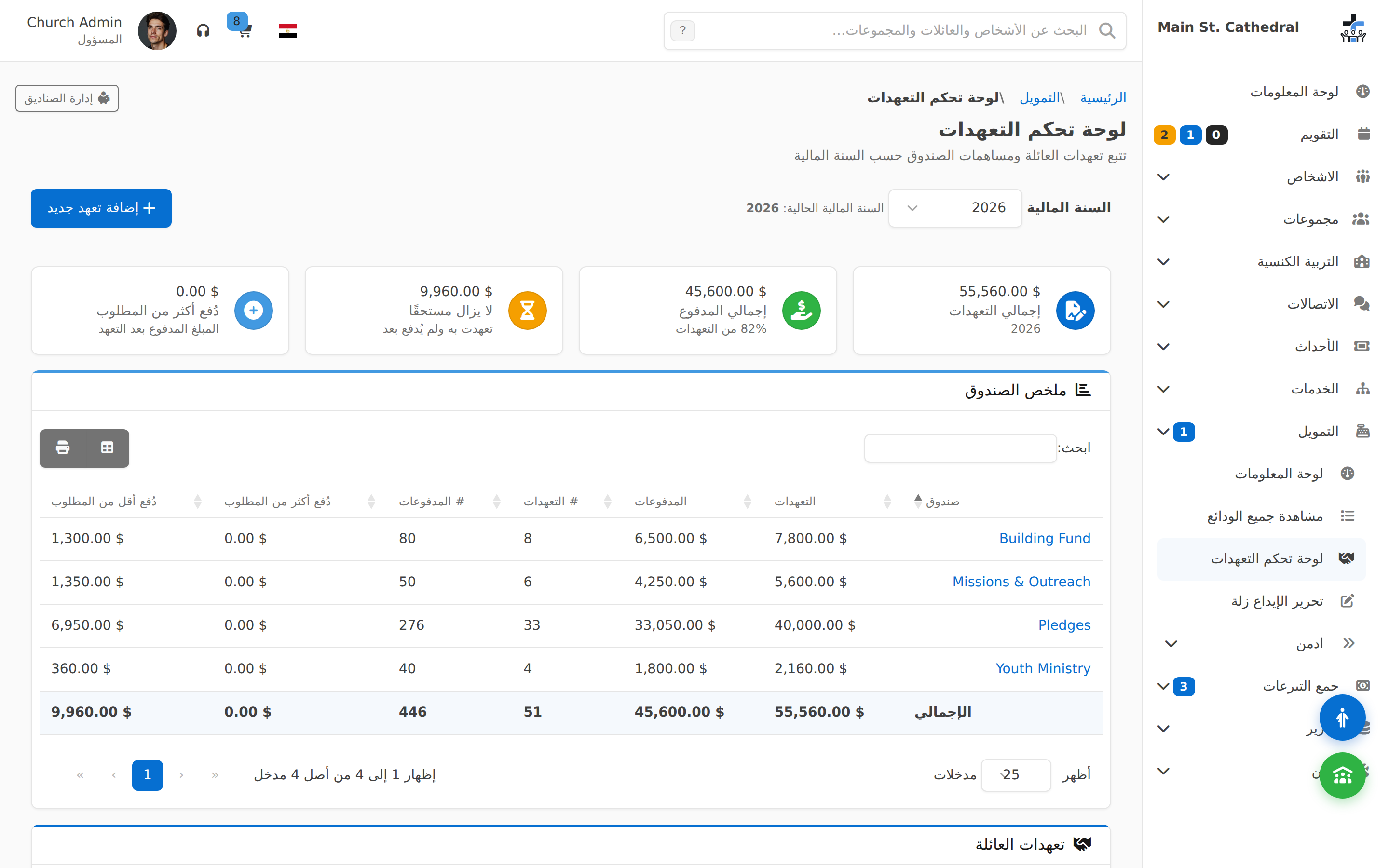
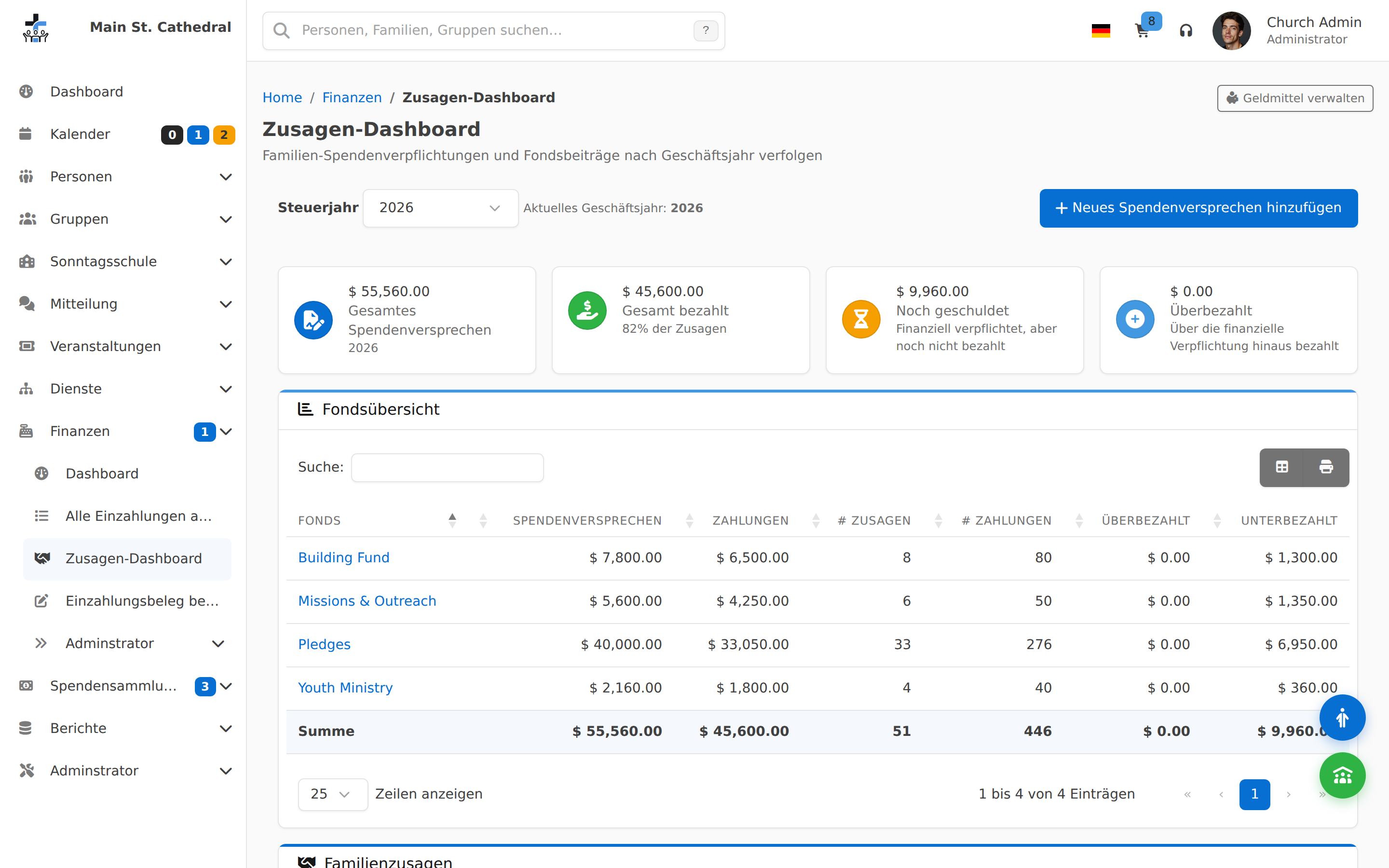
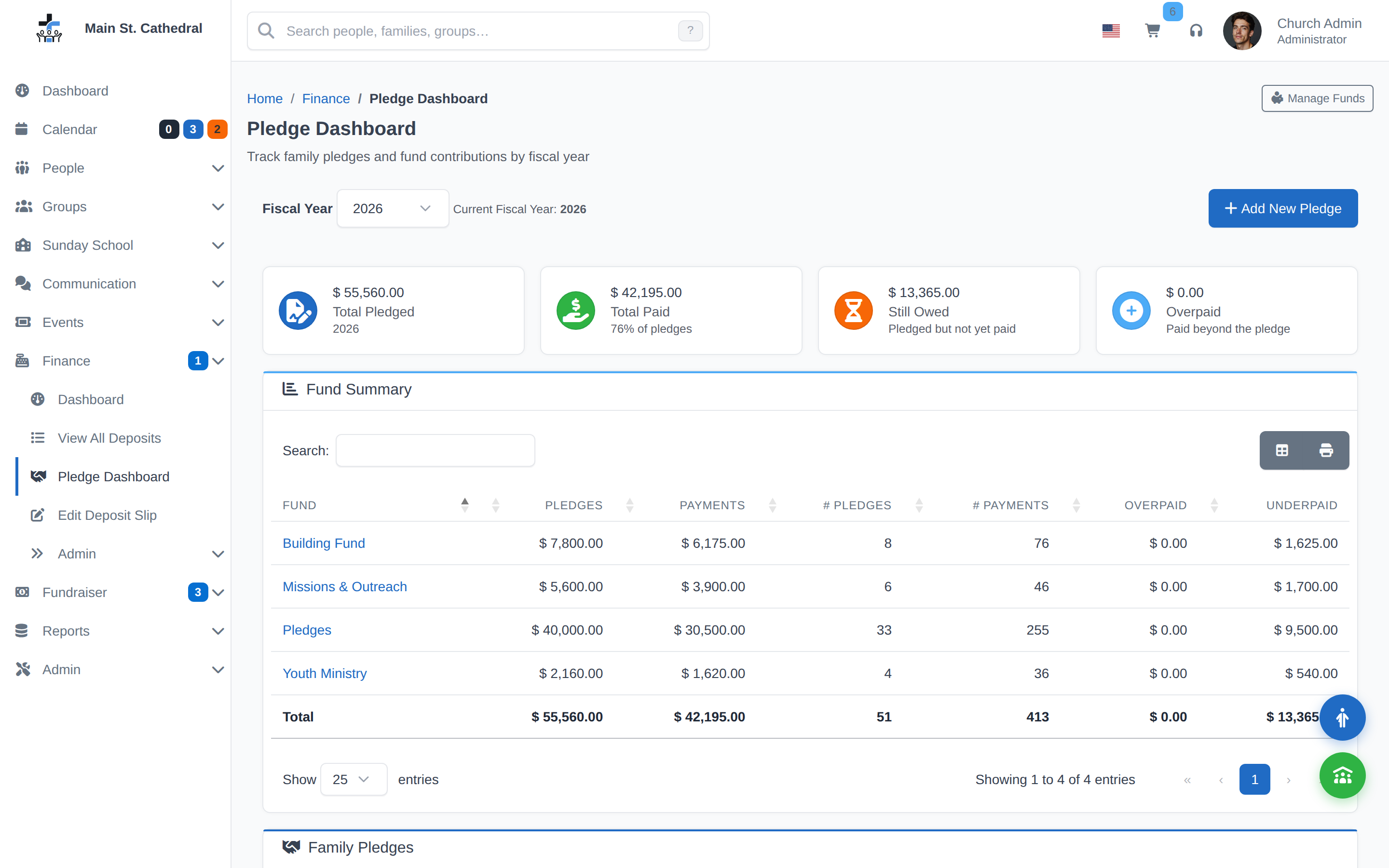
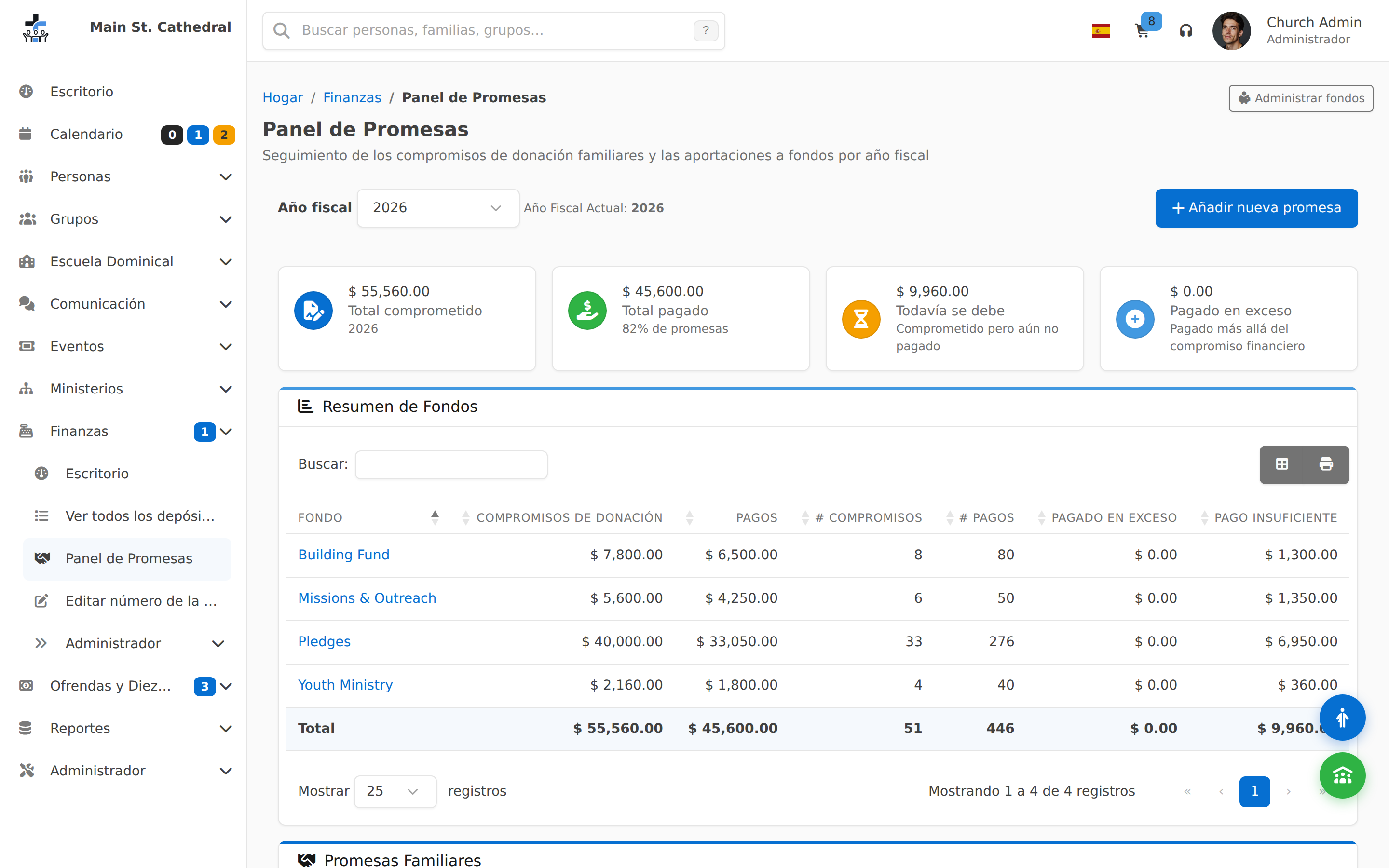
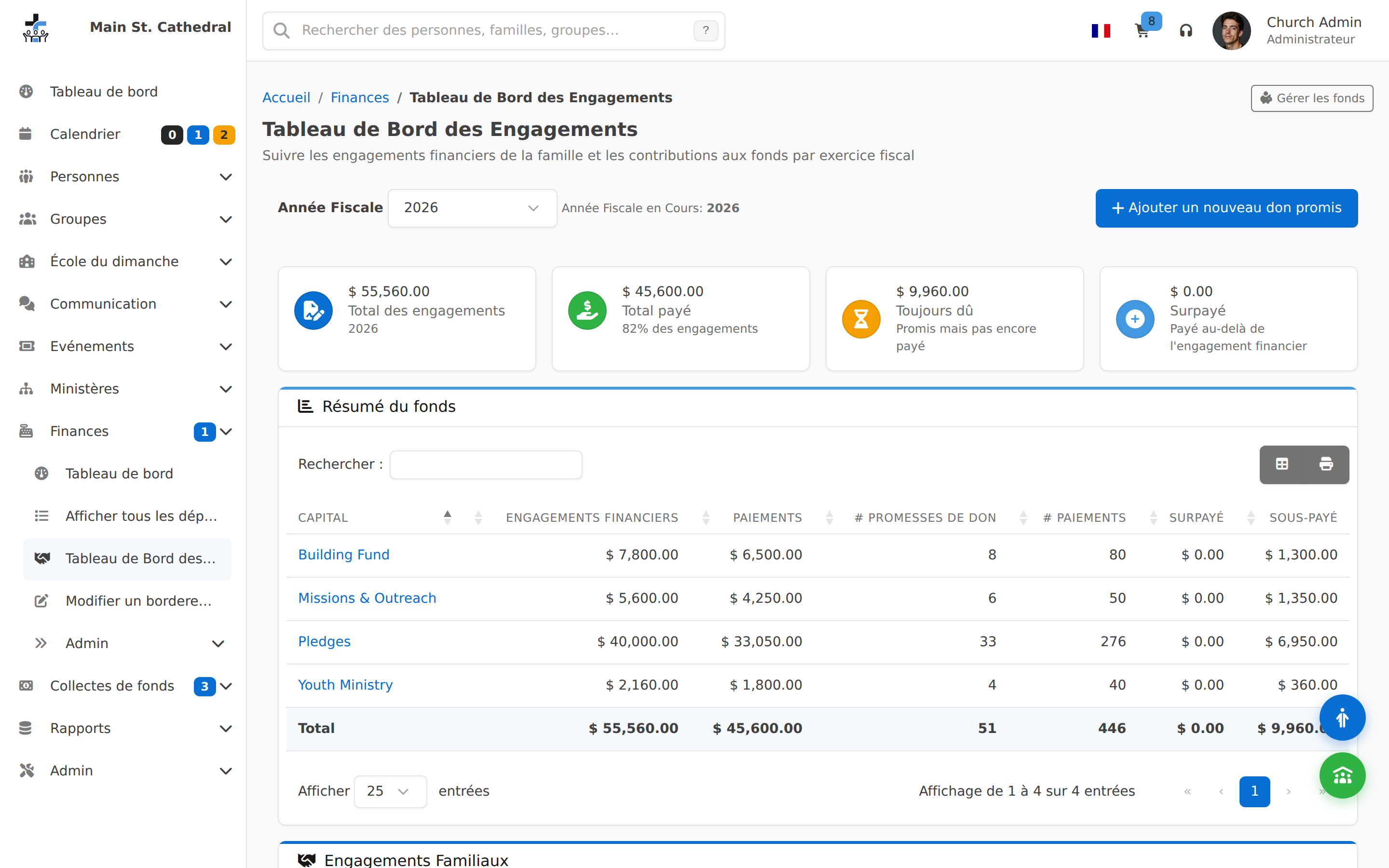
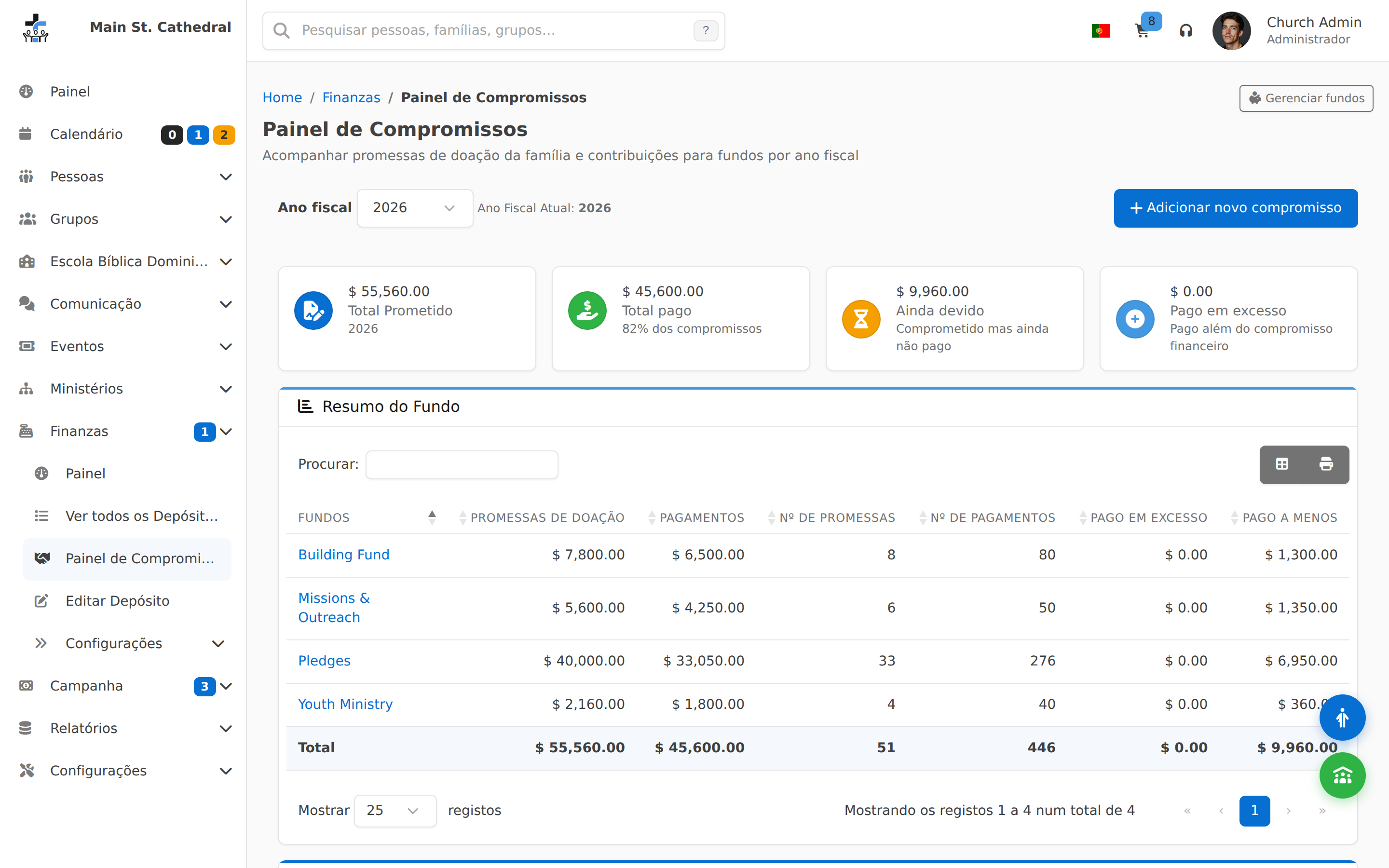
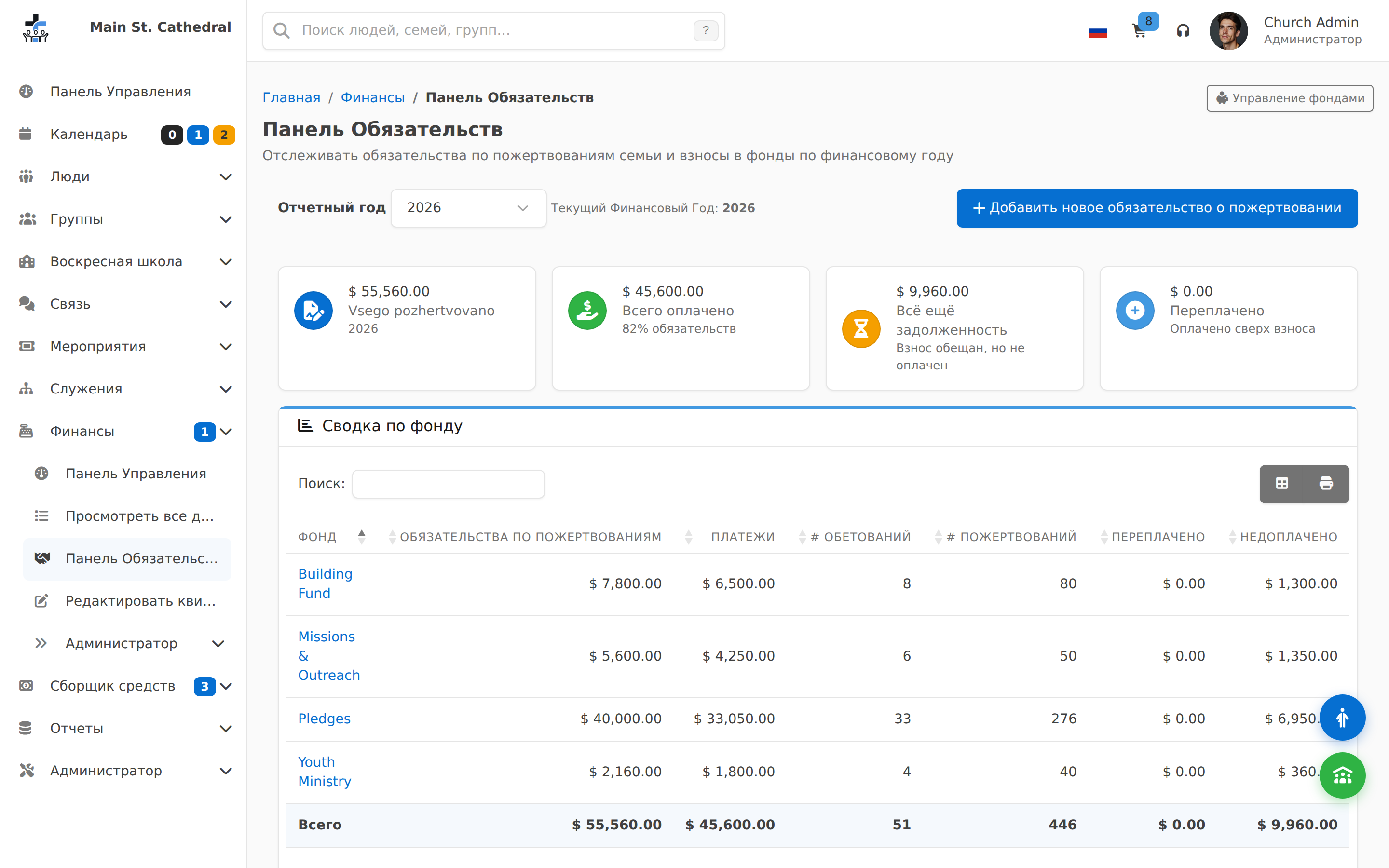
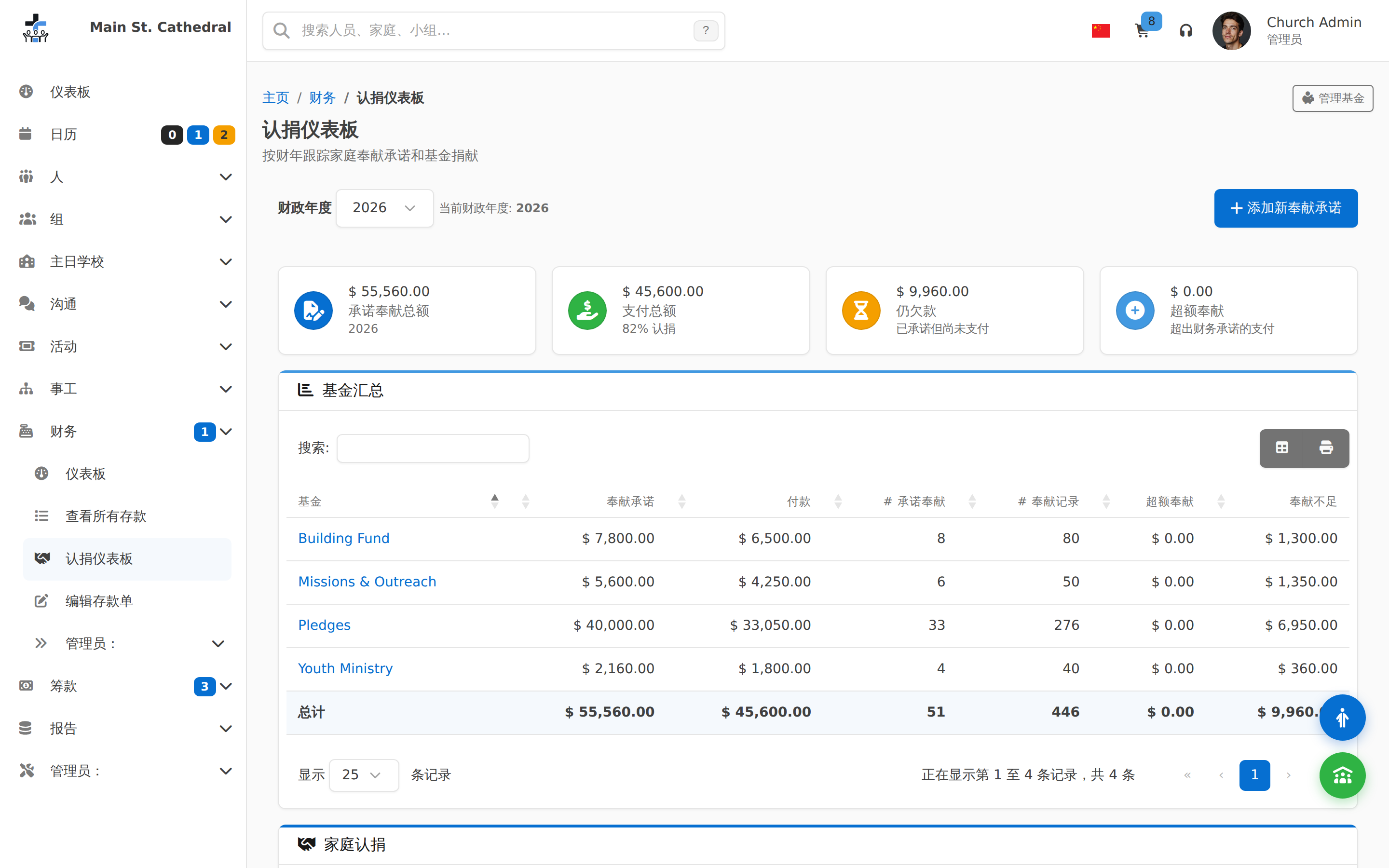
Pledges & Funds Show fund/pledge totals and progress

Communication

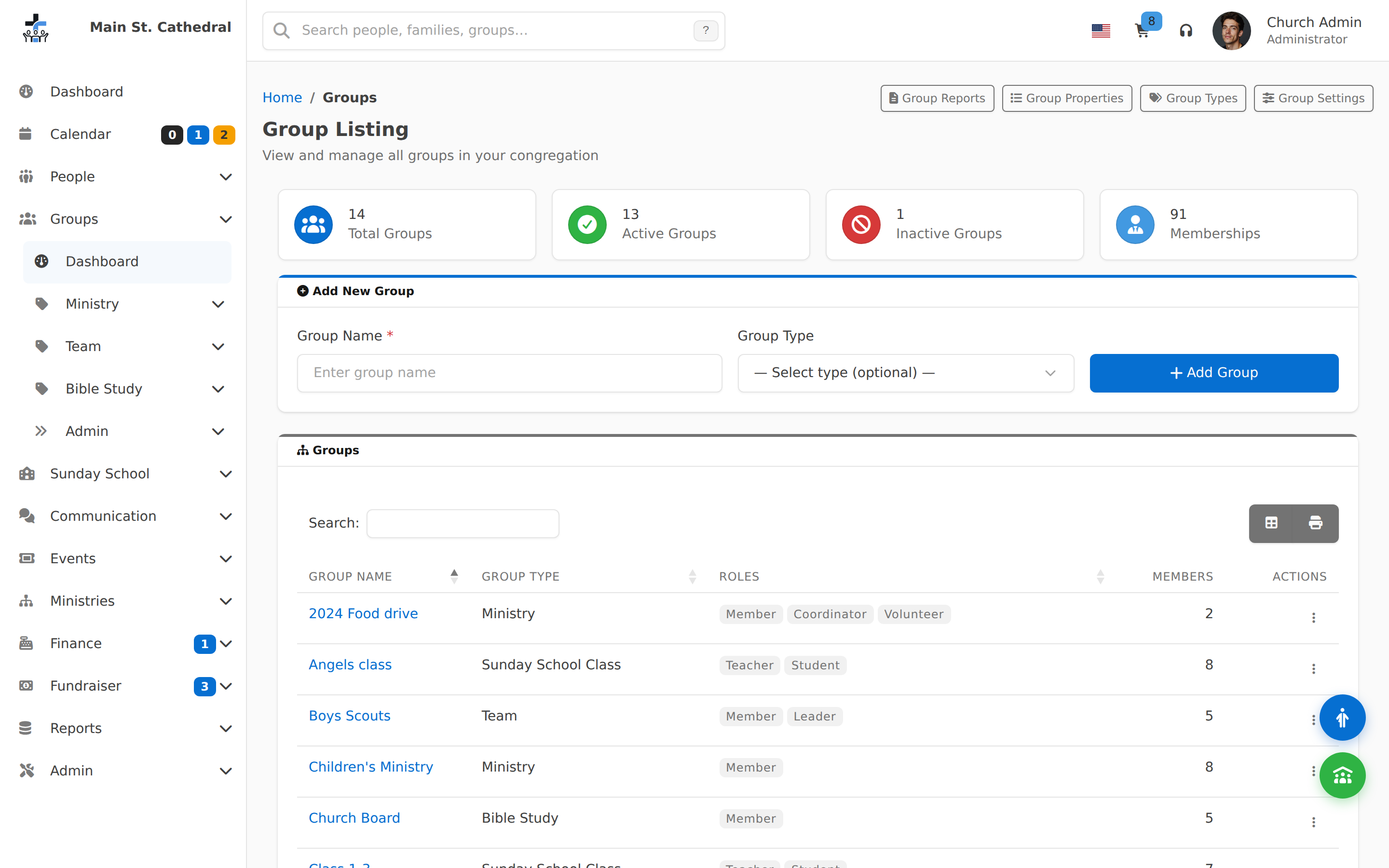
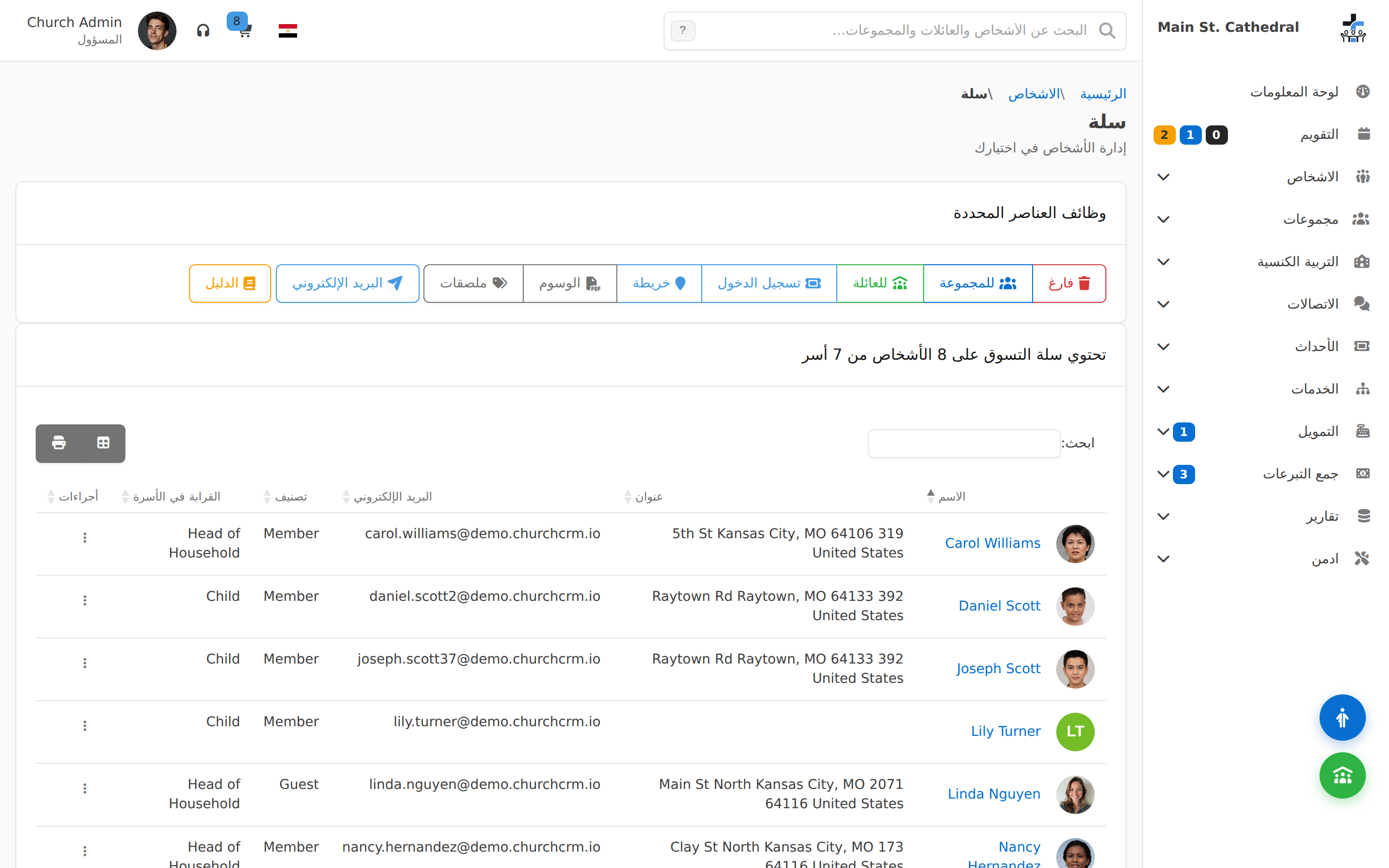
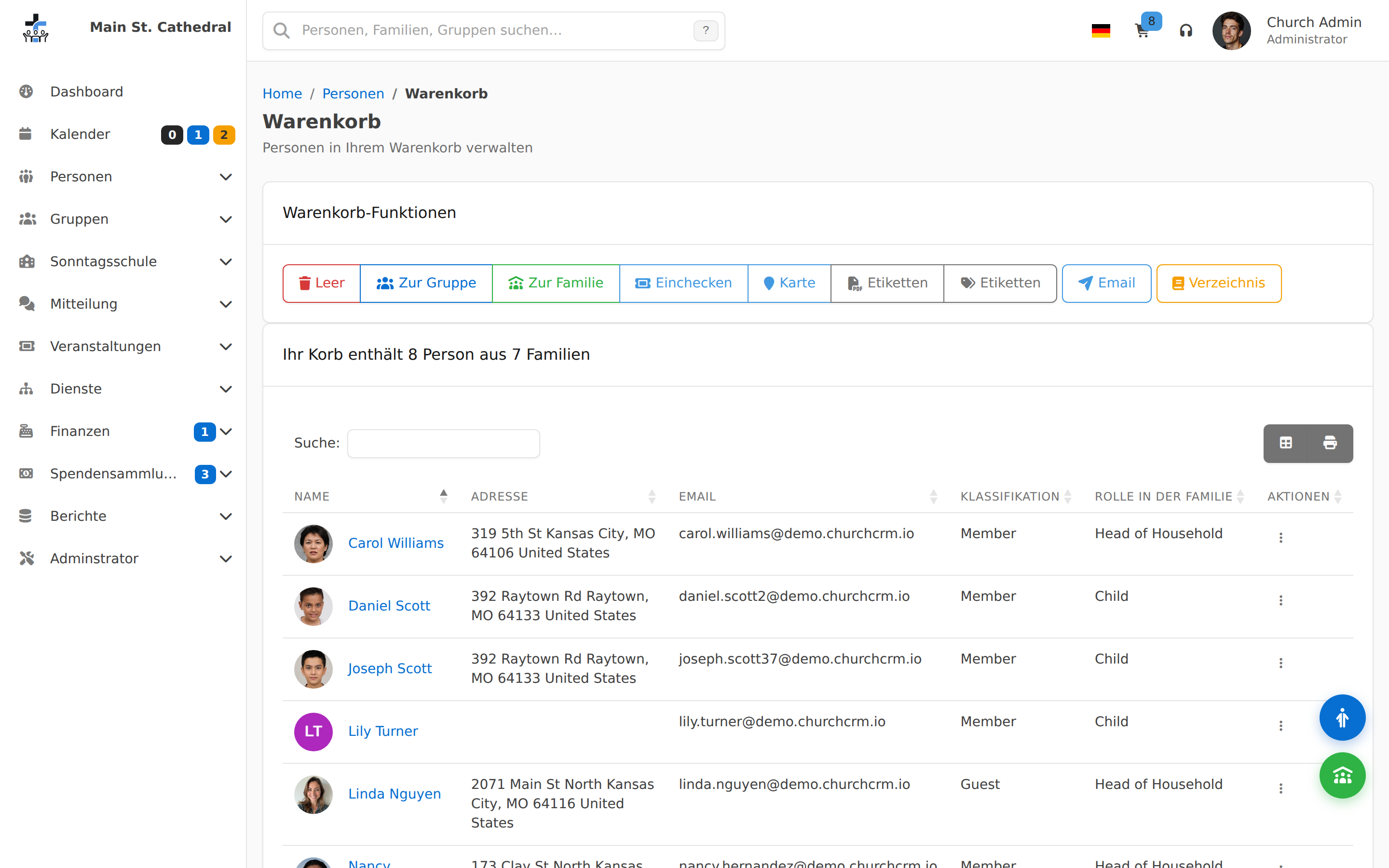
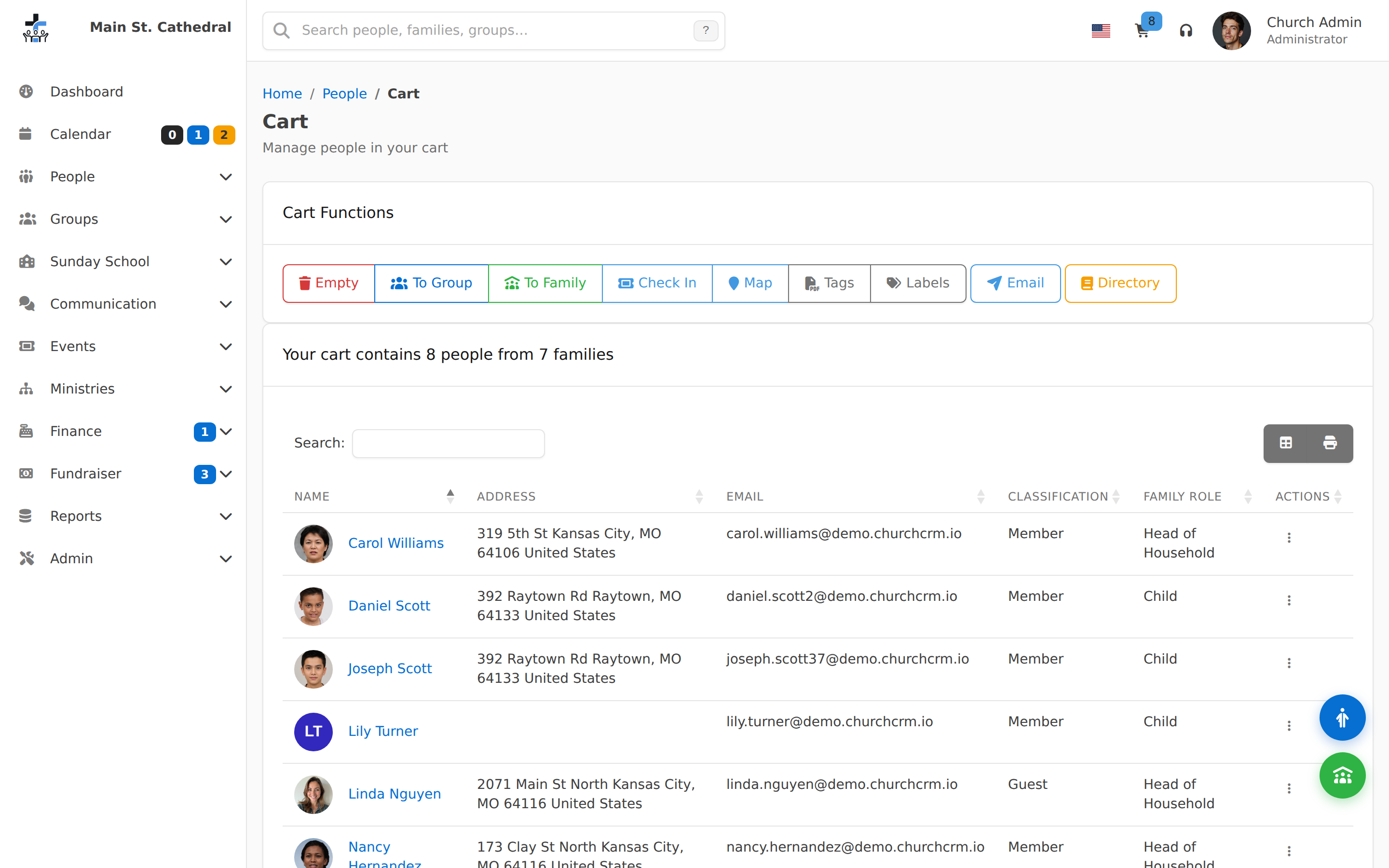
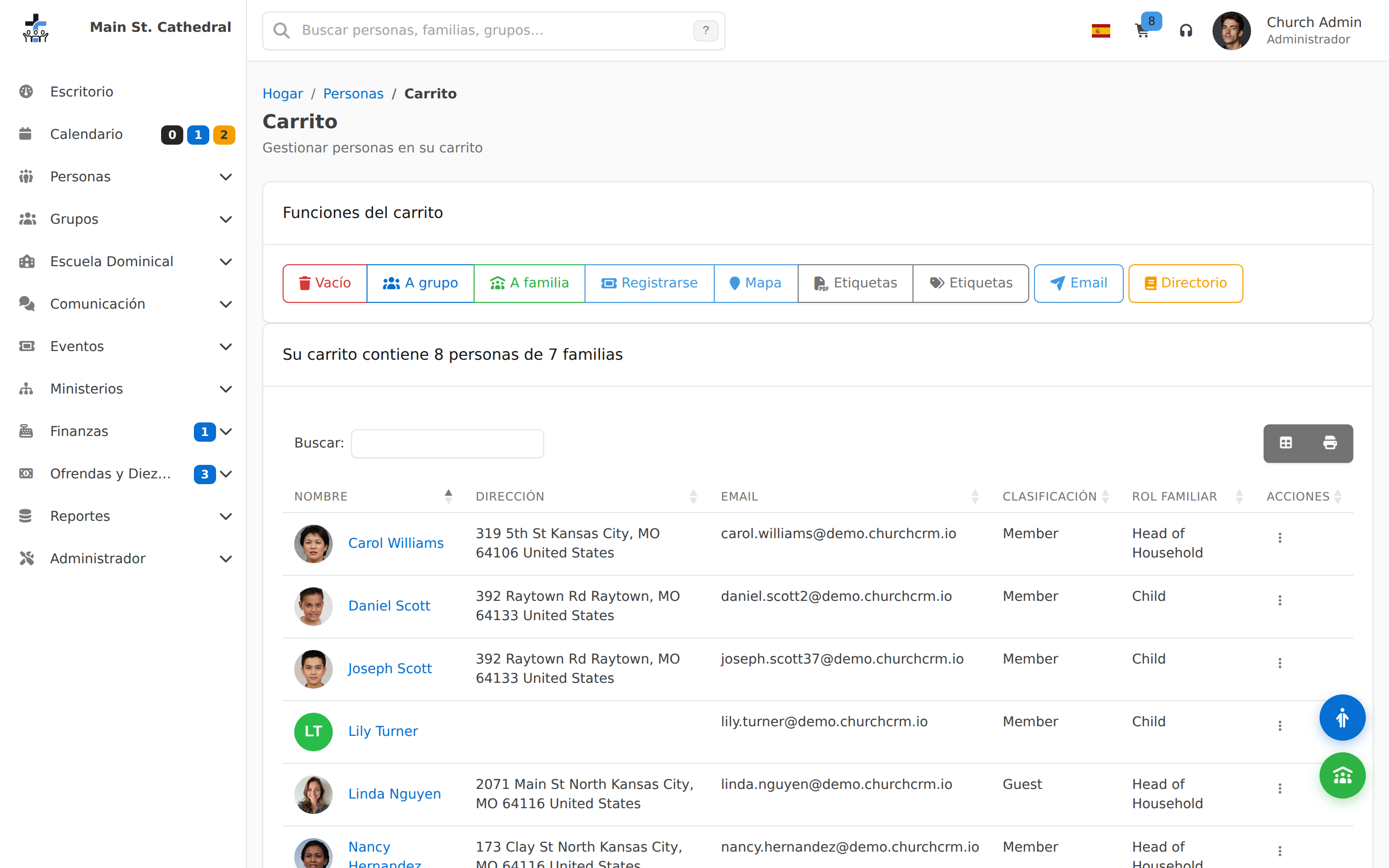
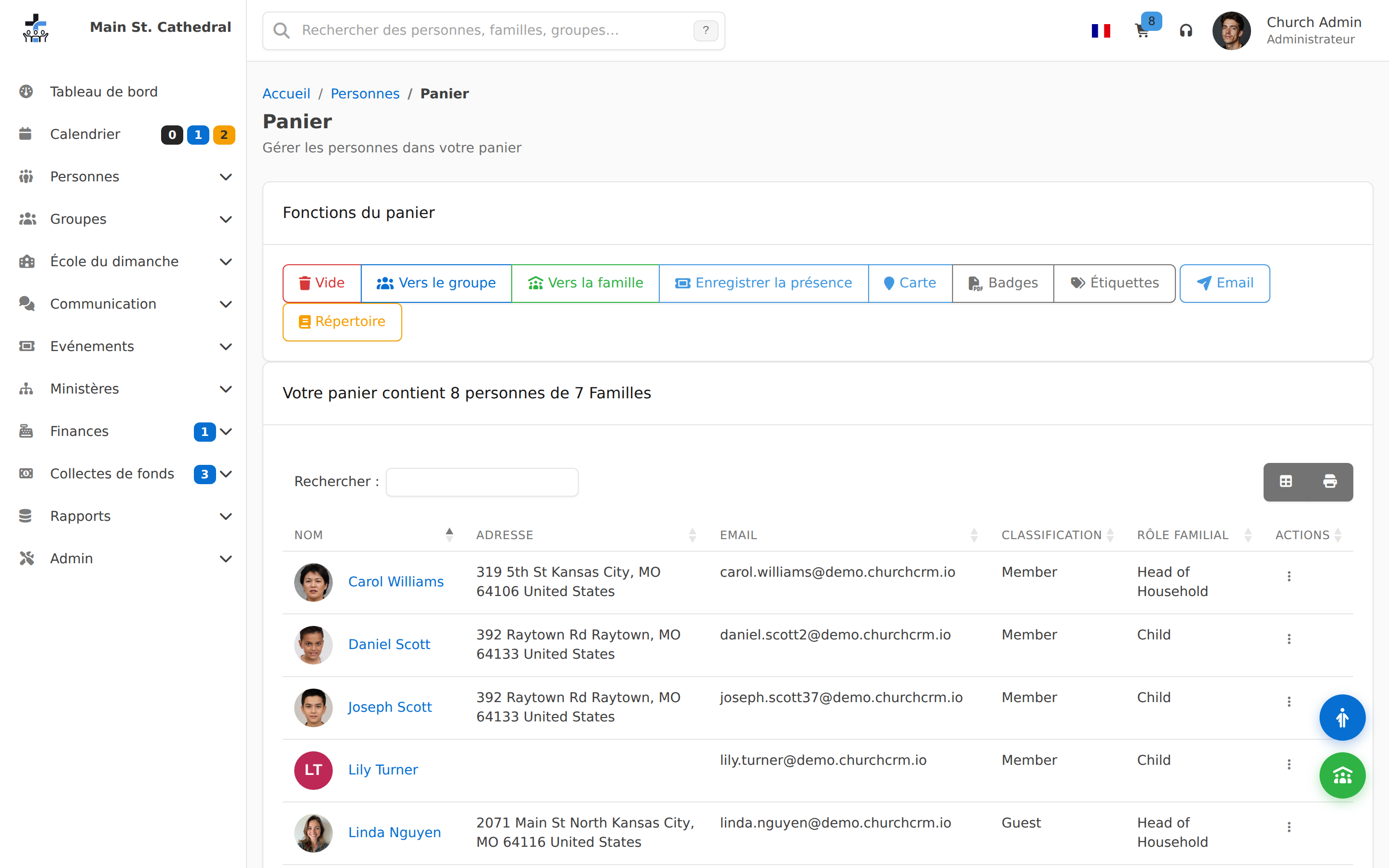
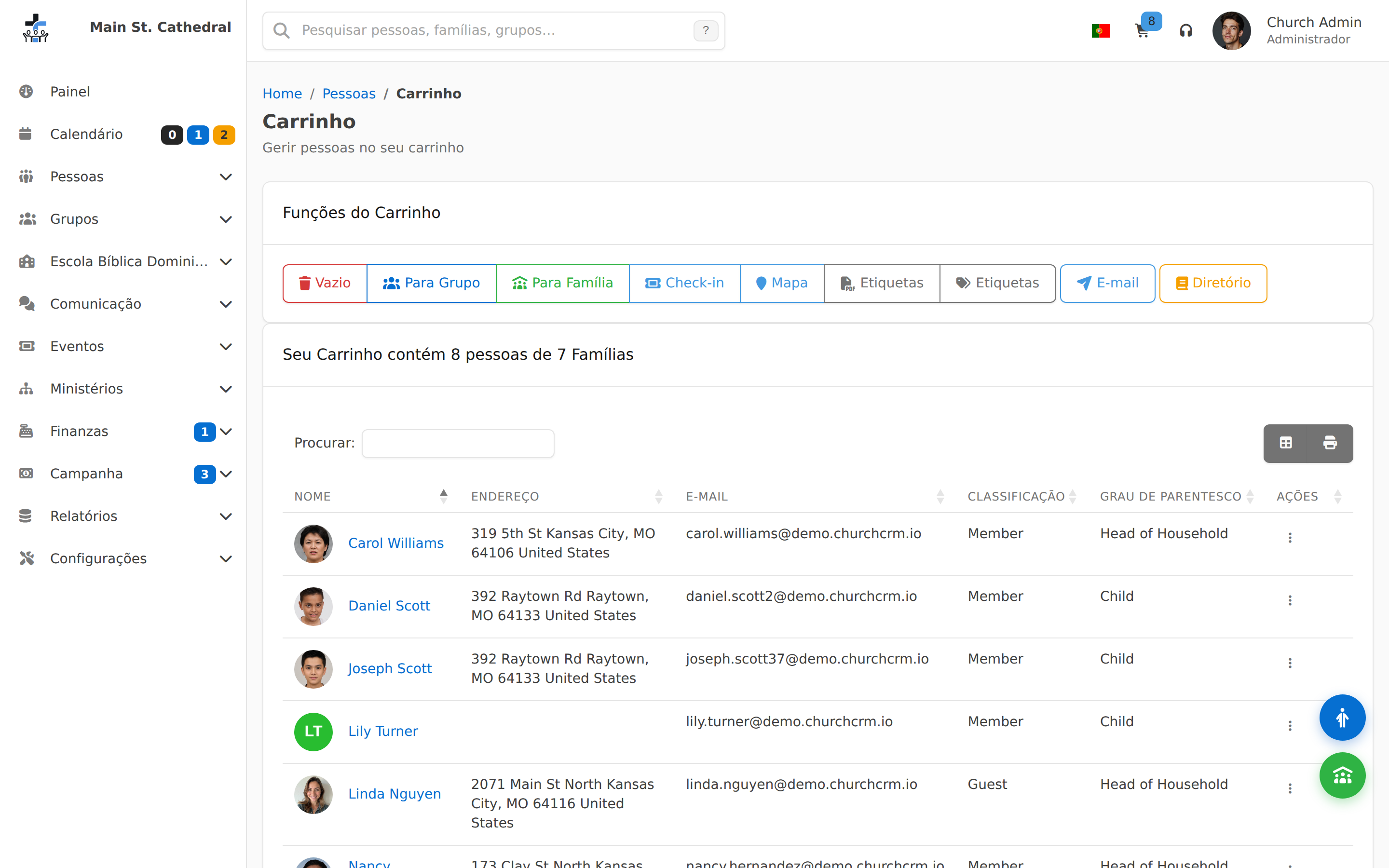
Mailing Lists Show selecting a group into the cart as a mailing list
Administration et paramètres
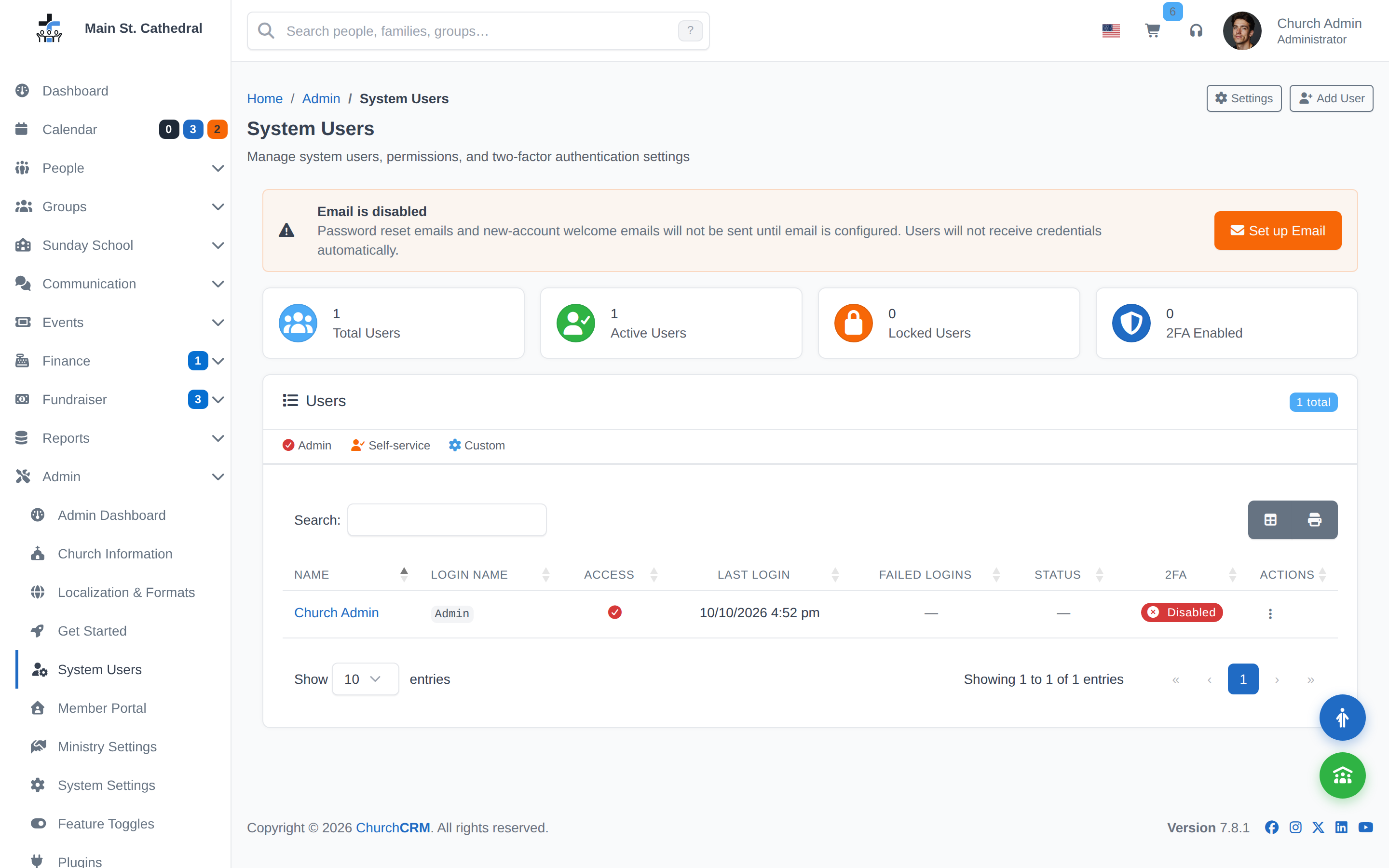
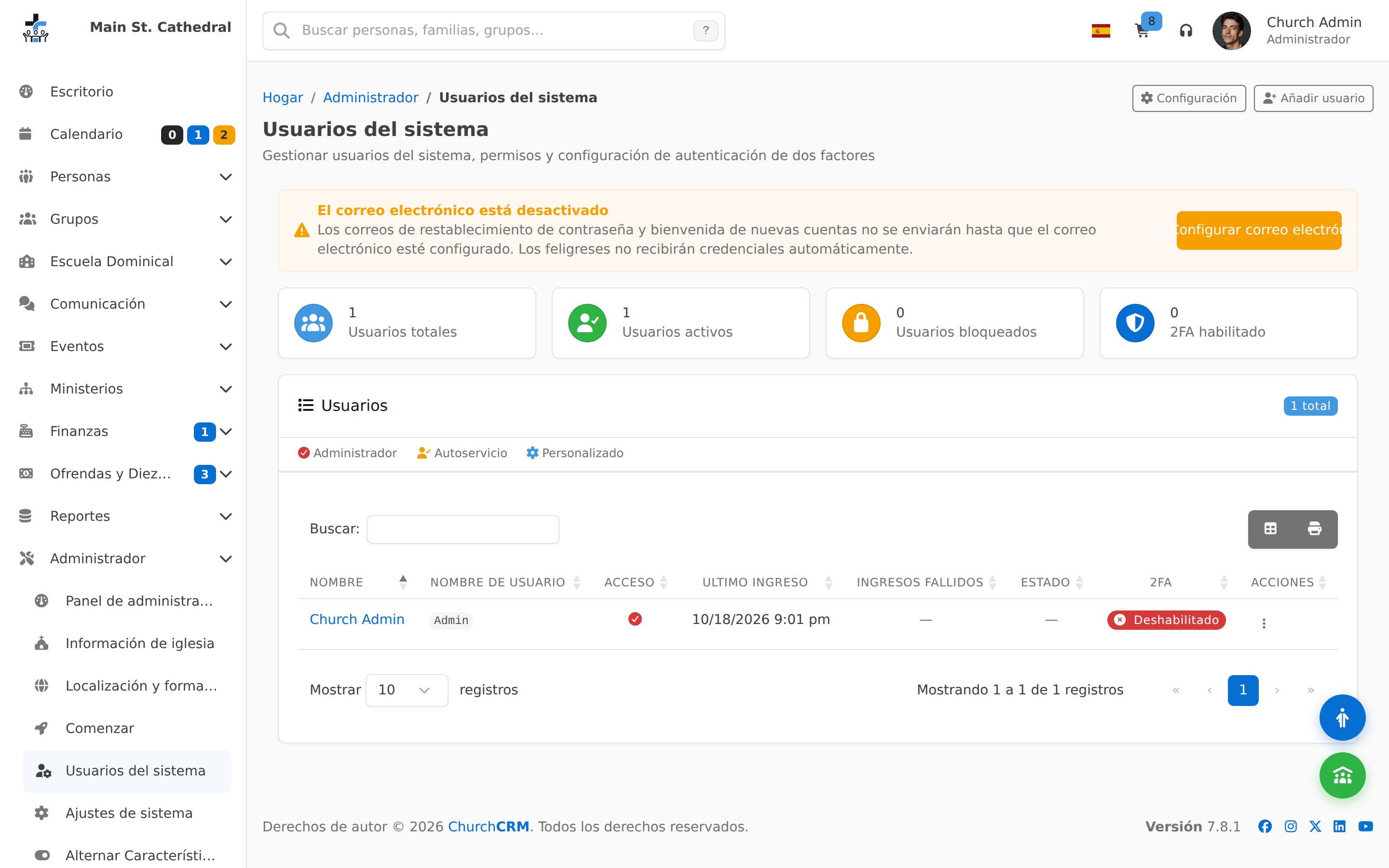
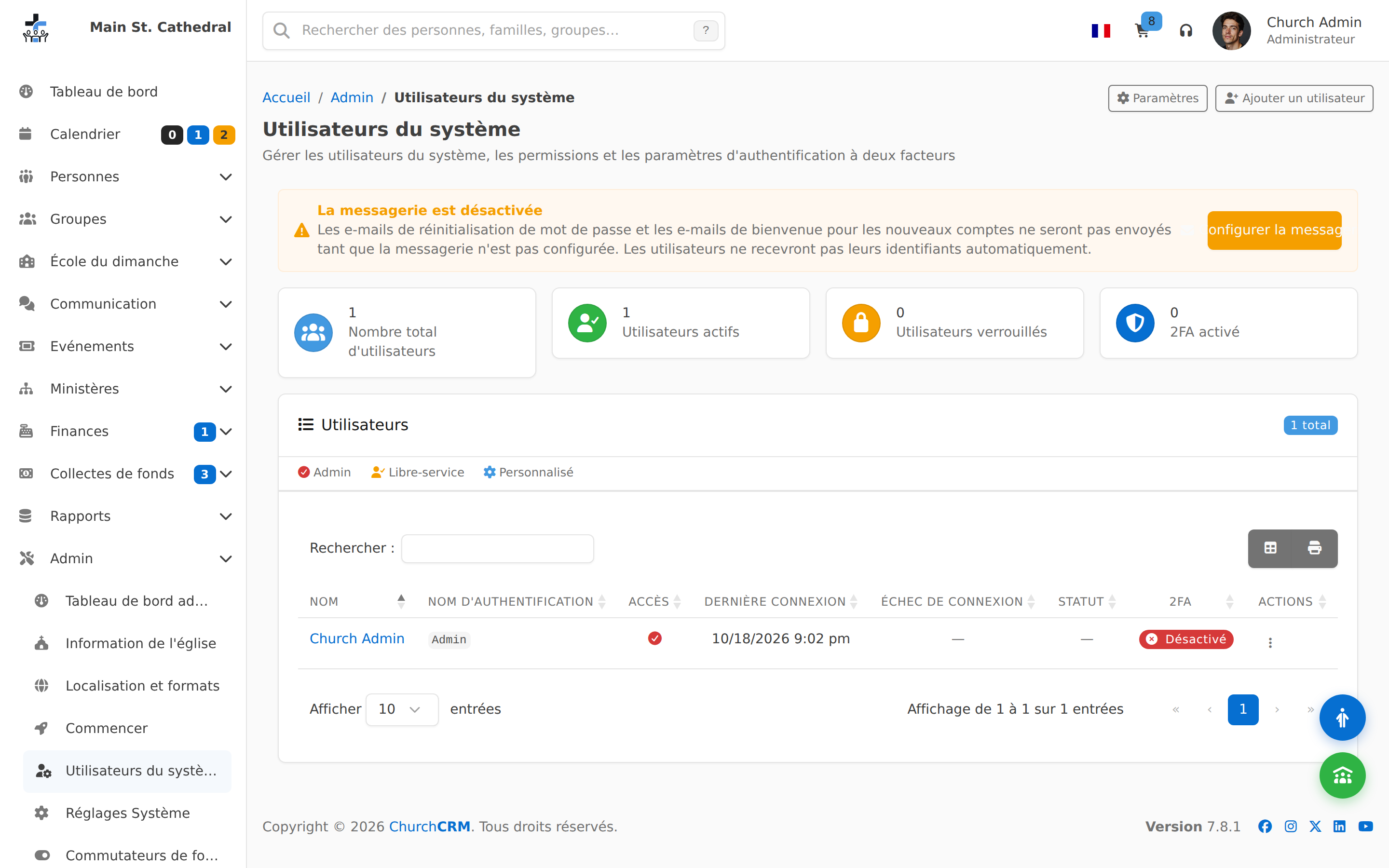
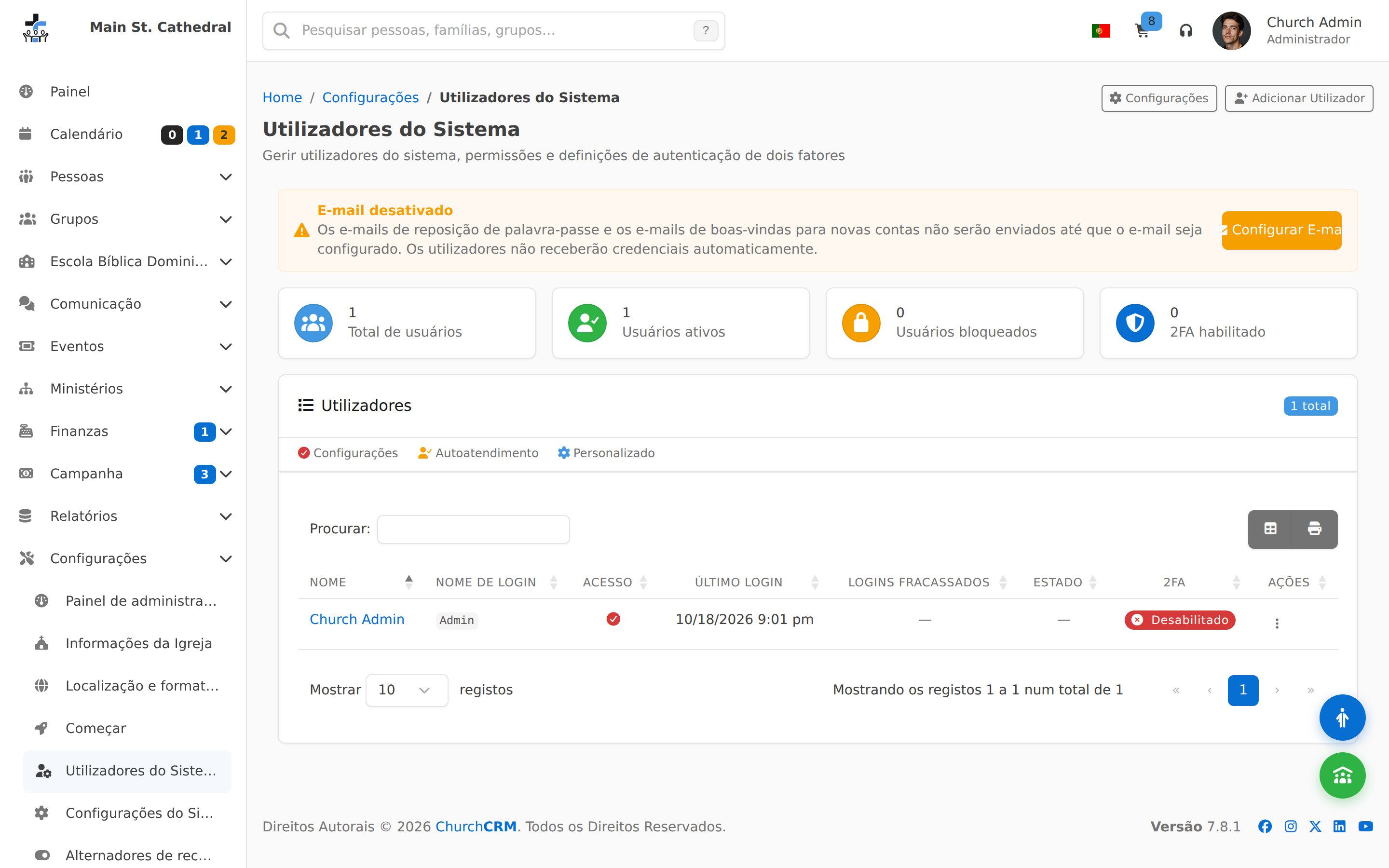
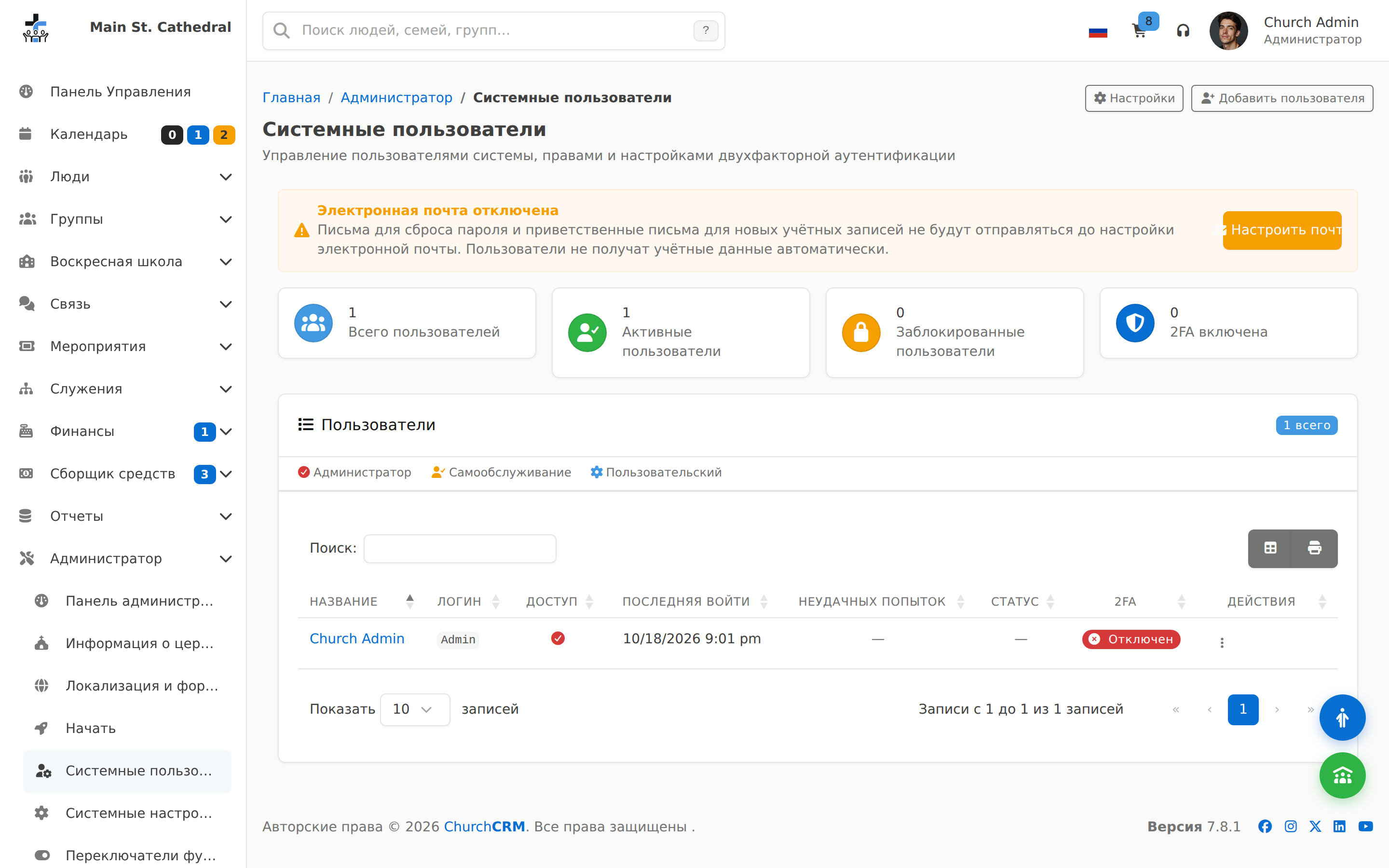
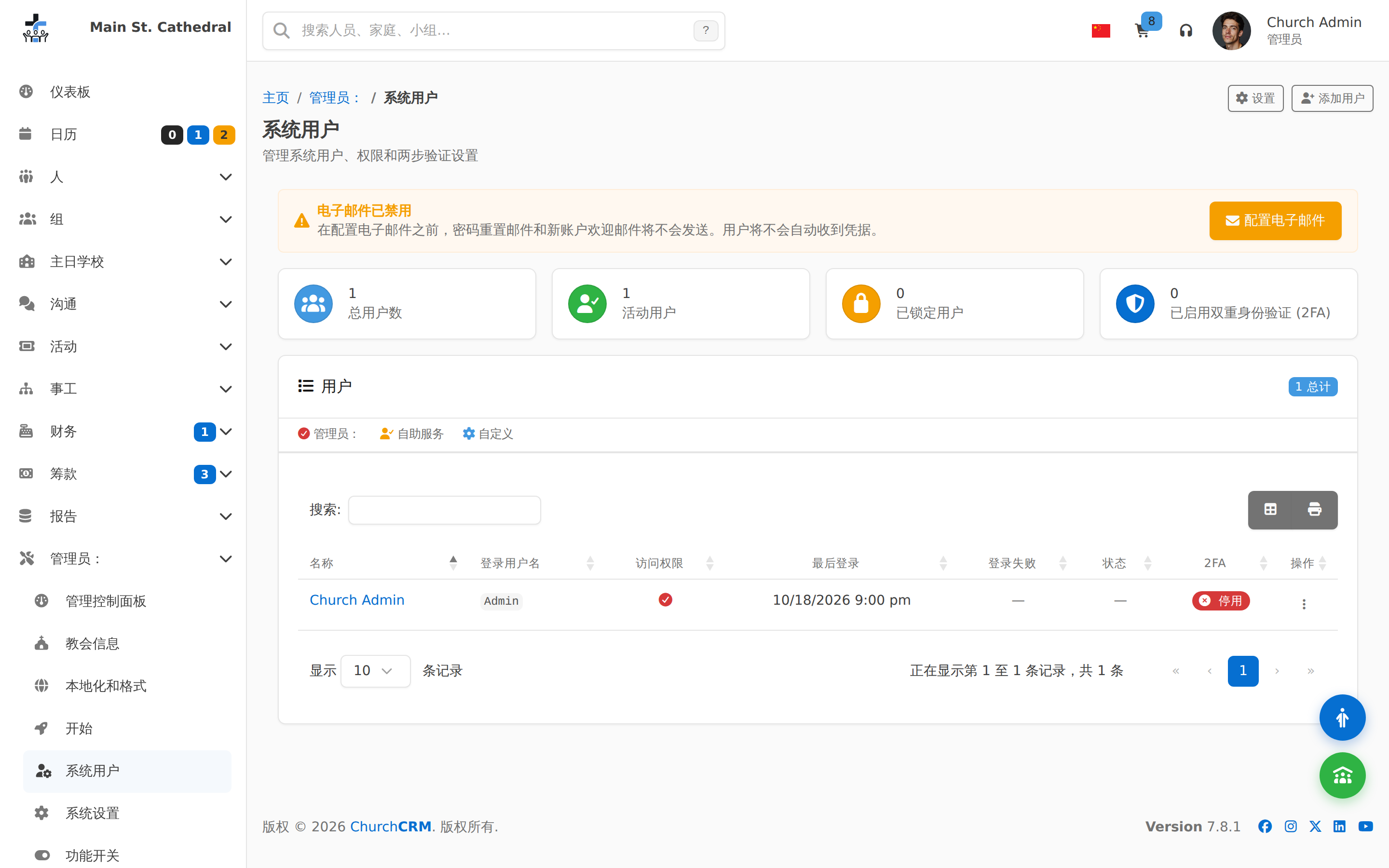
User Permissions Show user/permission management — self-hosted control story

Installation

Prêt à l'essayer vous-même ?

Les captures d'écran ne montrent qu'une partie de l'histoire : la démo en direct fait tourner la vraie application avec des données d'exemple.

Aide Démo