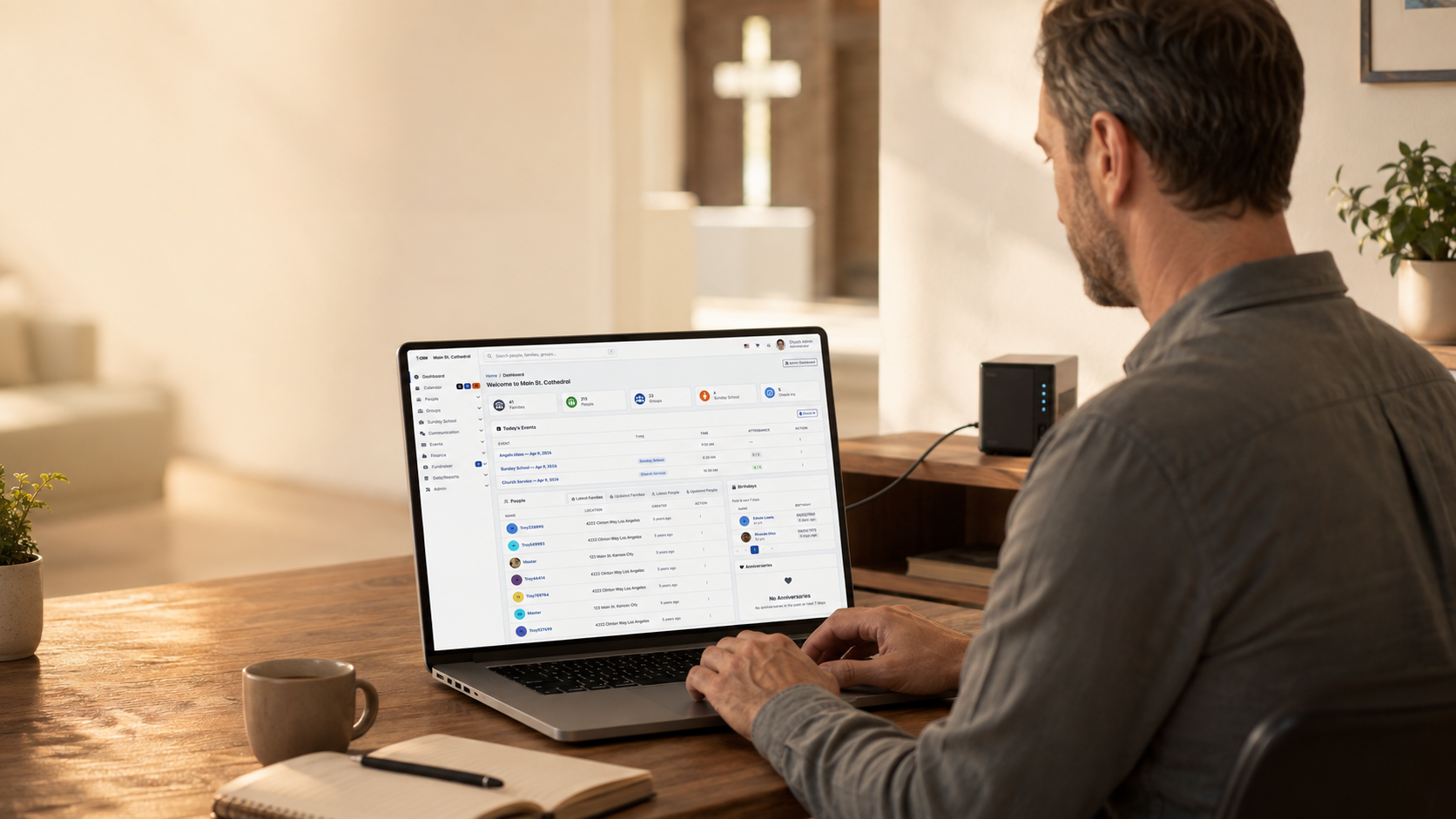
Demo ao vivo do produto ChurchCRM Documentação oficial de instalação do ChurchCRM
Instalador Automático Softaculous vs Instalação Manual pelo cPanel vs Download Direto pelo GitHub
Instalador Automático Softaculous
Instalação com um clique disponível em muitos provedores de hospedagem com cPanel
Saiba Mais →Instalação Manual pelo cPanel
Guia passo a passo usando o gerenciador de arquivos e as ferramentas MySQL do cPanel
Saiba Mais →Download Direto pelo GitHub
Instalação com controle total usando FTP ou linha de comando
Saiba Mais →Requisitos do Sistema
Requisitos do Sistema
- Versão do PHP: 8.4+ (required for v7.0.0+)
- Banco de Dados: 8.0.11+ or MariaDB 10.5+
- Servidor Web: 2.4+ with mod_rewrite
- Memory: 256MB minimum (512MB+ recommended)
- Execution Time: 30+ seconds minimum
- Espaço em Disco: Minimum 500MB available
PHP Extensions
- php-bcmath, php-curl, php-exif, php-gd
- php-gettext, php-intl, php-json, php-mbstring
- php-mysqli, php-soap, php-sodium, php-xml, php-zip
Most hosting providers include these by default
Database User Permissions
The database user must have these permissions:
- CREATE: To create tables and indexes
- ALTER: To modify table structures during updates
- SELECT, INSERT, UPDATE, DELETE: To read and write data
- EXECUTE: To run stored procedures
- CREATE VIEW: To create database views
Tip: In cPanel, selecting ALL PRIVILEGES grants all permissions.
Método 1: Instalação com Um Clique pelo Softaculous / Método 2: Instalação Manual pelo cPanel / Método 3: Instalação Direta pelo GitHub
Método 1: Instalação com Um Clique pelo Softaculous
Recommended if available - Easiest and fastest!
Faça login no painel de controle da sua hospedagem (cPanel)
- Log into your cPanel account
- Look for Softaculous or Application Installer in Software section
- If you see it, Softaculous is installed!
Encontre a seção Softaculous ou 'Instalar Software'
- Click on Softaculous in cPanel
- In the search box, type ChurchCRM
- Click on the ChurchCRM icon to view details
Pesquise por ChurchCRM e clique em Instalar
- Click the green Install Now button
- You'll see the installation form
Siga as instruções para concluir a instalação
- Installation URL: Select your primary domain
- Directory: Leave blank for root, or enter subdirectory name
- Admin Username: Create a secure username
- Admin Password: Create a strong password
- Admin Email: Enter the admin email
- Site Name: Enter your church name
- Click Install button
- Softaculous handles everything automatically
- Installation completes in 2-5 minutes
- Log in with your credentials
Método 2: Instalação Manual pelo cPanel
If Softaculous isn't available, follow these manual steps.
Crie um banco de dados MySQL usando a opção Bancos de Dados MySQL do cPanel
- In cPanel, find and click "MySQL Databases"
- Create a new database (e.g., churchcrm_db)
- Create a new MySQL user with a strong password
- Add the user to the database with ALL PRIVILEGES
- Note your database name, username, and password
Baixe o ChurchCRM pelo GitHub
- Download from GitHub Releases
- Unzip the file on your computer
- Get files ready to upload
Envie os arquivos via Gerenciador de Arquivos ou FTP
- In cPanel, click "File Manager"
- Navigate to public_html directory
- Upload all ChurchCRM files
- Set file permissions to 644 (files) and 755 (folders)
Acesse a URL de instalação e siga o assistente de configuração
- Open your browser and go to your ChurchCRM URL
- The installation wizard will load automatically
- Enter your database information
- Create your admin account
- Complete the wizard
Método 3: Instalação Direta pelo GitHub
For any web hosting with PHP and MySQL.
Clone ou baixe pelo GitHub: https://github.com/ChurchCRM/CRM
- Go to ChurchCRM Releases
- Download the latest zip file
- Unzip on your computer
Crie um banco de dados MySQL no seu servidor
- Use your hosting control panel to create a MySQL database and user
- Note the database name, username, and password
Envie os arquivos para o seu servidor web usando FTP ou SFTP
- Connect via FTP or use your hosting's file manager
- Upload files to web root (public_html, www, or httpdocs)
- Set file permissions: files to 644, folders to 755
Execute o instalador na URL de instalação
- Visit your ChurchCRM URL in a browser
- The setup wizard will appear
- Enter your database credentials
- Complete the configuration
Precisa de Ajuda?
Pronto para instalar?
A maioria das igrejas usa Softaculous ou instalação manual com cPanel. Ambas fornecem controle total e integração com hospedagem existente.
Quer ver primeiro? Experimente a Demo ao Vivo · Explorar recursos