Screenshots
See ChurchCRM on every screen
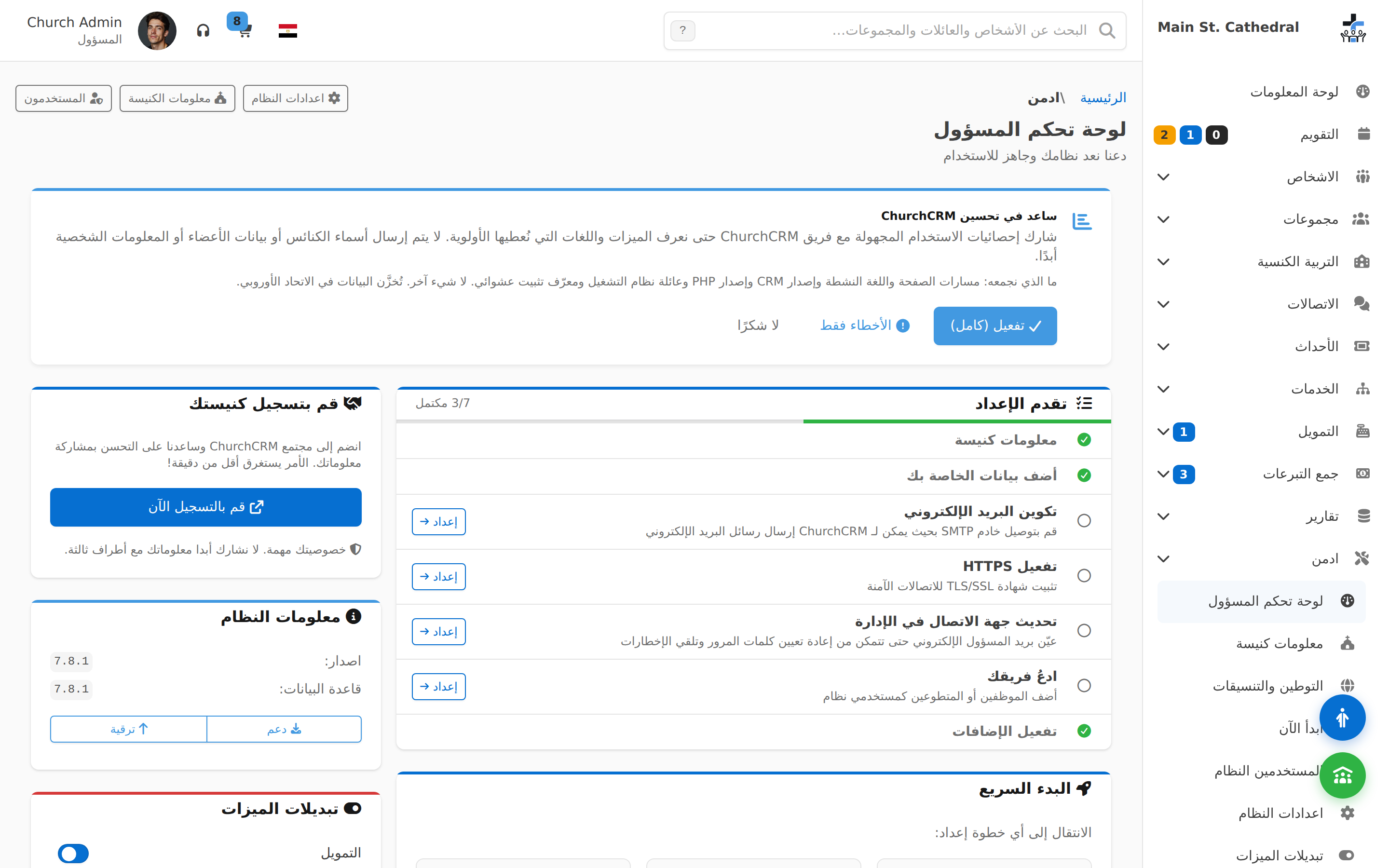
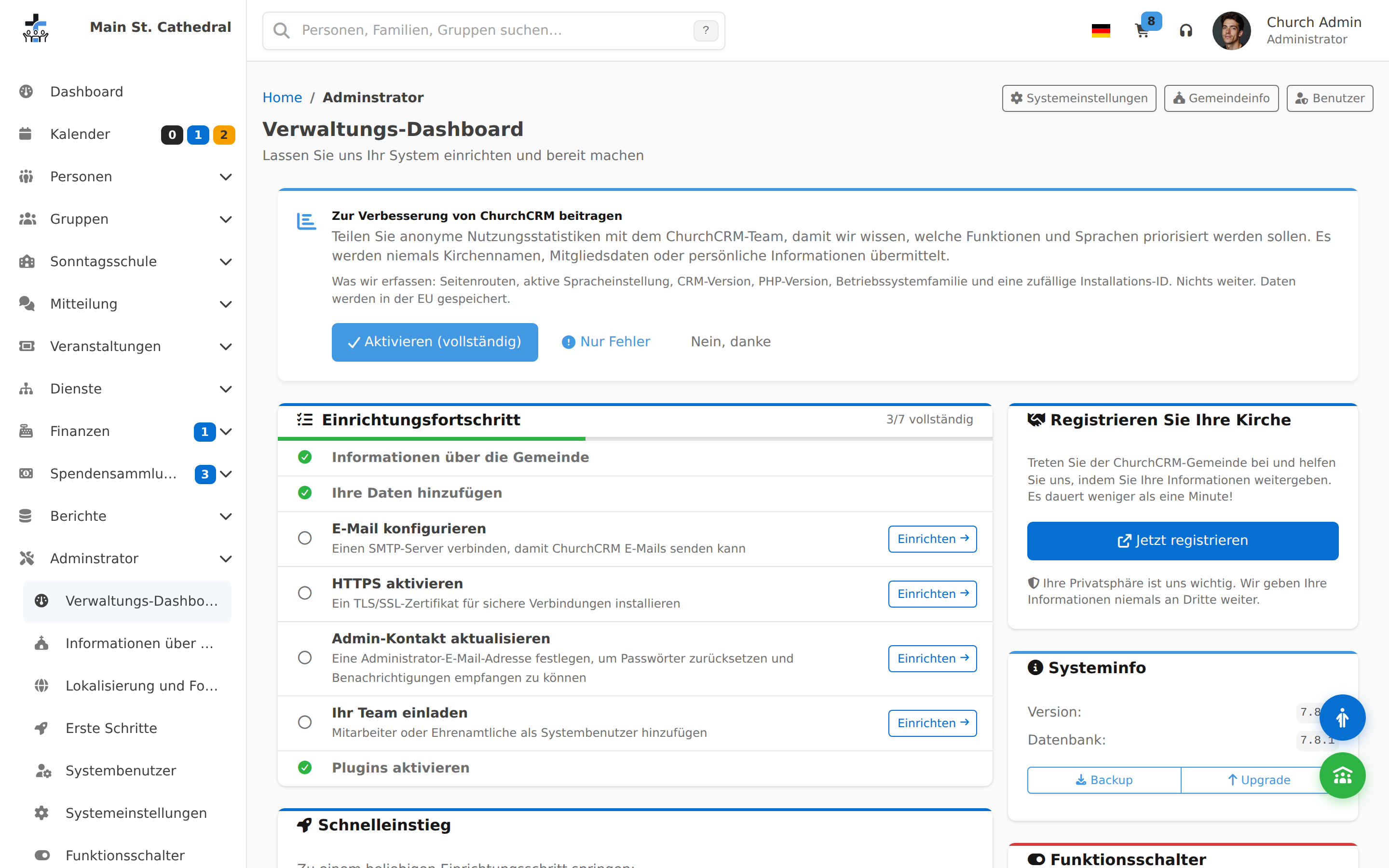
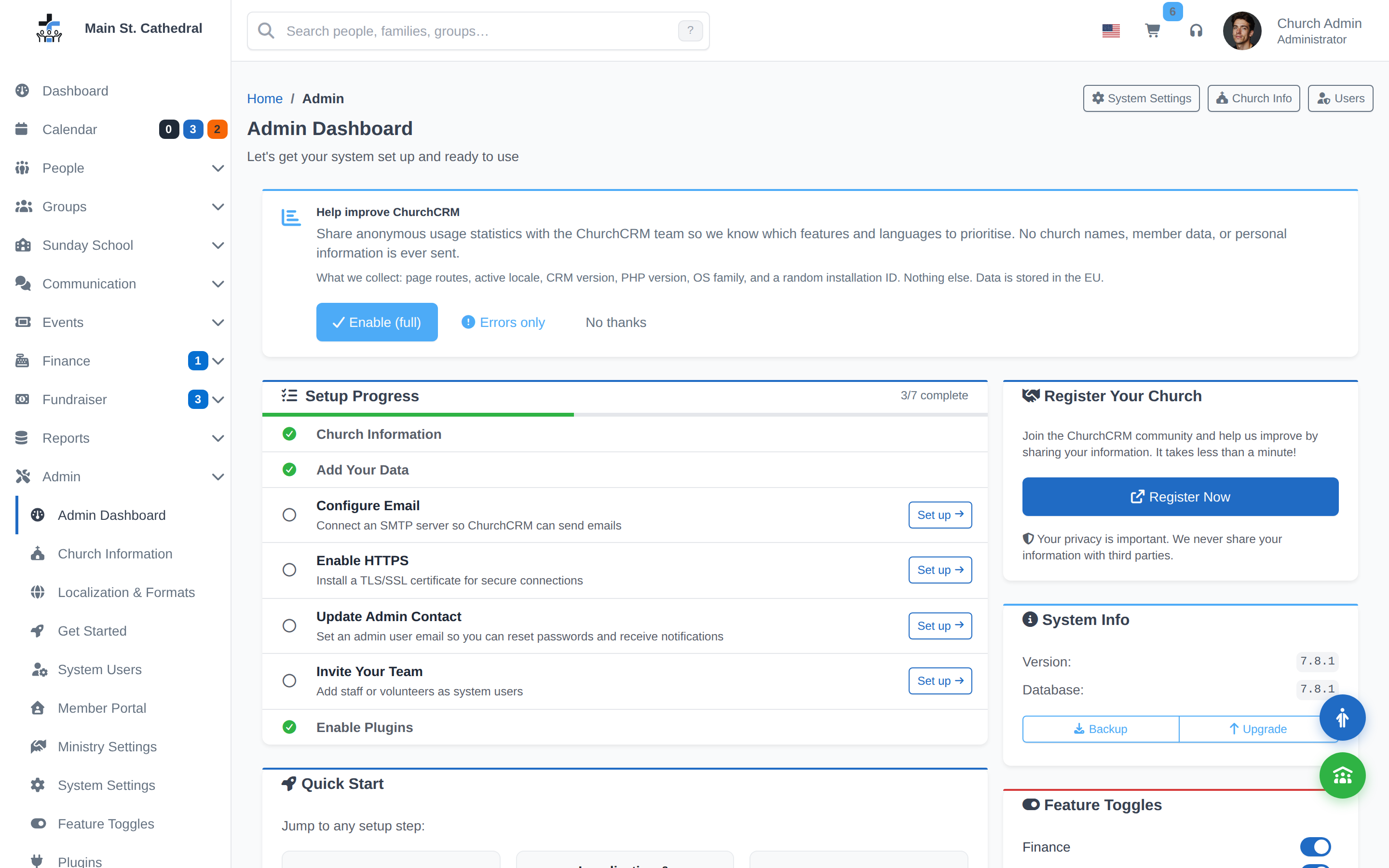
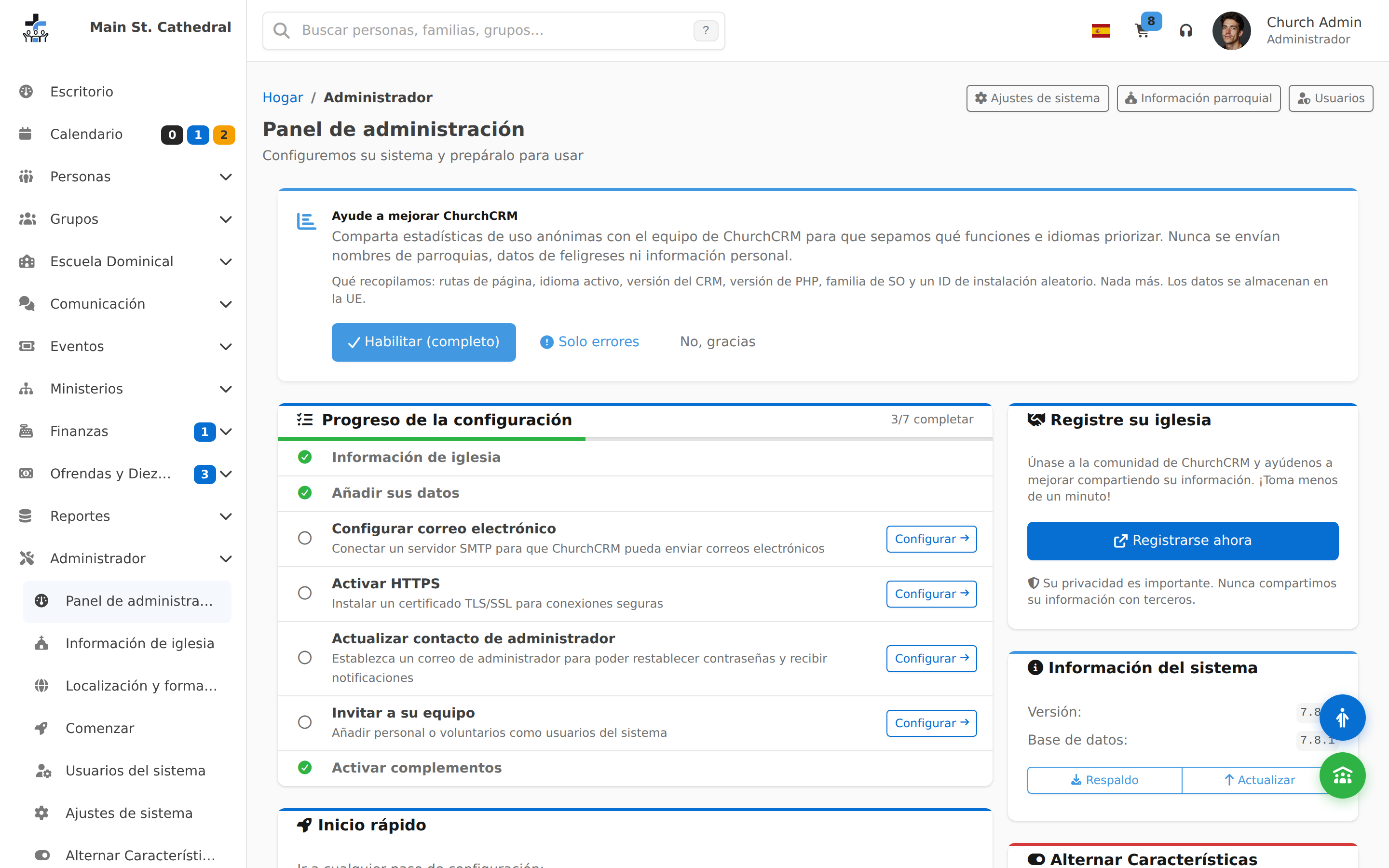
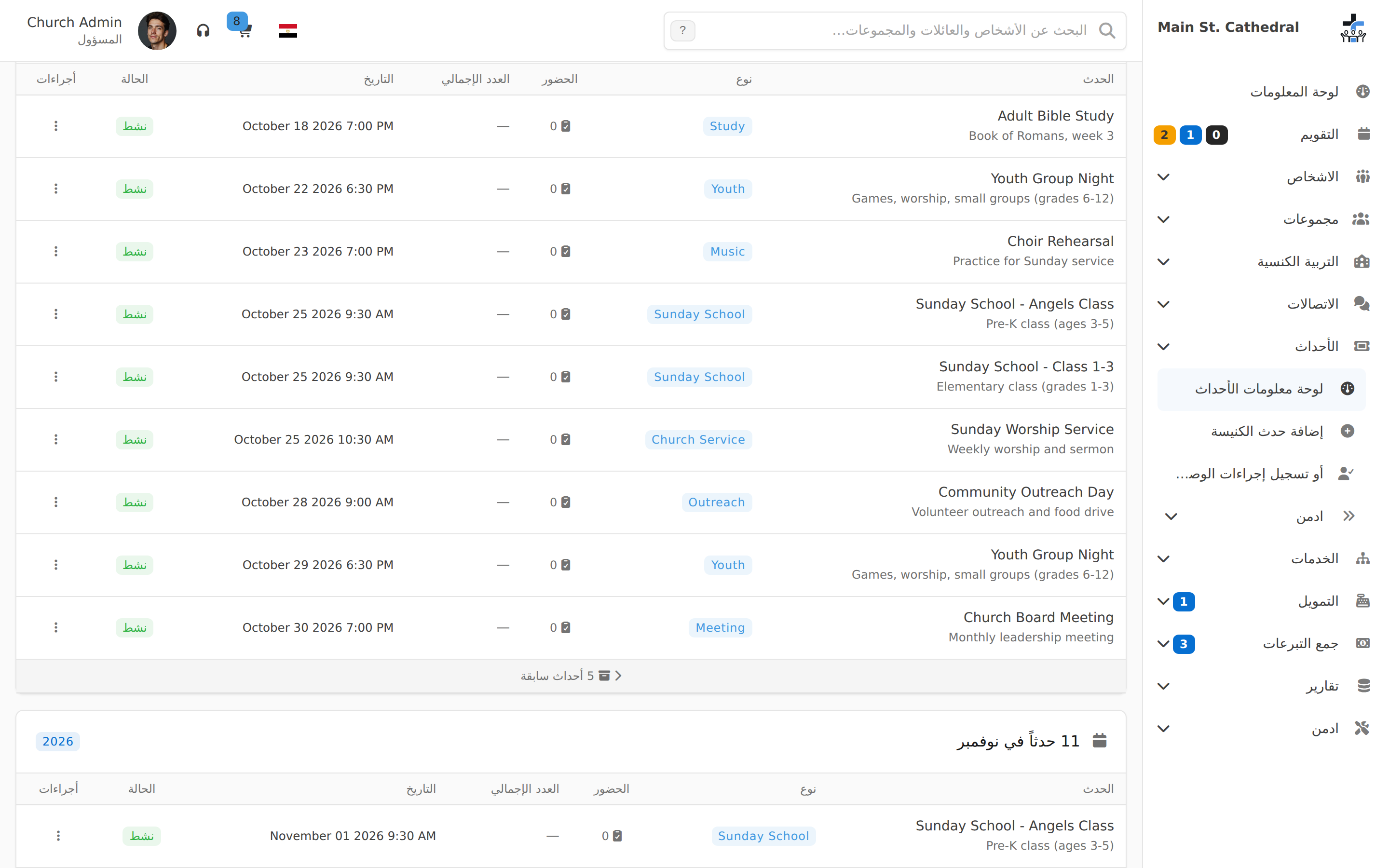
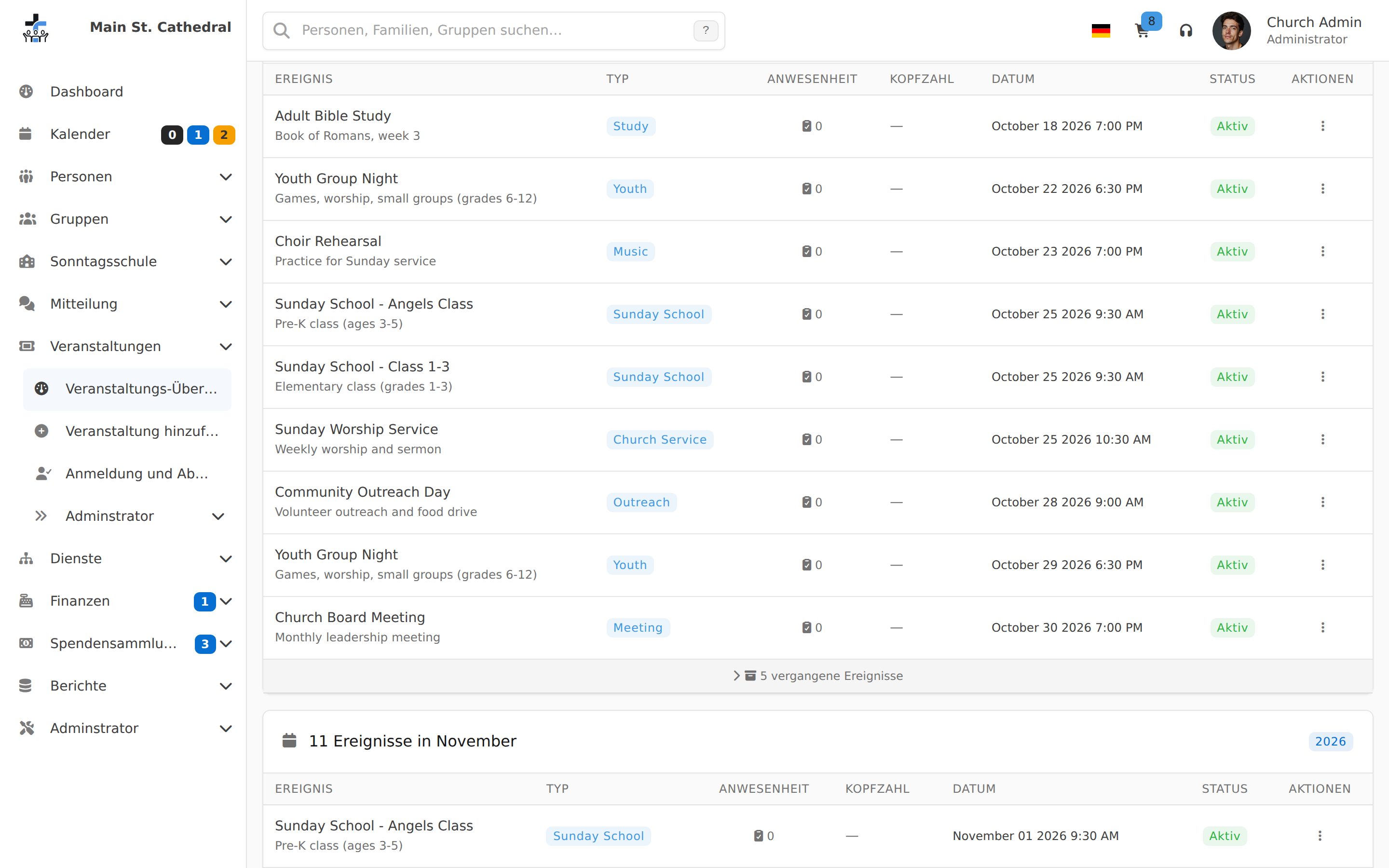
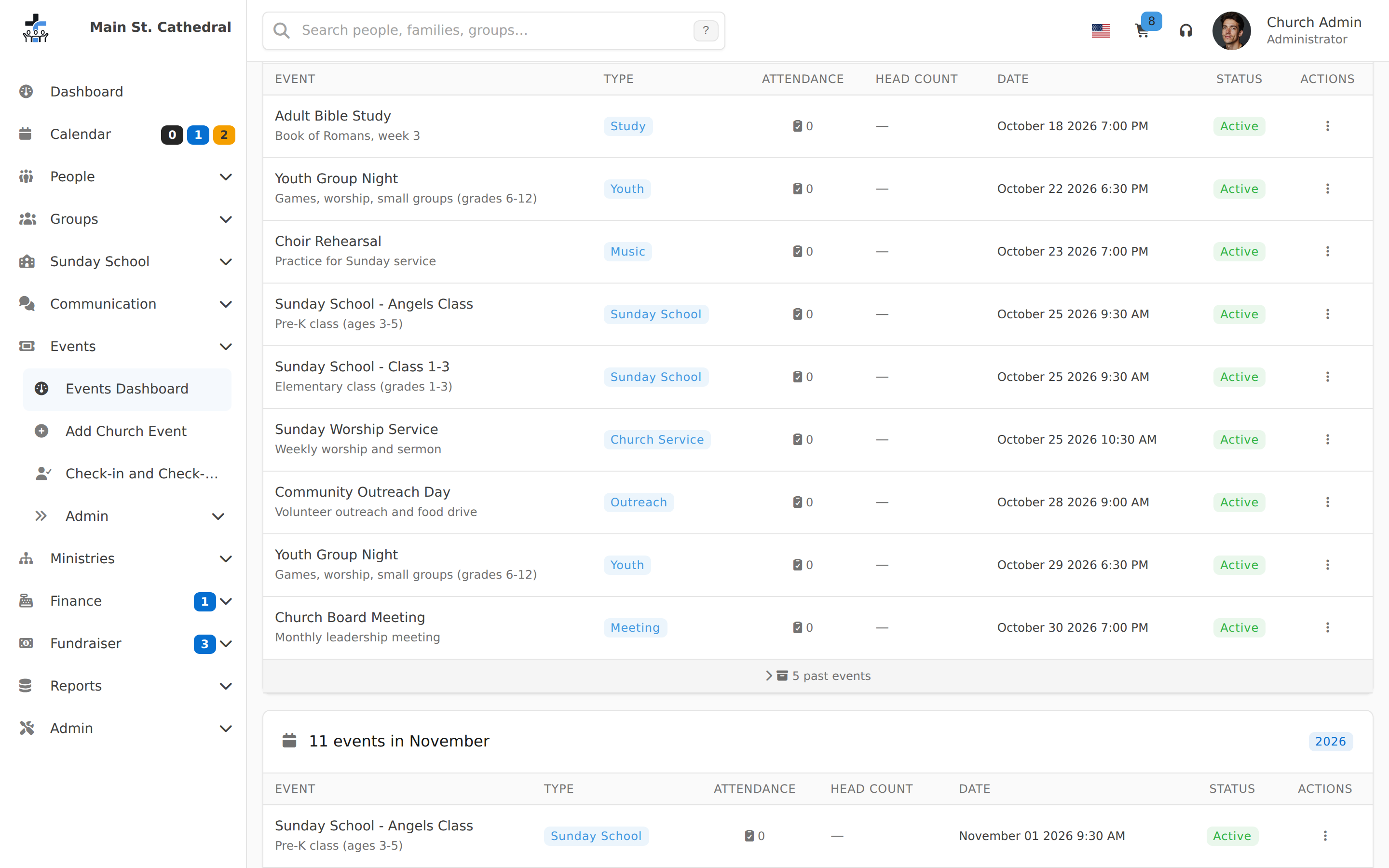
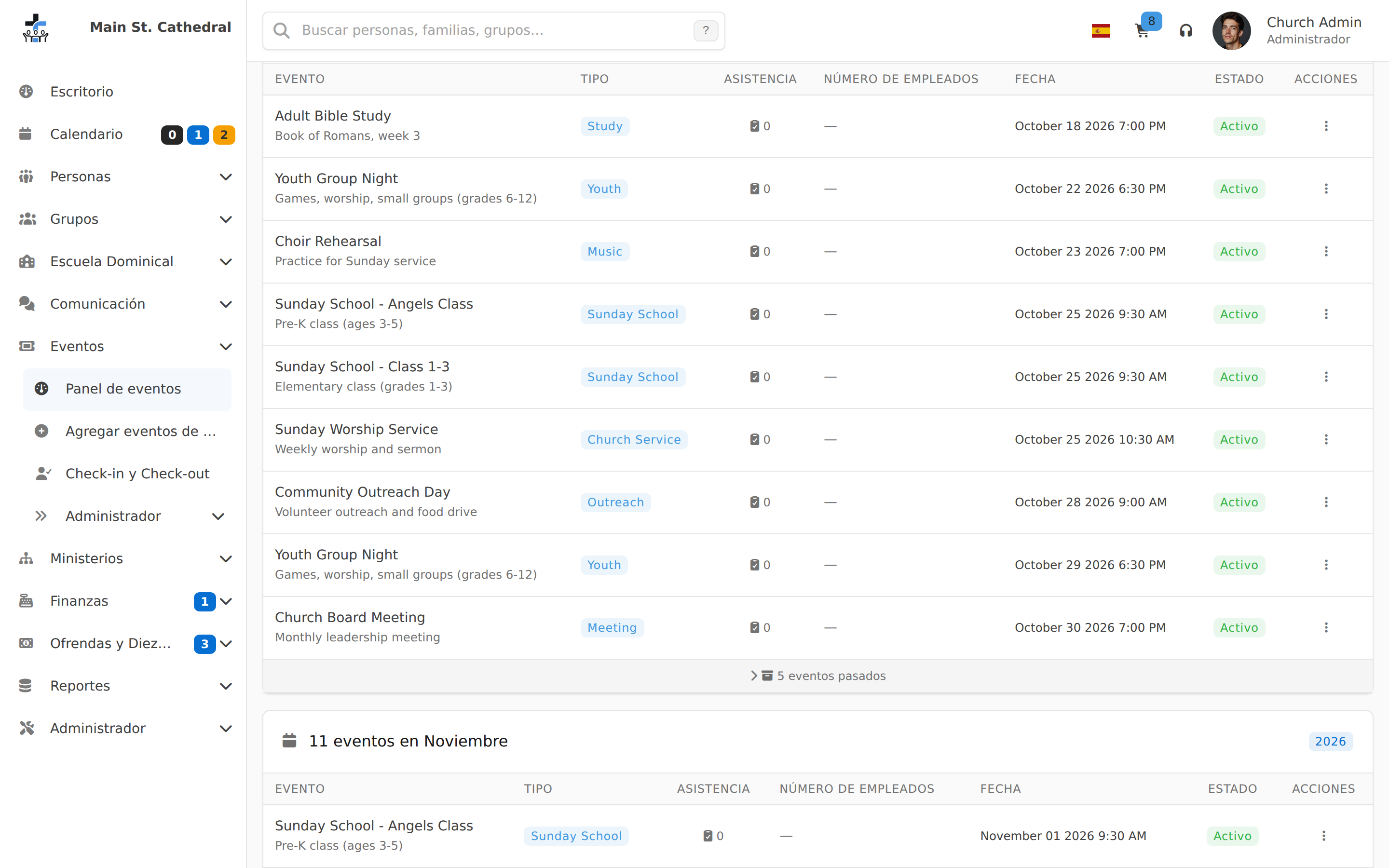
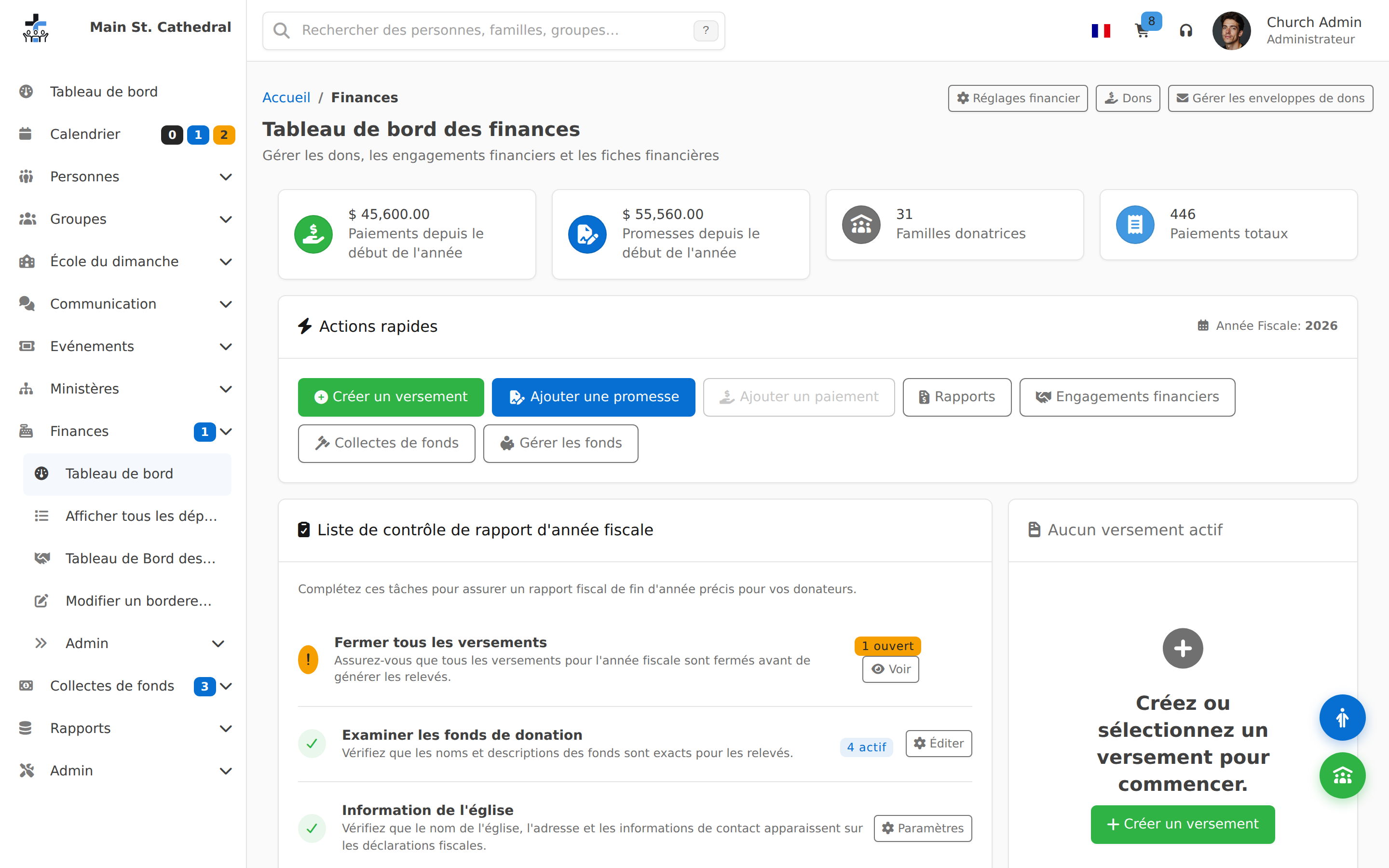
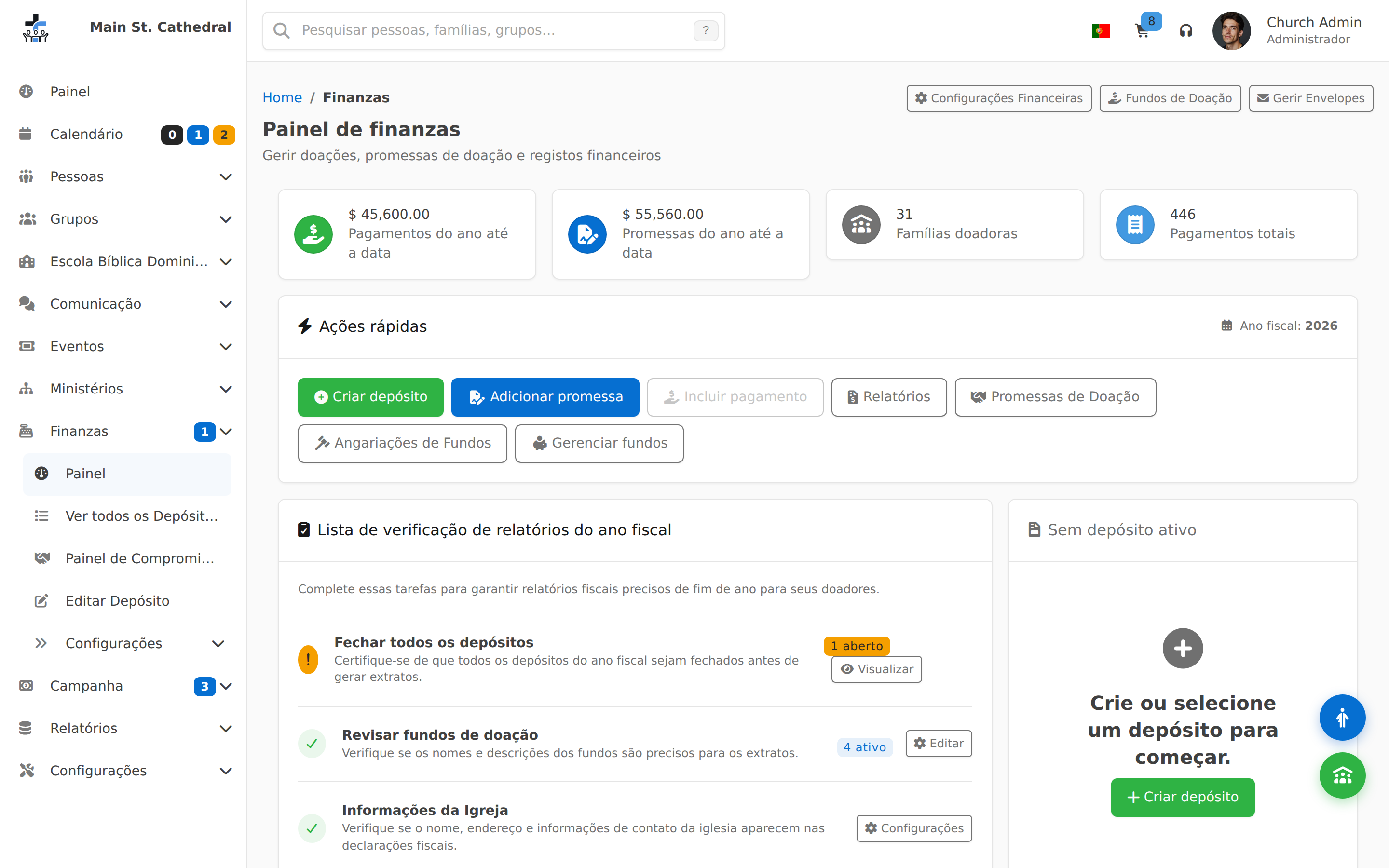
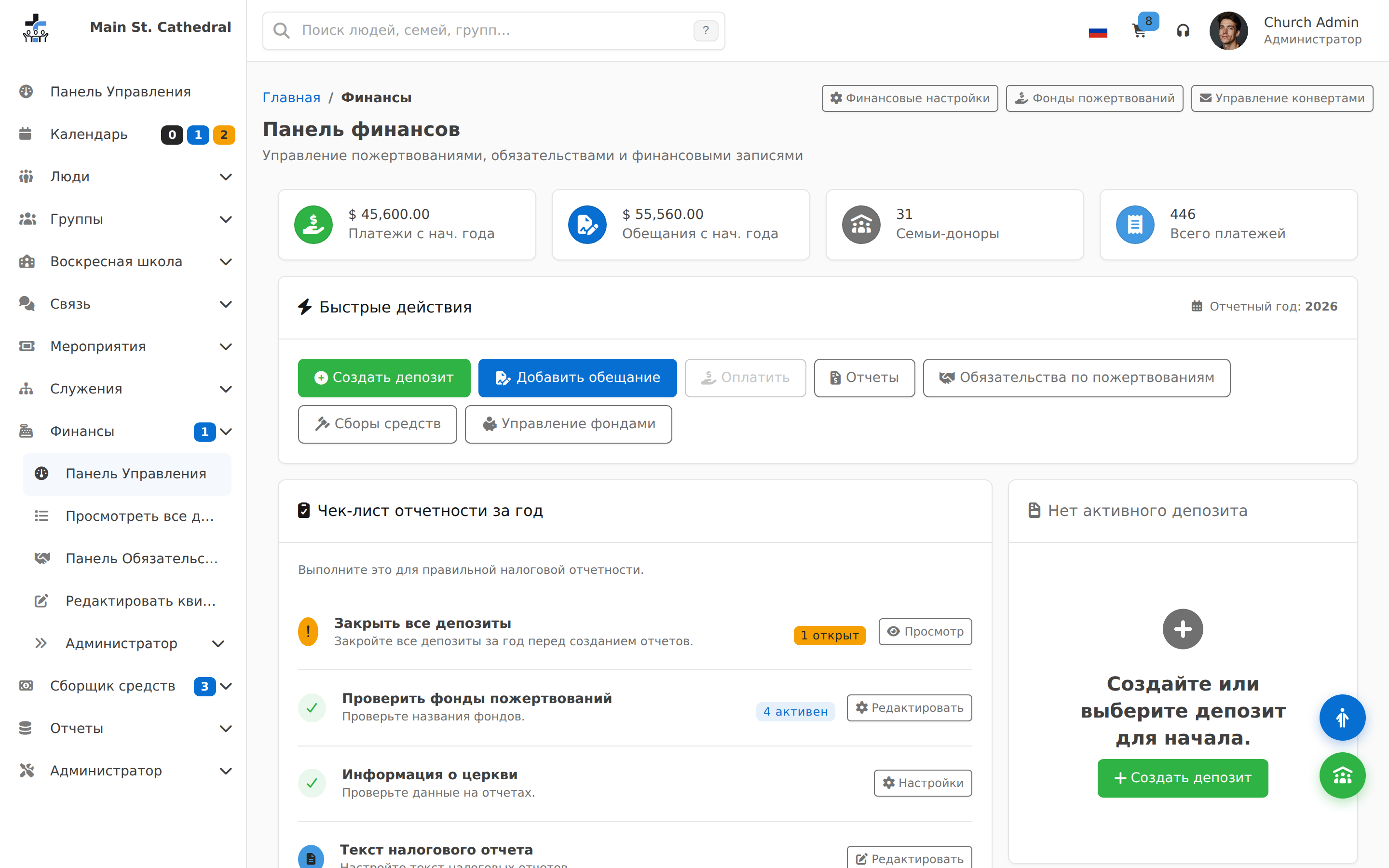
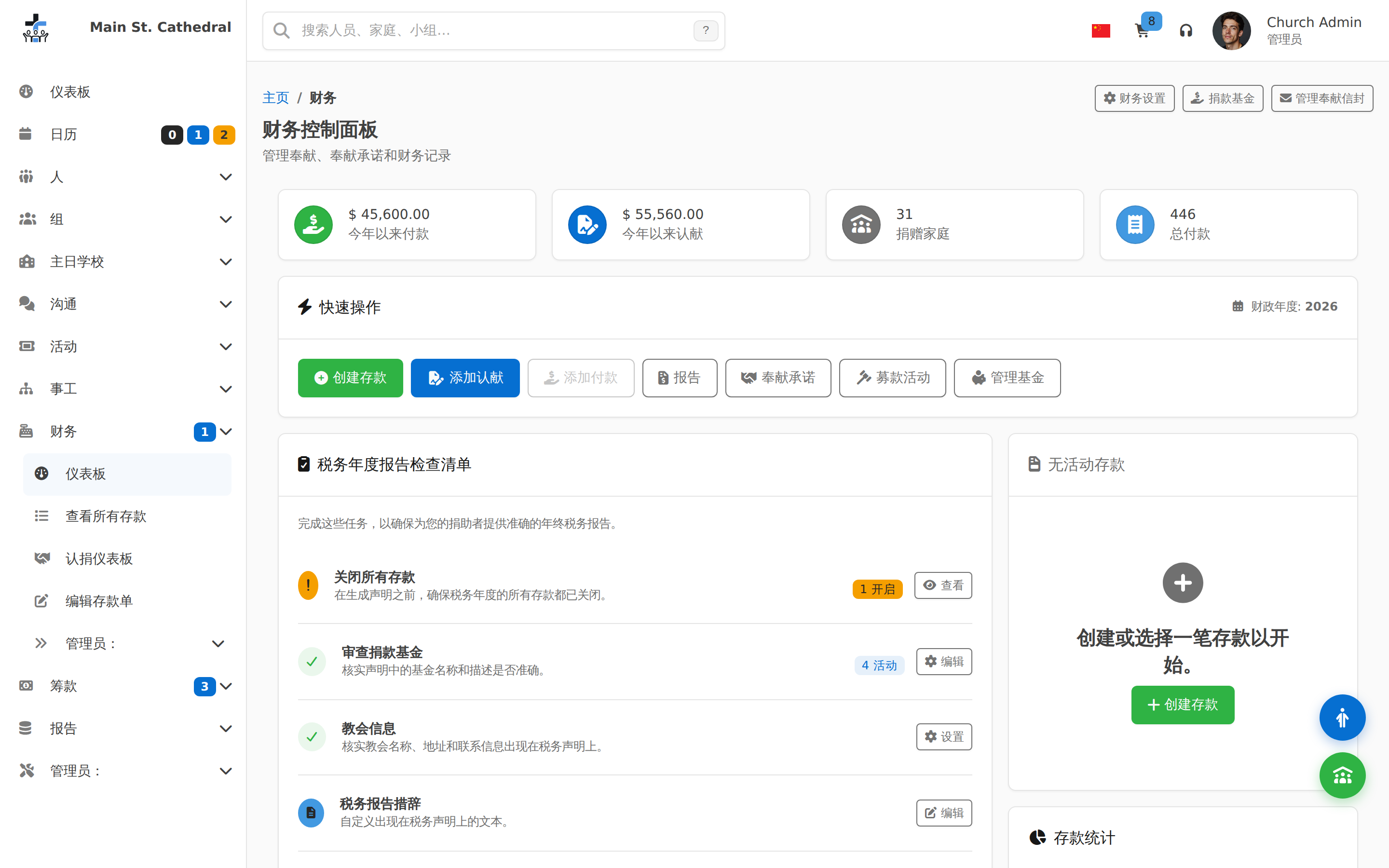
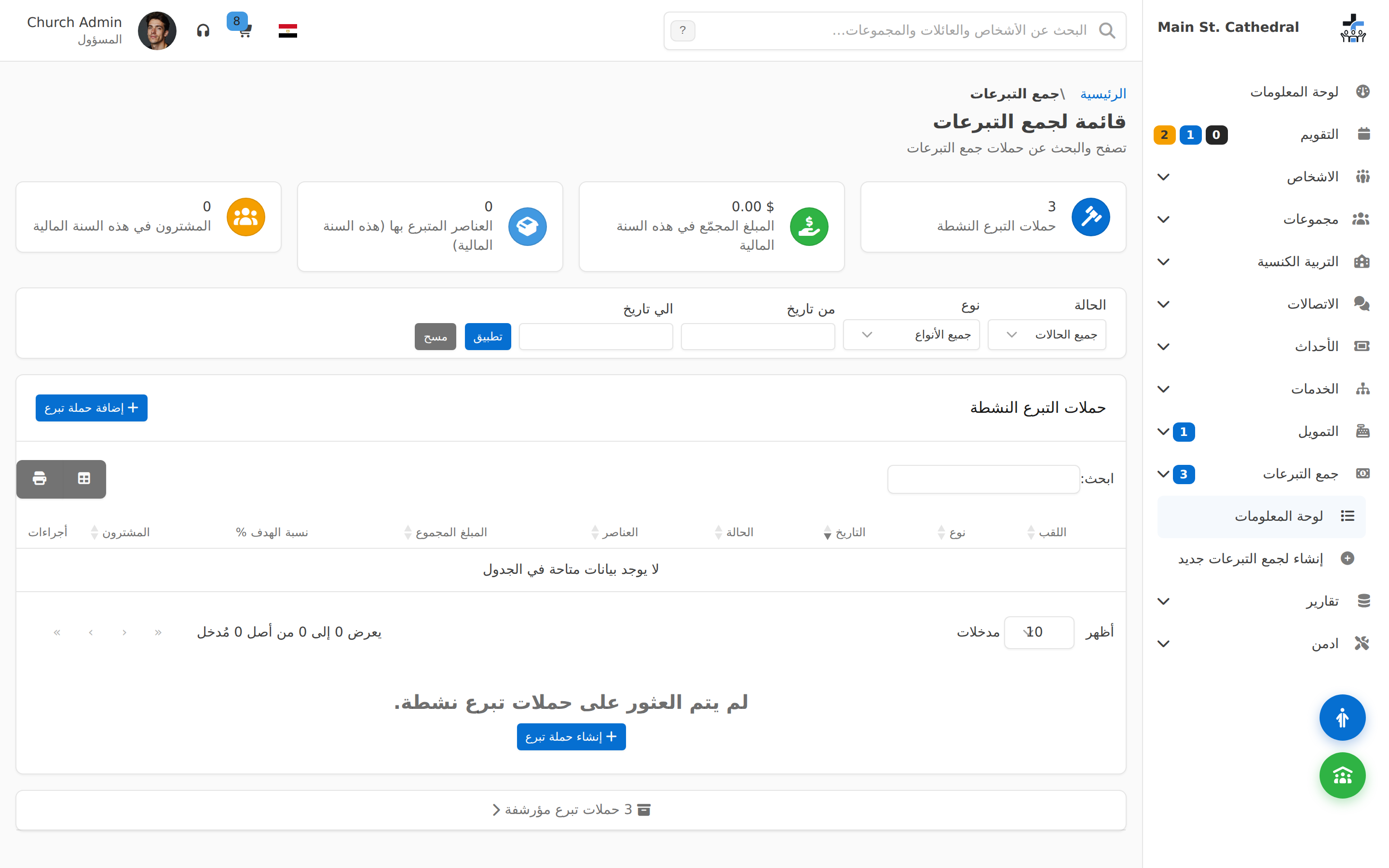
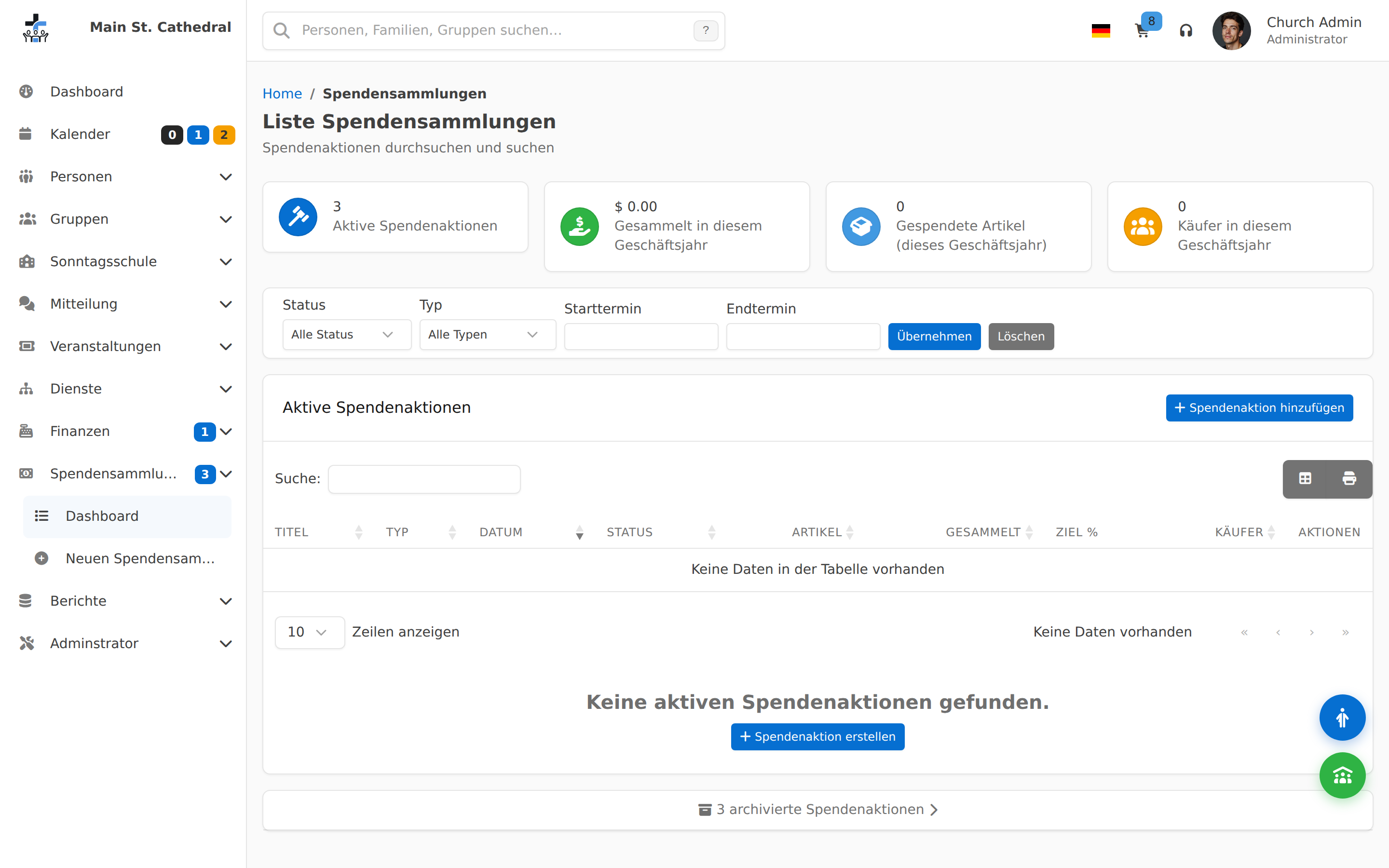
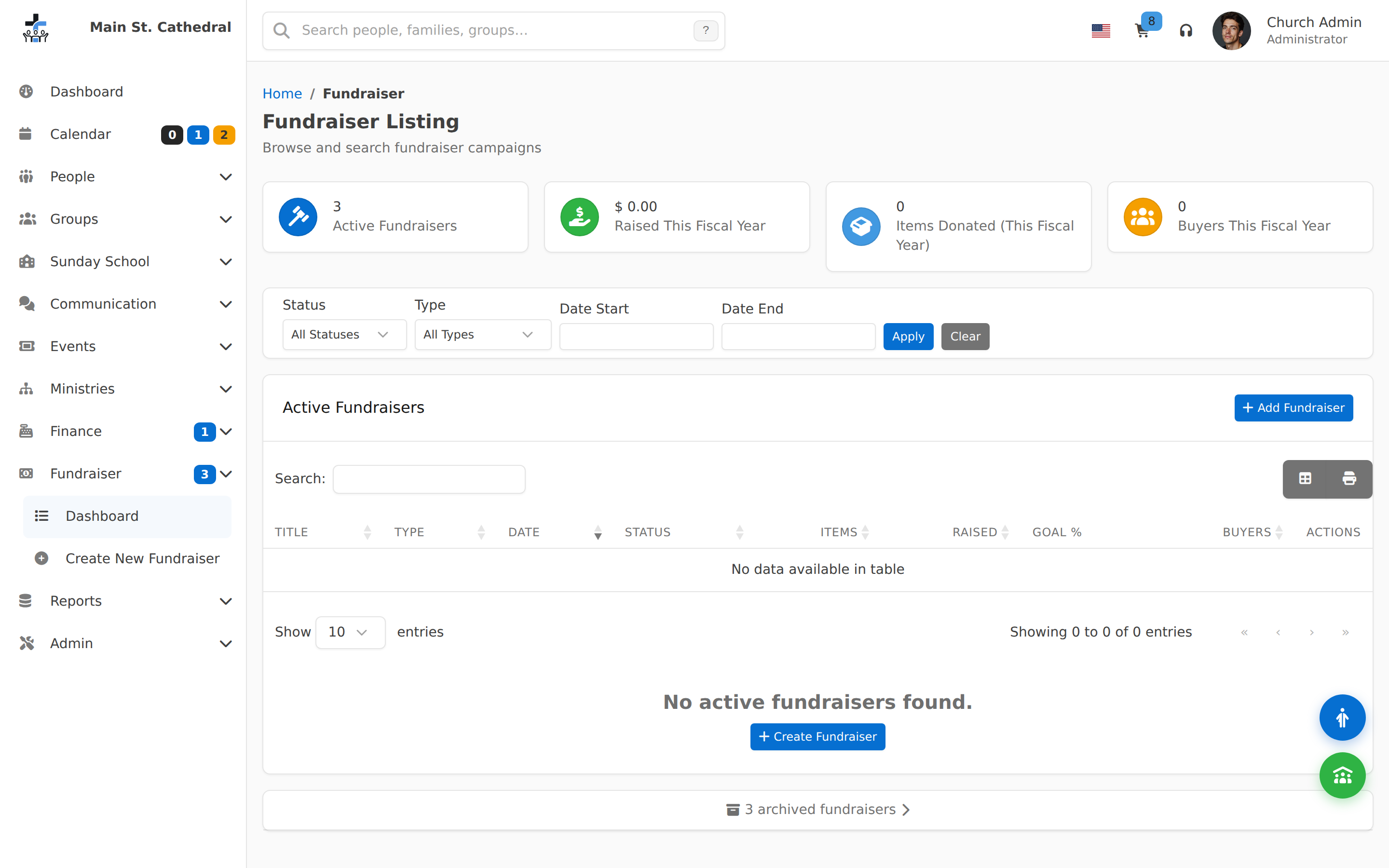
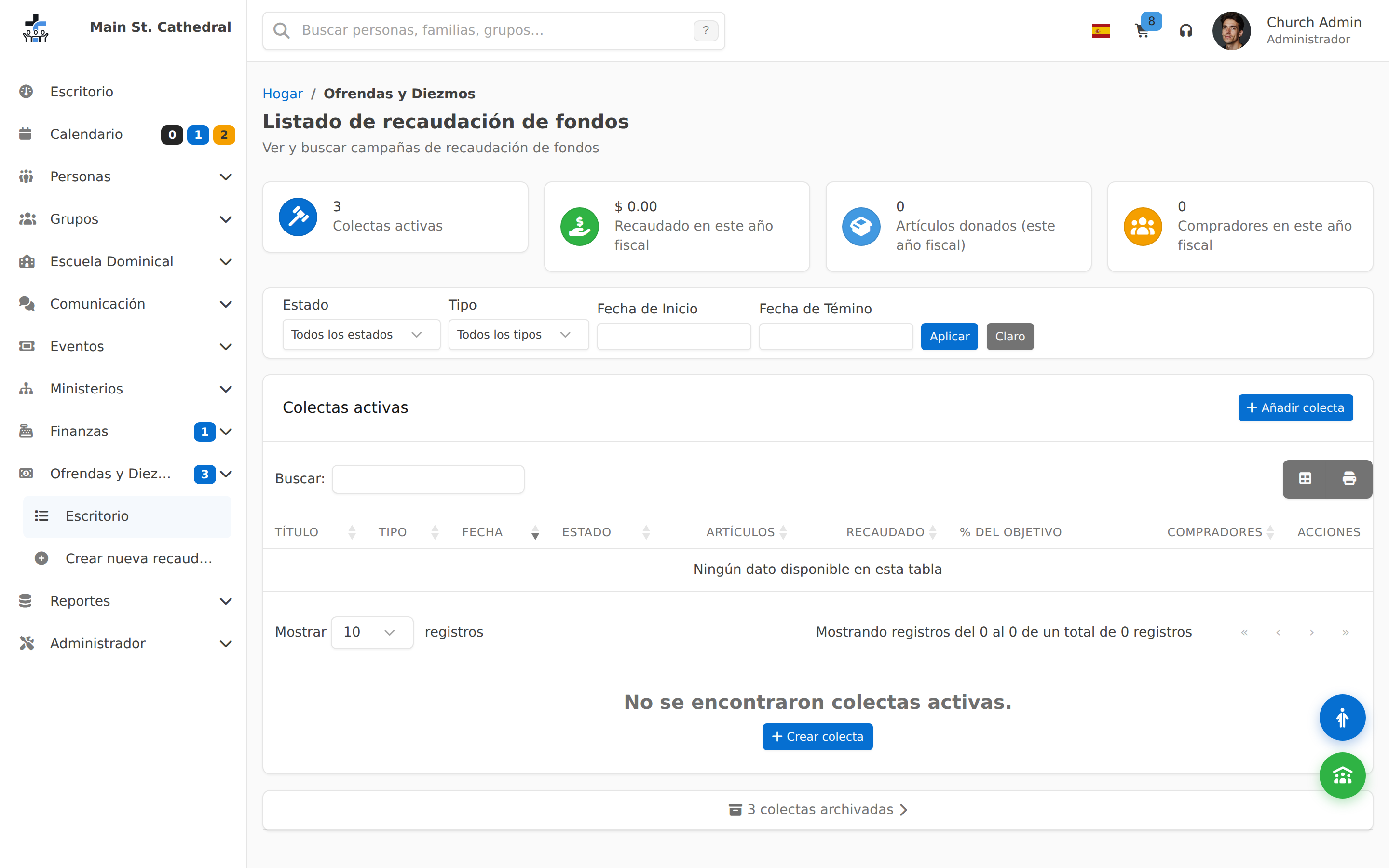
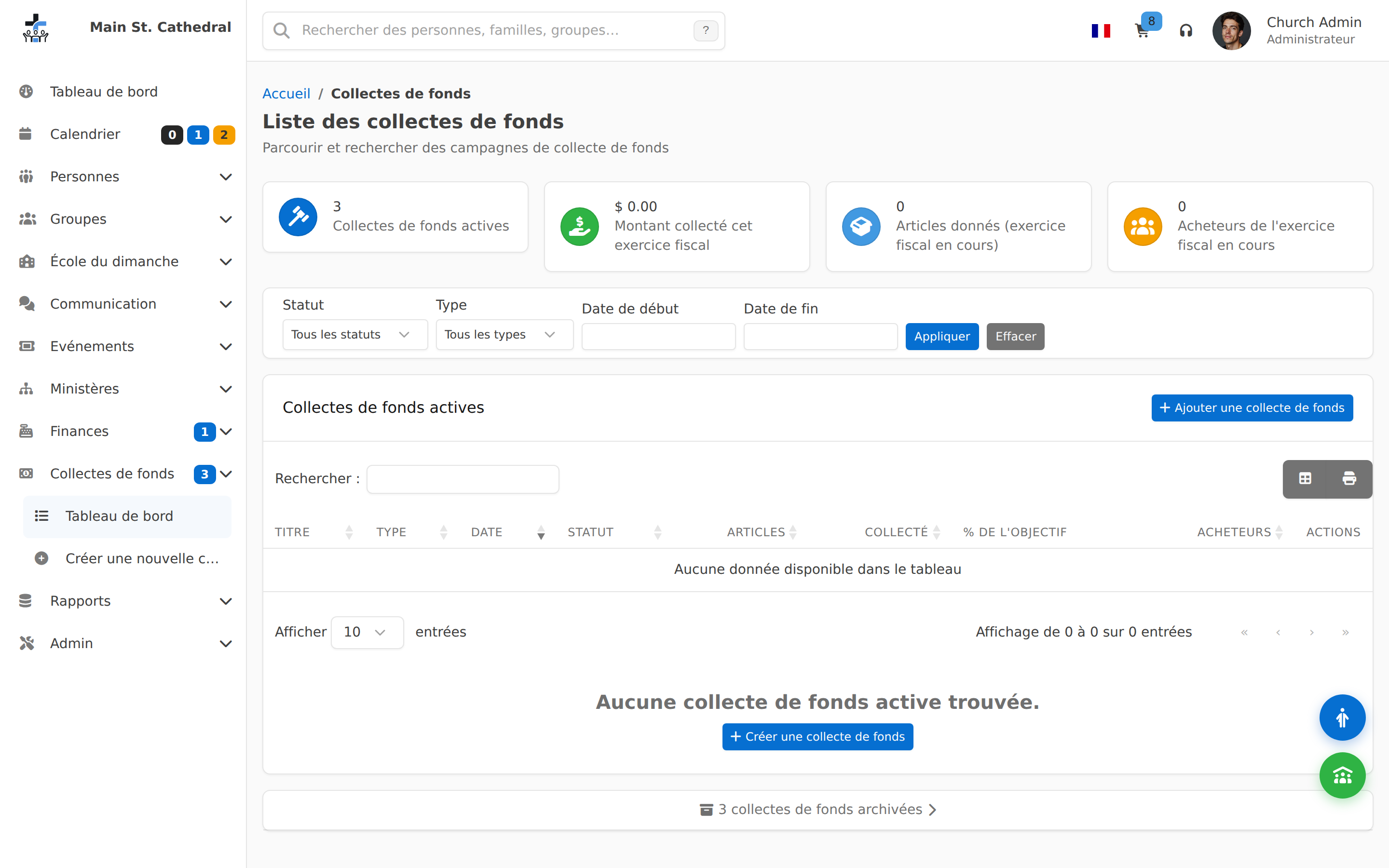
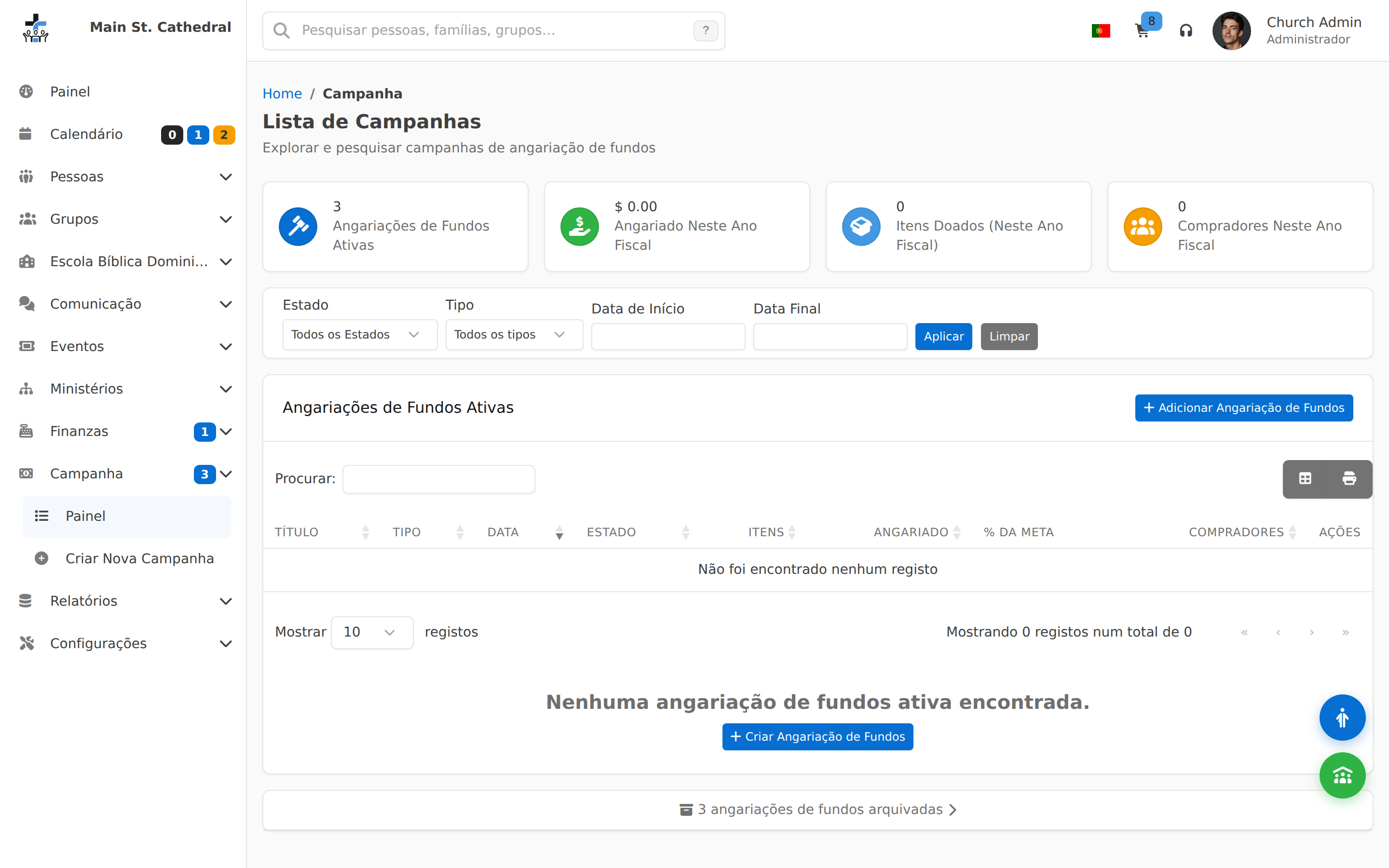
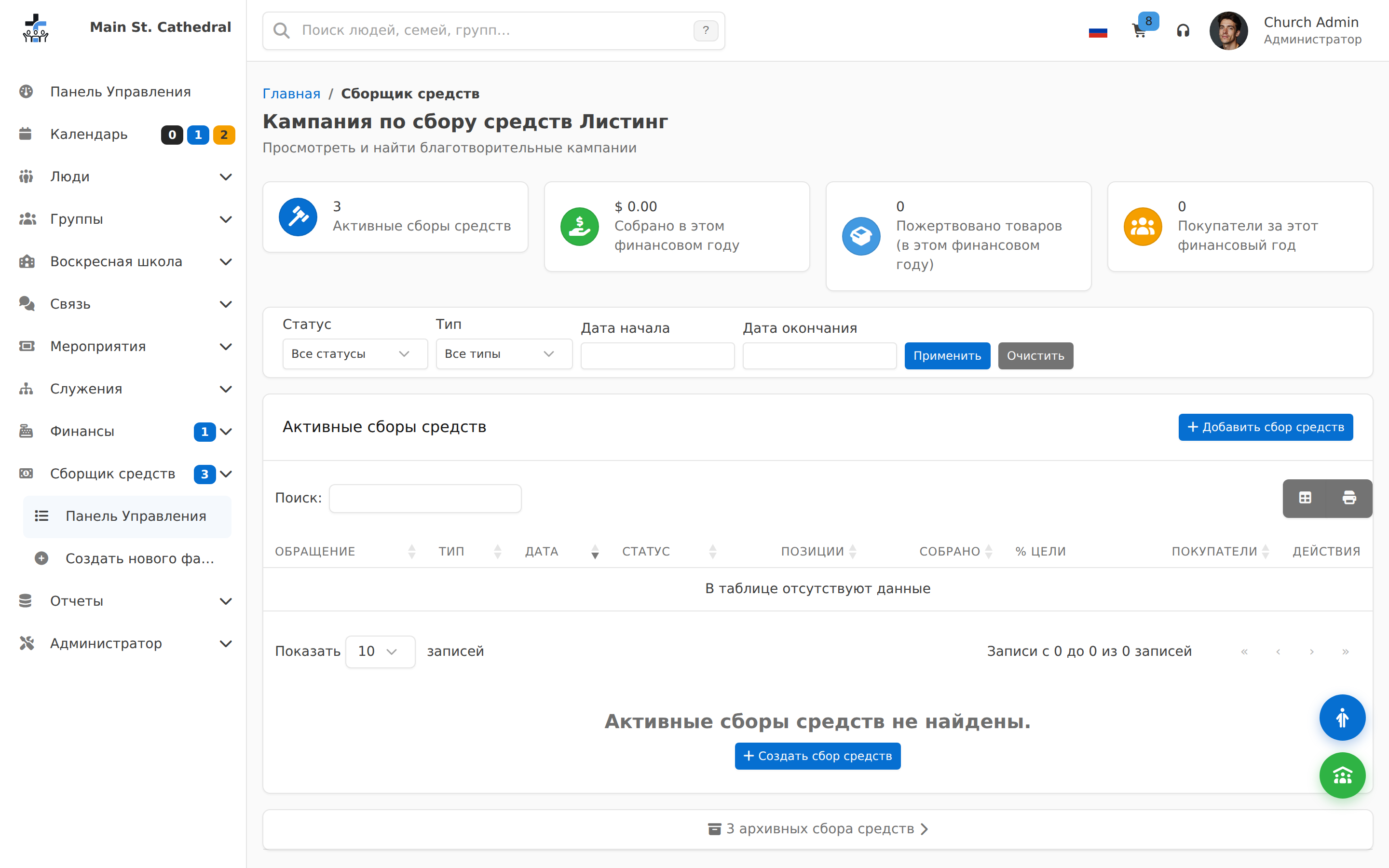
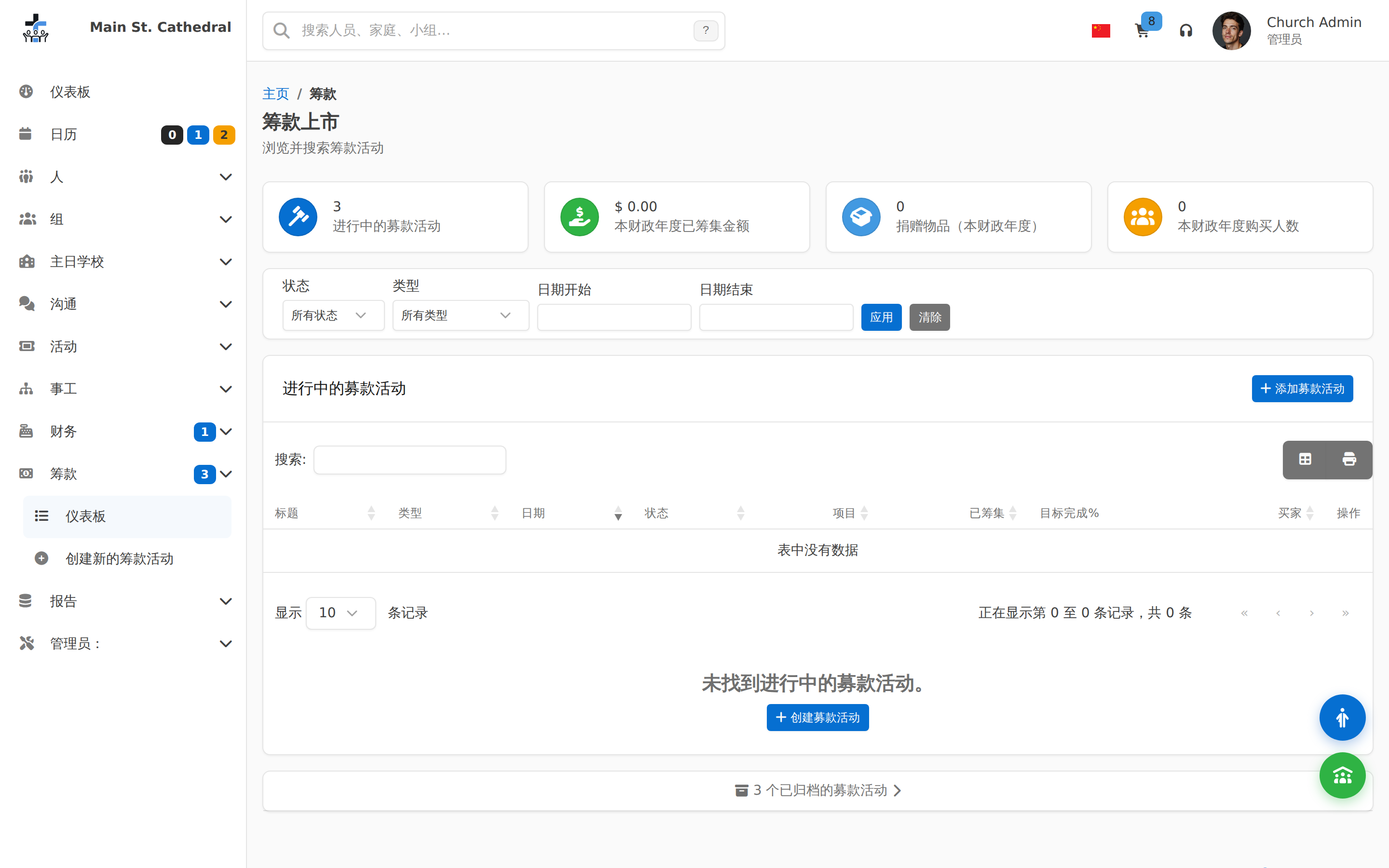
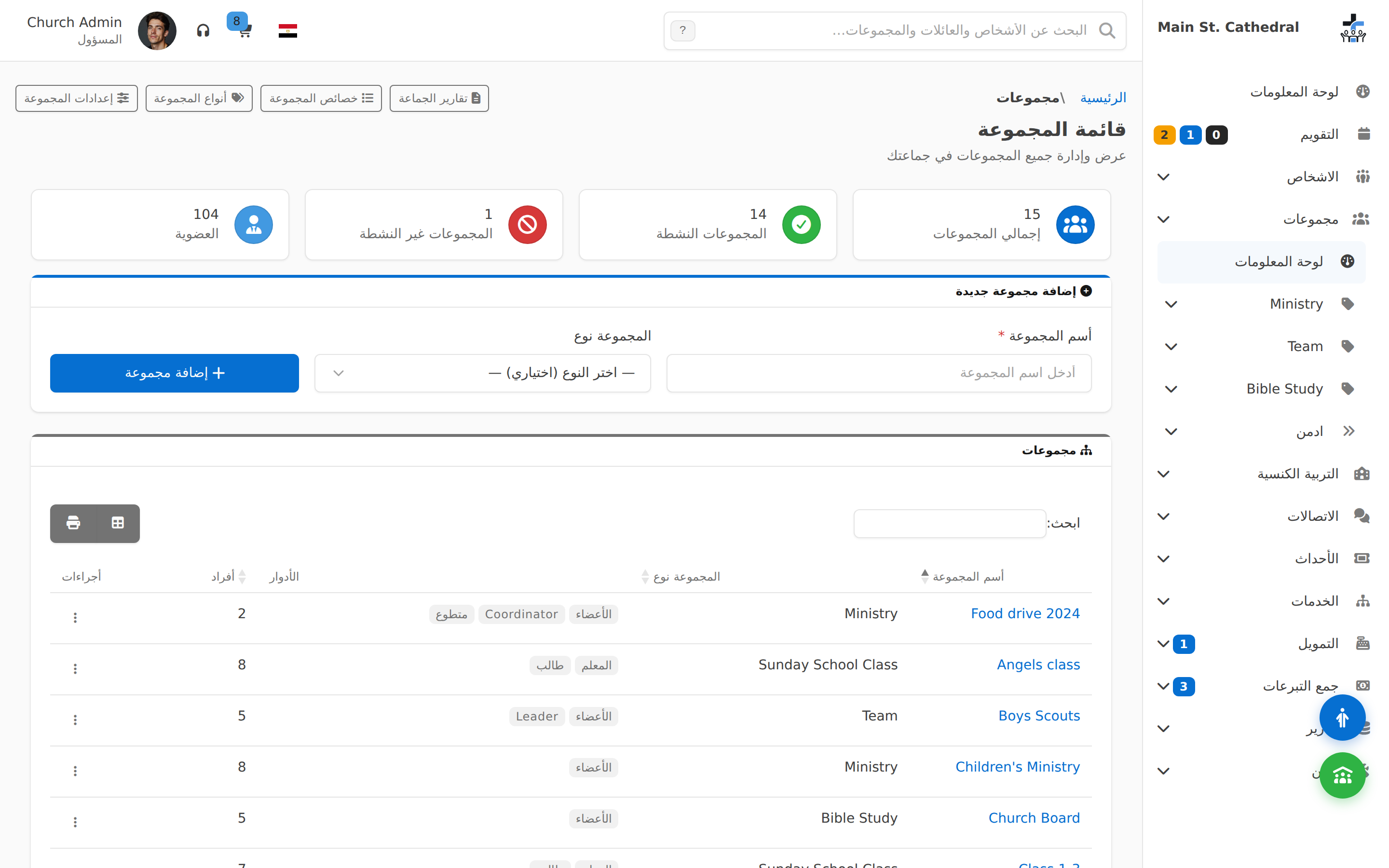
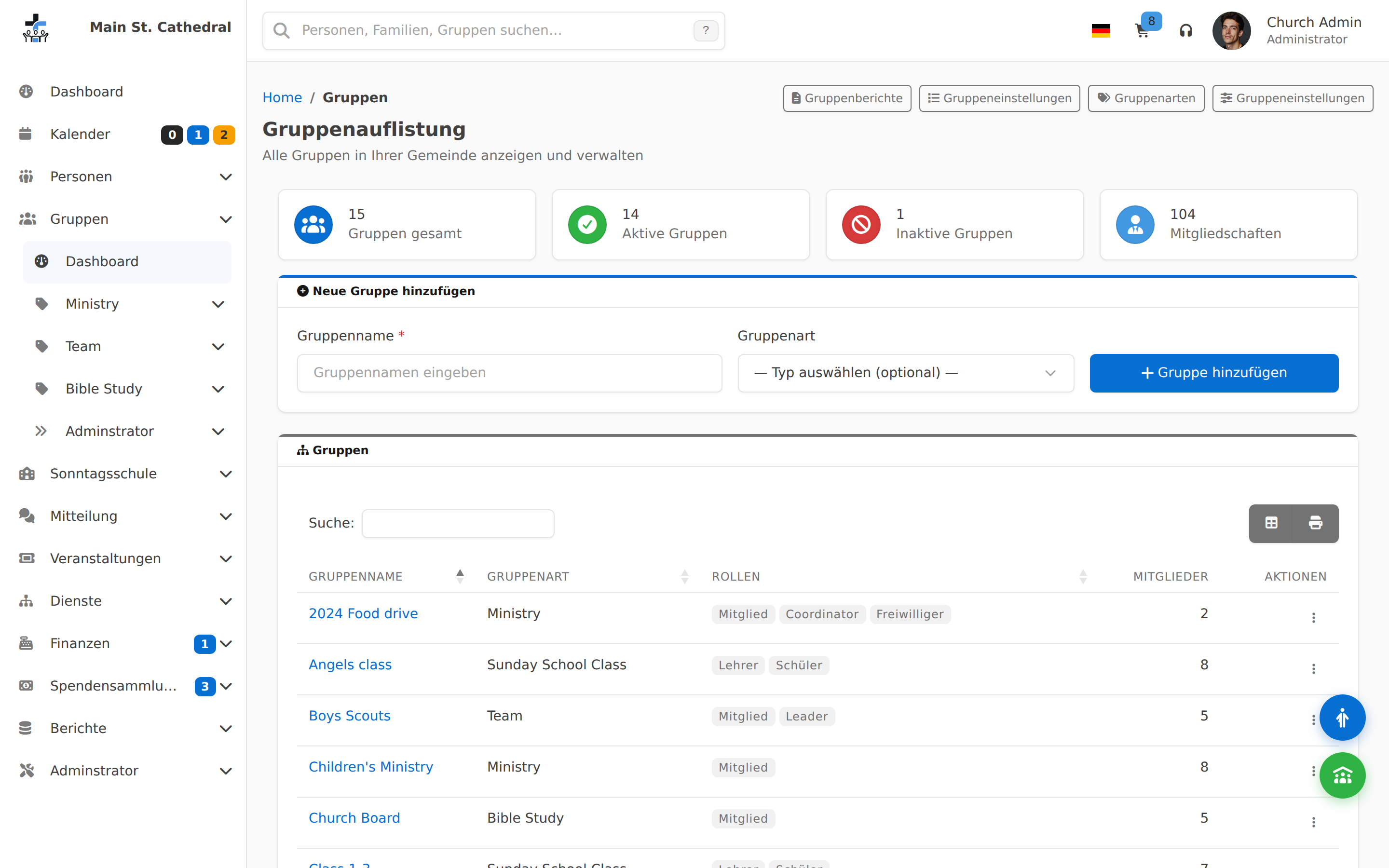
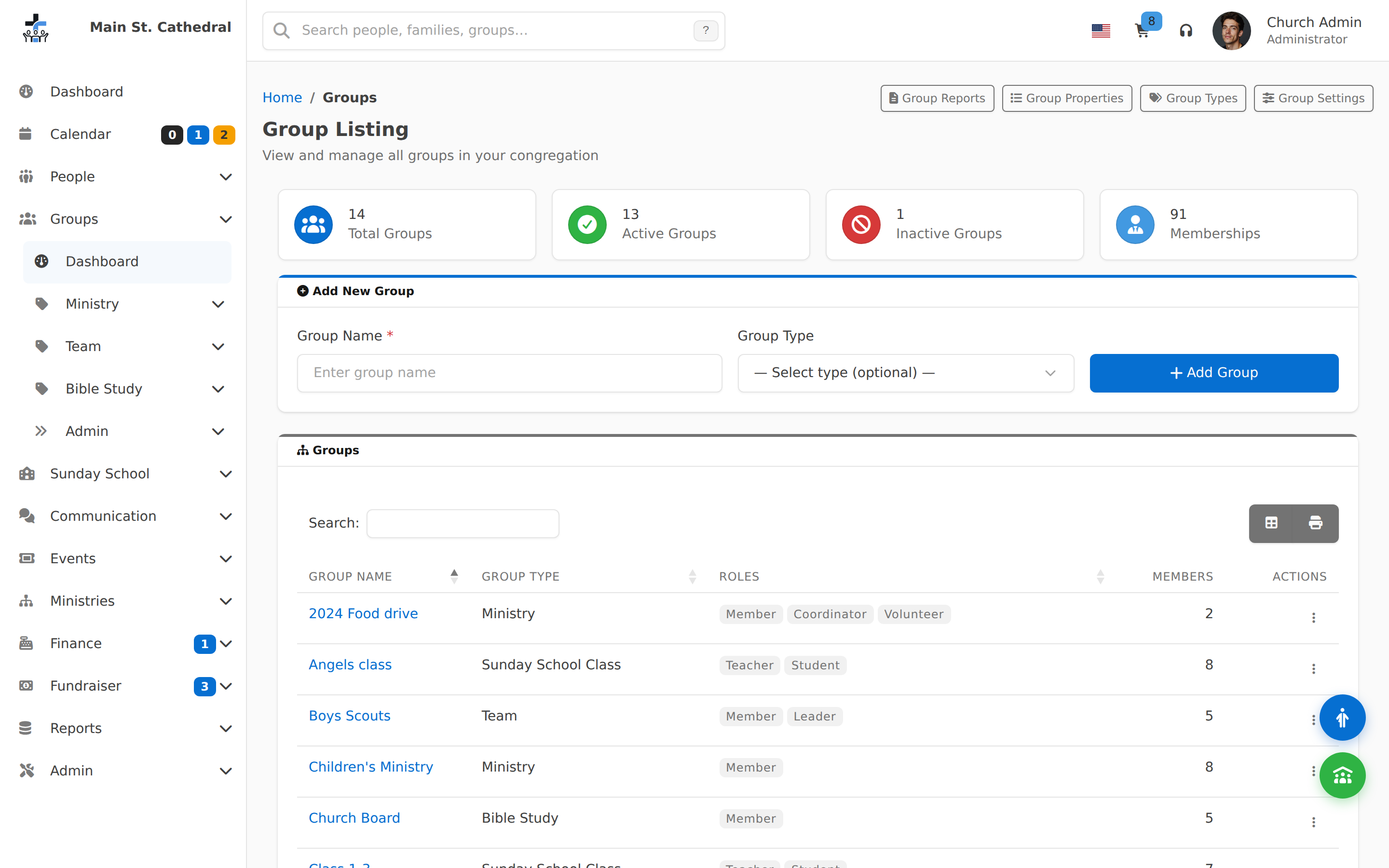
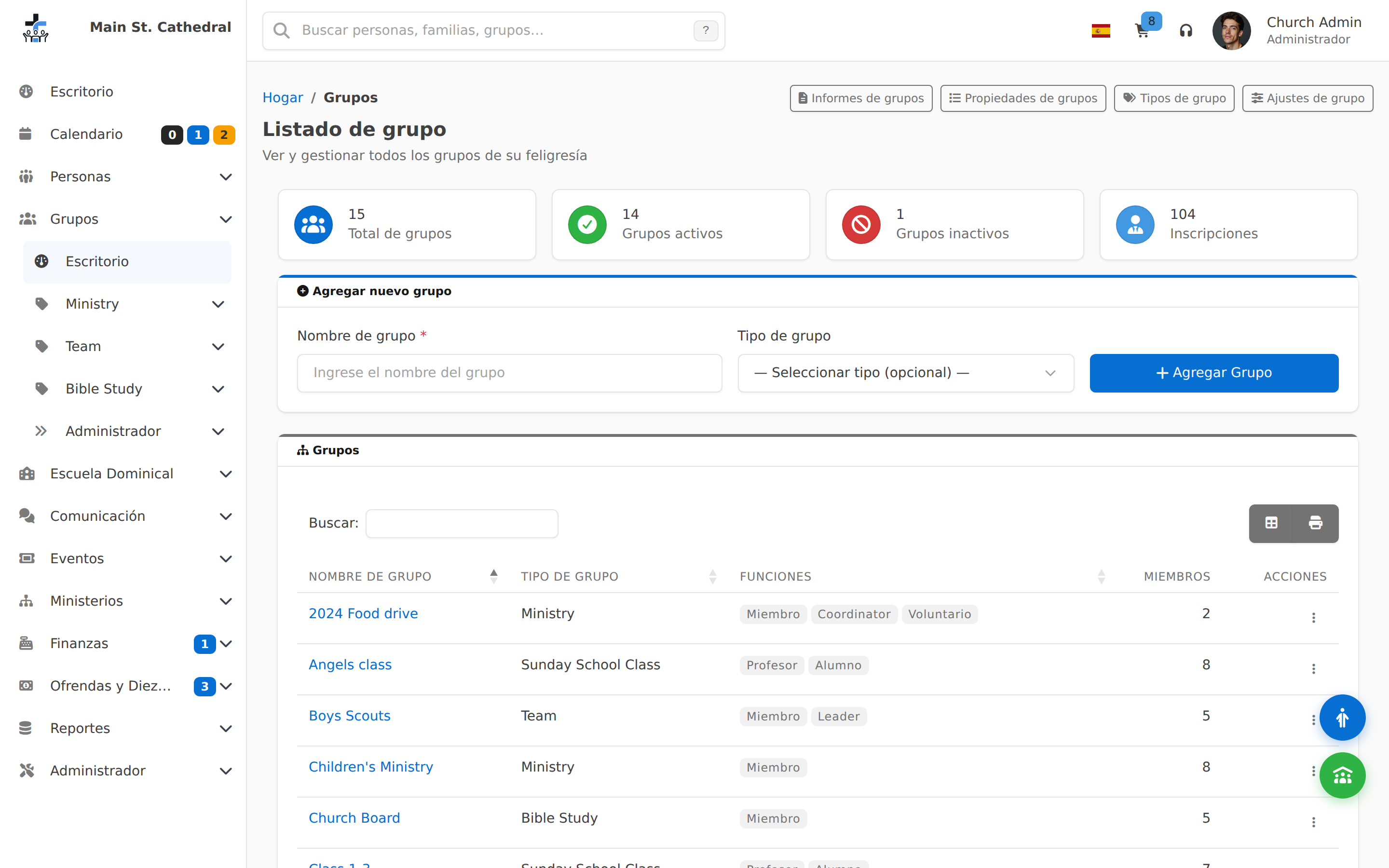
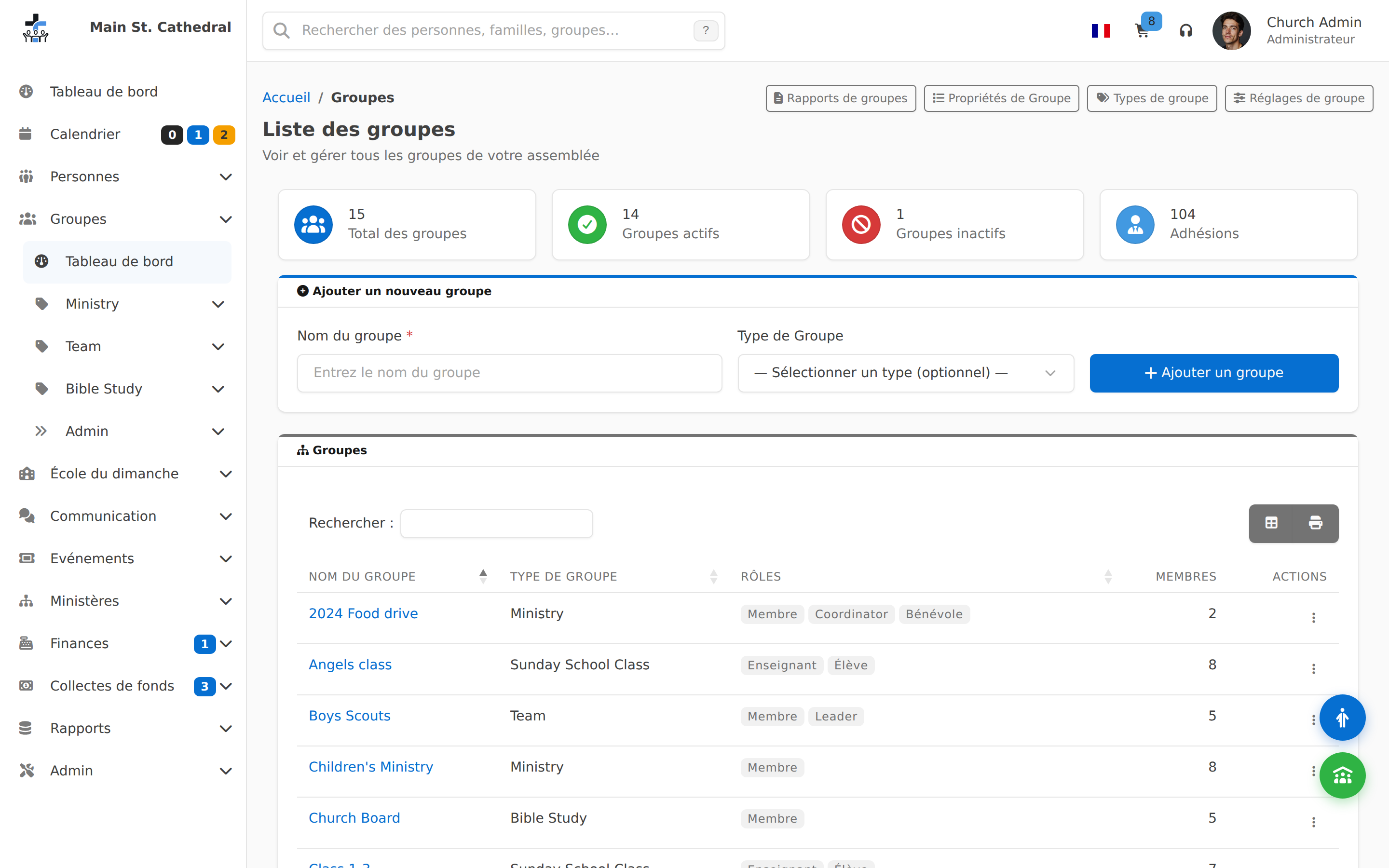
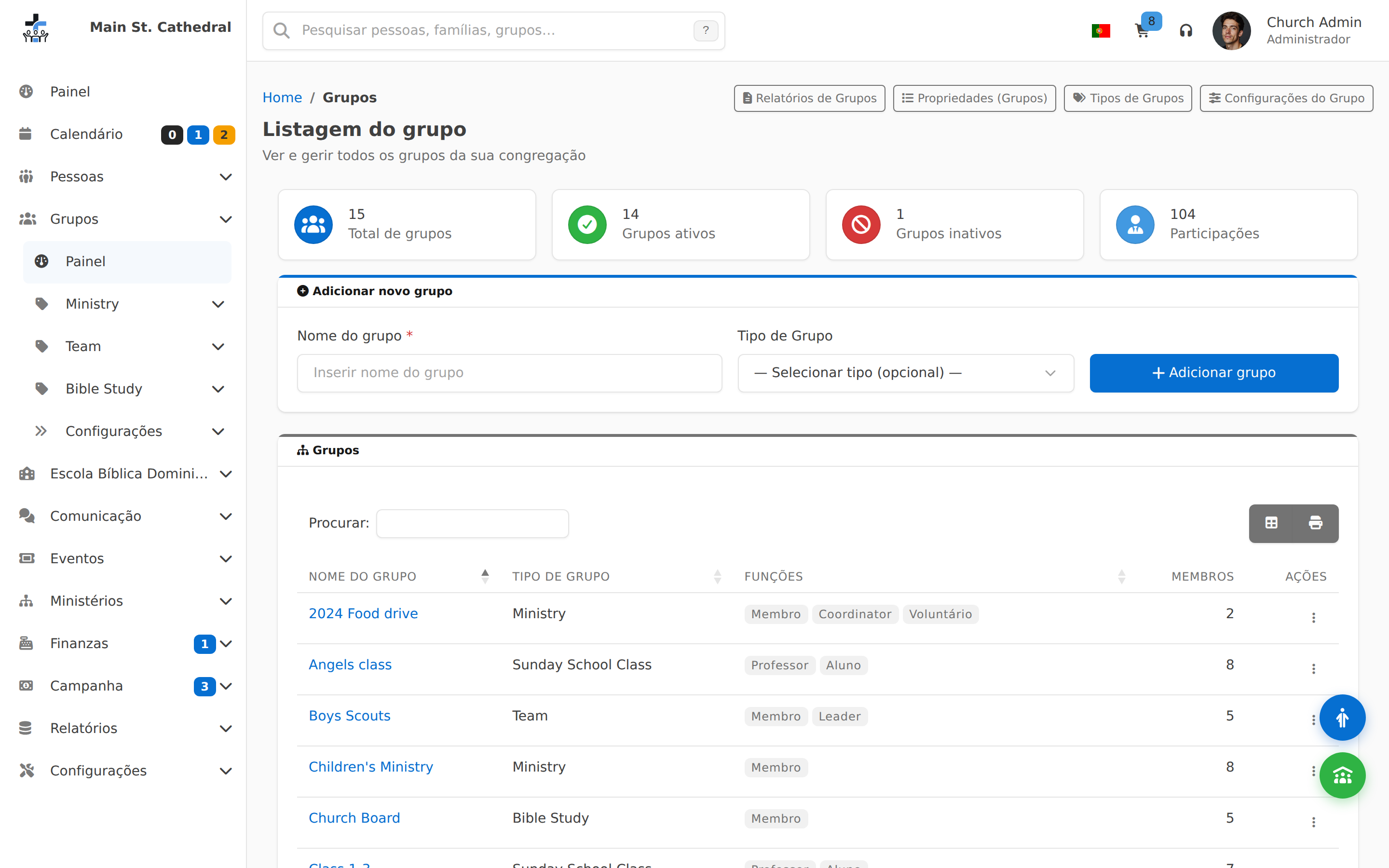
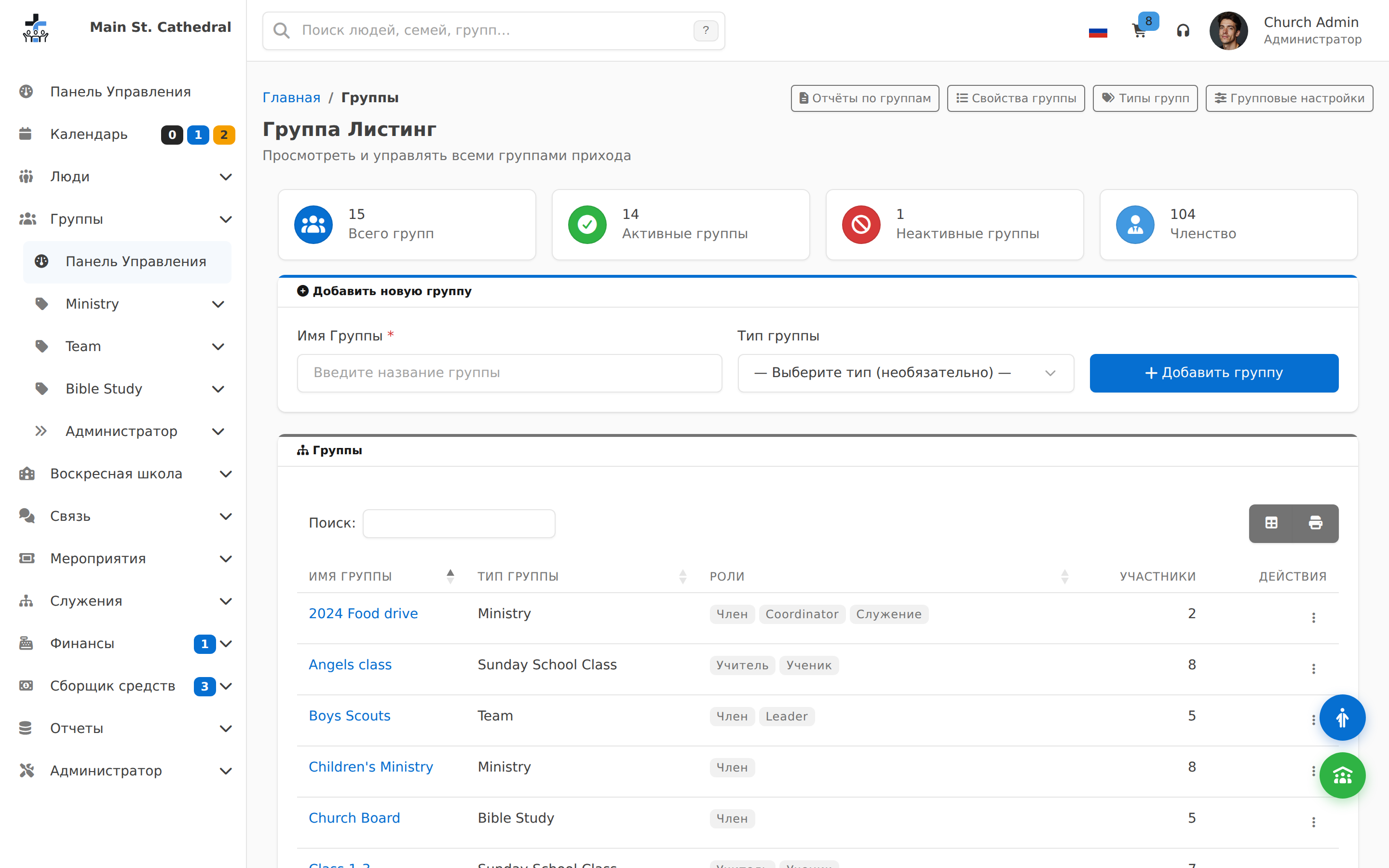
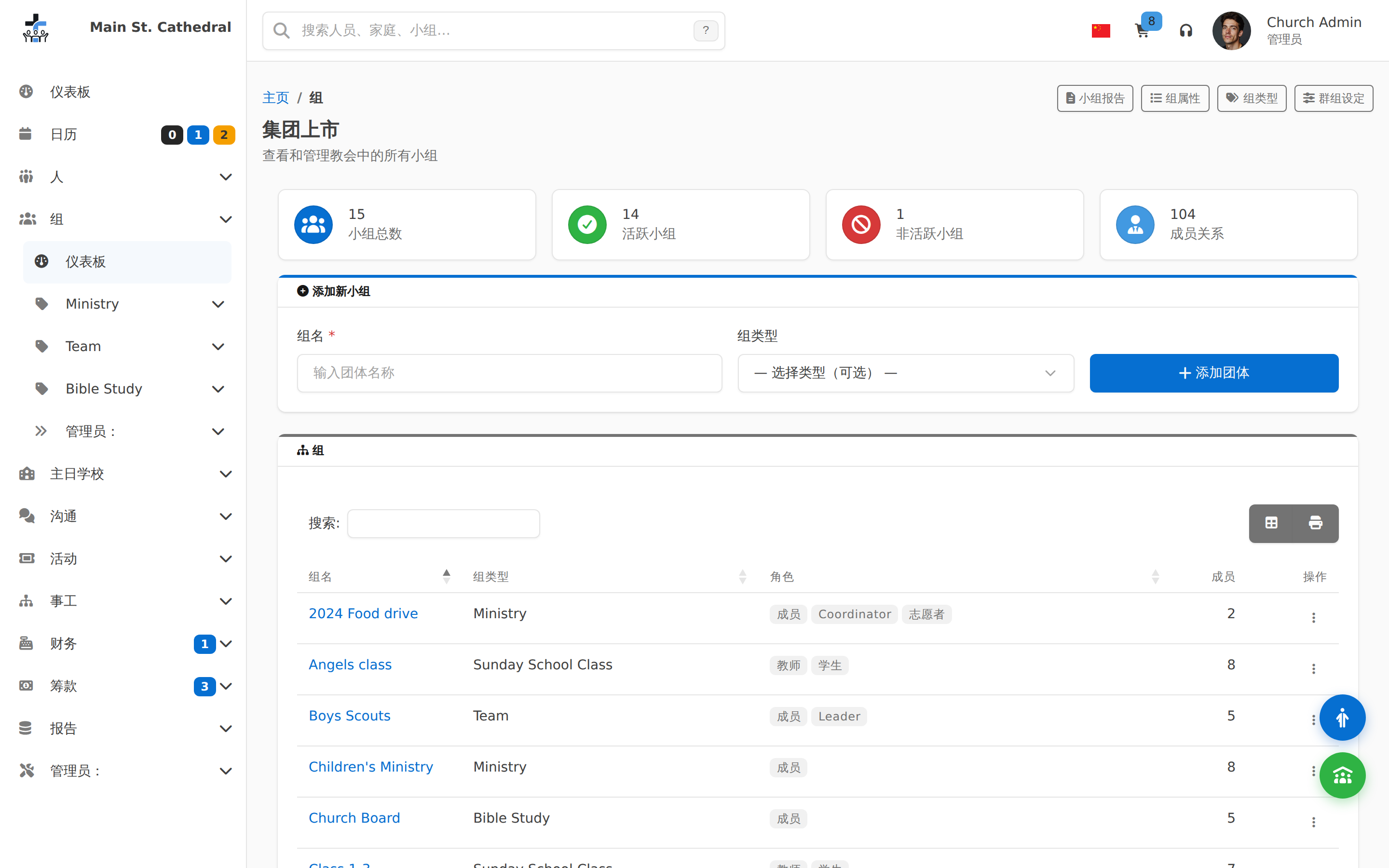
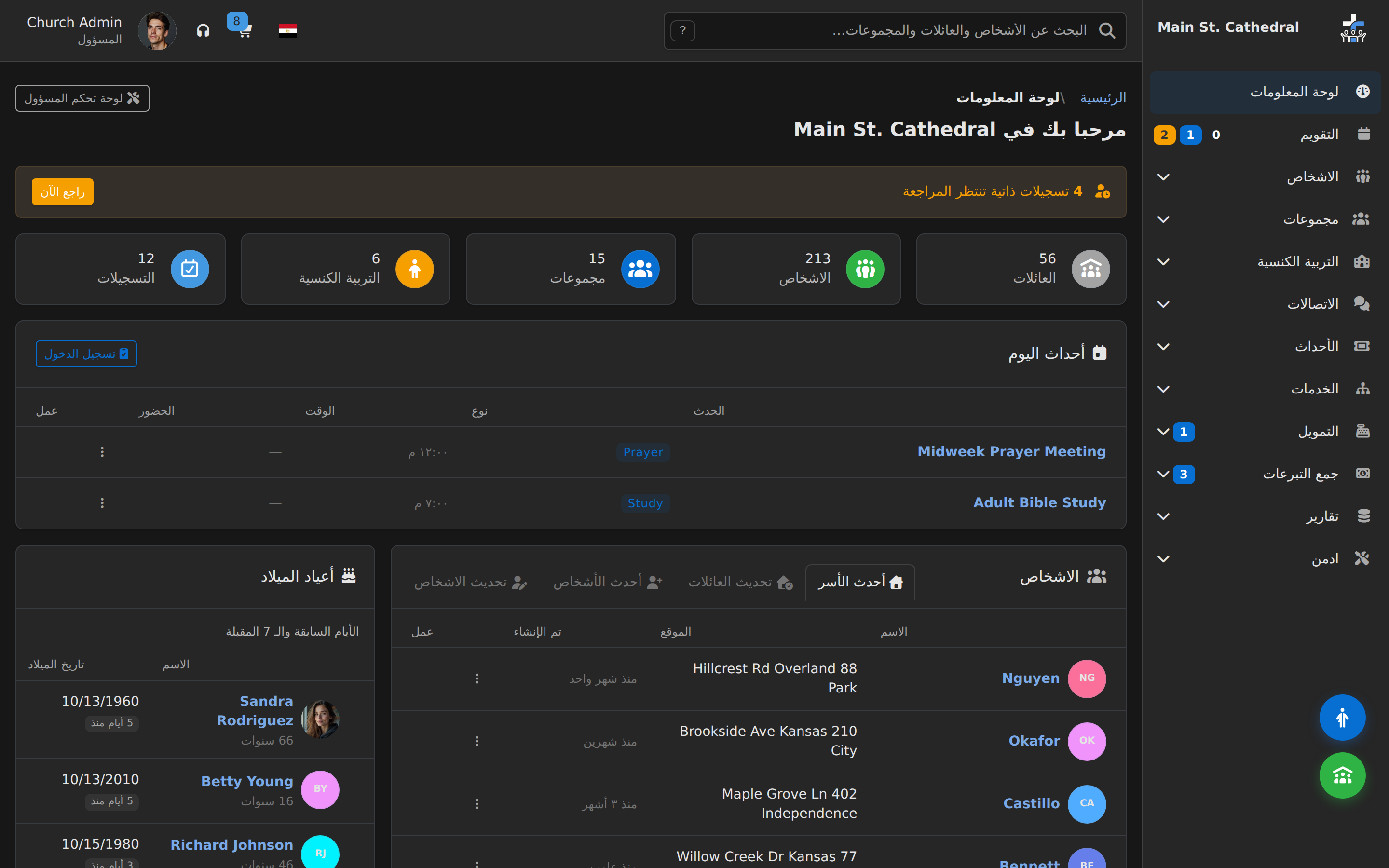
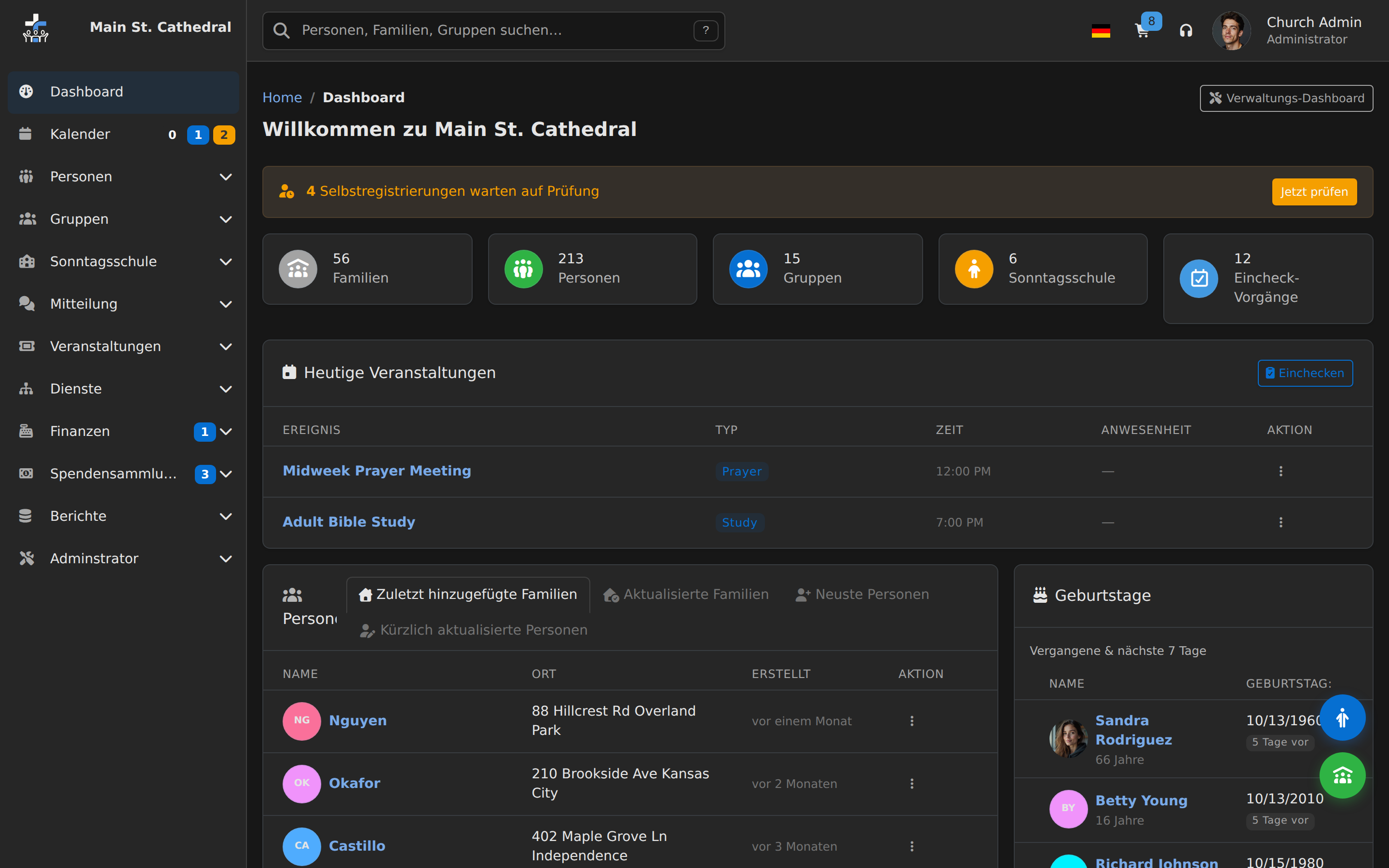
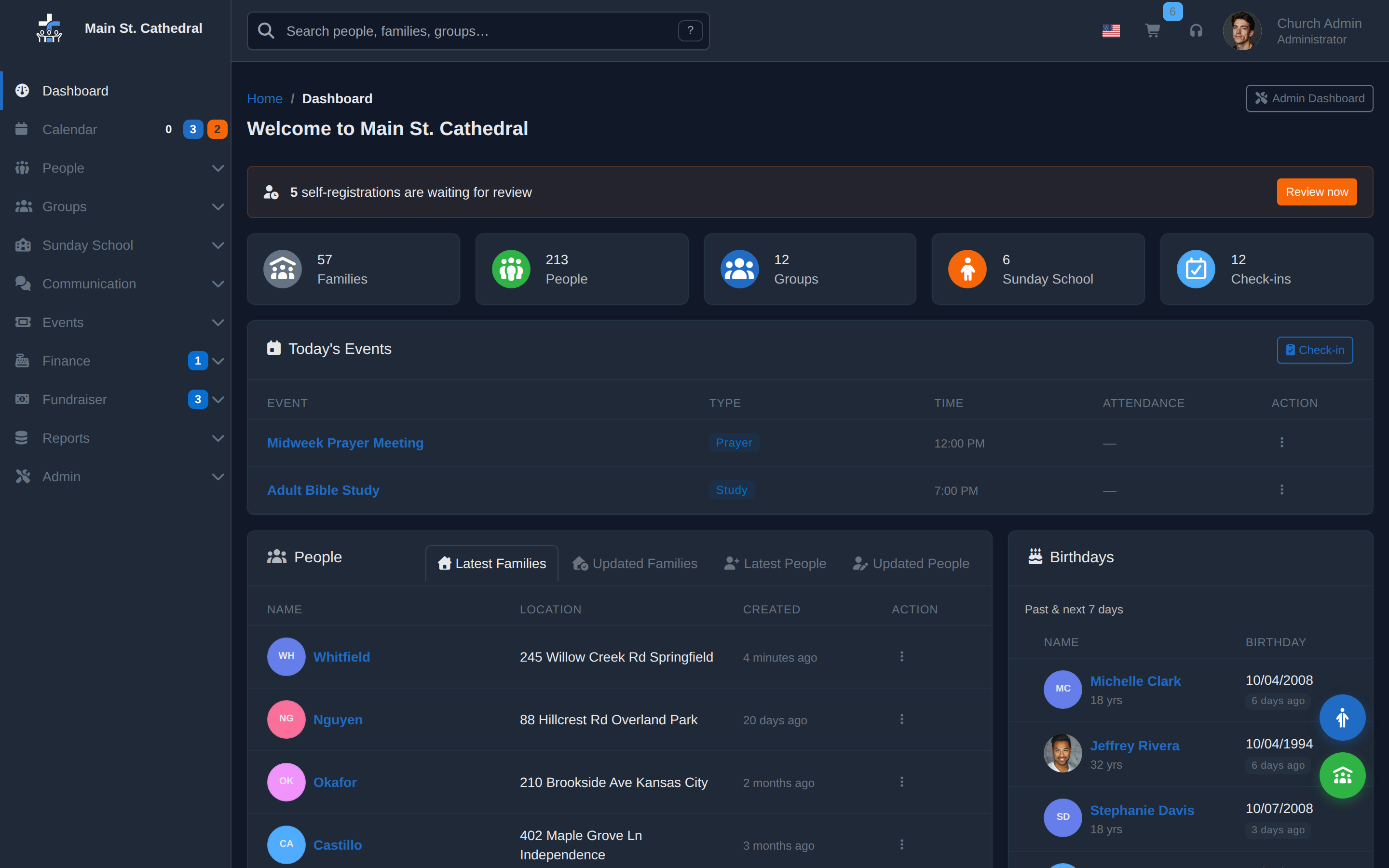
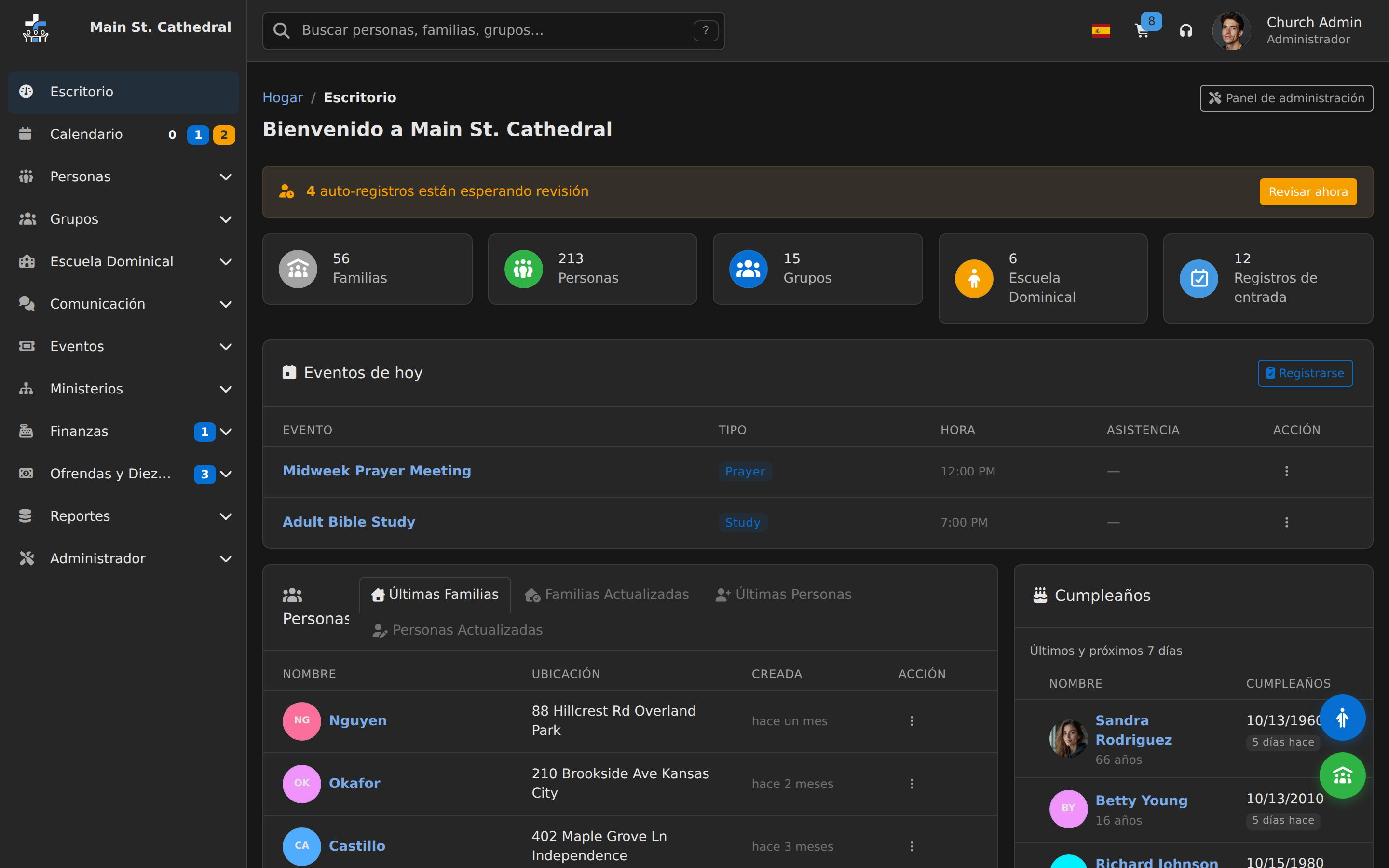
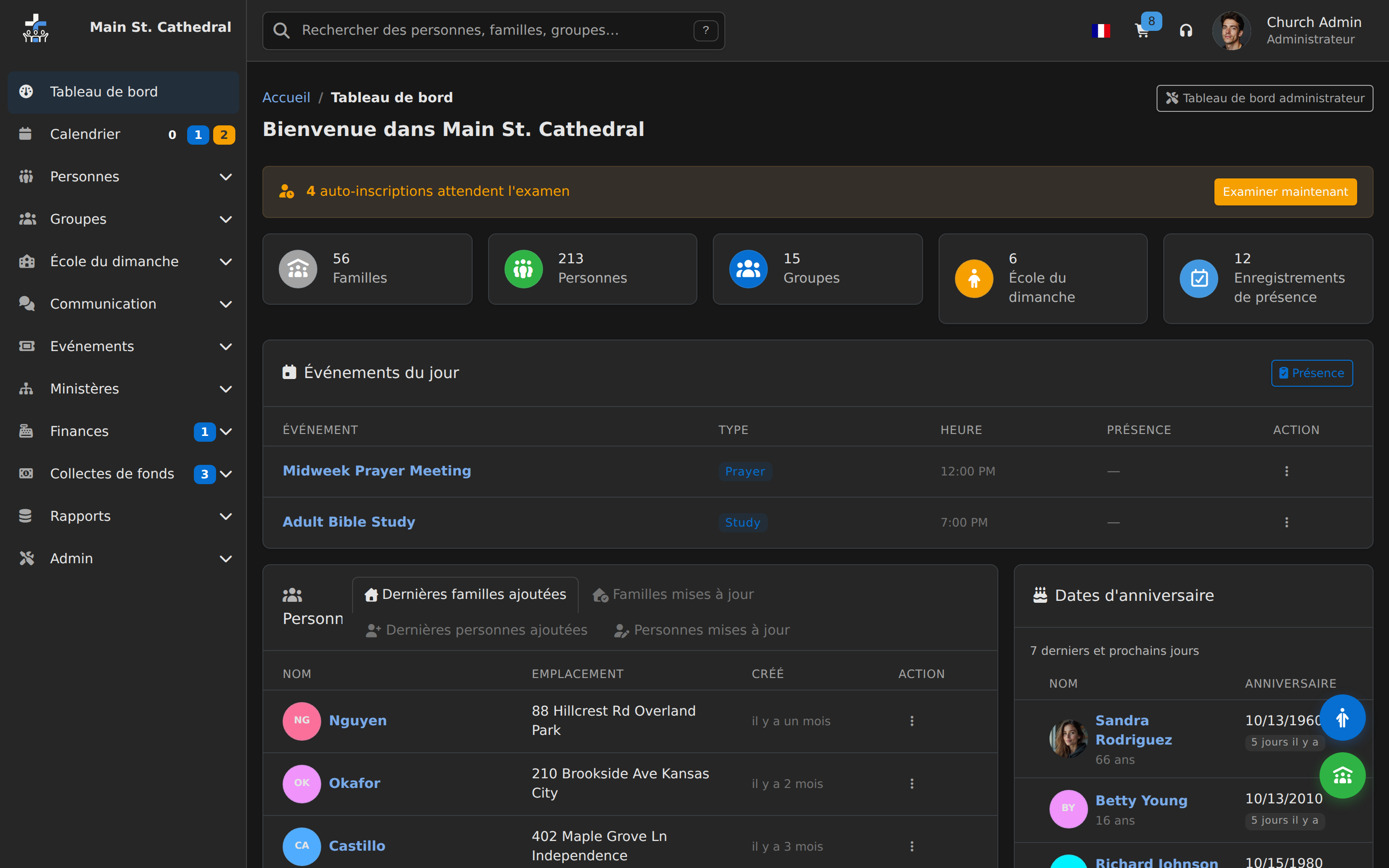
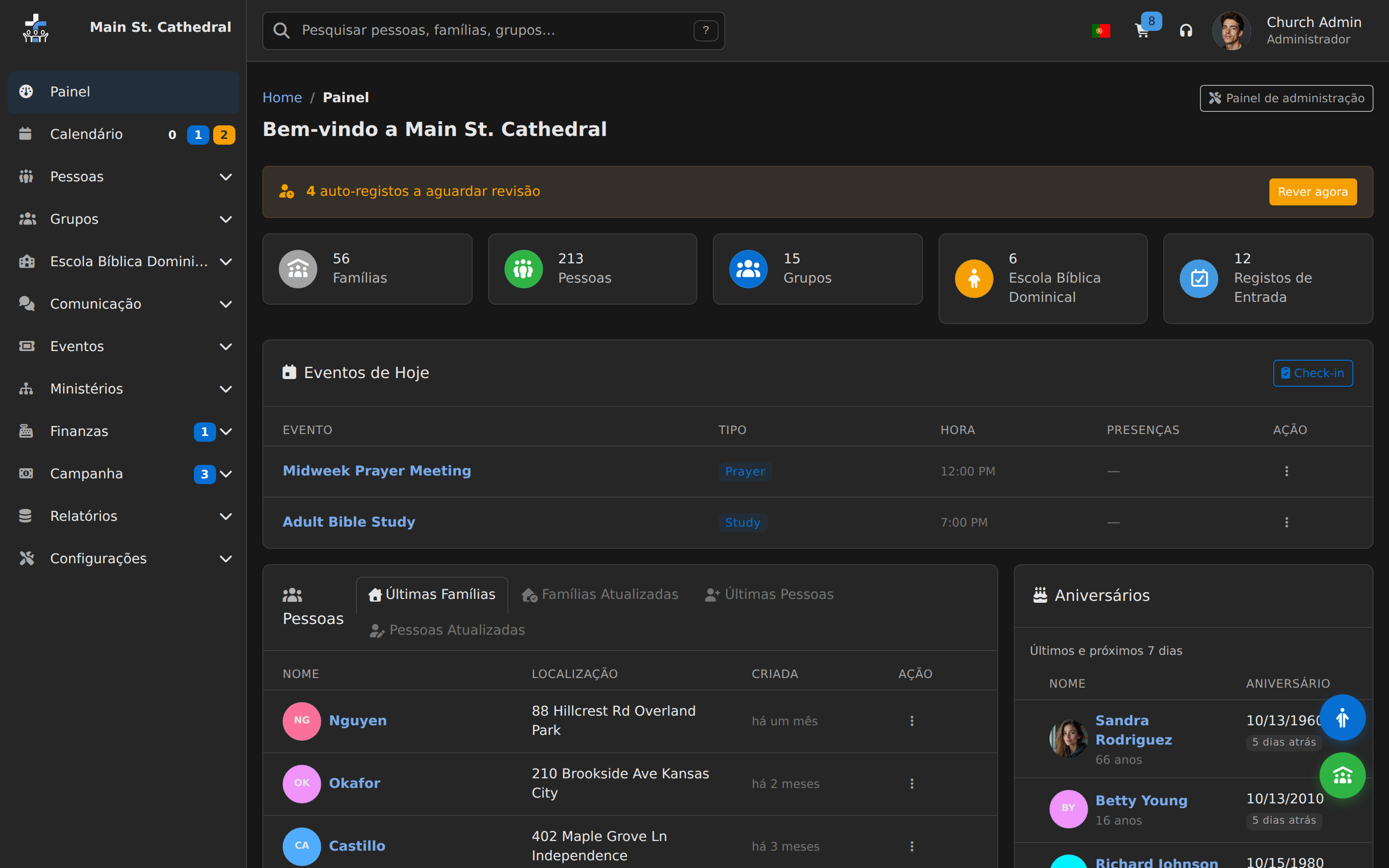
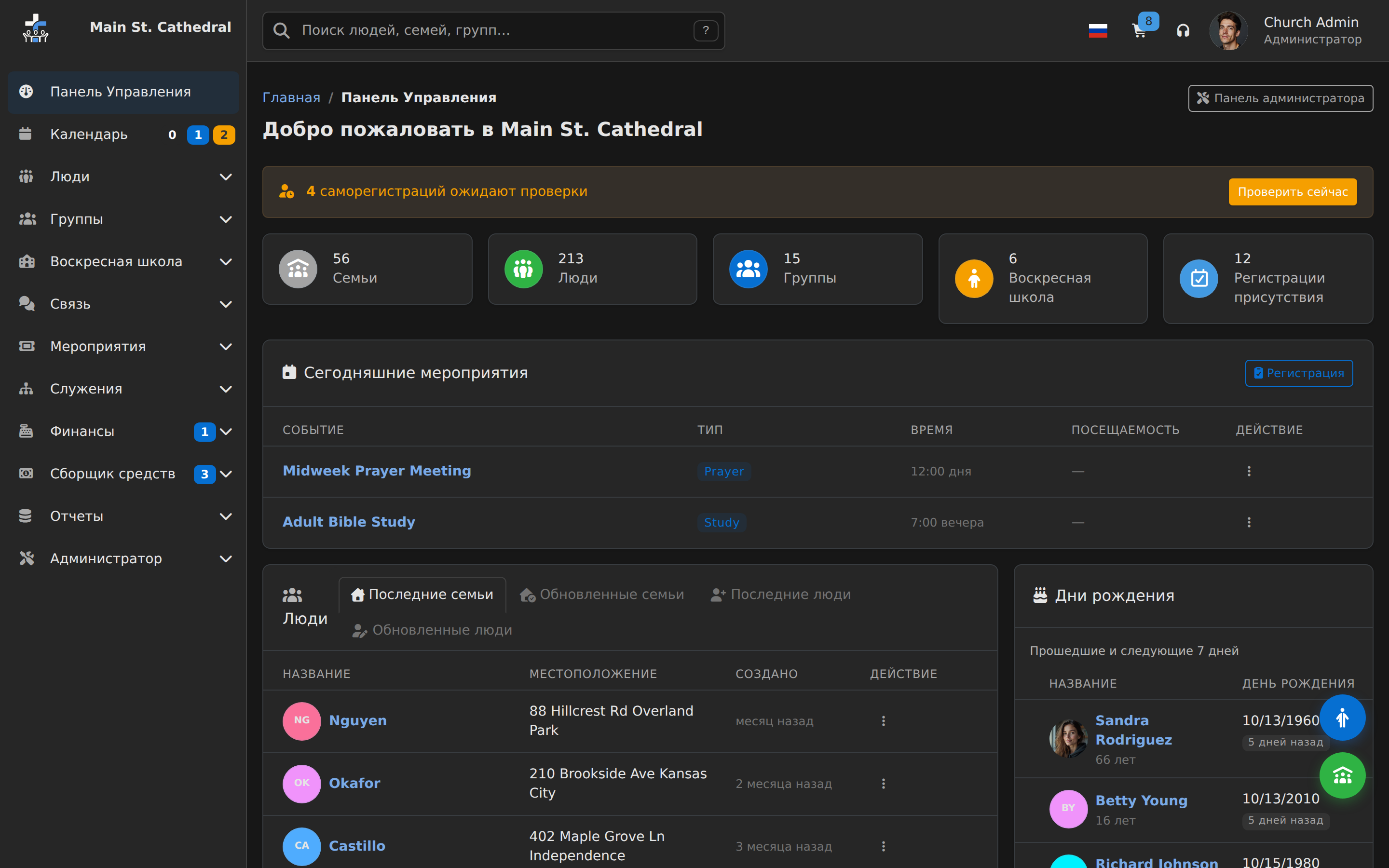
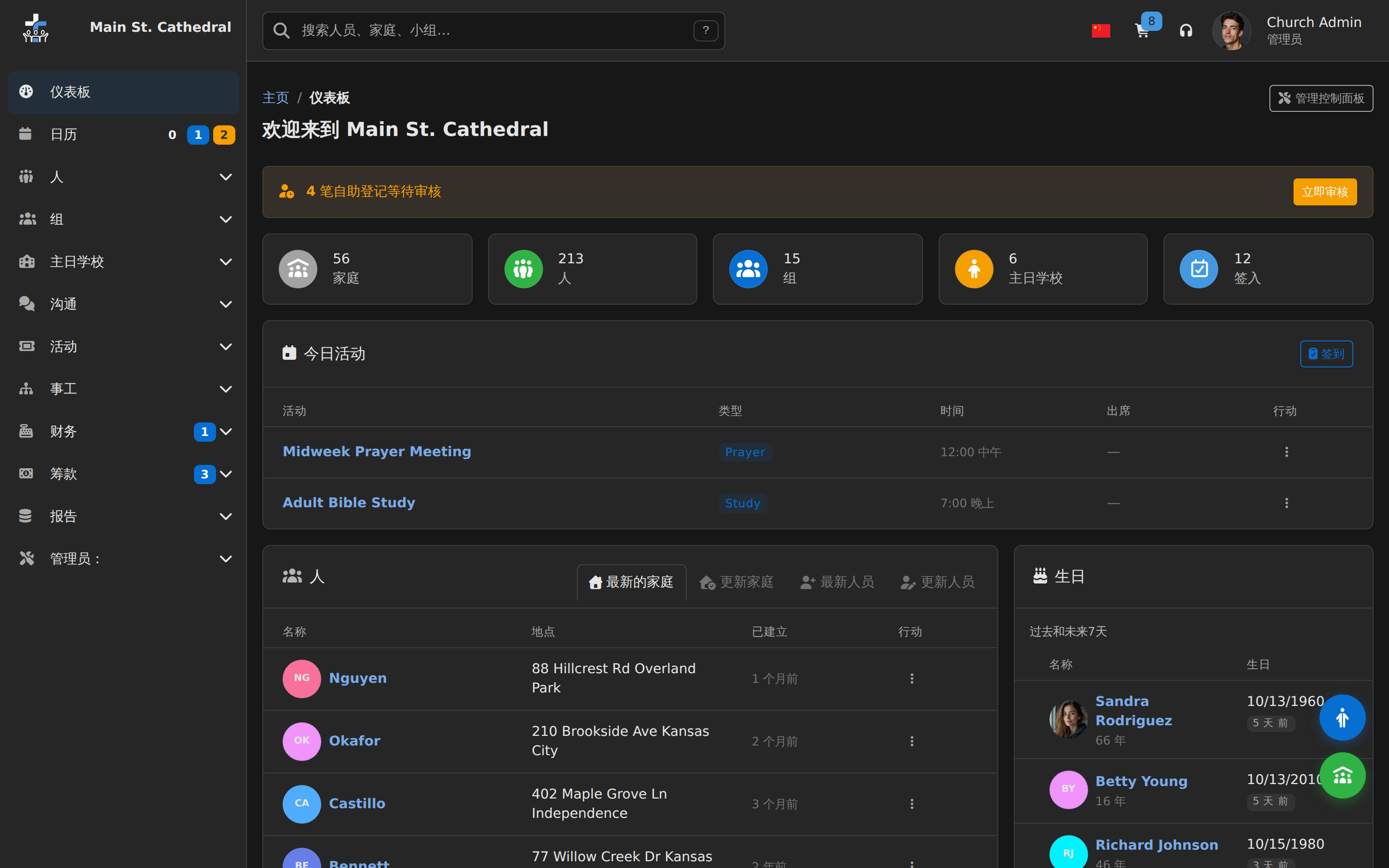
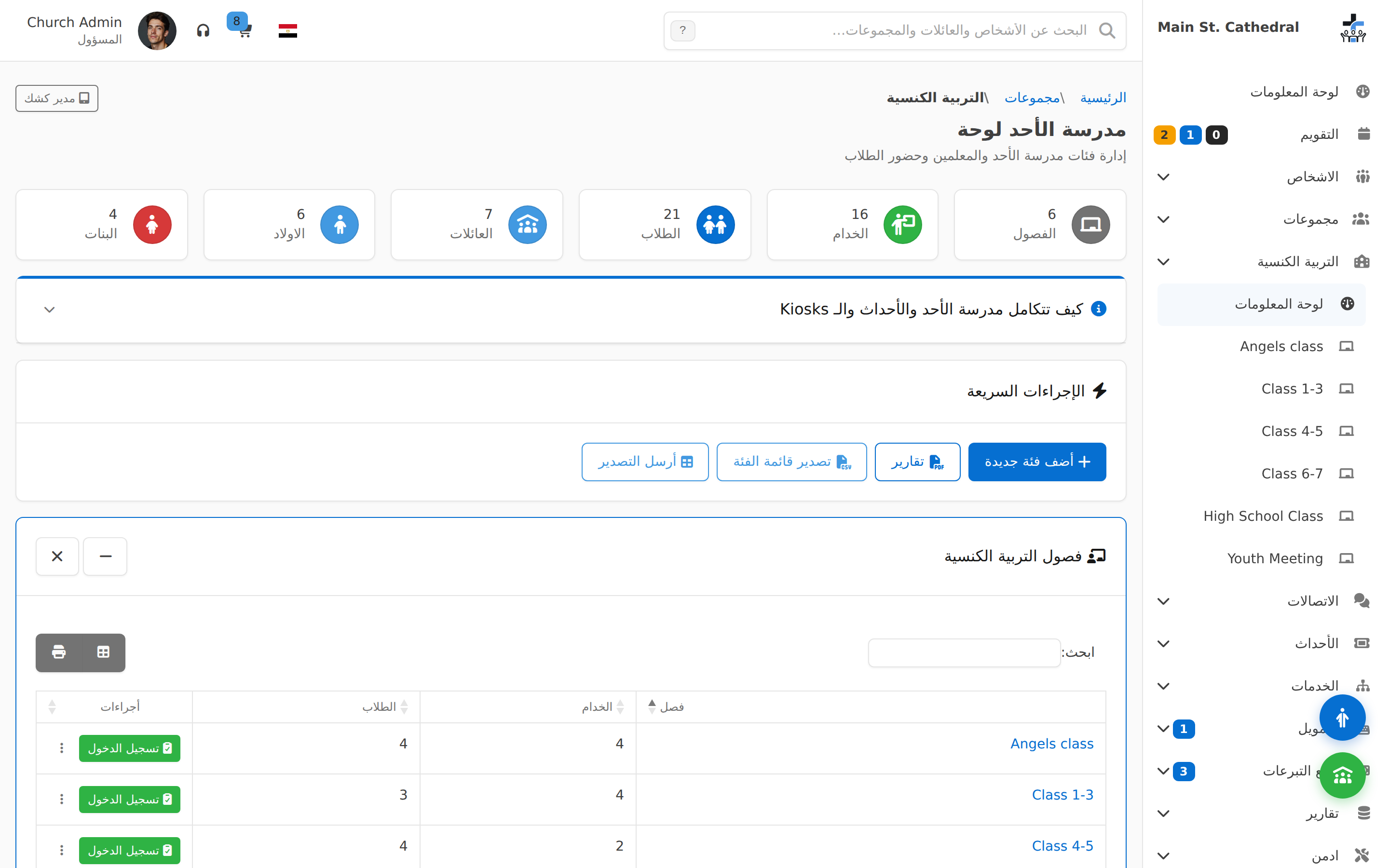
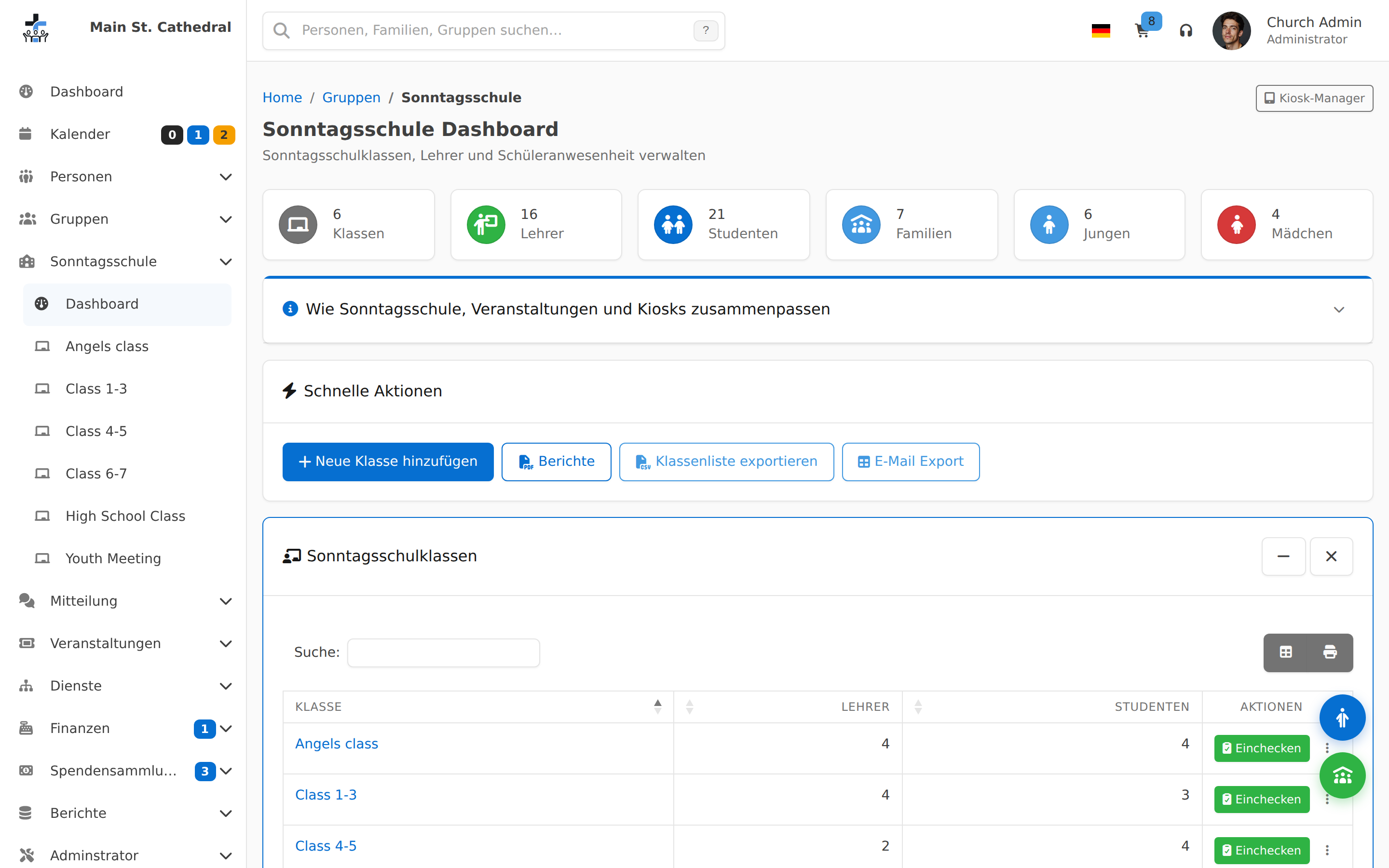
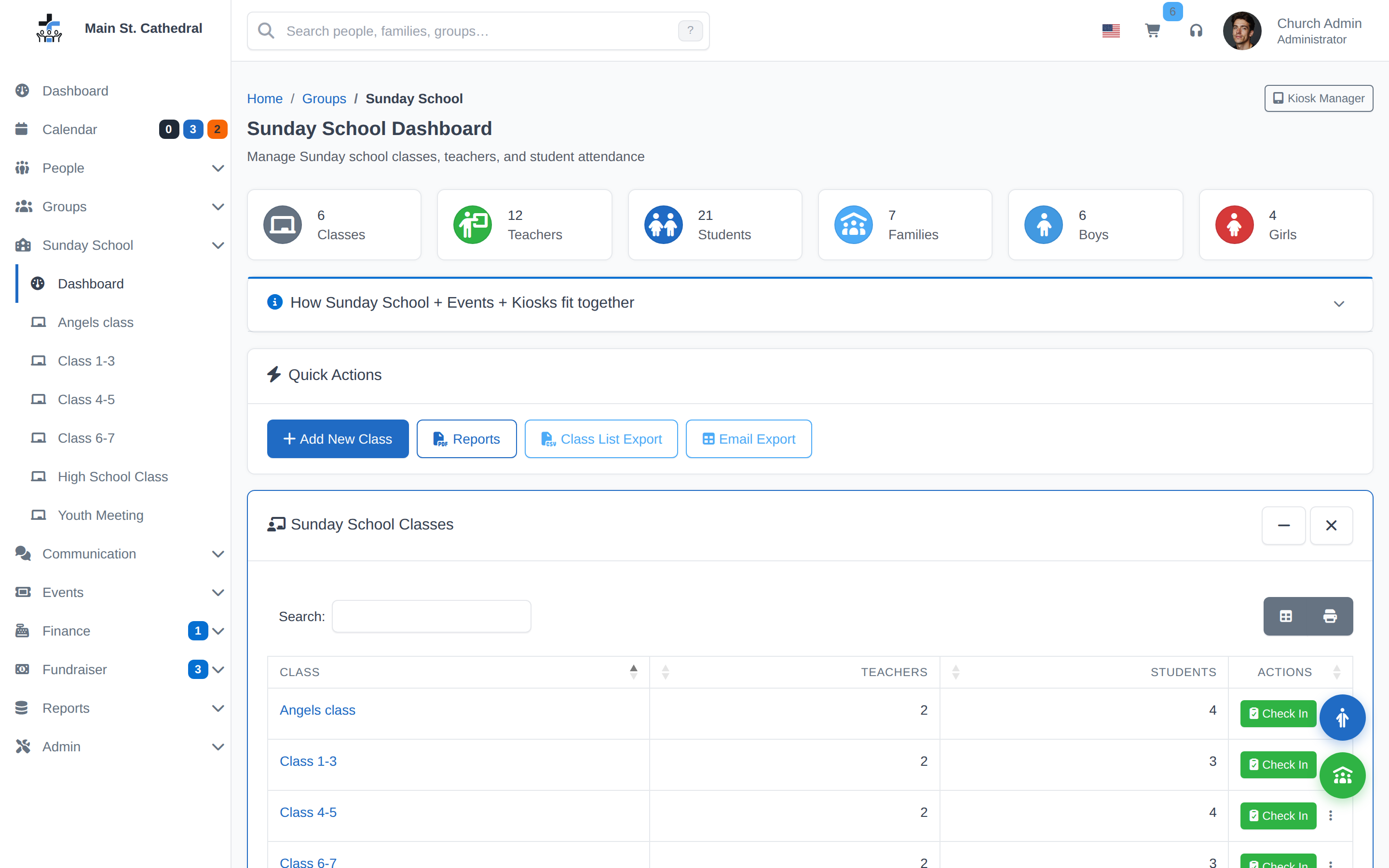
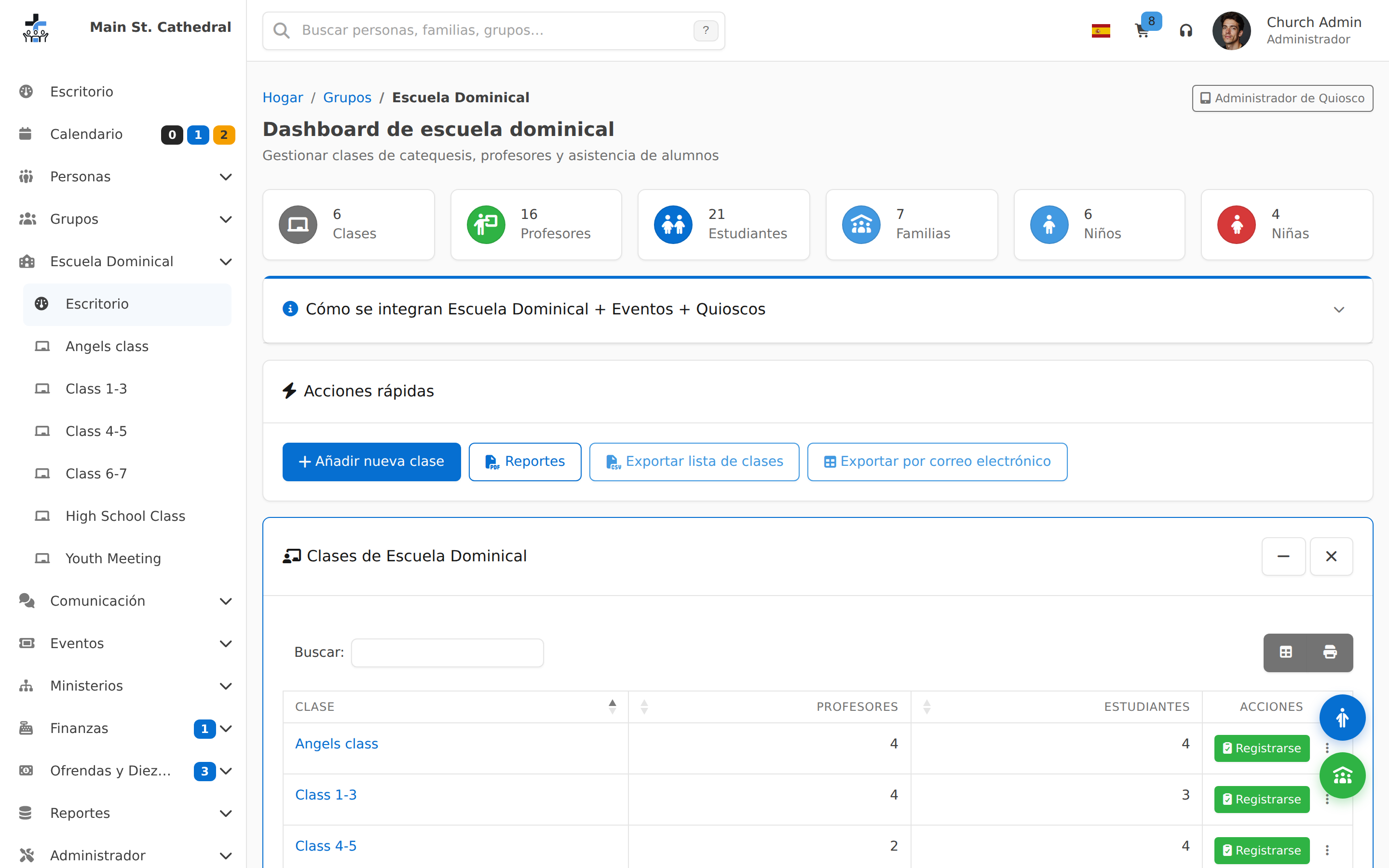
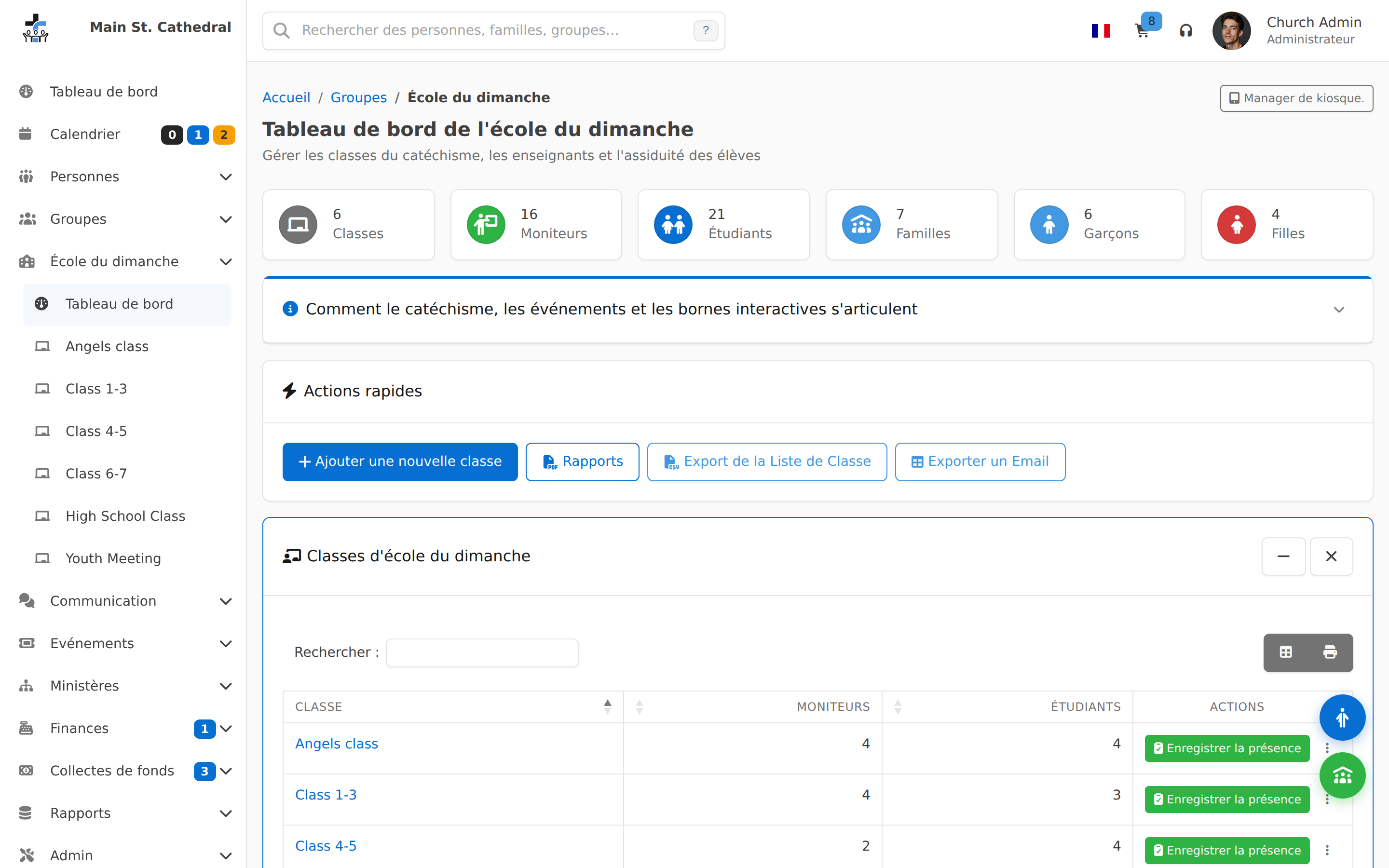
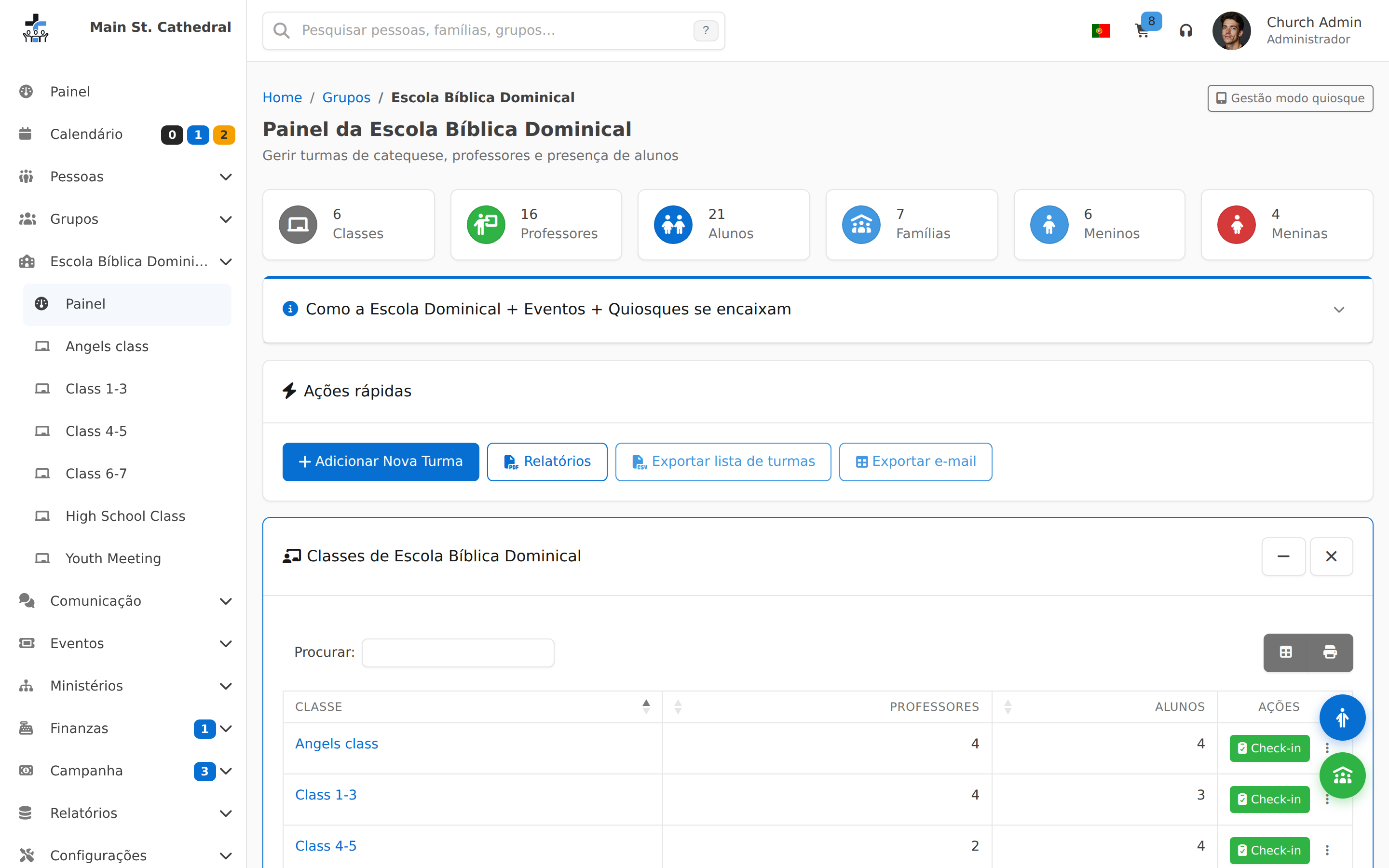
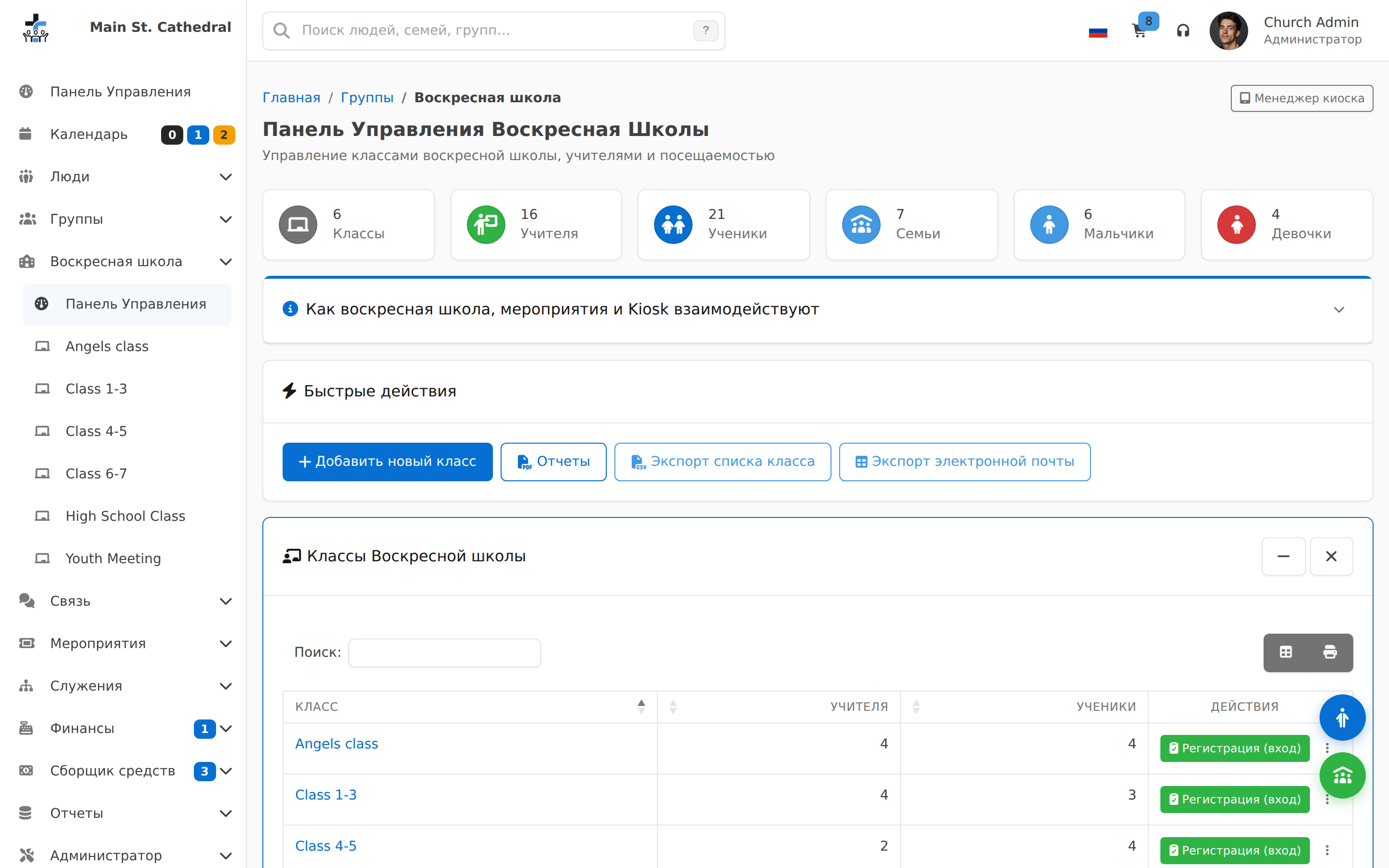
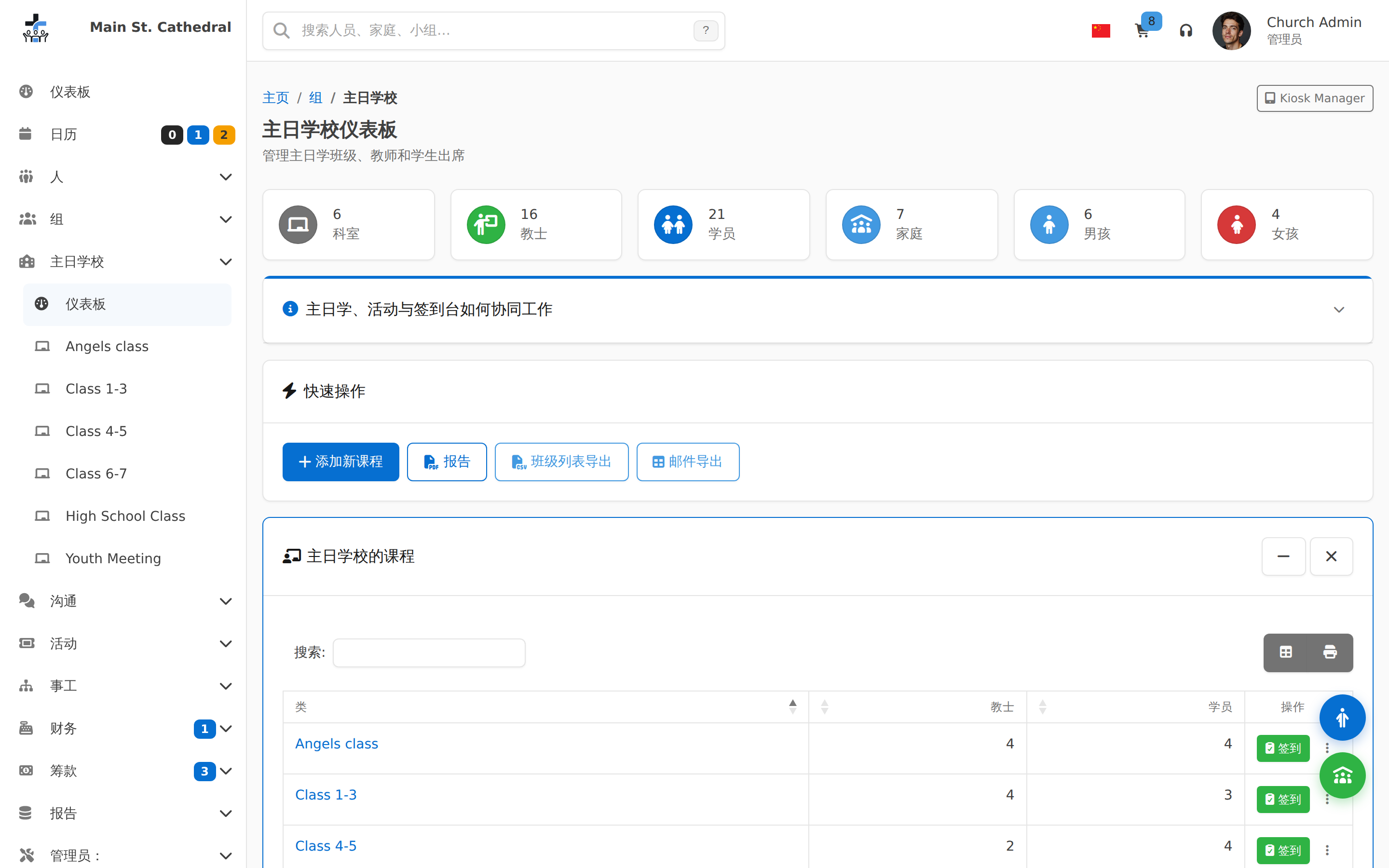
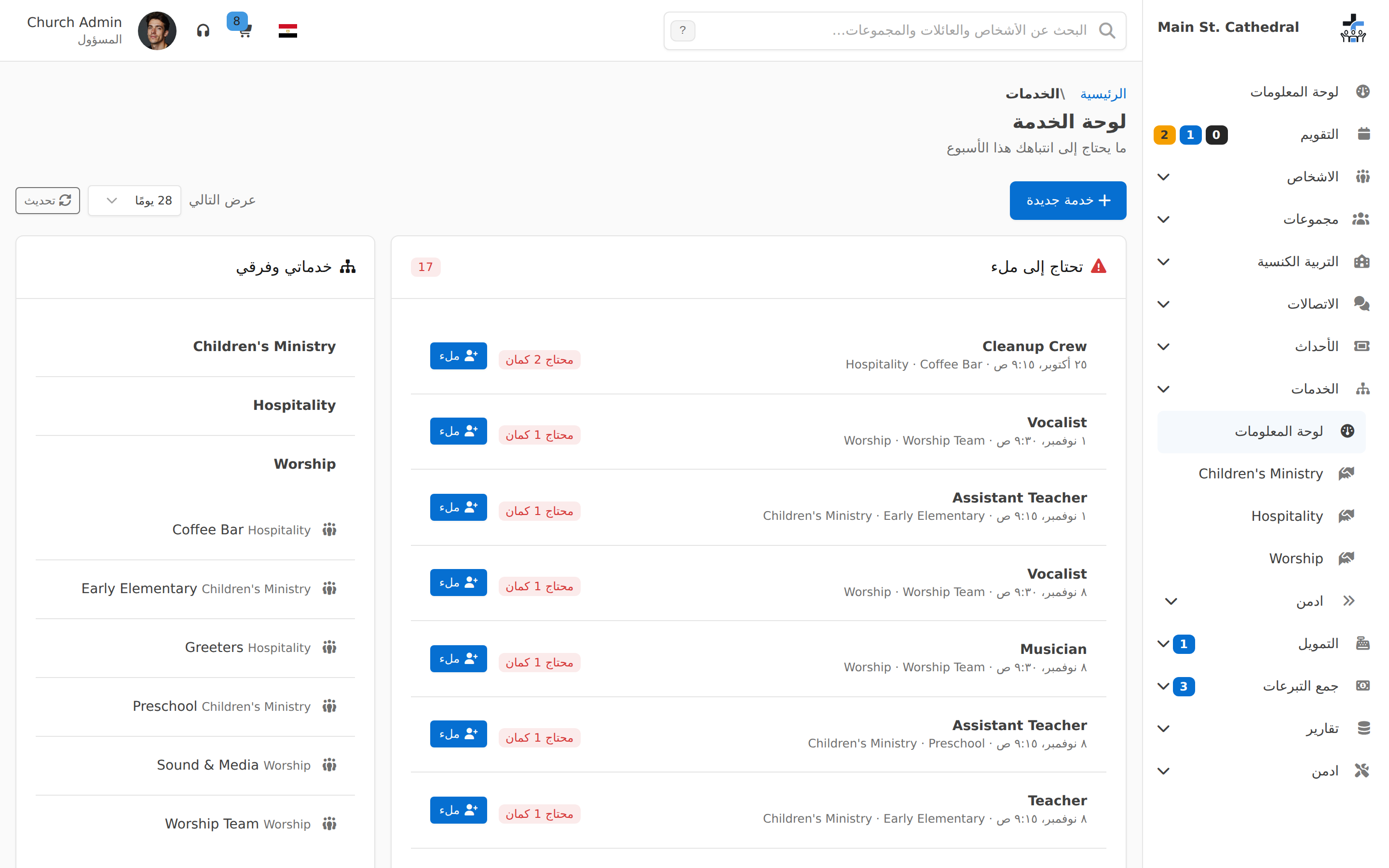
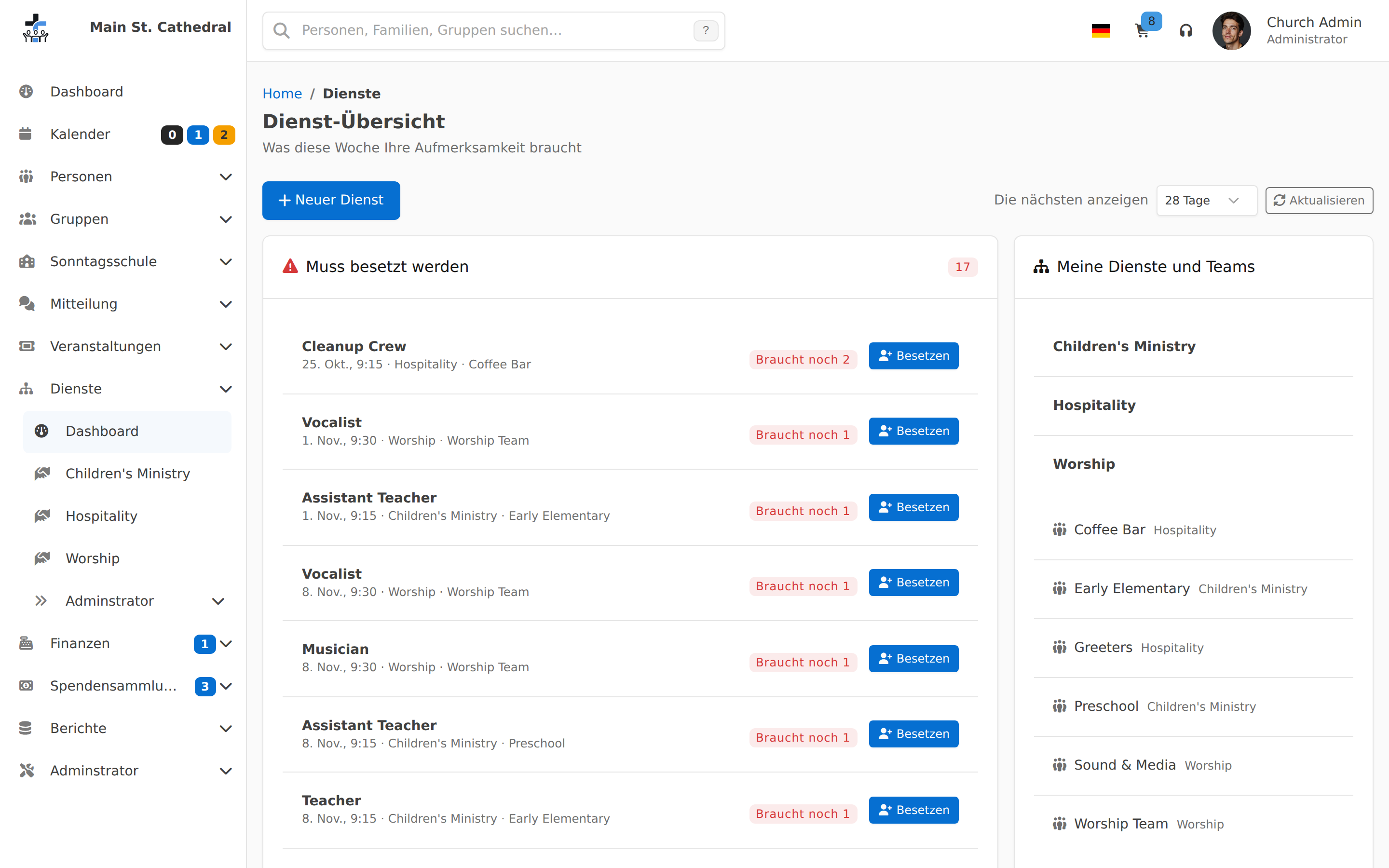
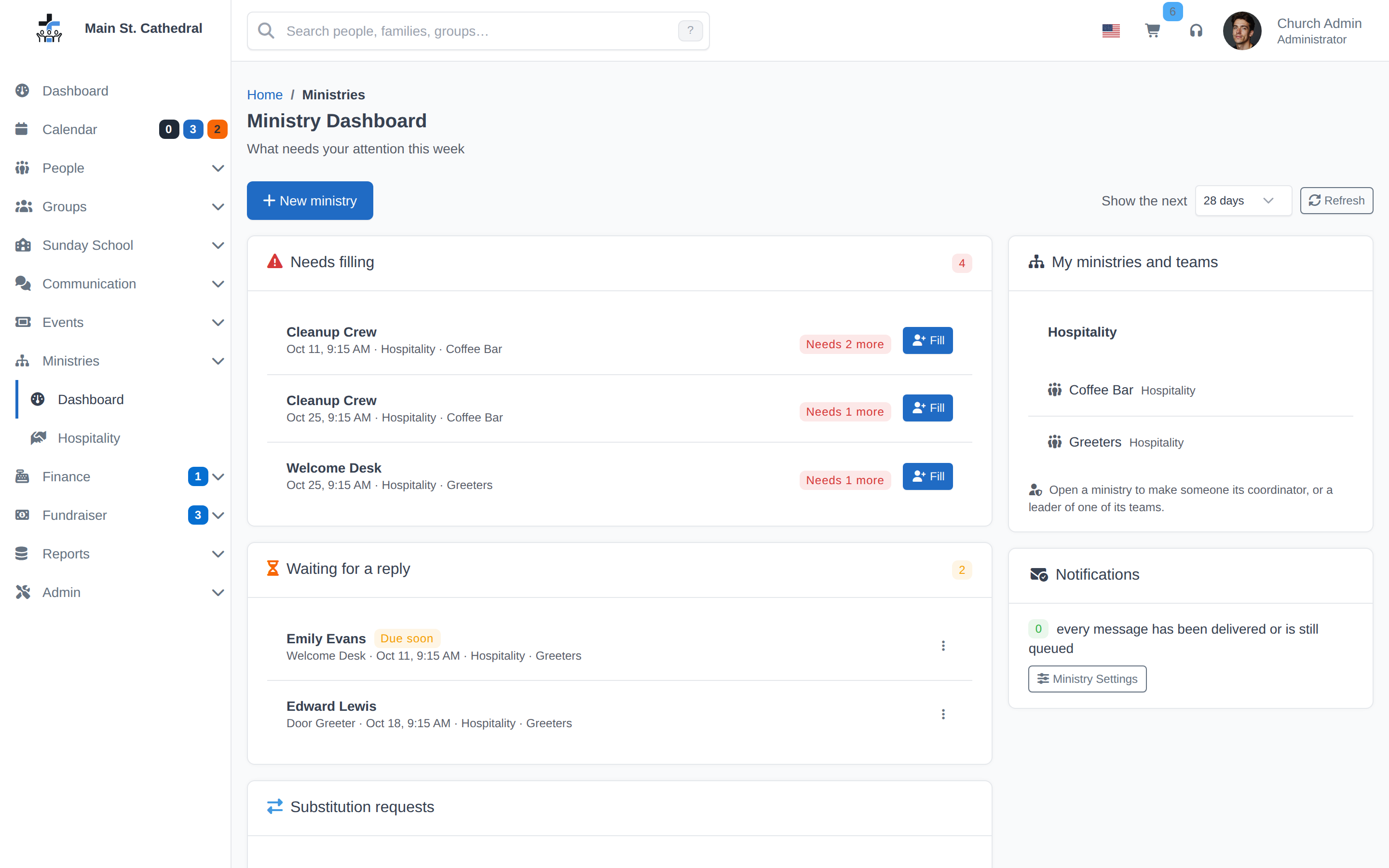
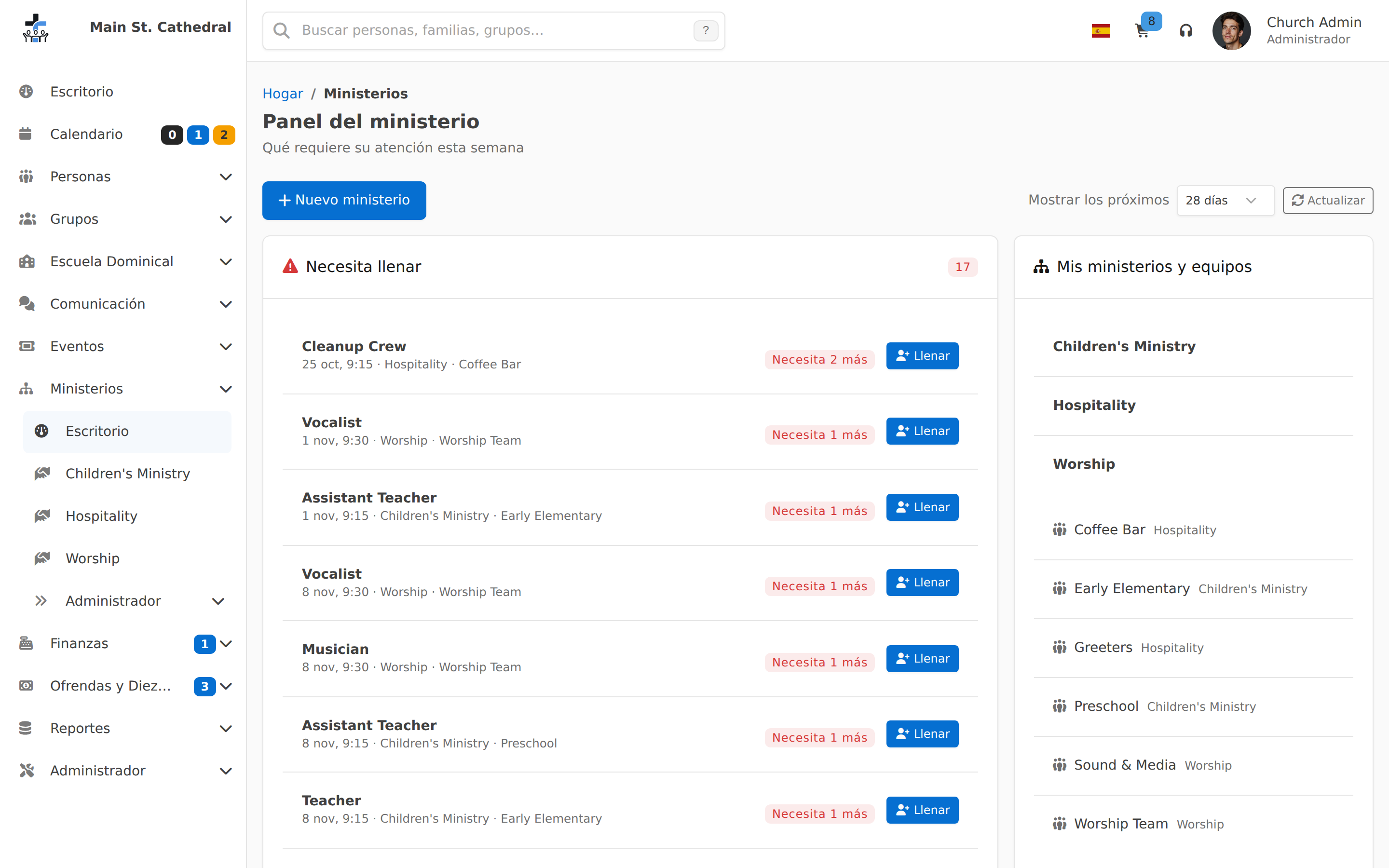
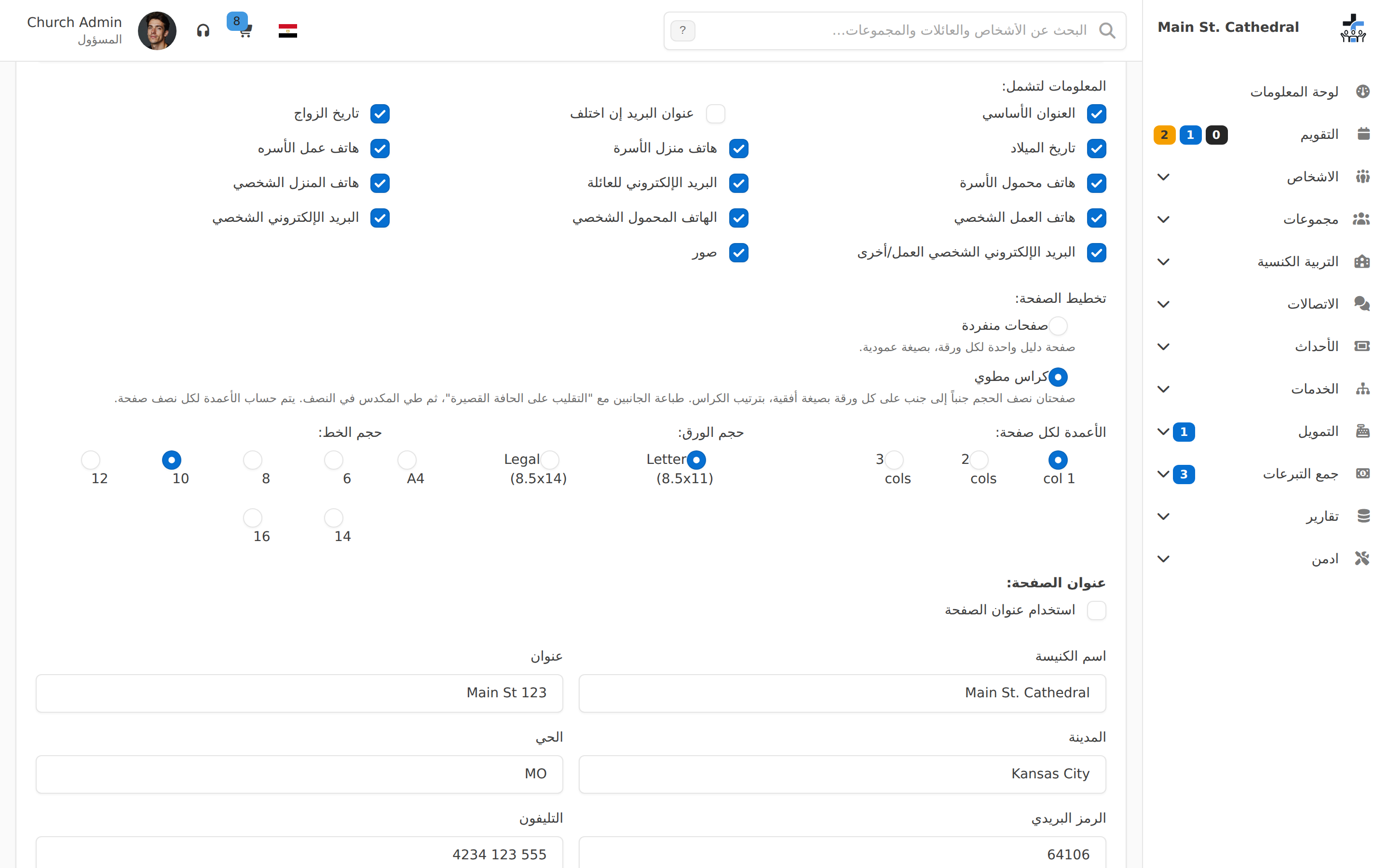
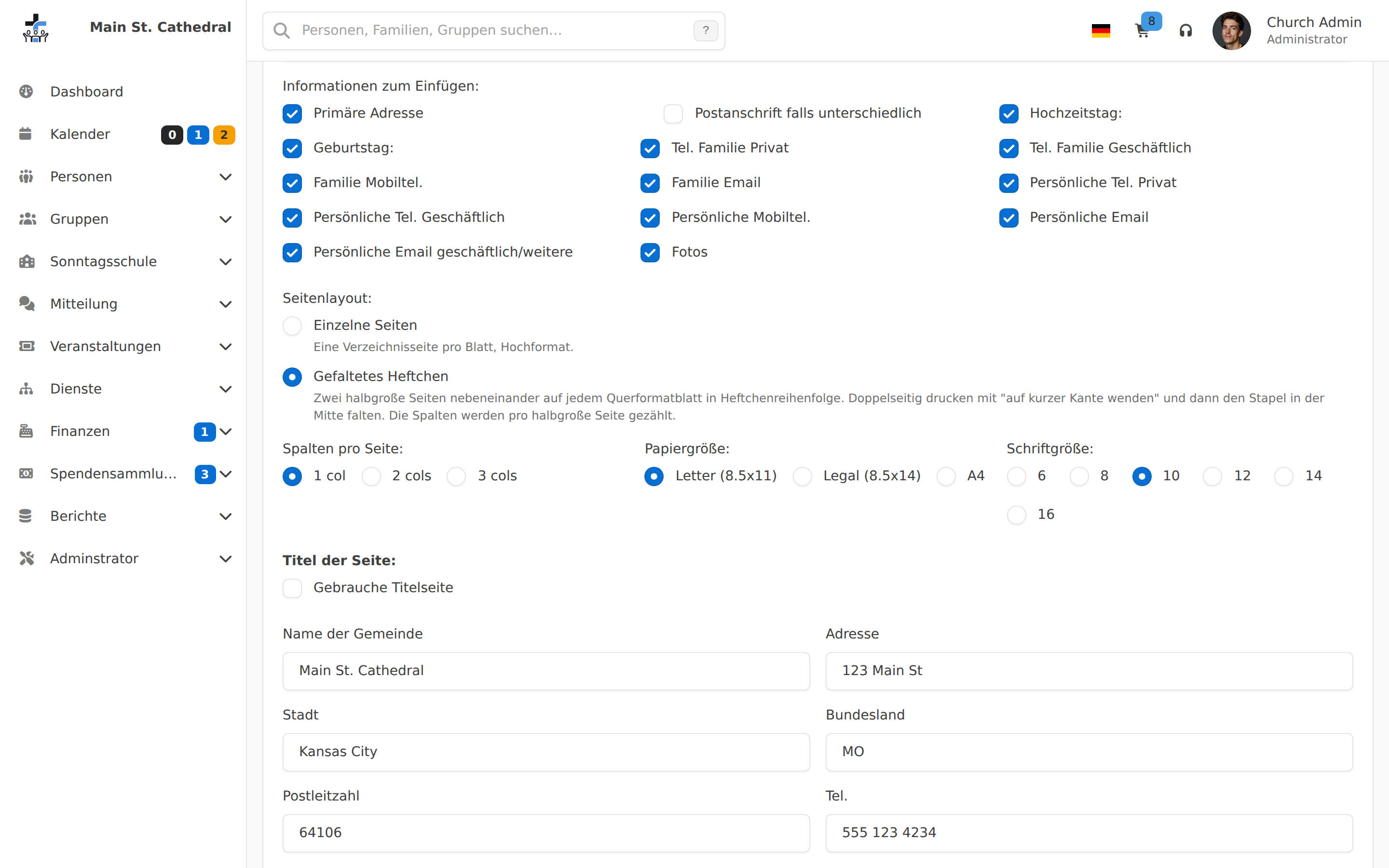
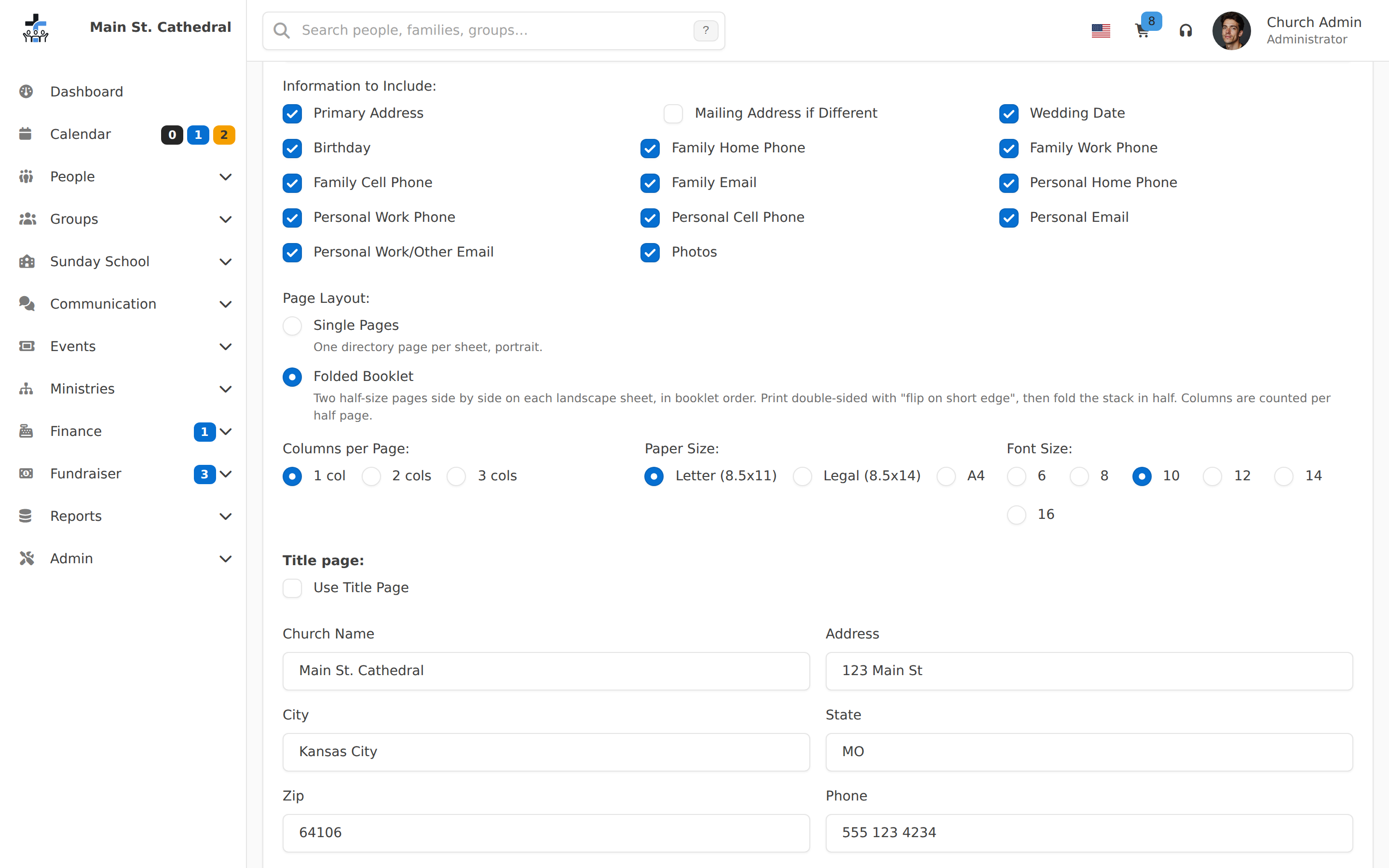
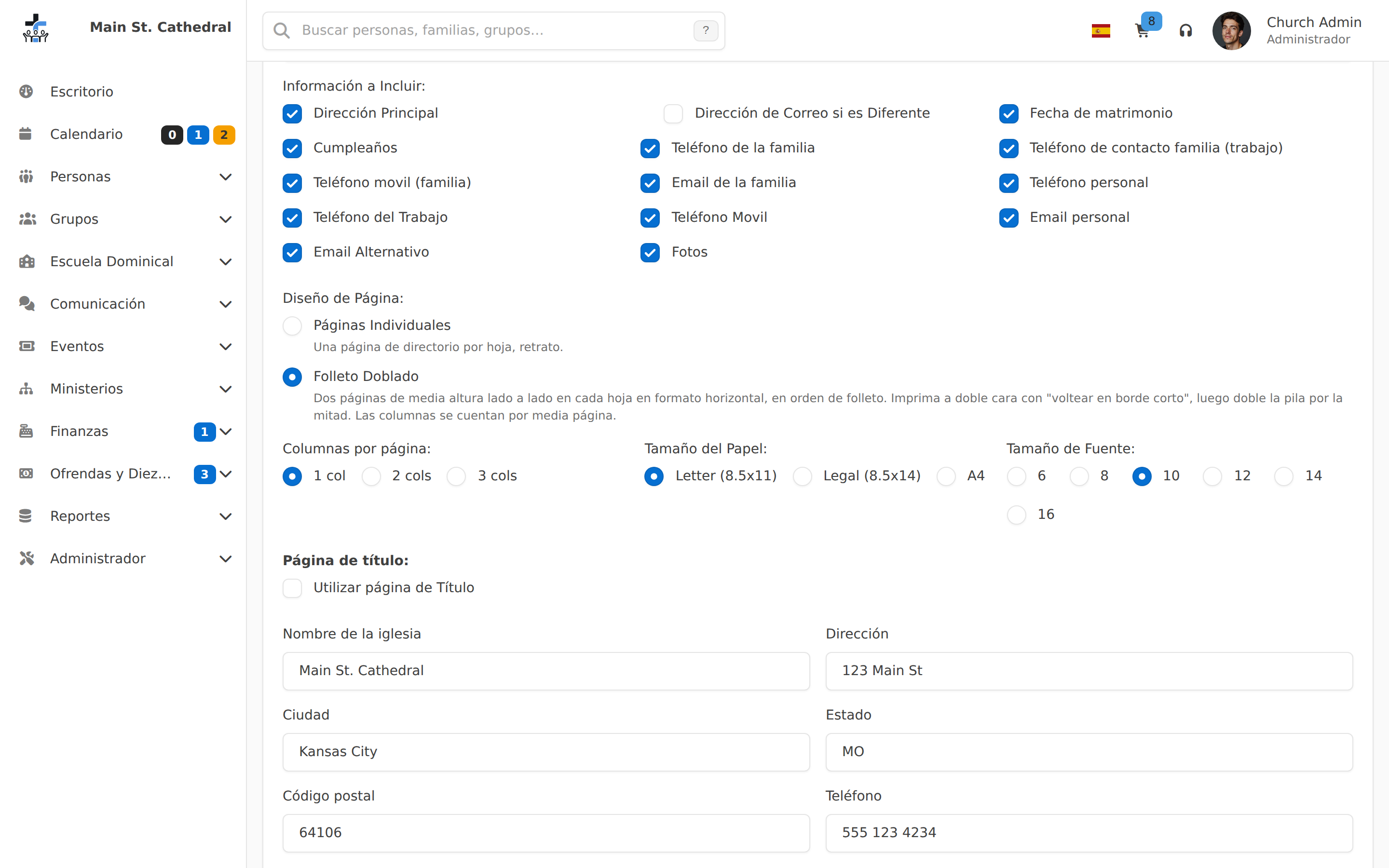
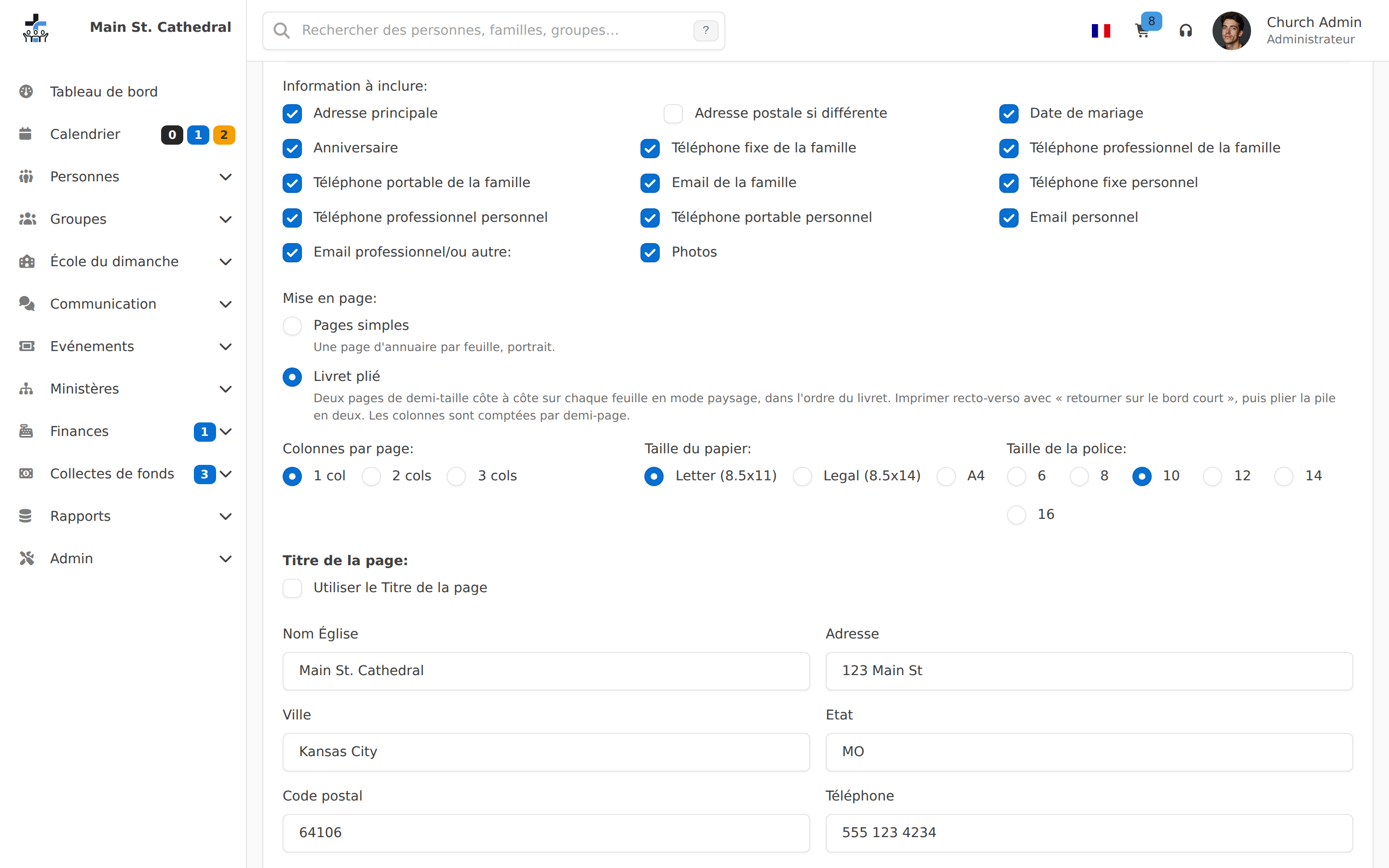
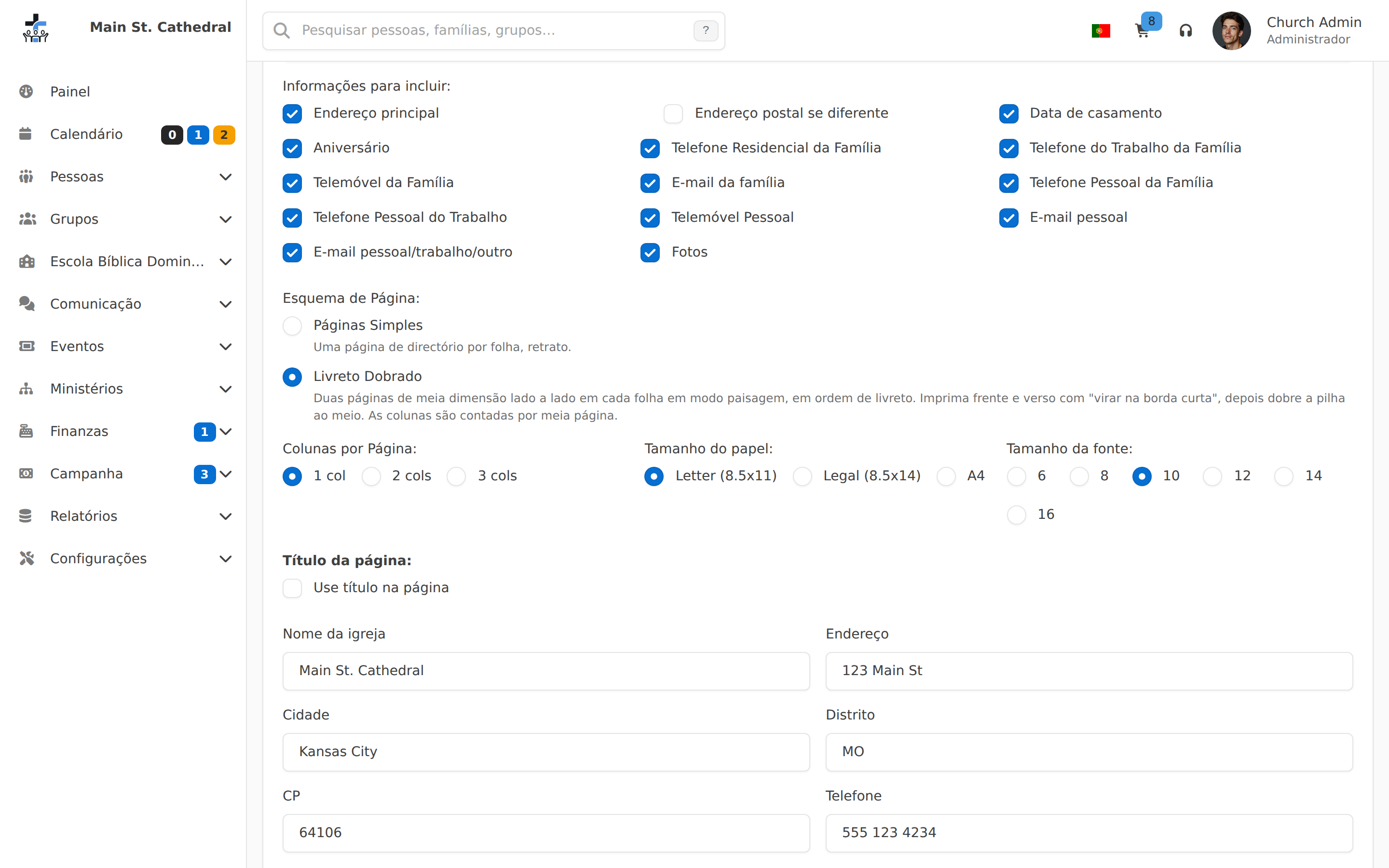
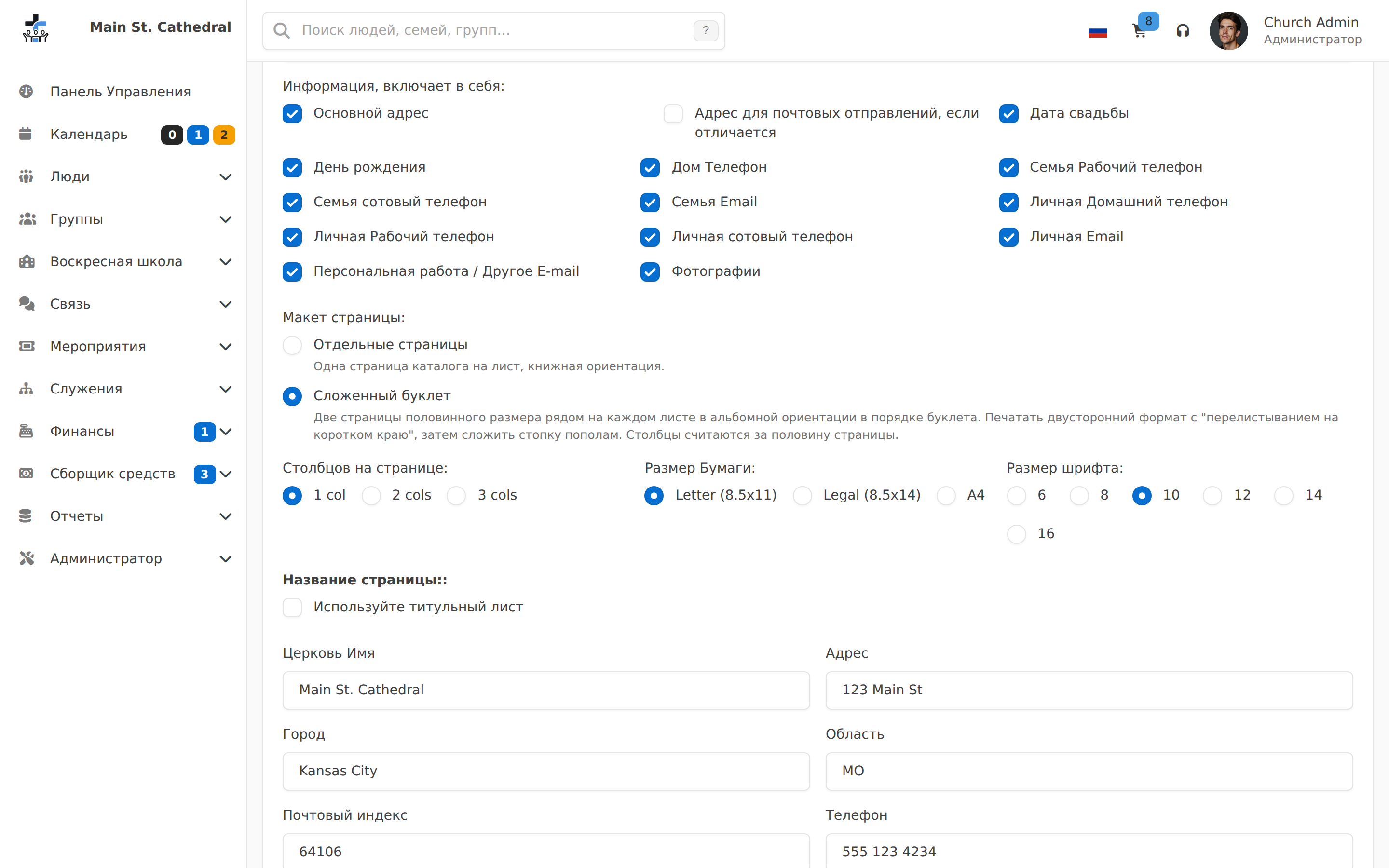
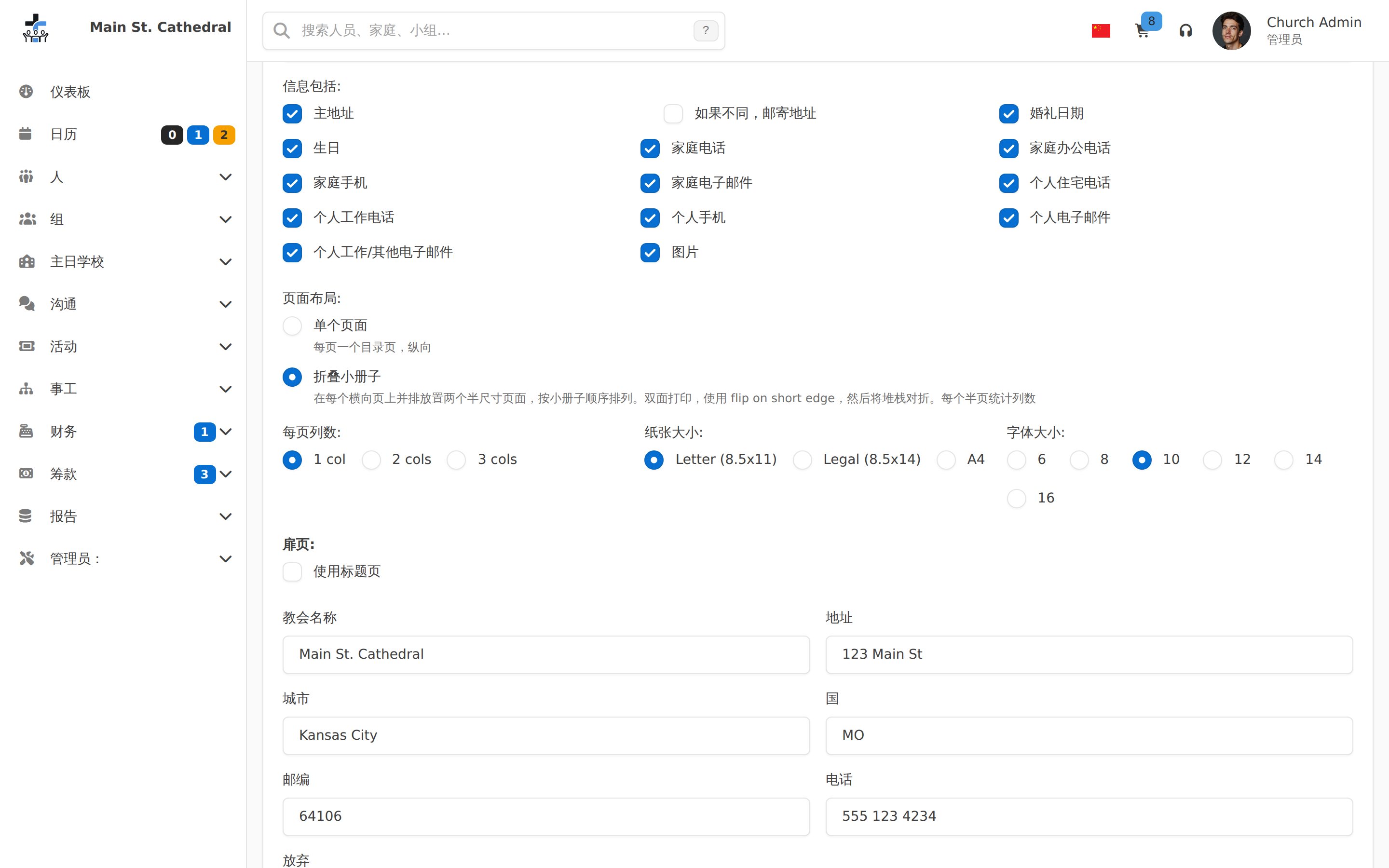
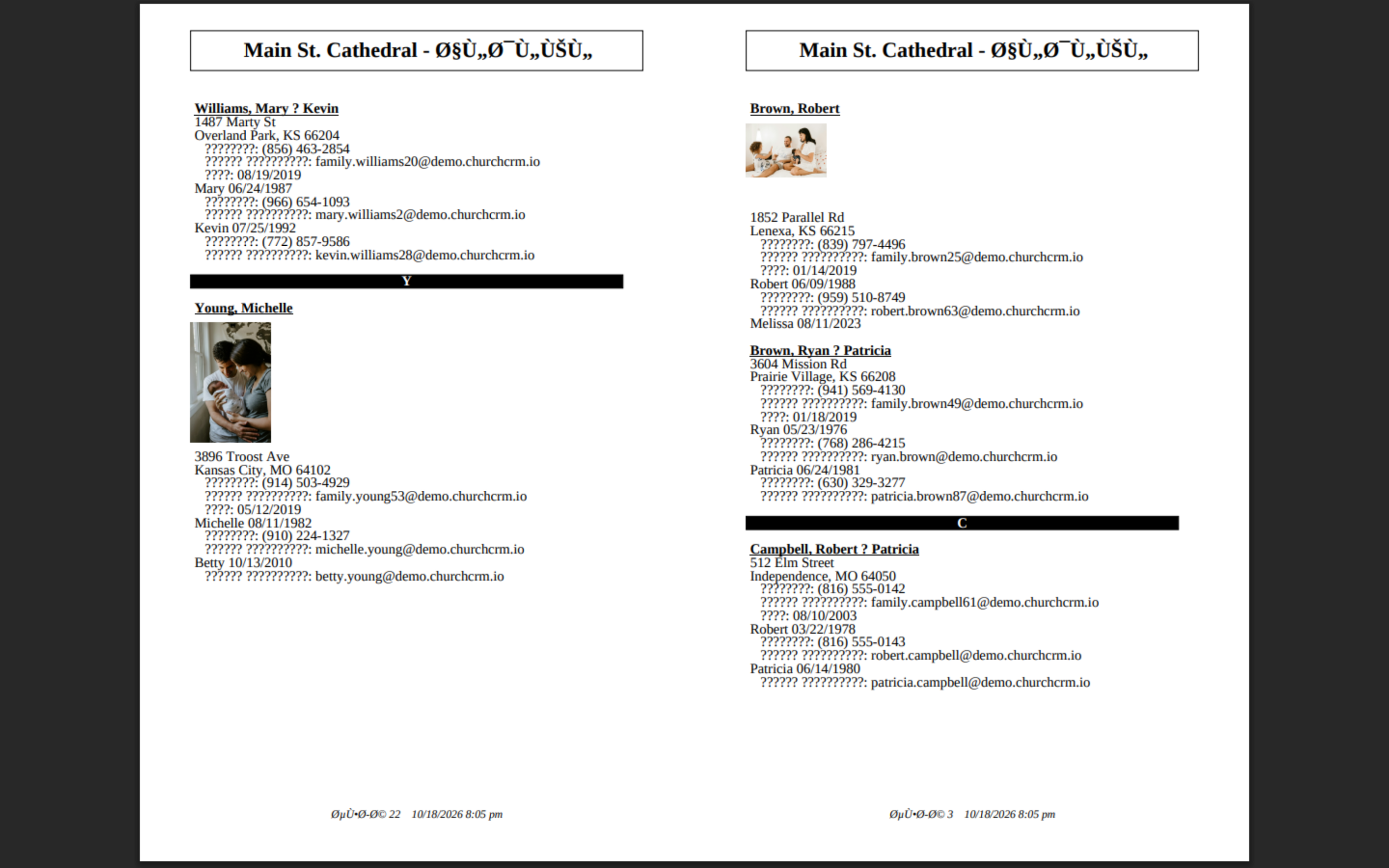
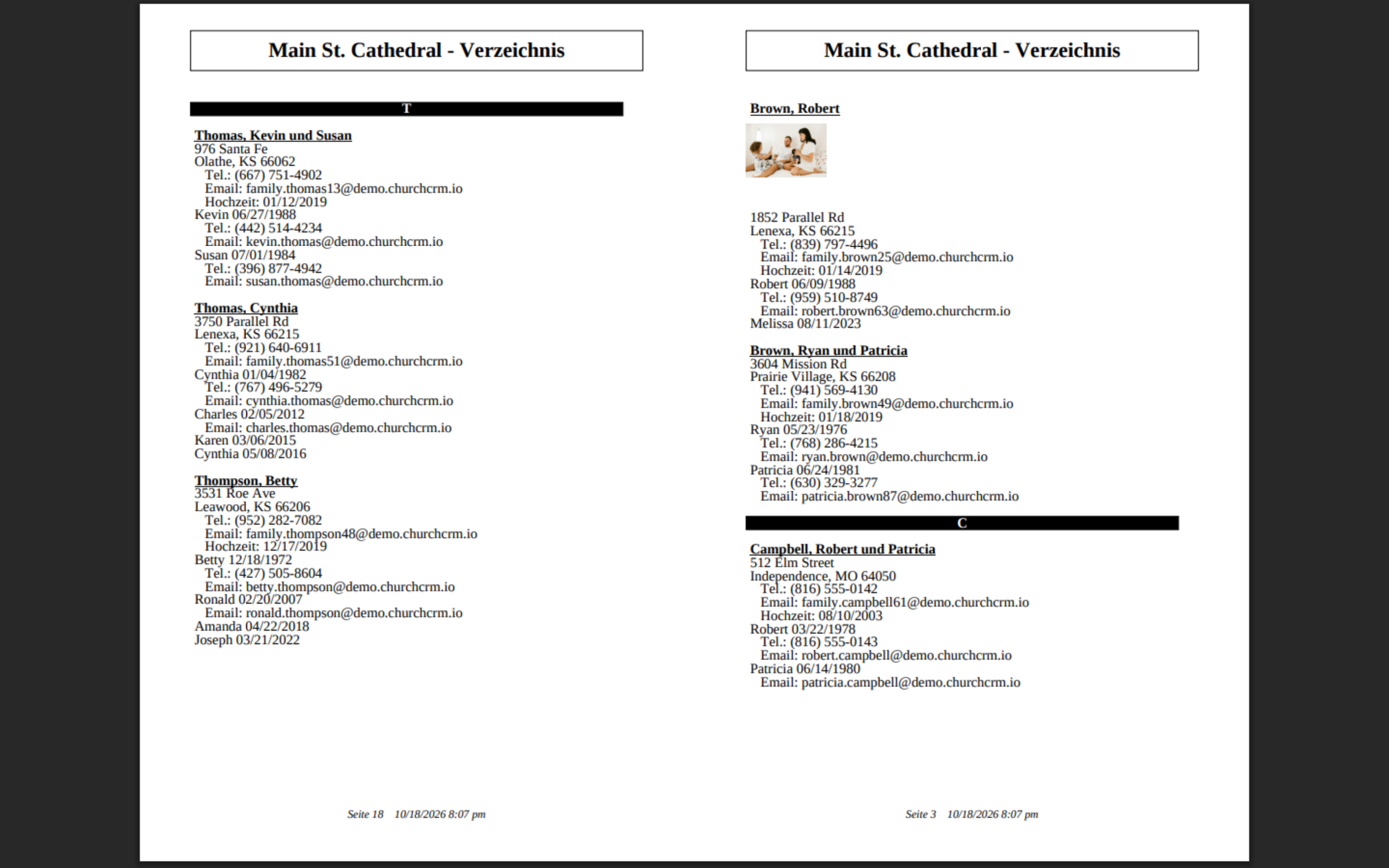
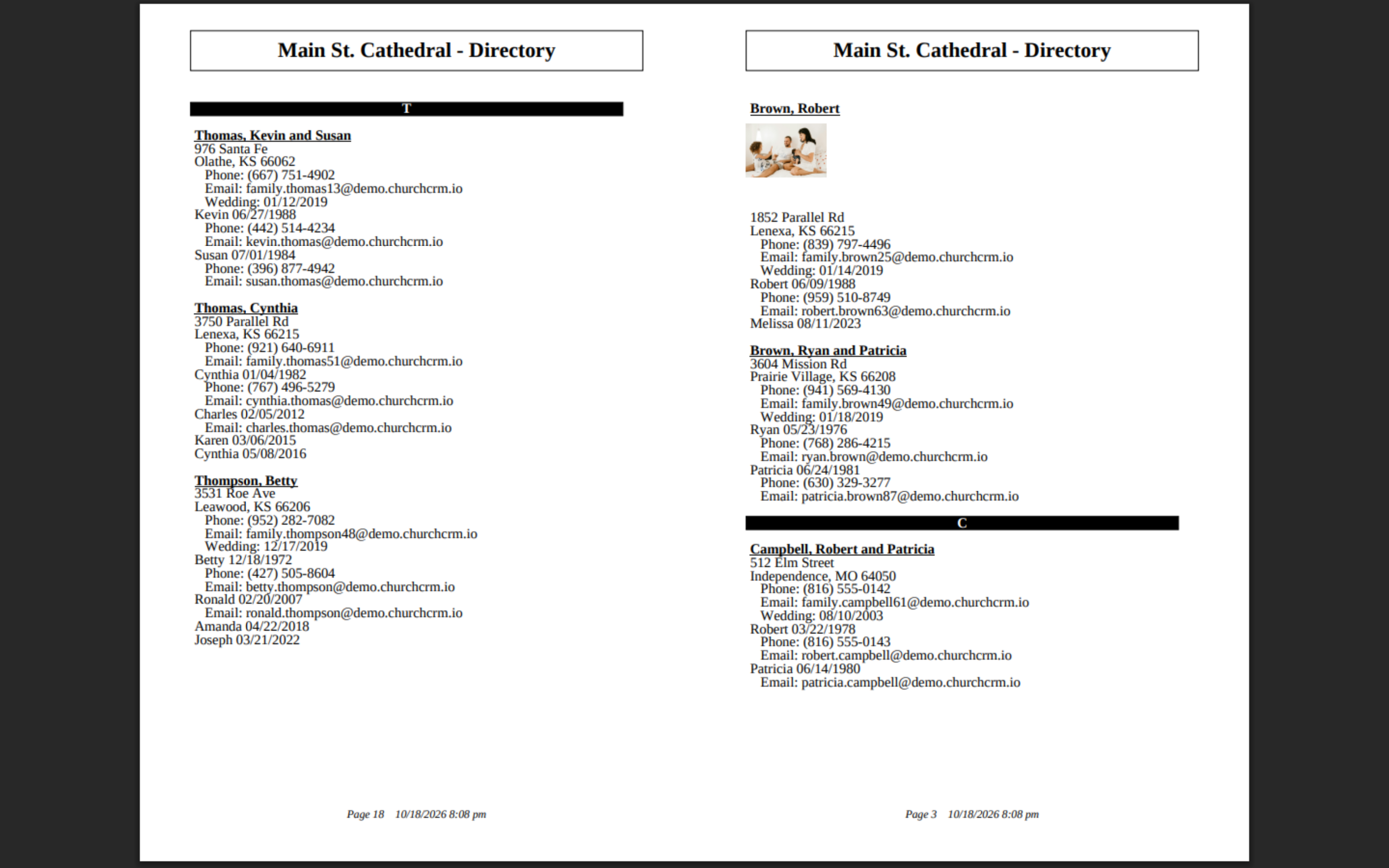
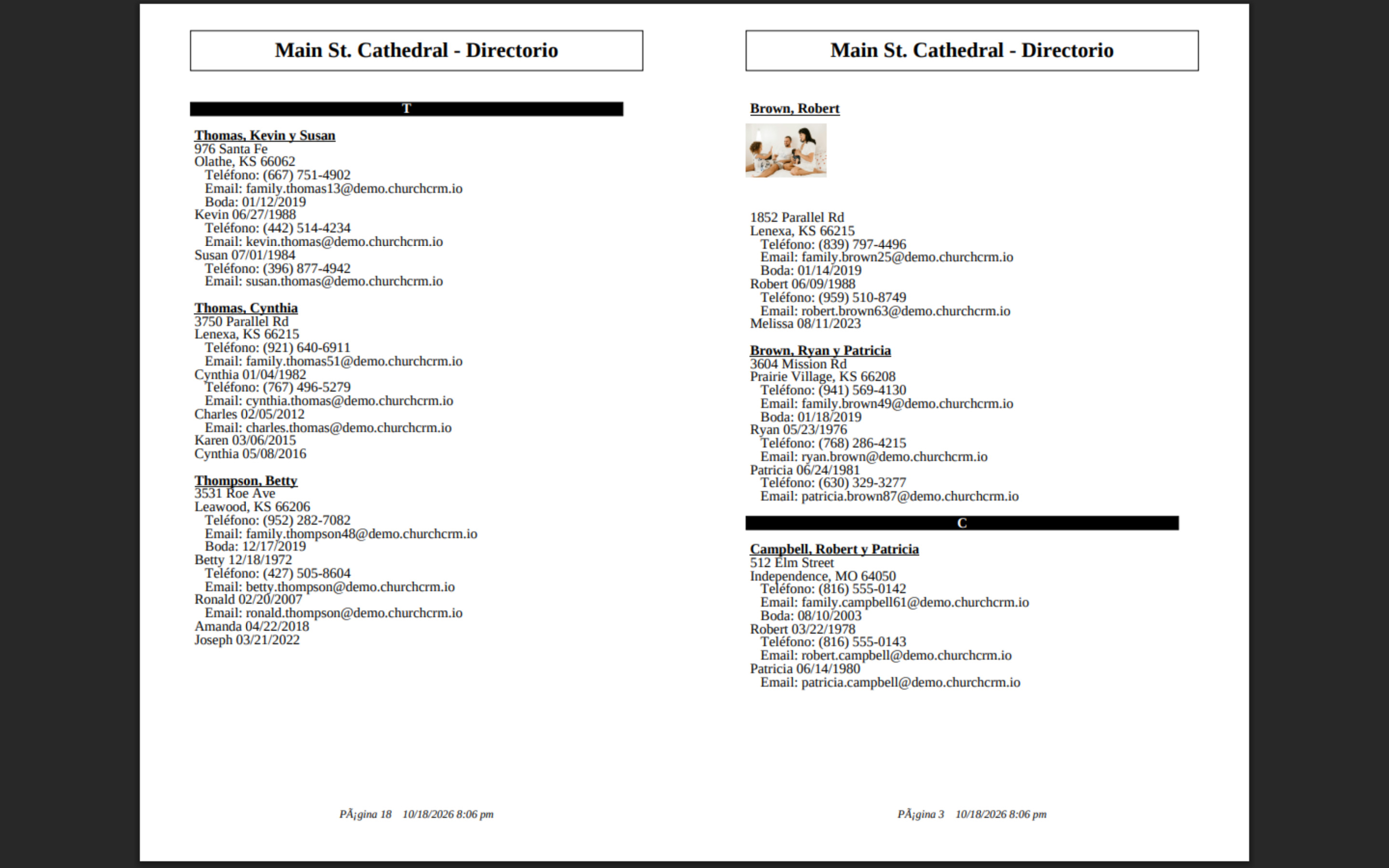
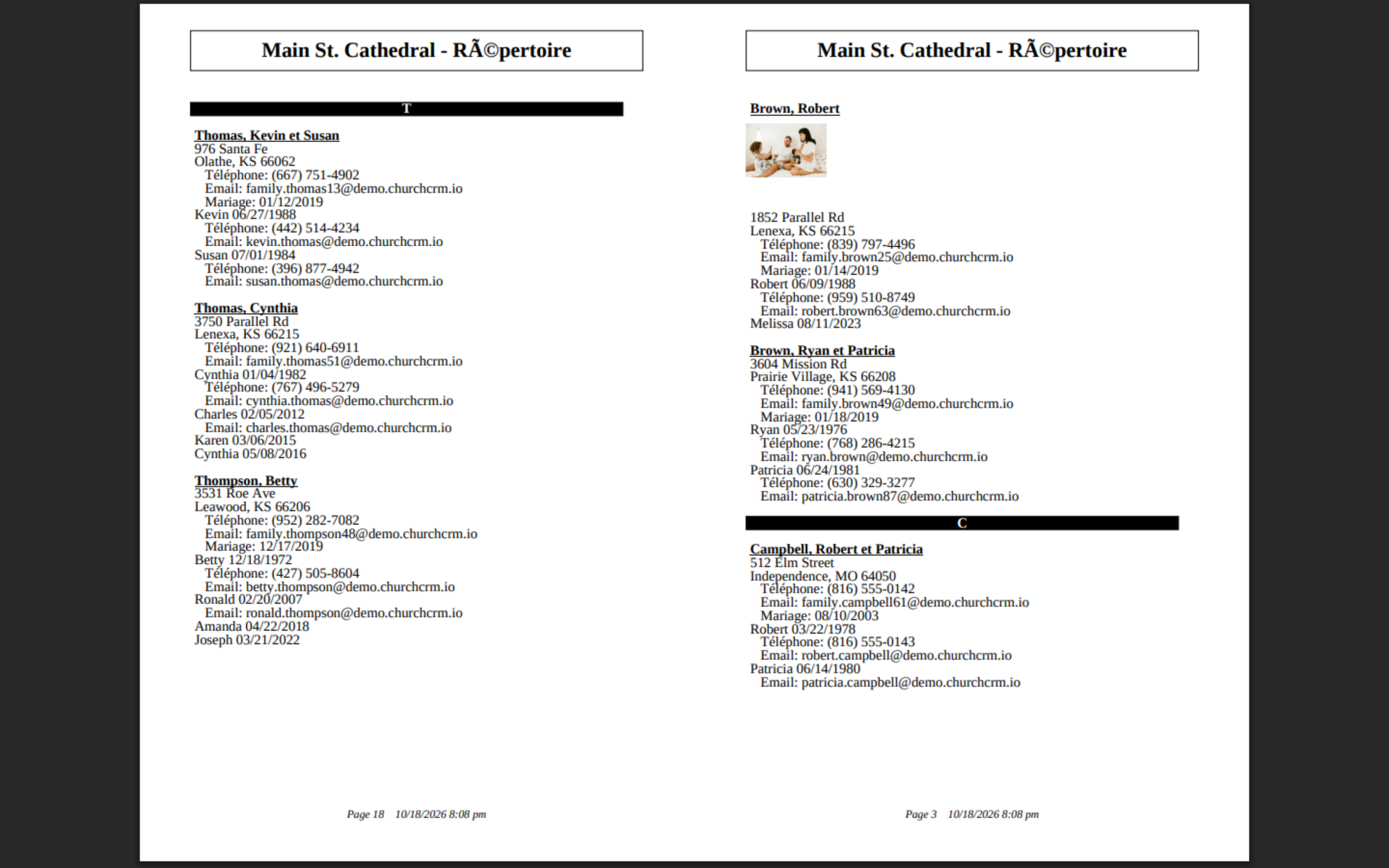
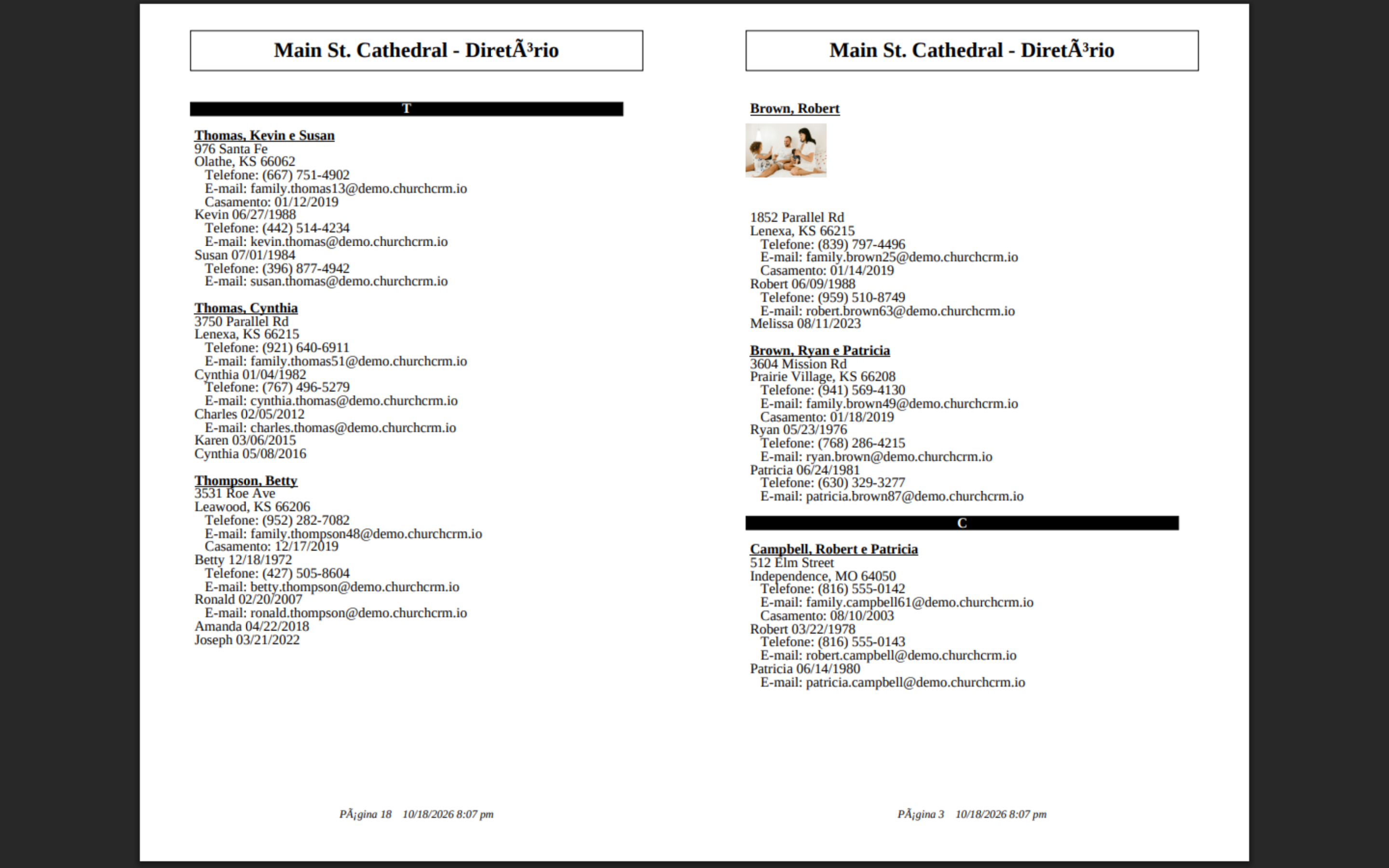
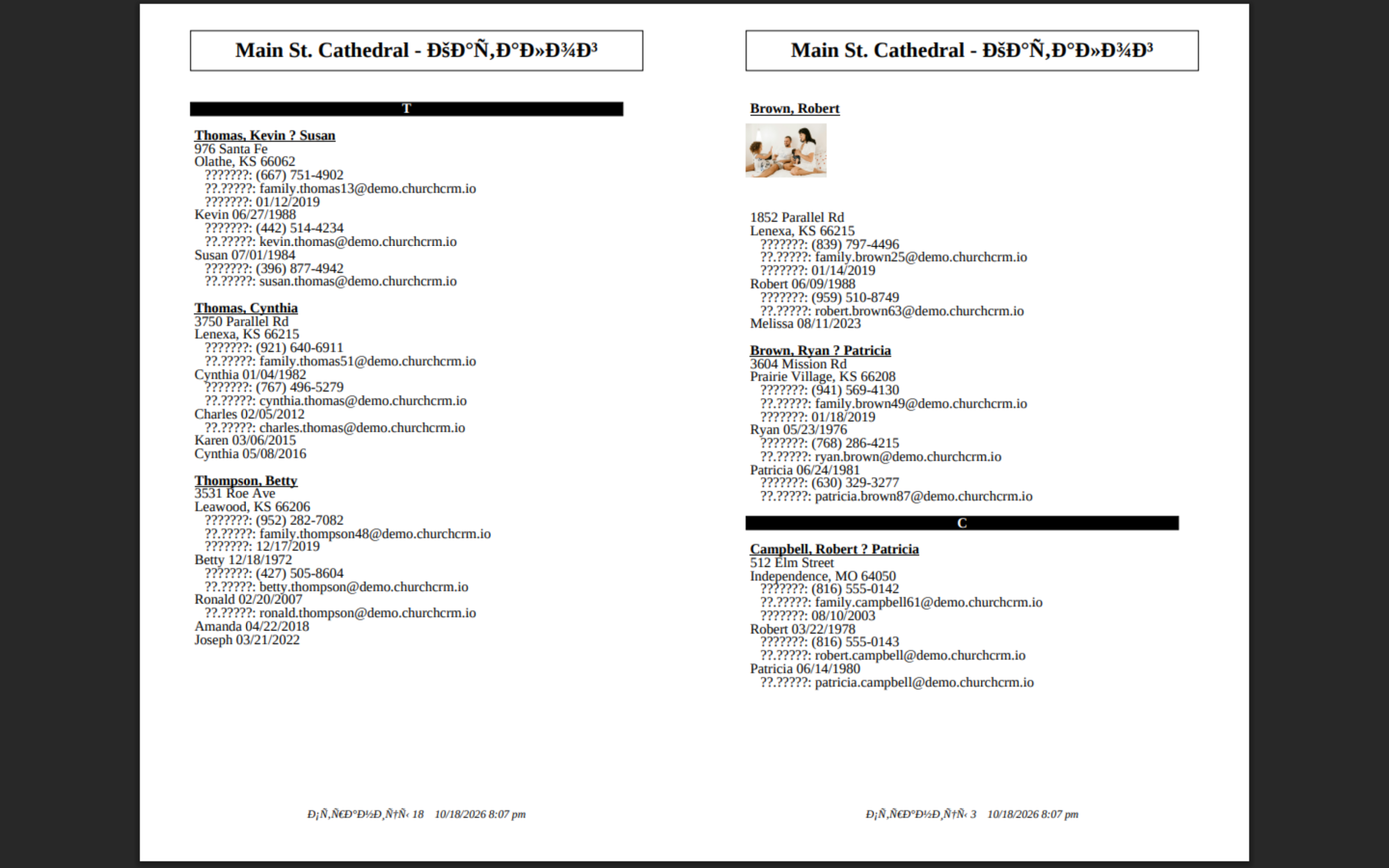
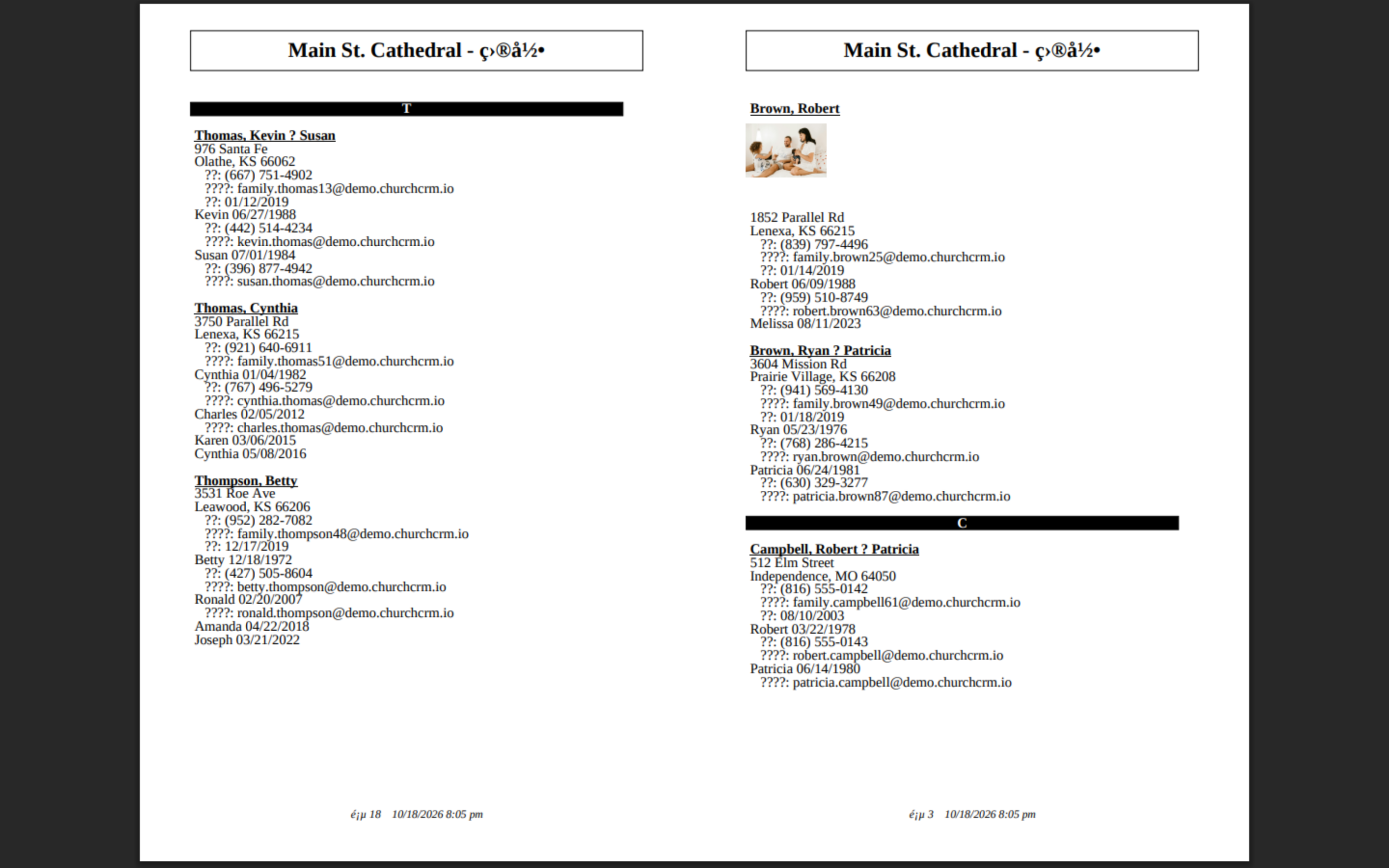
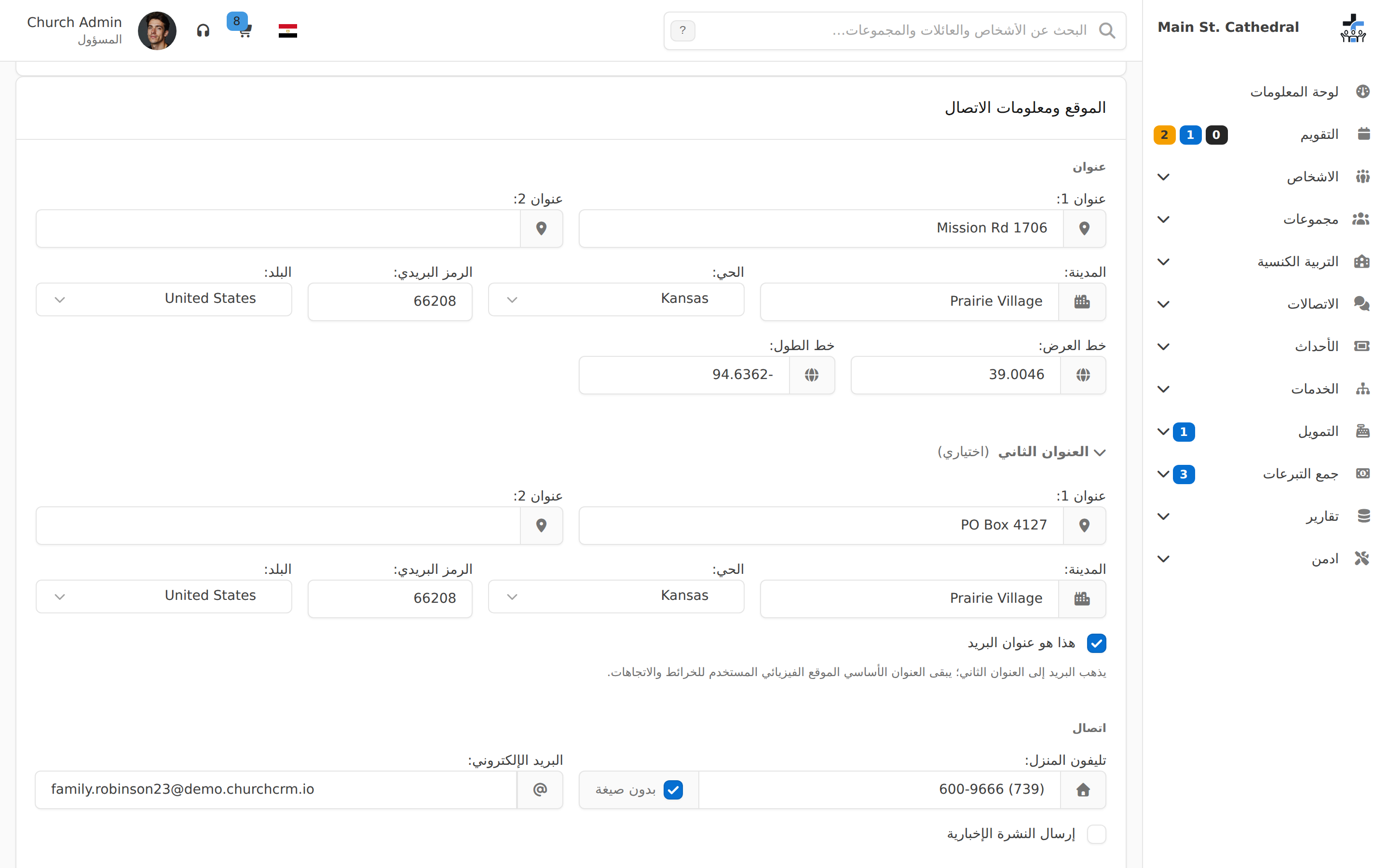
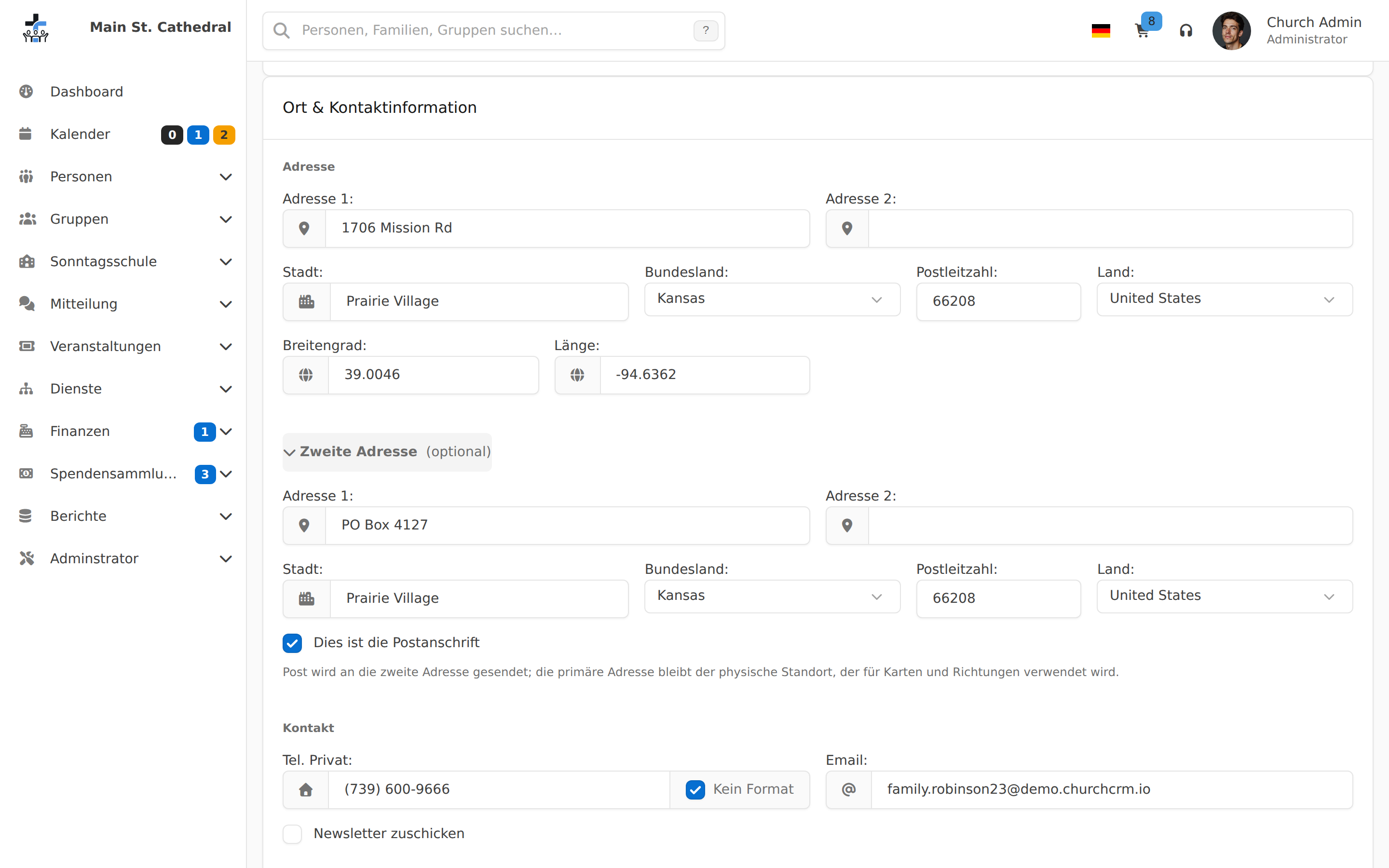
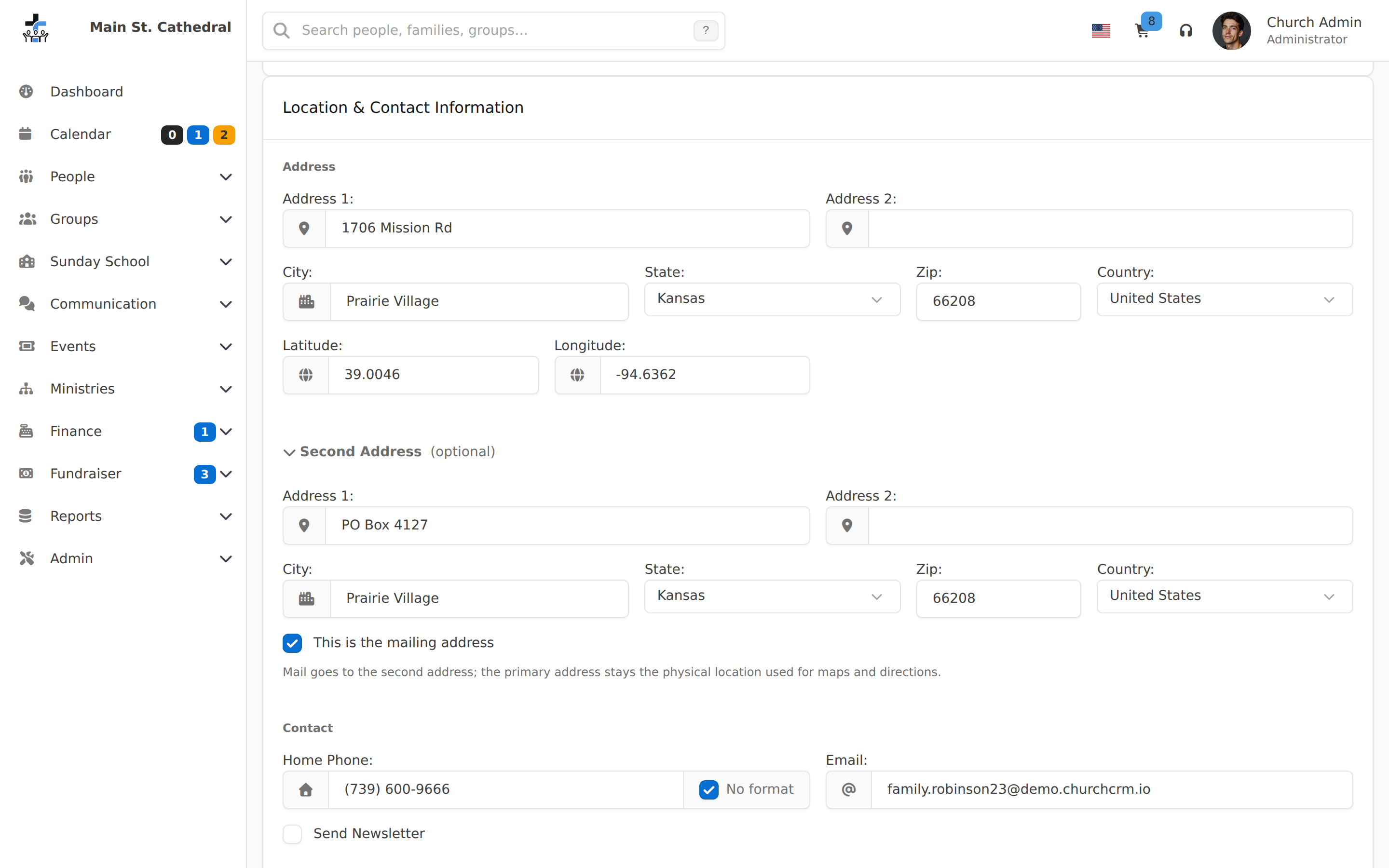
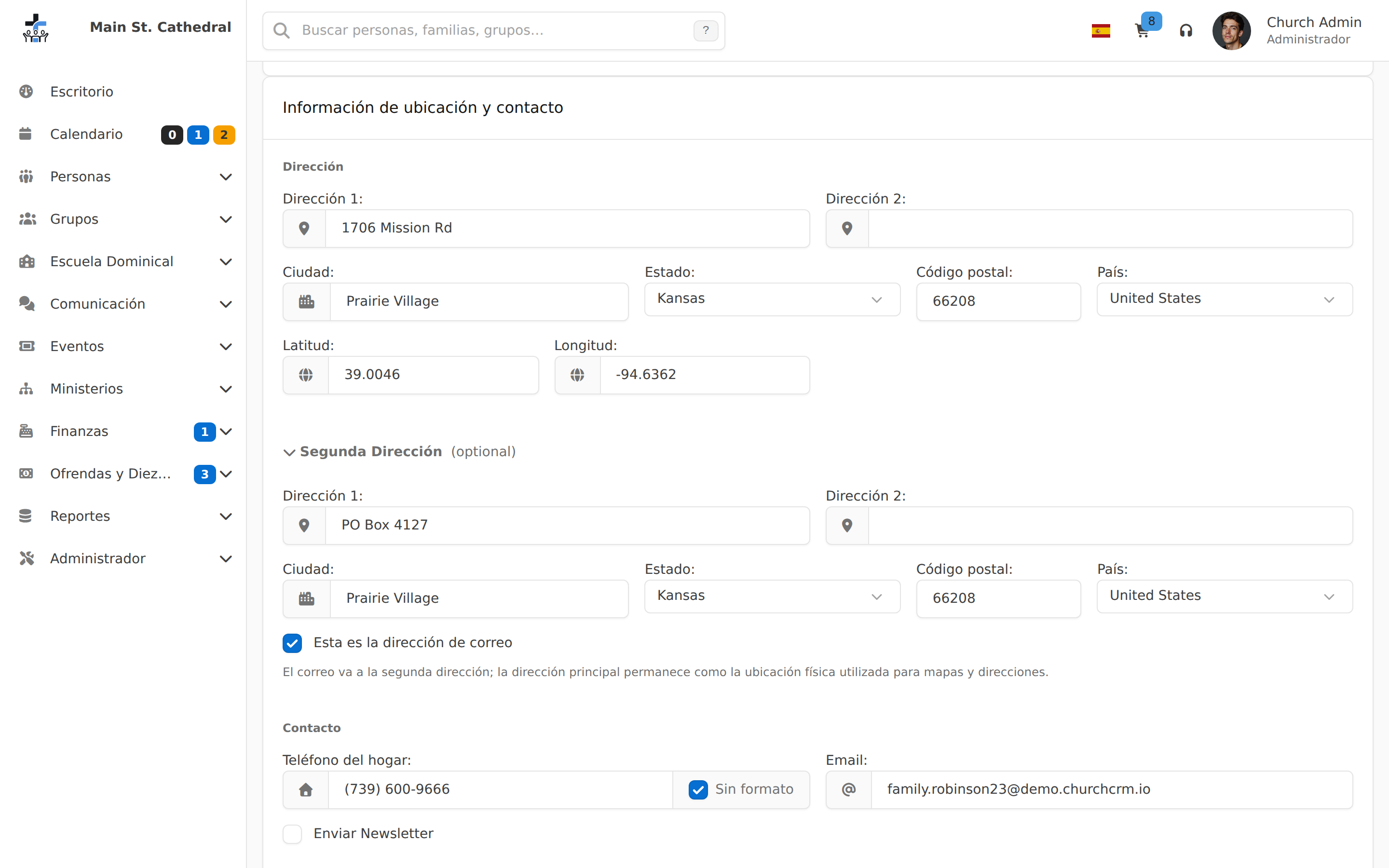
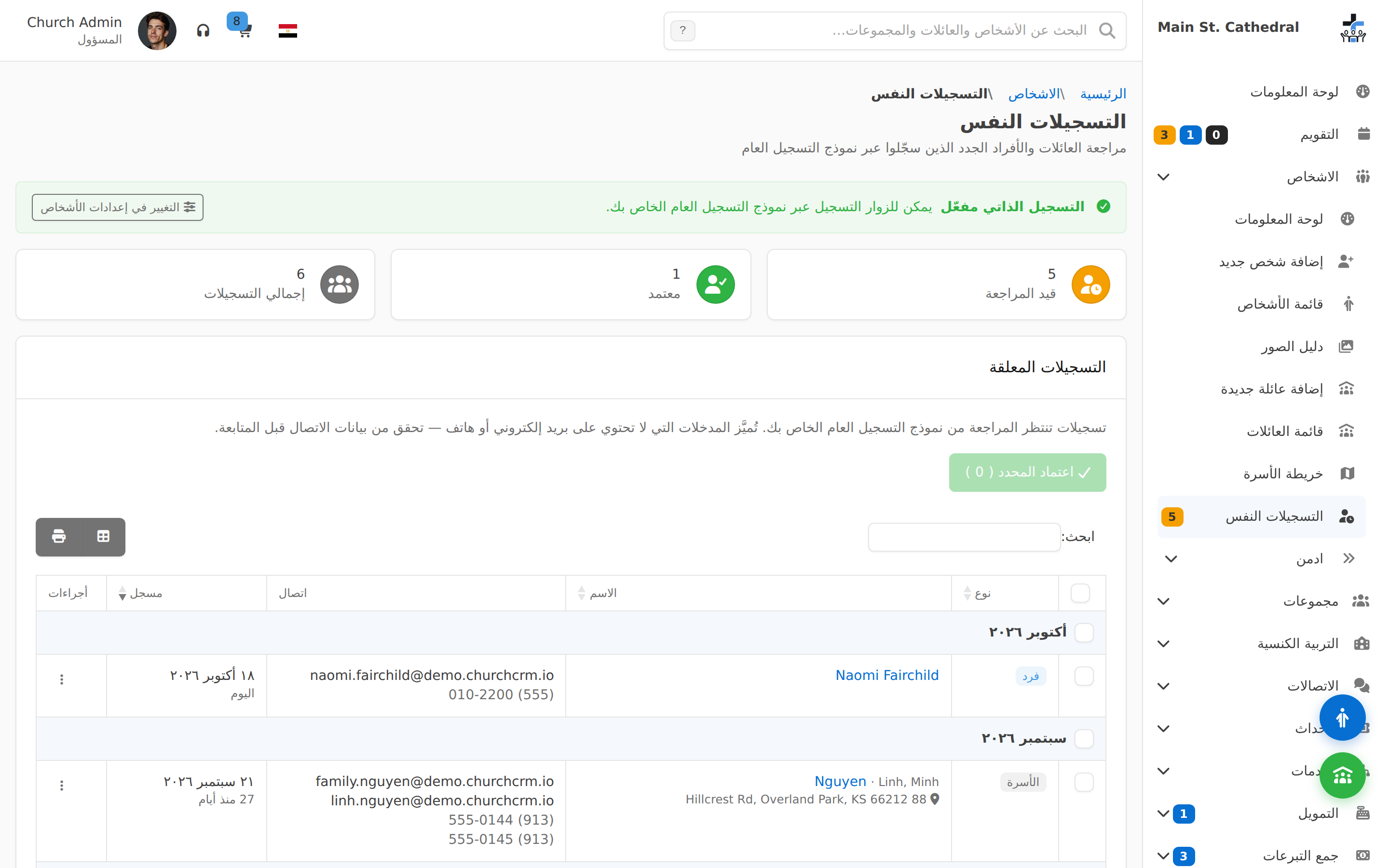
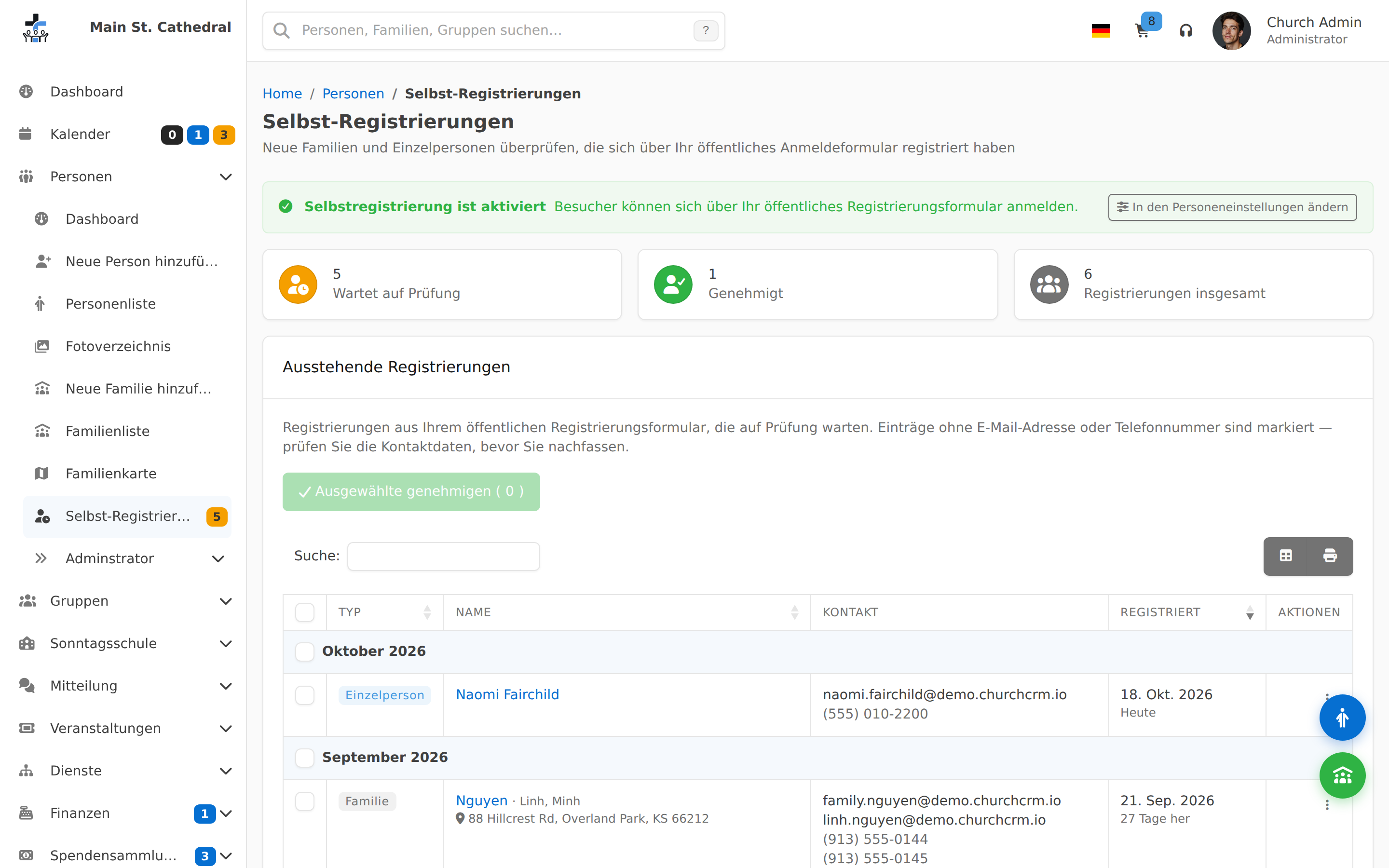
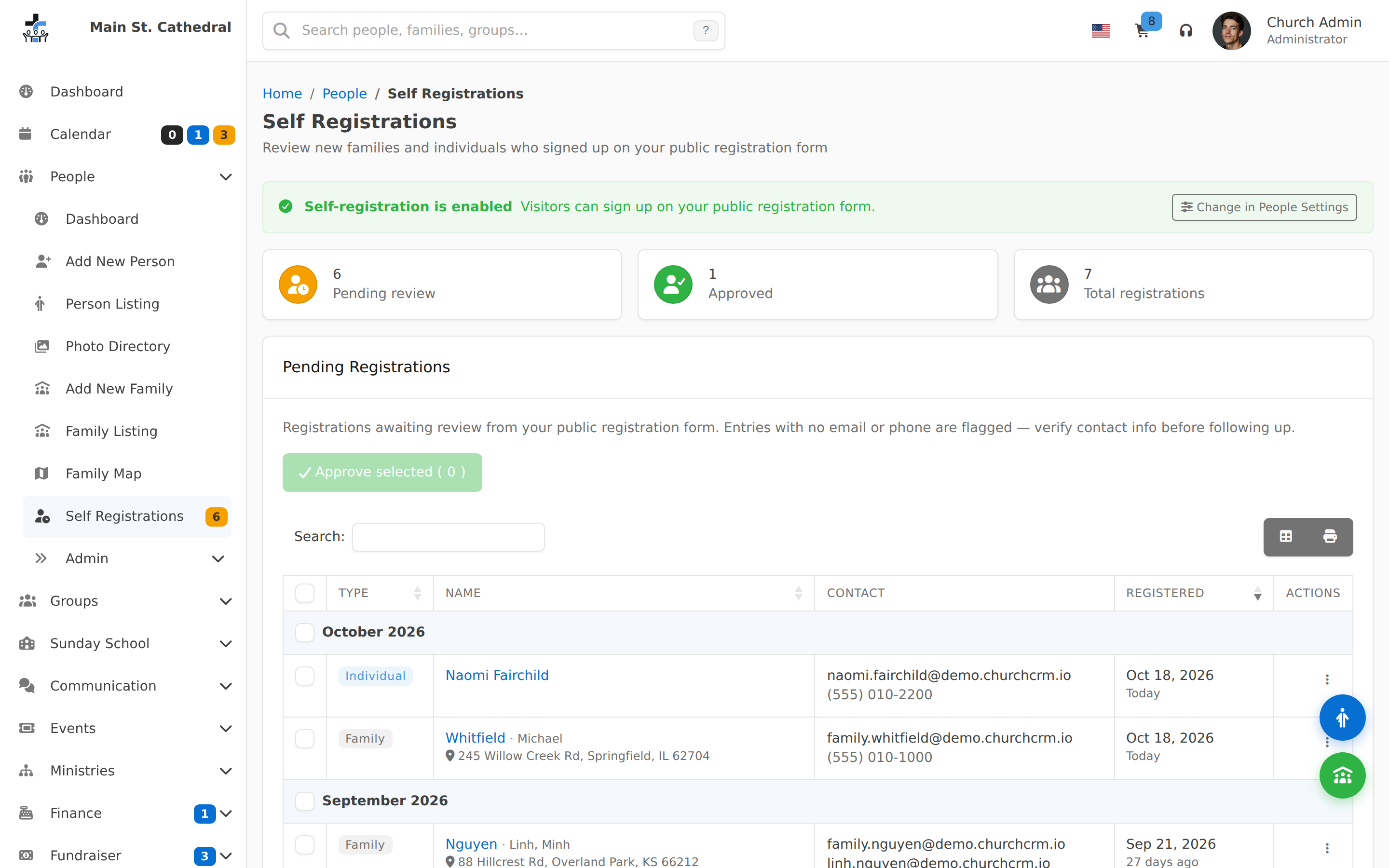
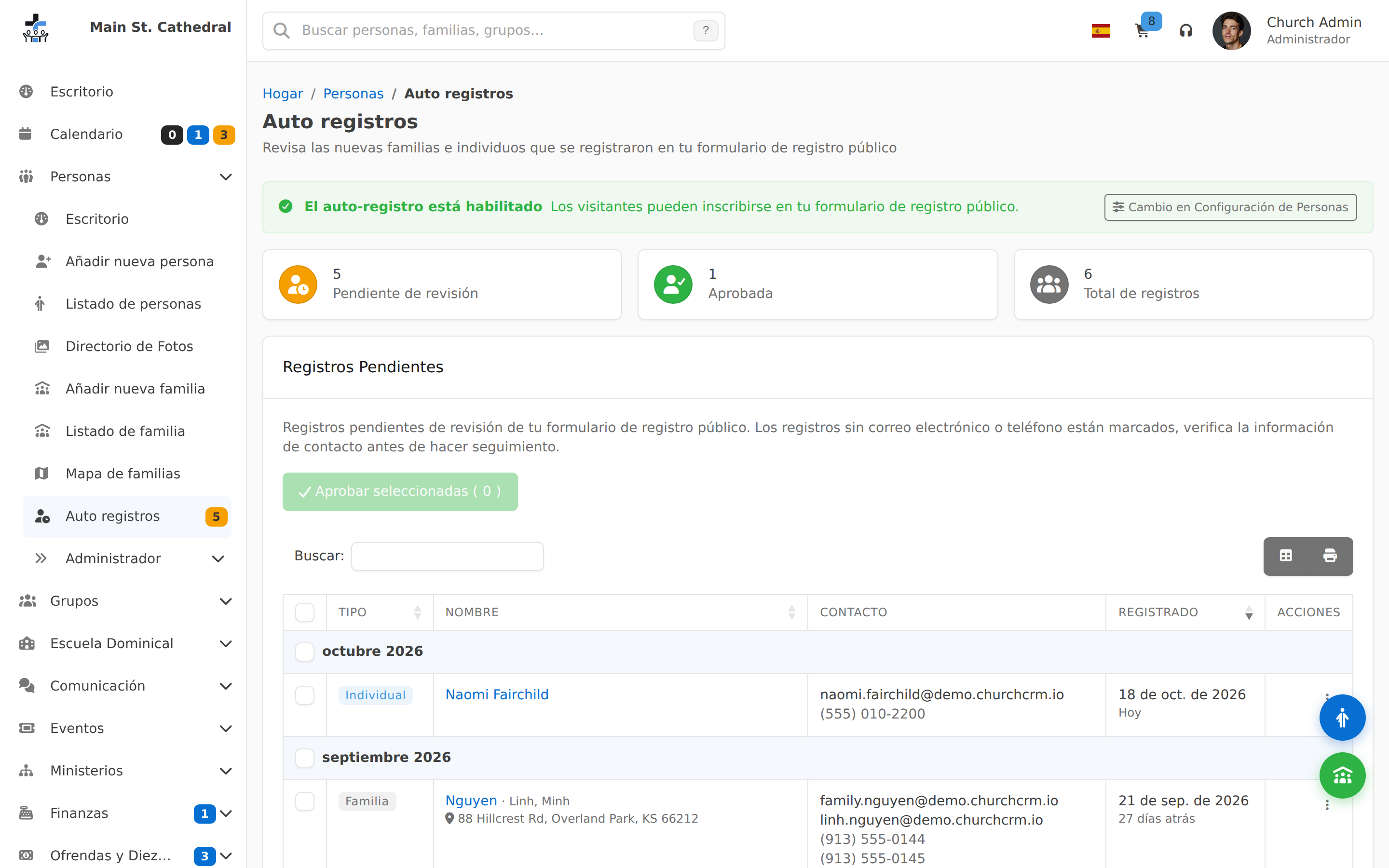
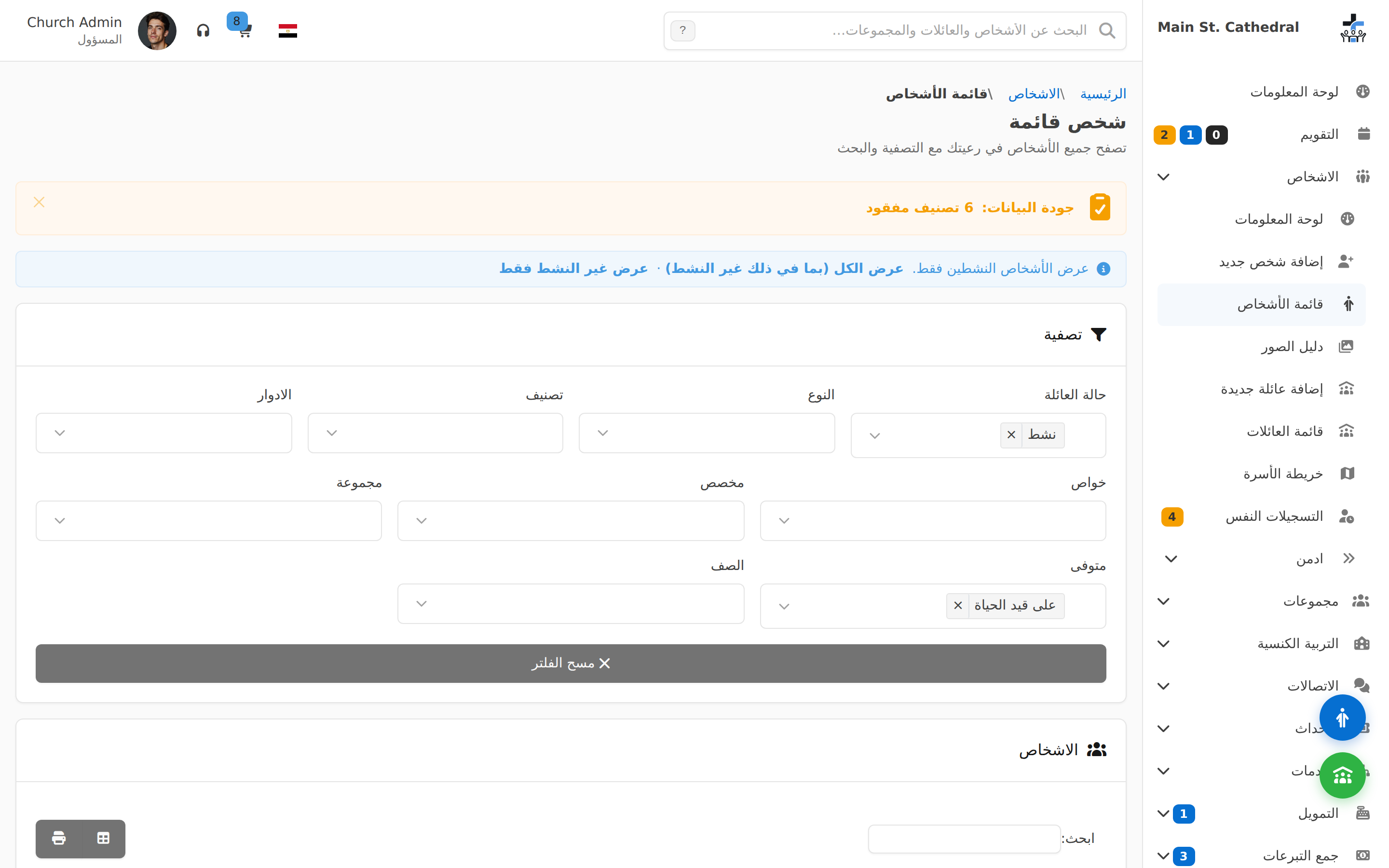
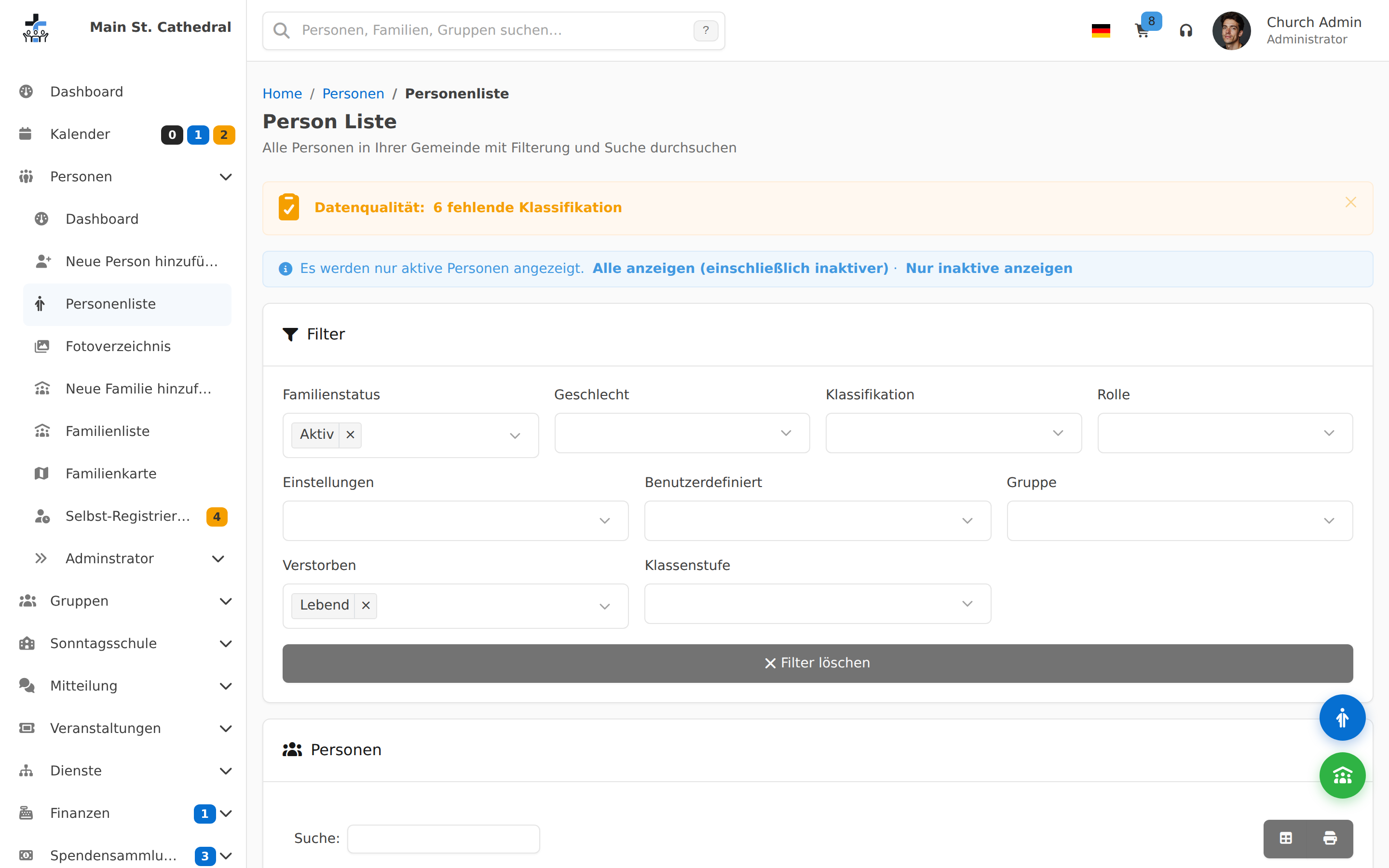
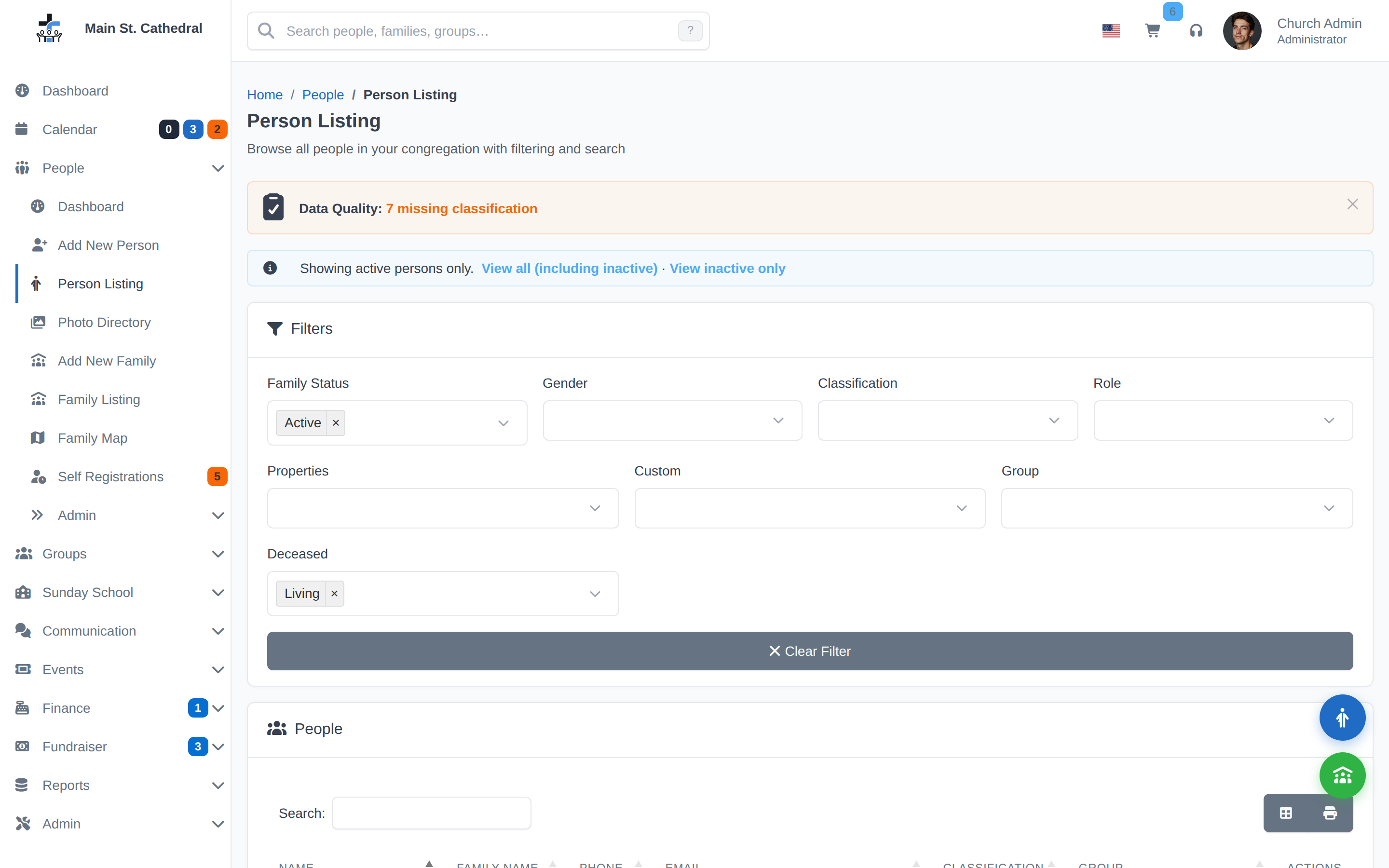
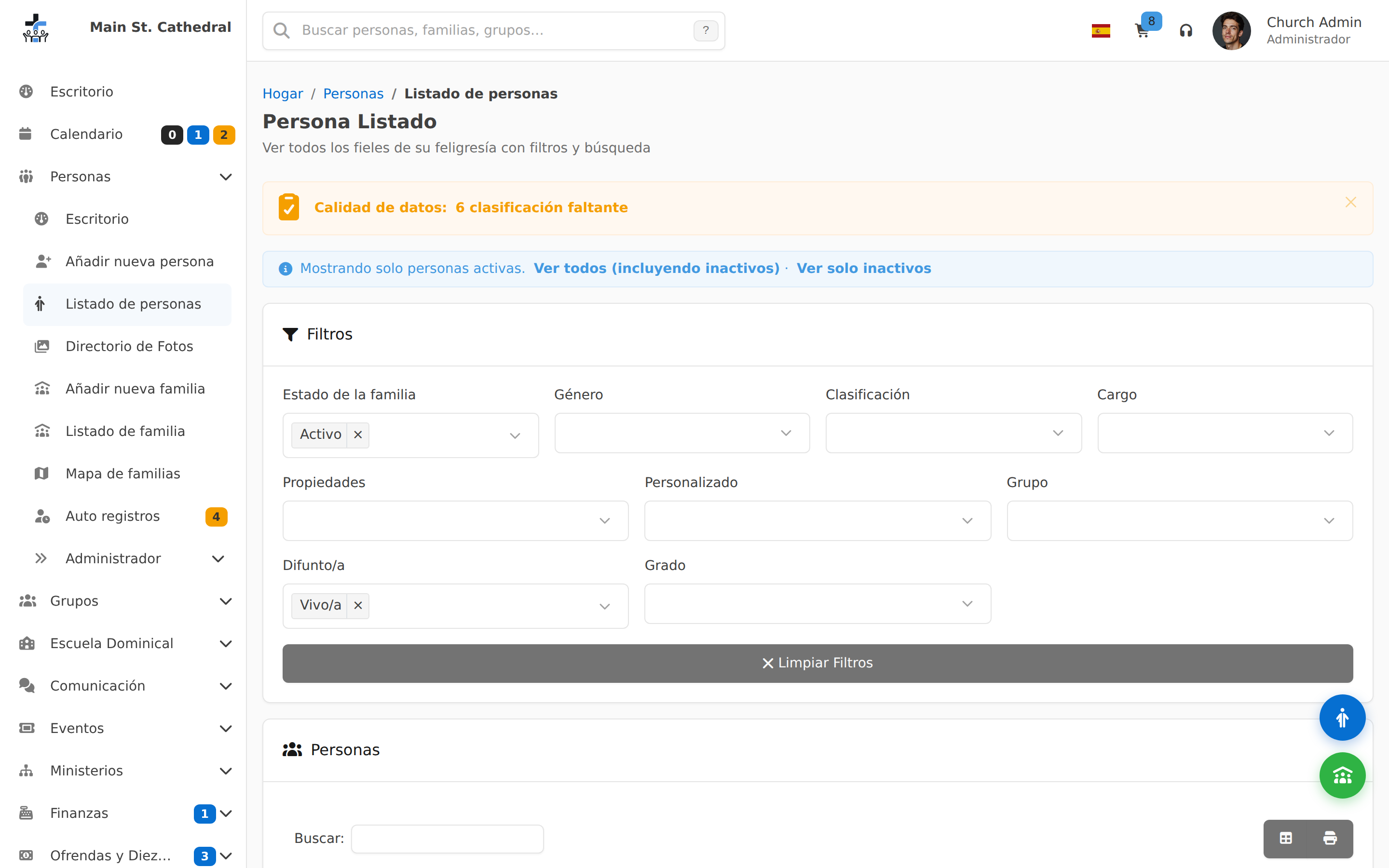
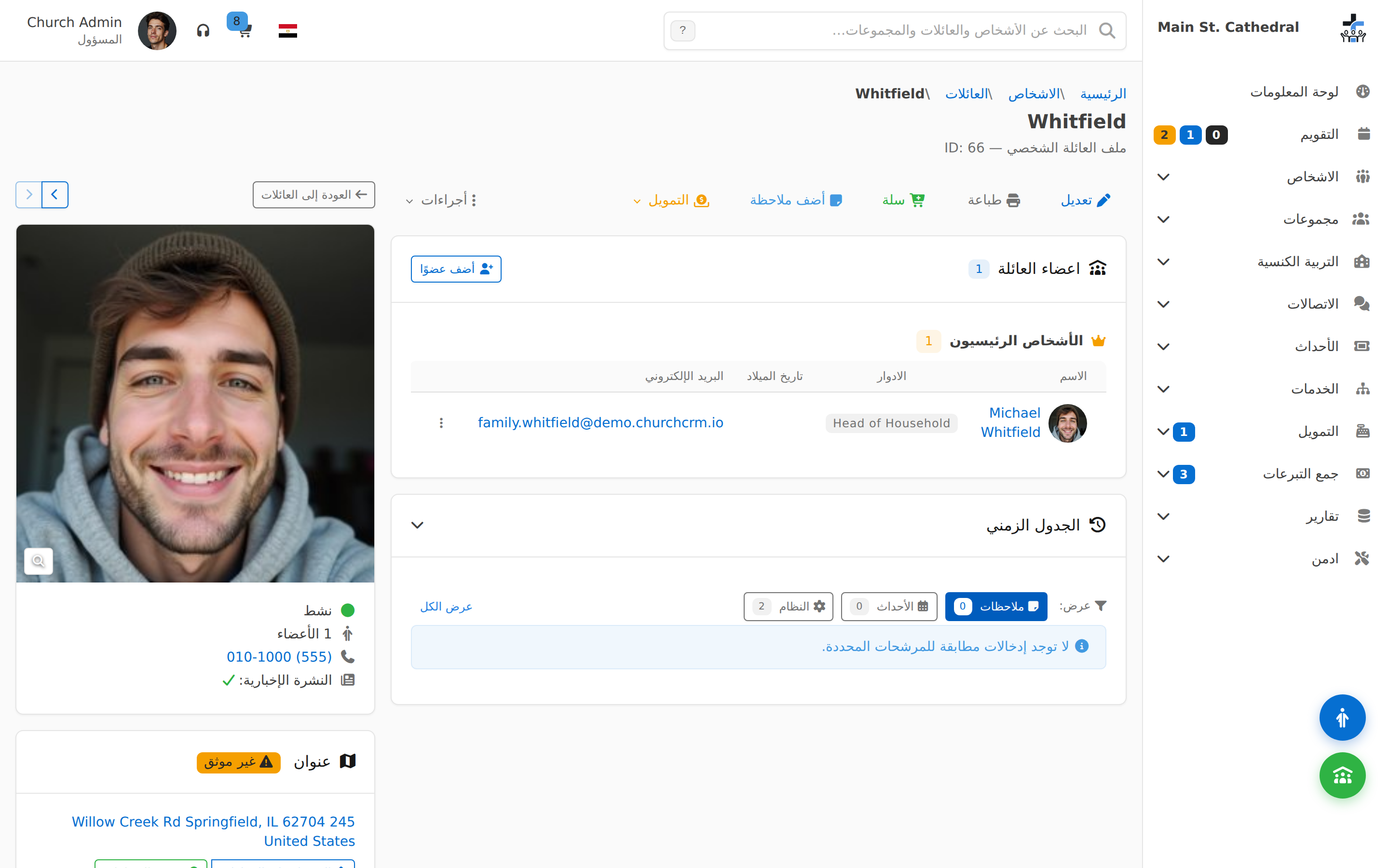
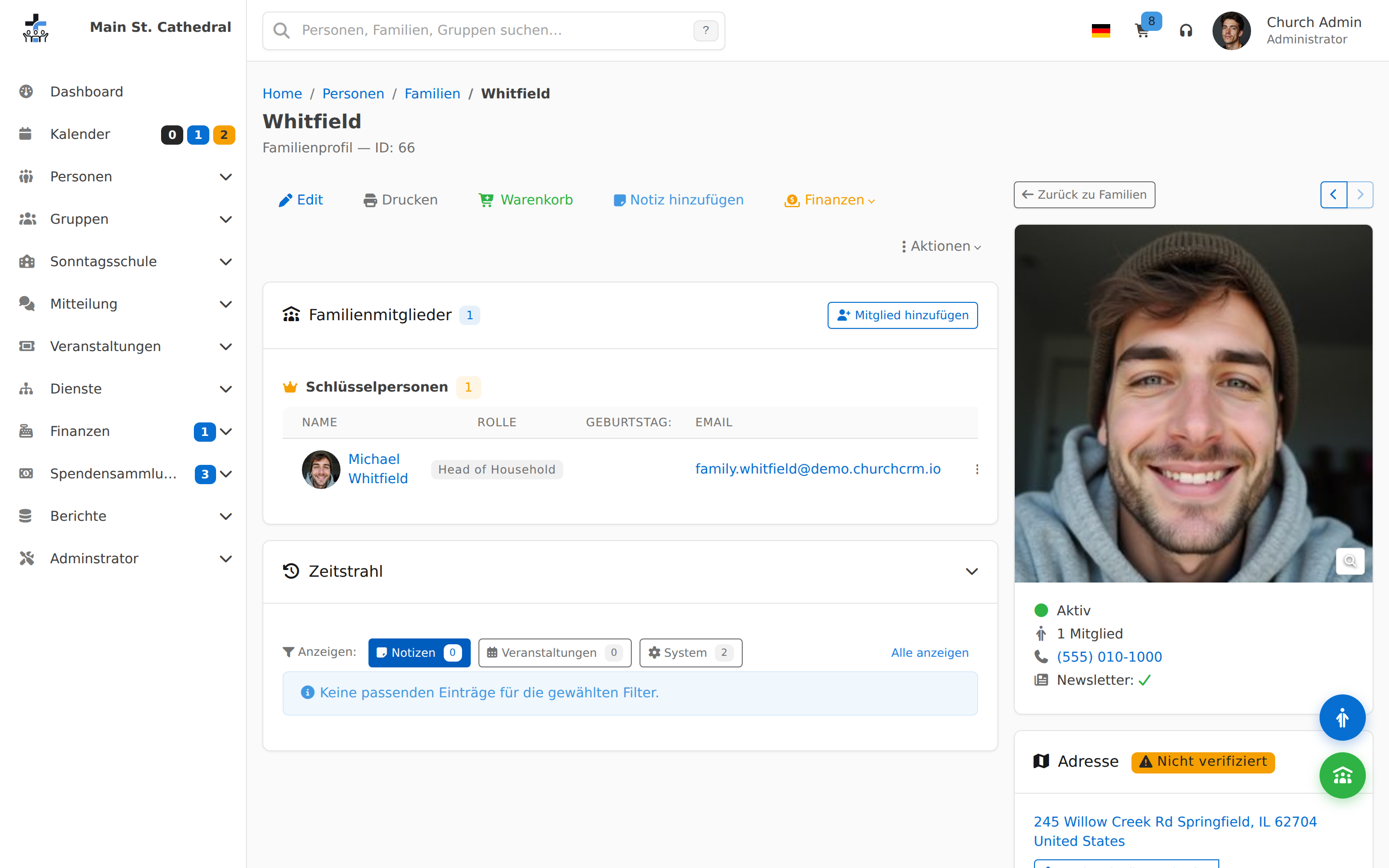
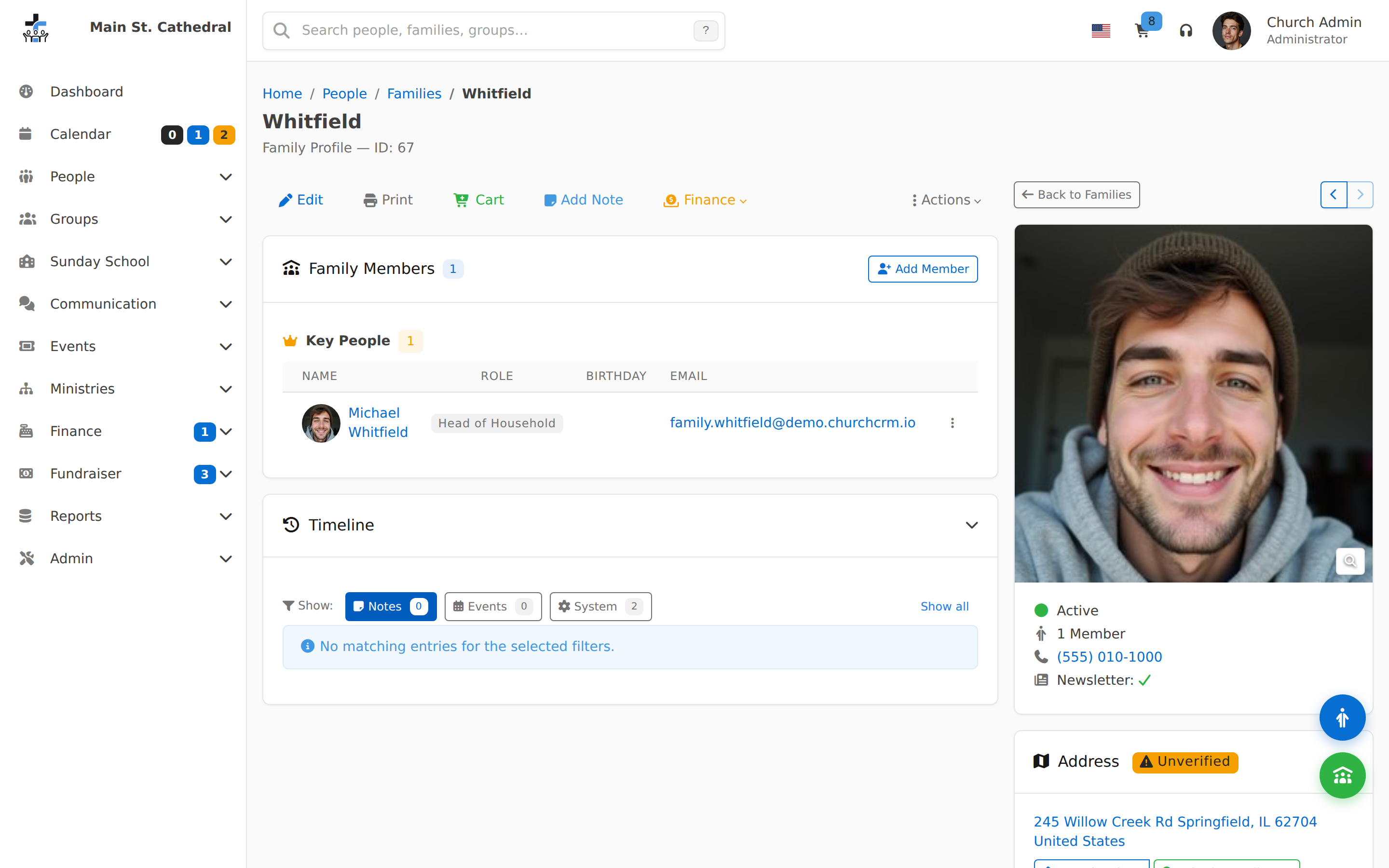
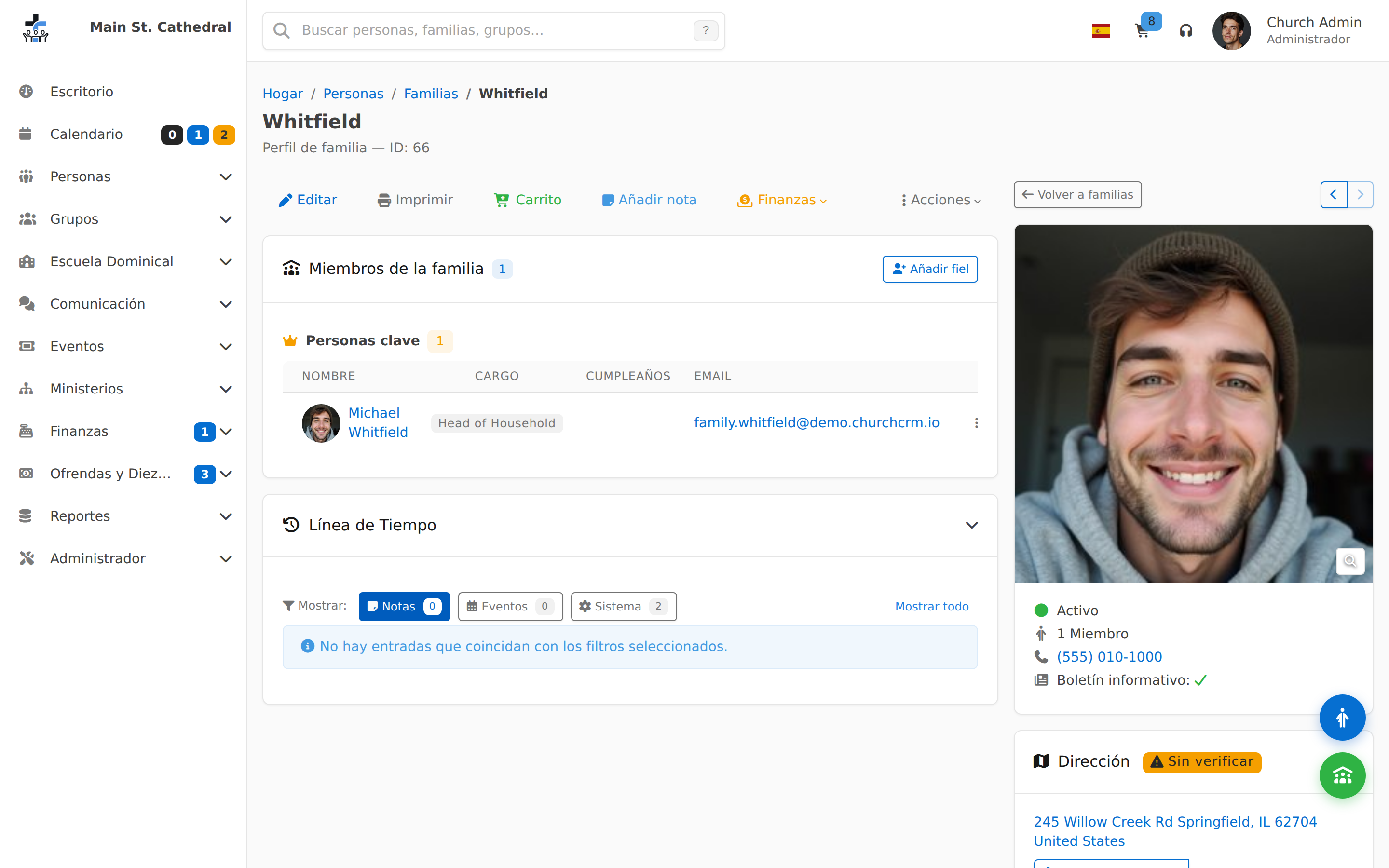
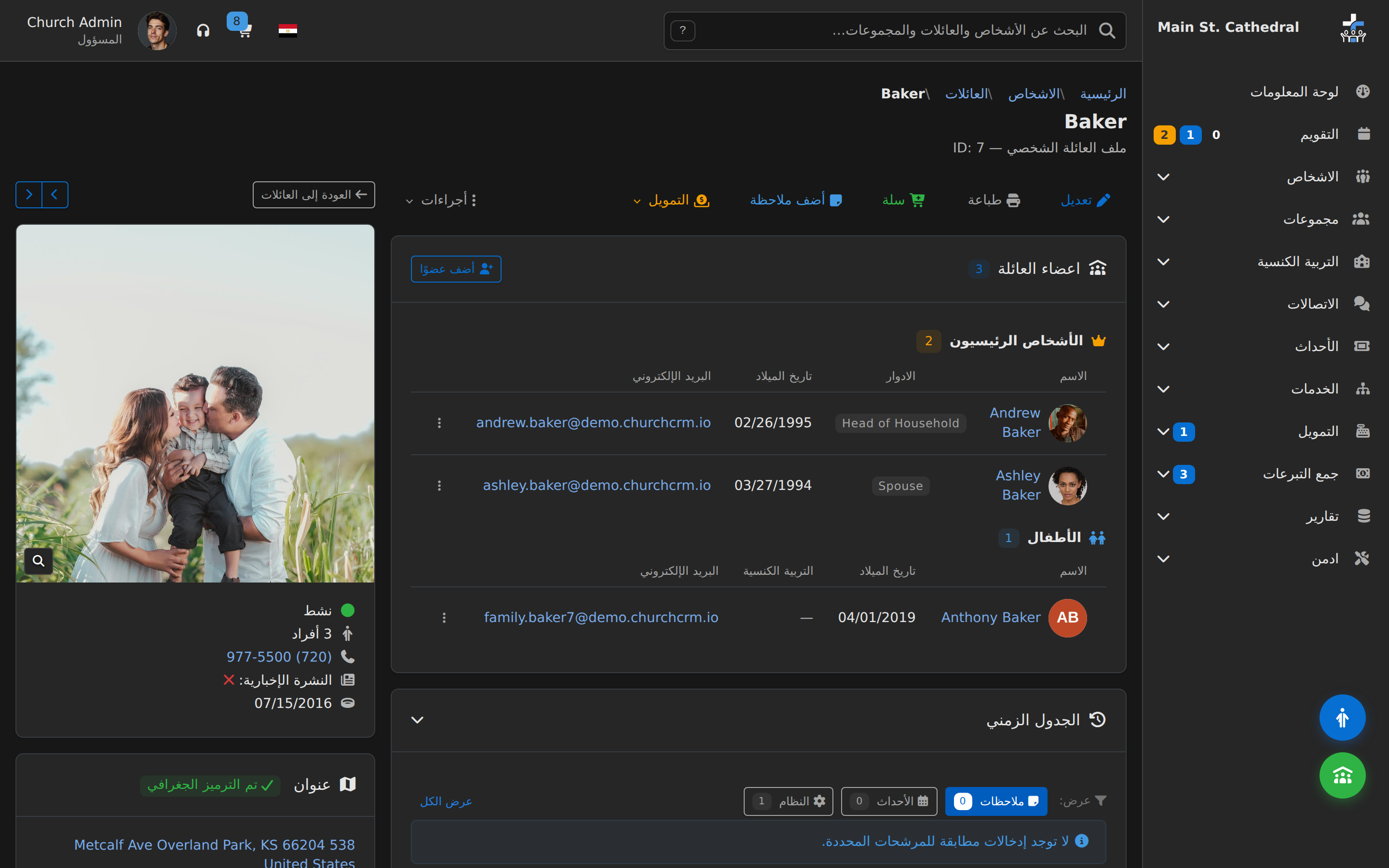
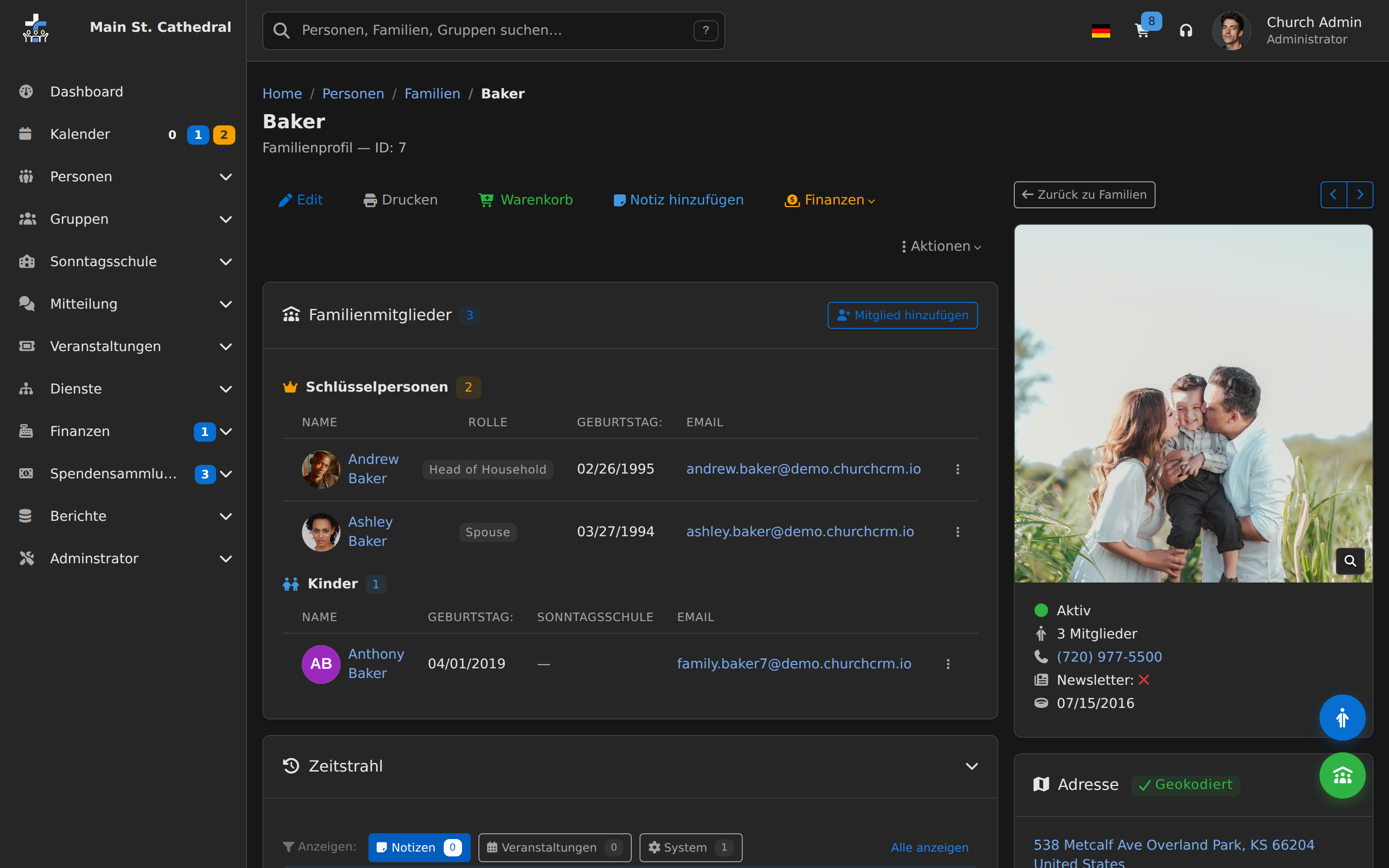
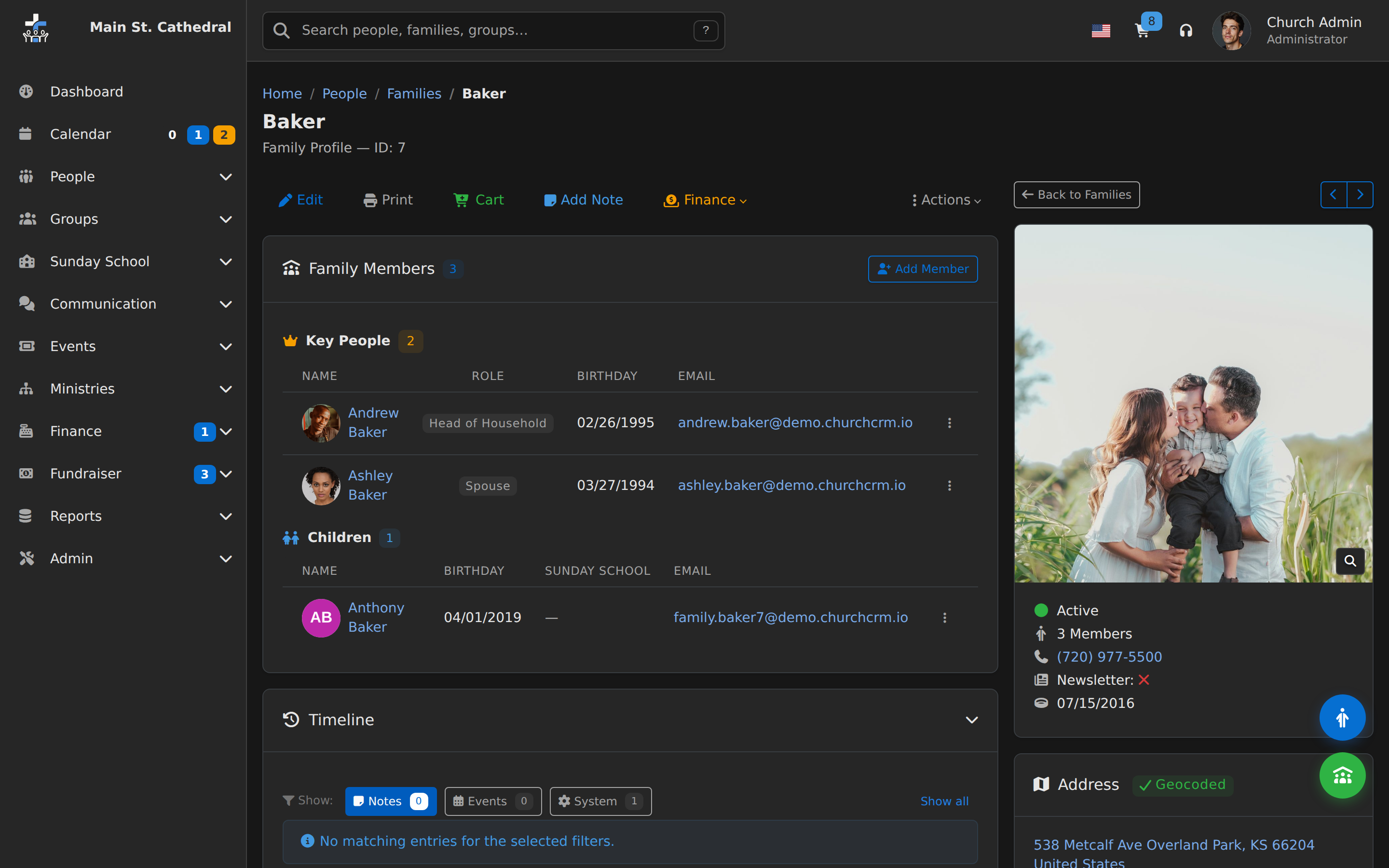
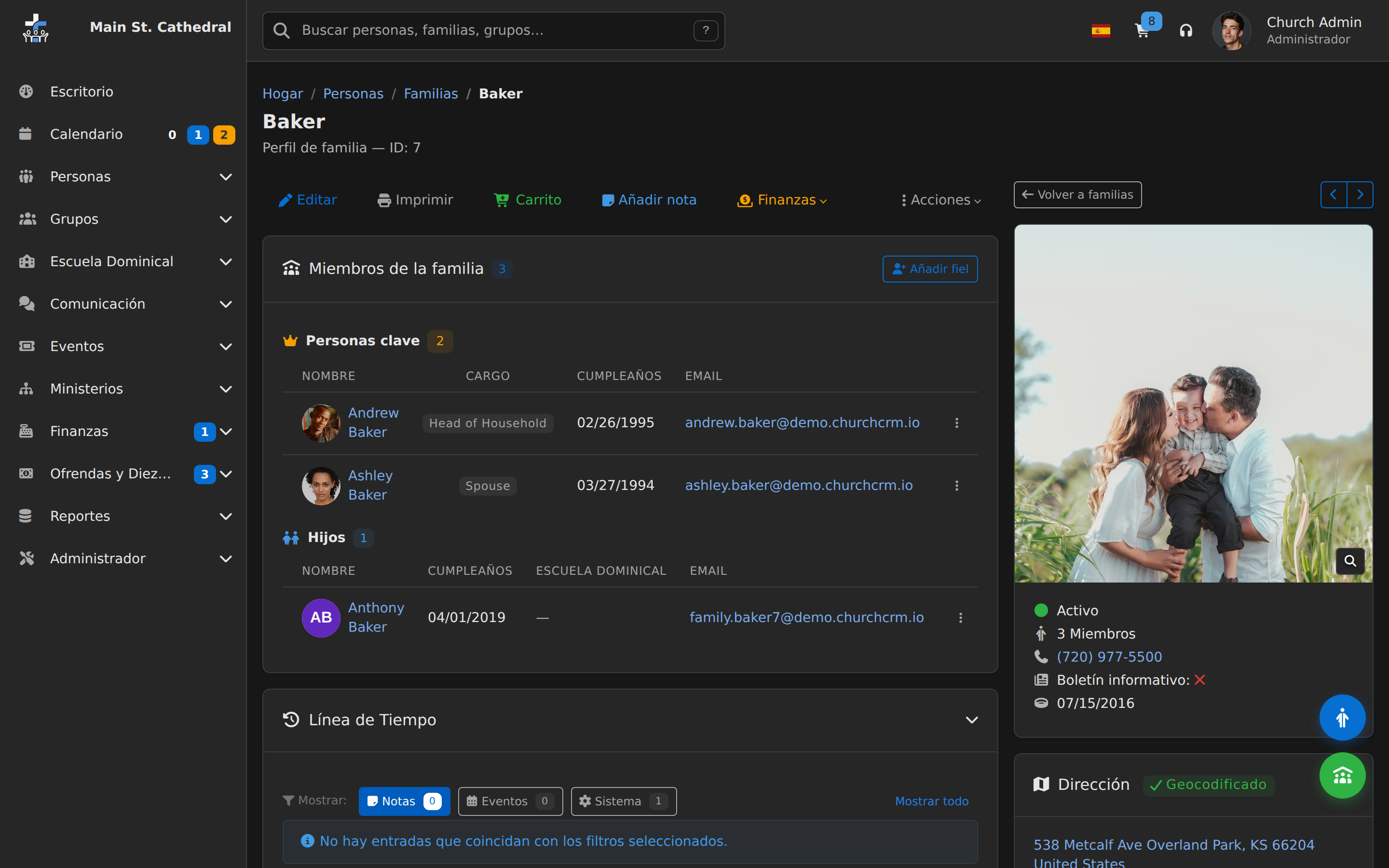
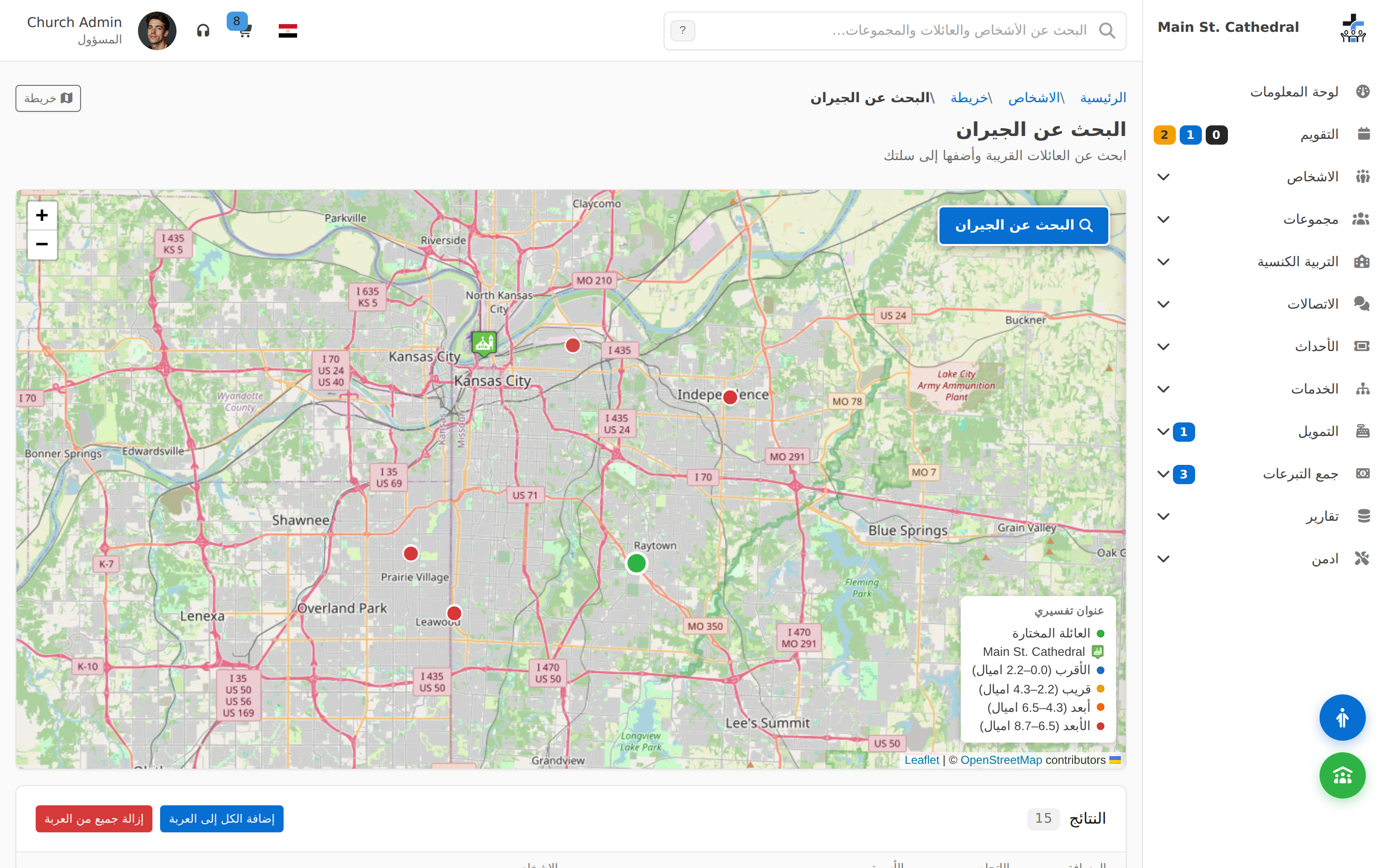
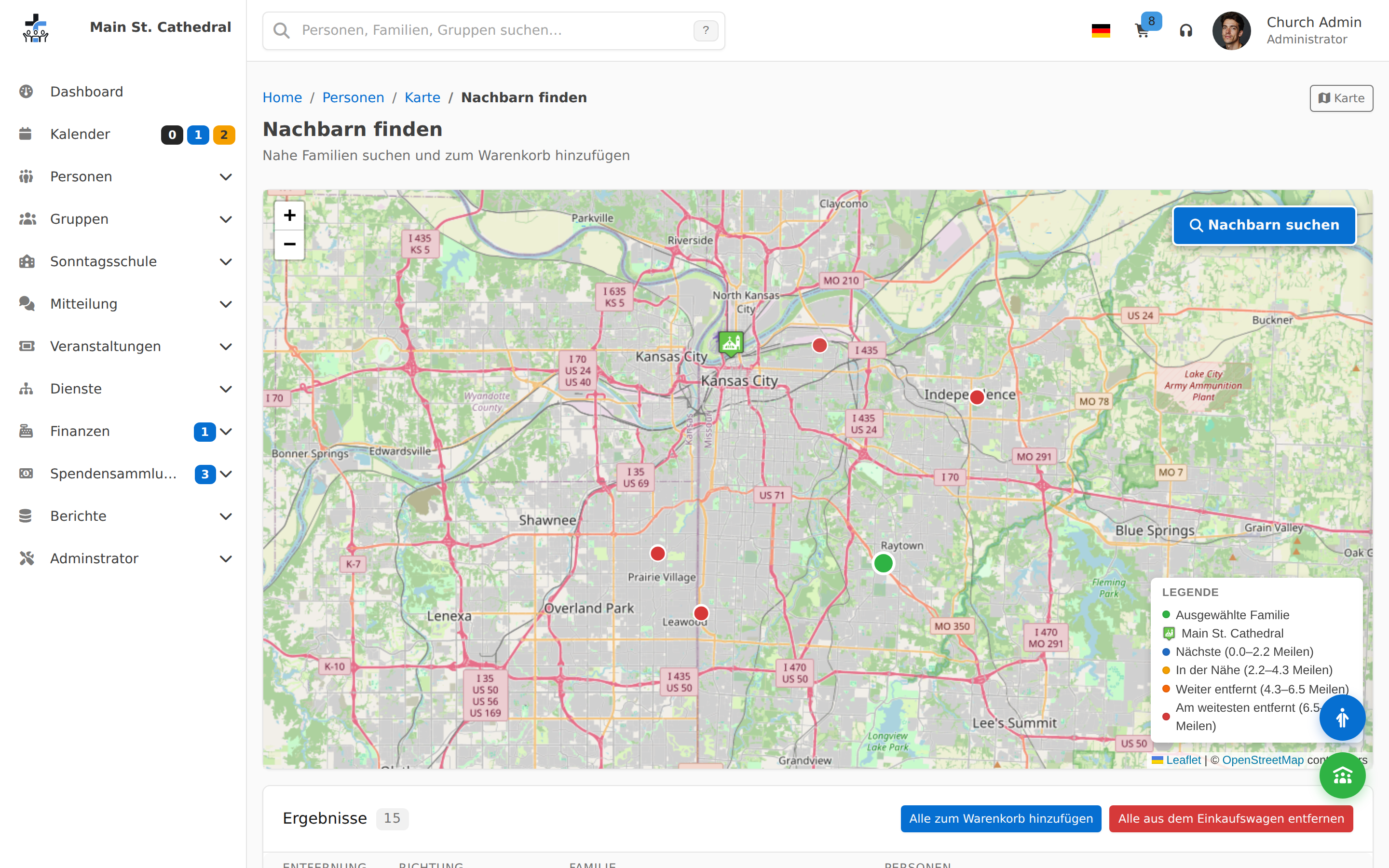
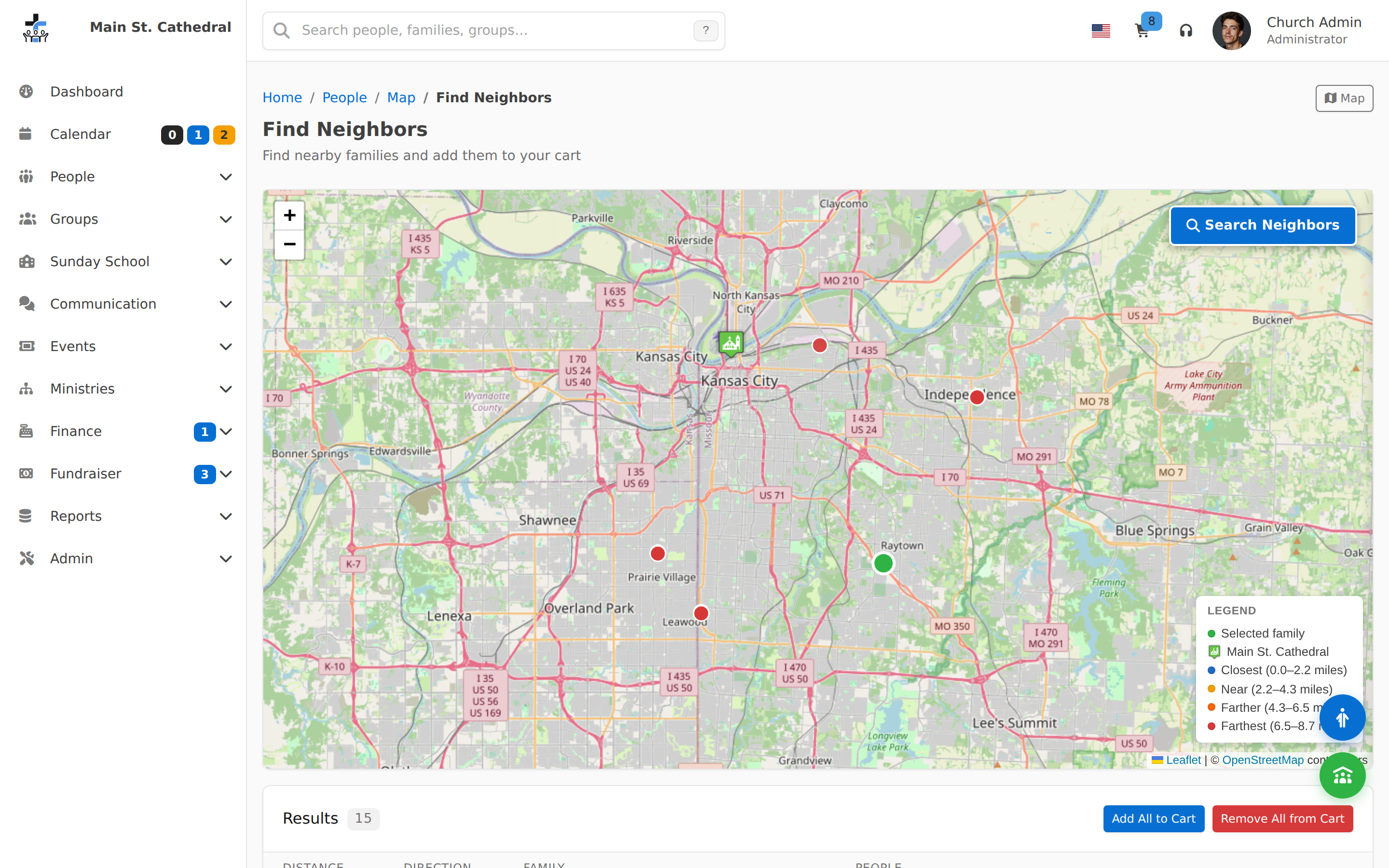
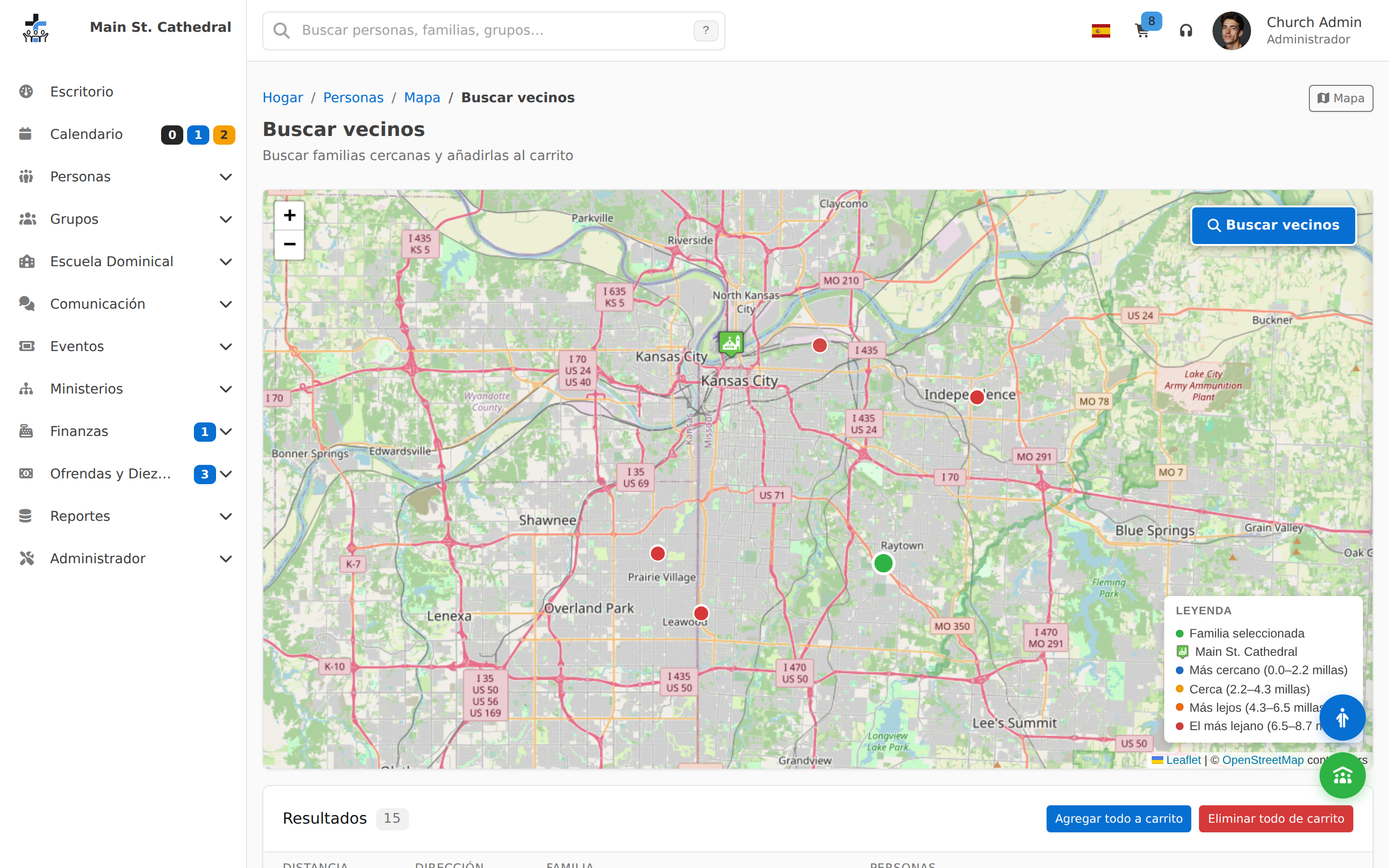
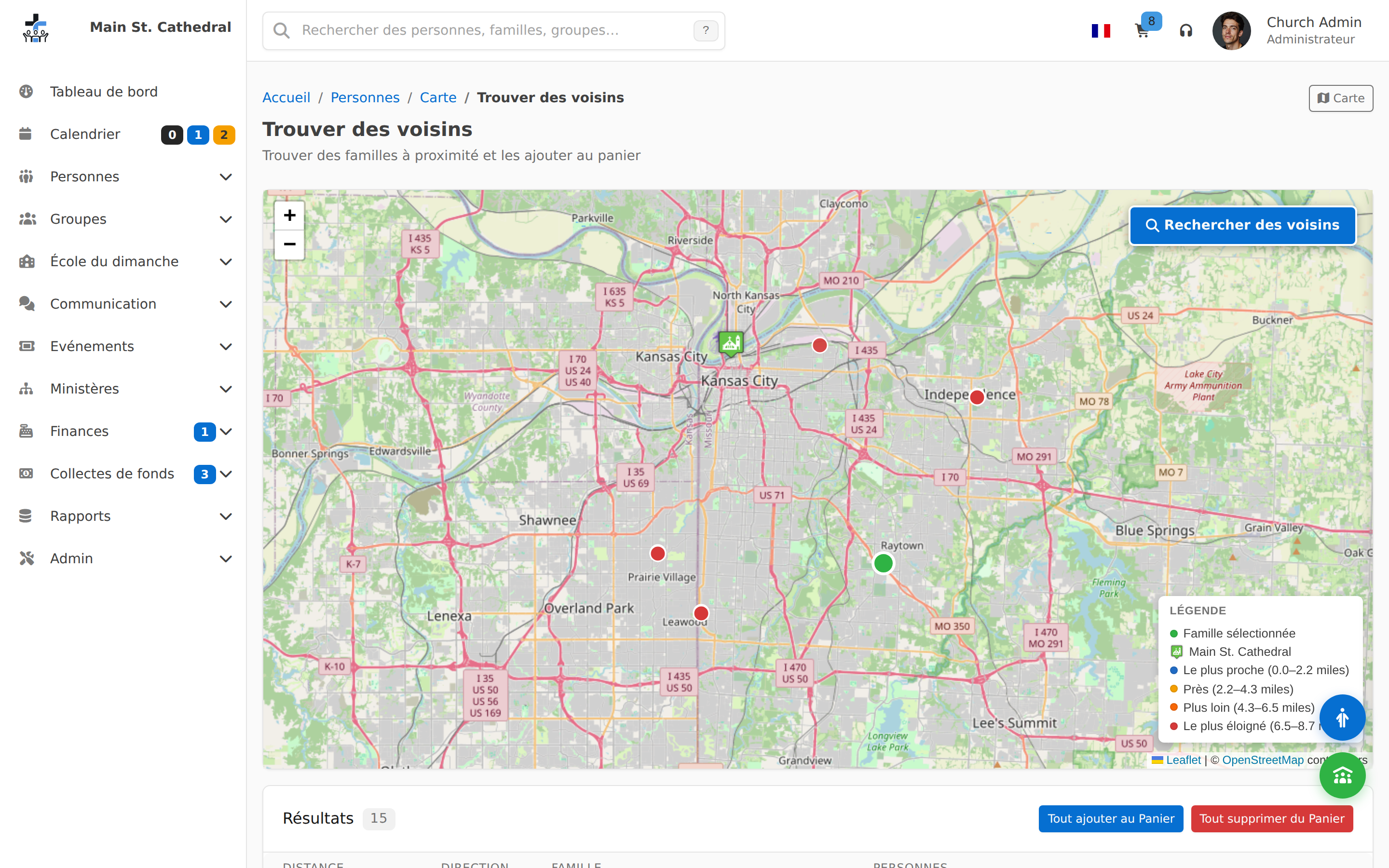
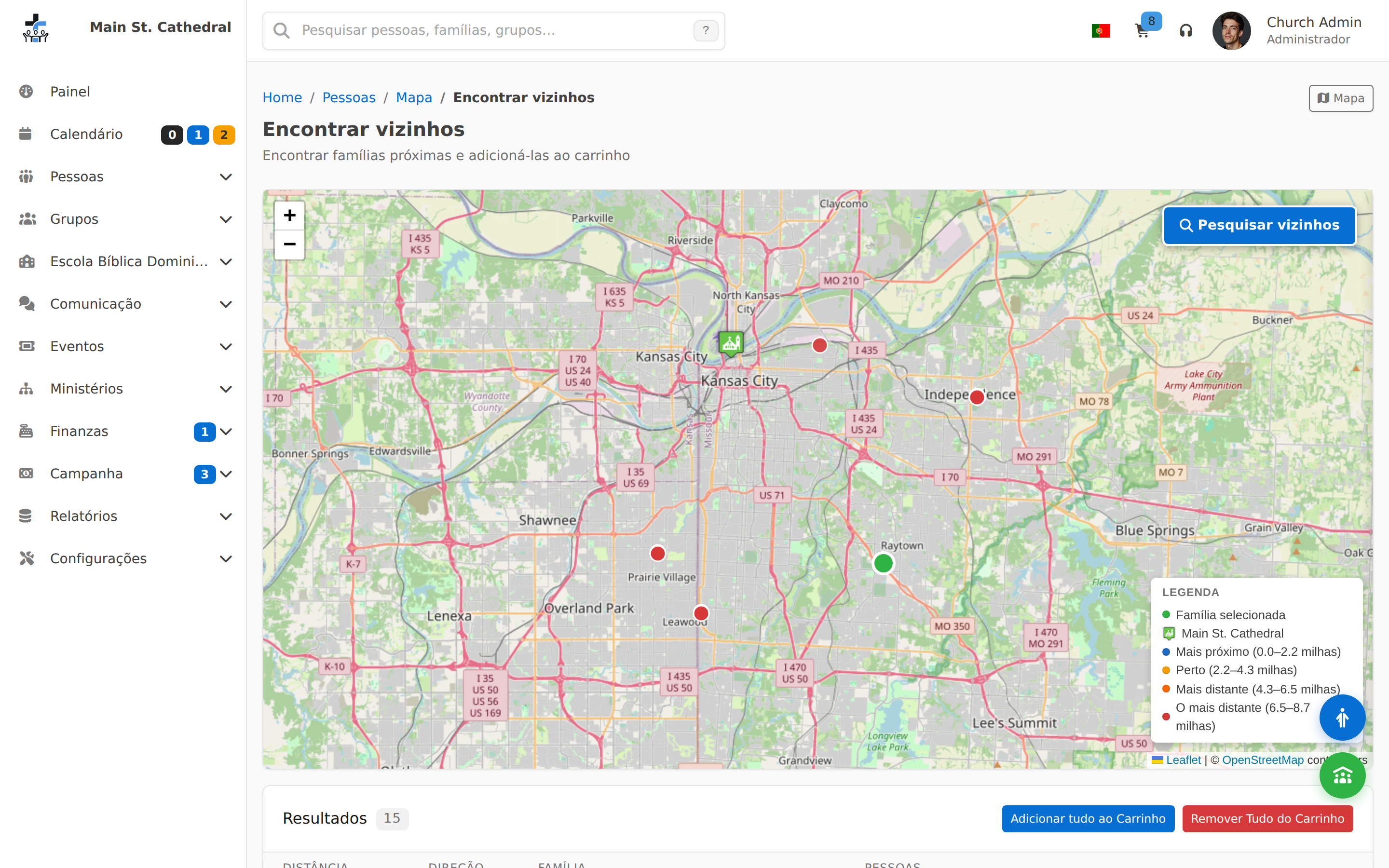
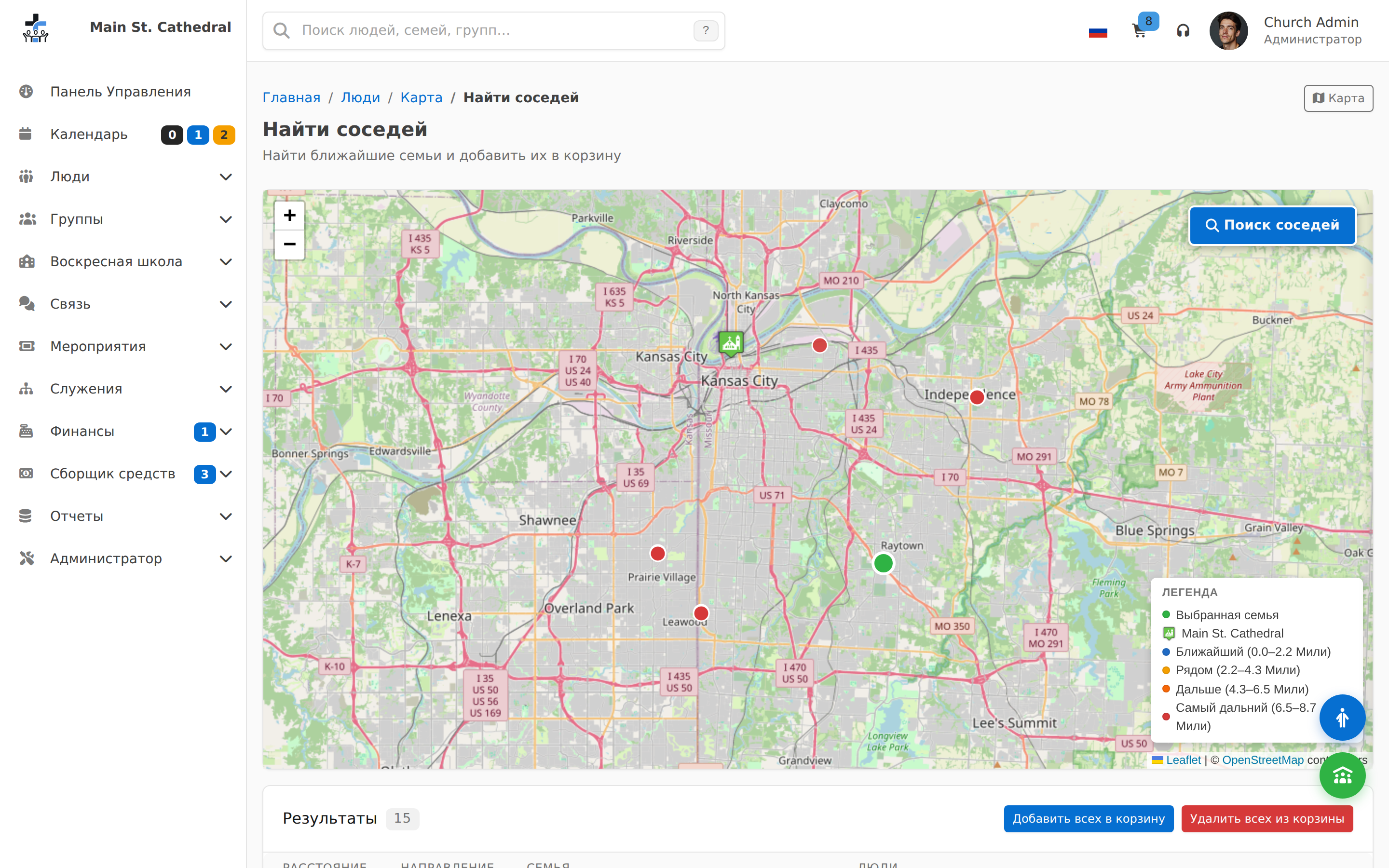
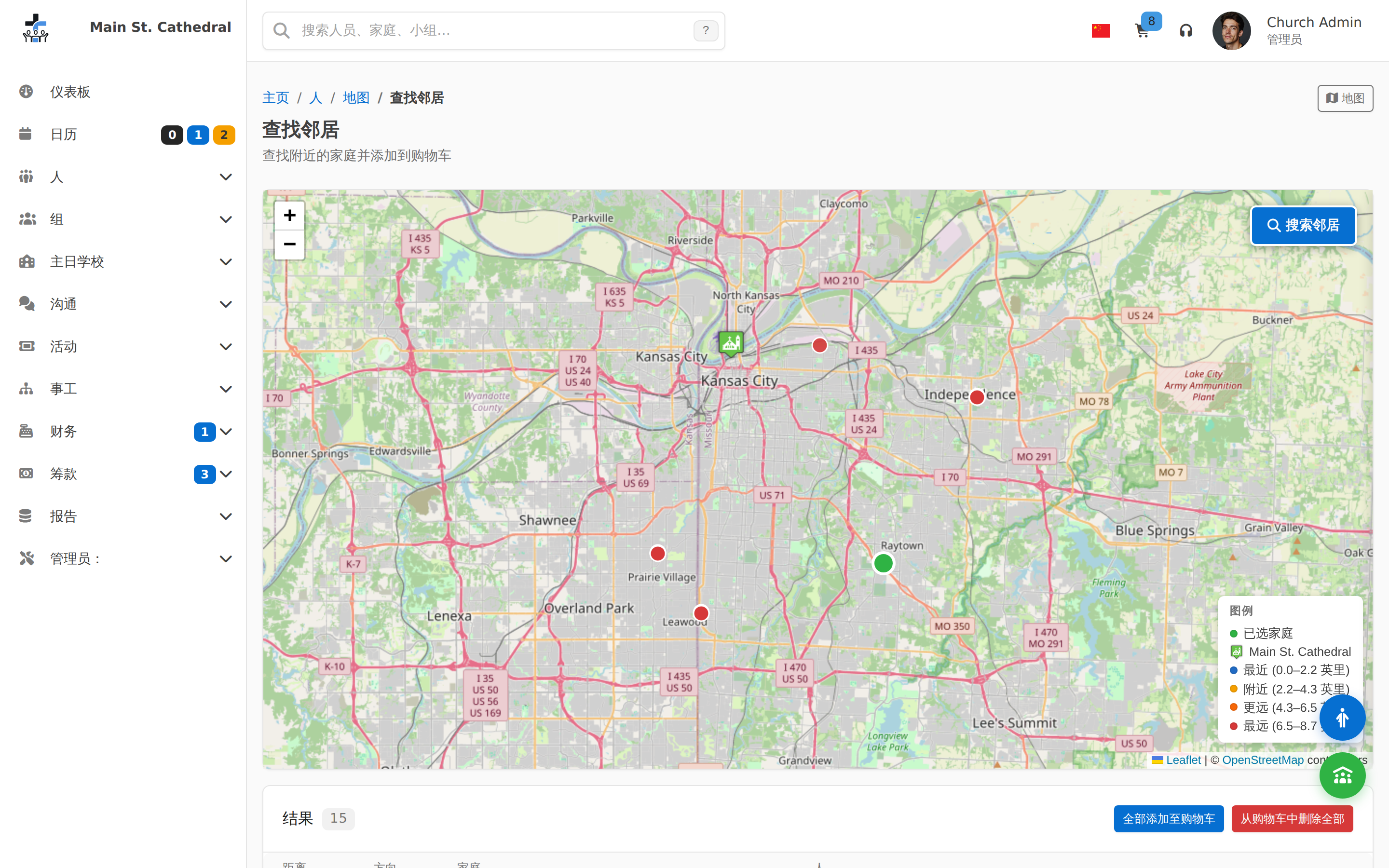
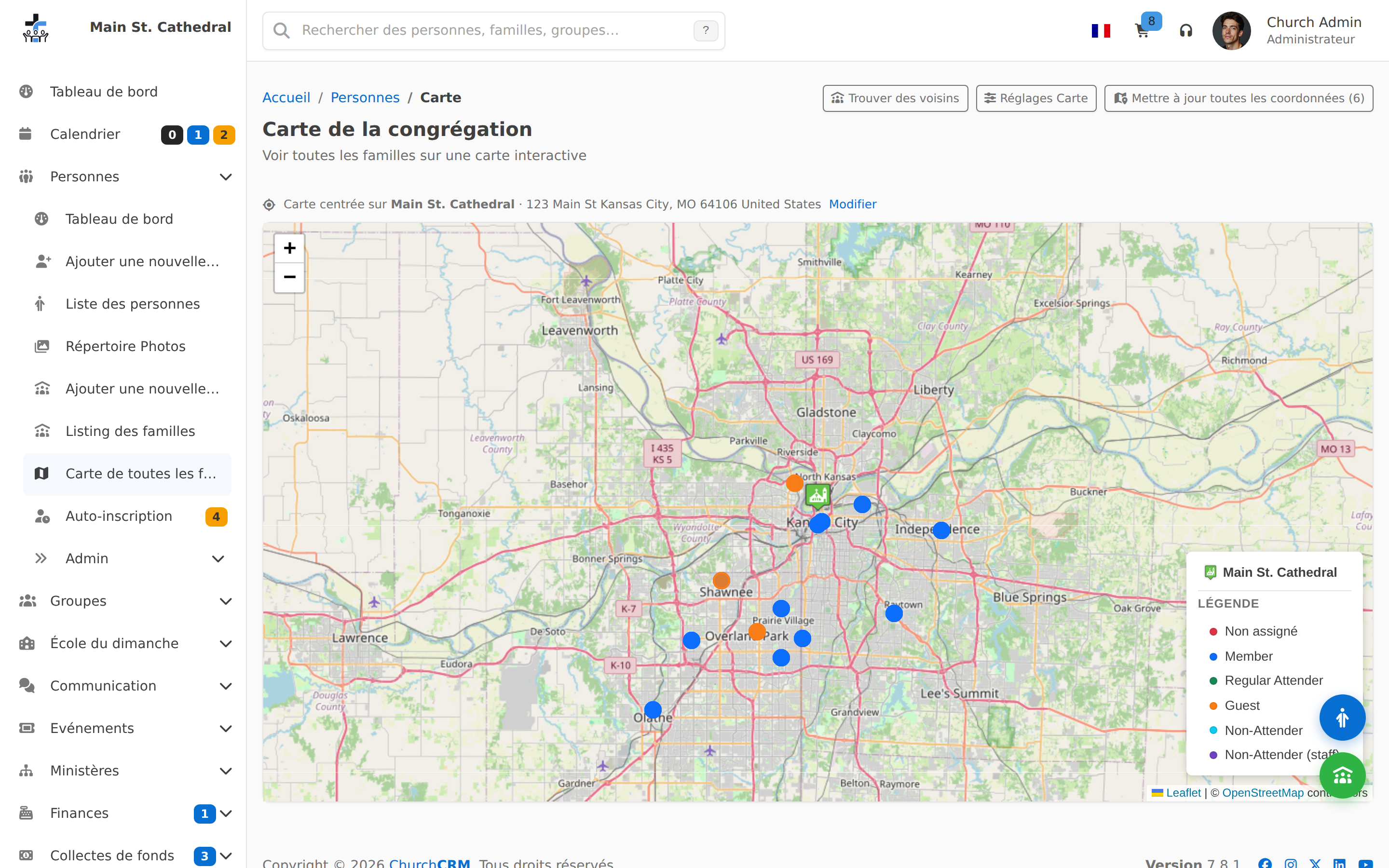
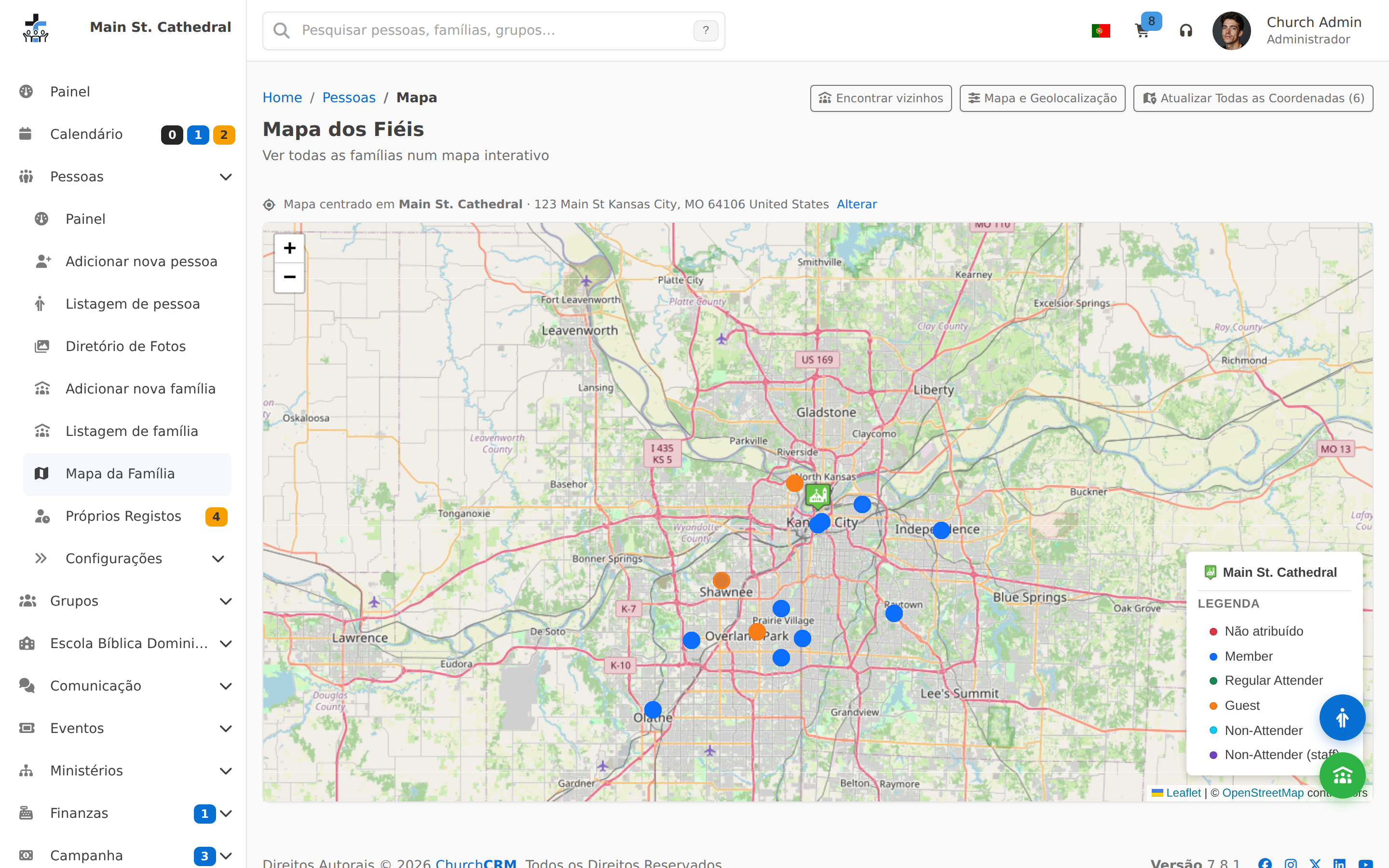
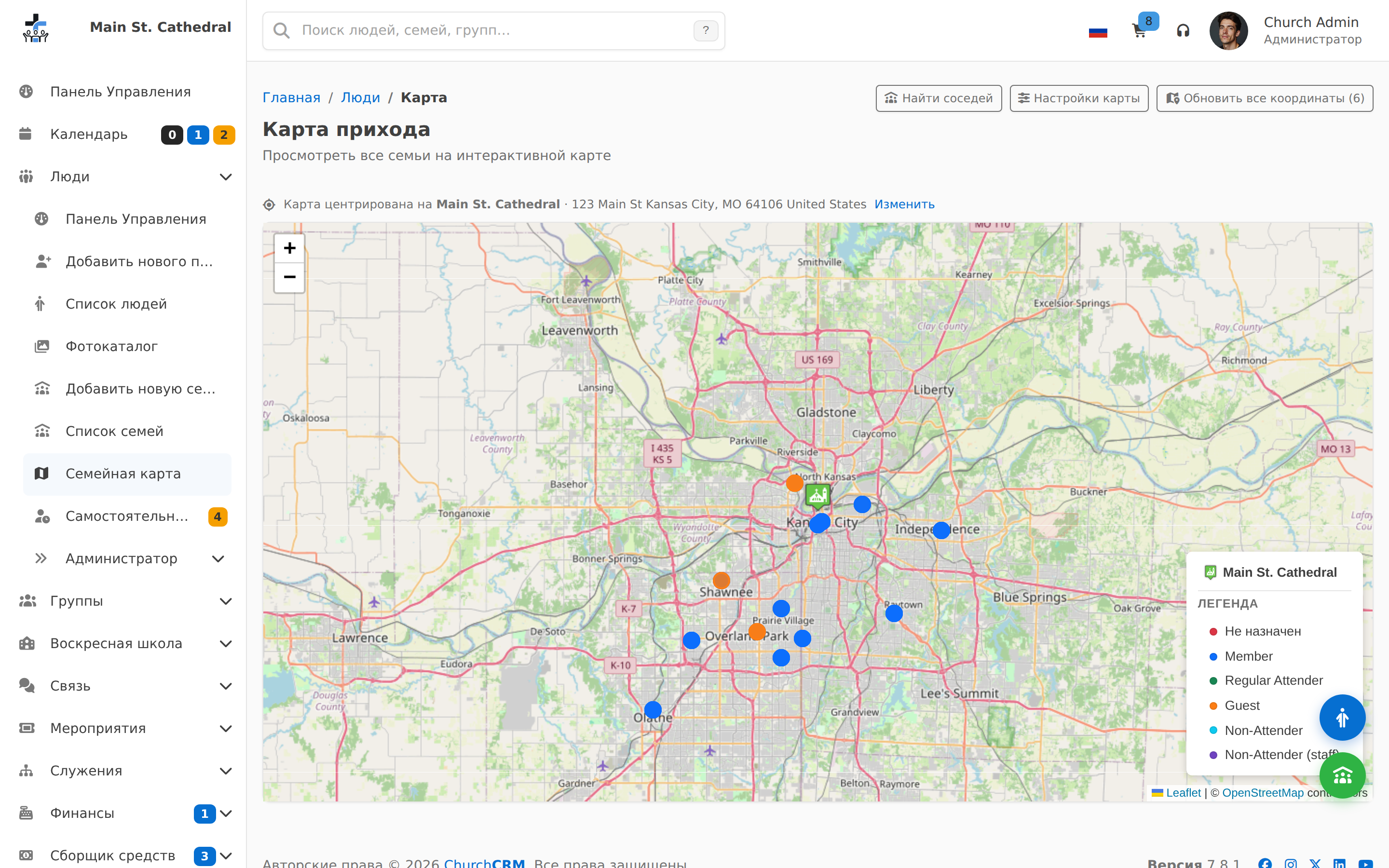
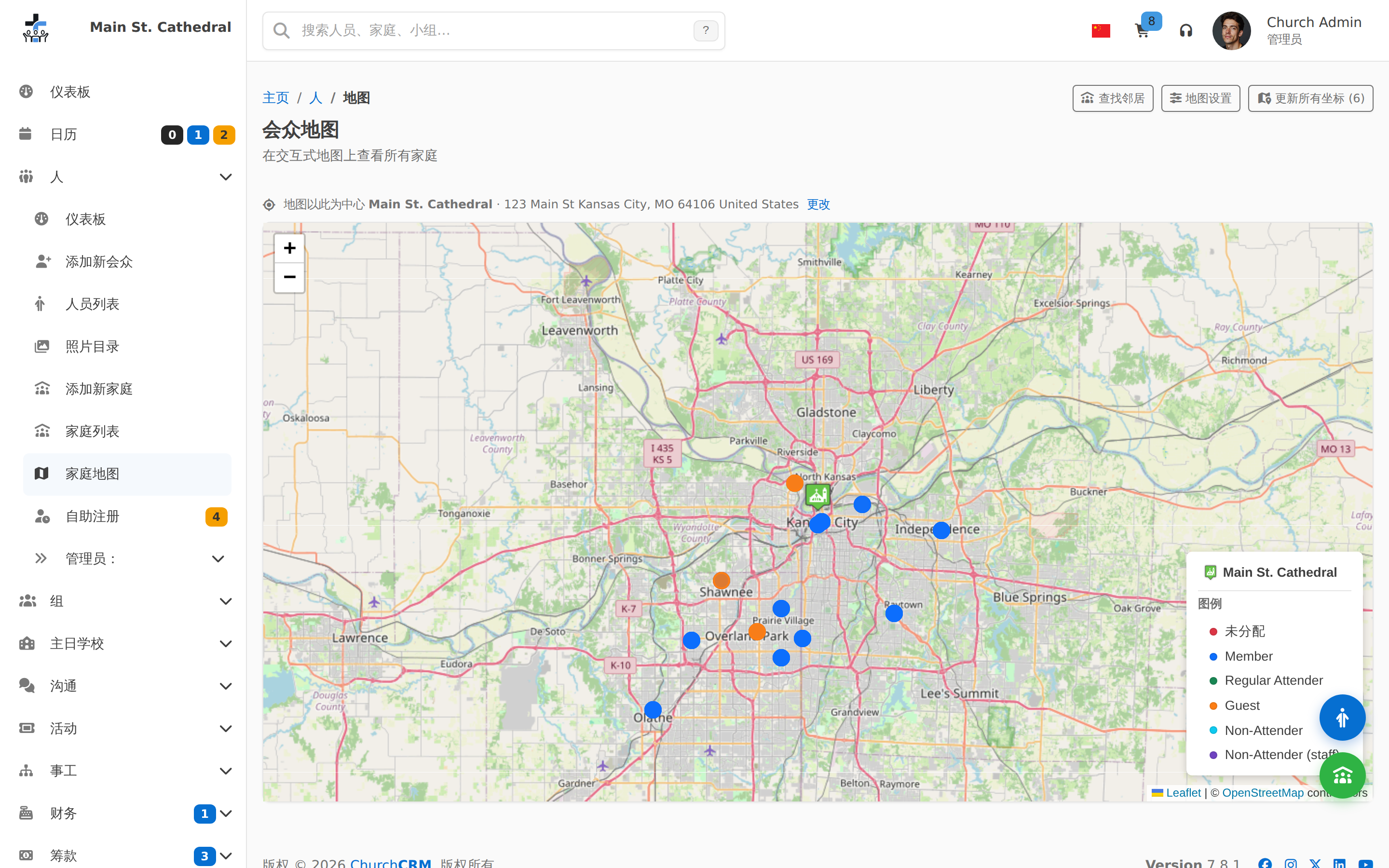
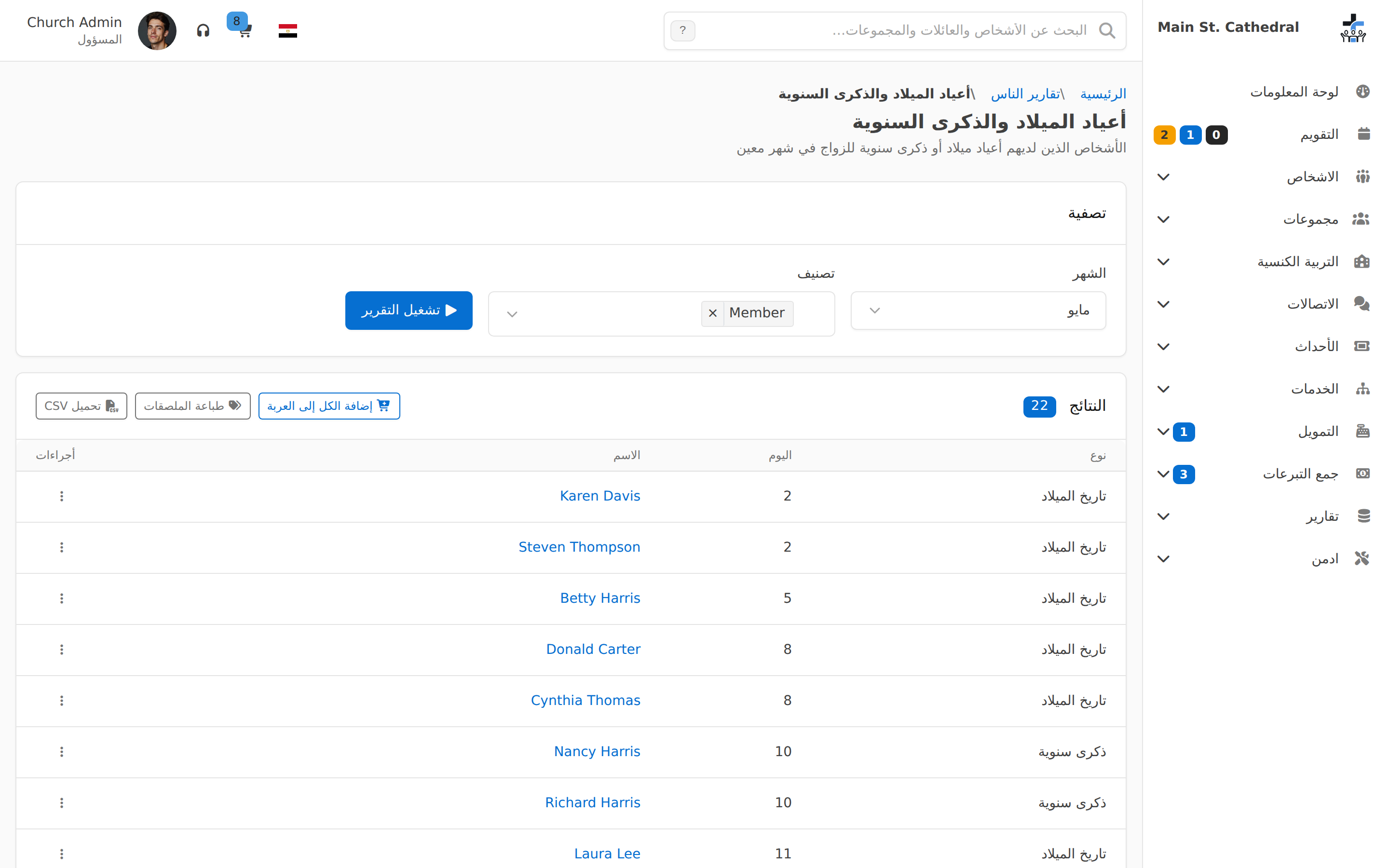
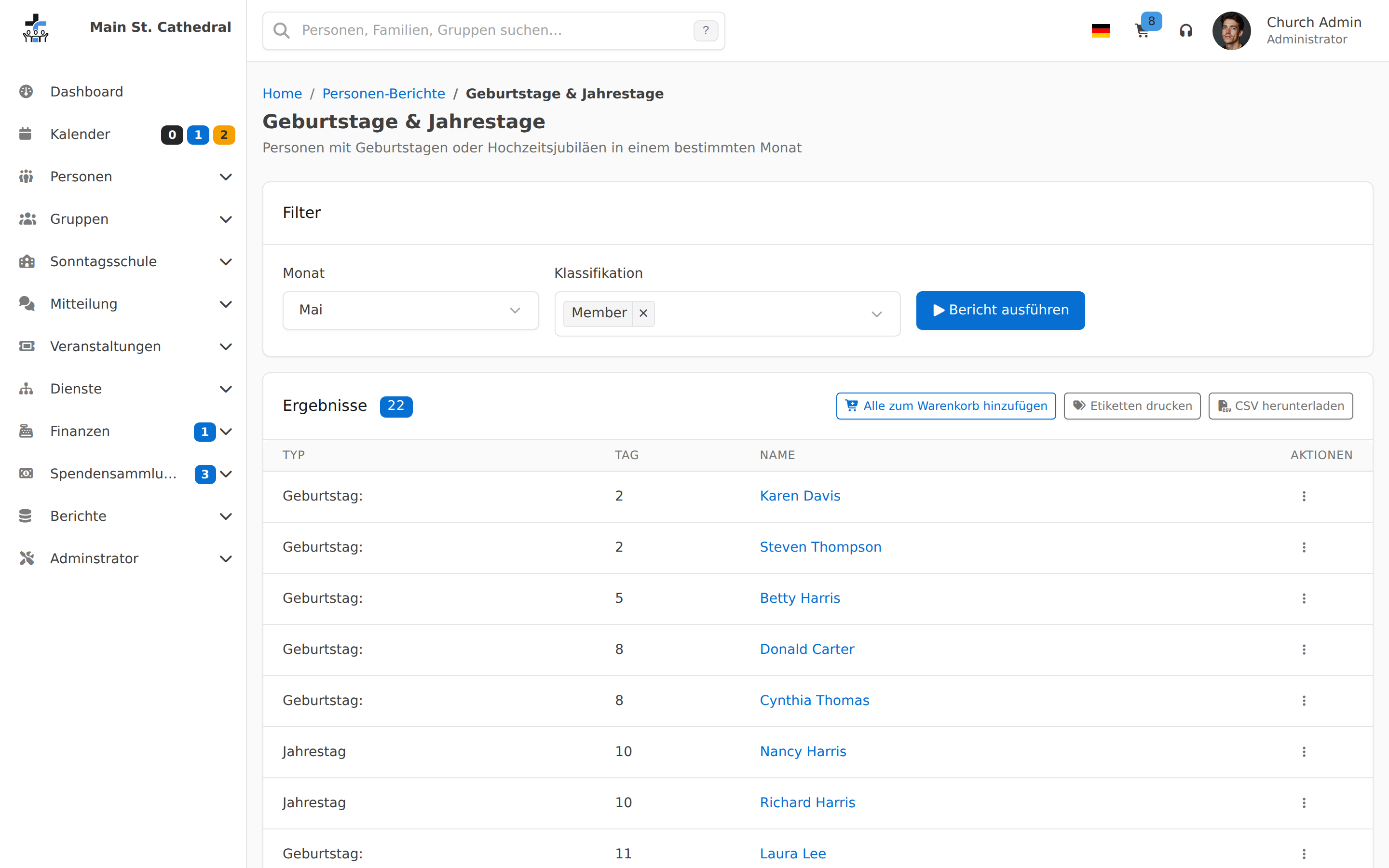
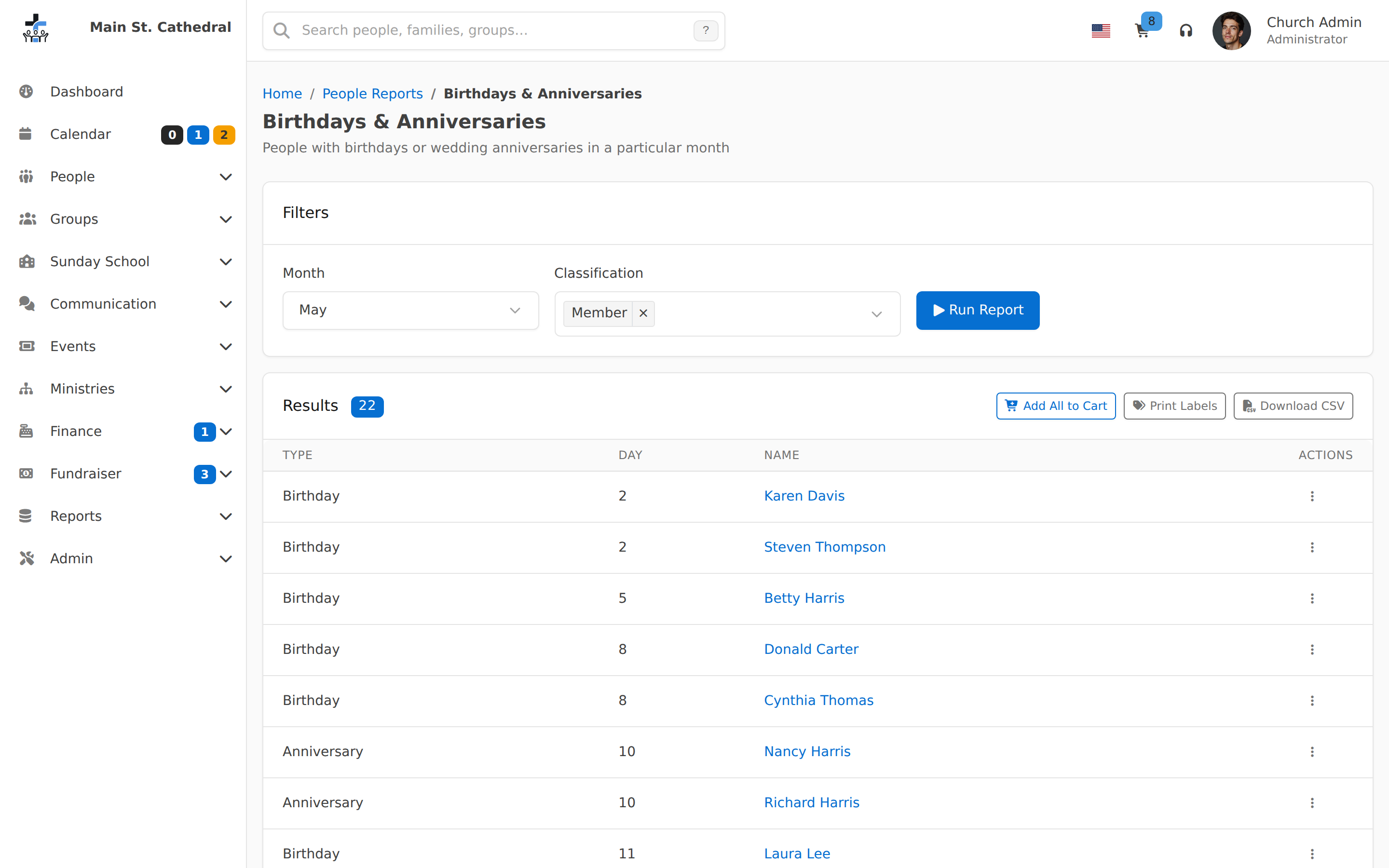
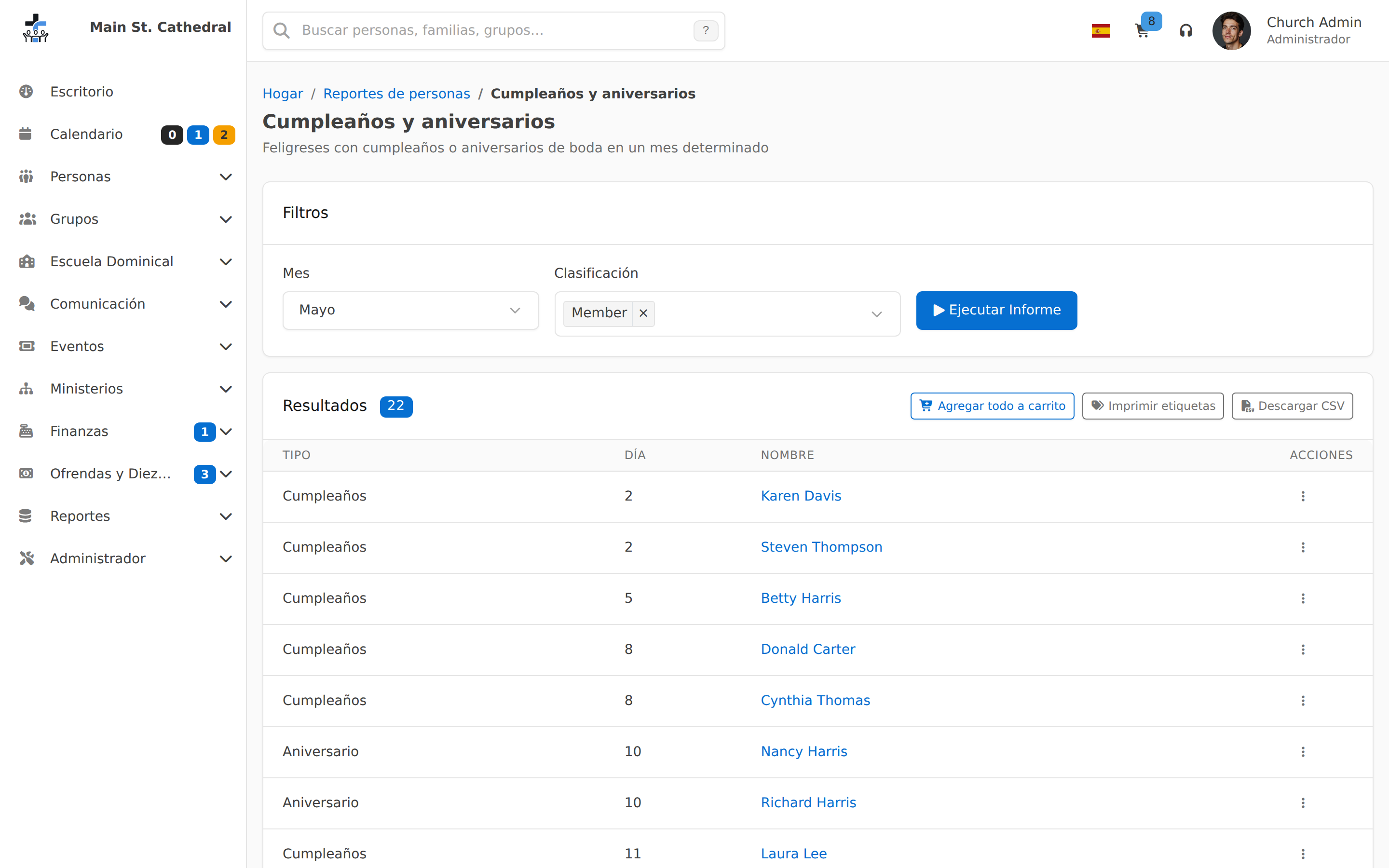
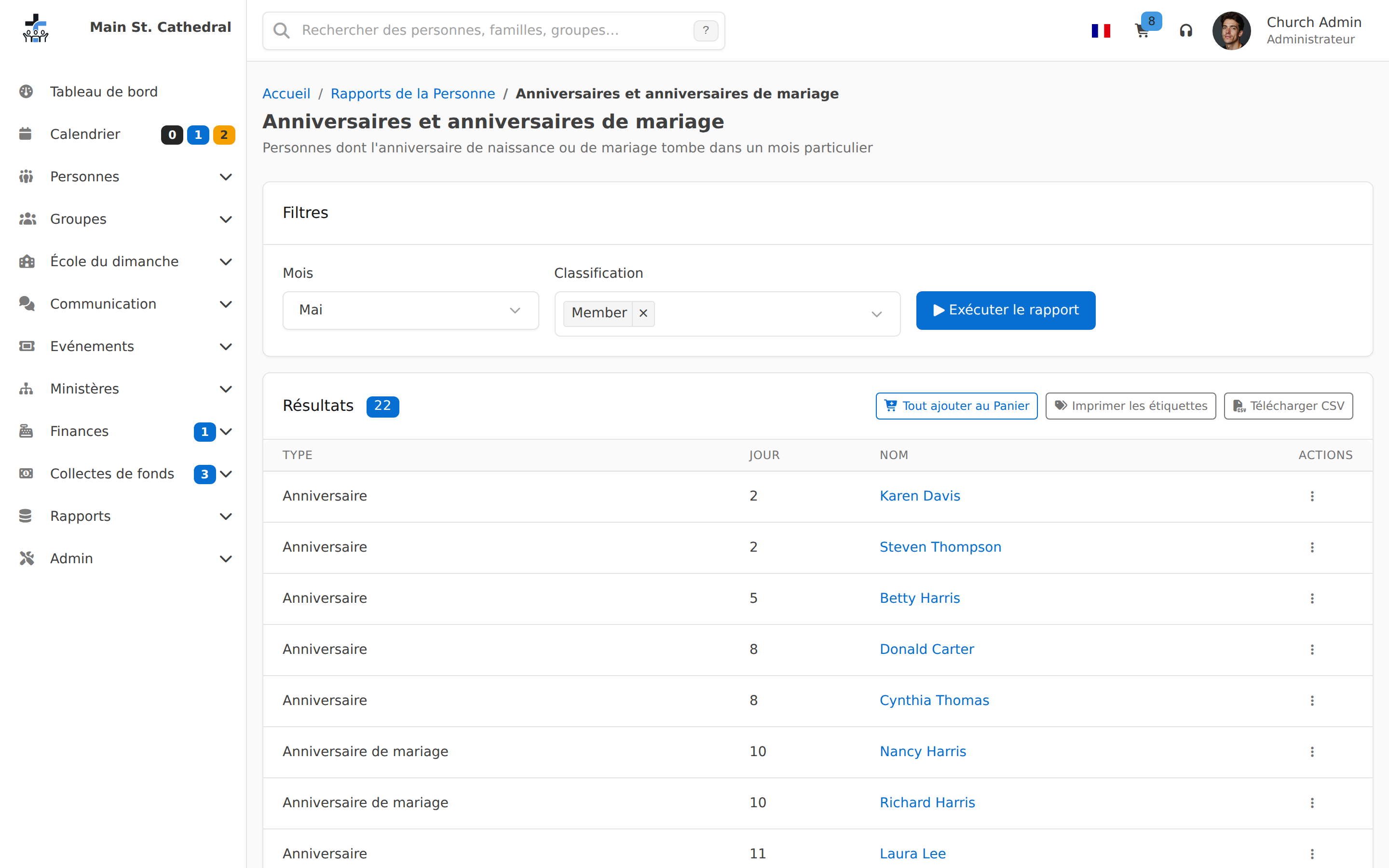
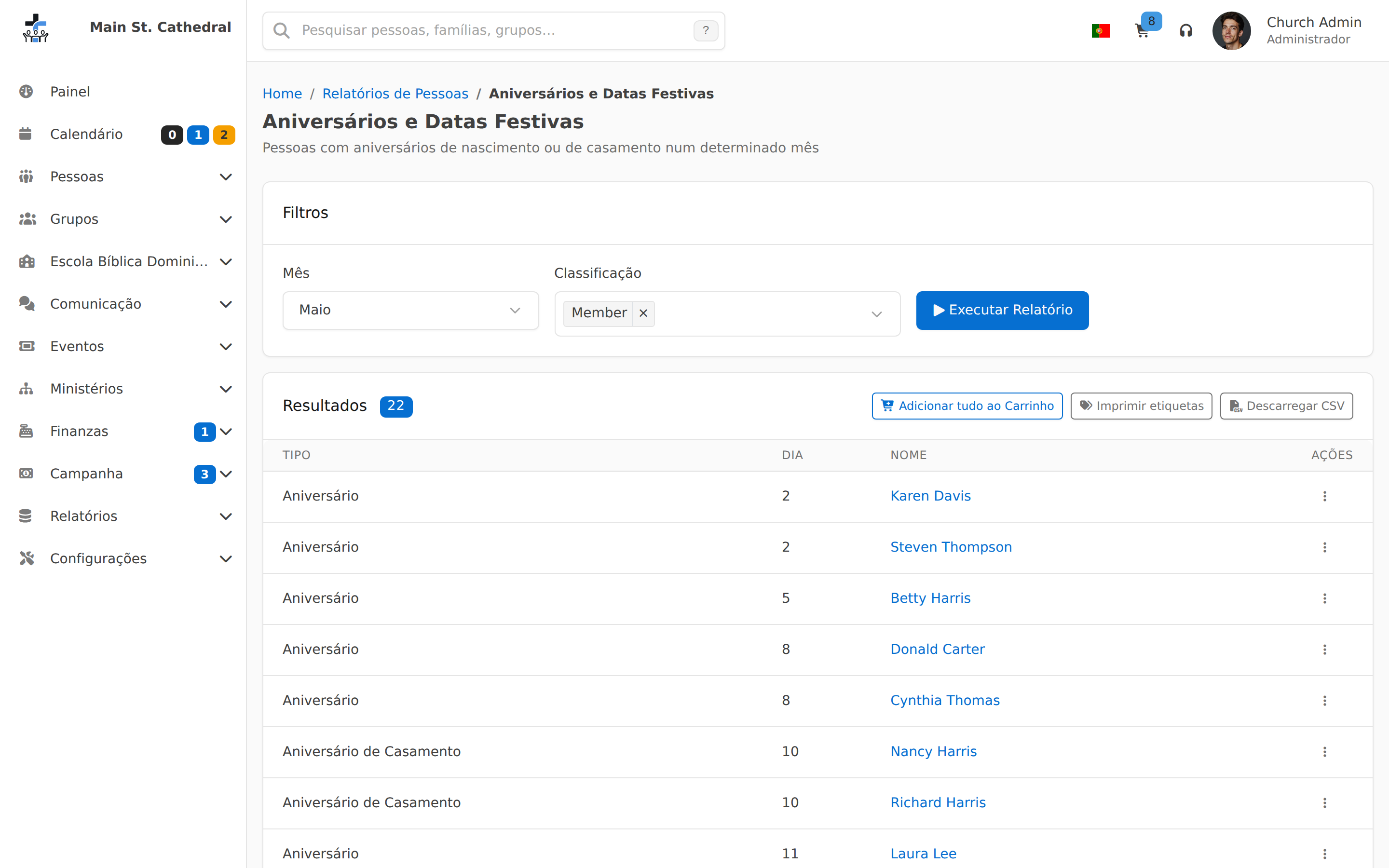
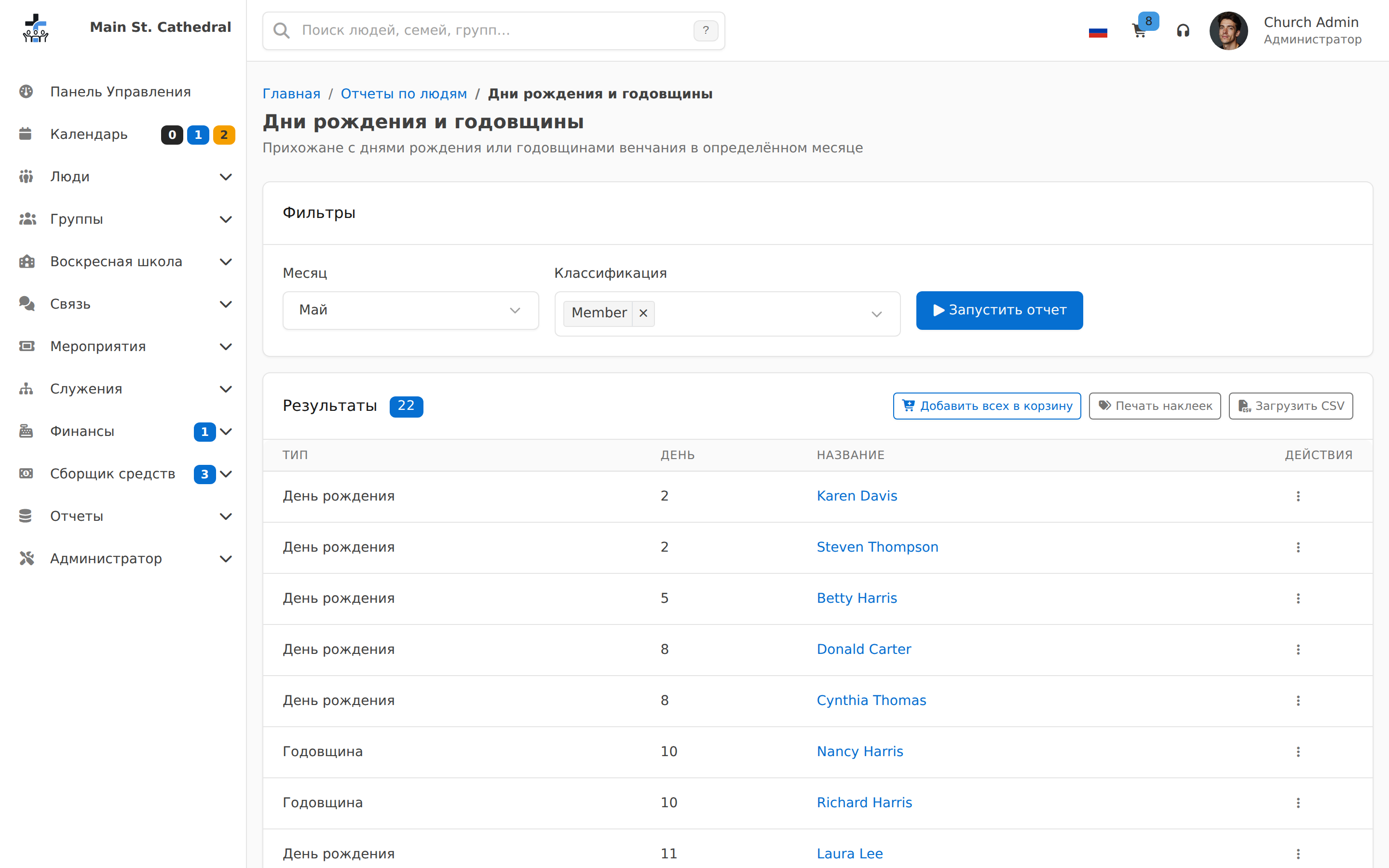
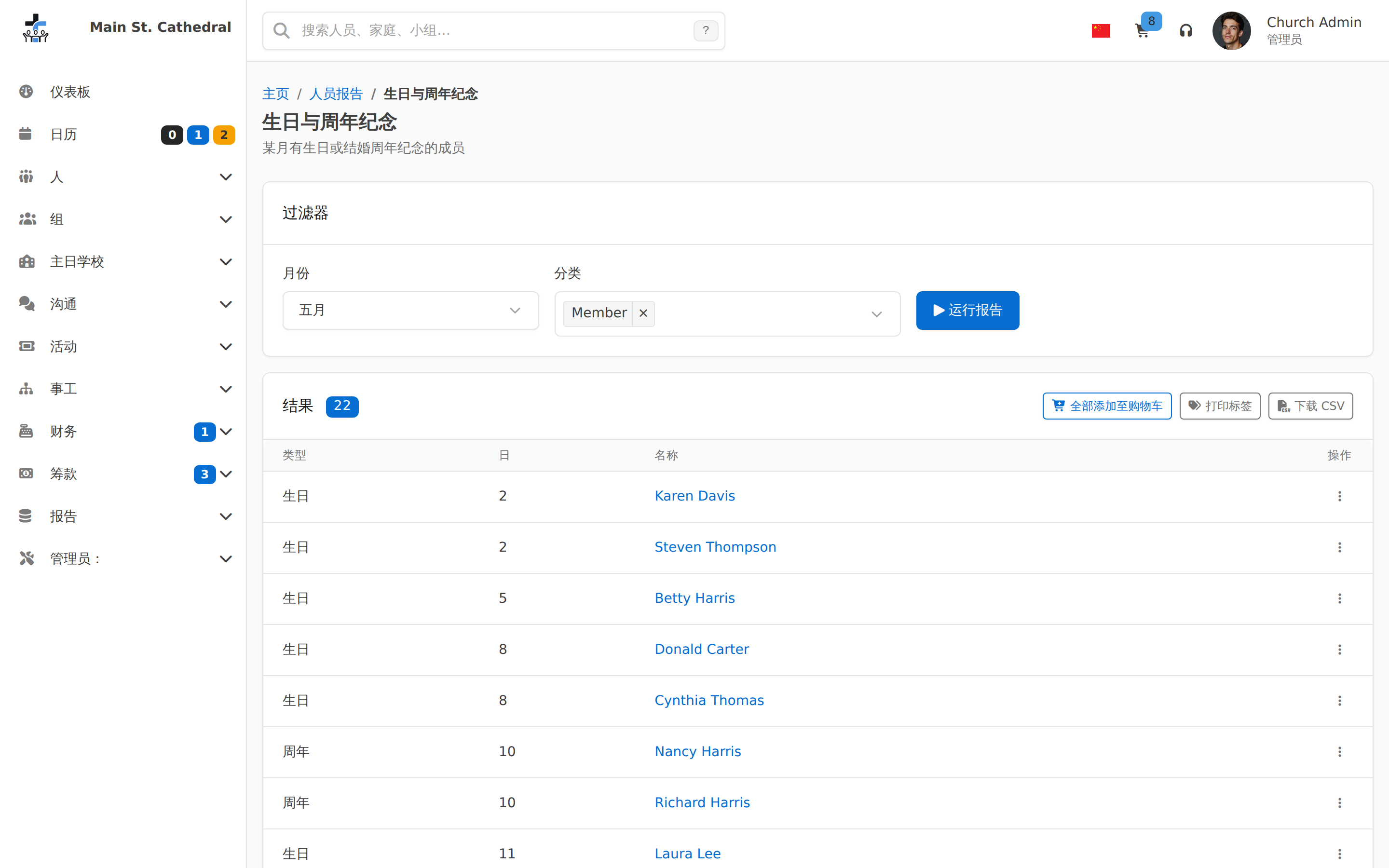
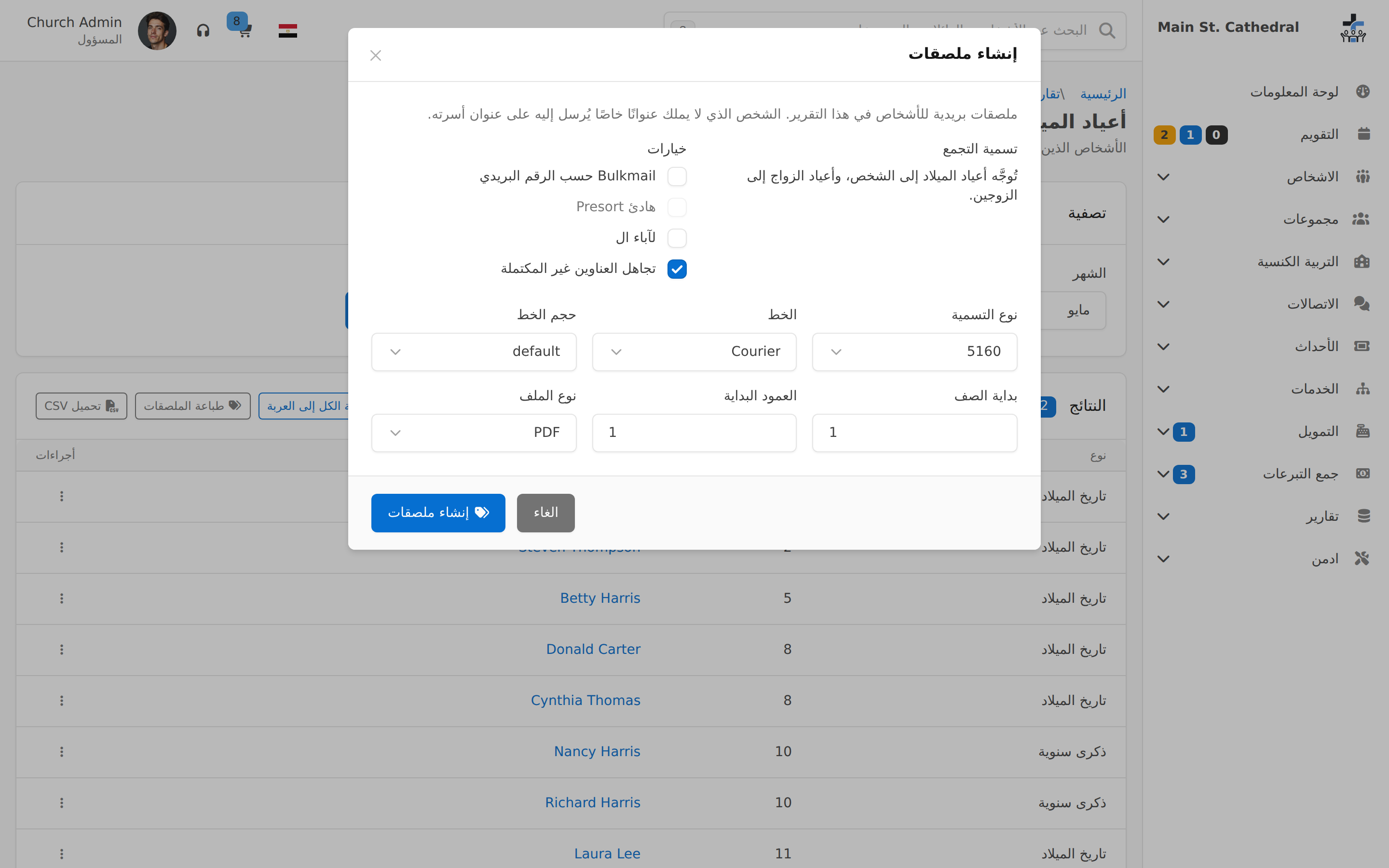
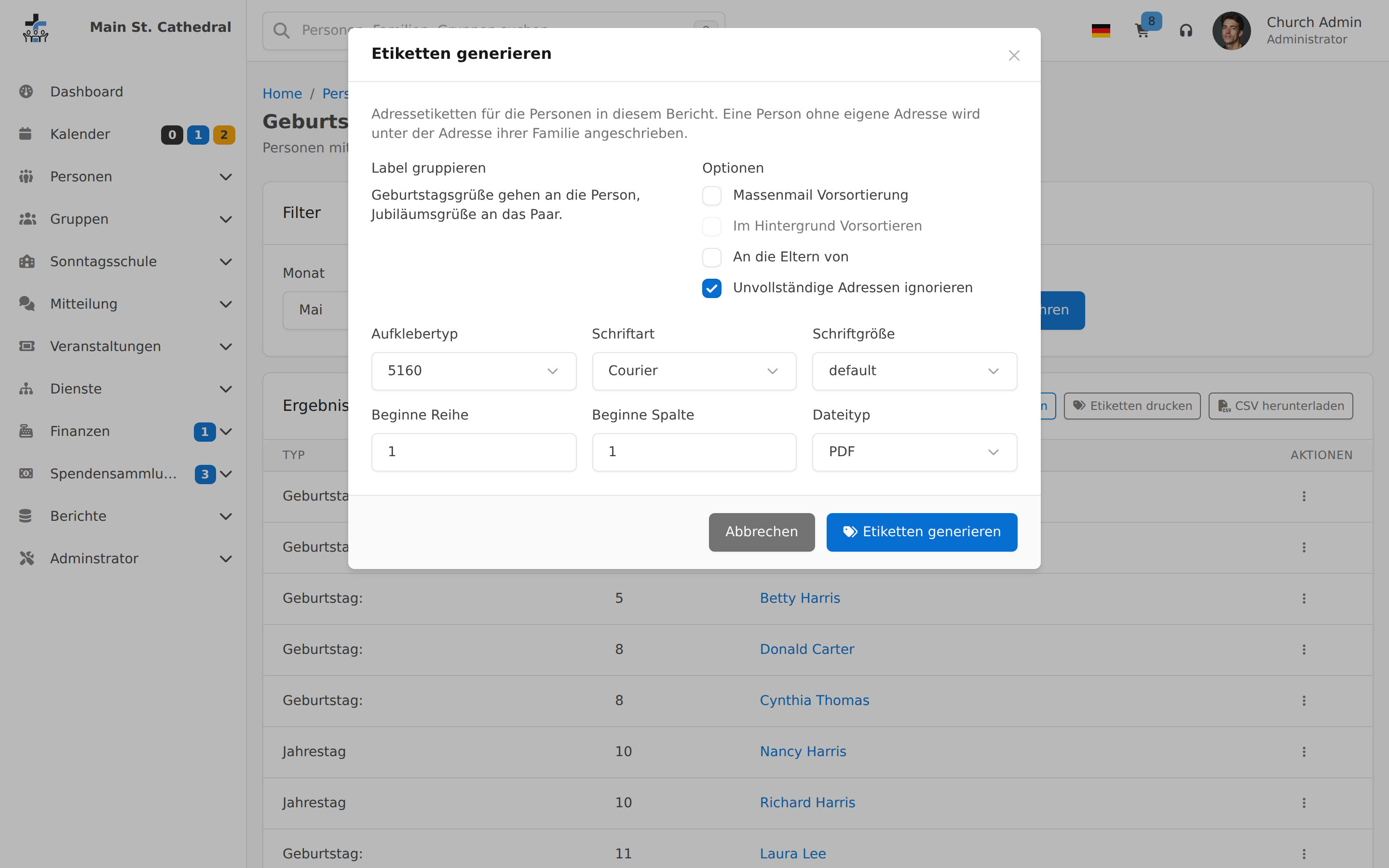
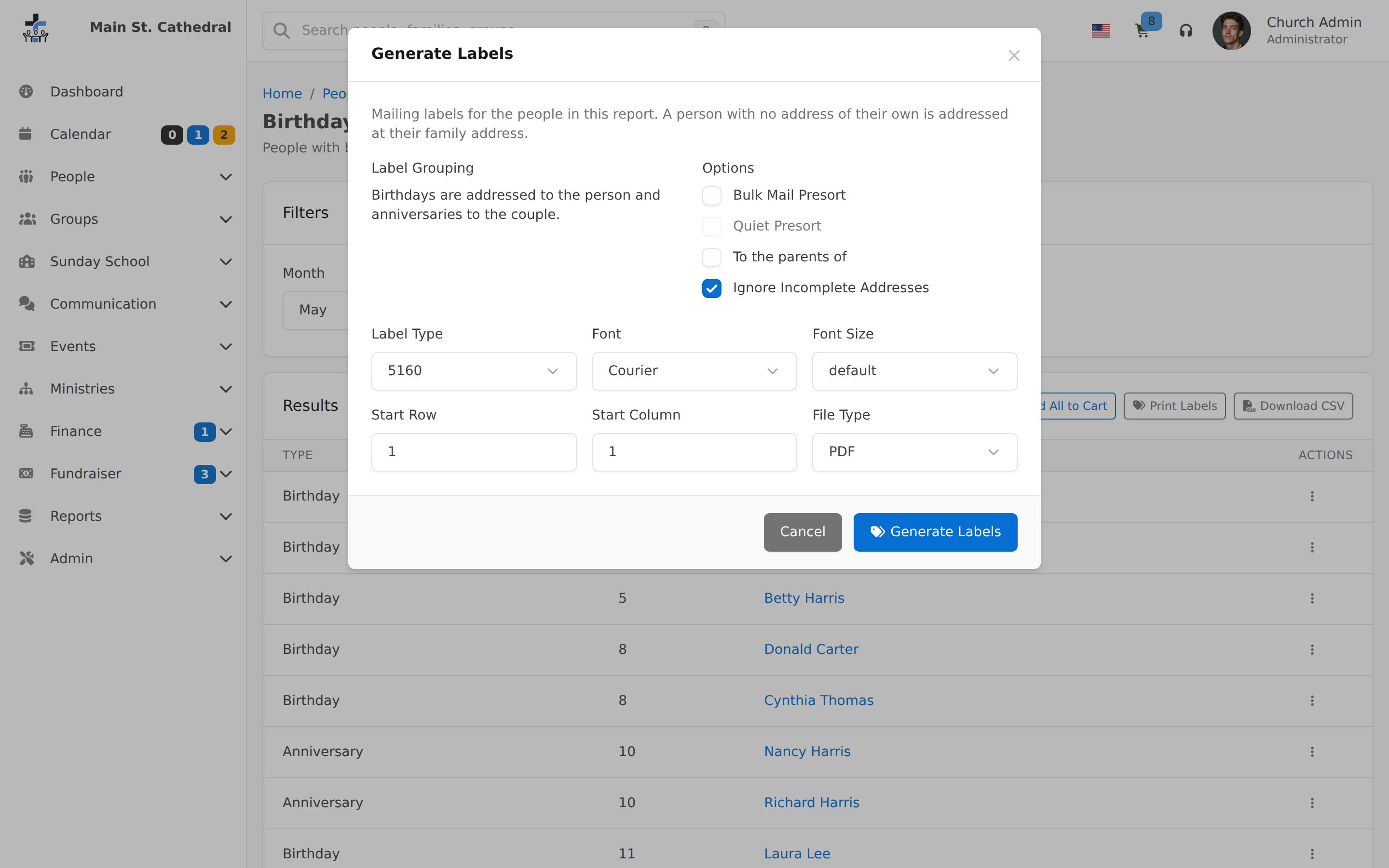
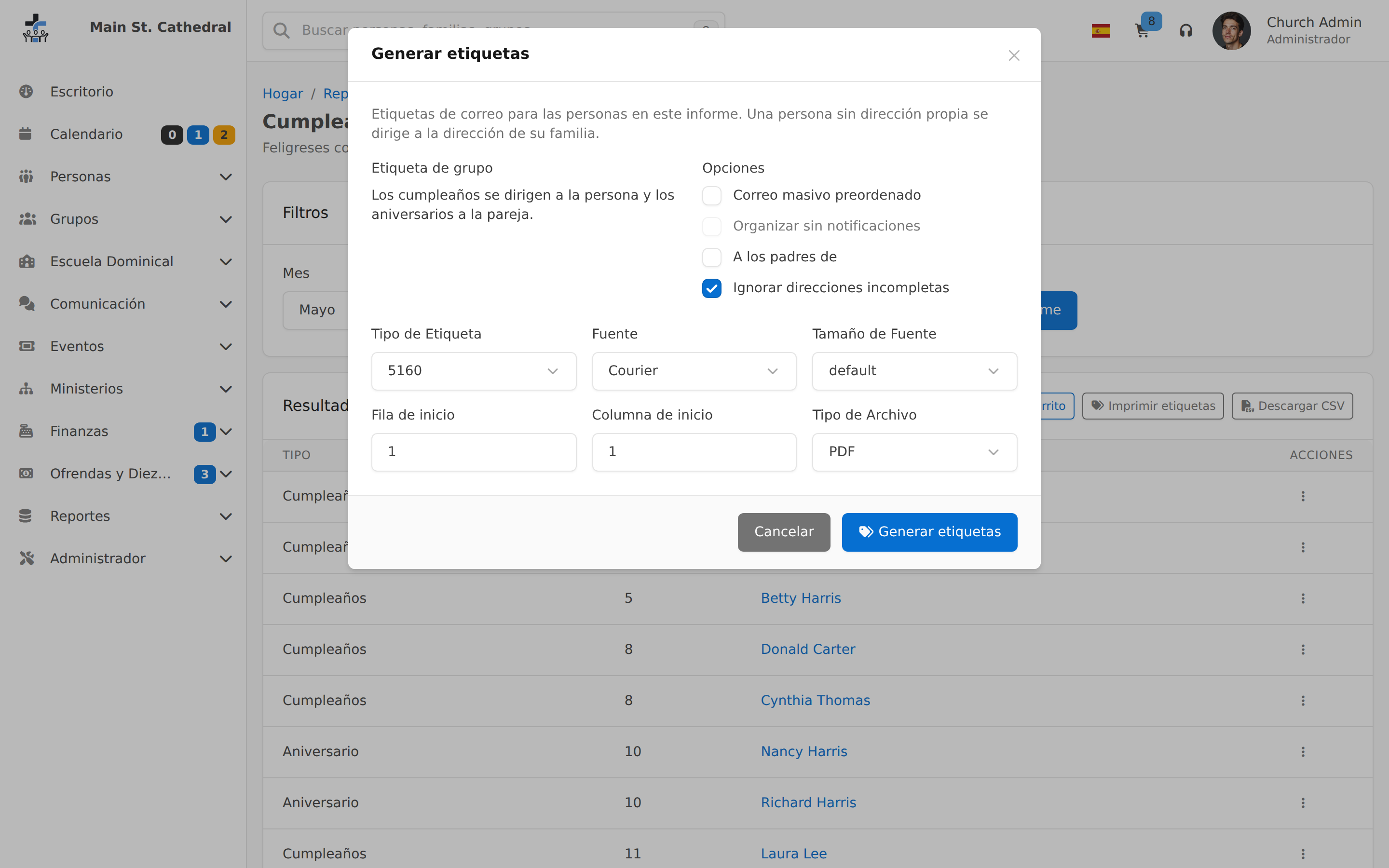
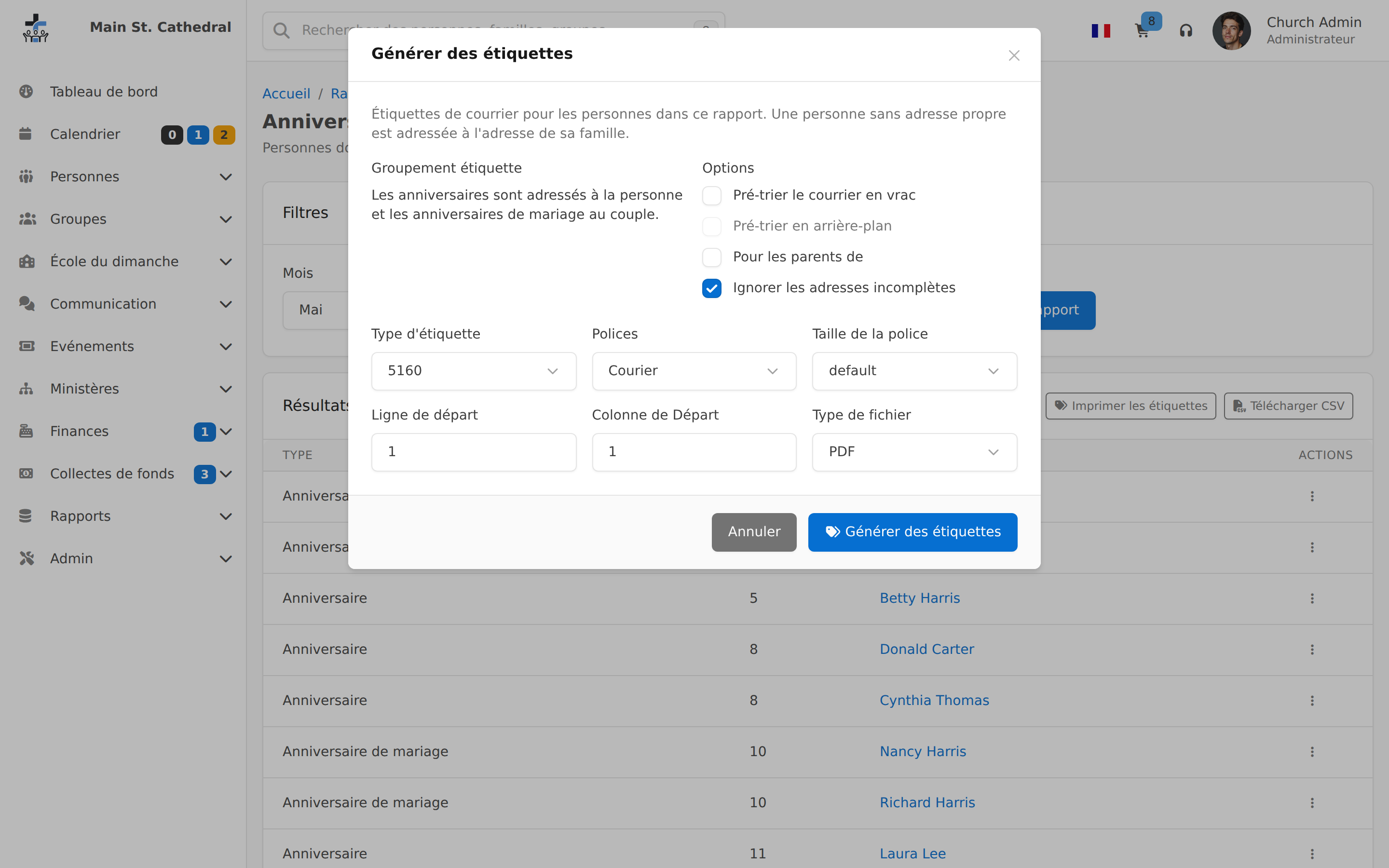
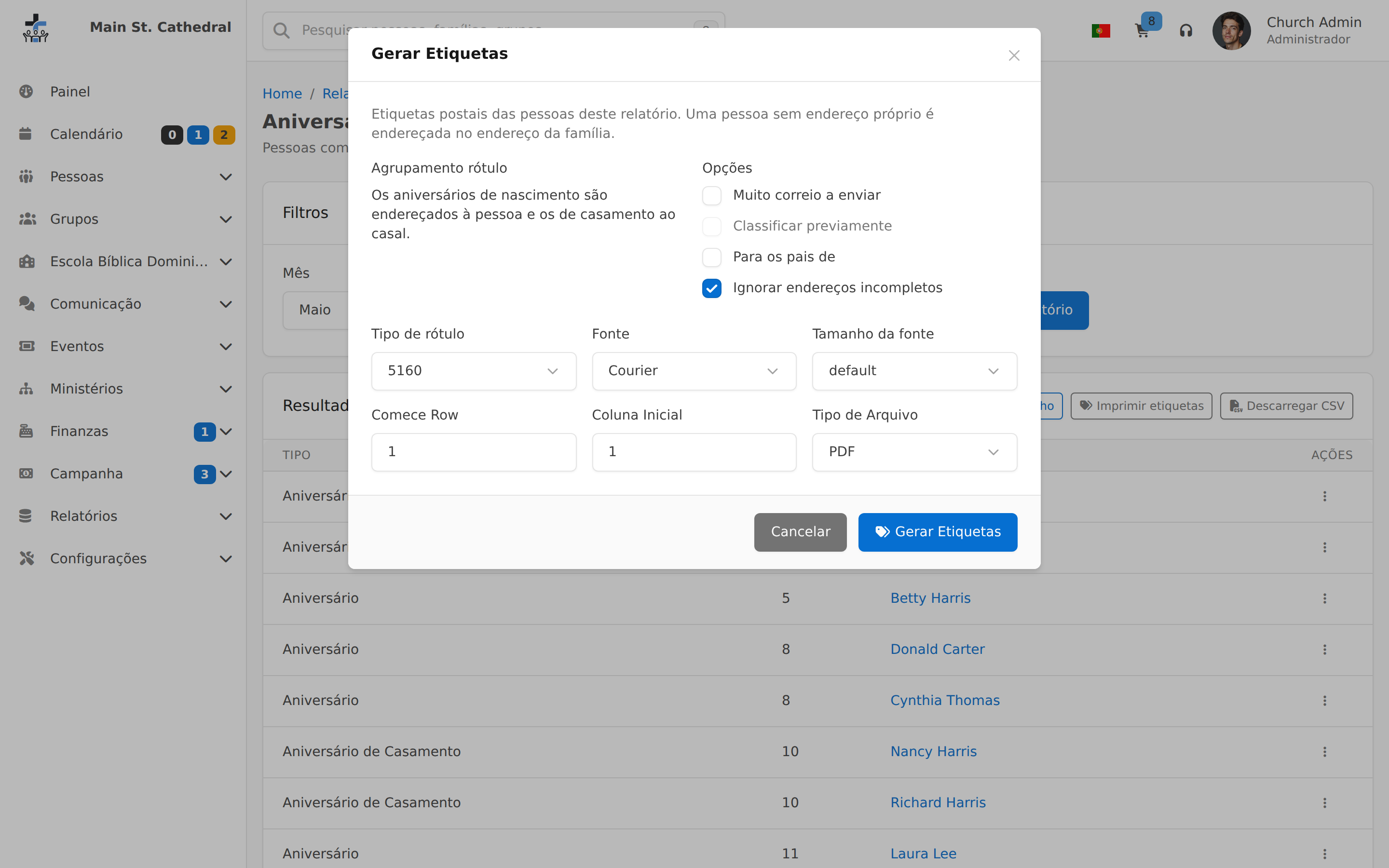
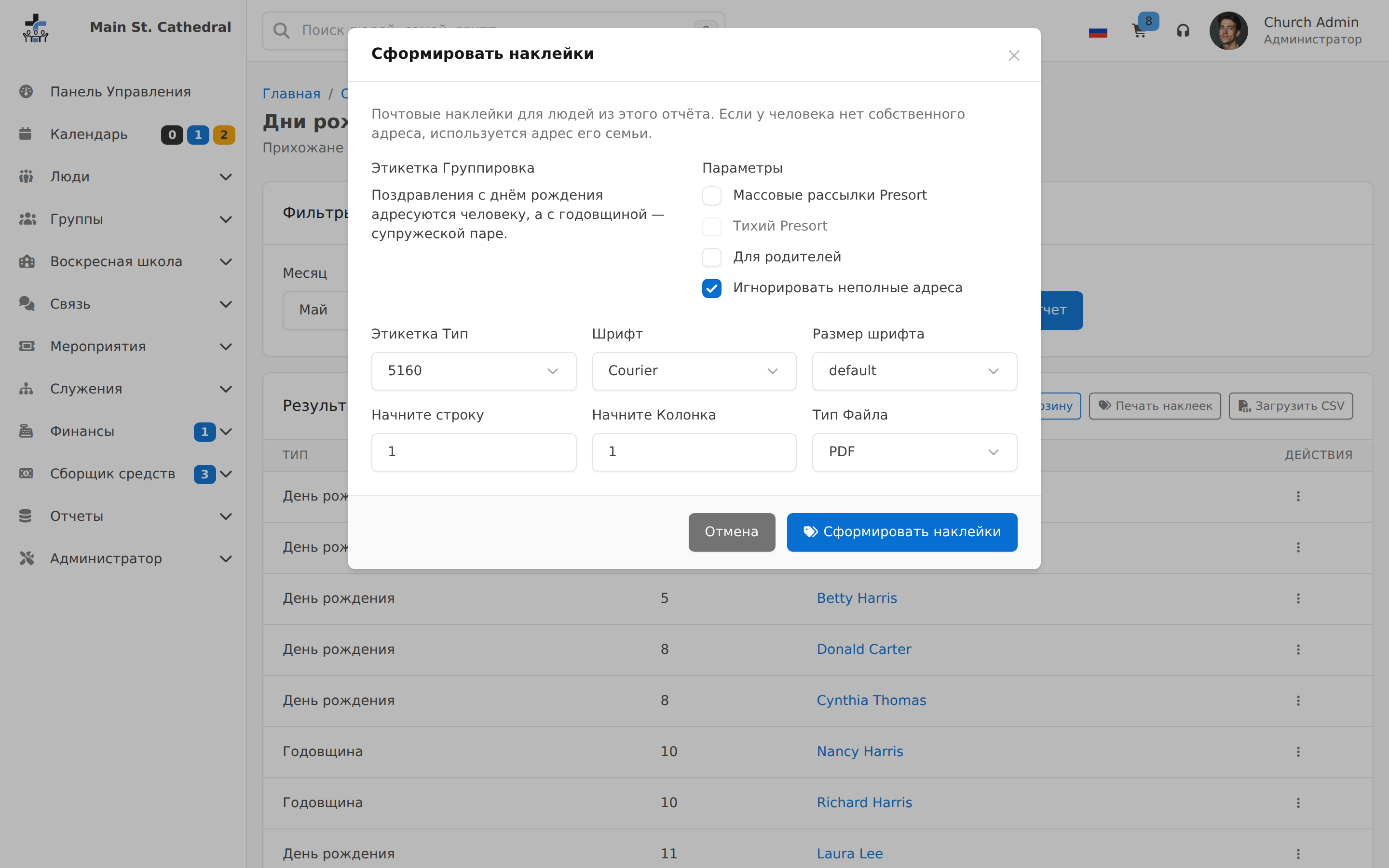
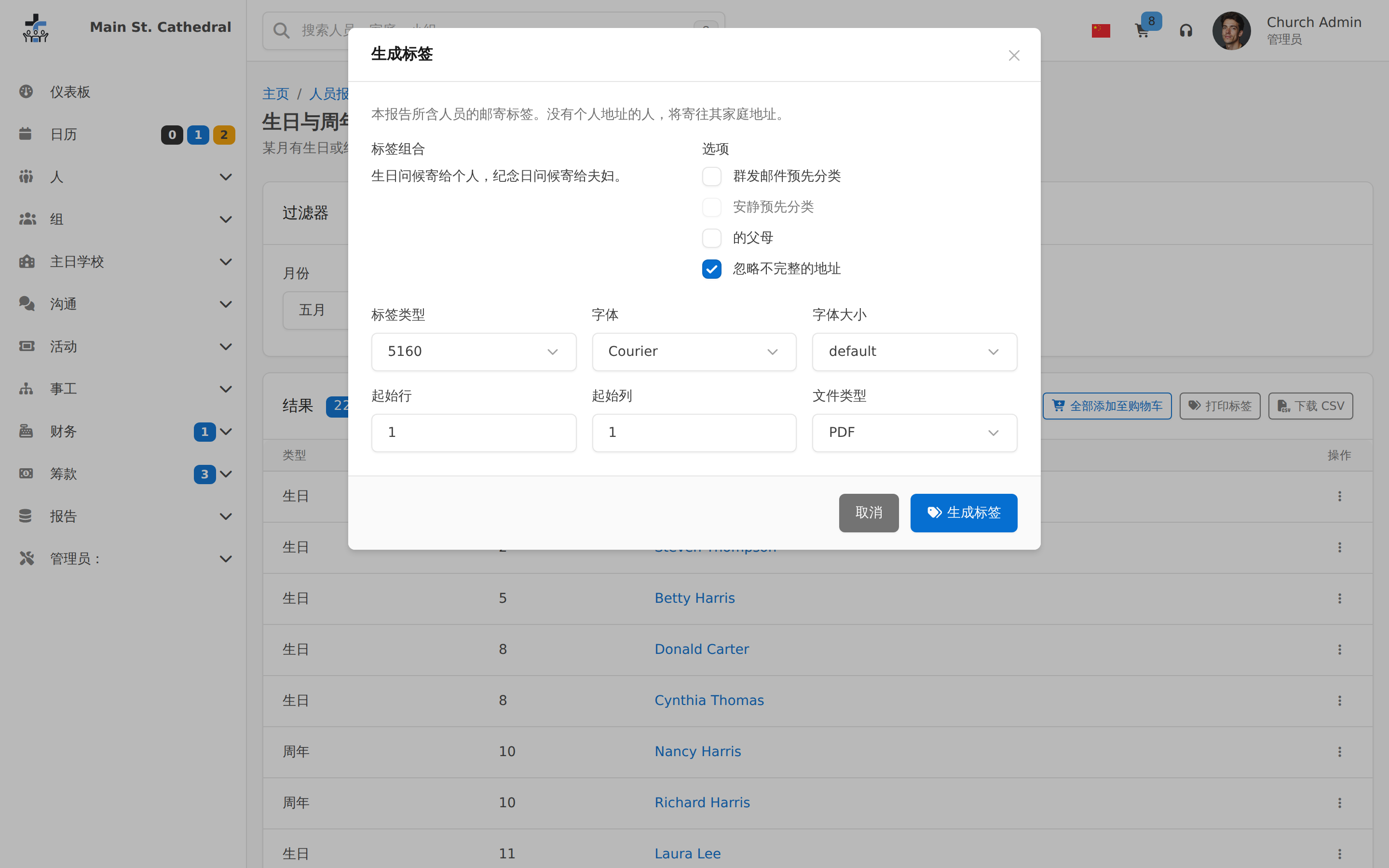
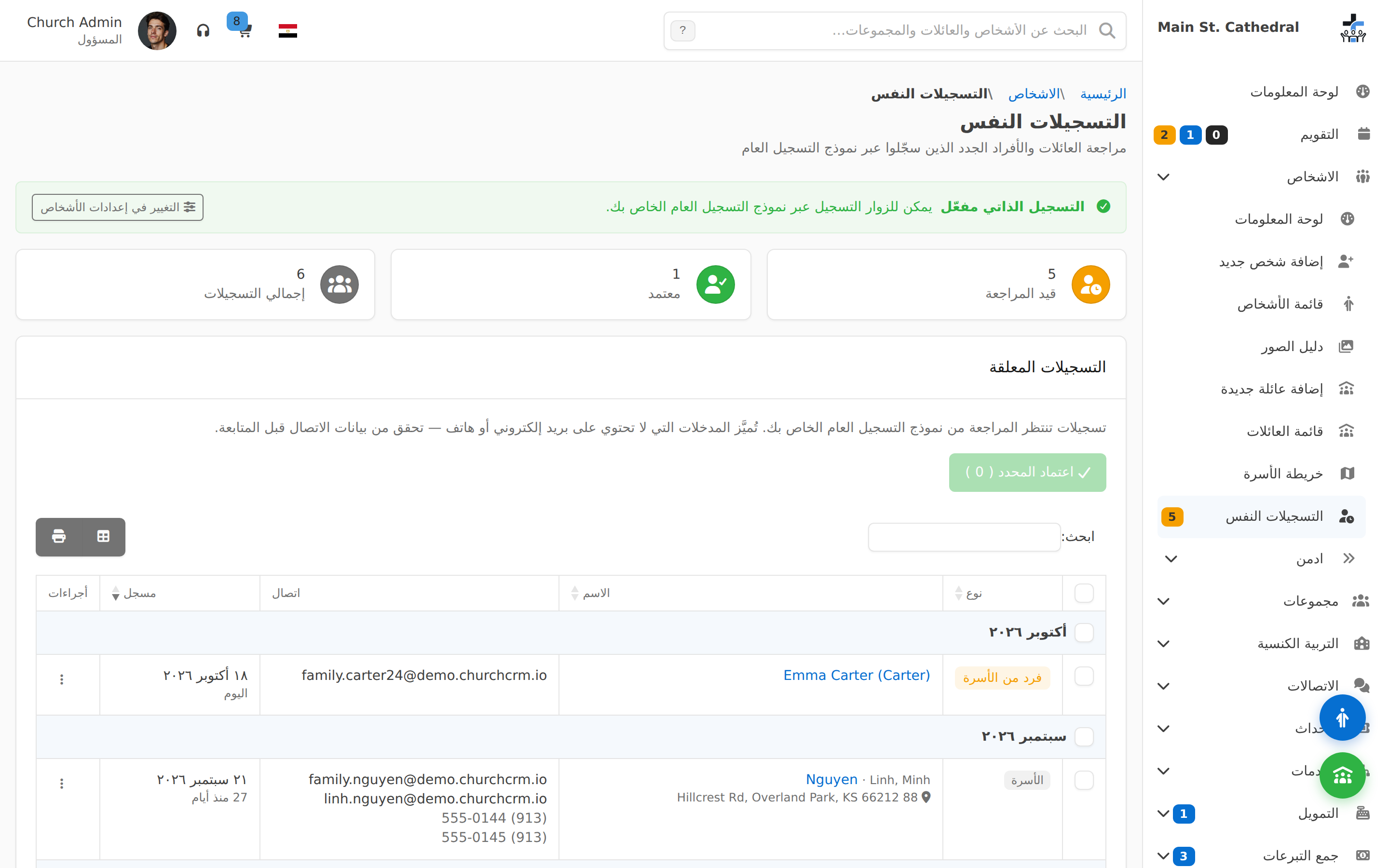
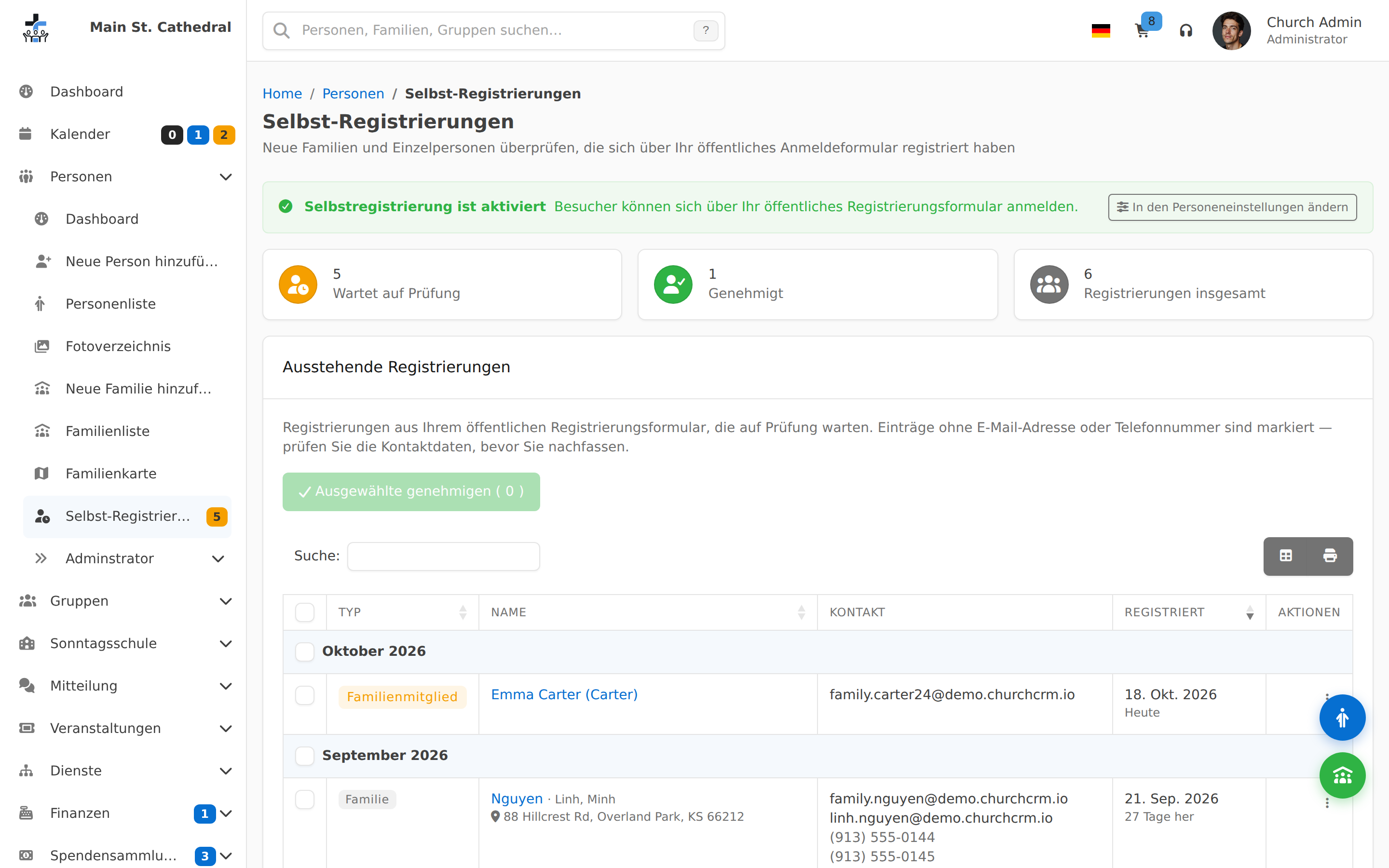
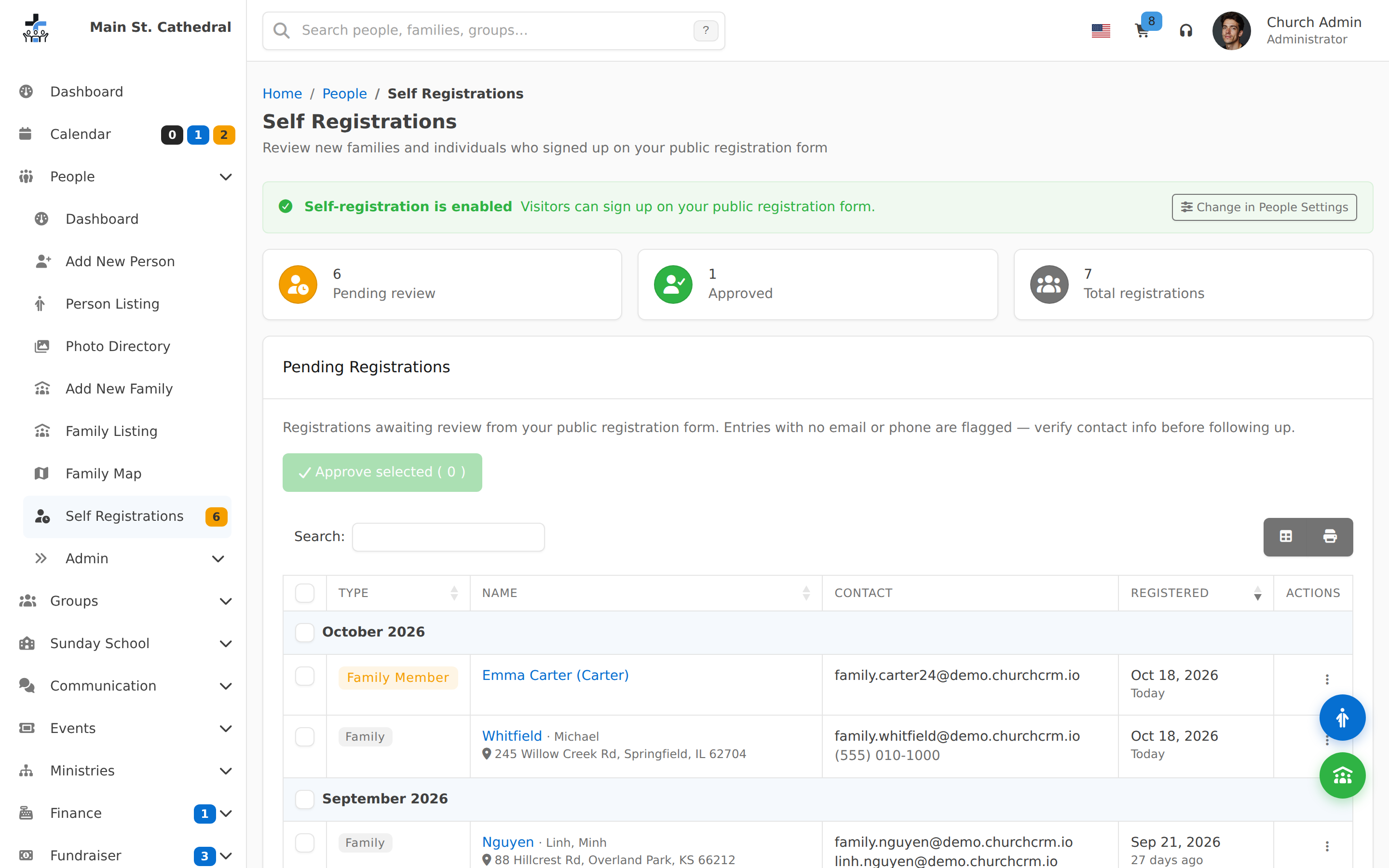
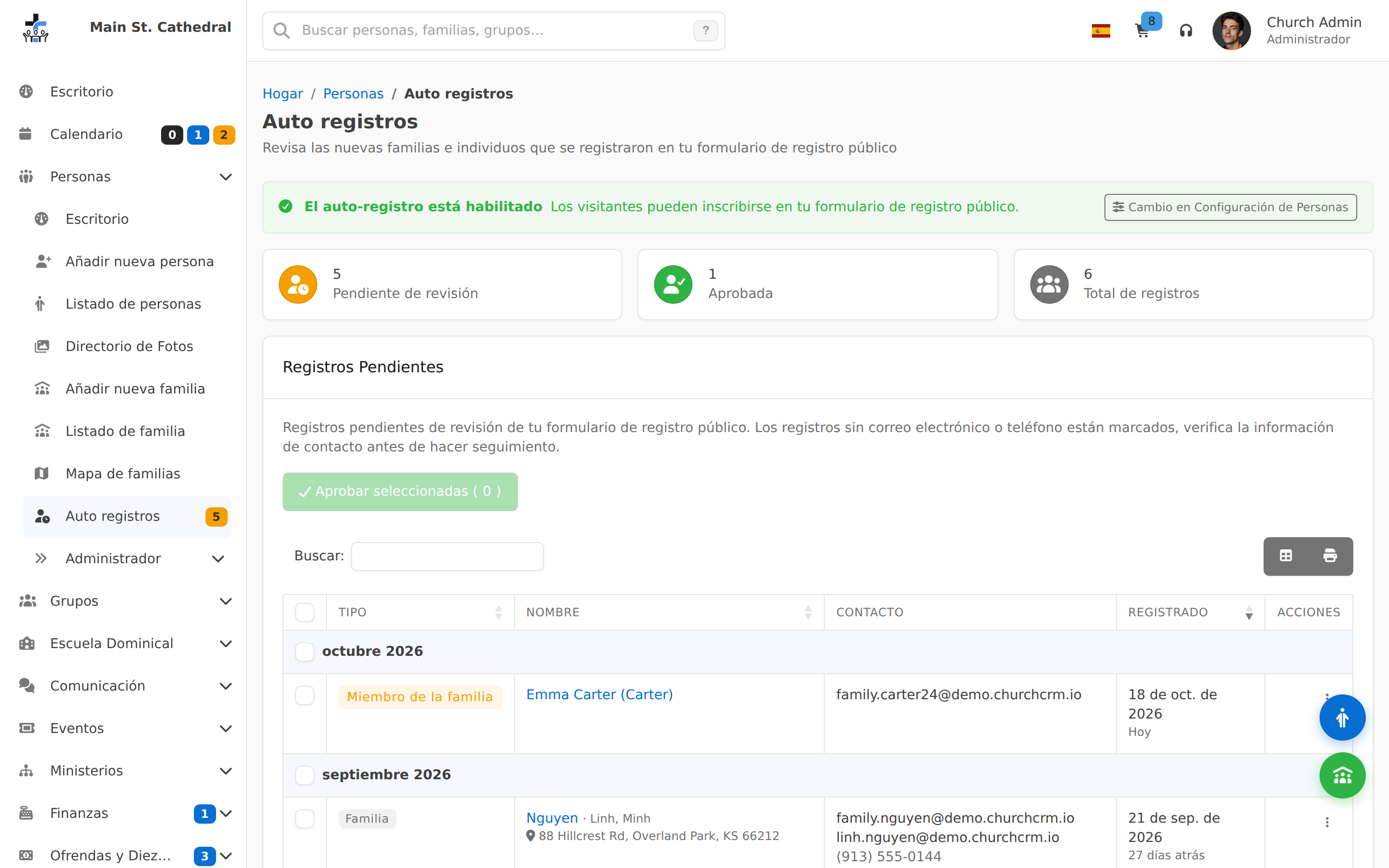
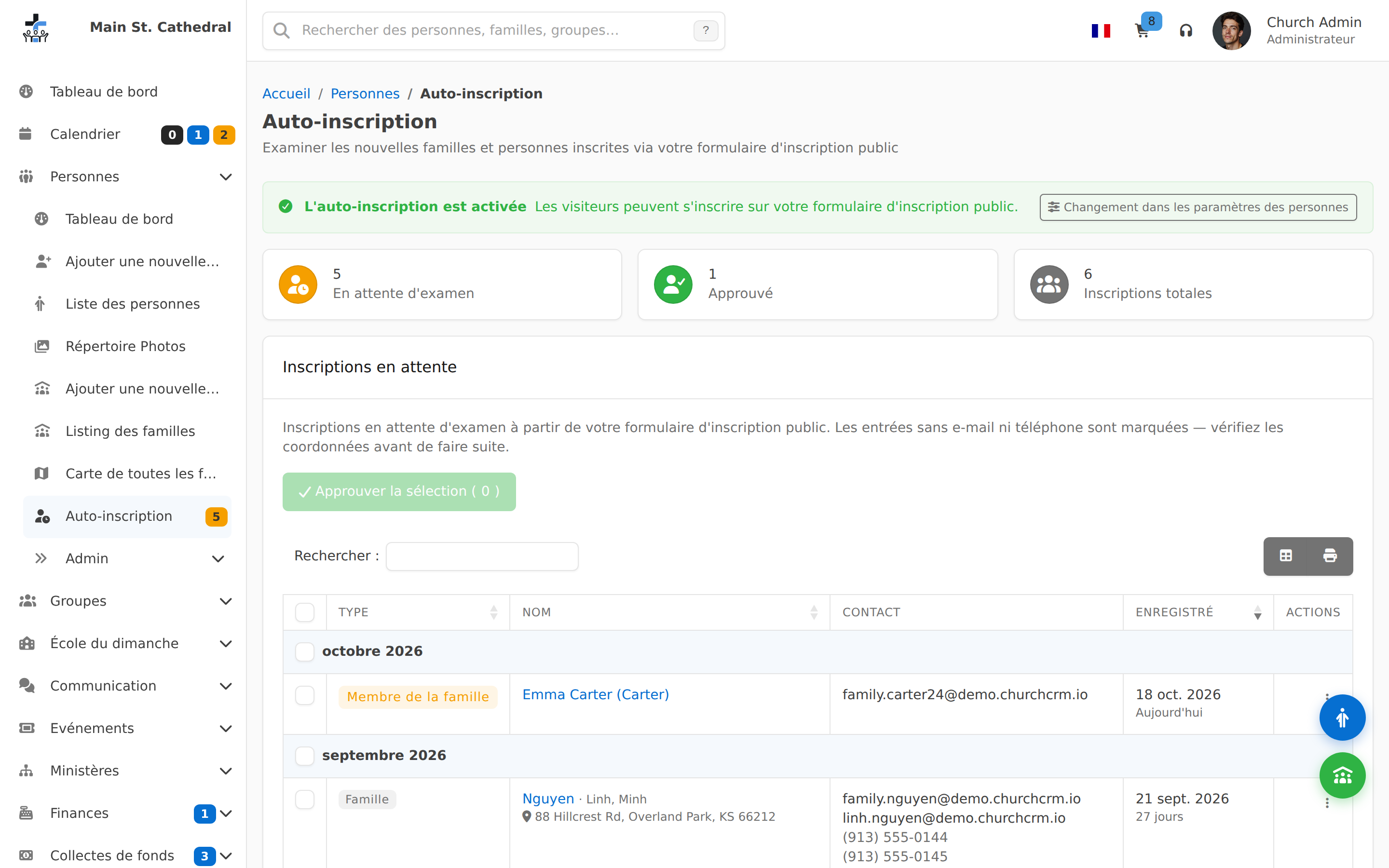
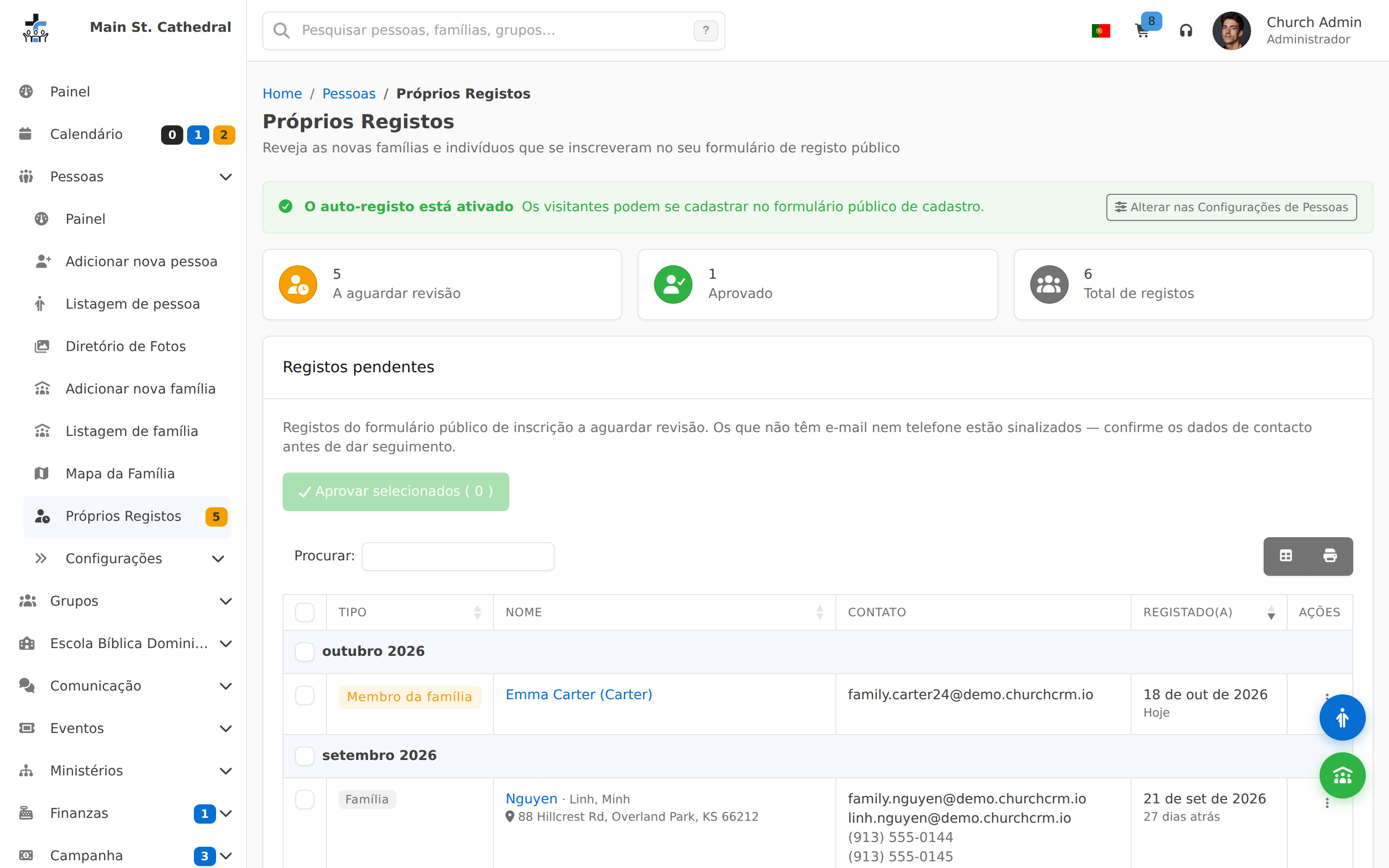
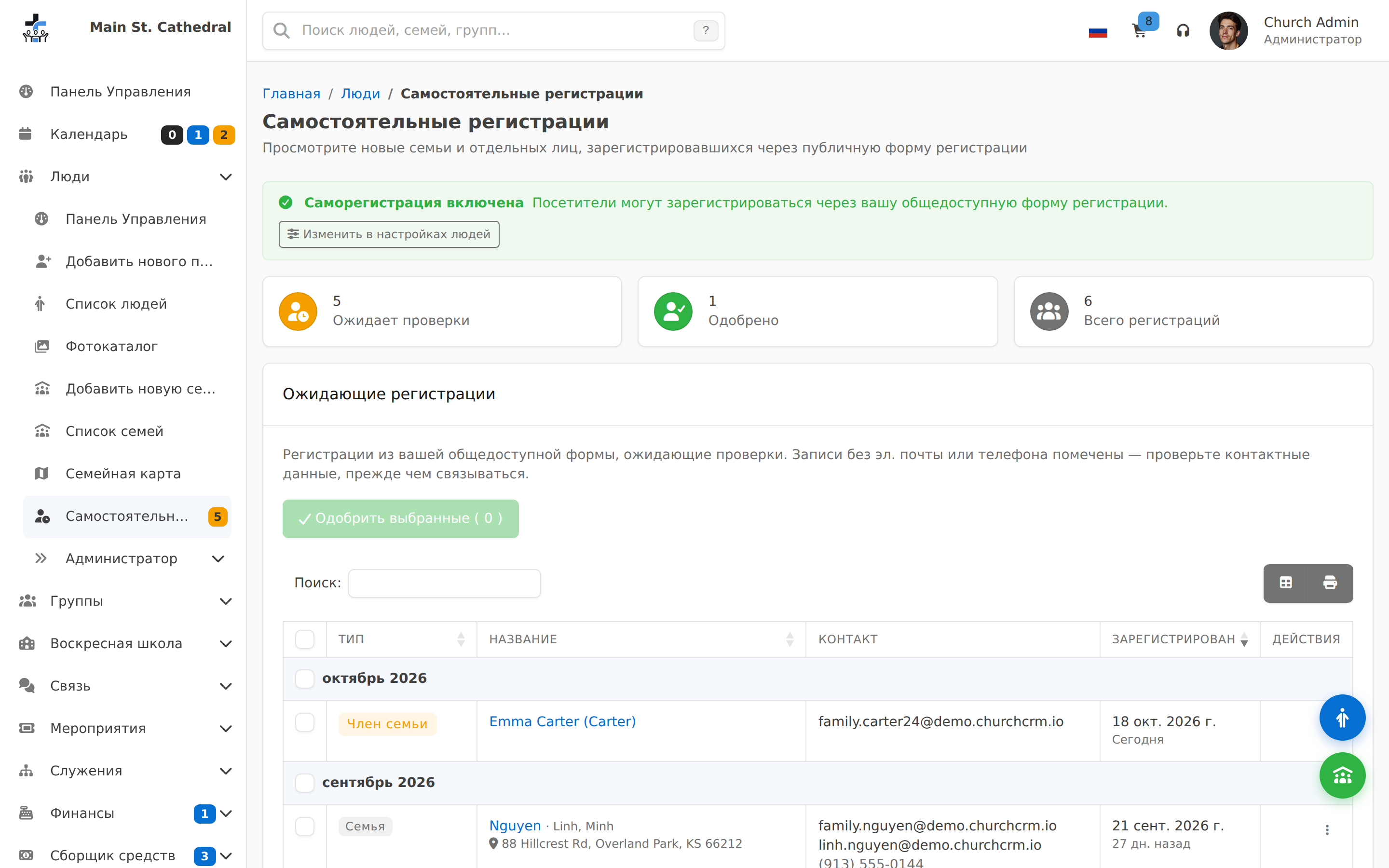
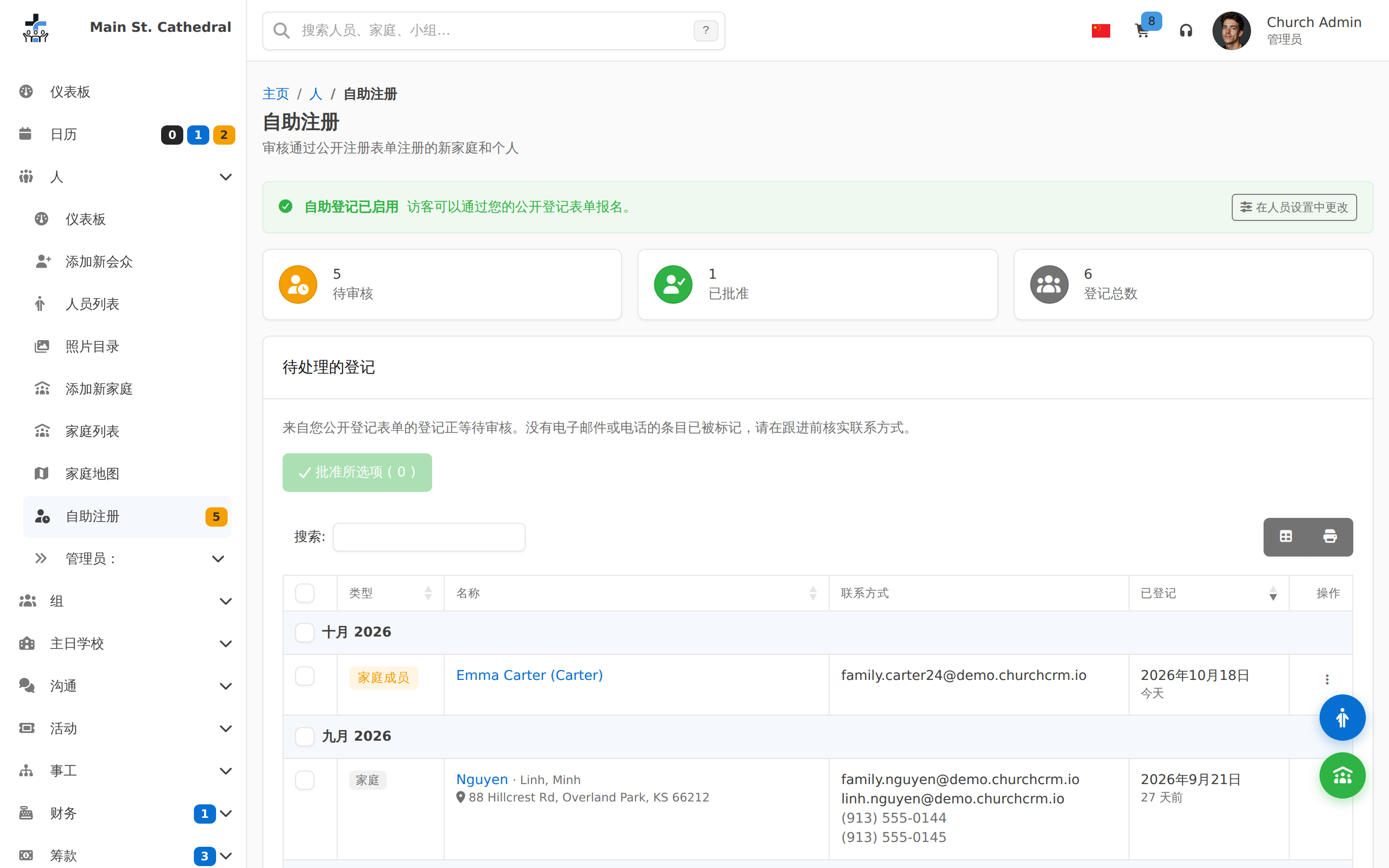
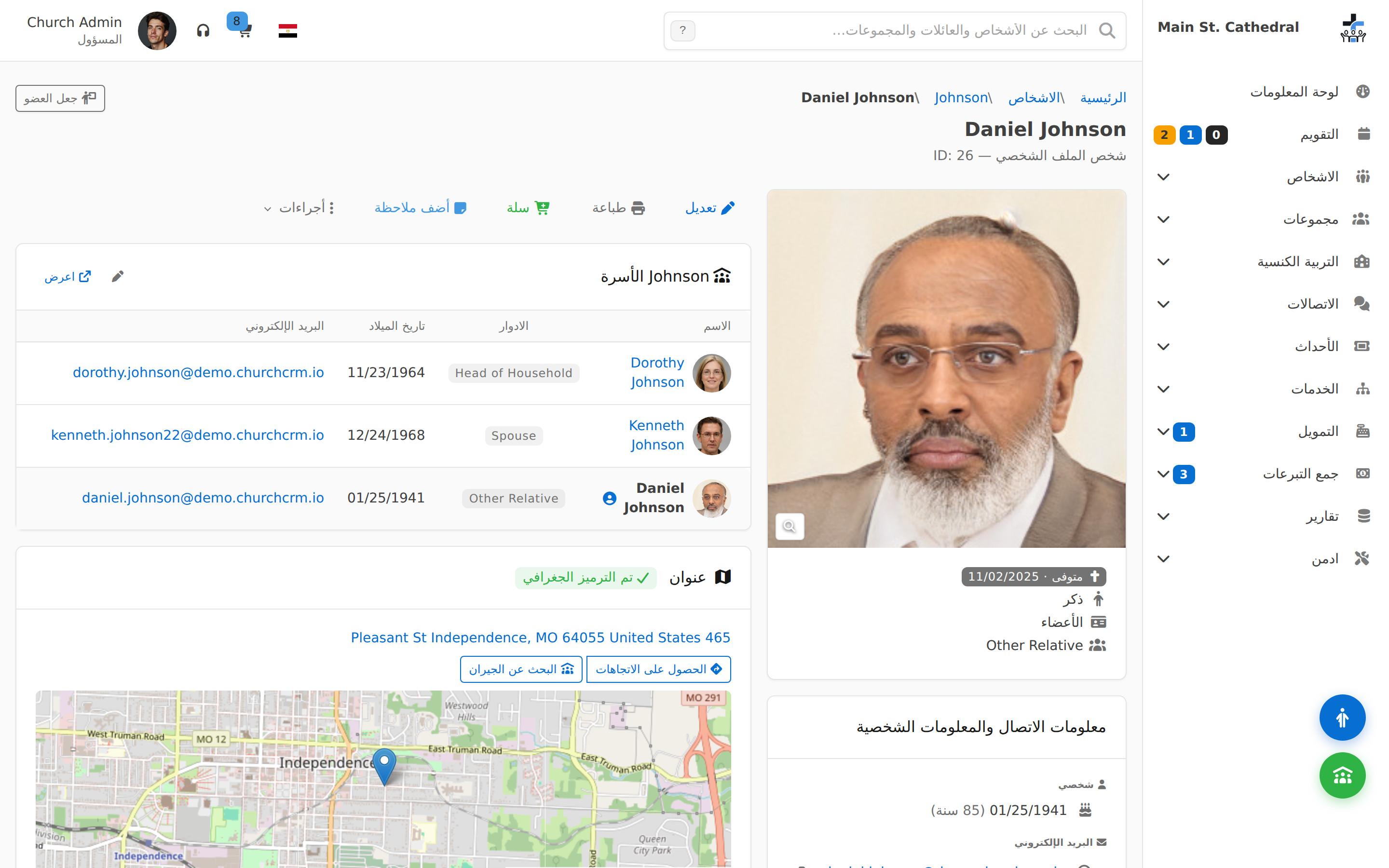
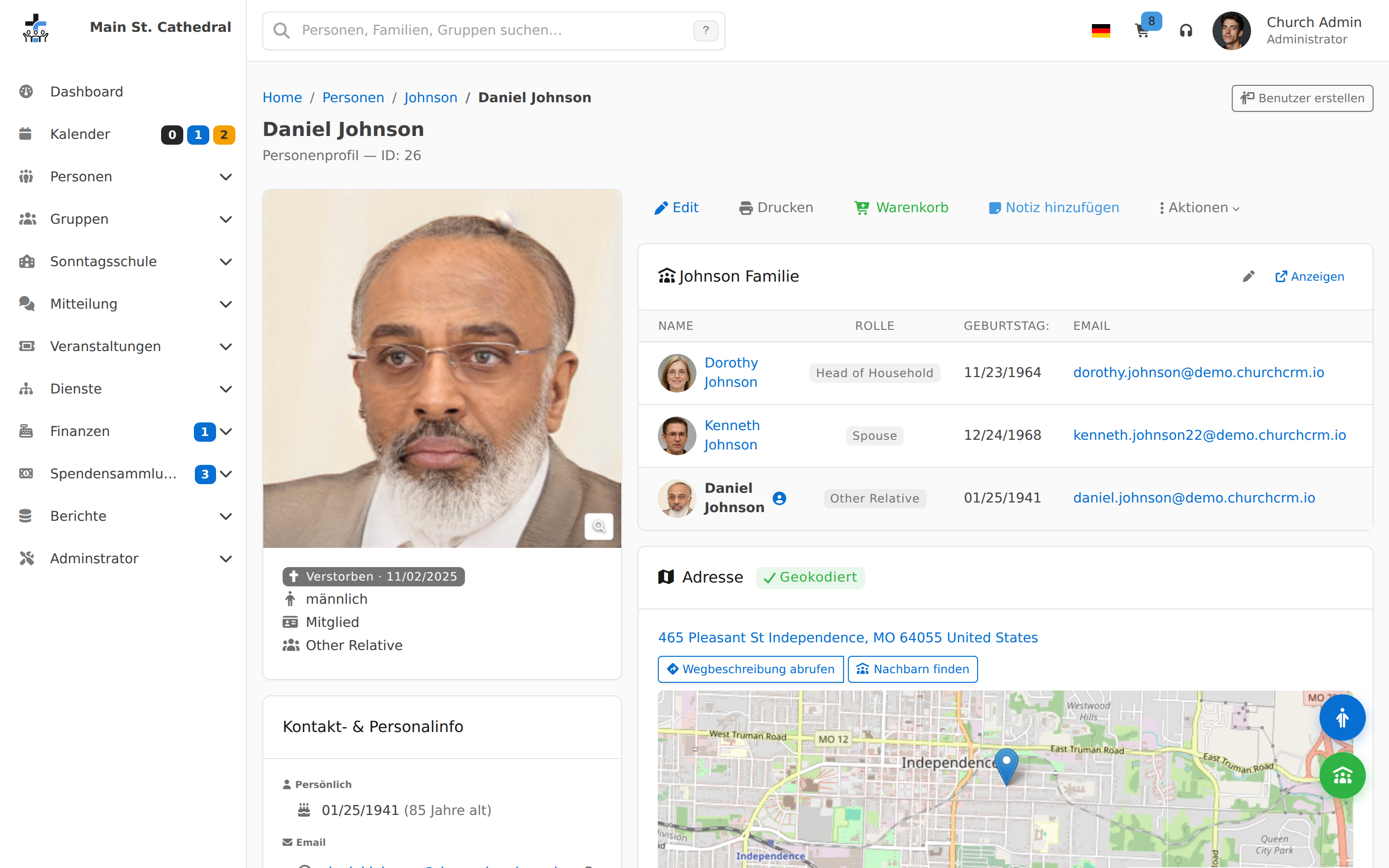
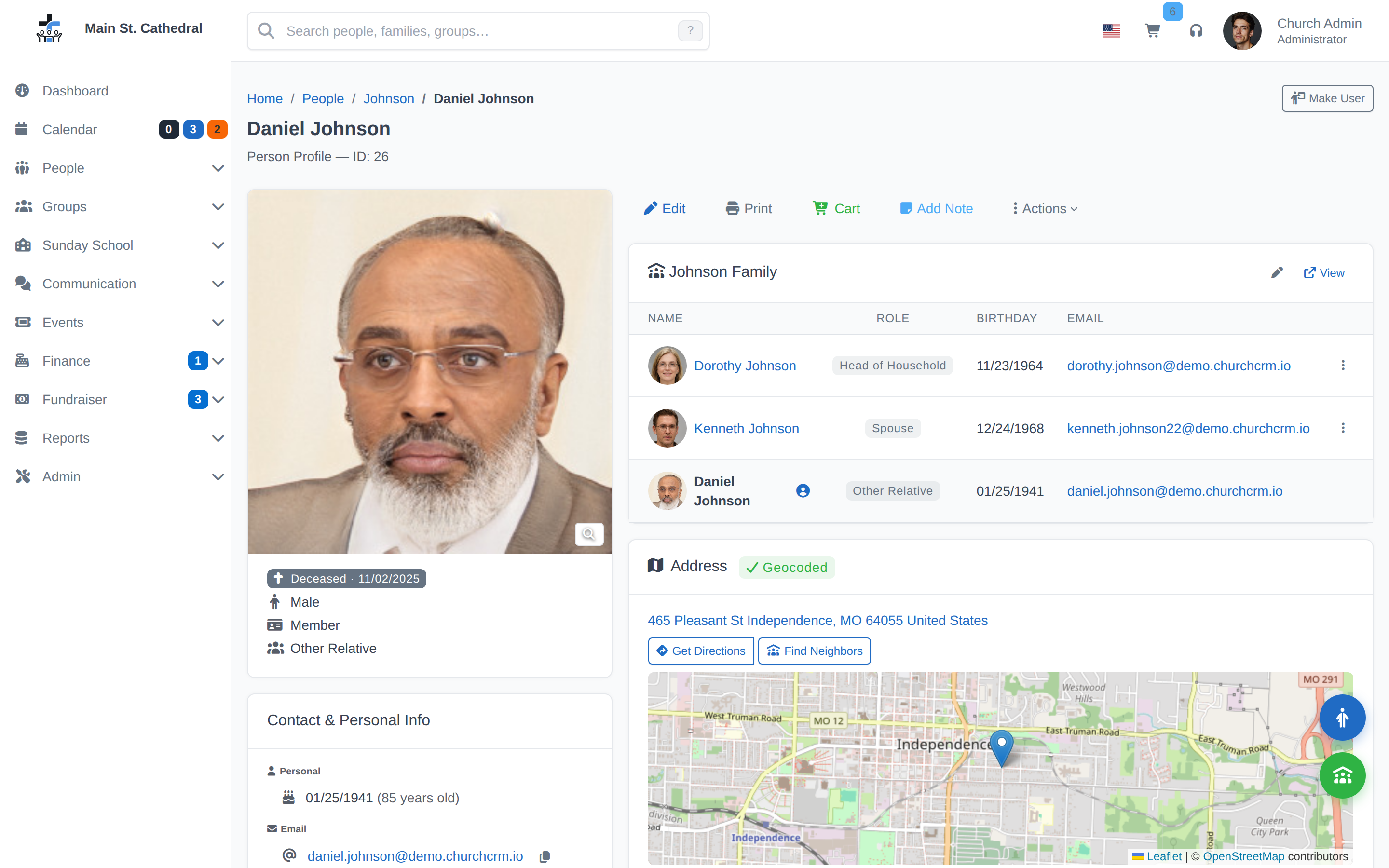
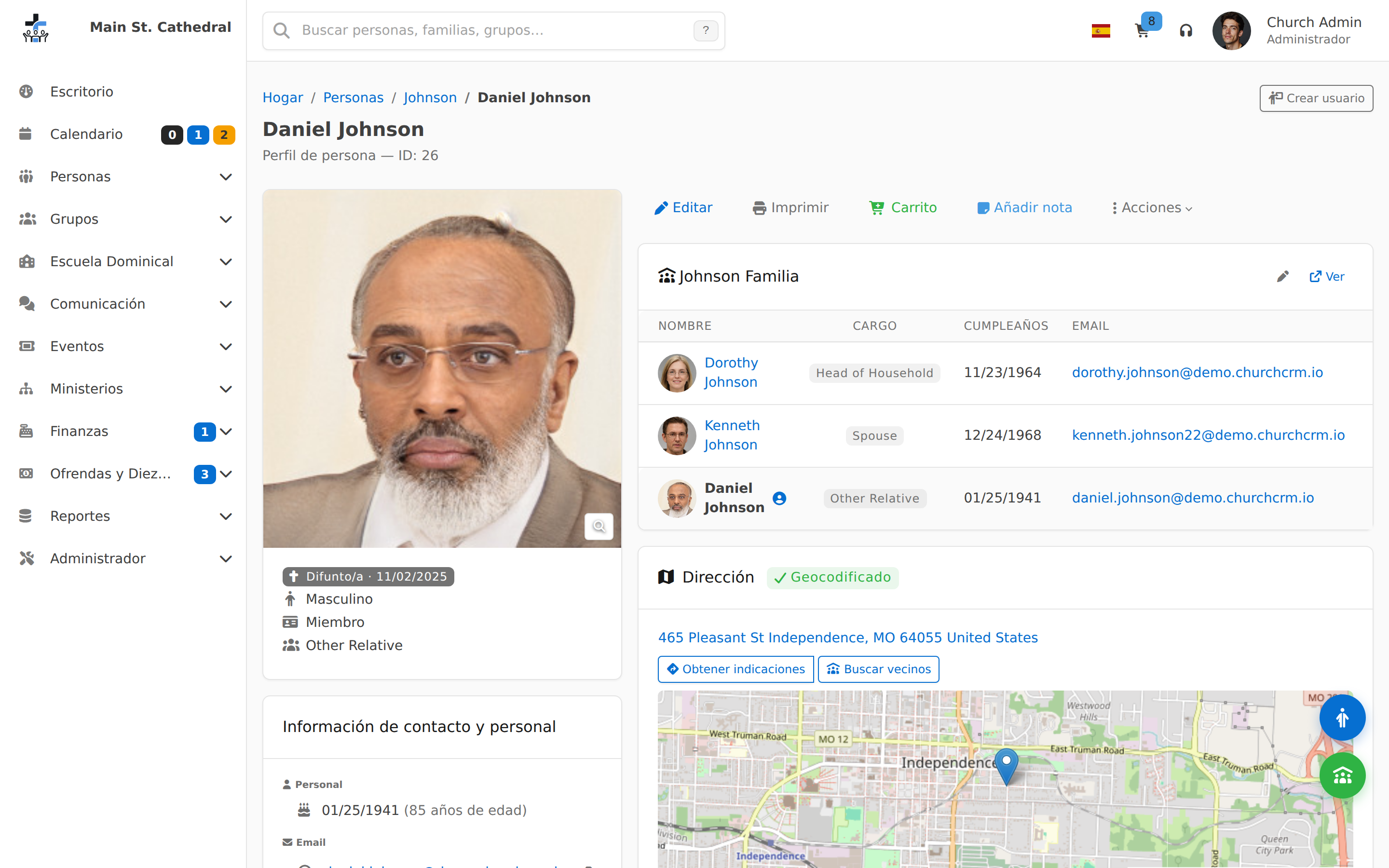
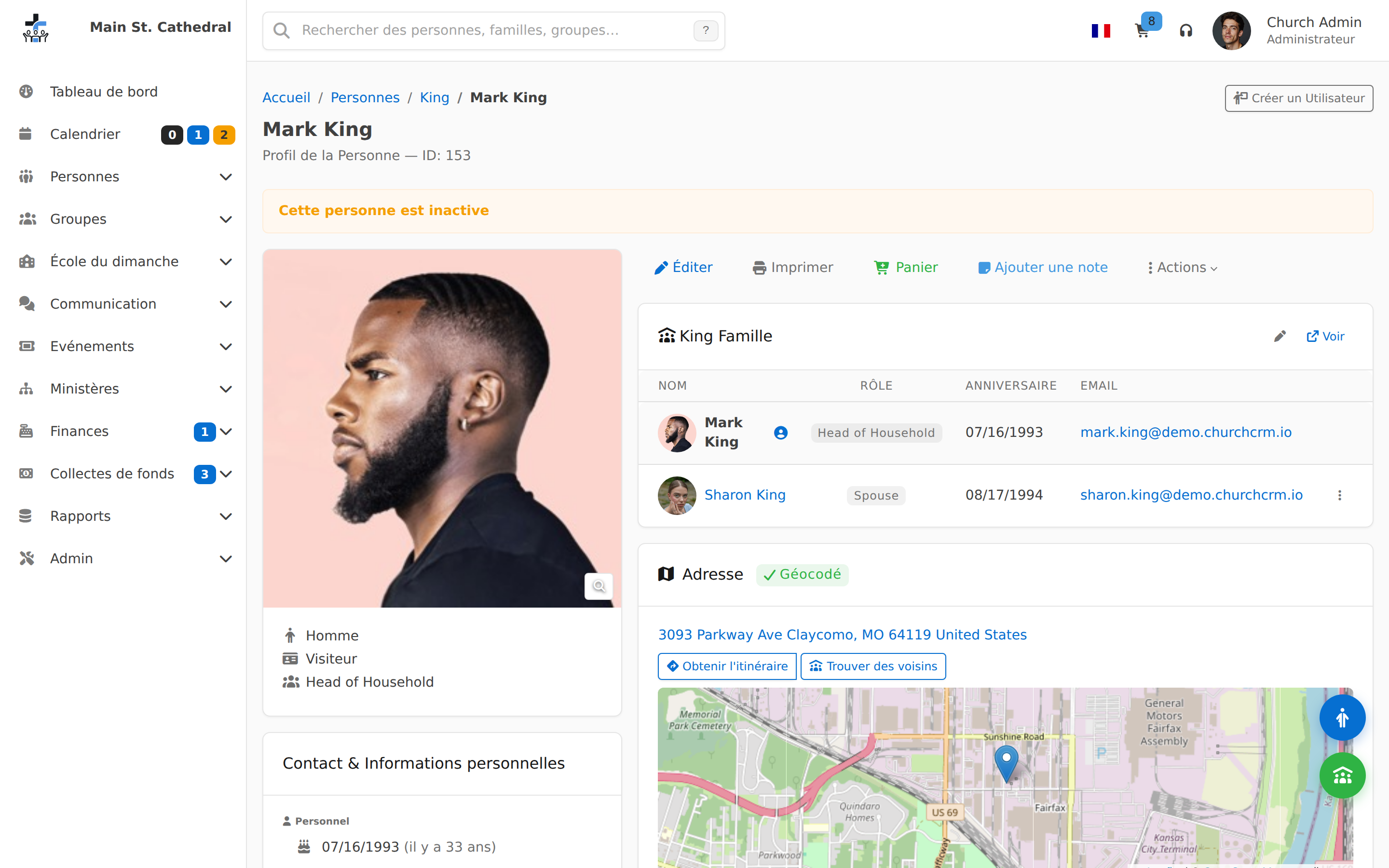
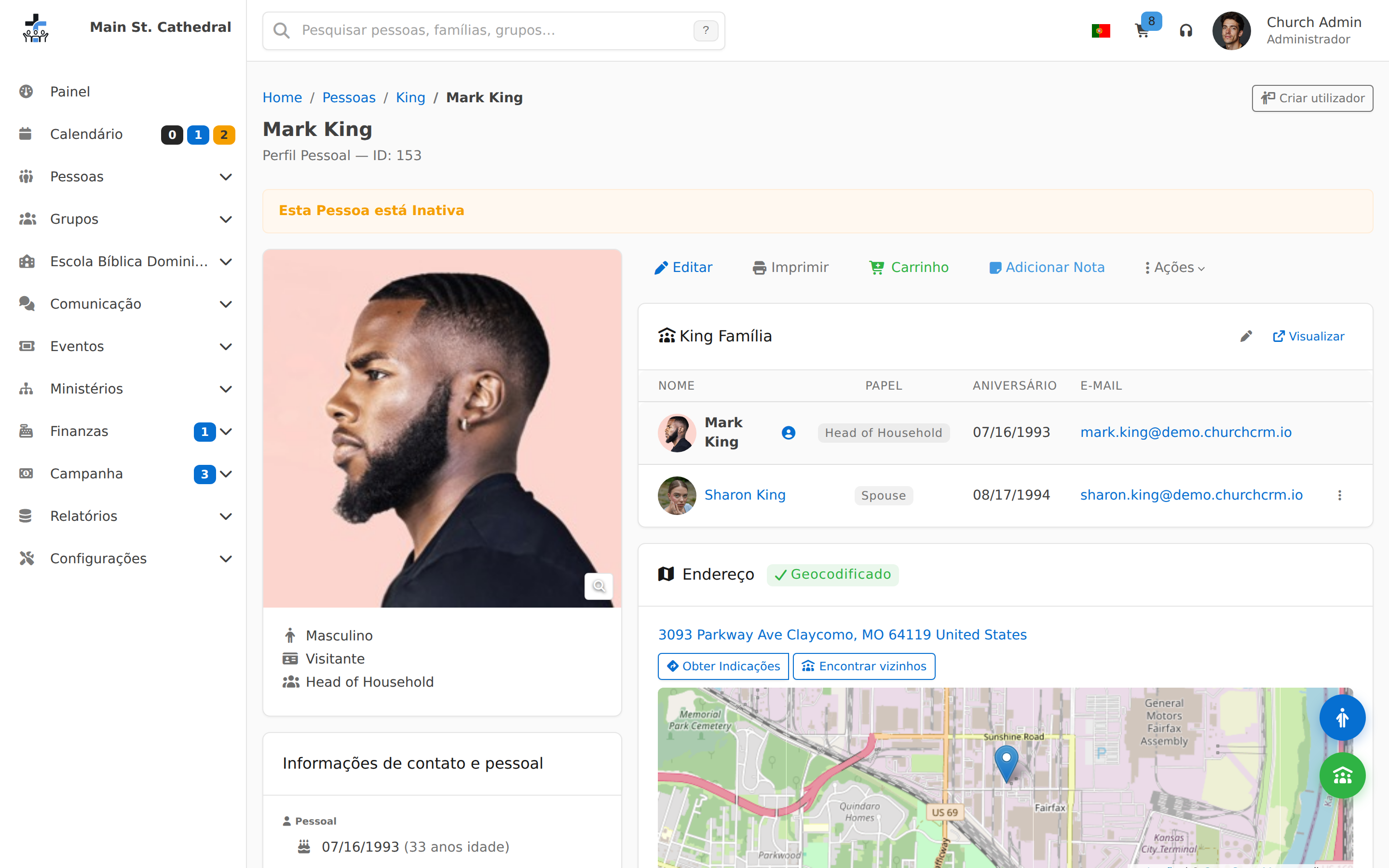
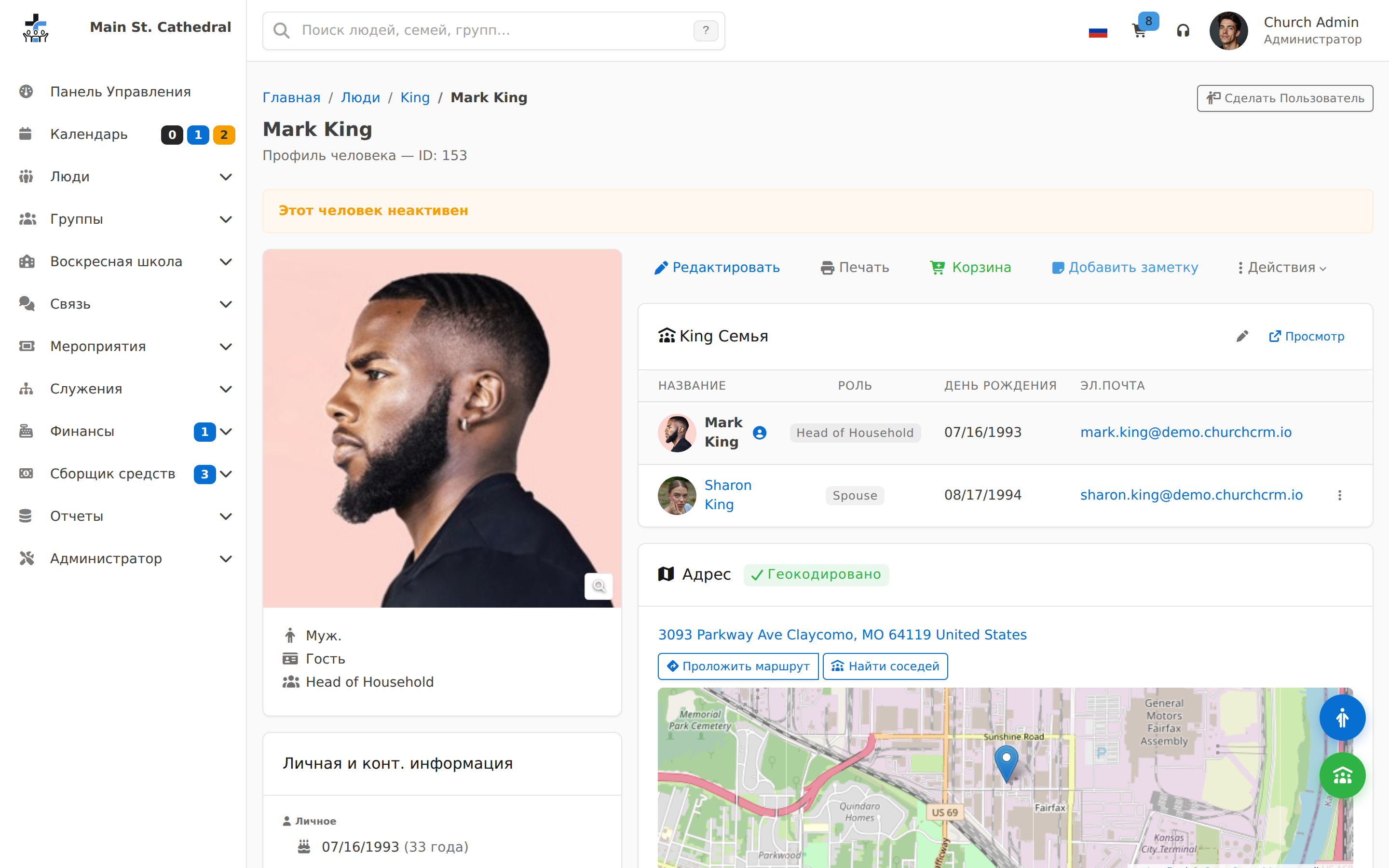
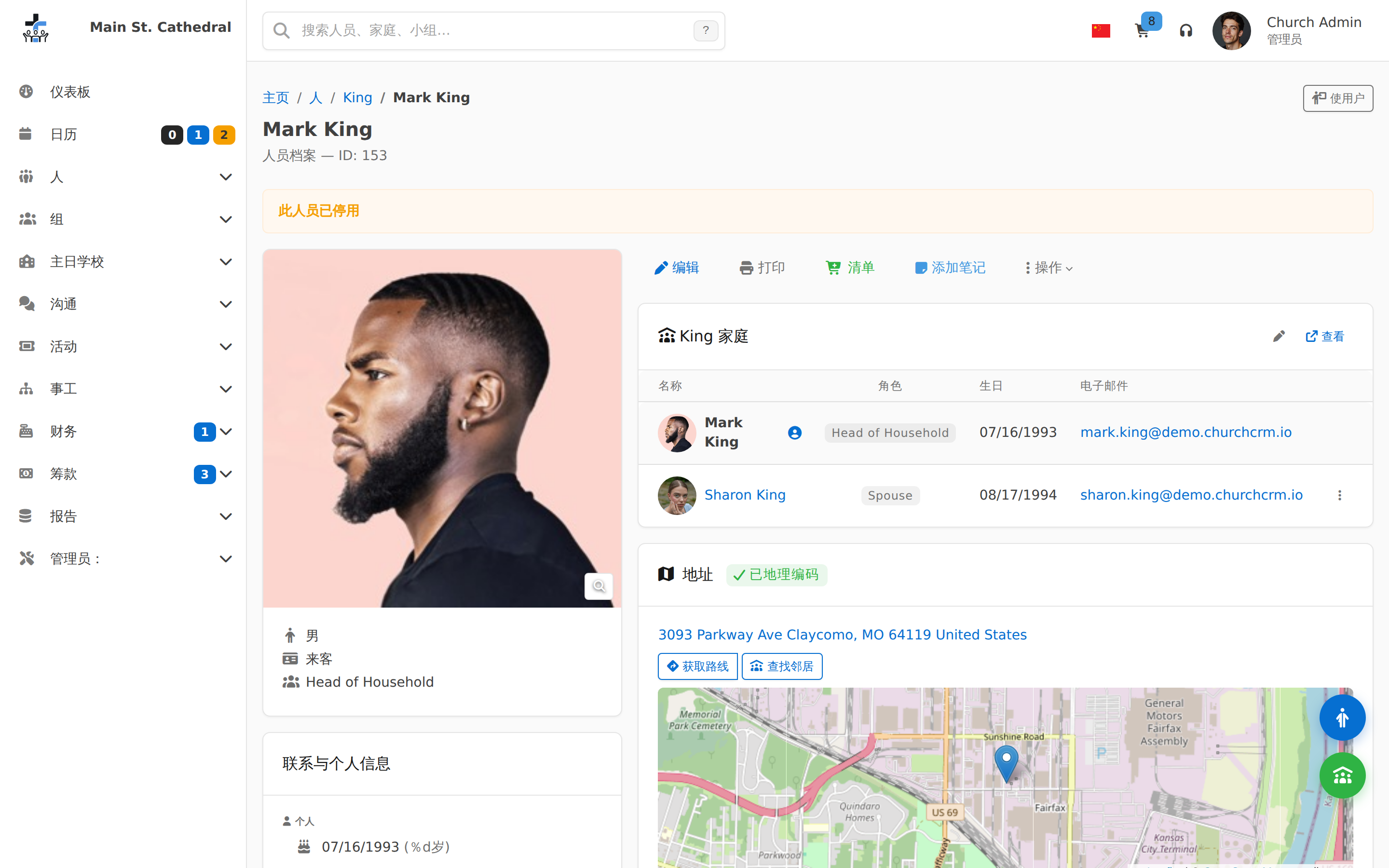
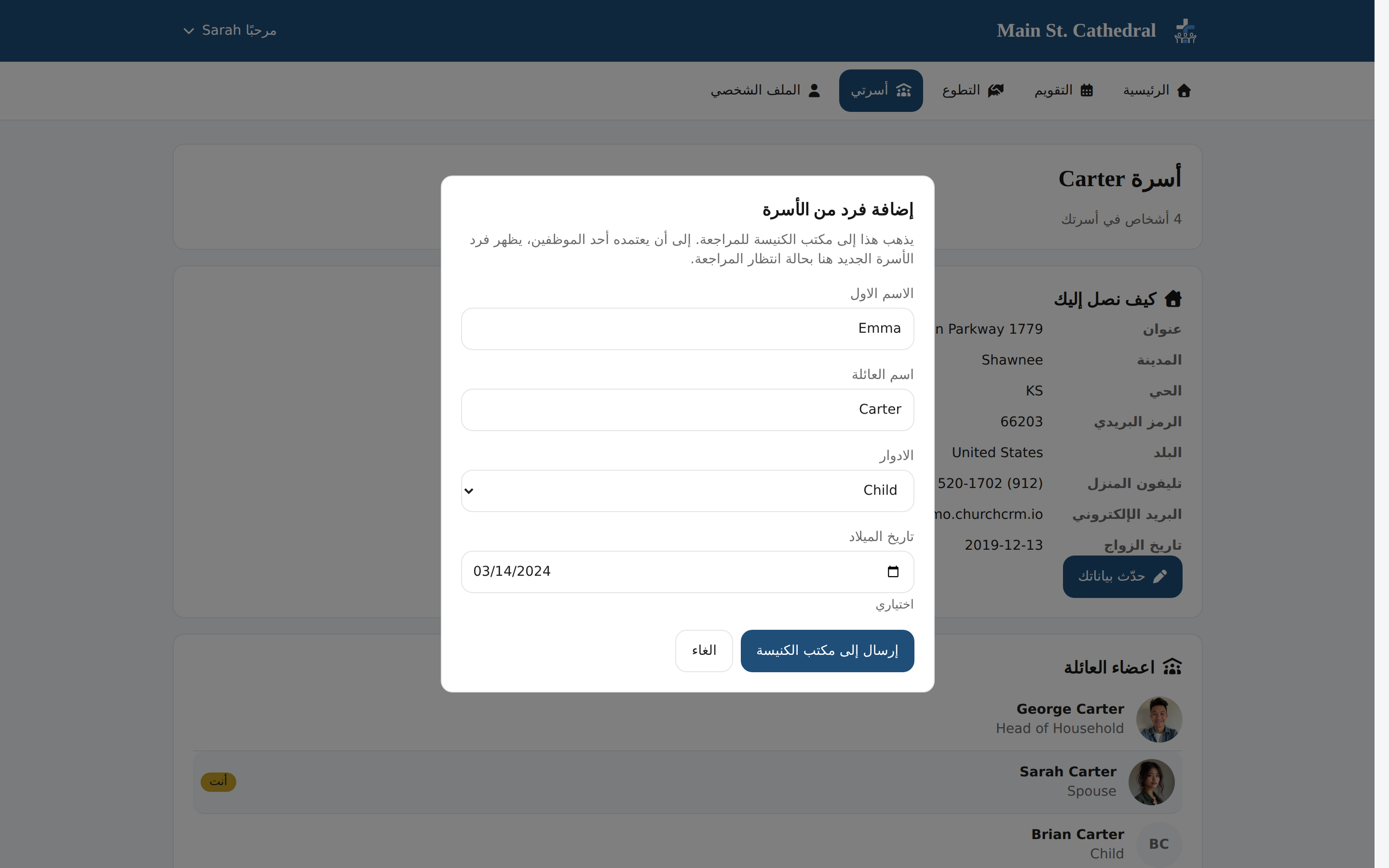
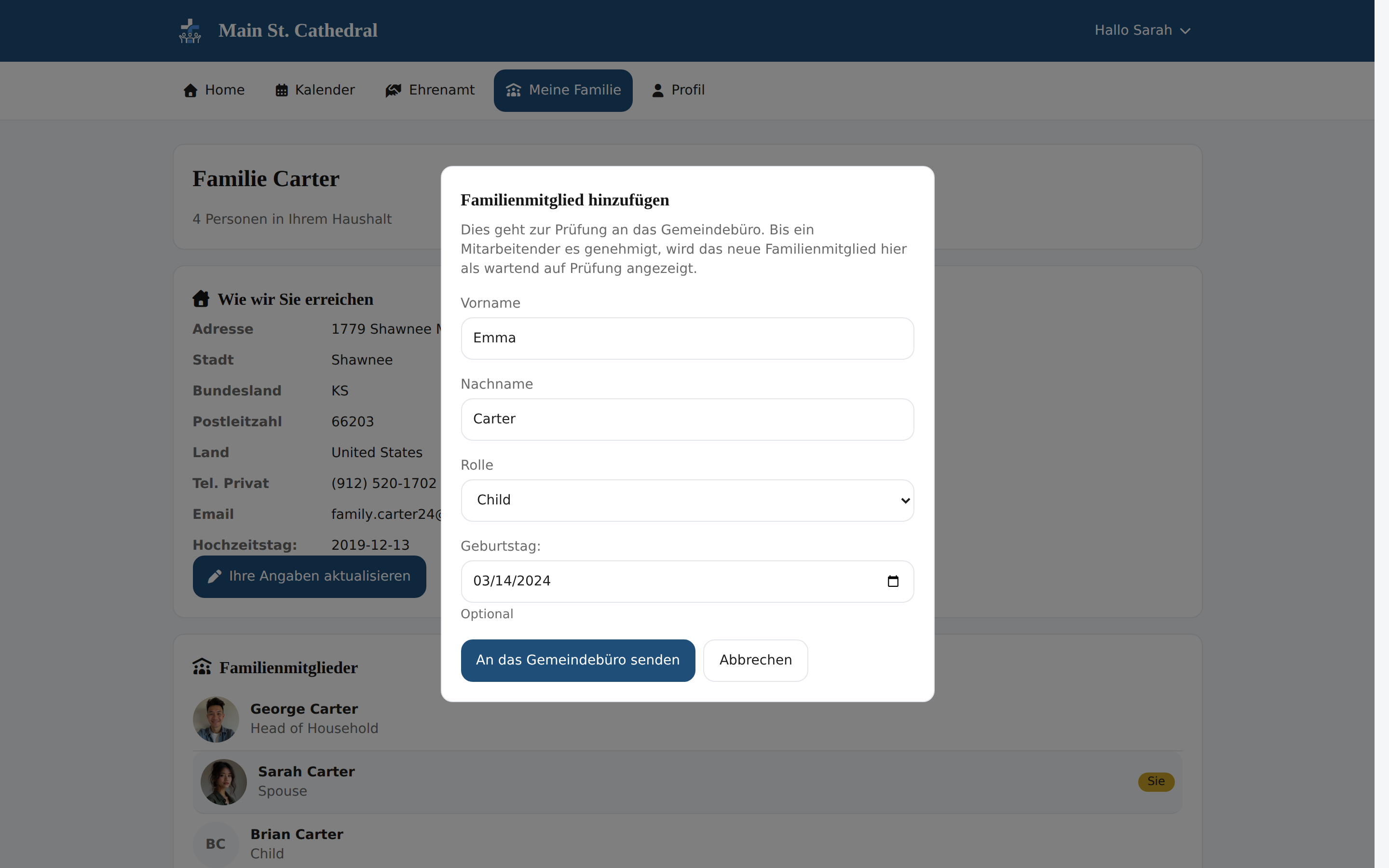
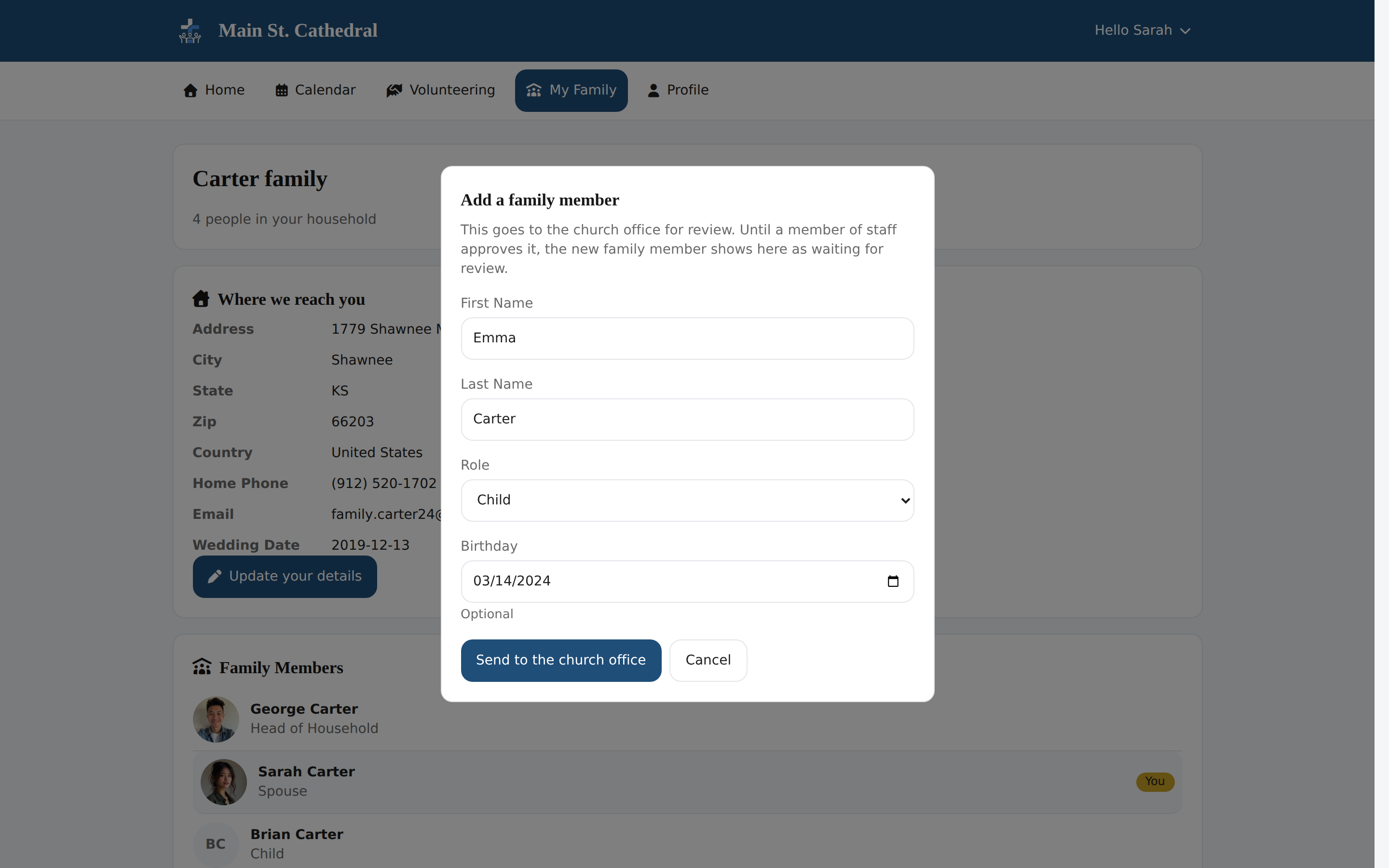
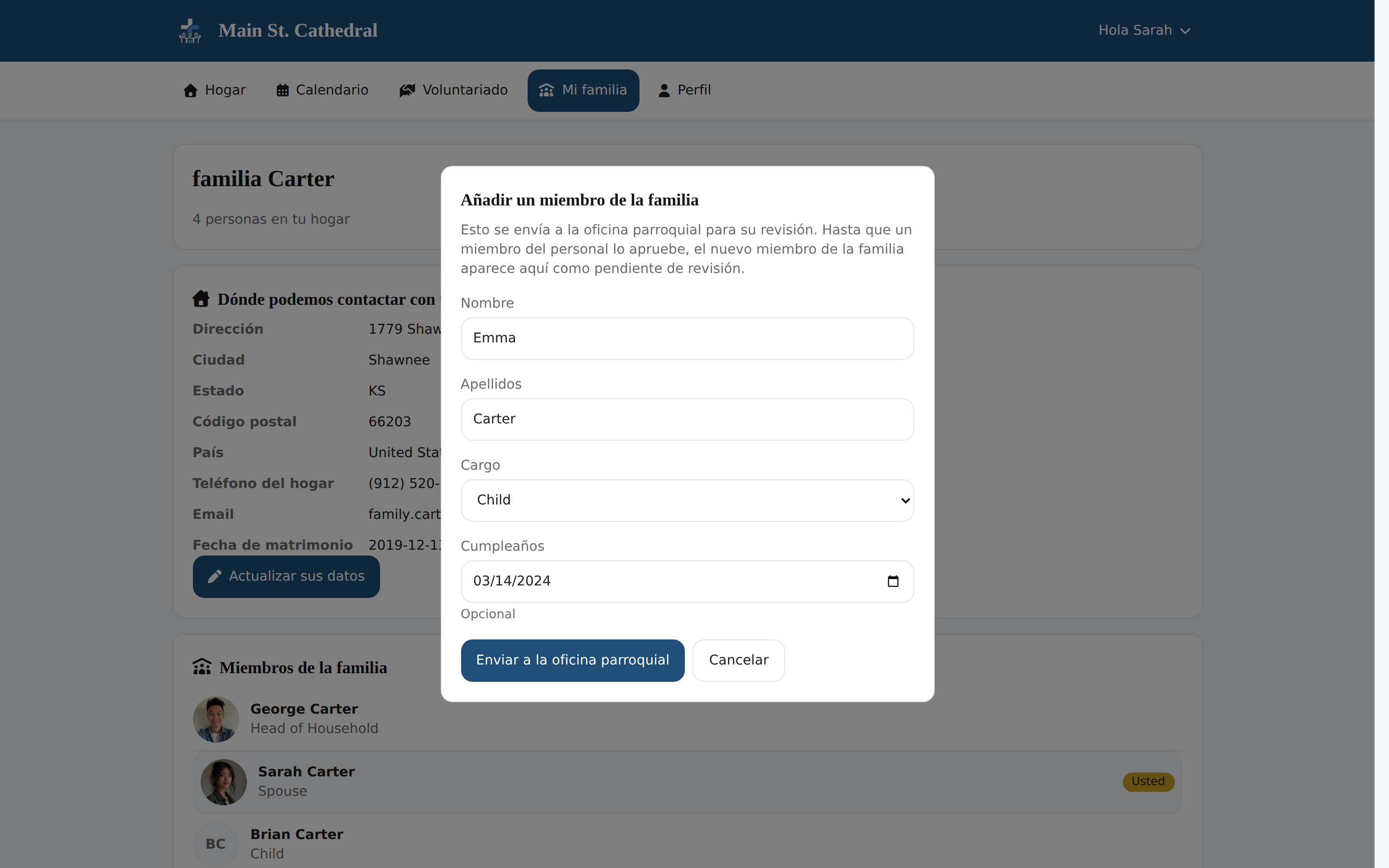
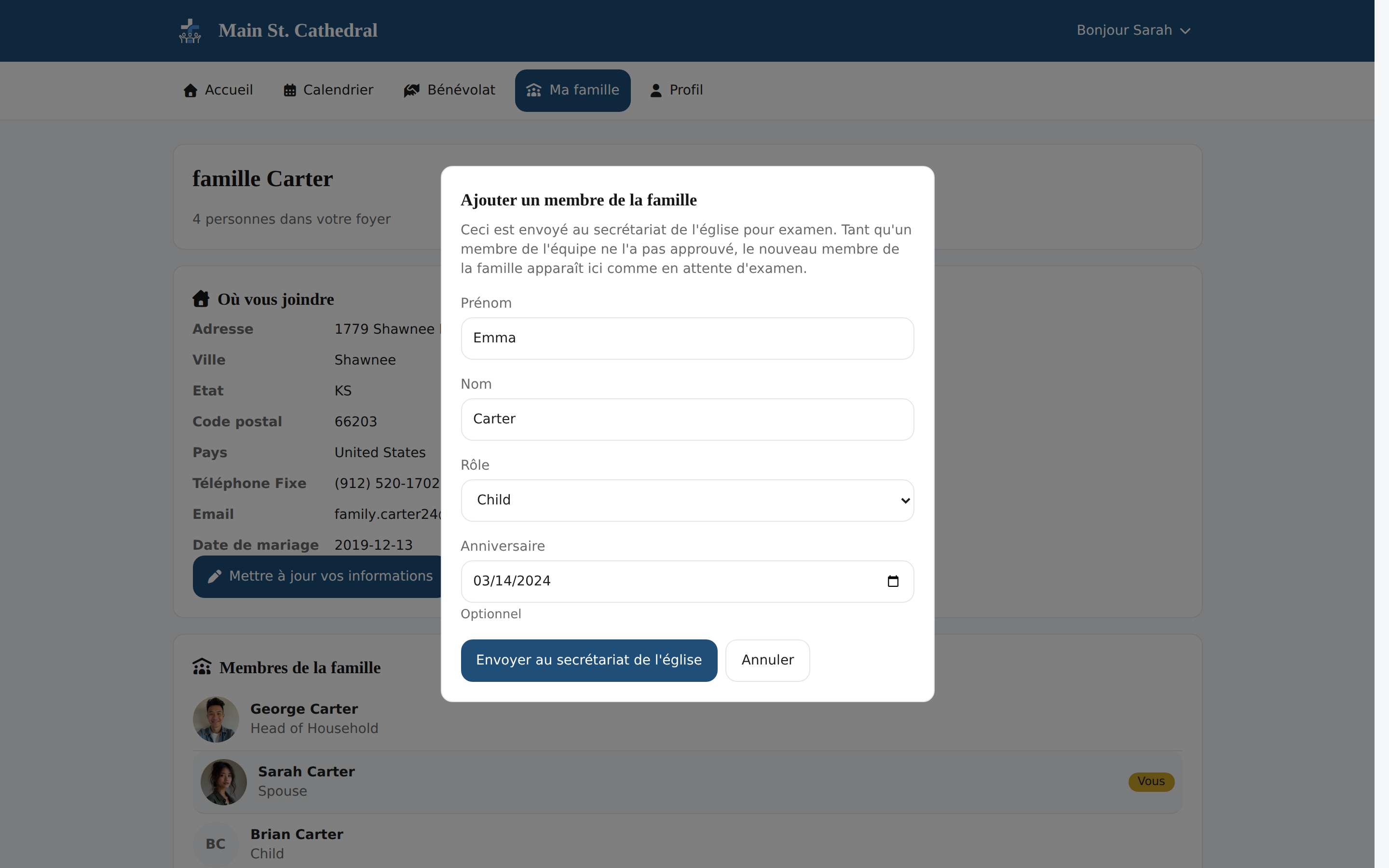
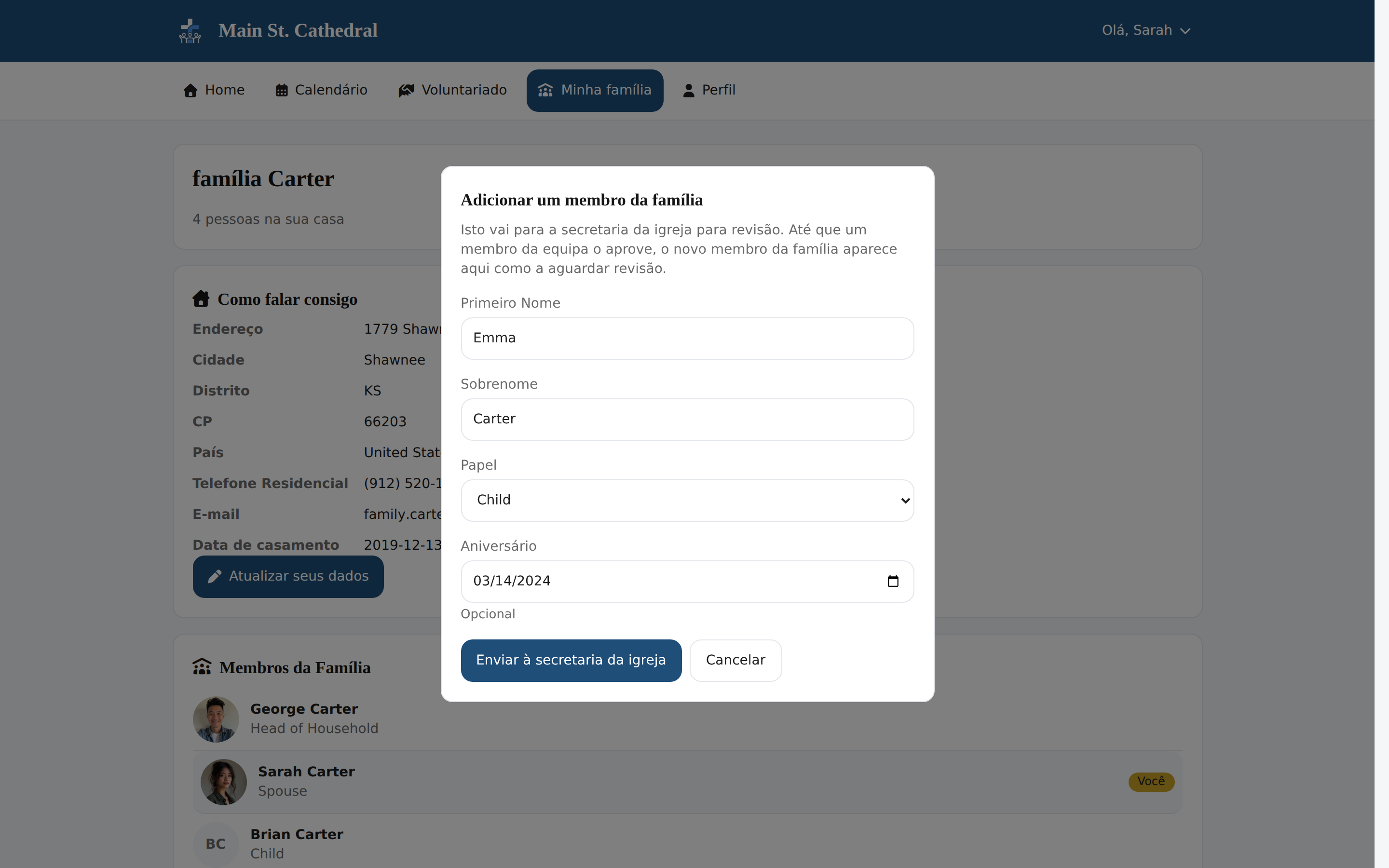
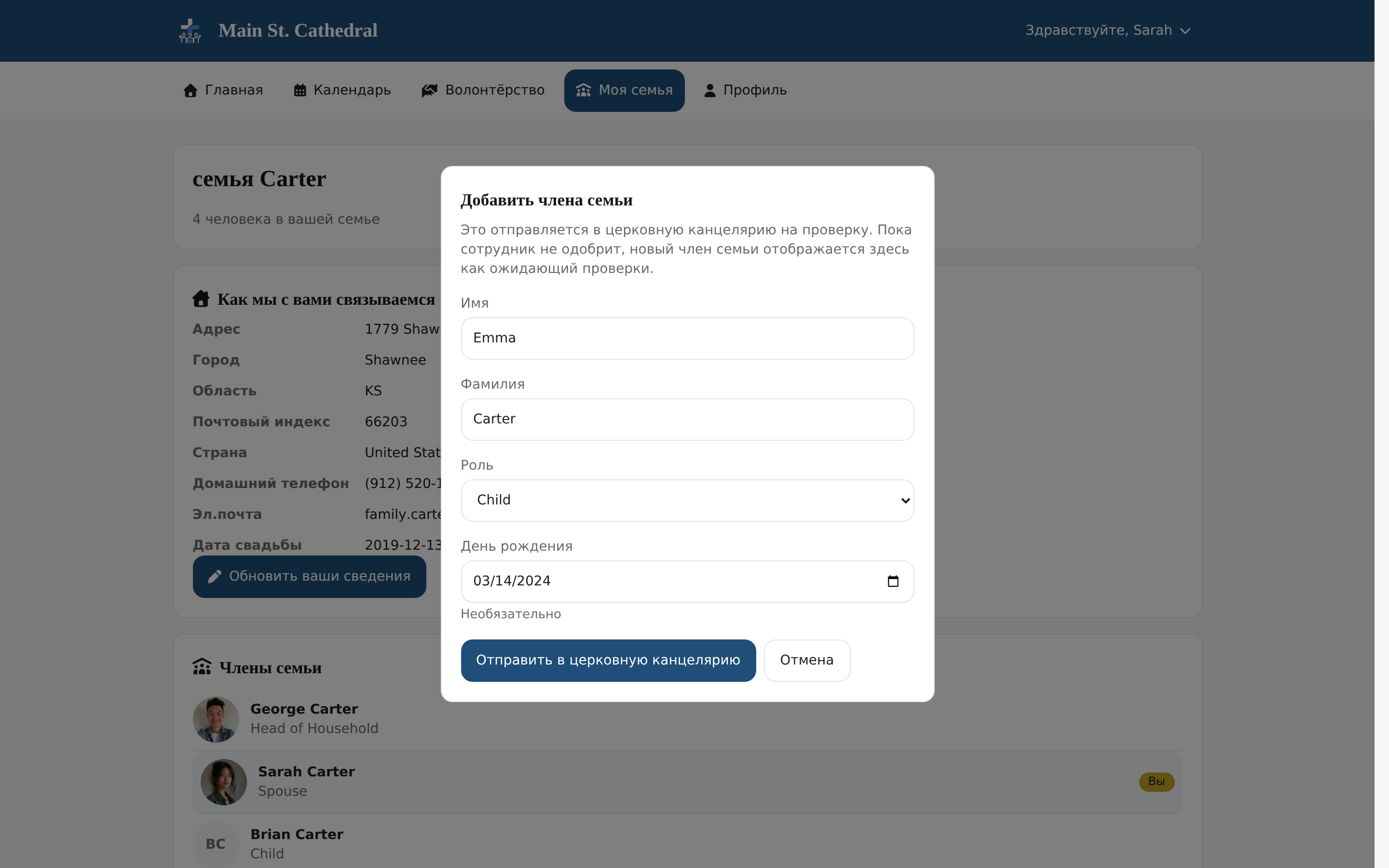
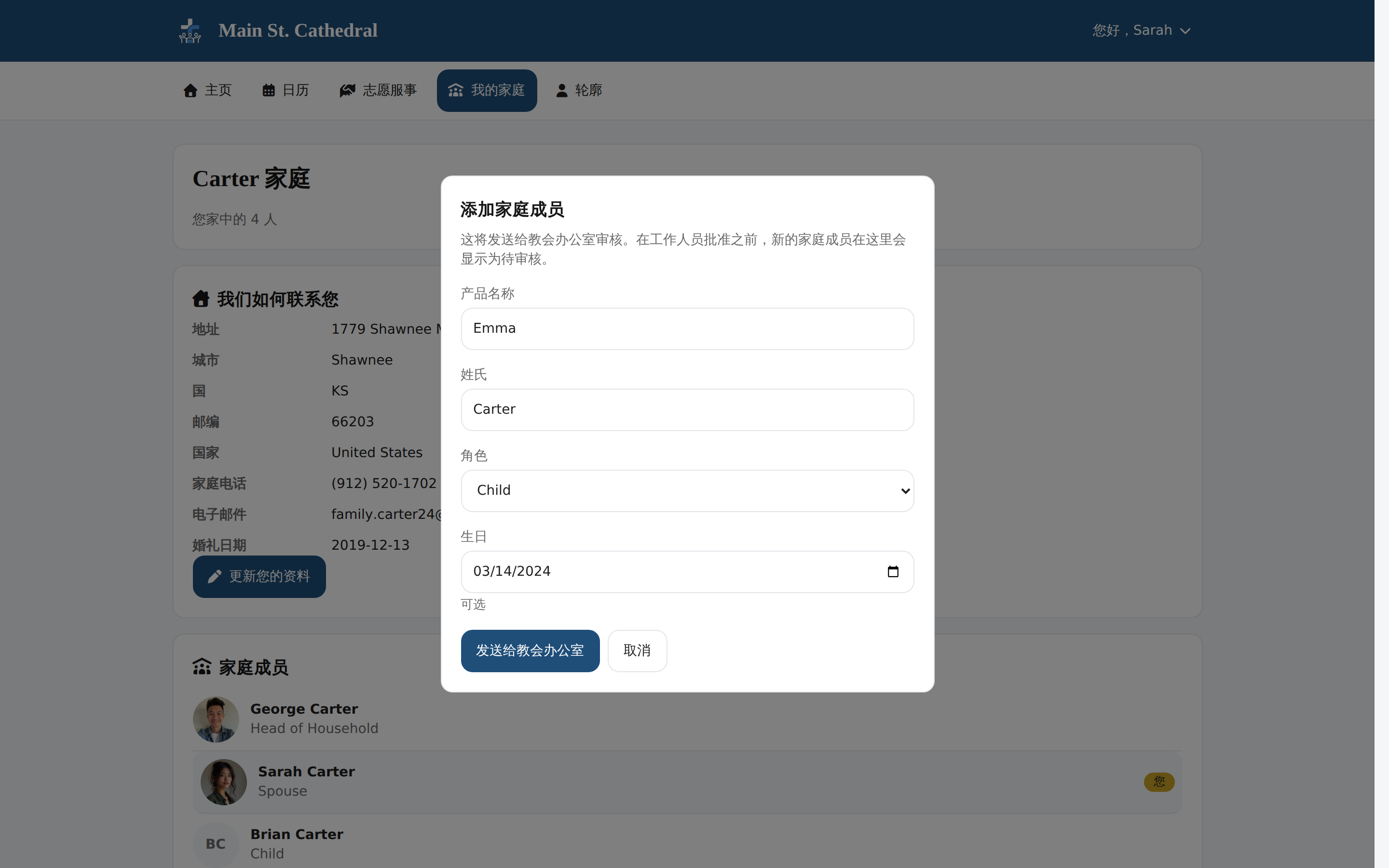
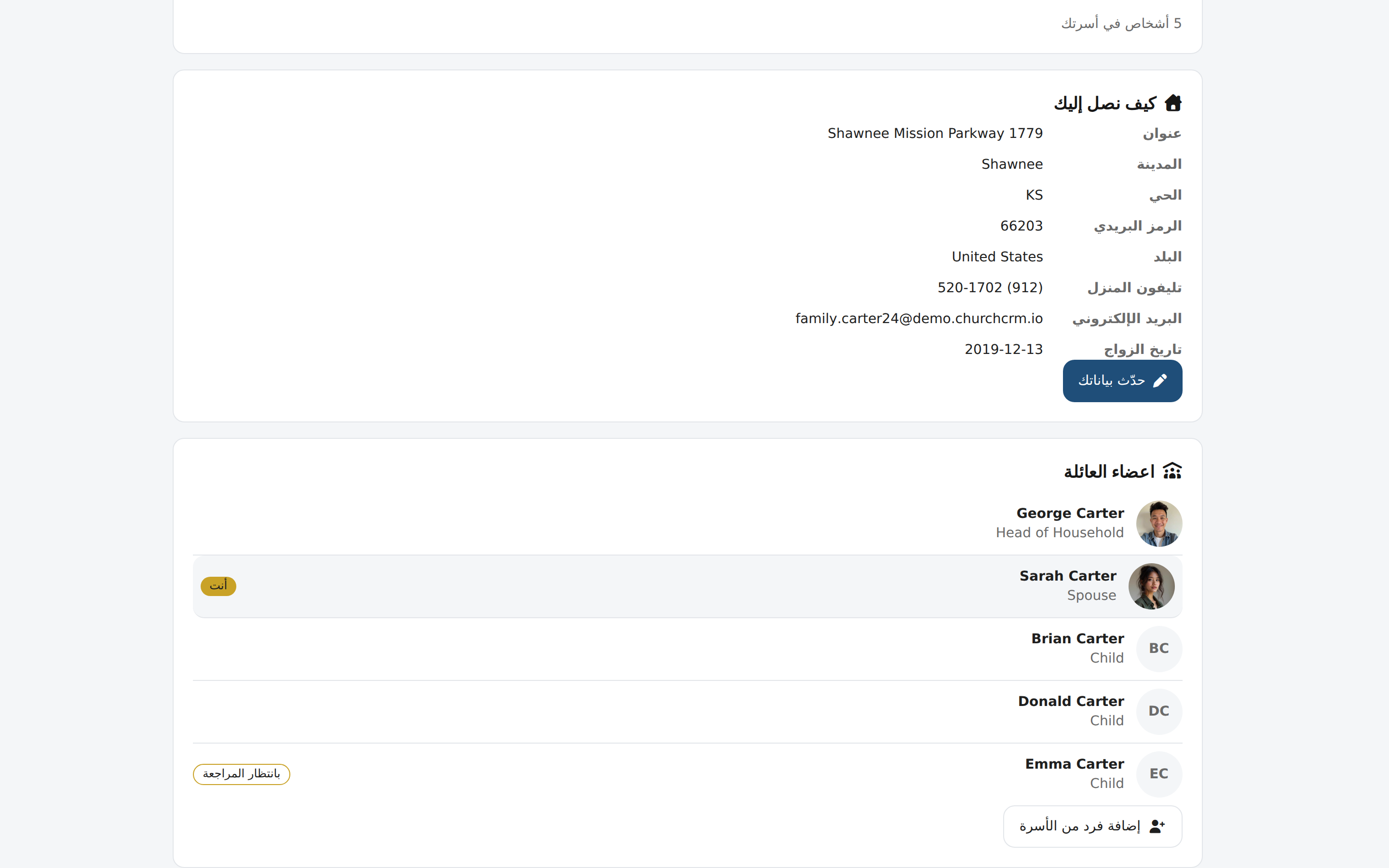
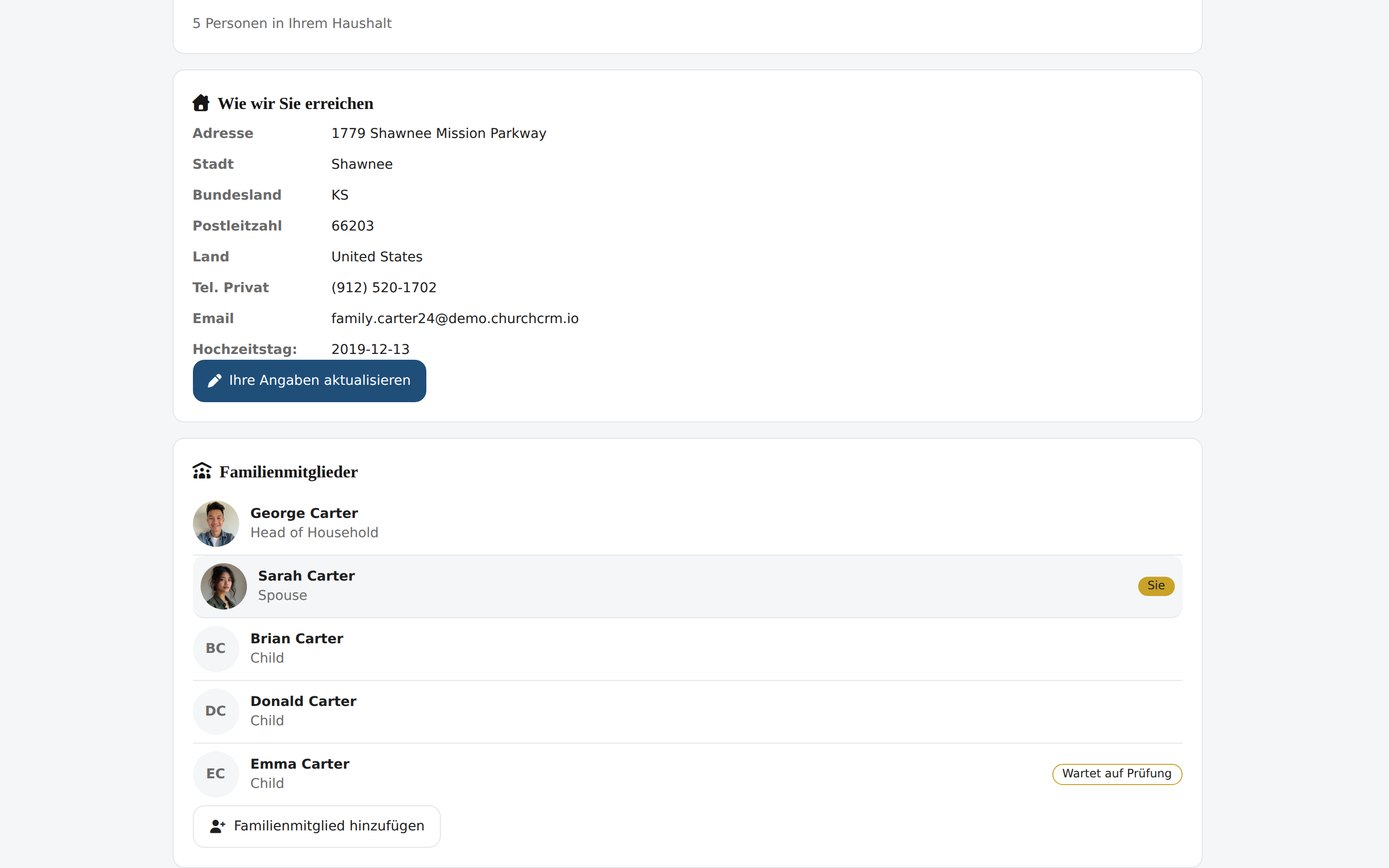
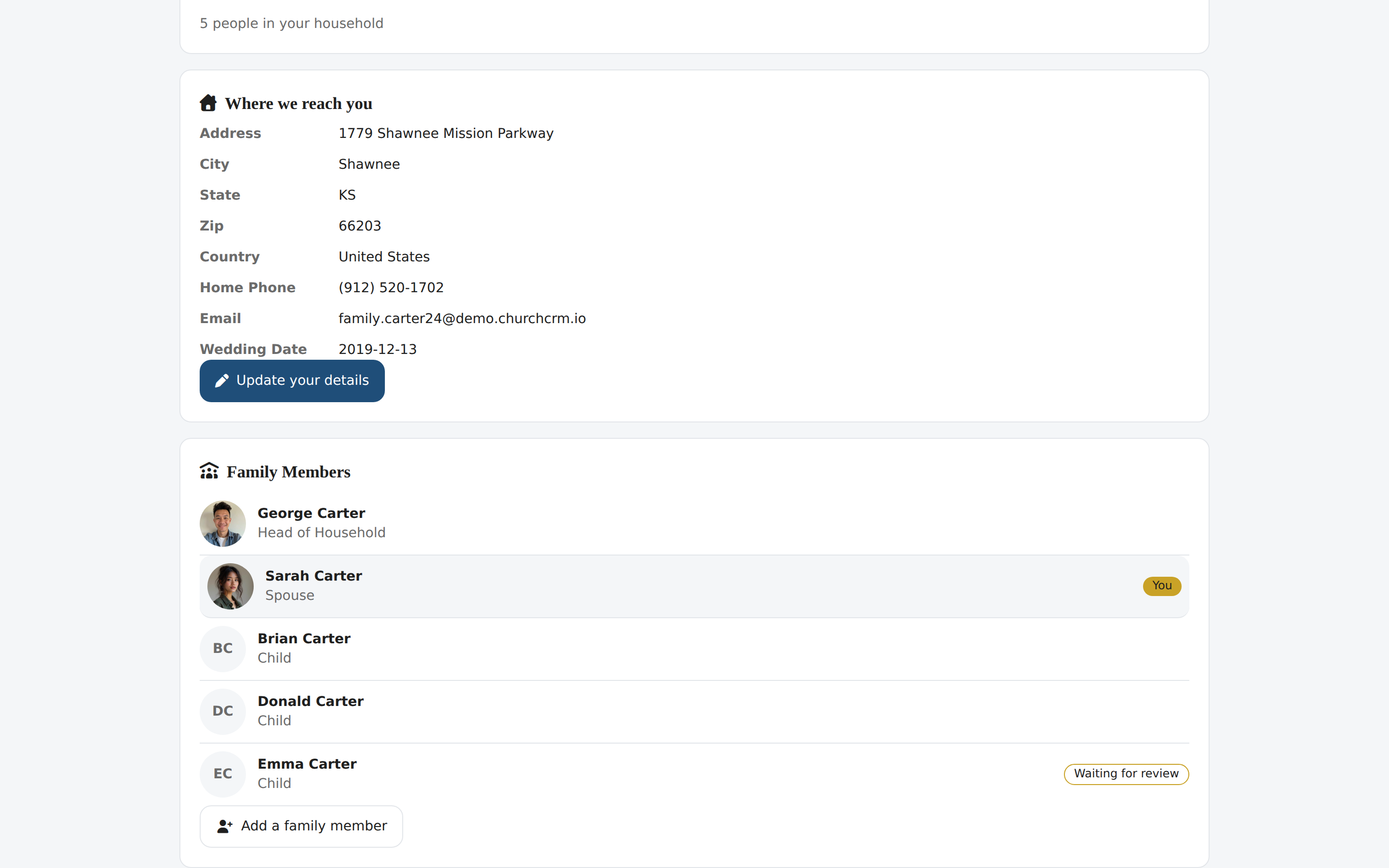
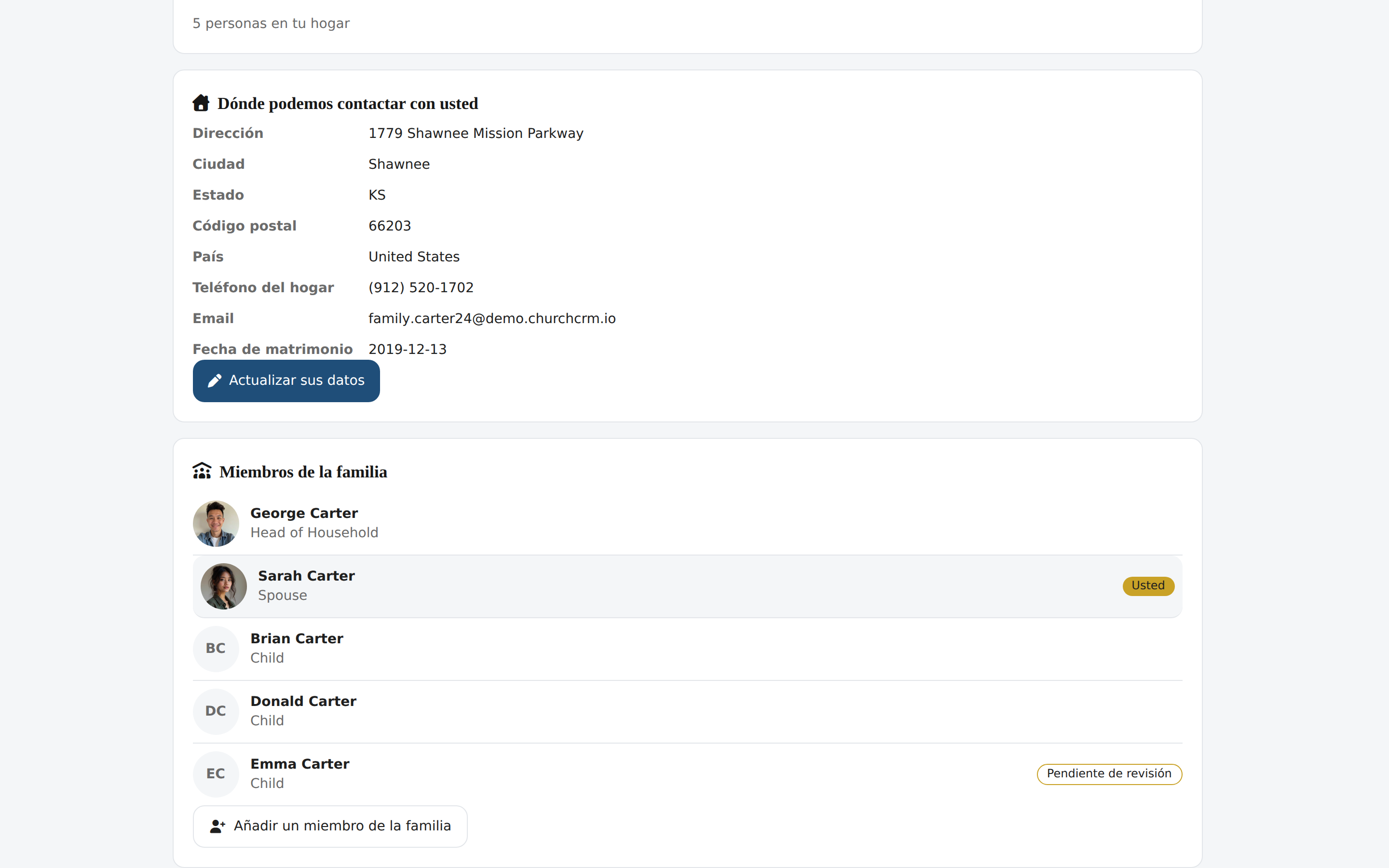
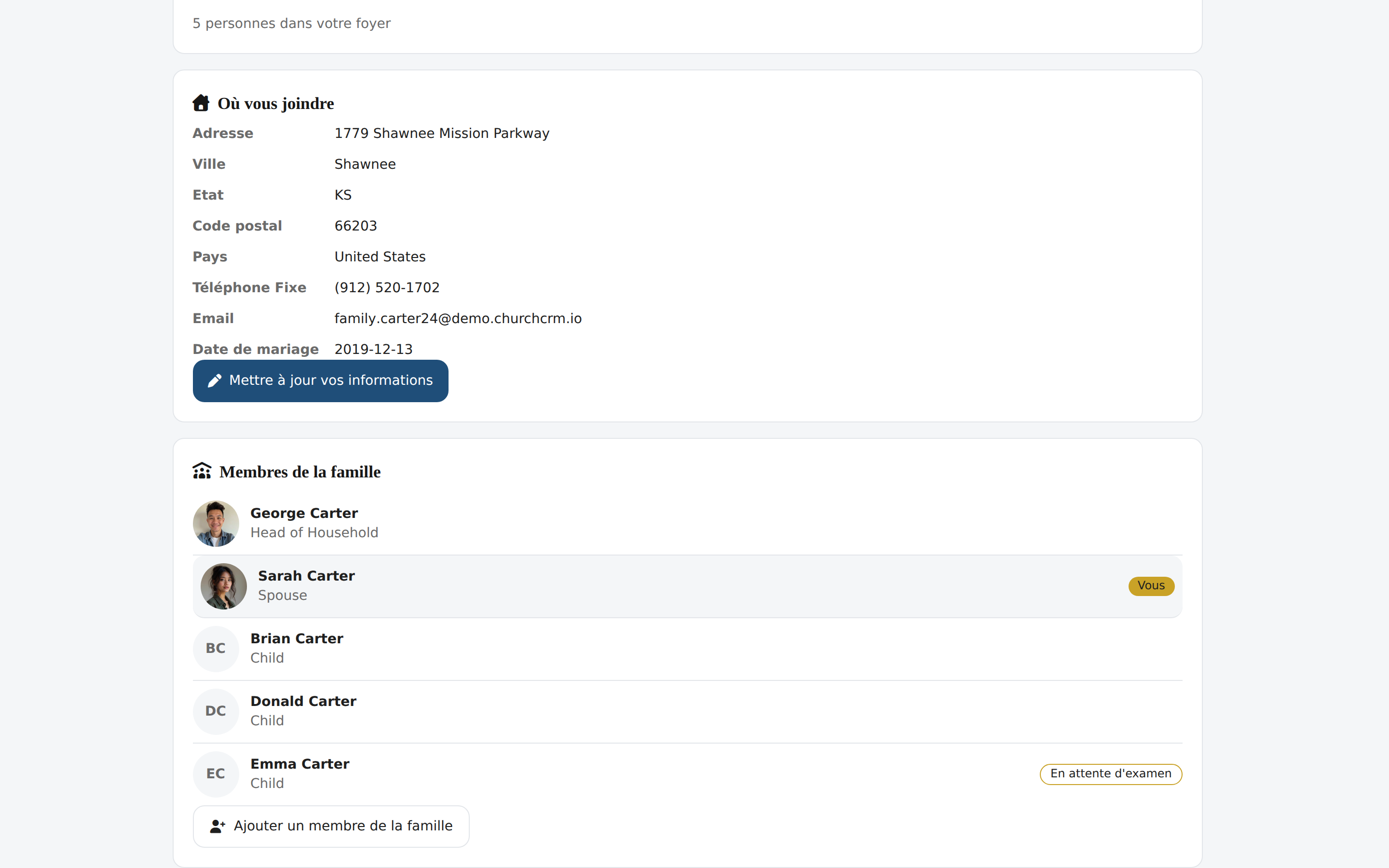
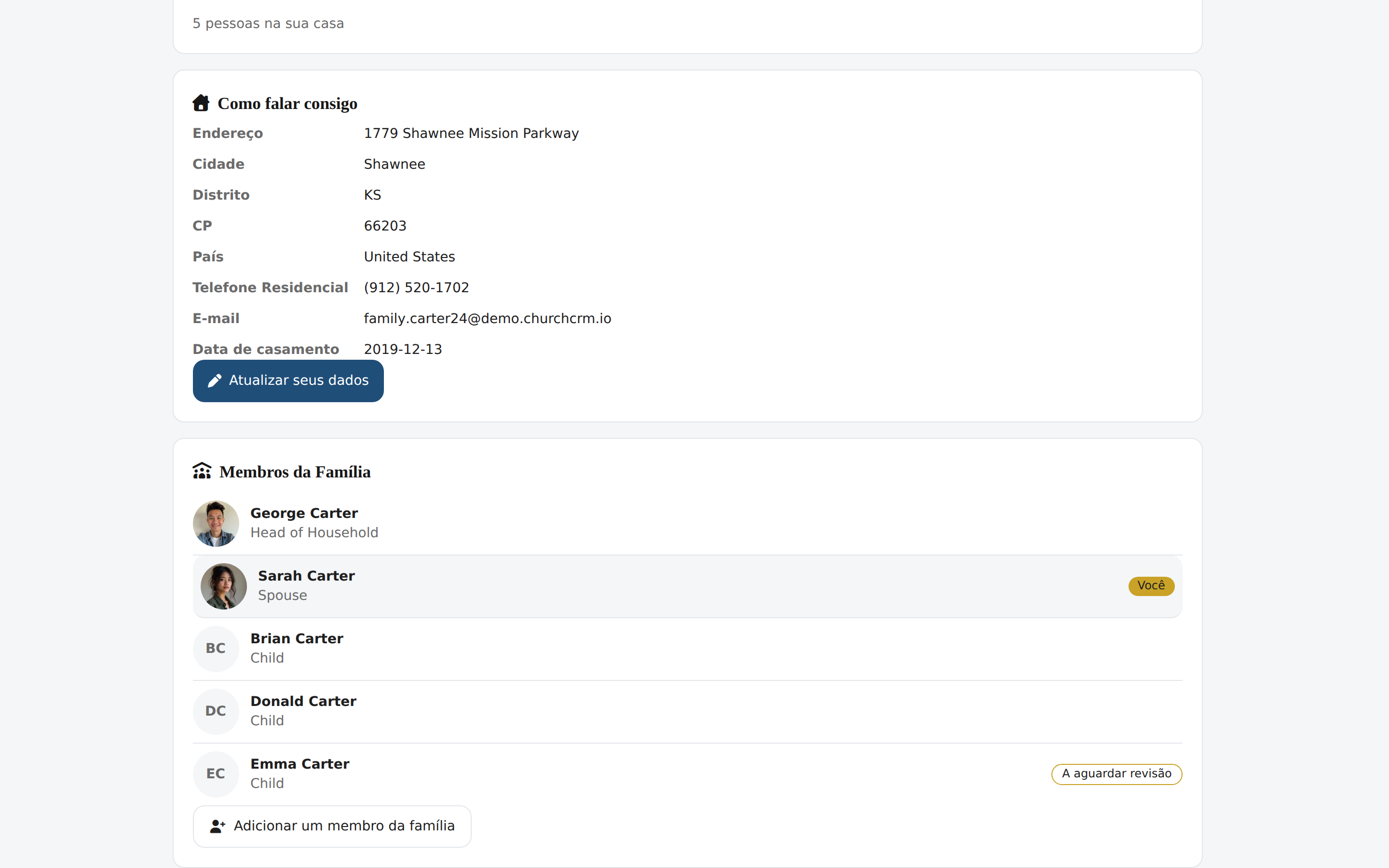
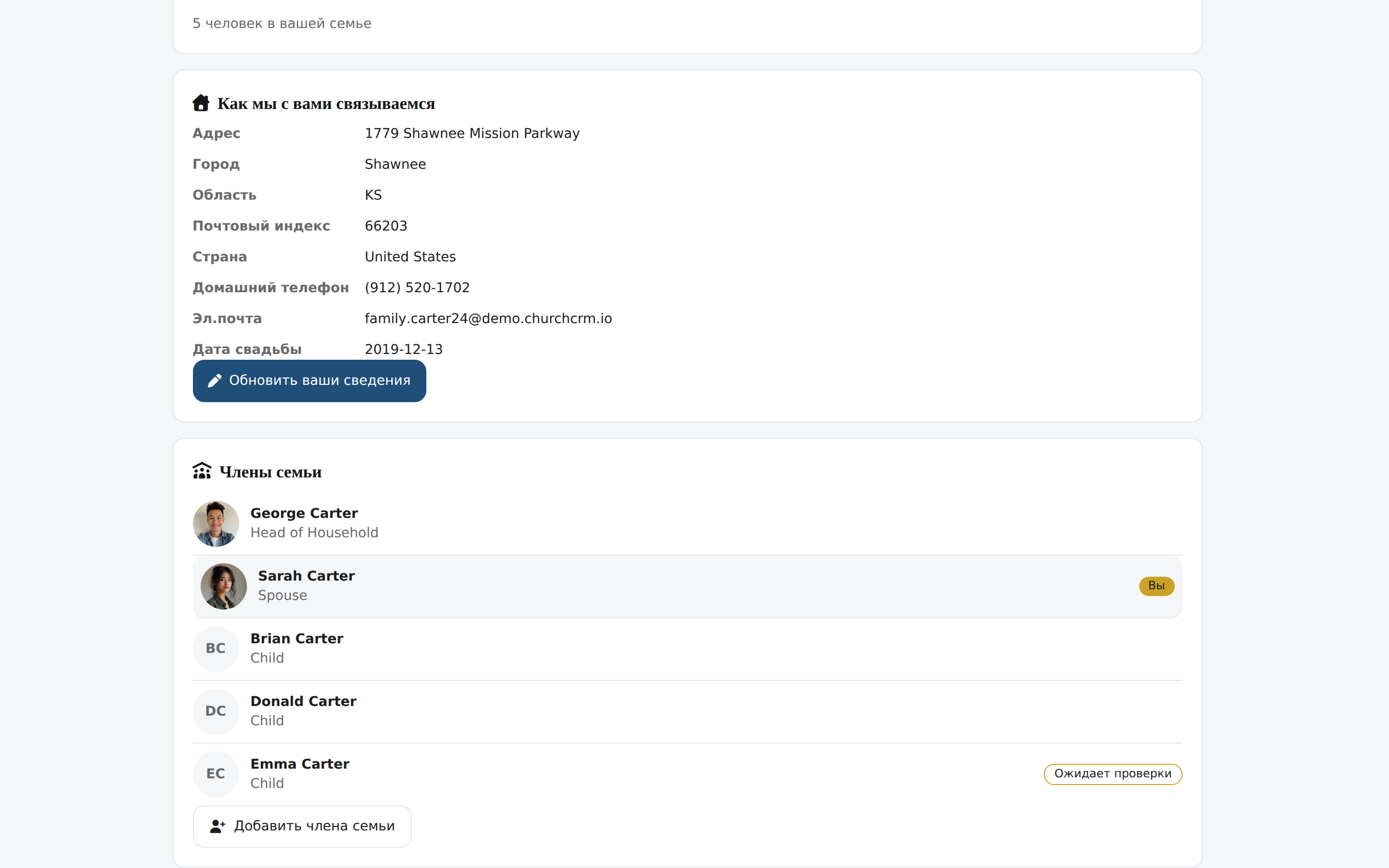
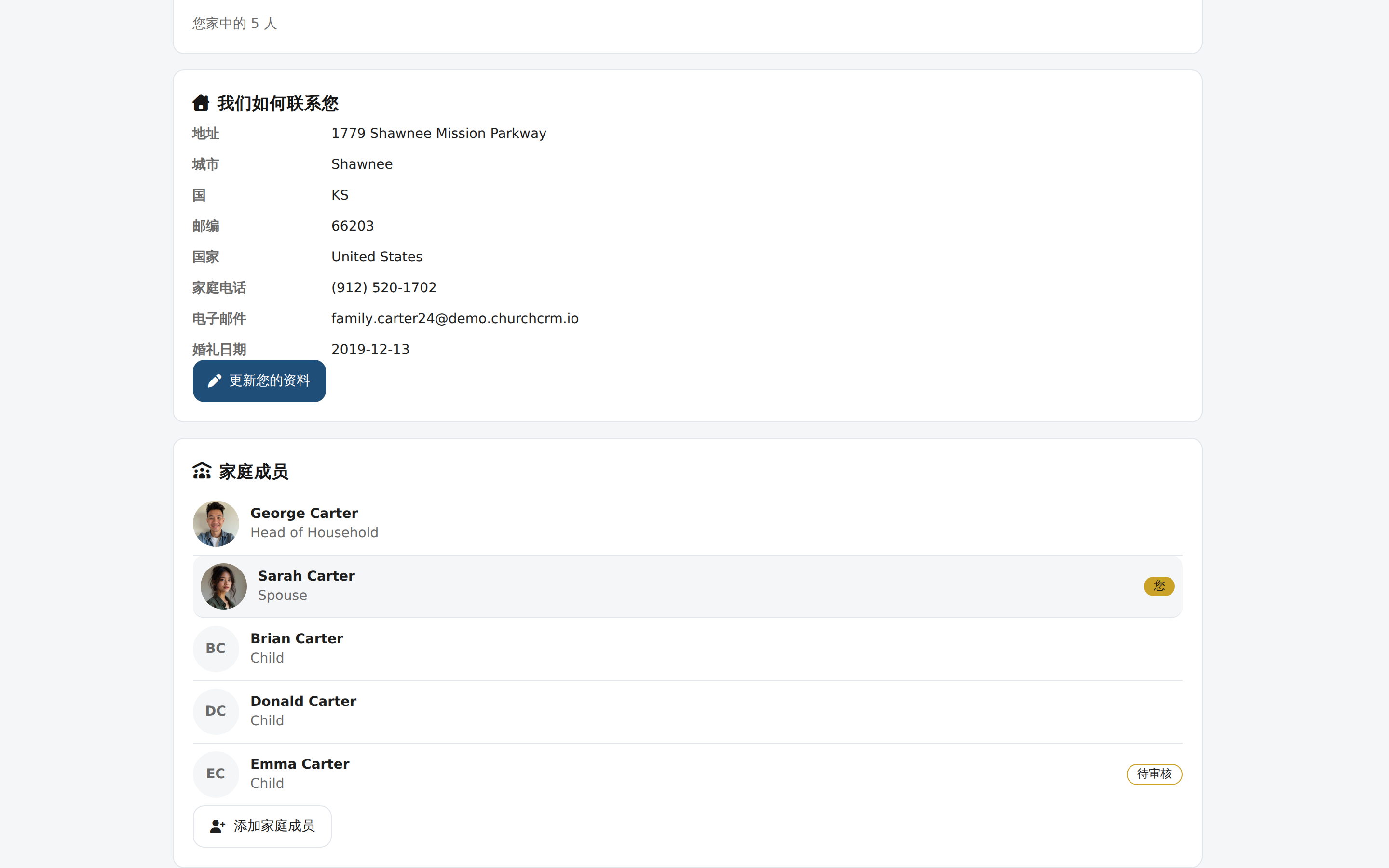
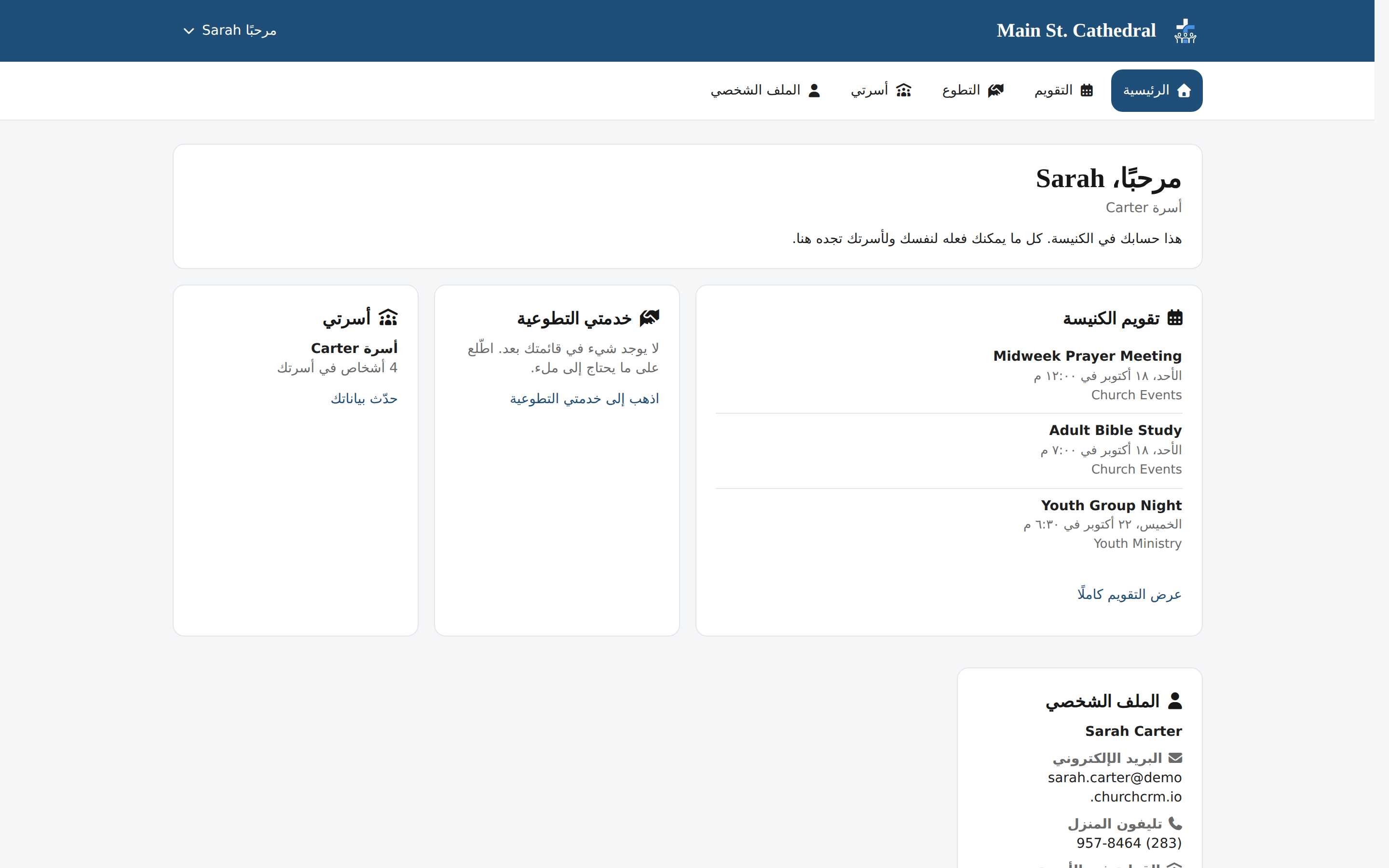
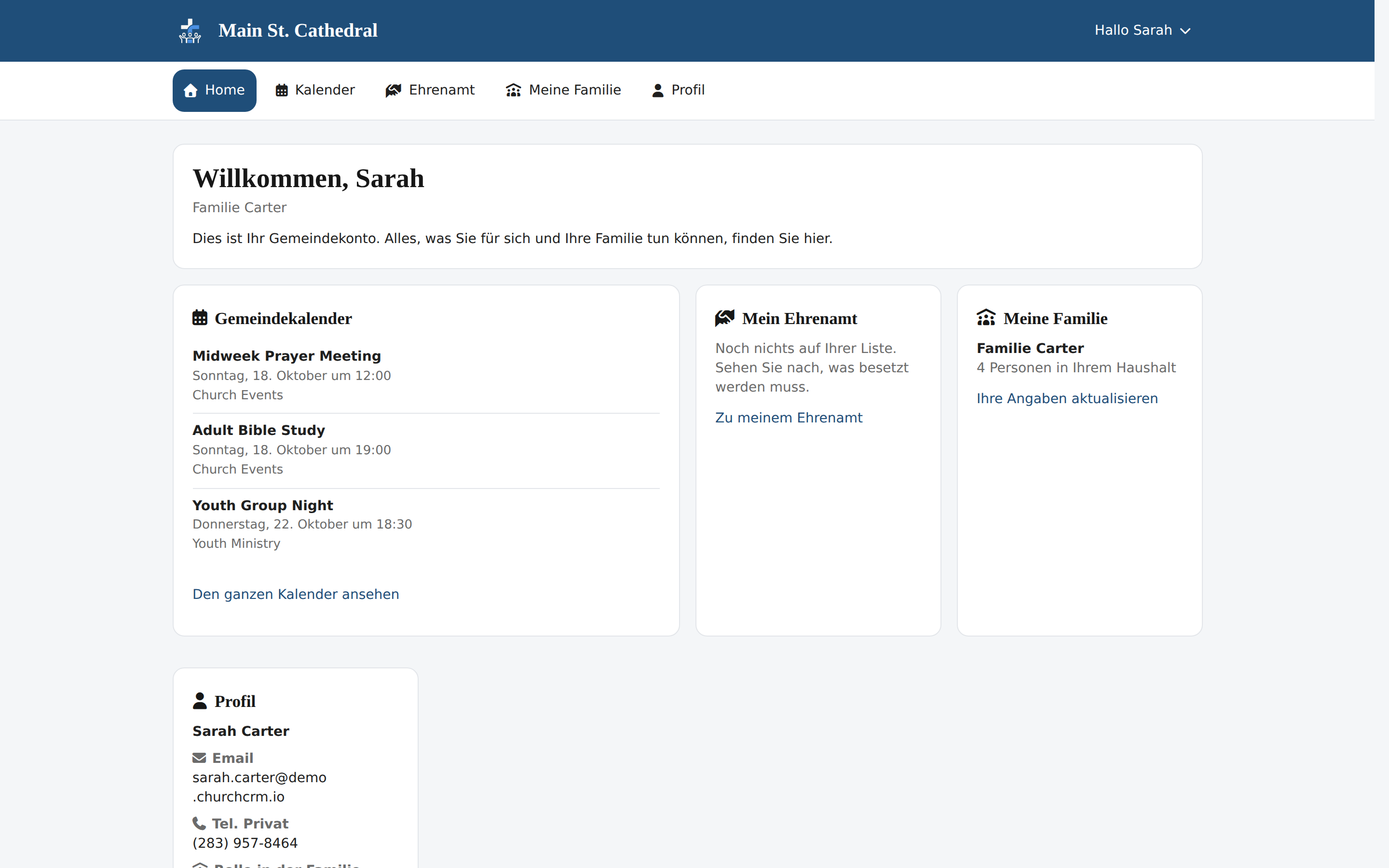
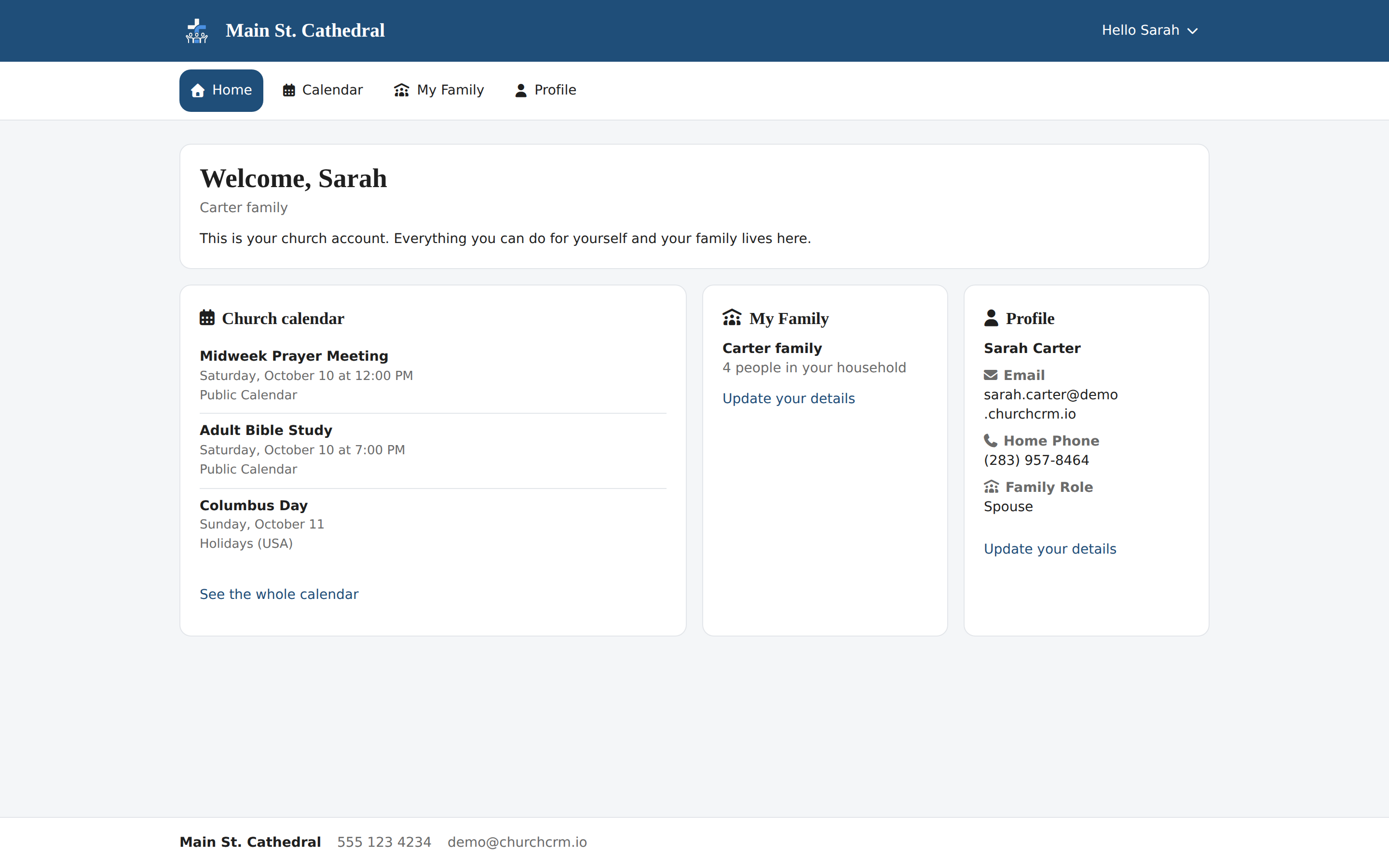
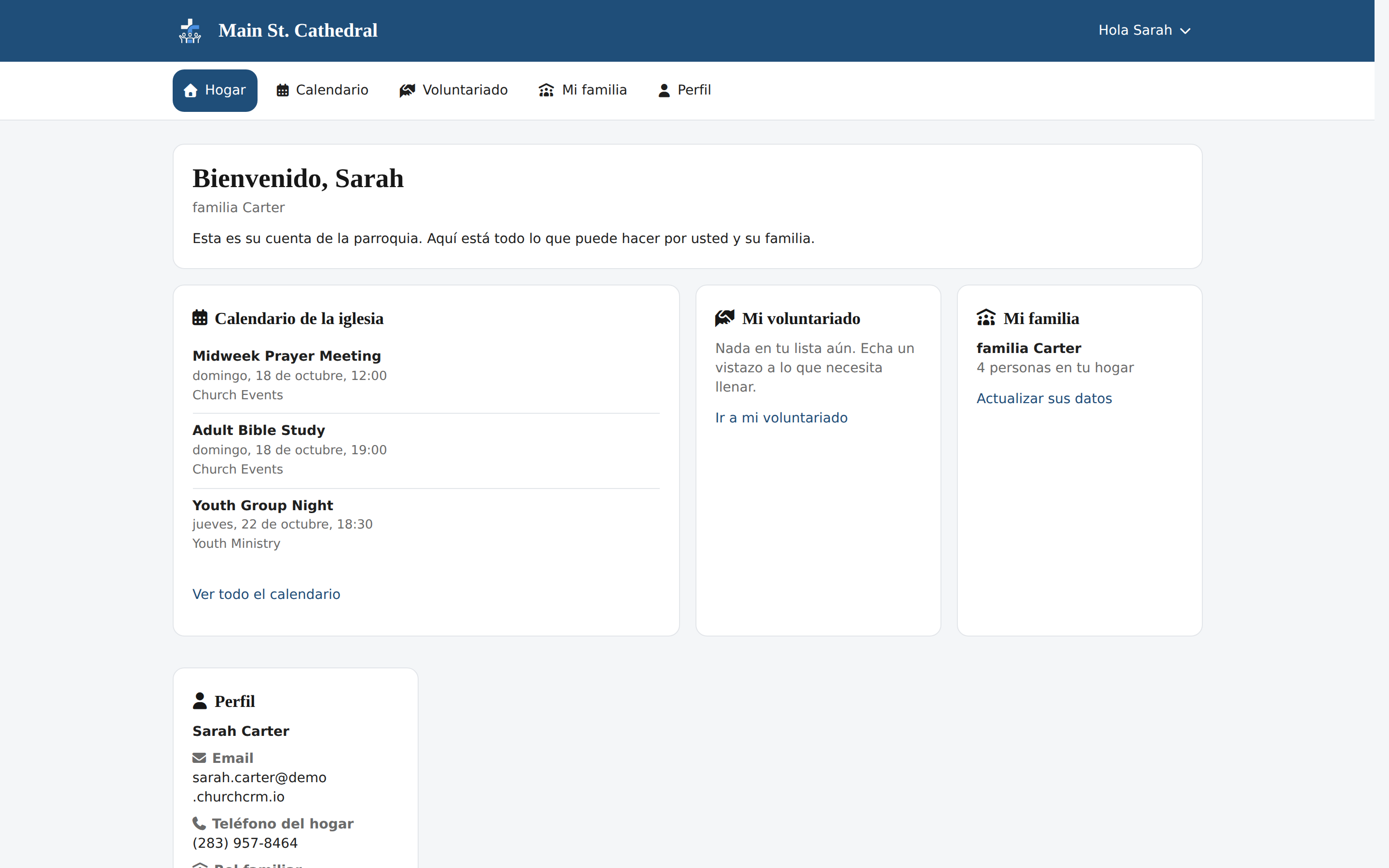
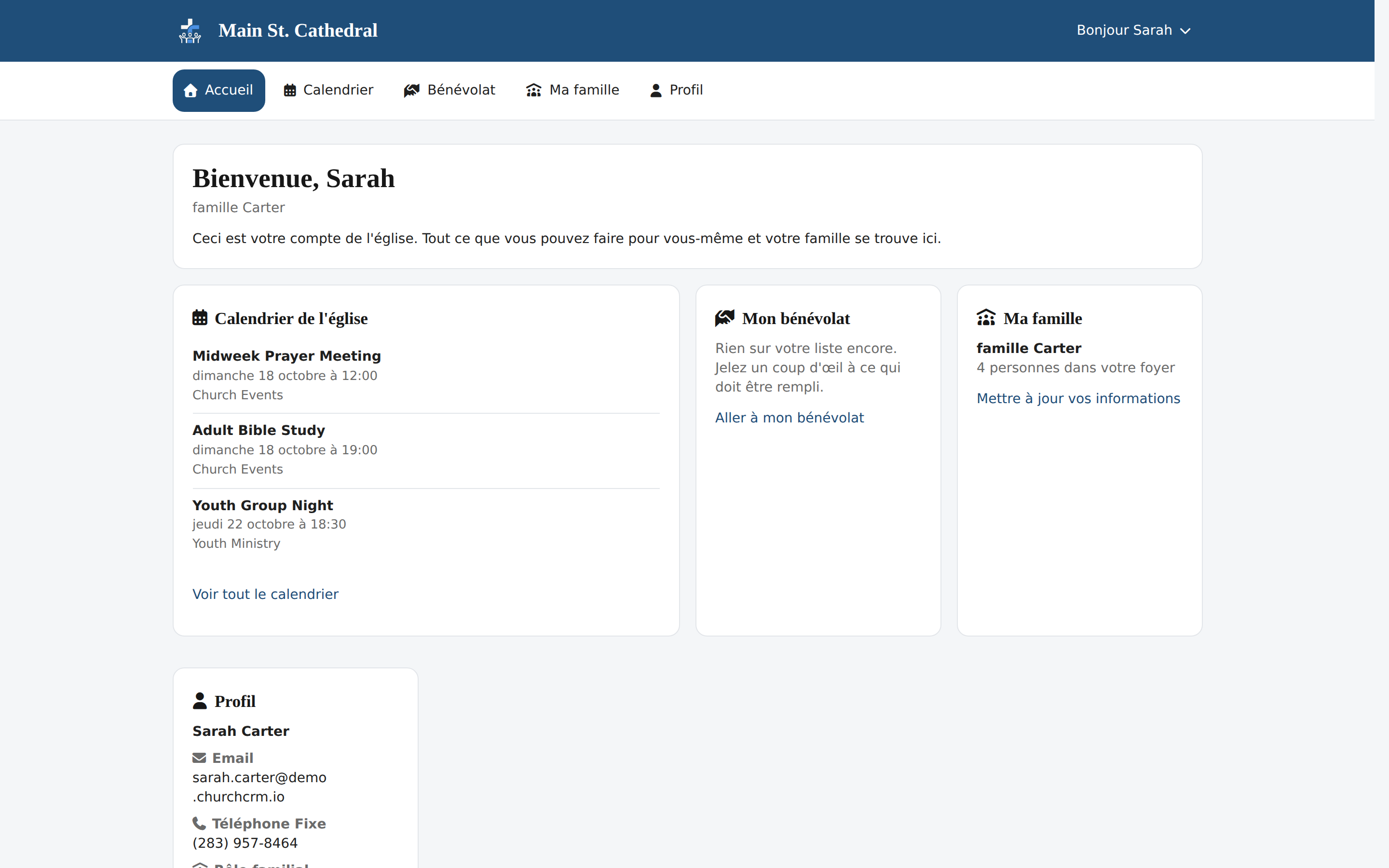
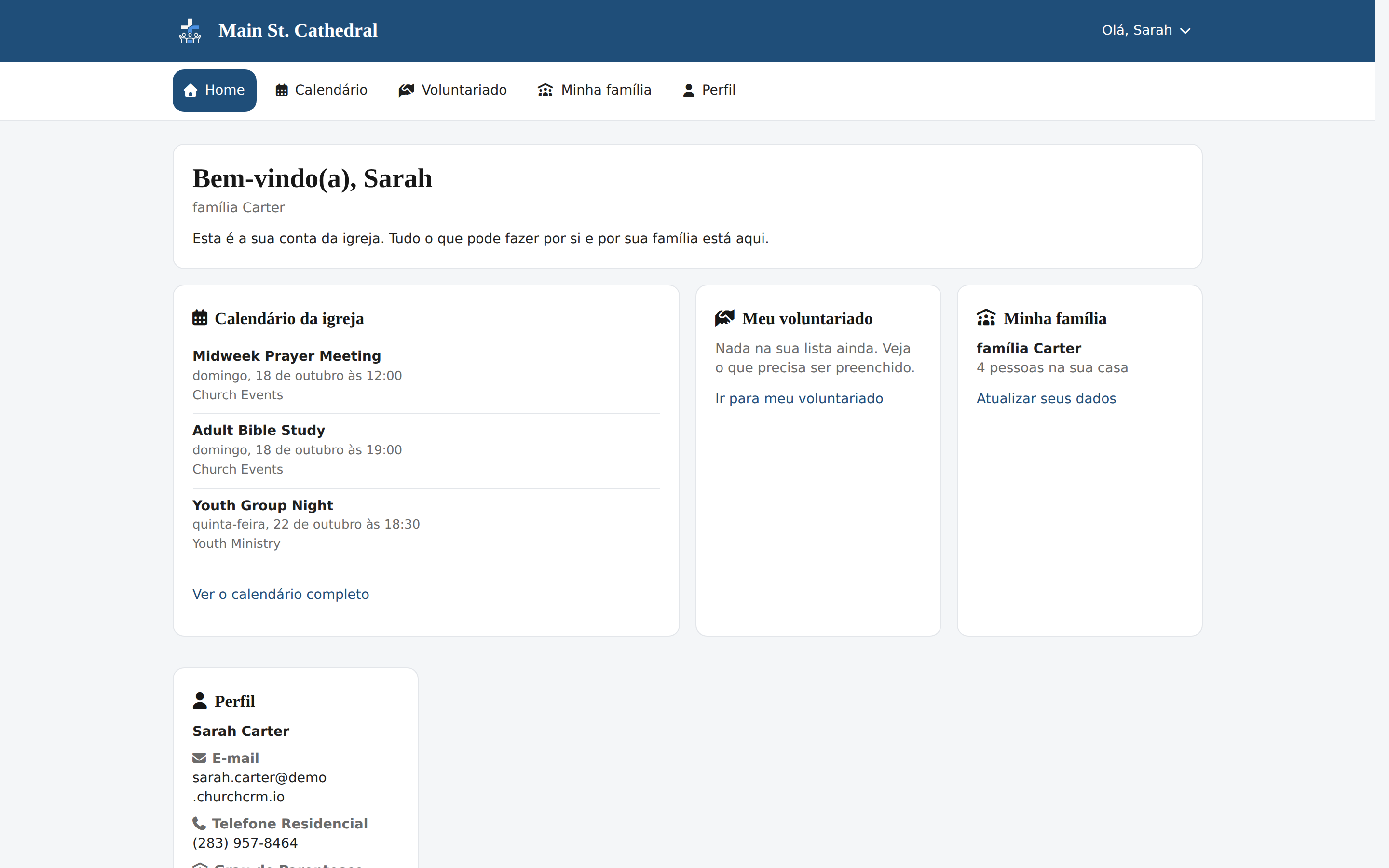
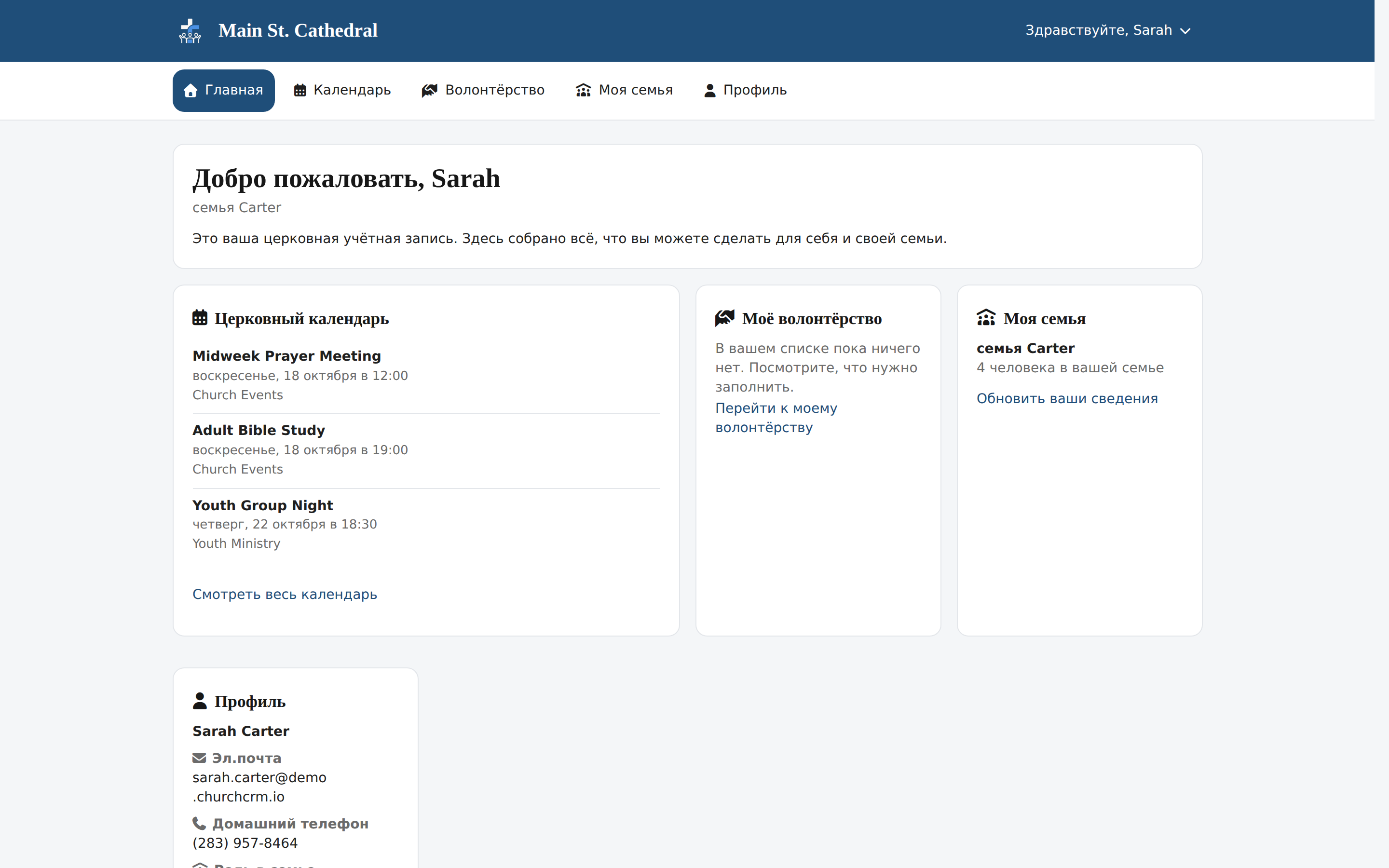
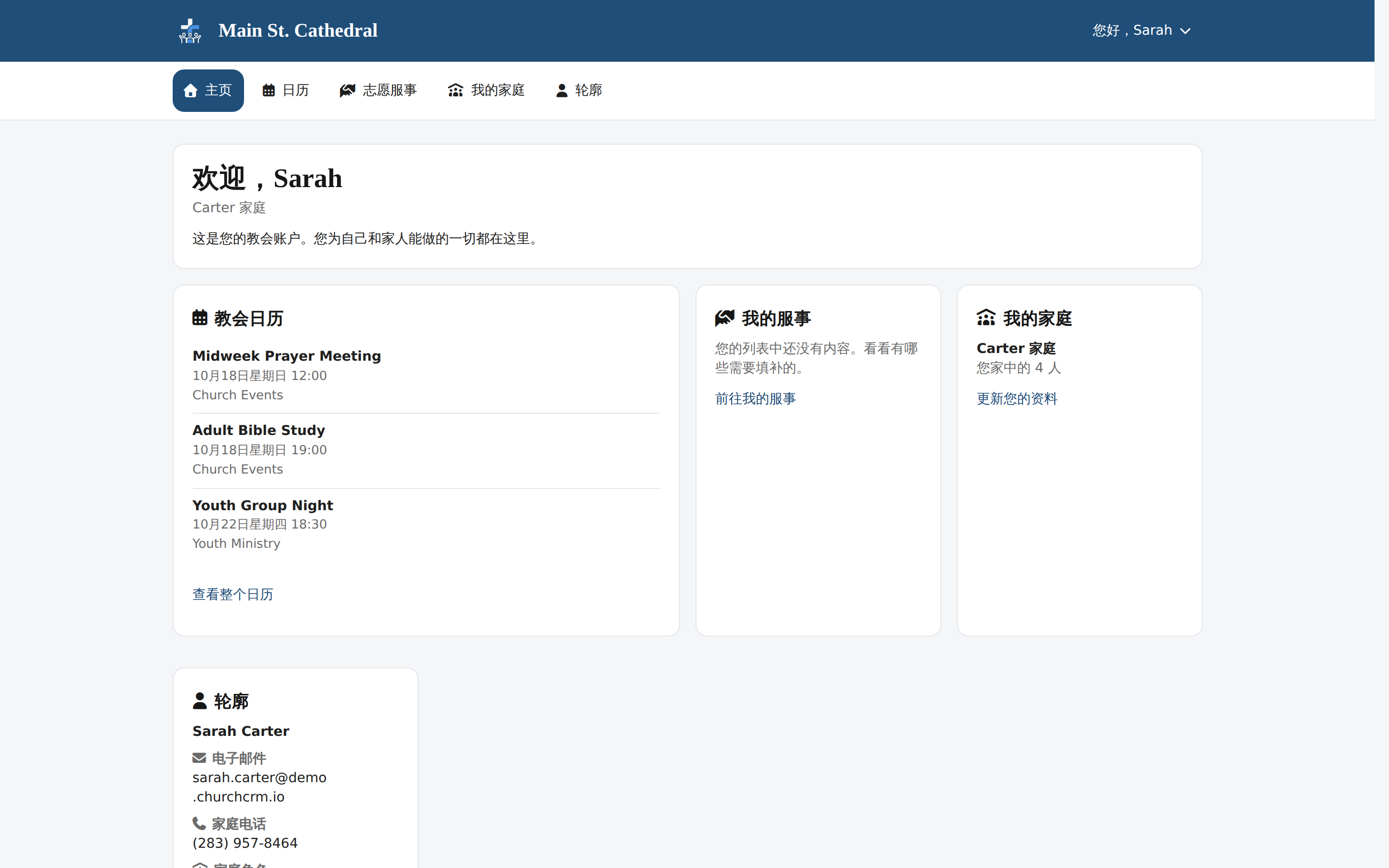
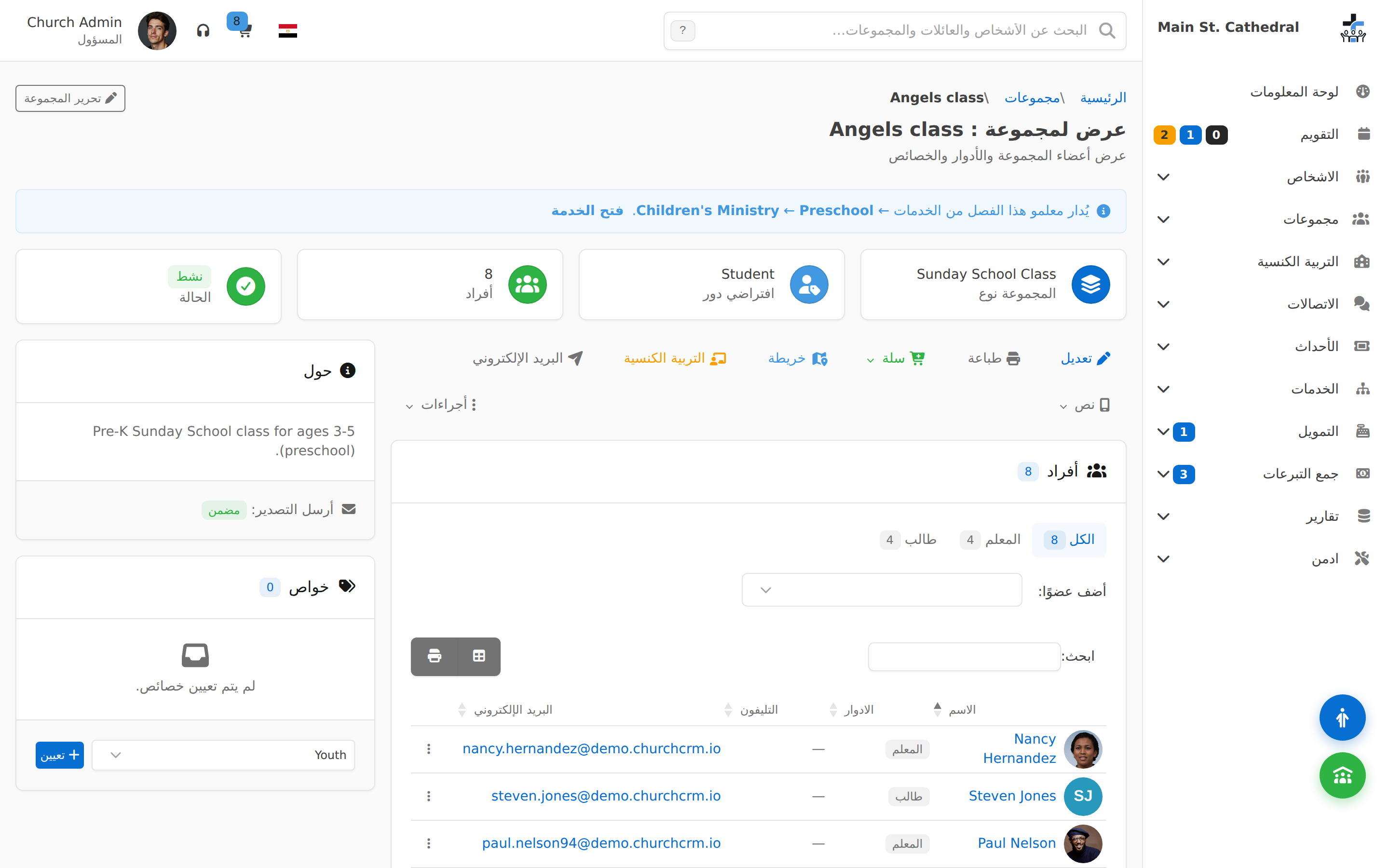
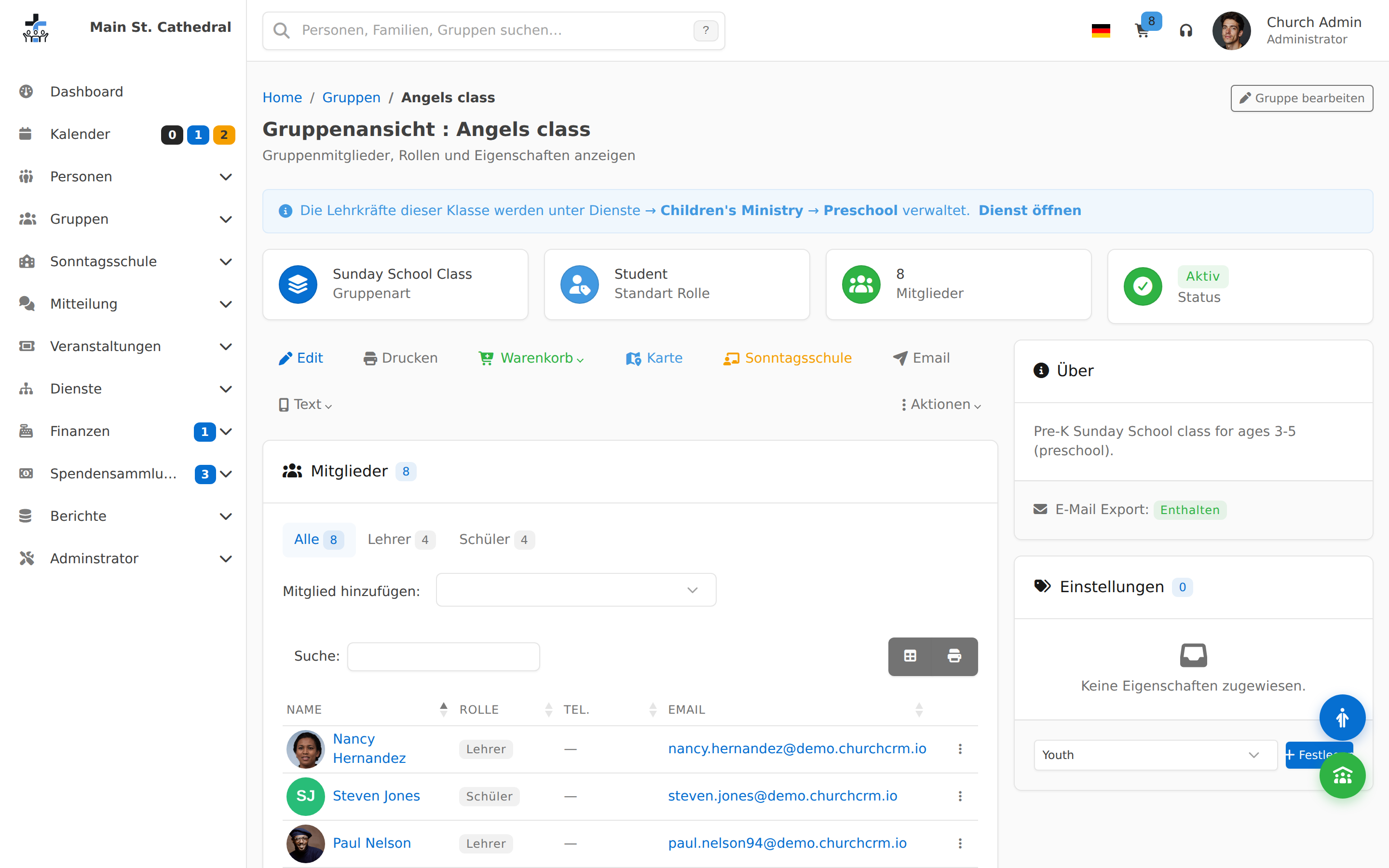
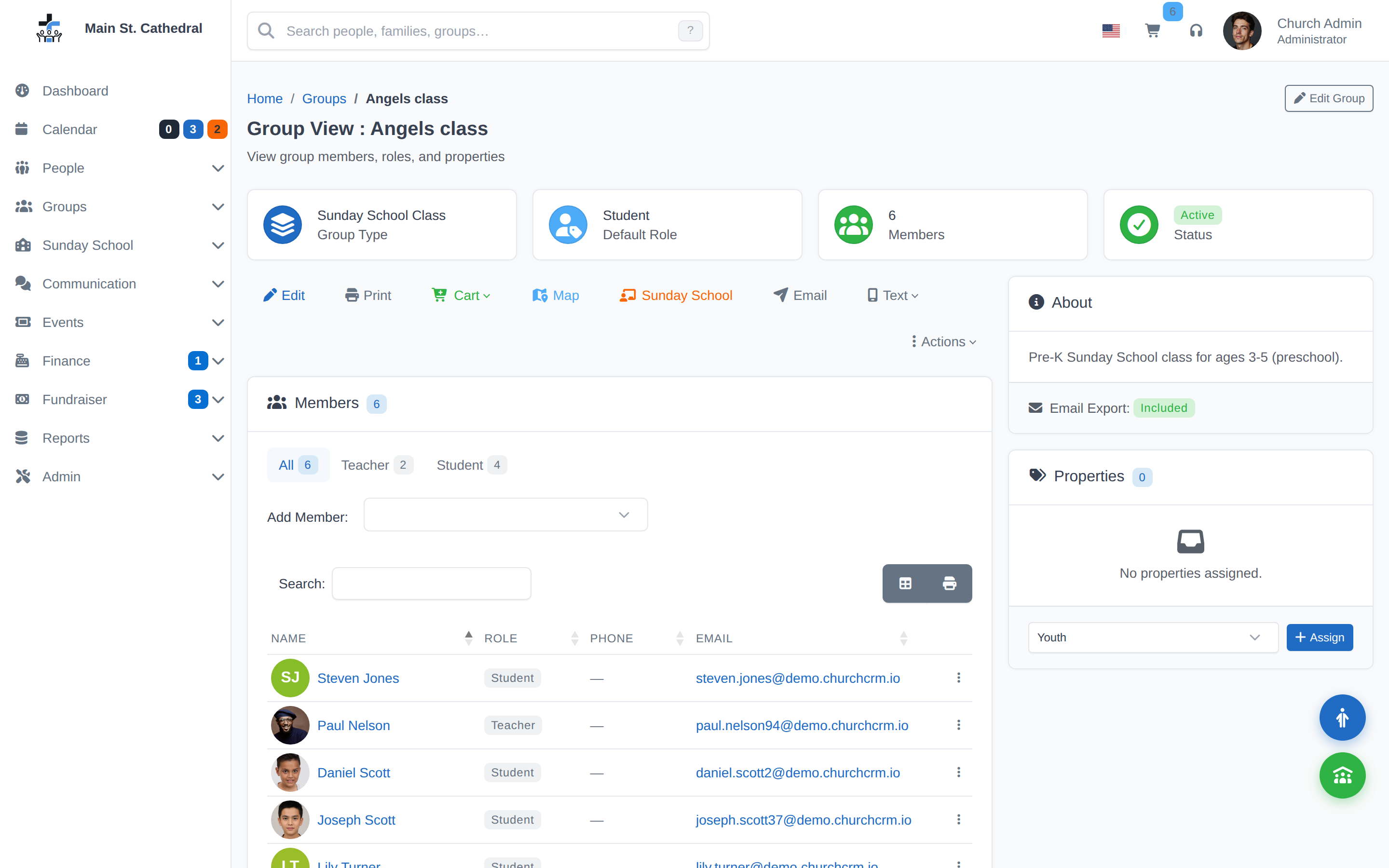
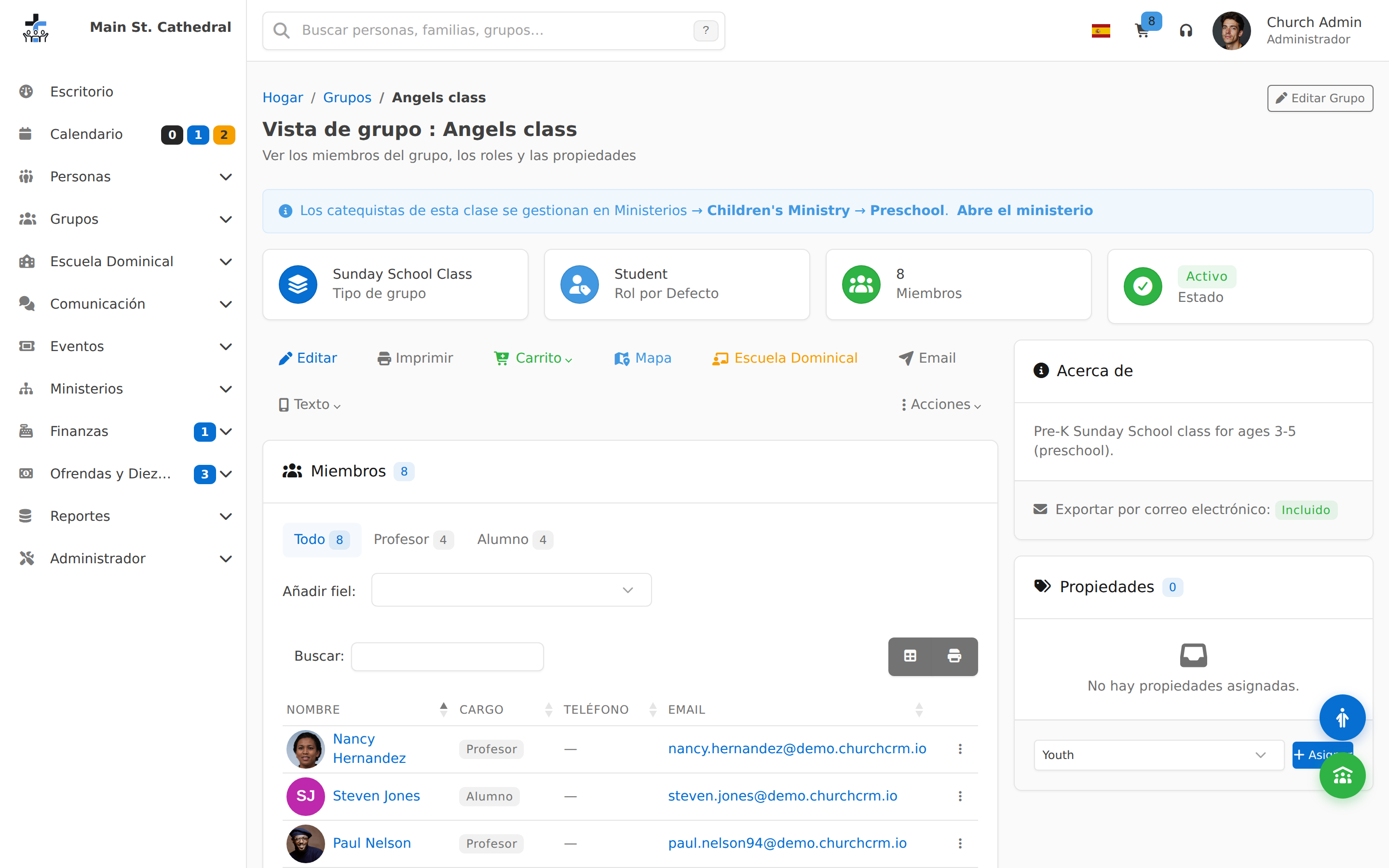
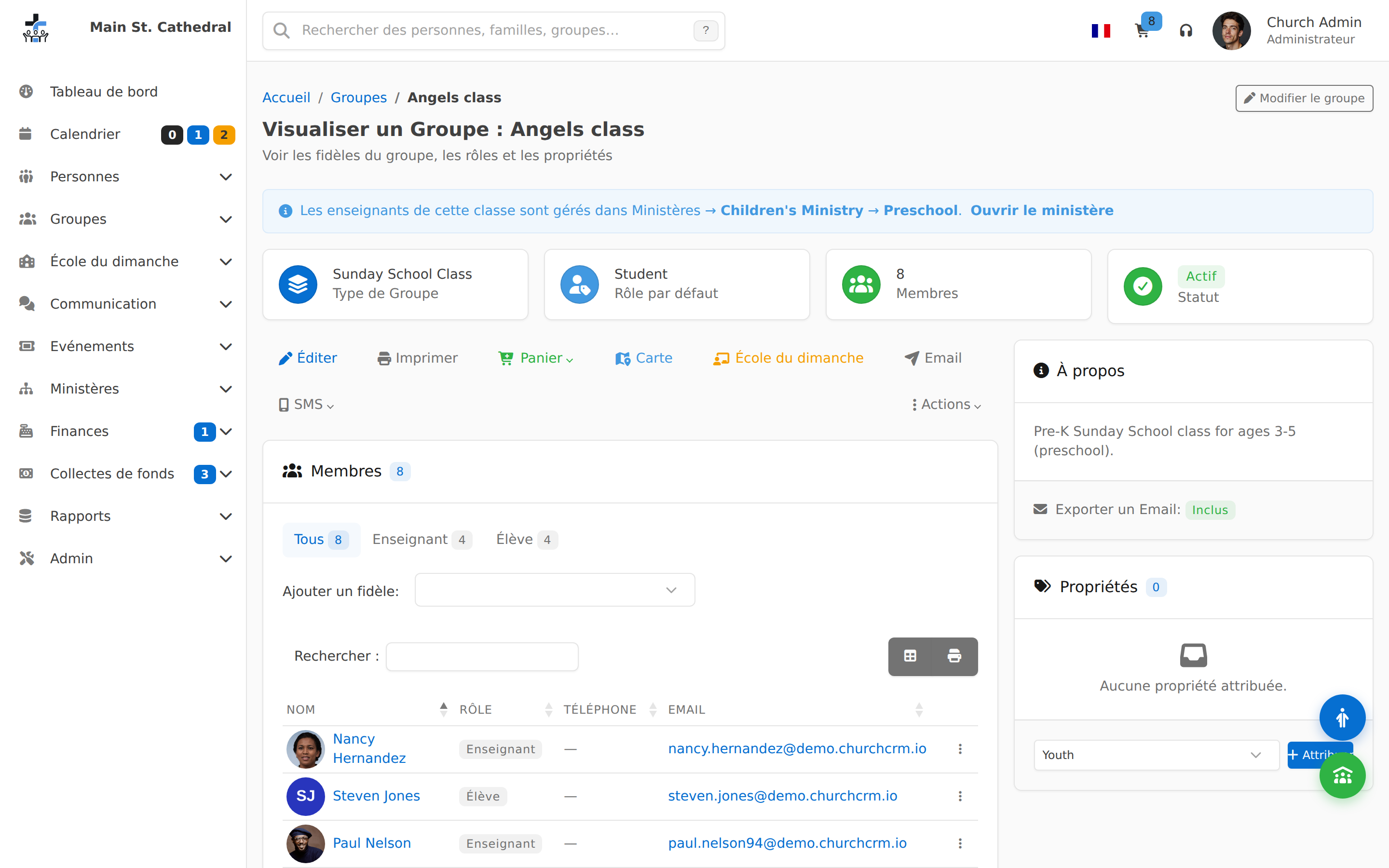
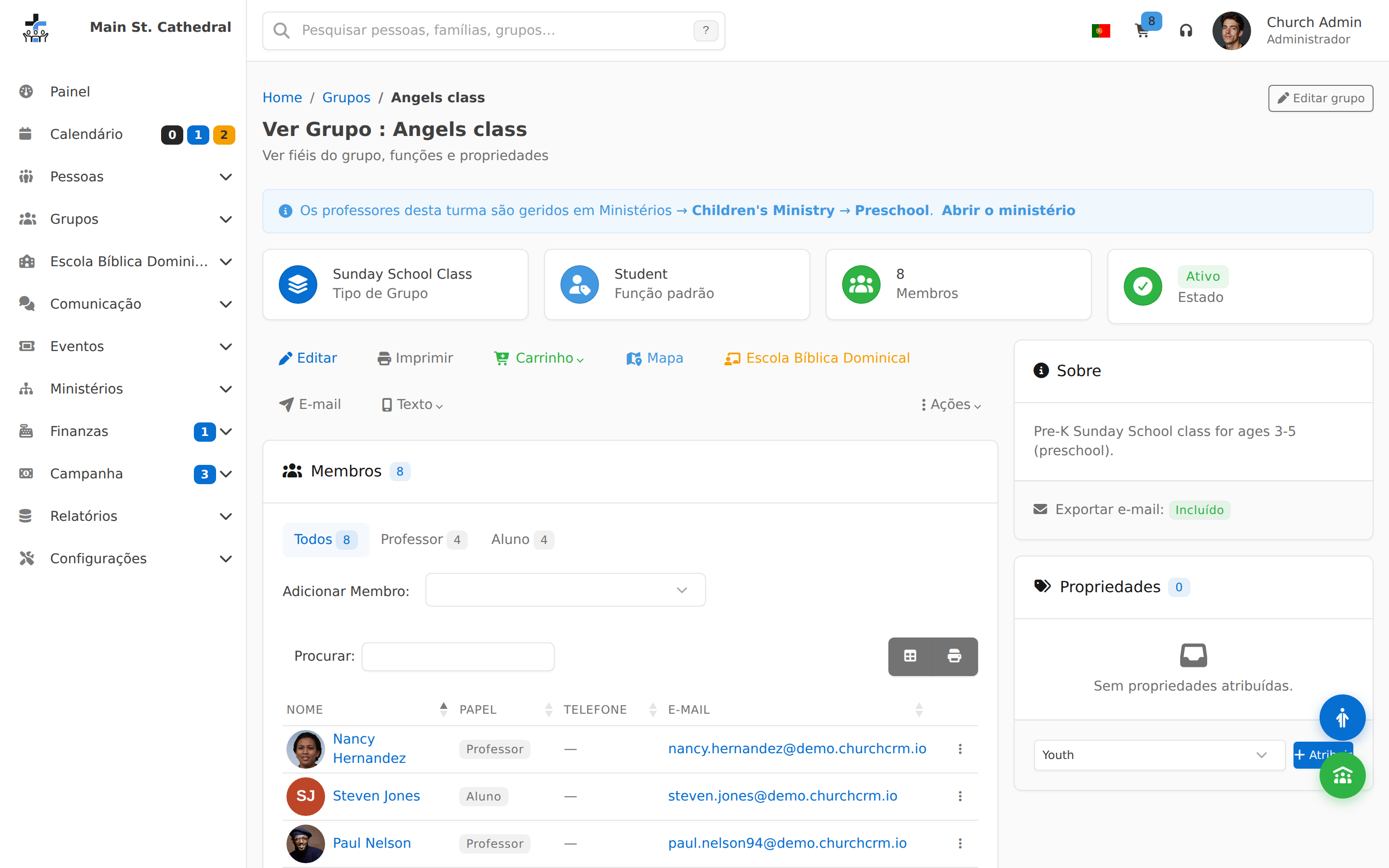
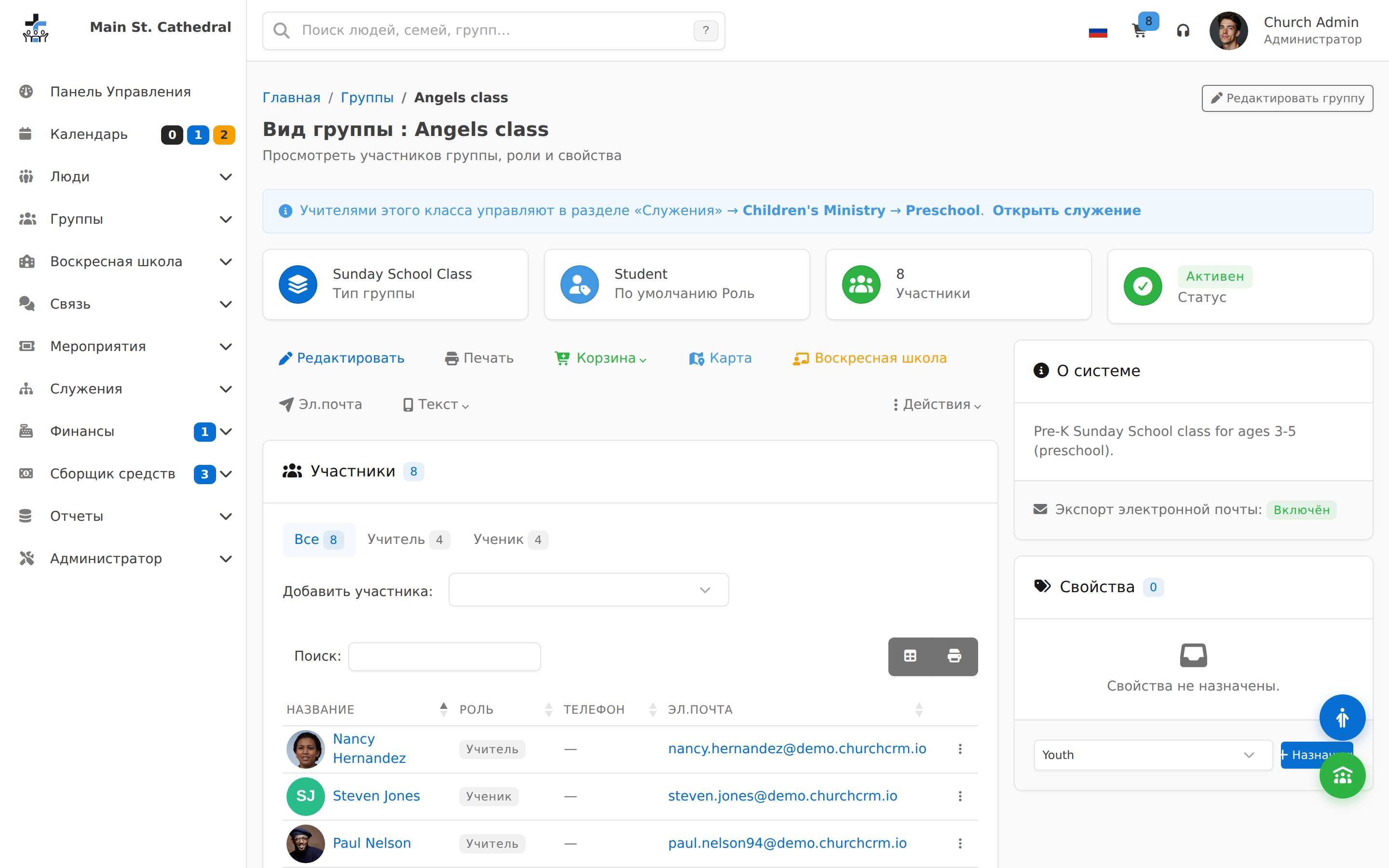
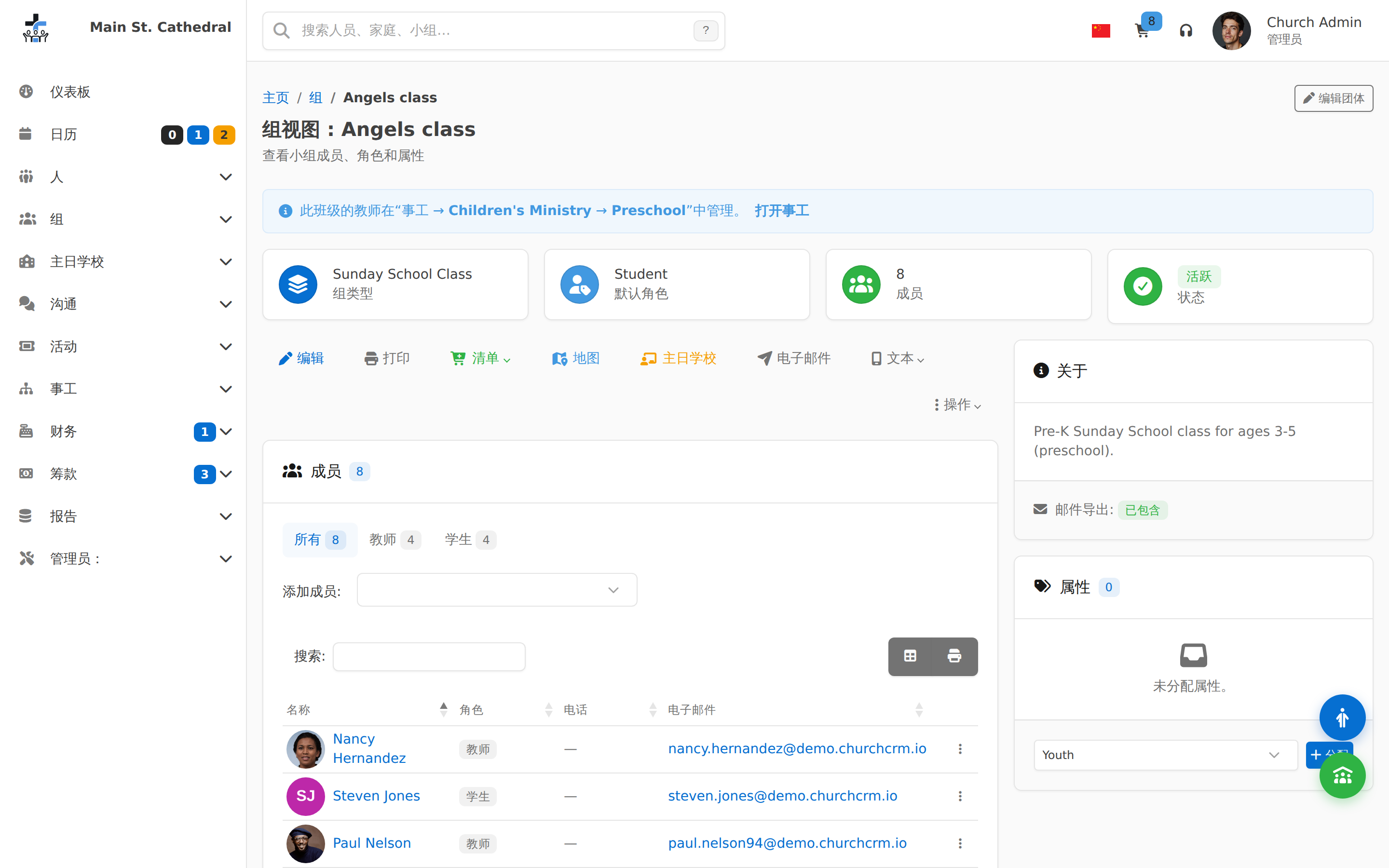
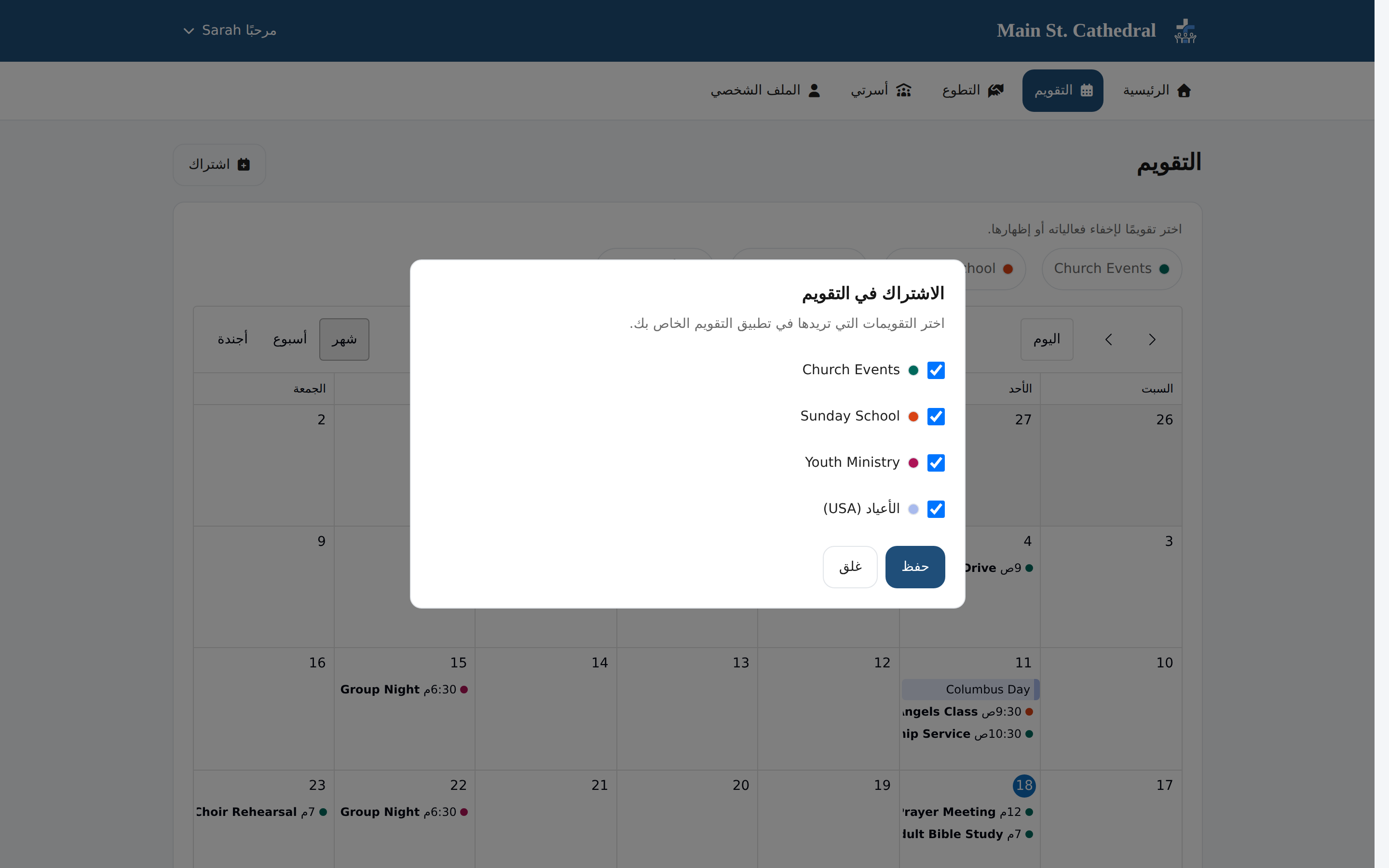
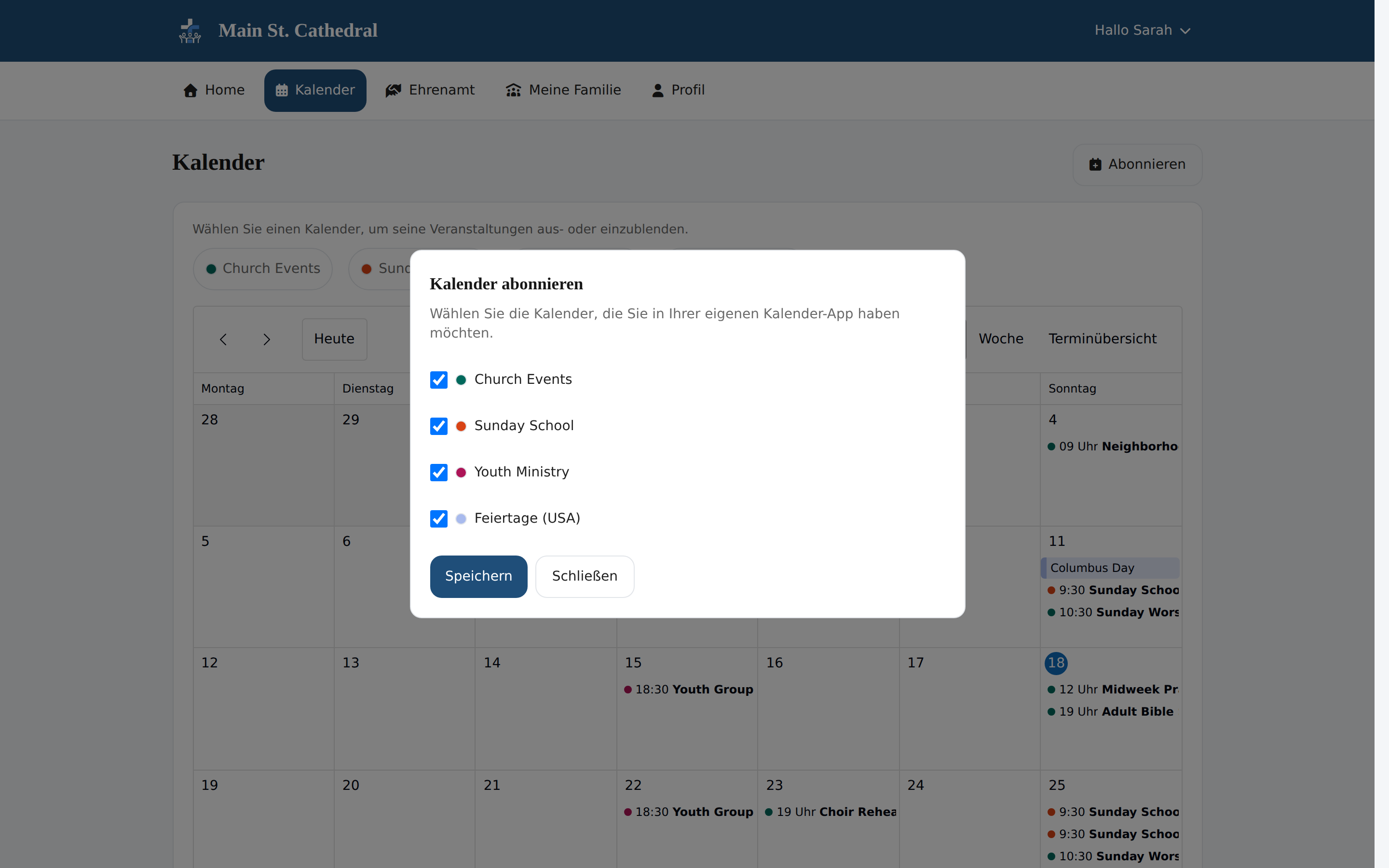
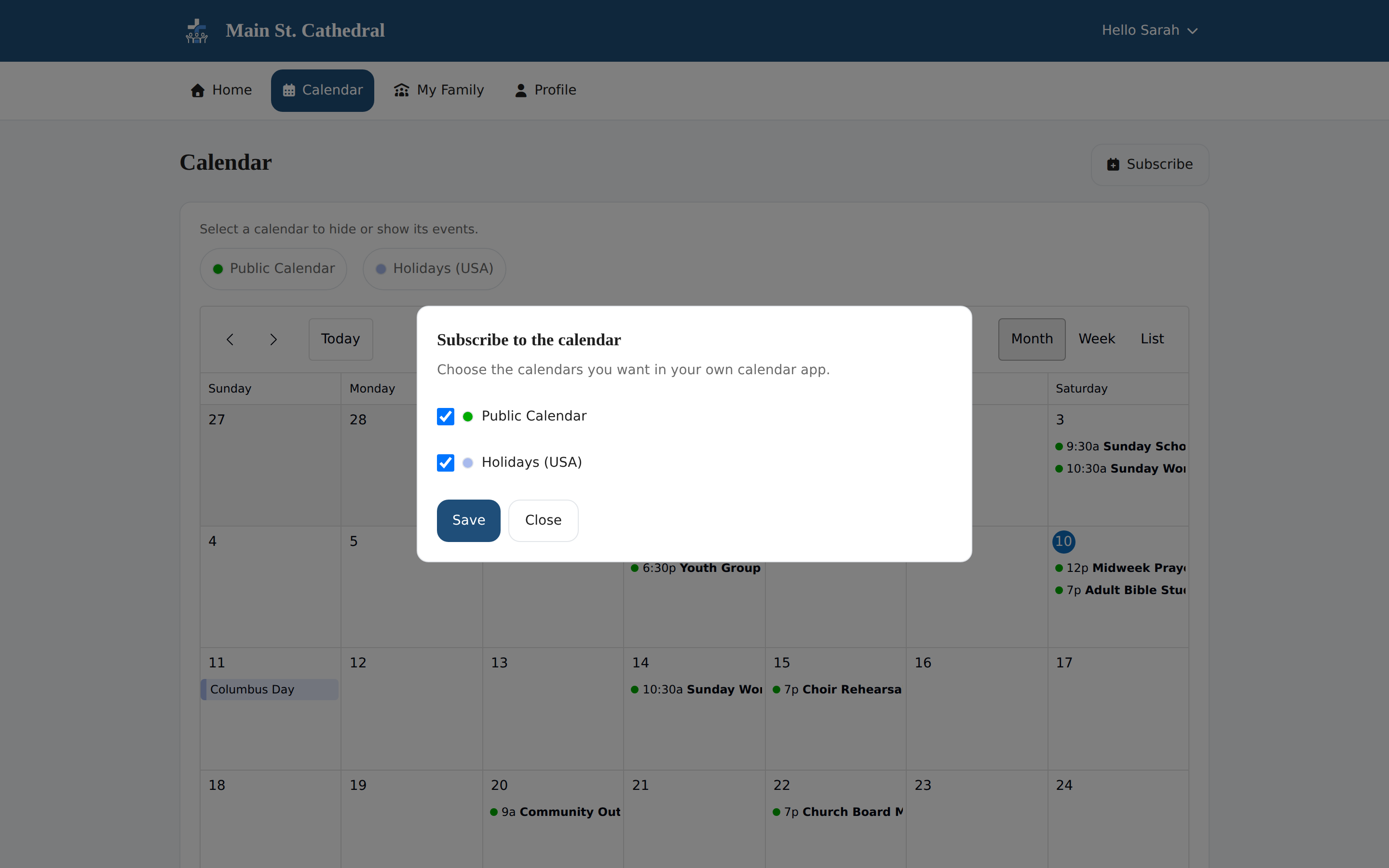
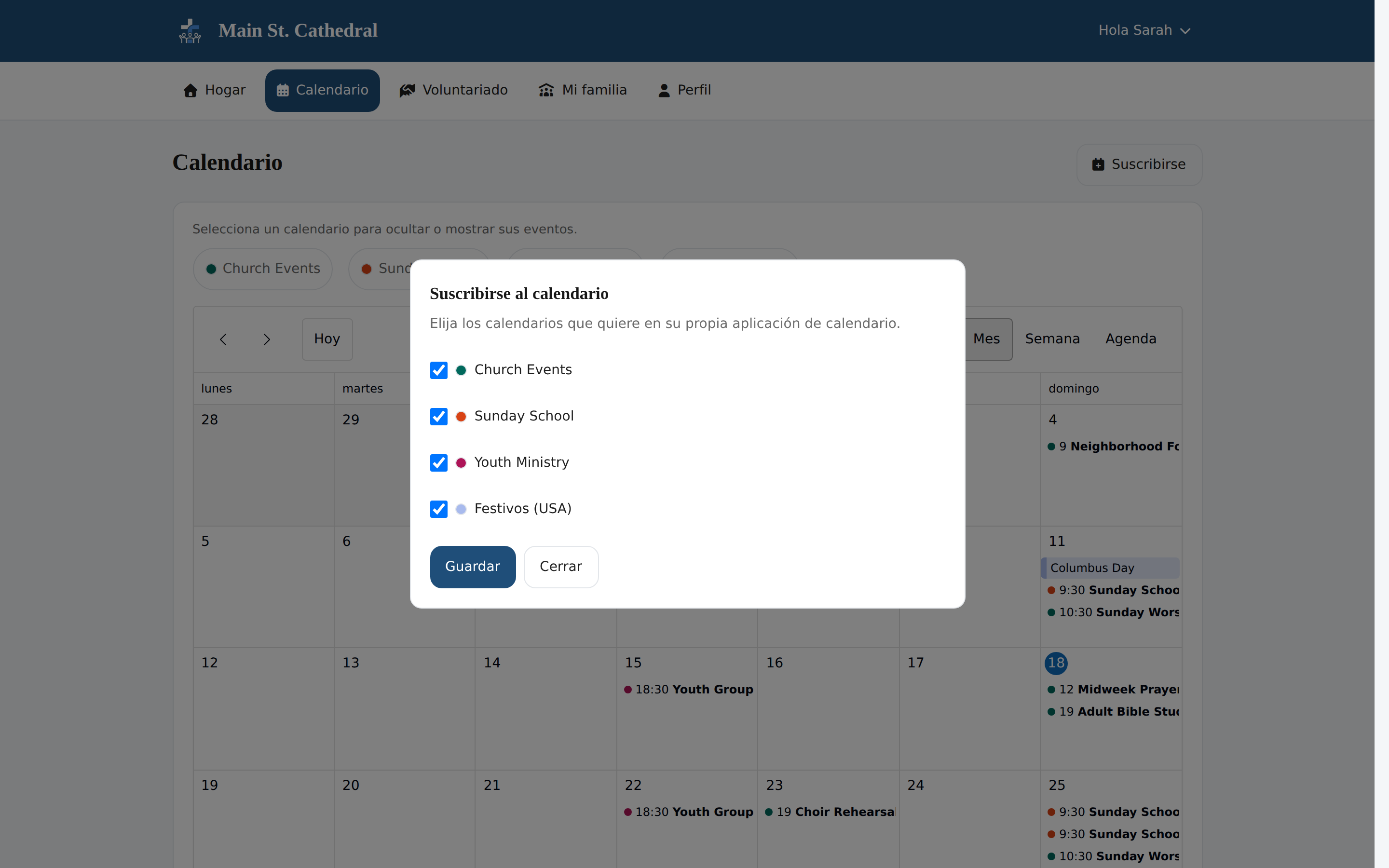
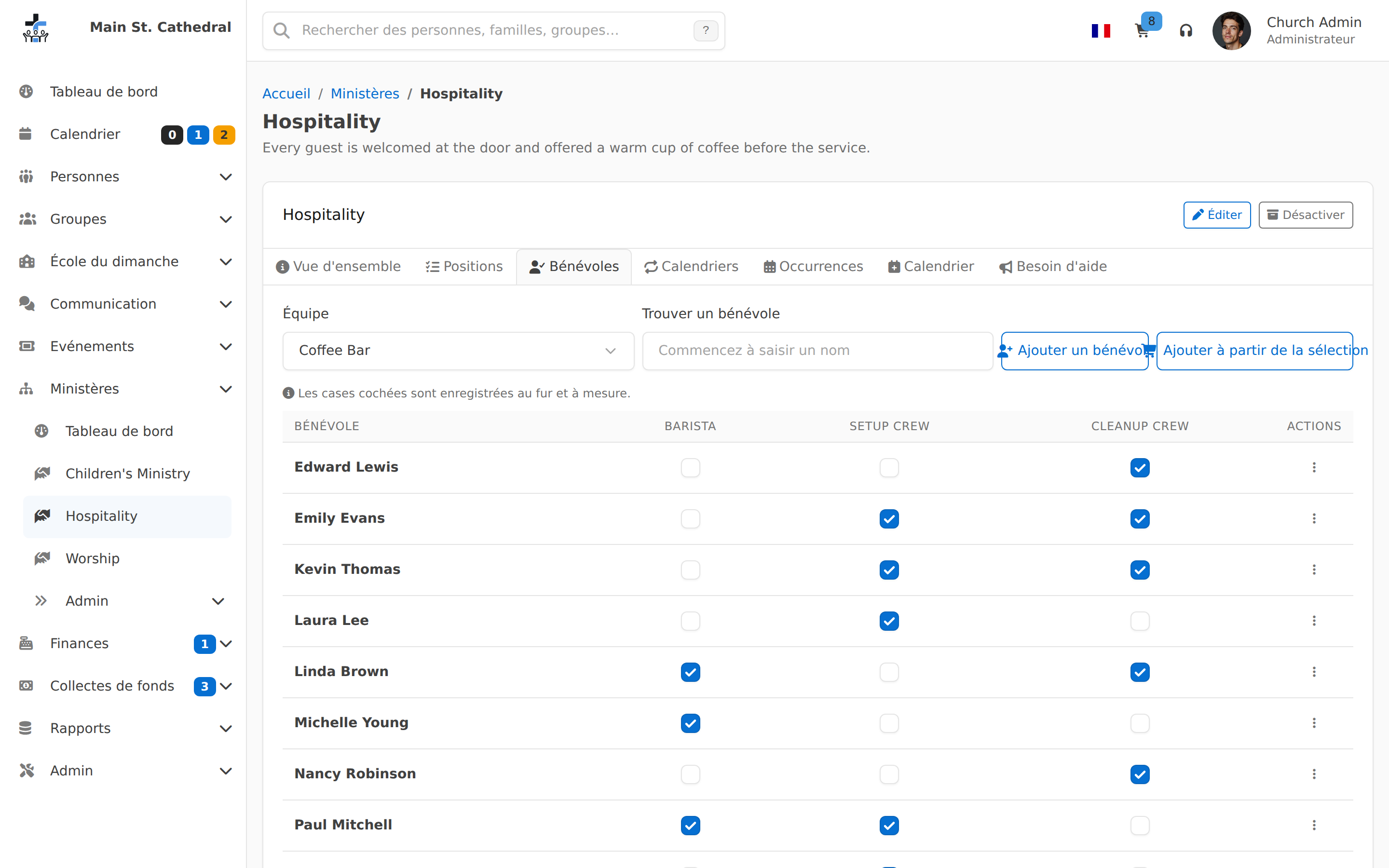
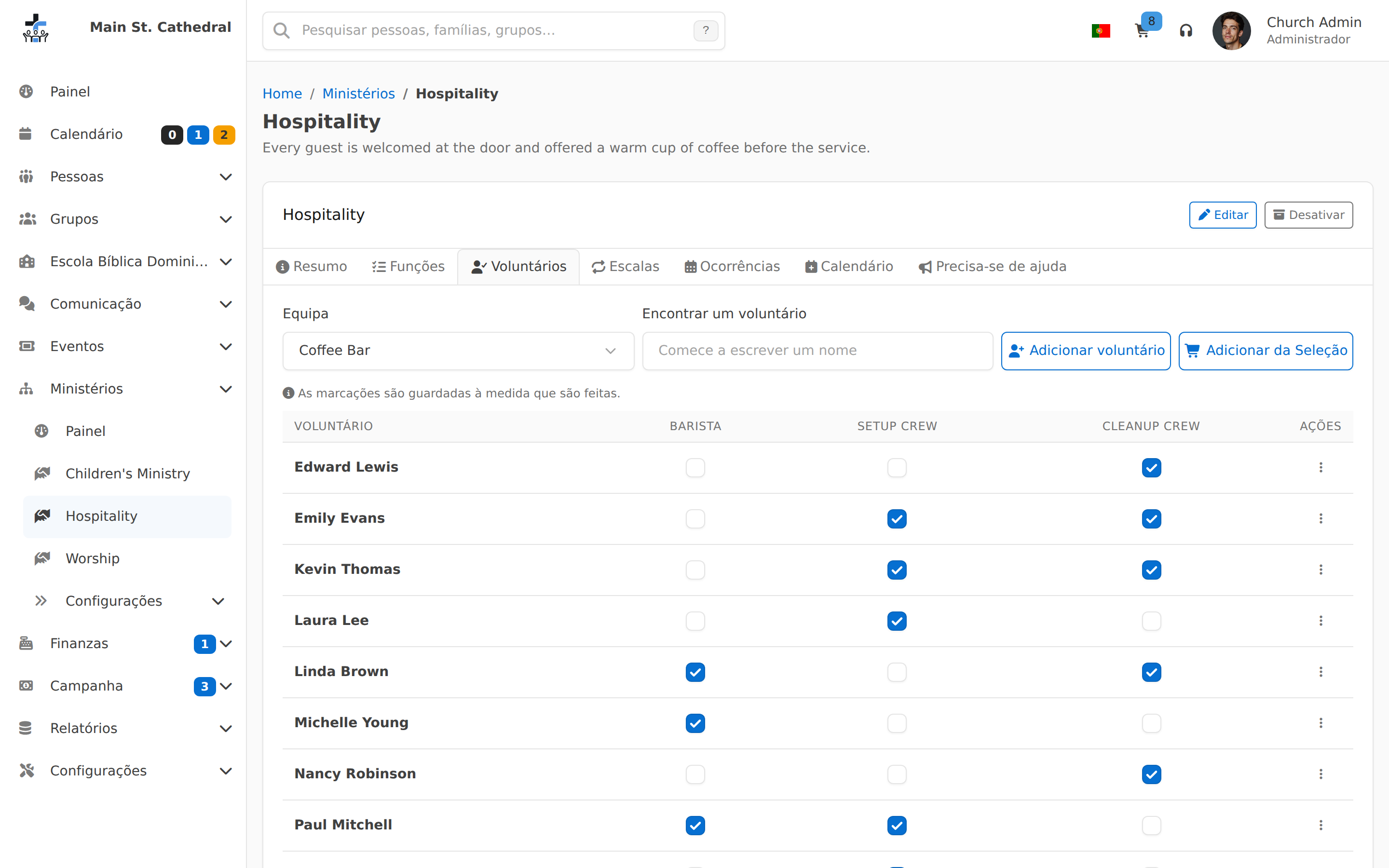
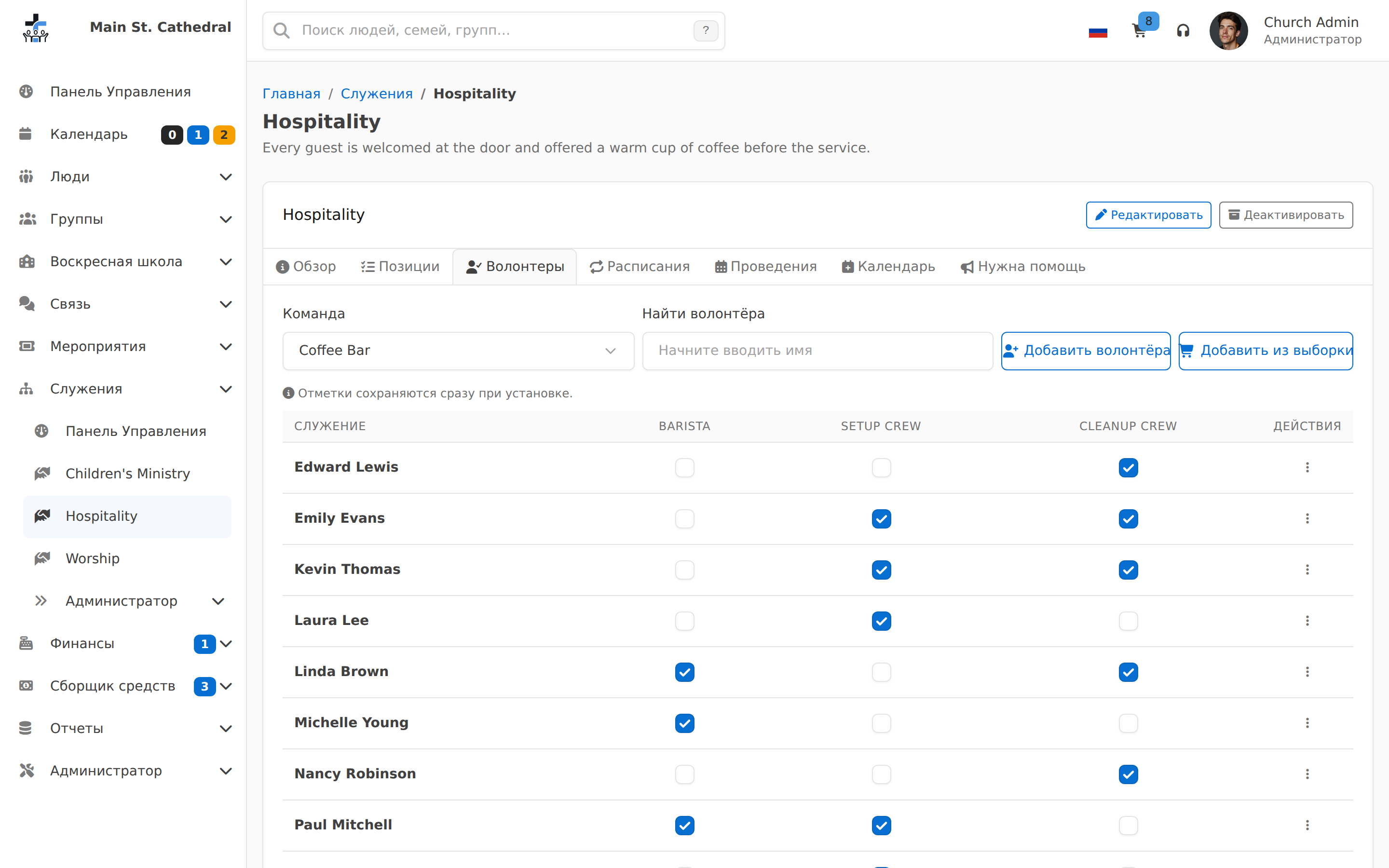
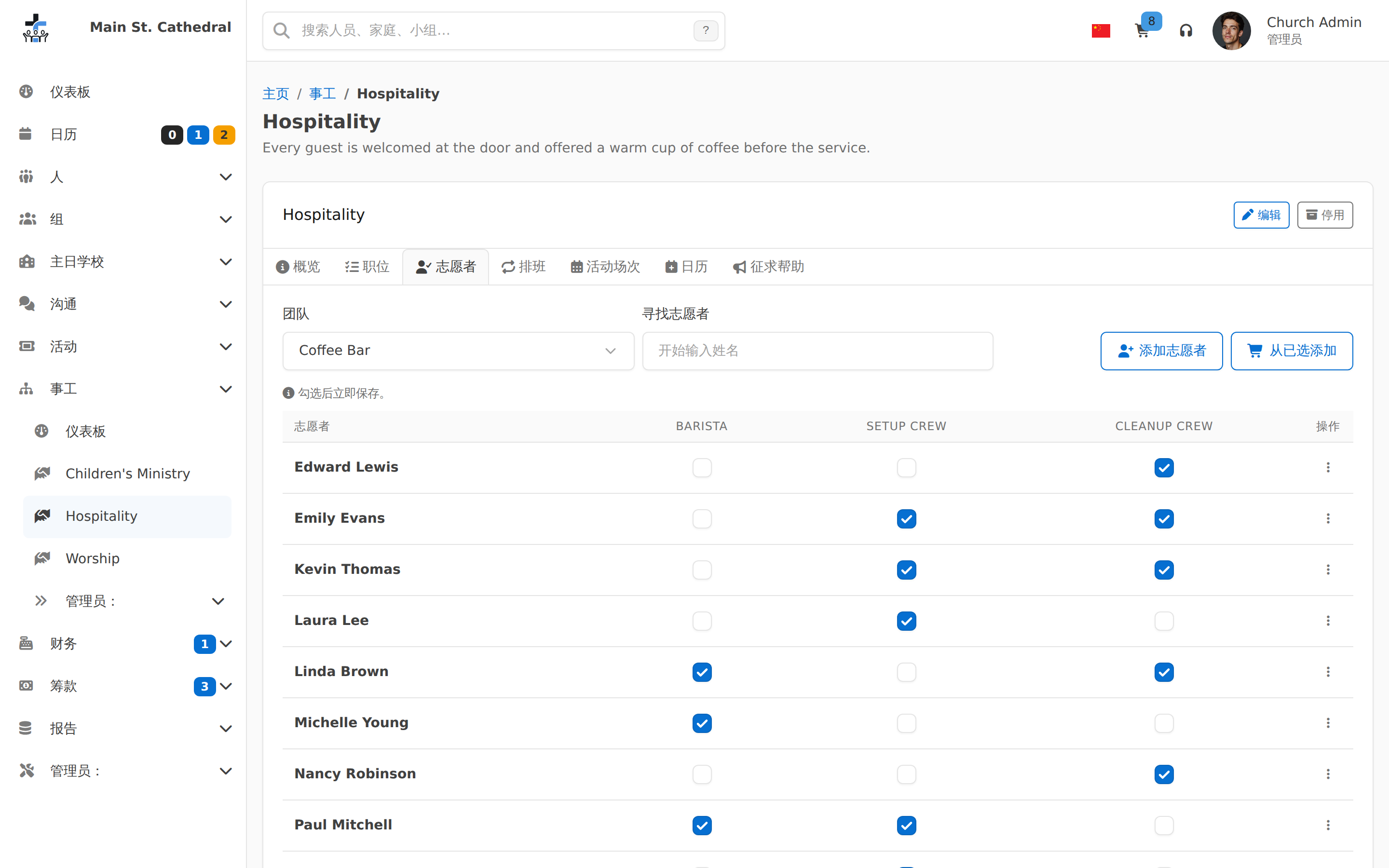
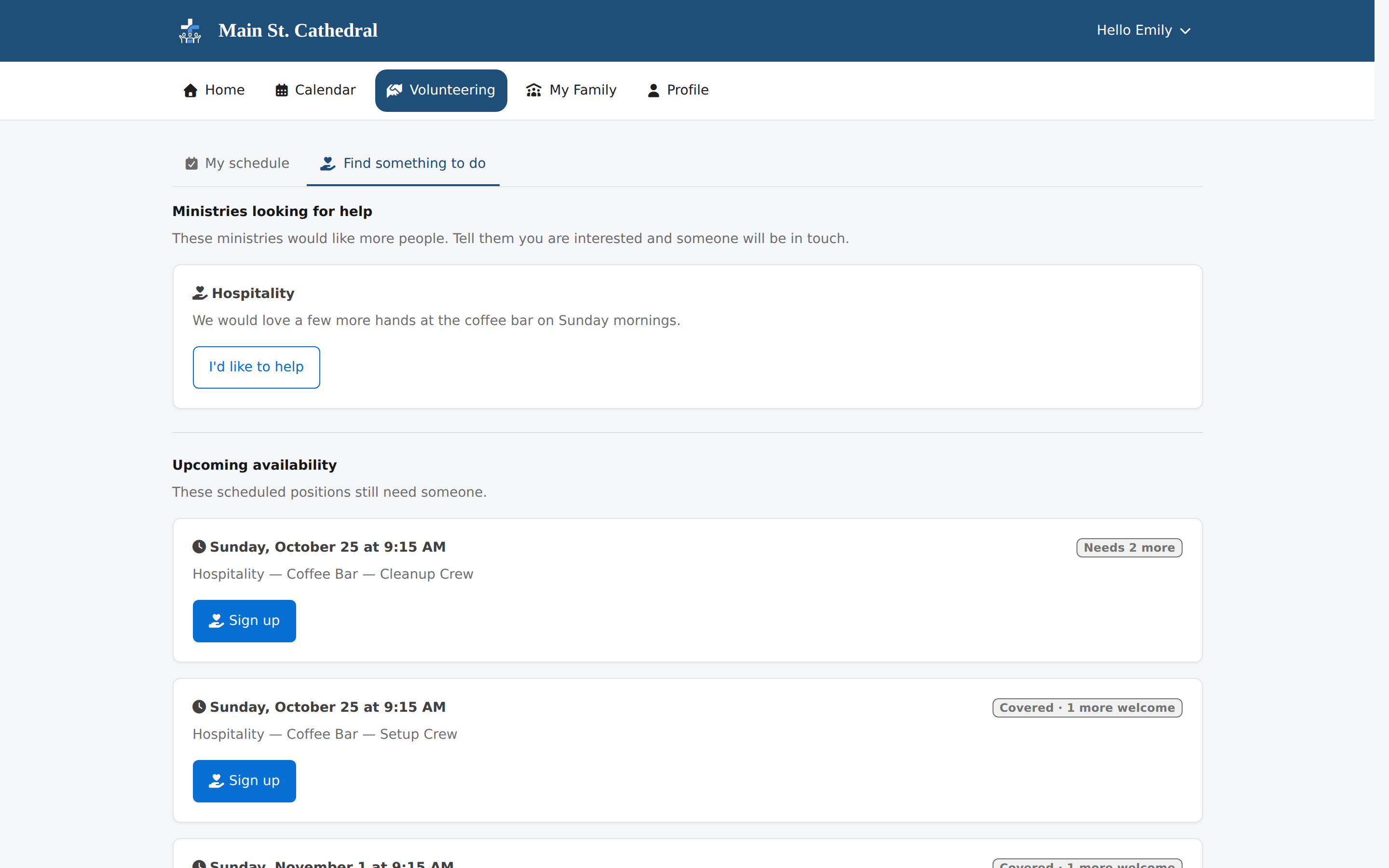
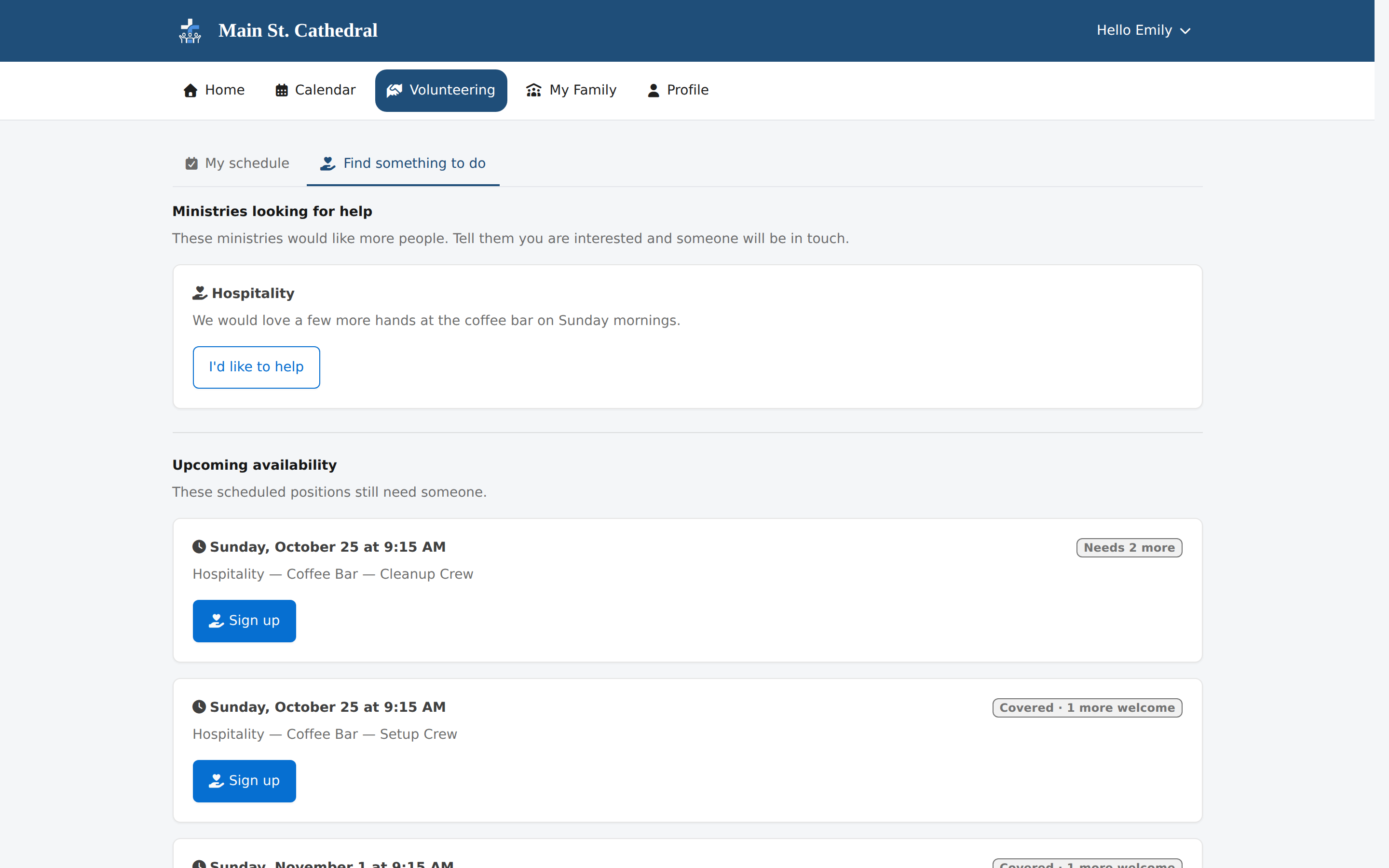
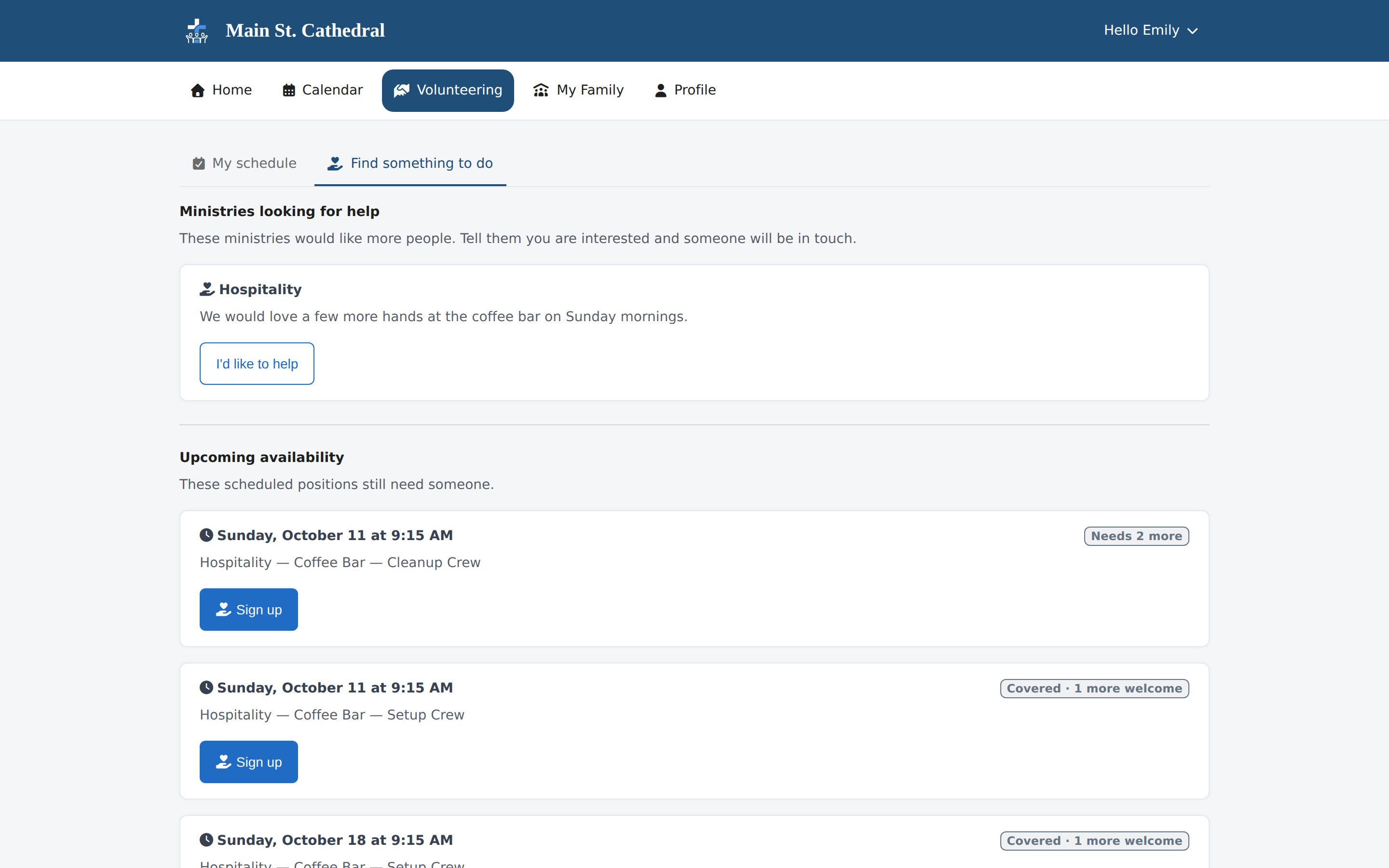
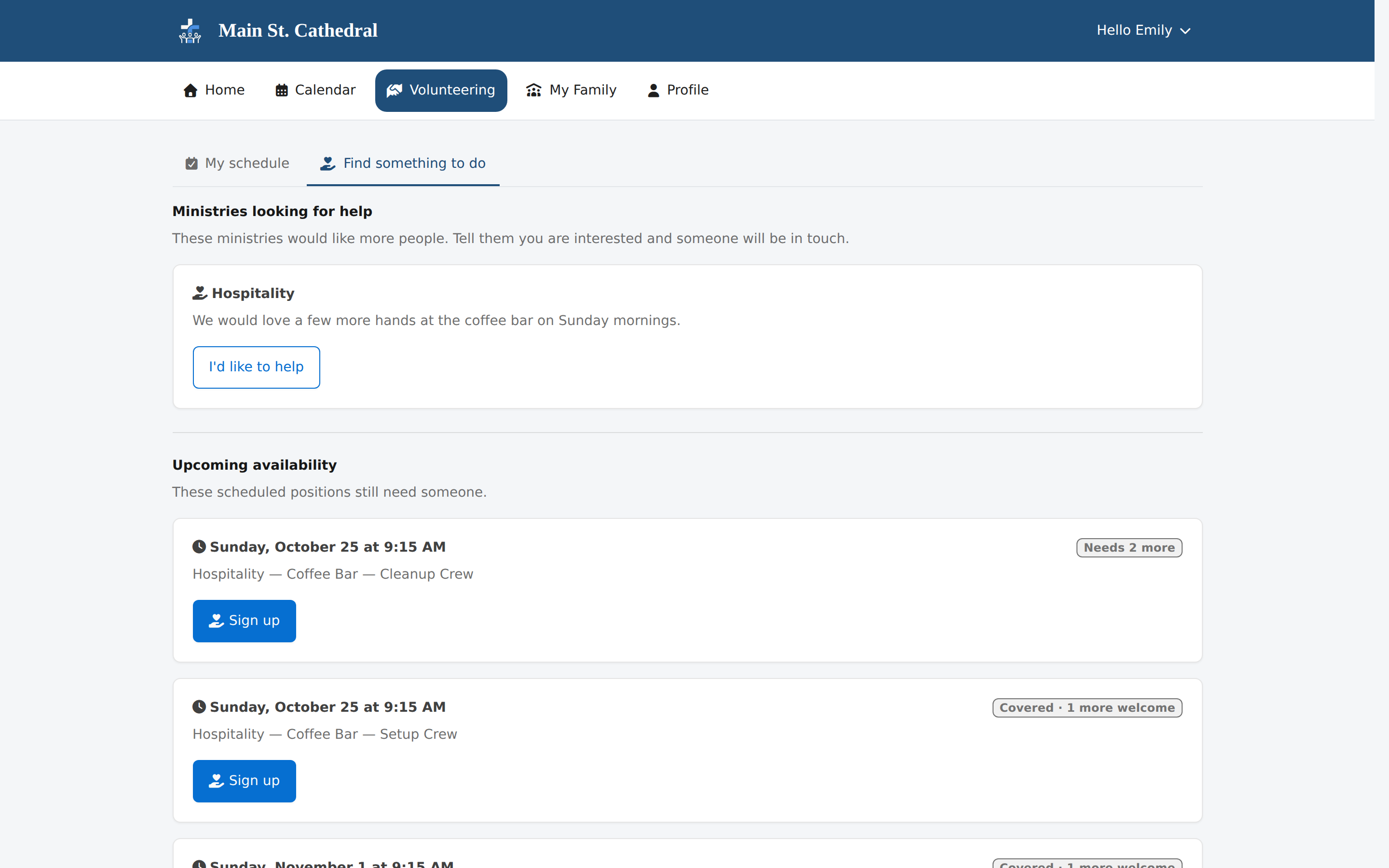
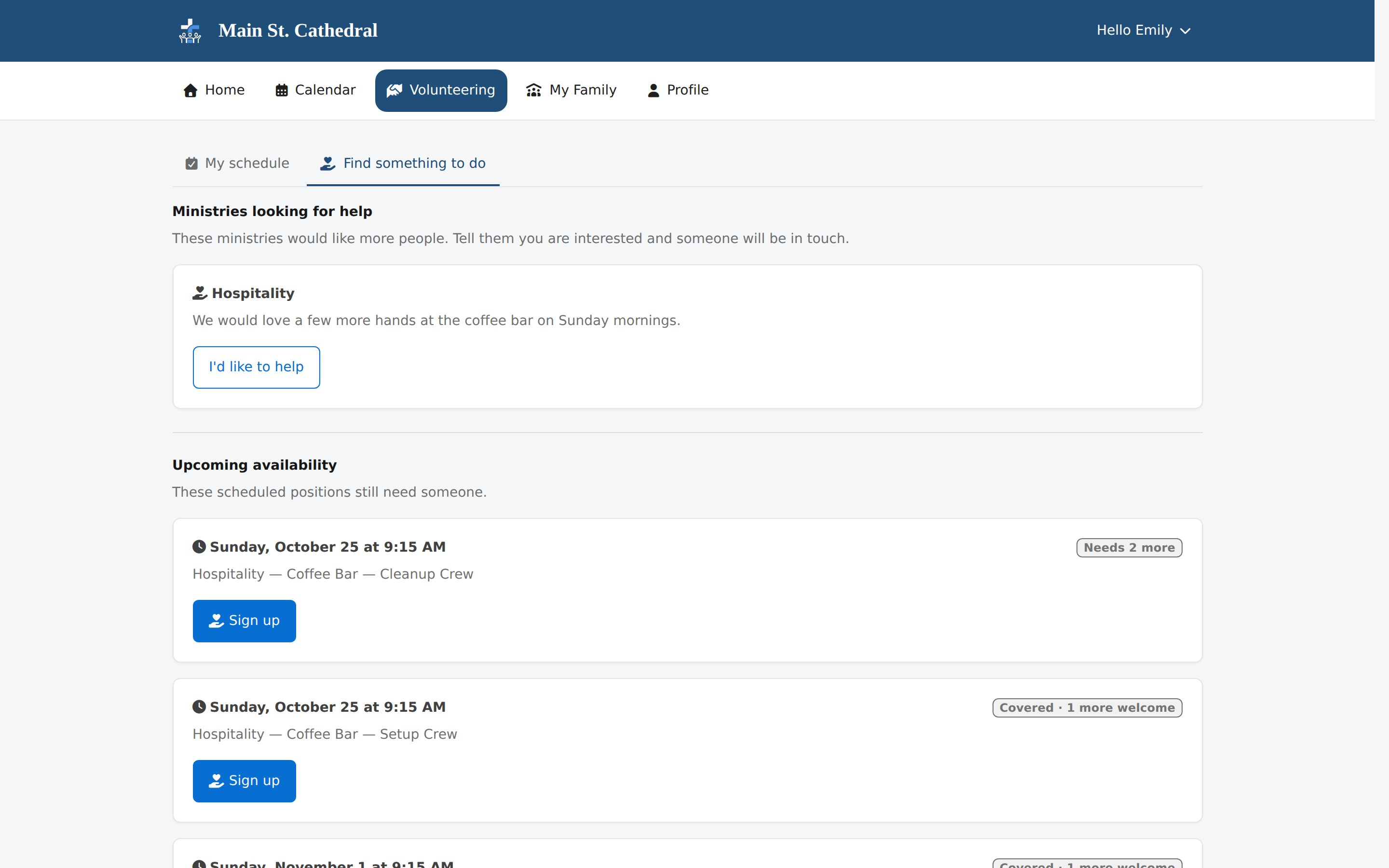
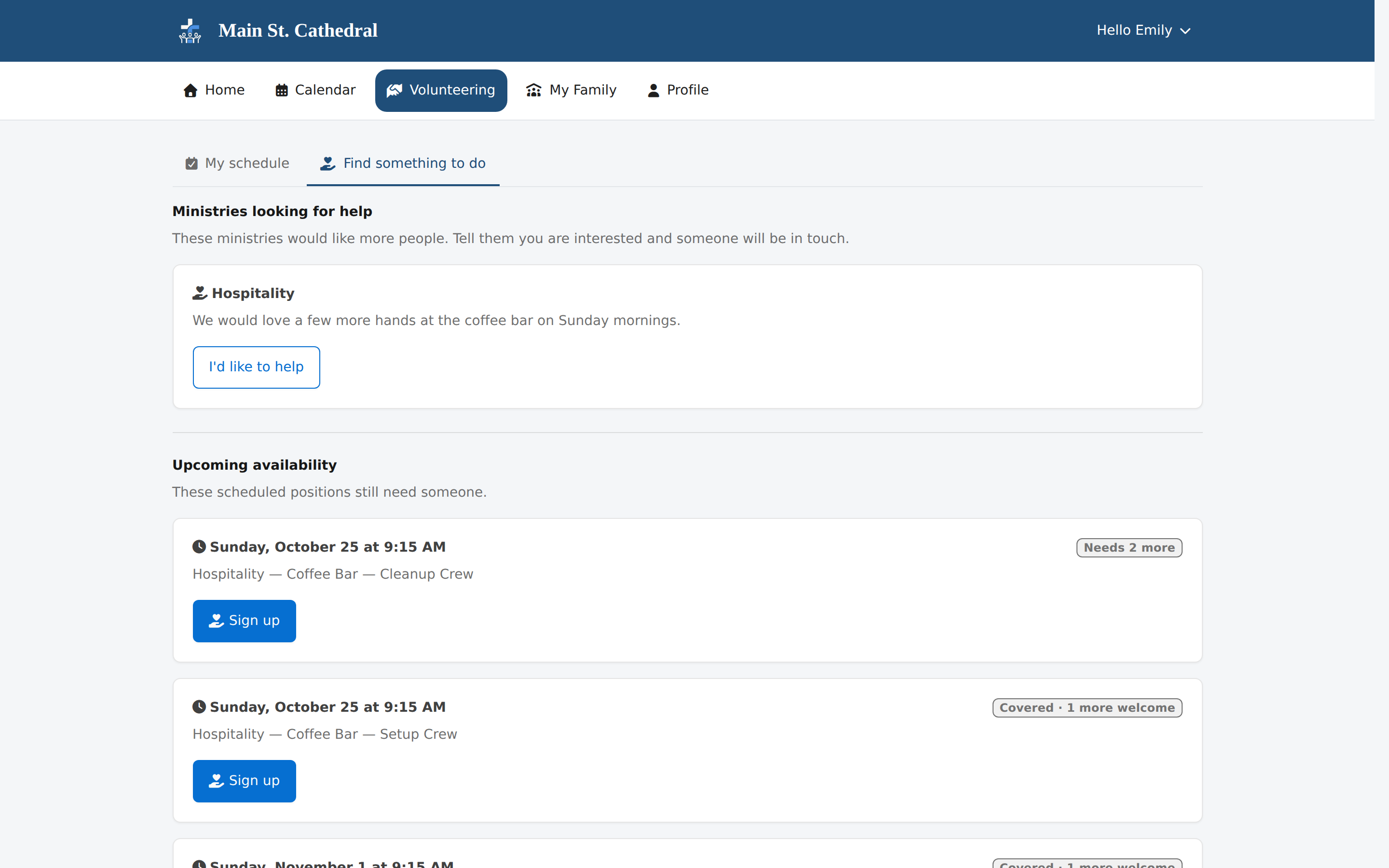
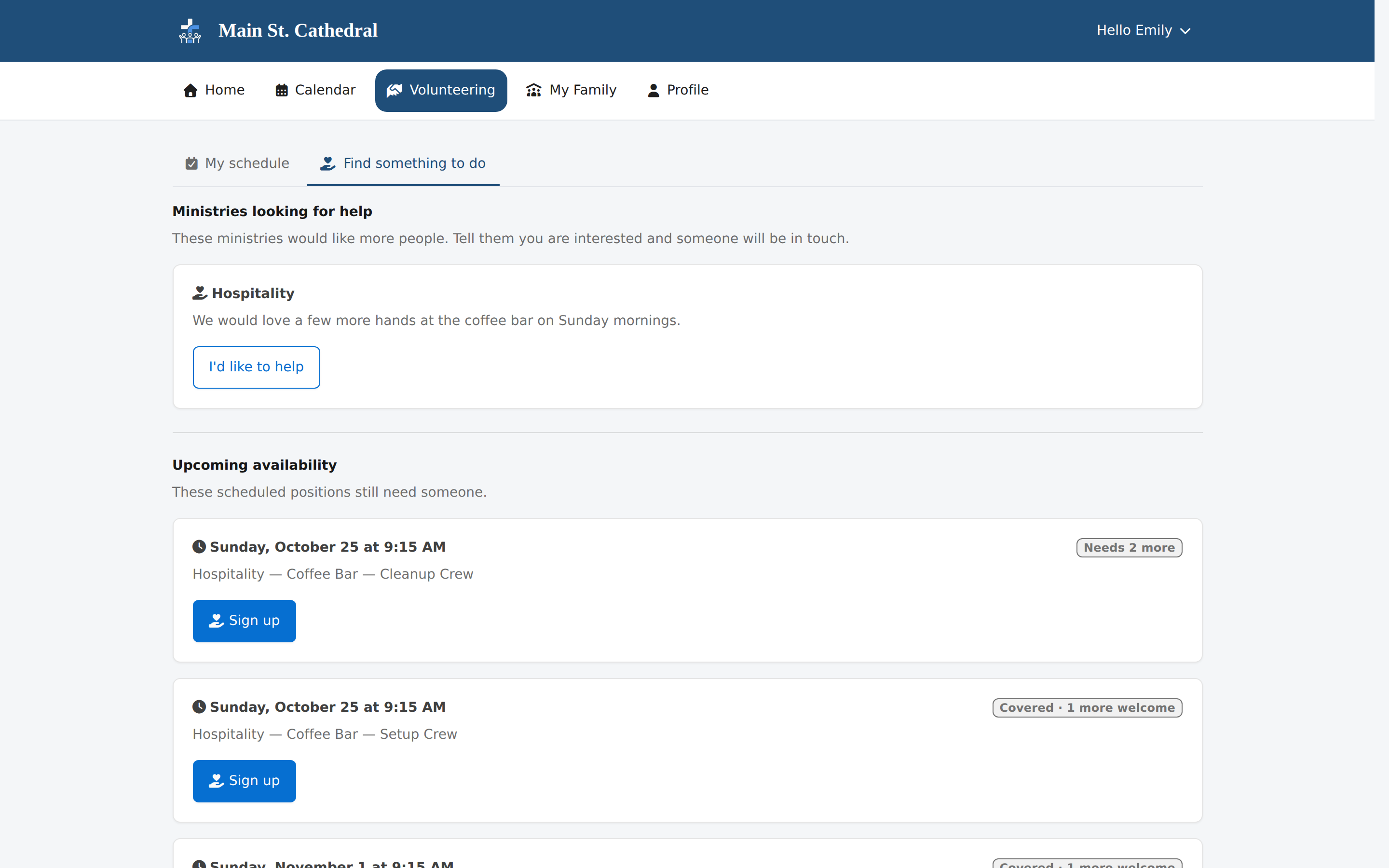
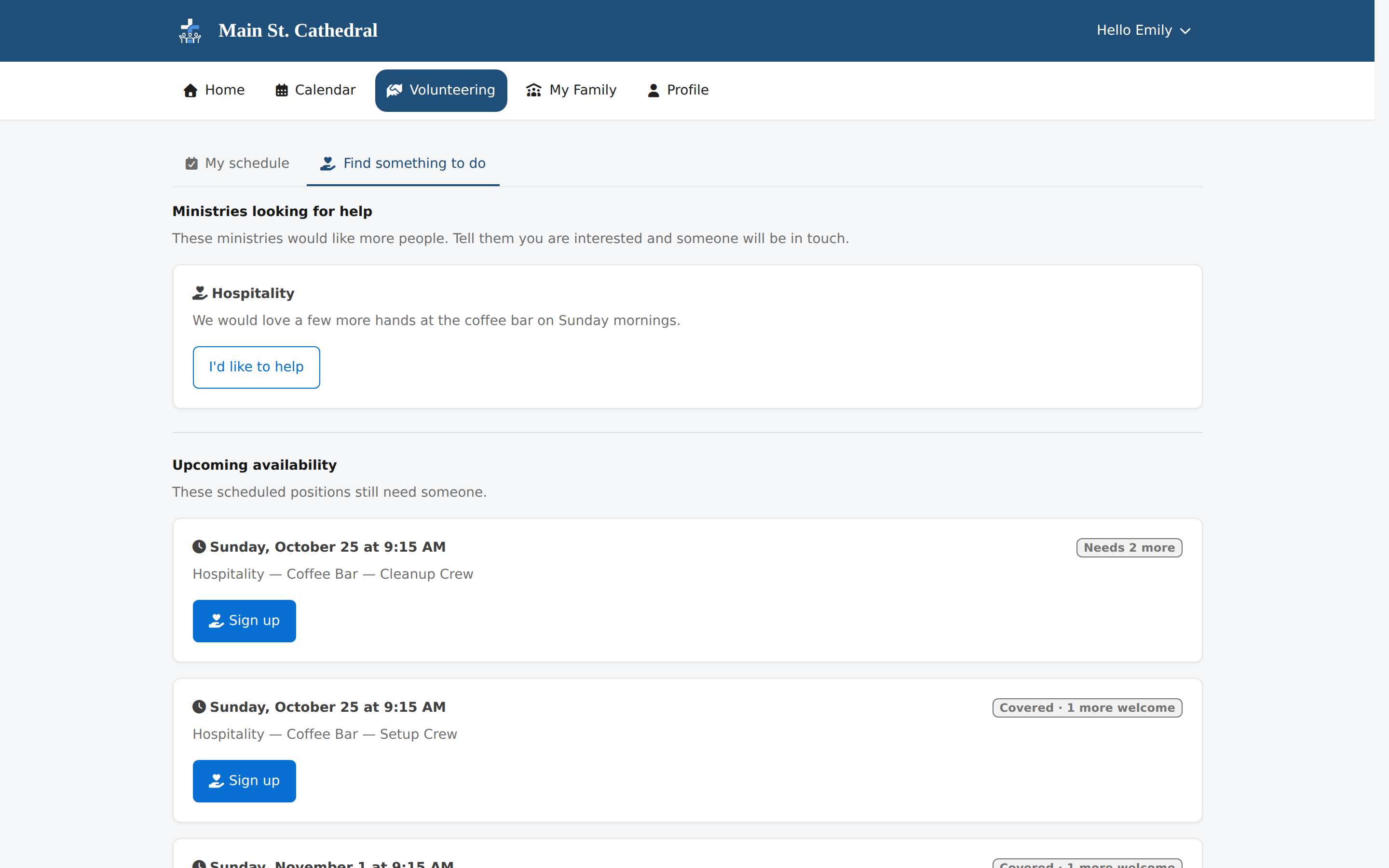
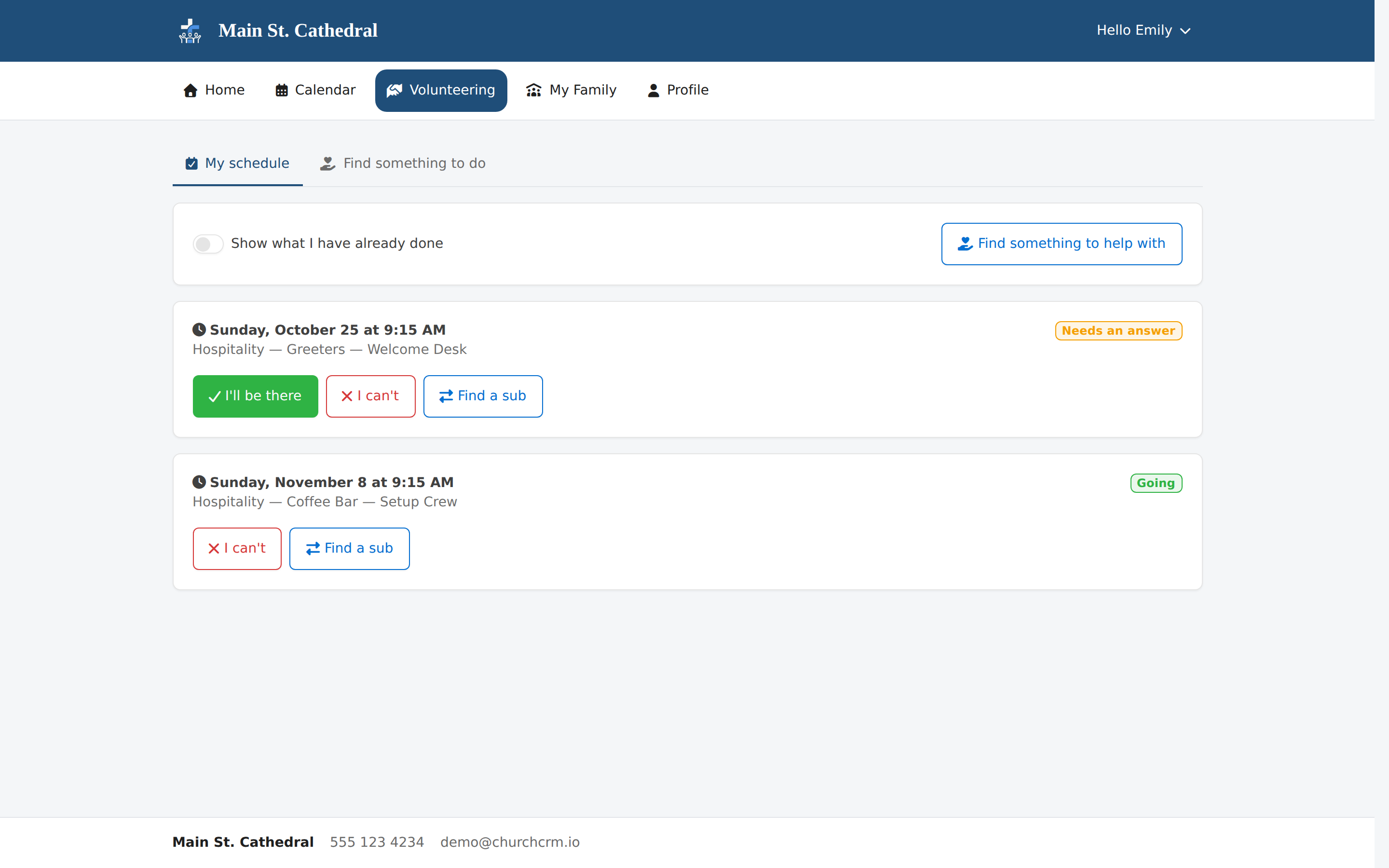
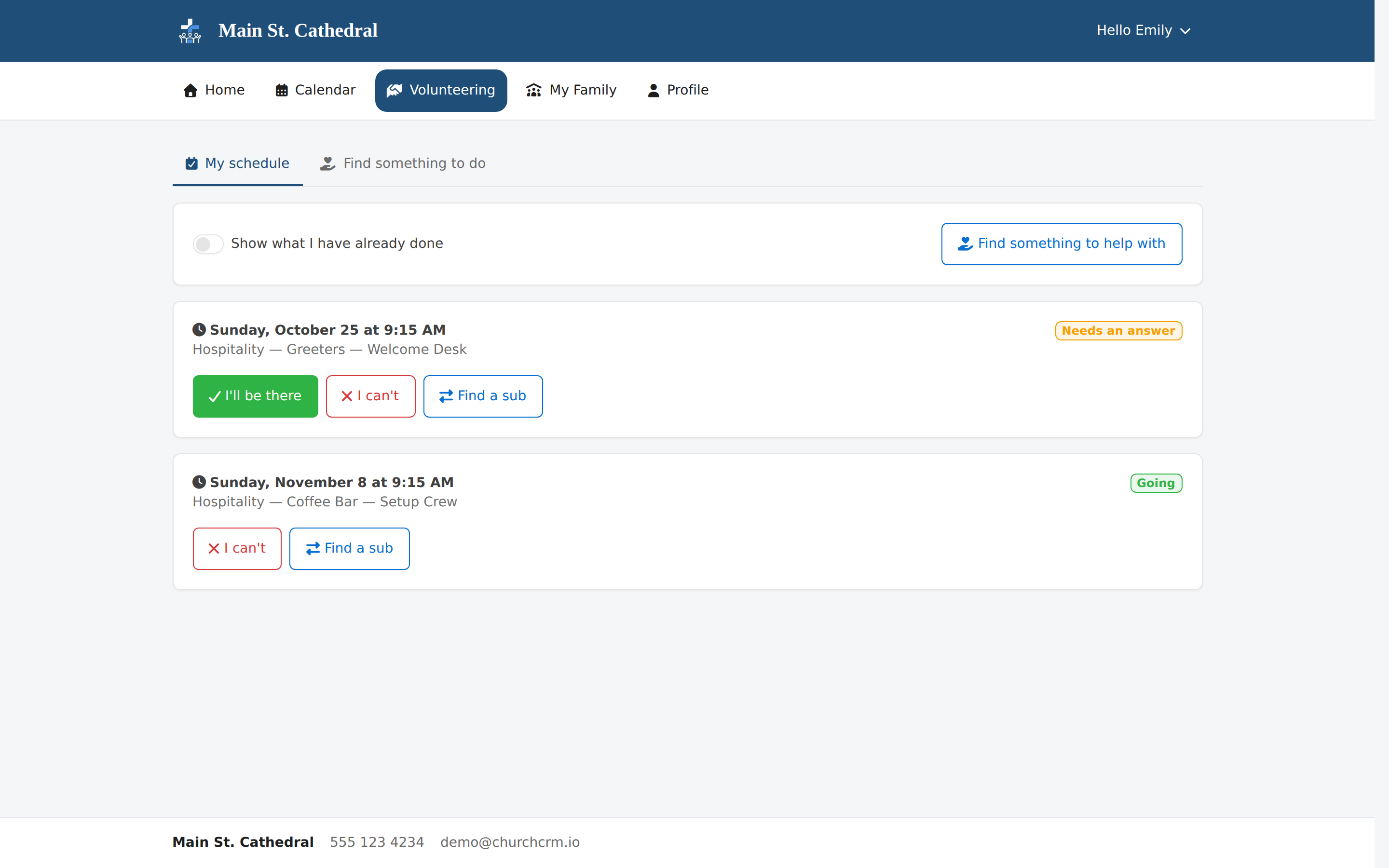
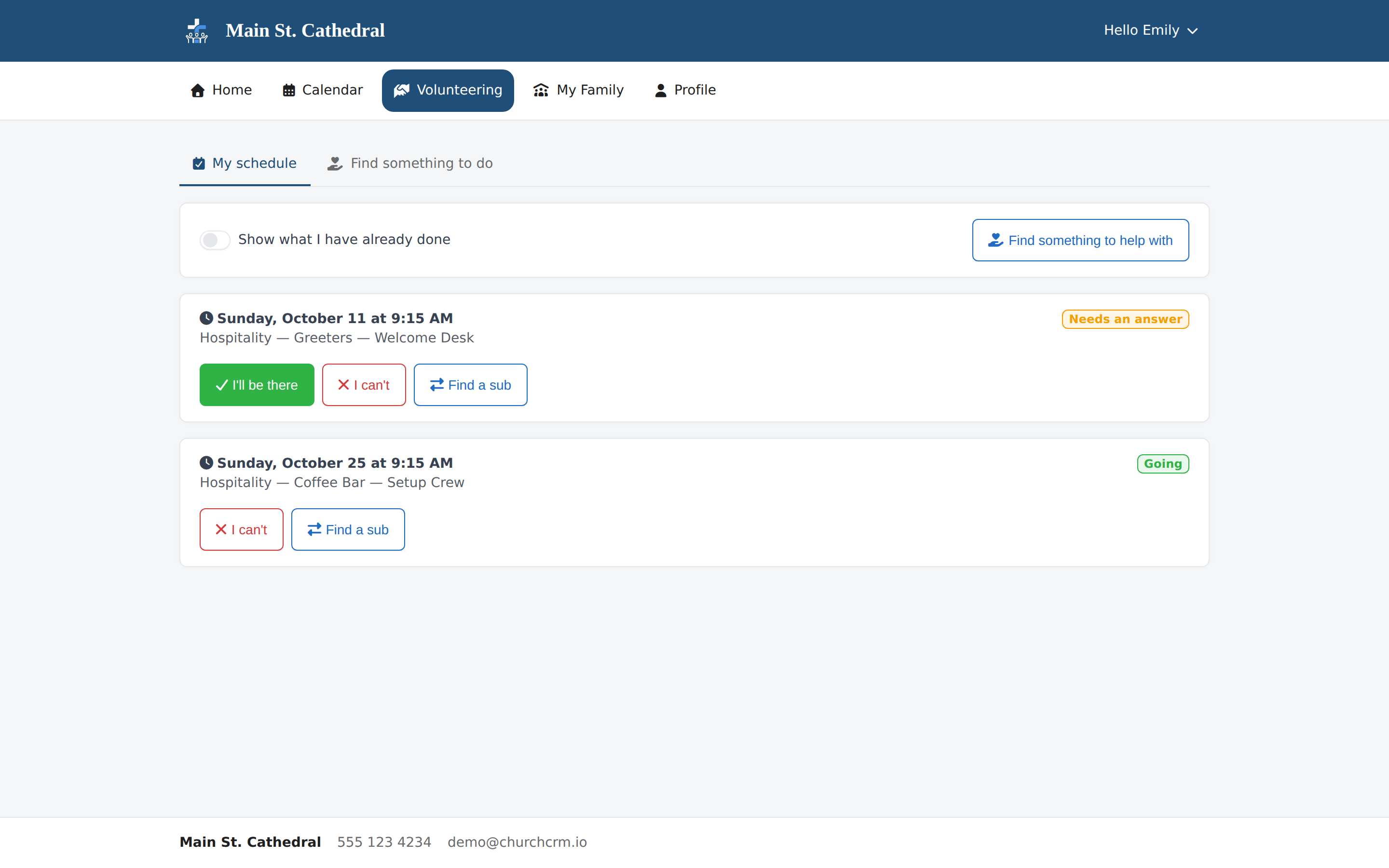
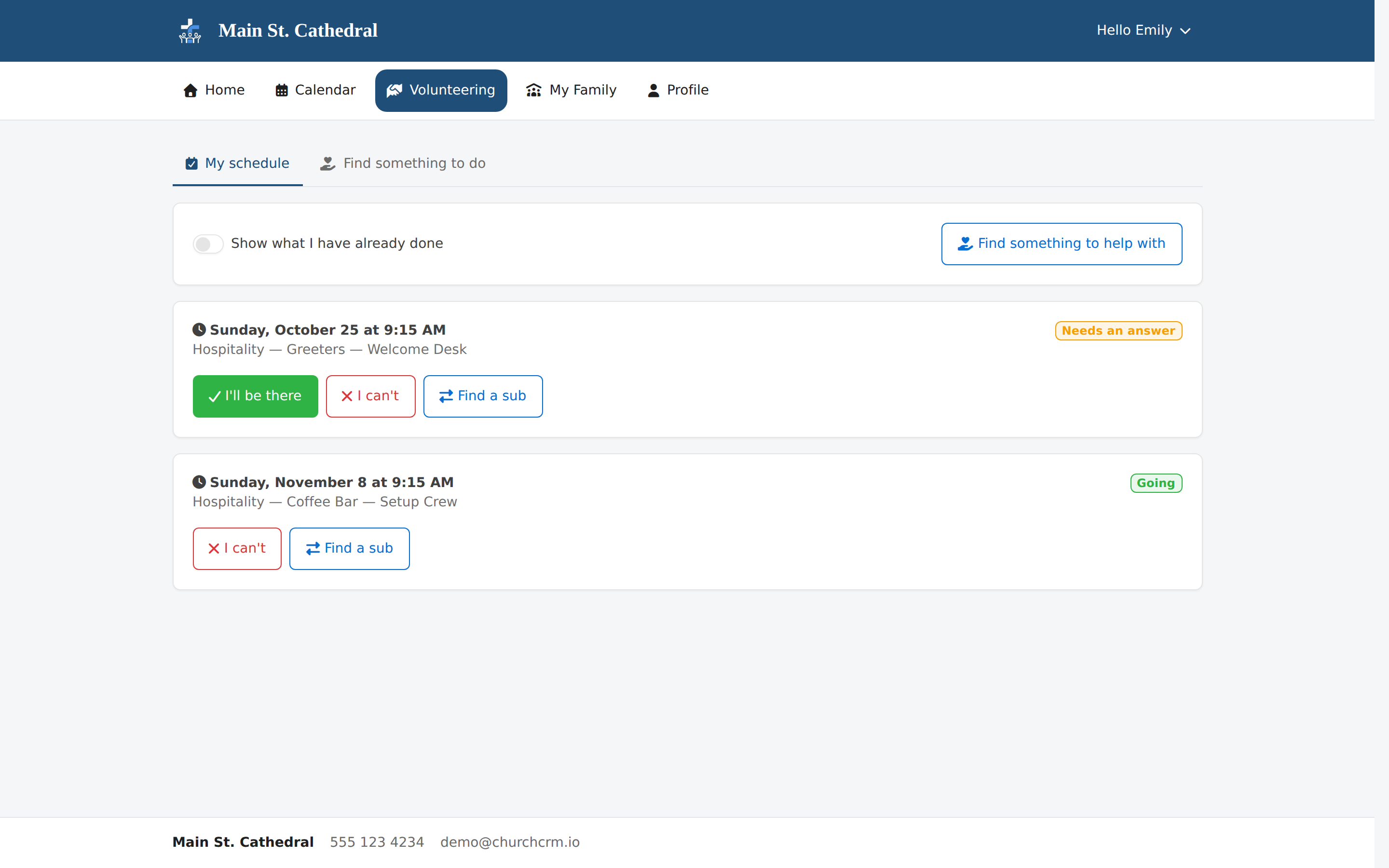
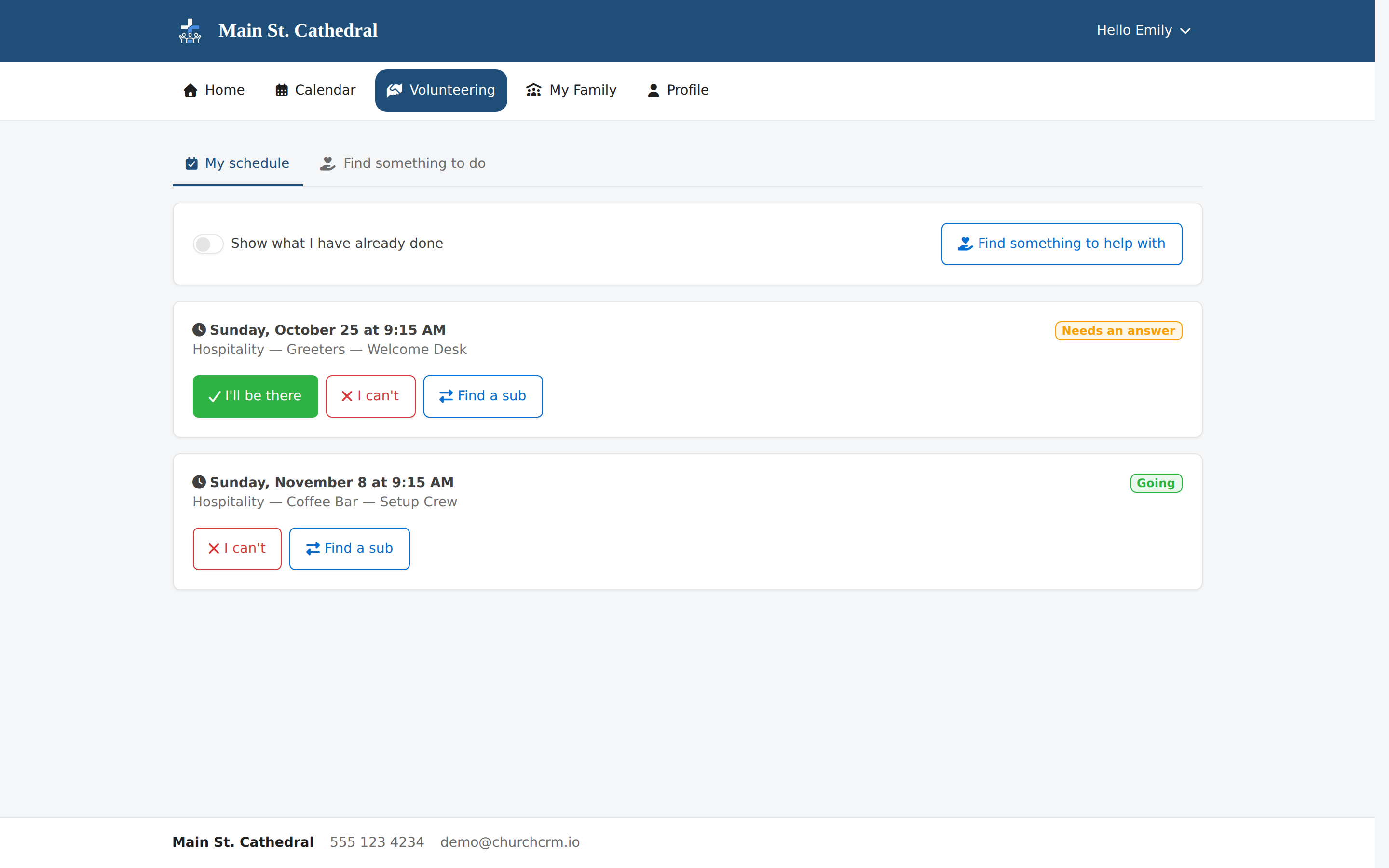
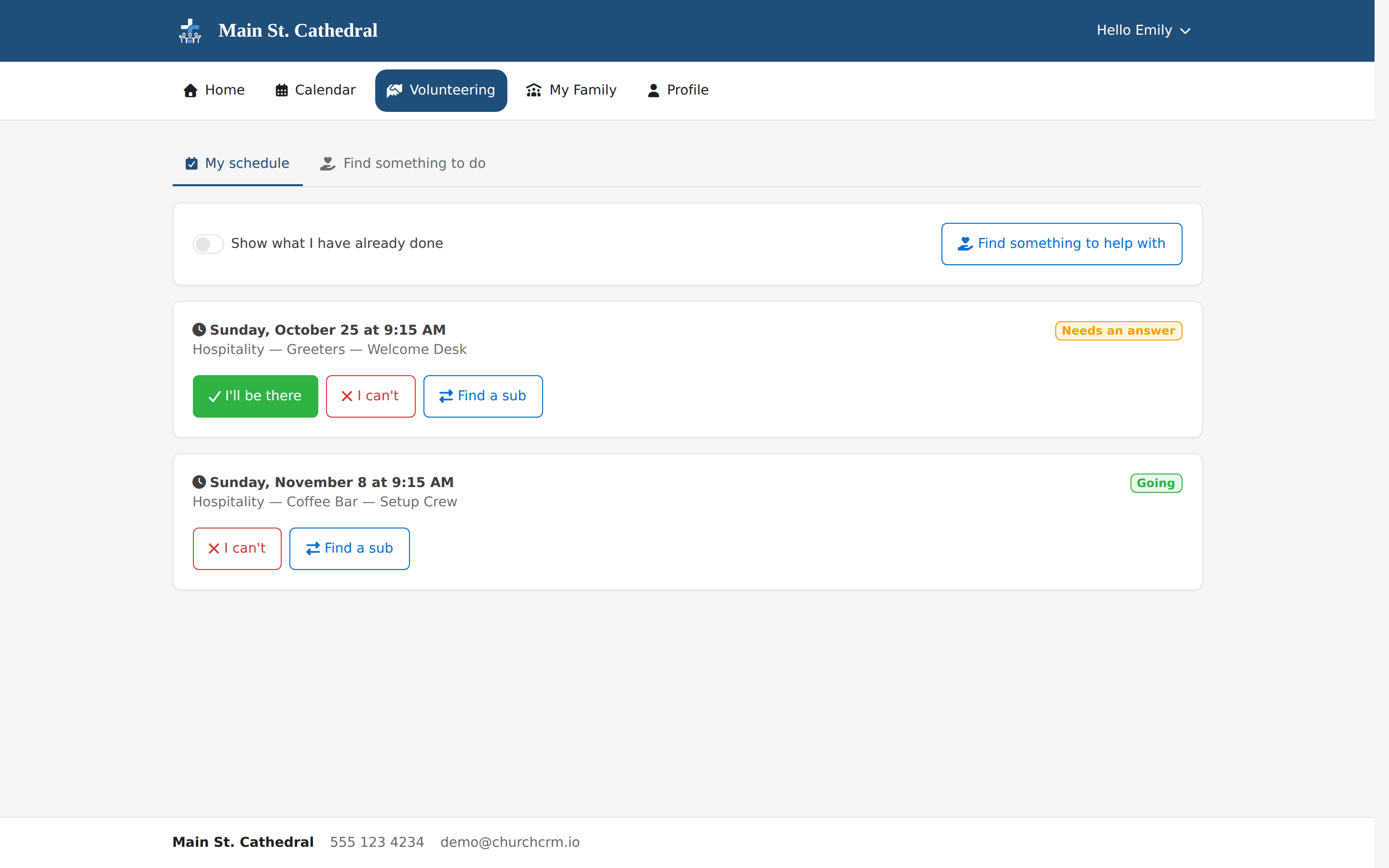
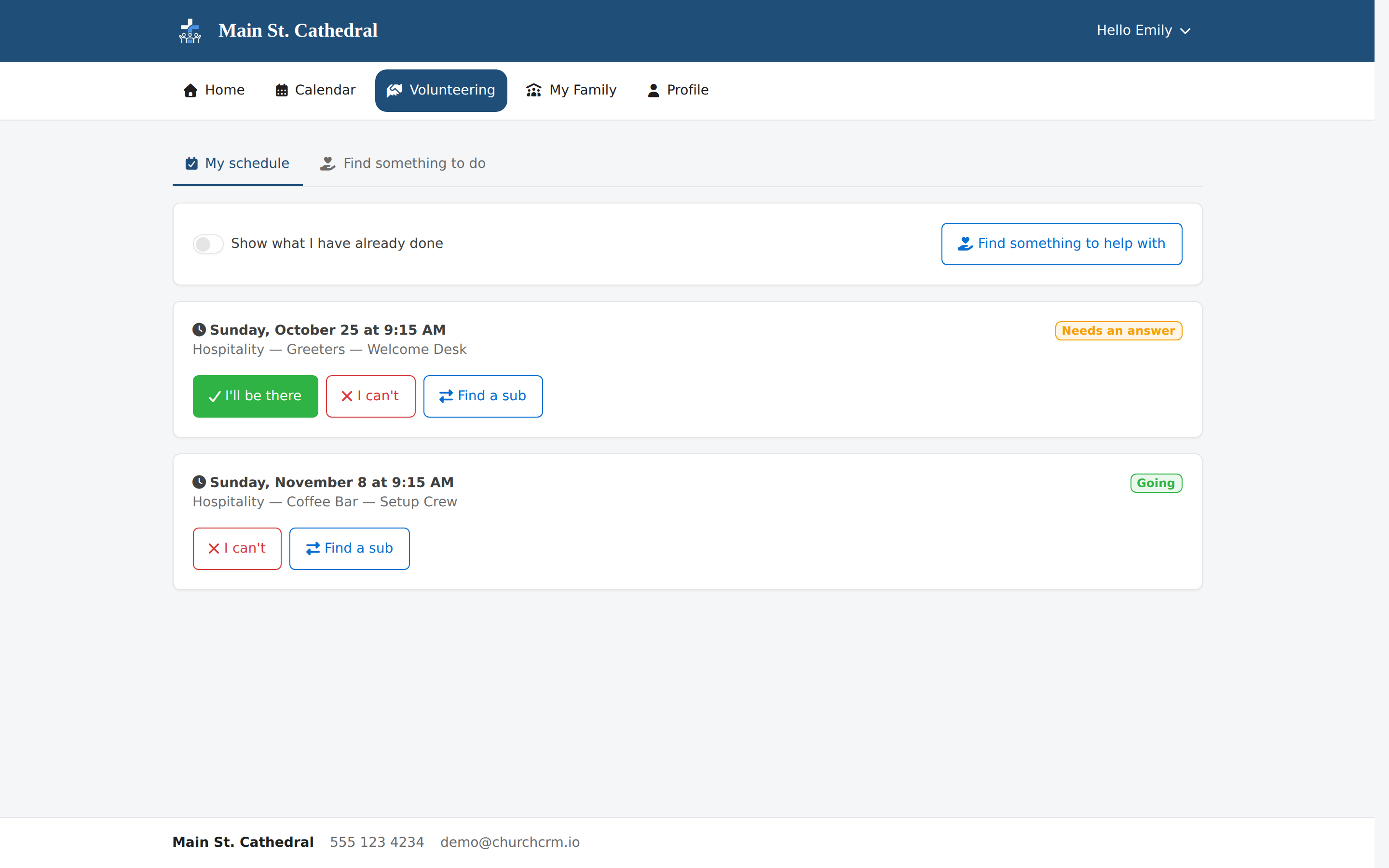
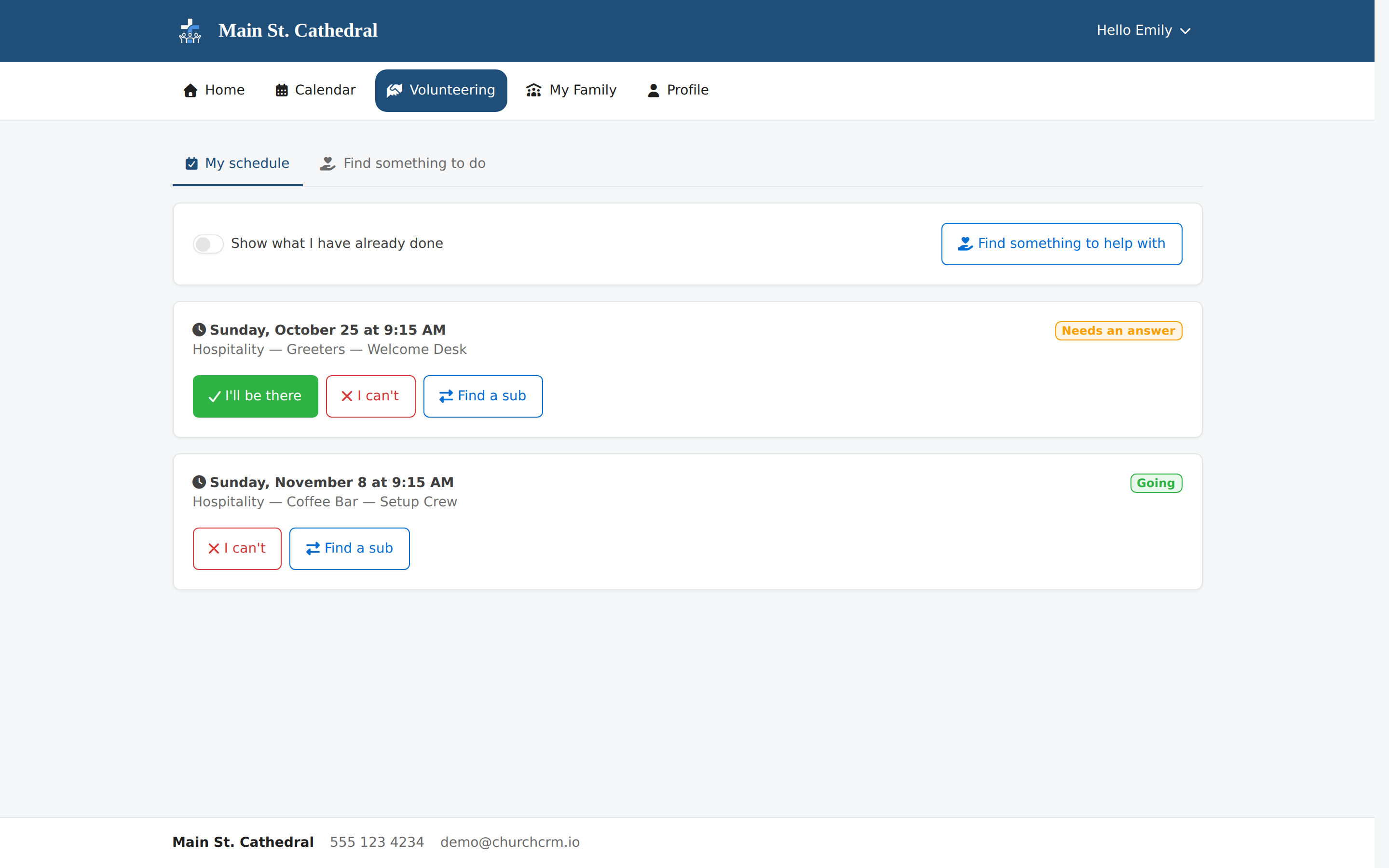
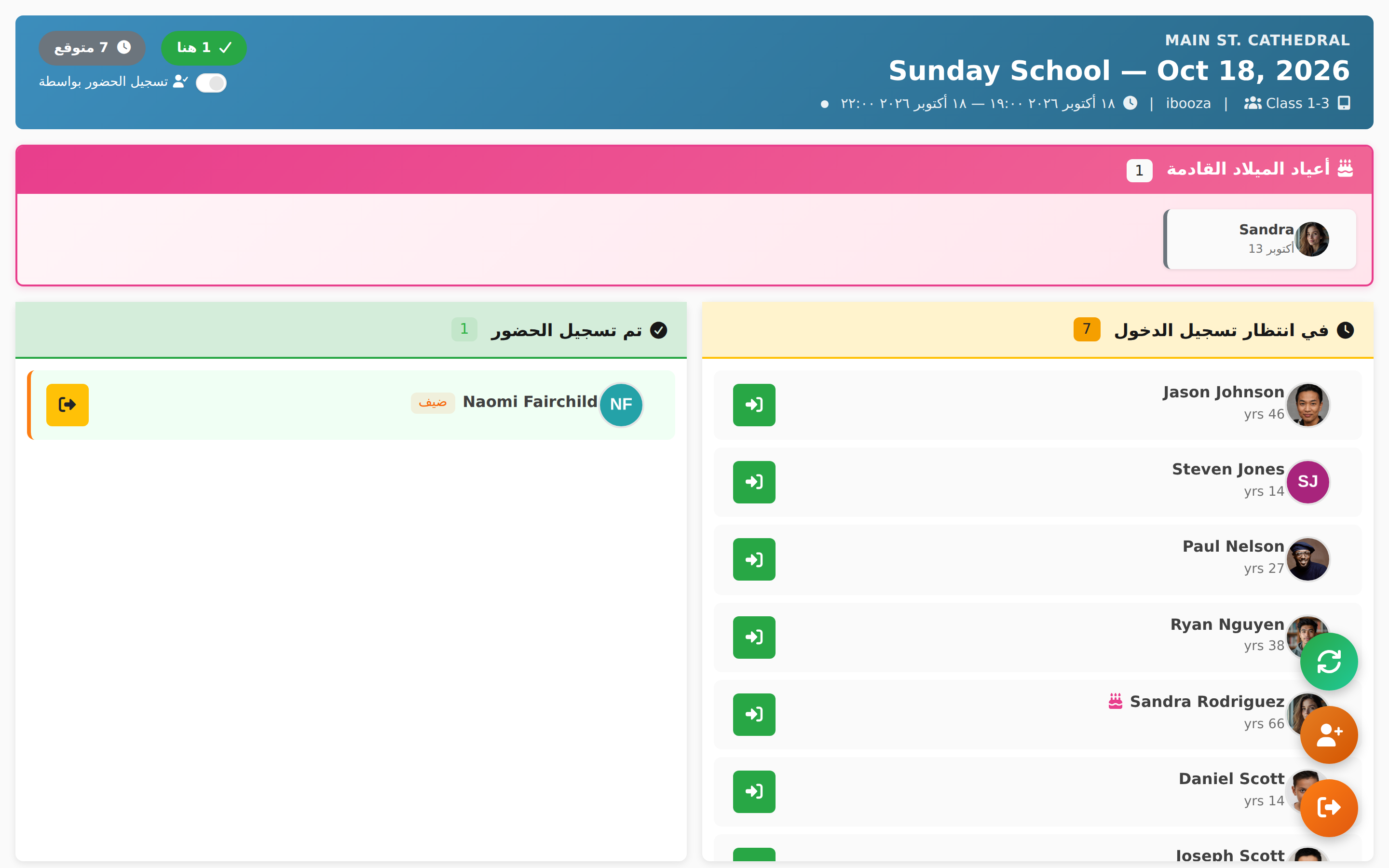
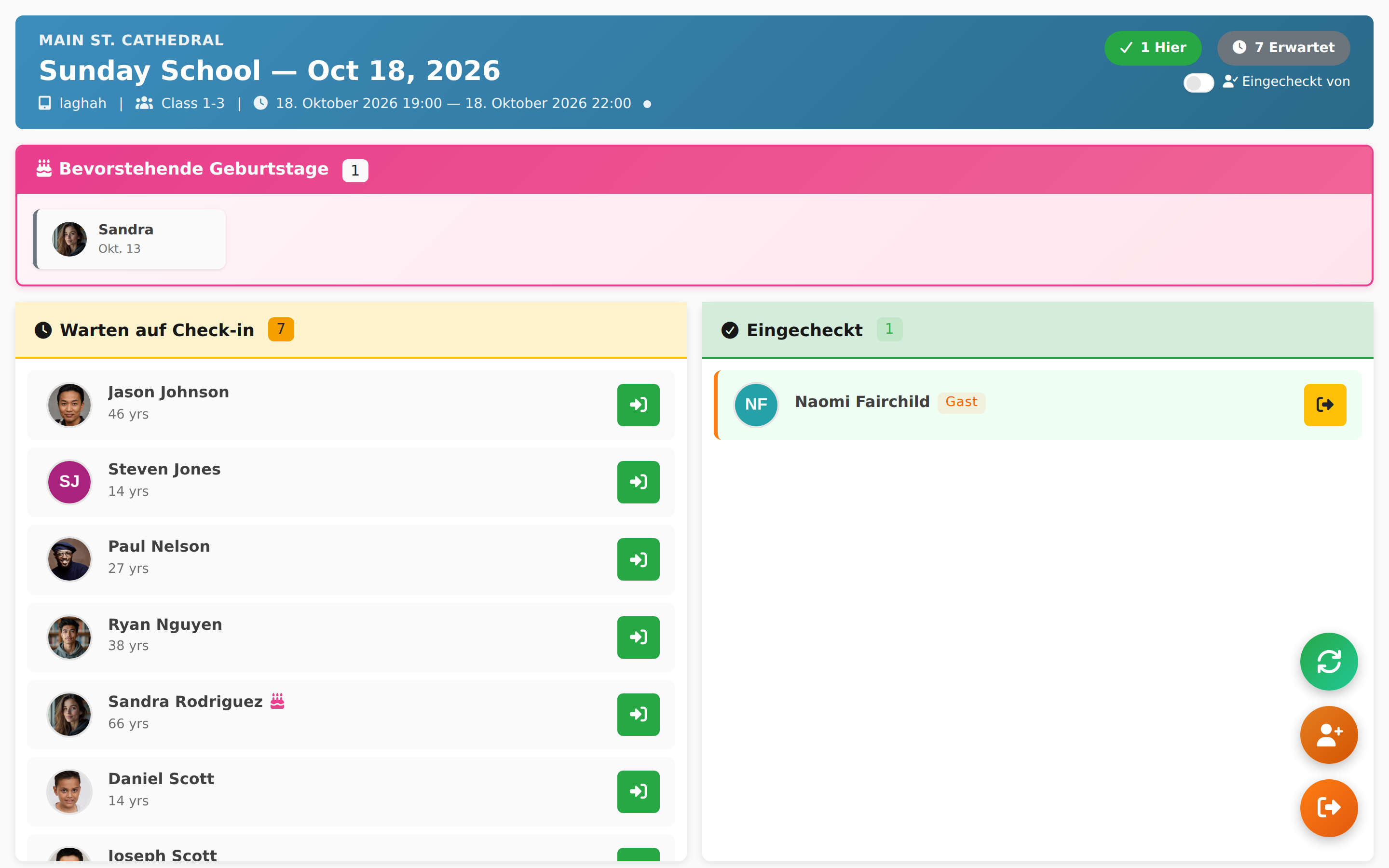
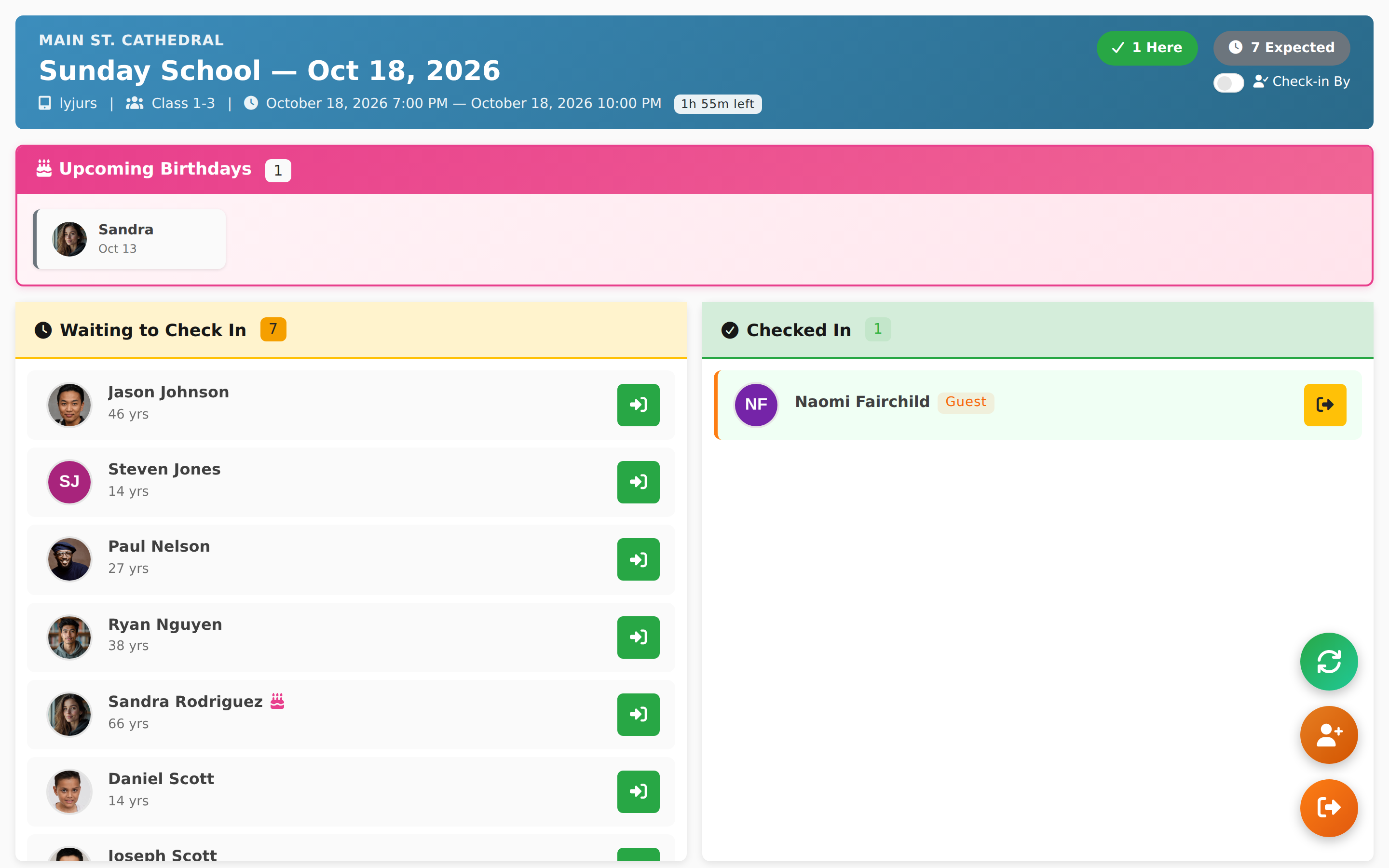
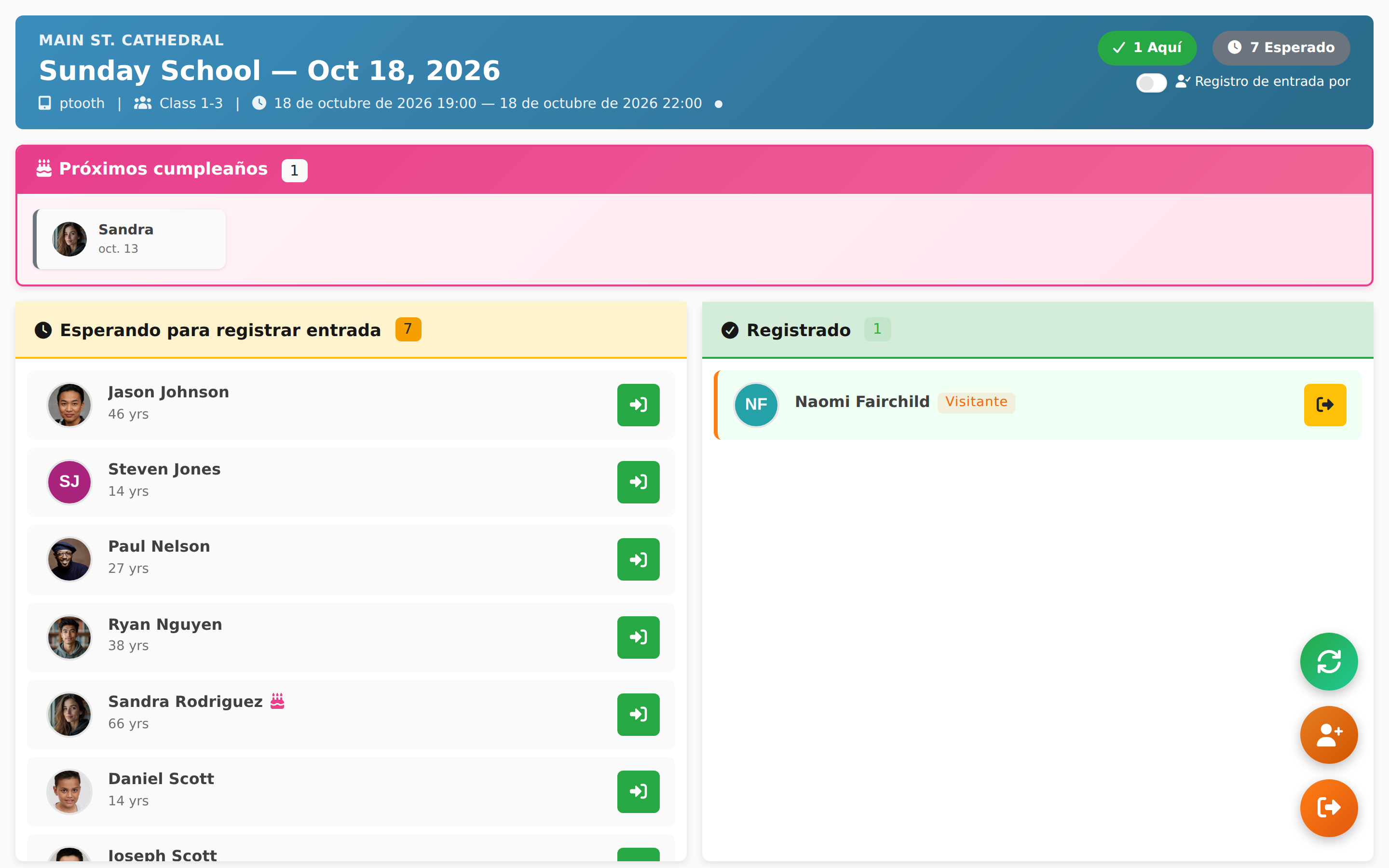
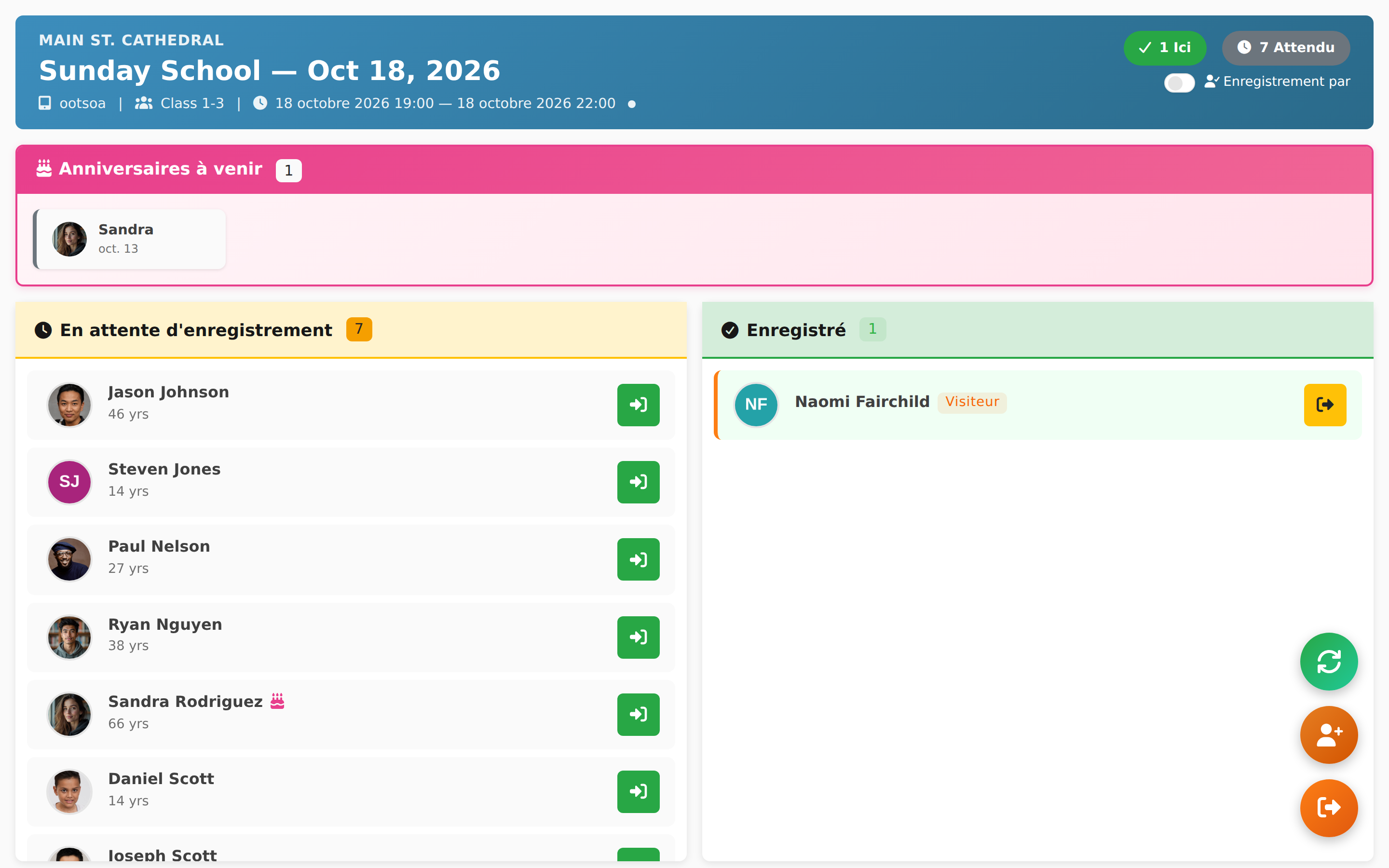
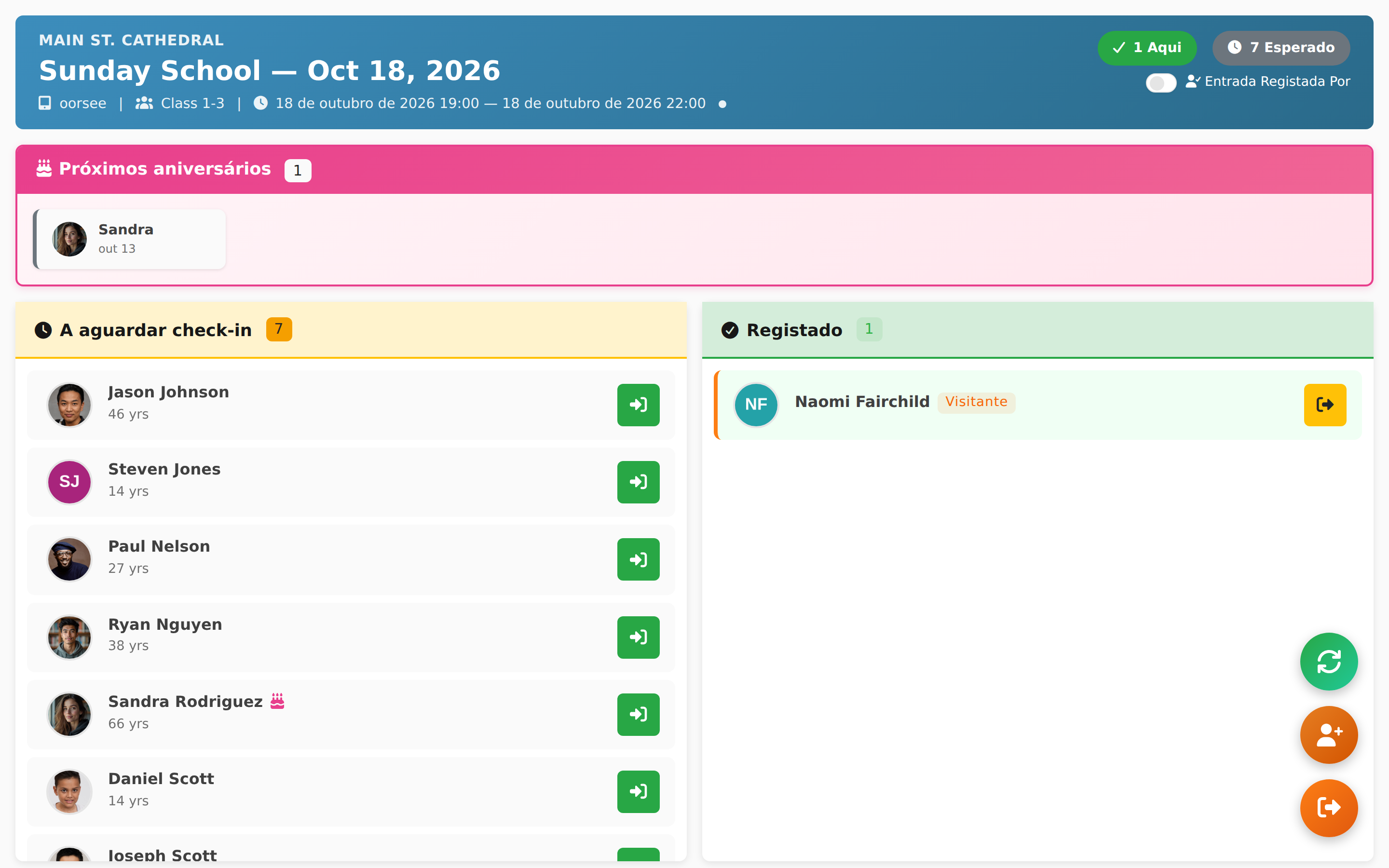
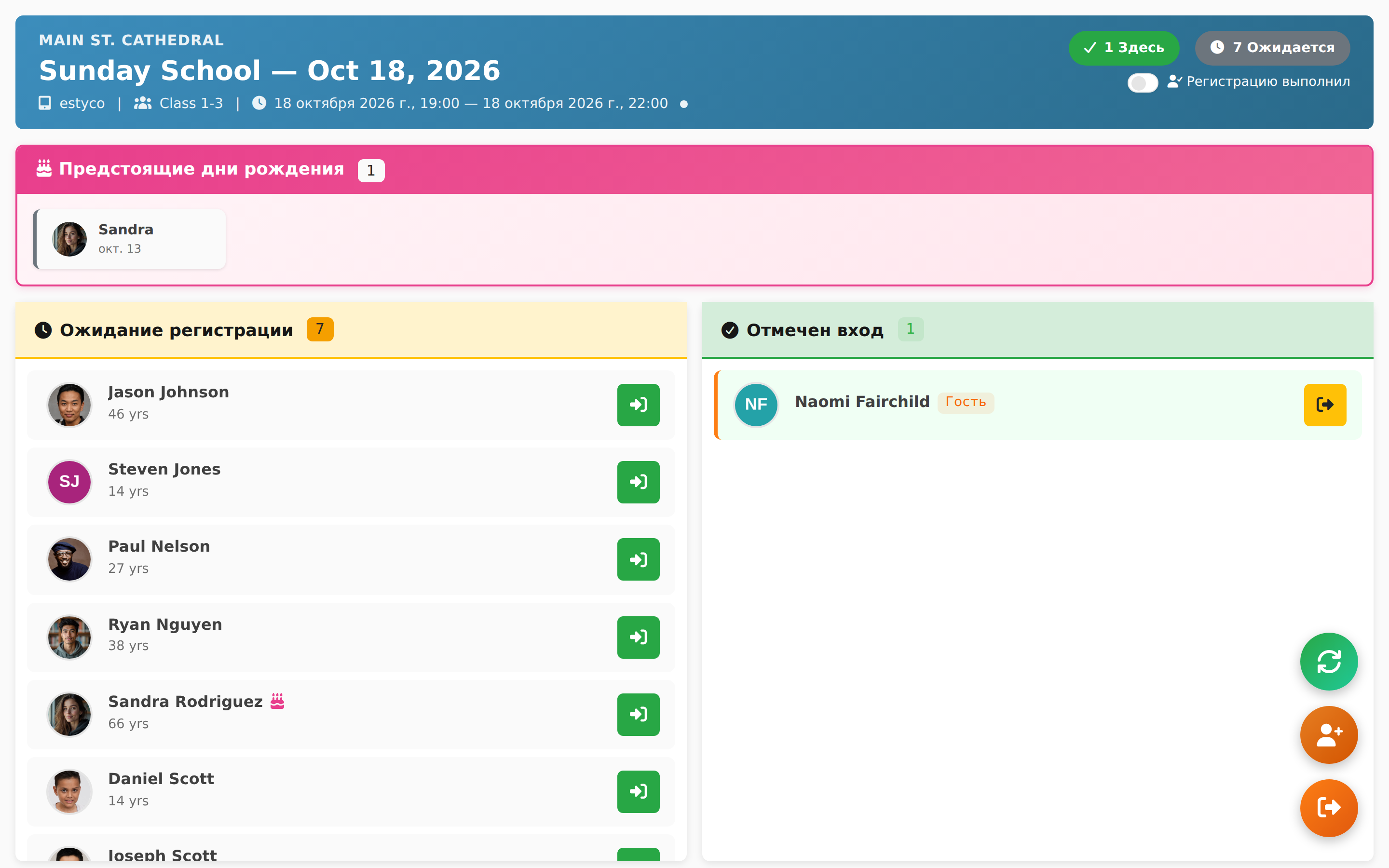
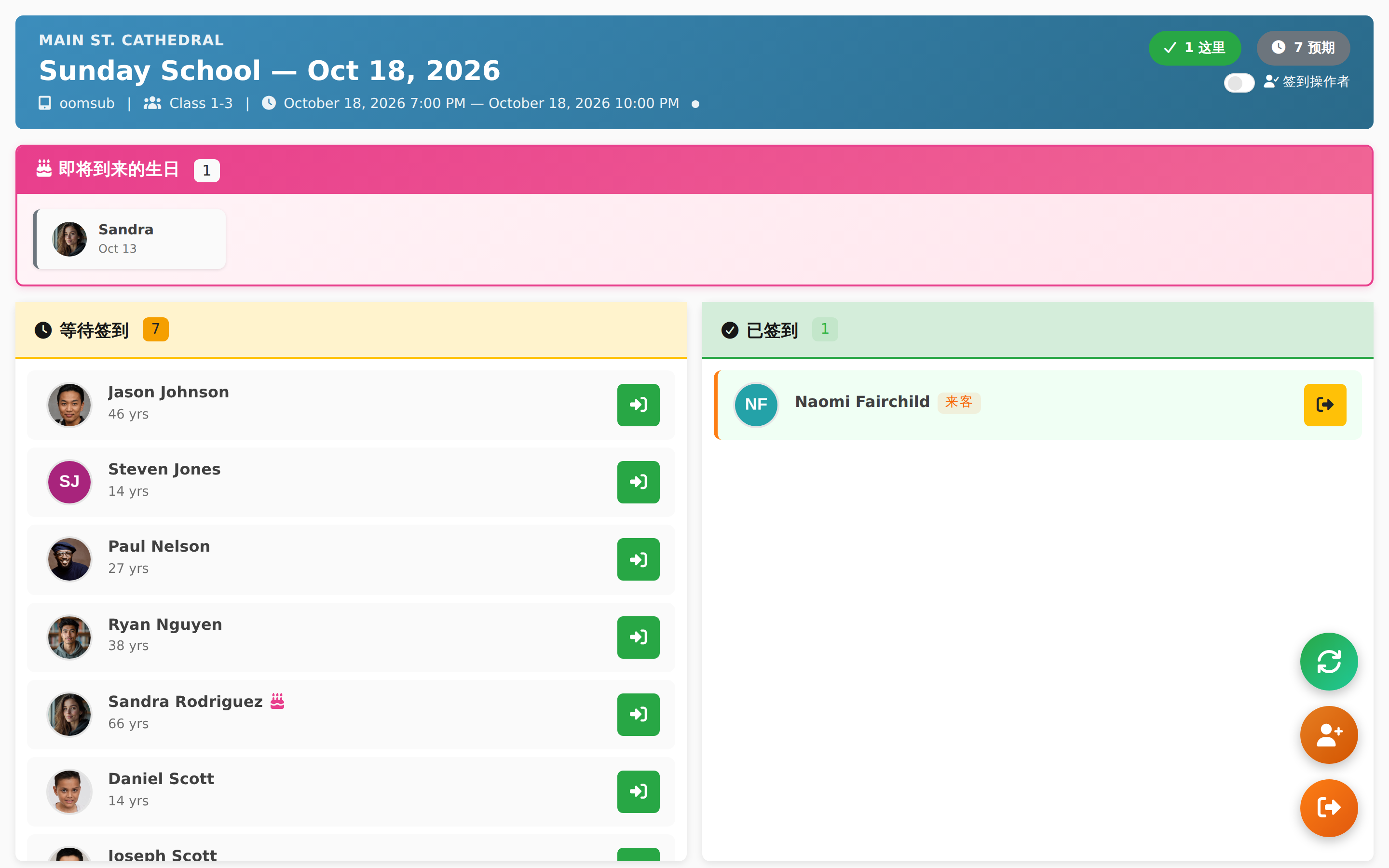
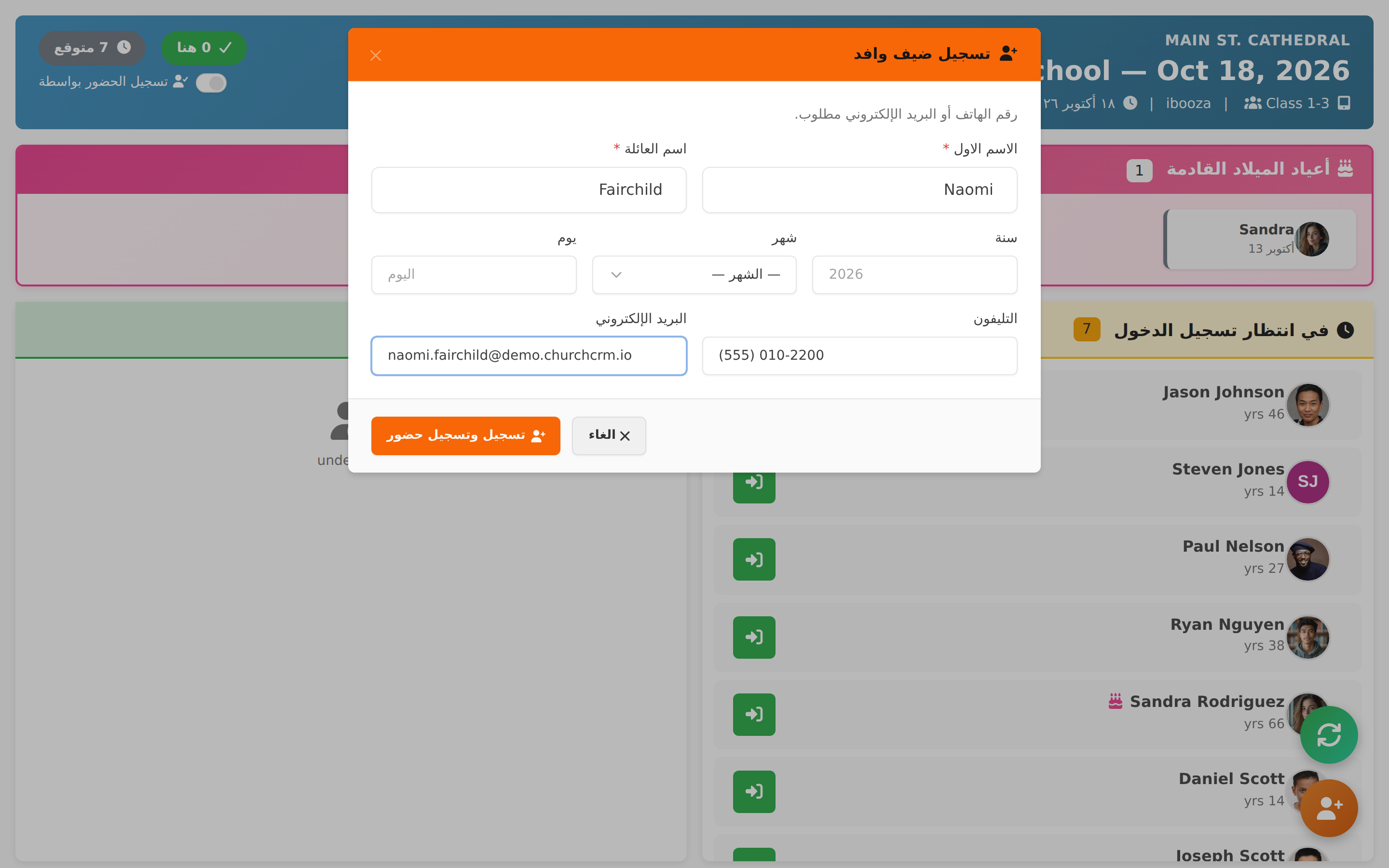
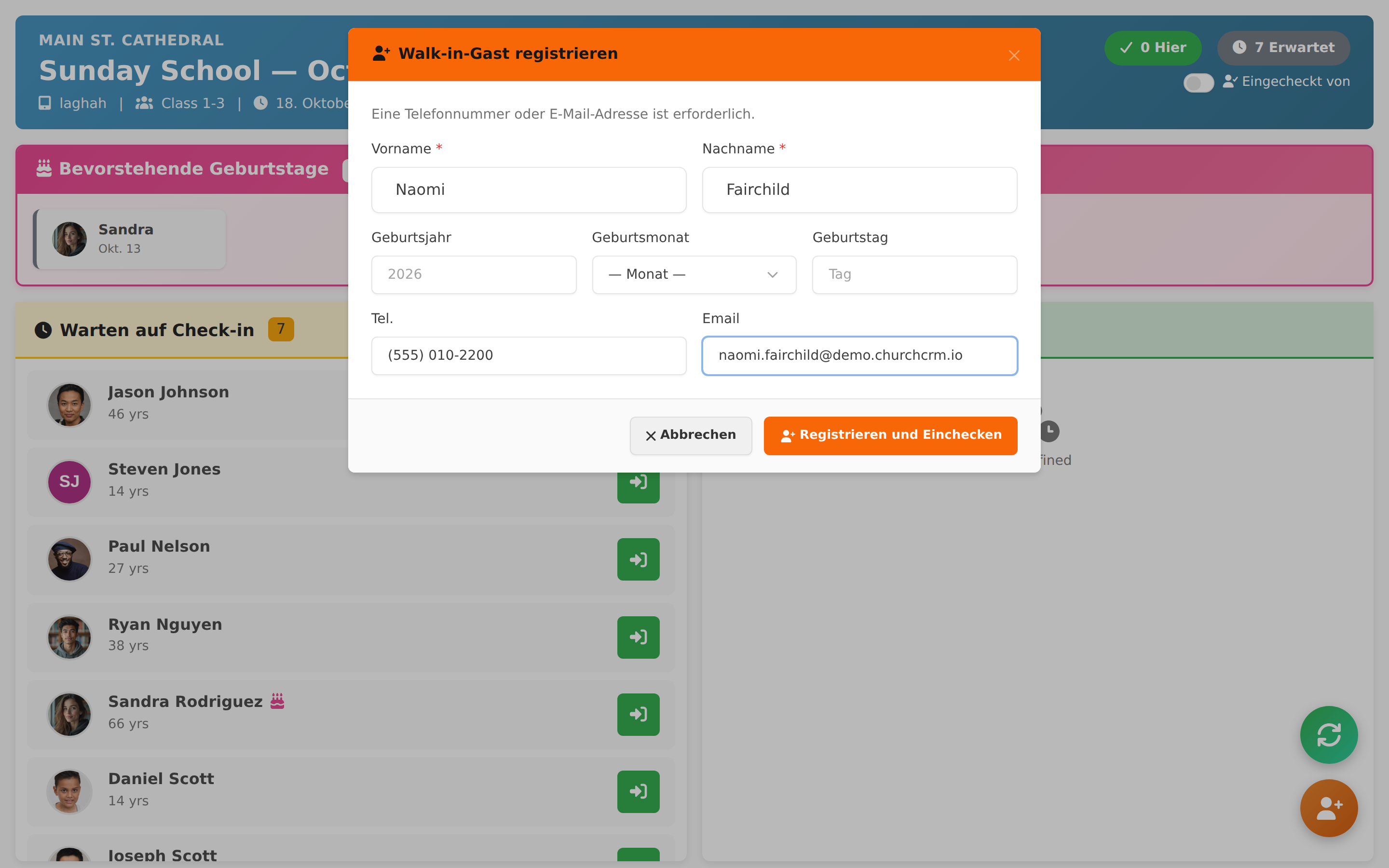
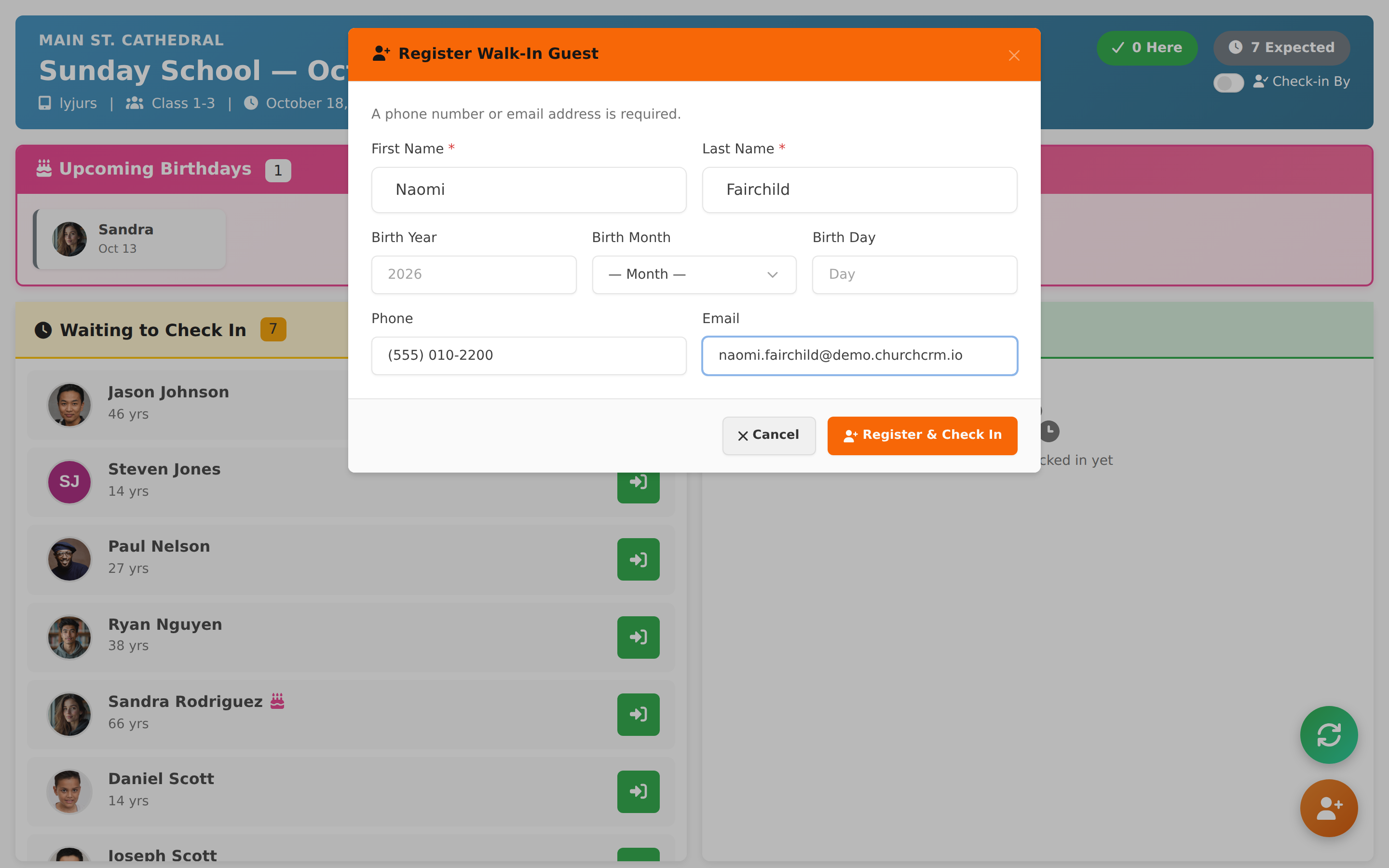
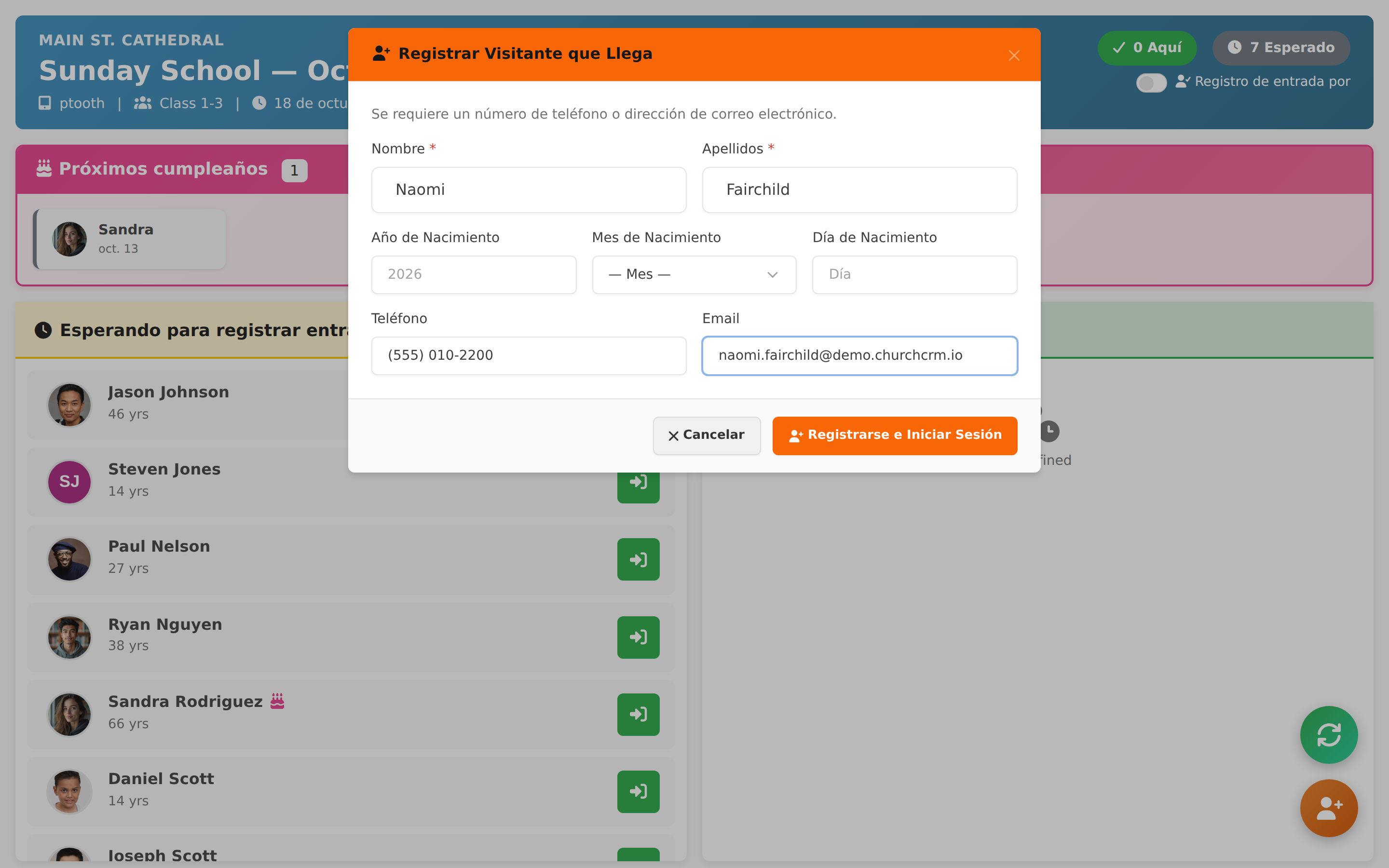
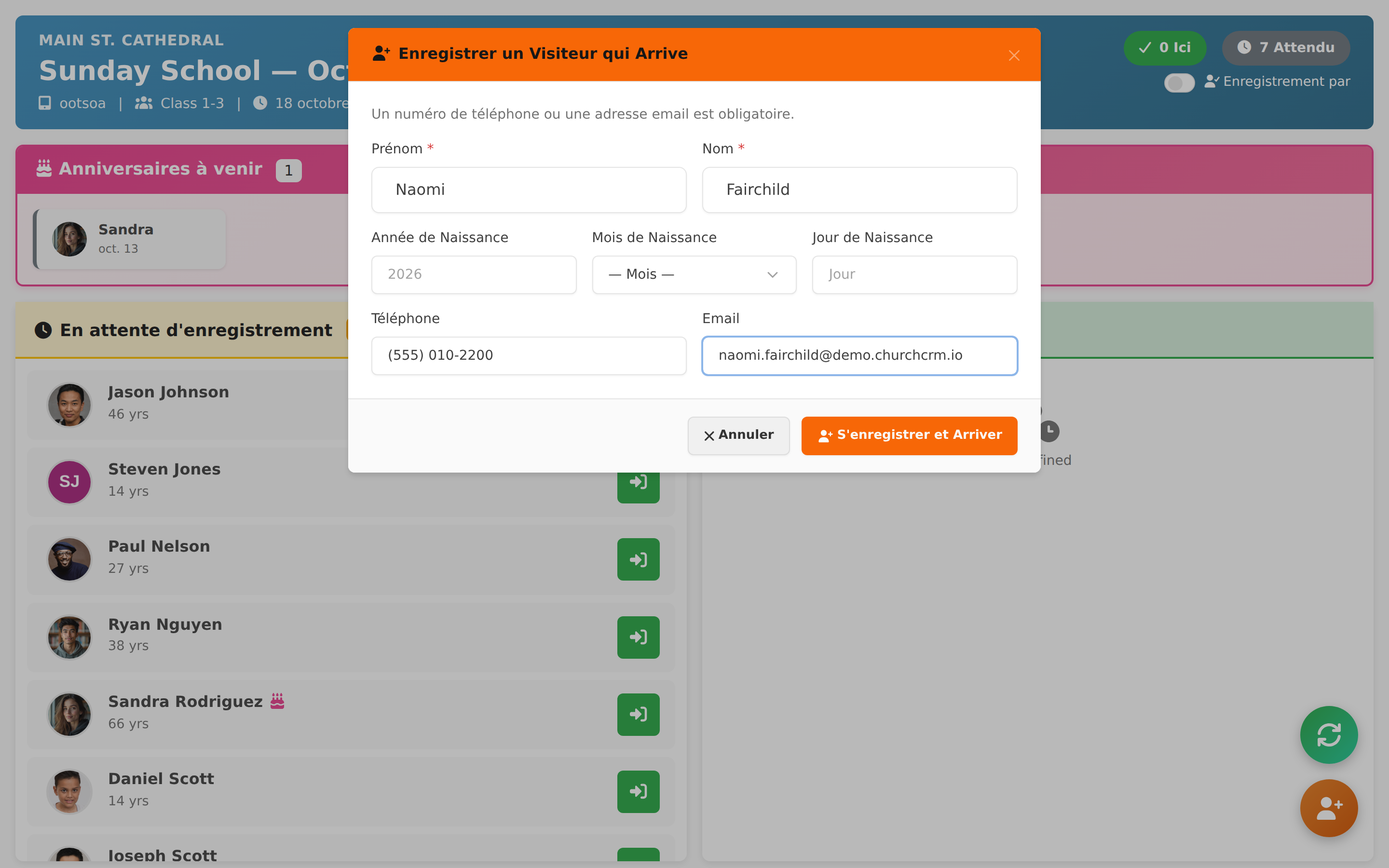
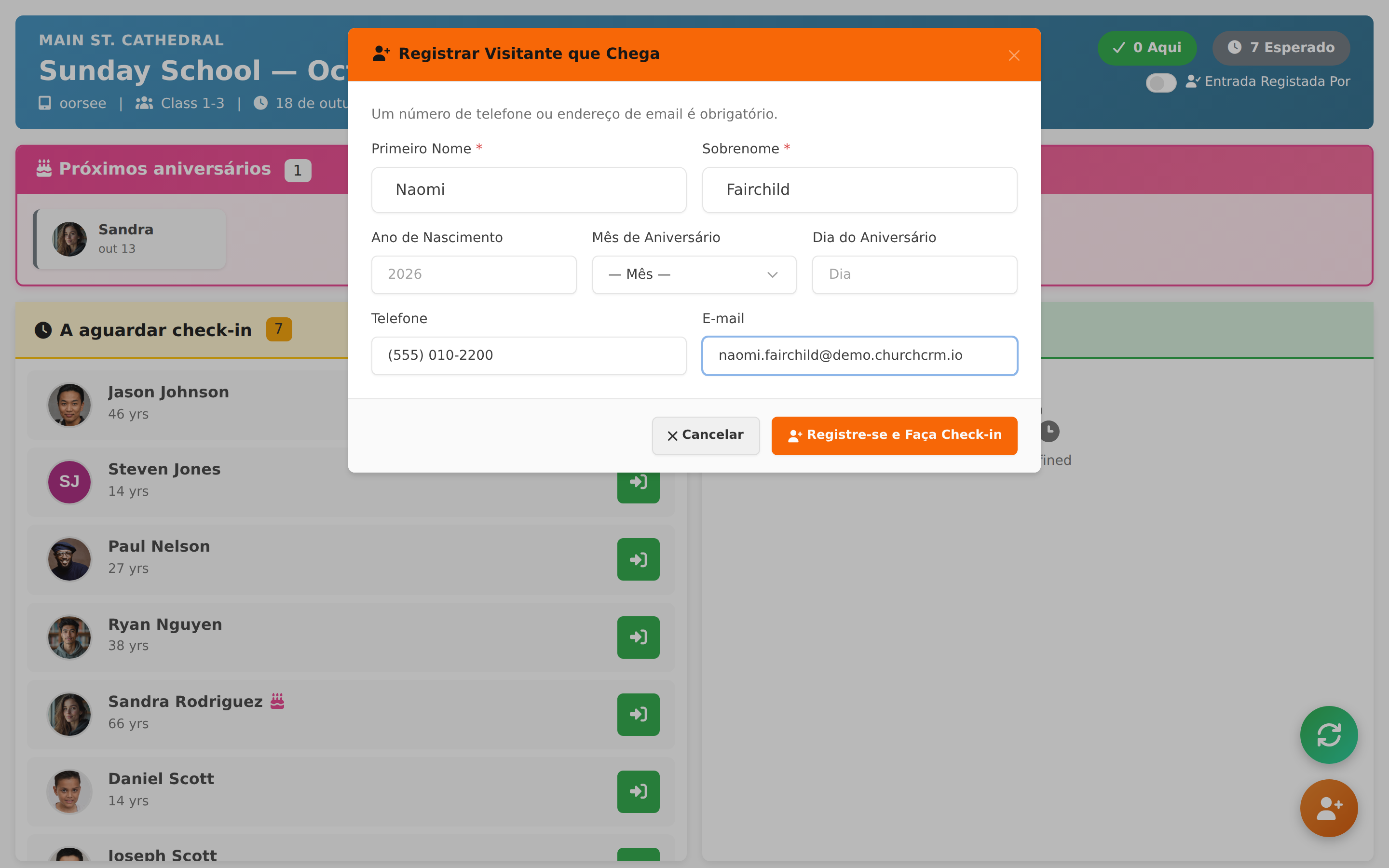
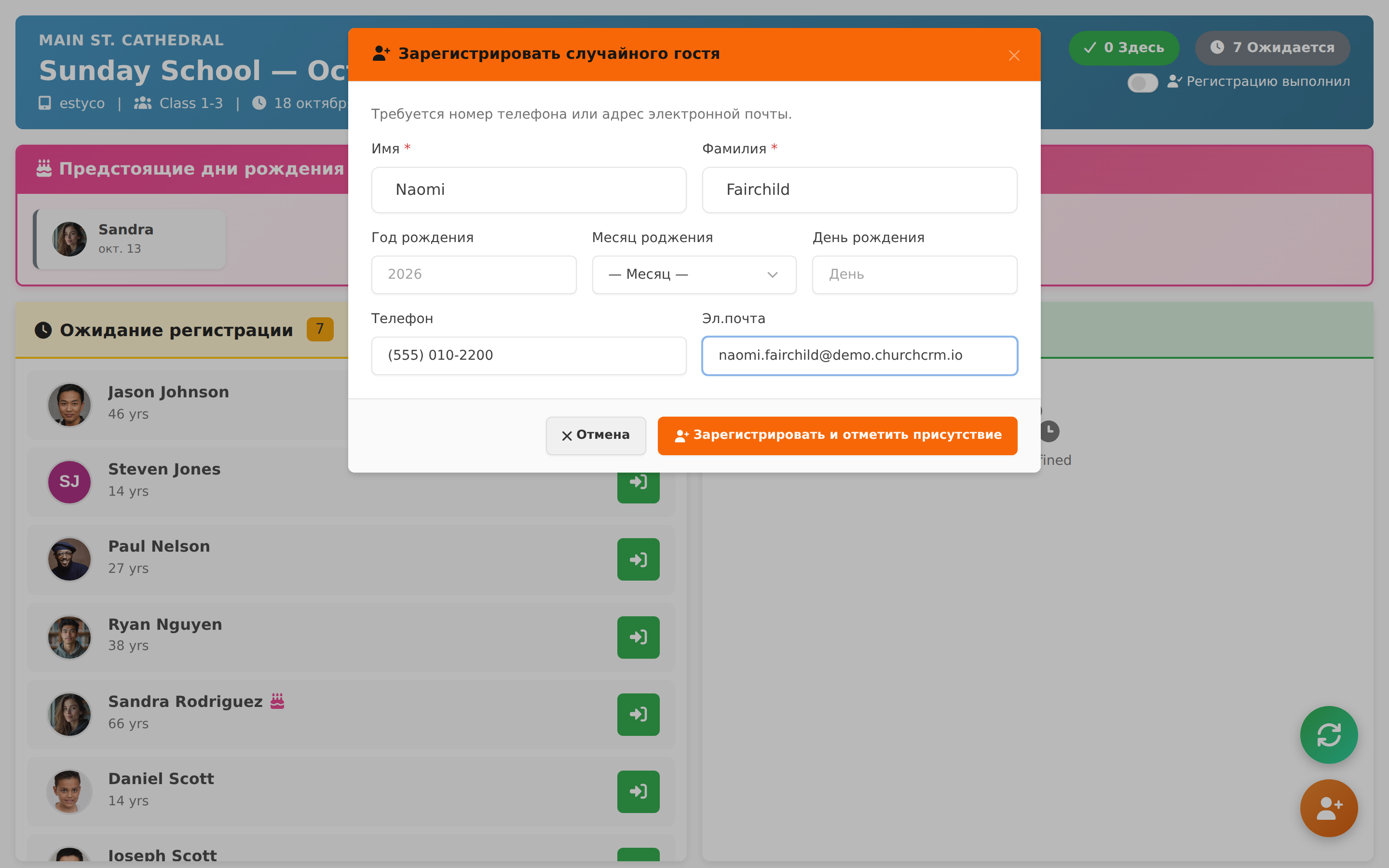
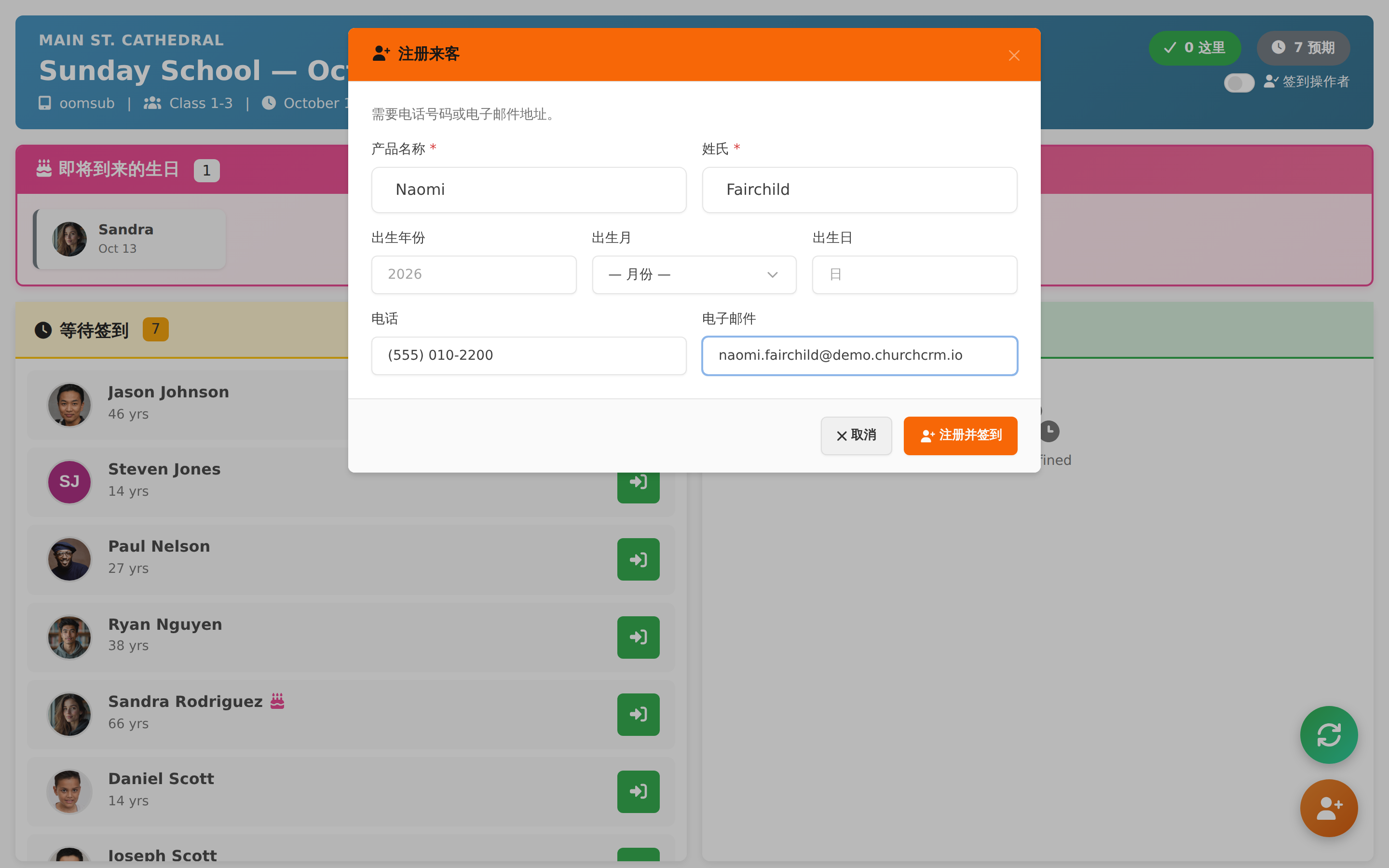
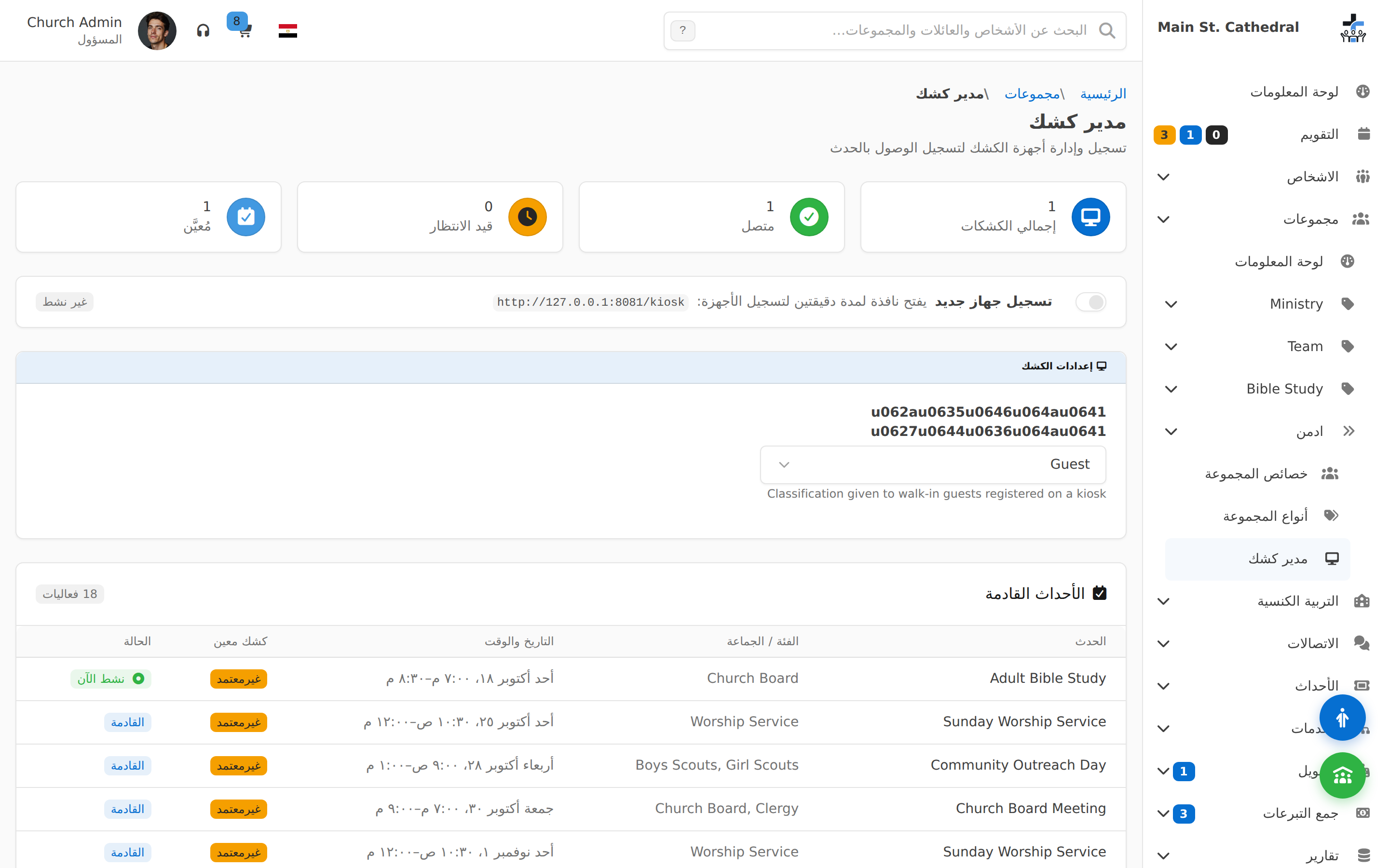
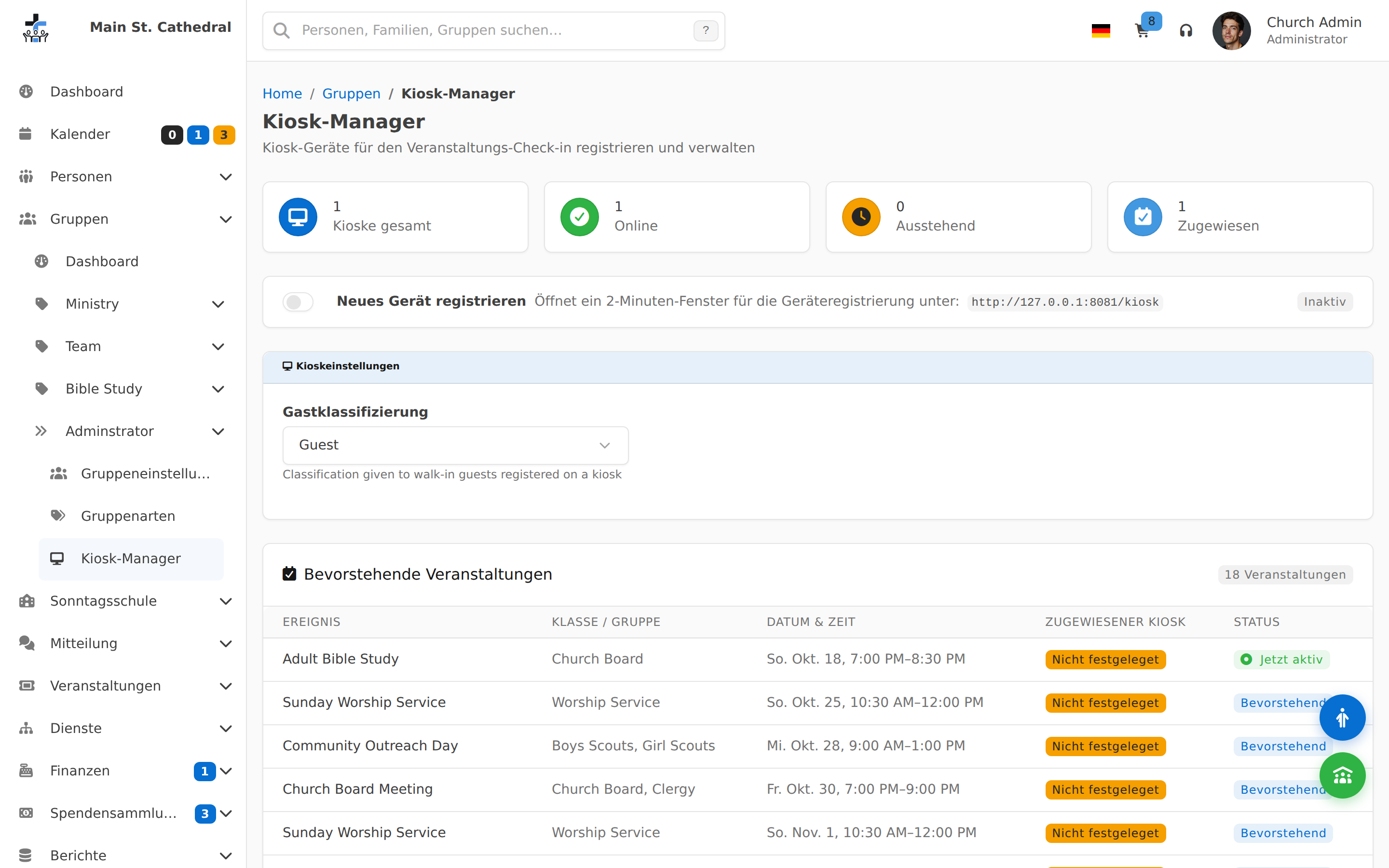
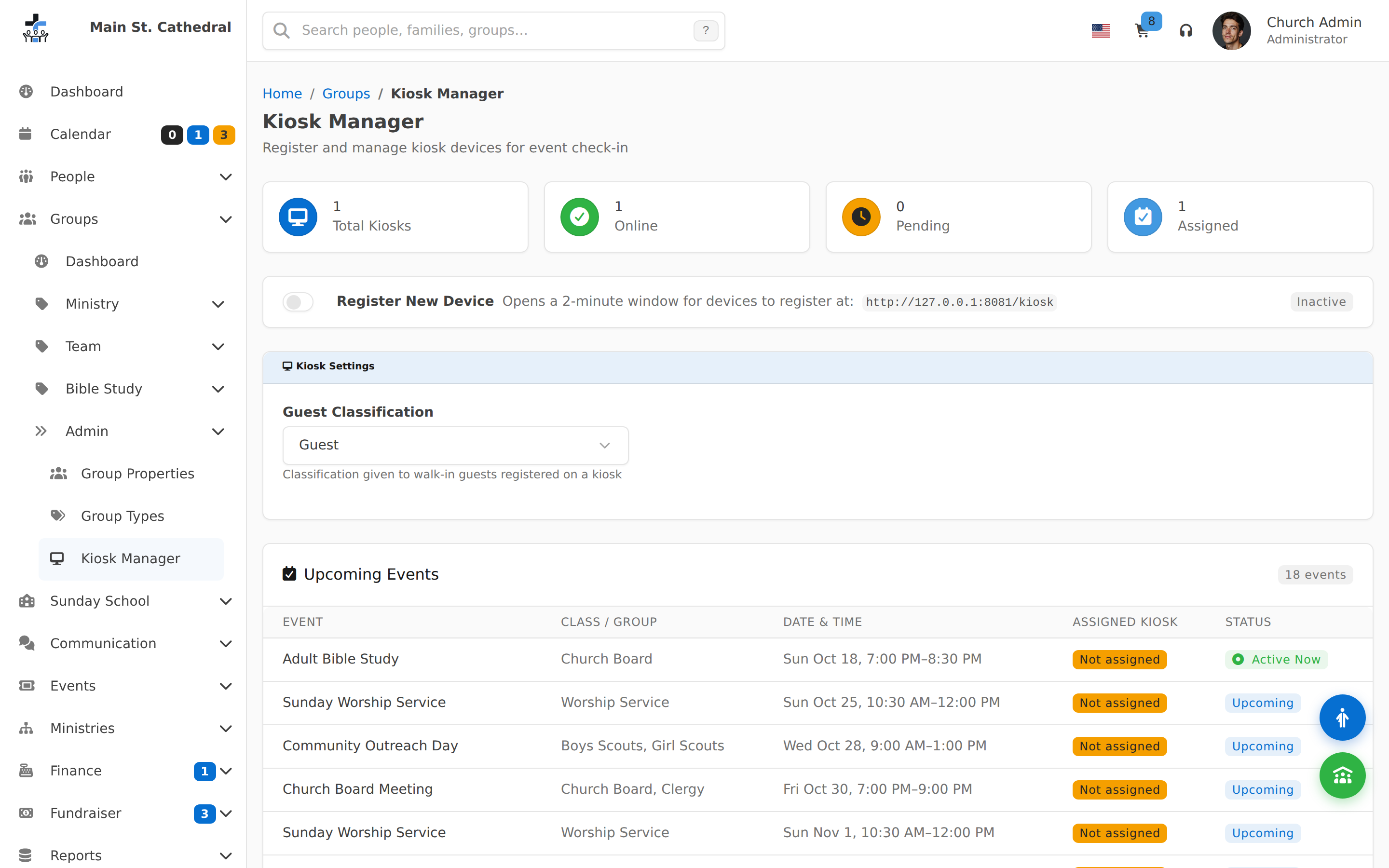
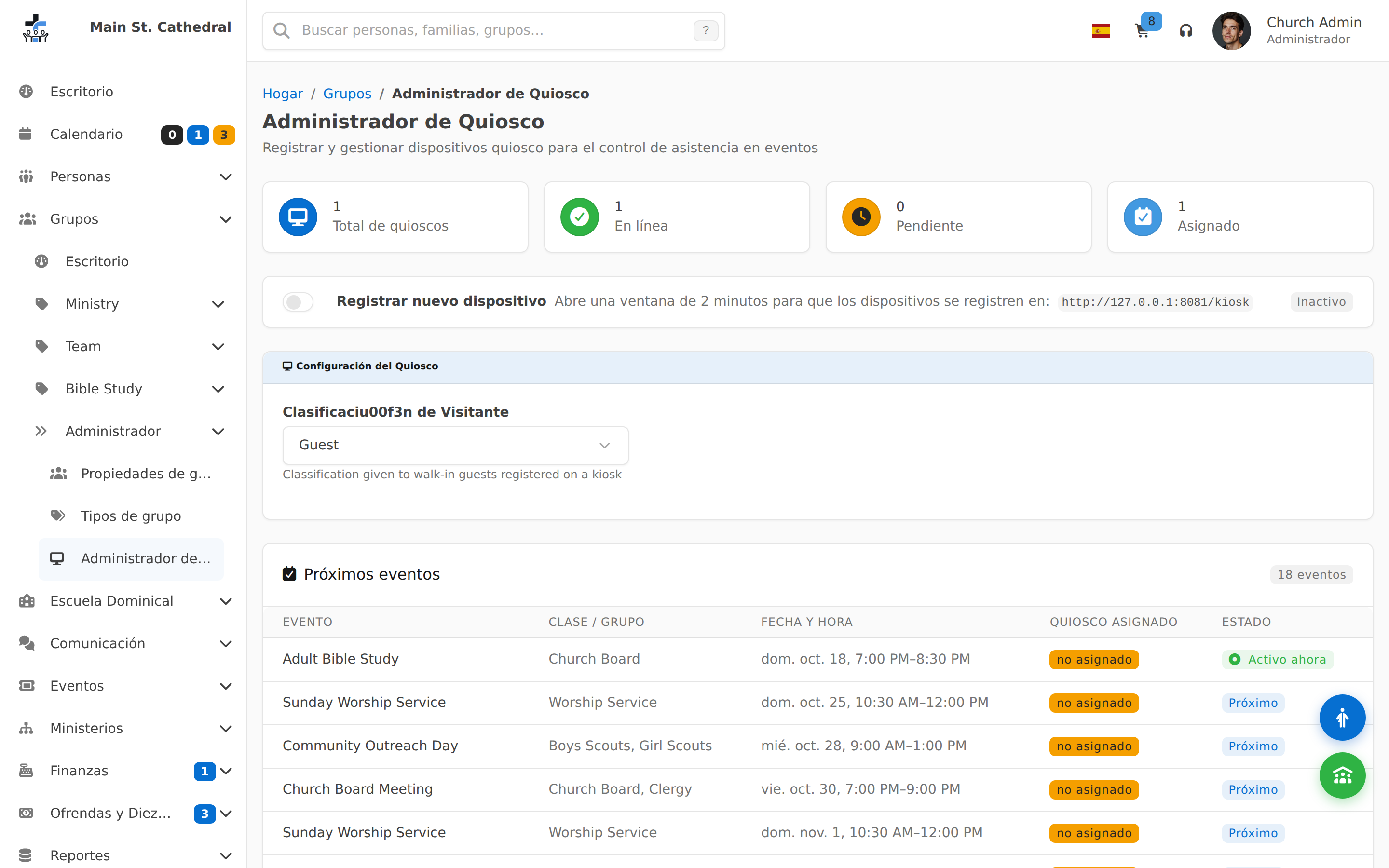
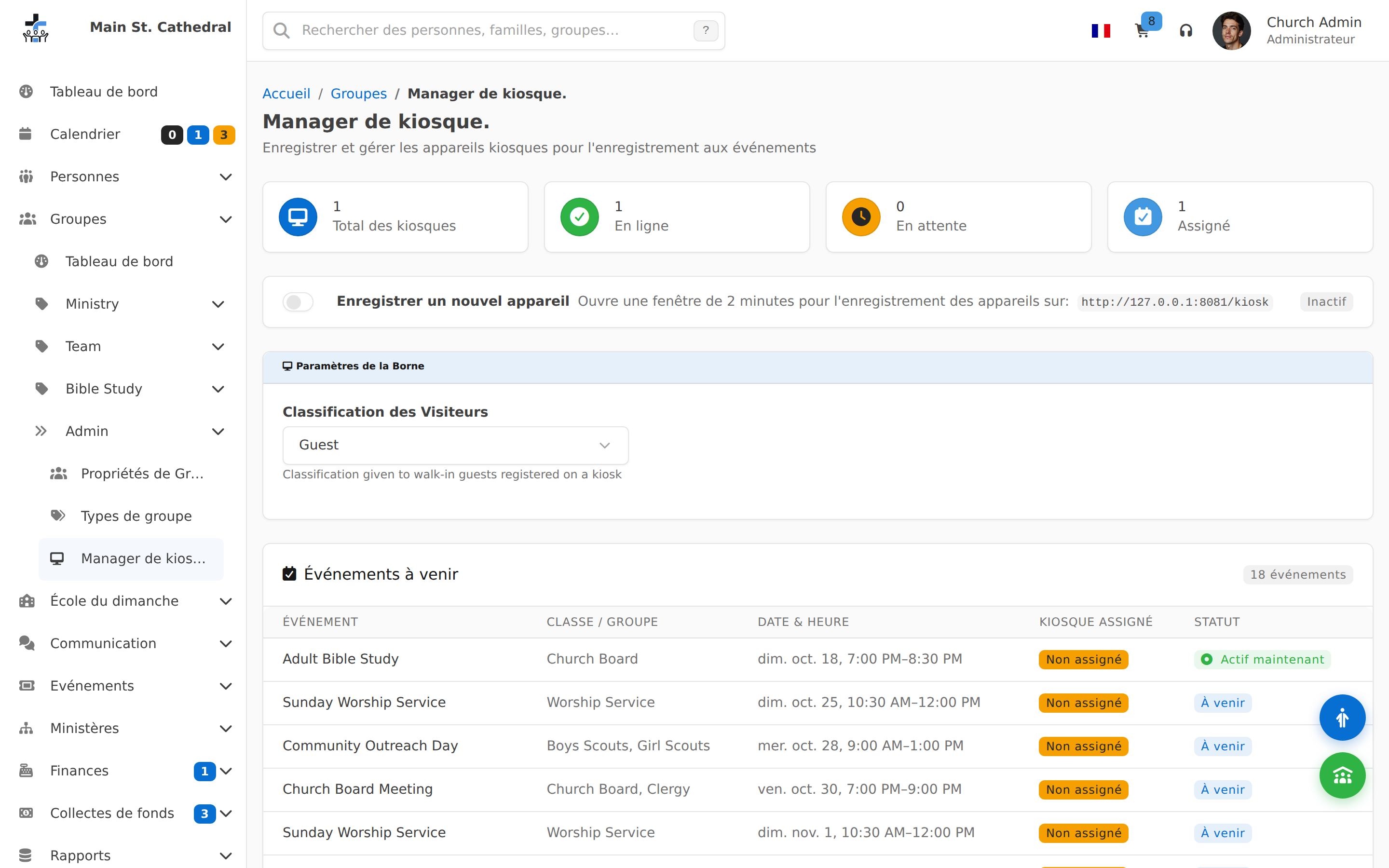
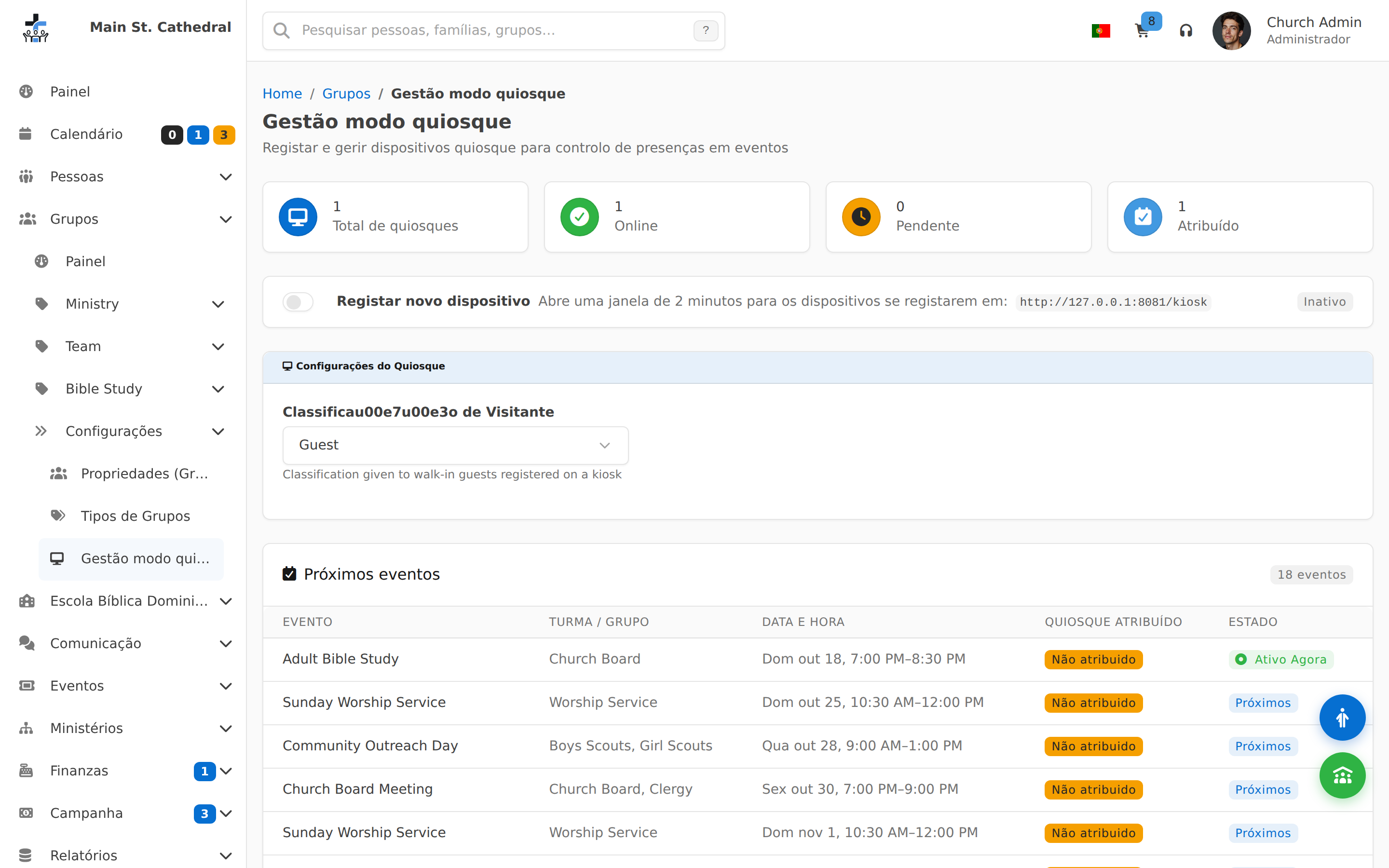
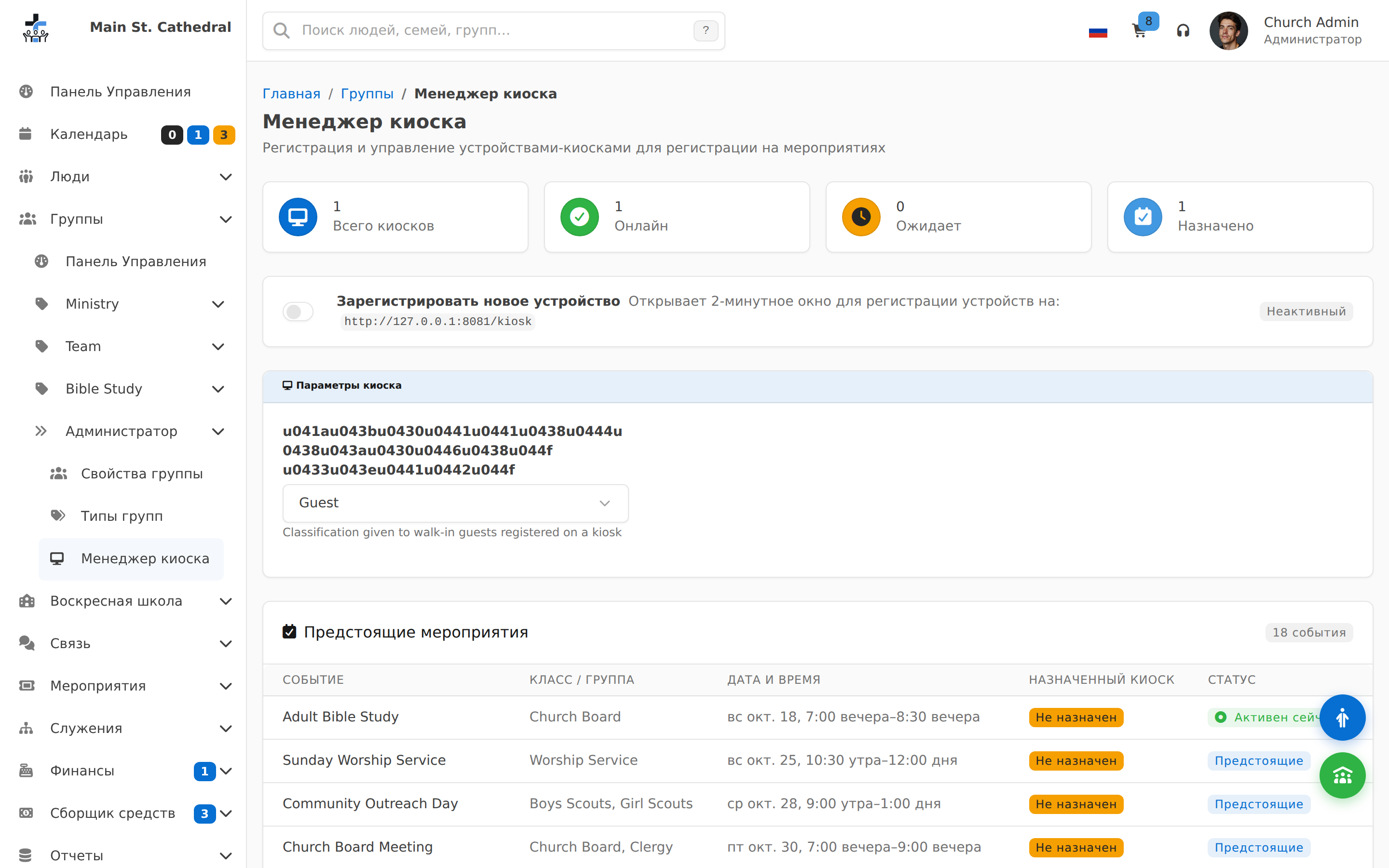
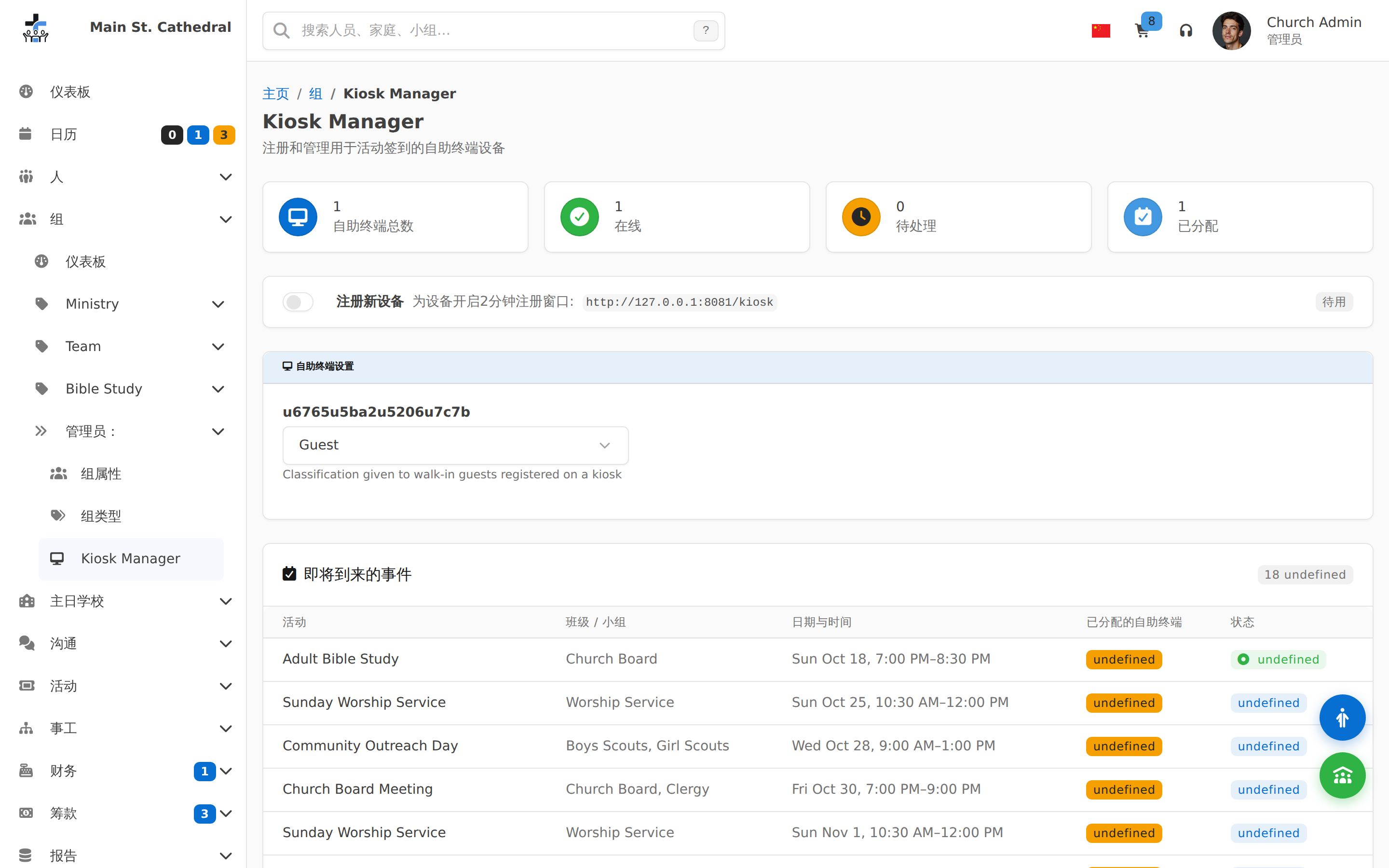
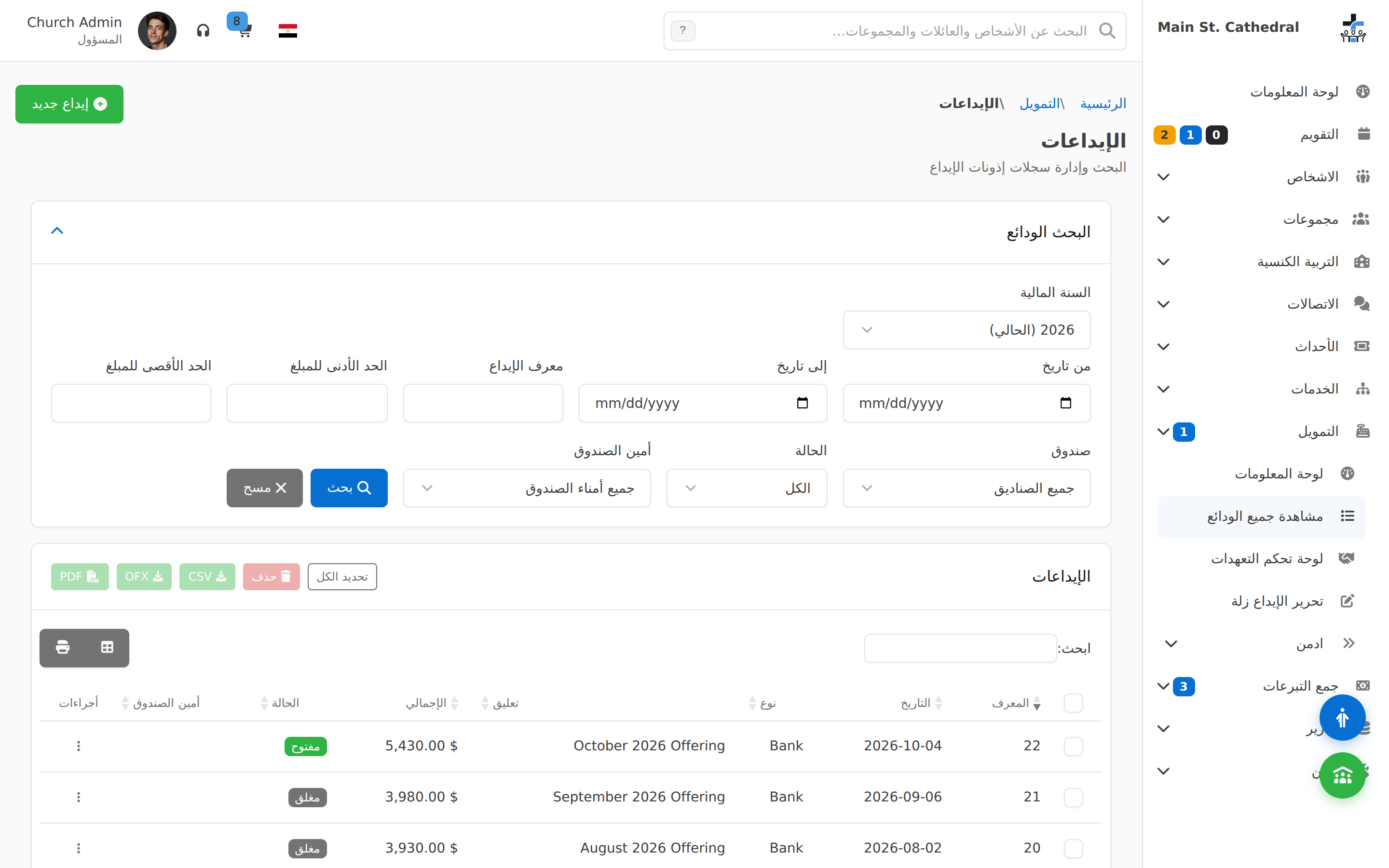
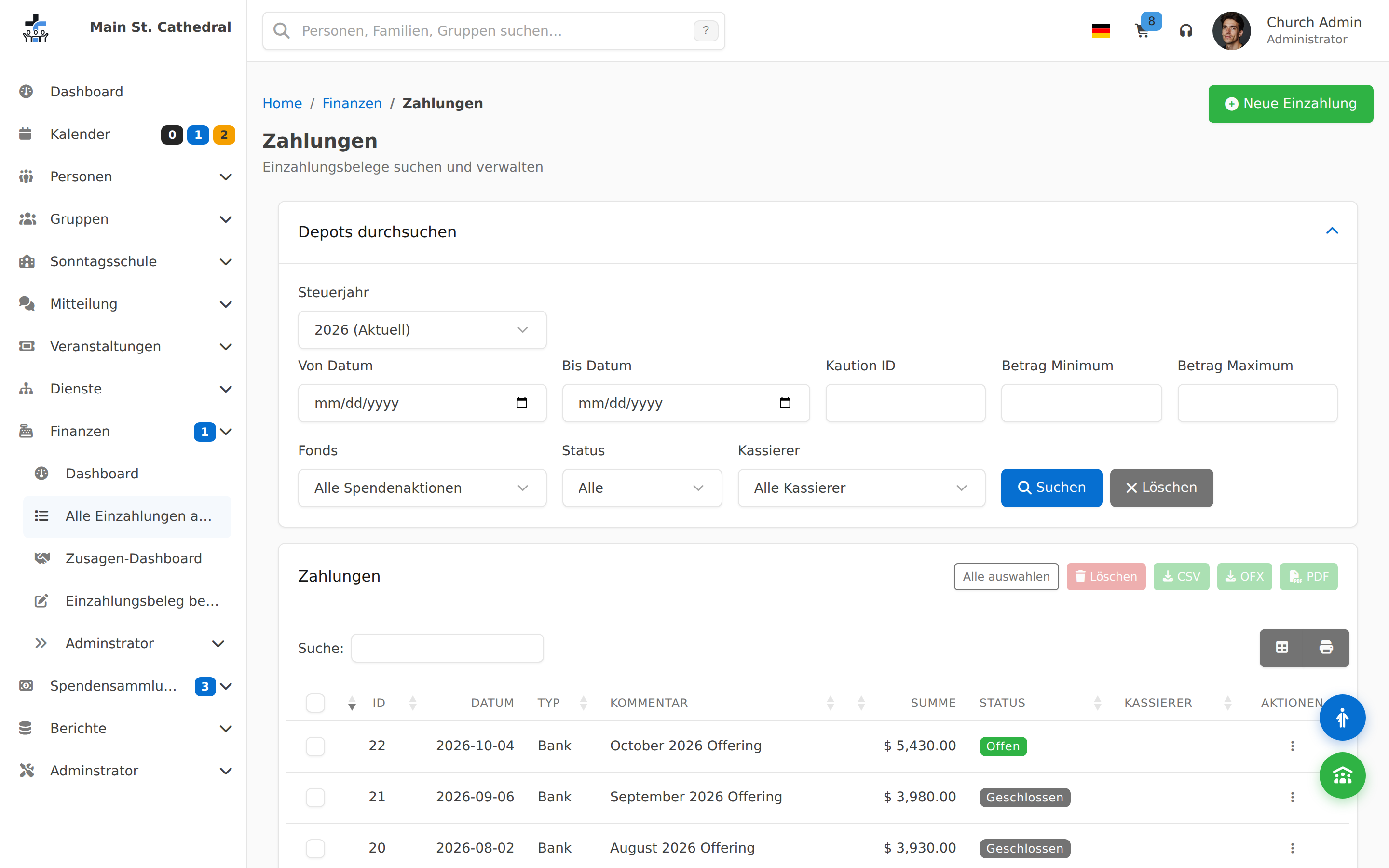
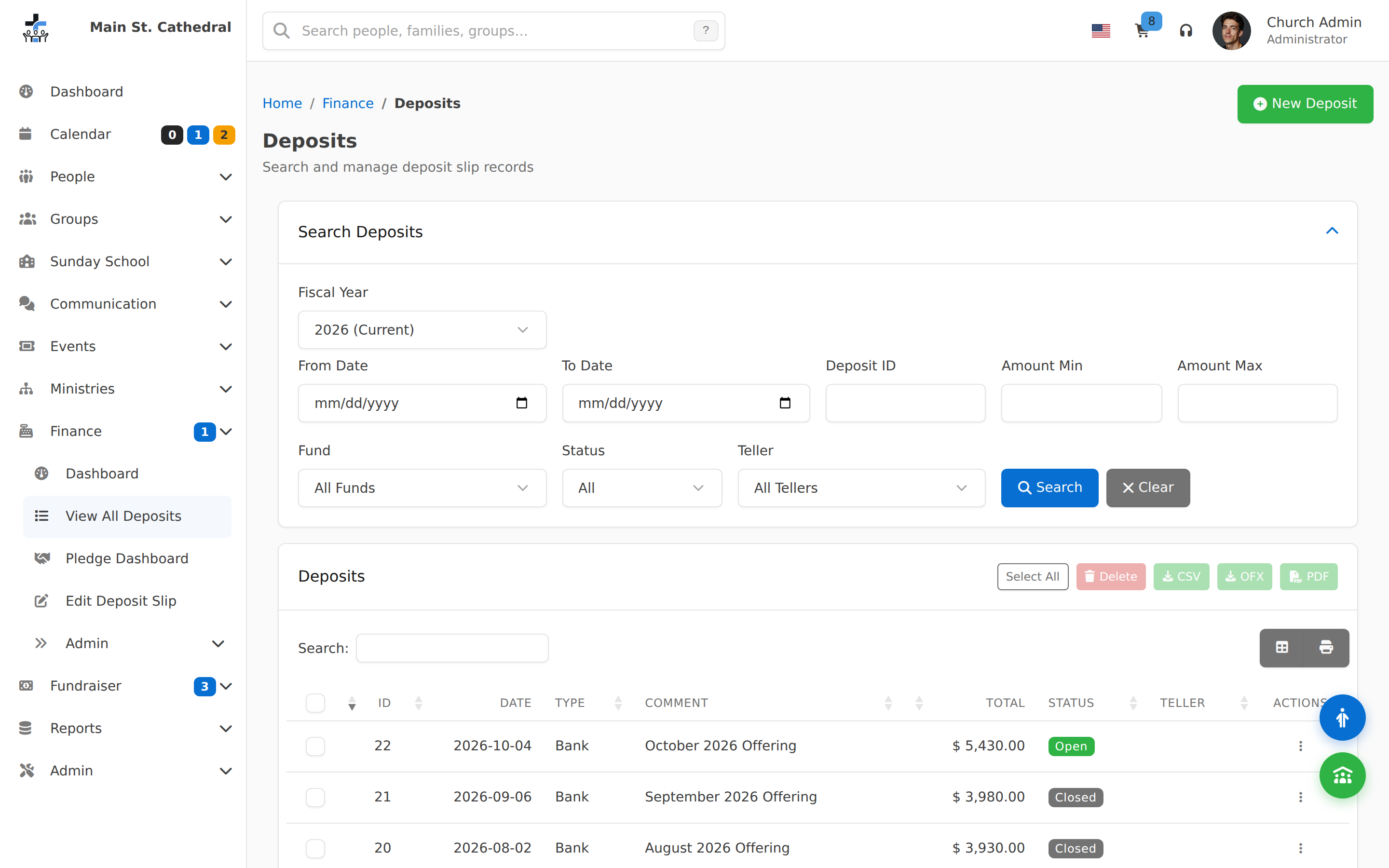
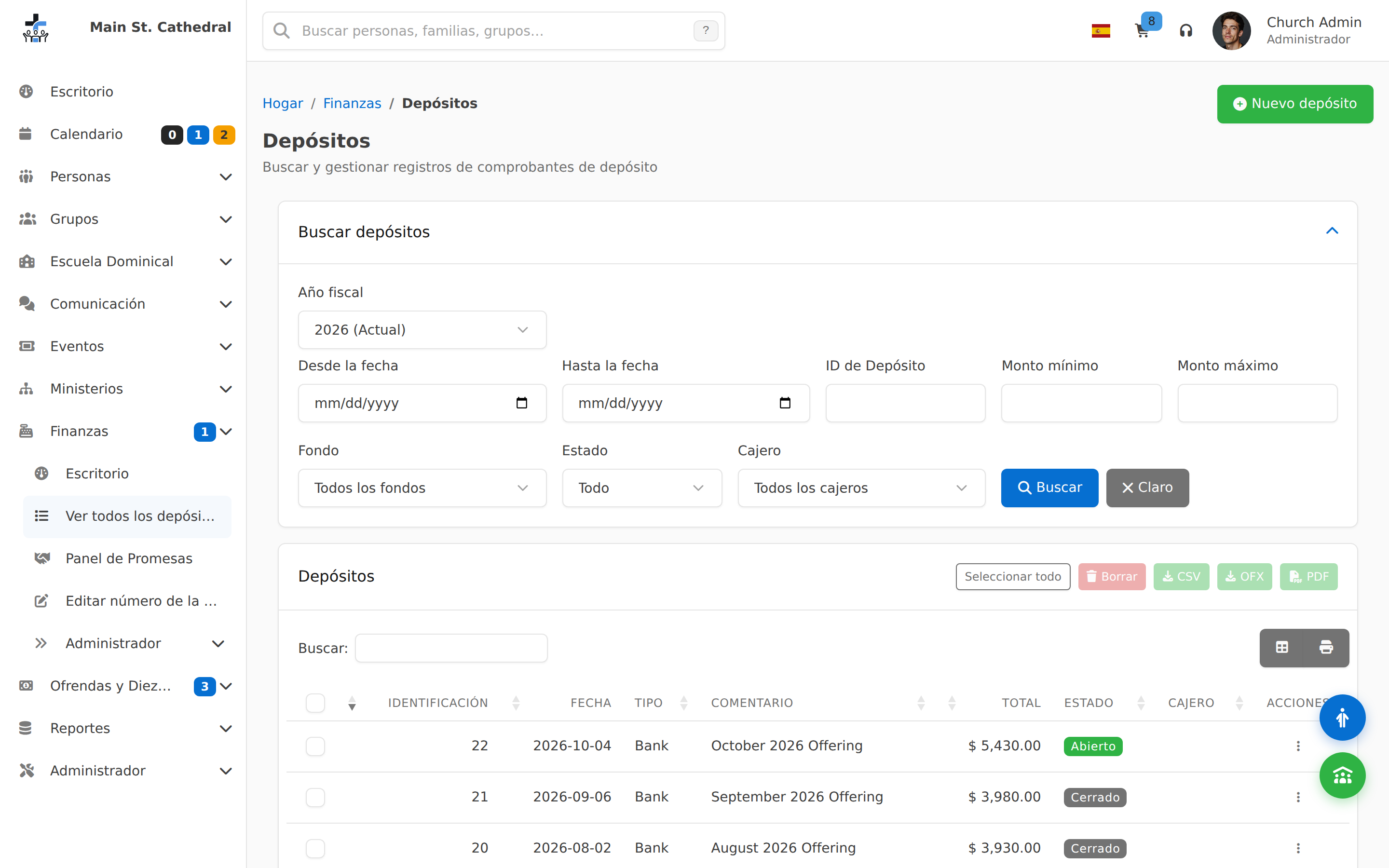
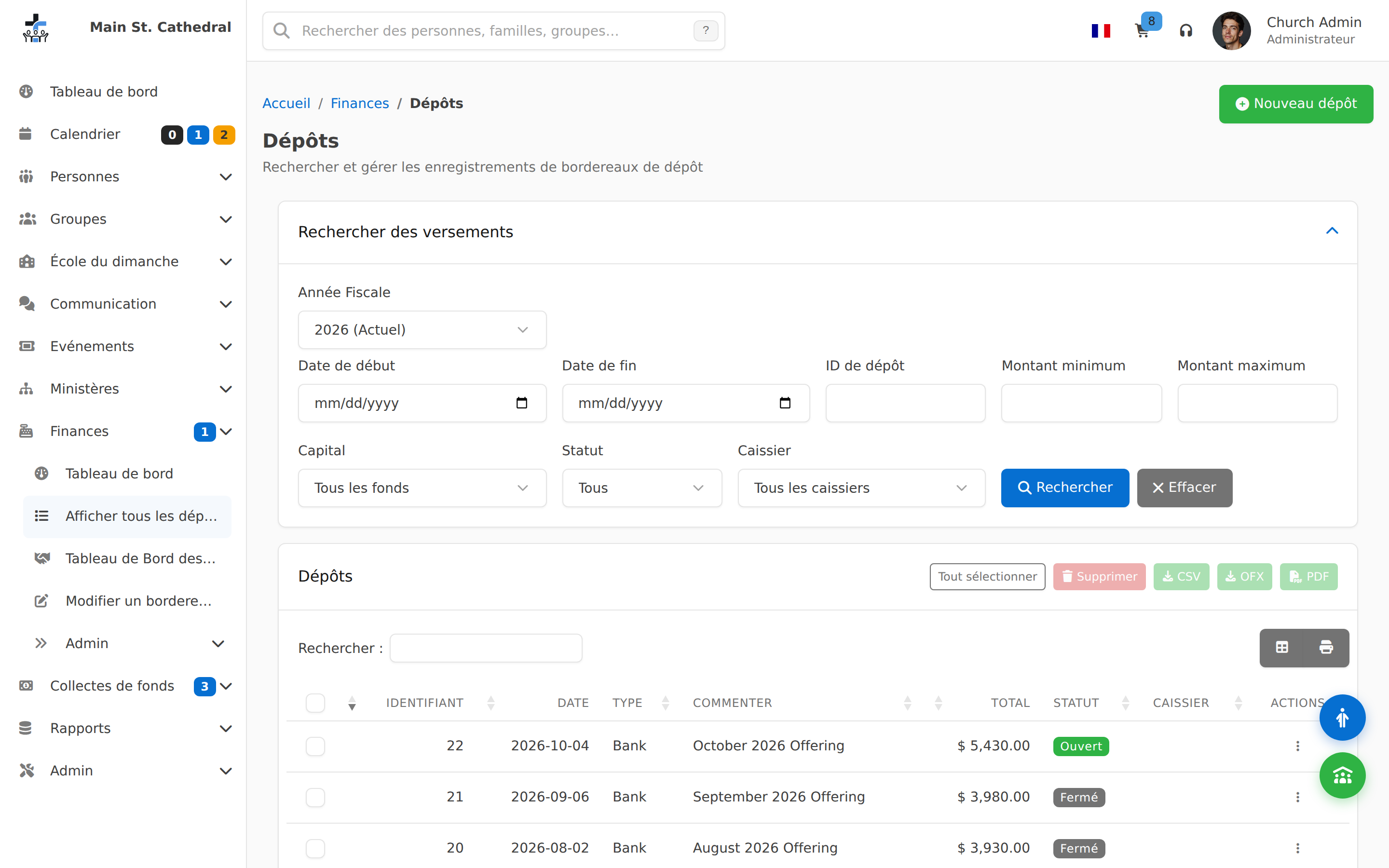
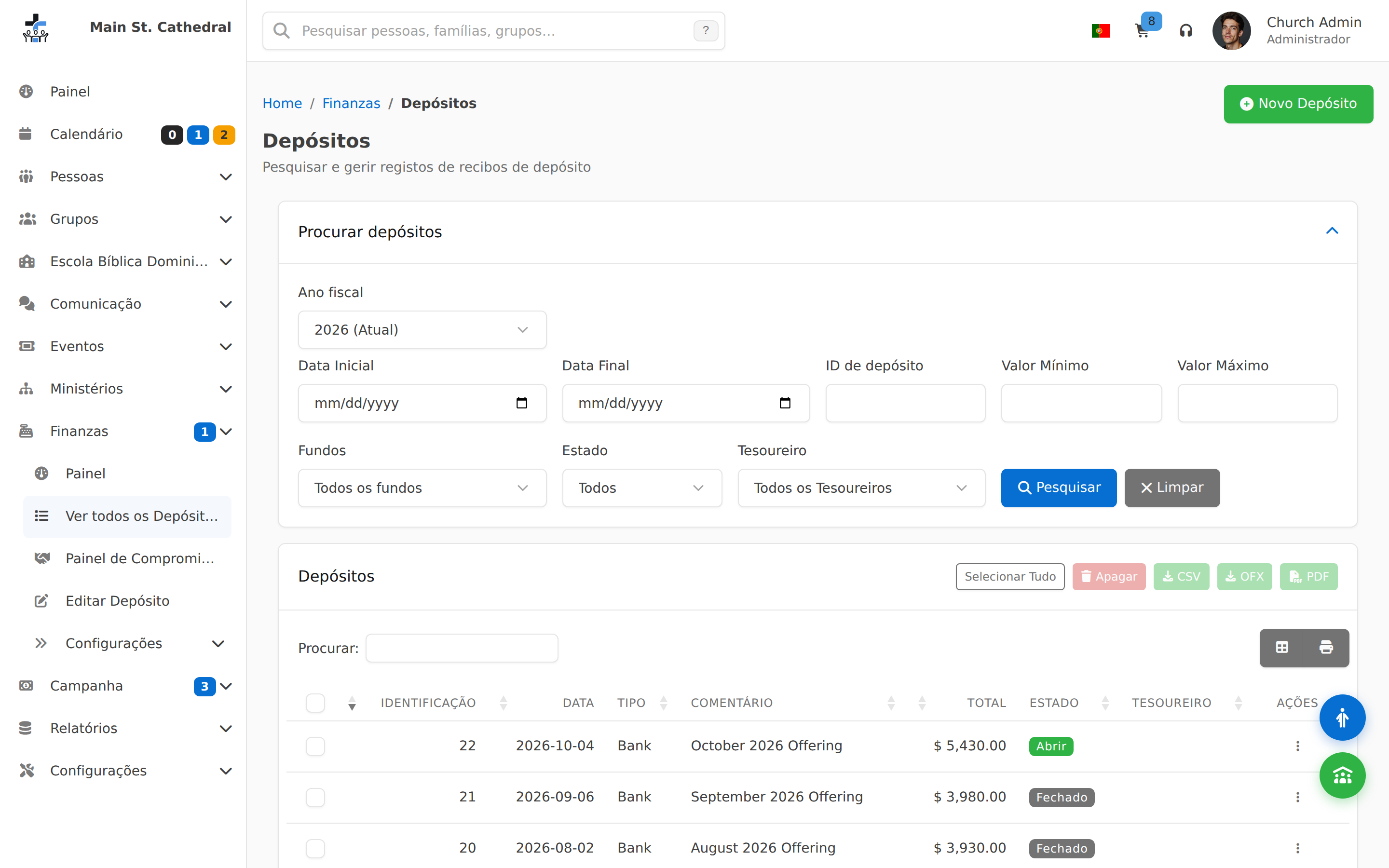
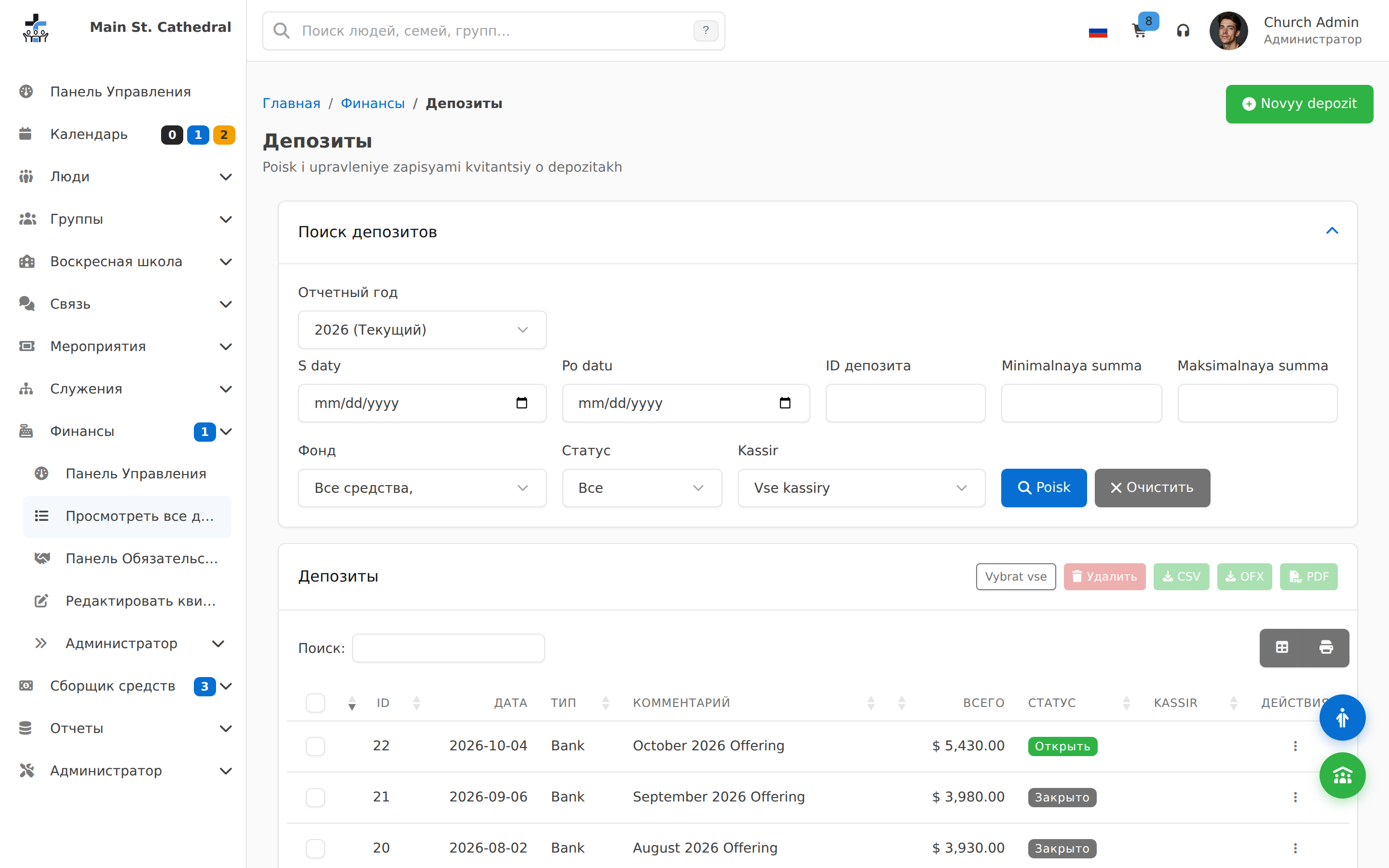
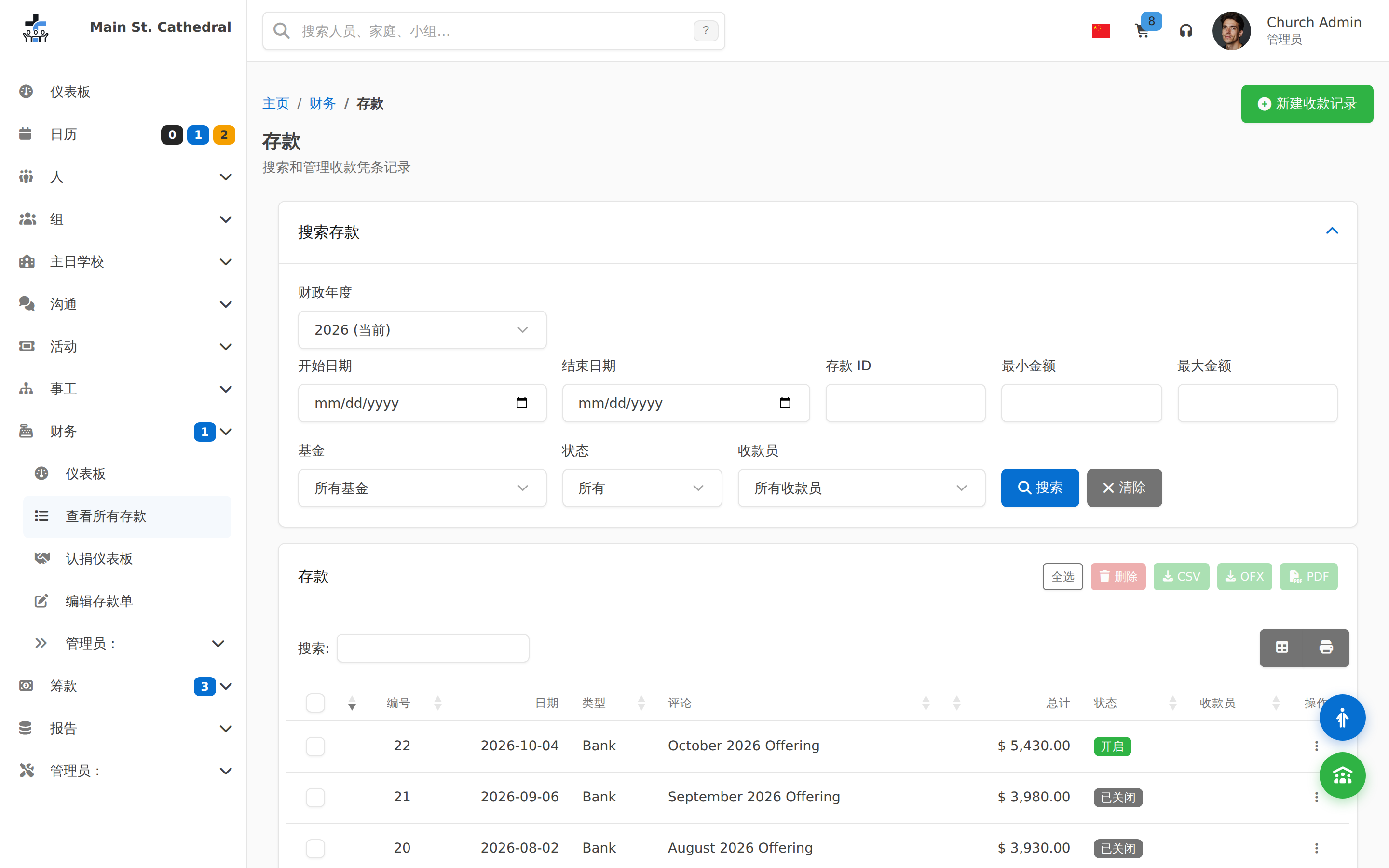
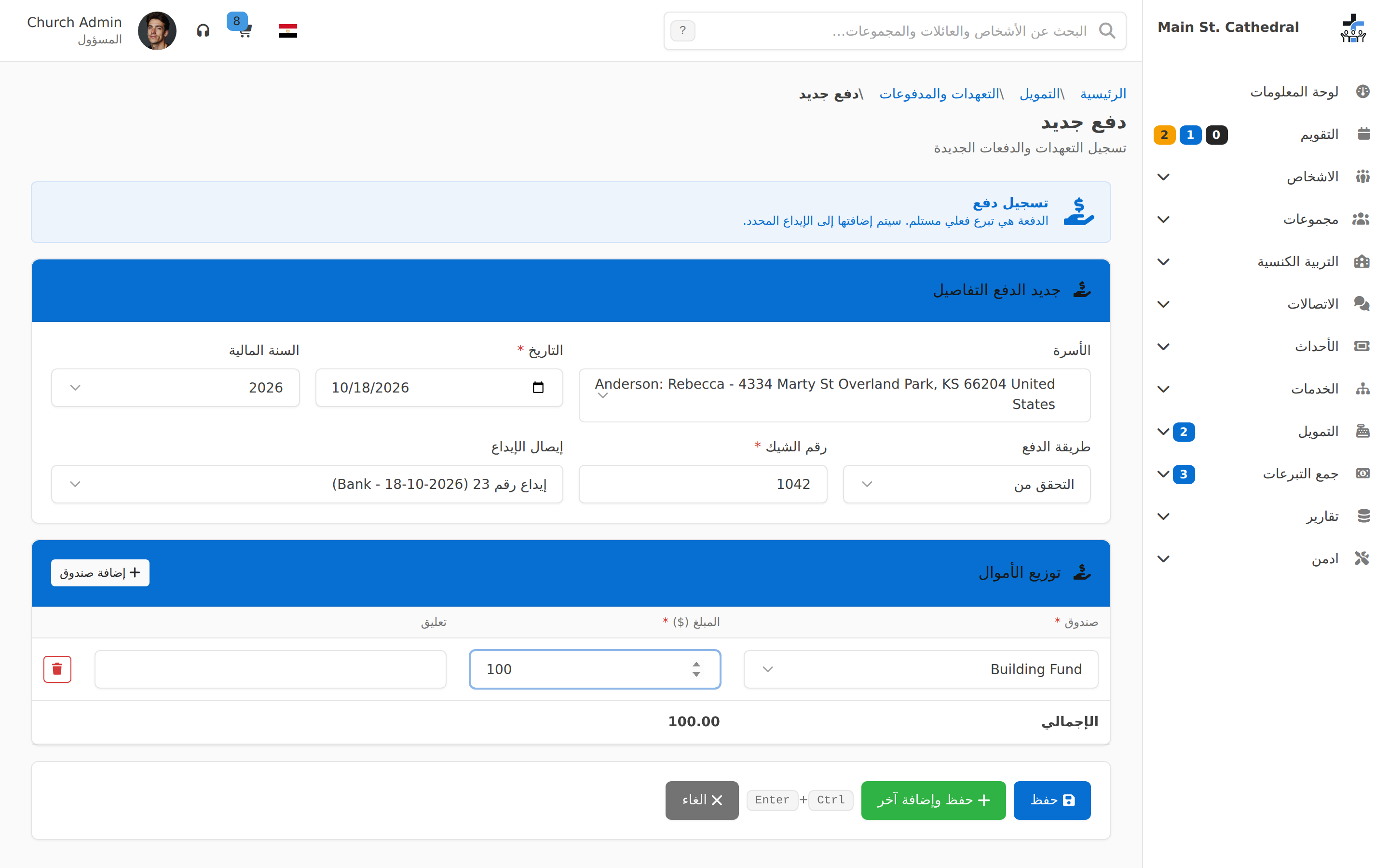
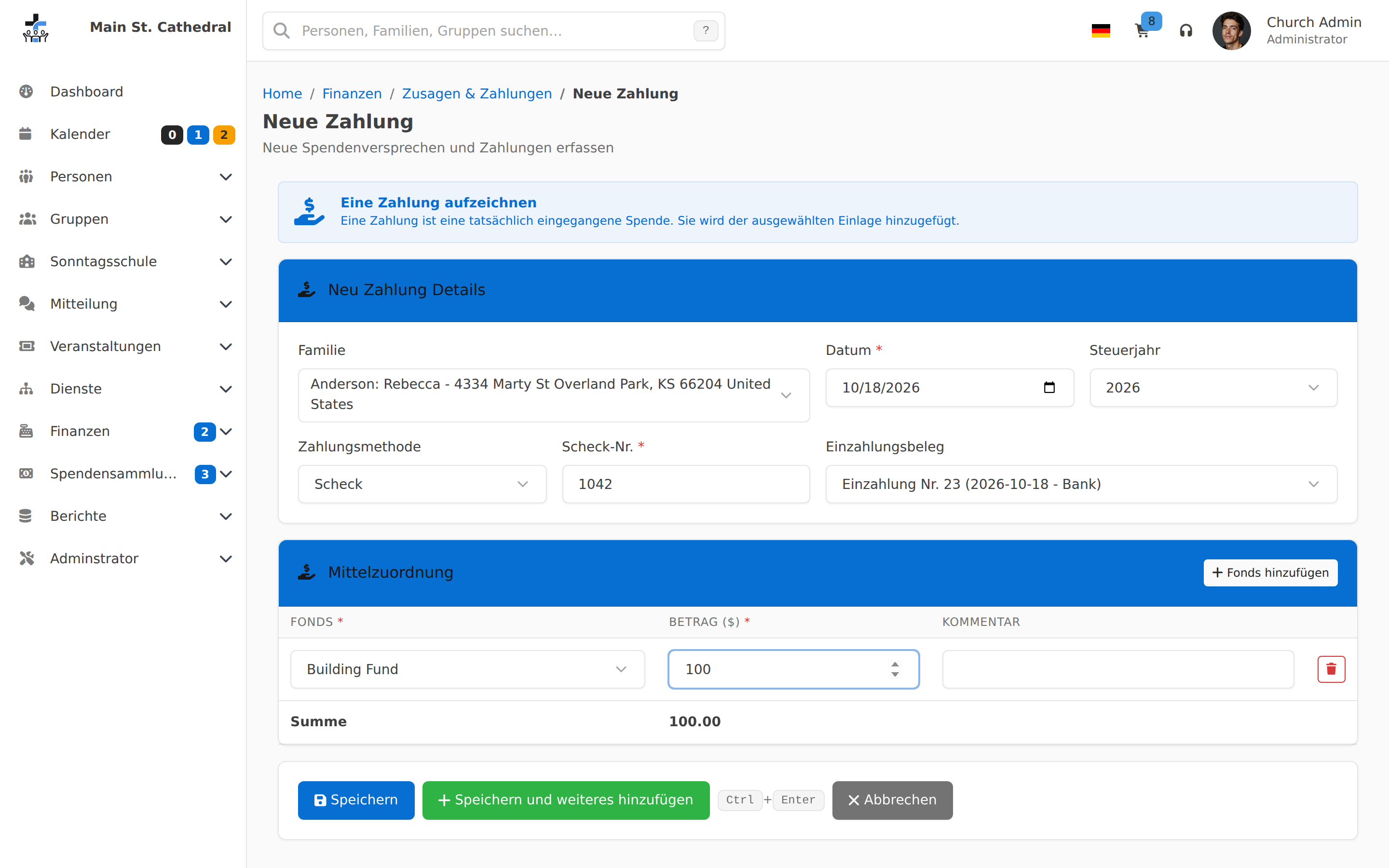
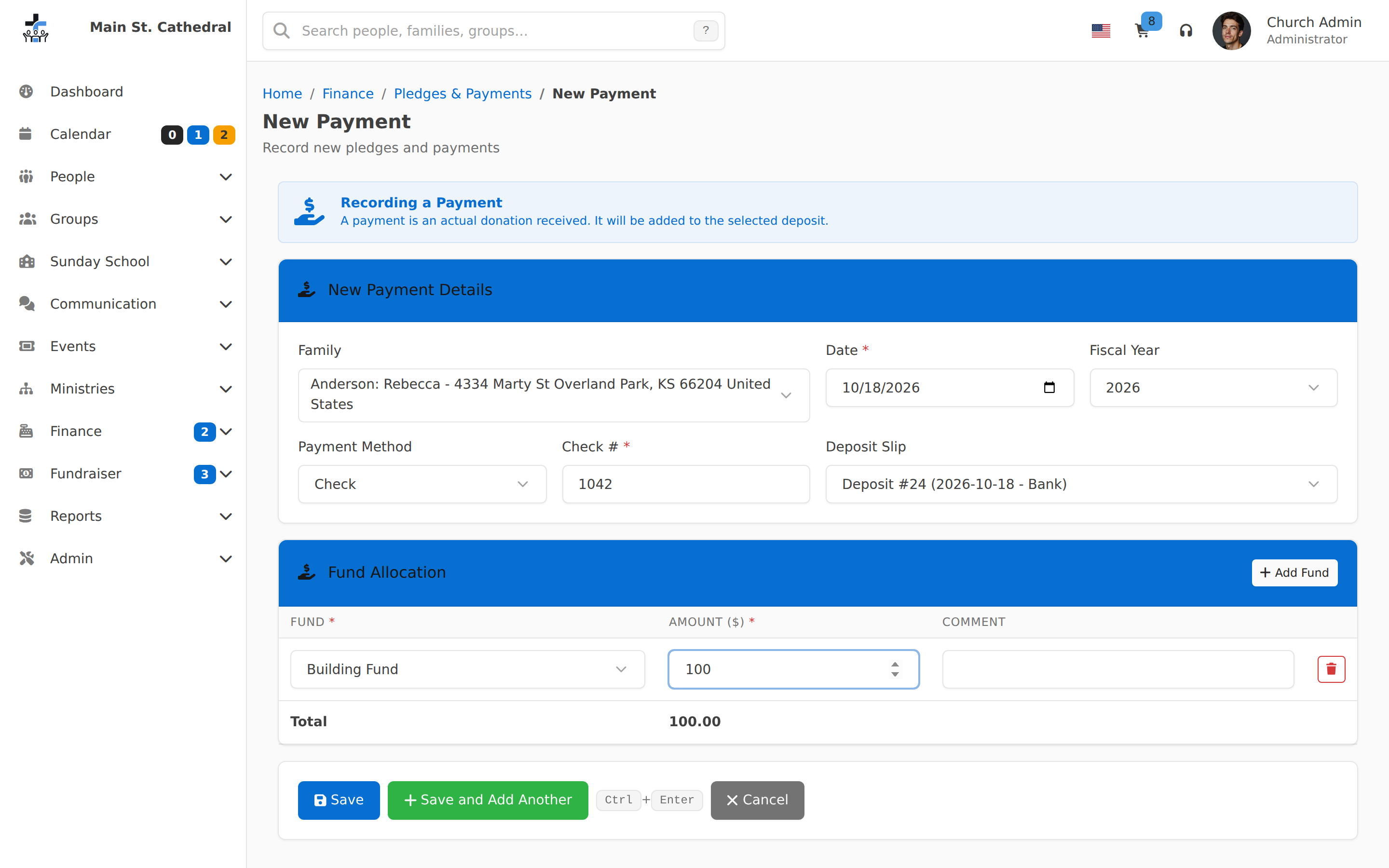
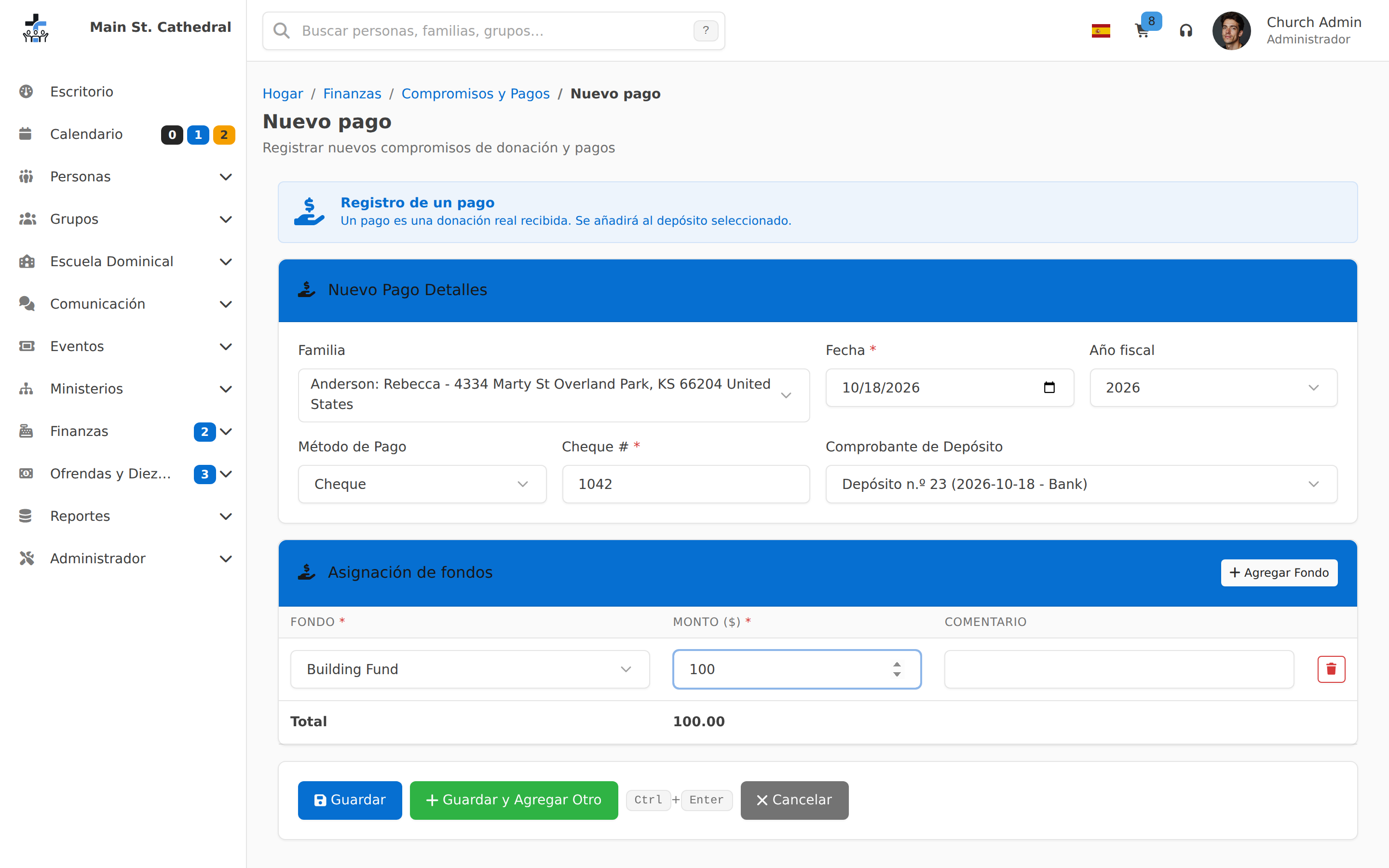
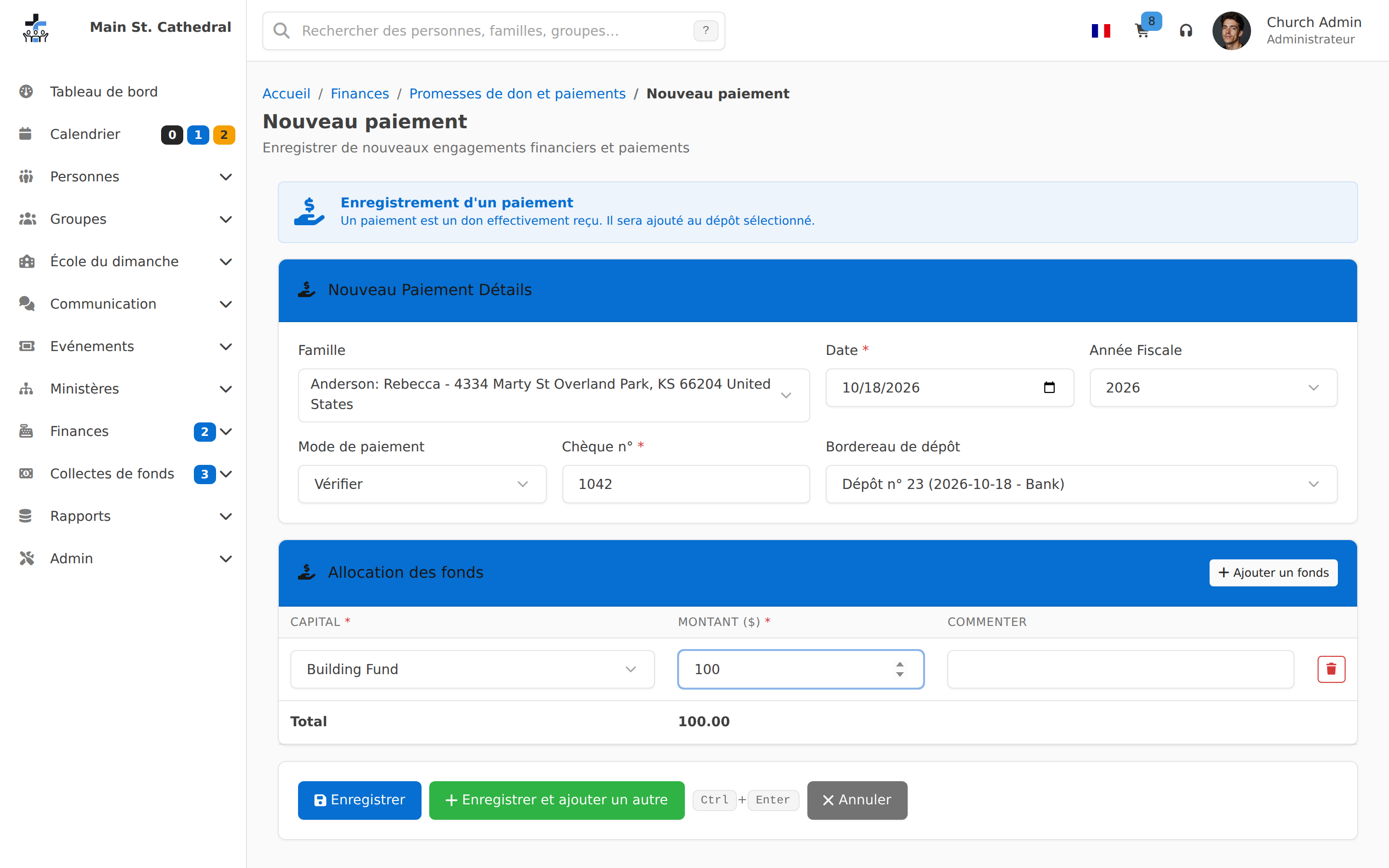
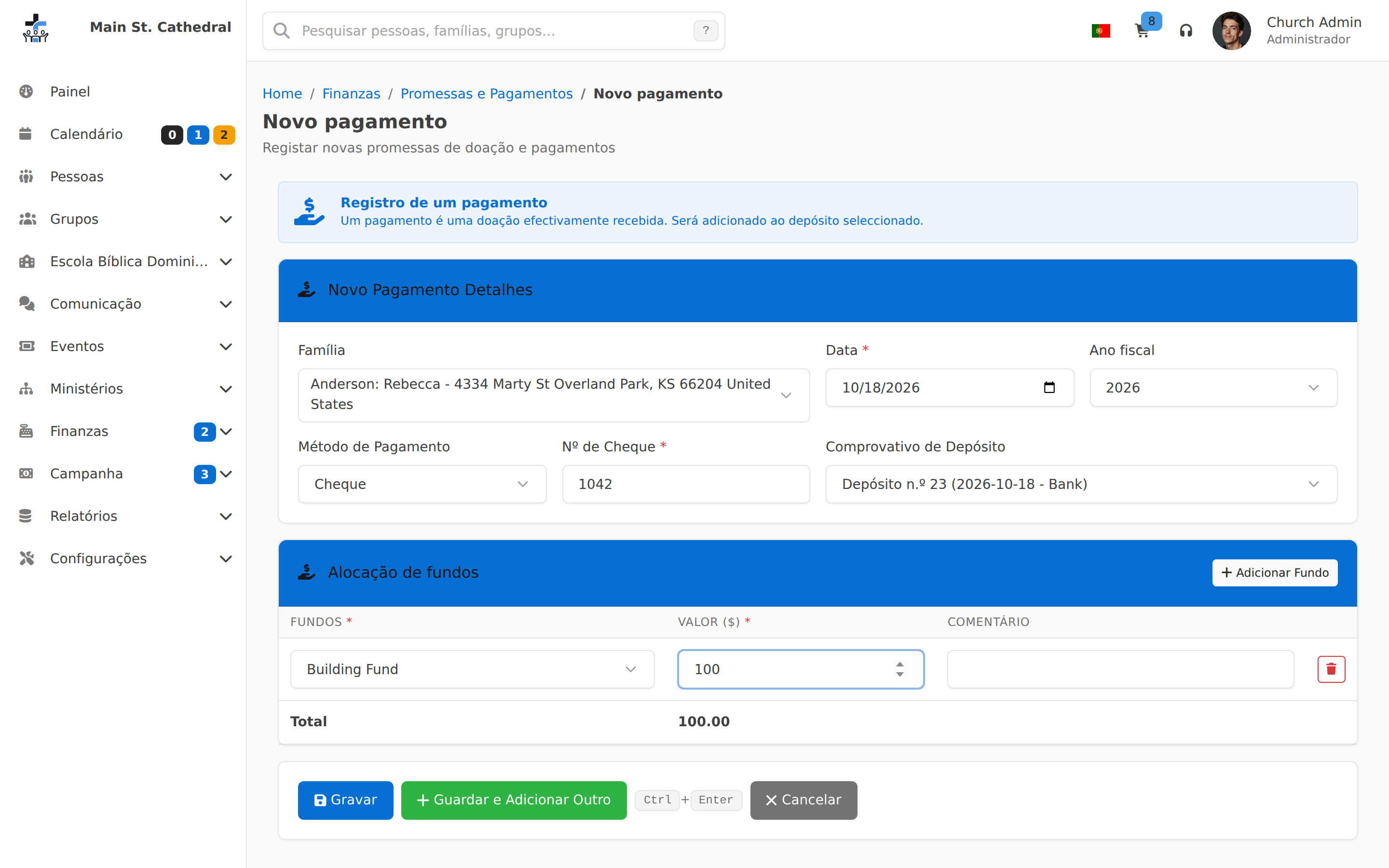
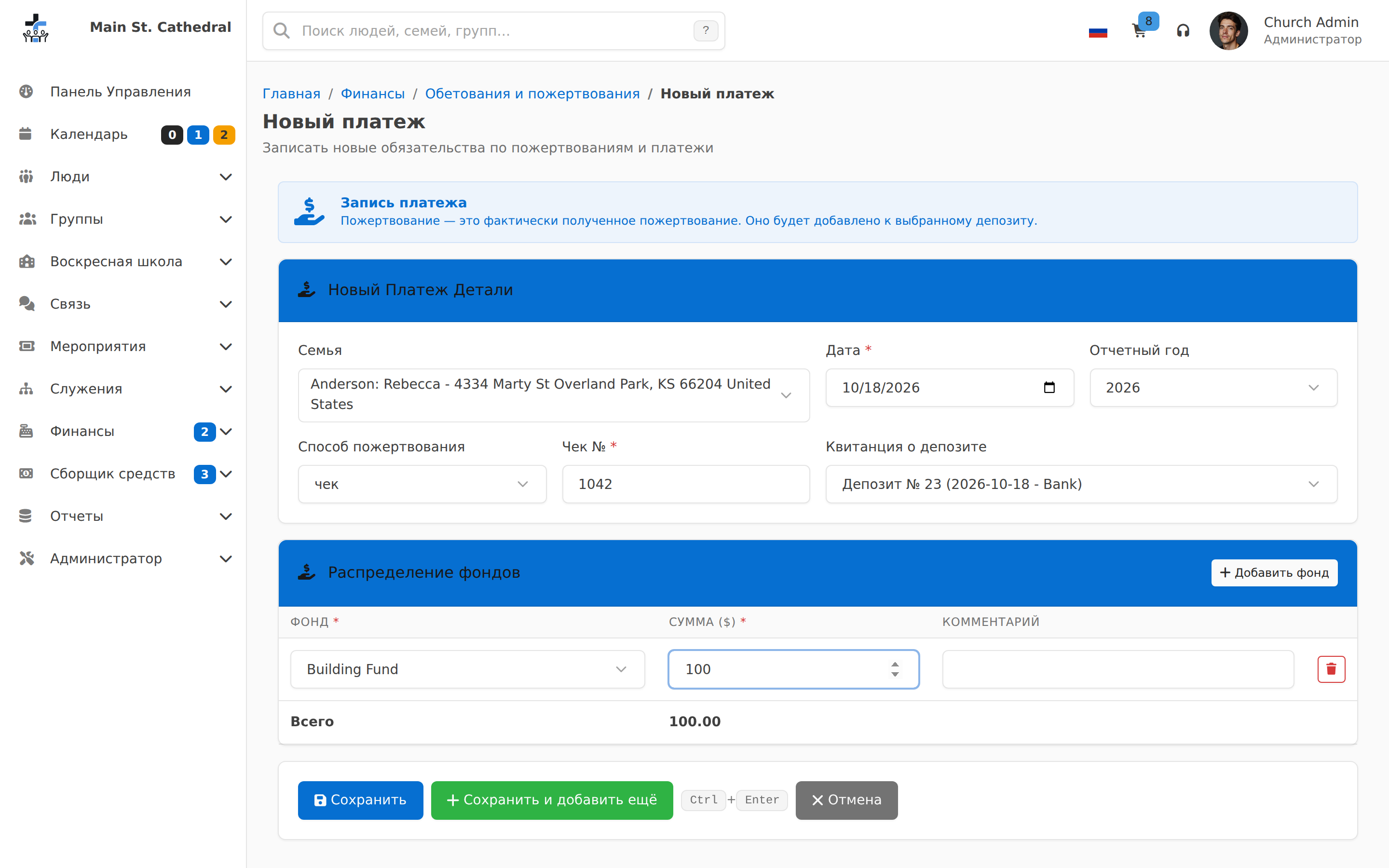
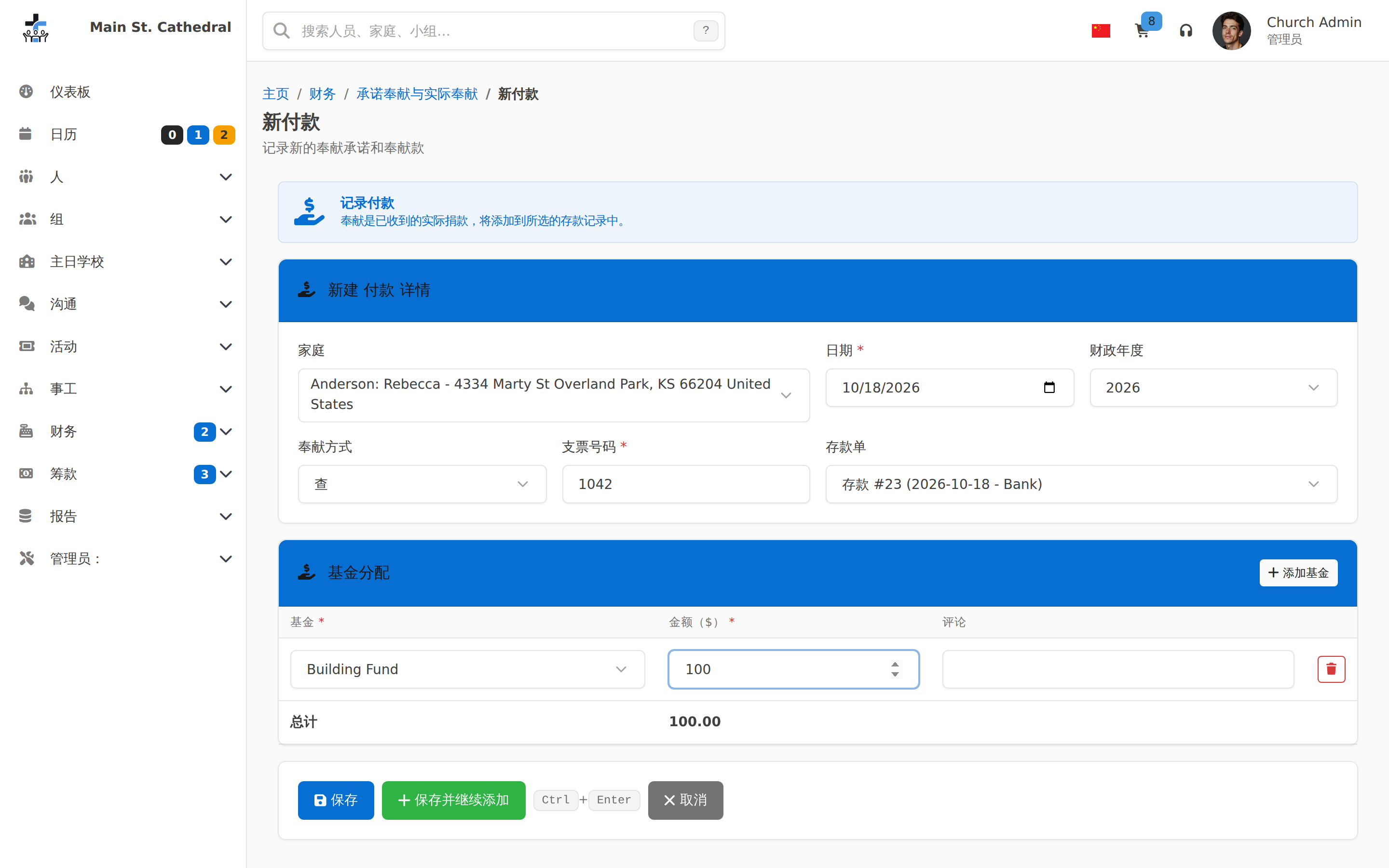
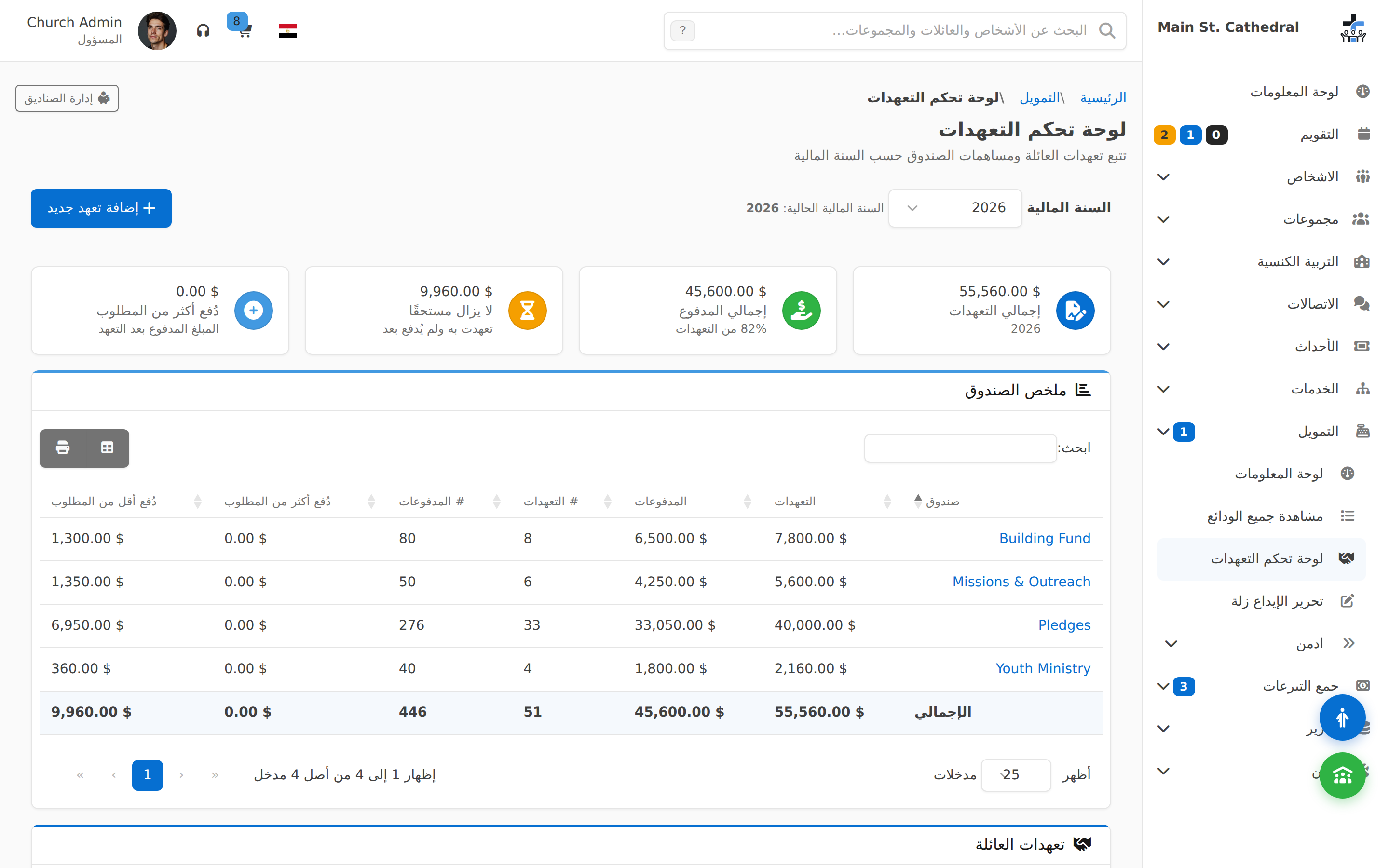
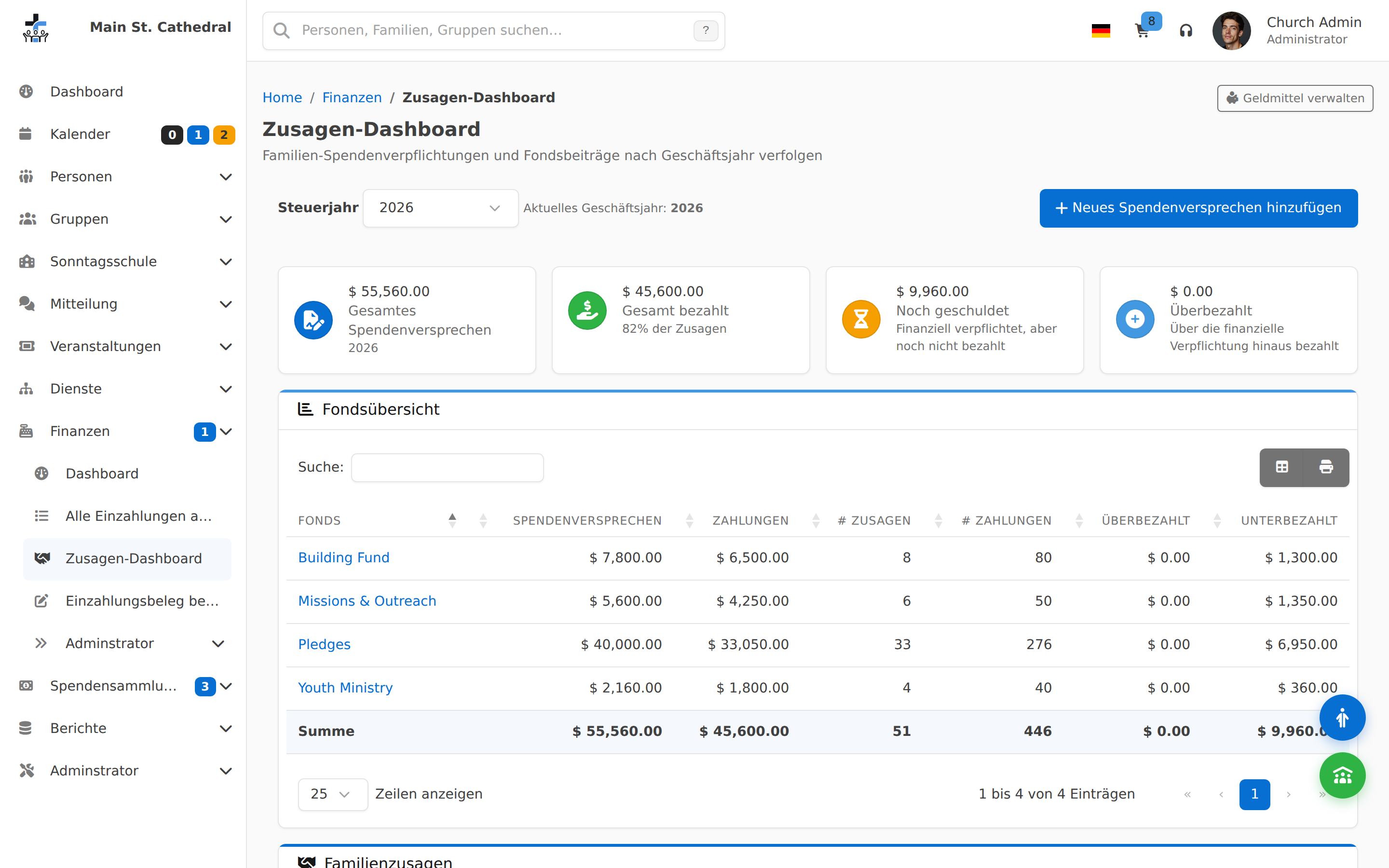
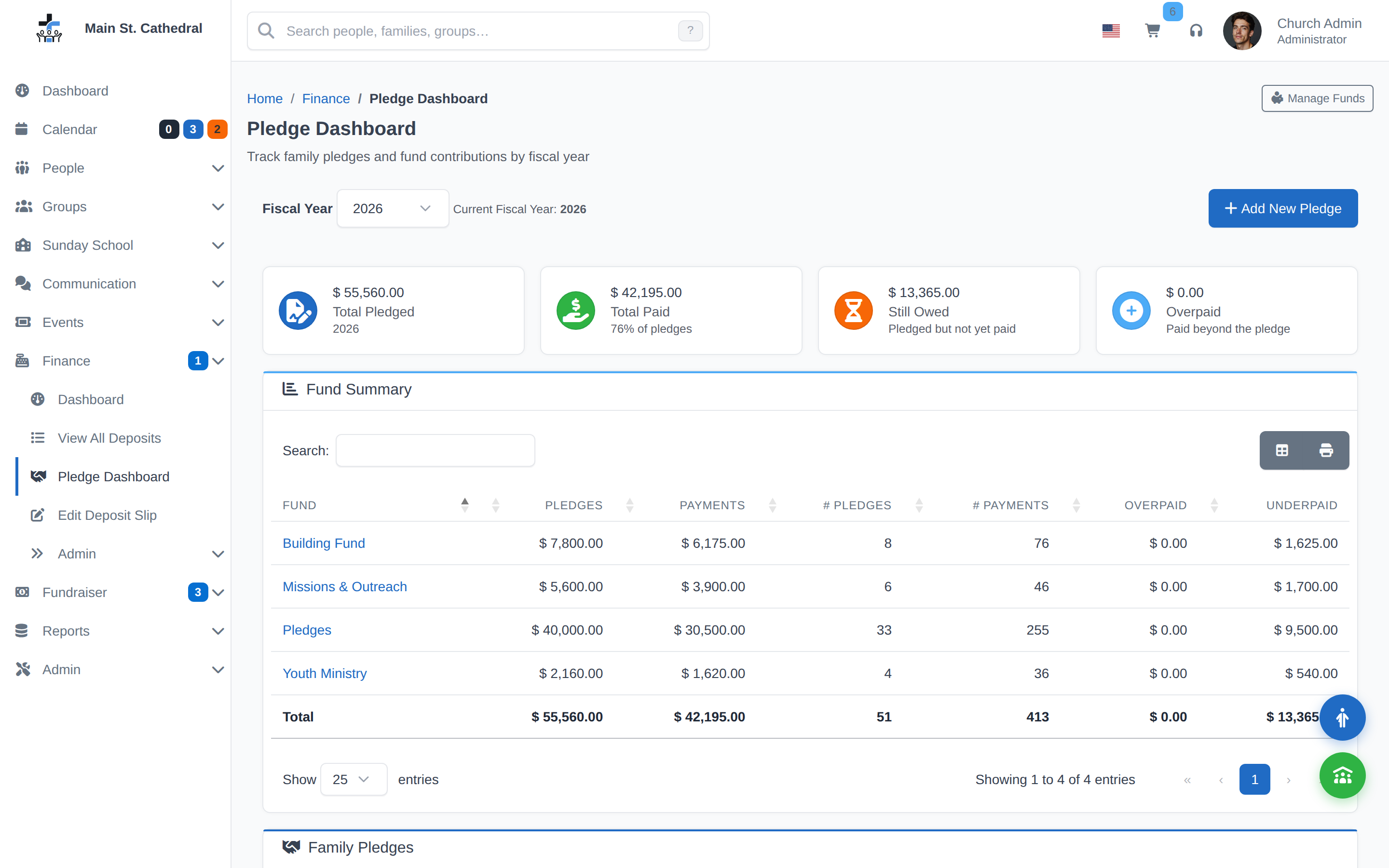
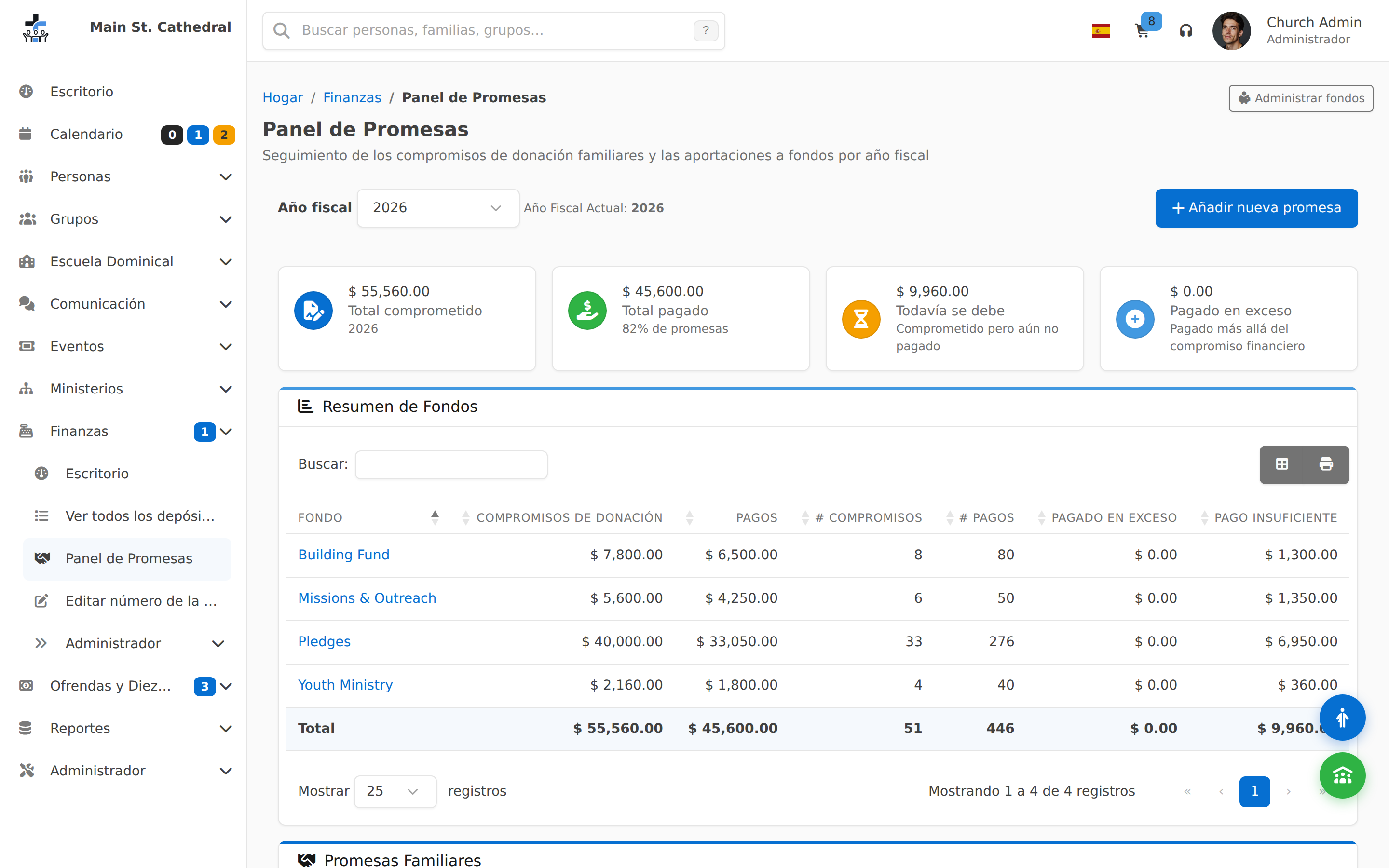
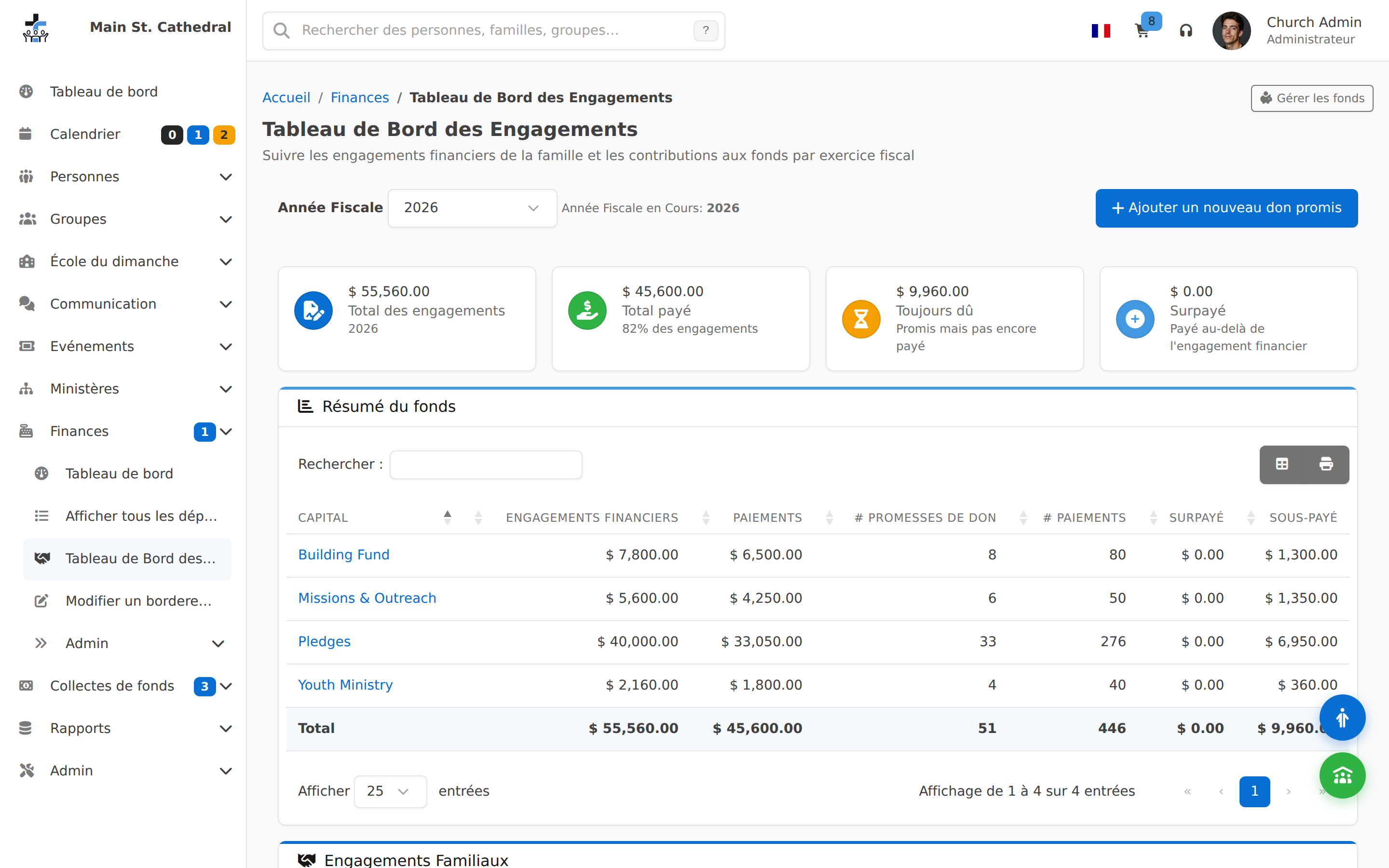
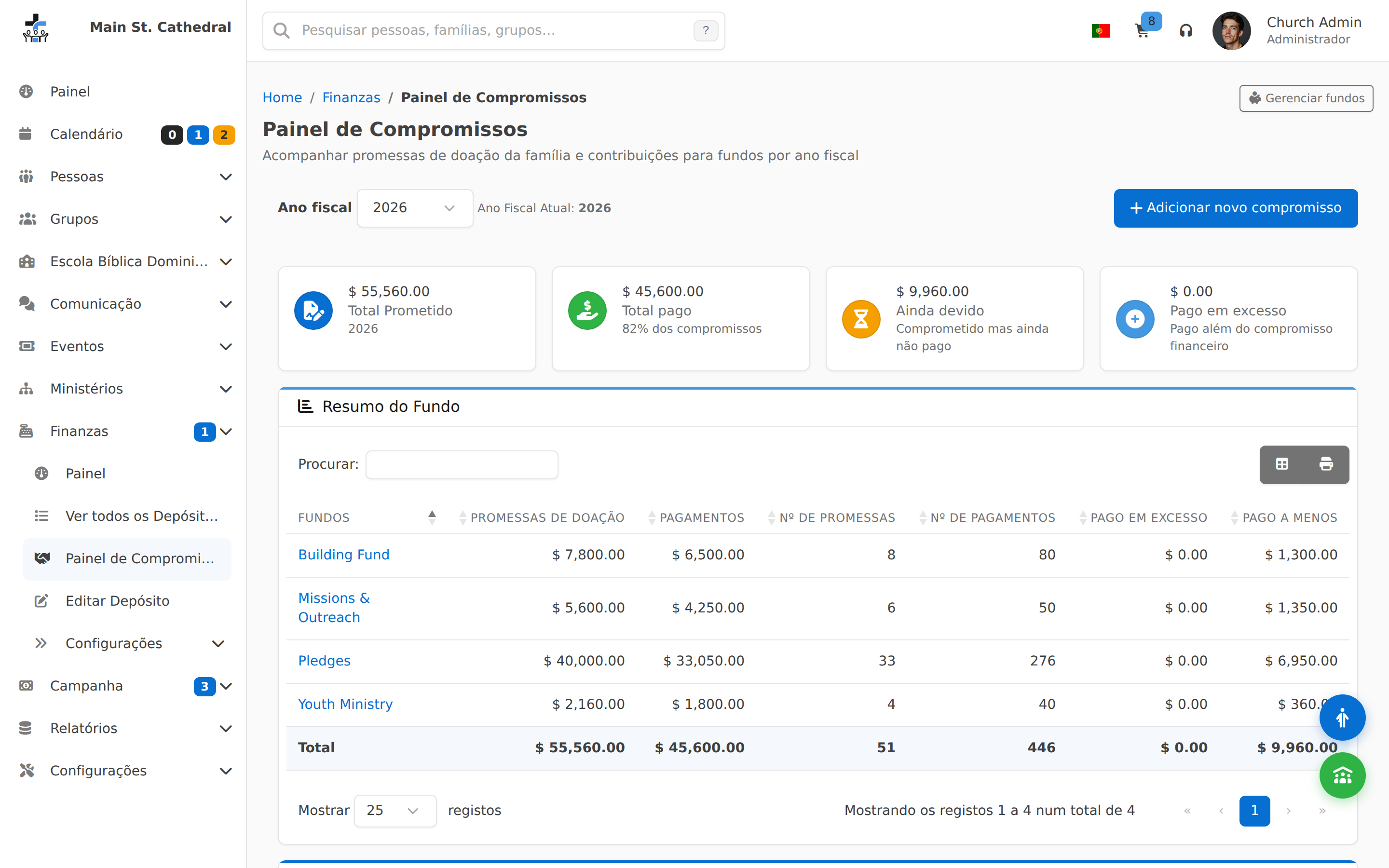
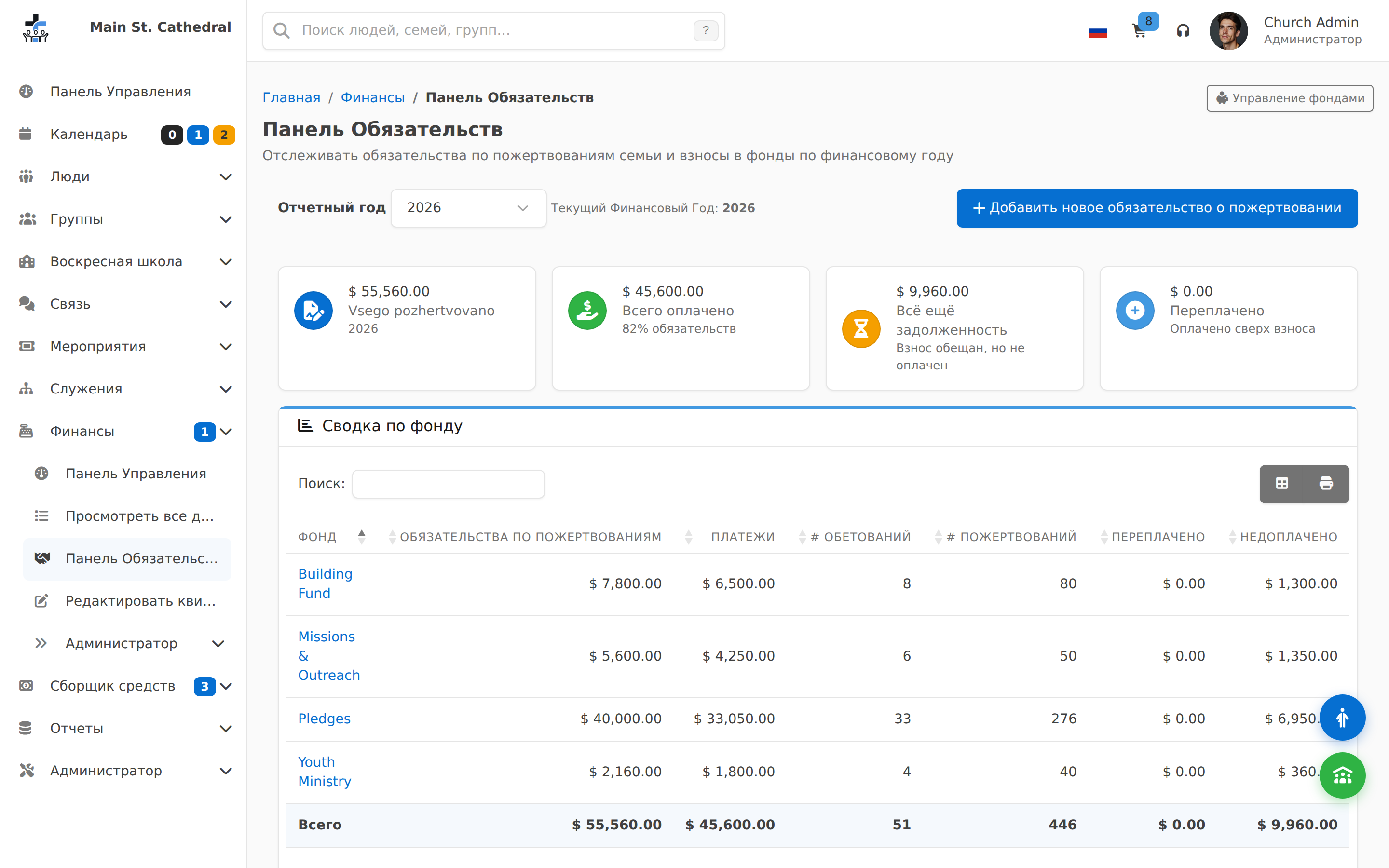
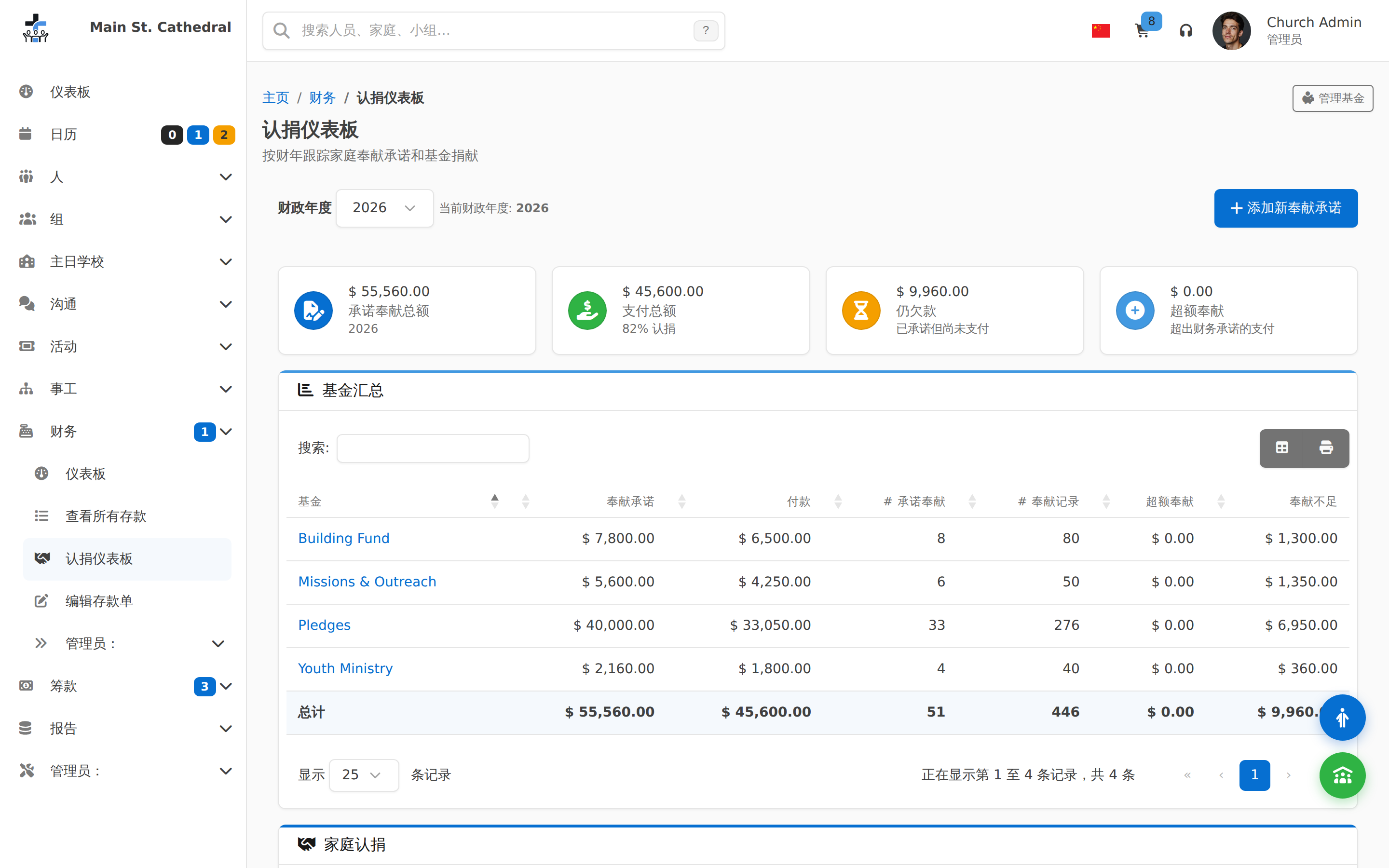
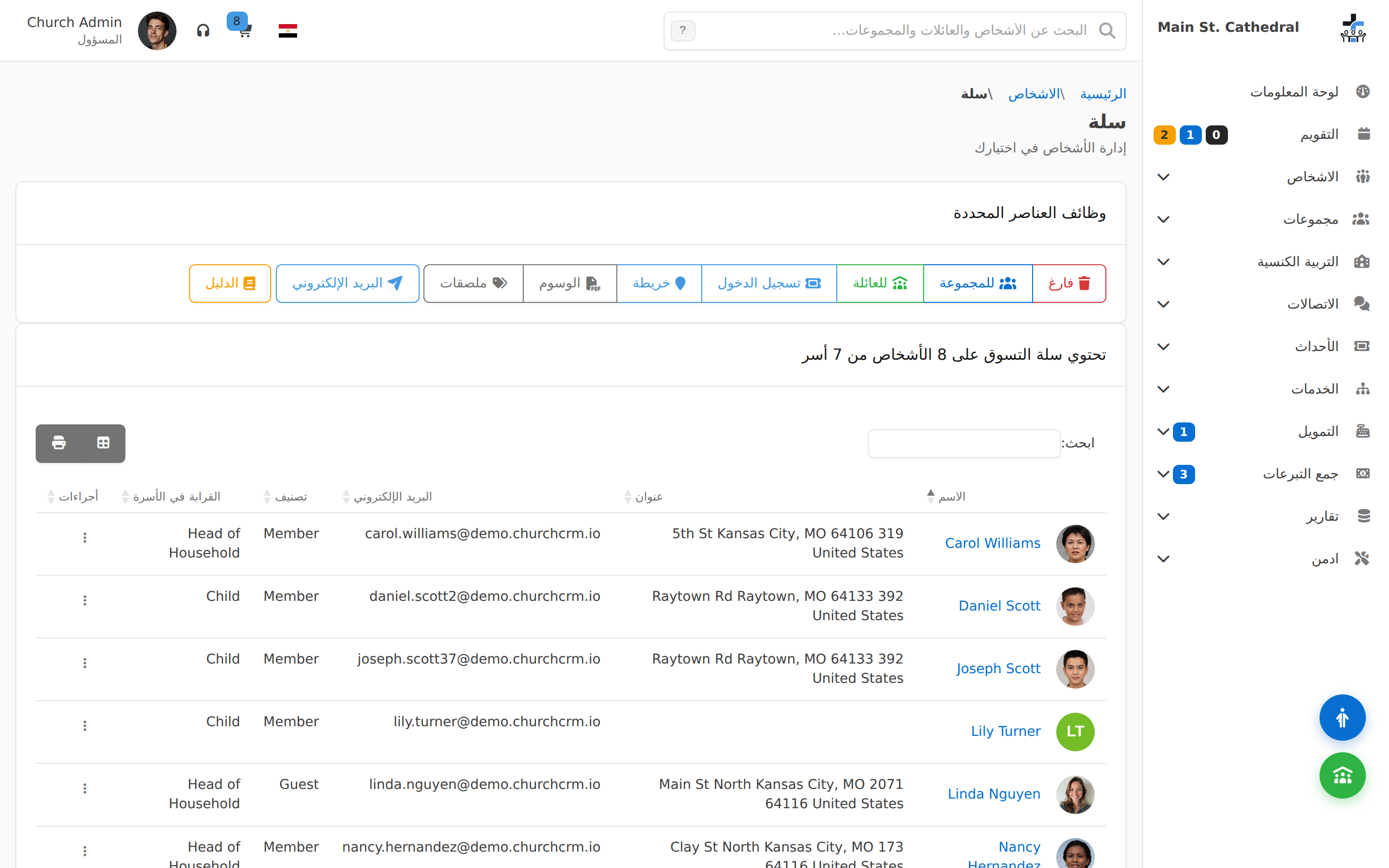
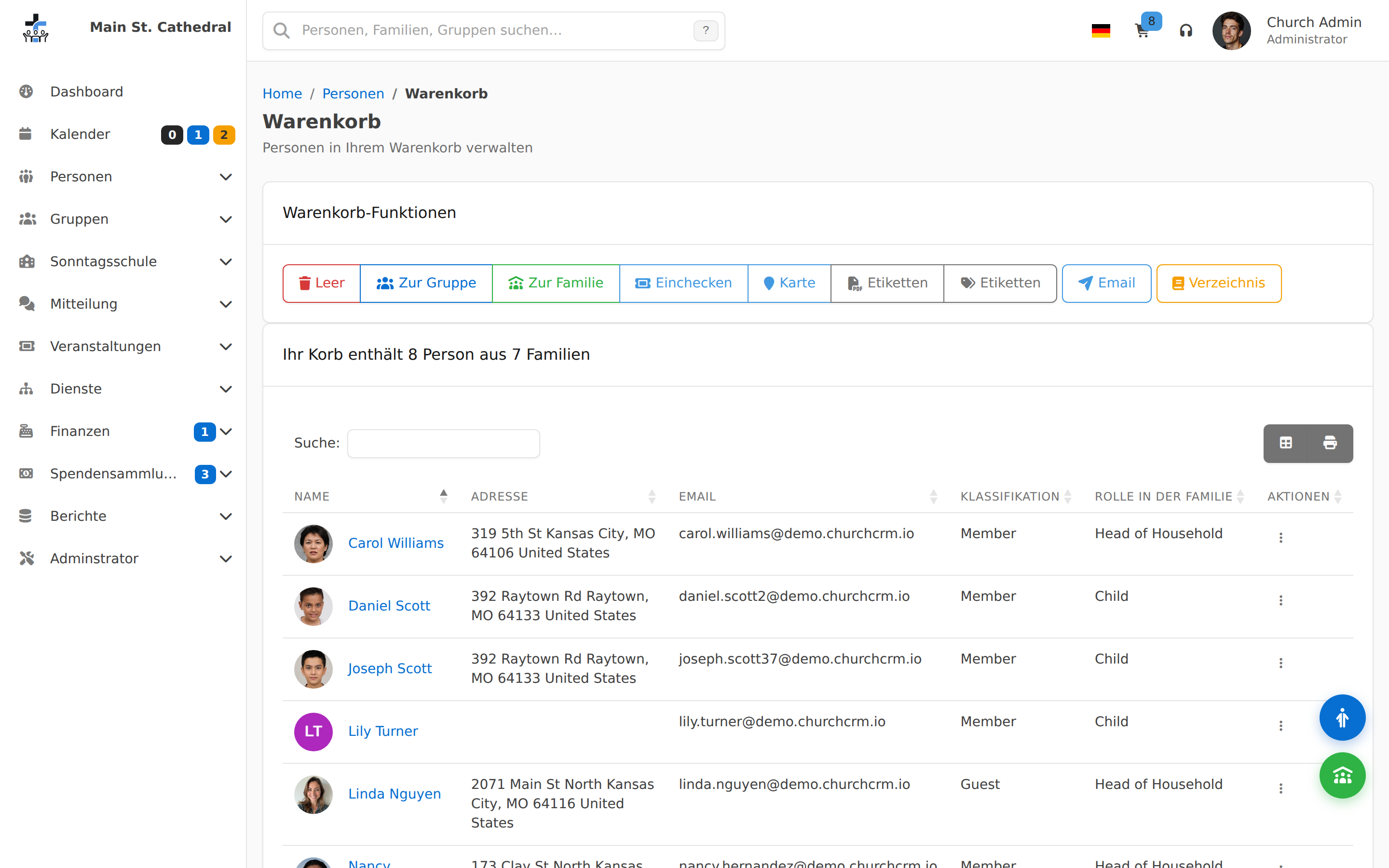
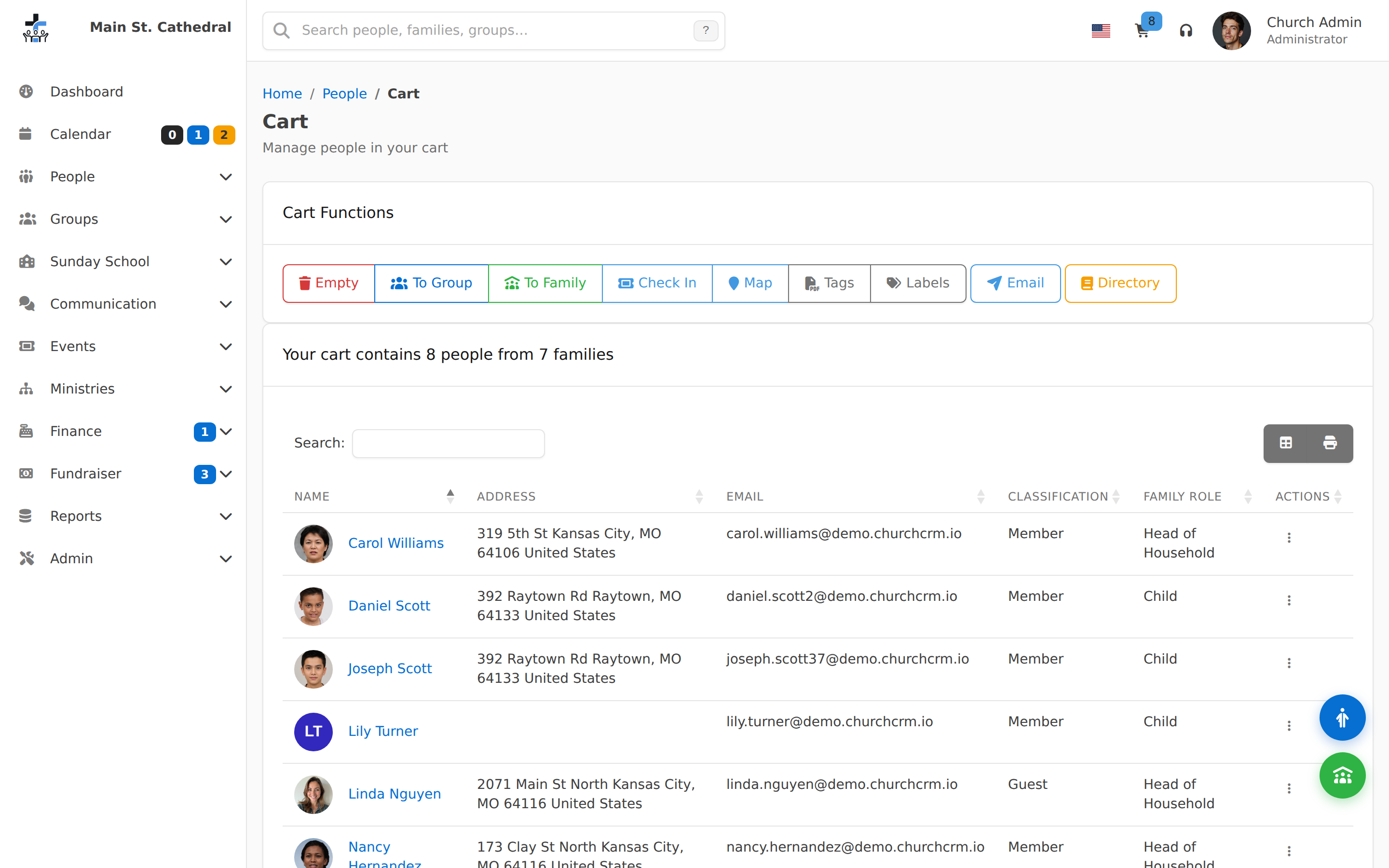
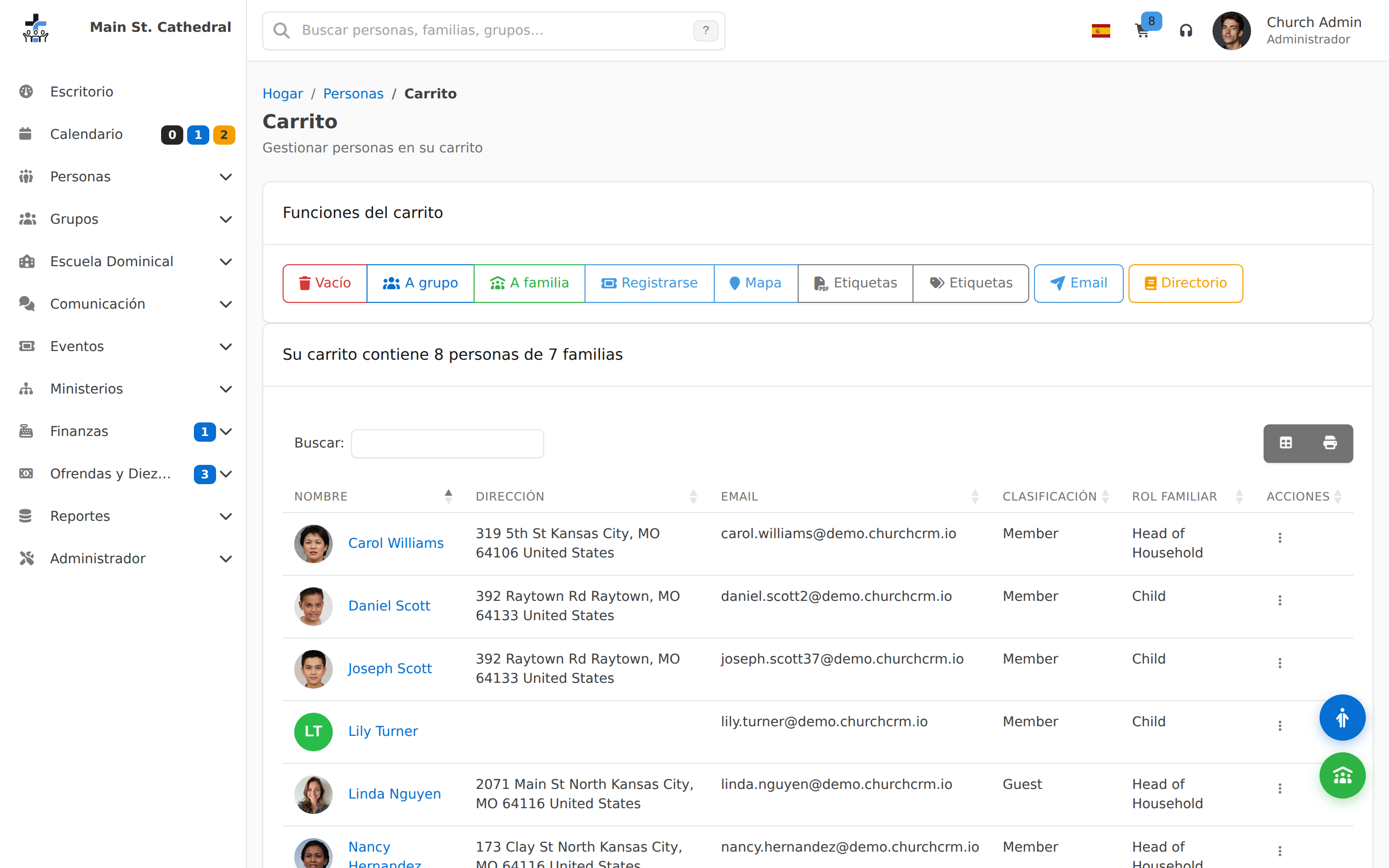
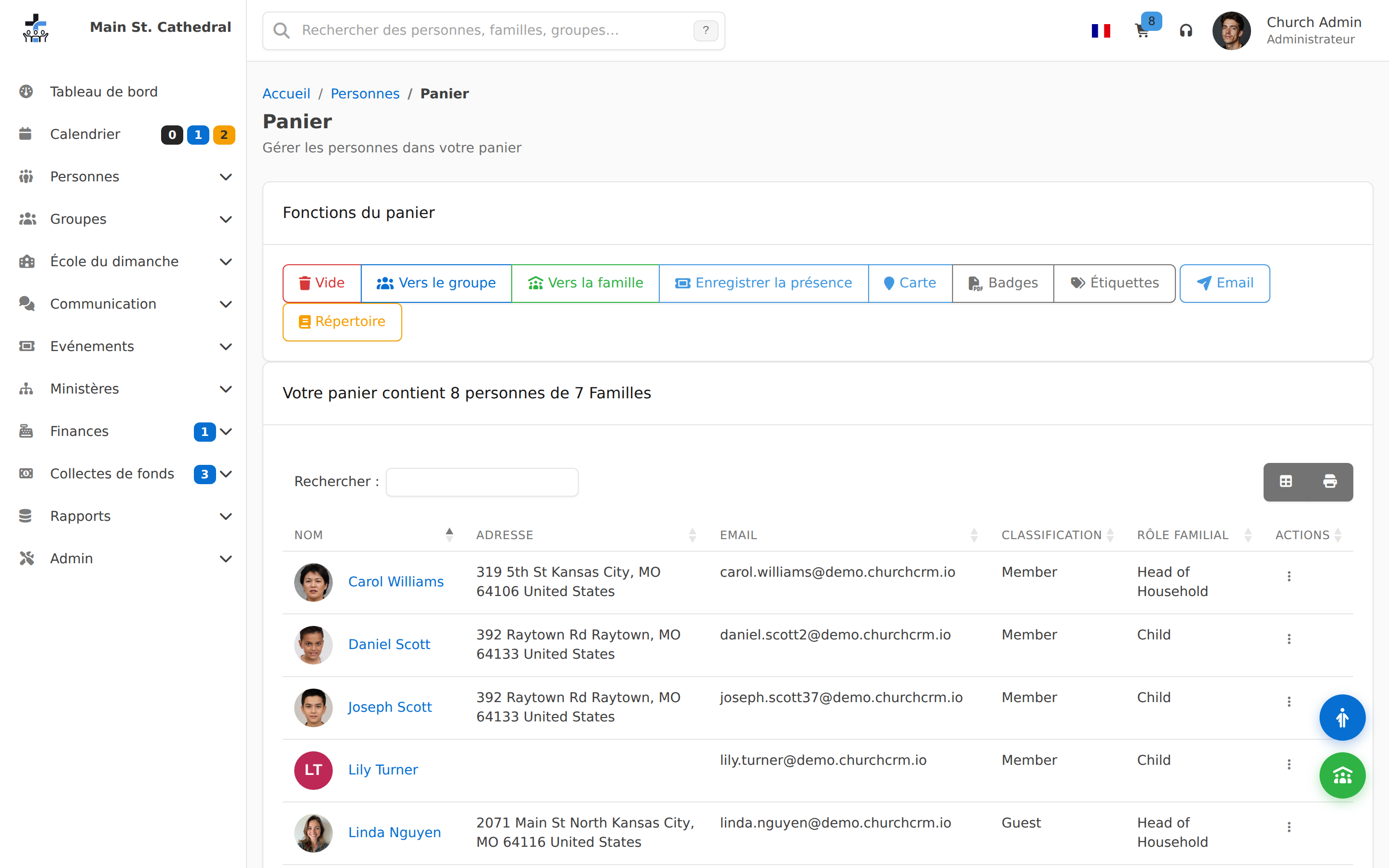
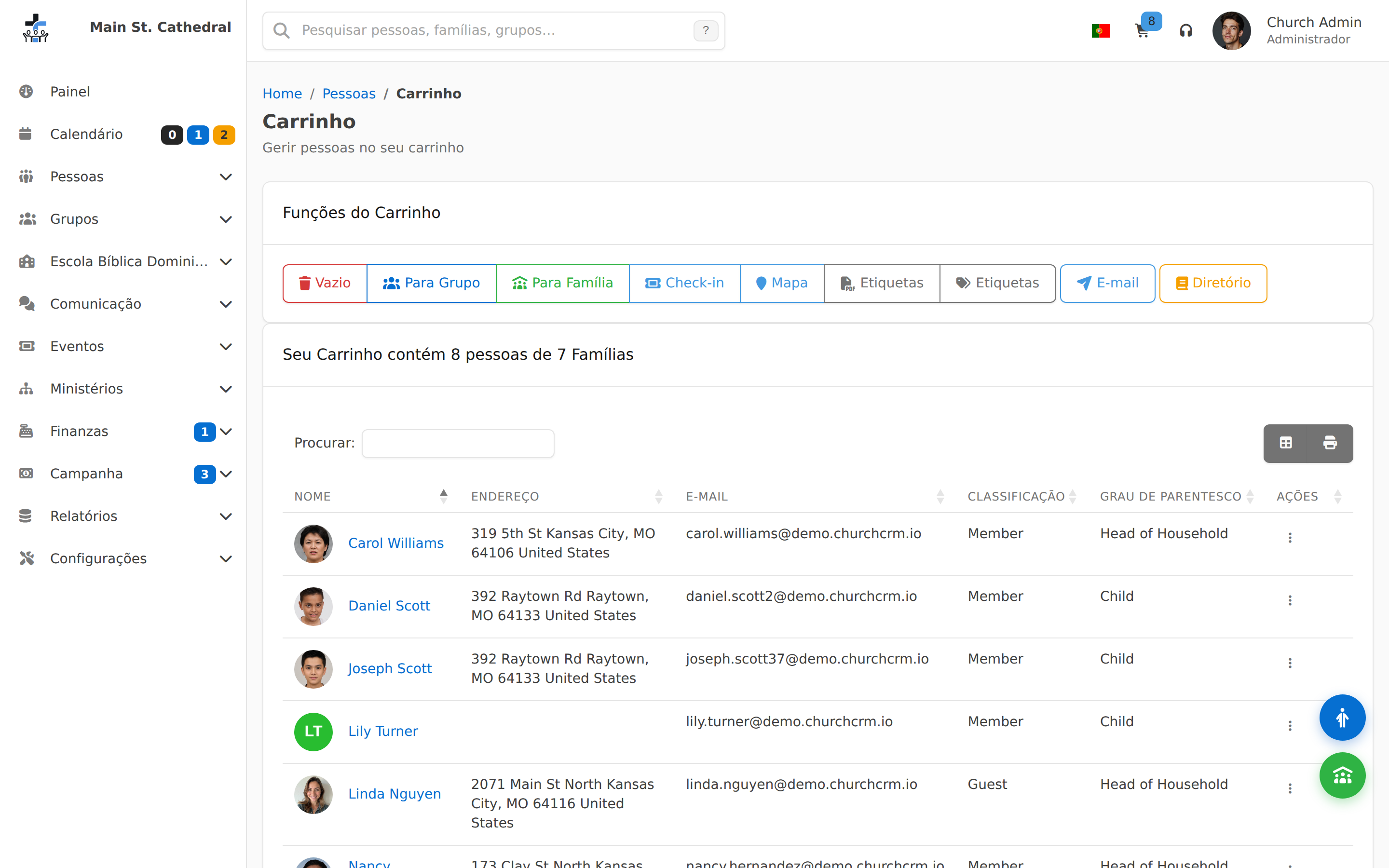
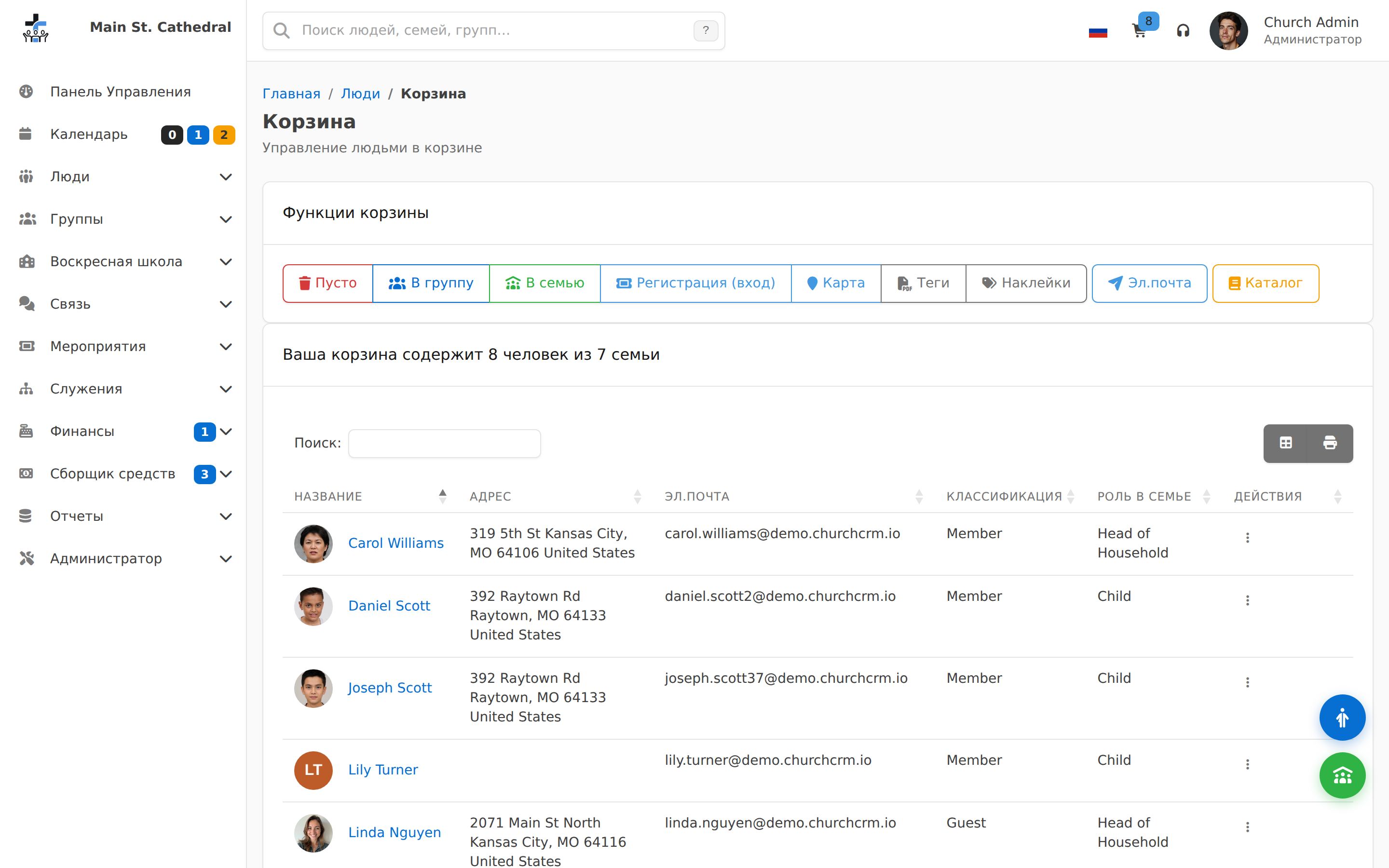
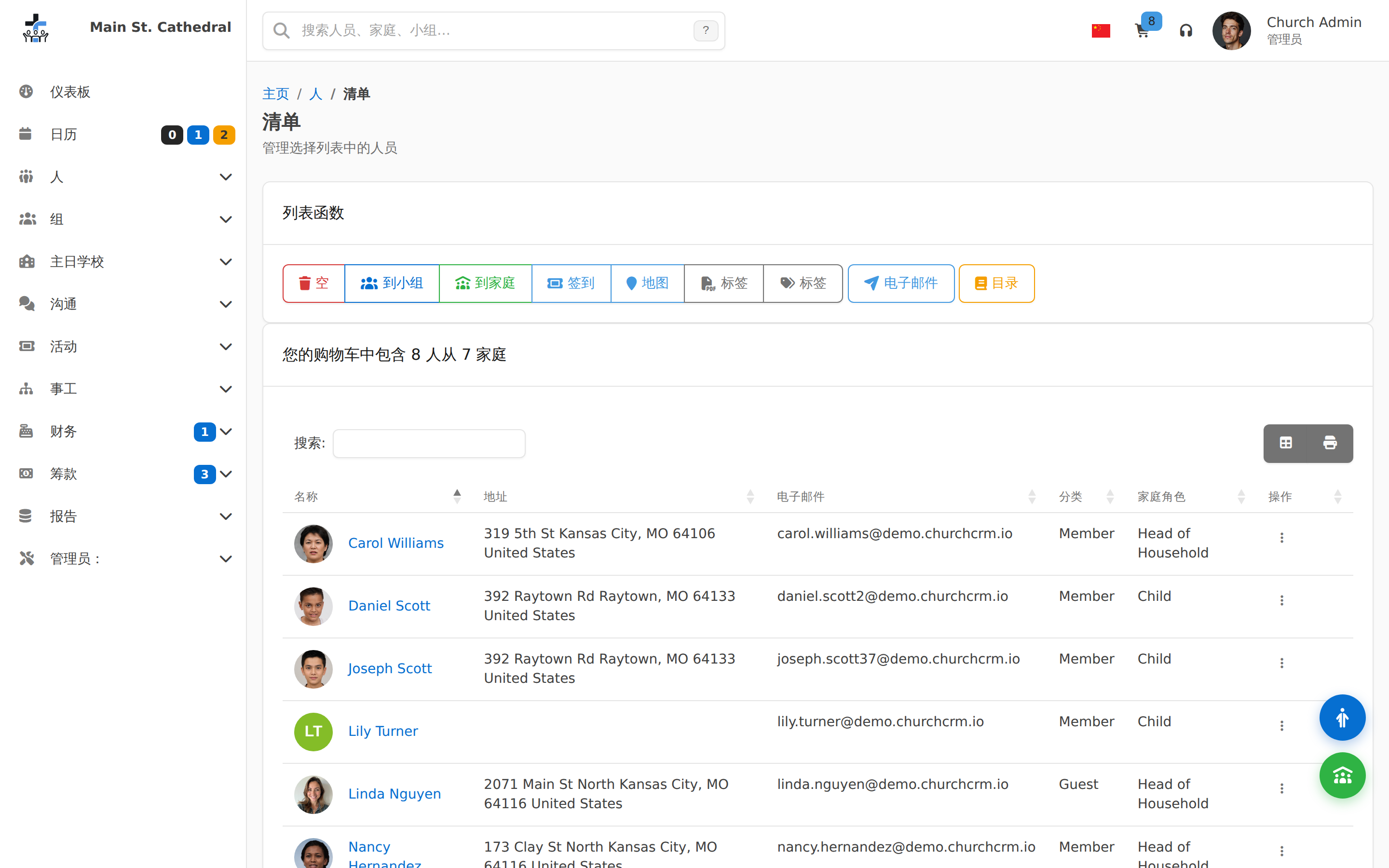
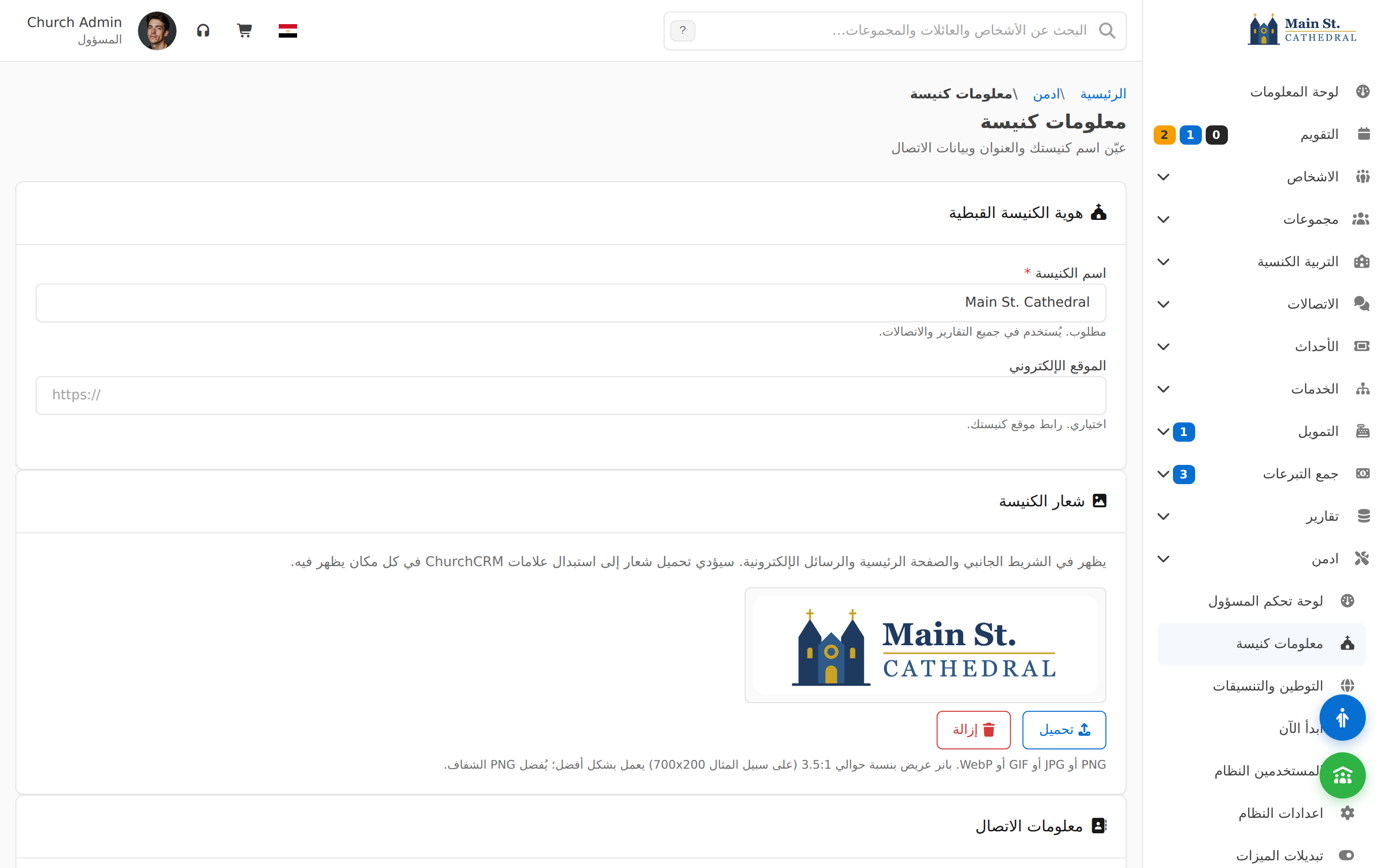
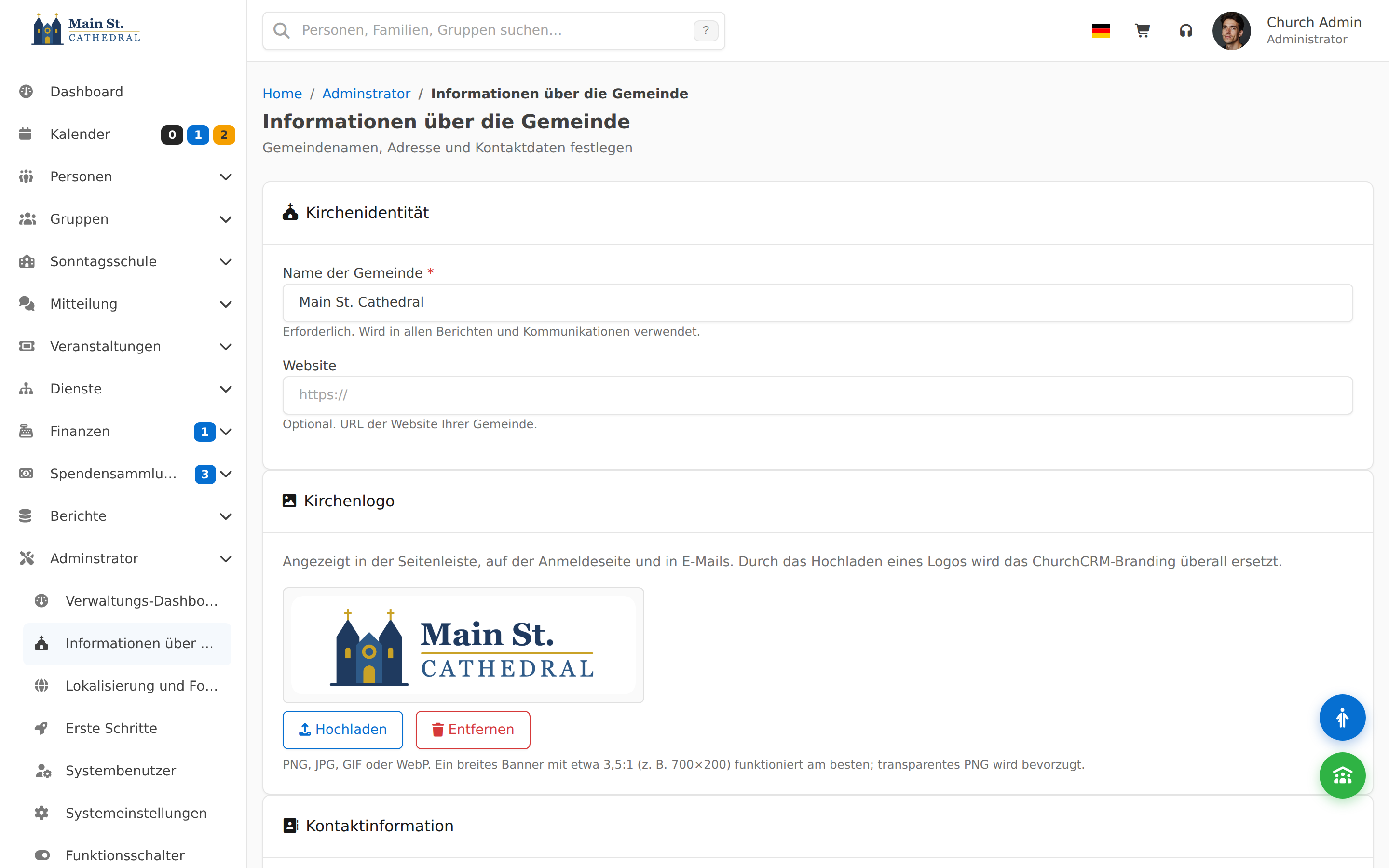
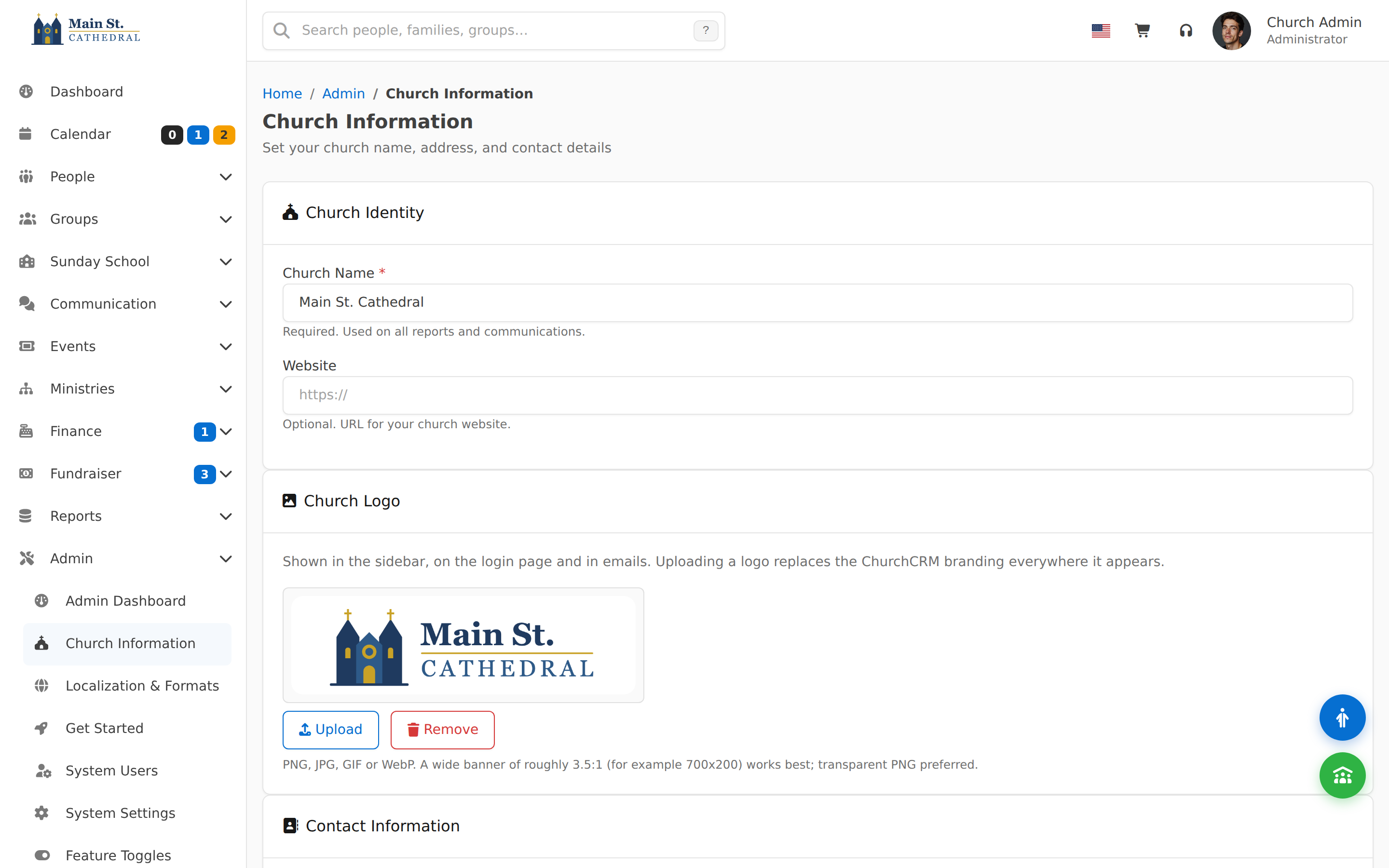
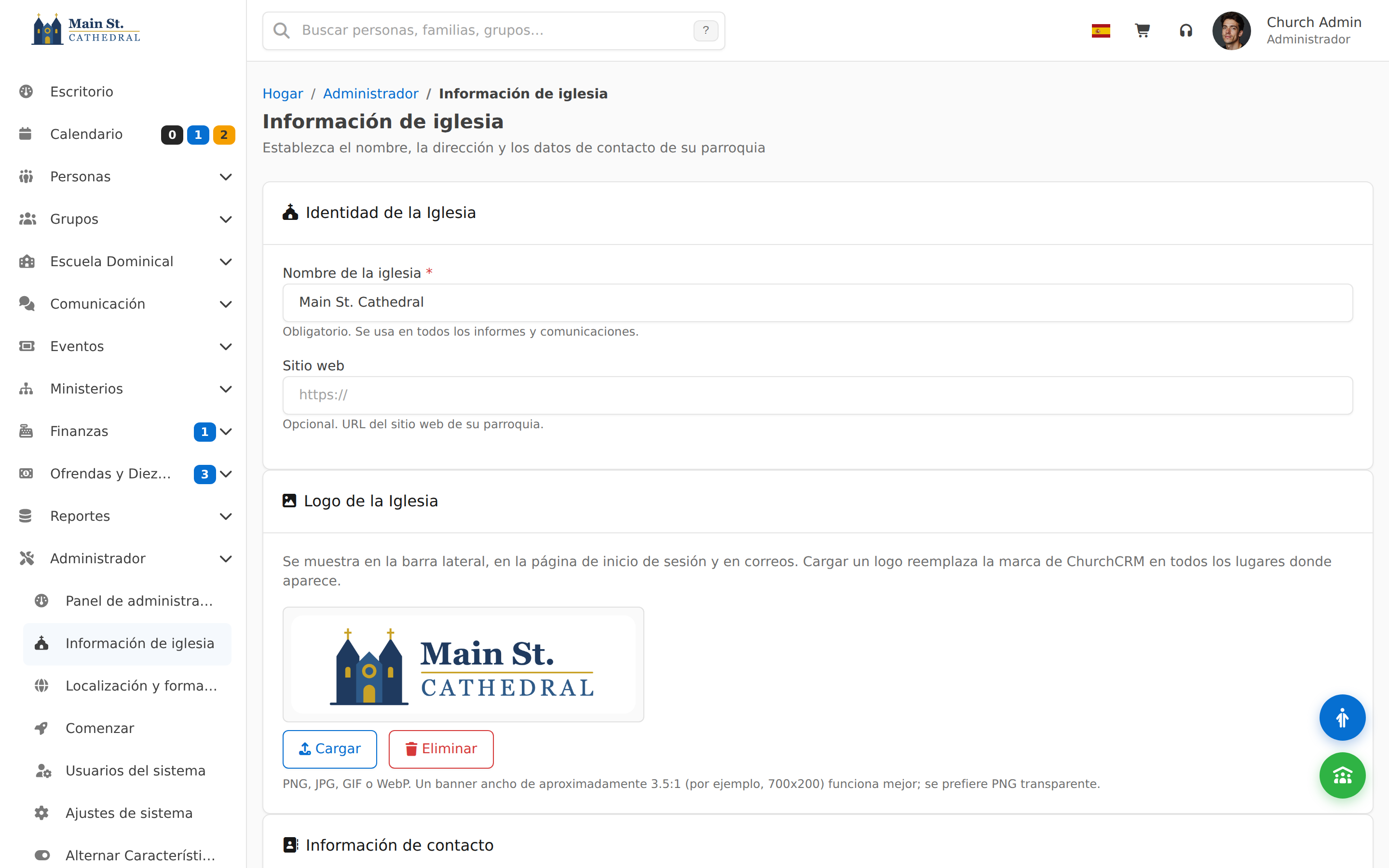
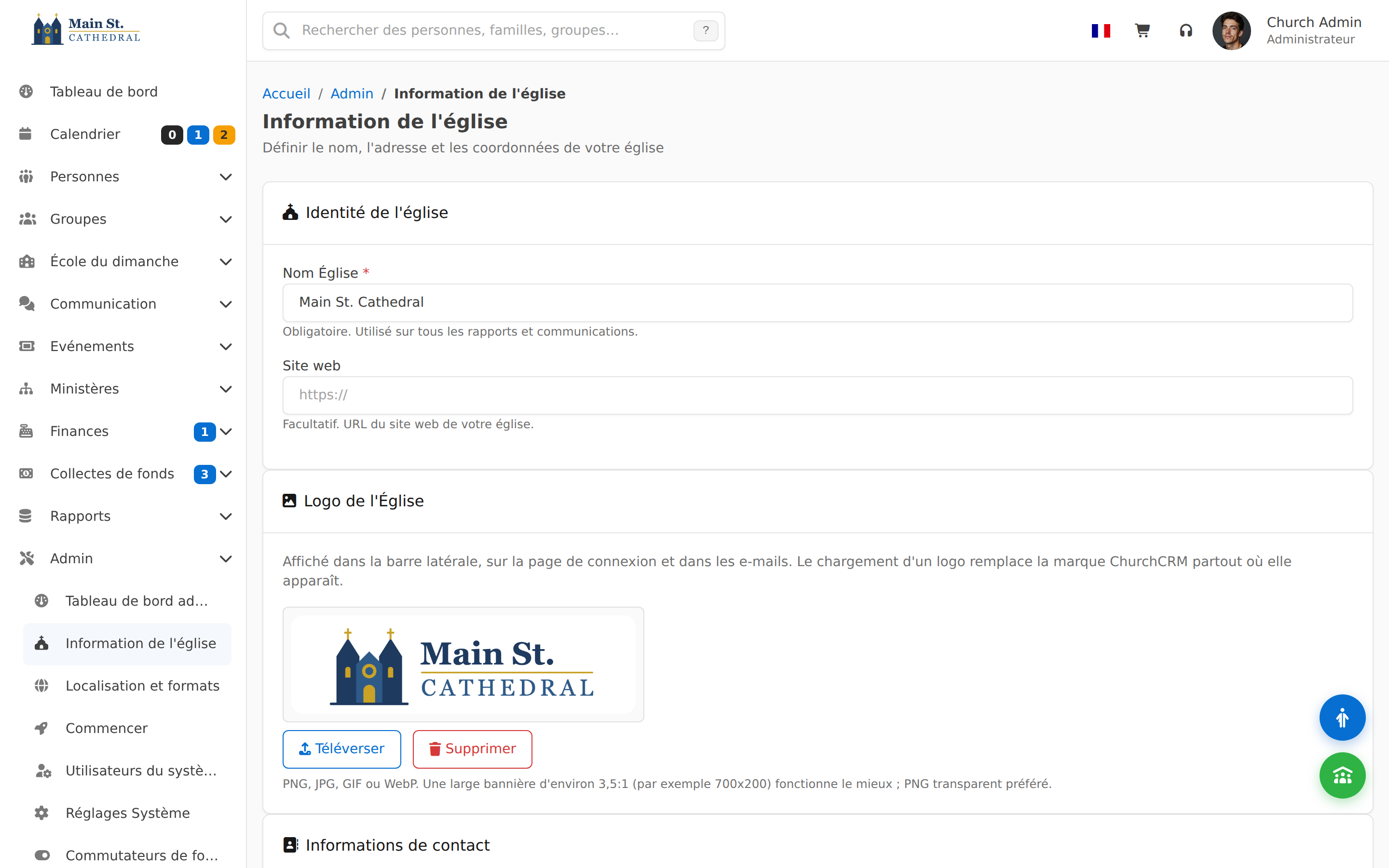
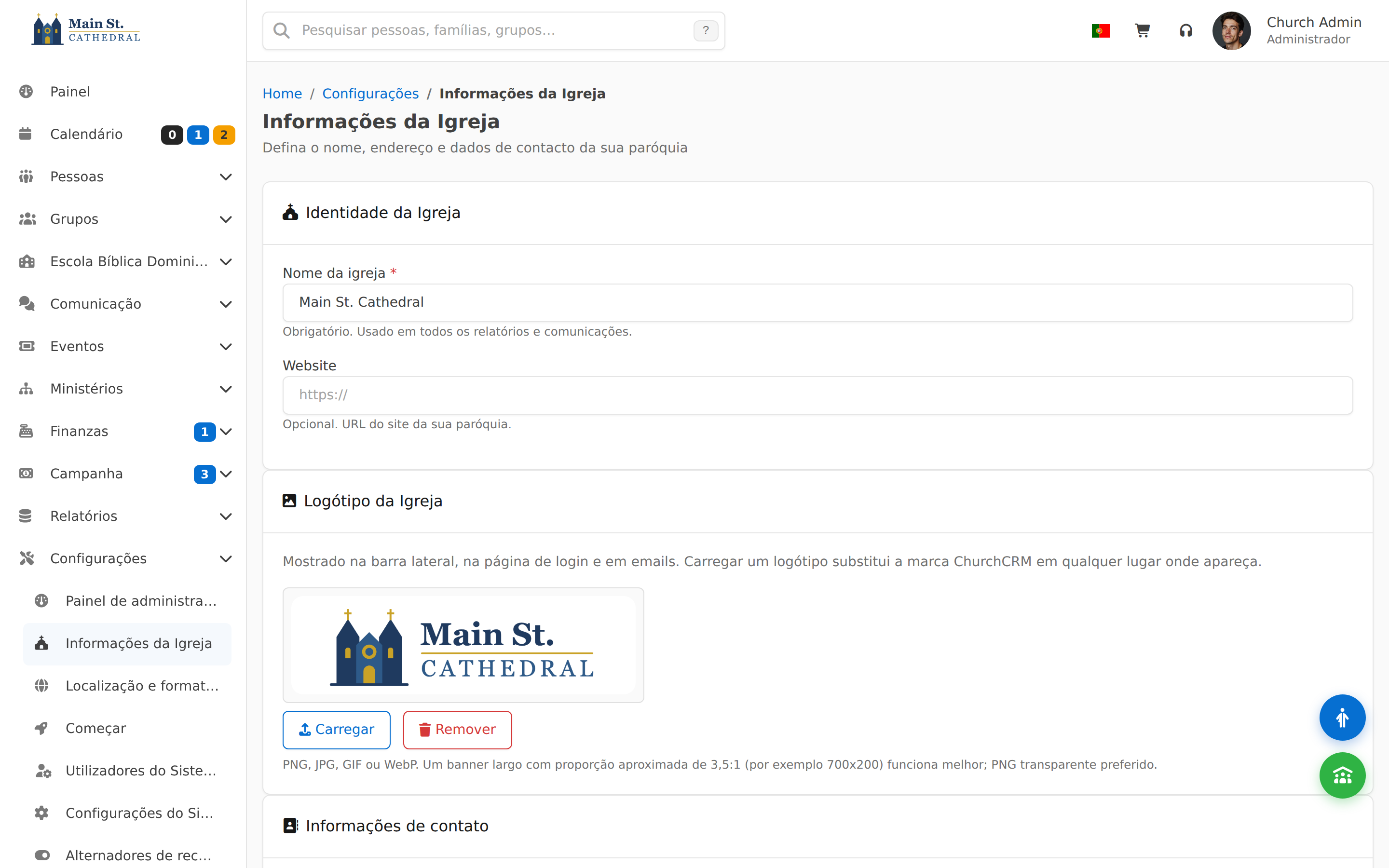
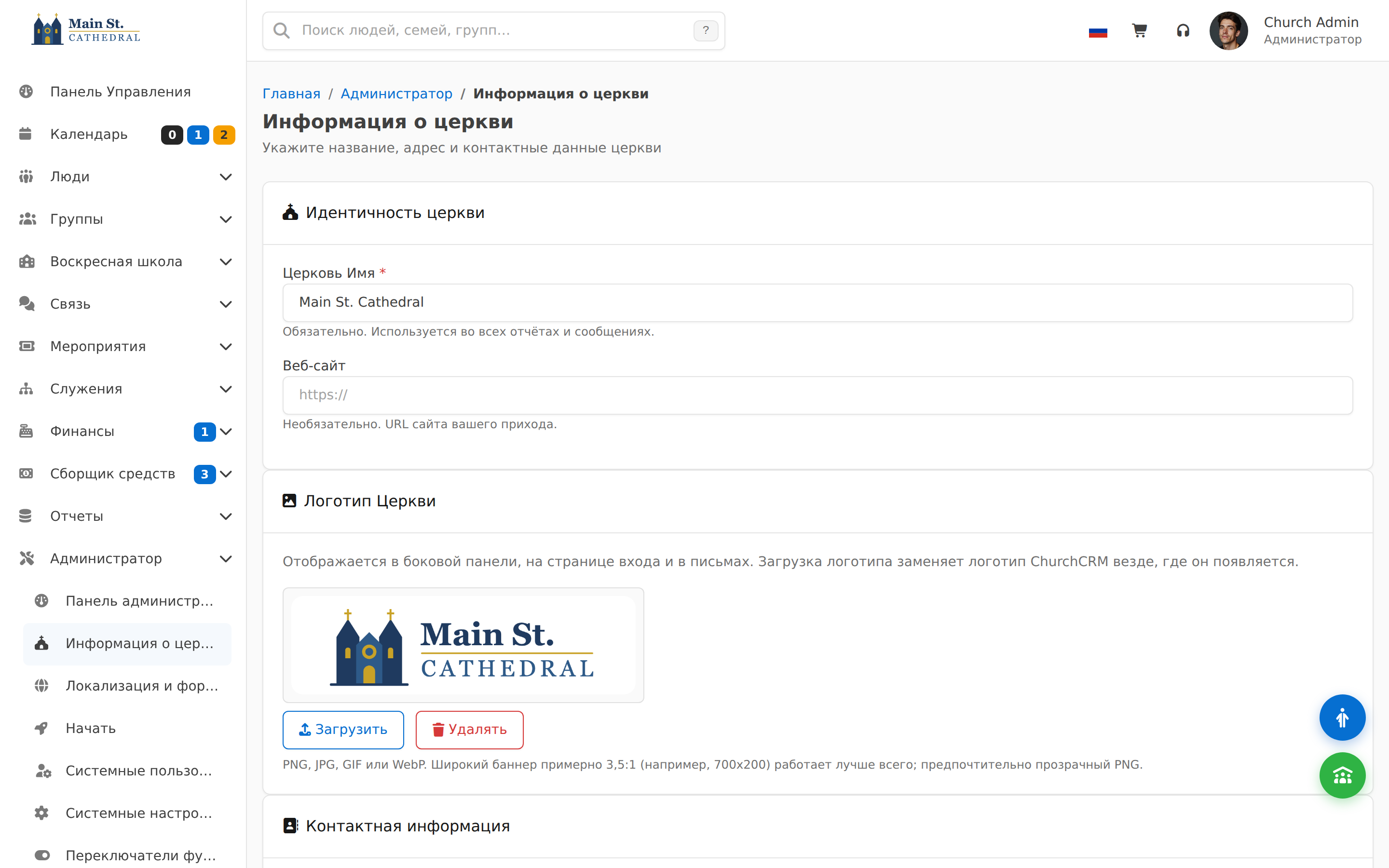
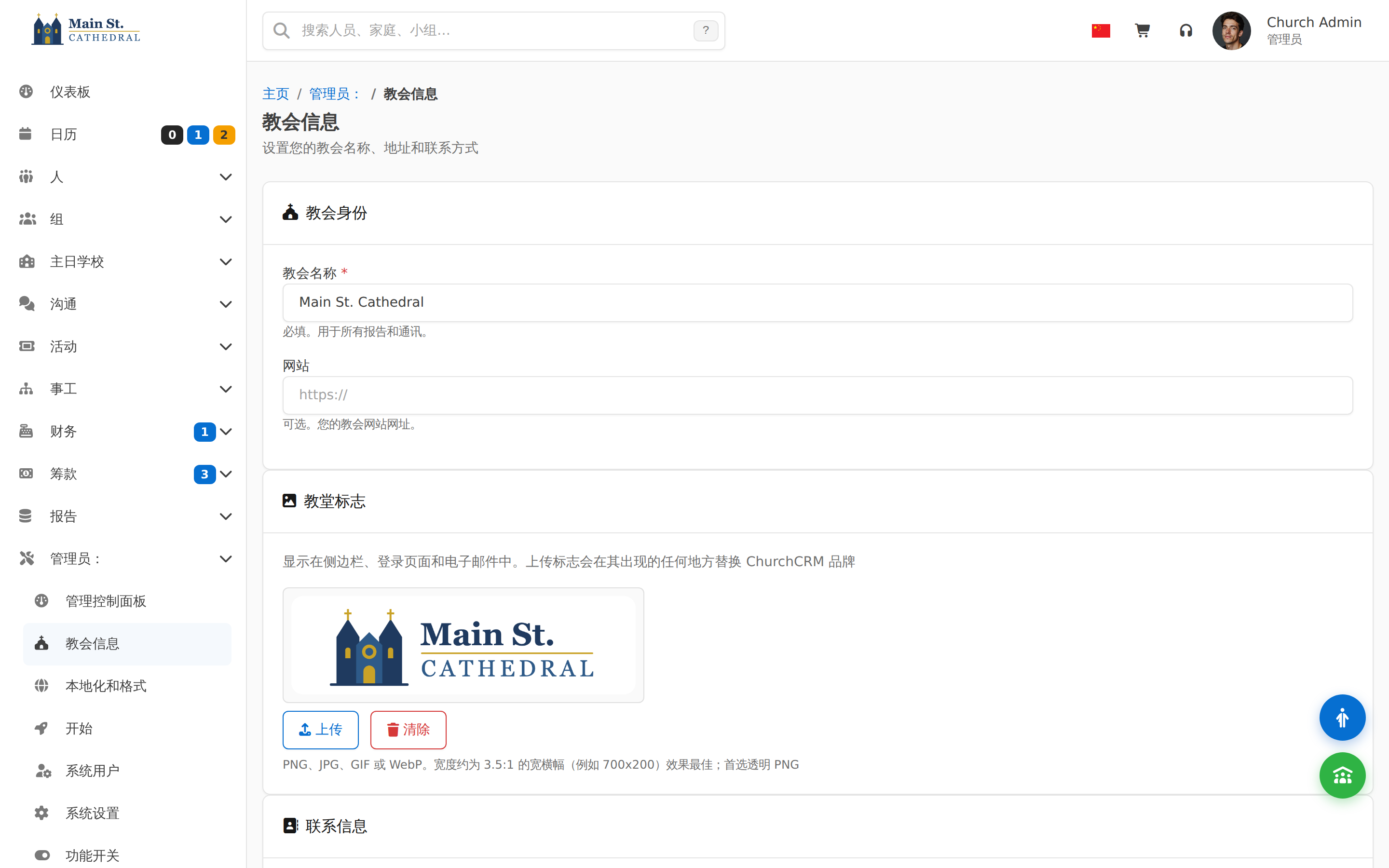
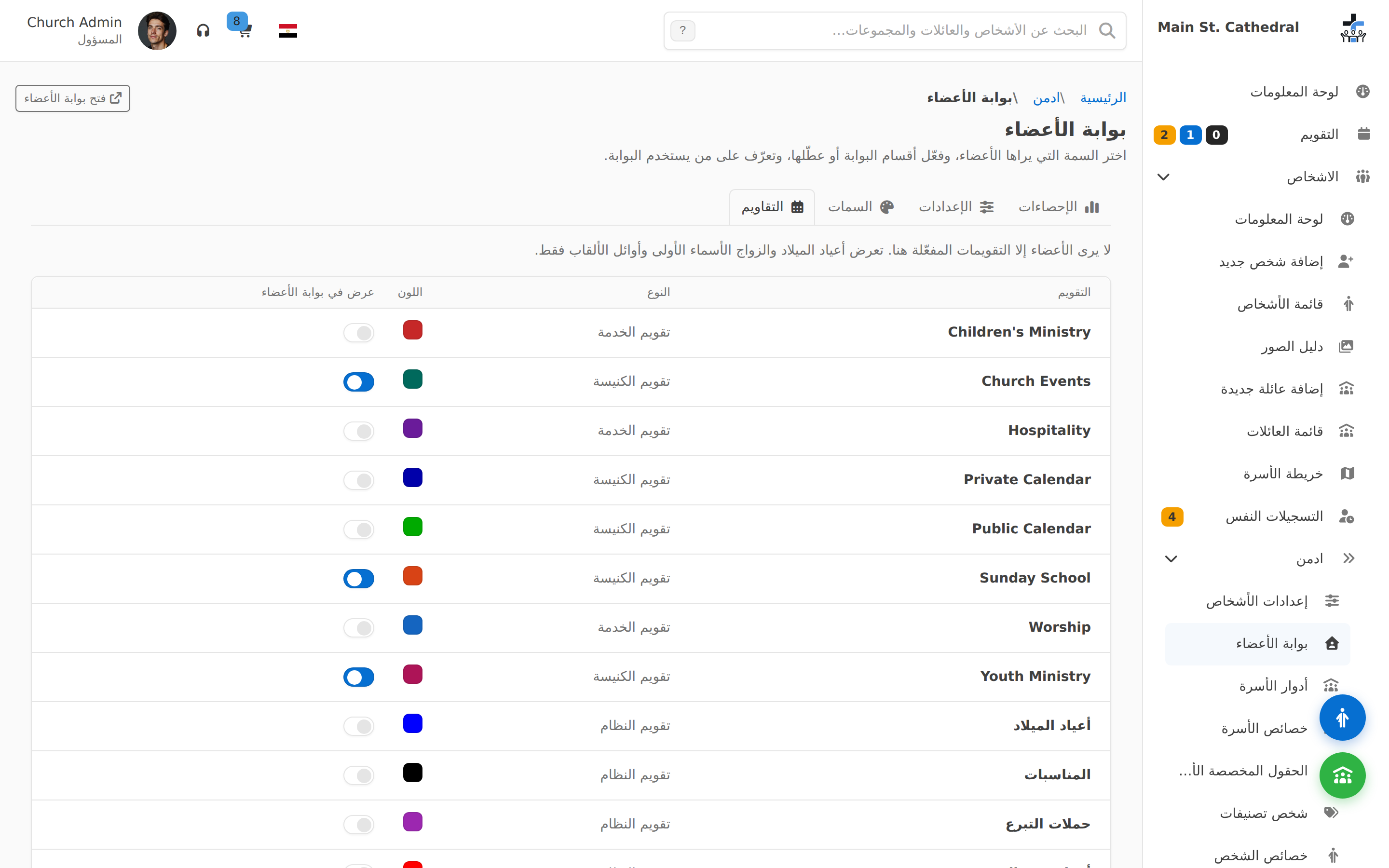
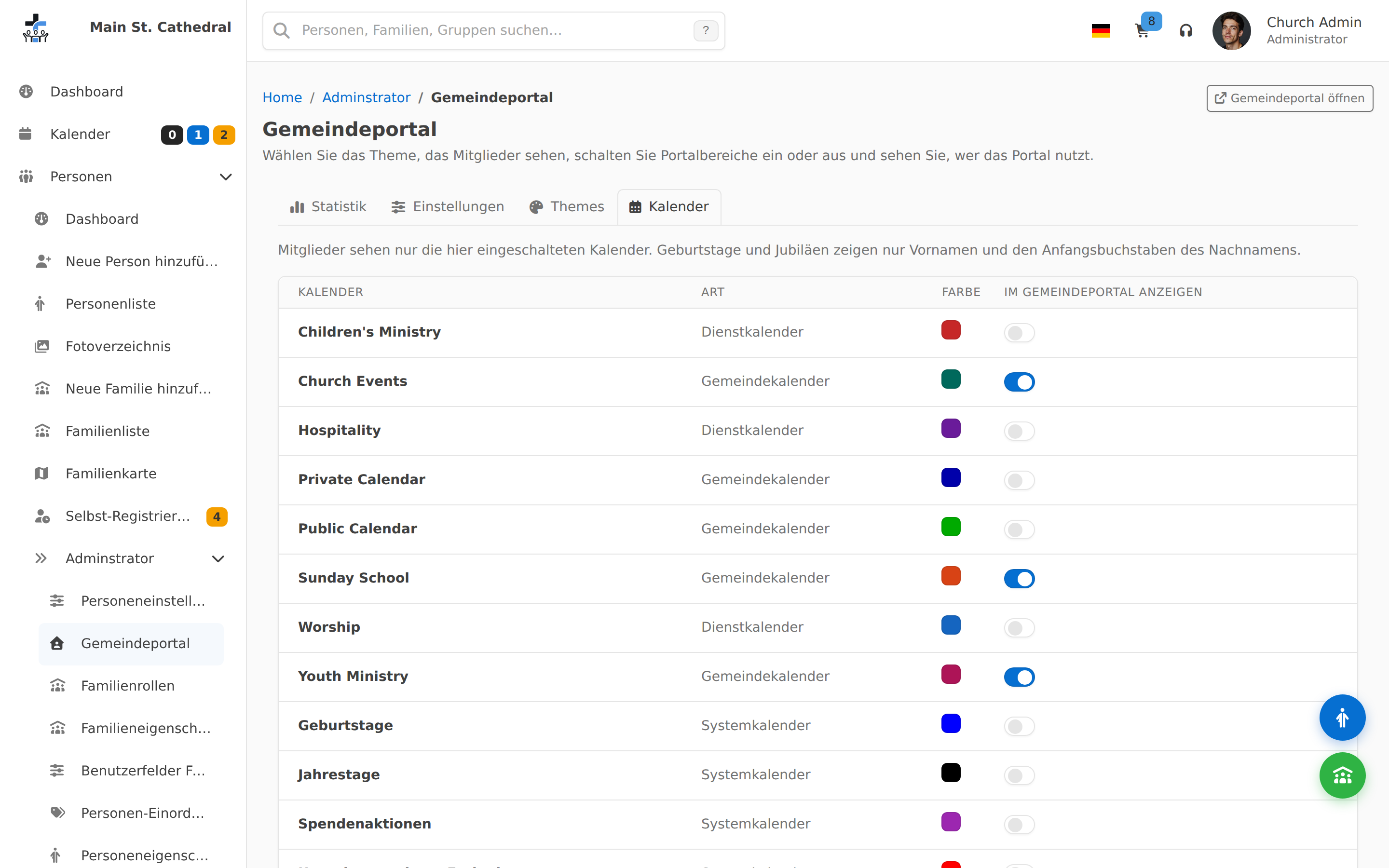
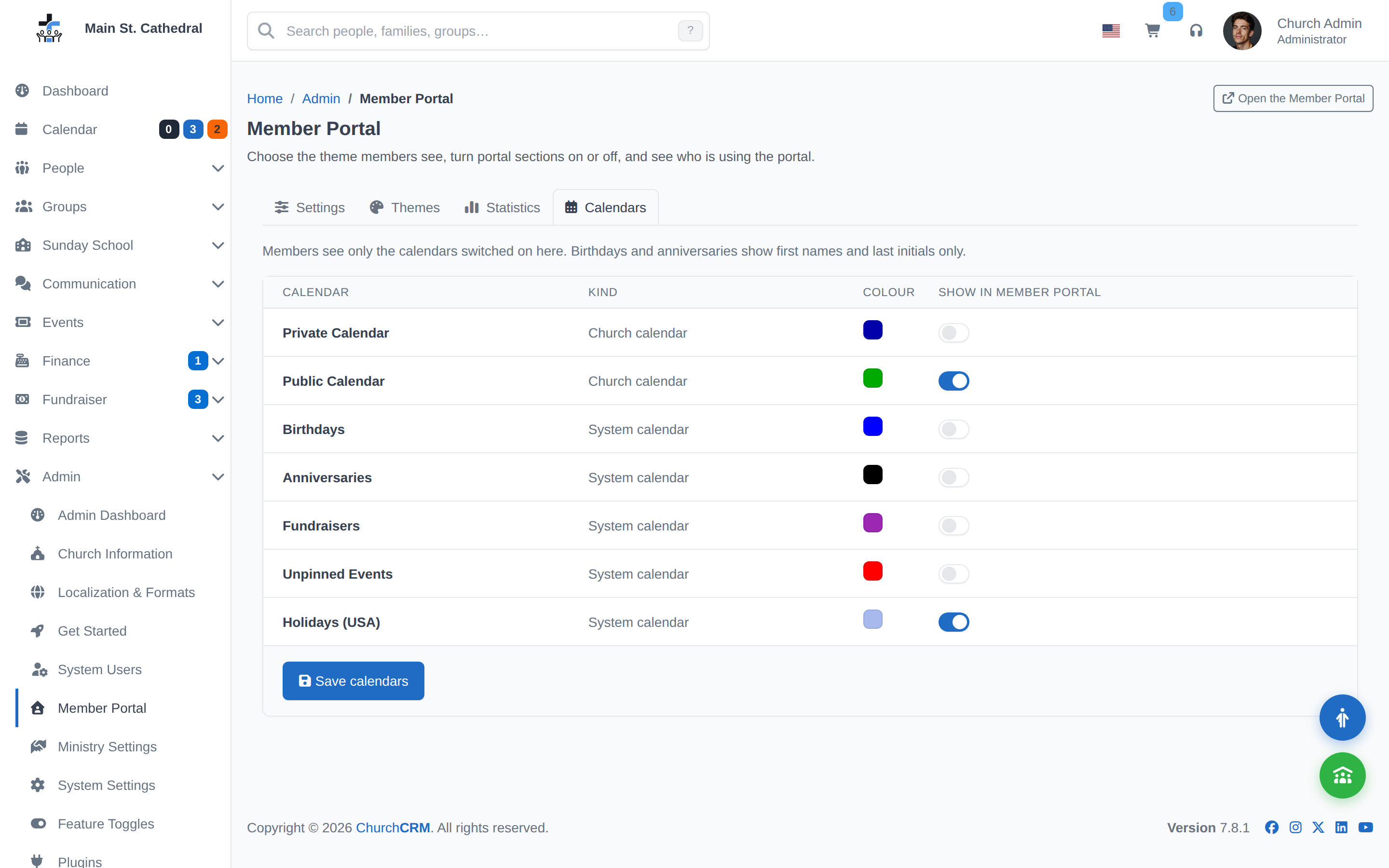
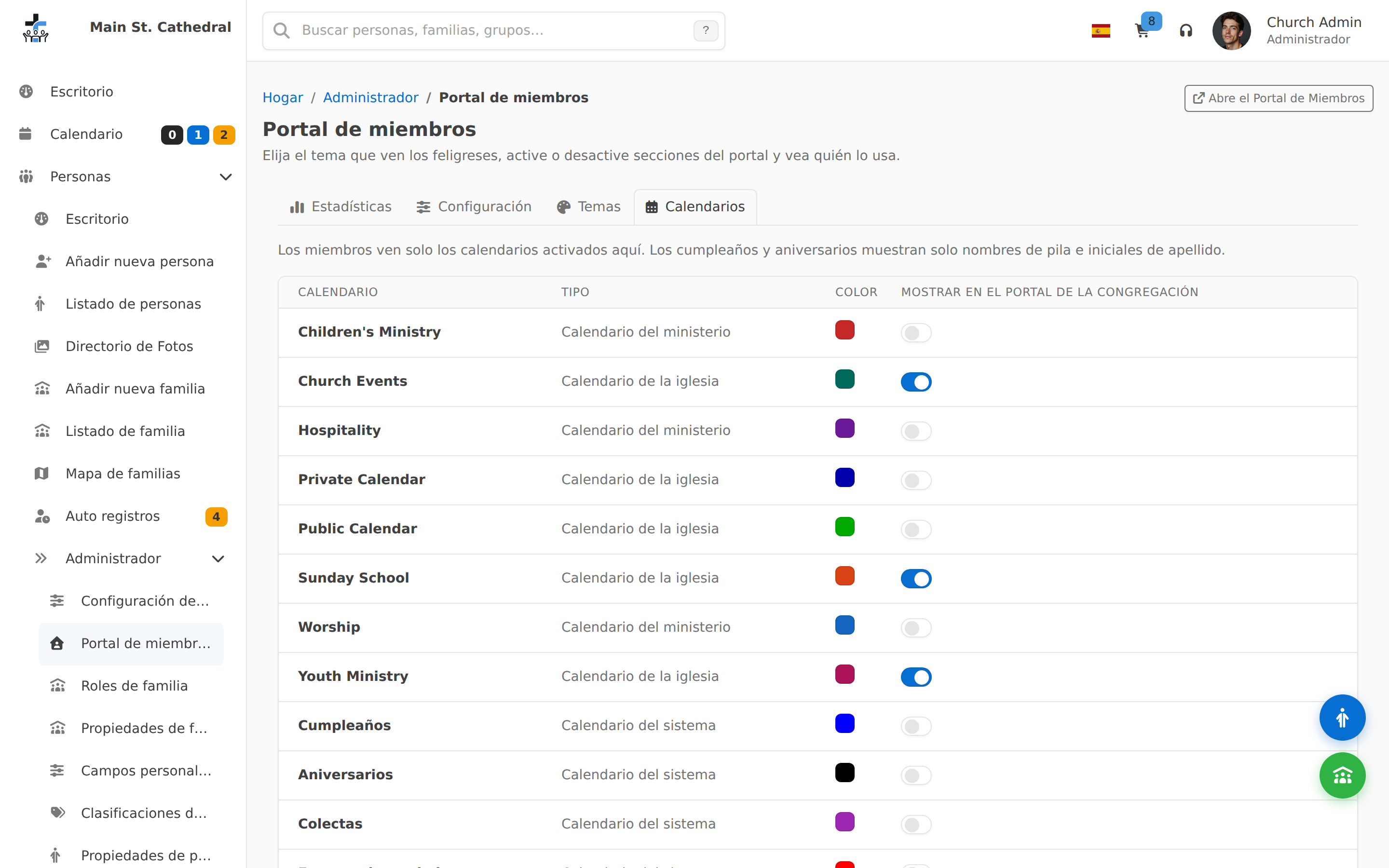
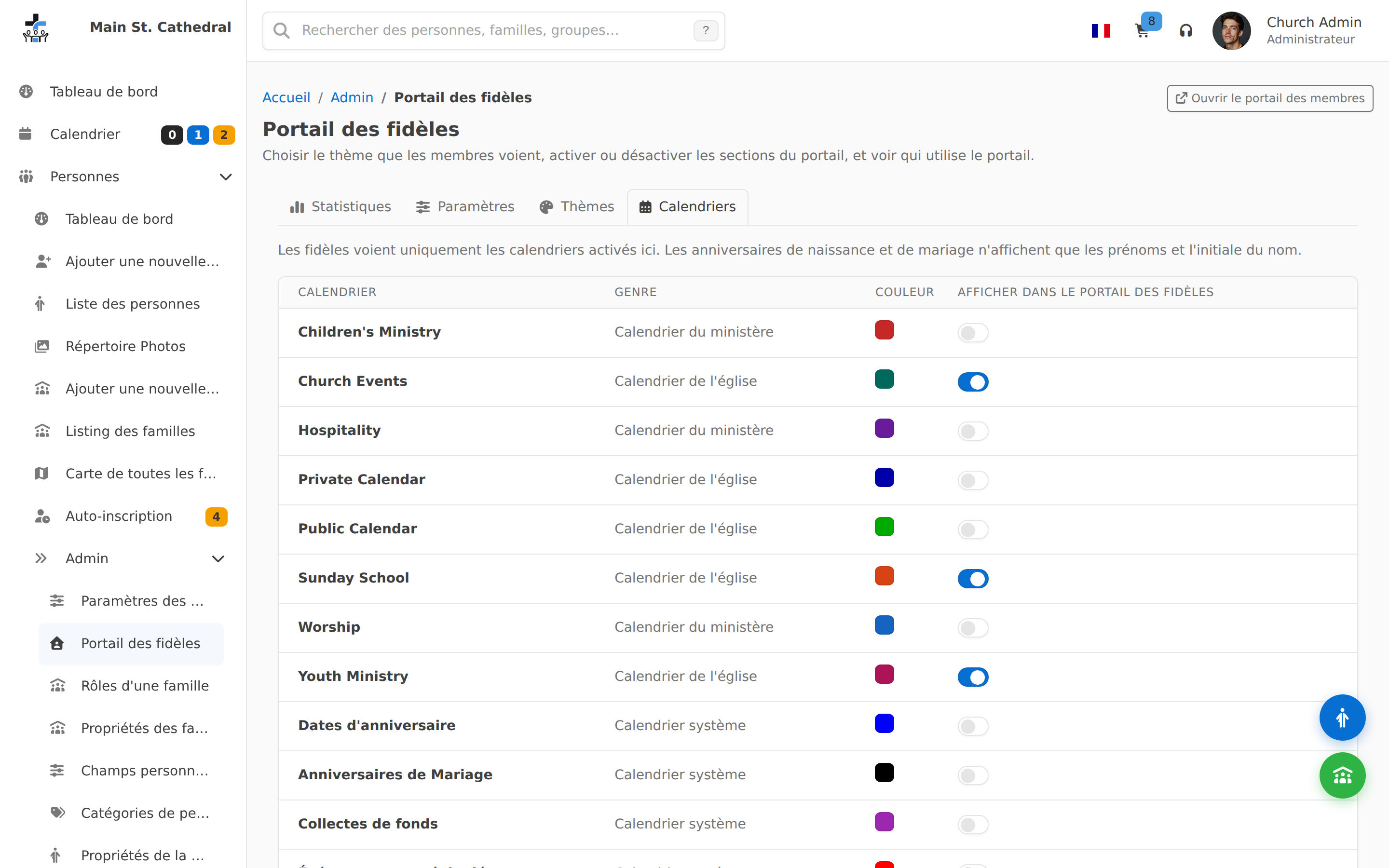
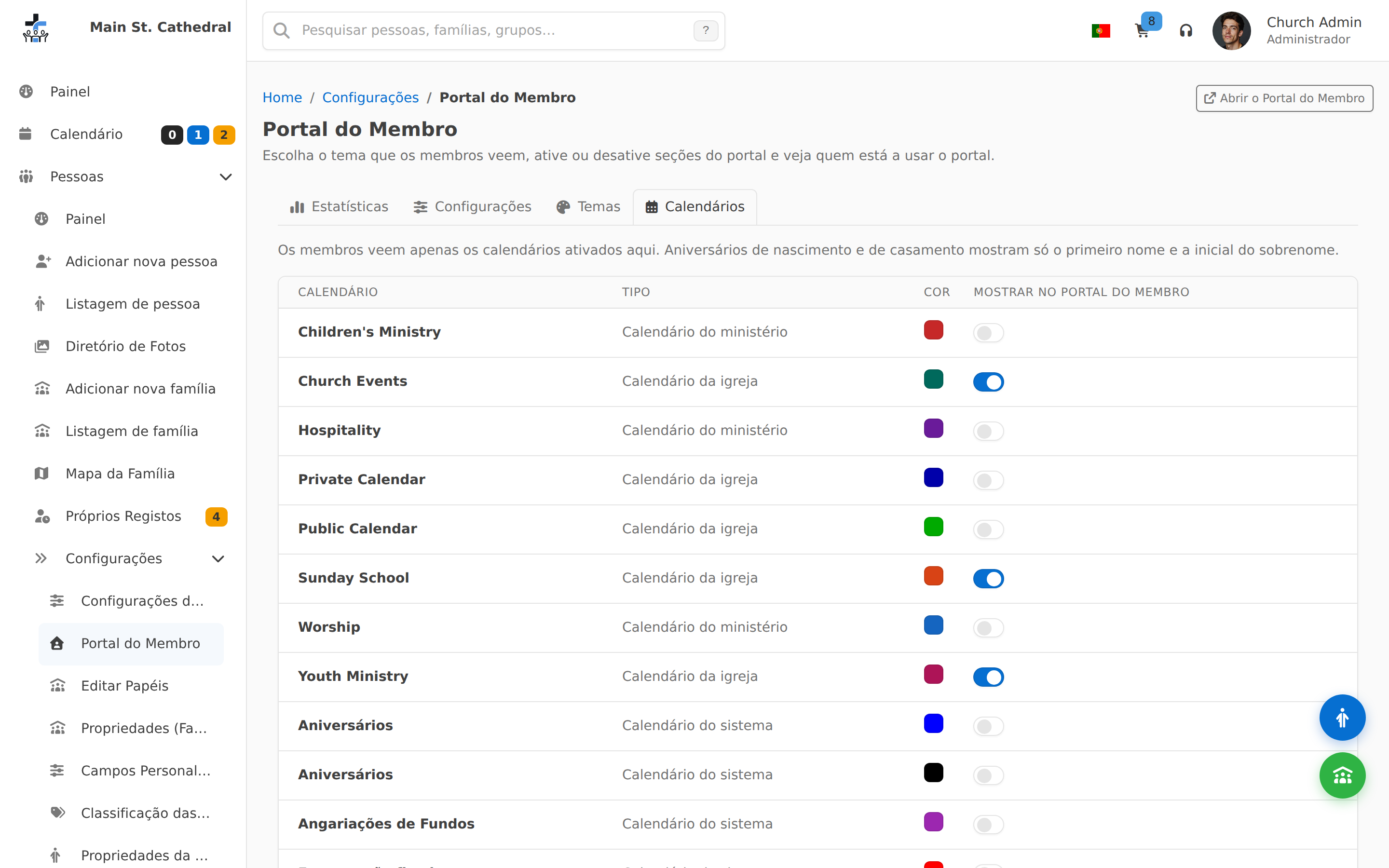
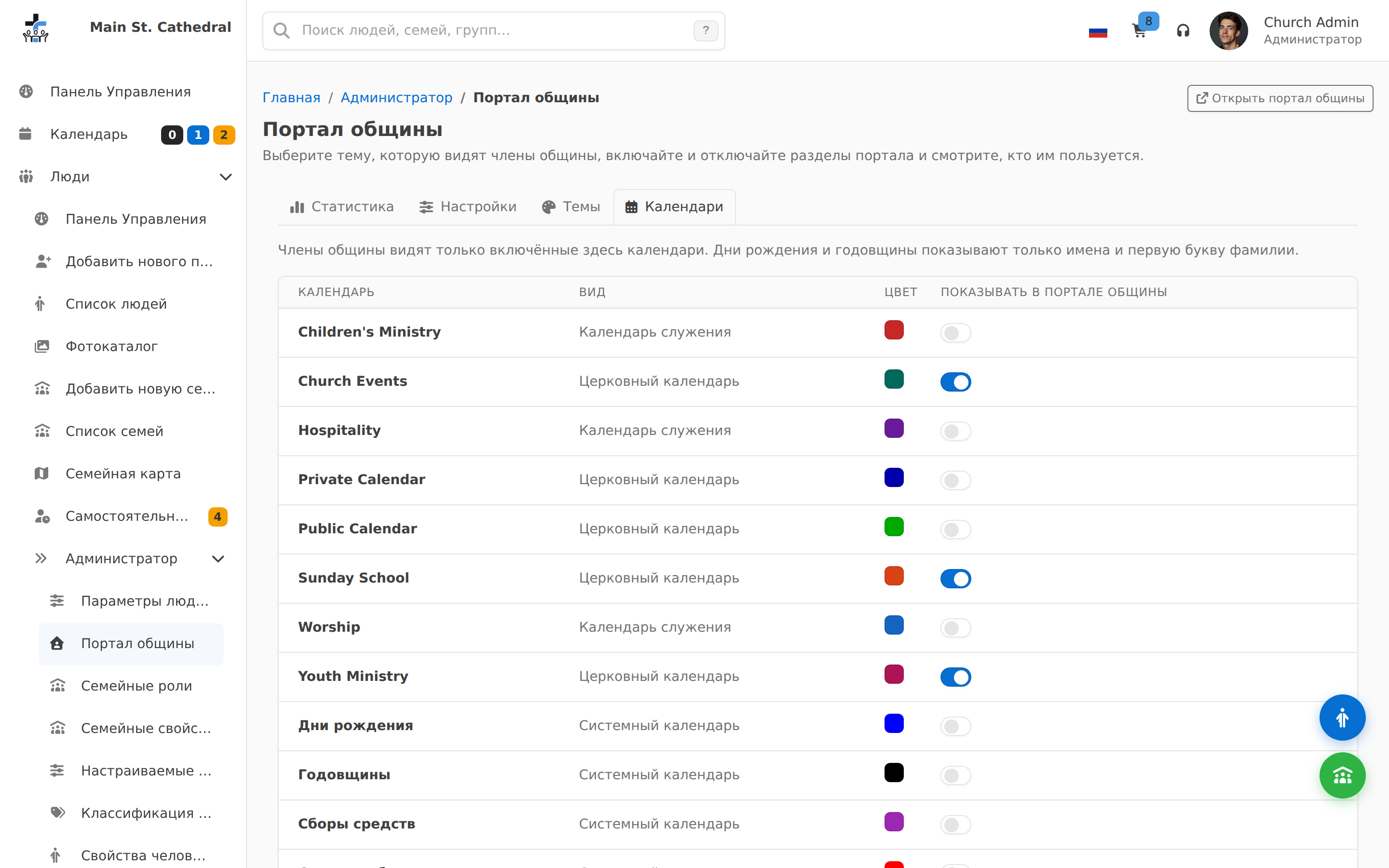
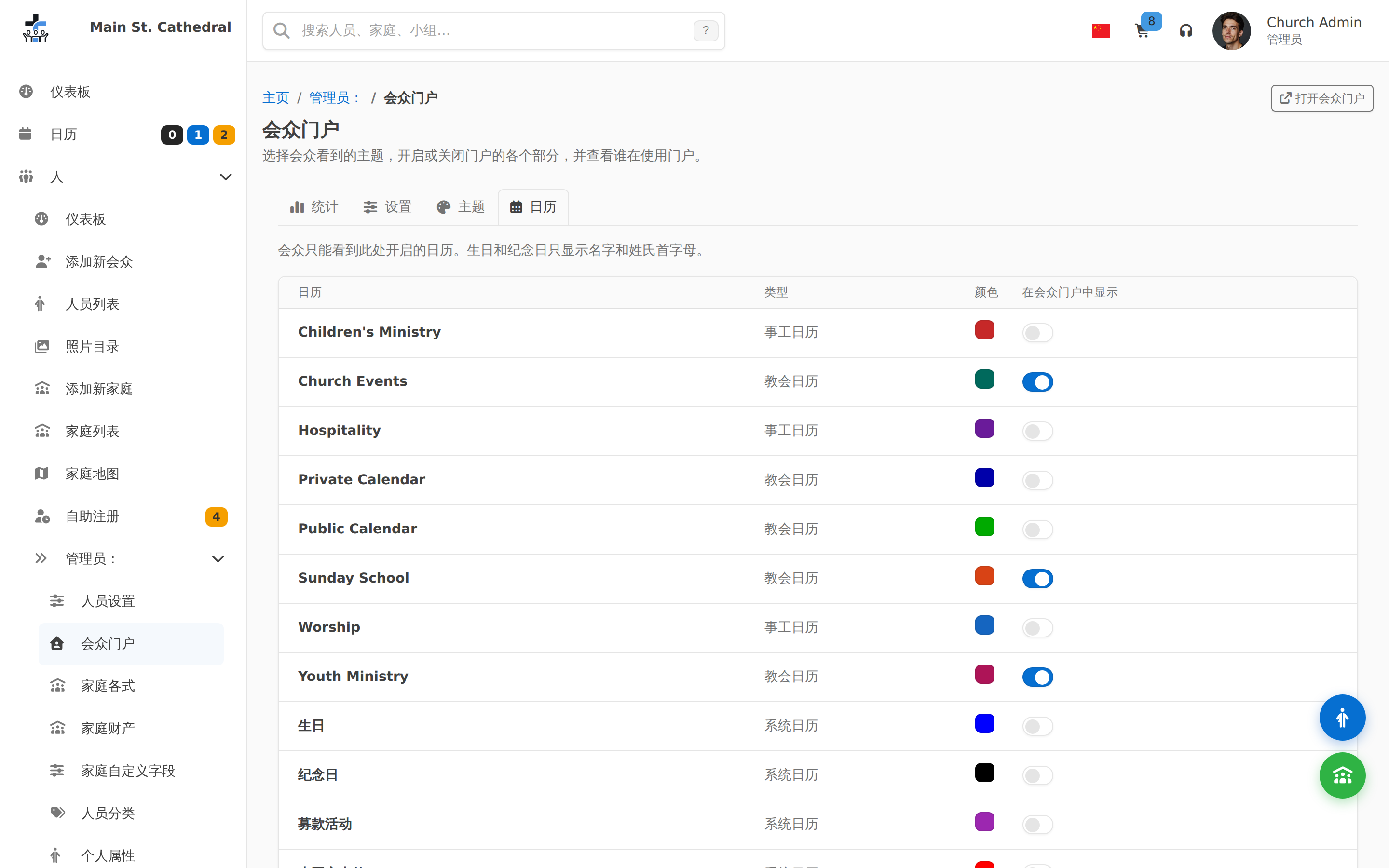
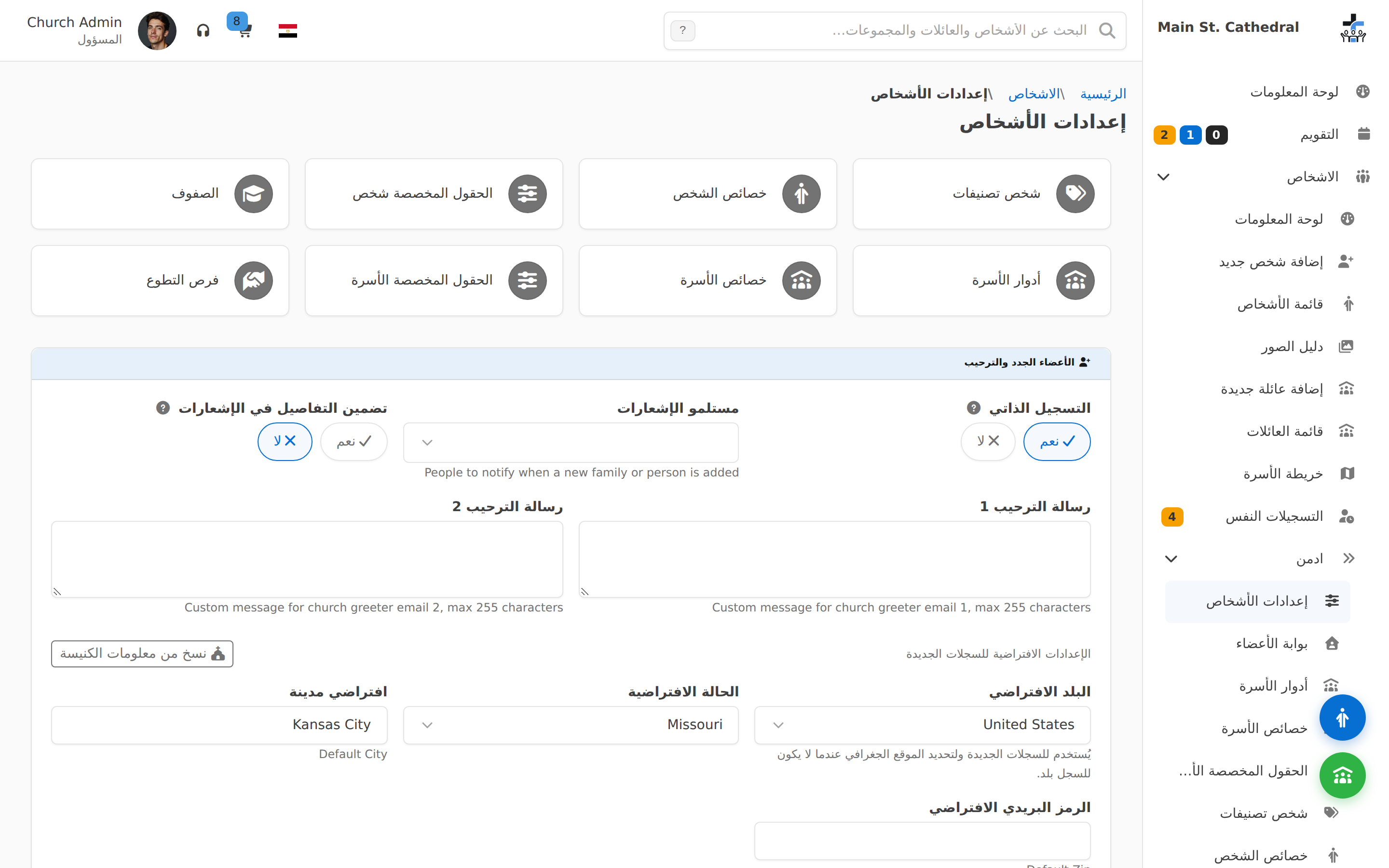
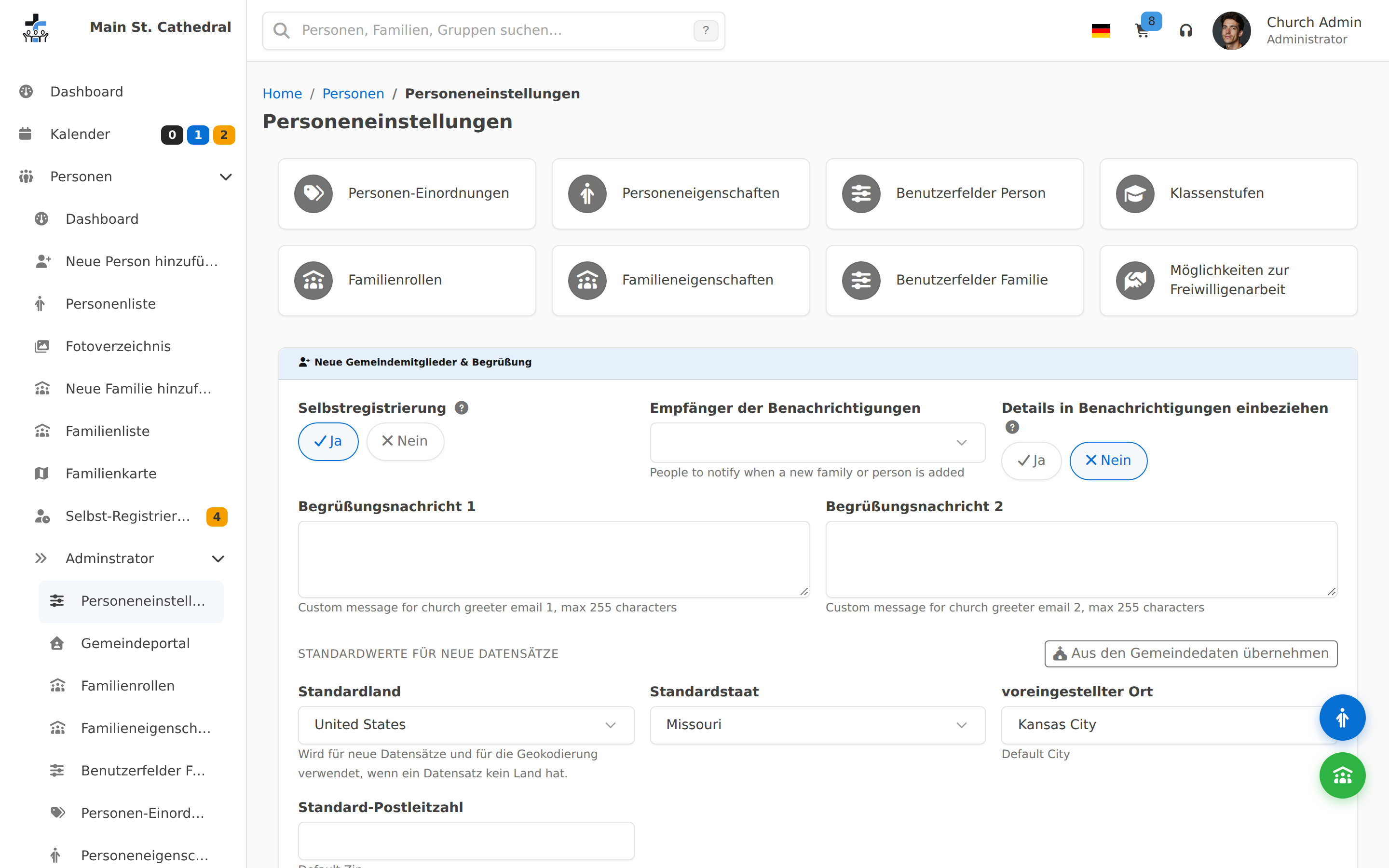
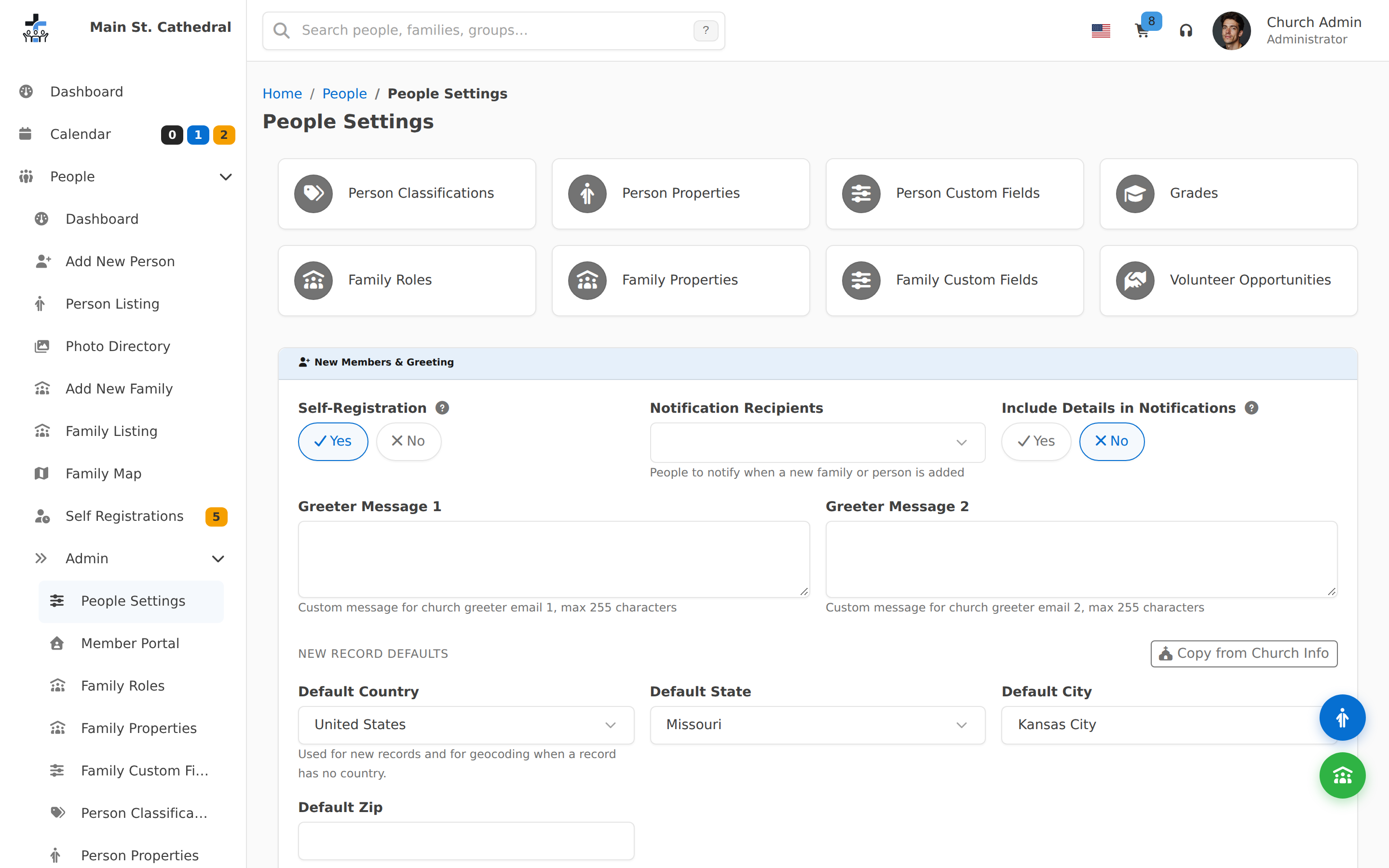
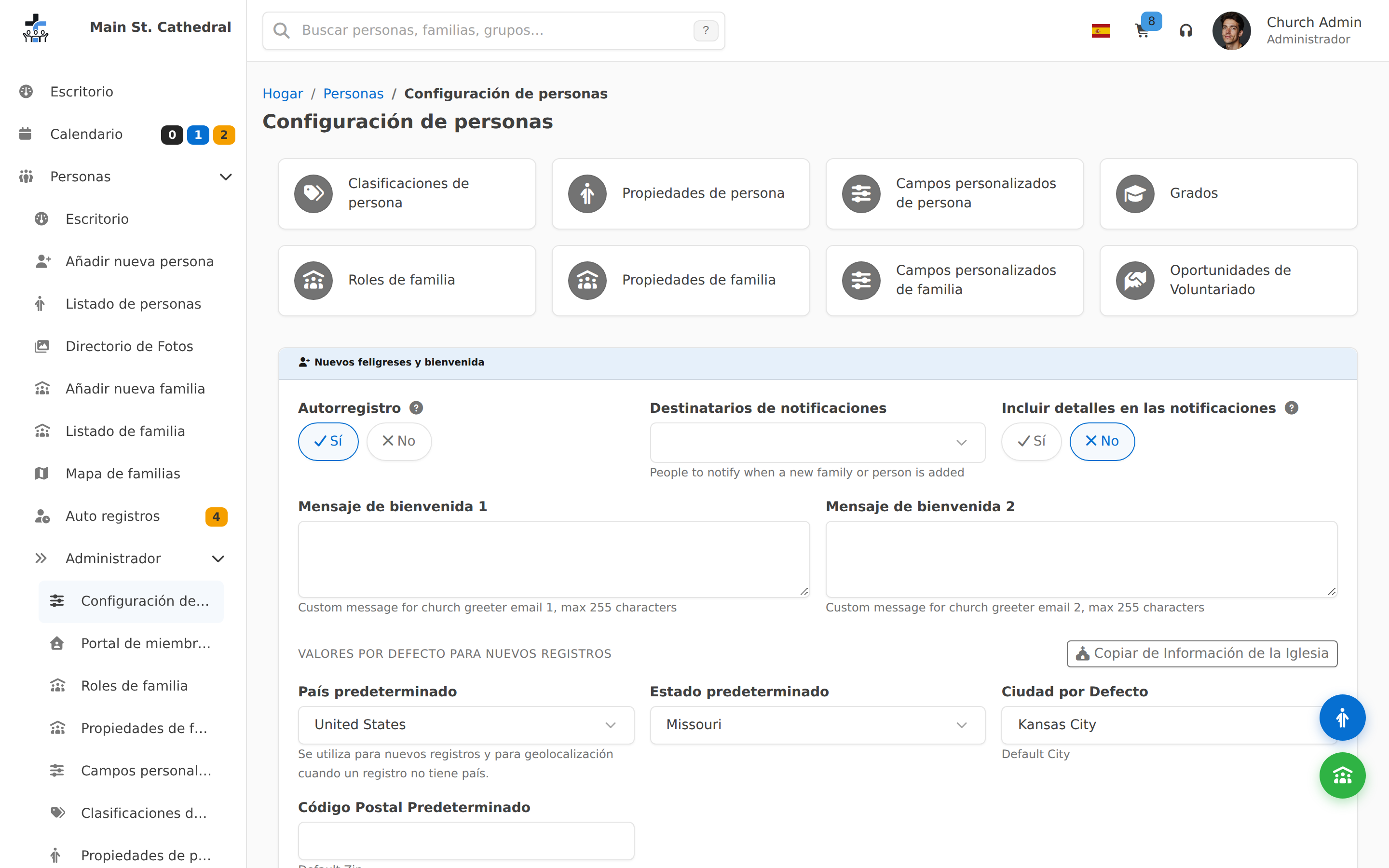
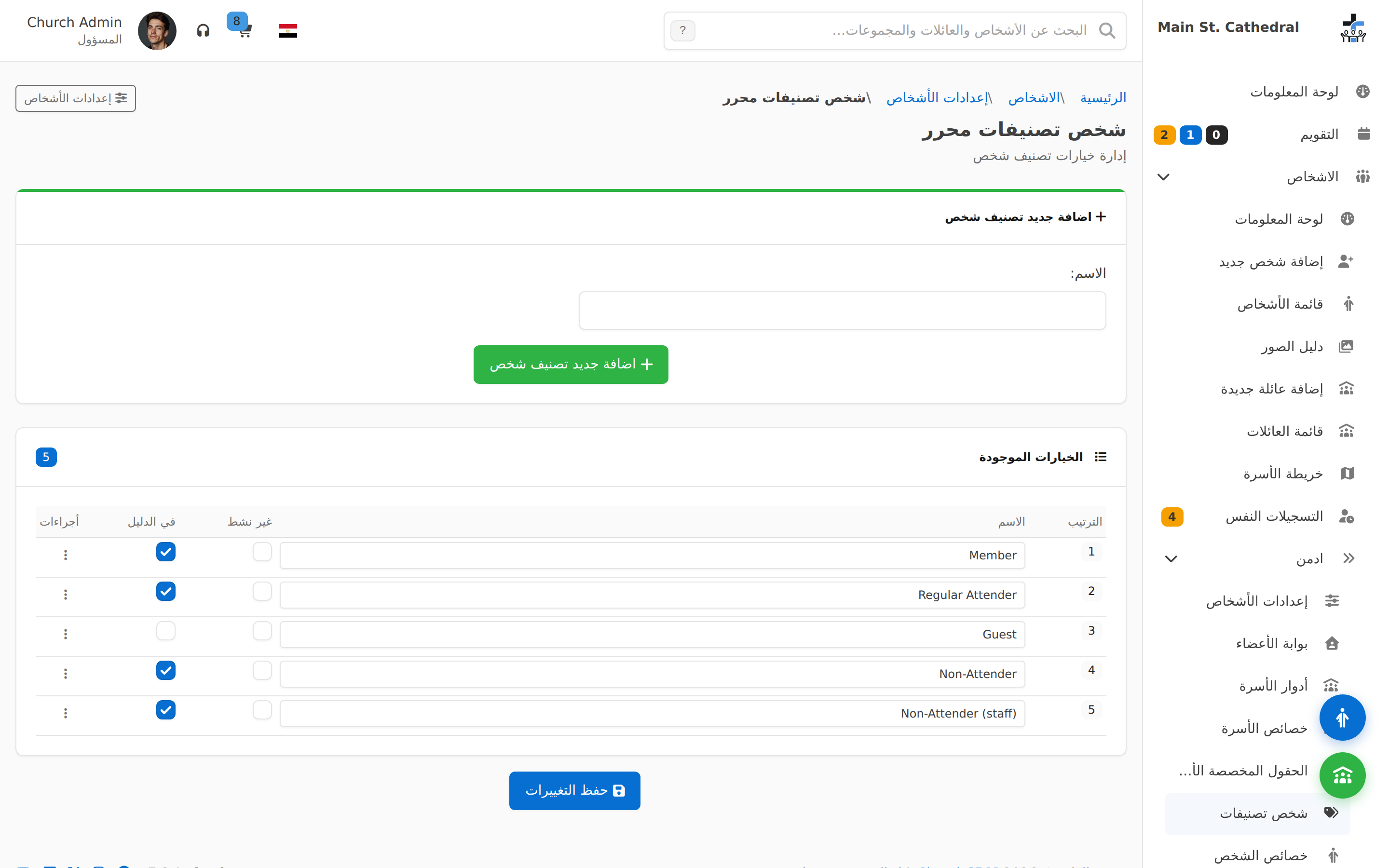
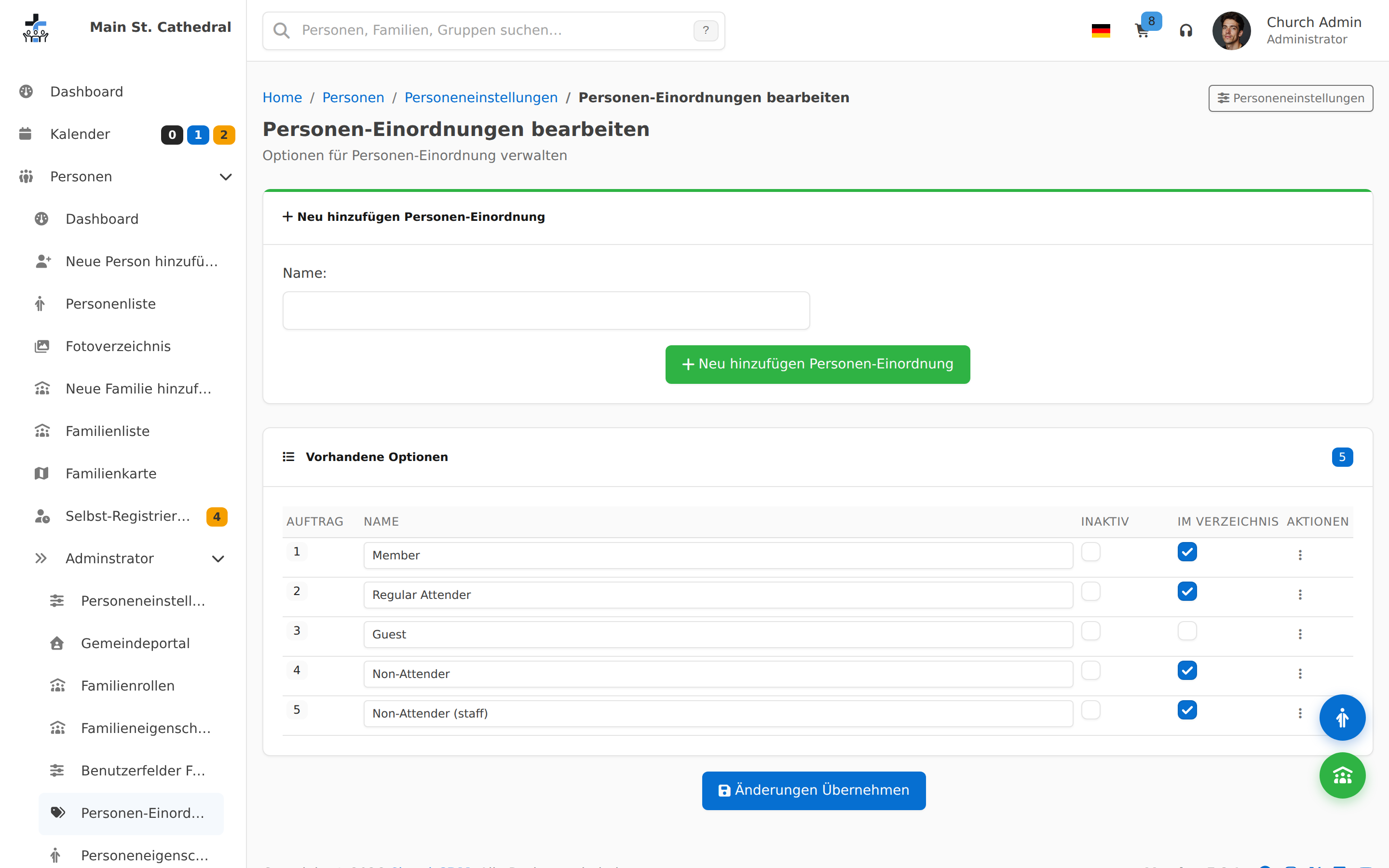
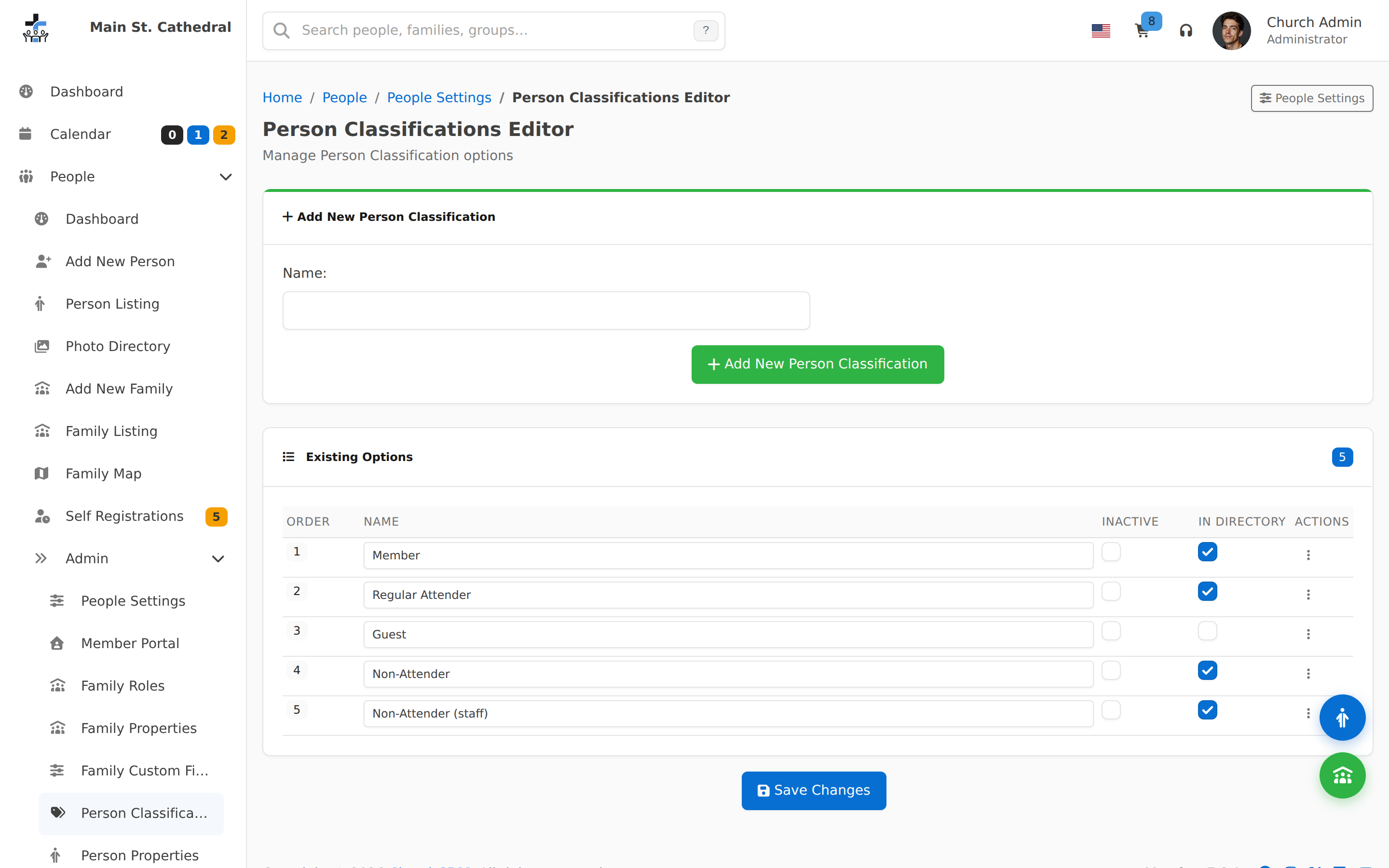
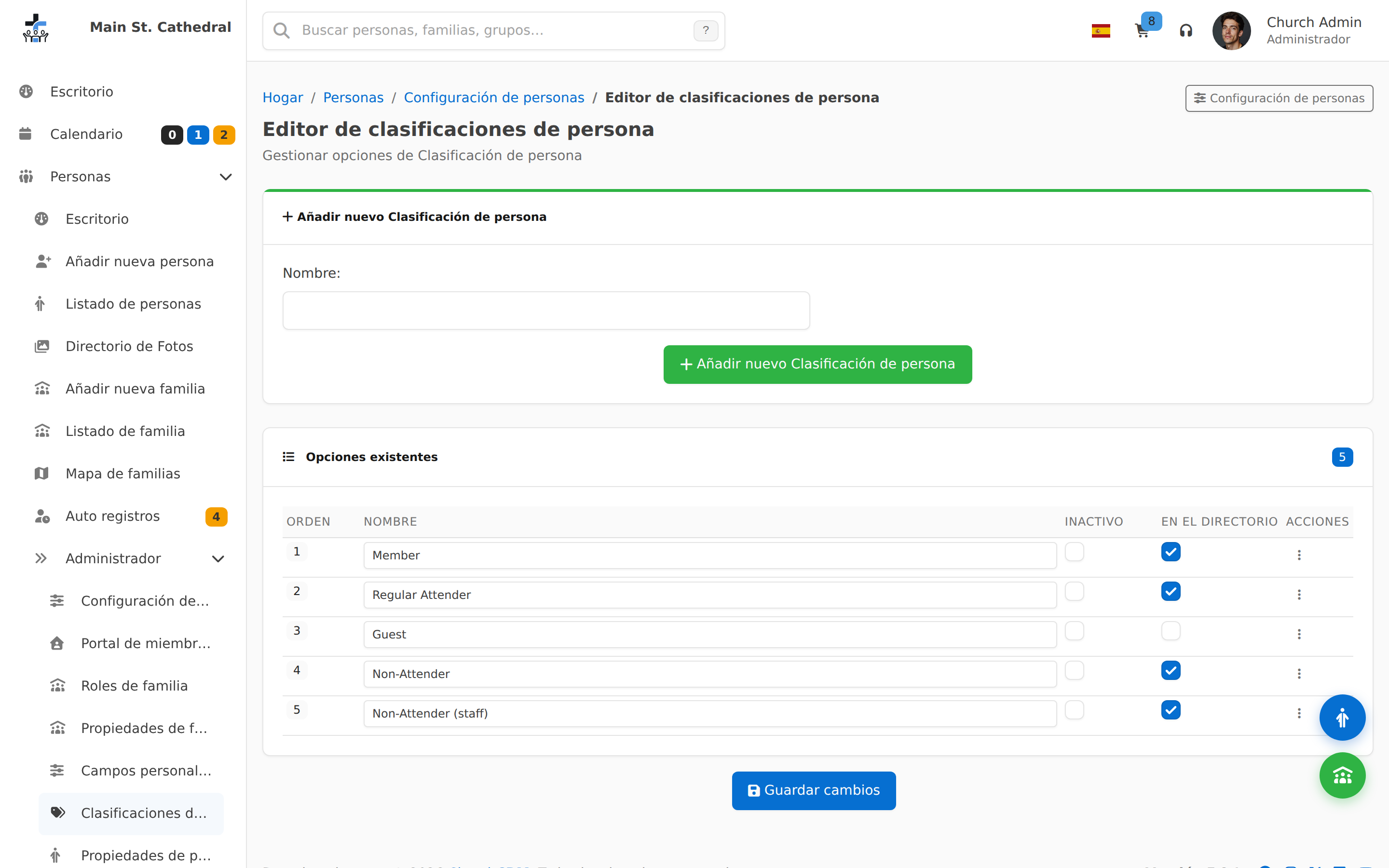
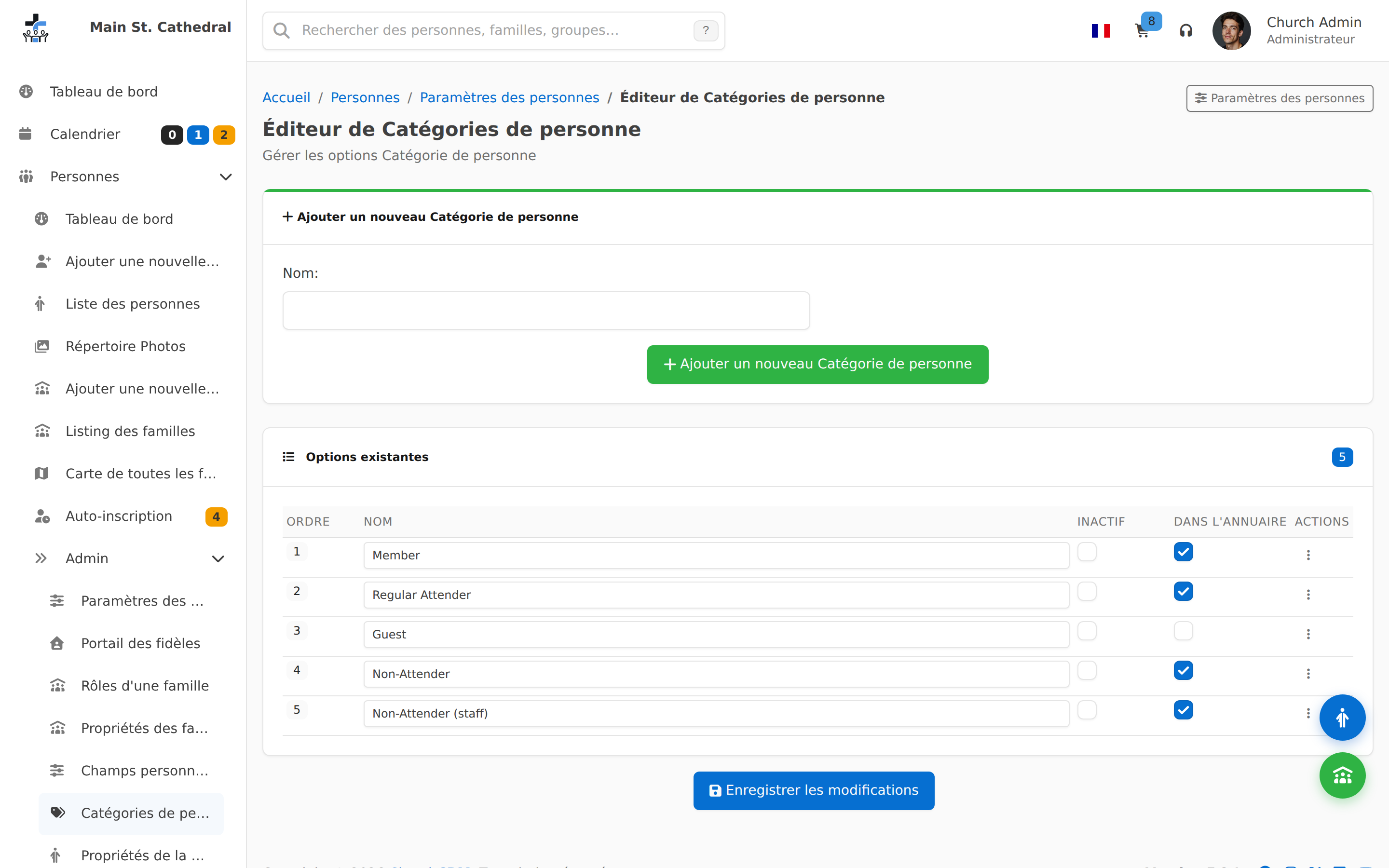
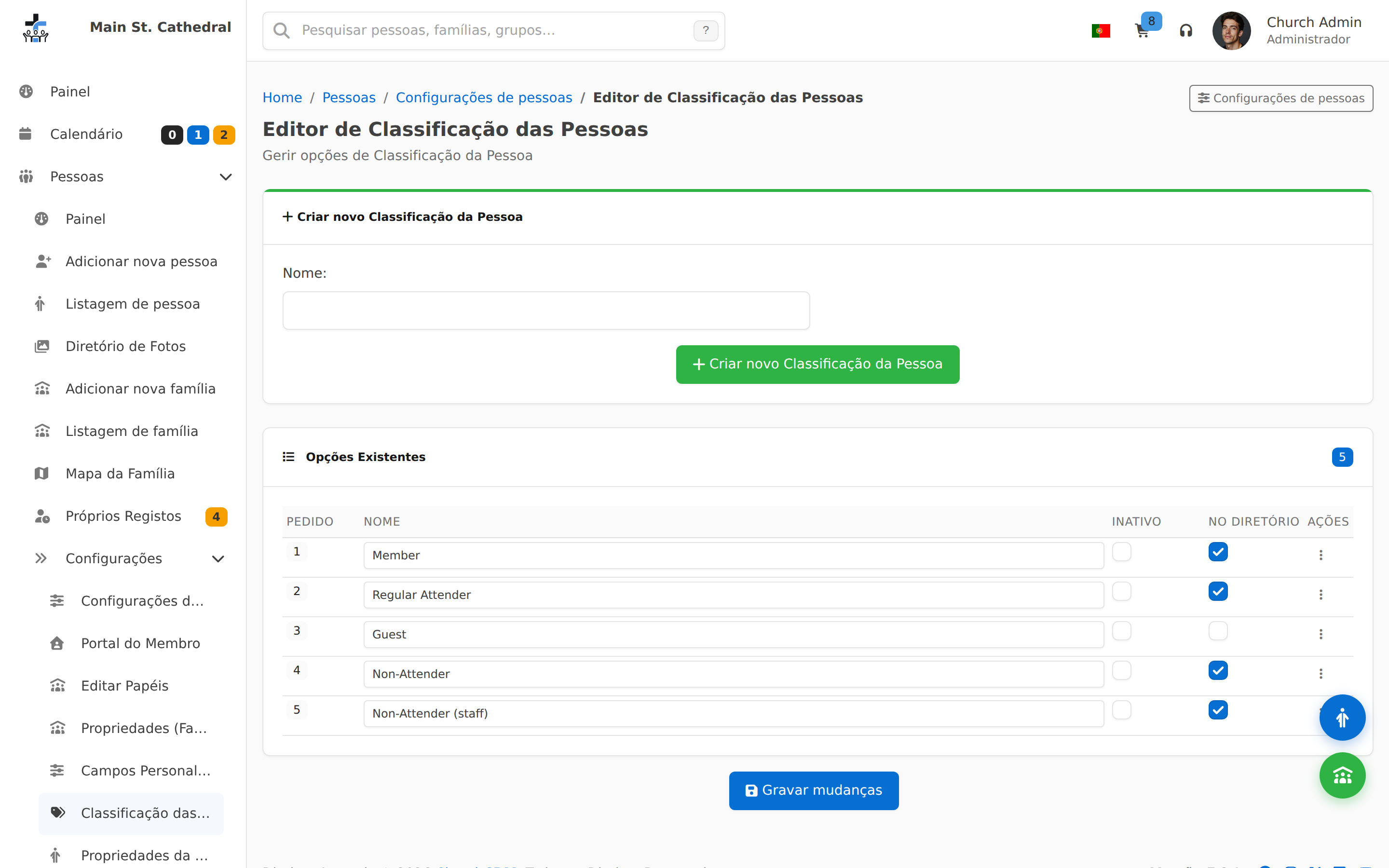
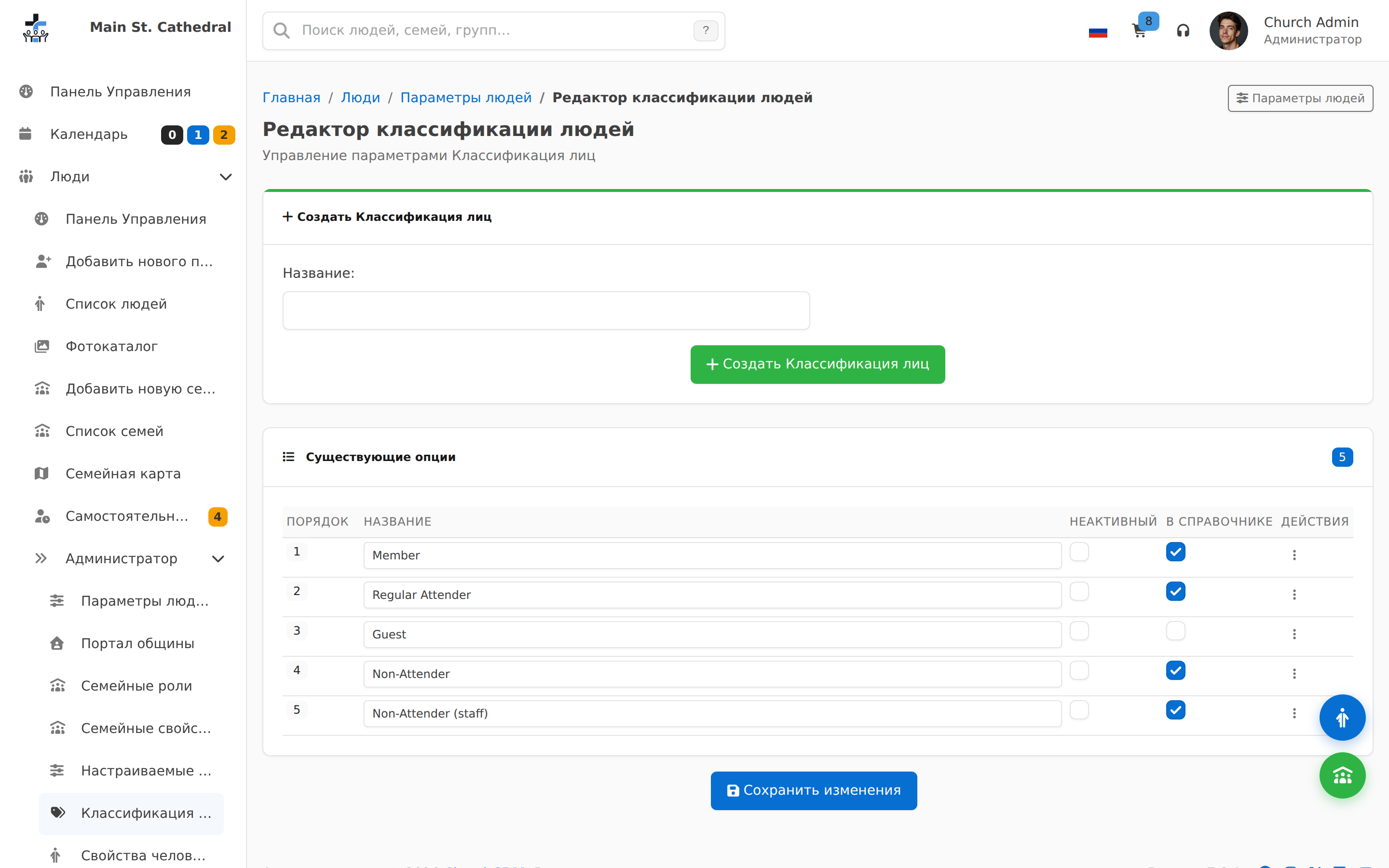
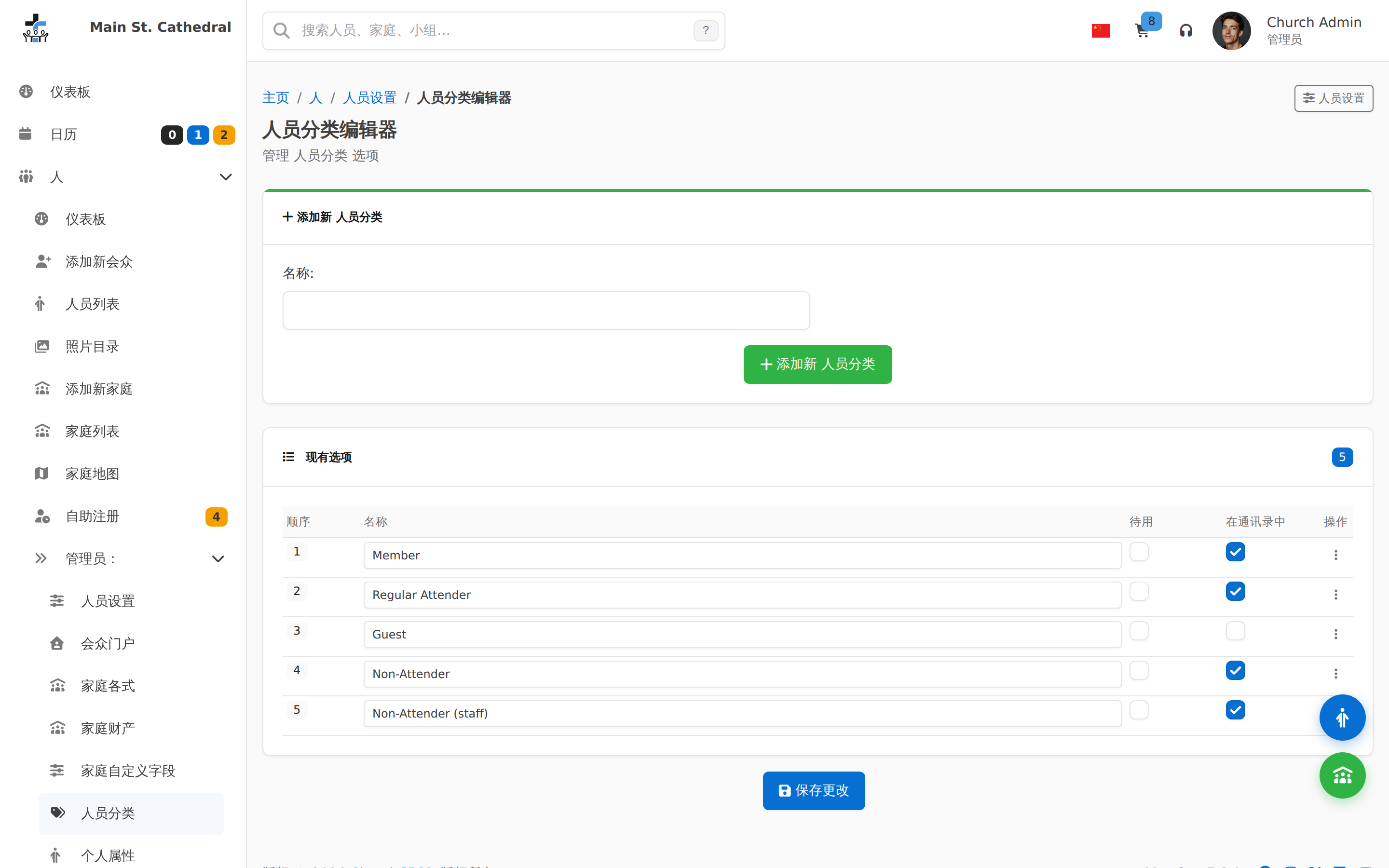
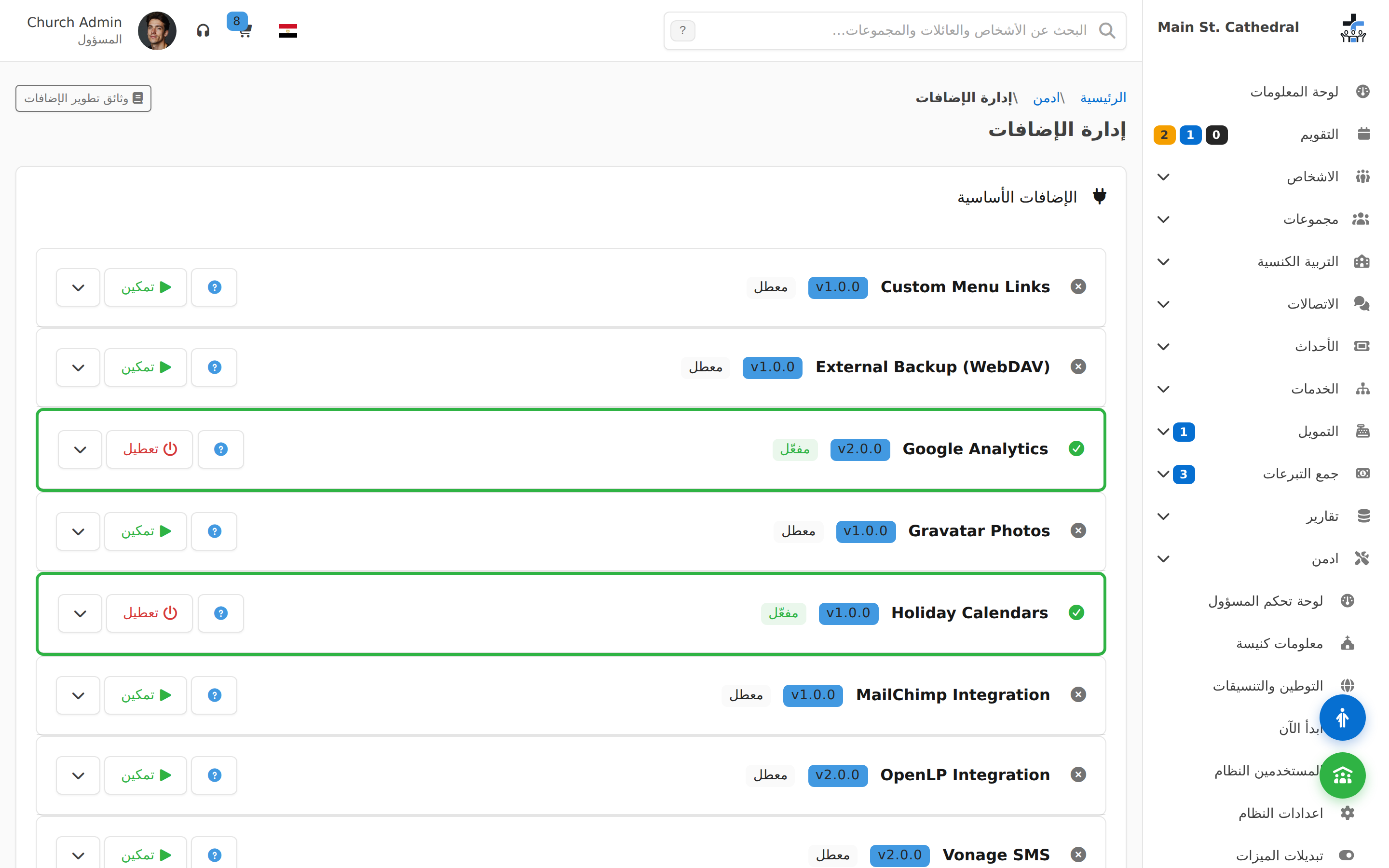
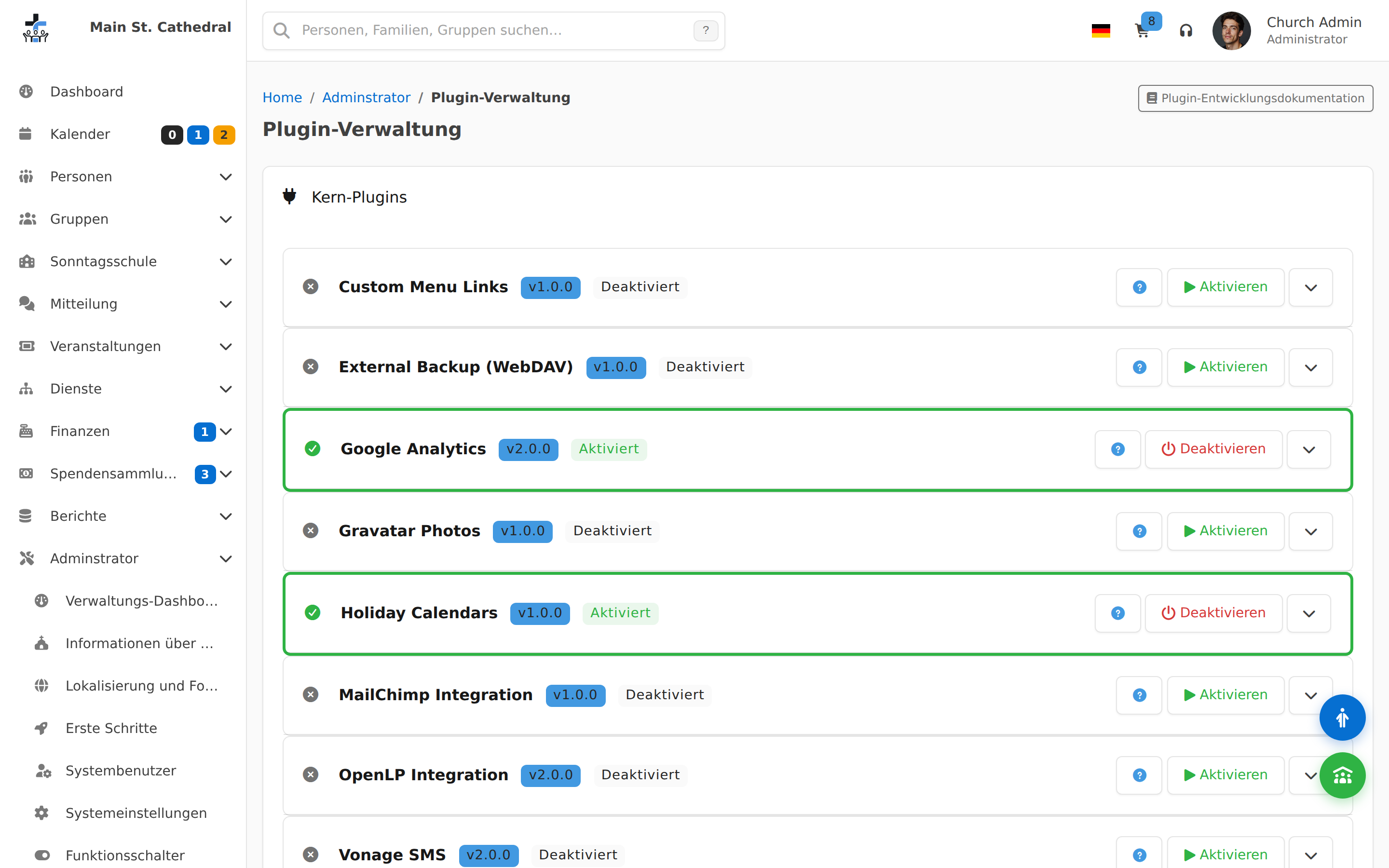
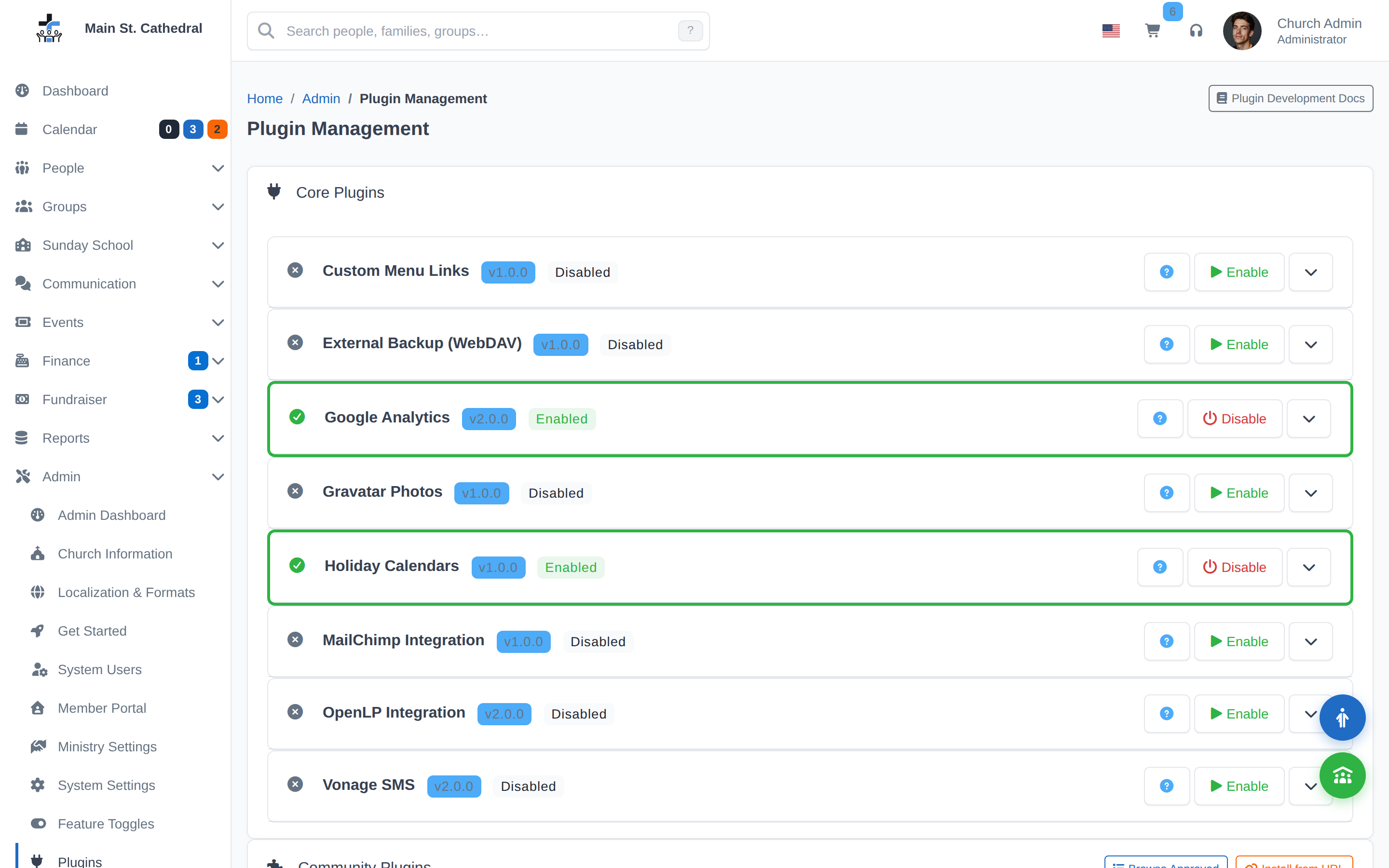
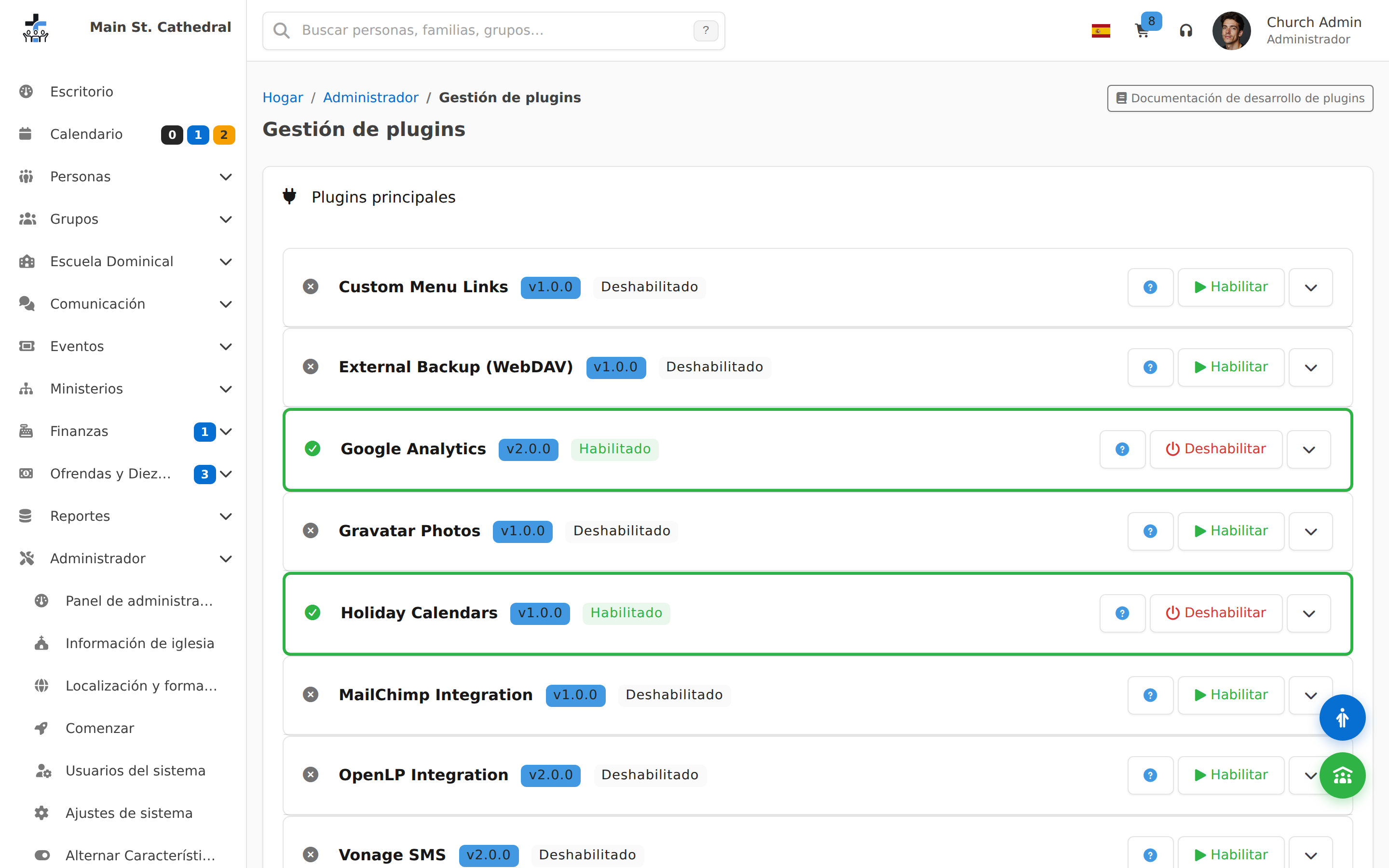
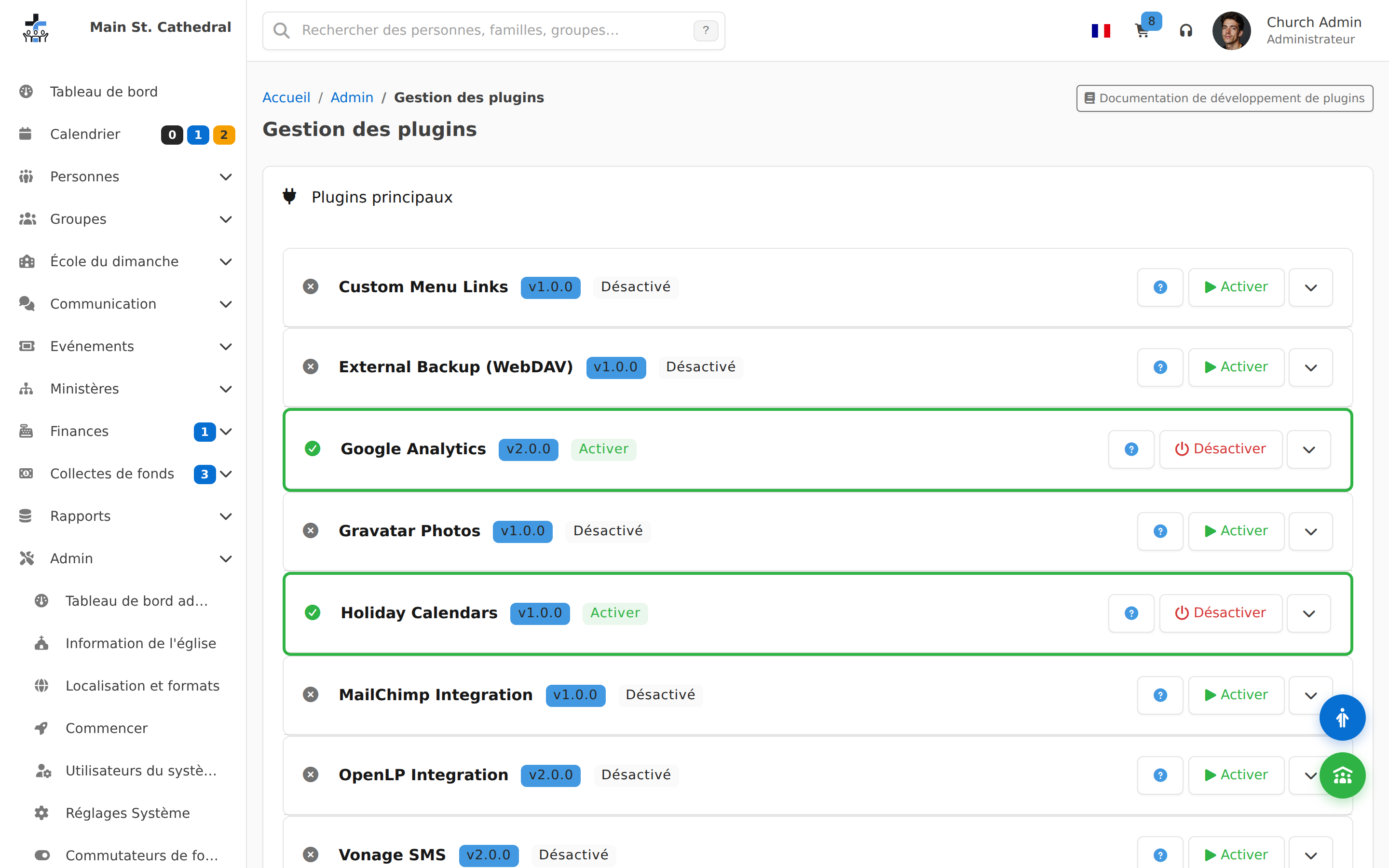
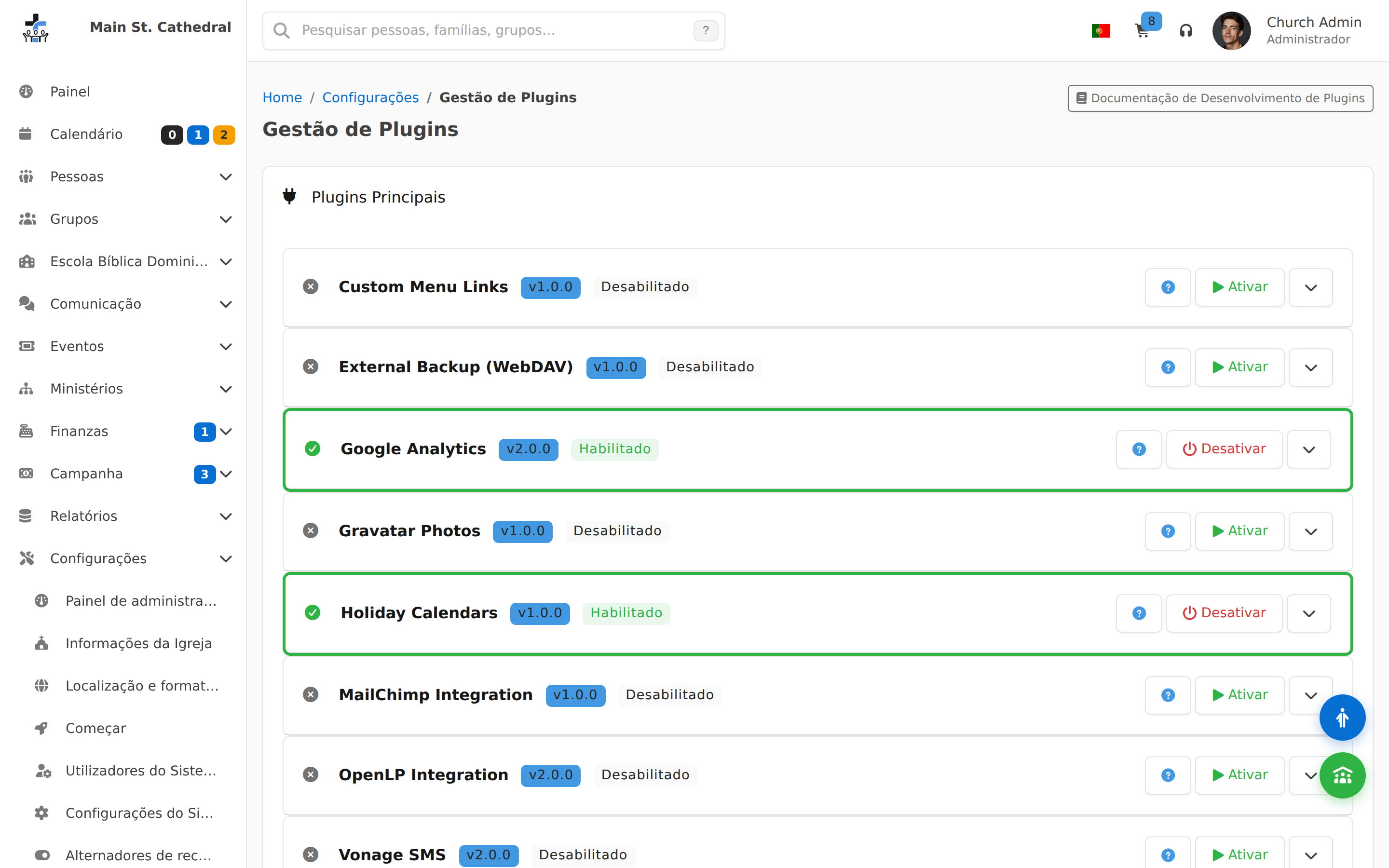
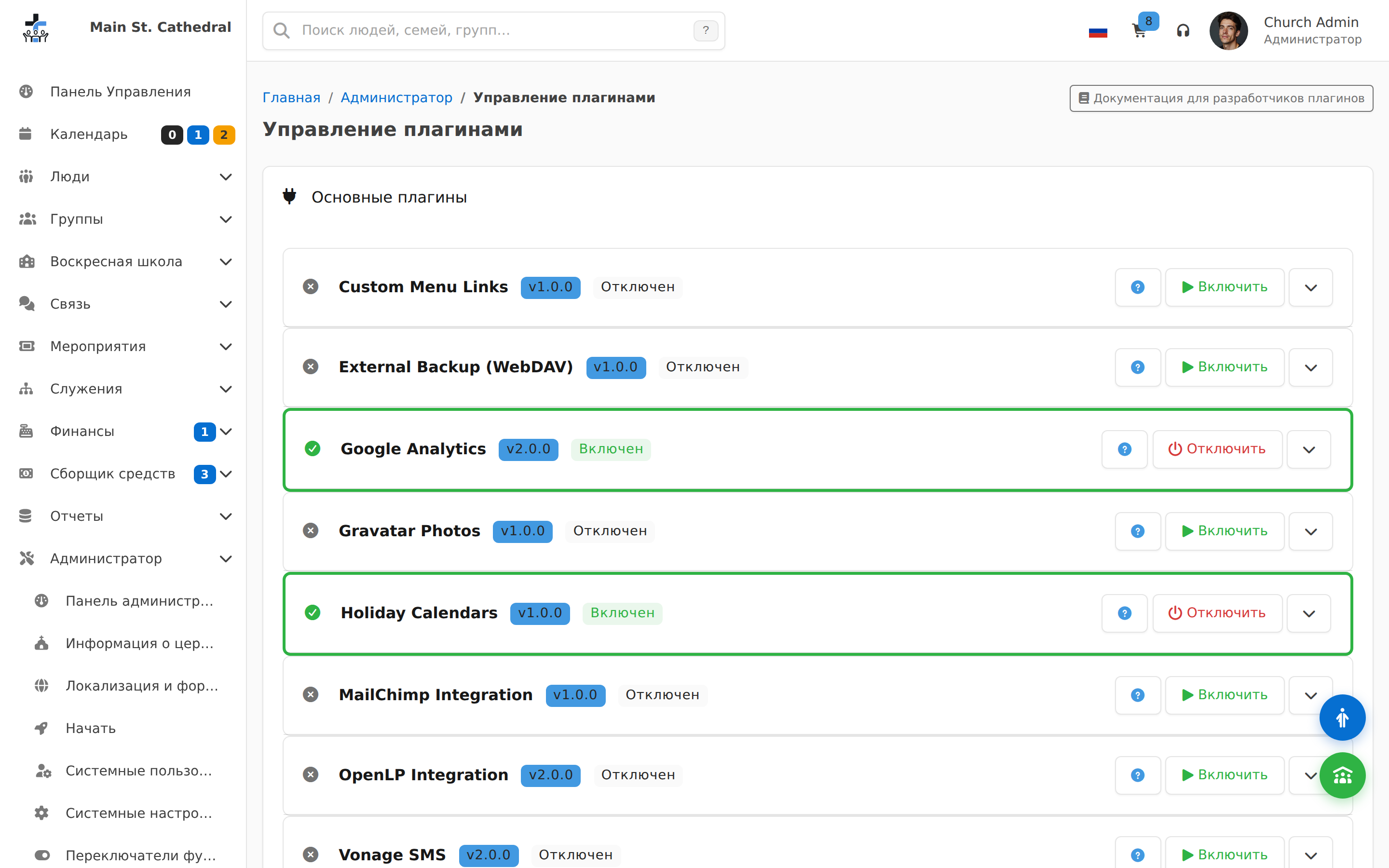
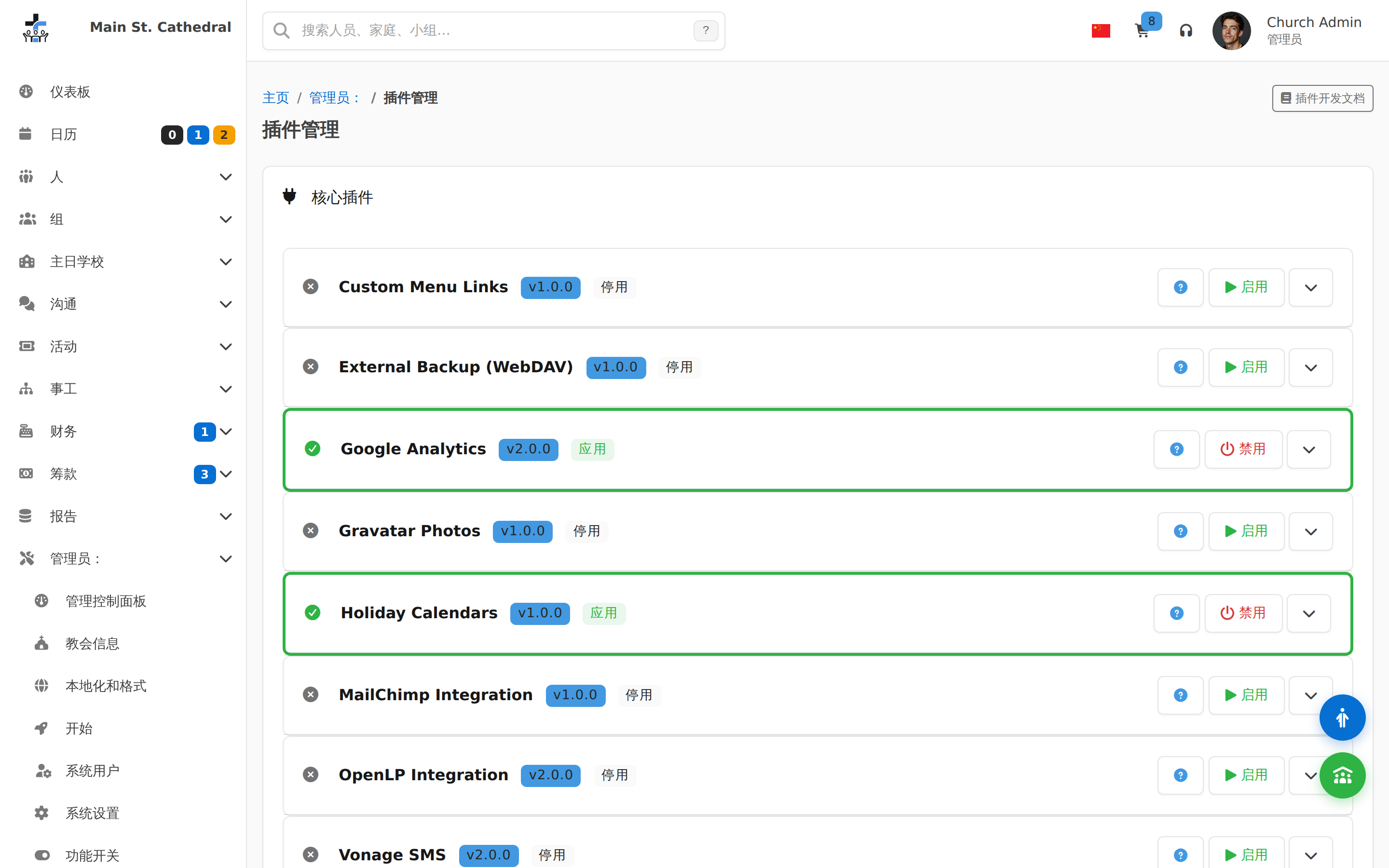
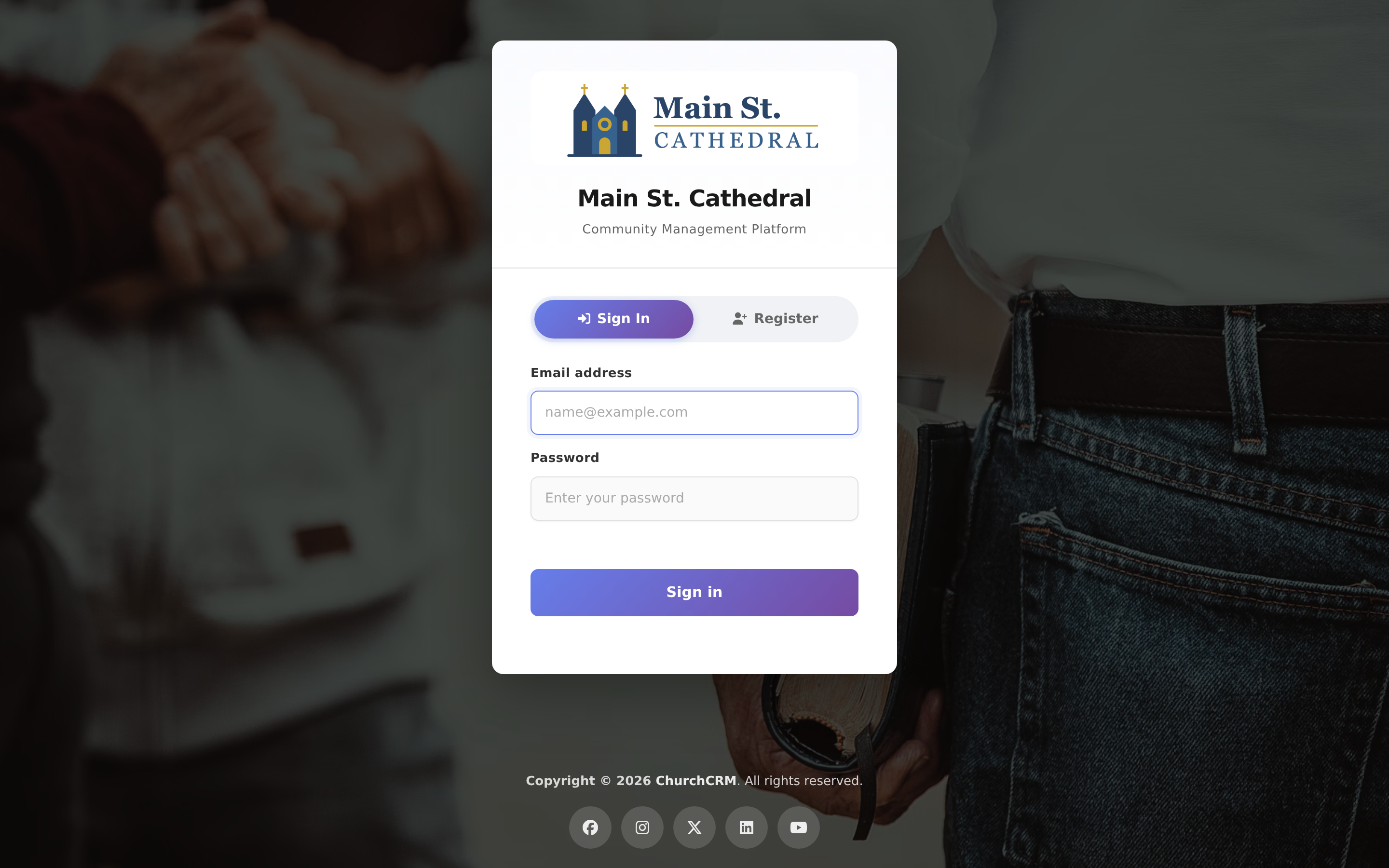
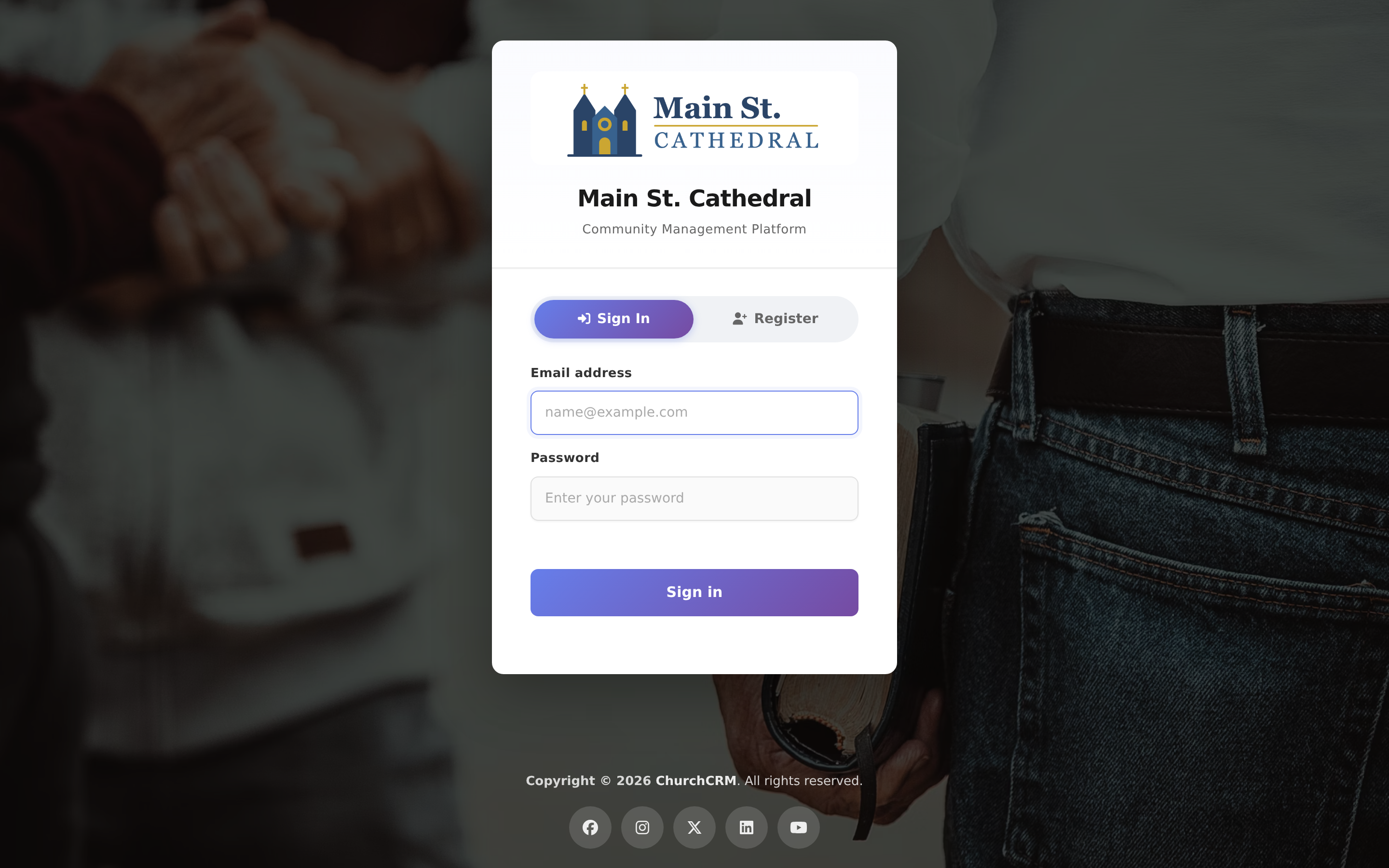
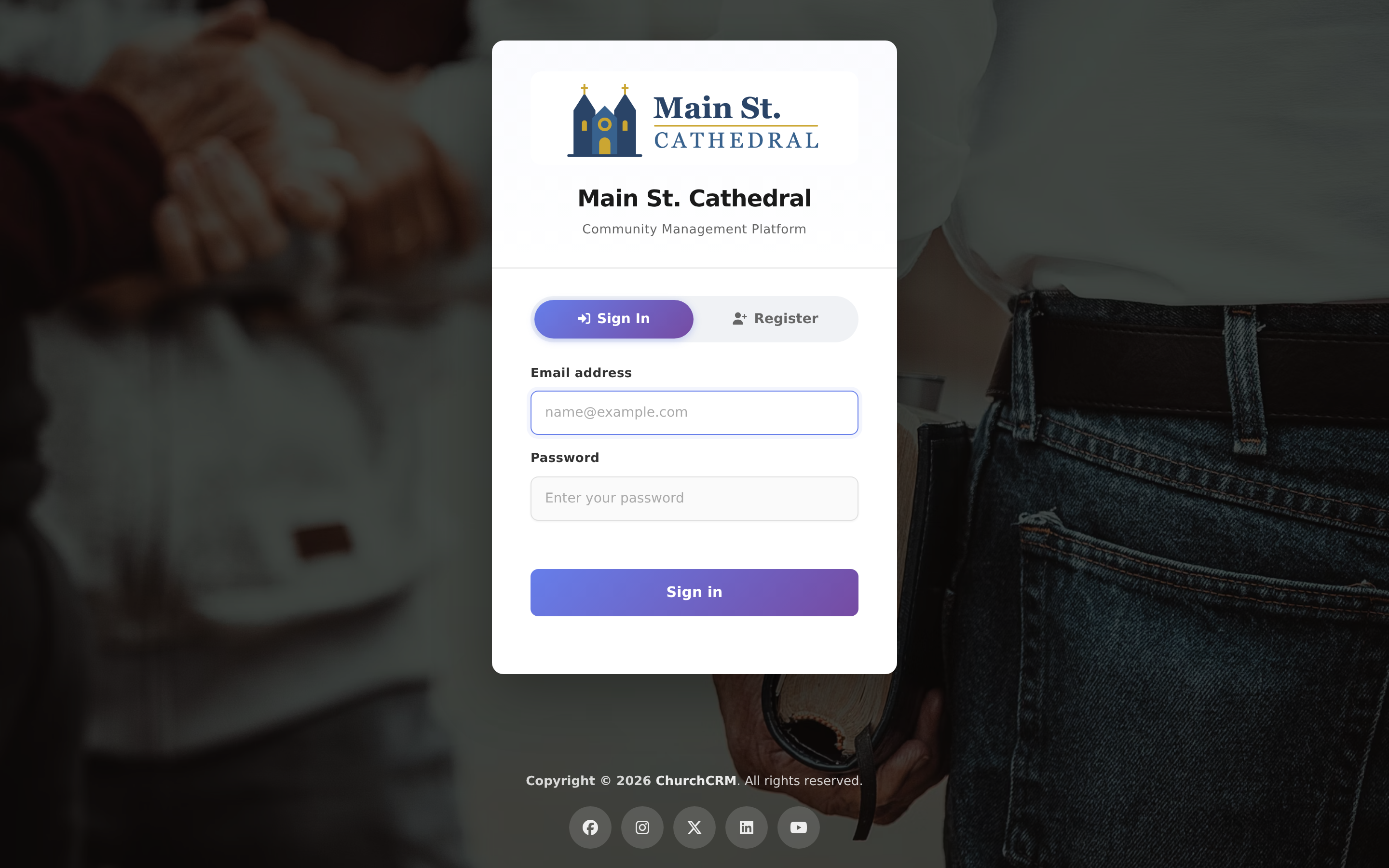
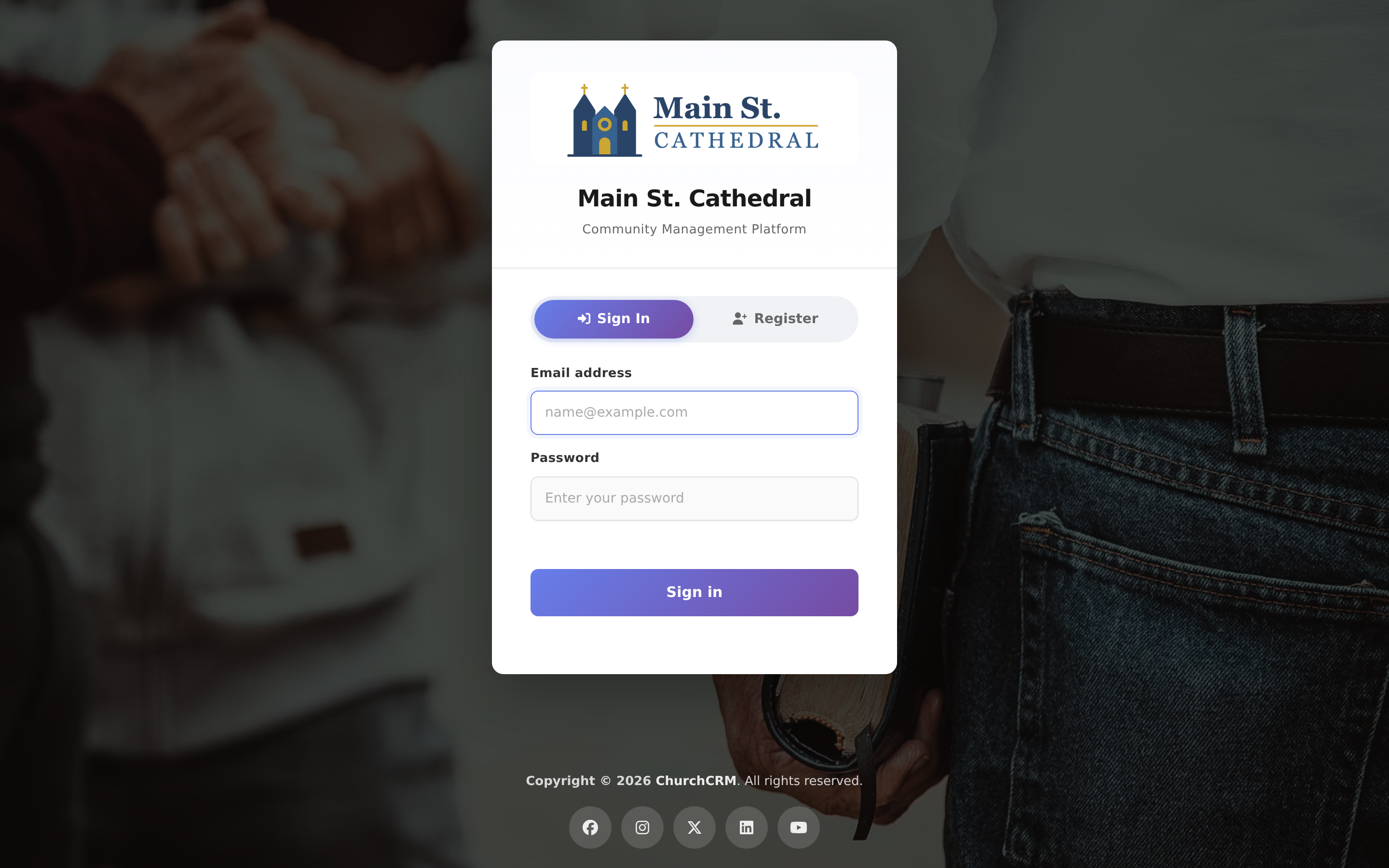
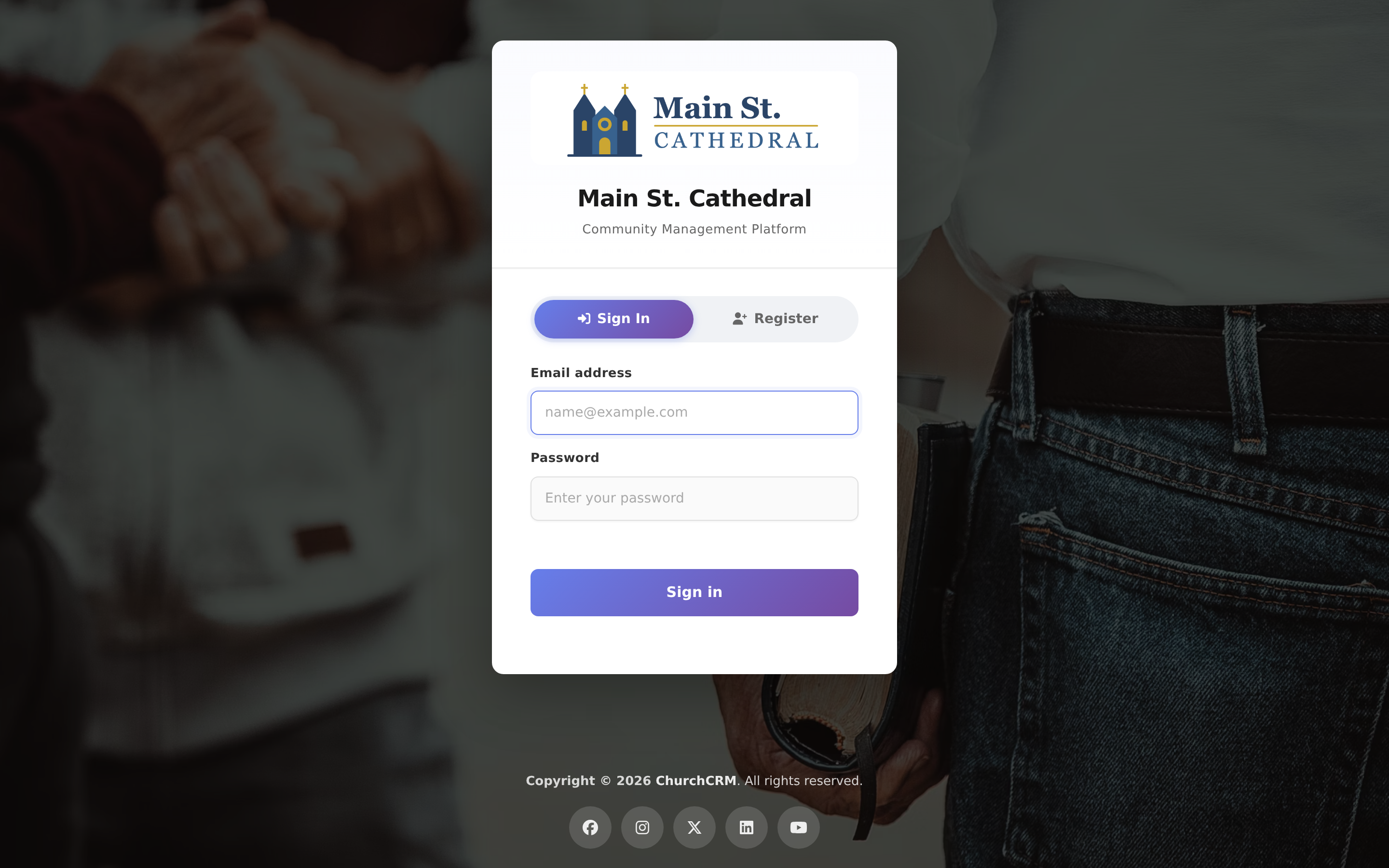
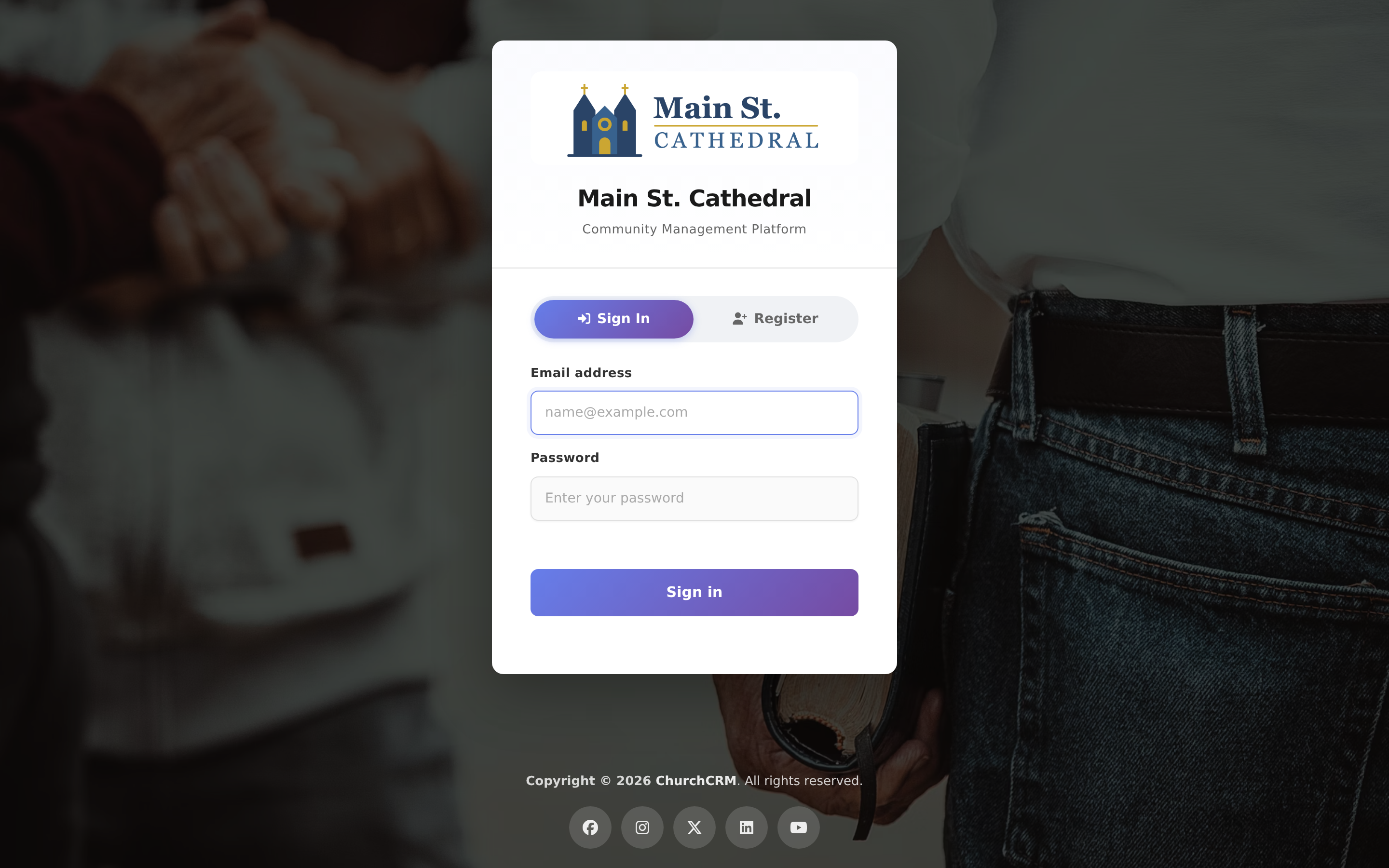
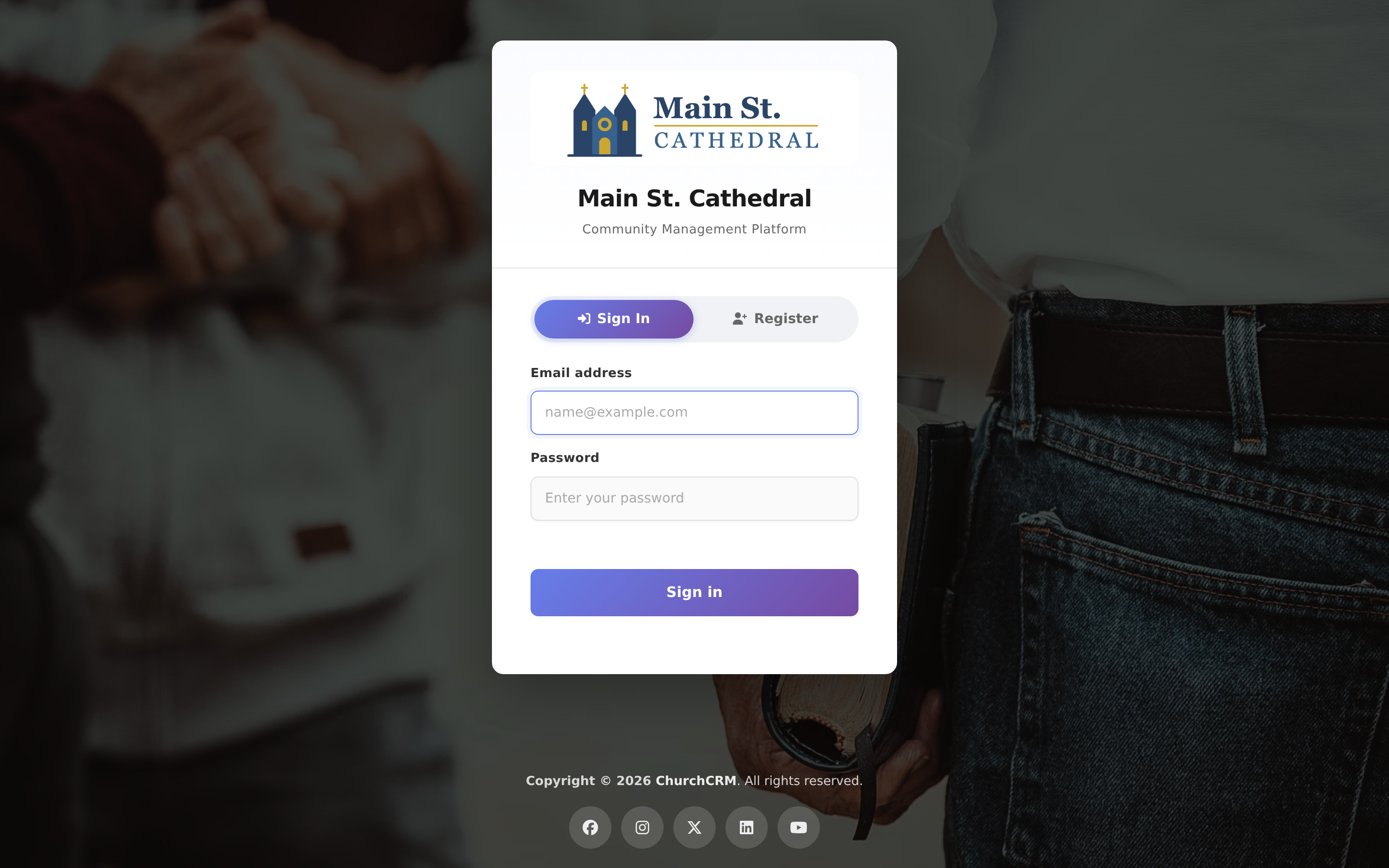
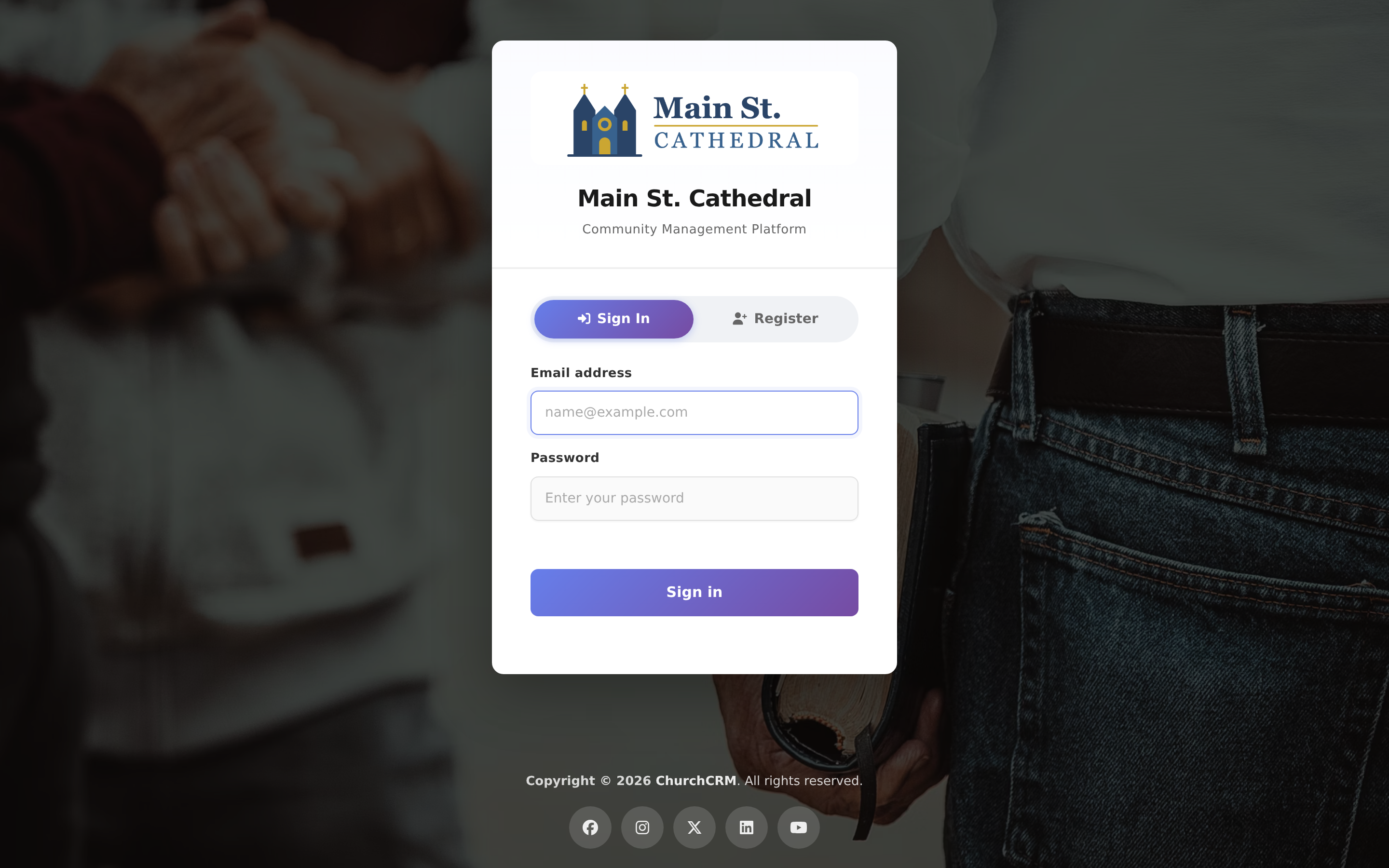
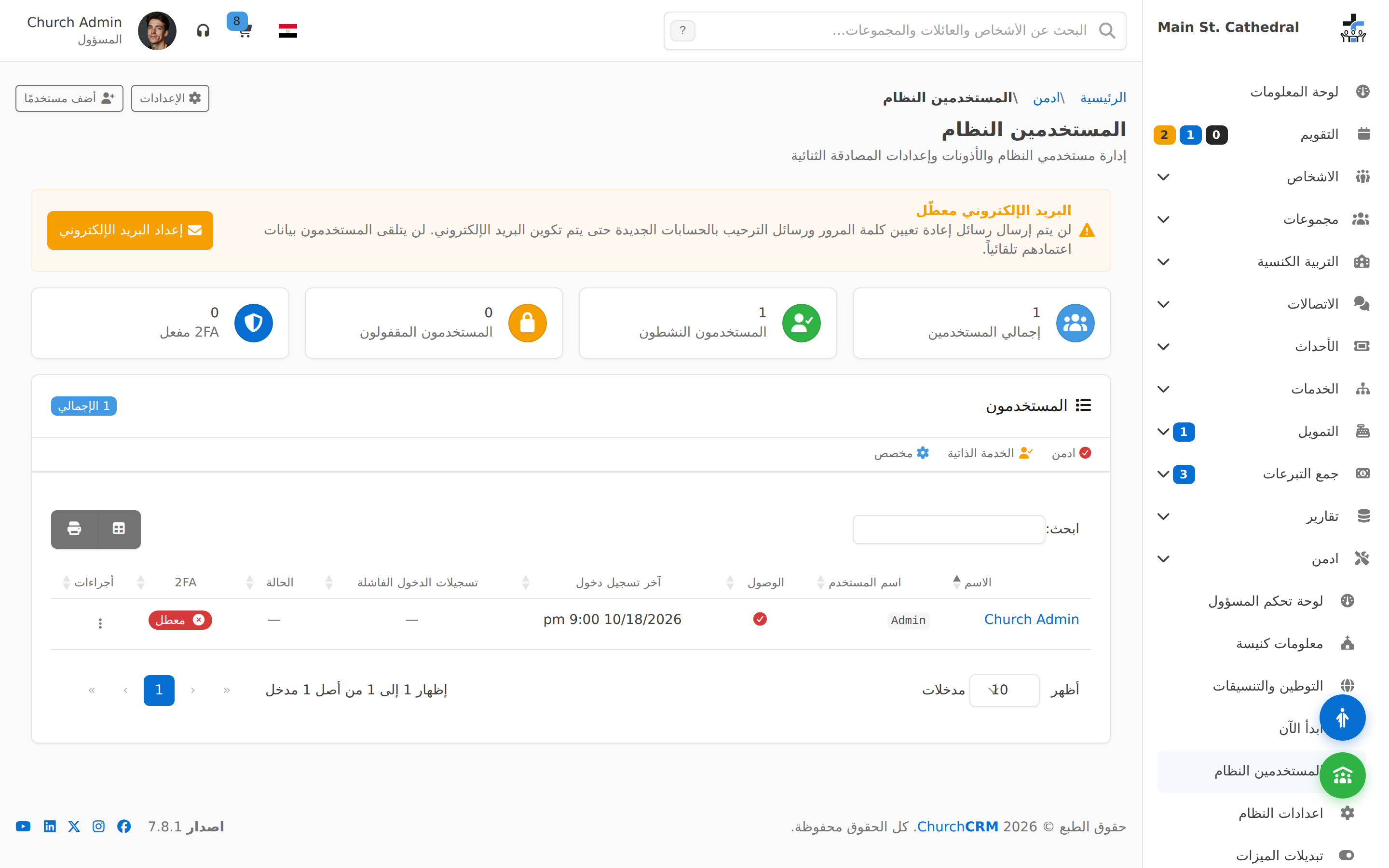
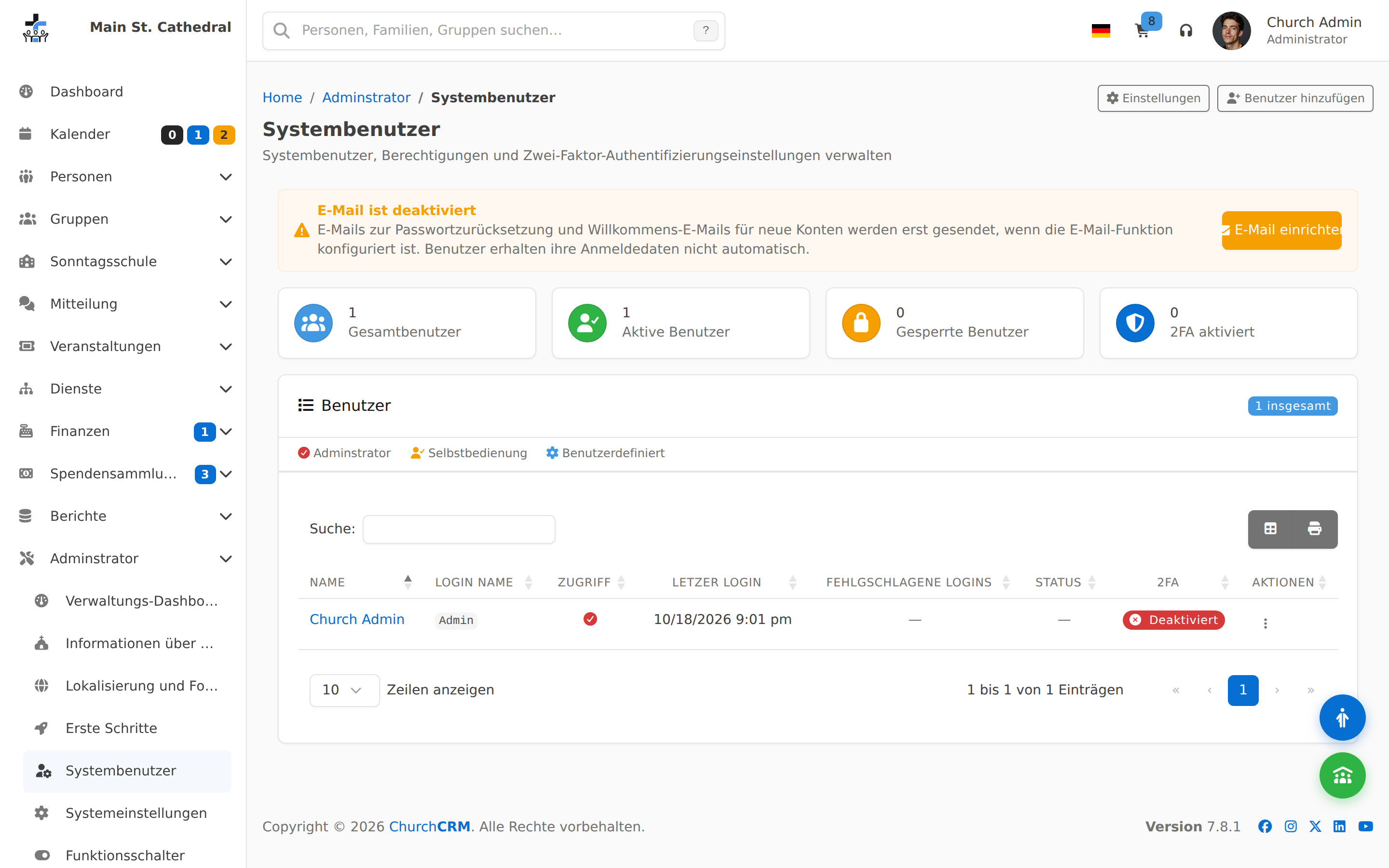
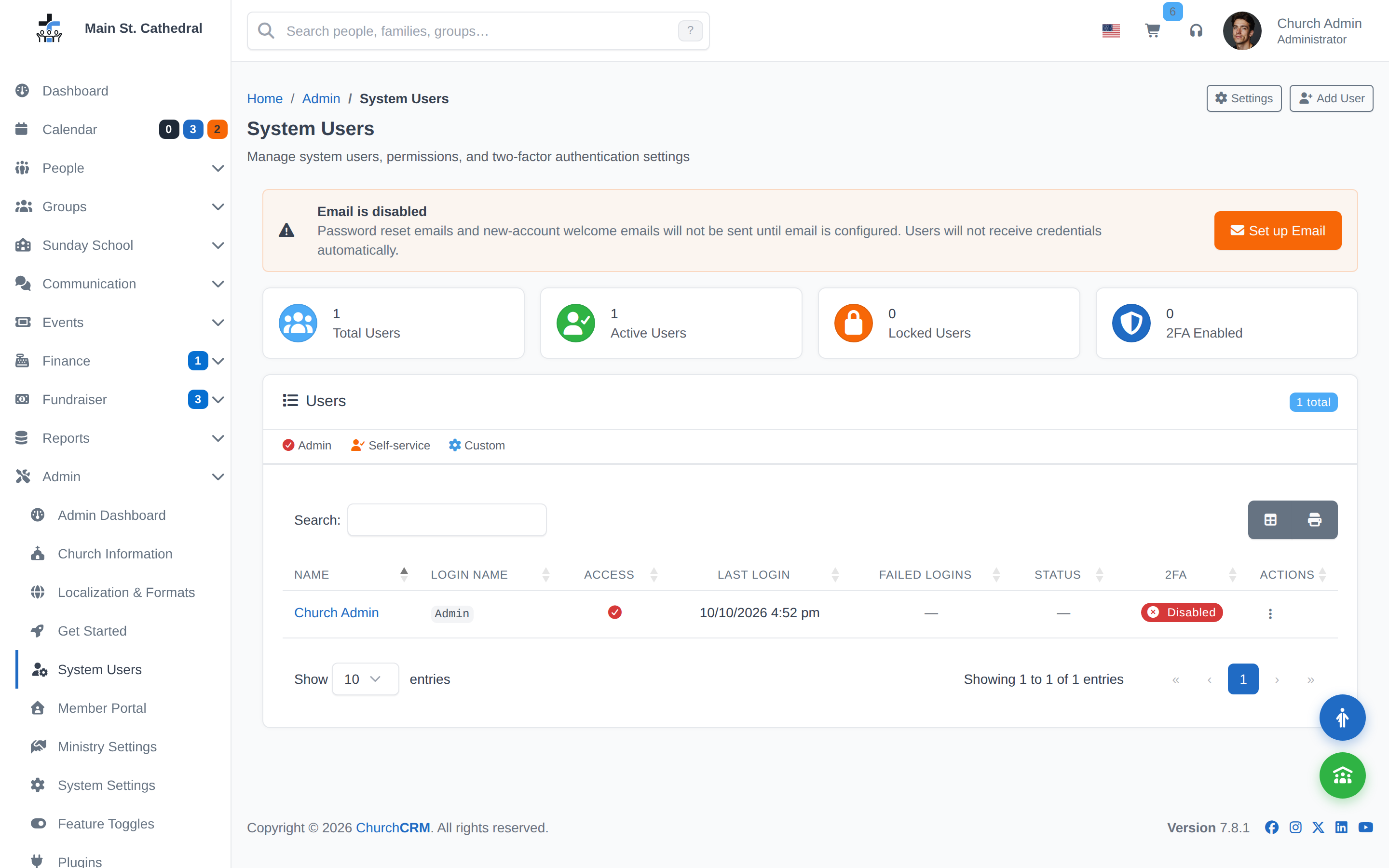
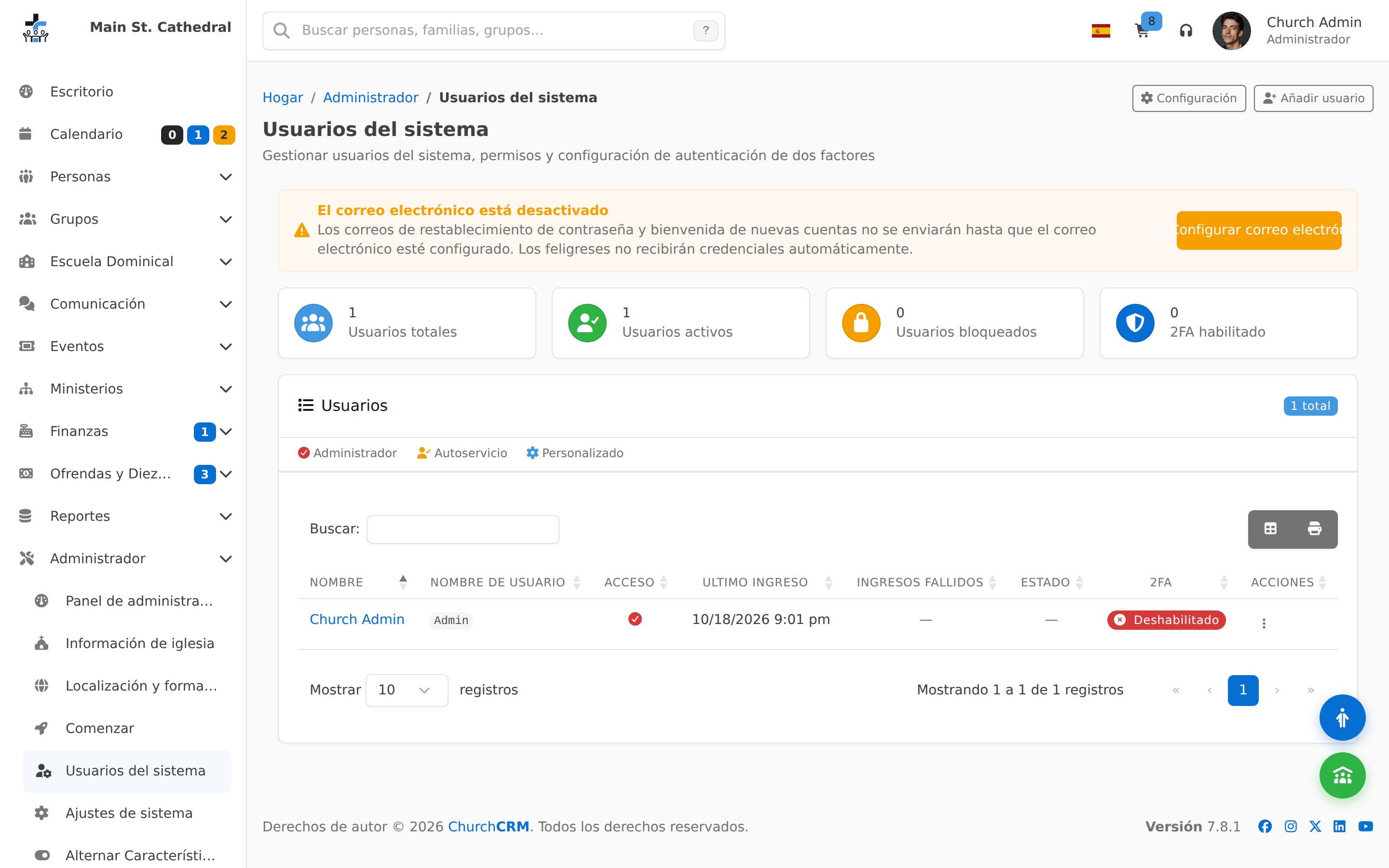
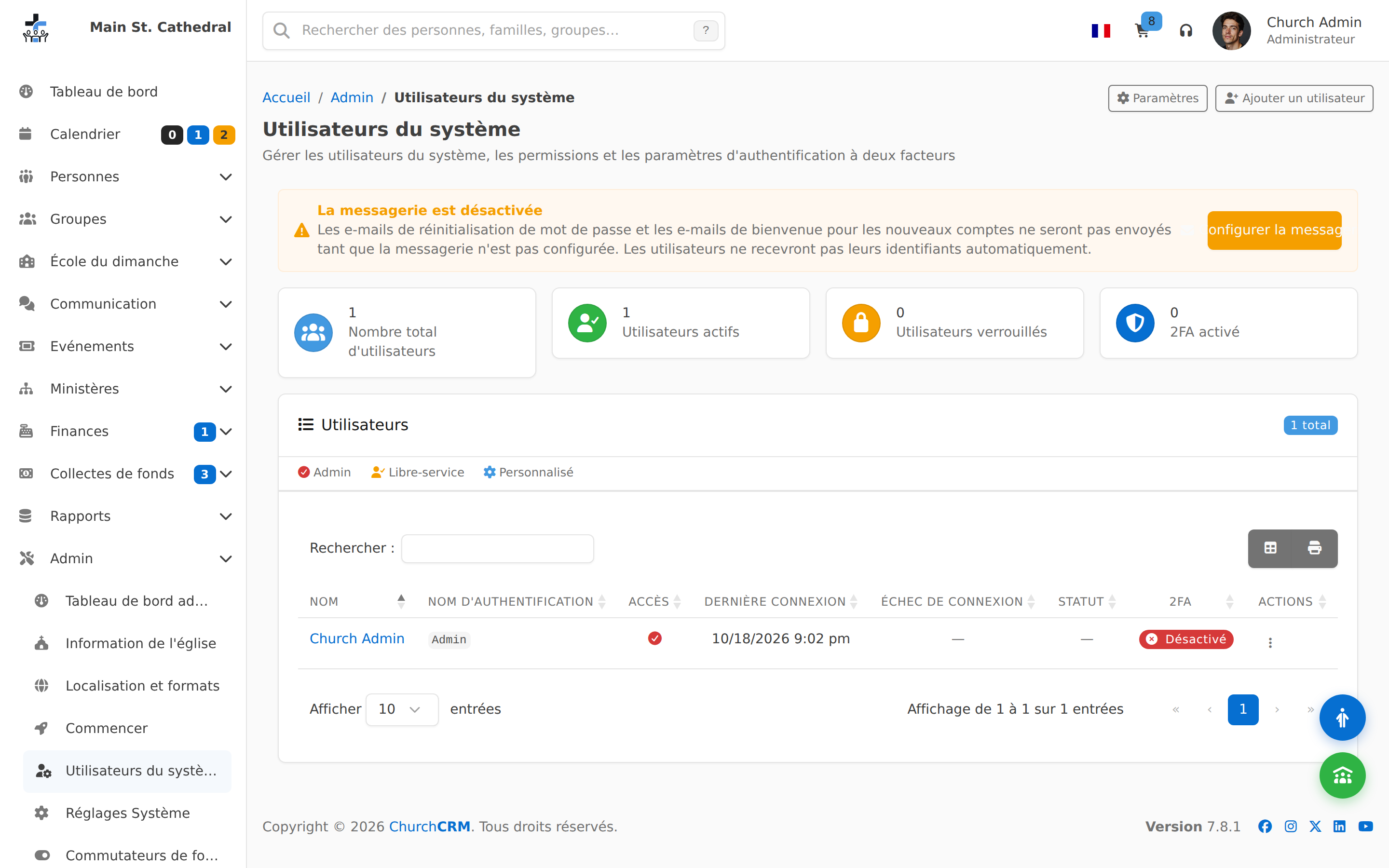
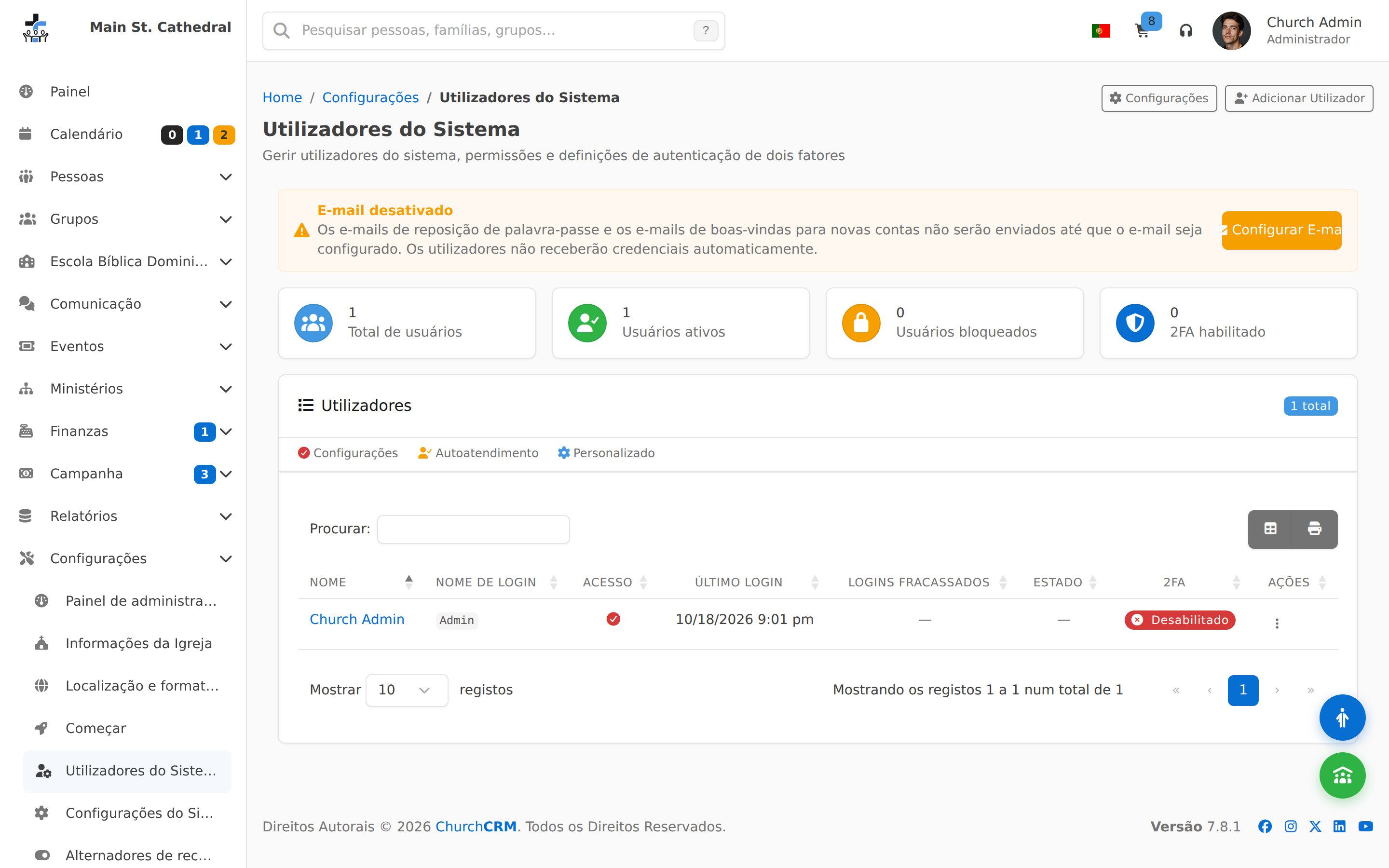
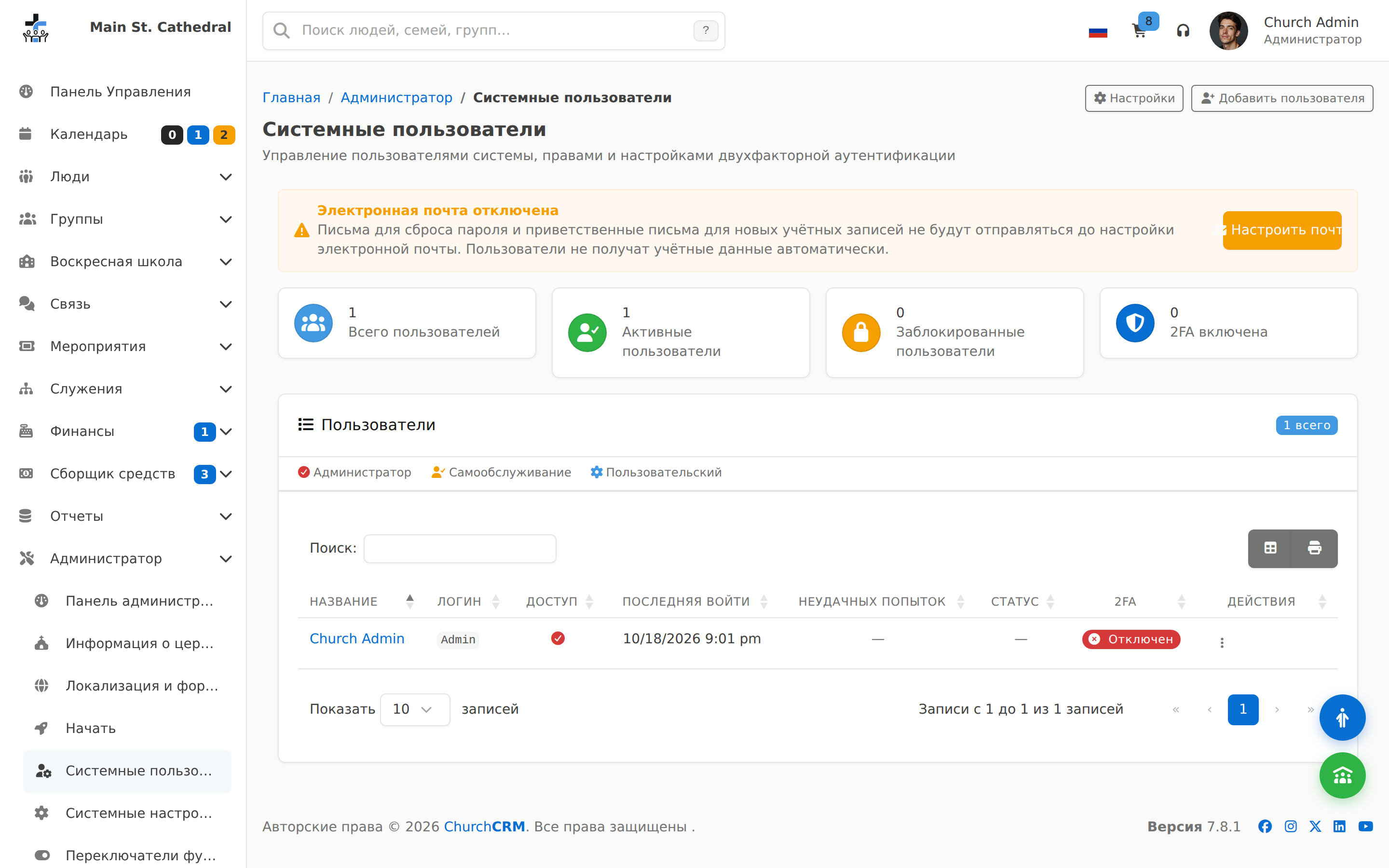
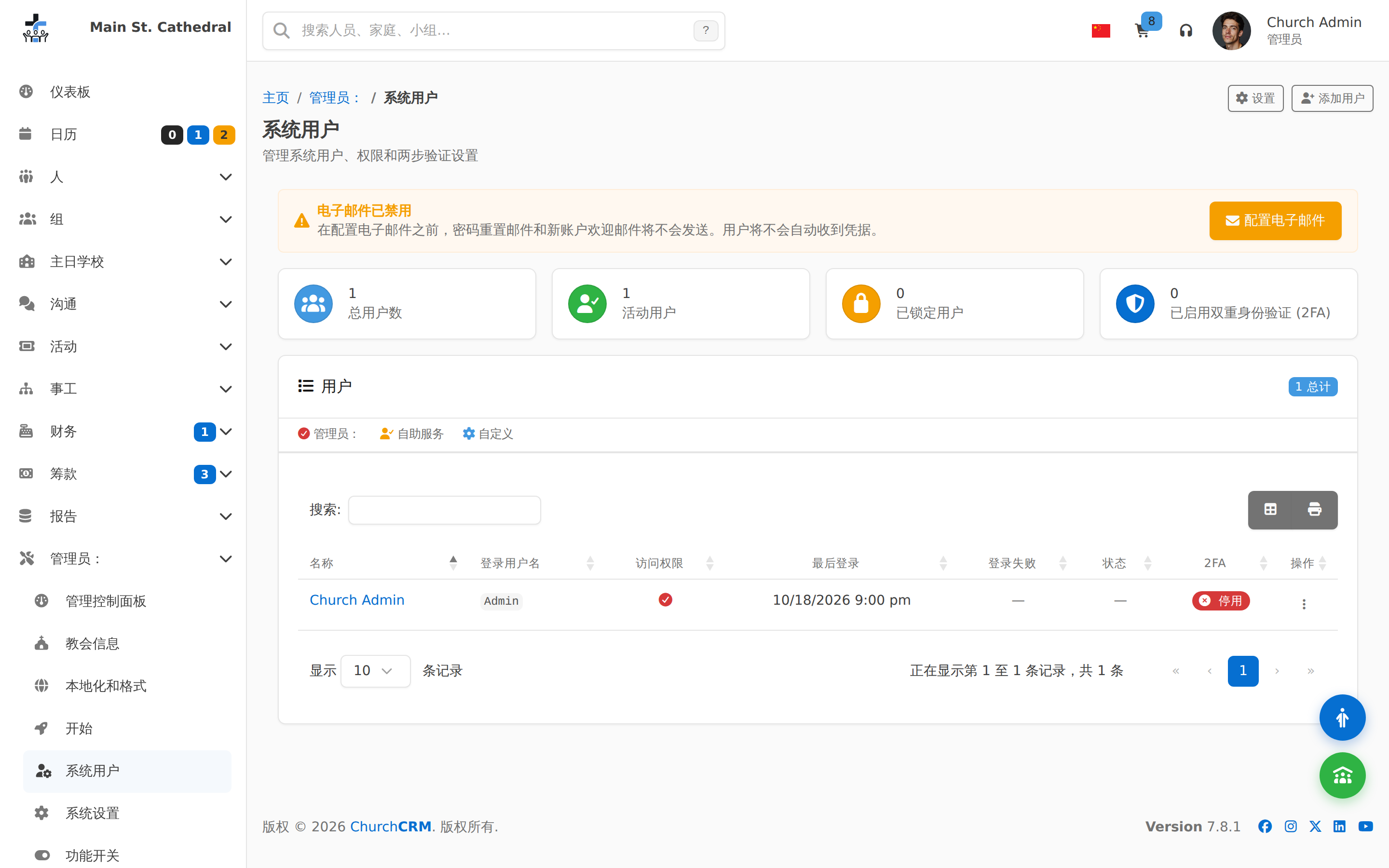
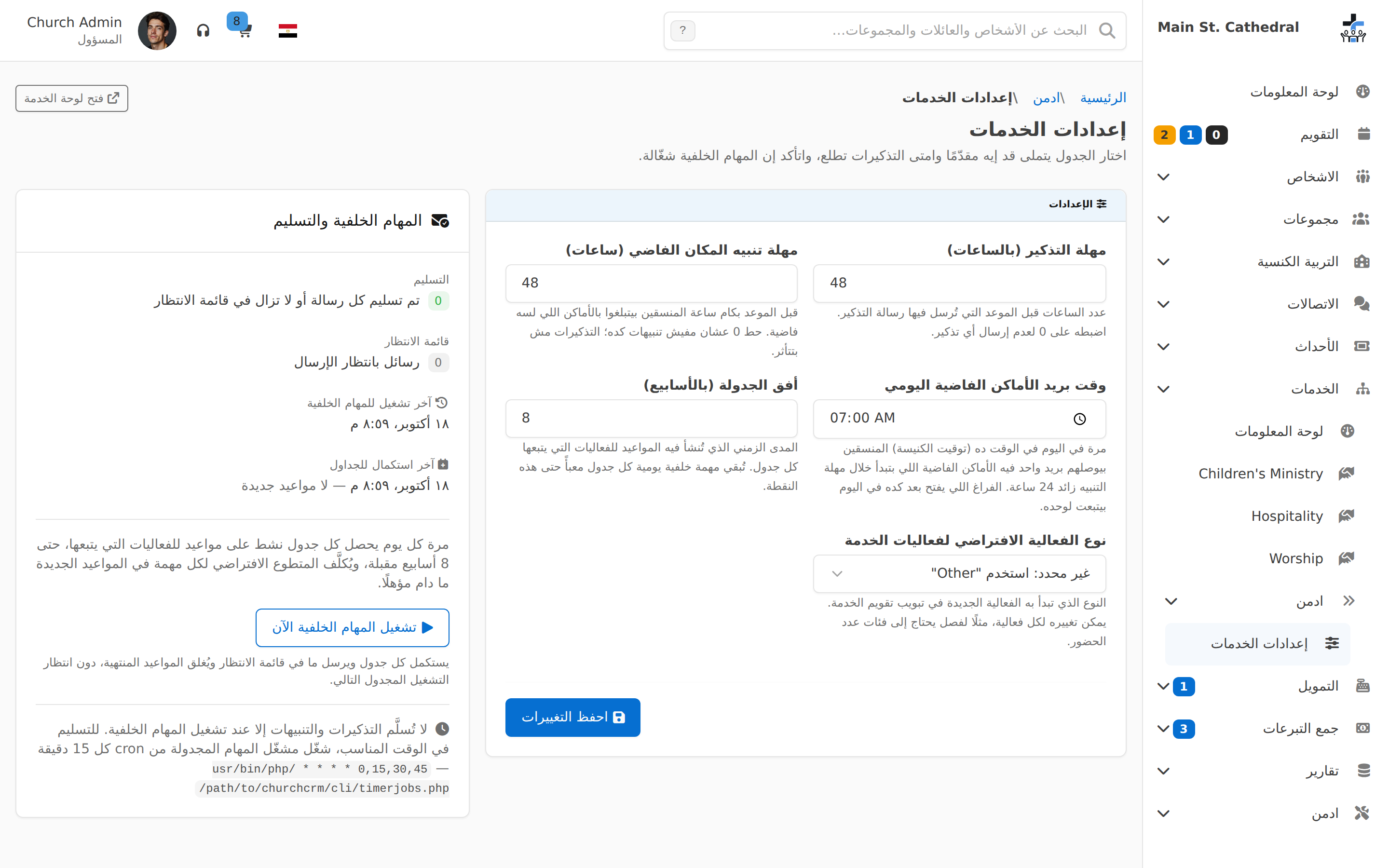
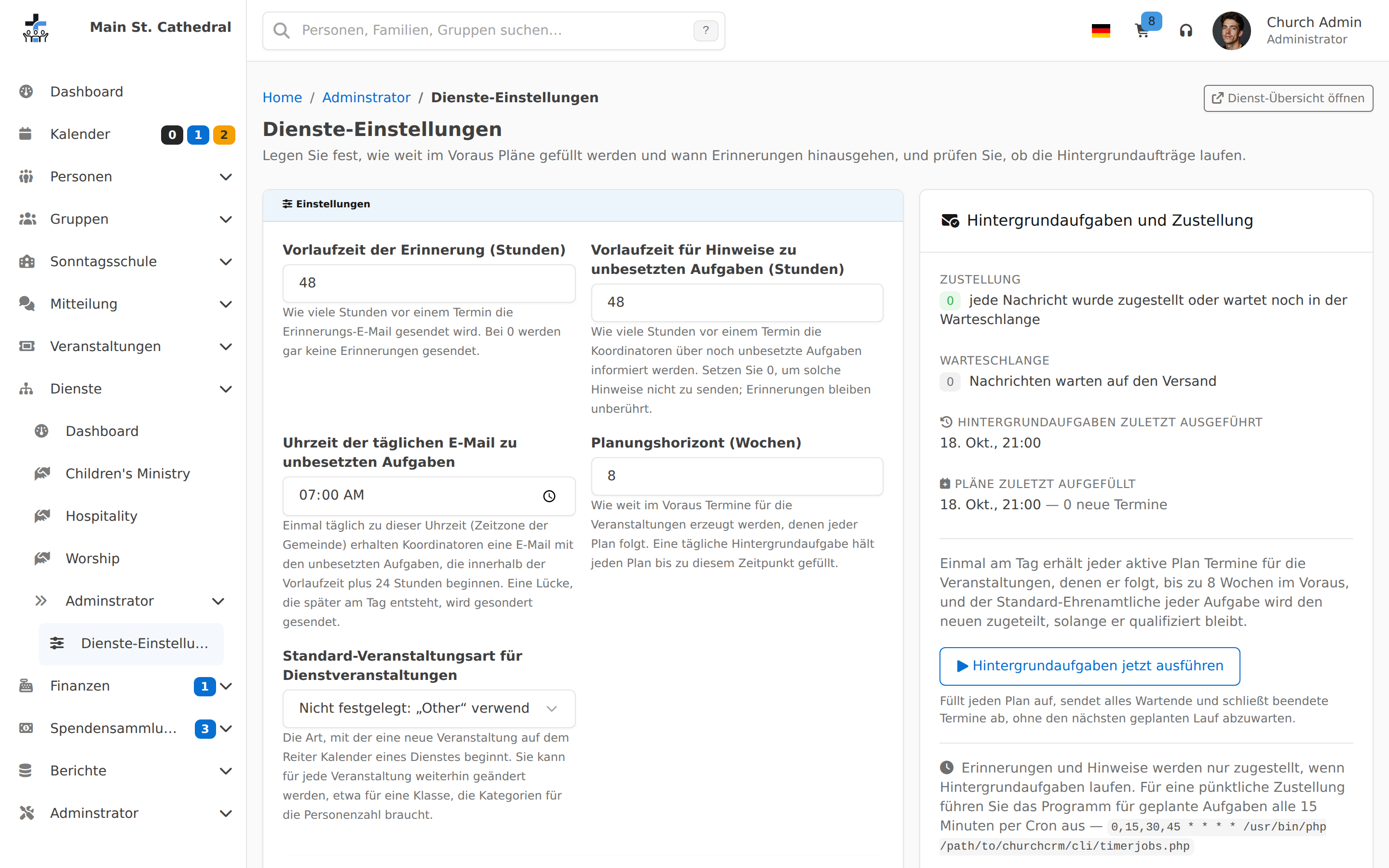
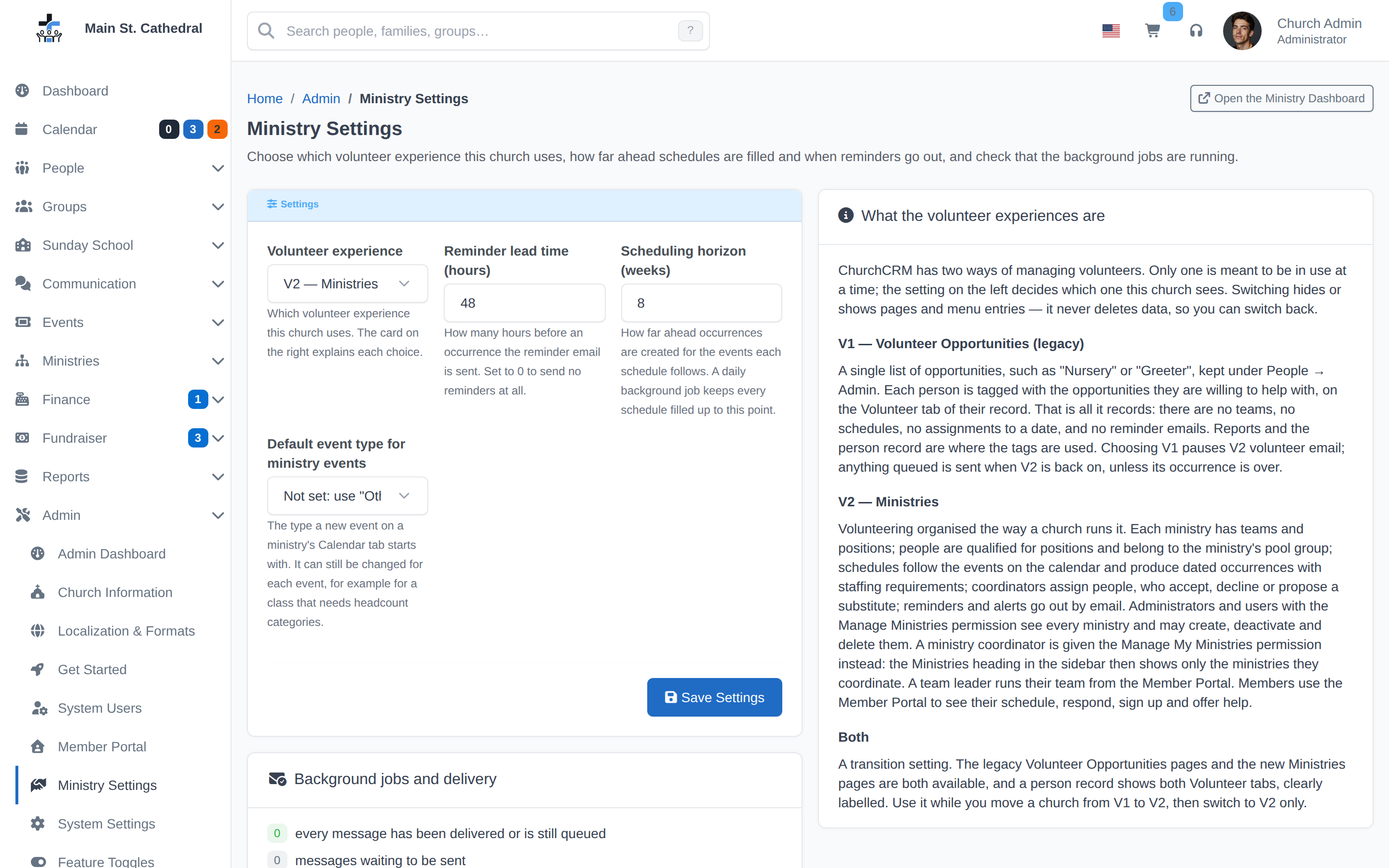
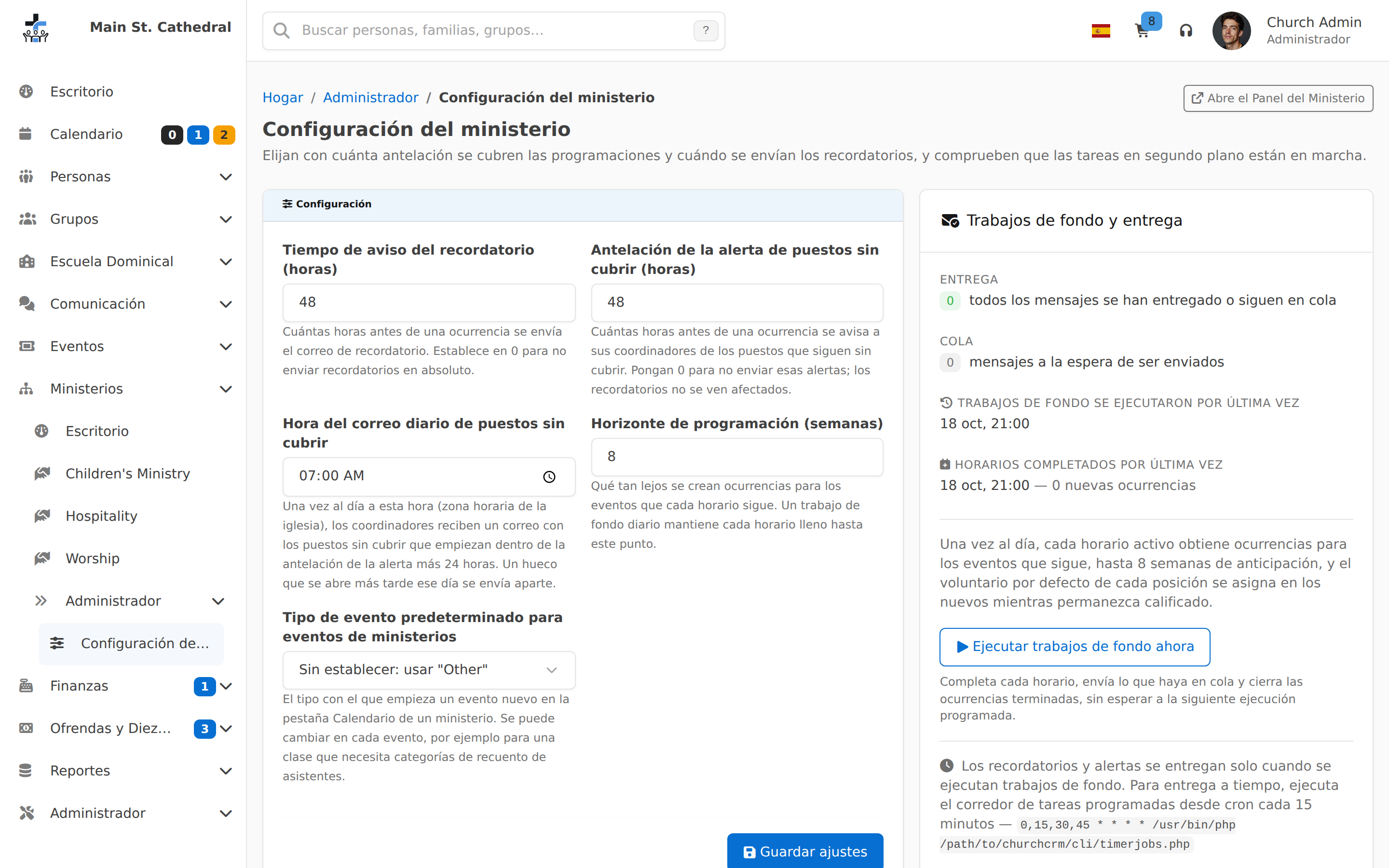
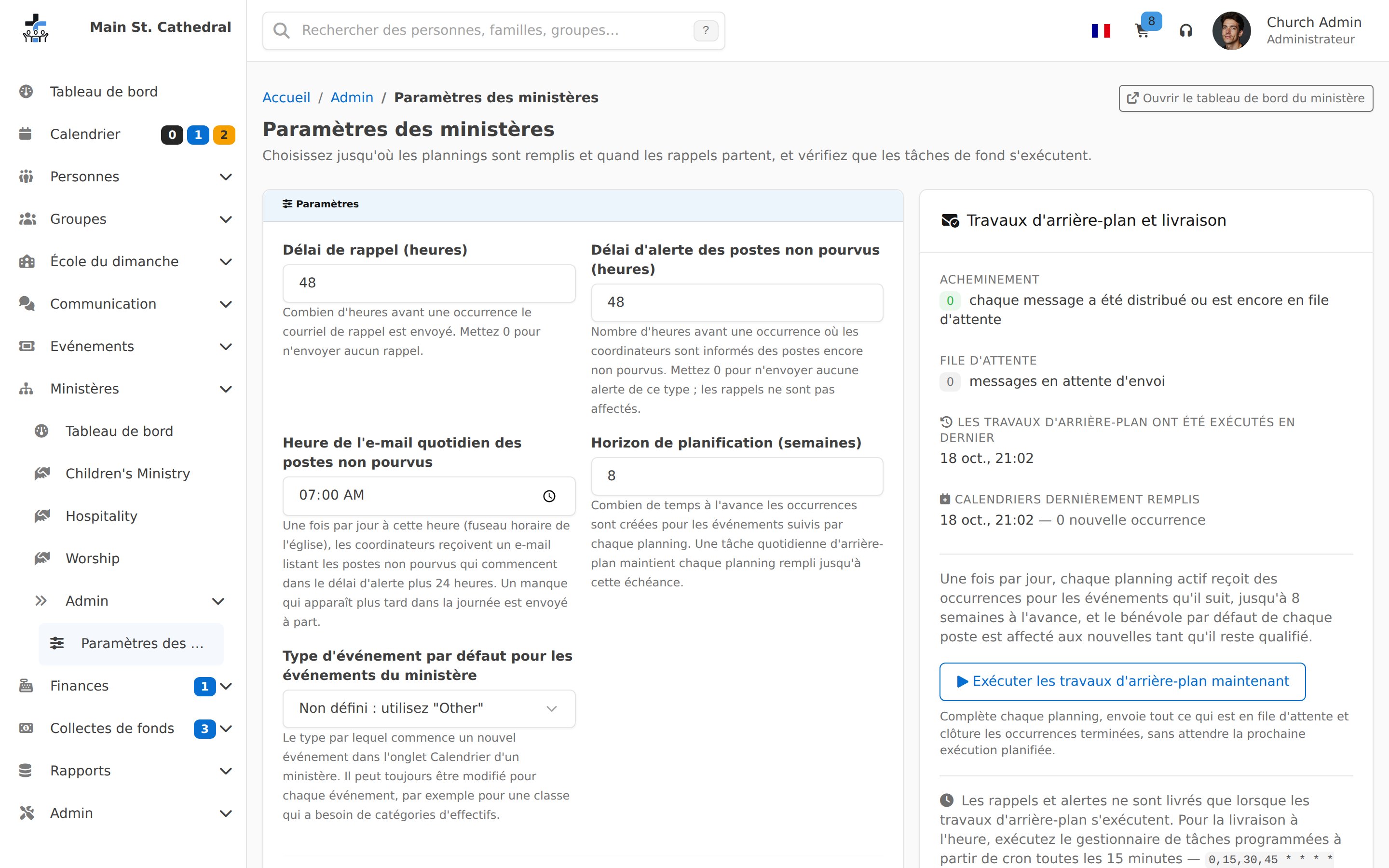
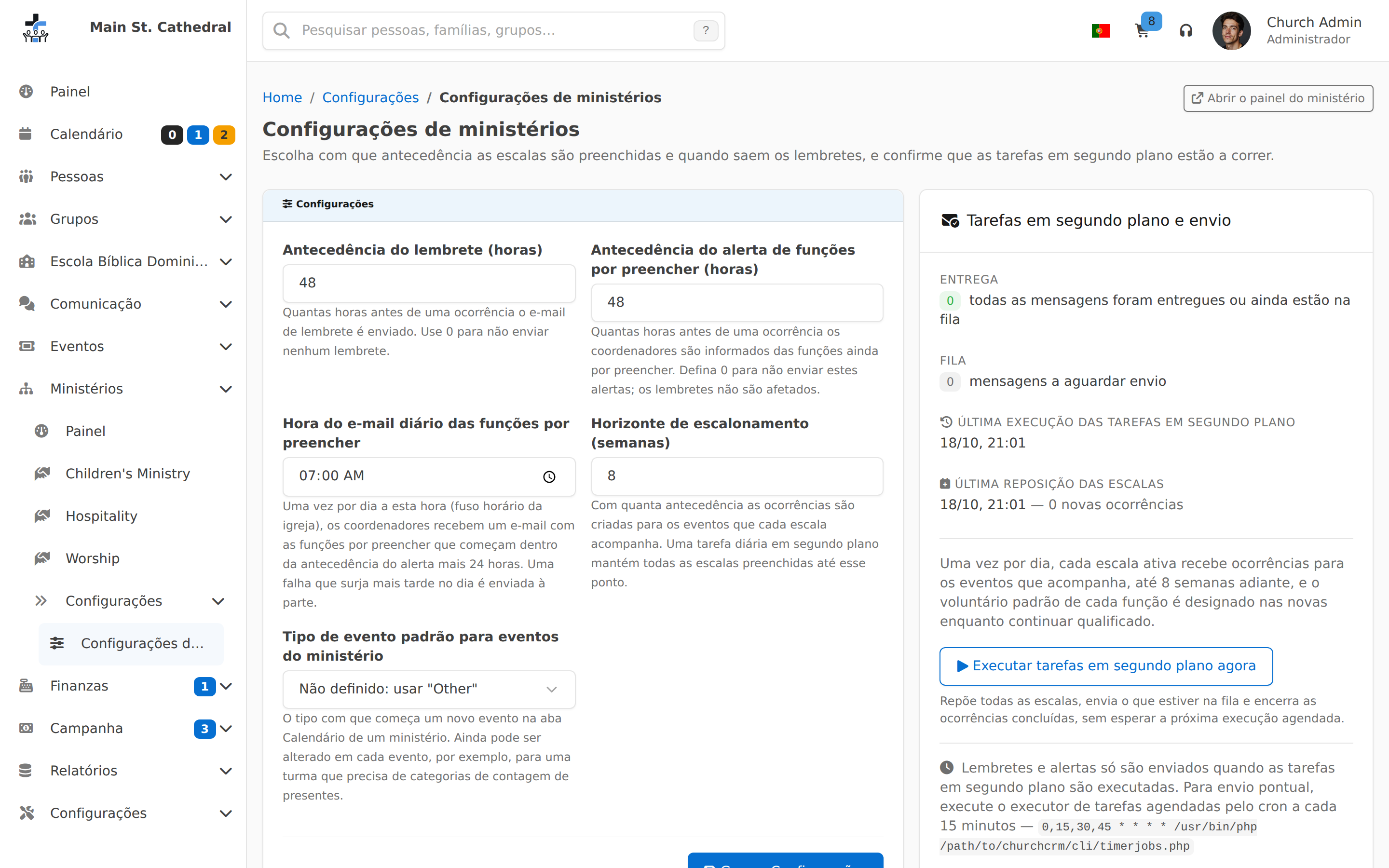
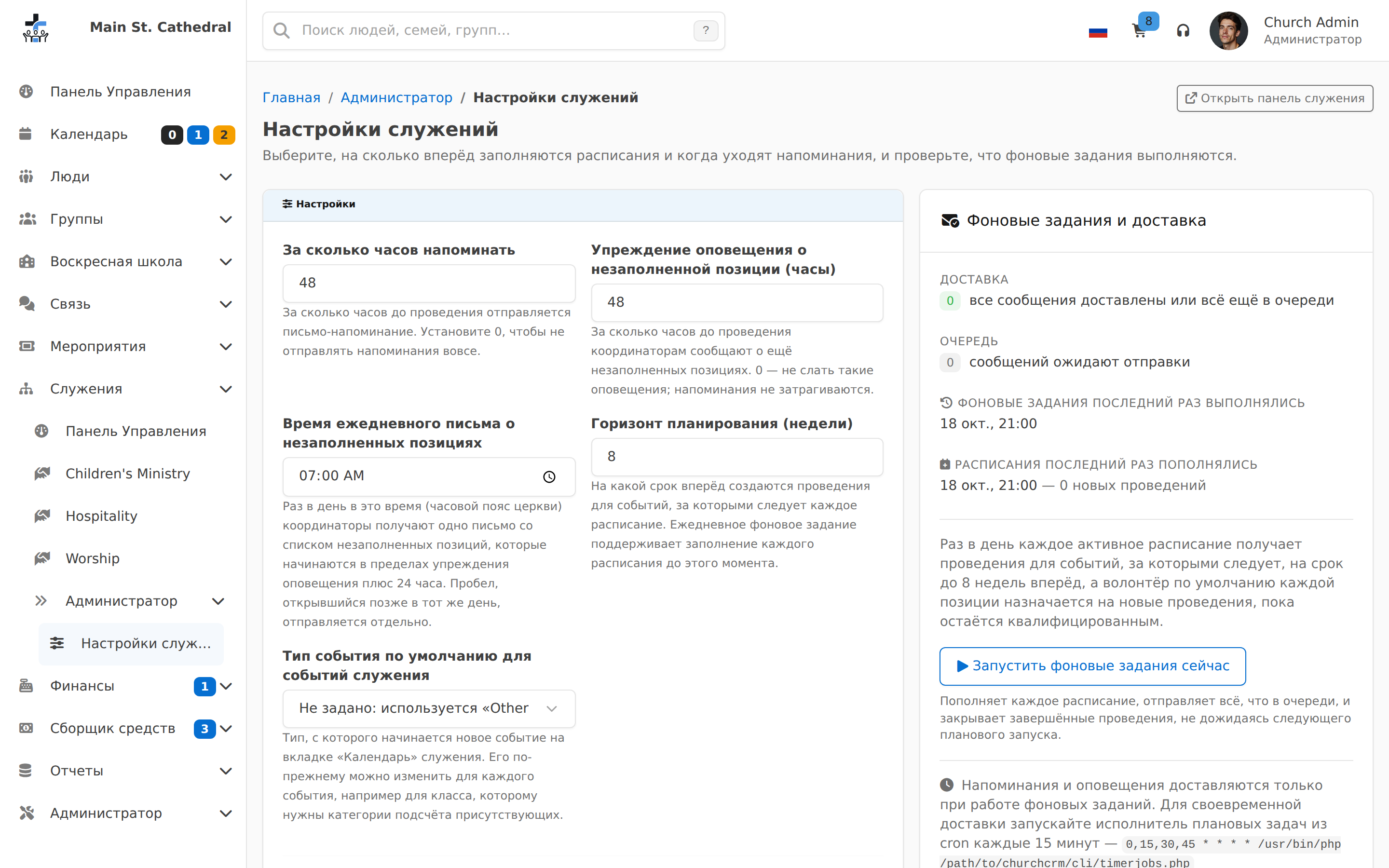
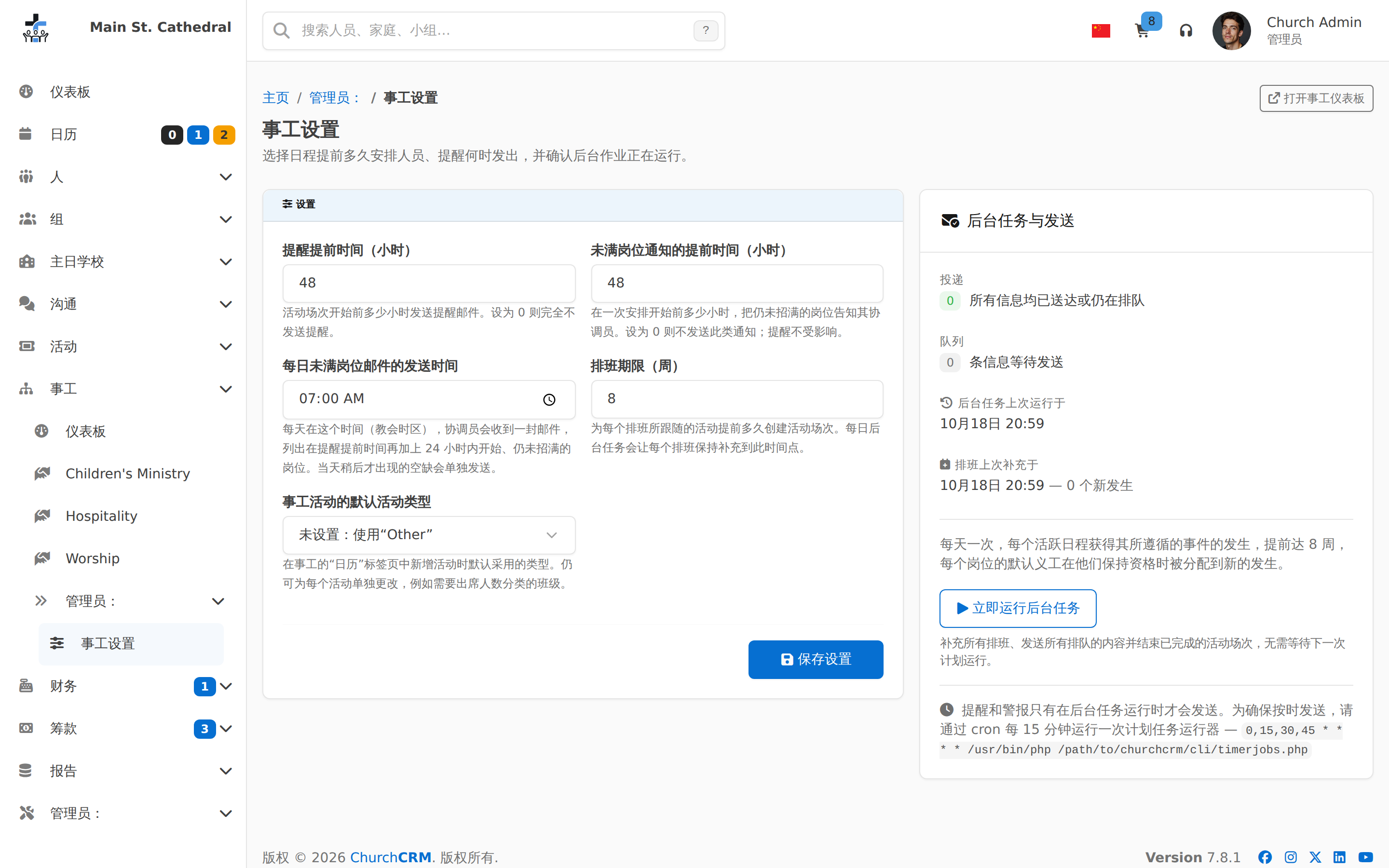
Real screenshots from a live ChurchCRM install with demo data loaded — not mockups. Toggle between desktop, tablet, phone, or recordings to see how each screen adapts and how features work in action.
Dashboards
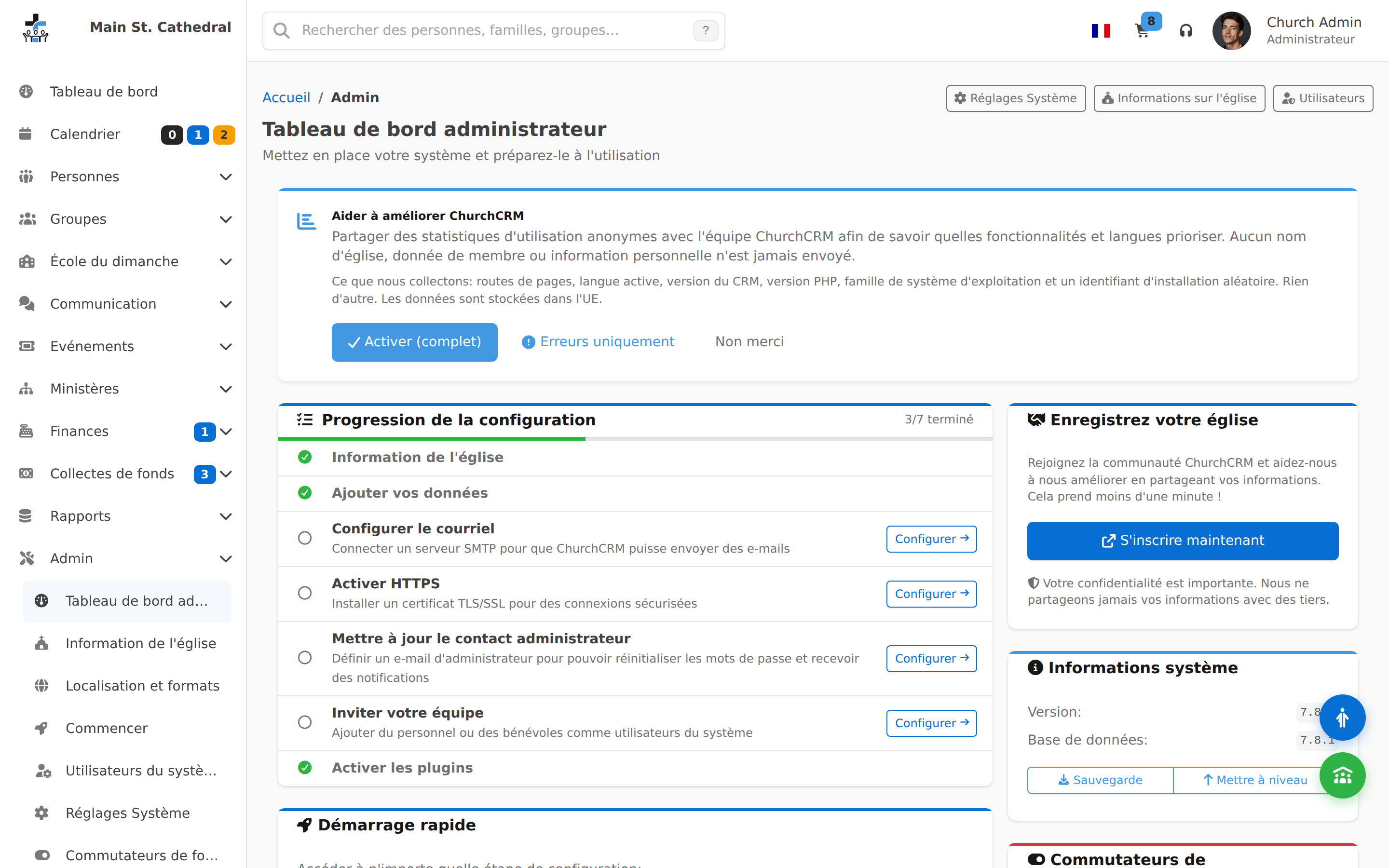
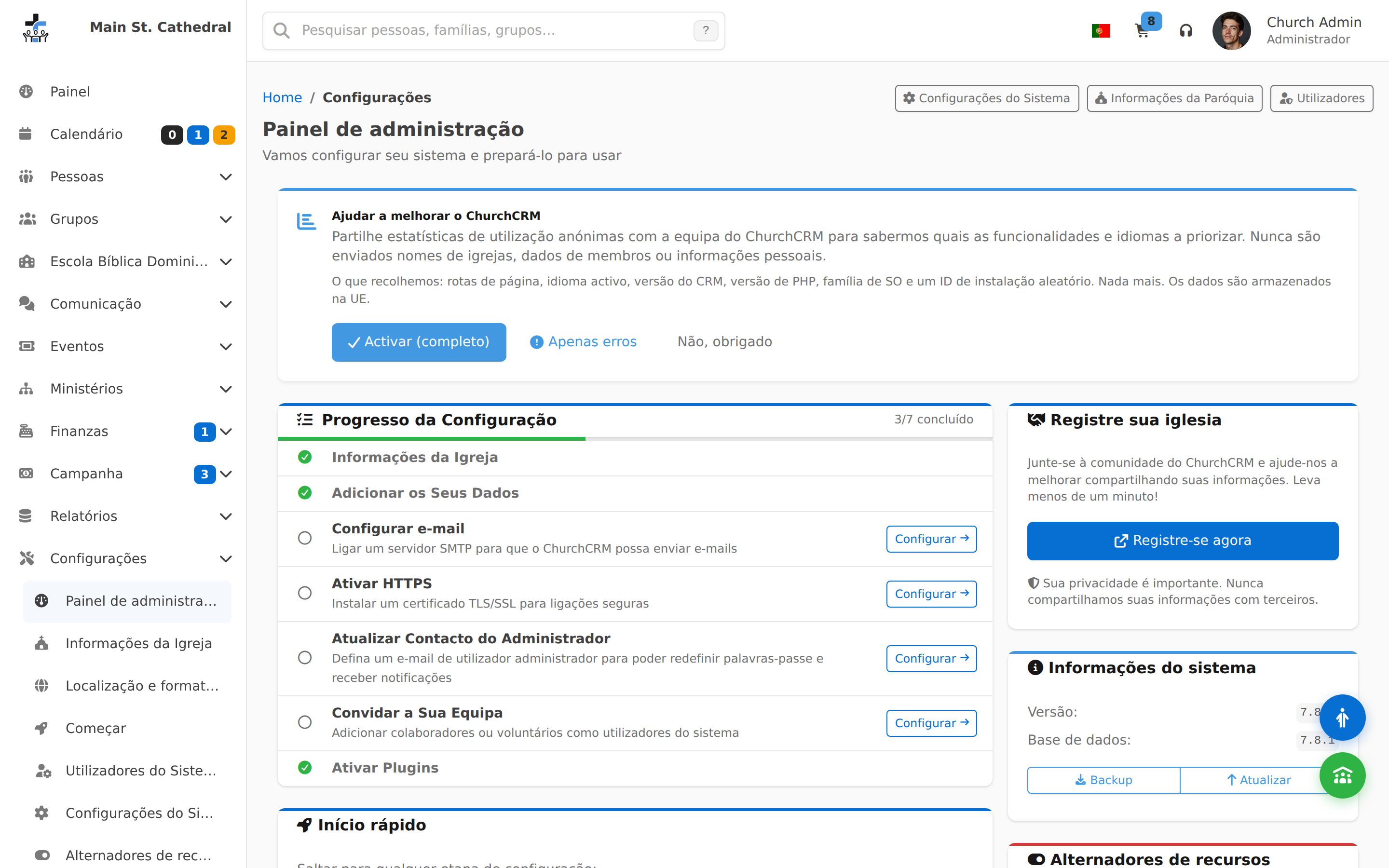
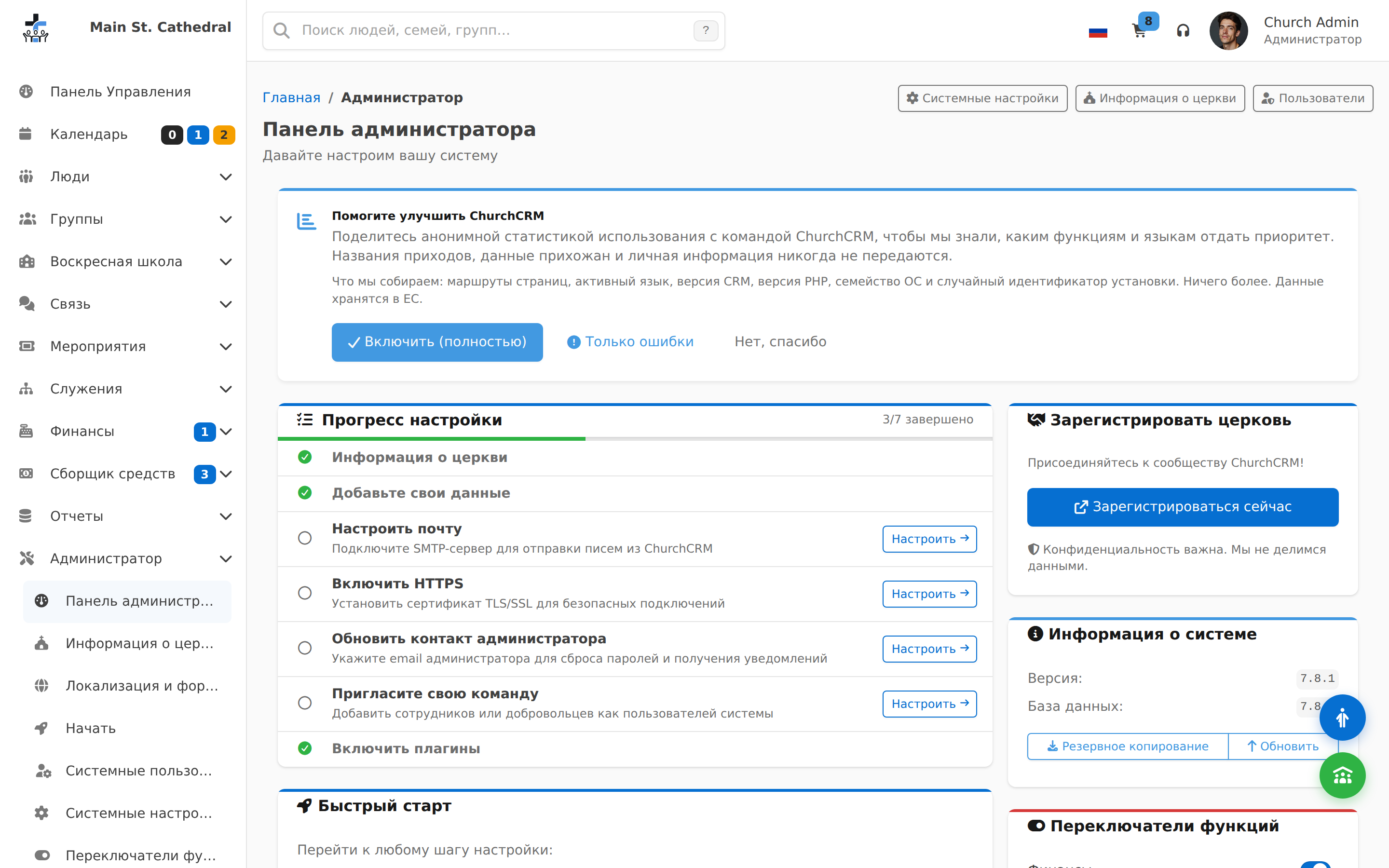
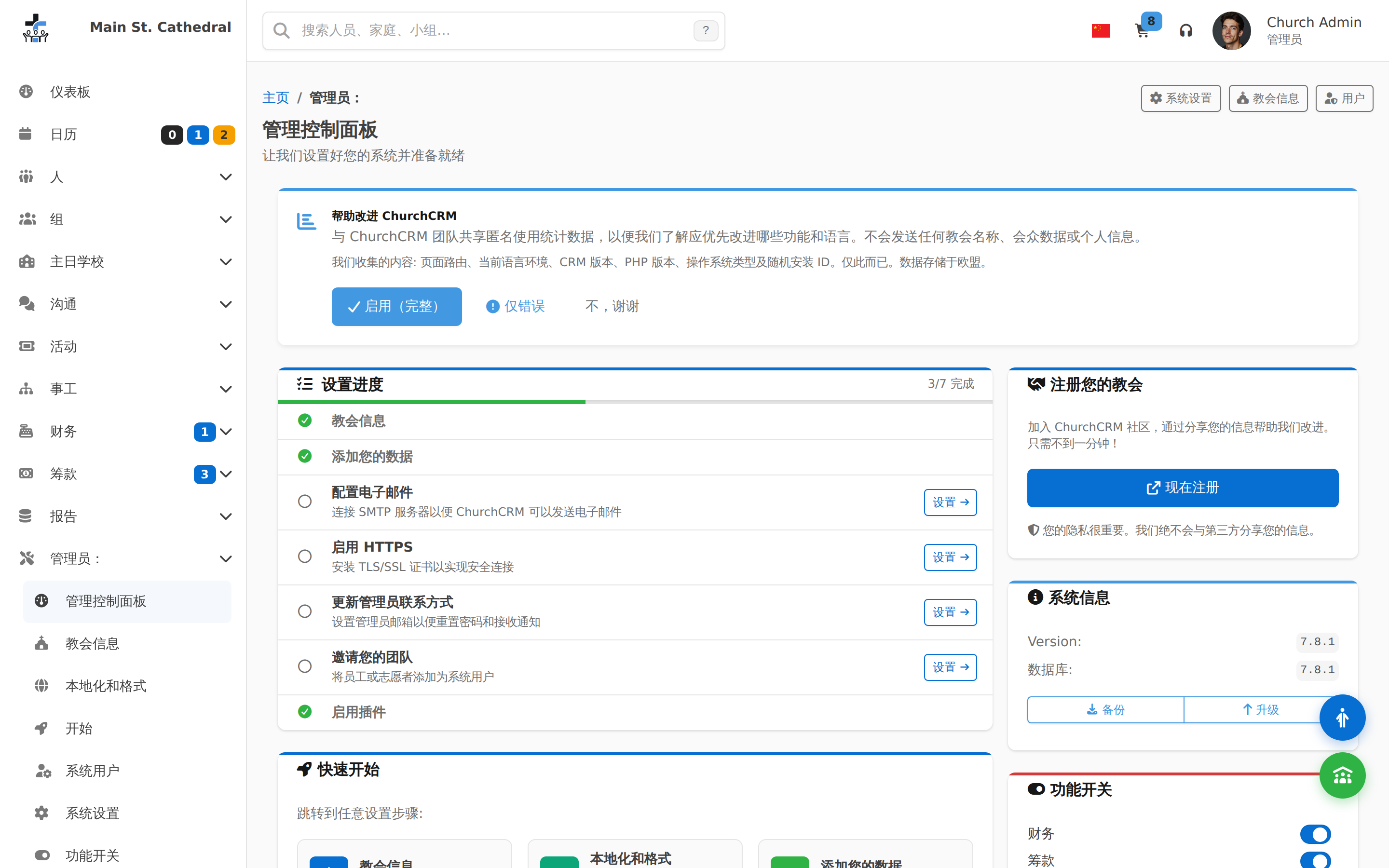
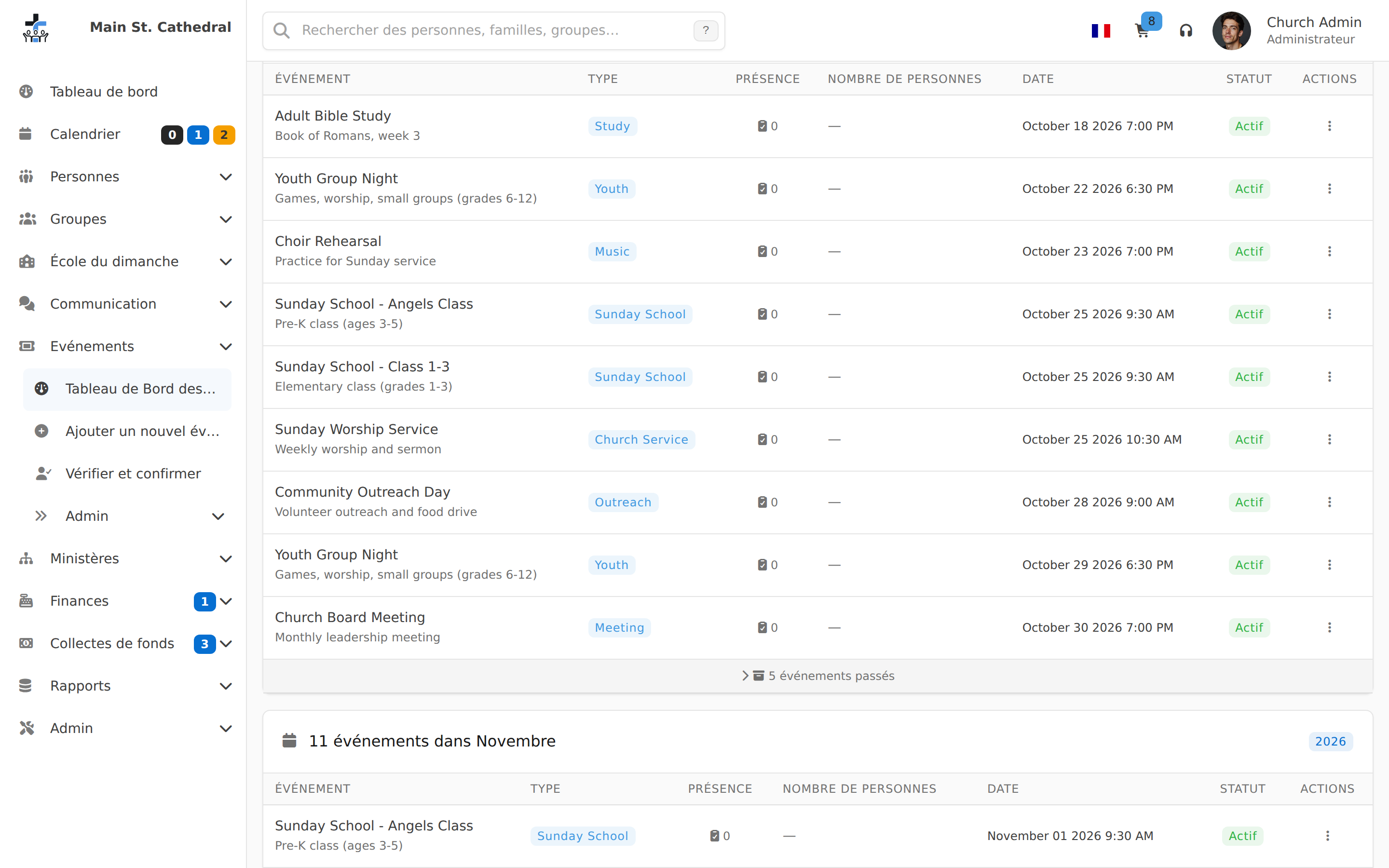
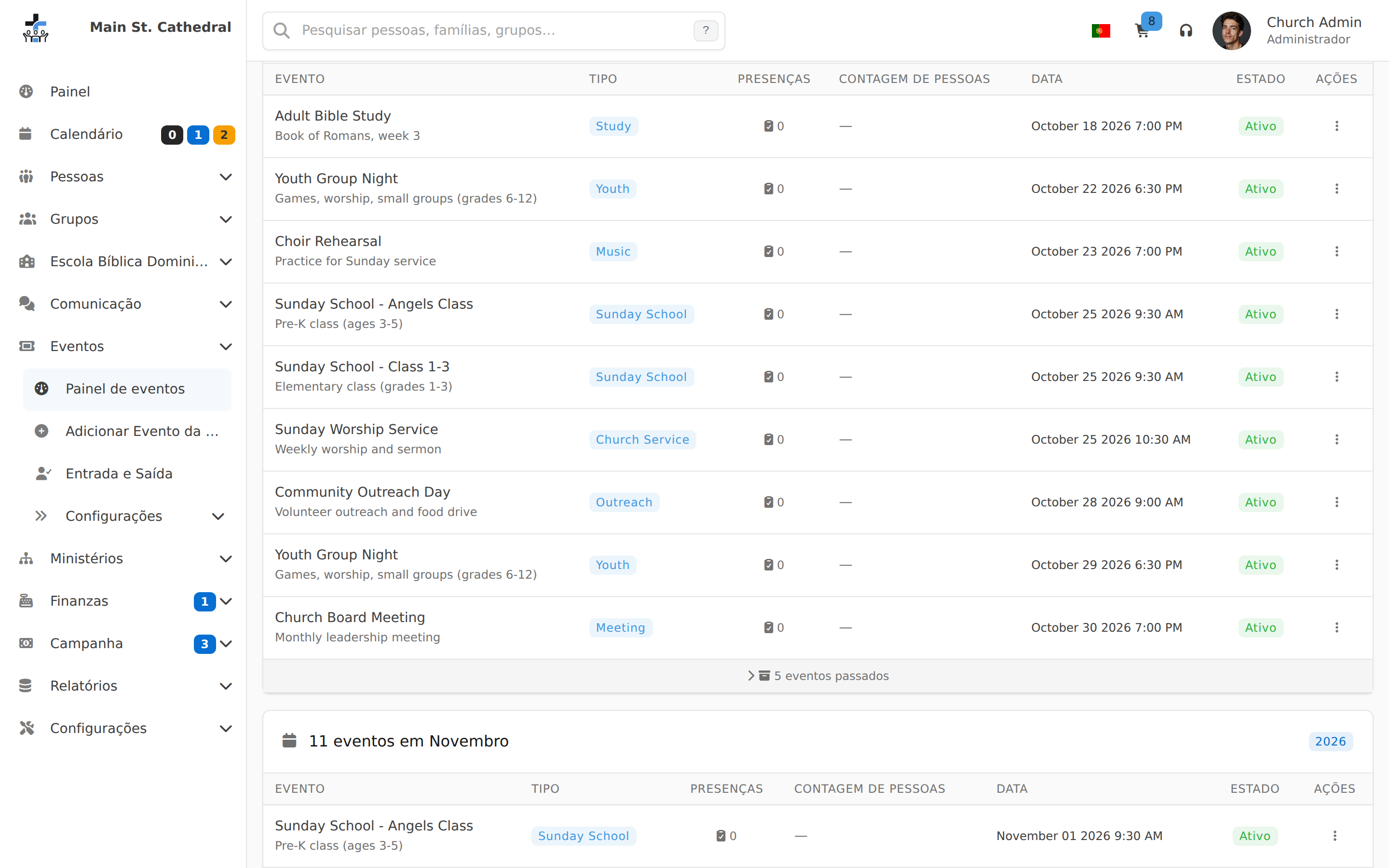
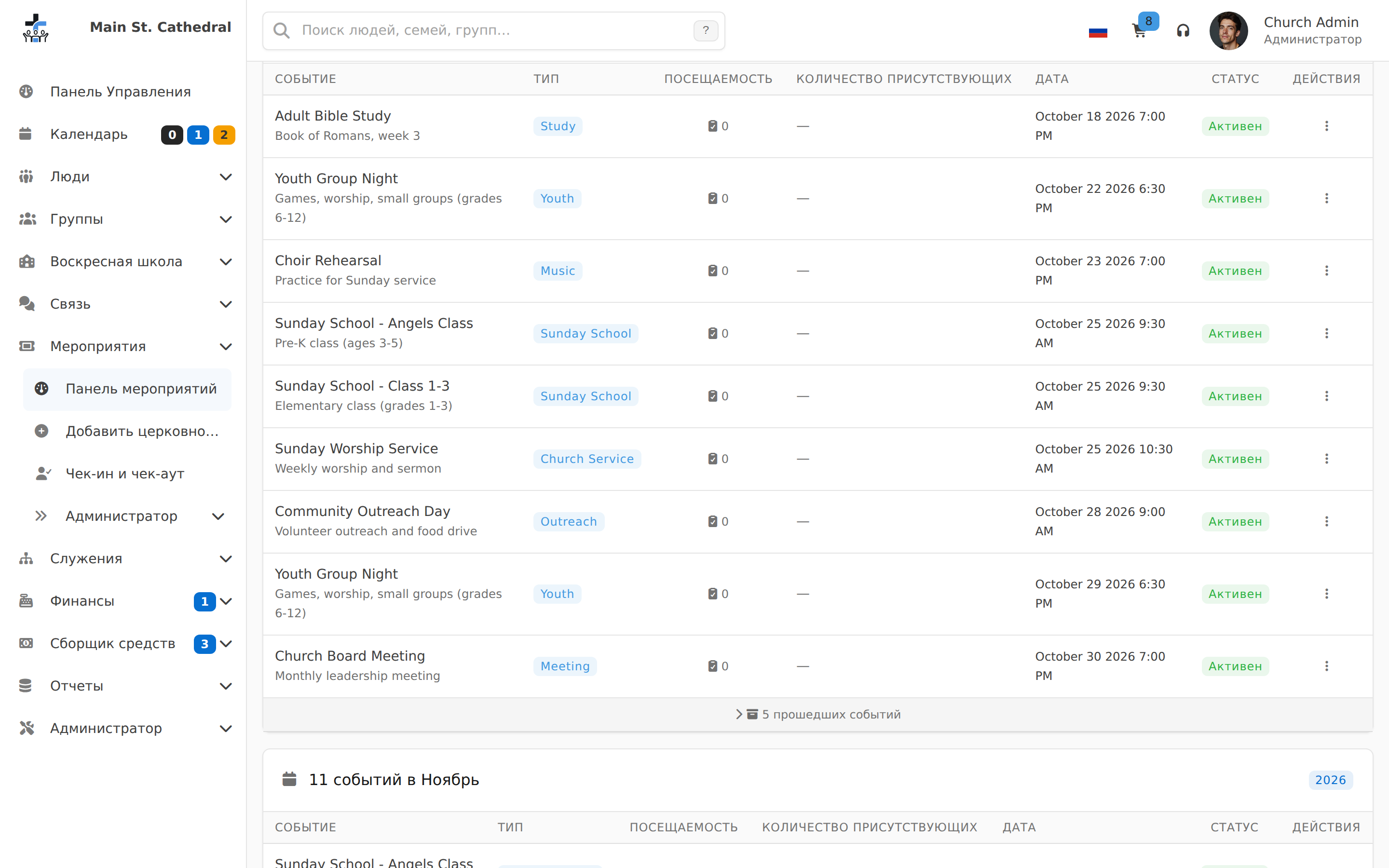
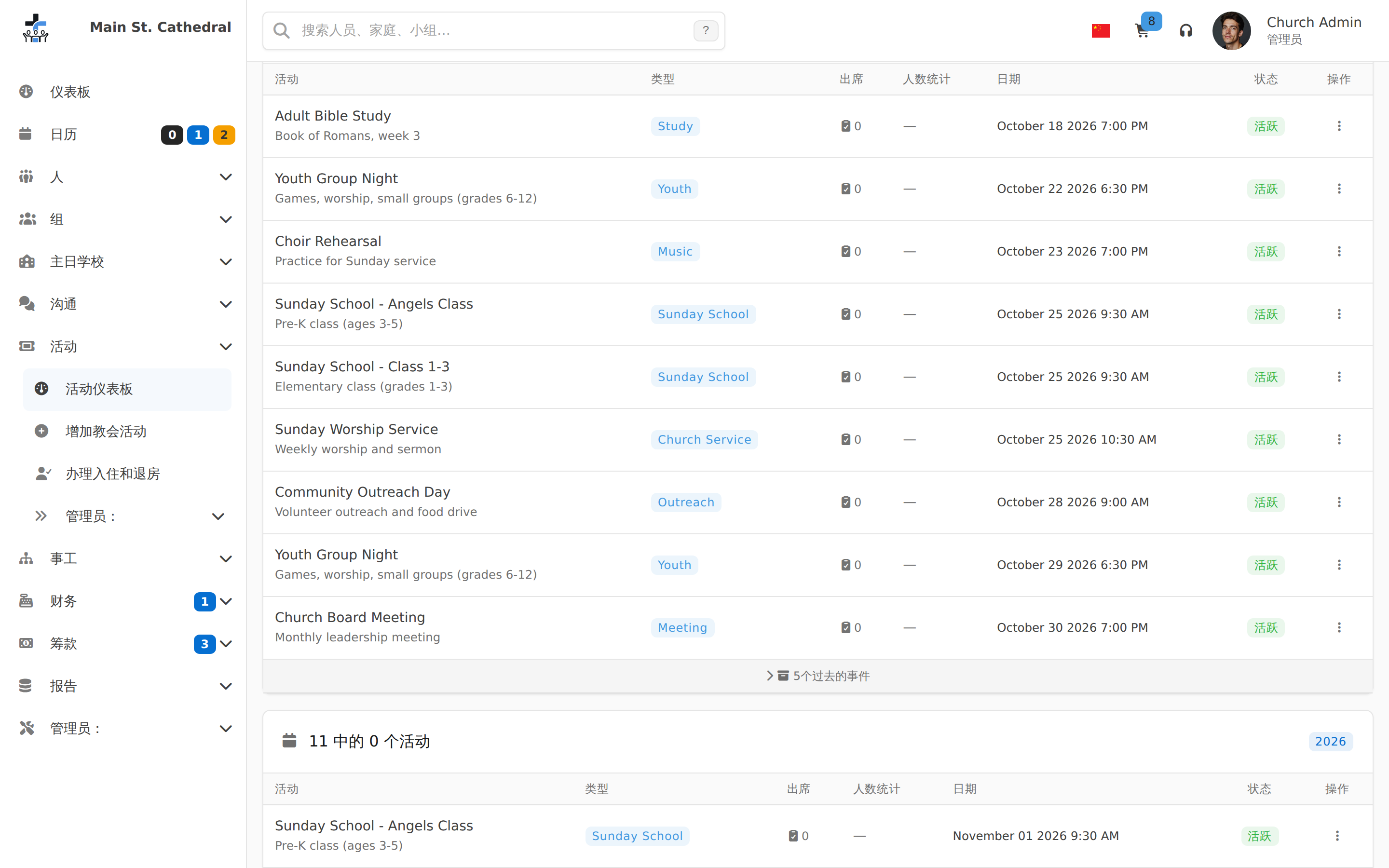
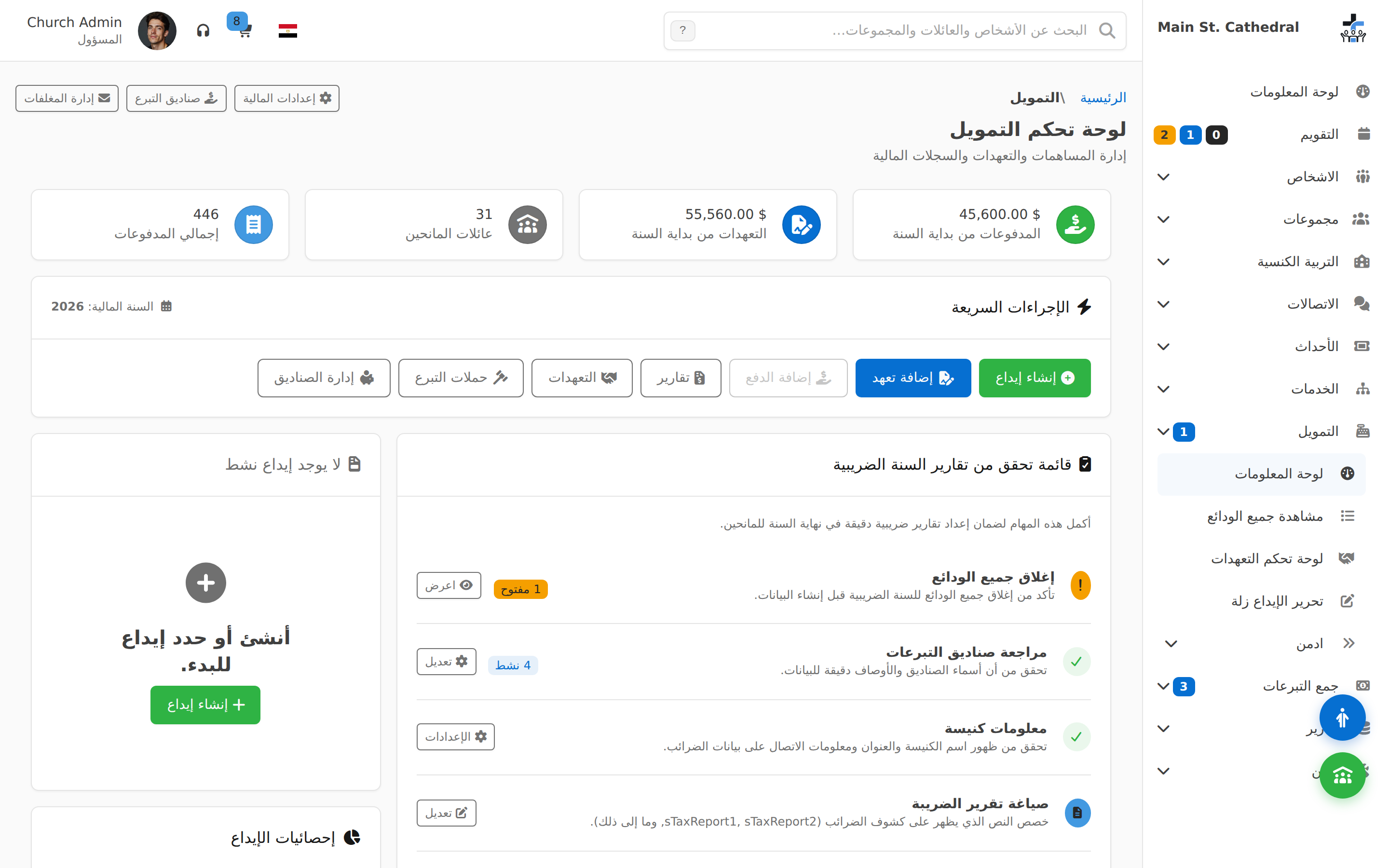
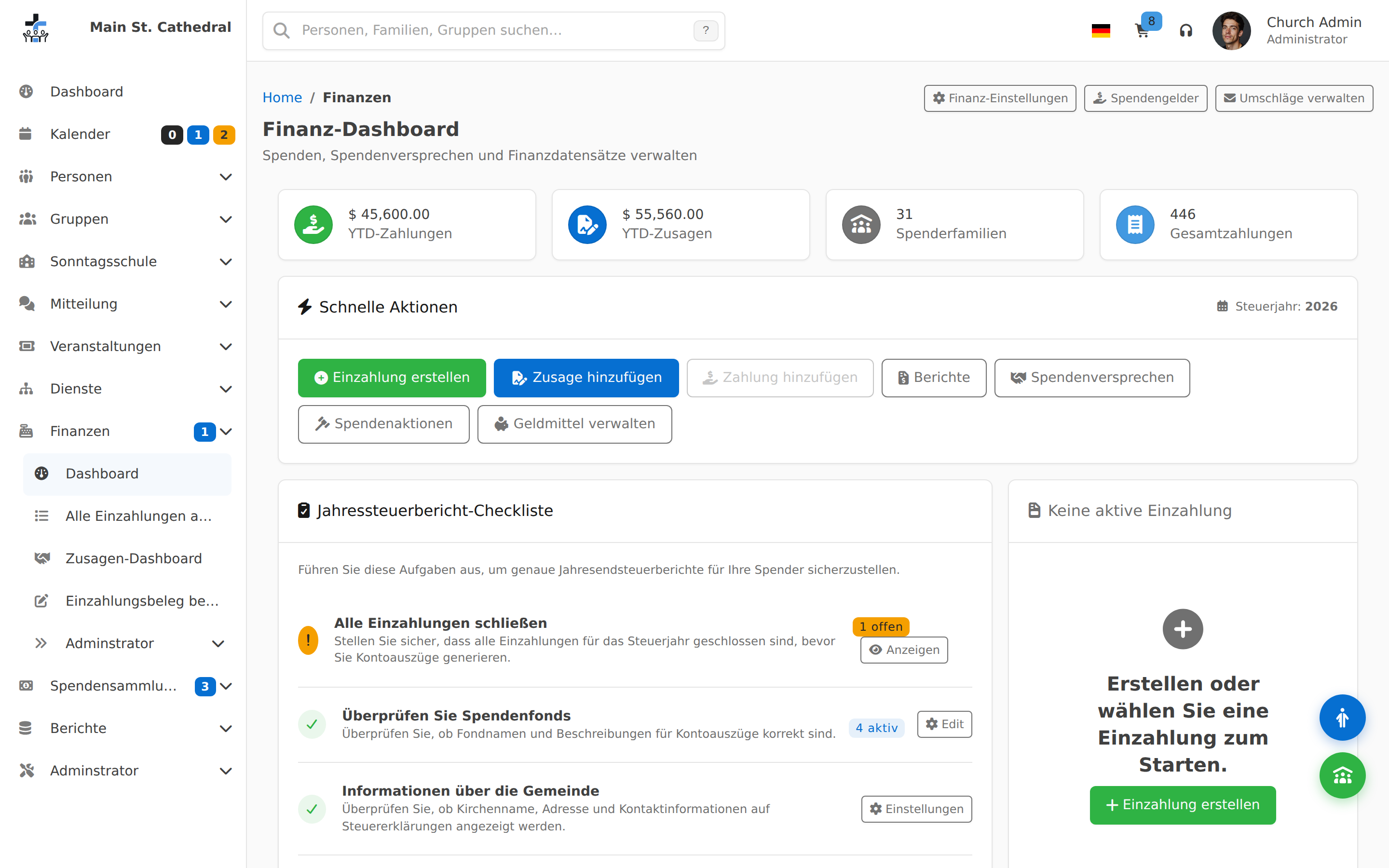
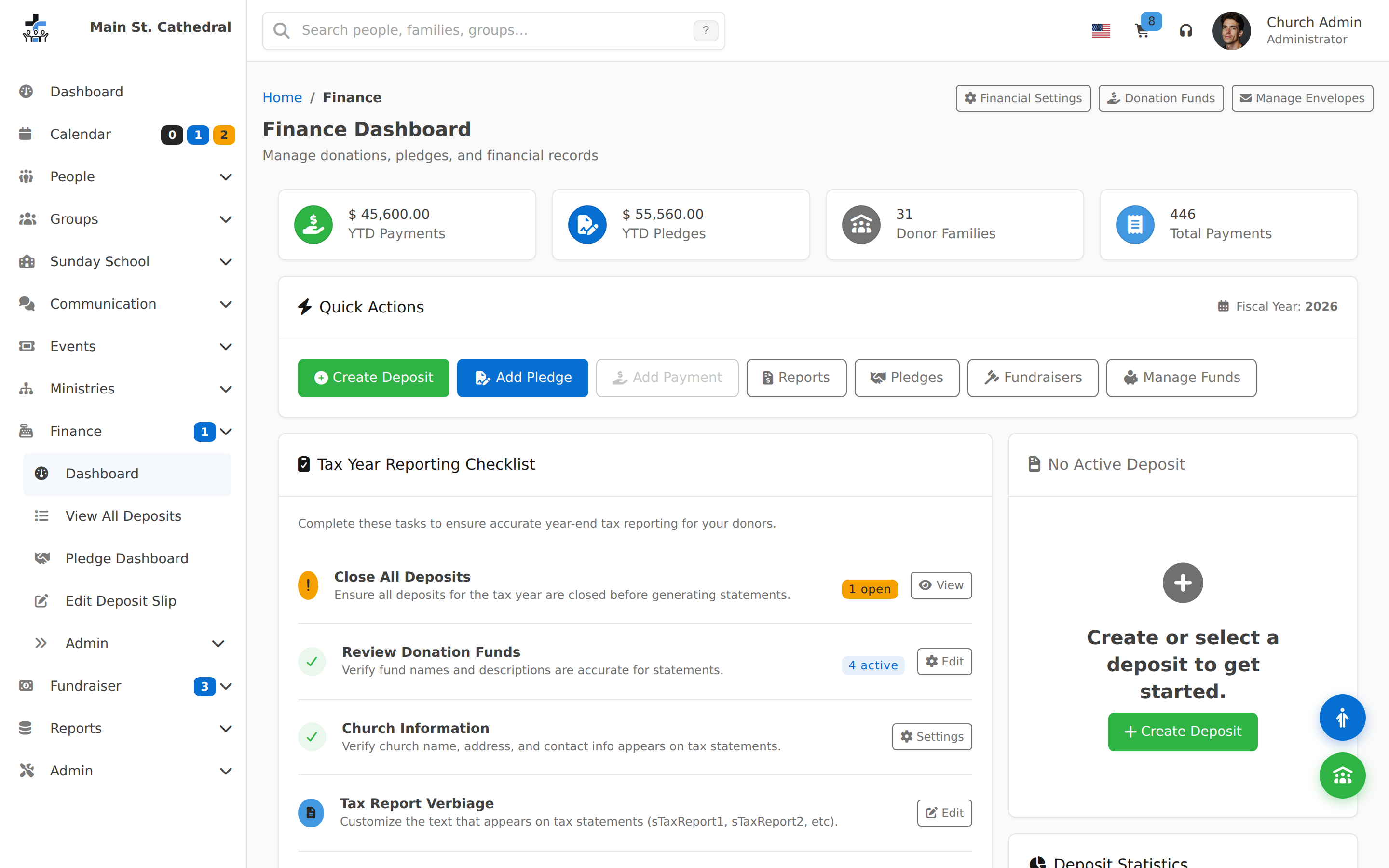
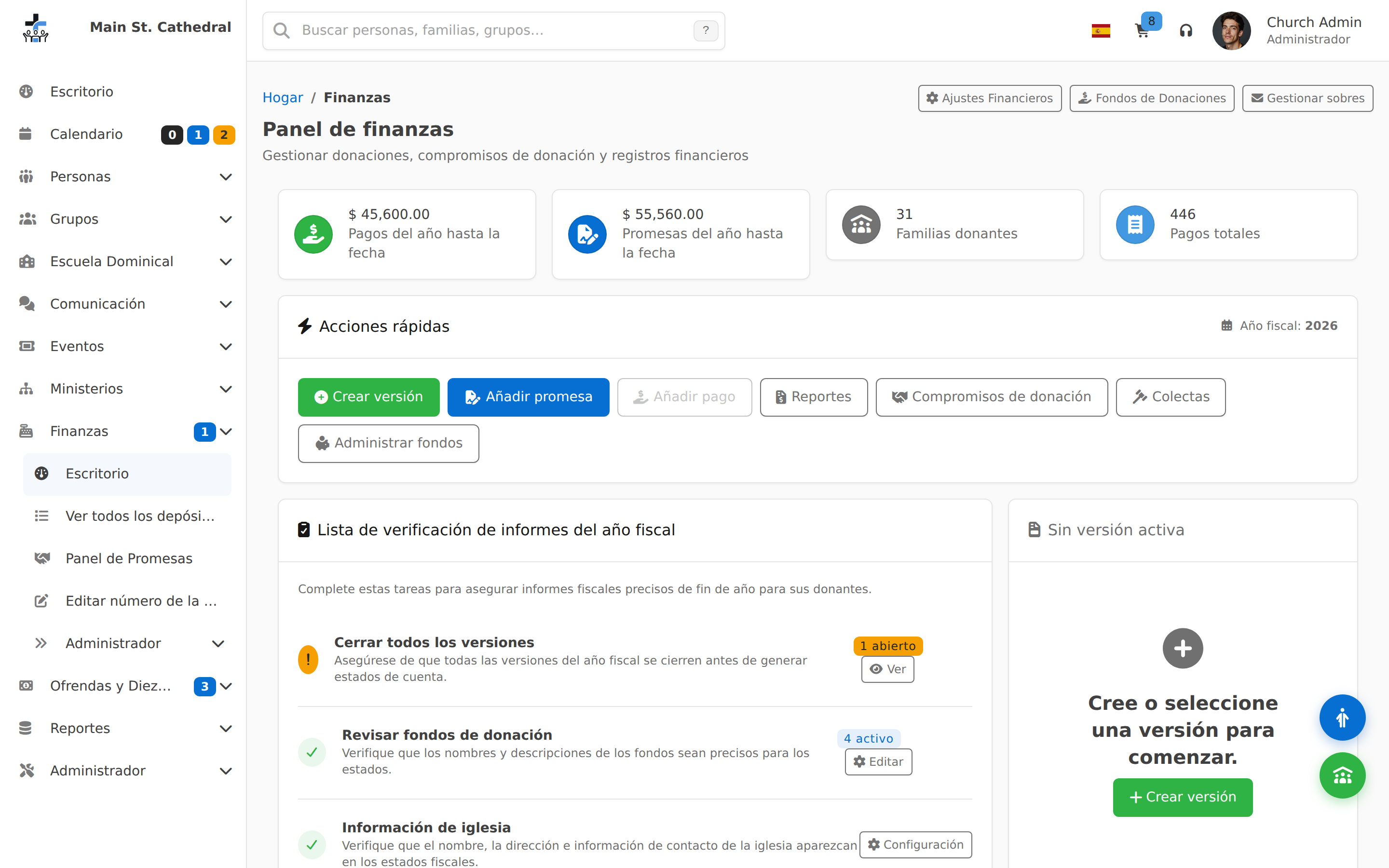
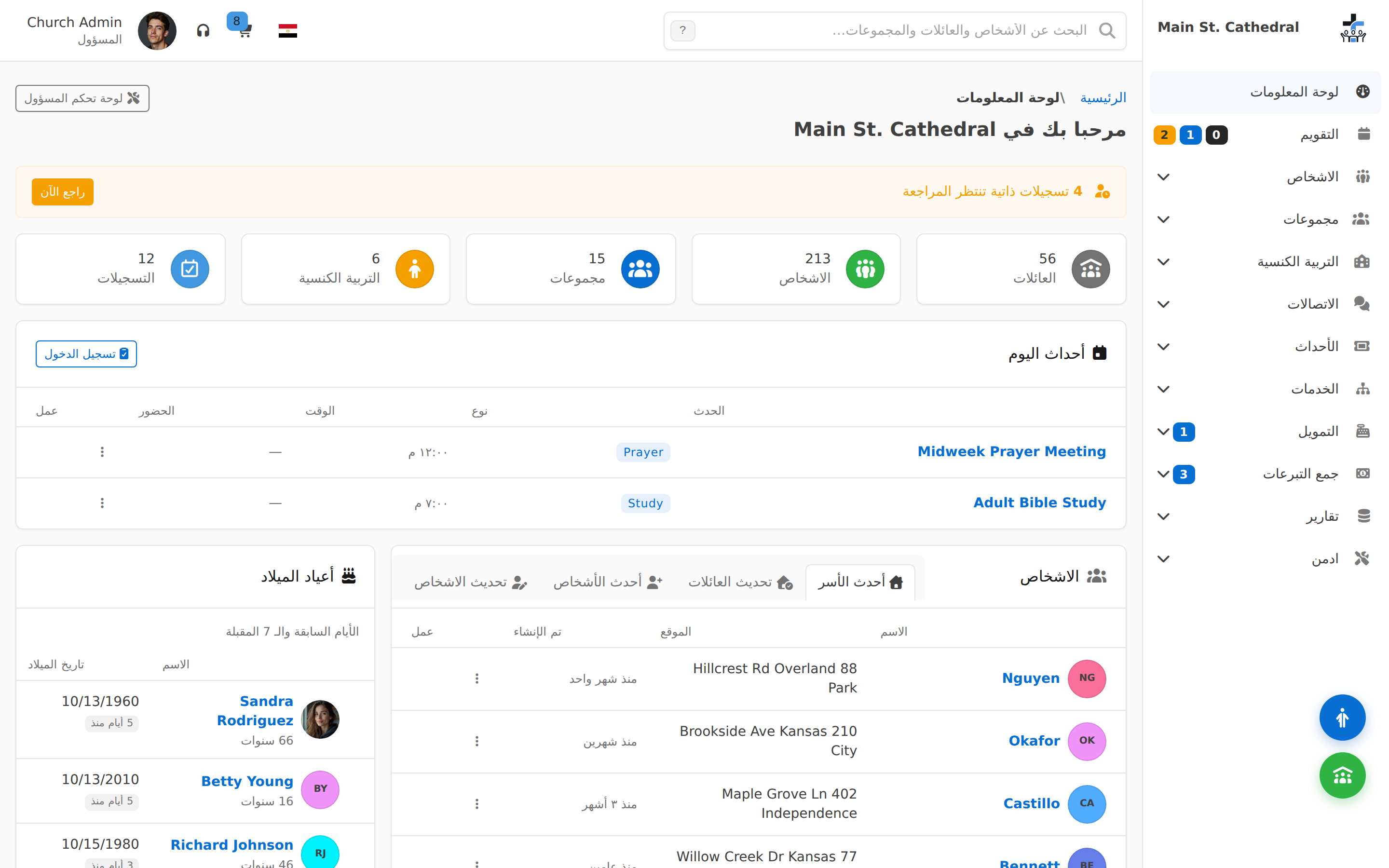
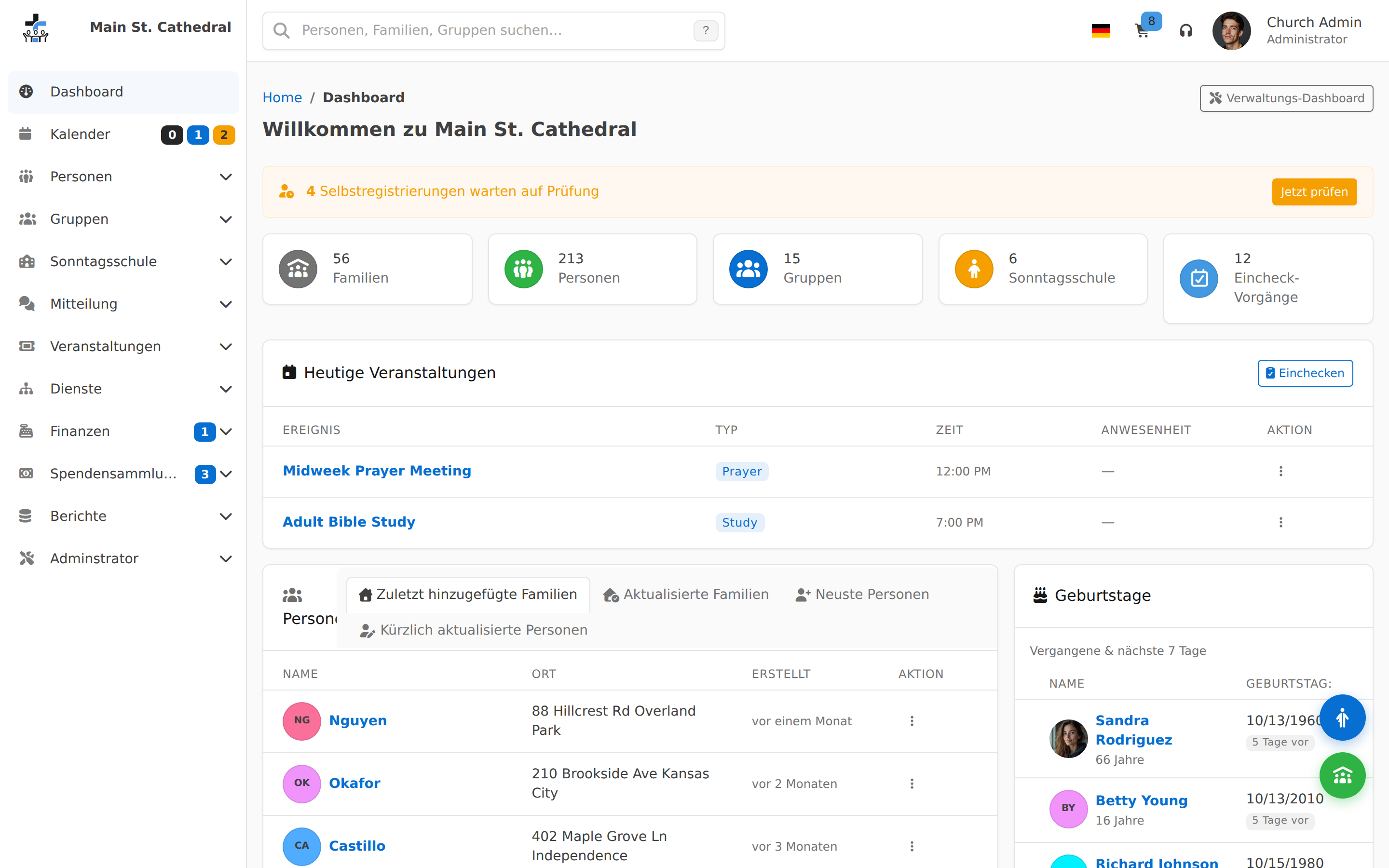
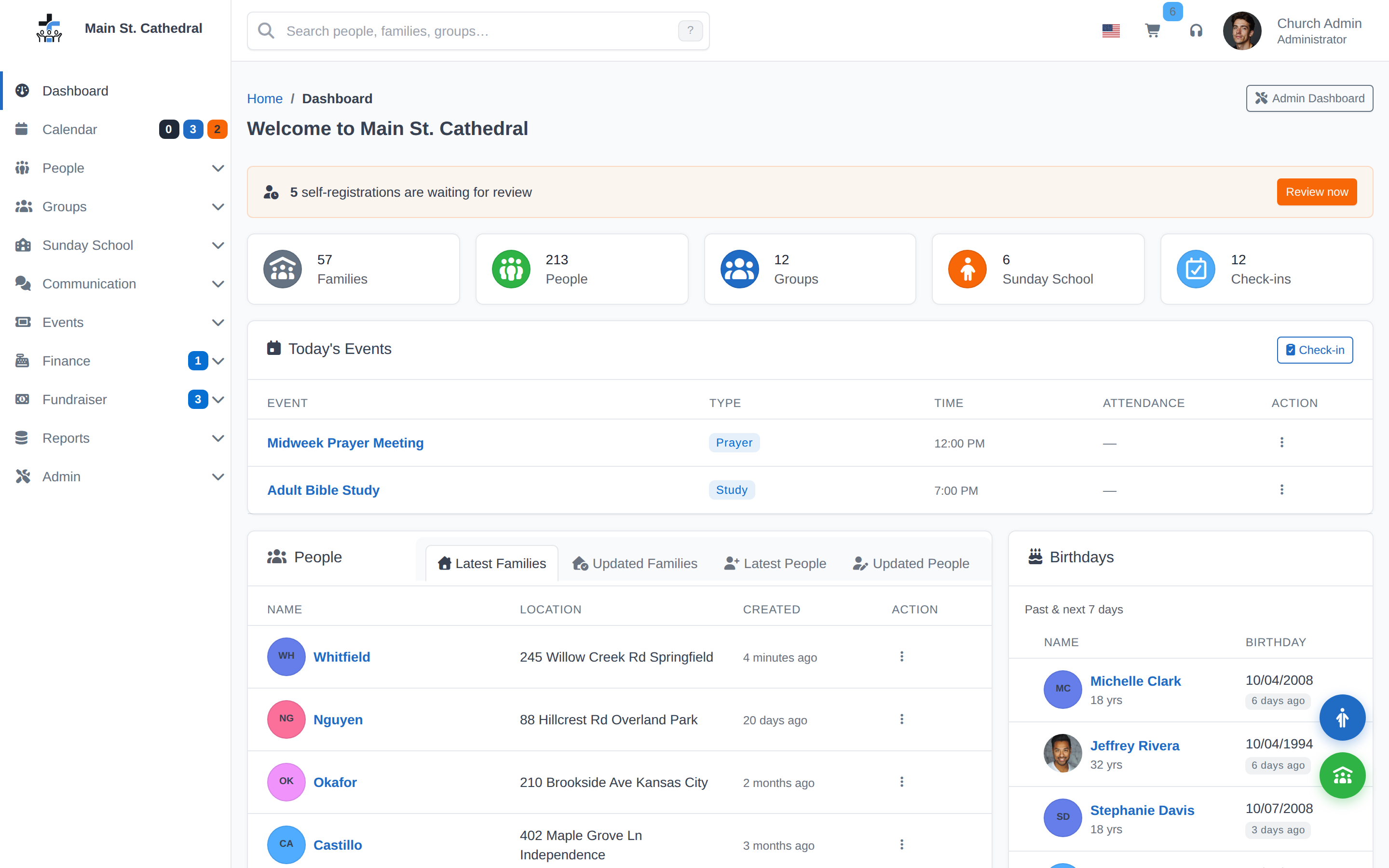
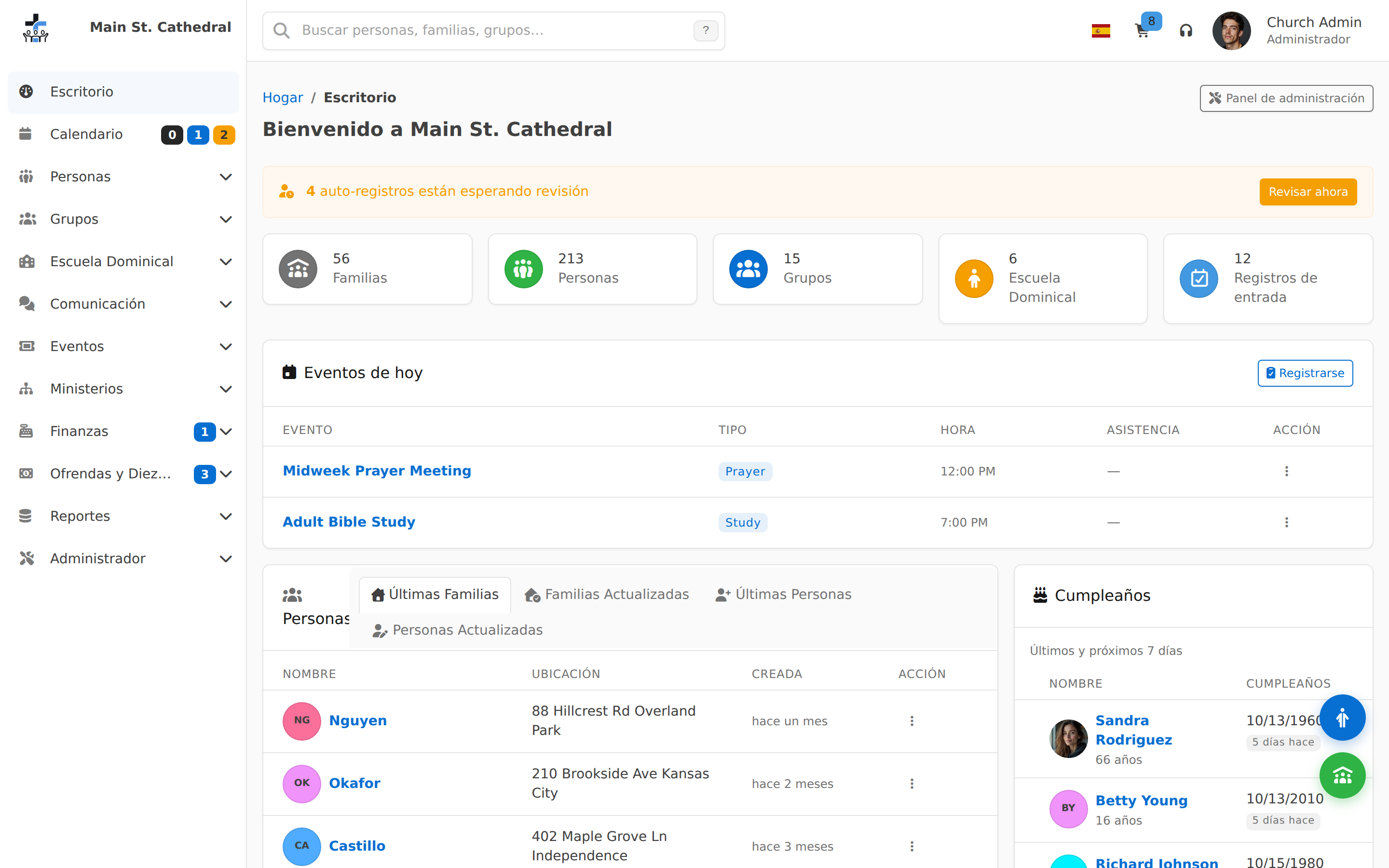
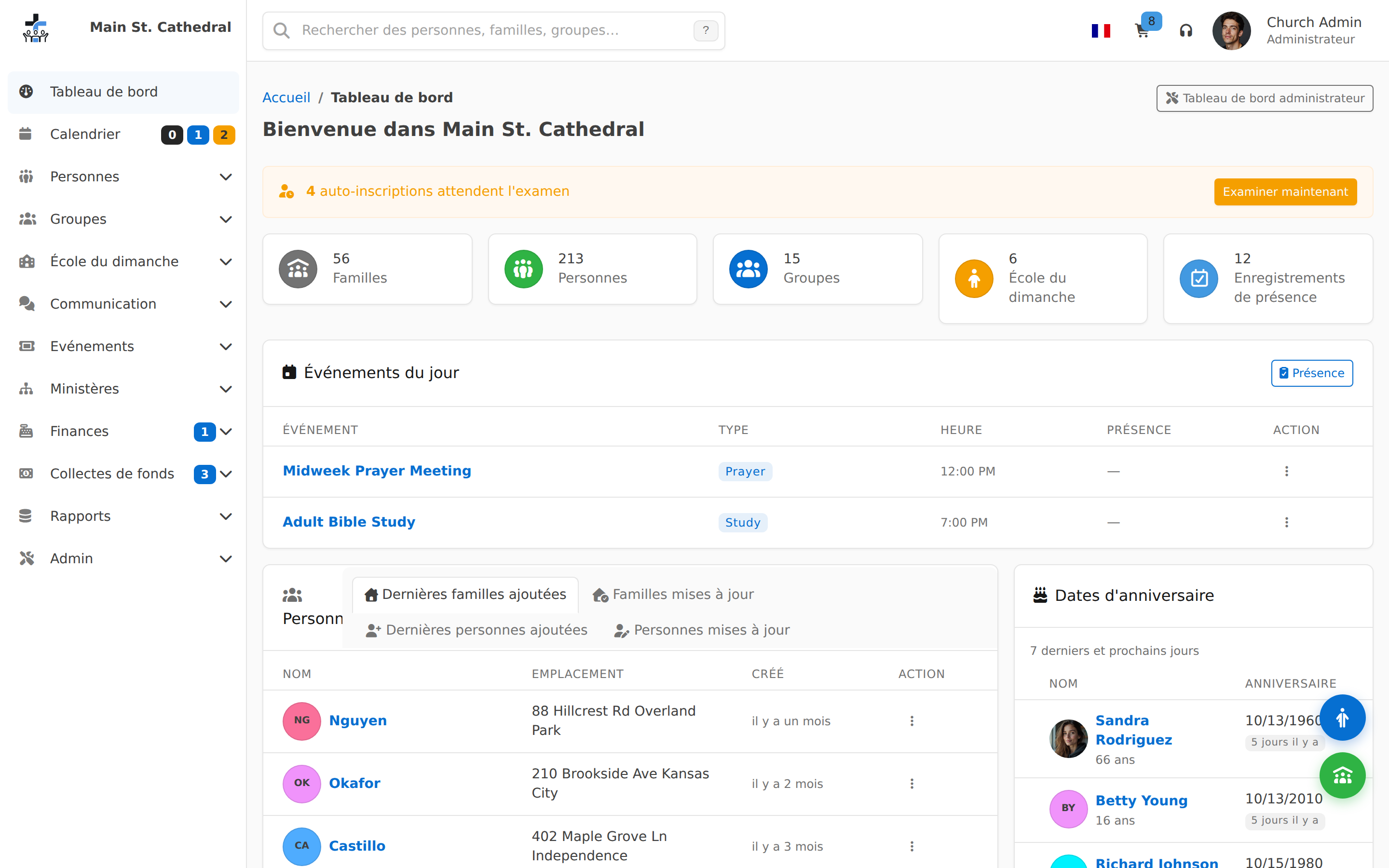
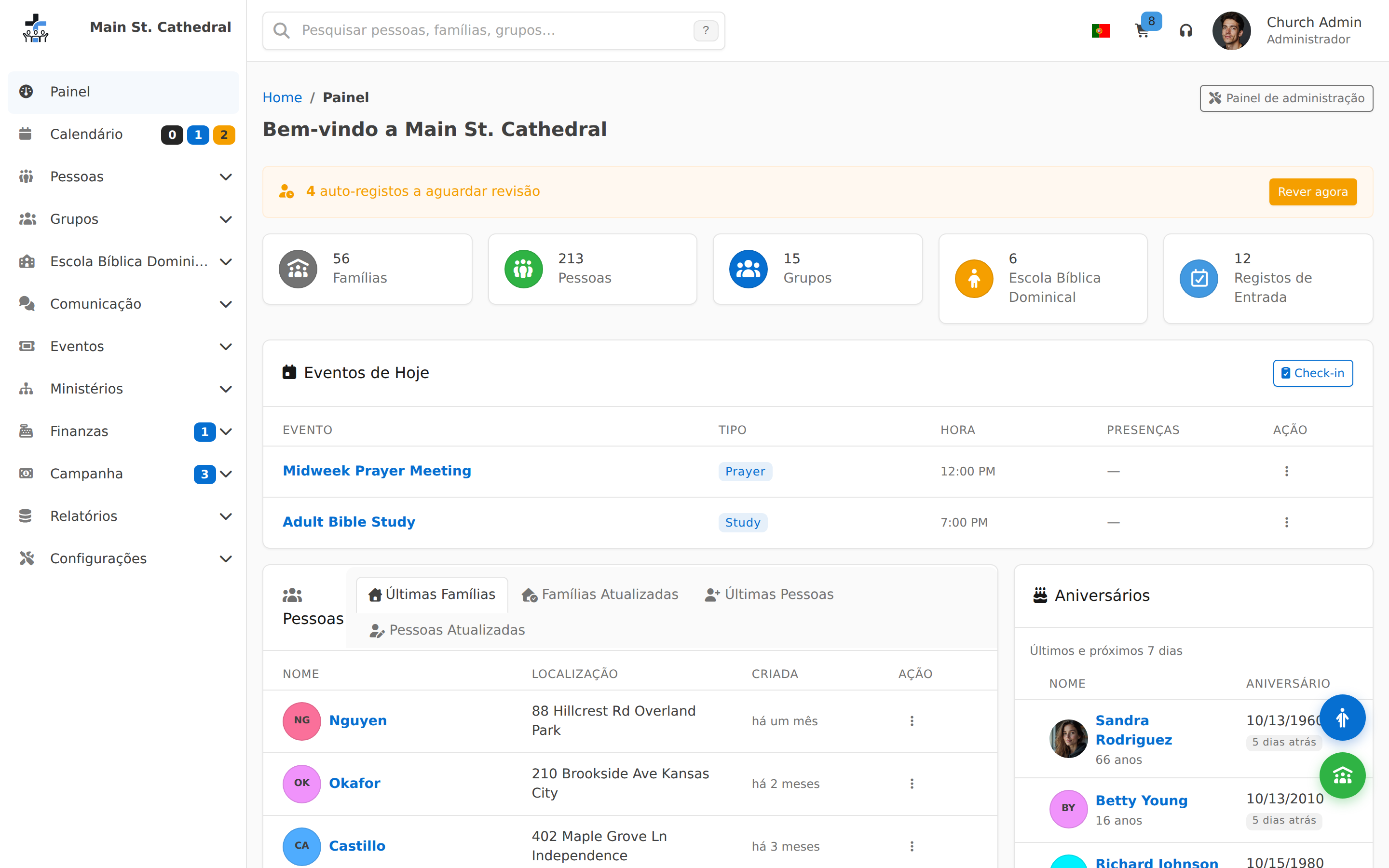
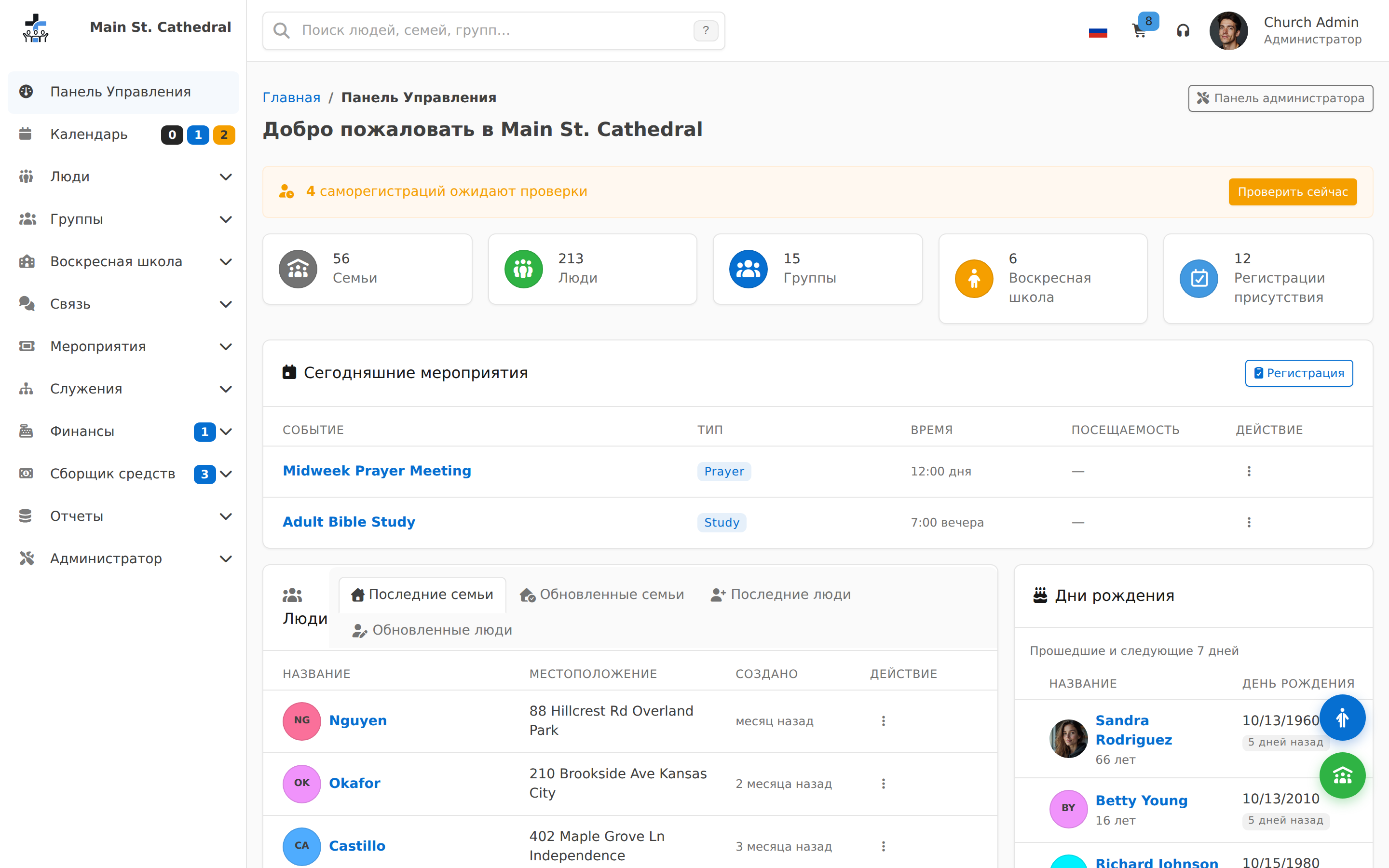
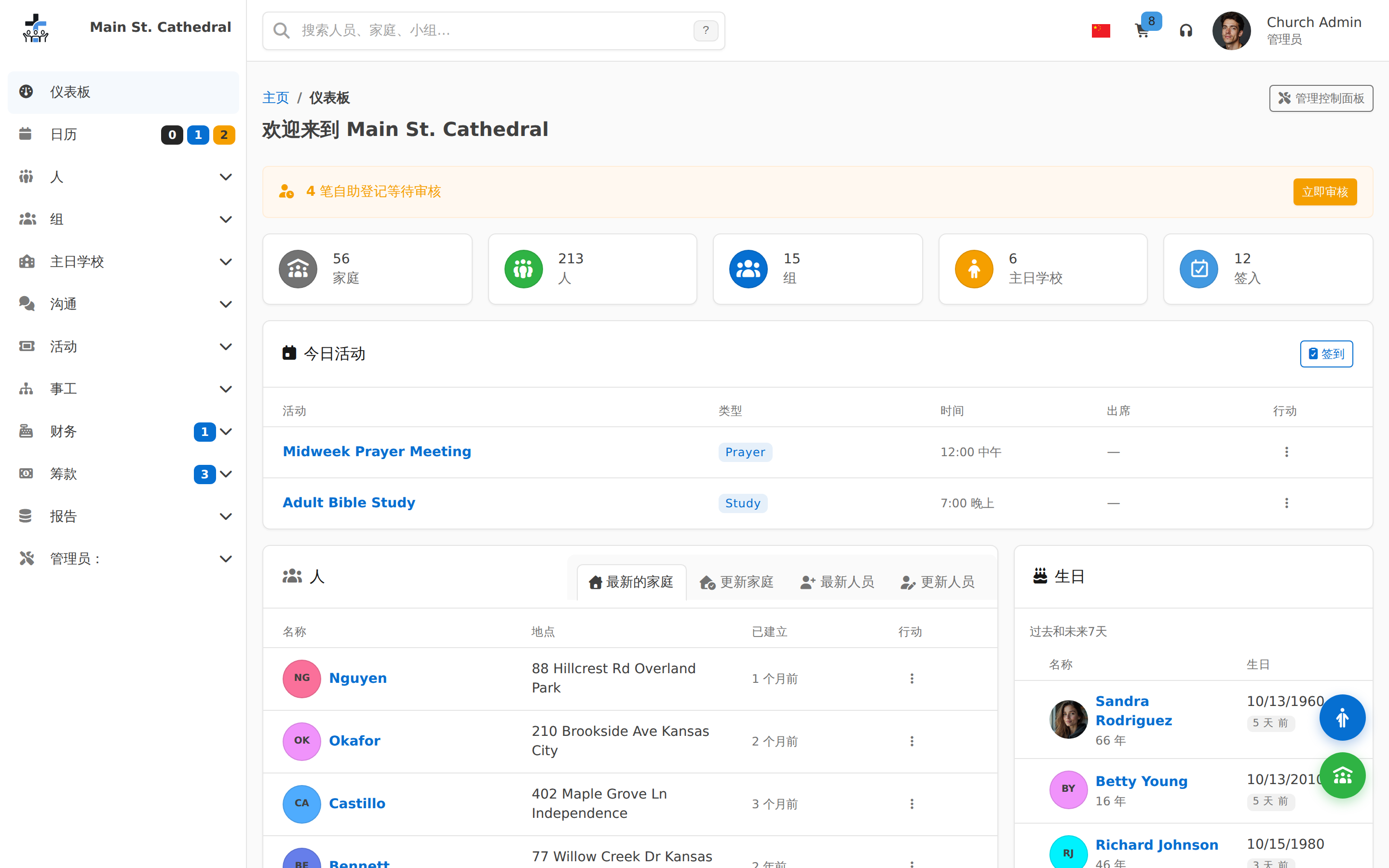
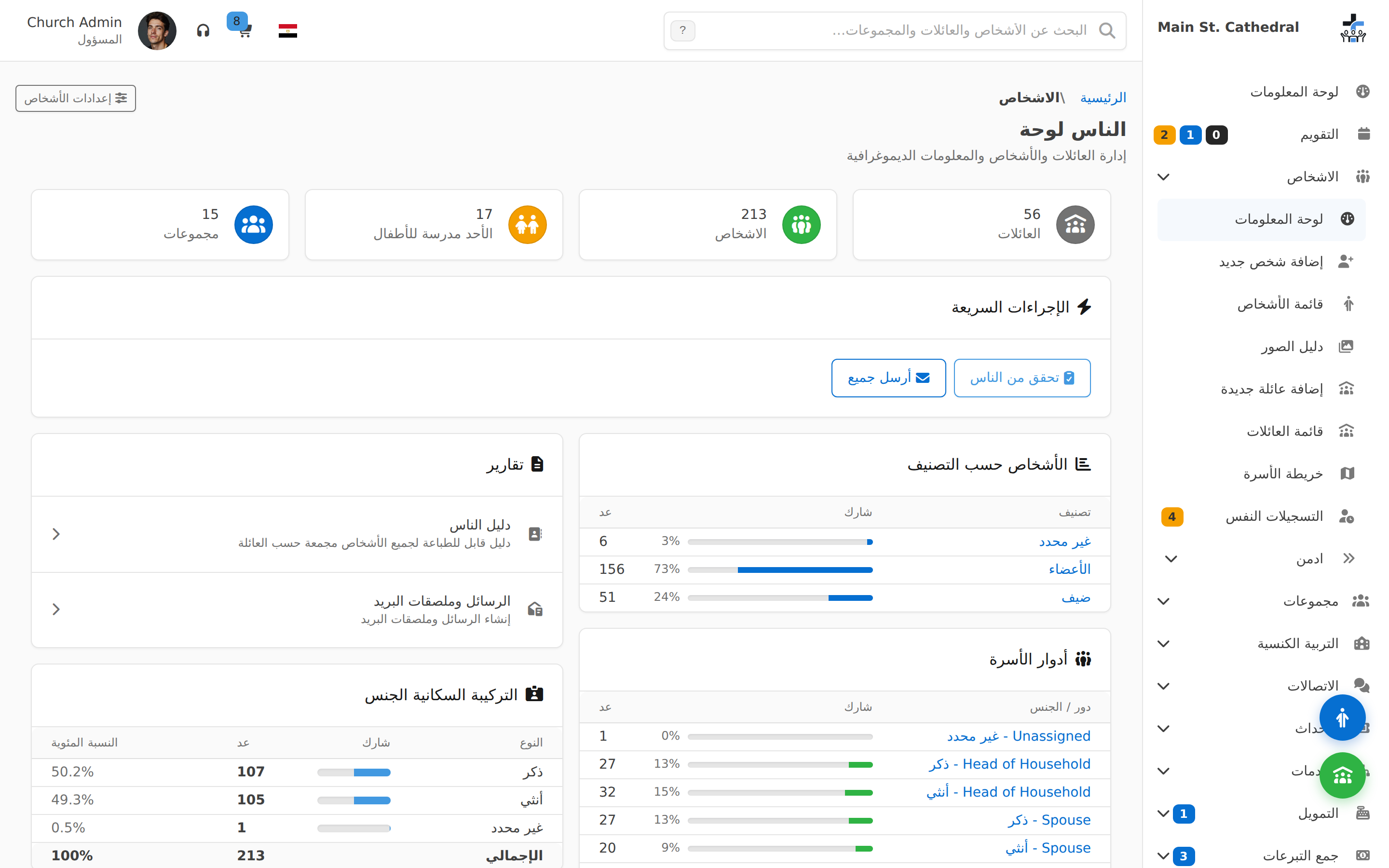
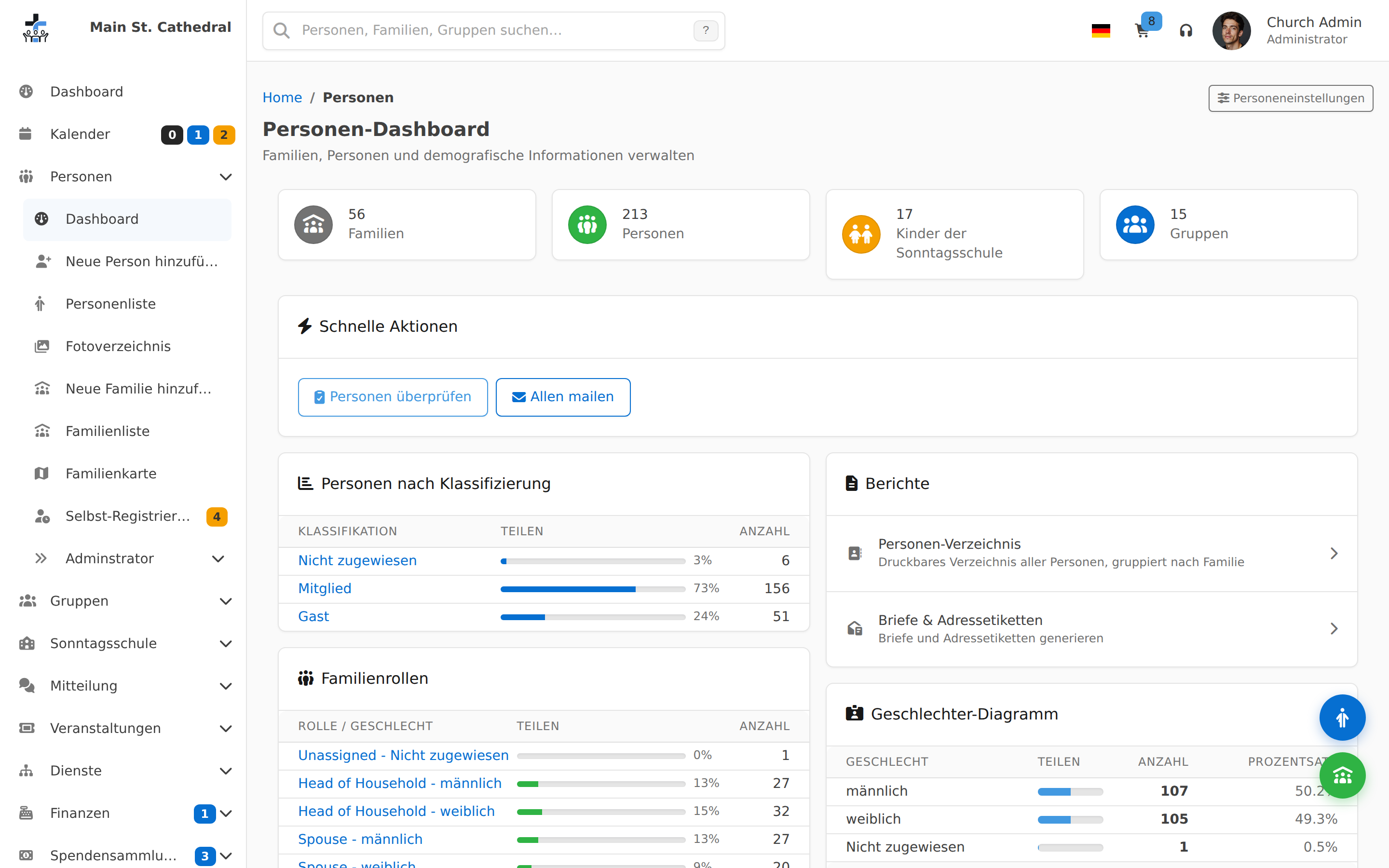
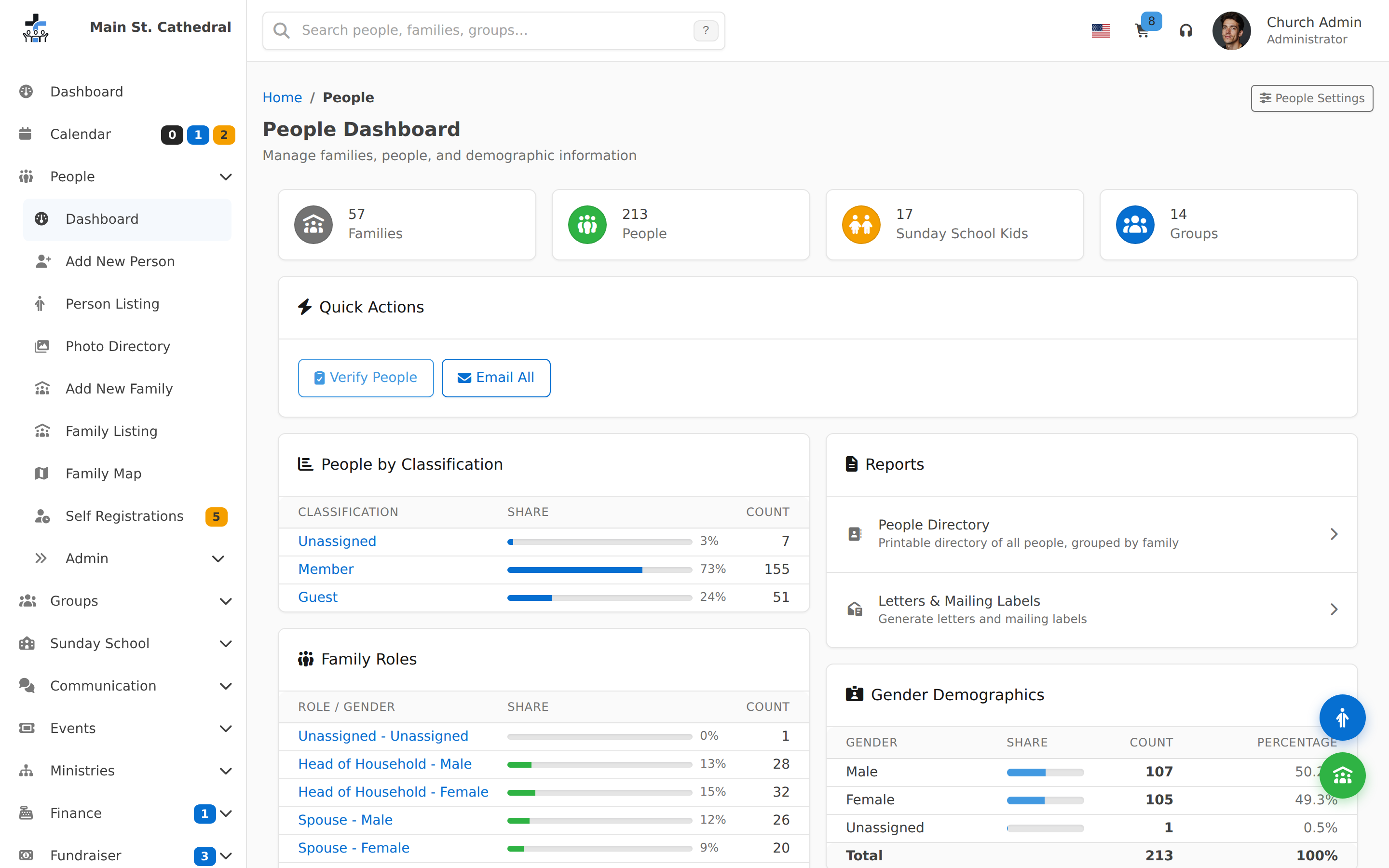
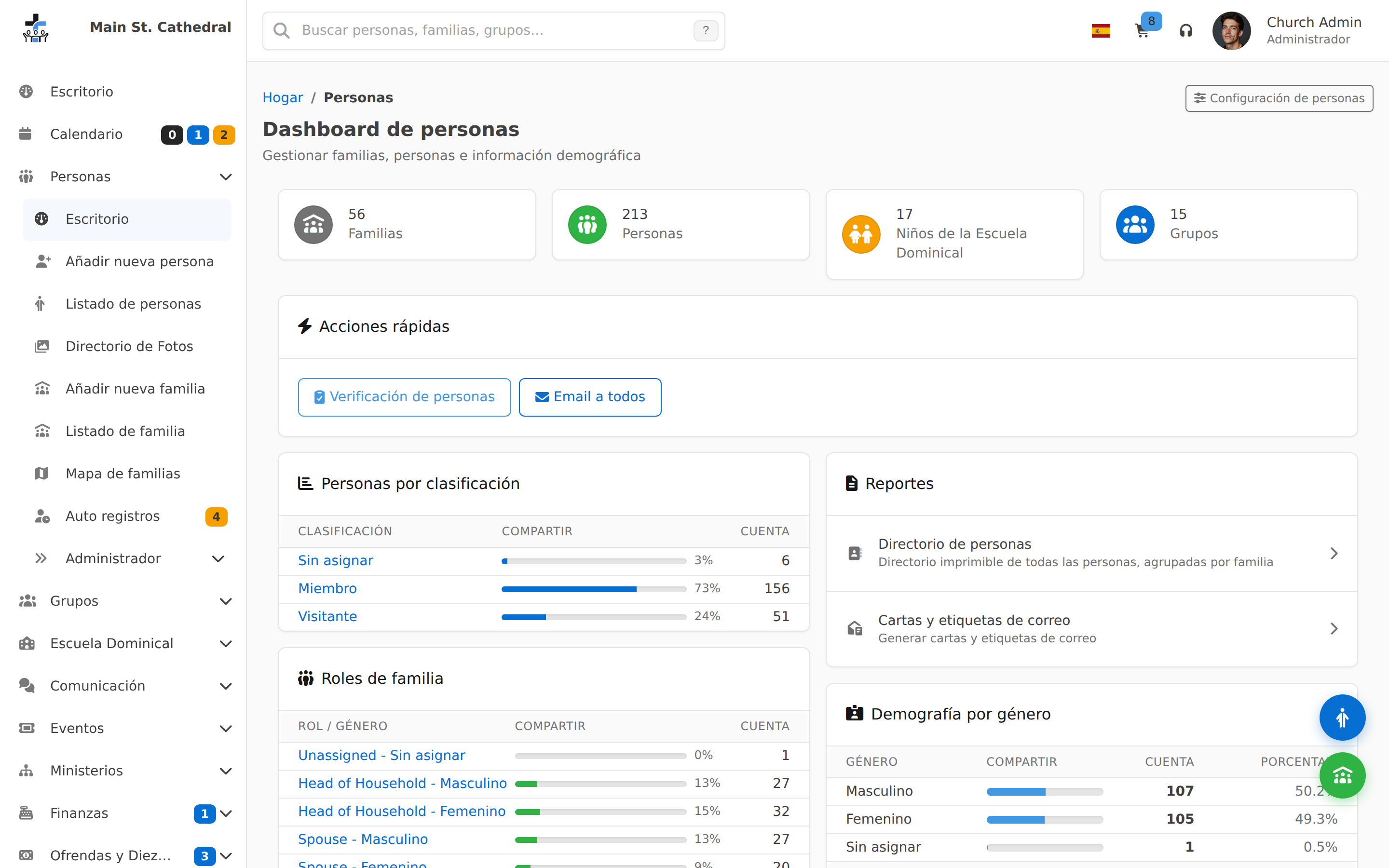
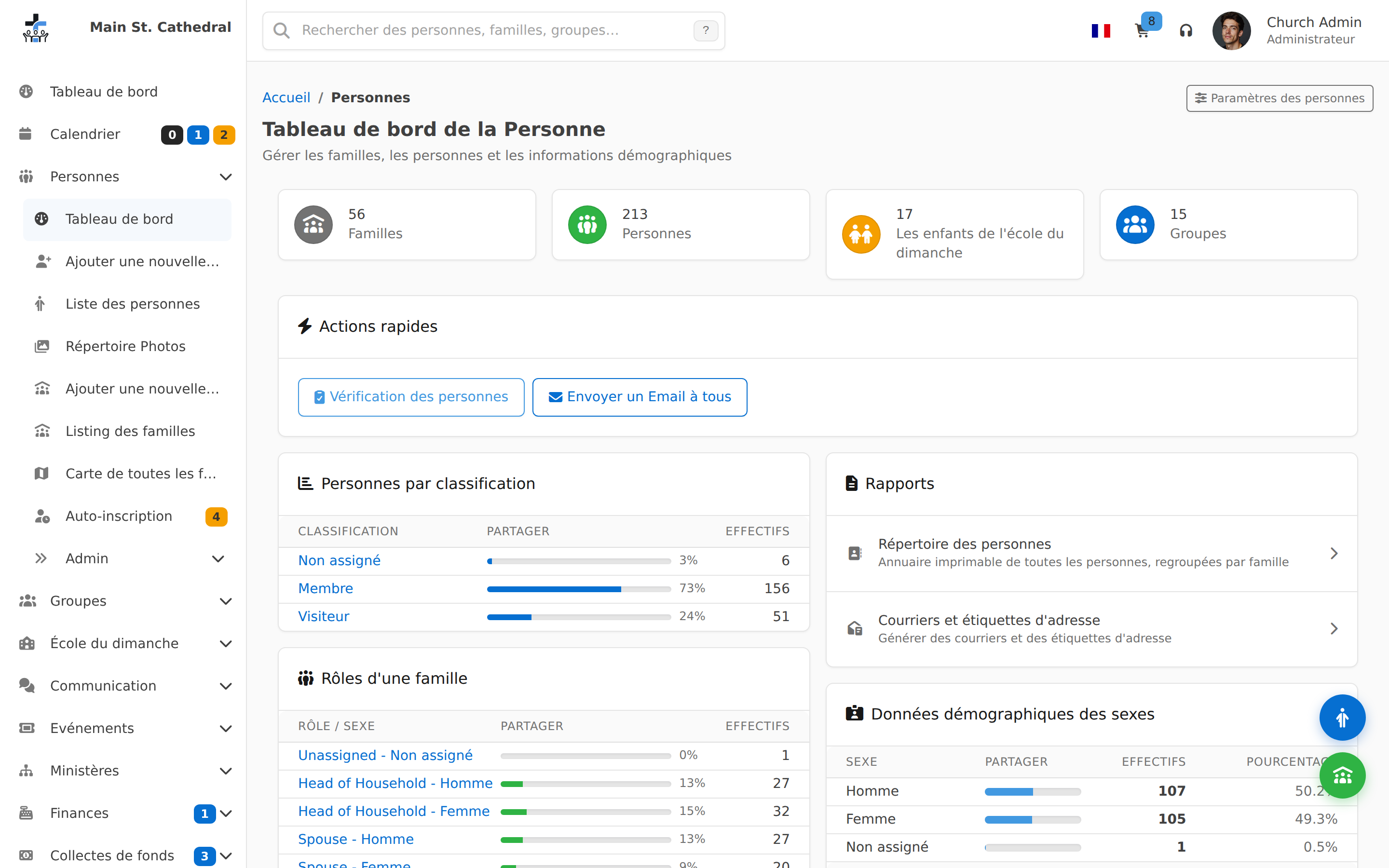
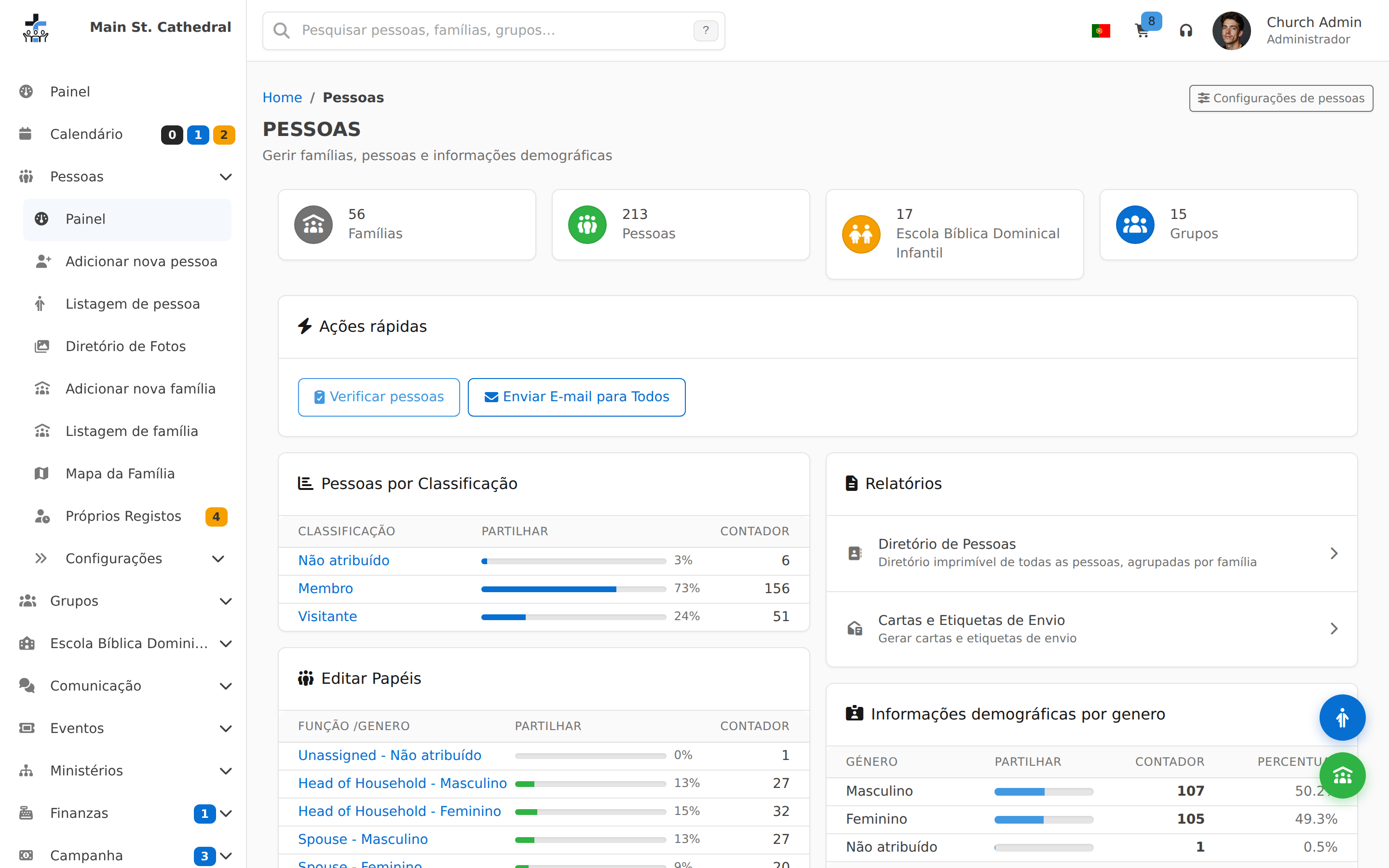
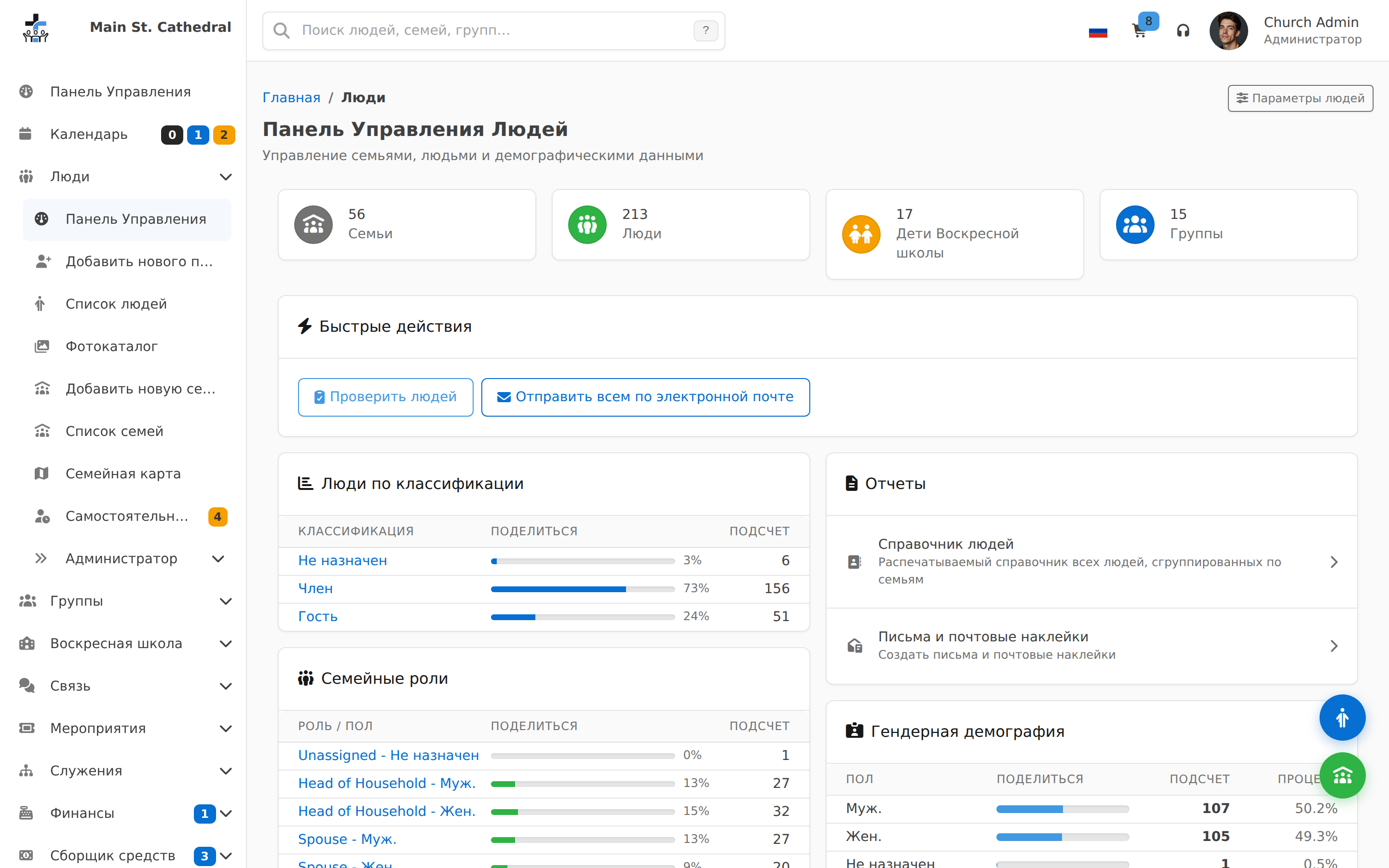
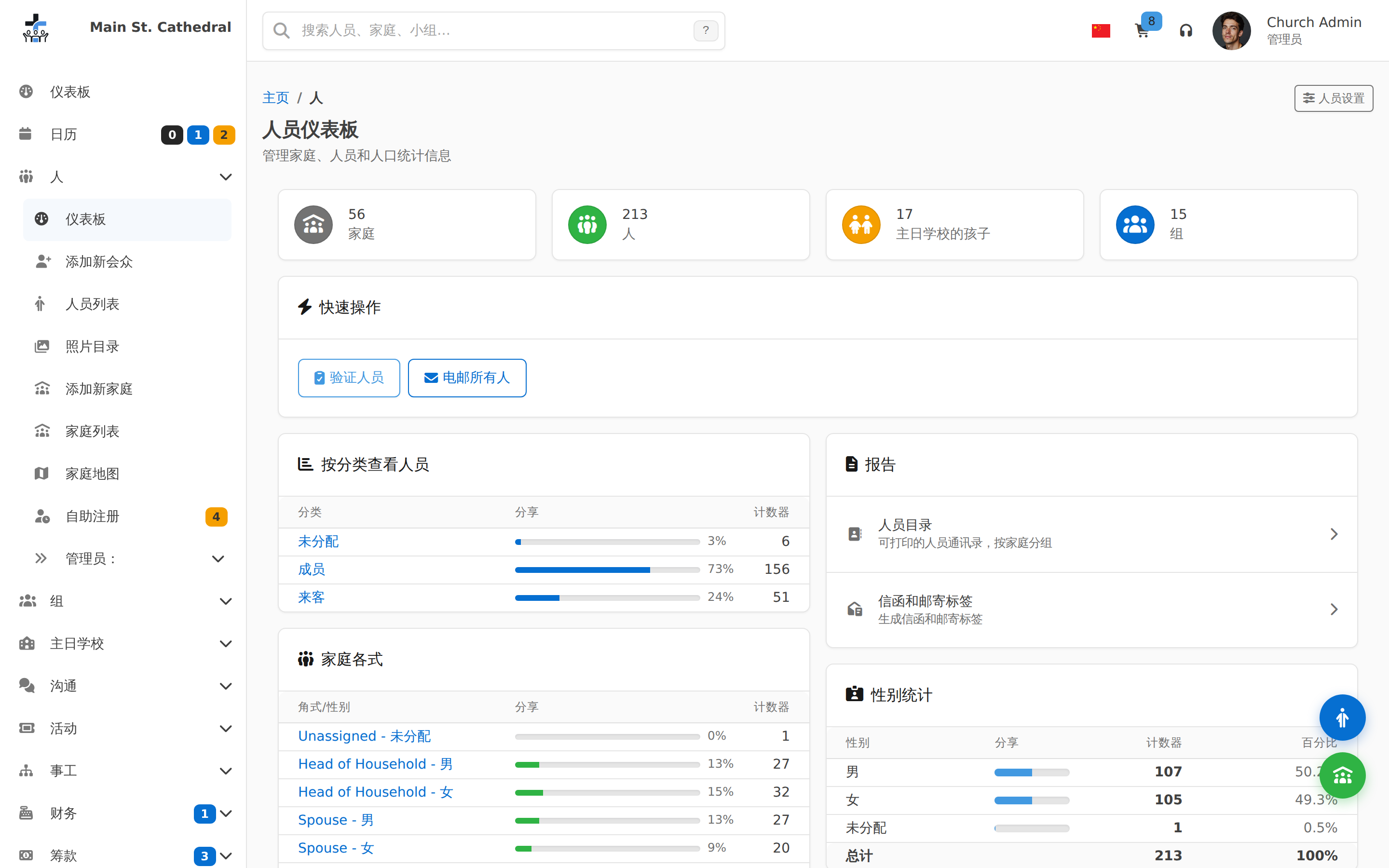
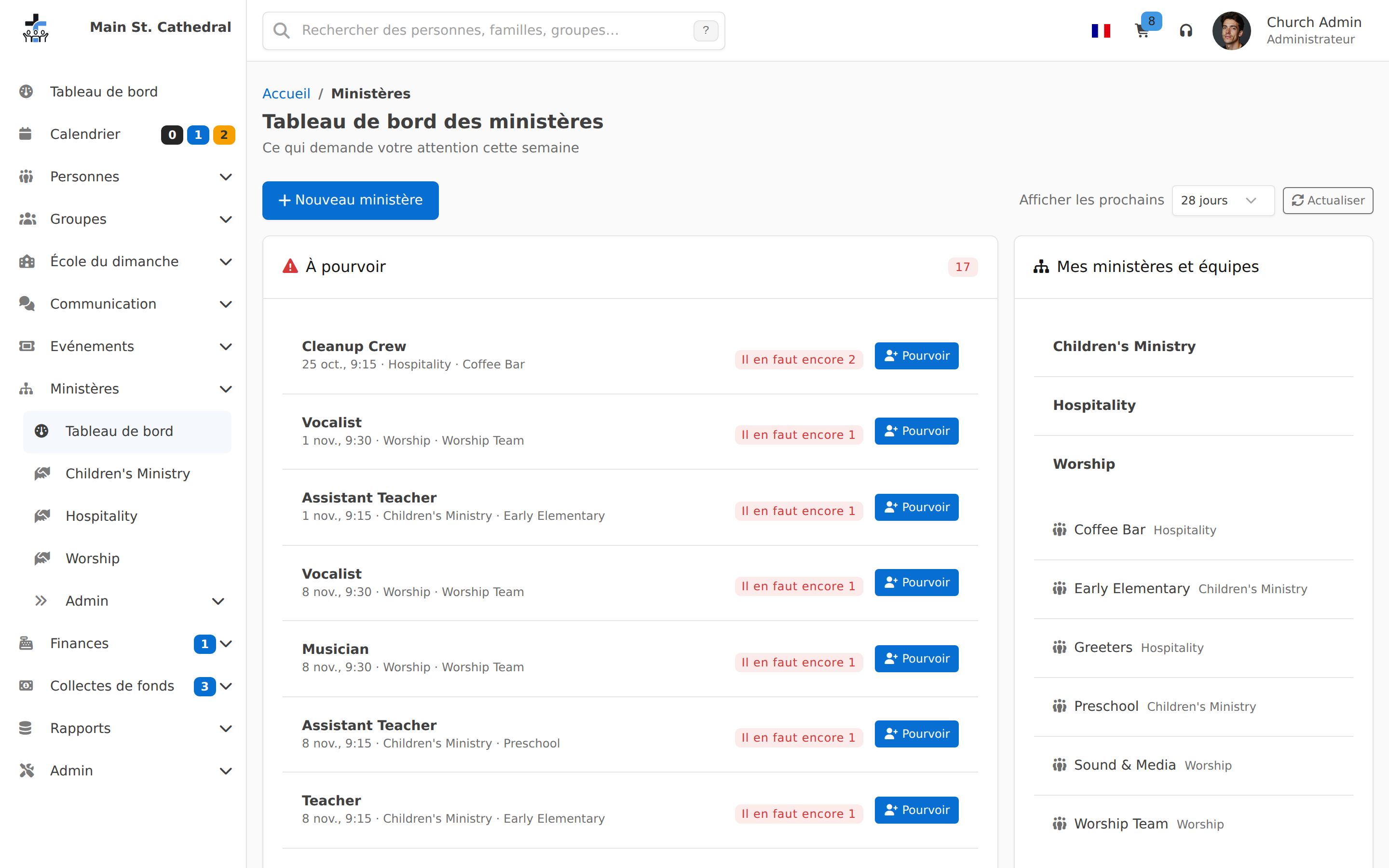
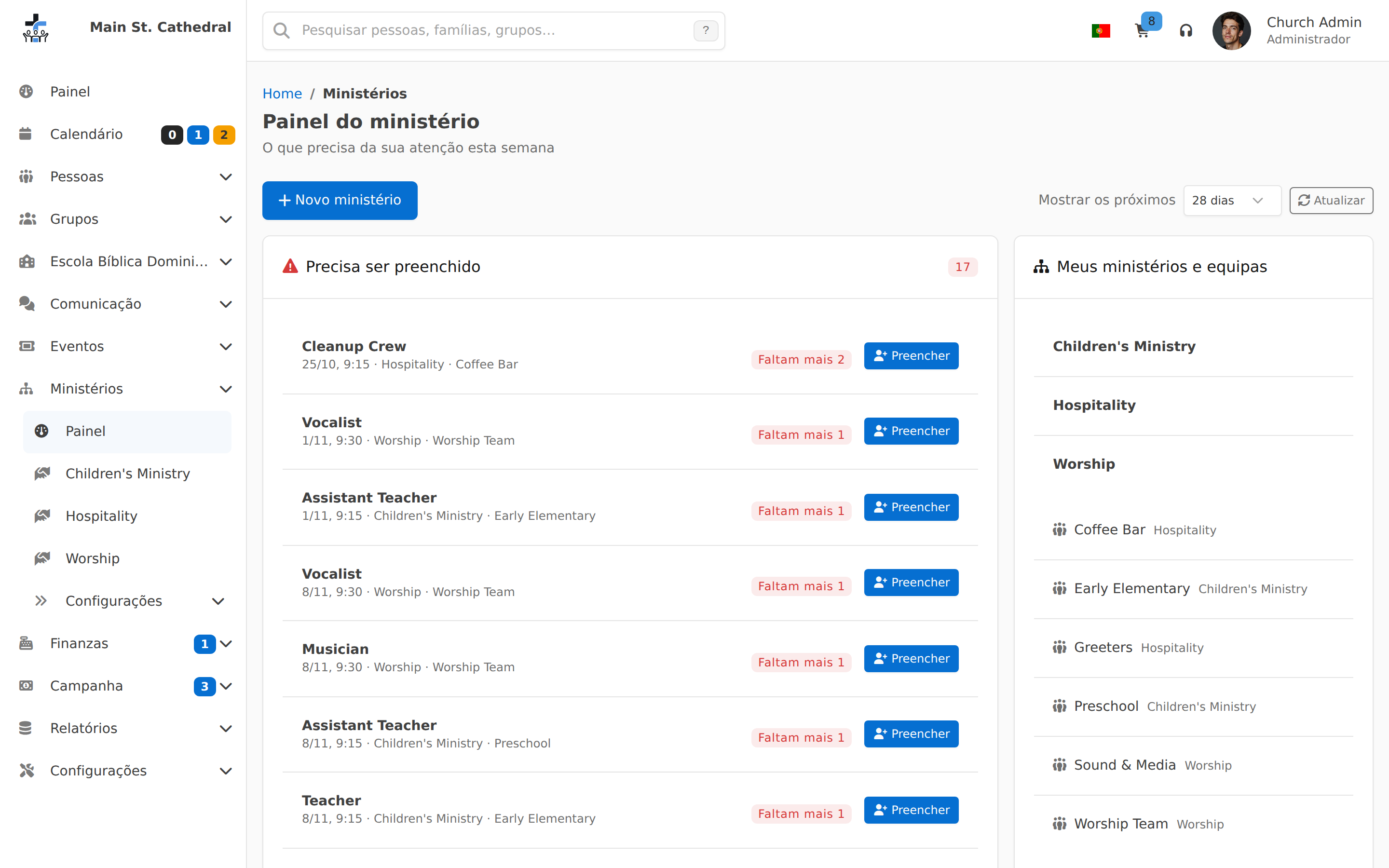
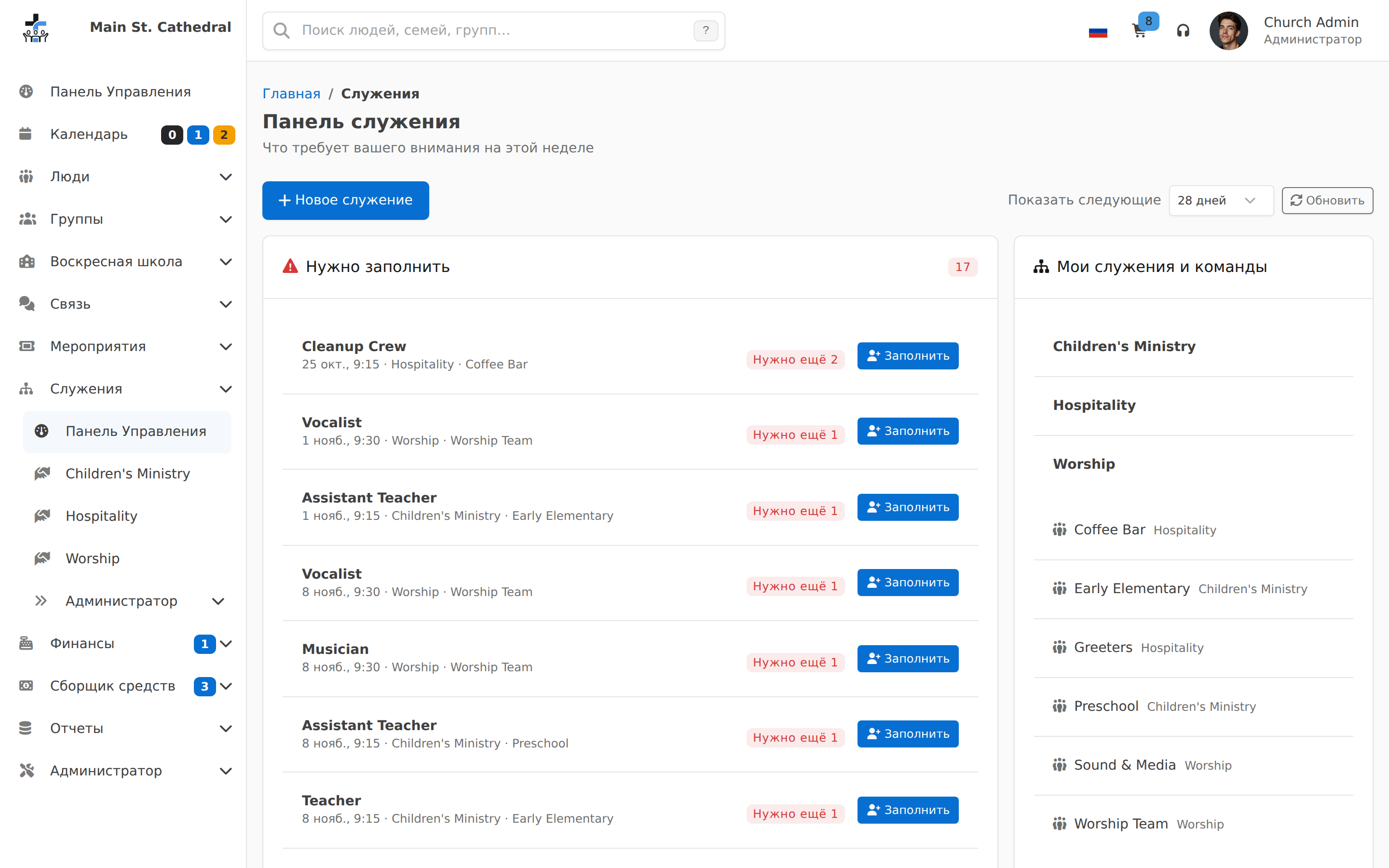
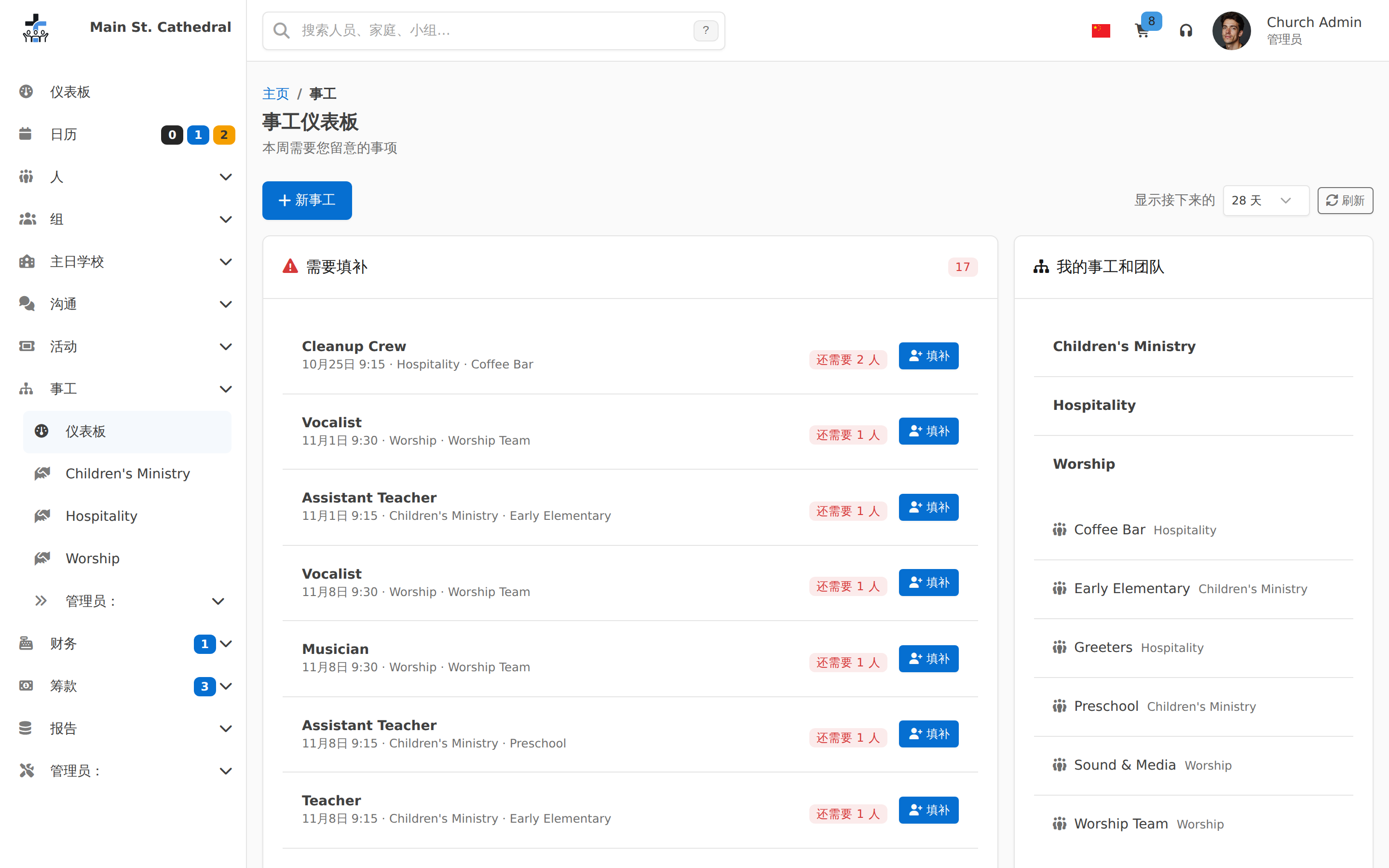
People & Families
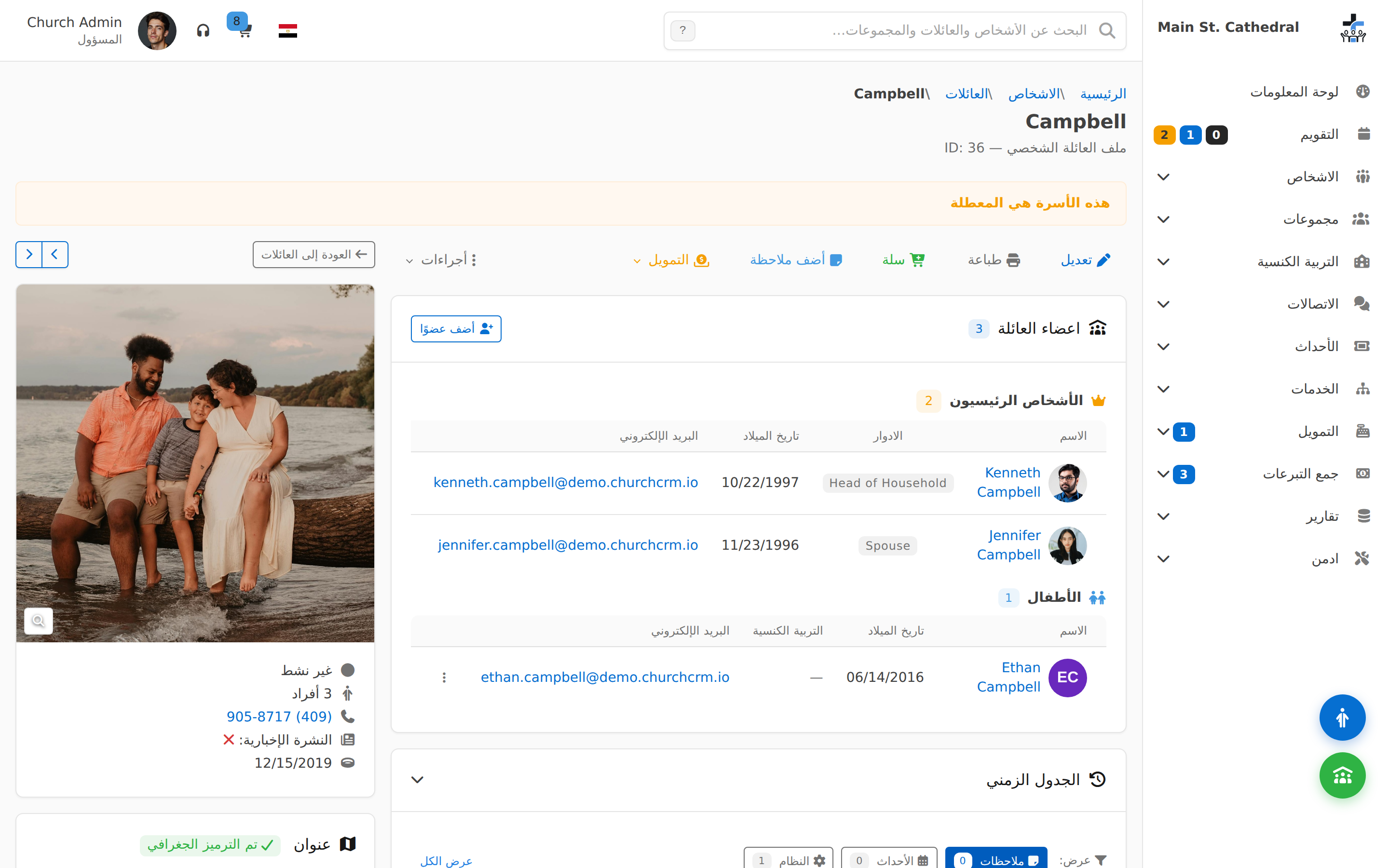
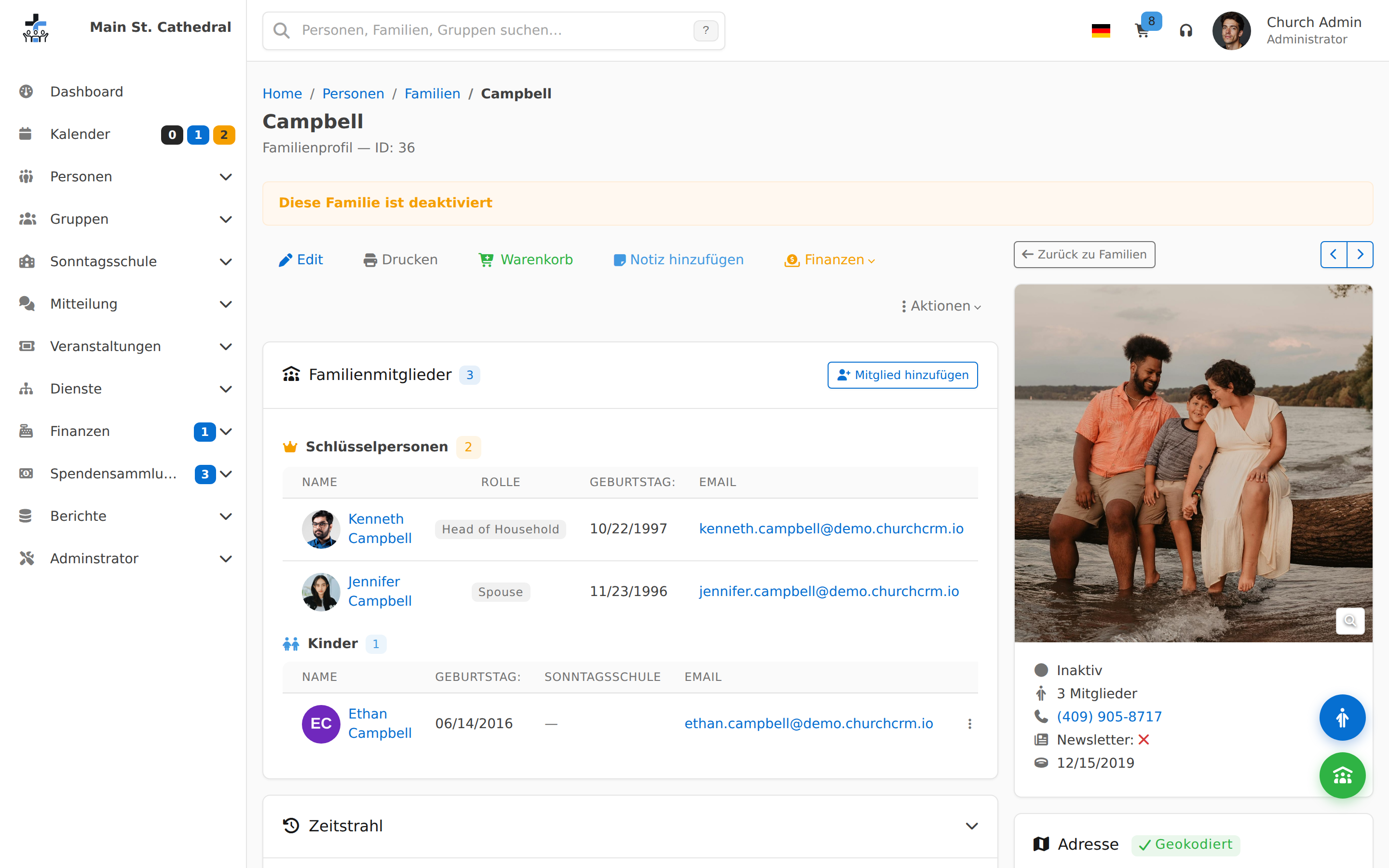
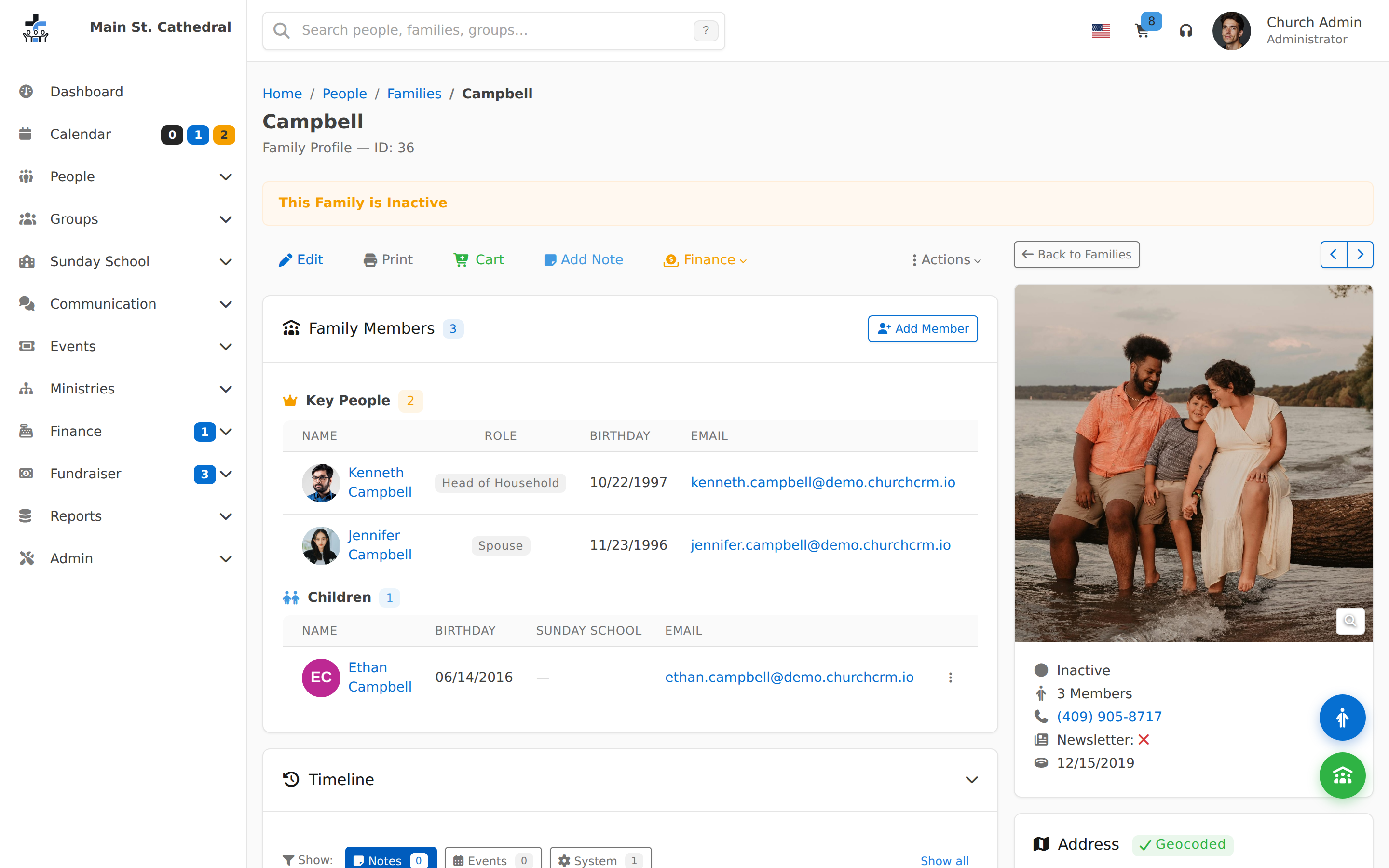
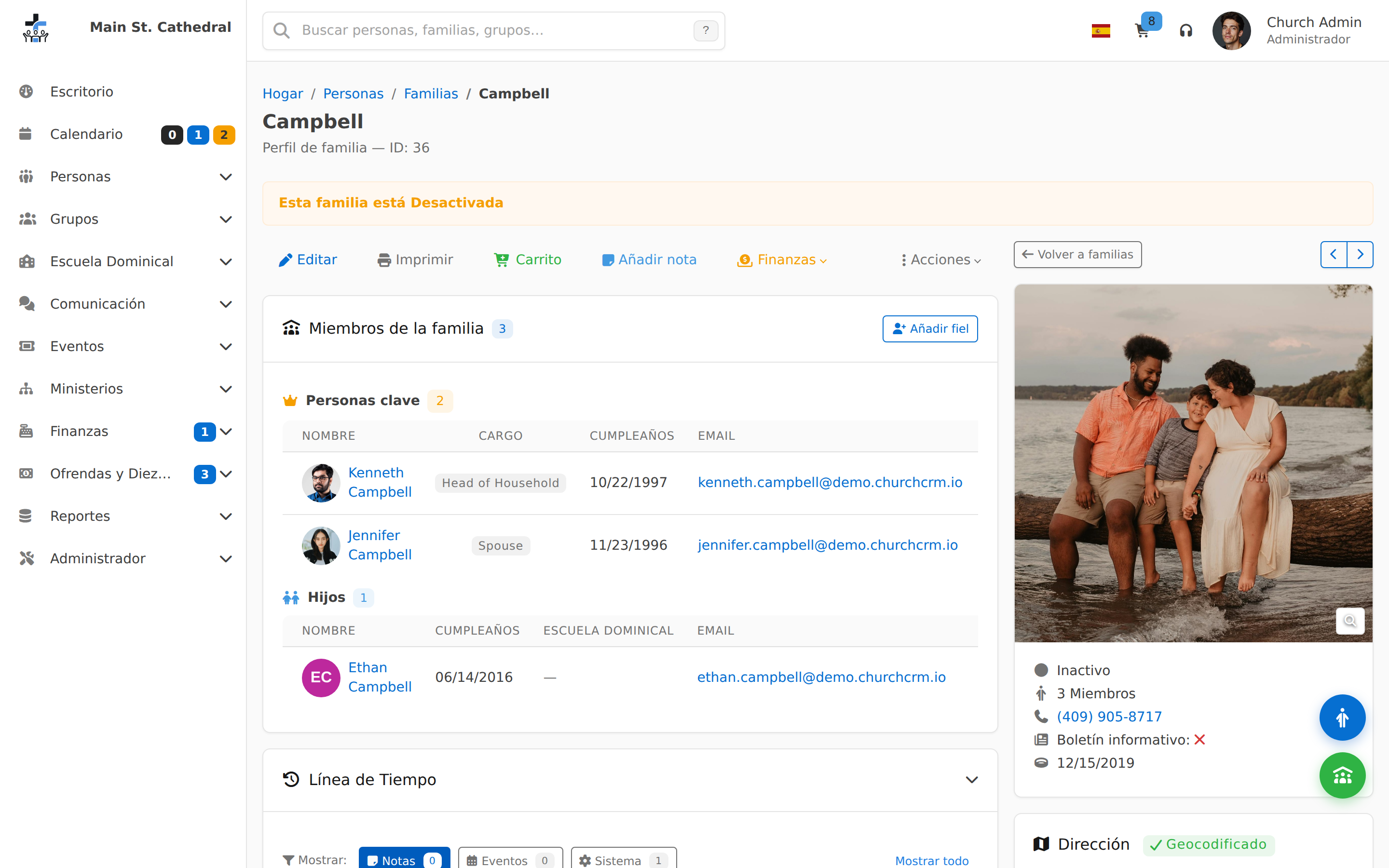
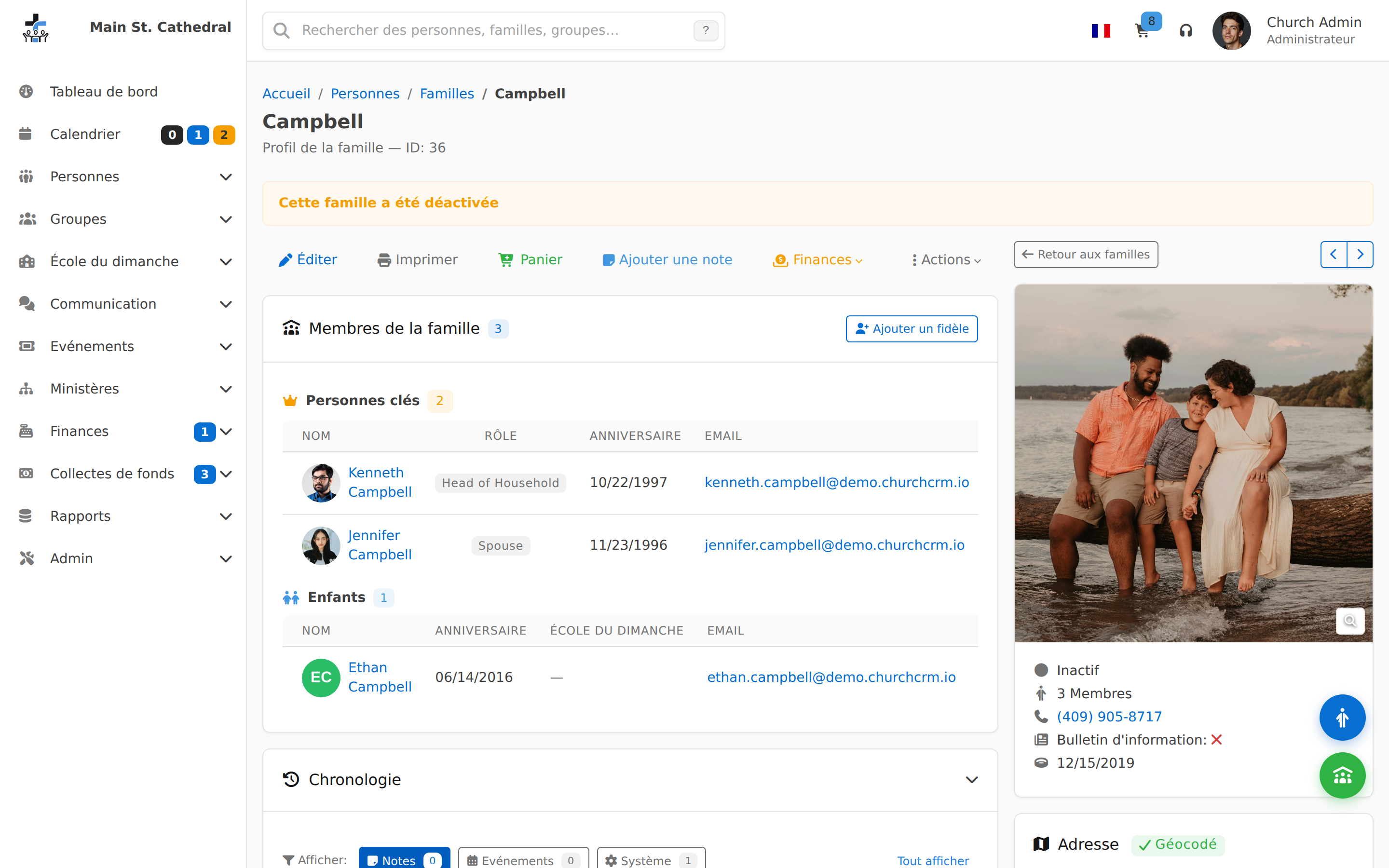
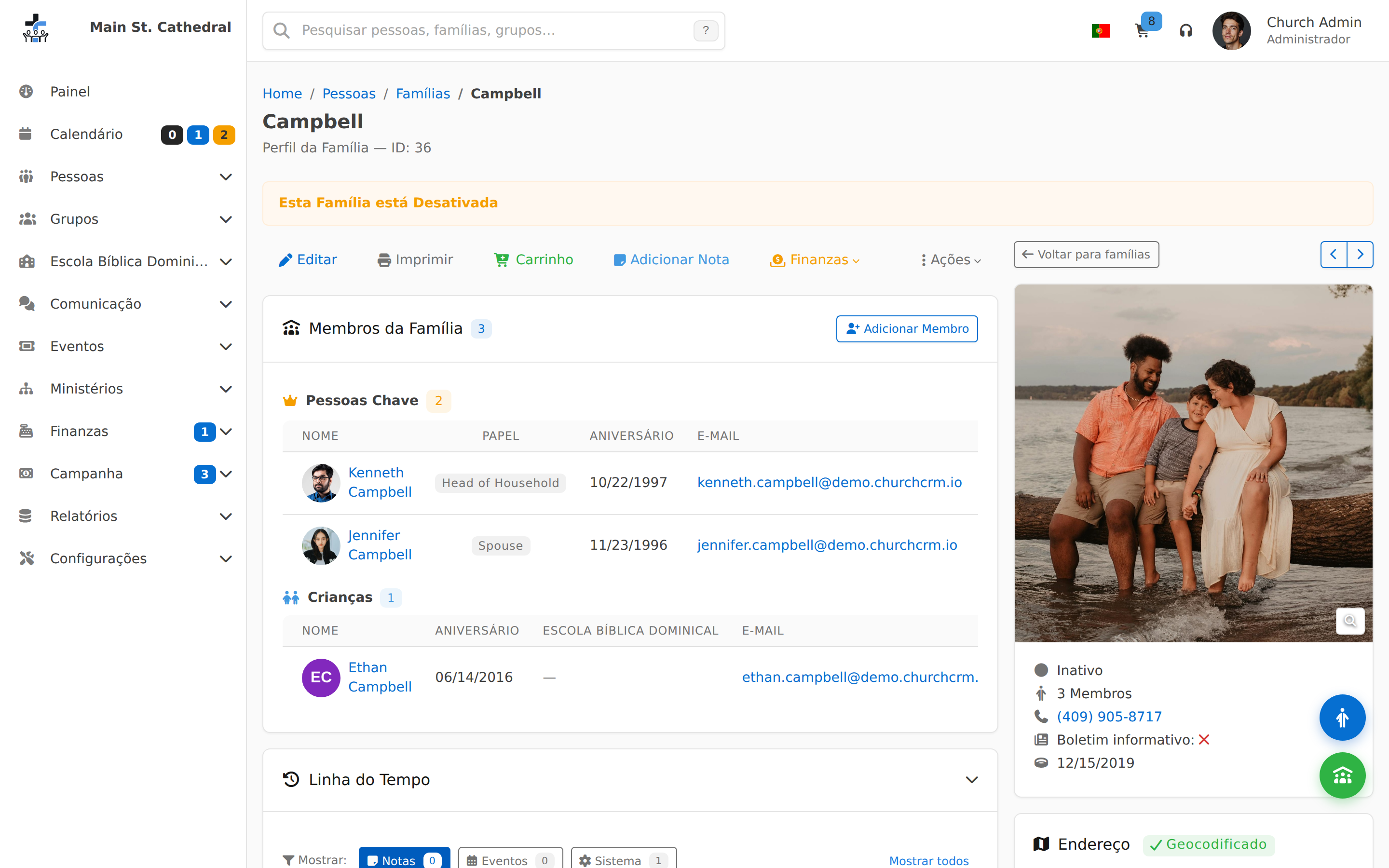
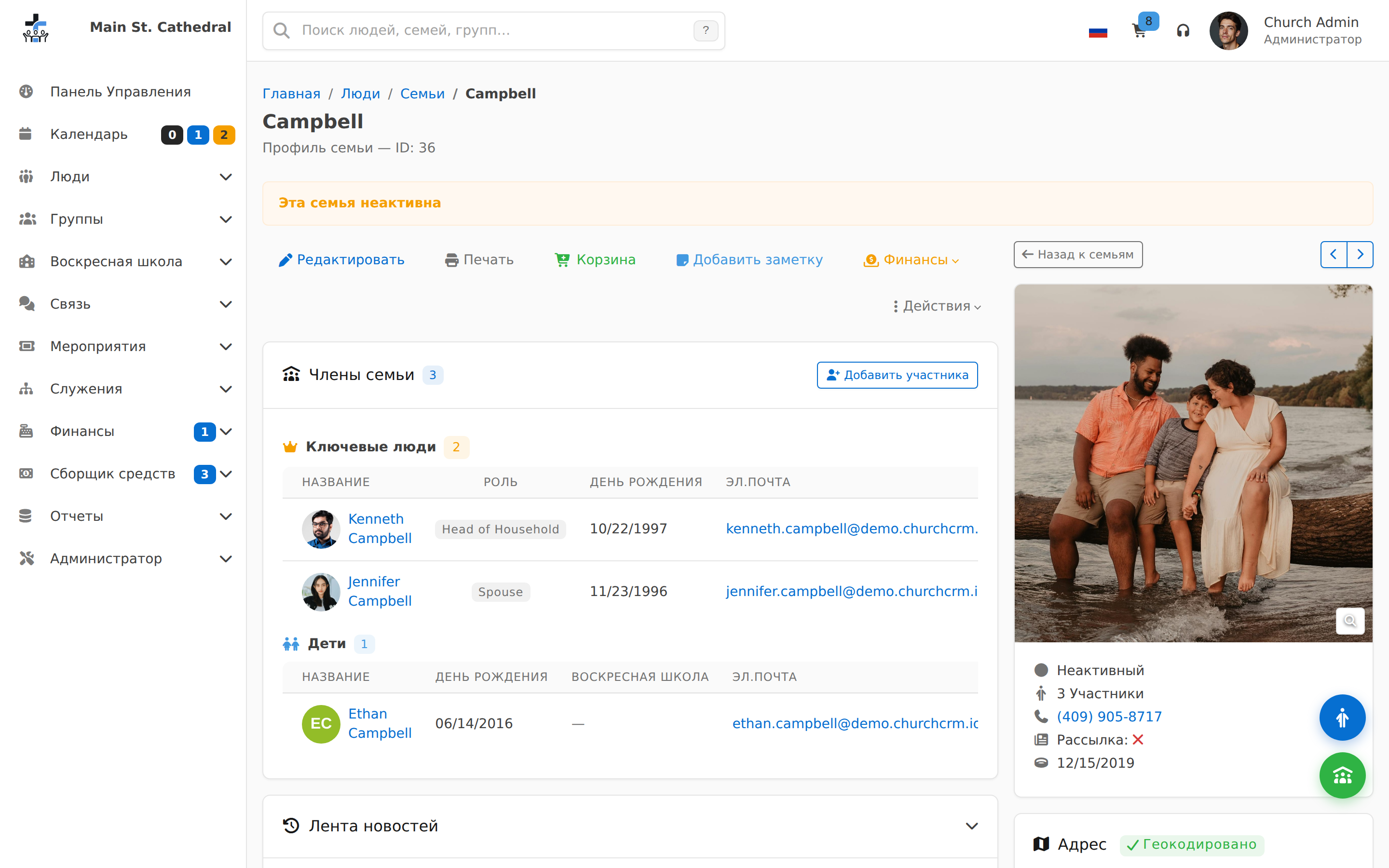
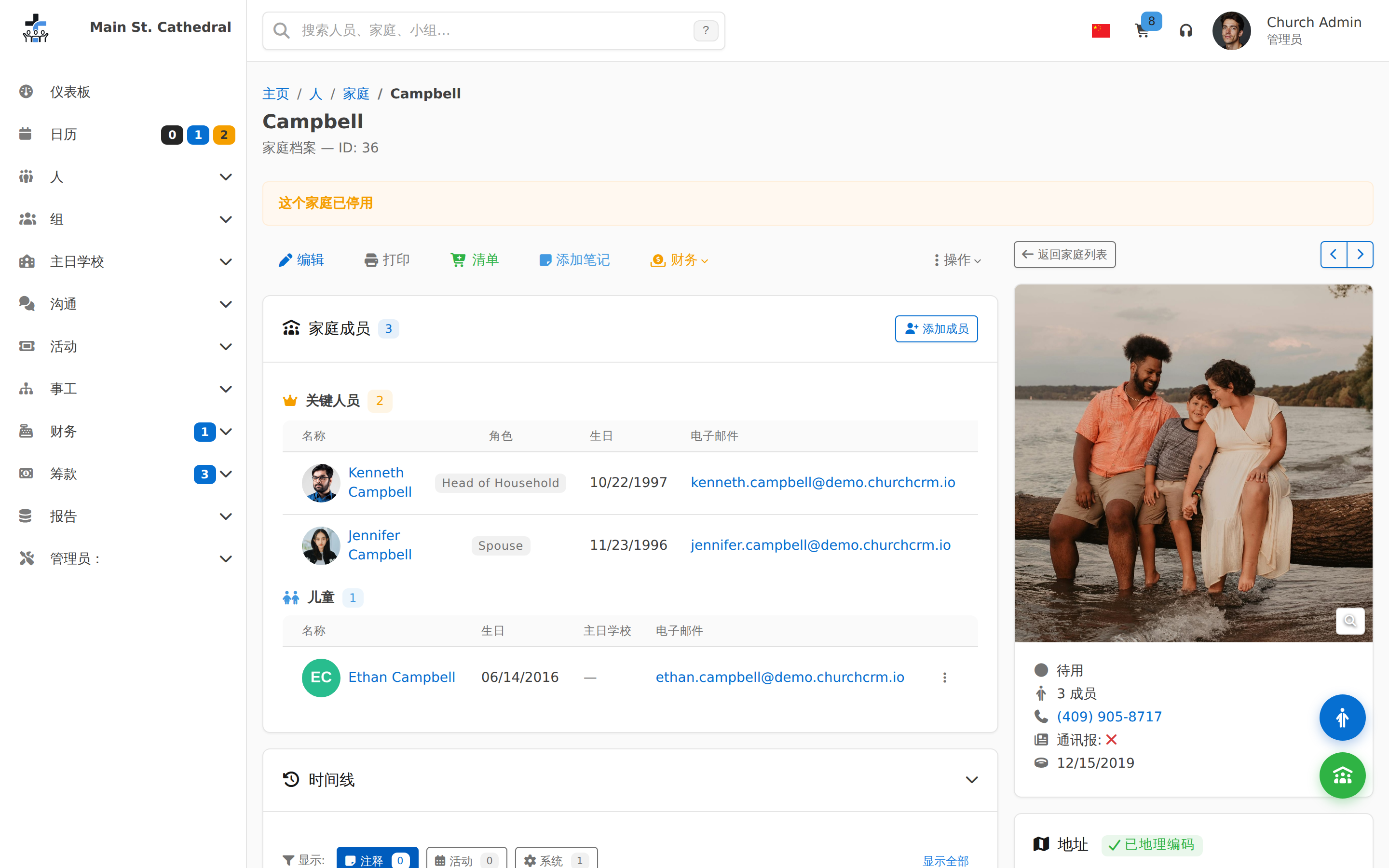
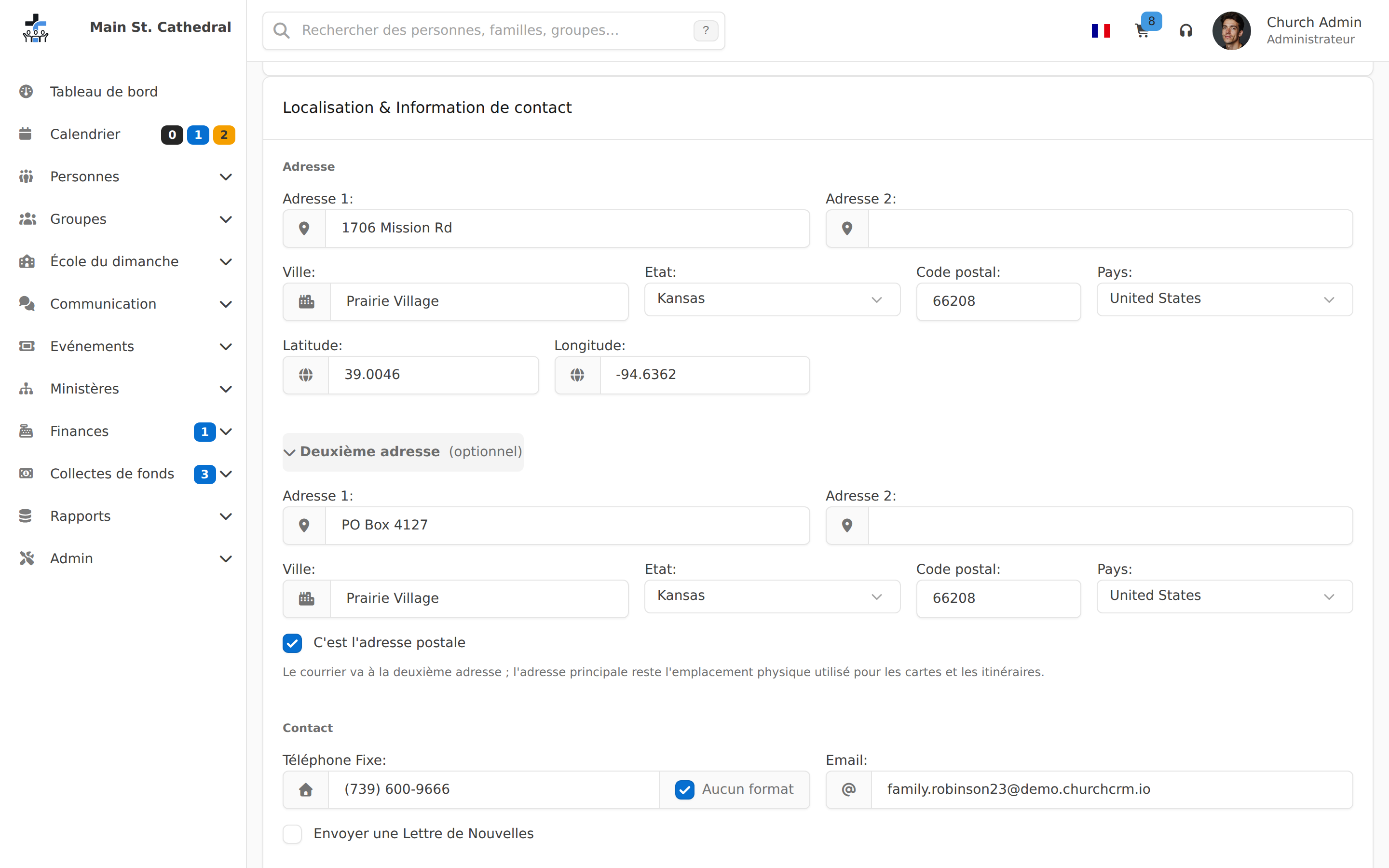
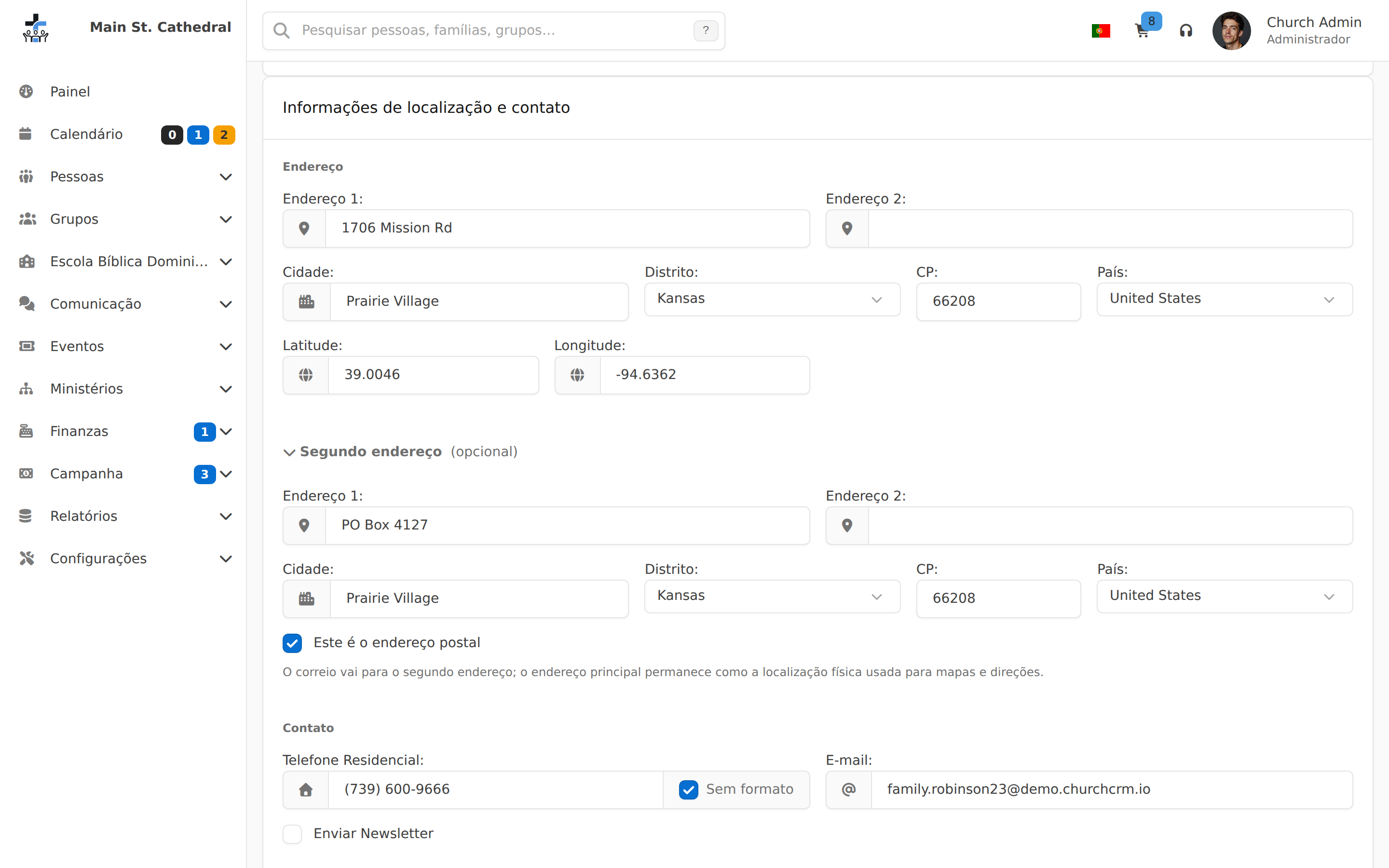
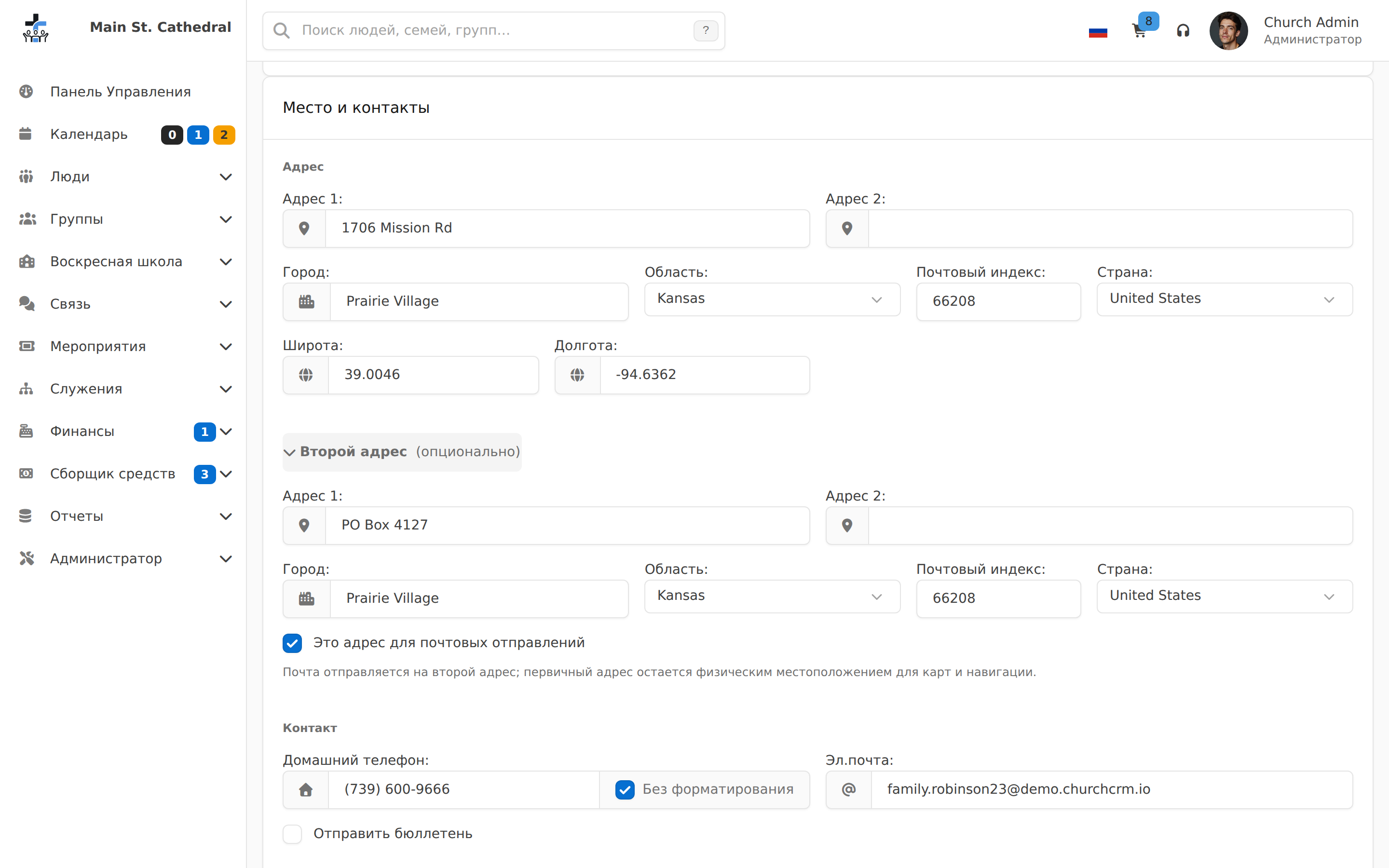
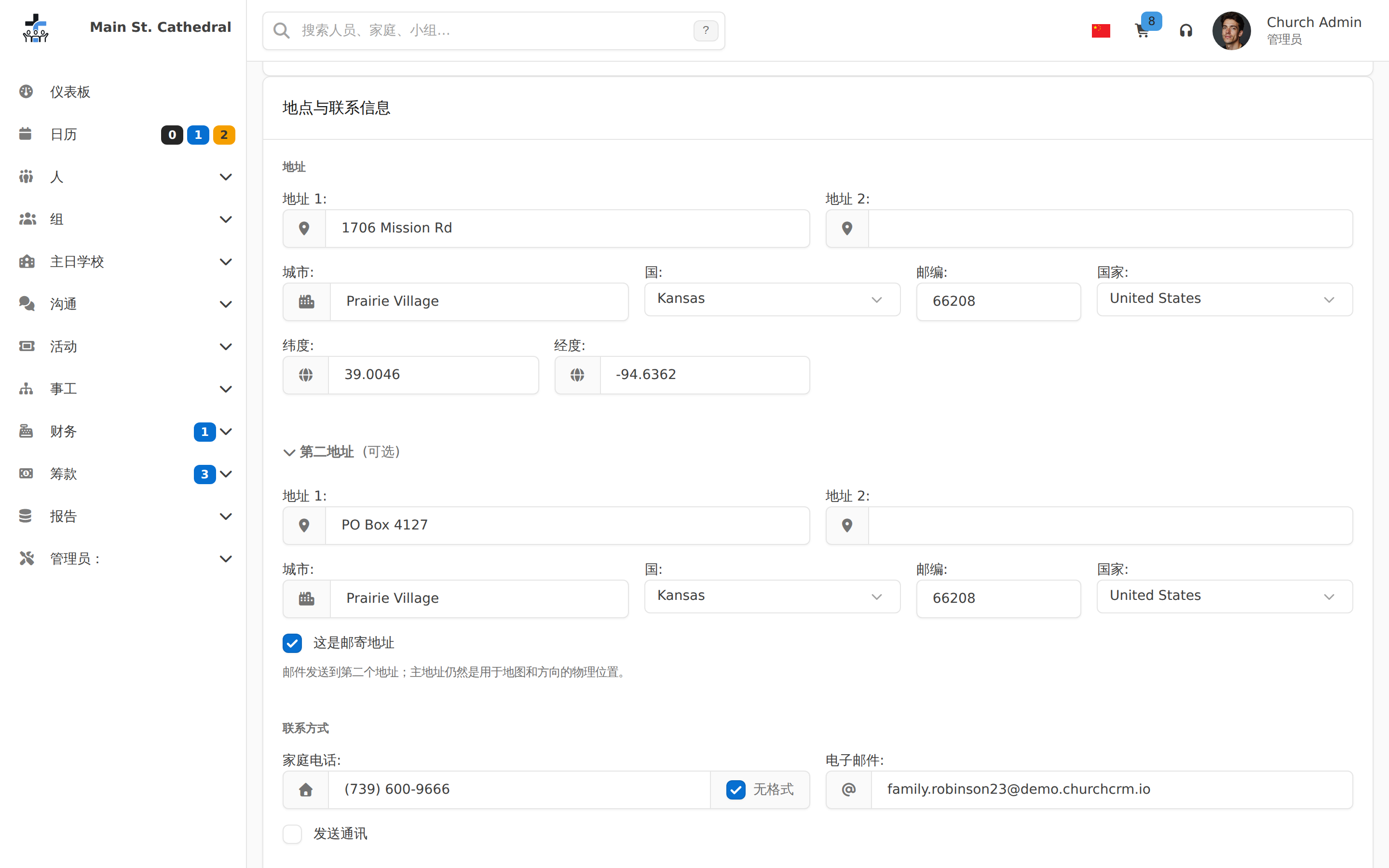
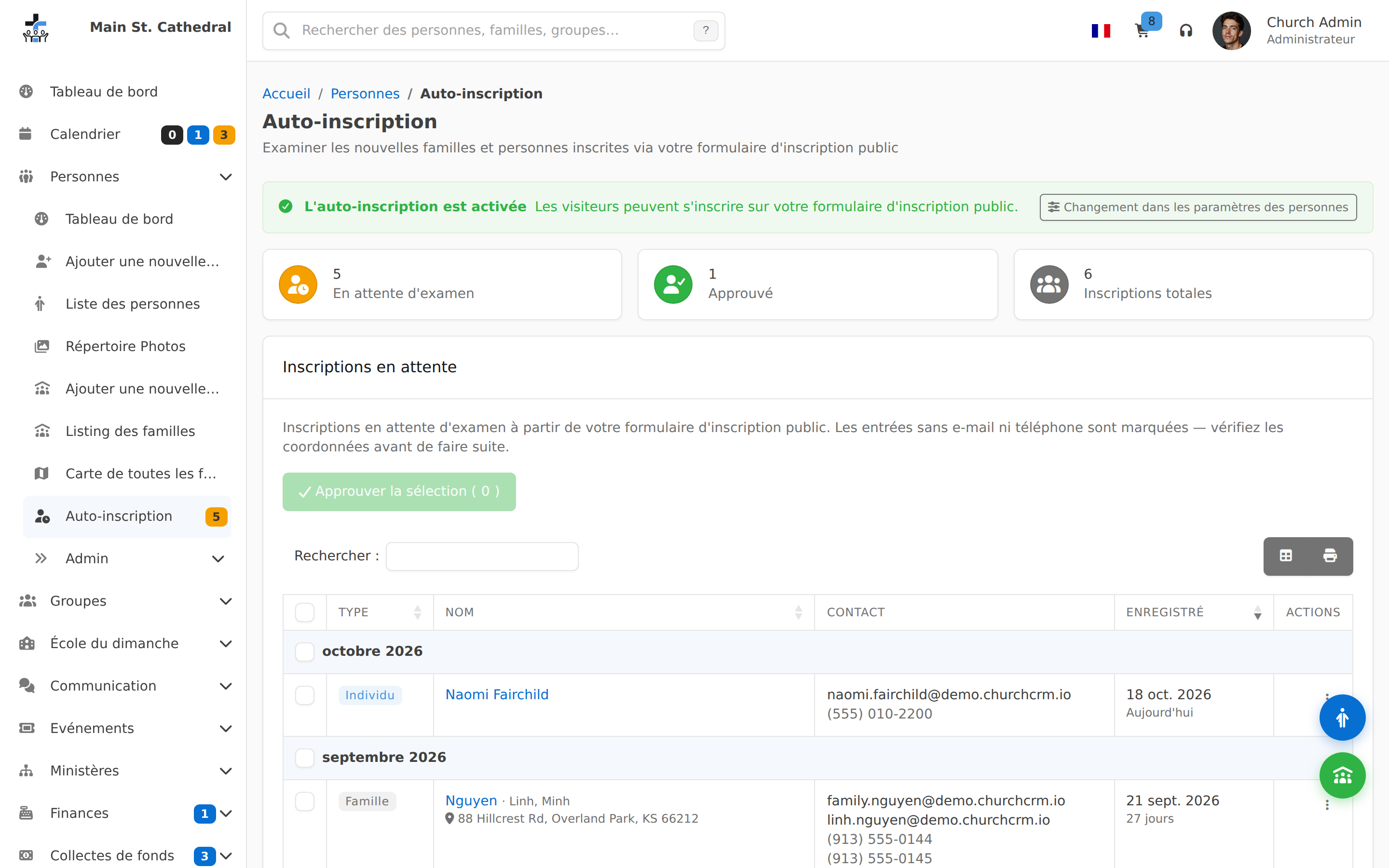
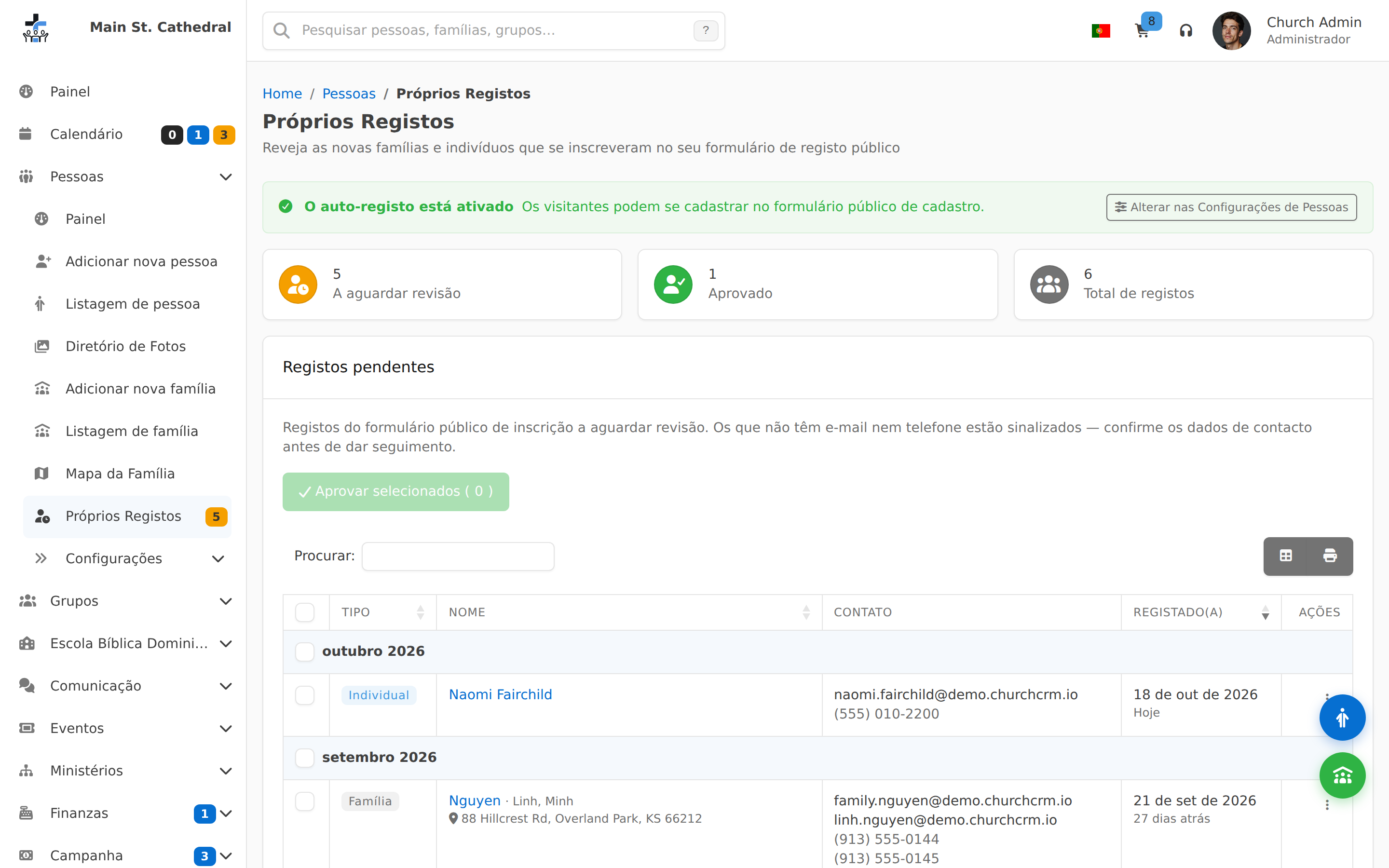
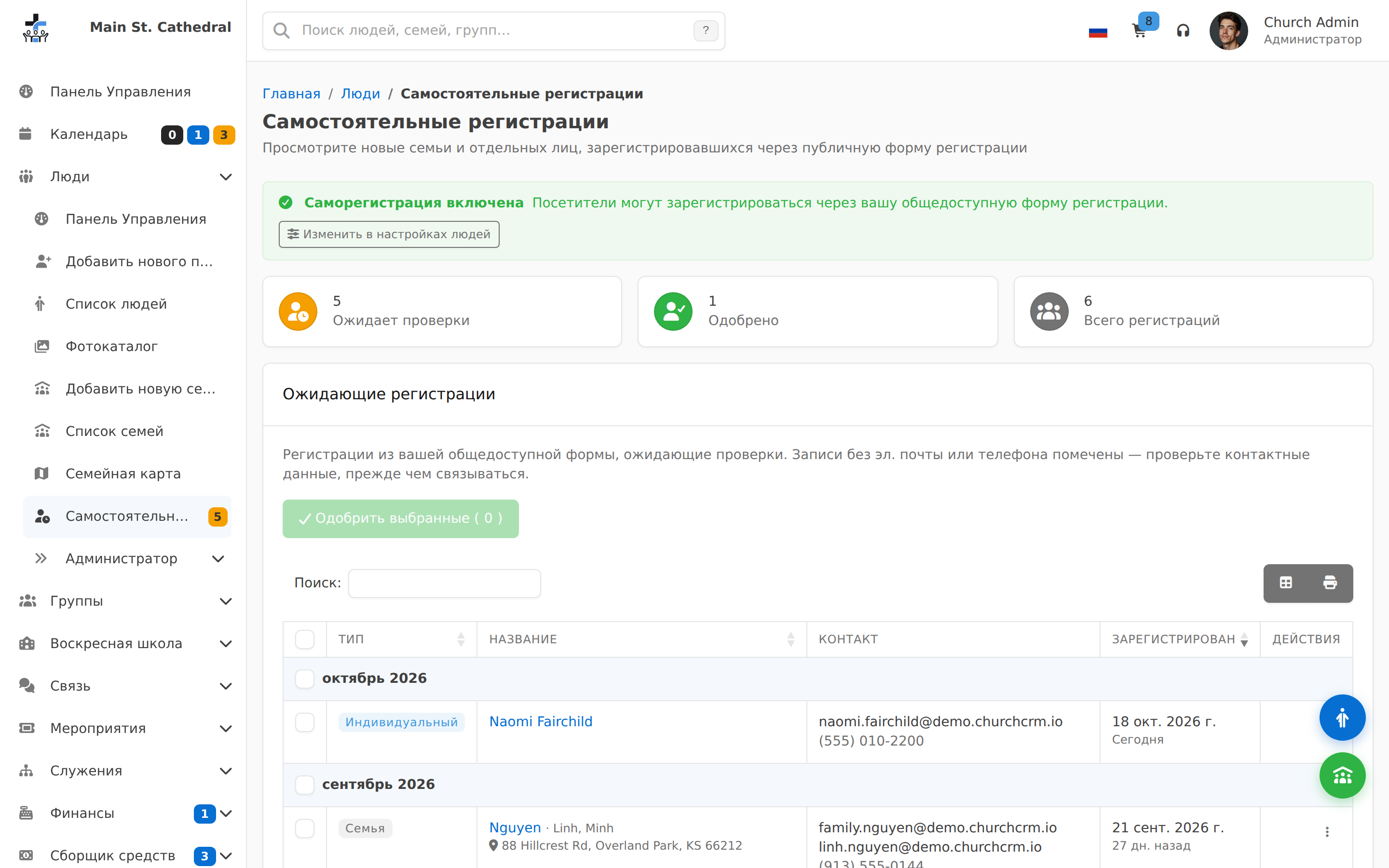
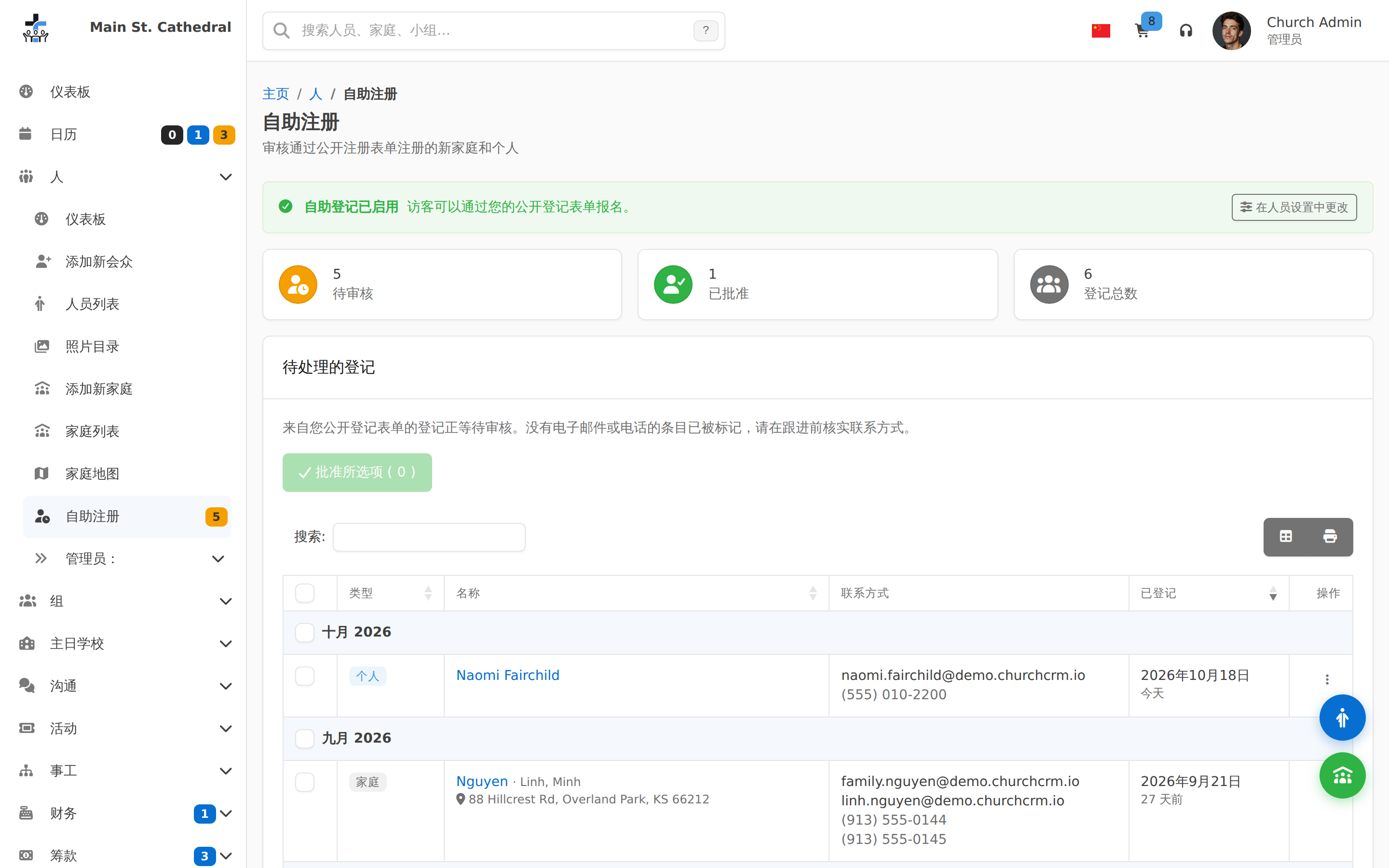
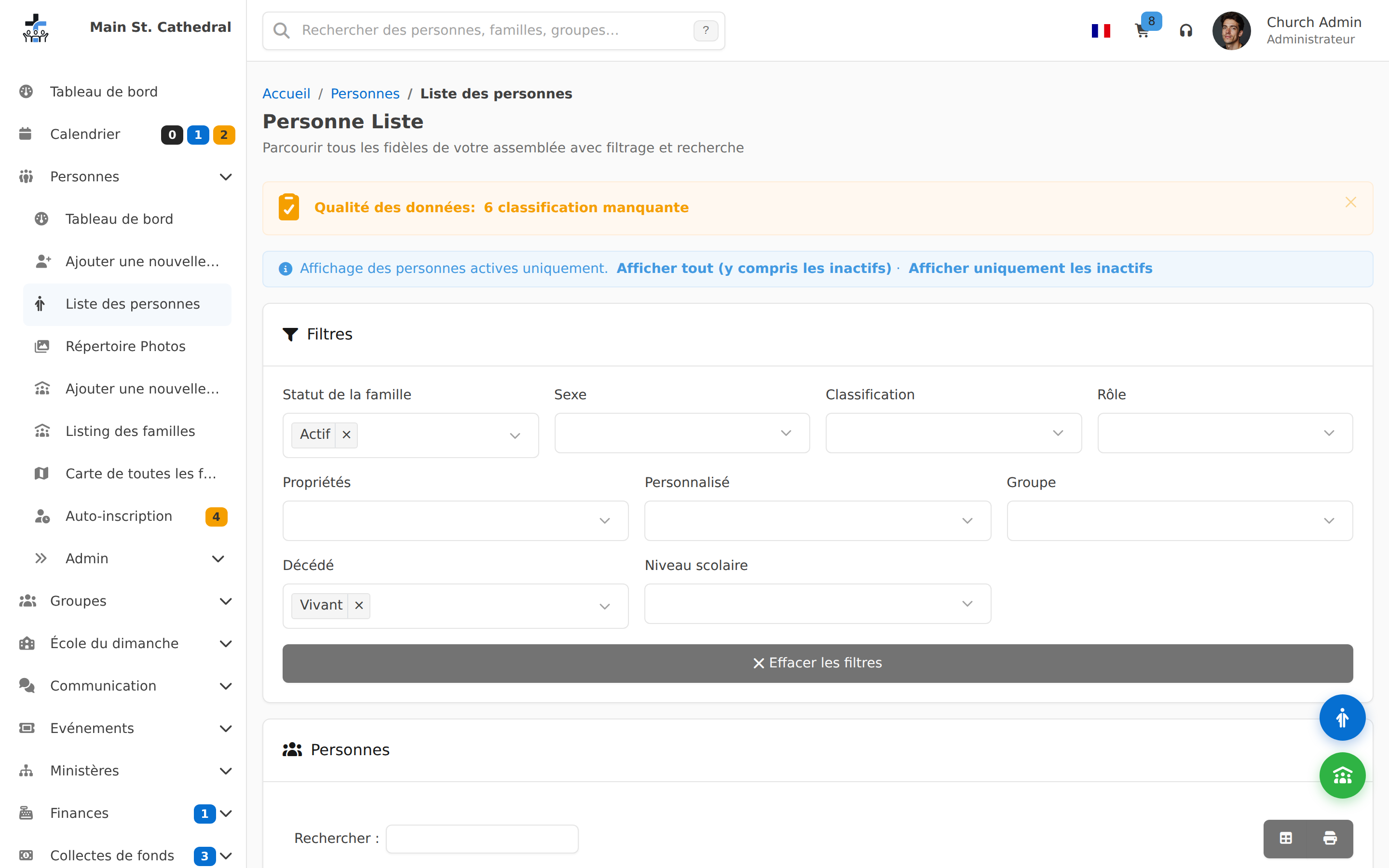
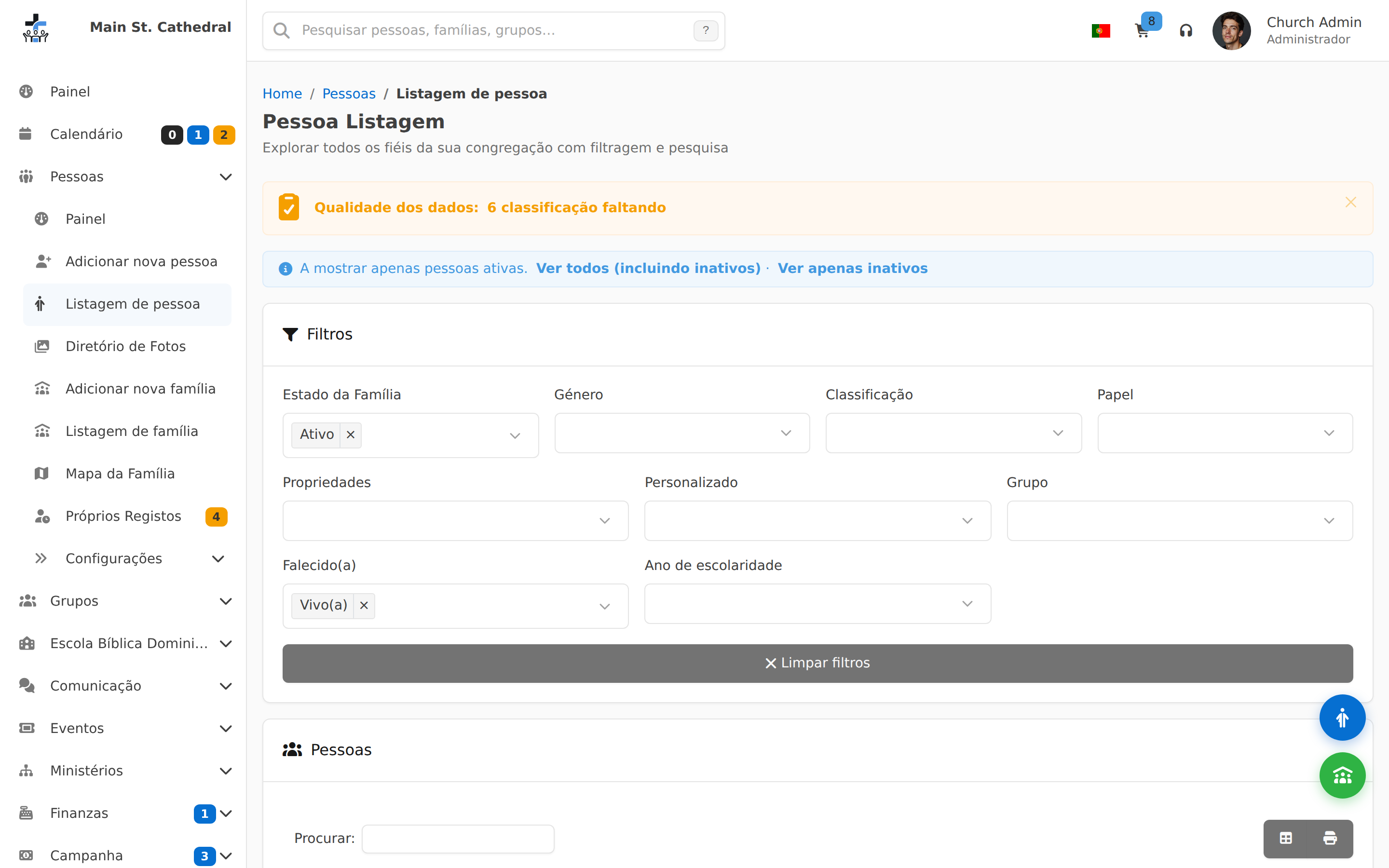
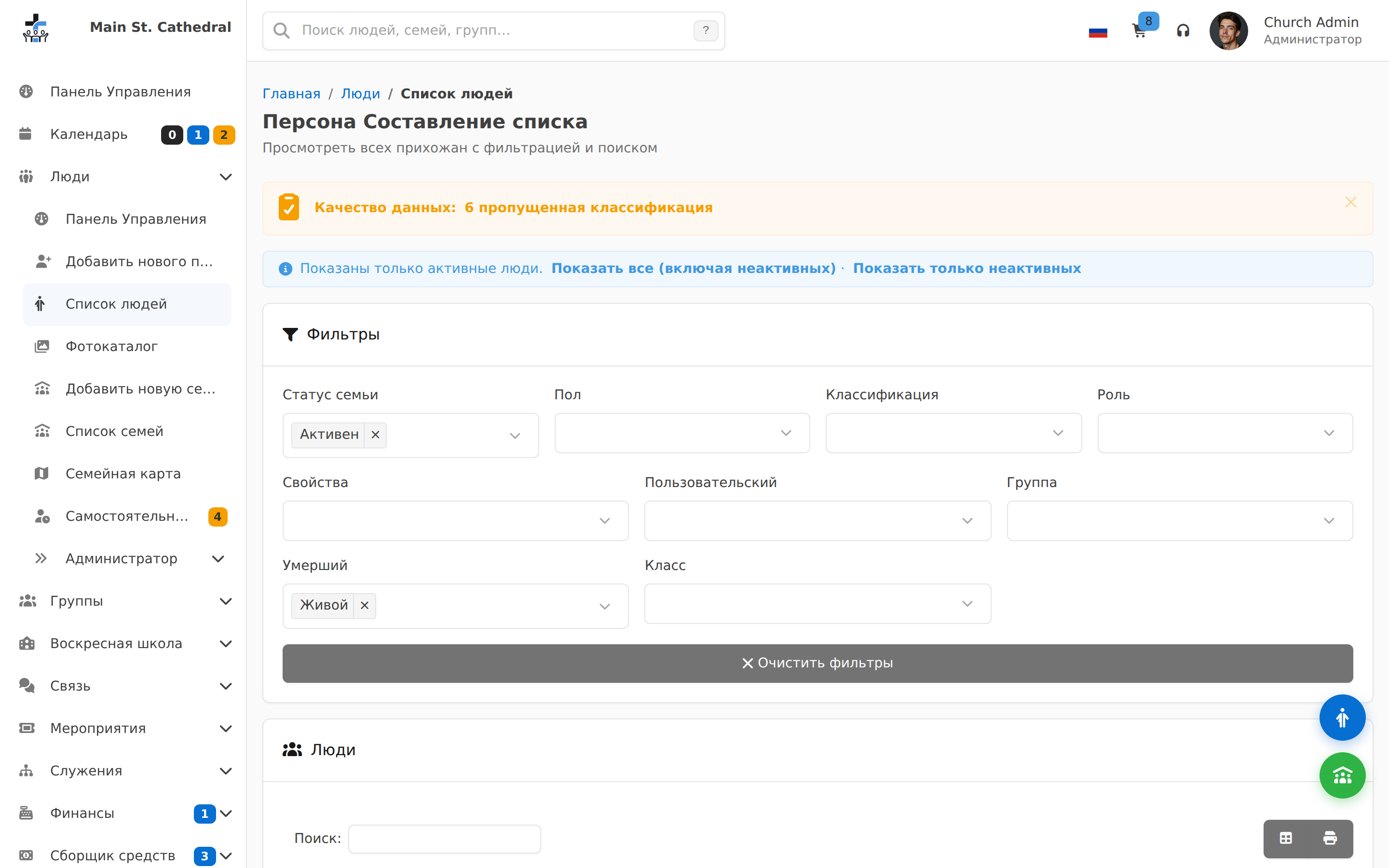
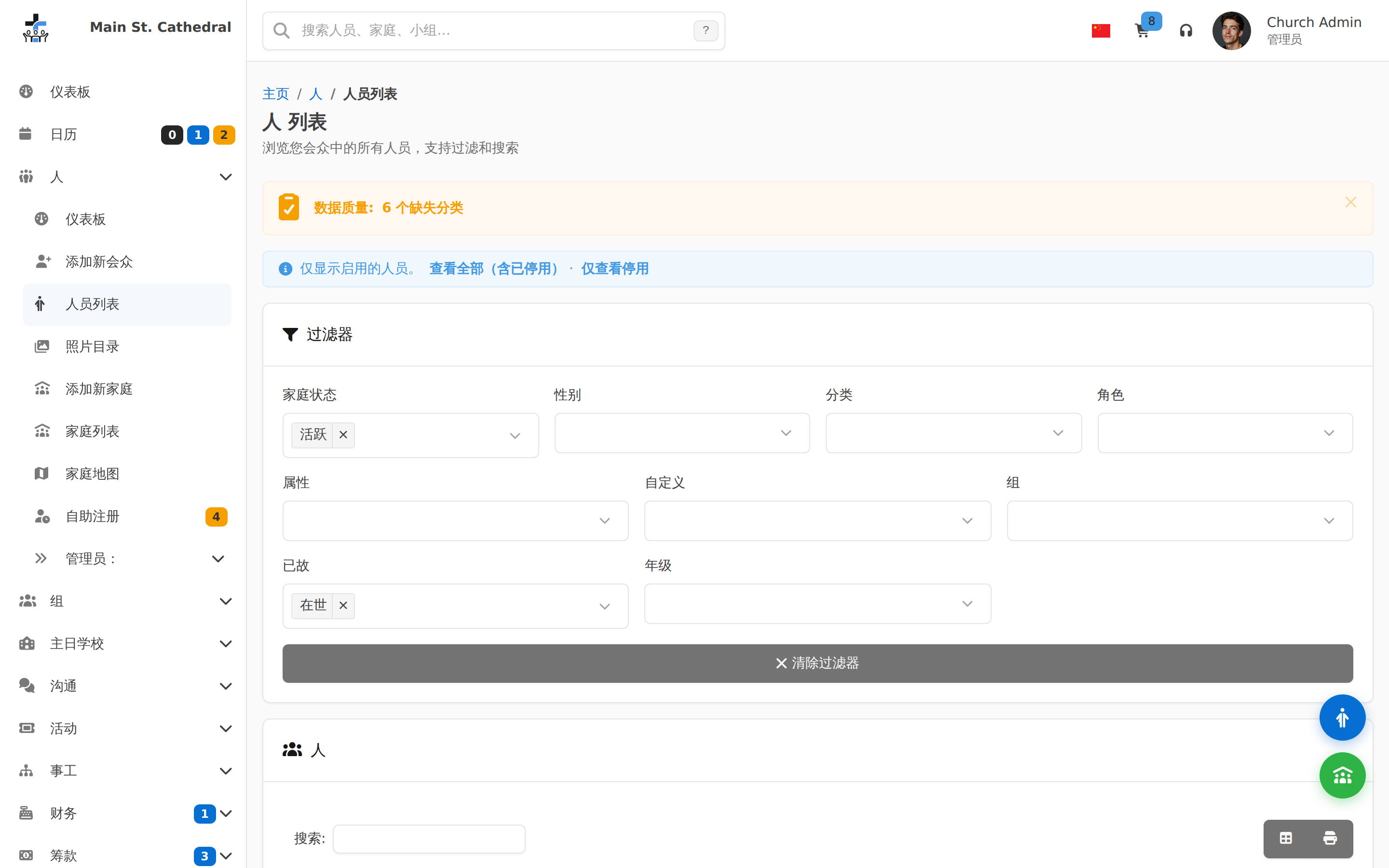
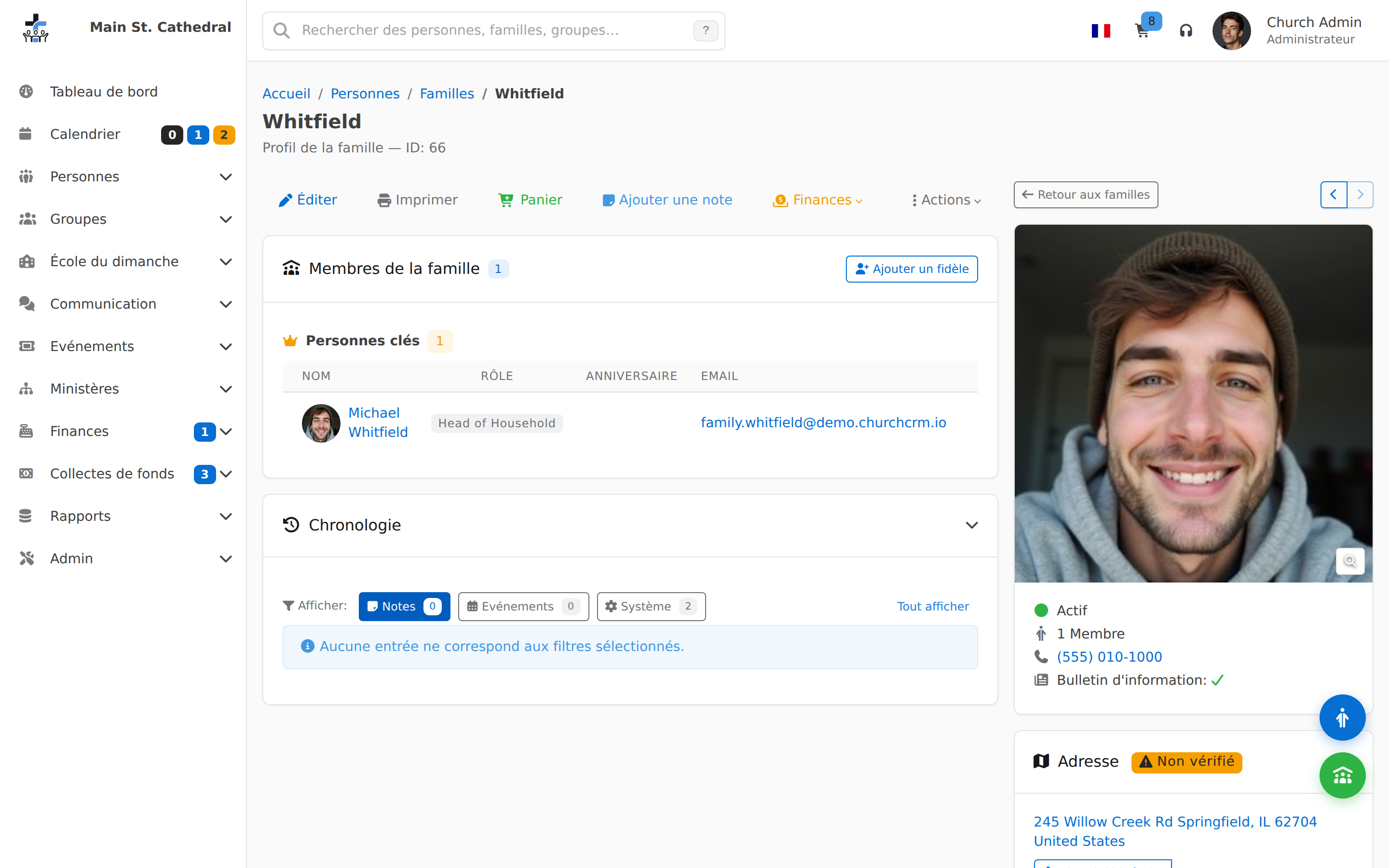
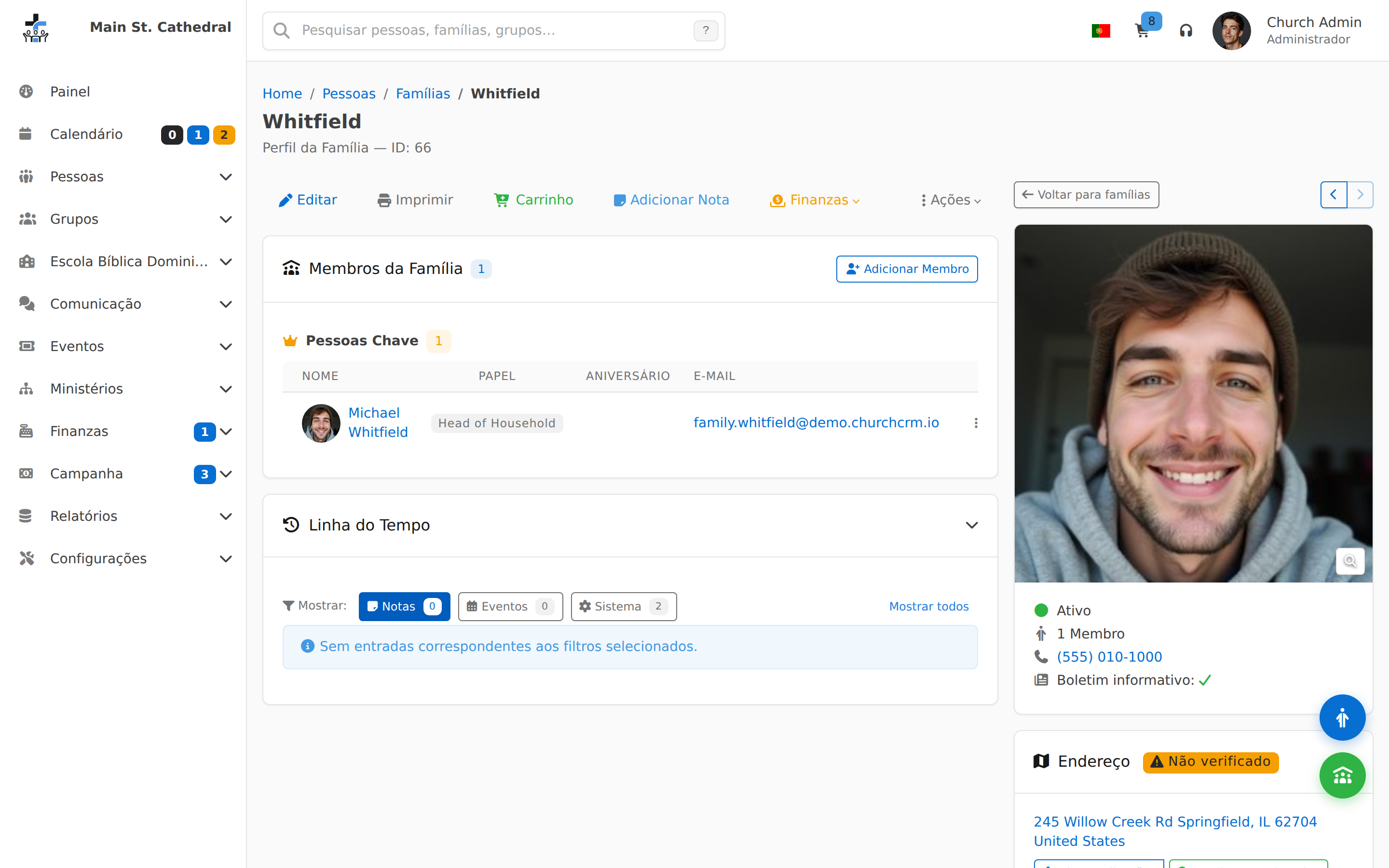
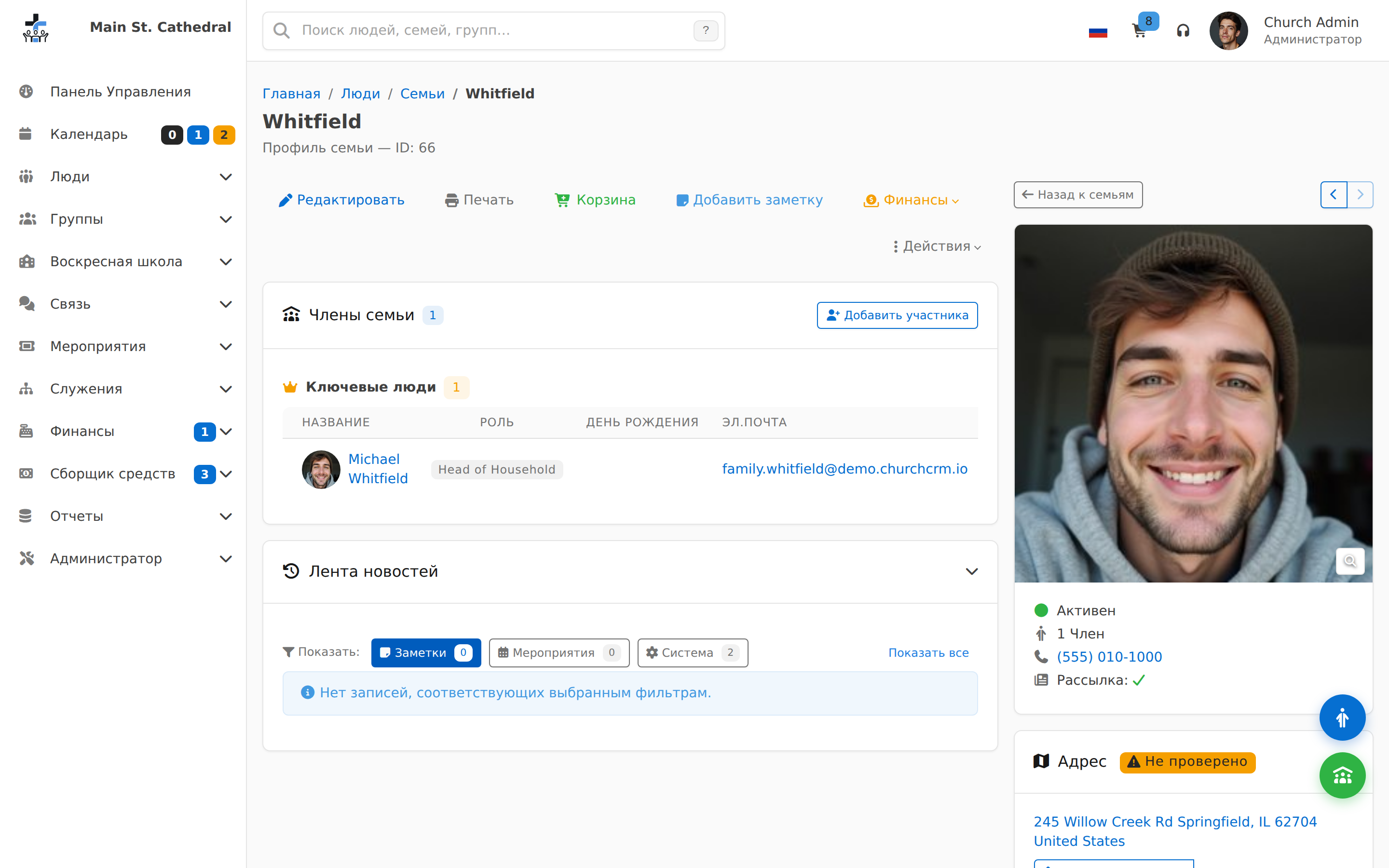
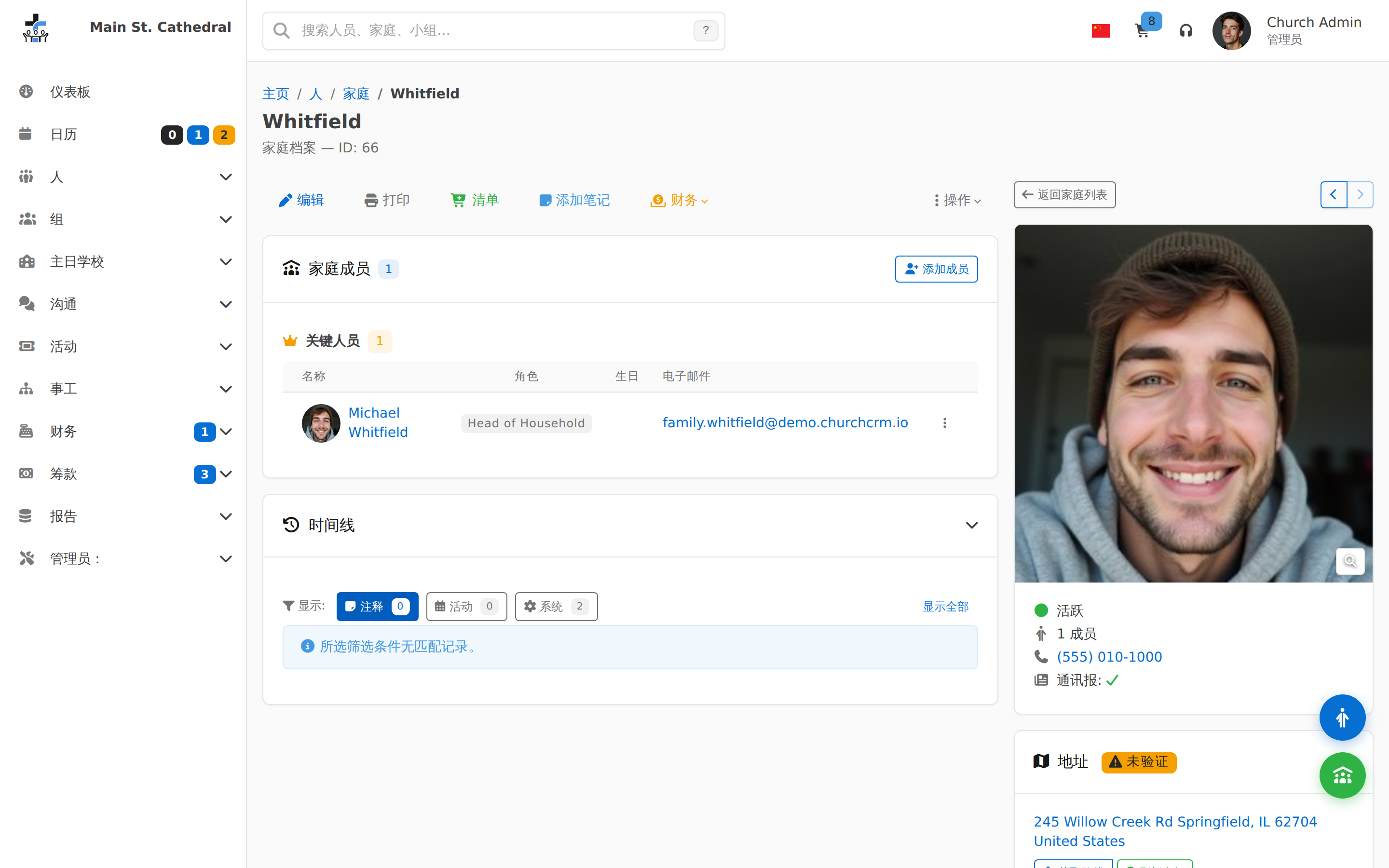
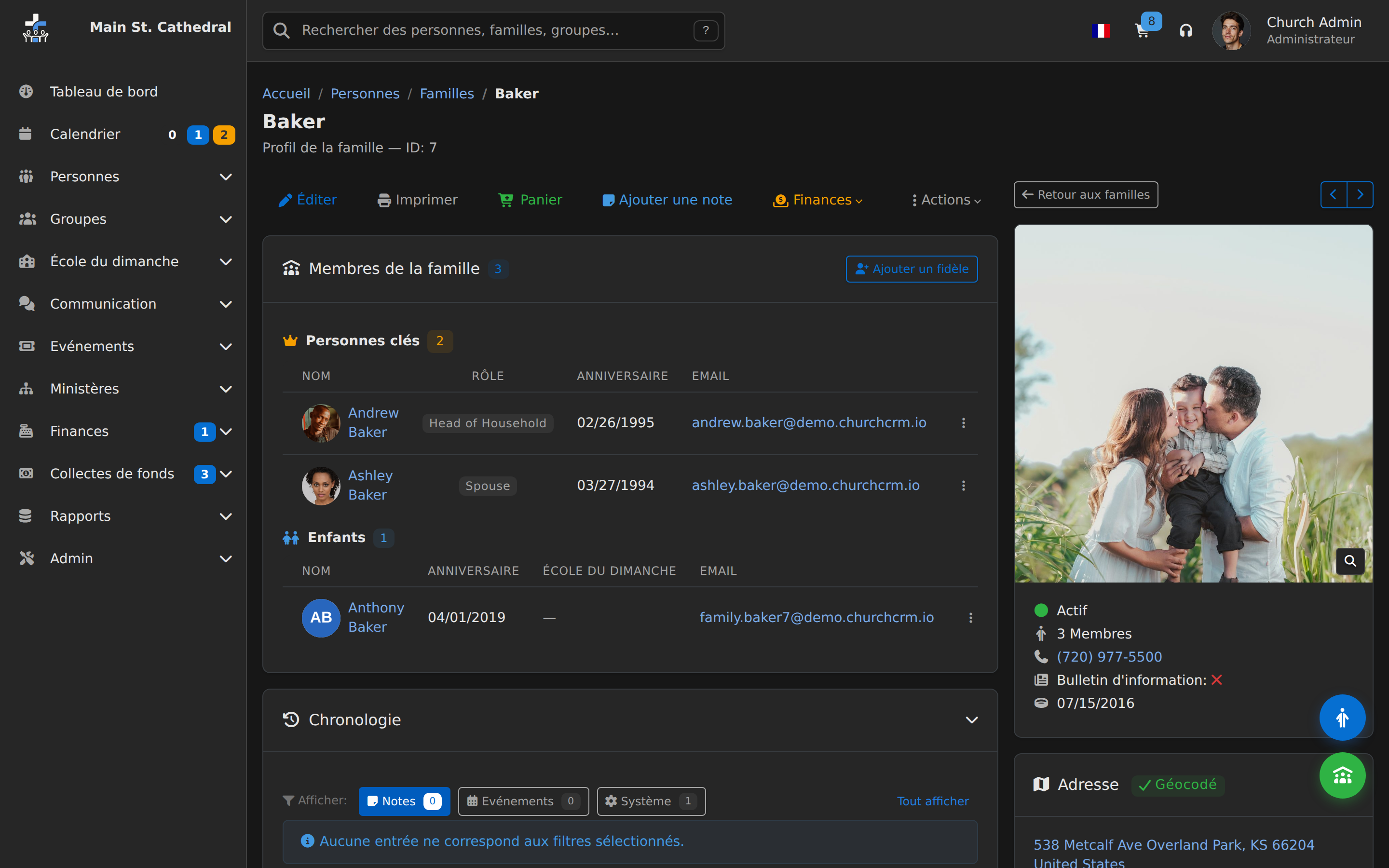
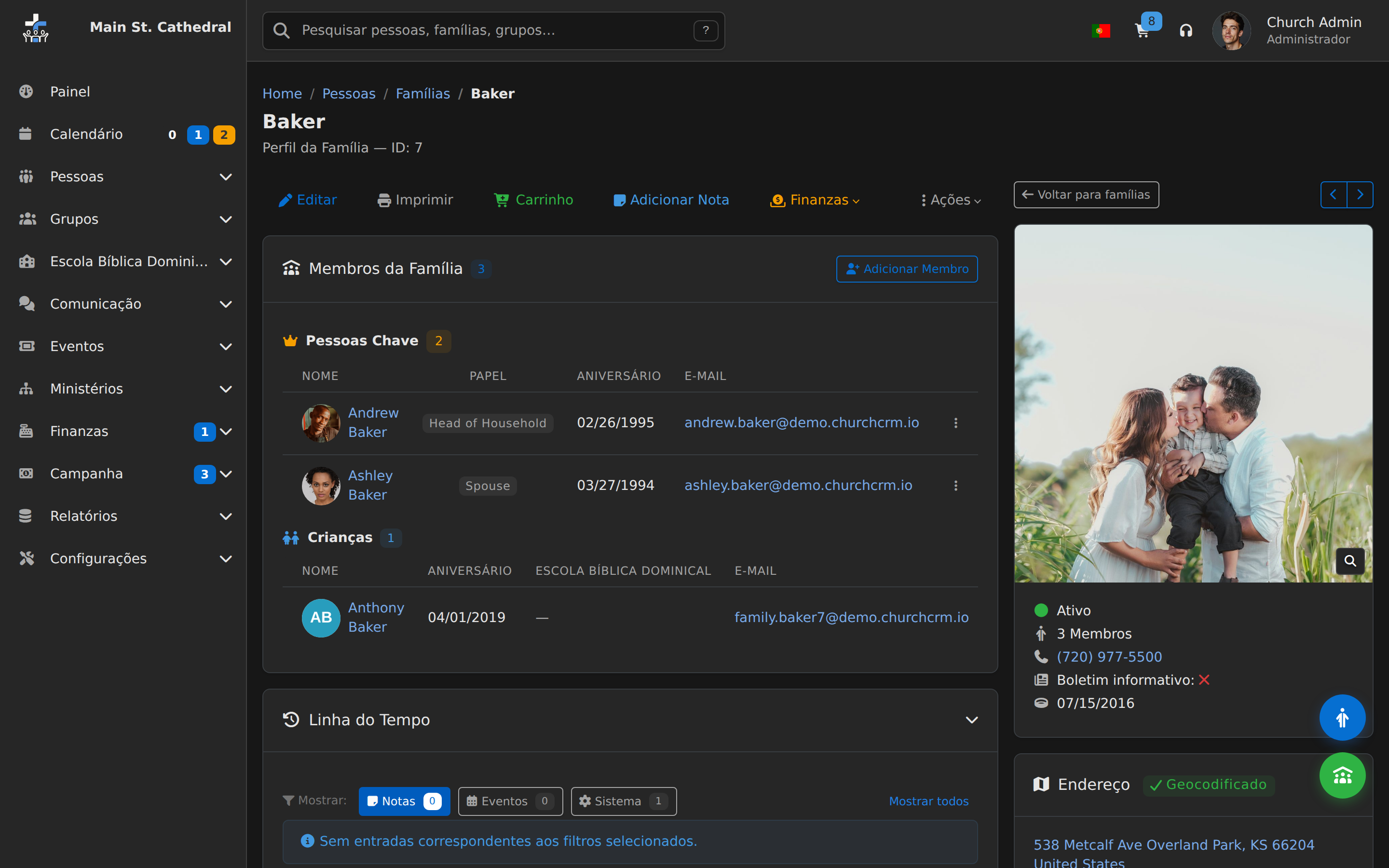
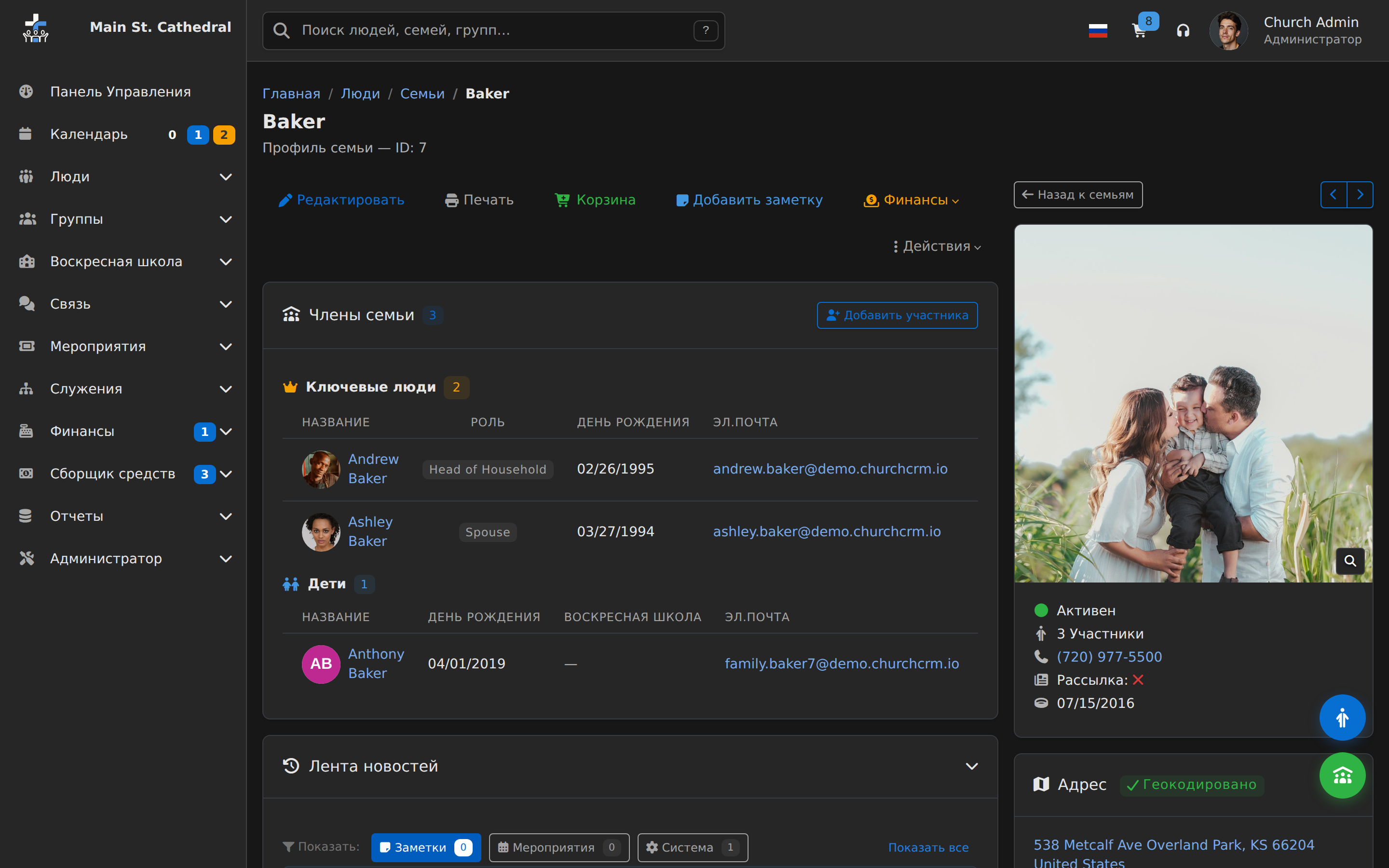
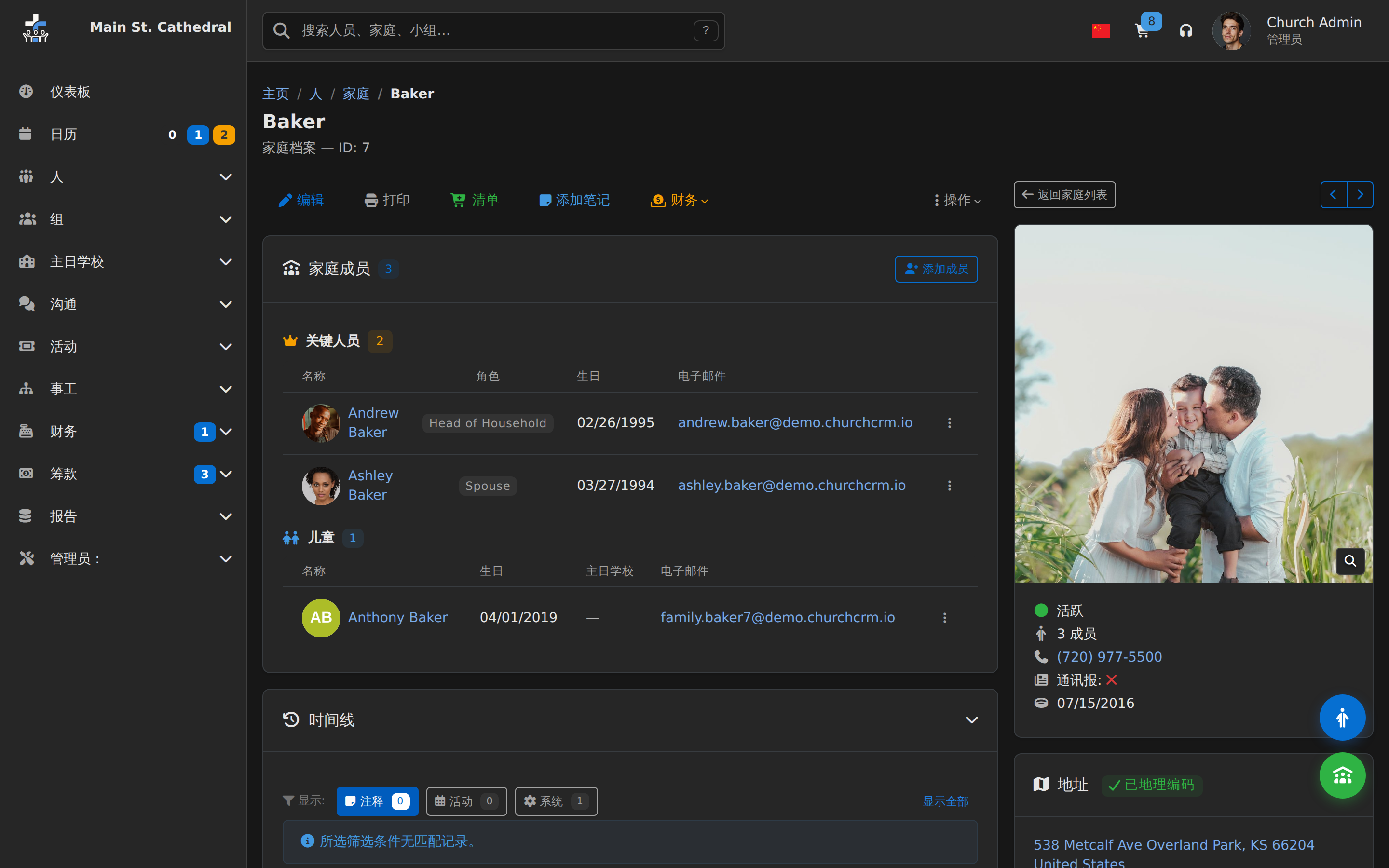
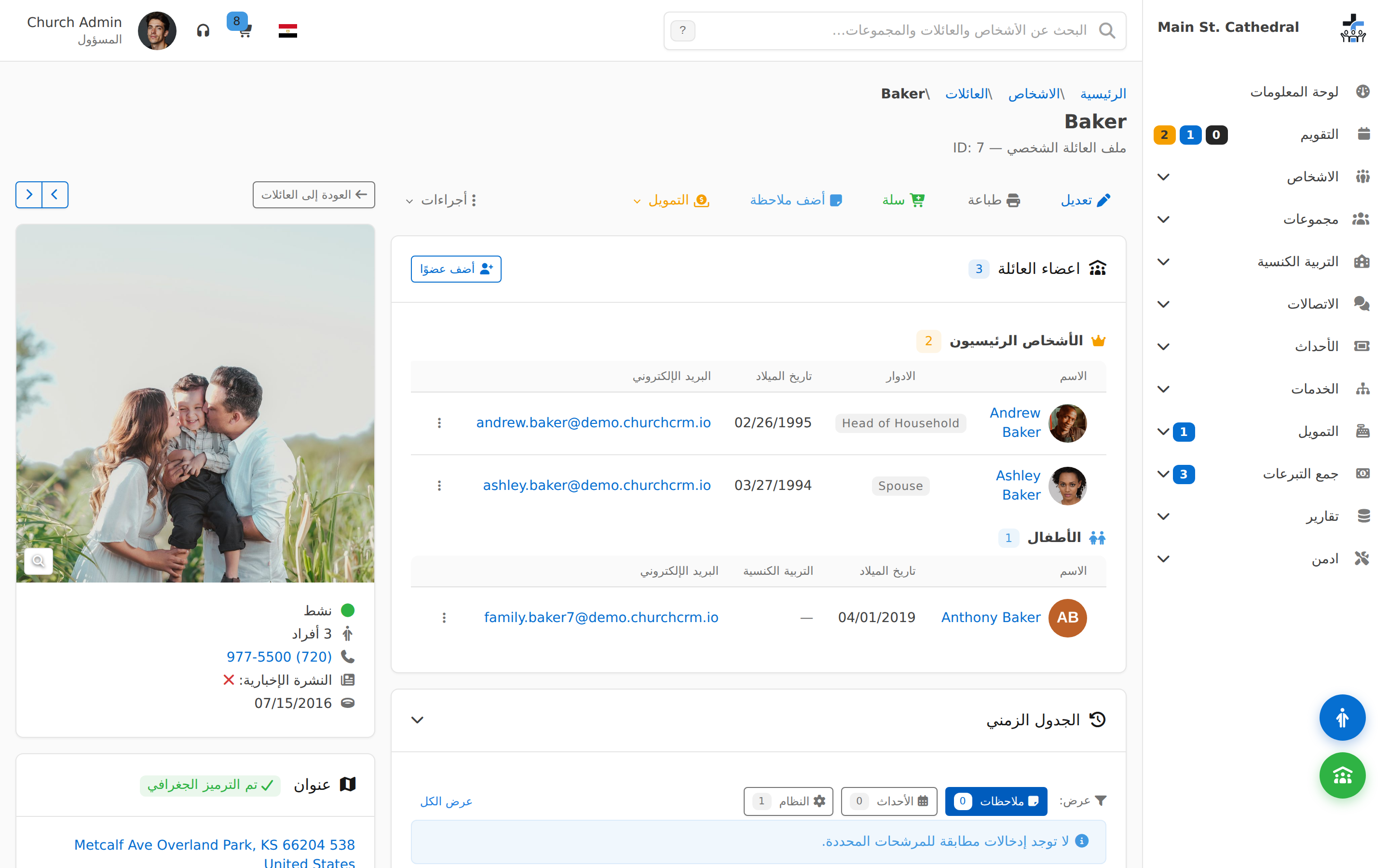
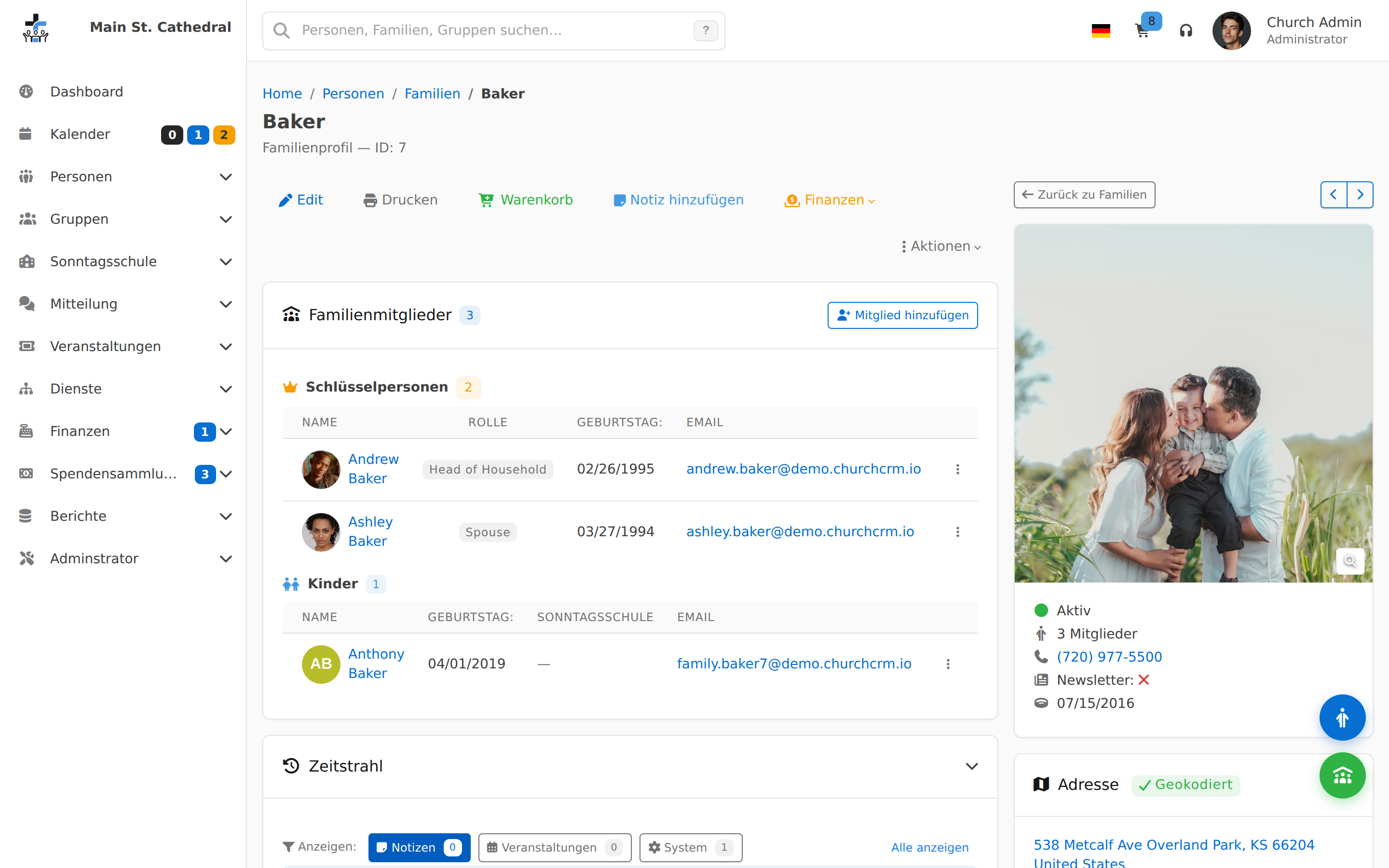
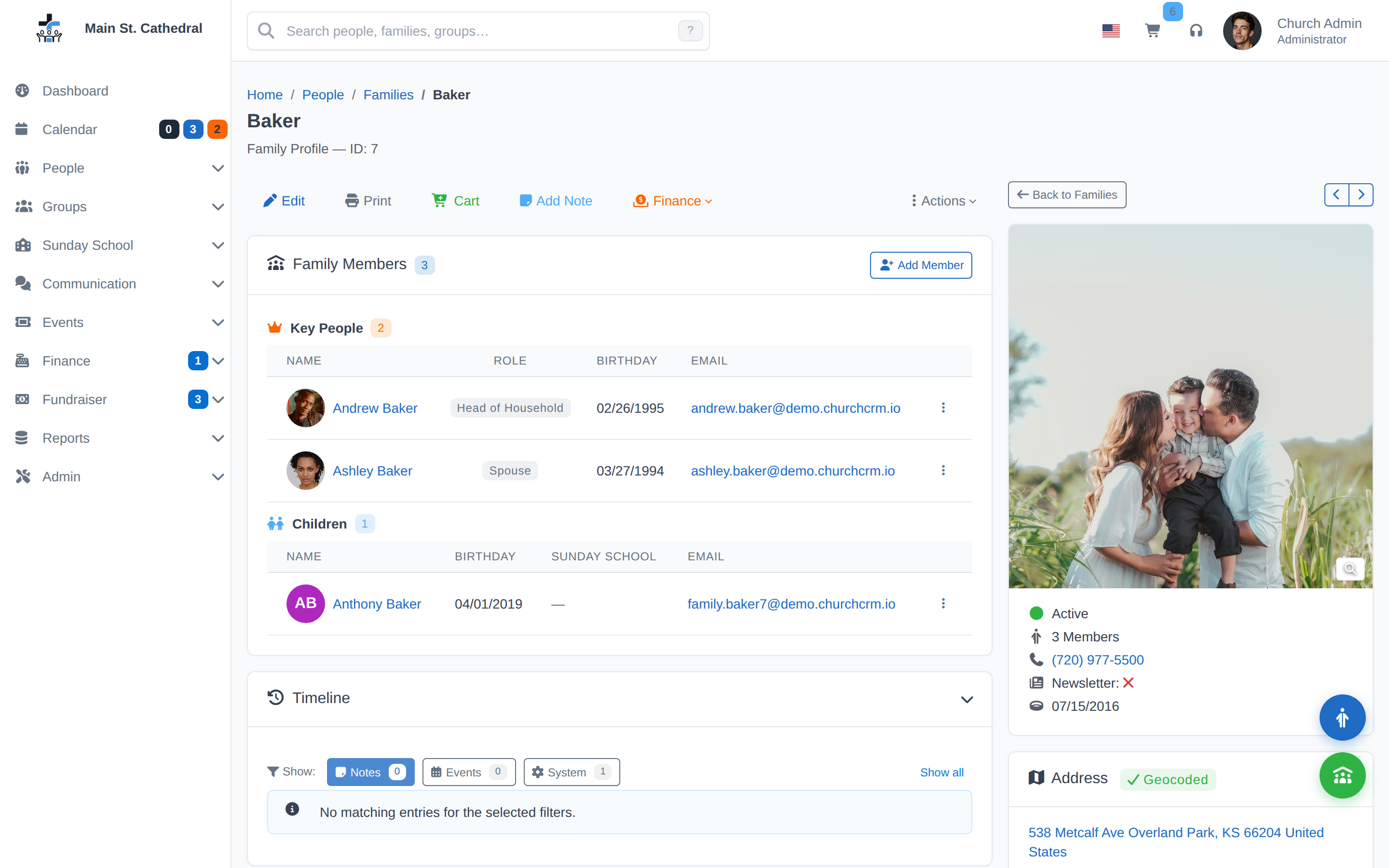
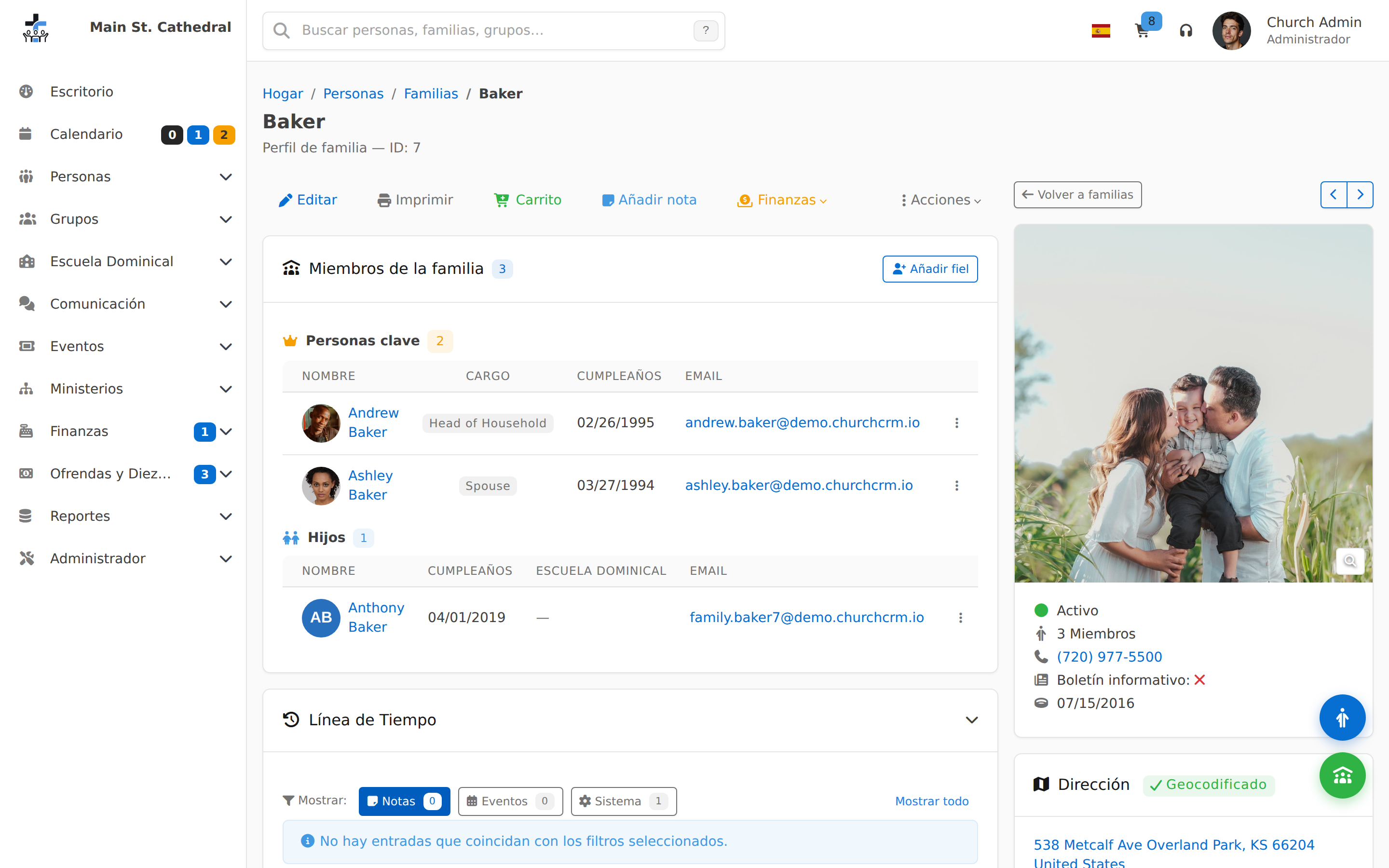
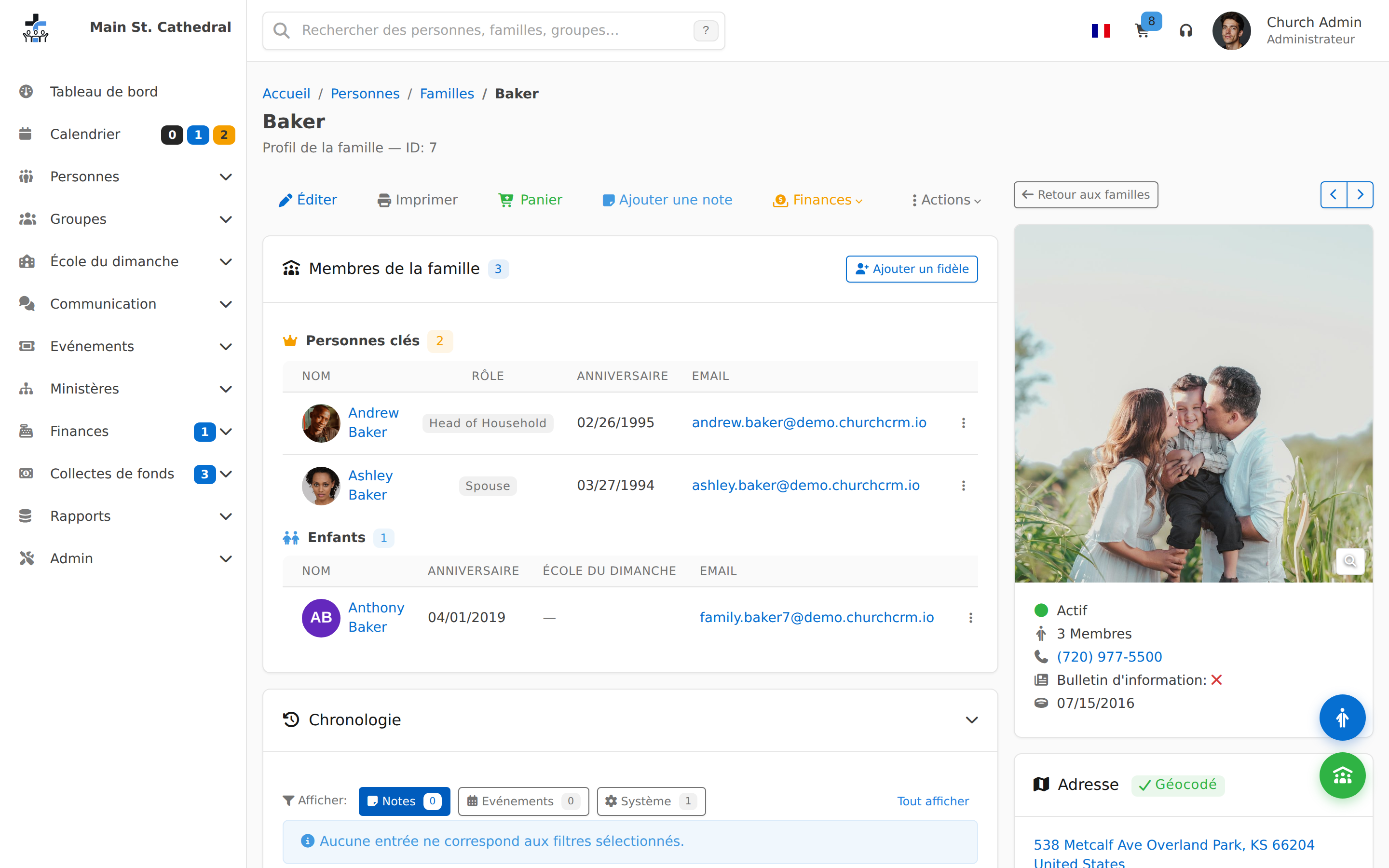
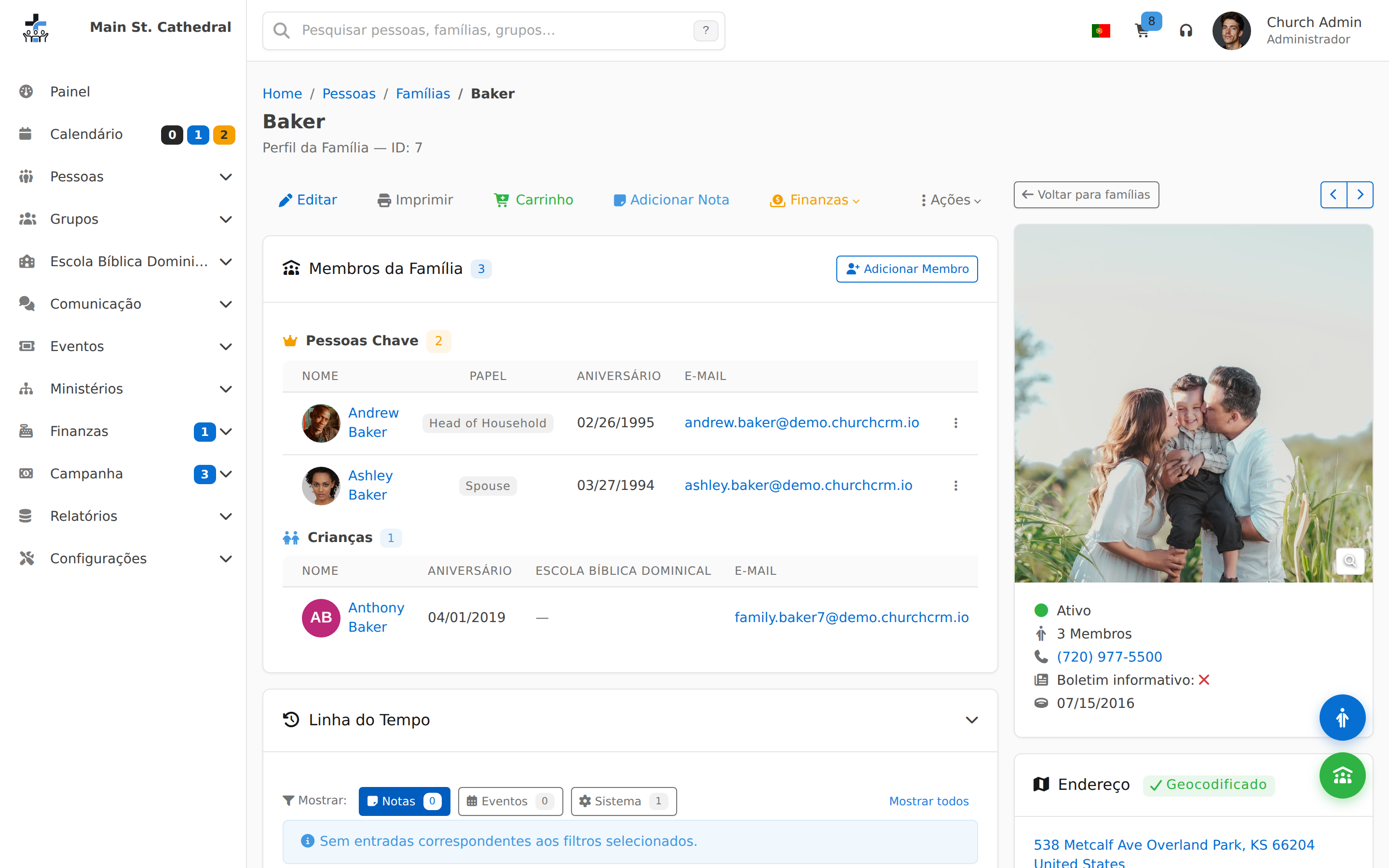
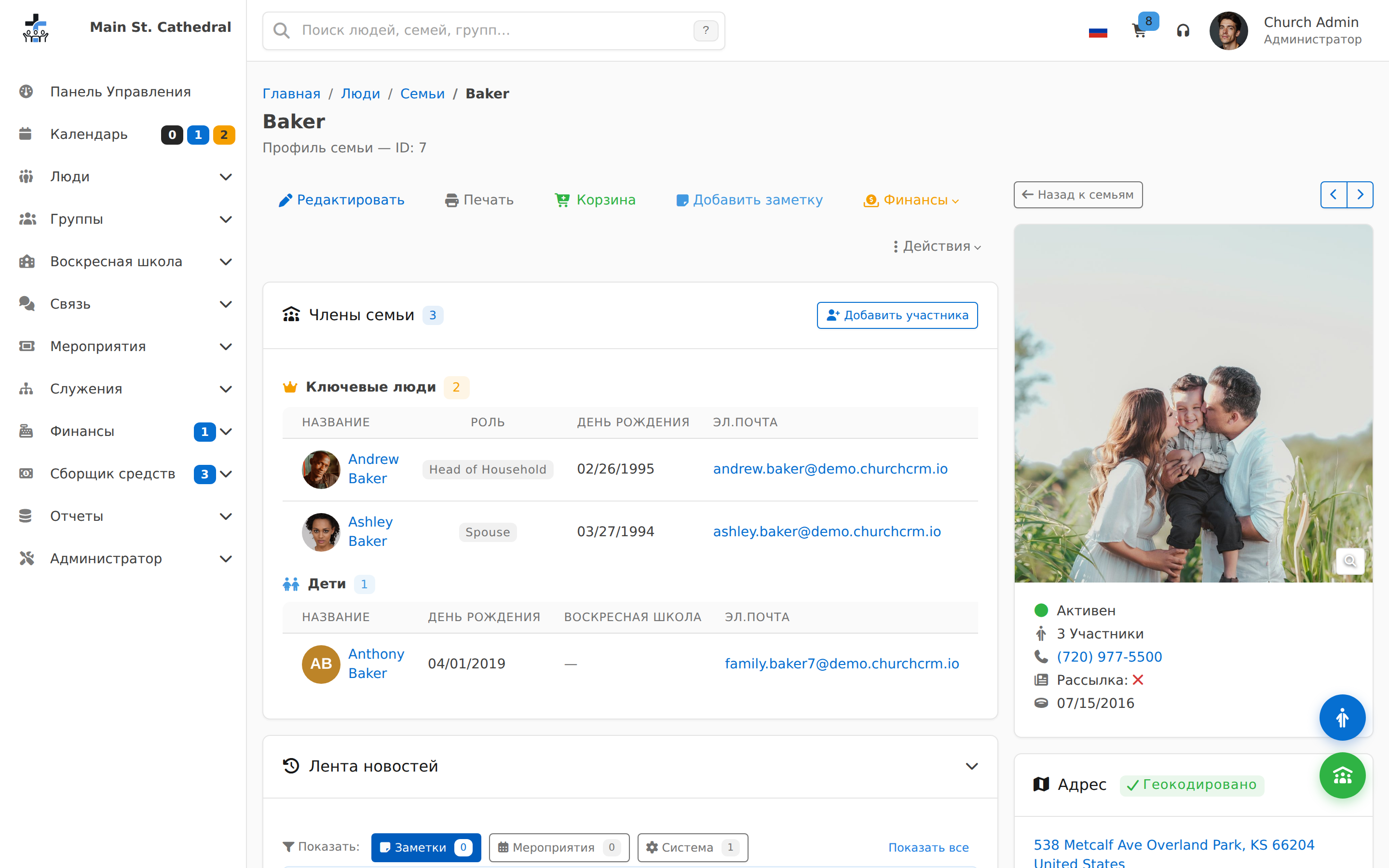
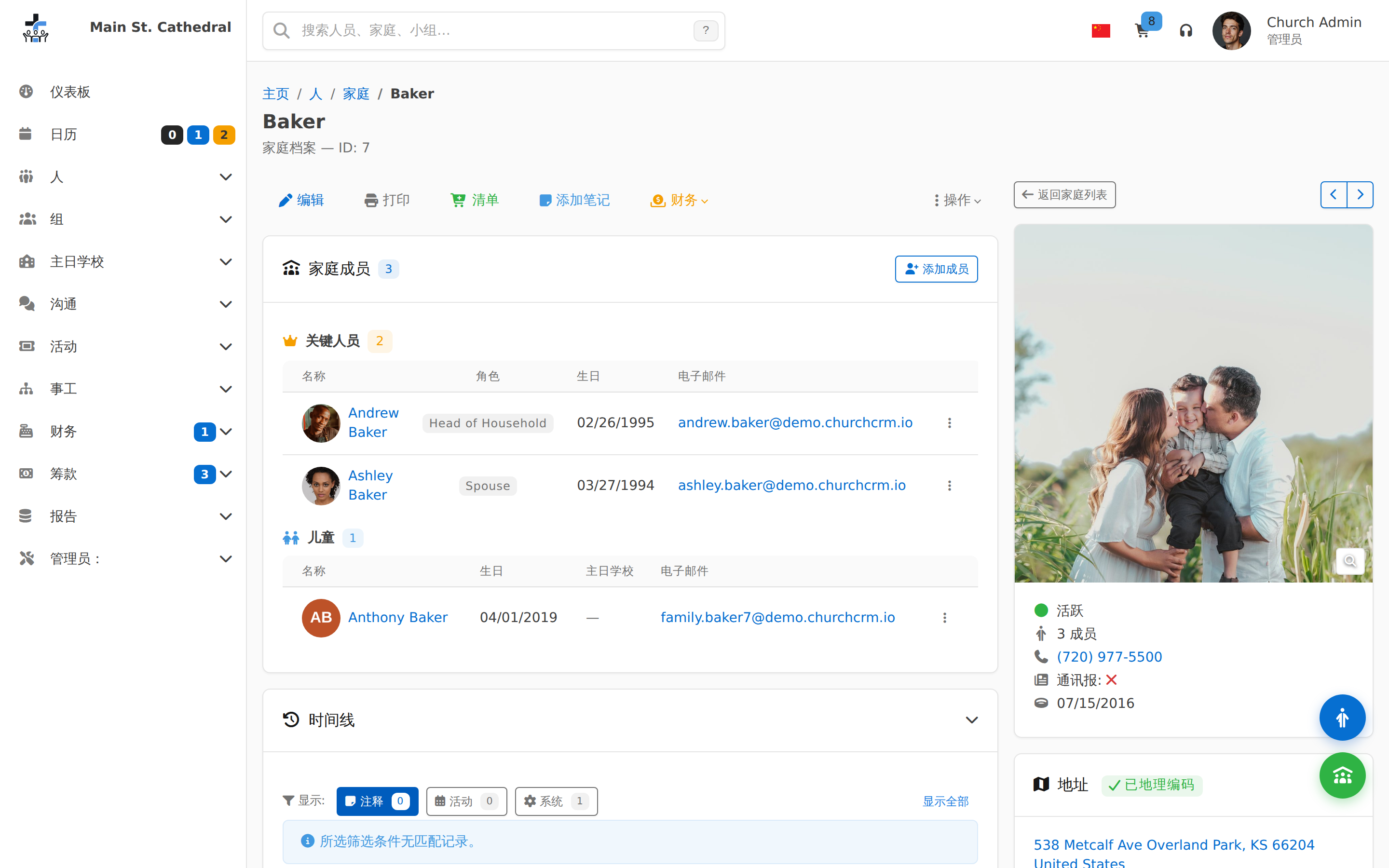
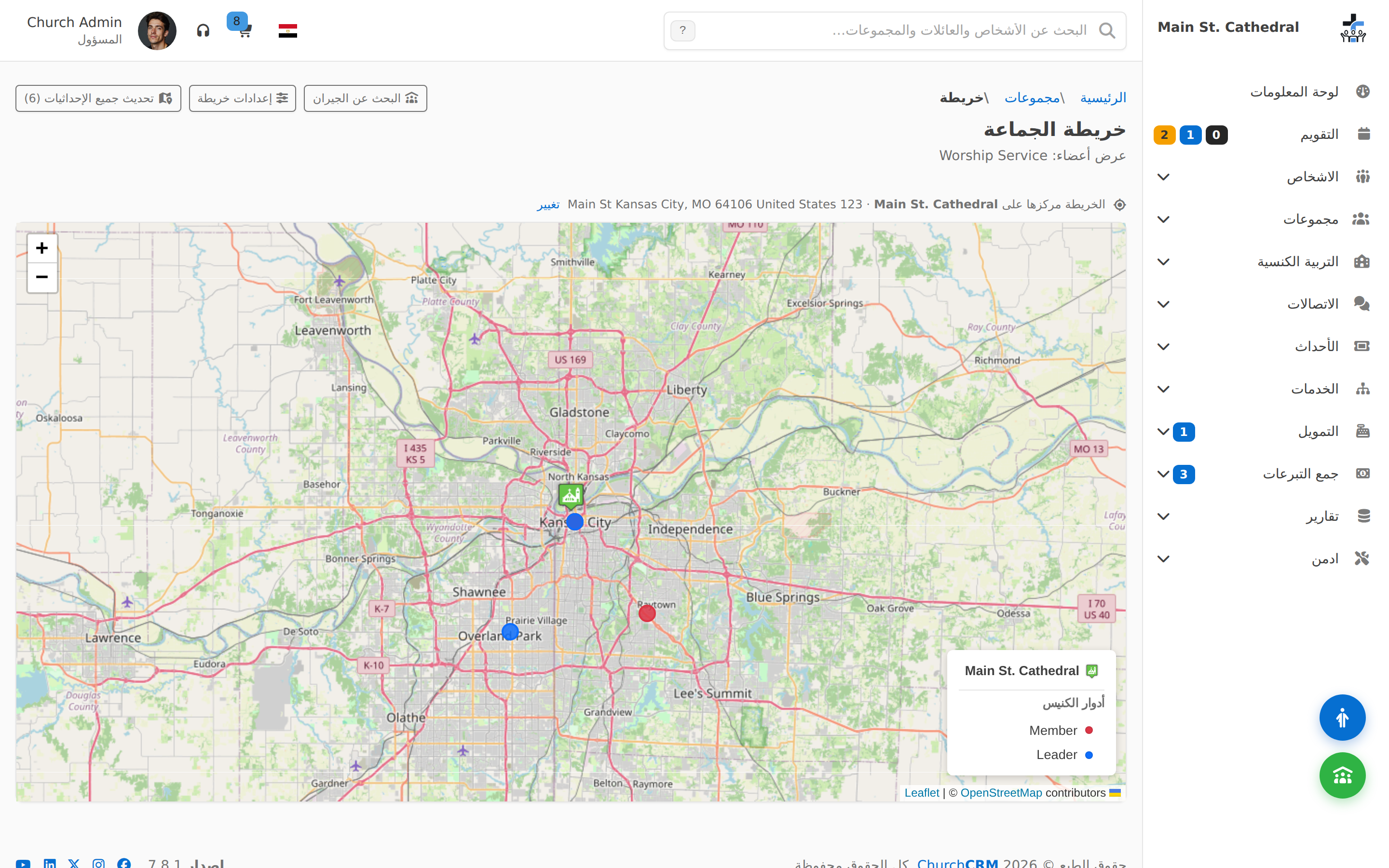
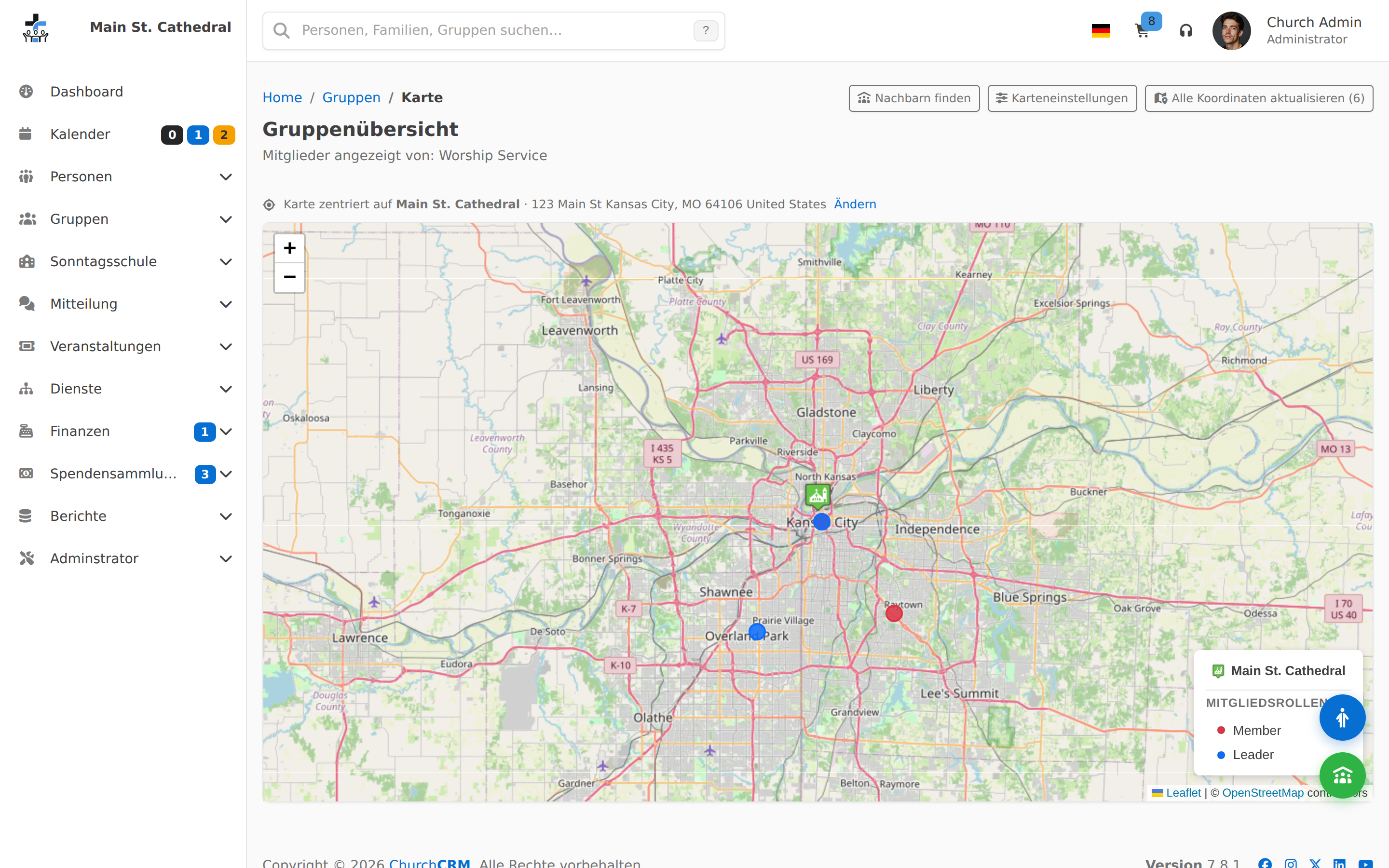
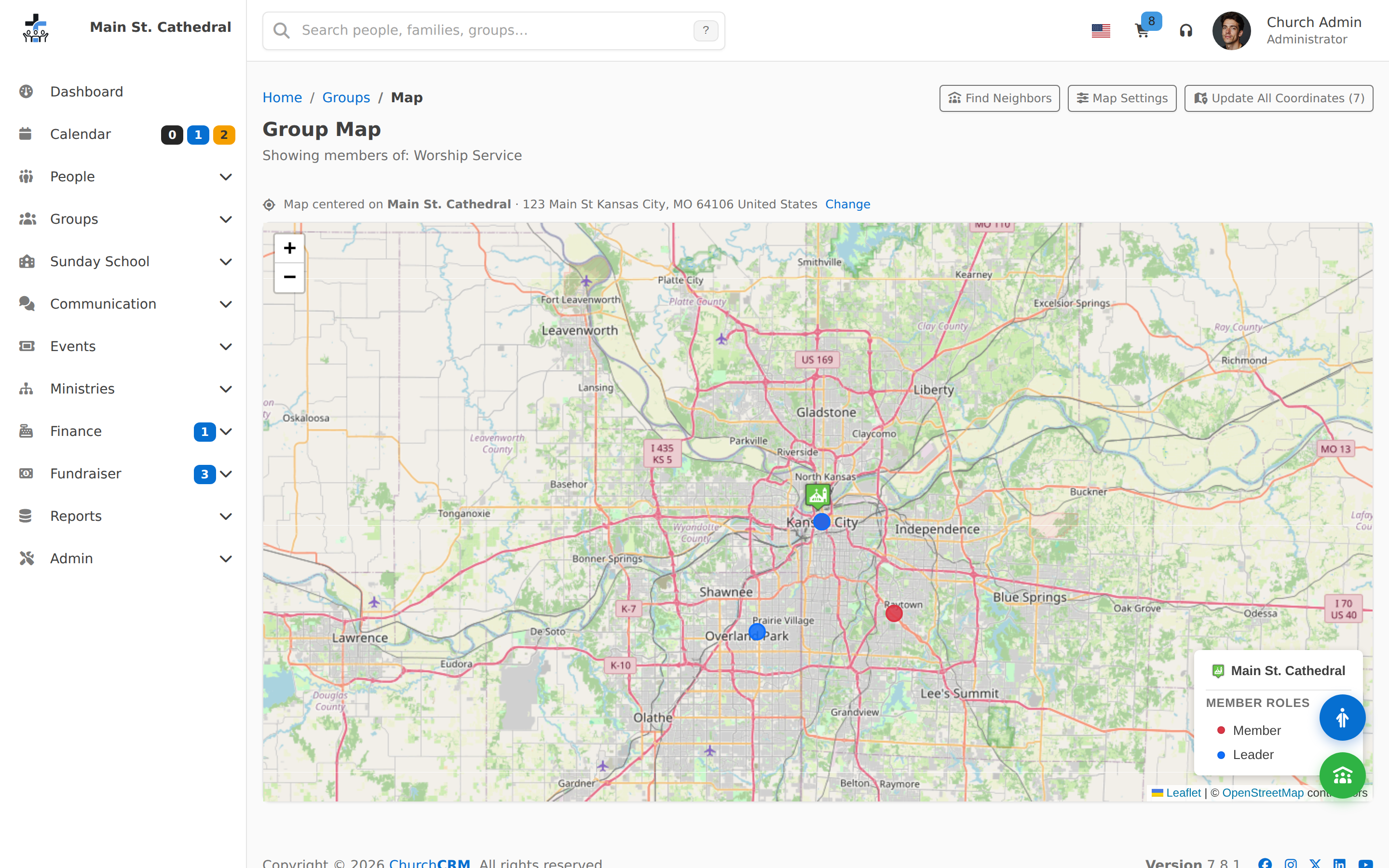
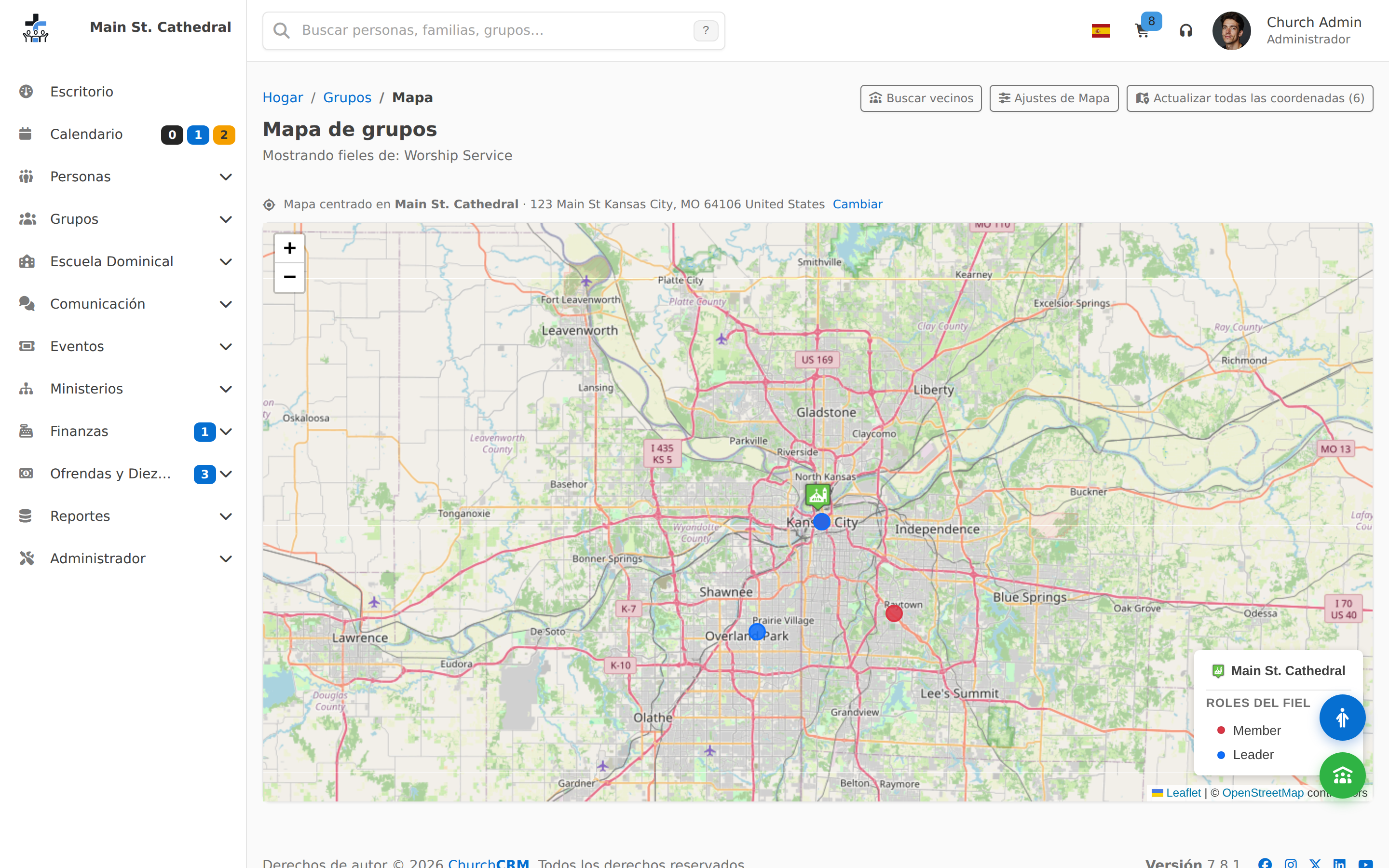
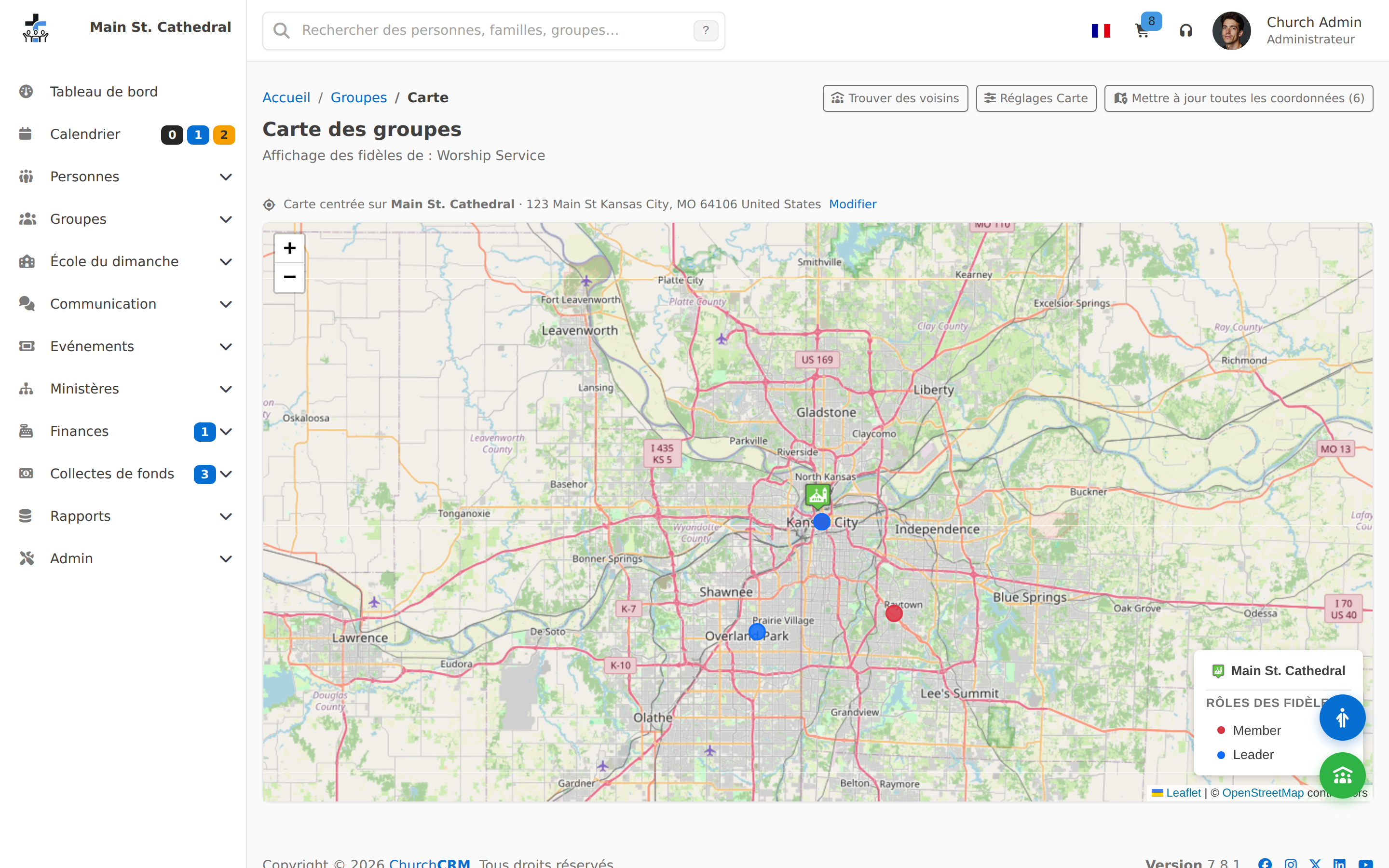
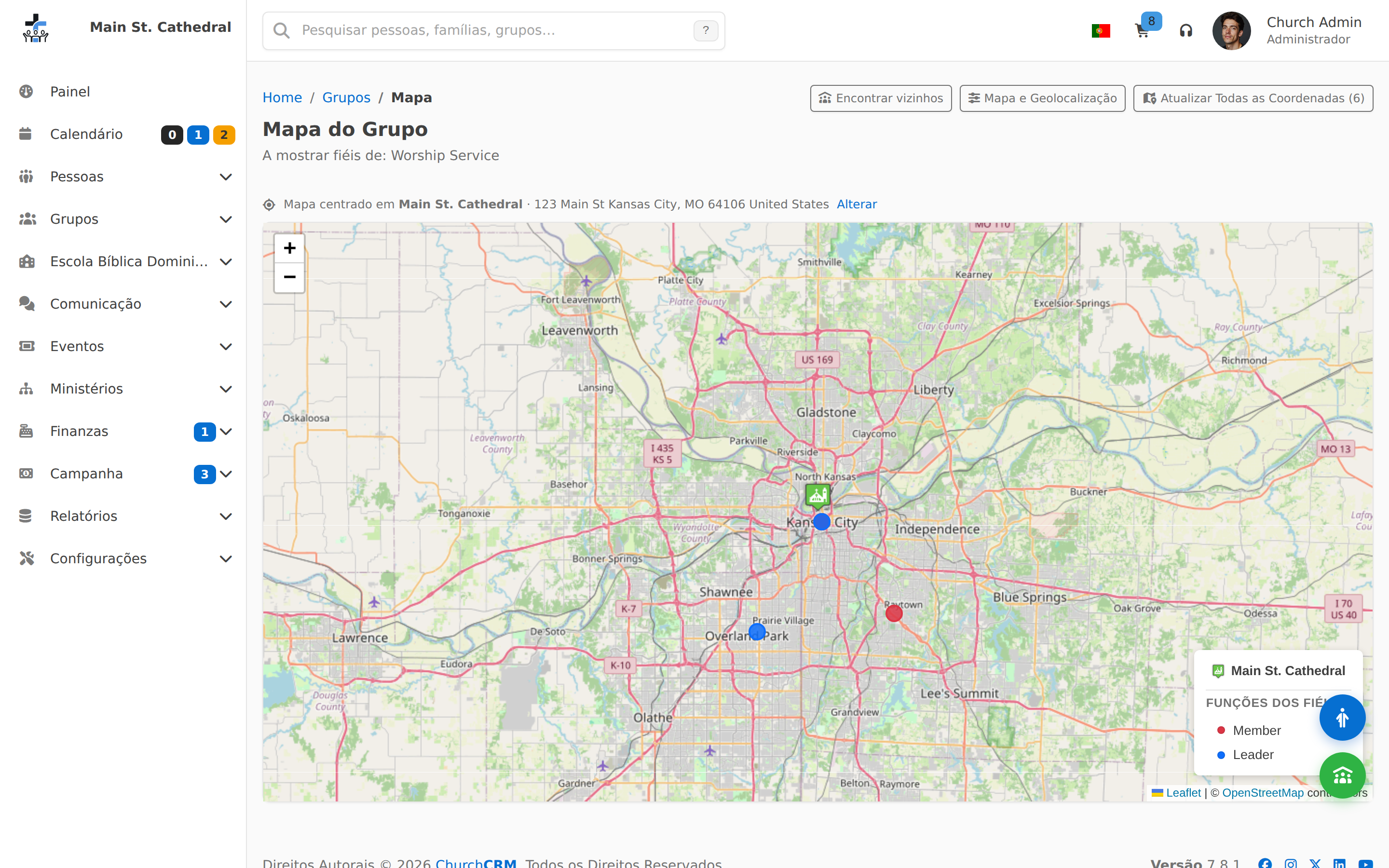
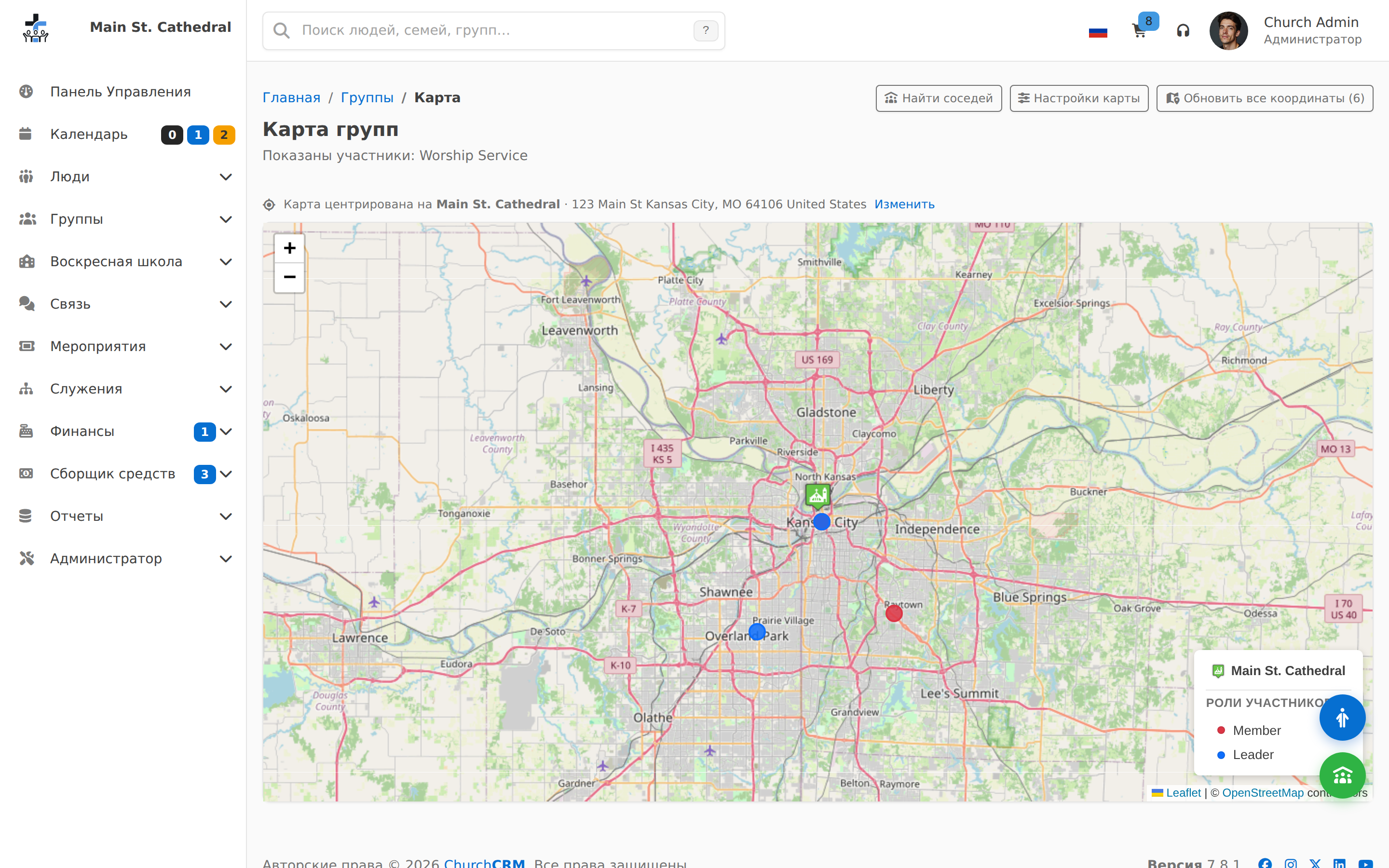
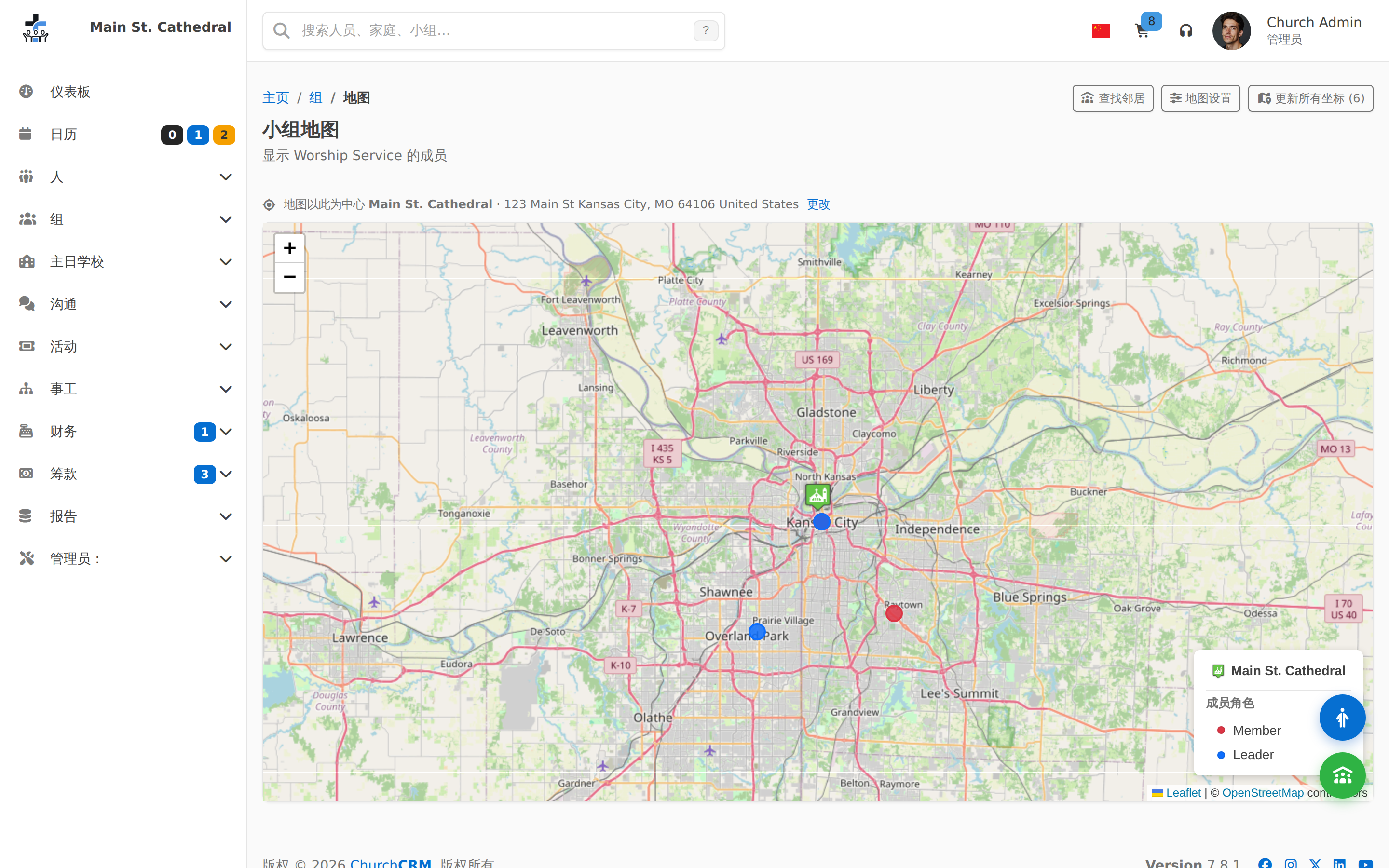
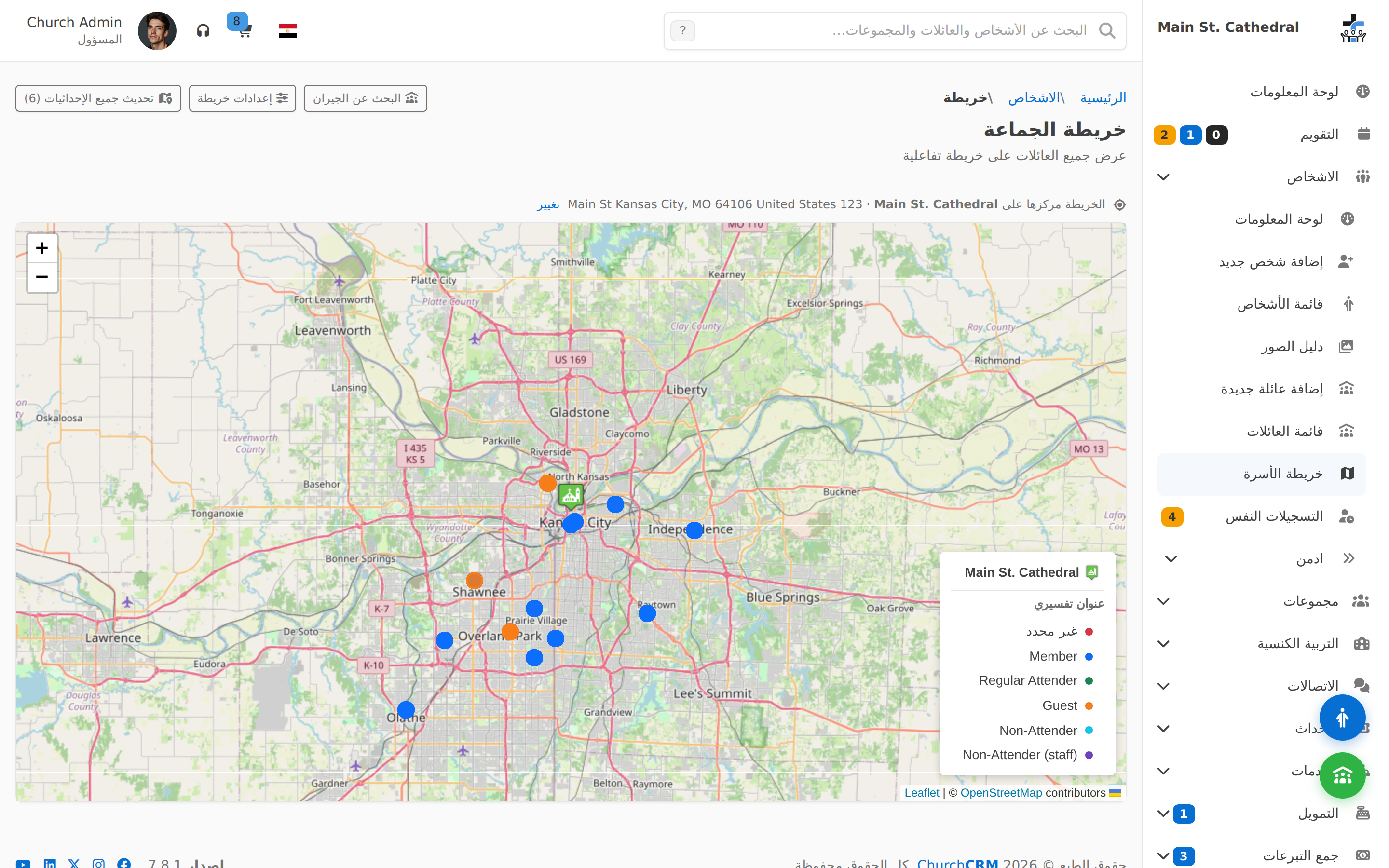
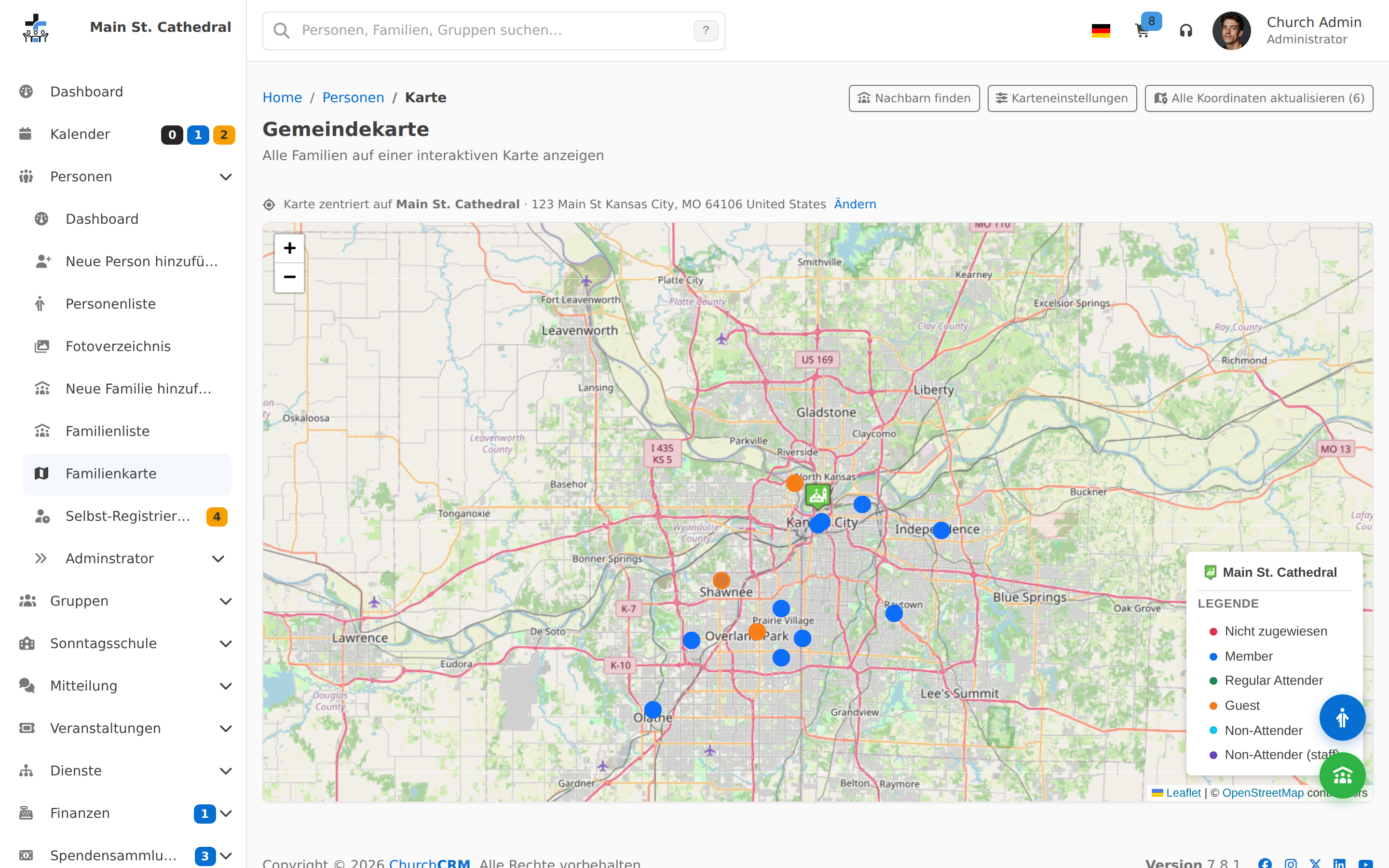
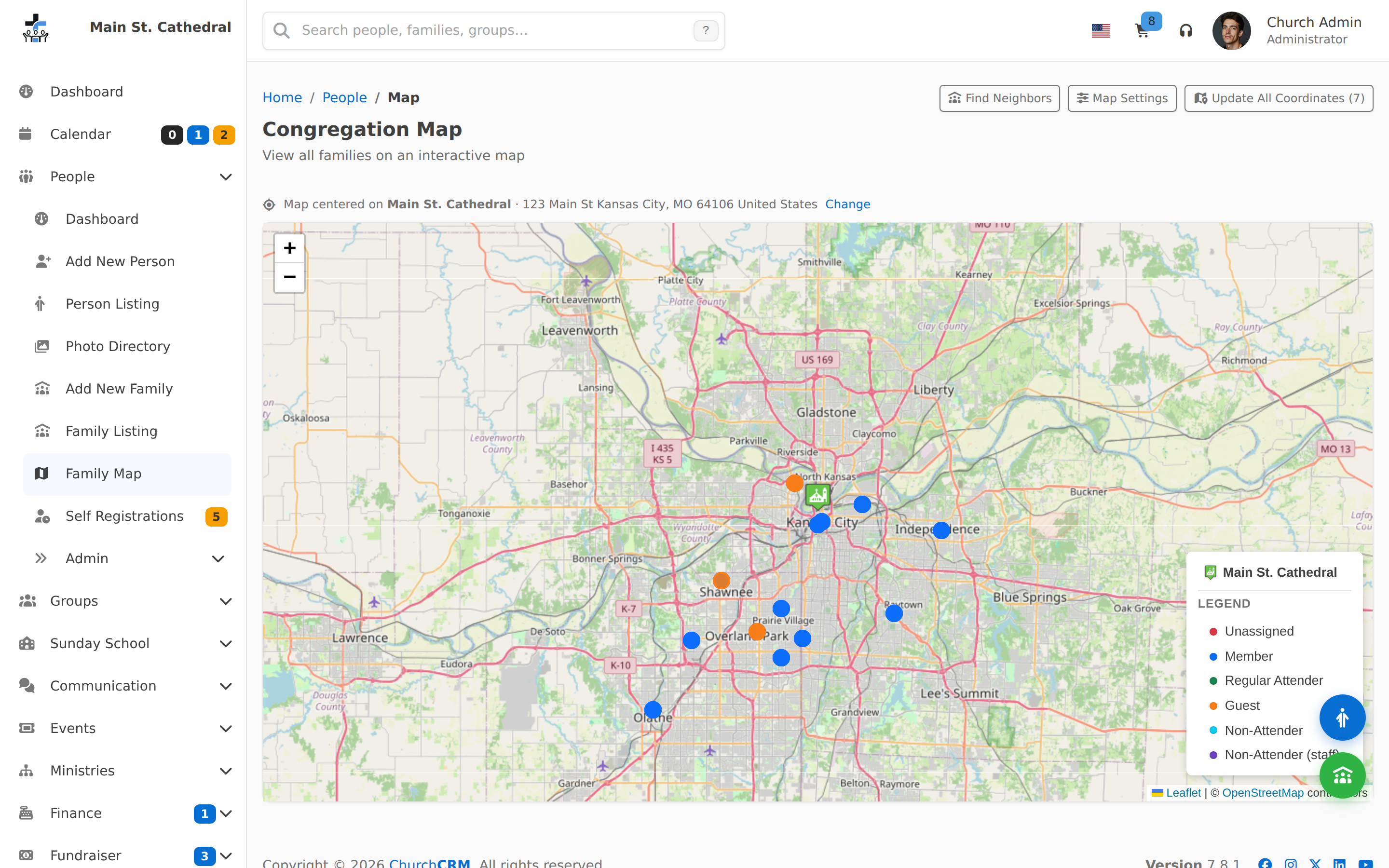
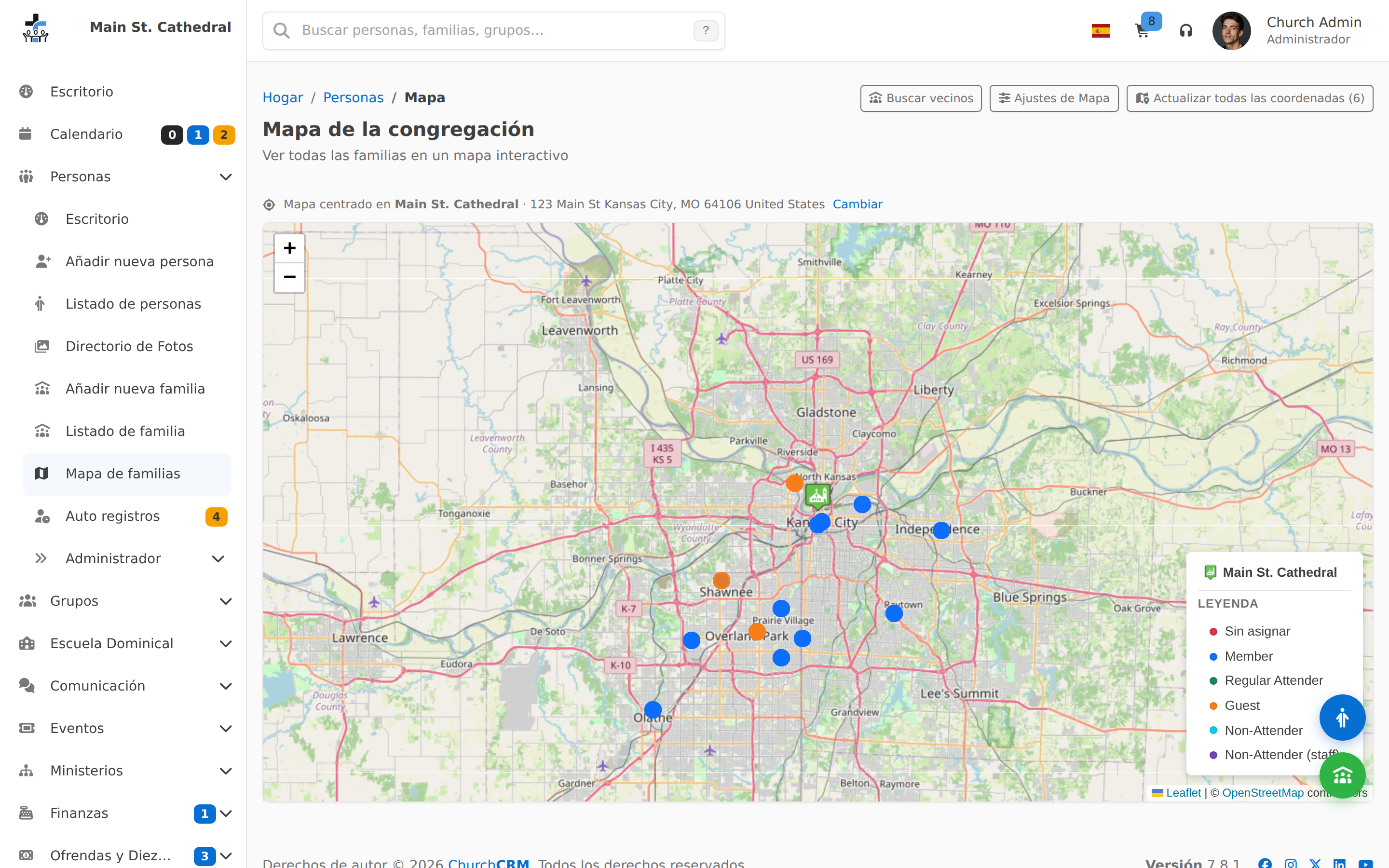
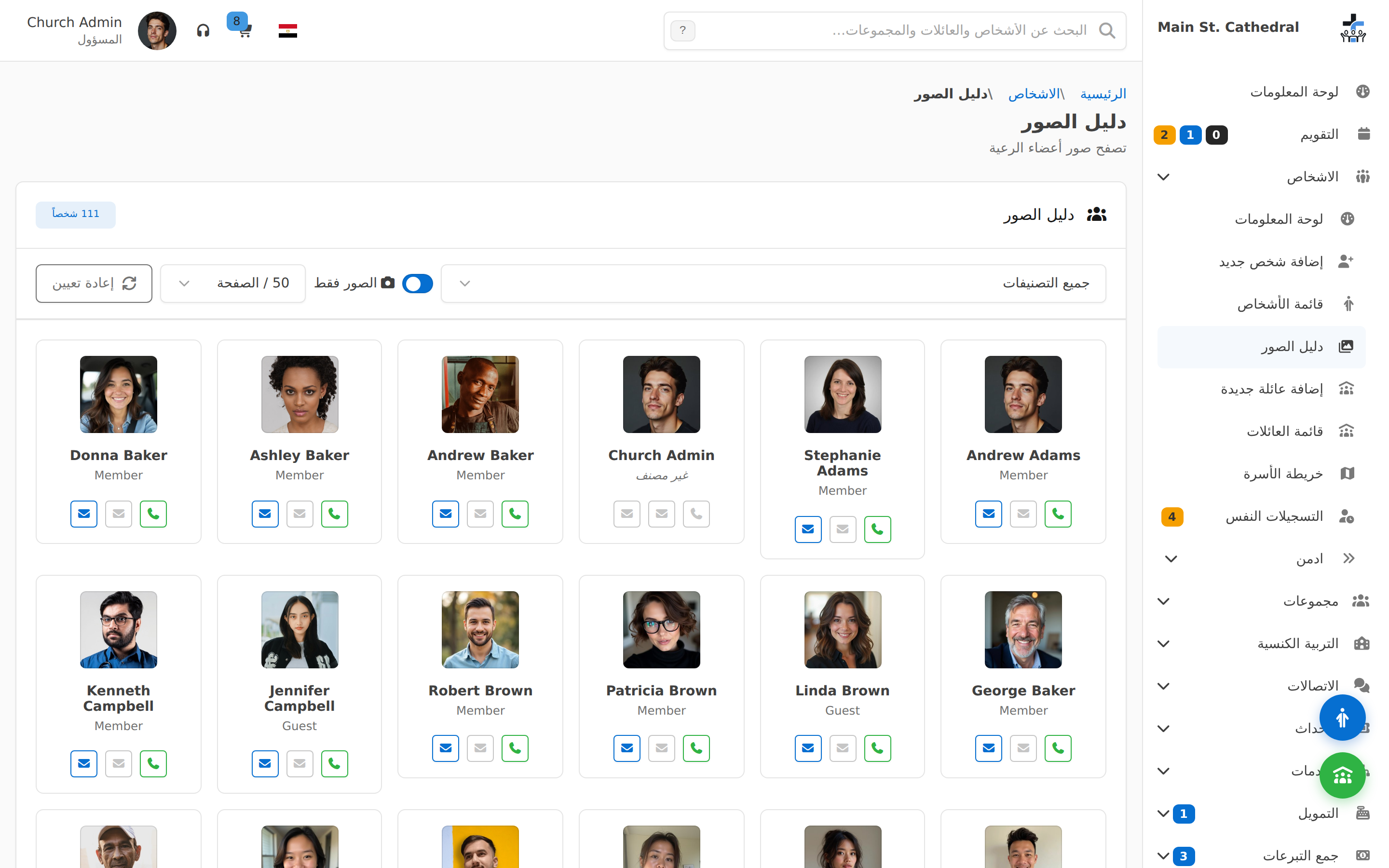
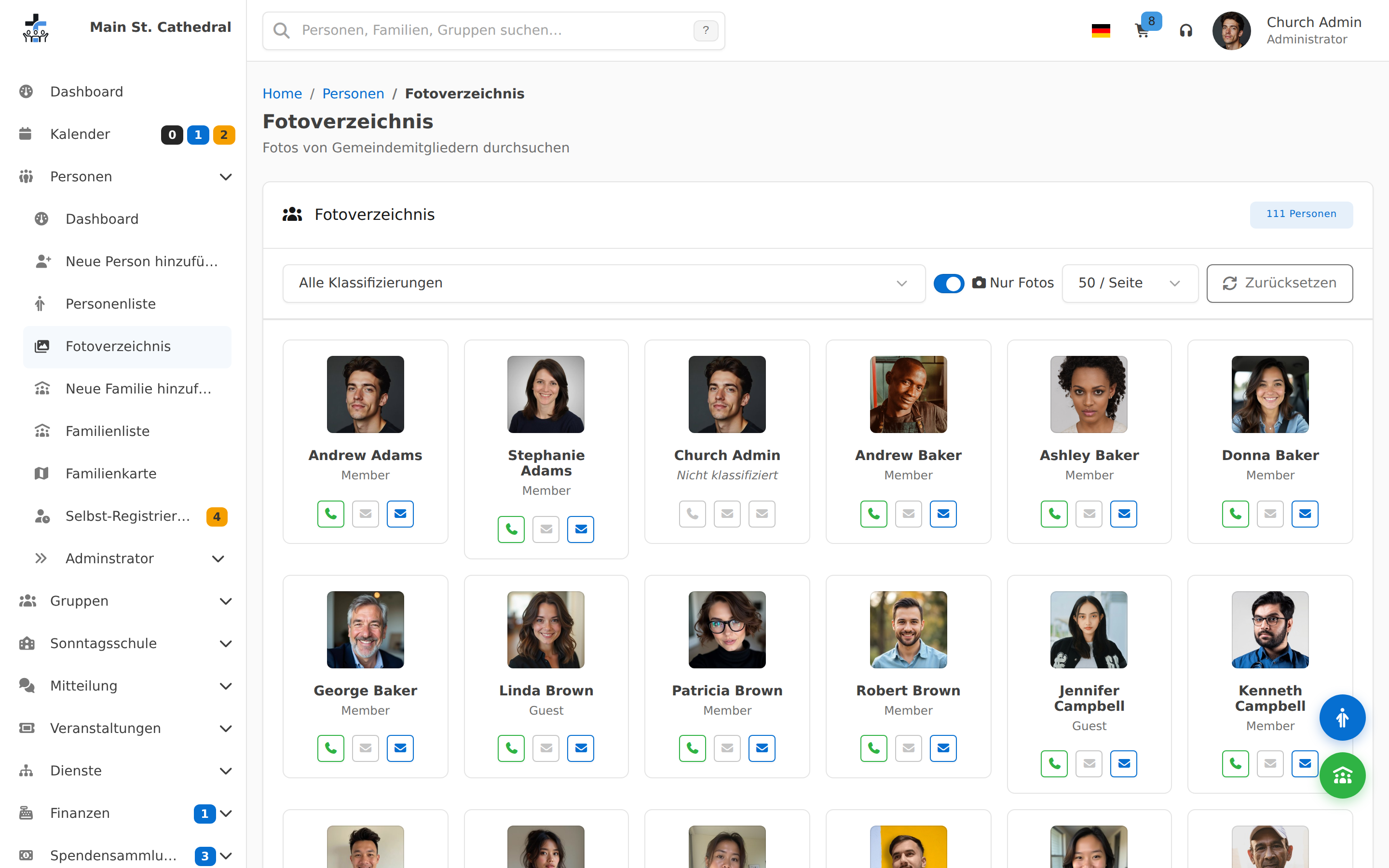
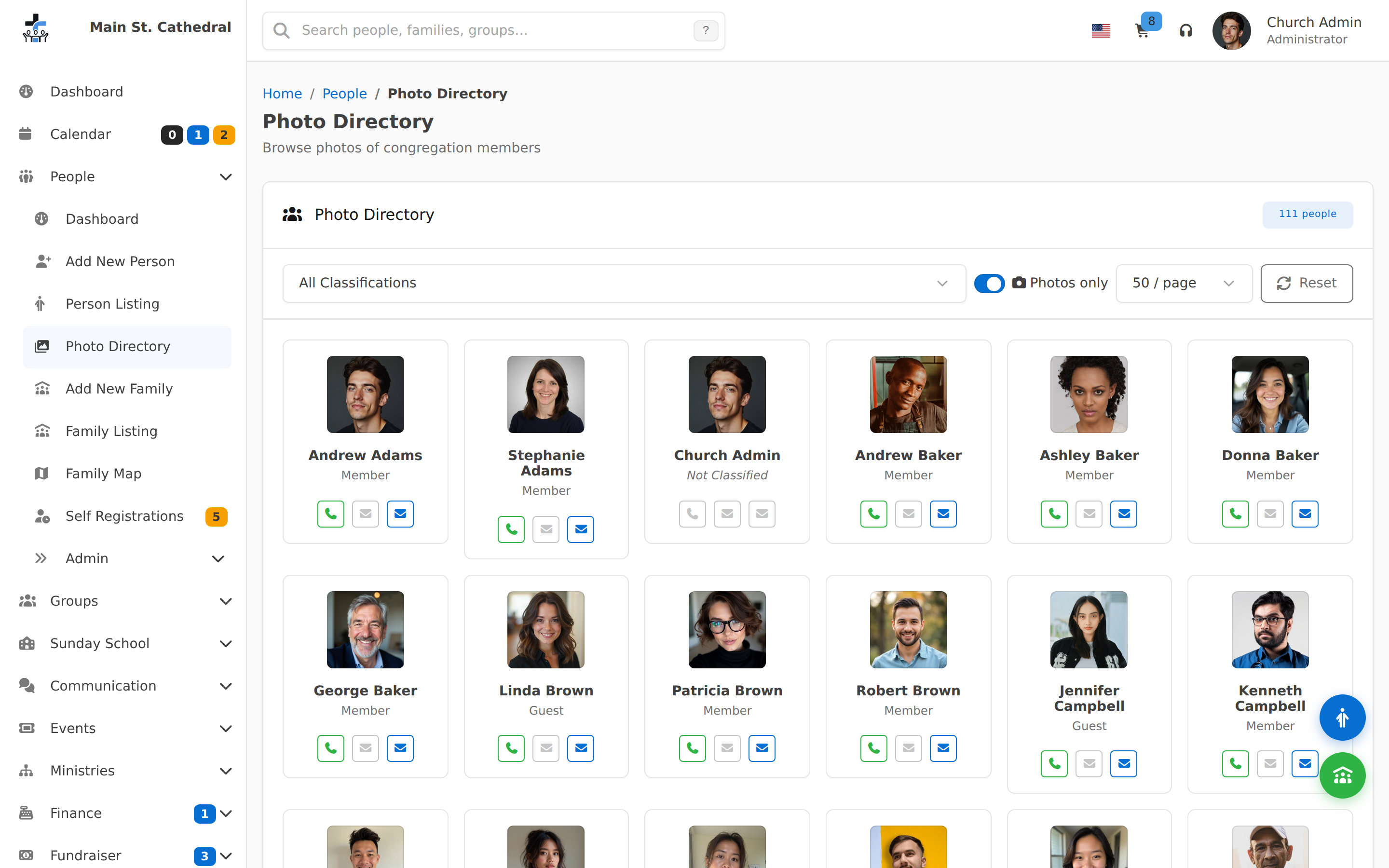
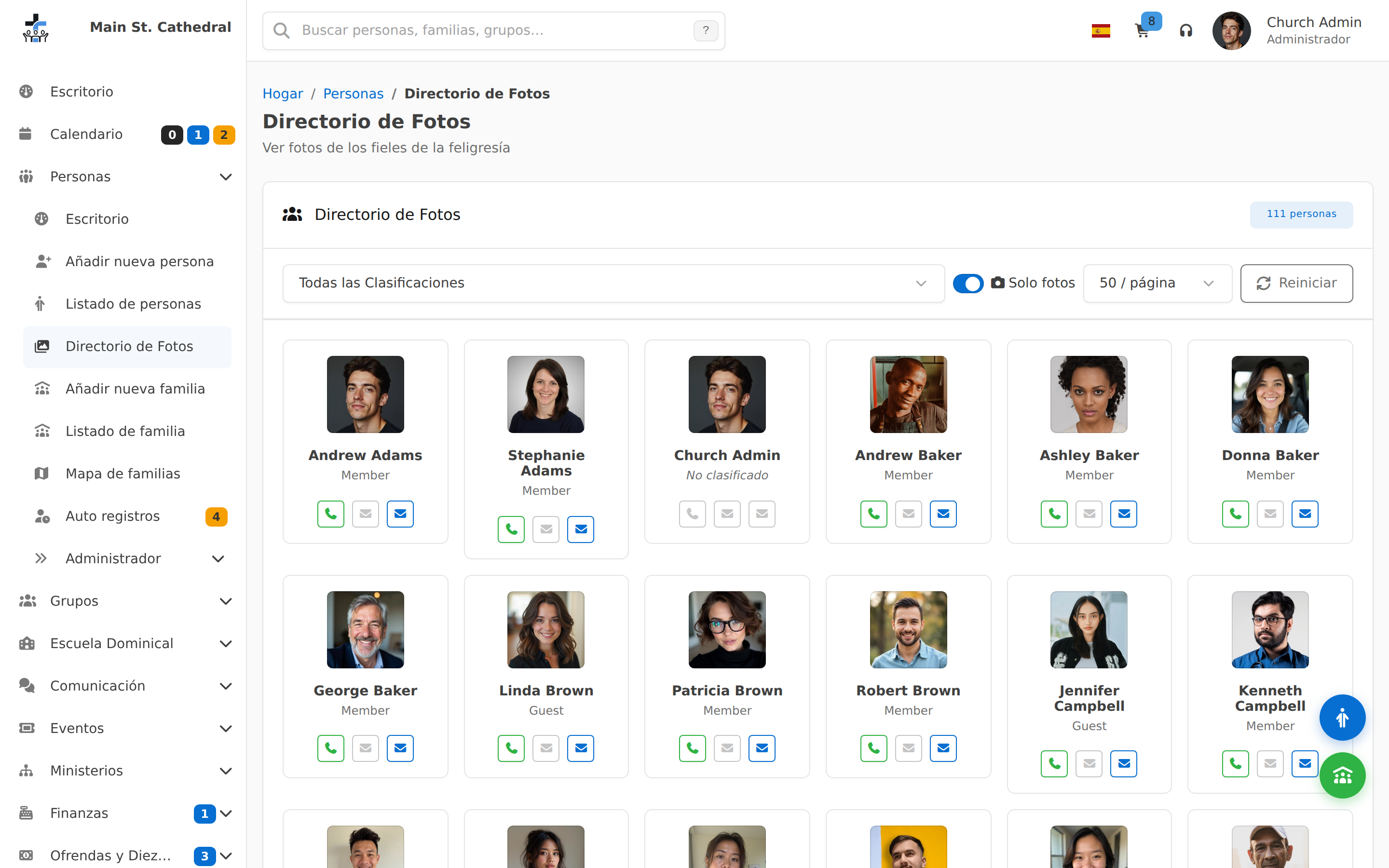
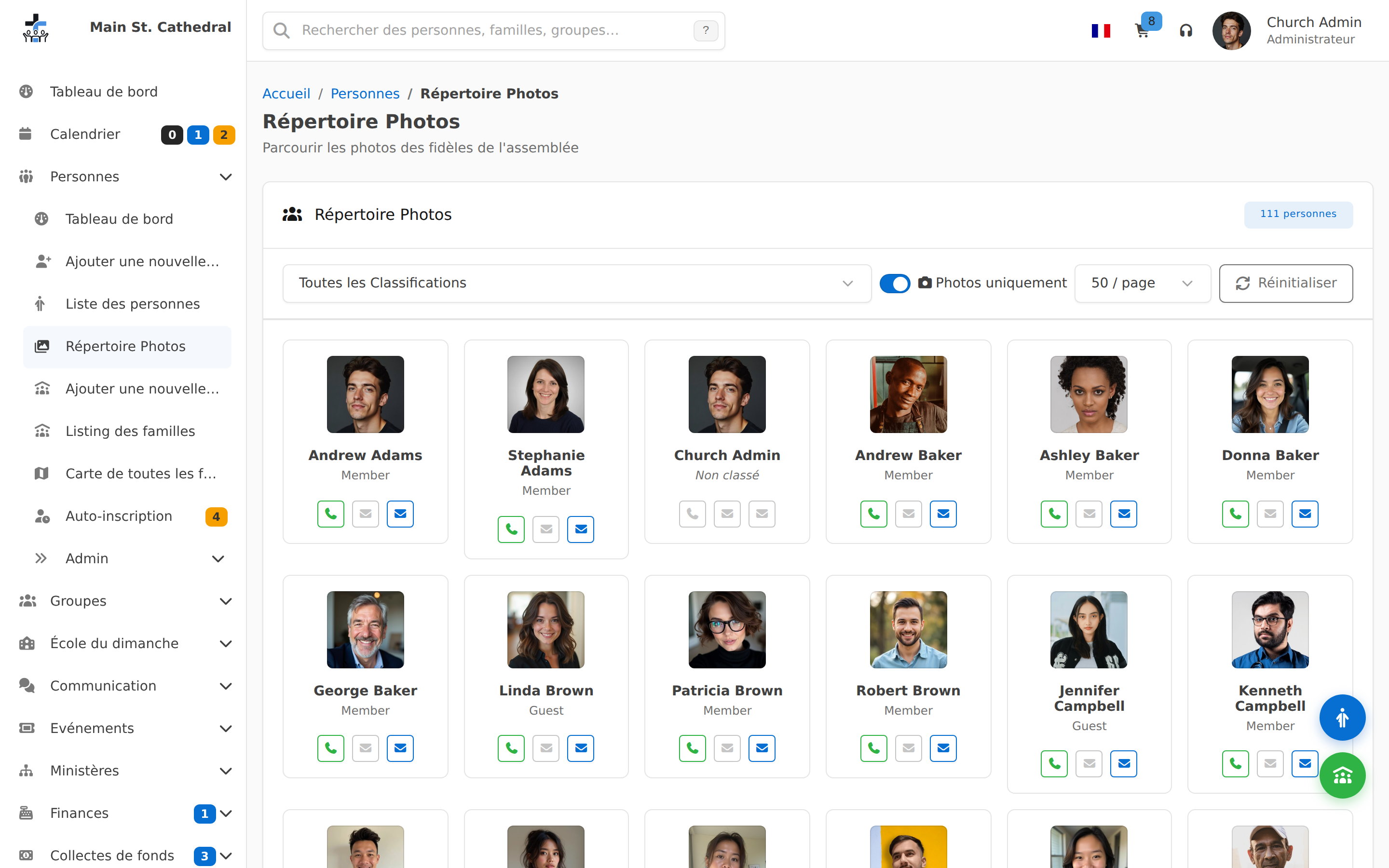
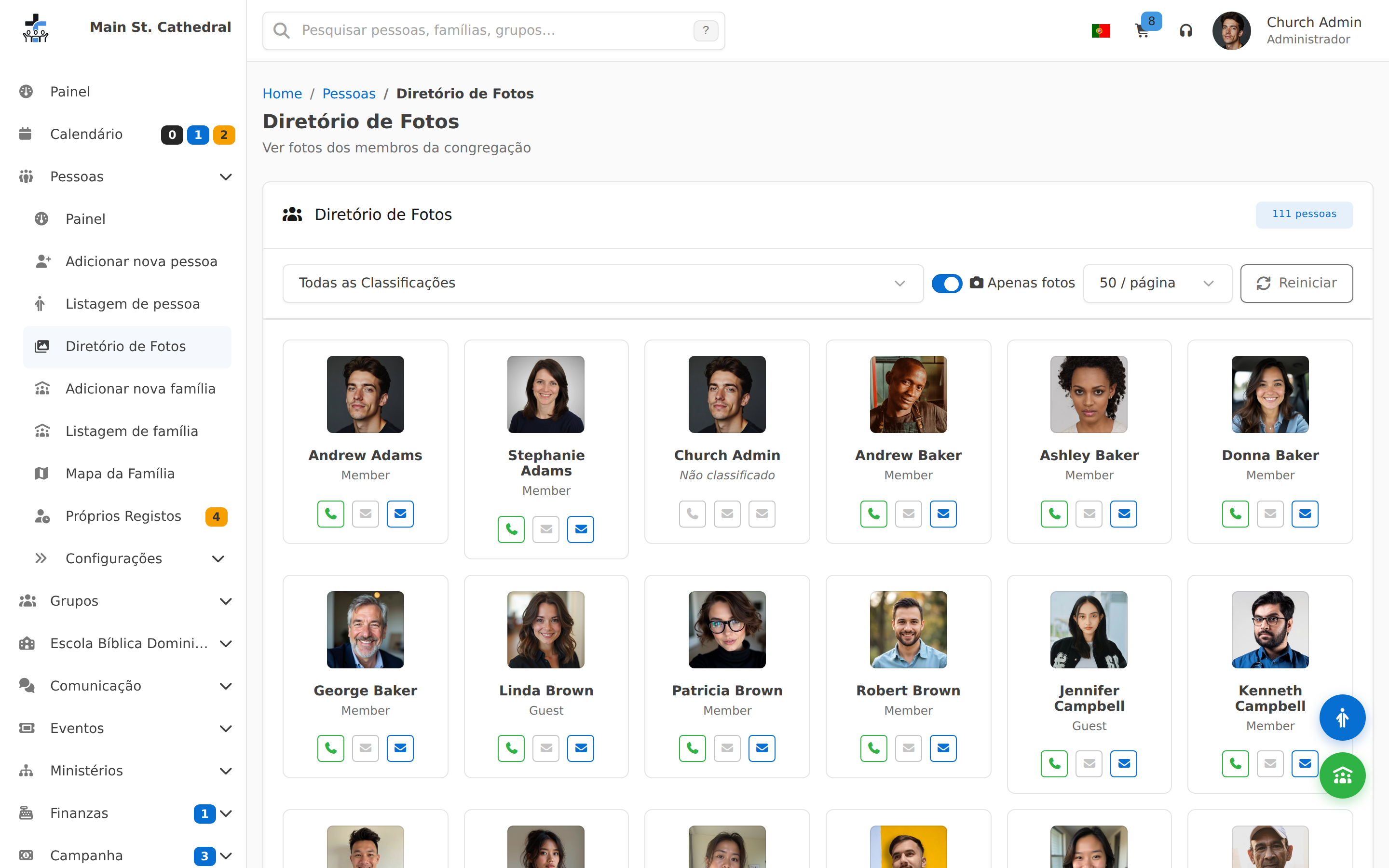
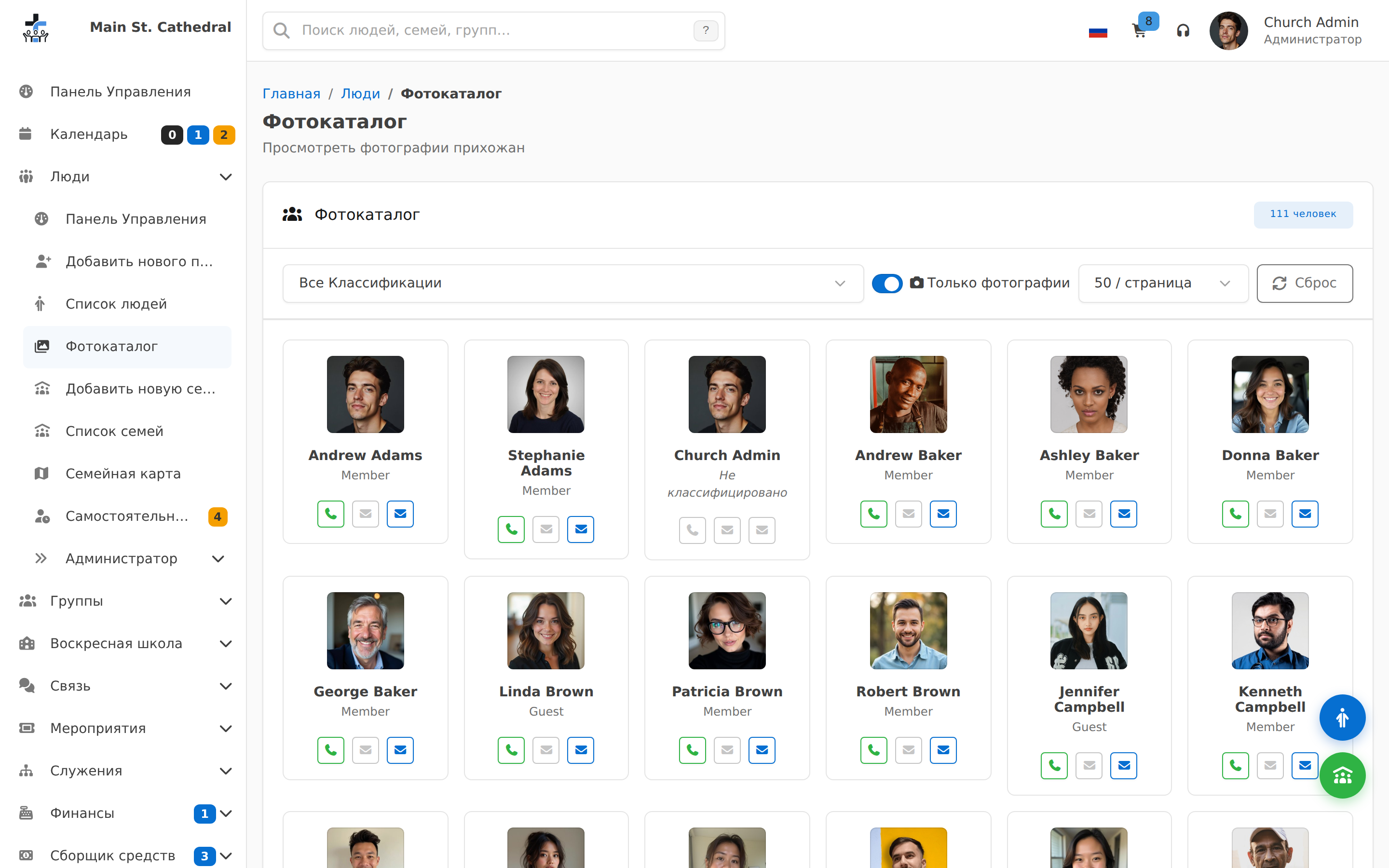
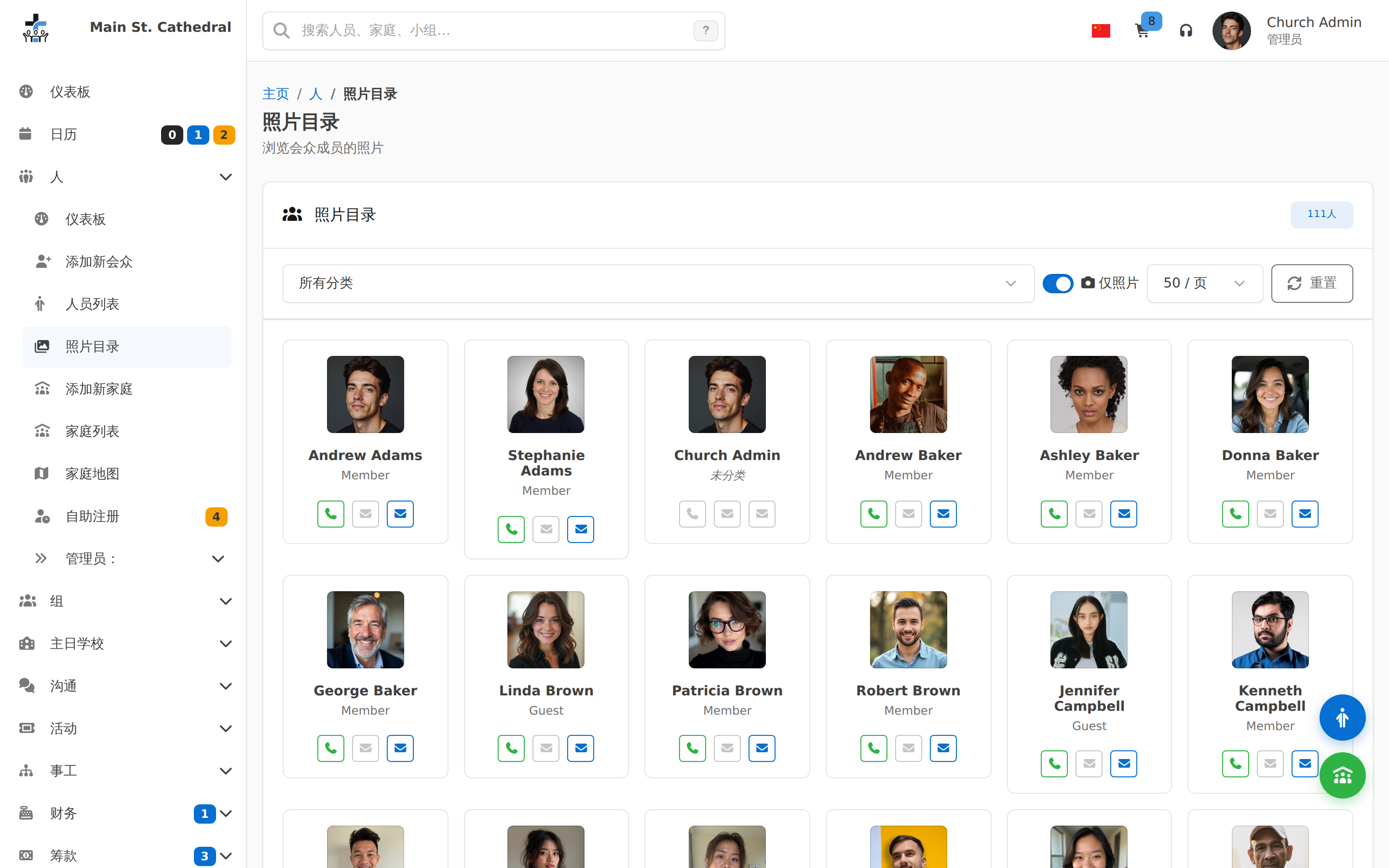
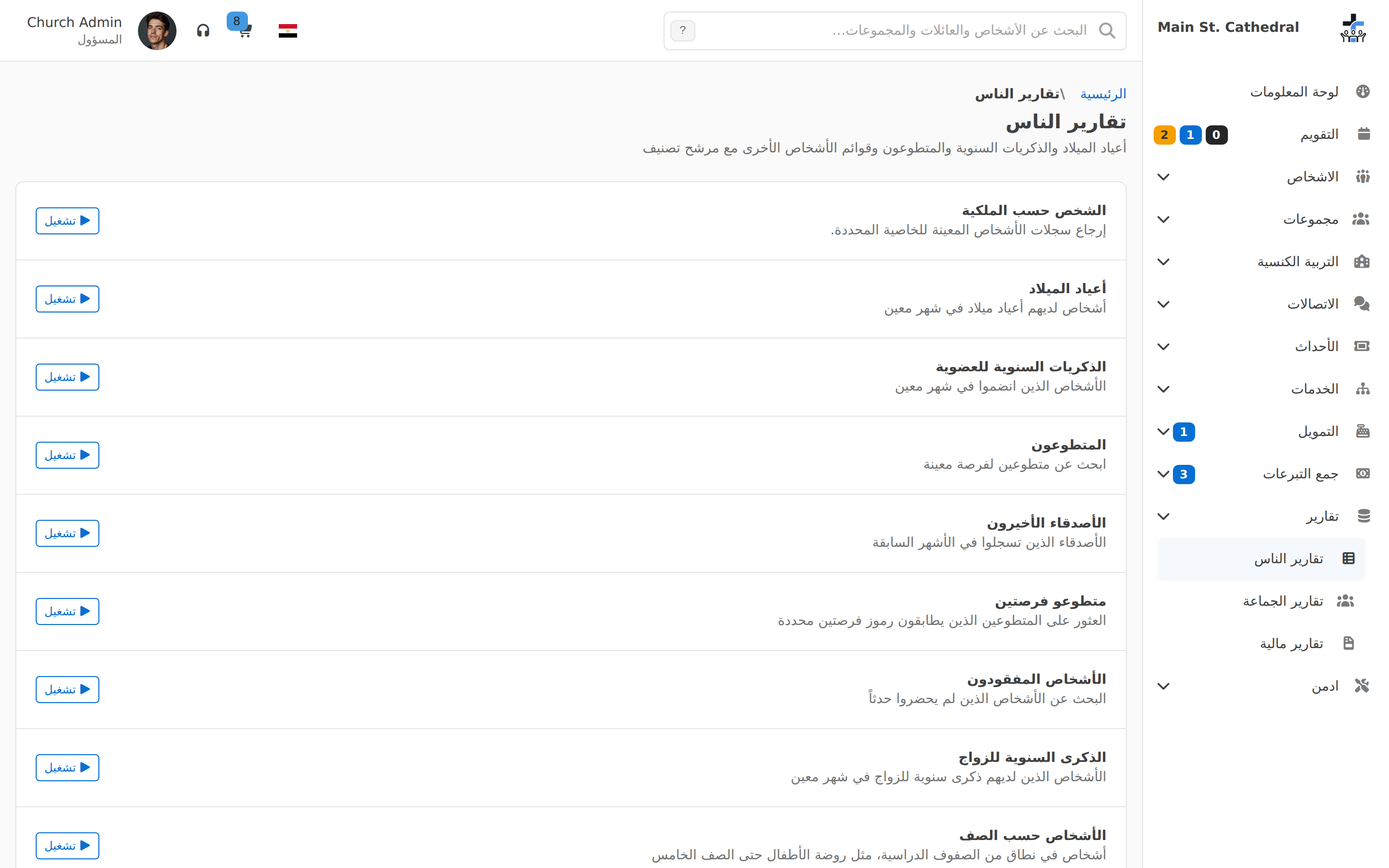
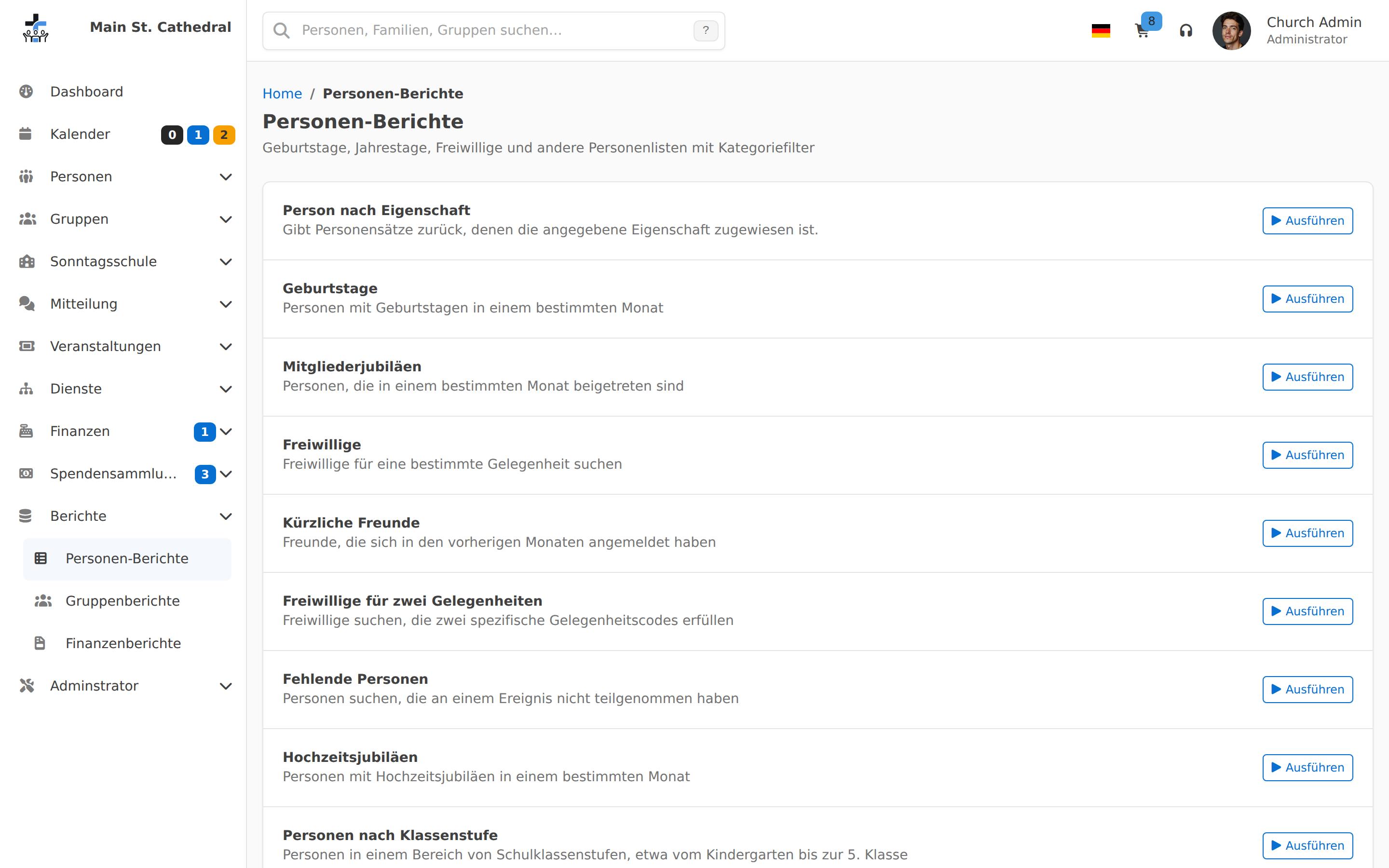
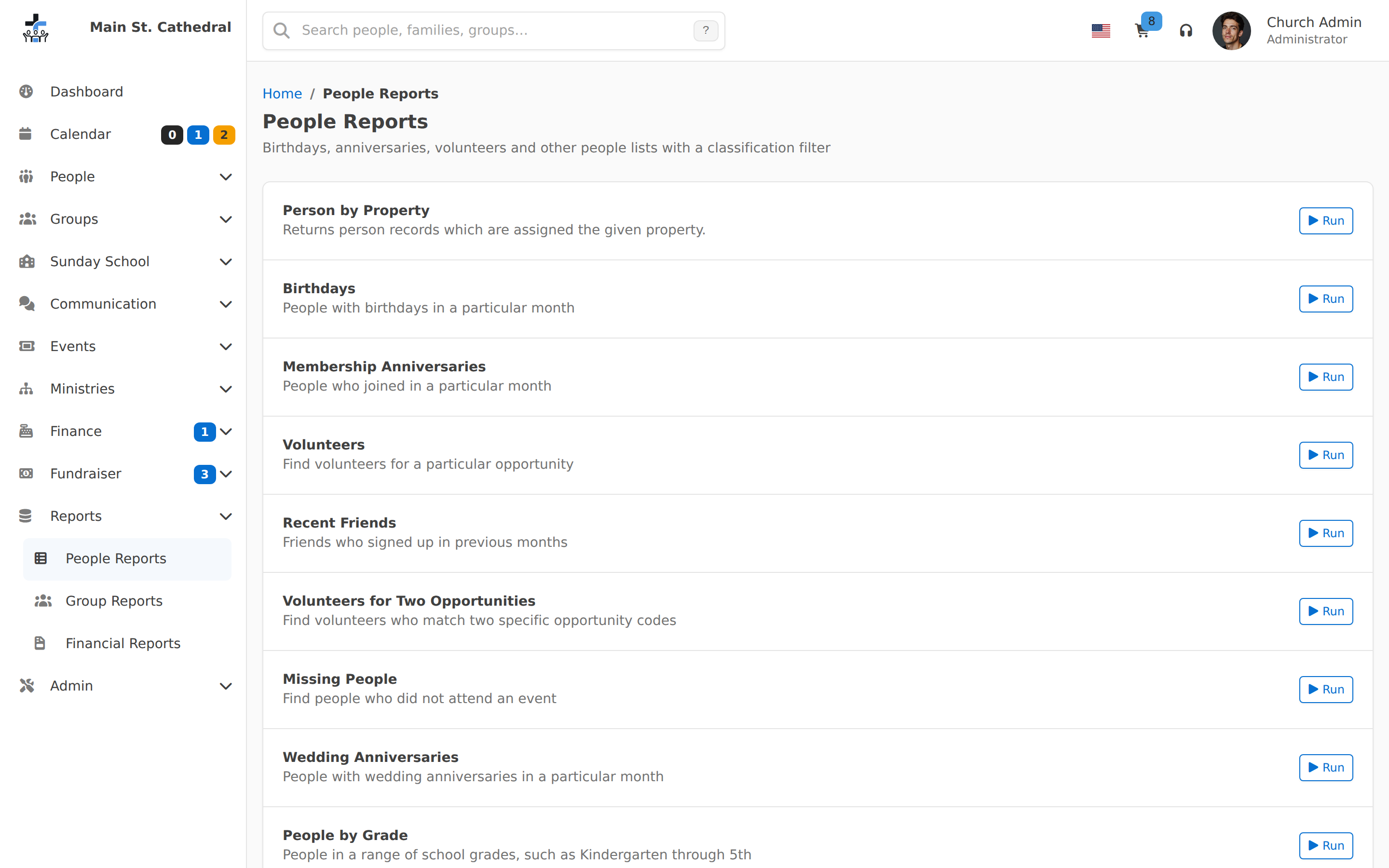
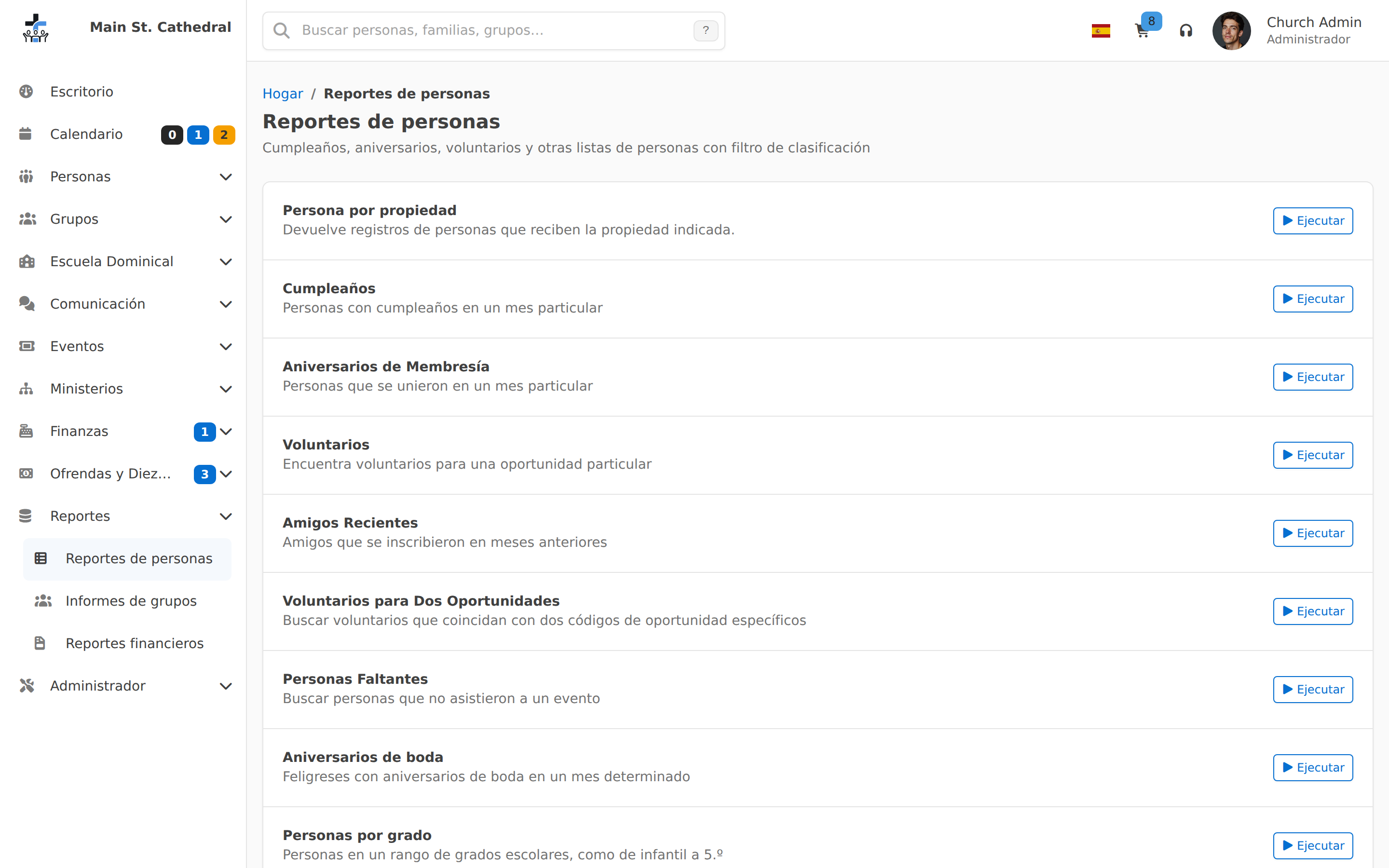
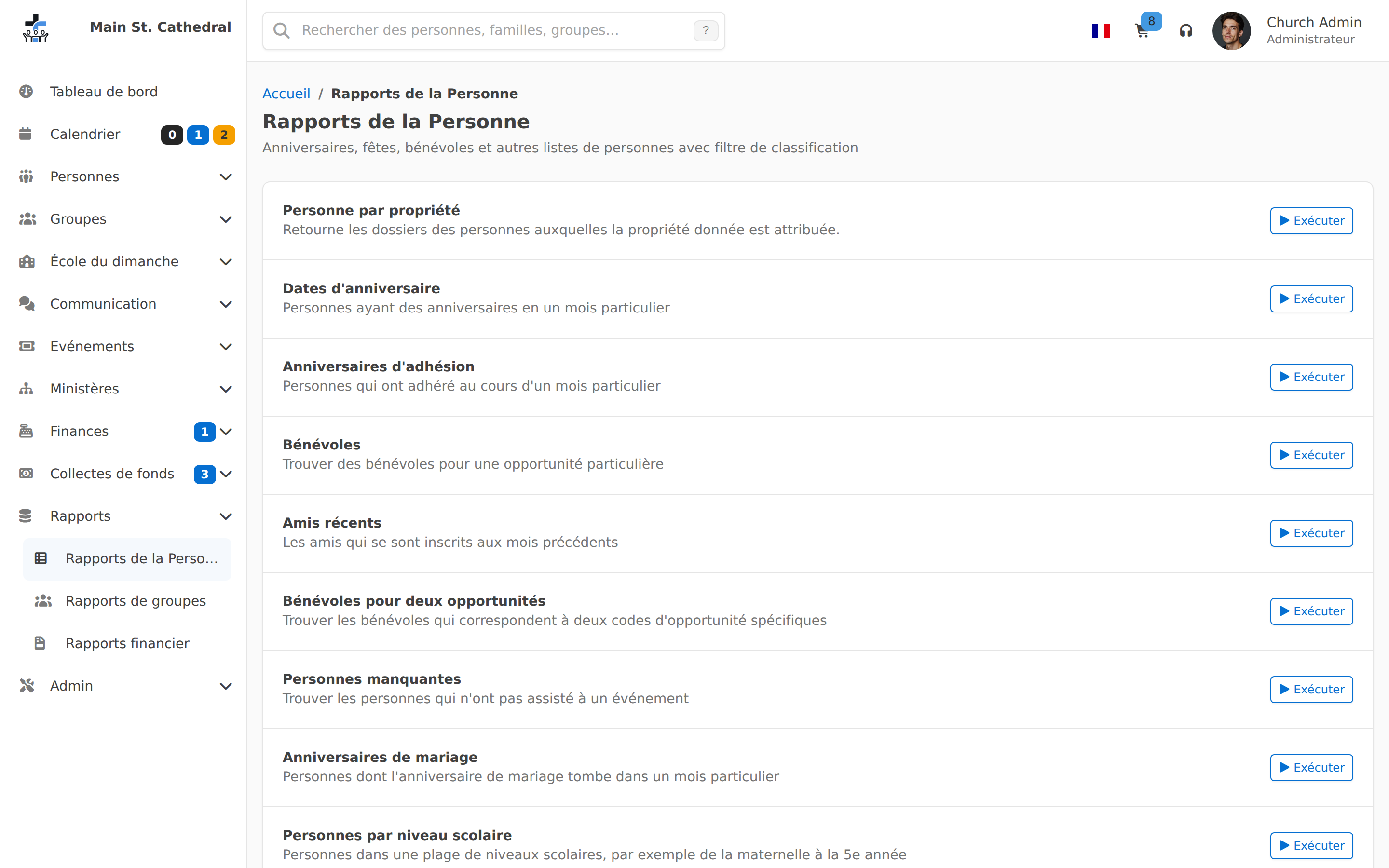
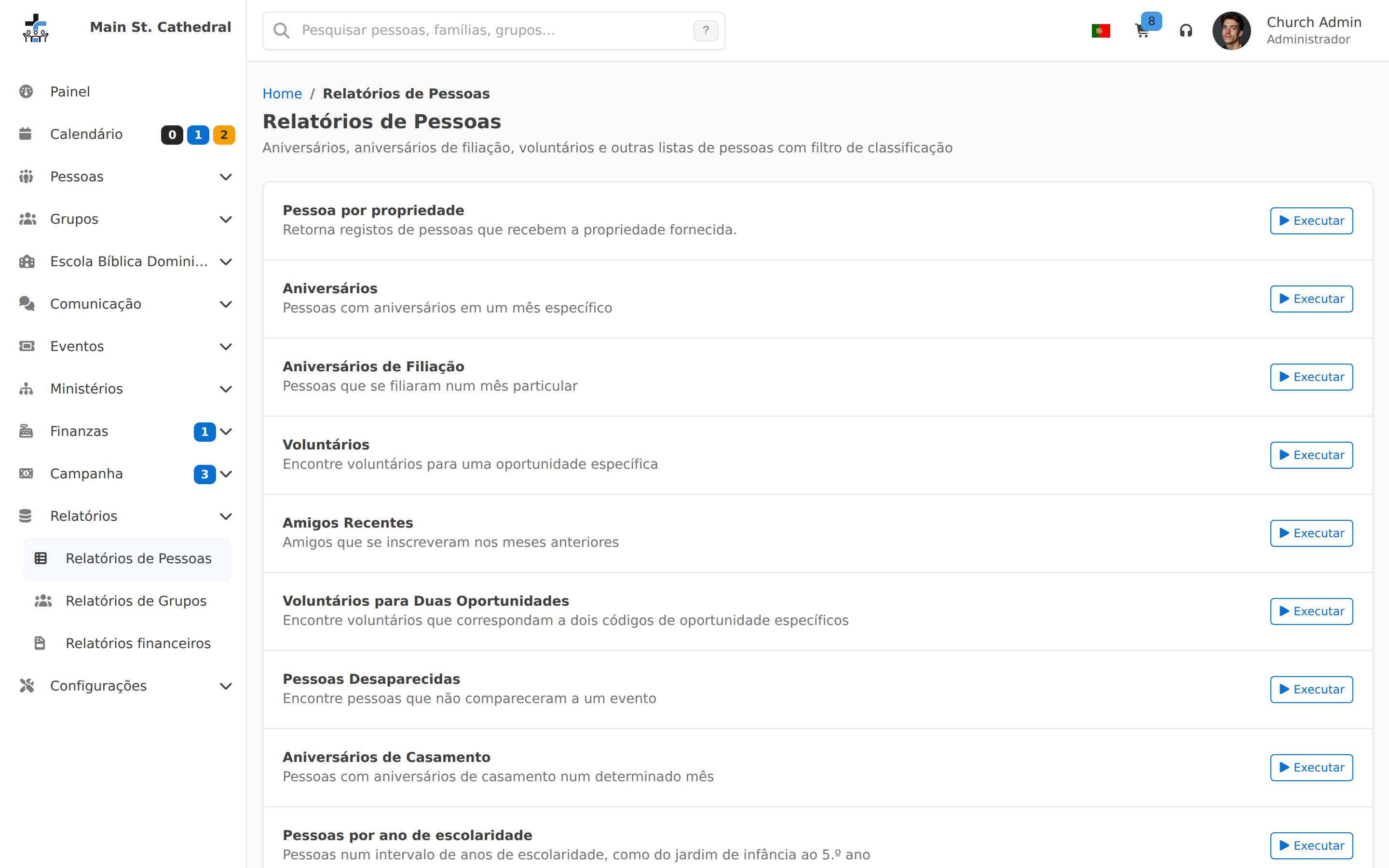
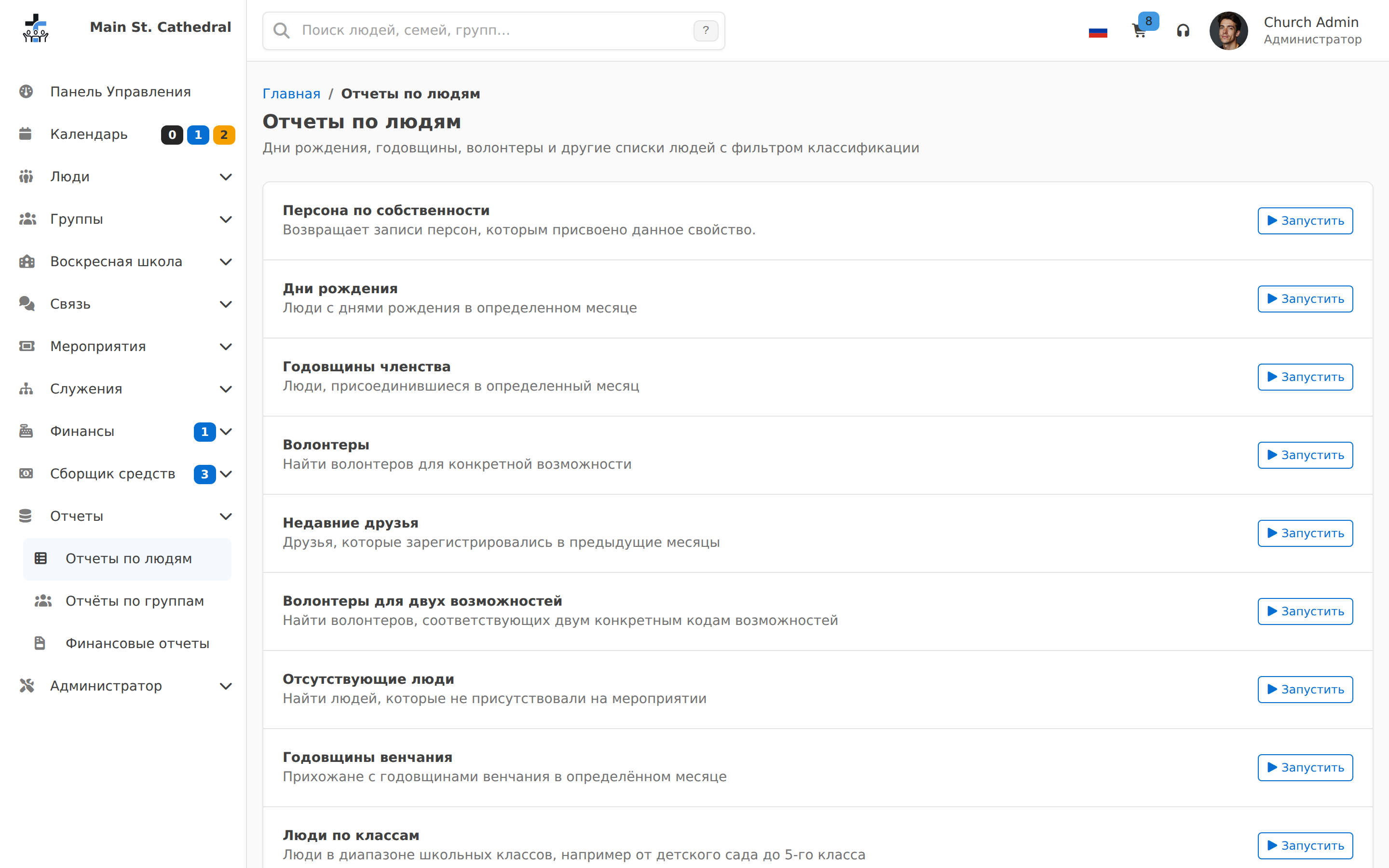
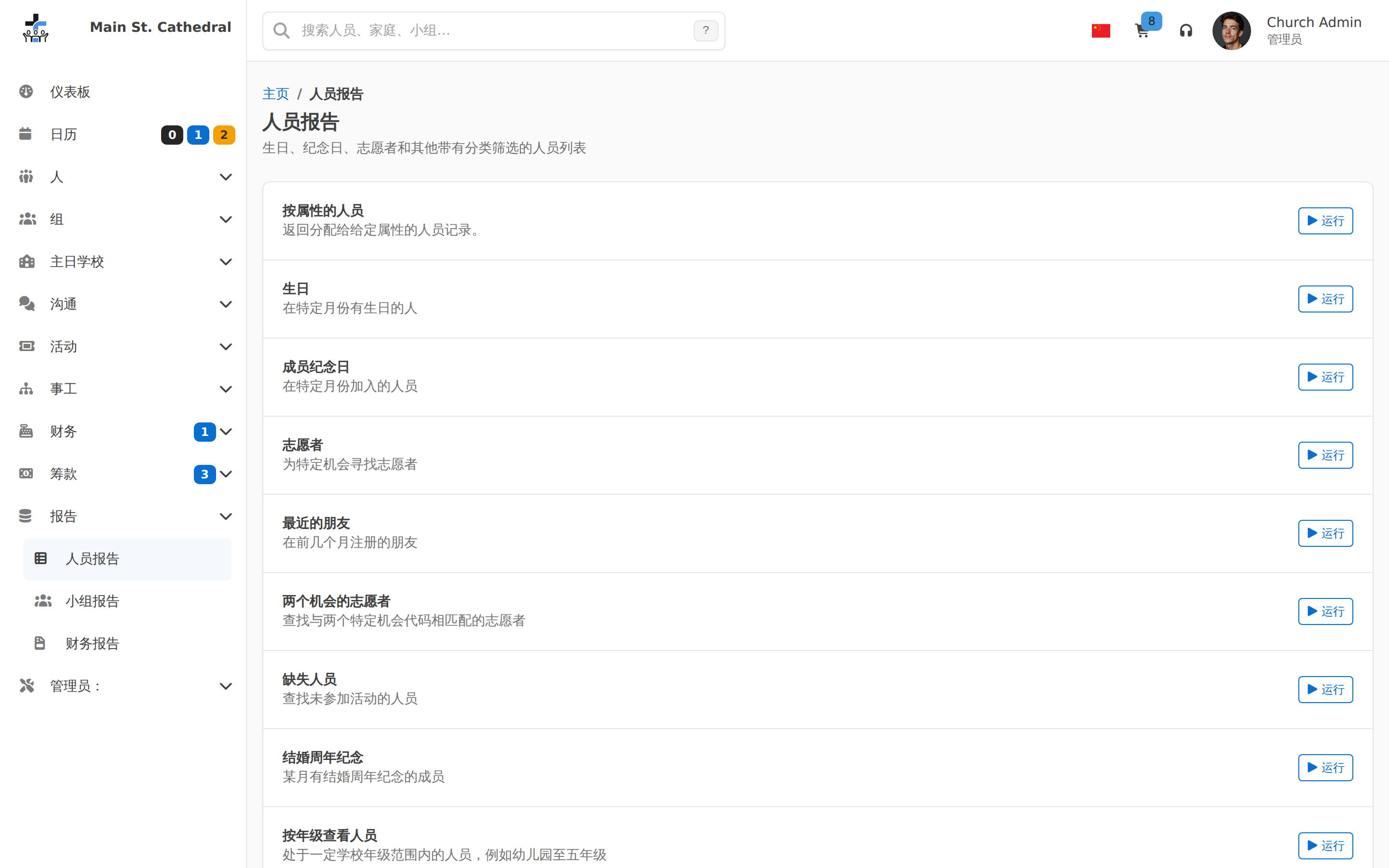
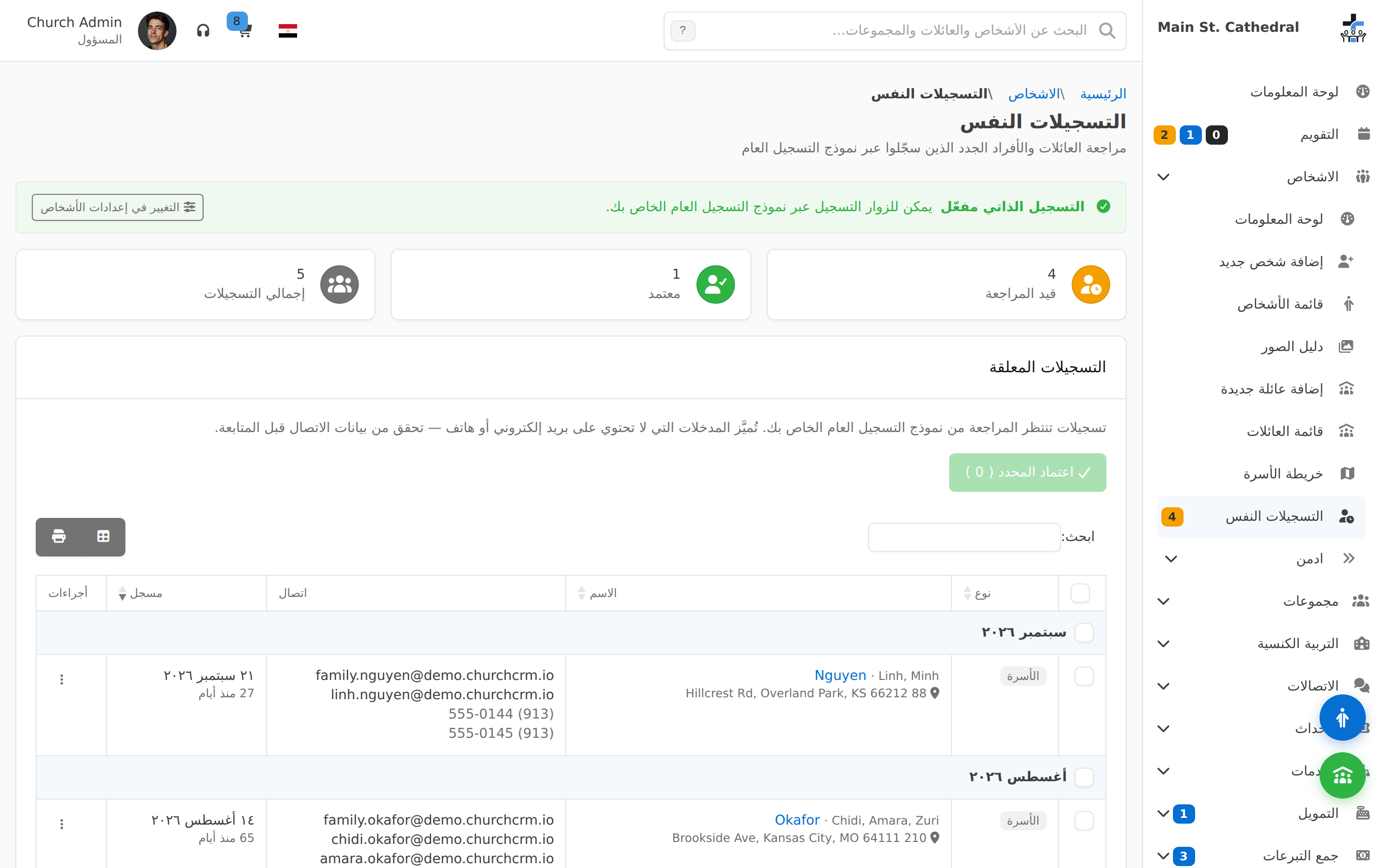
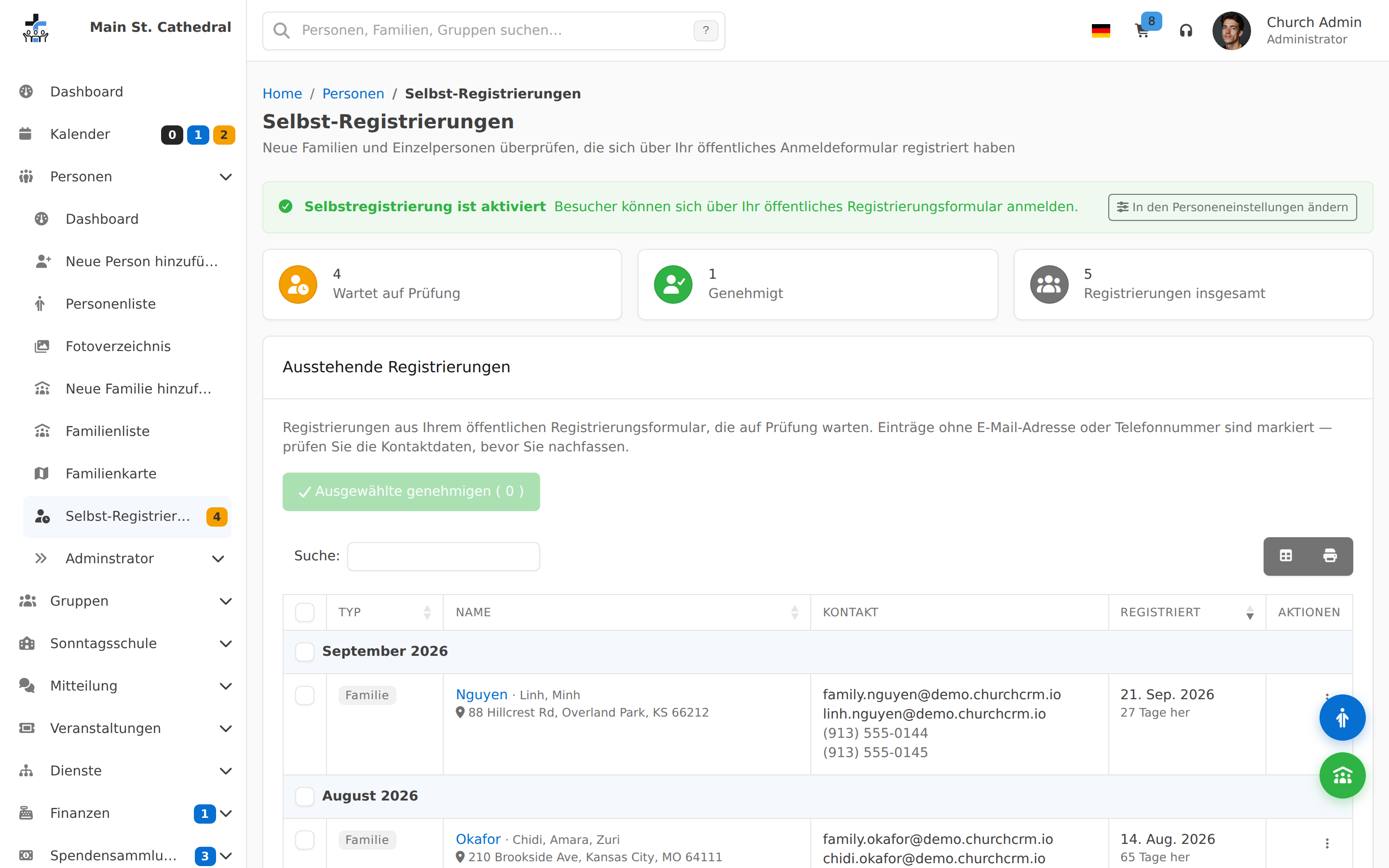
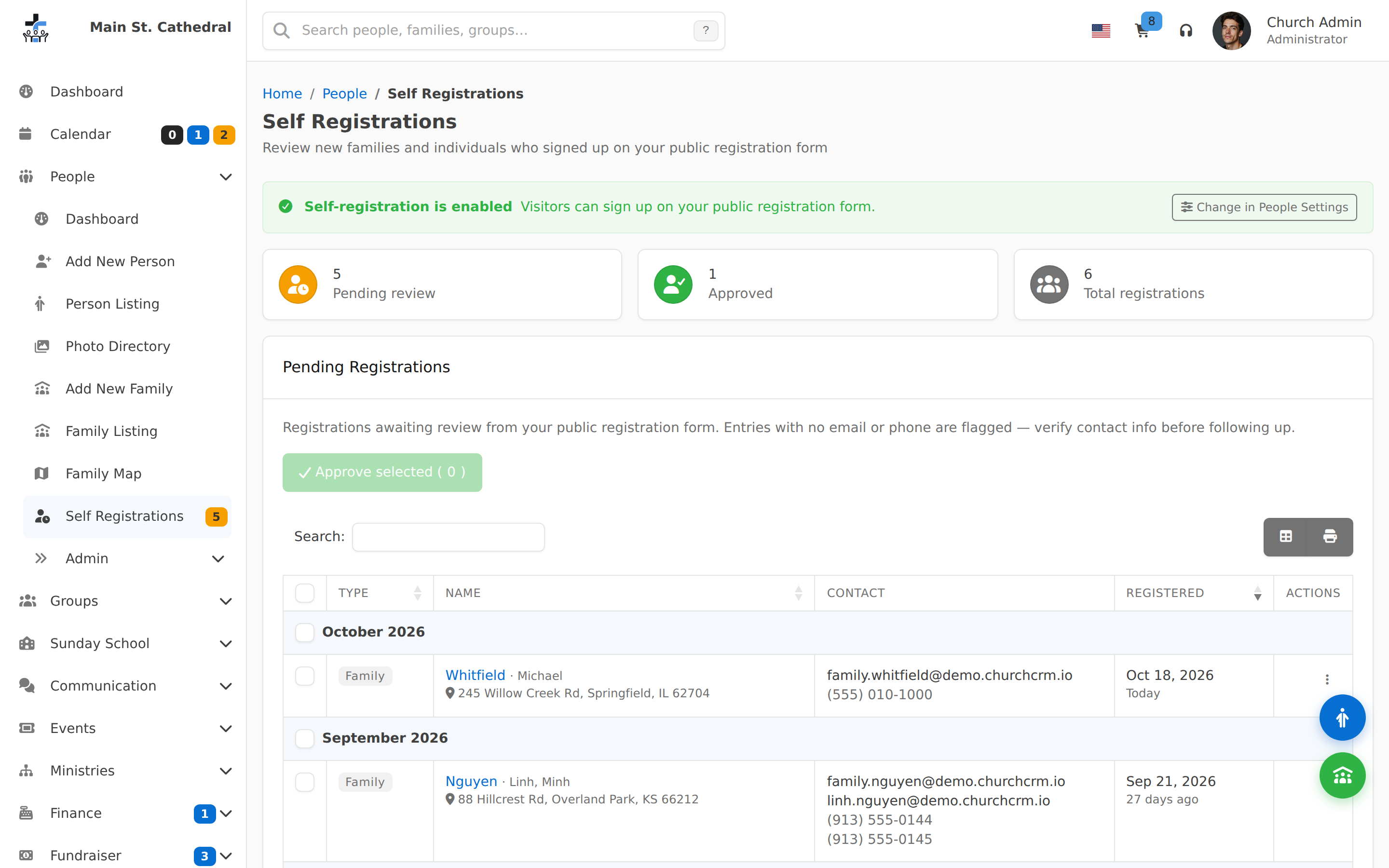
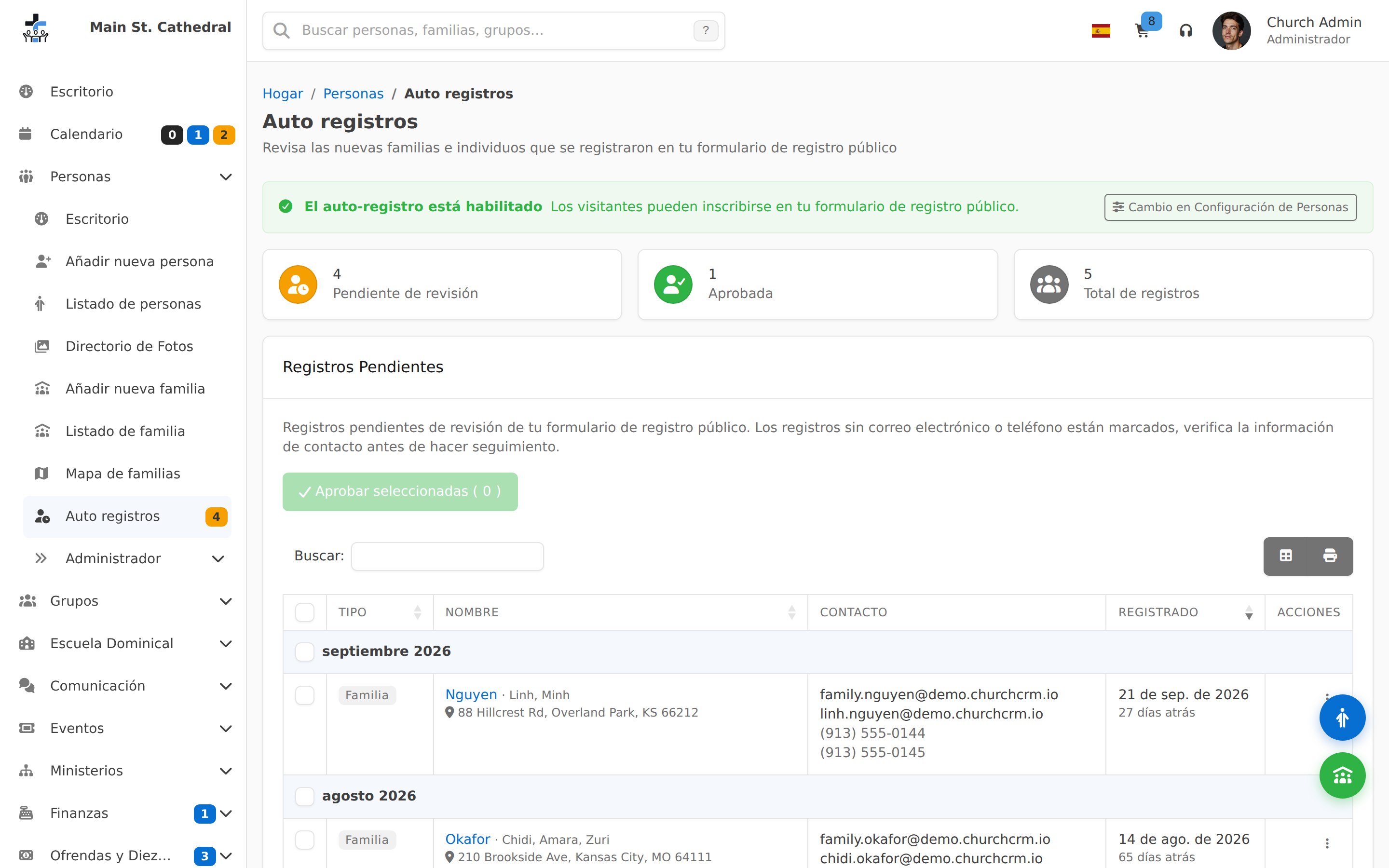
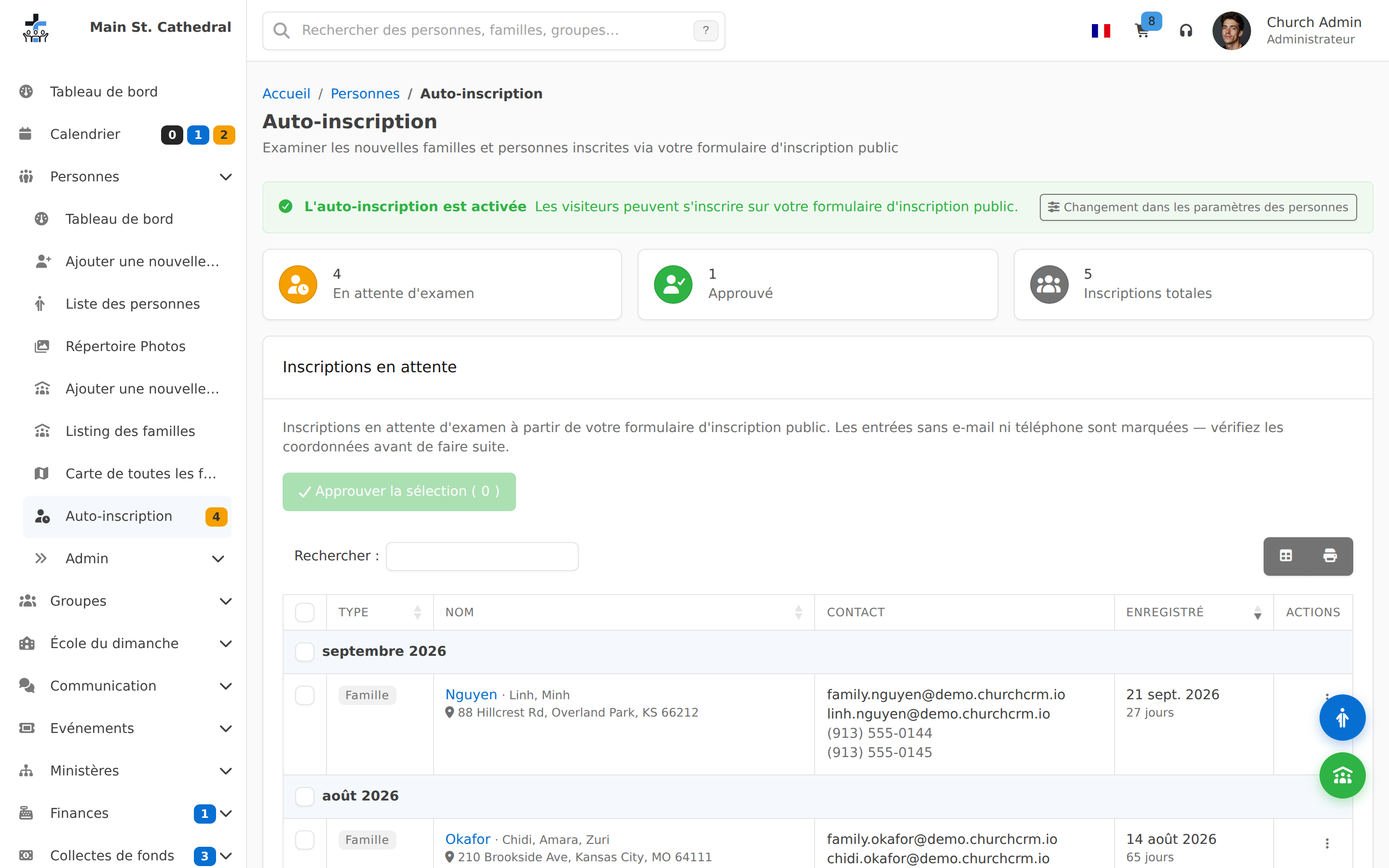
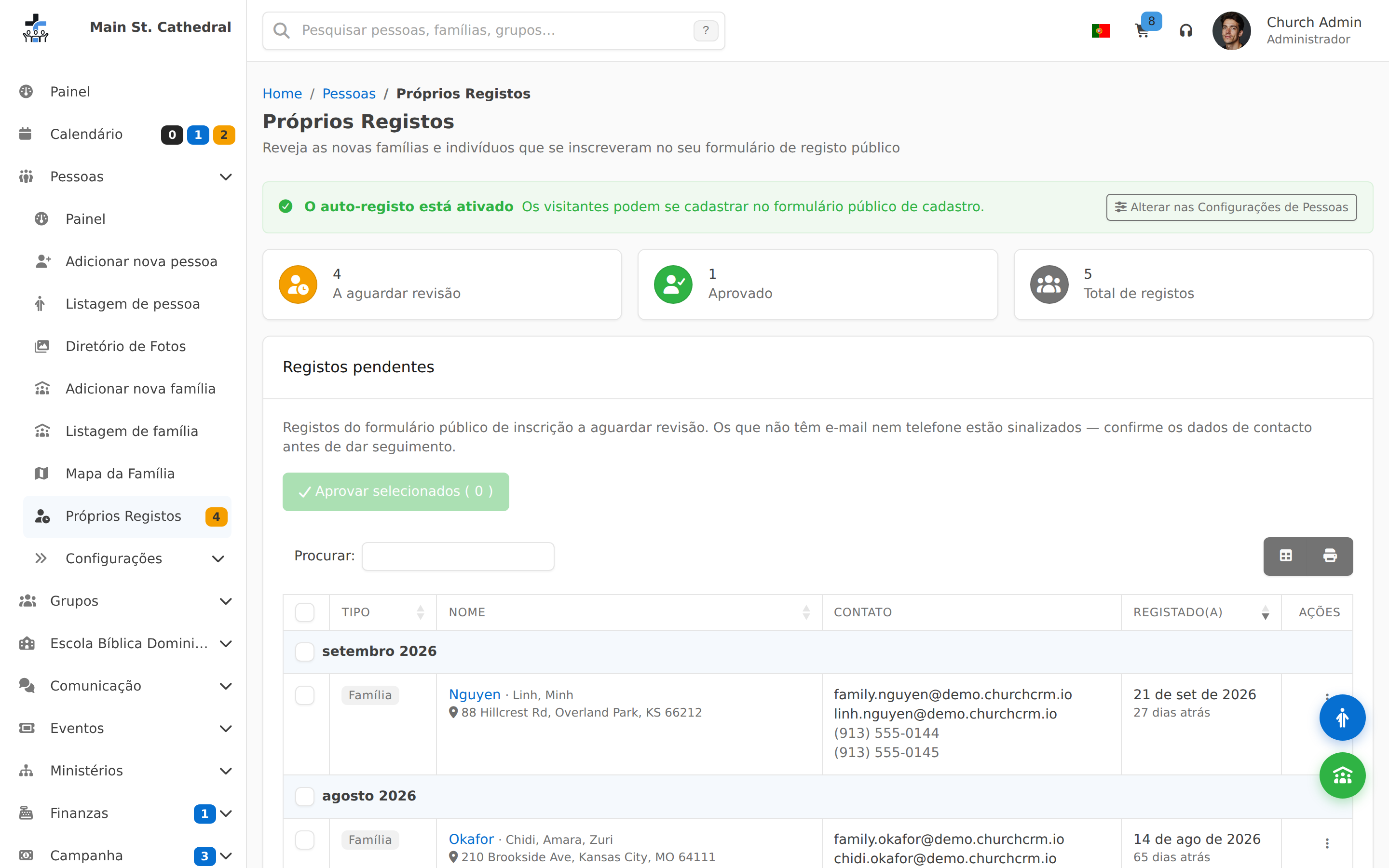
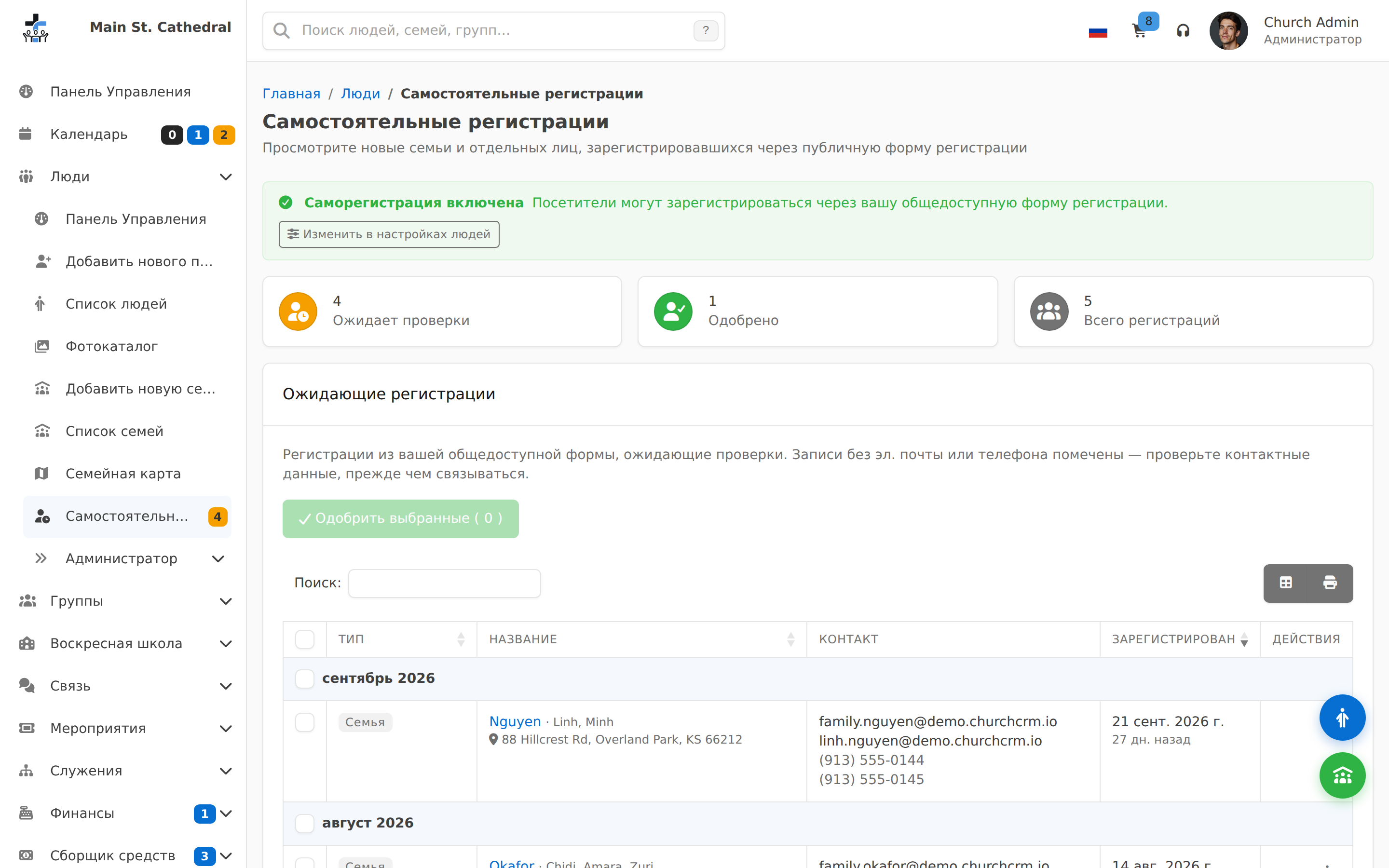
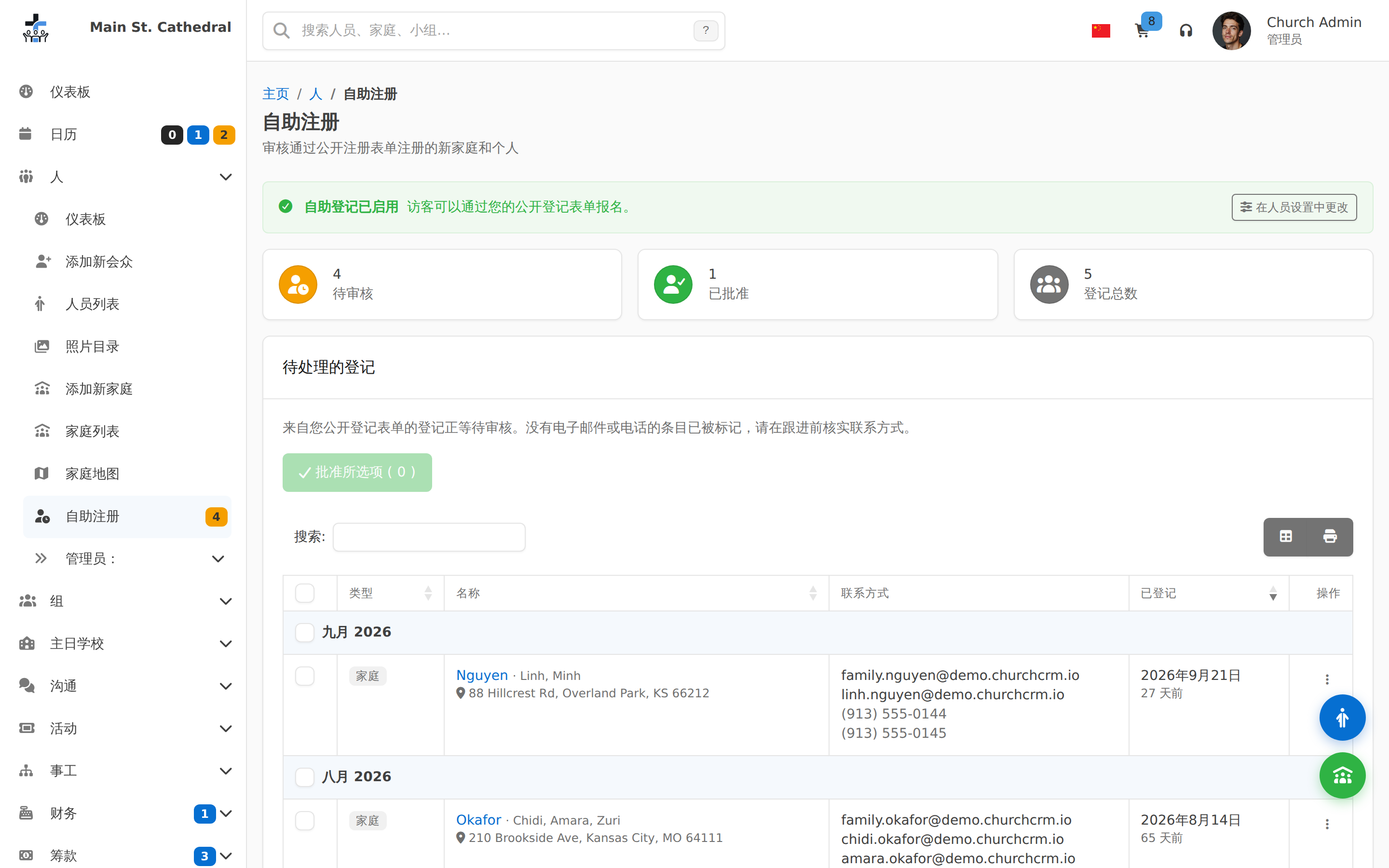
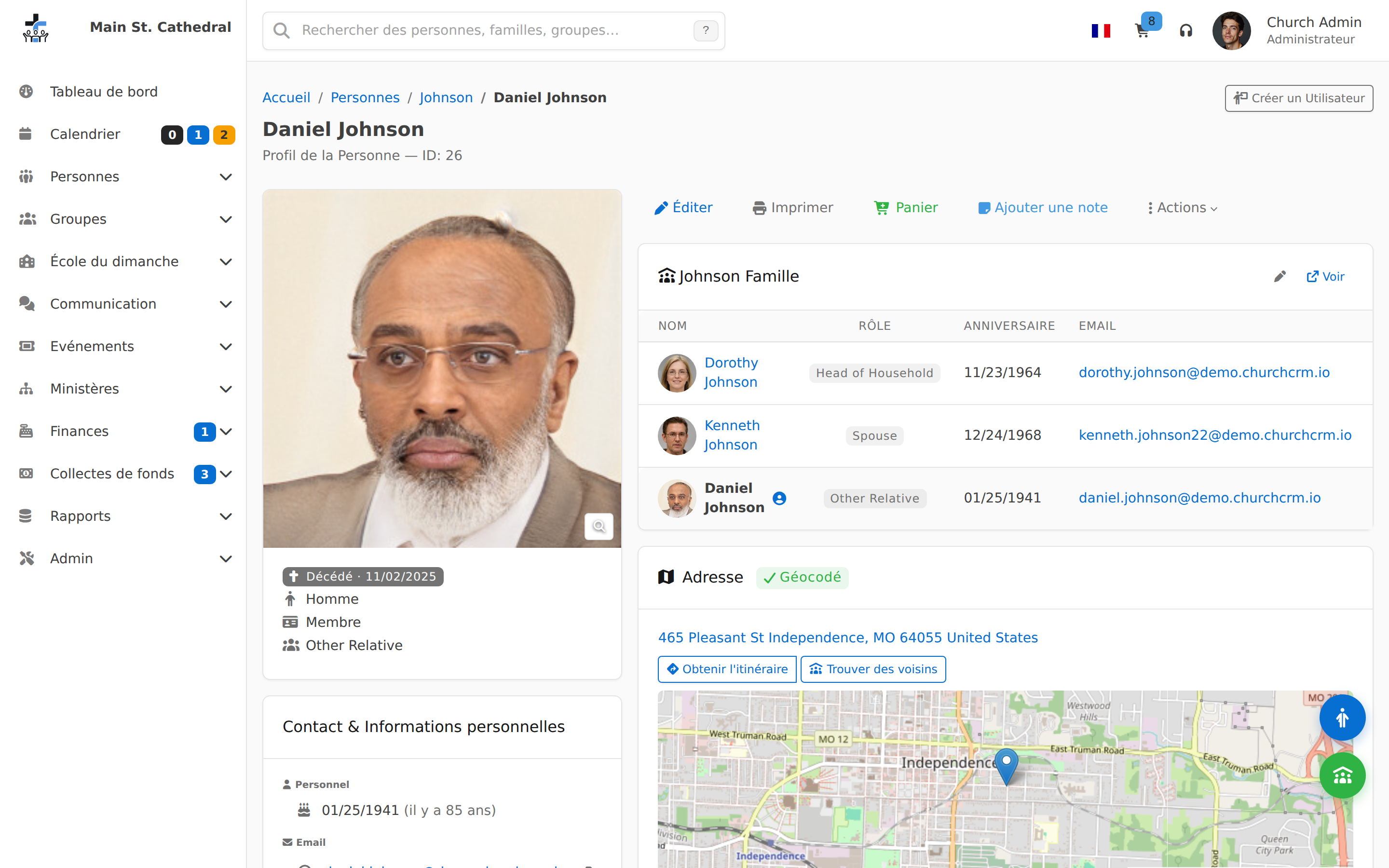
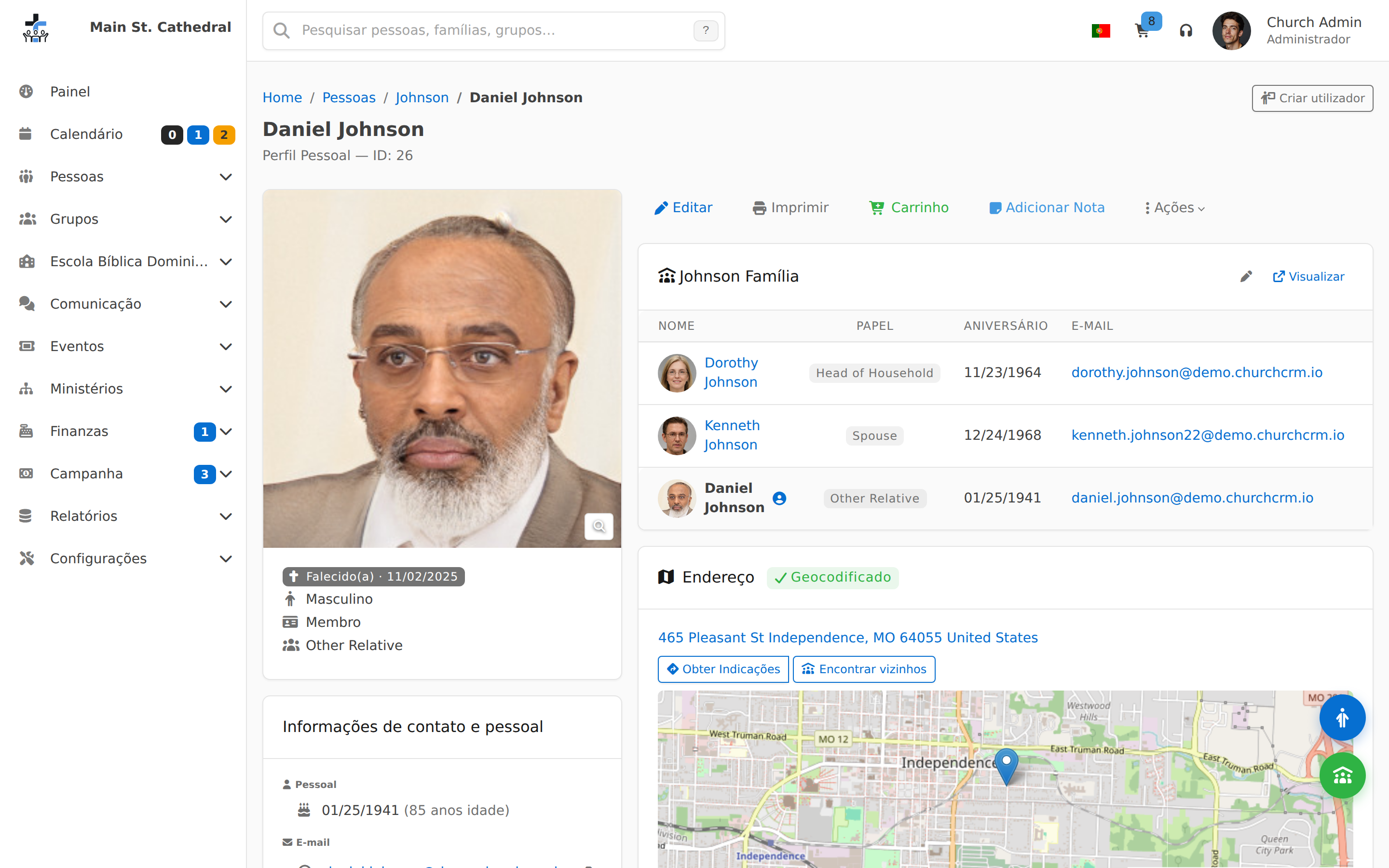
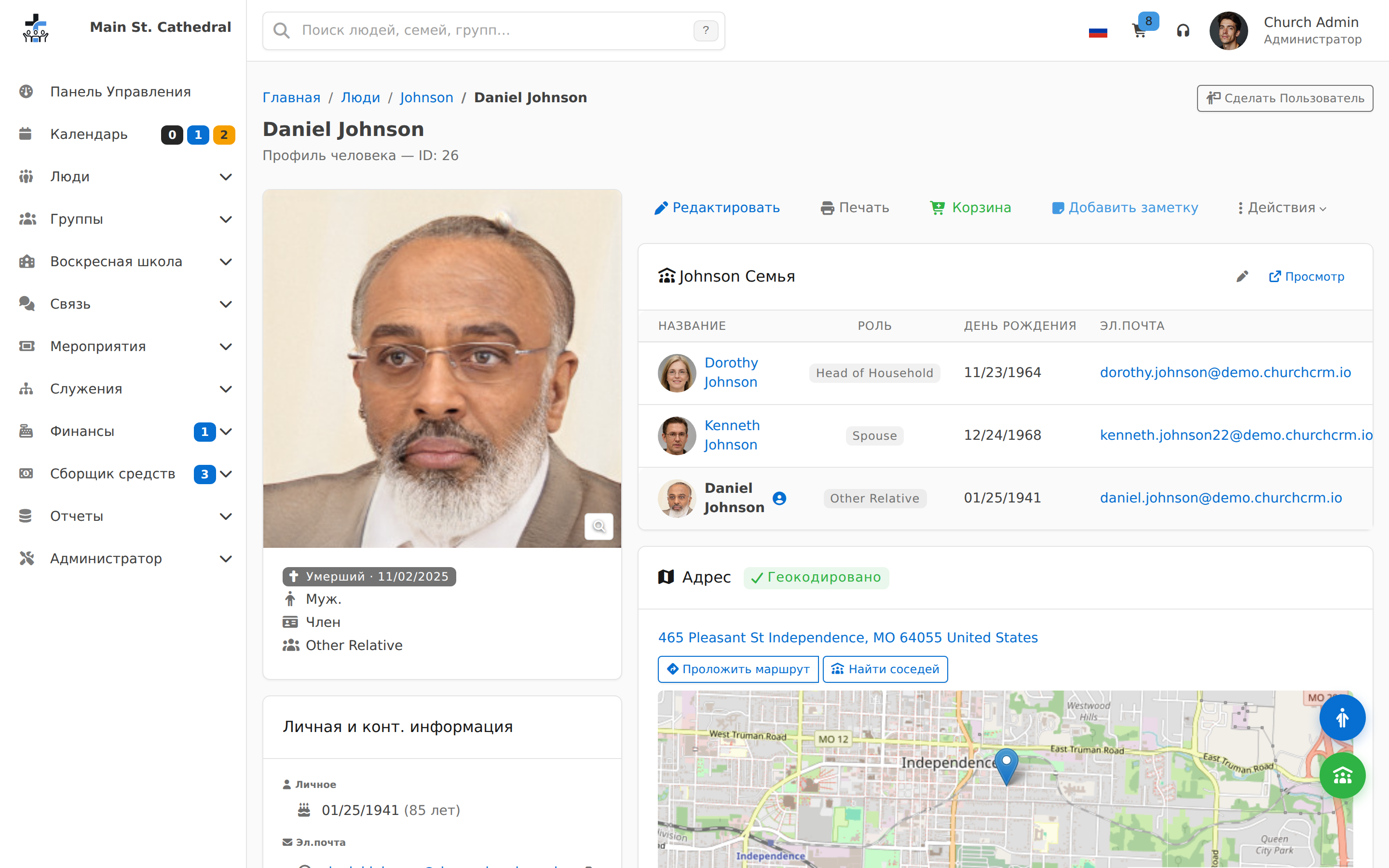
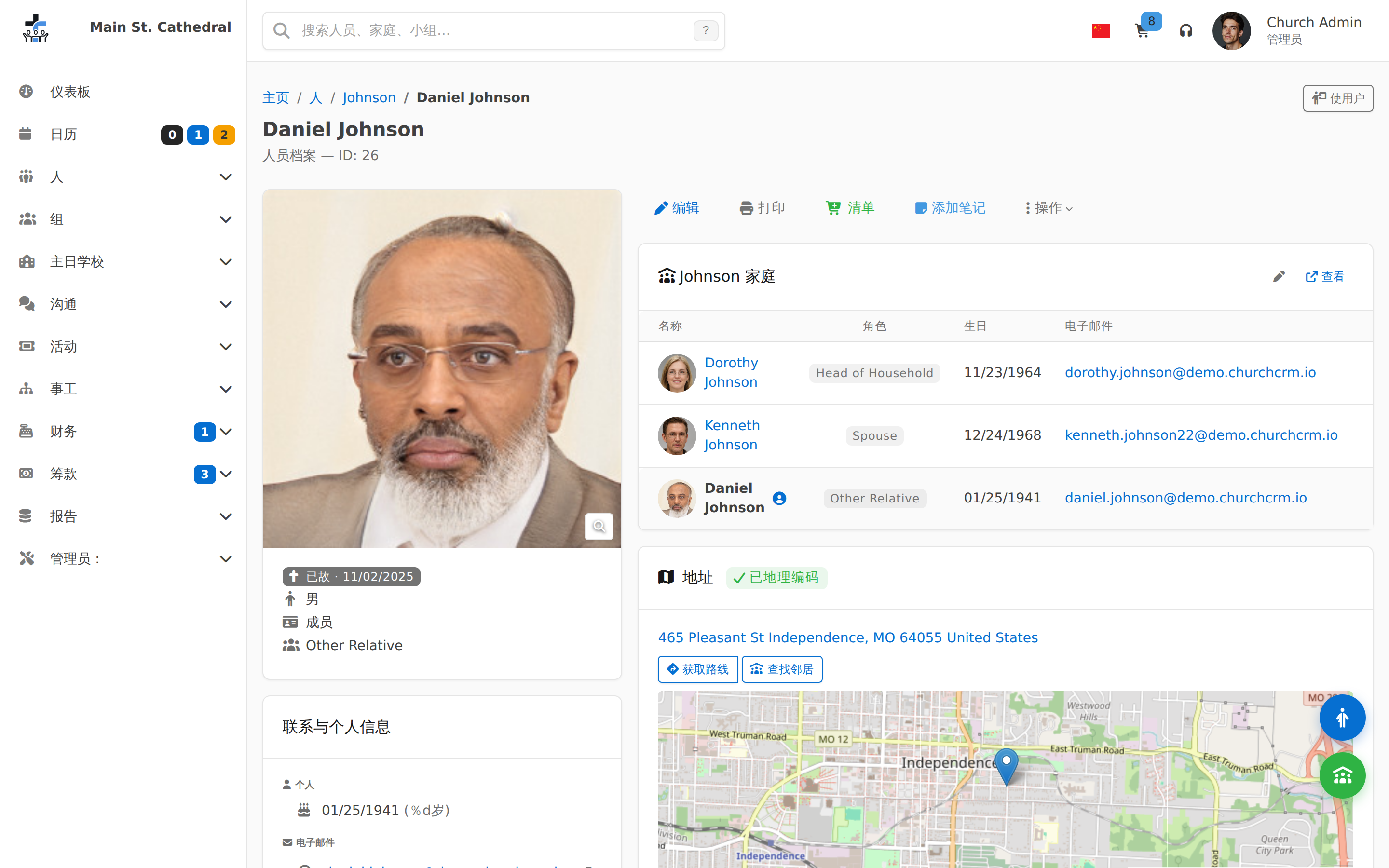
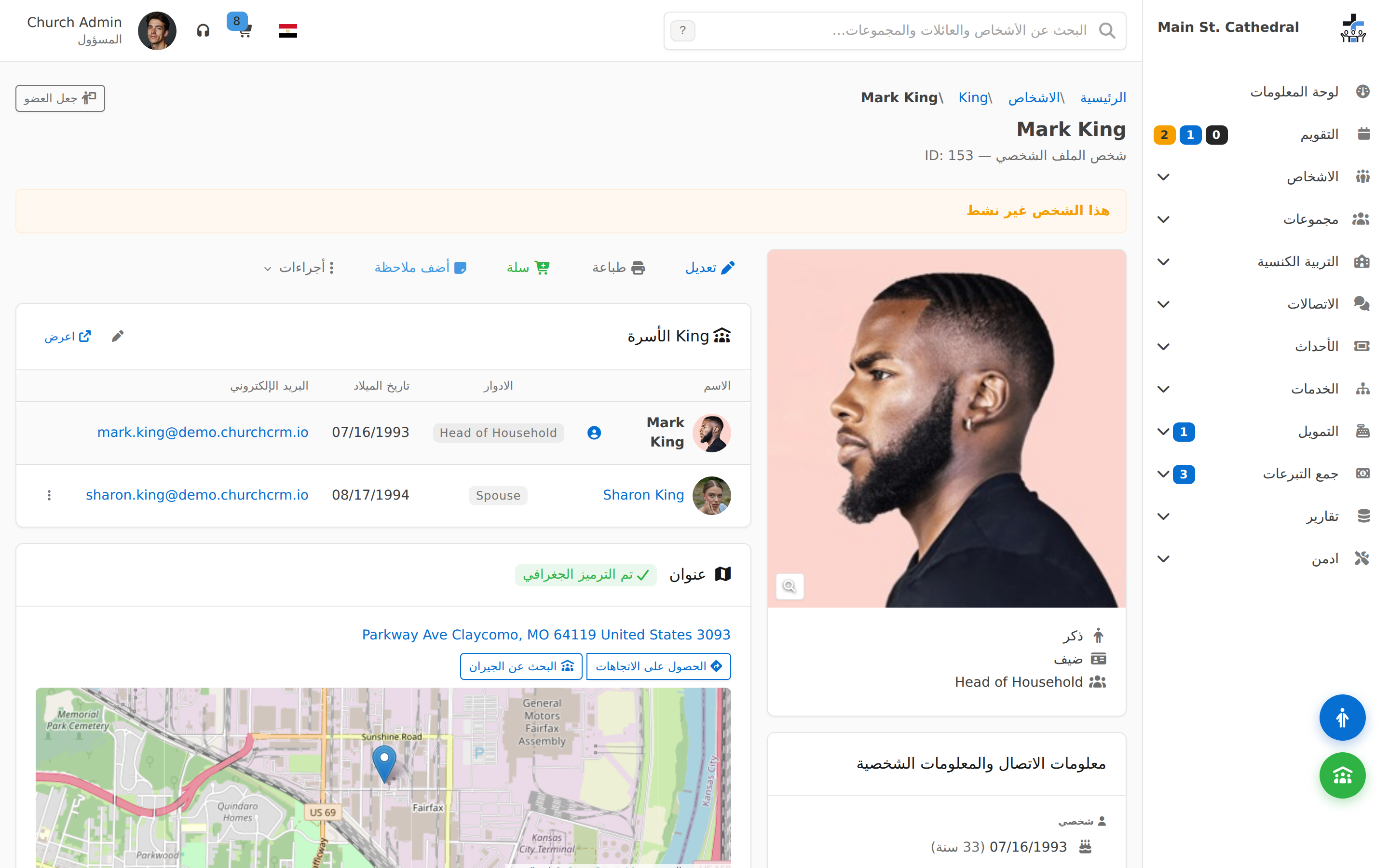
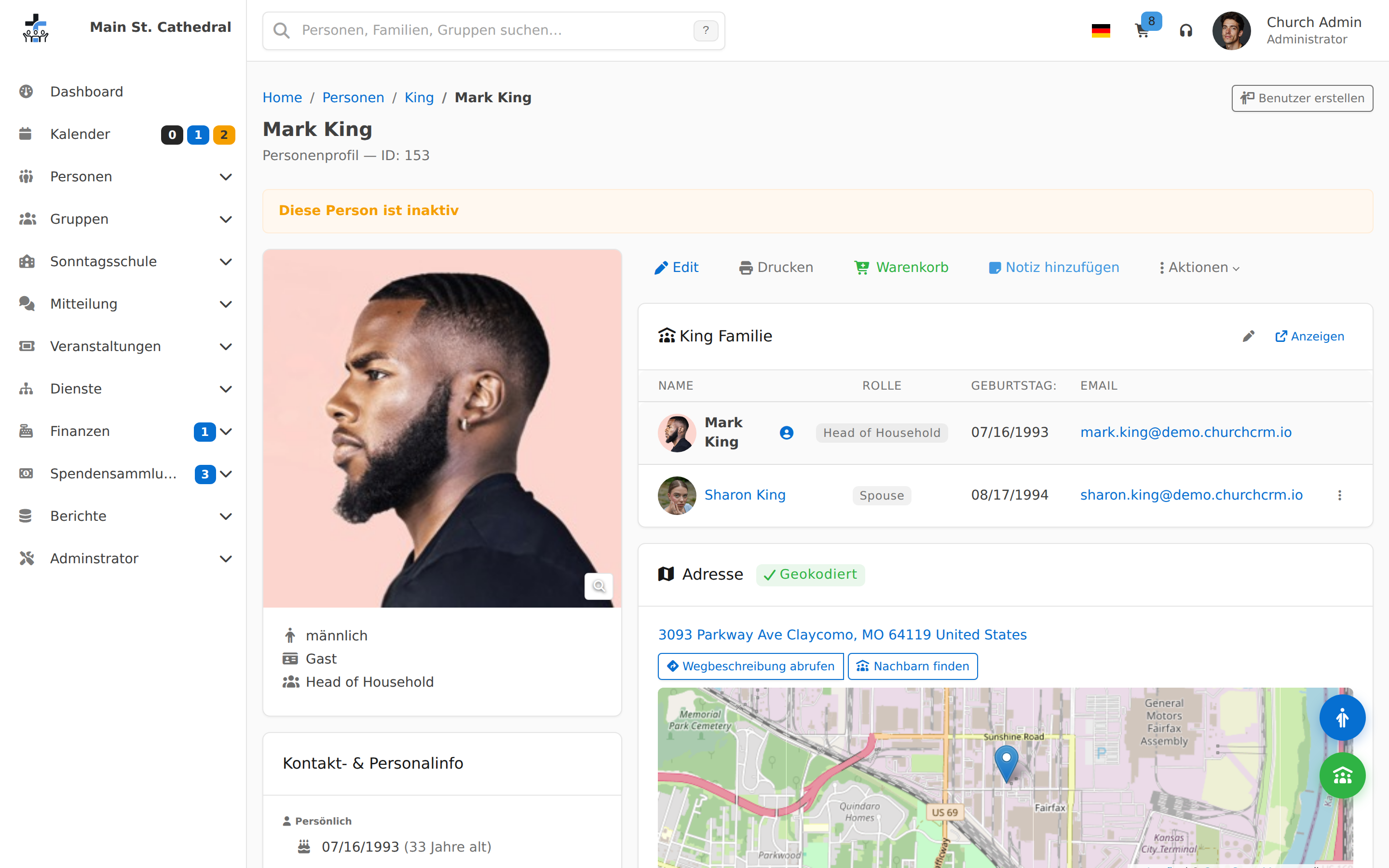
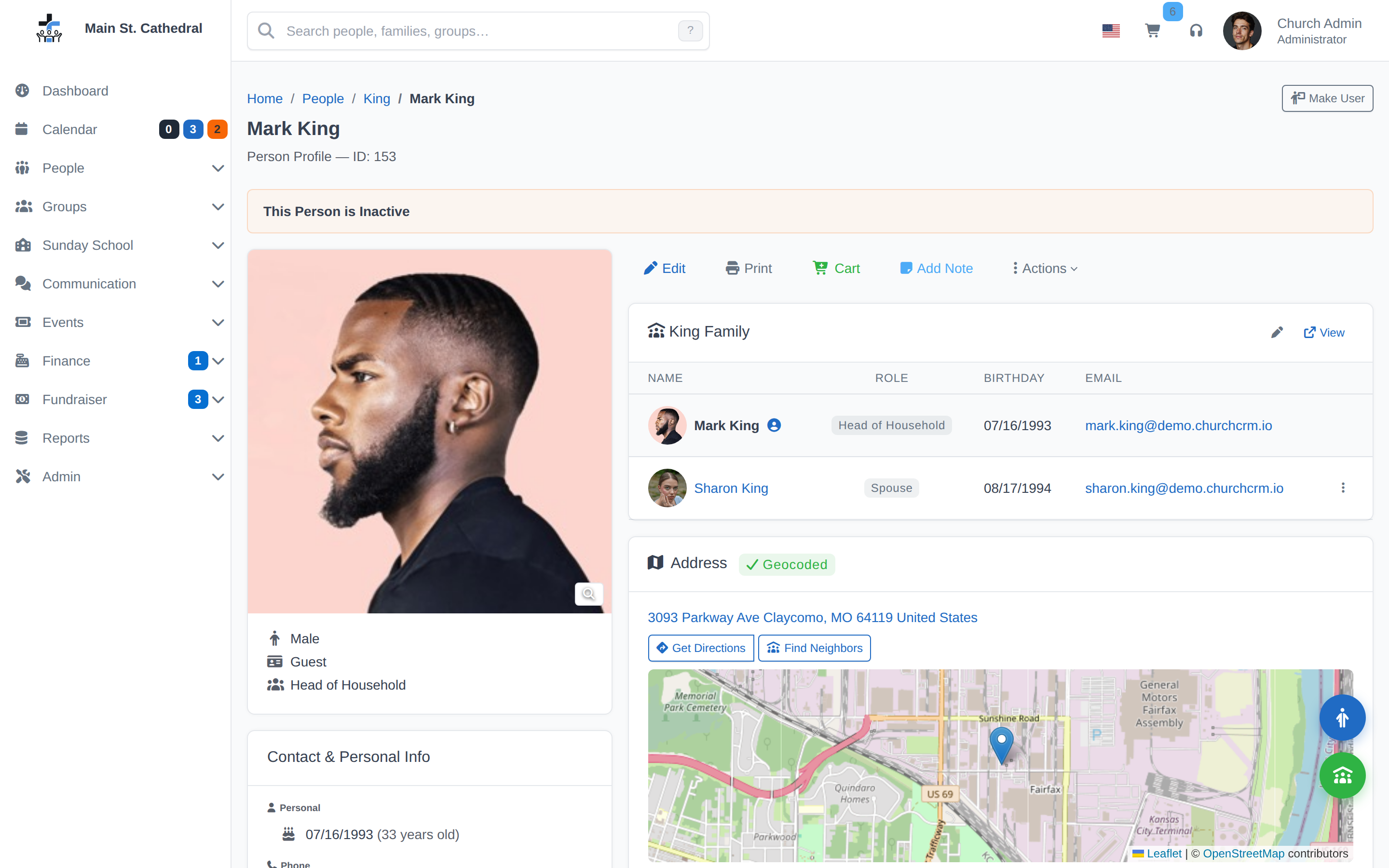
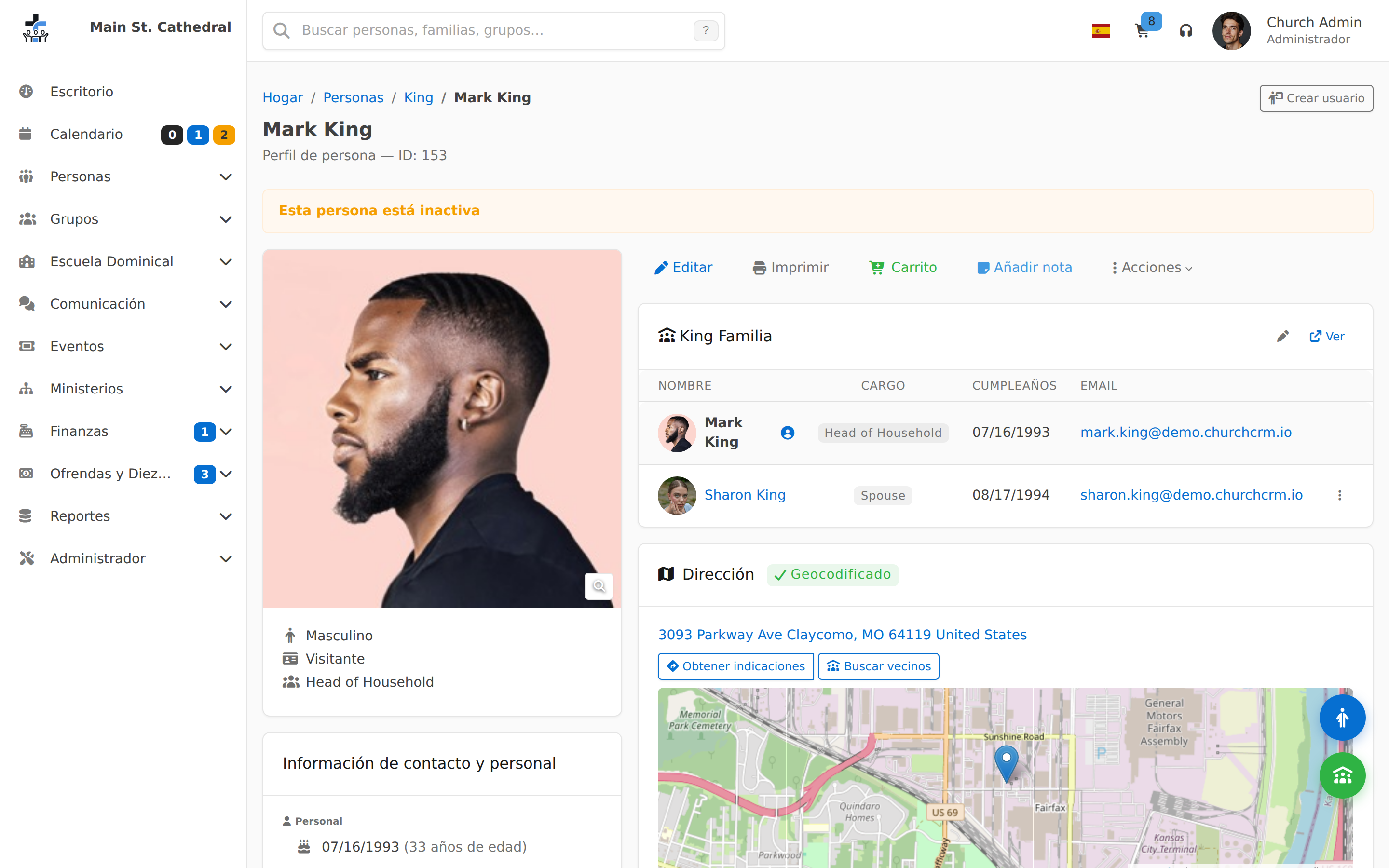
Groups & Events
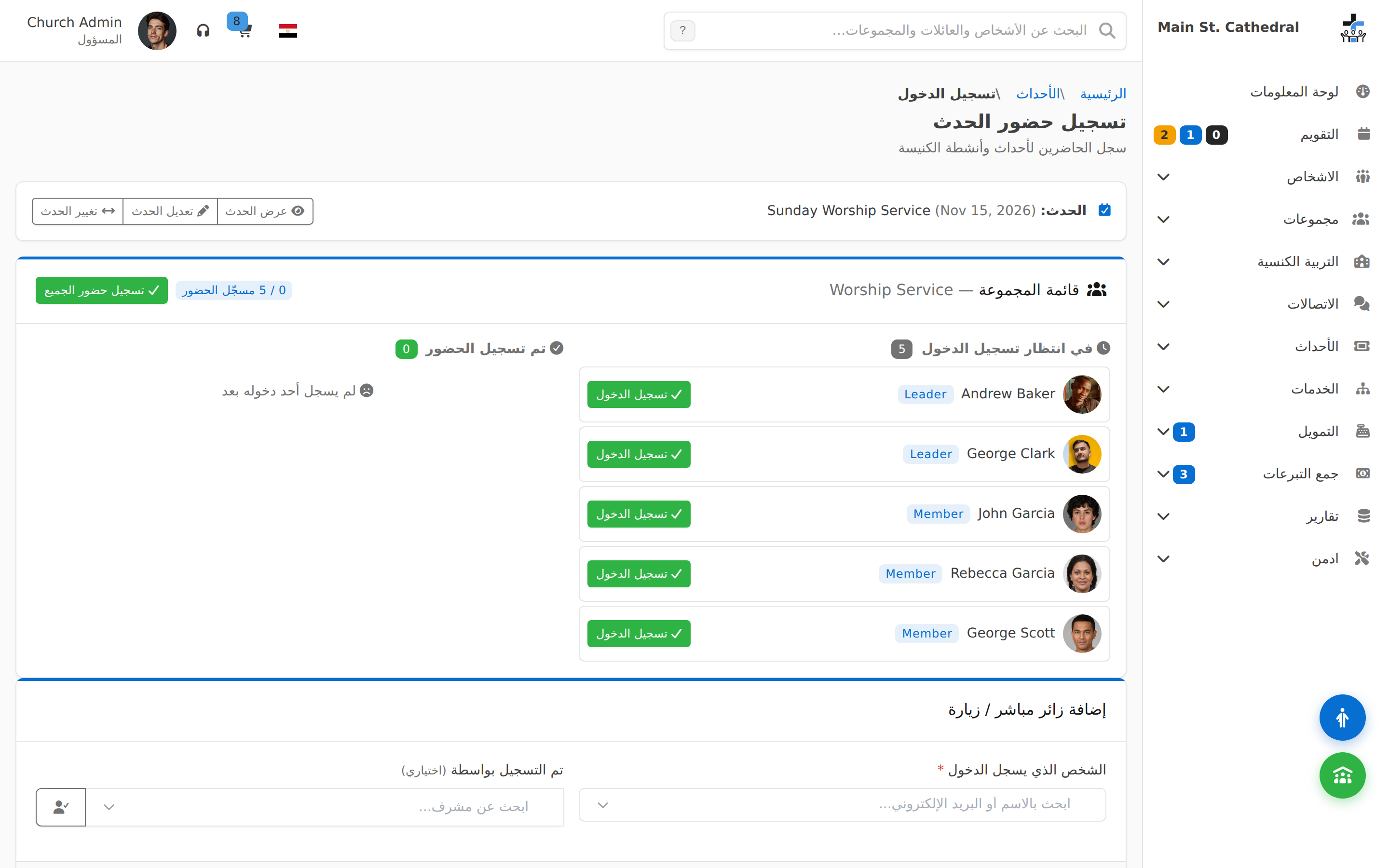
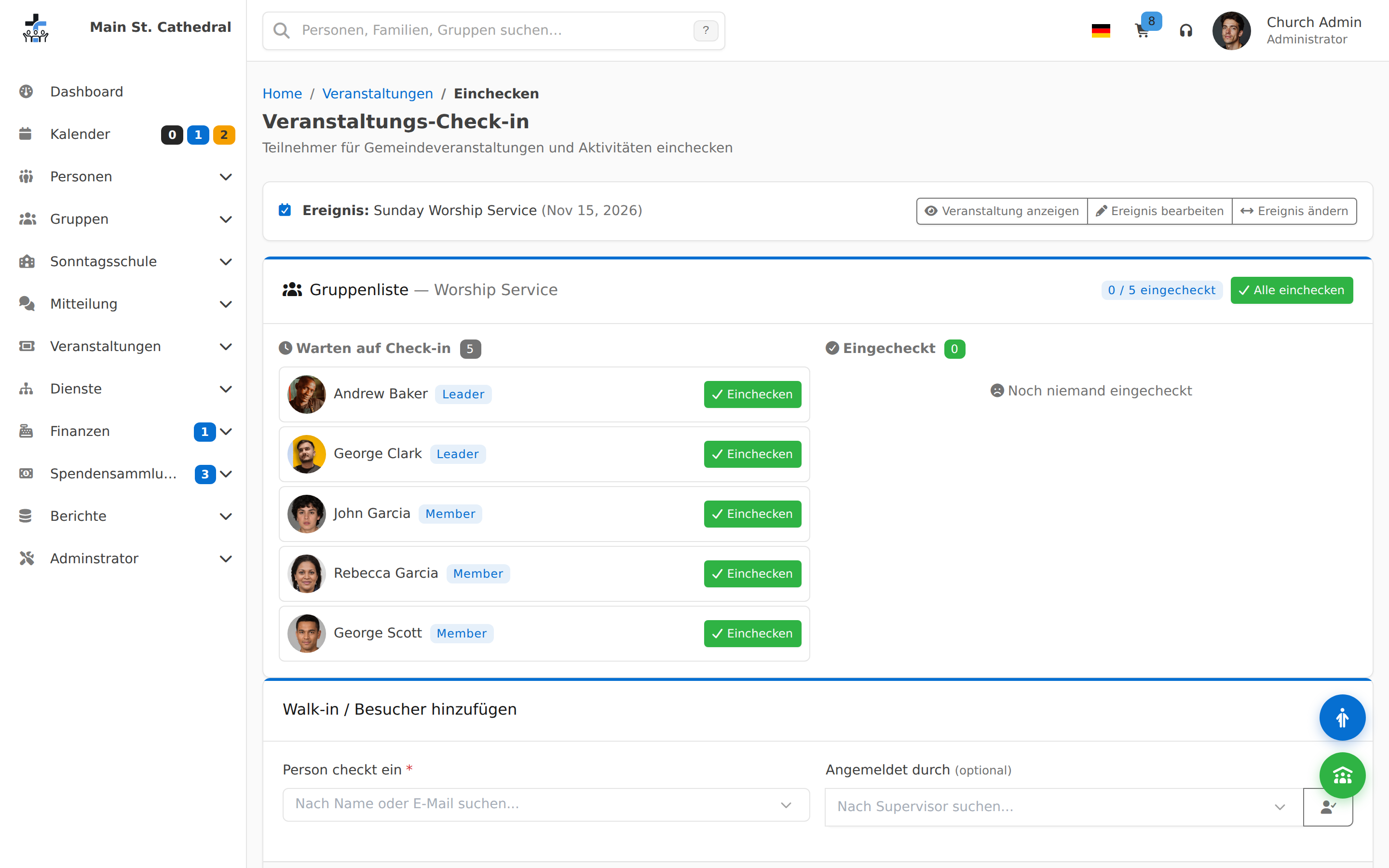
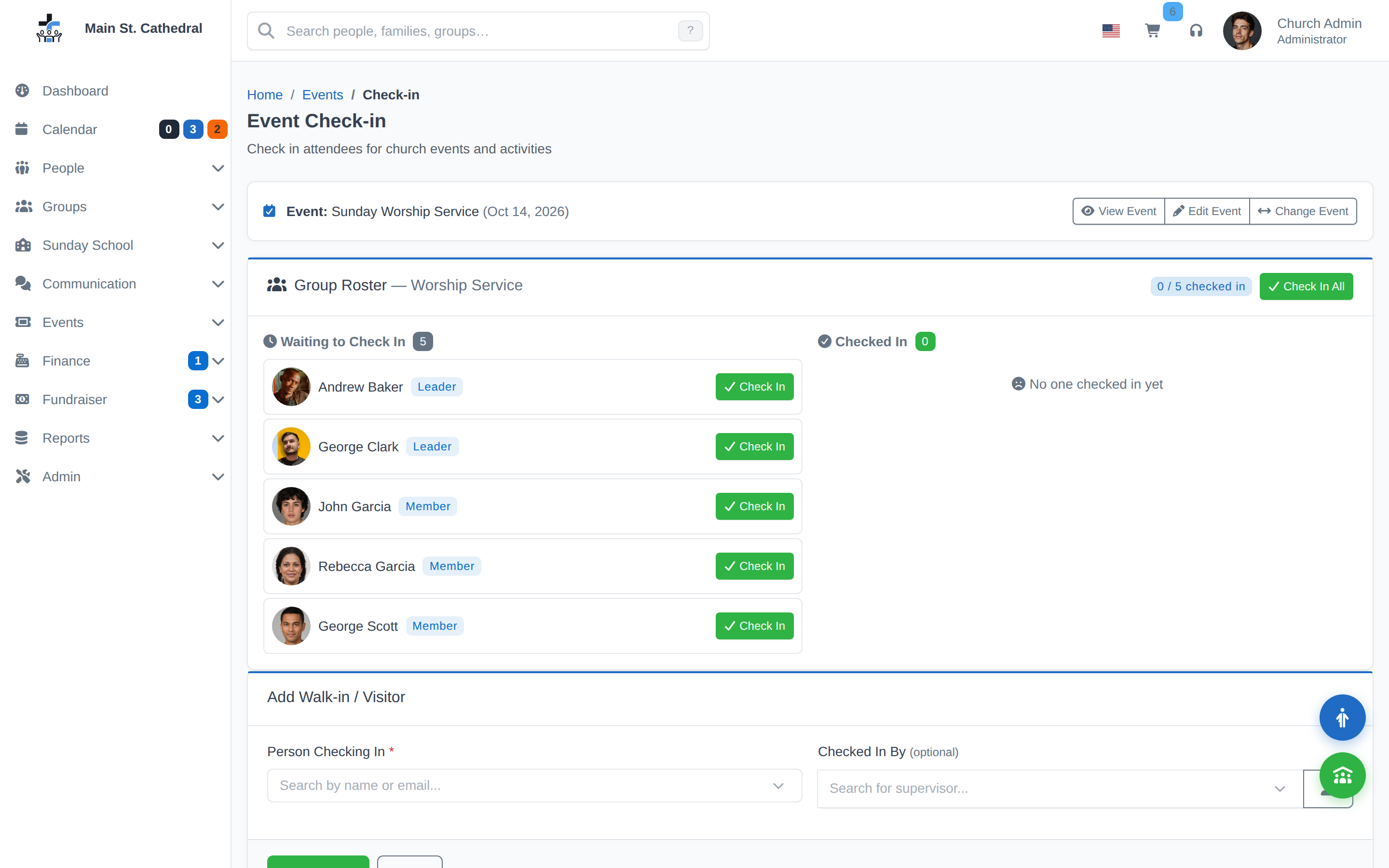
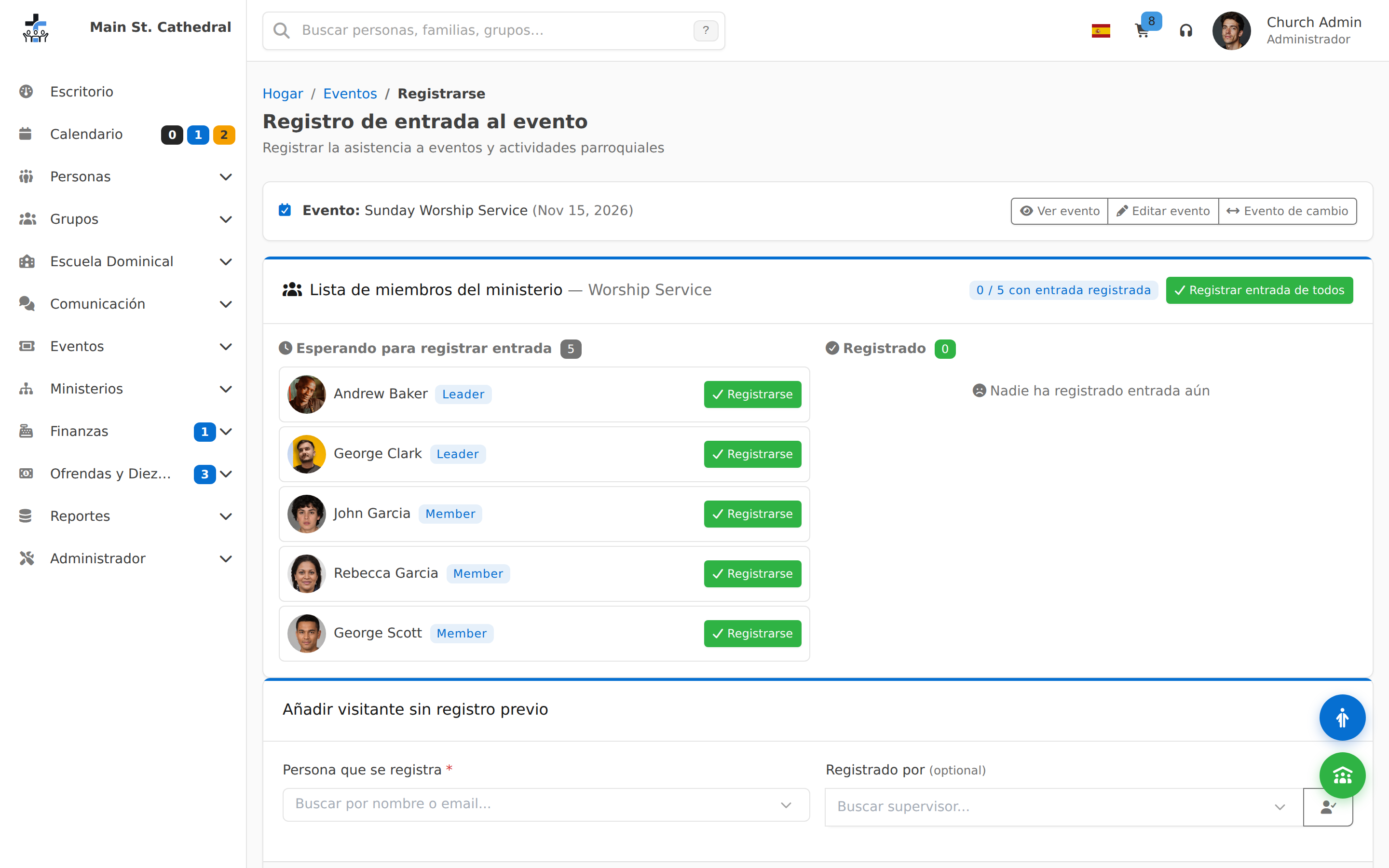
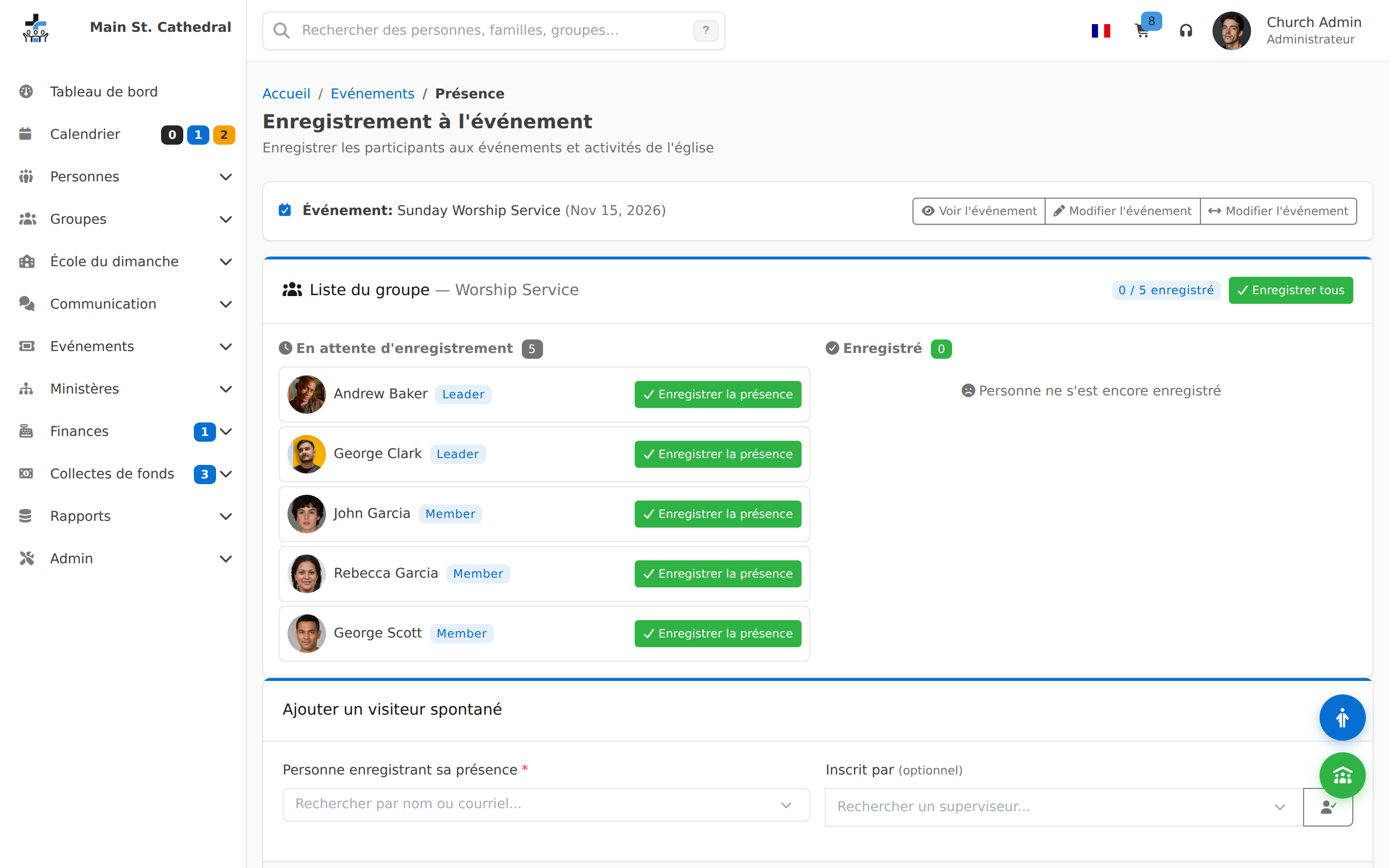
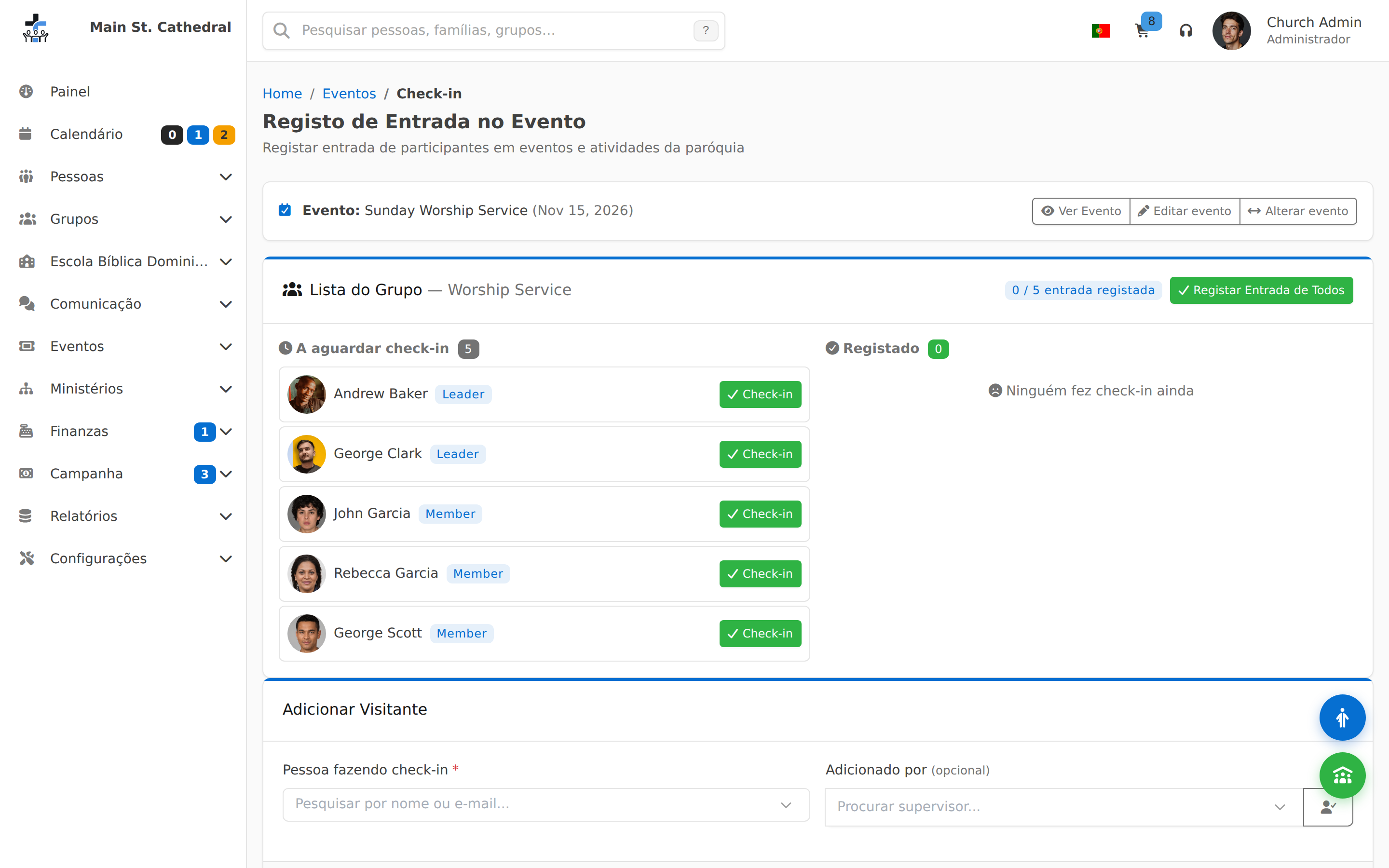
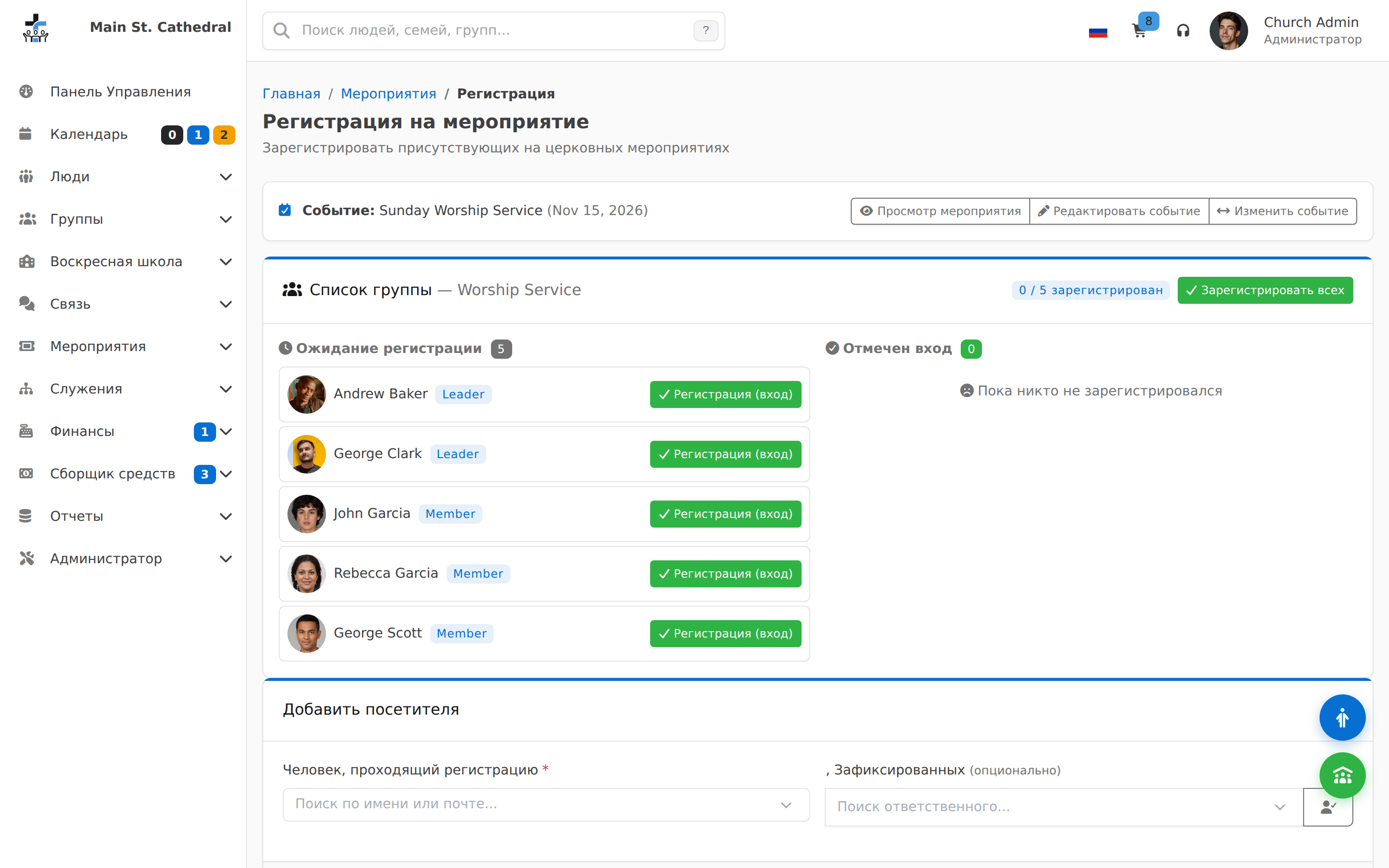
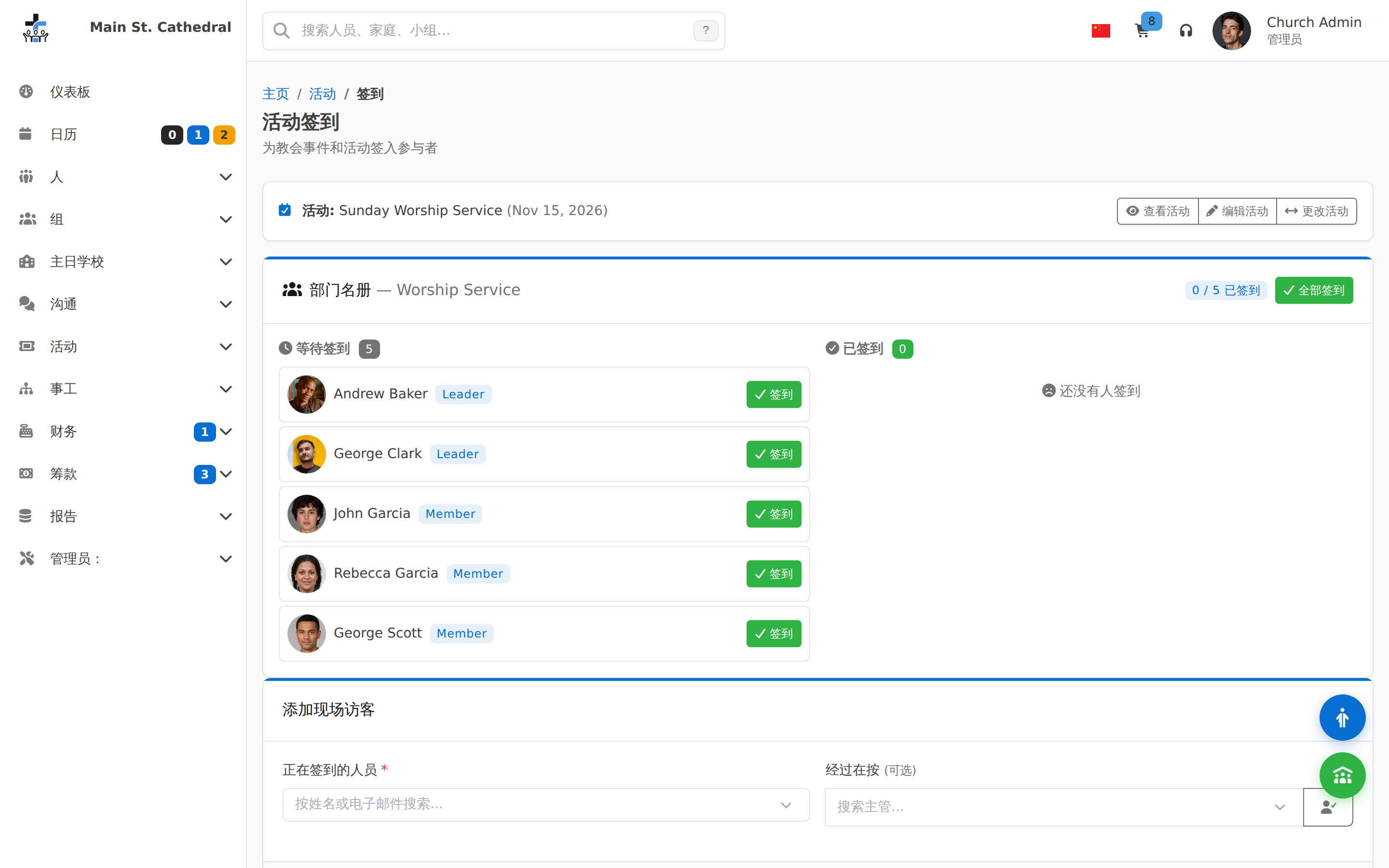
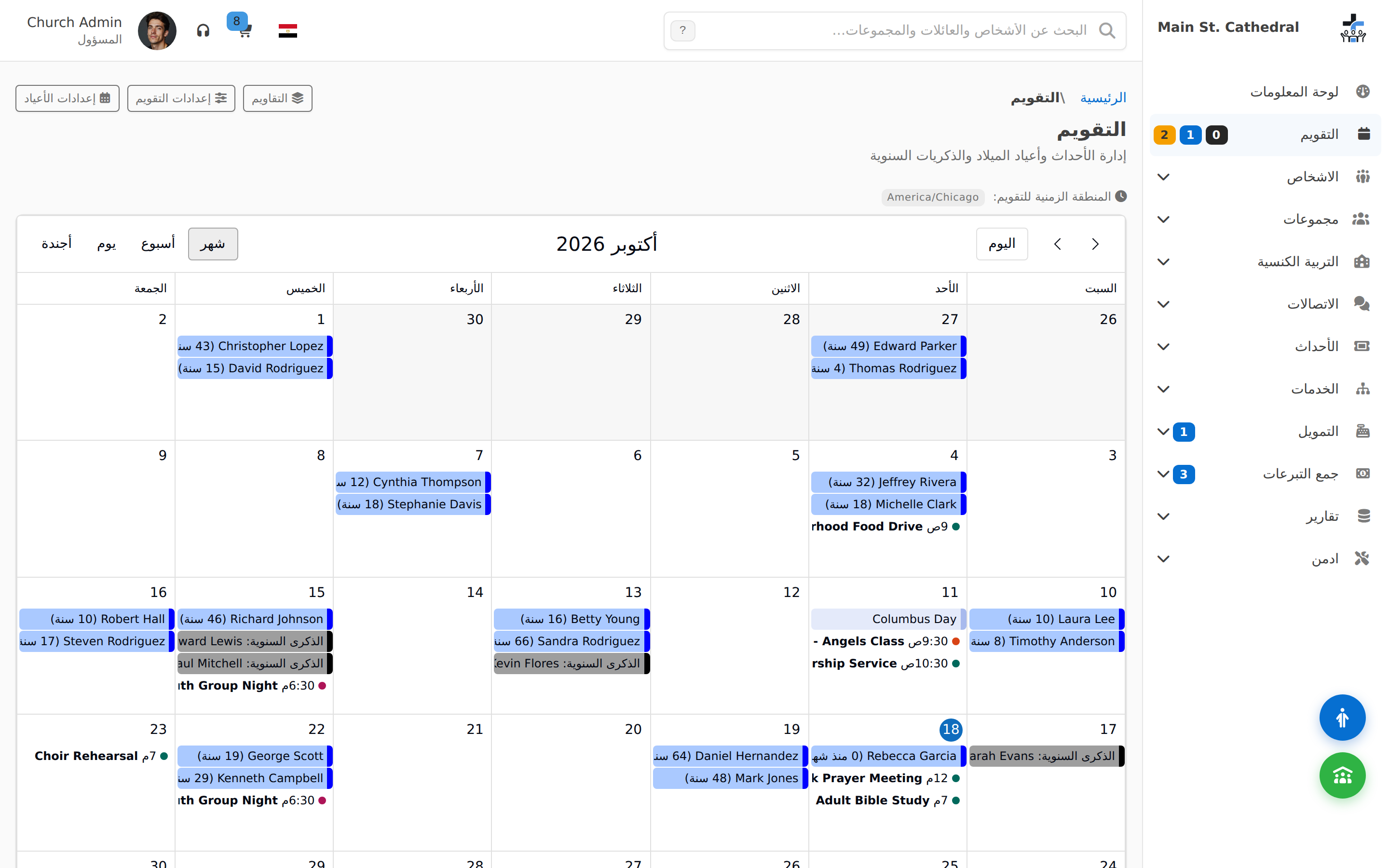
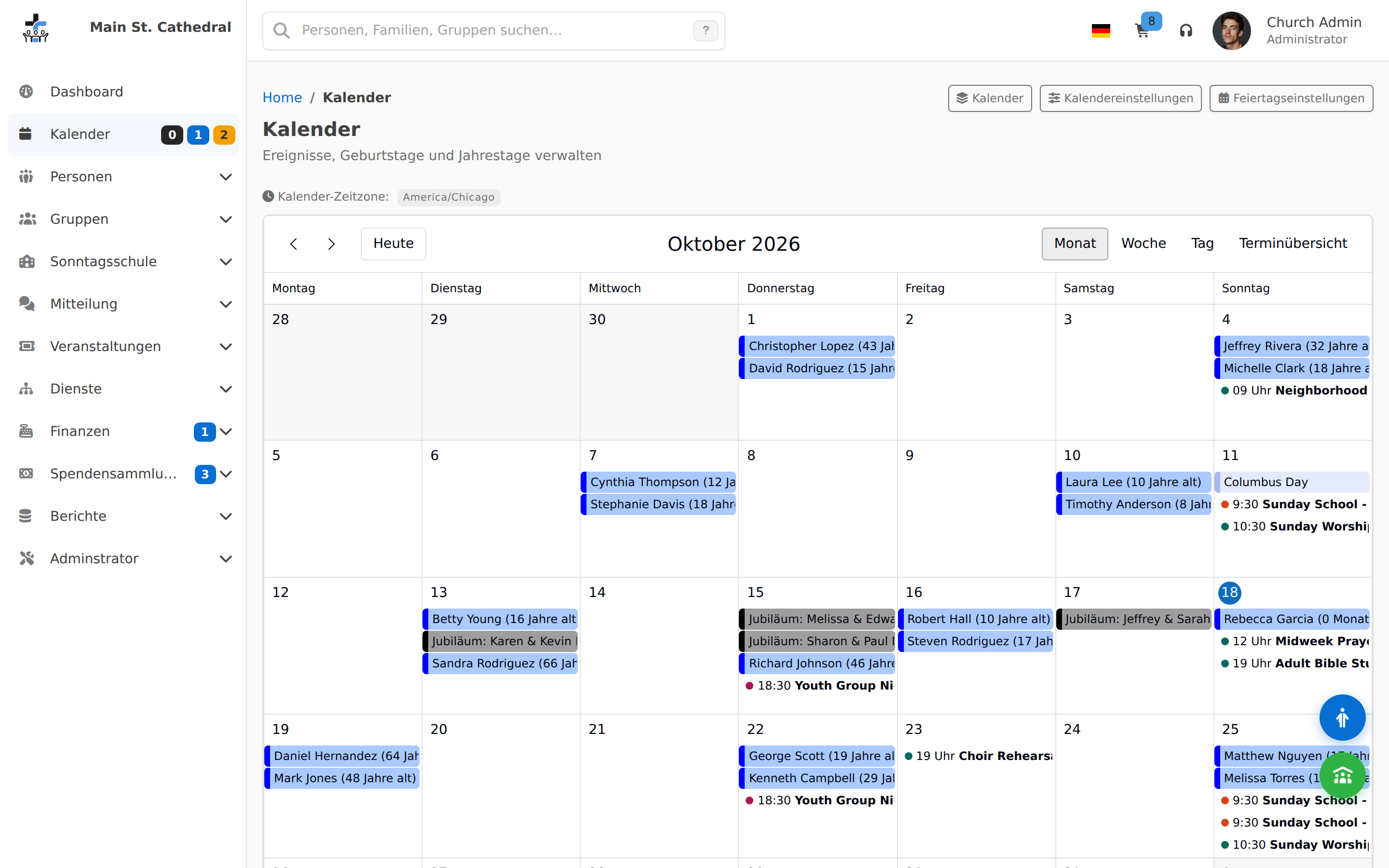
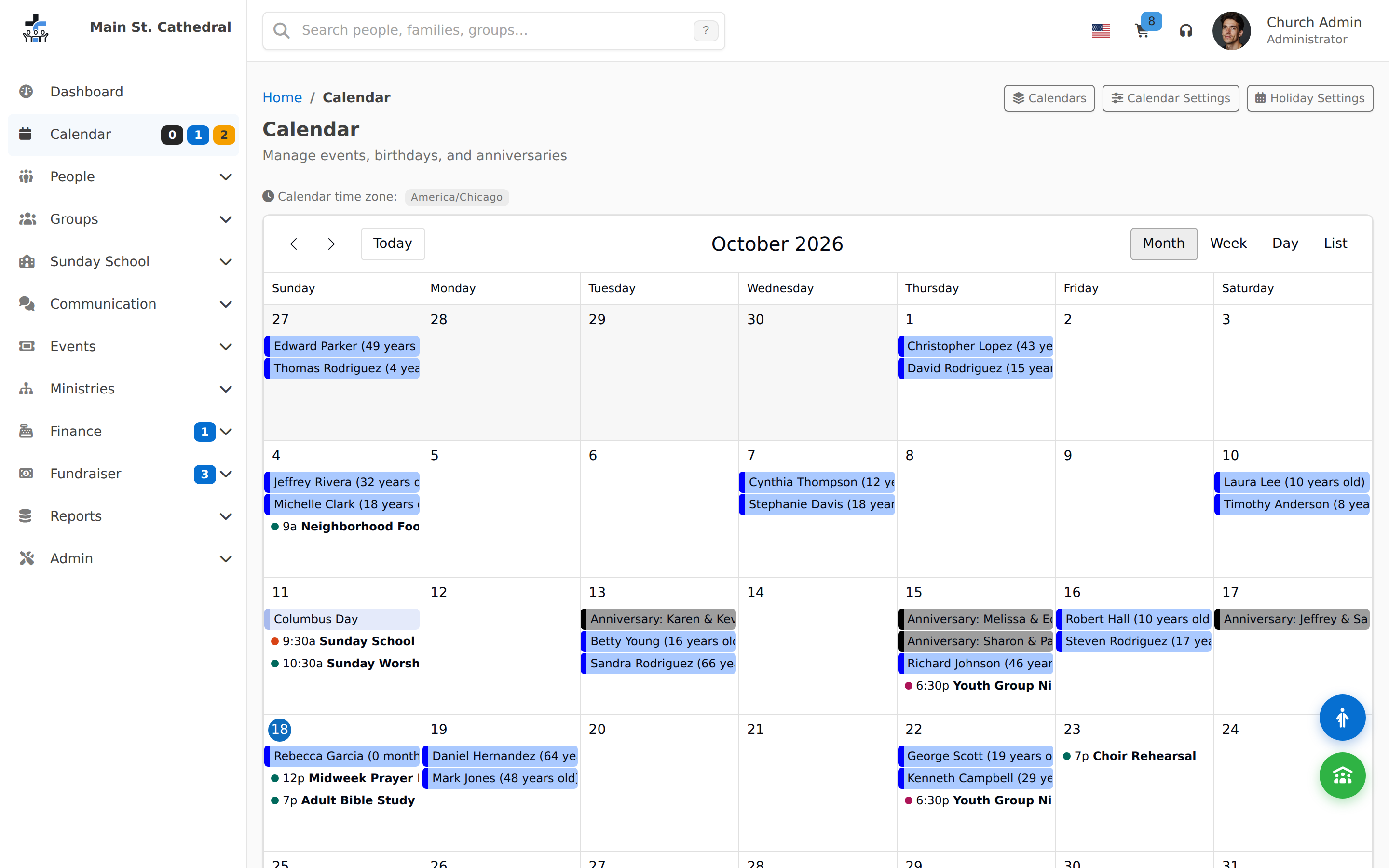
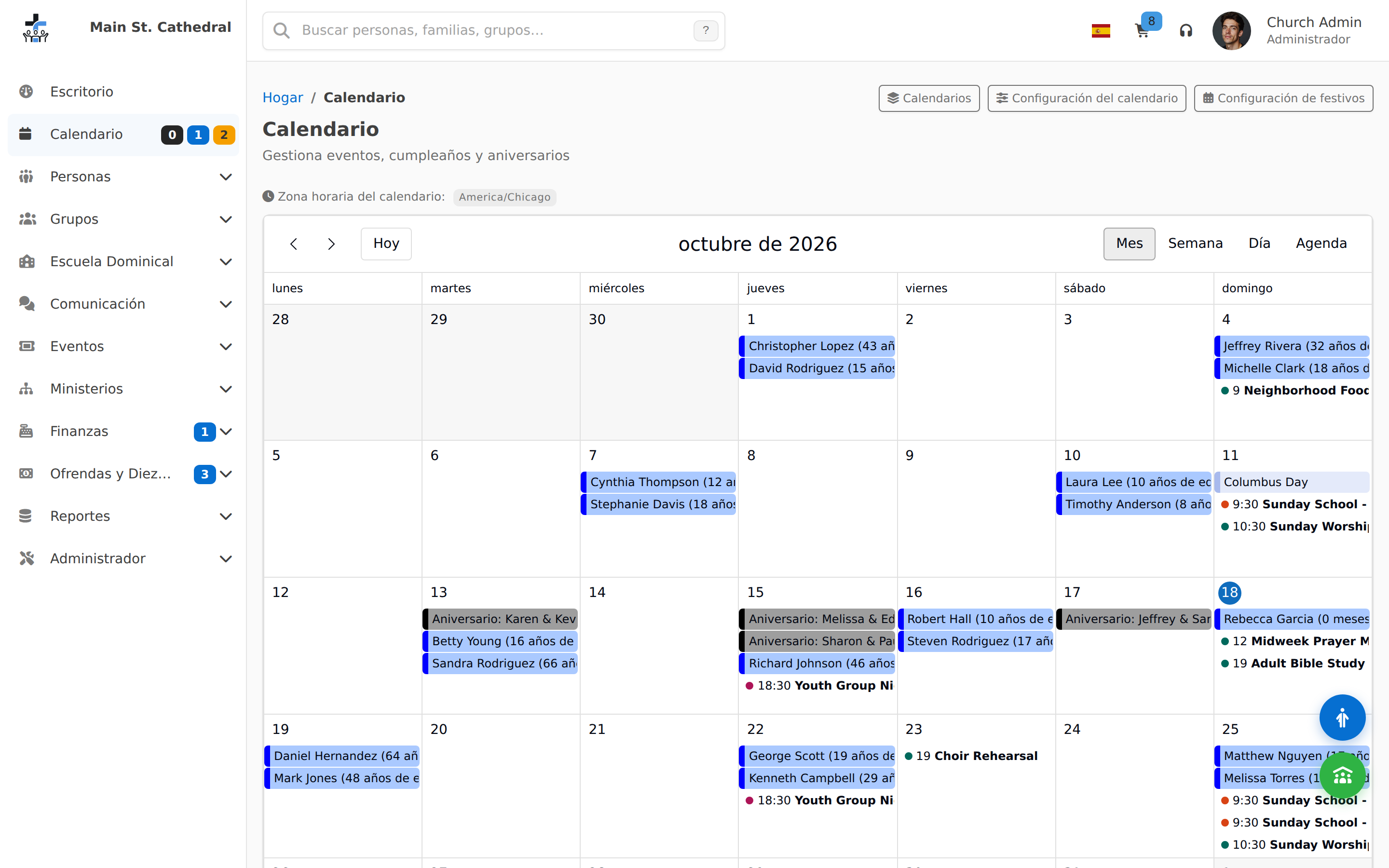
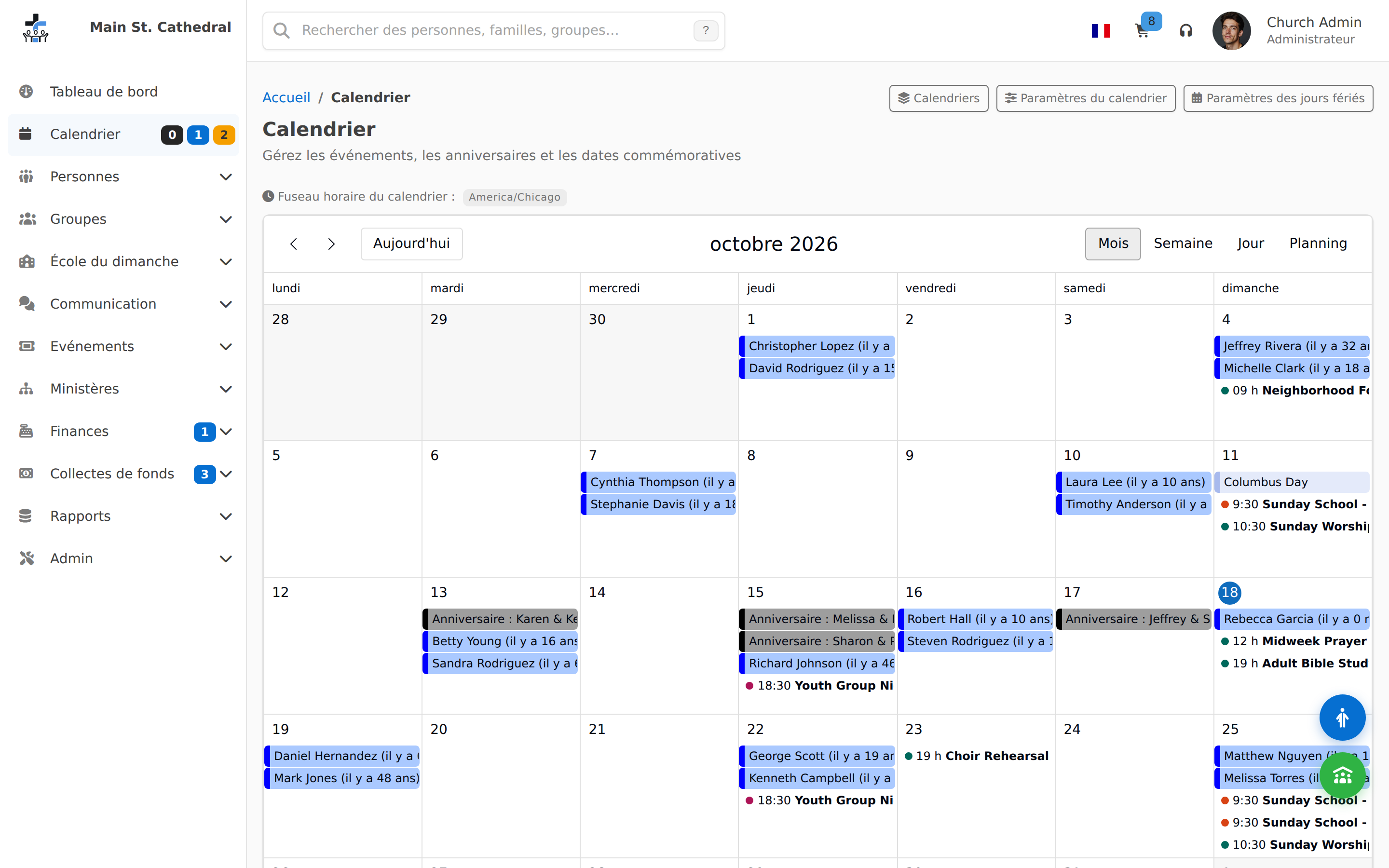
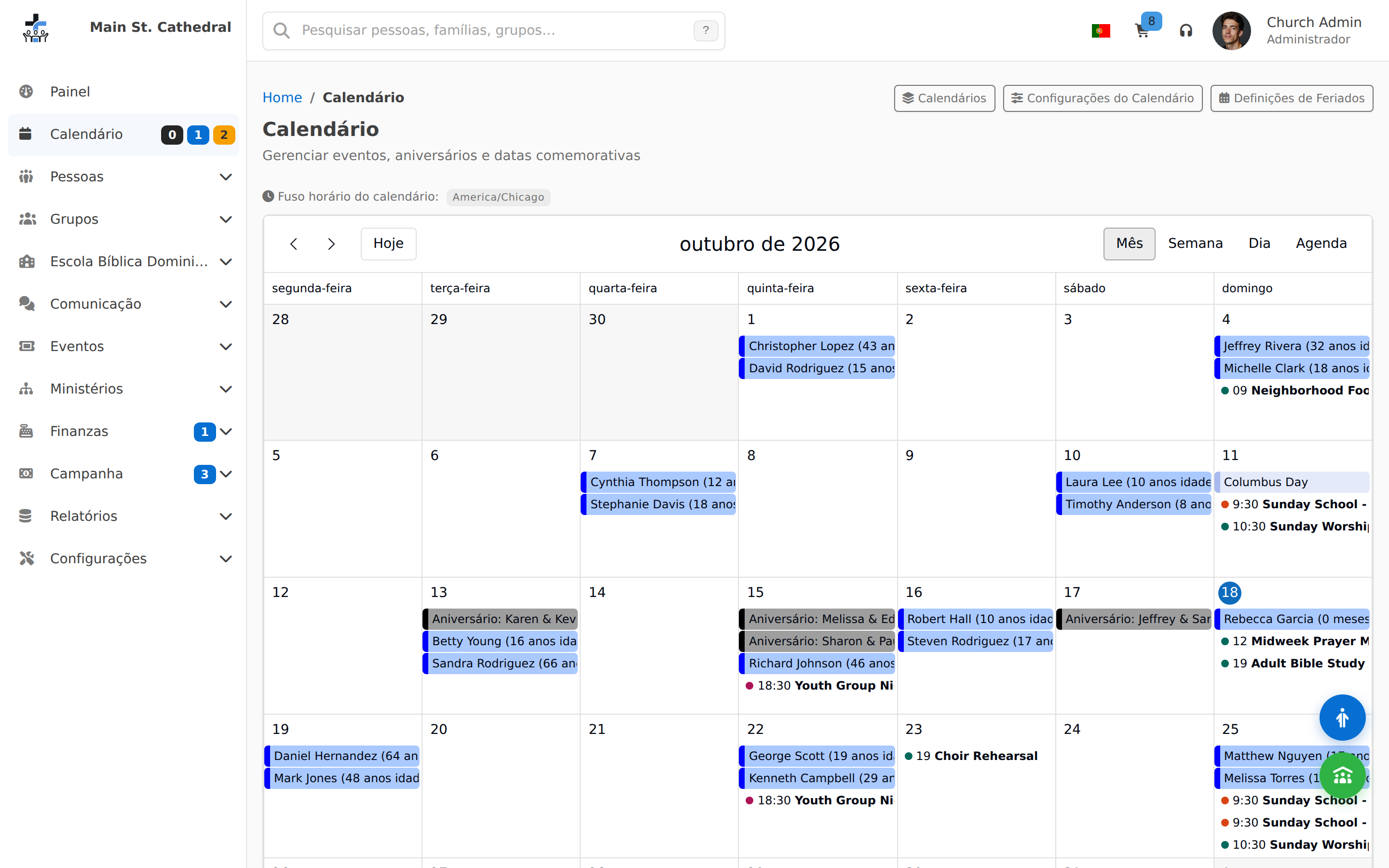
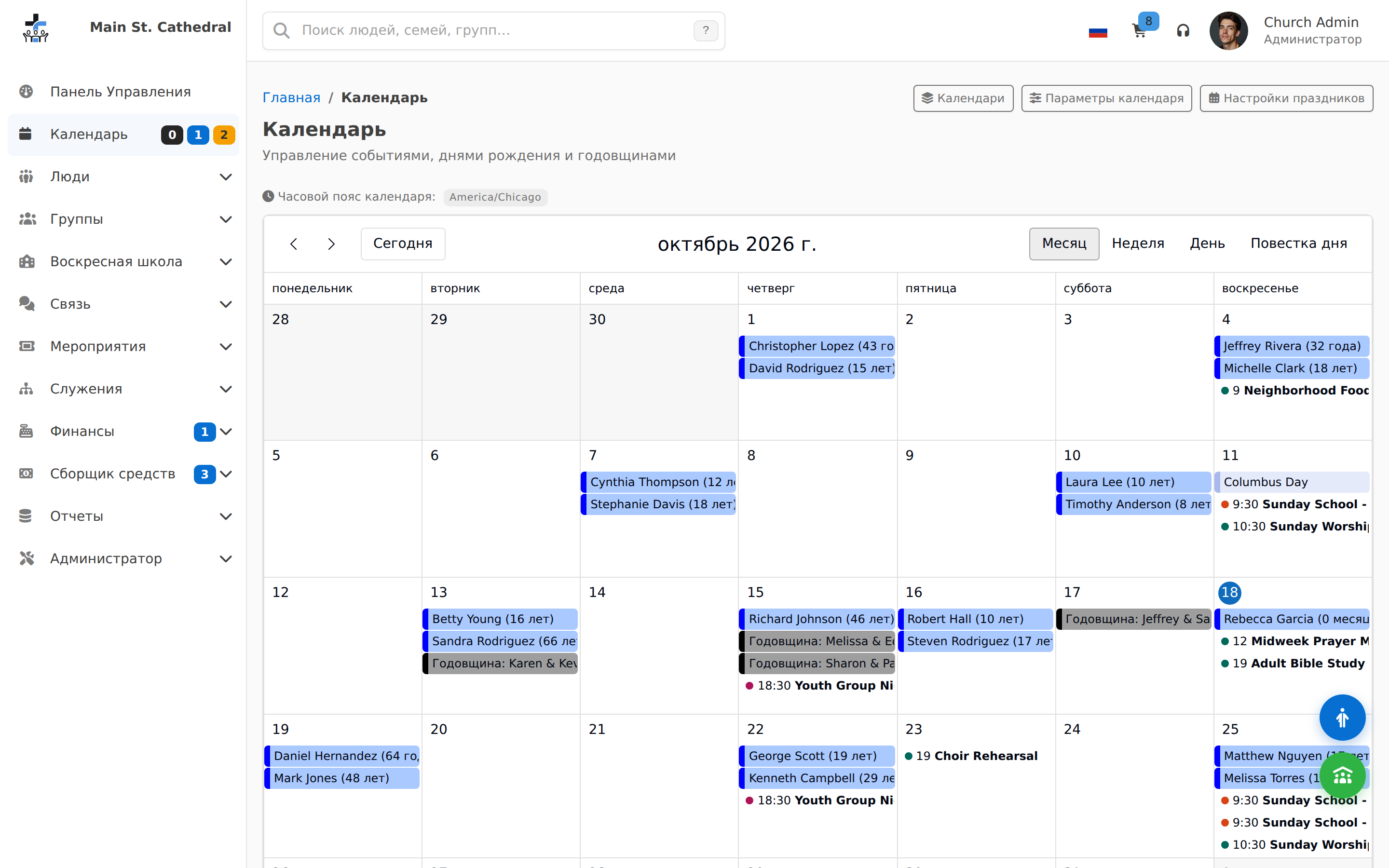
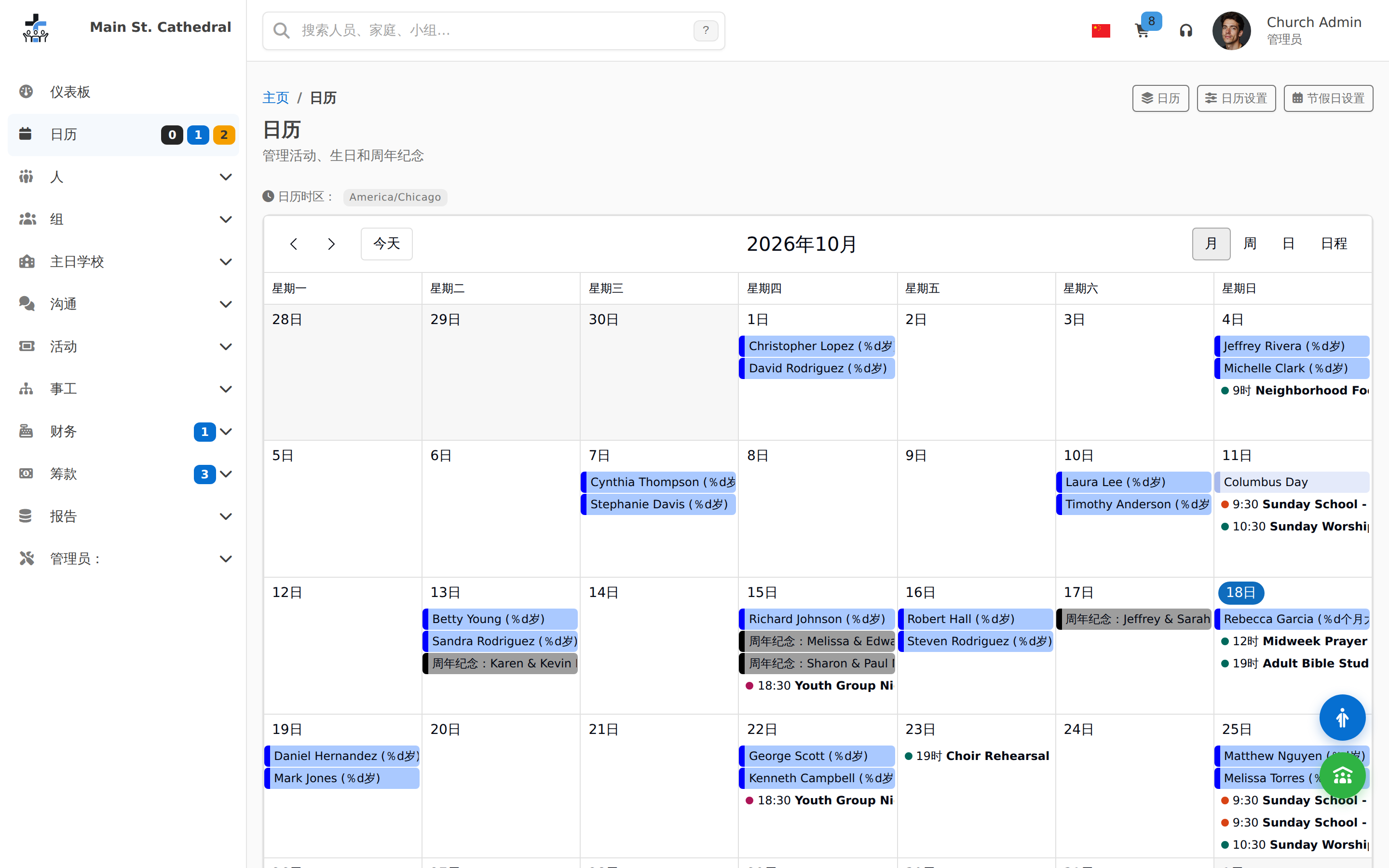
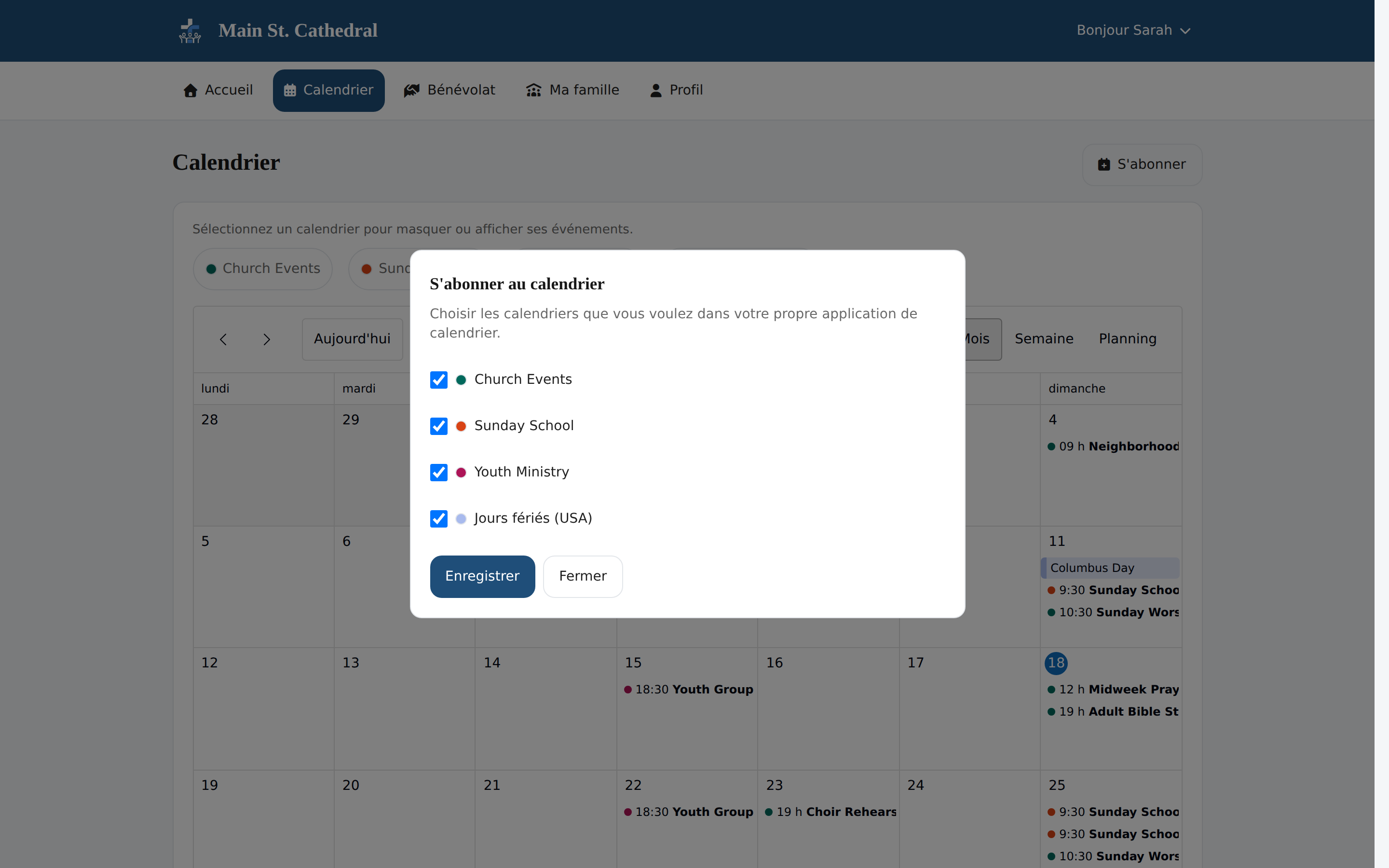
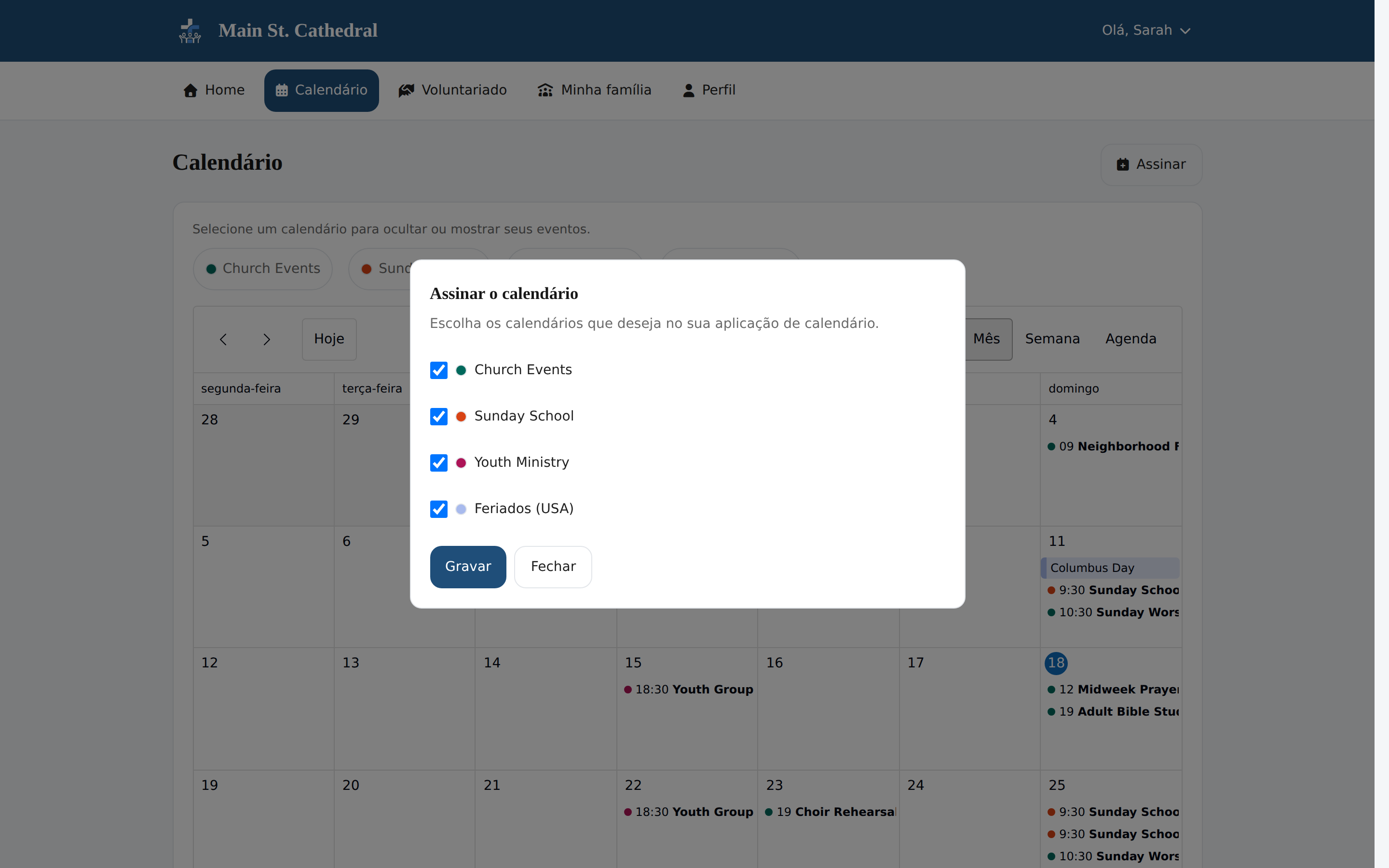
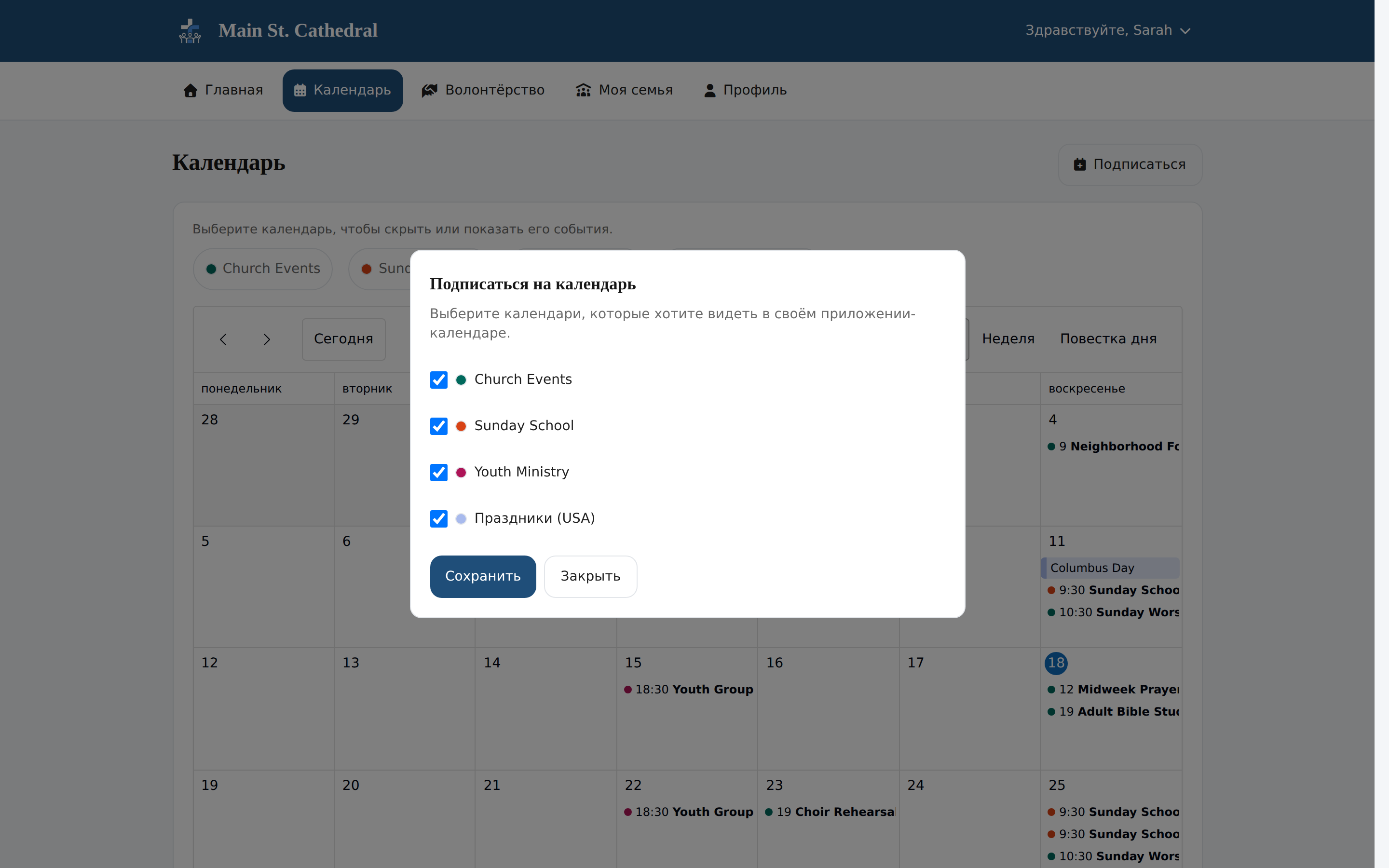
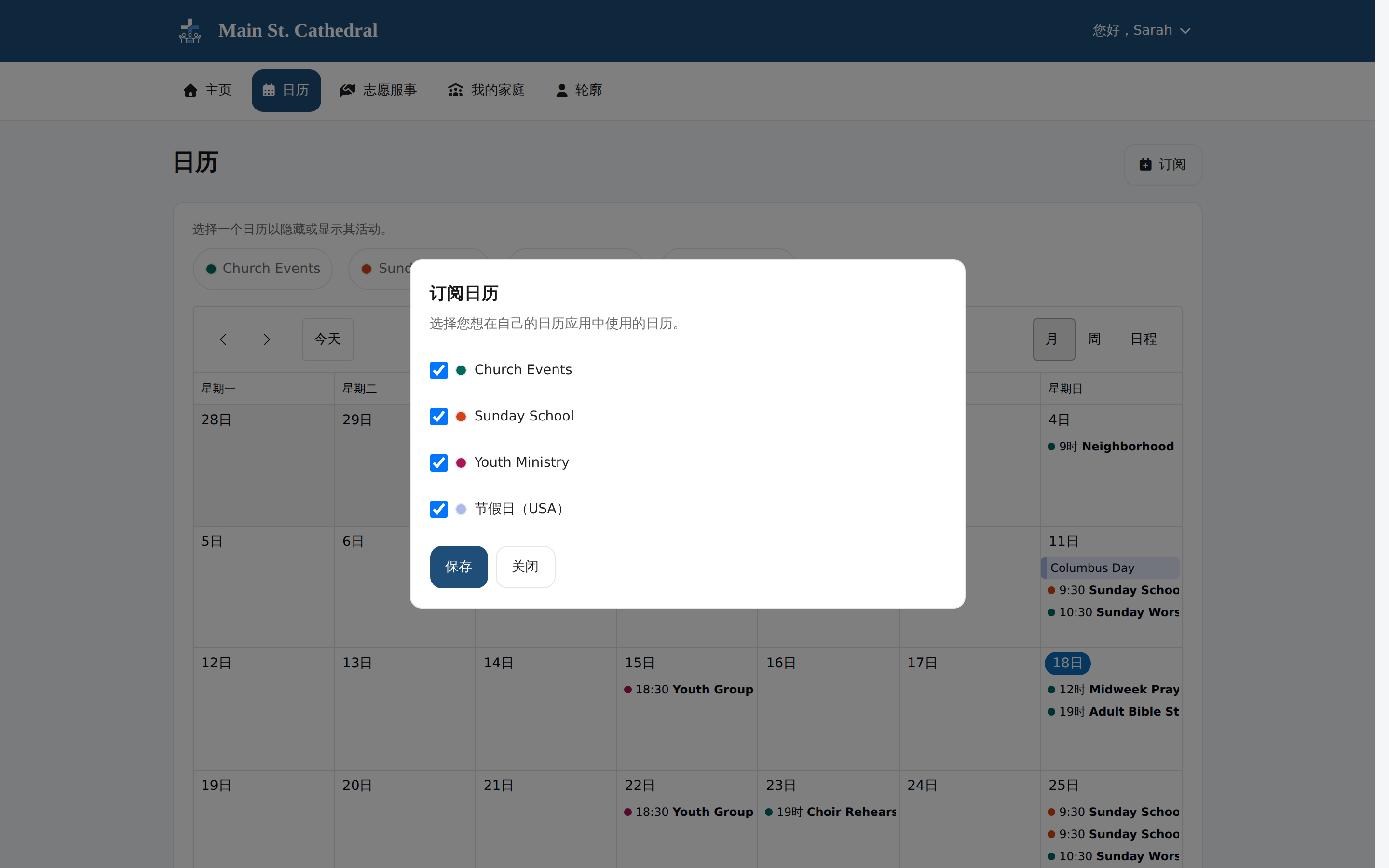
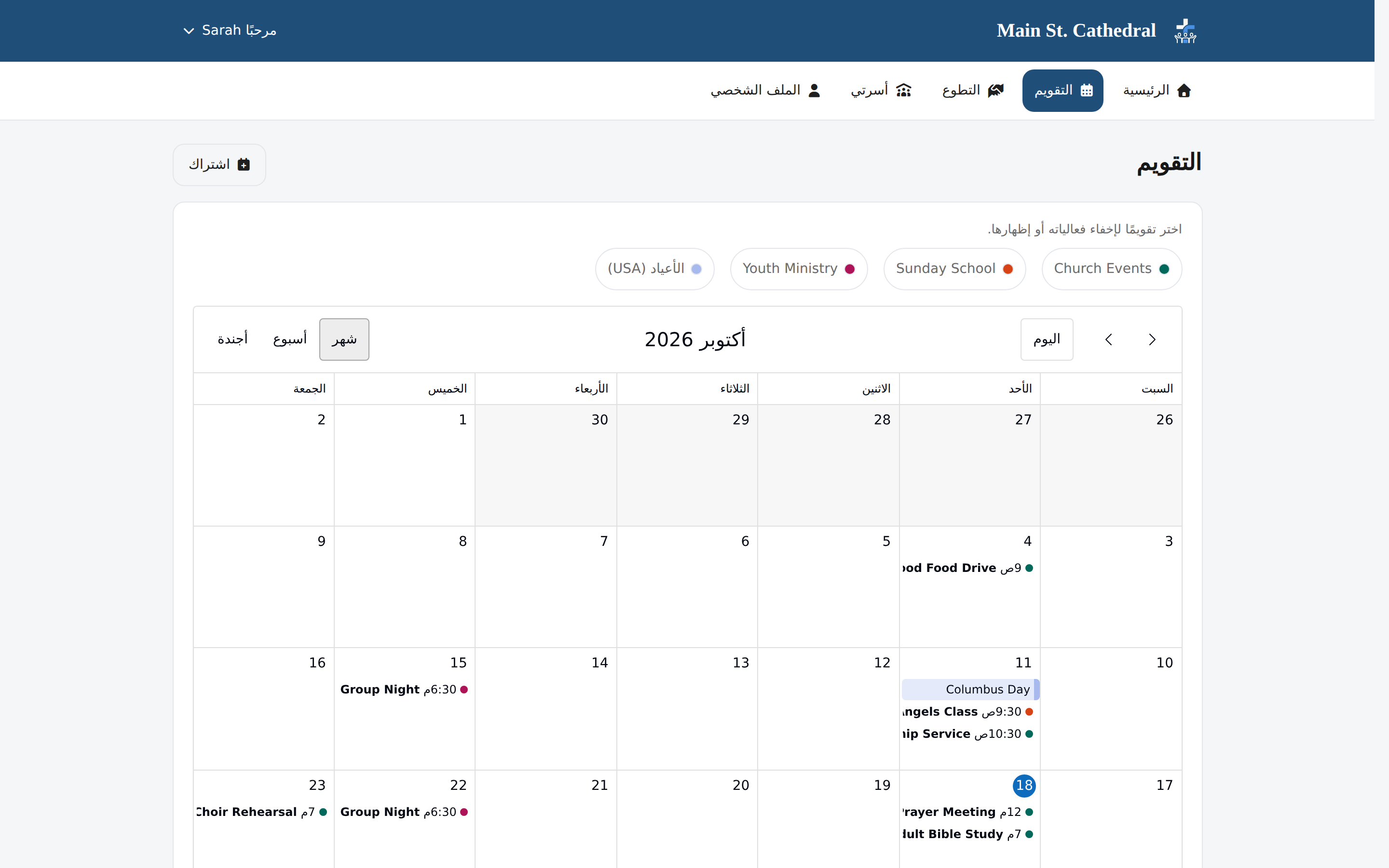
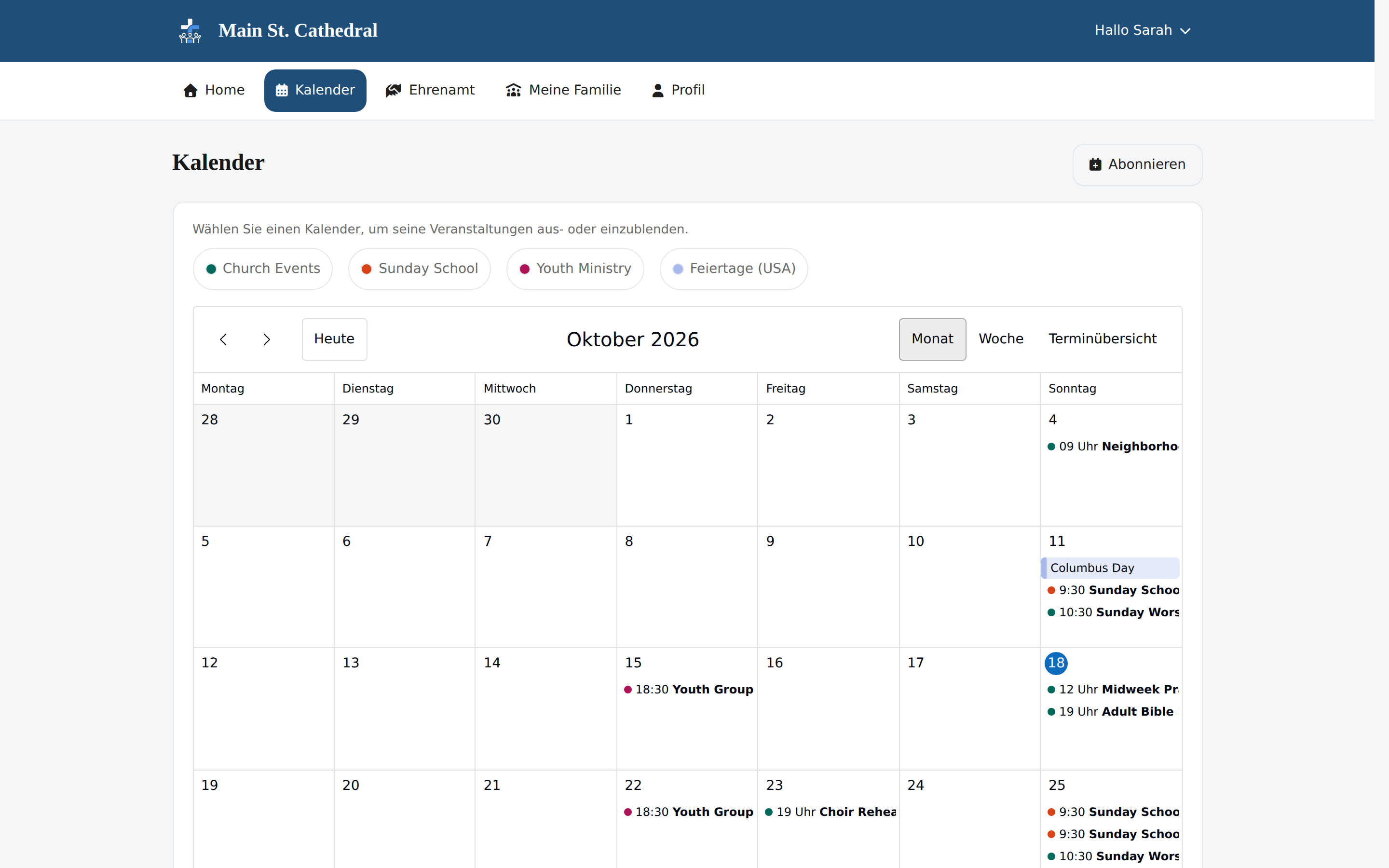
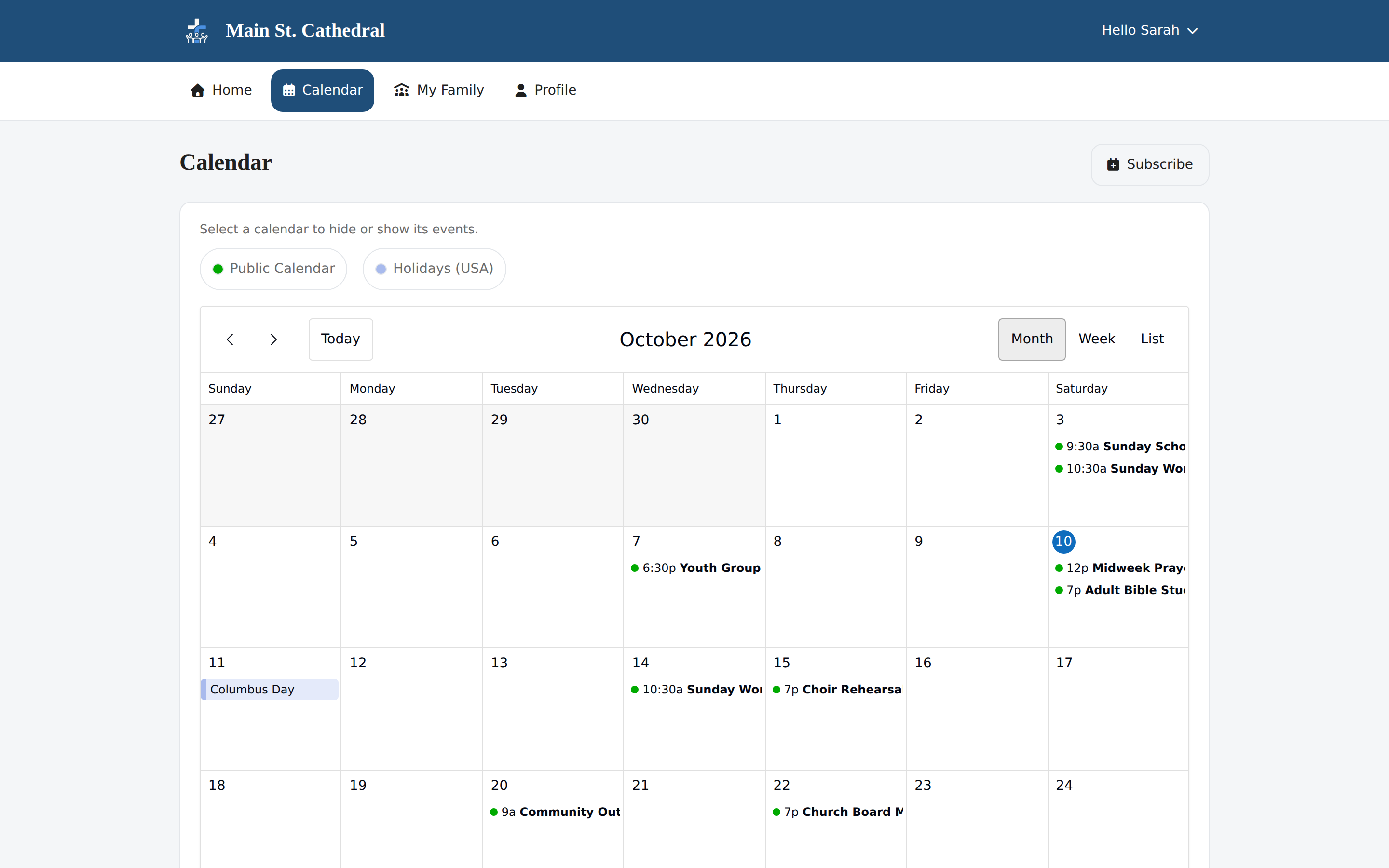
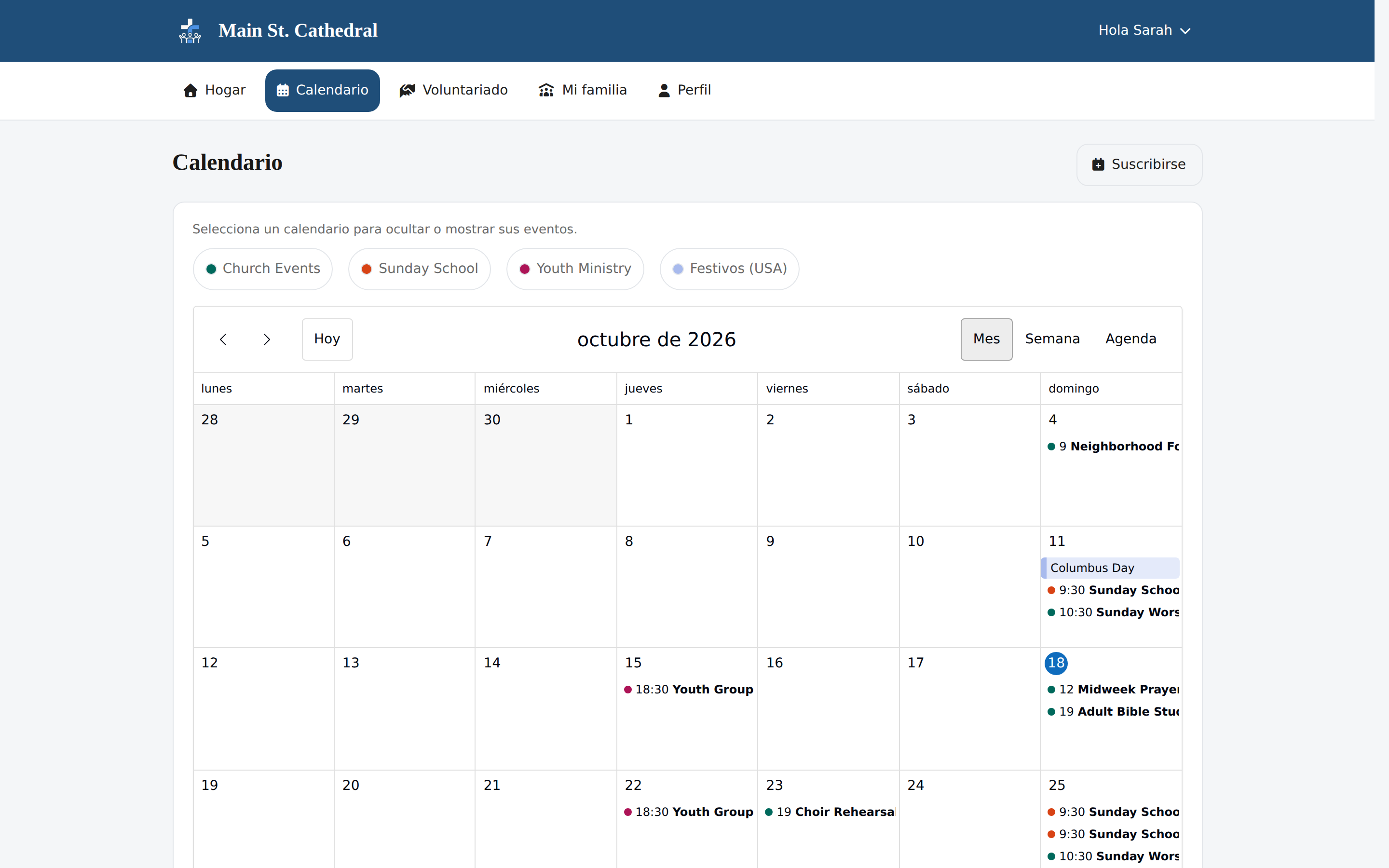
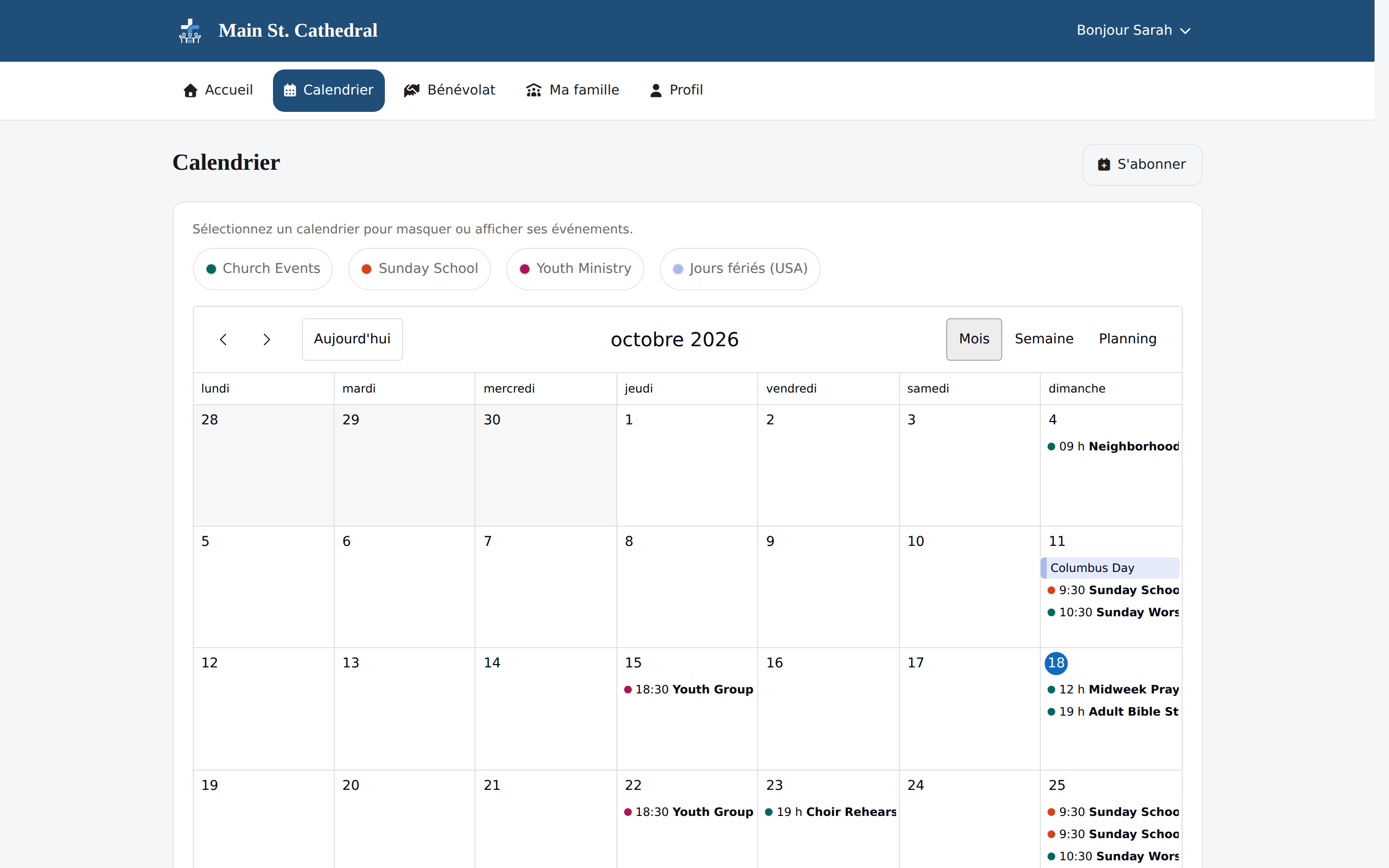
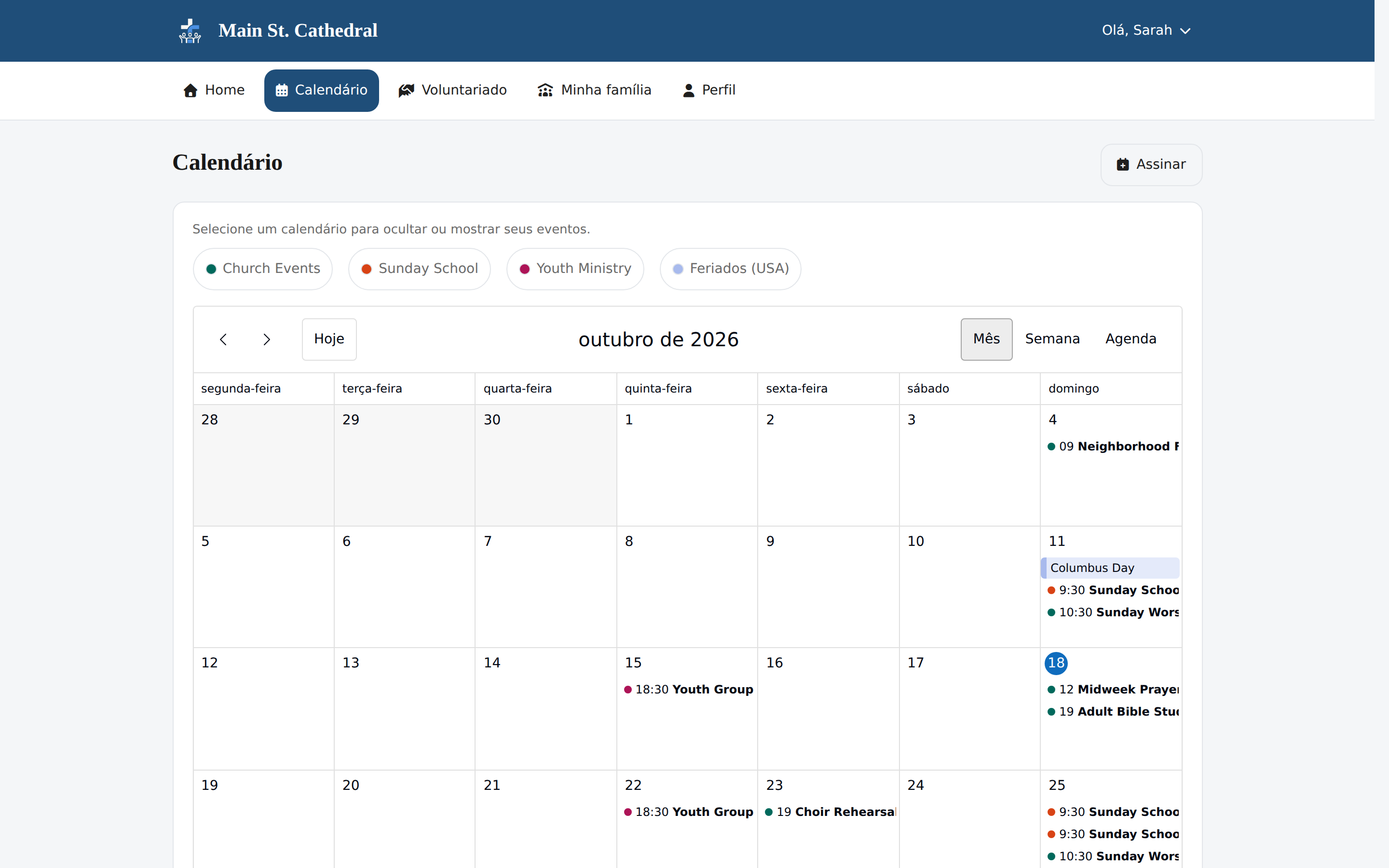
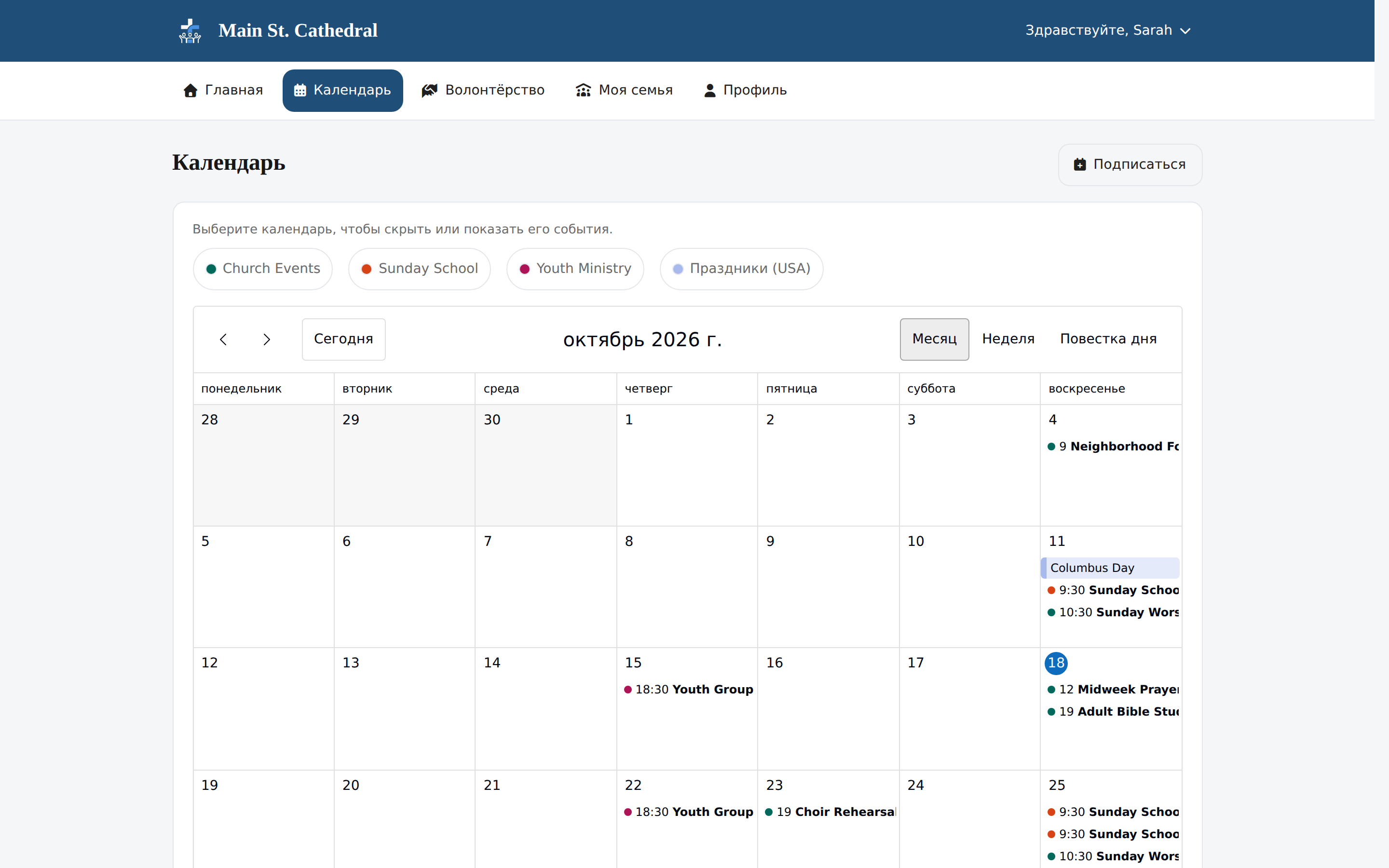
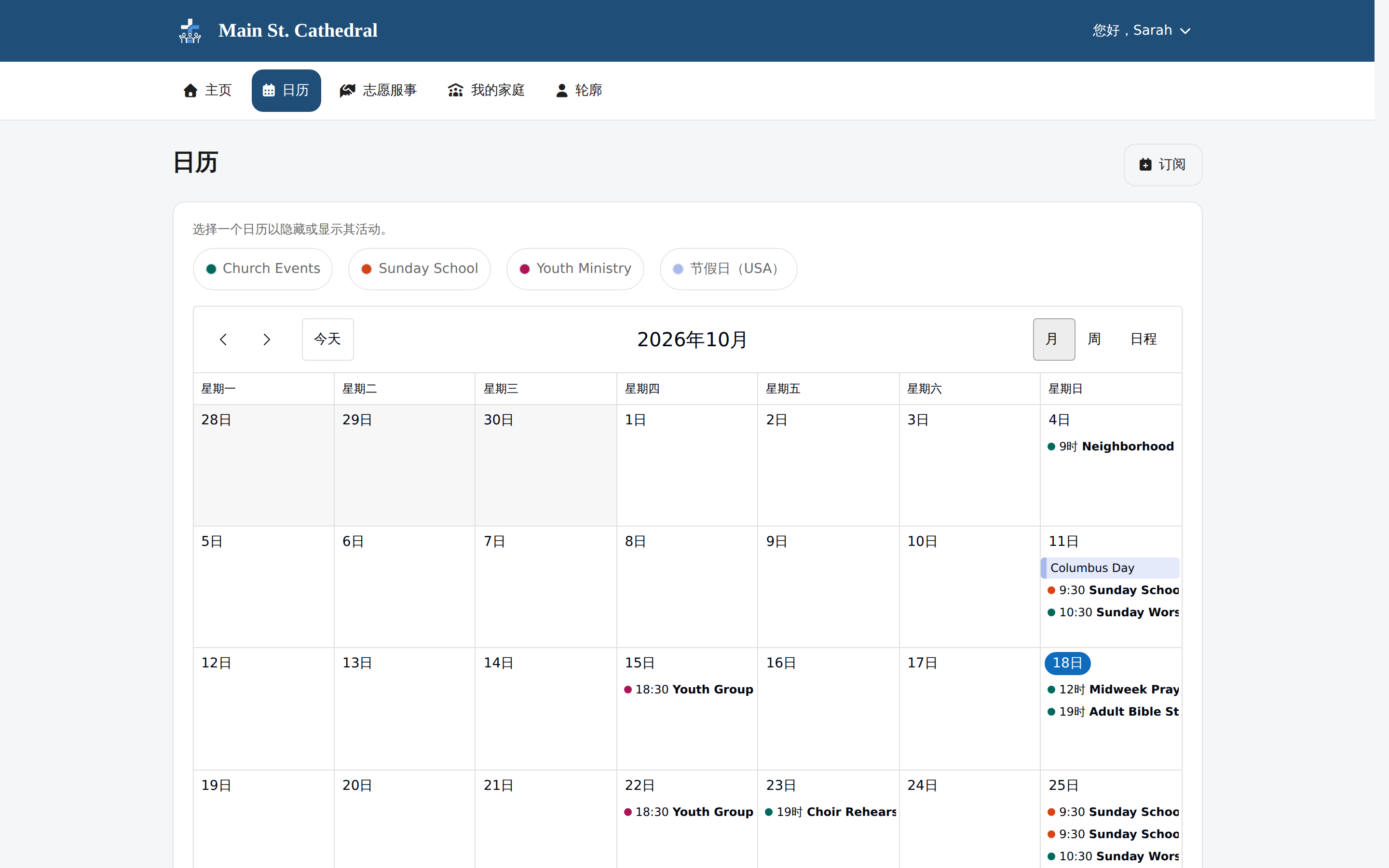
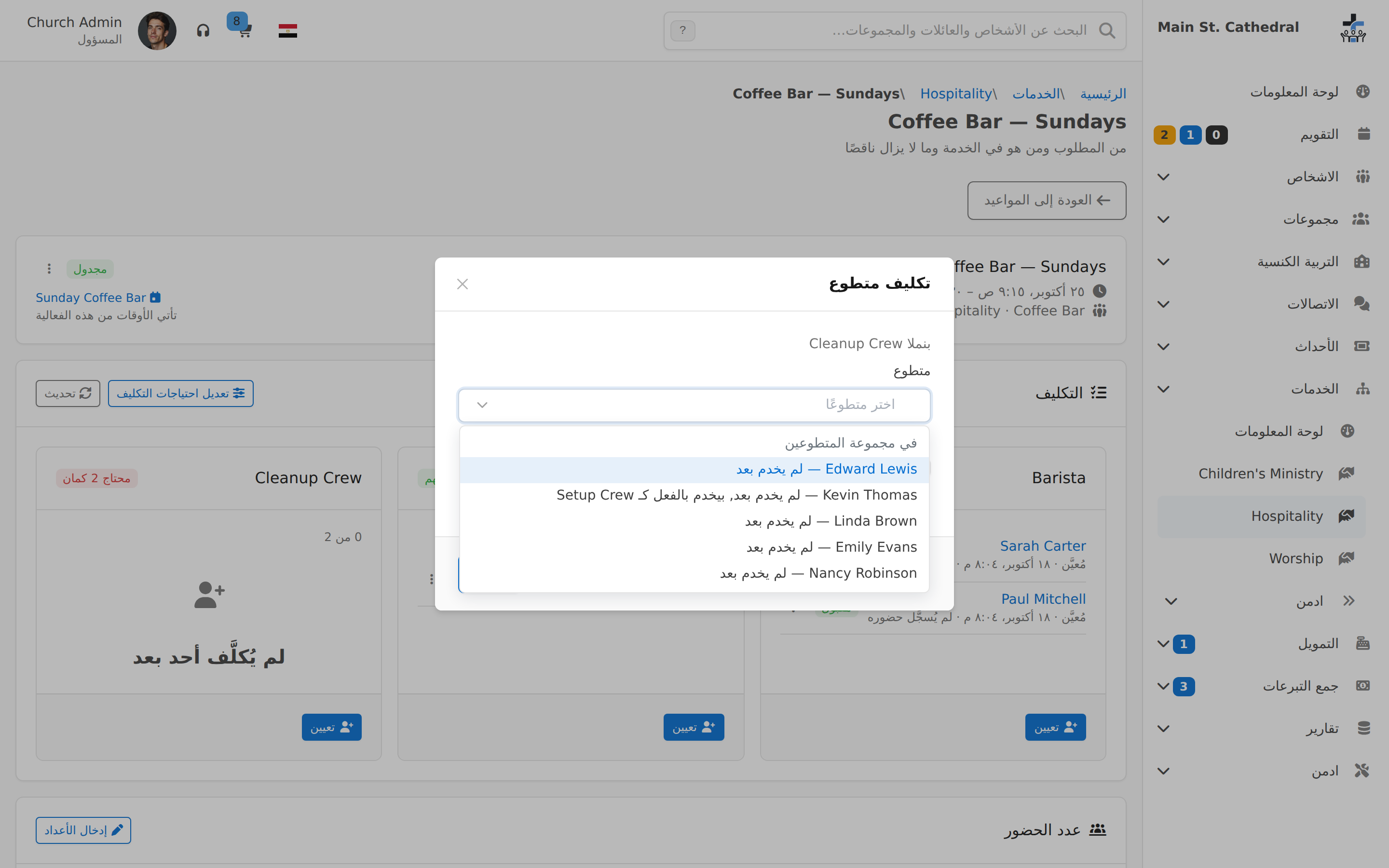
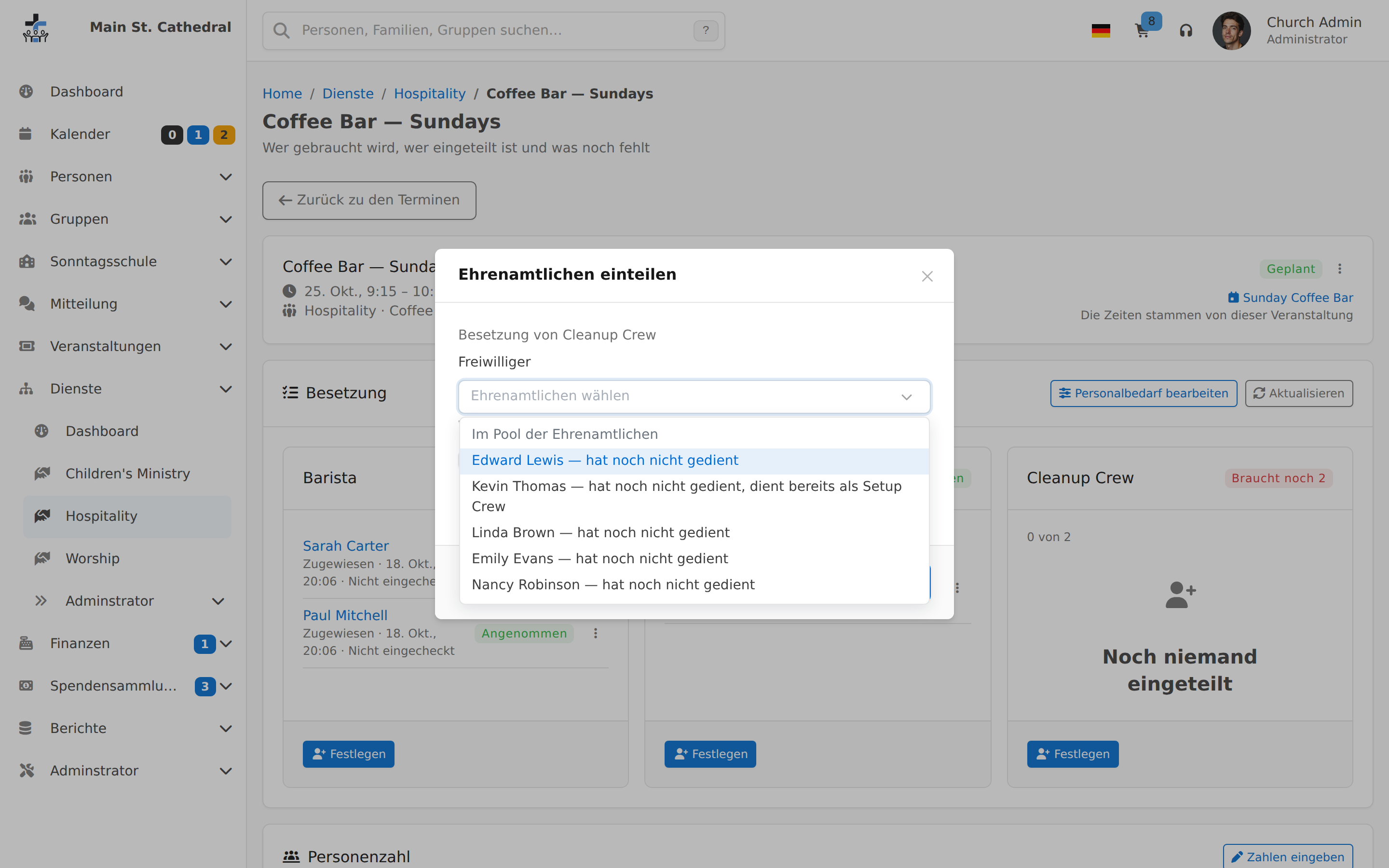
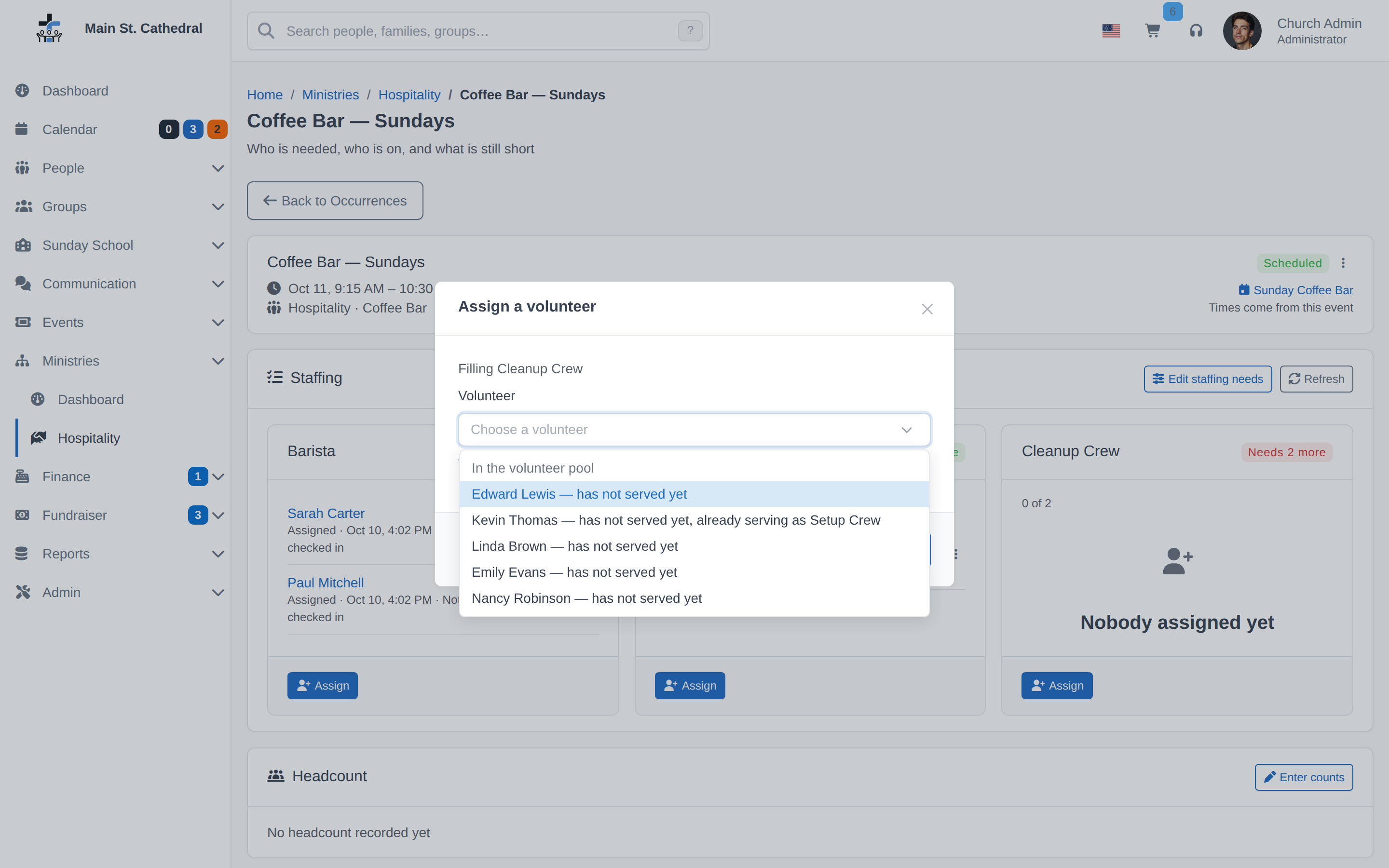
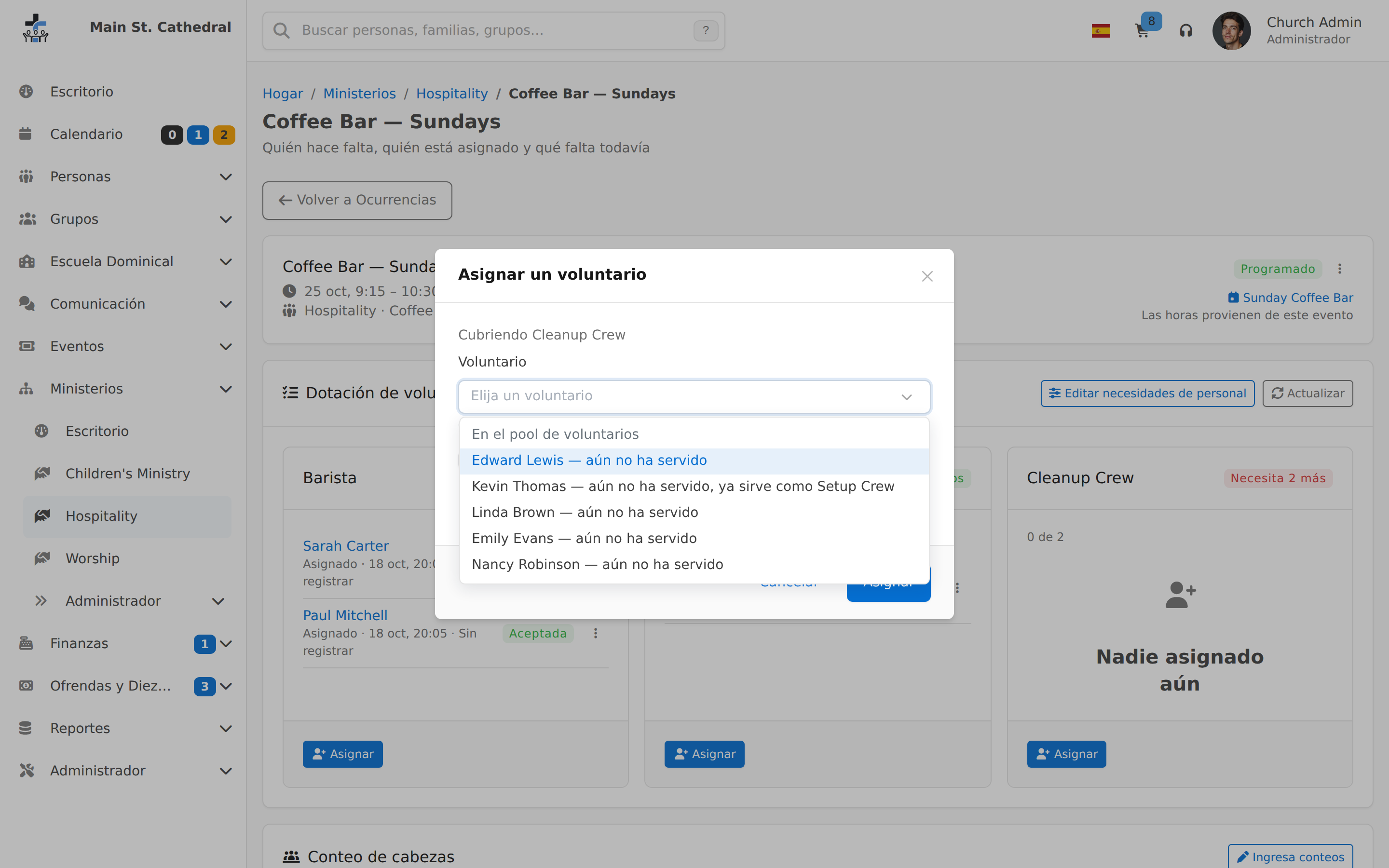
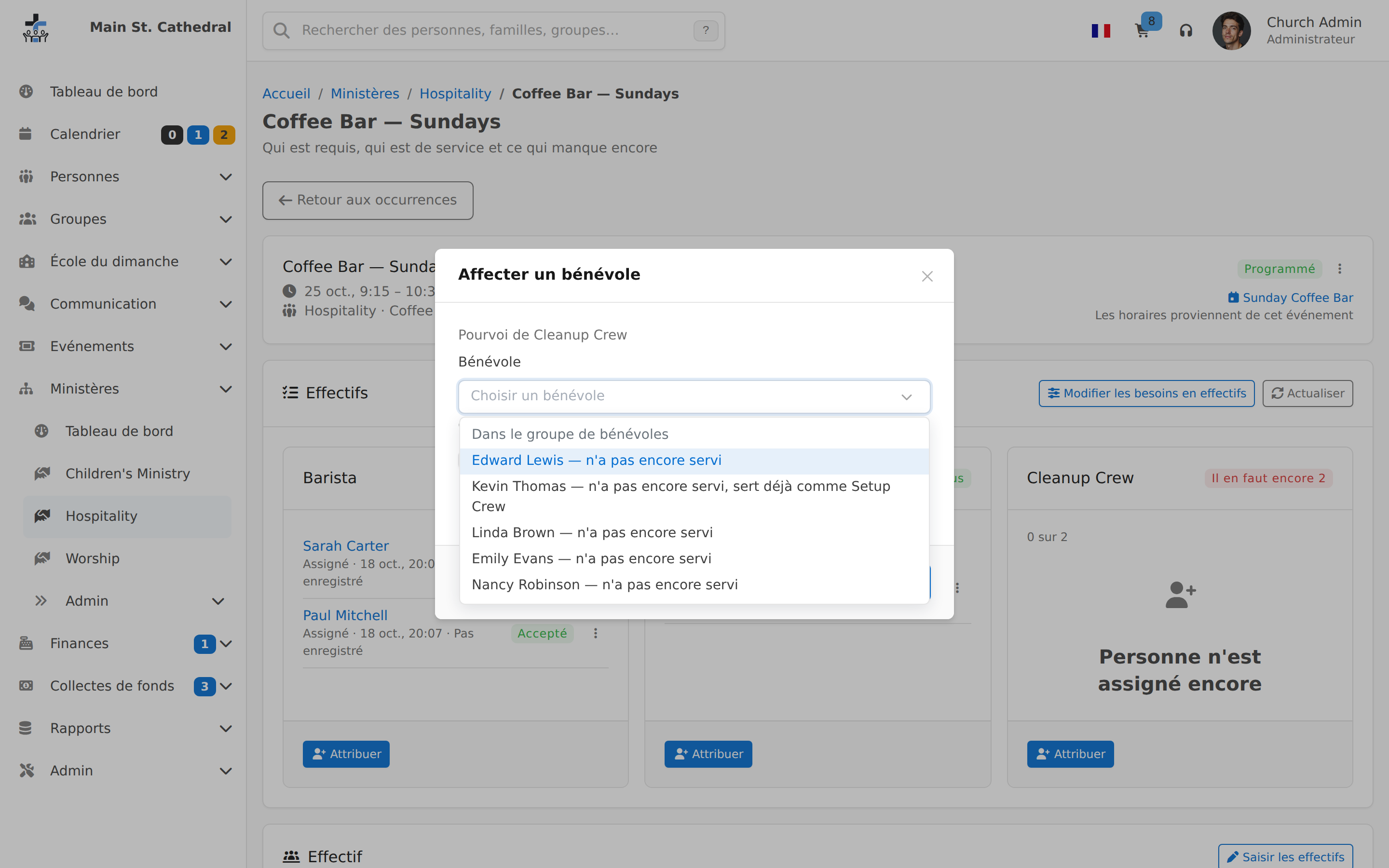
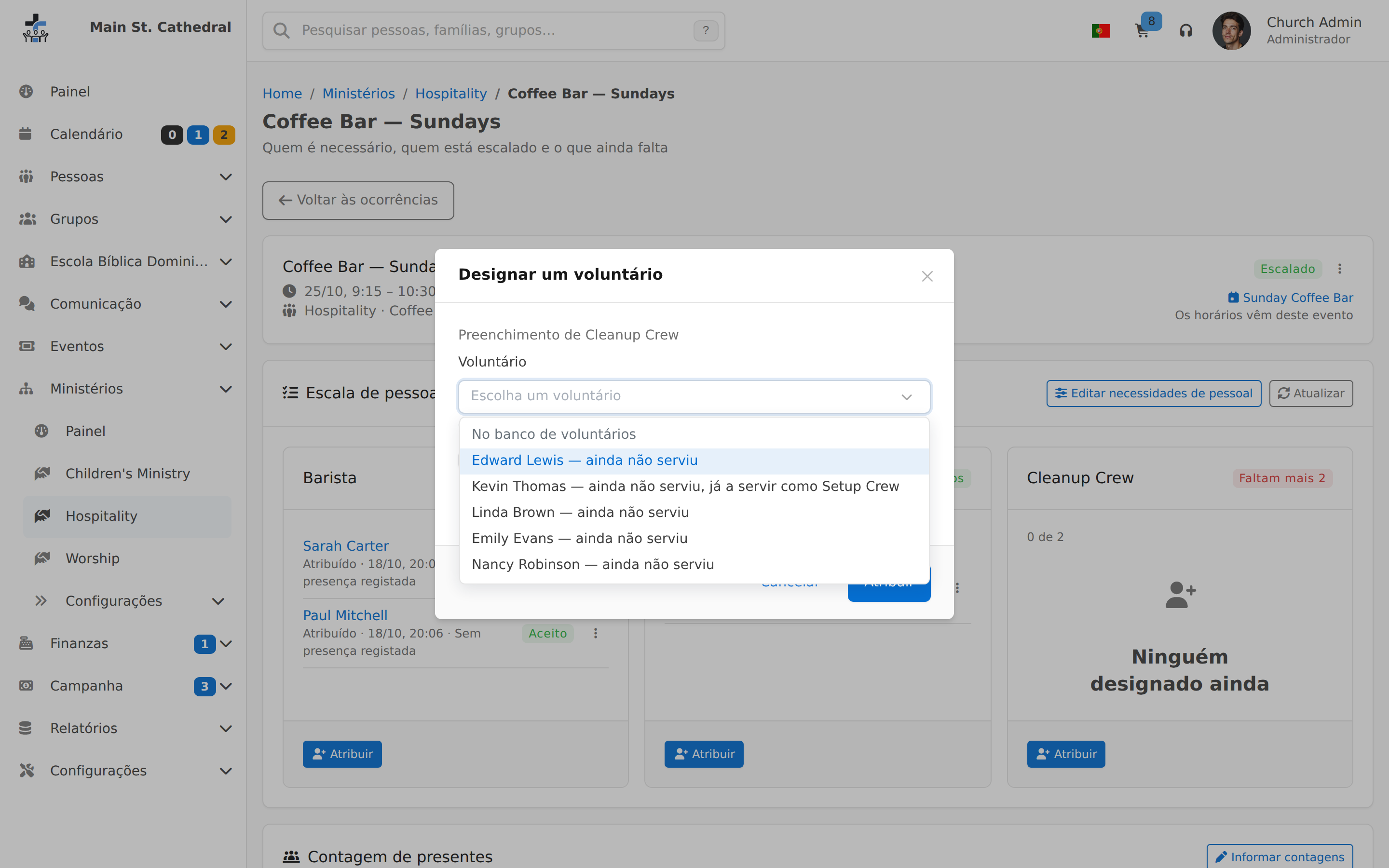
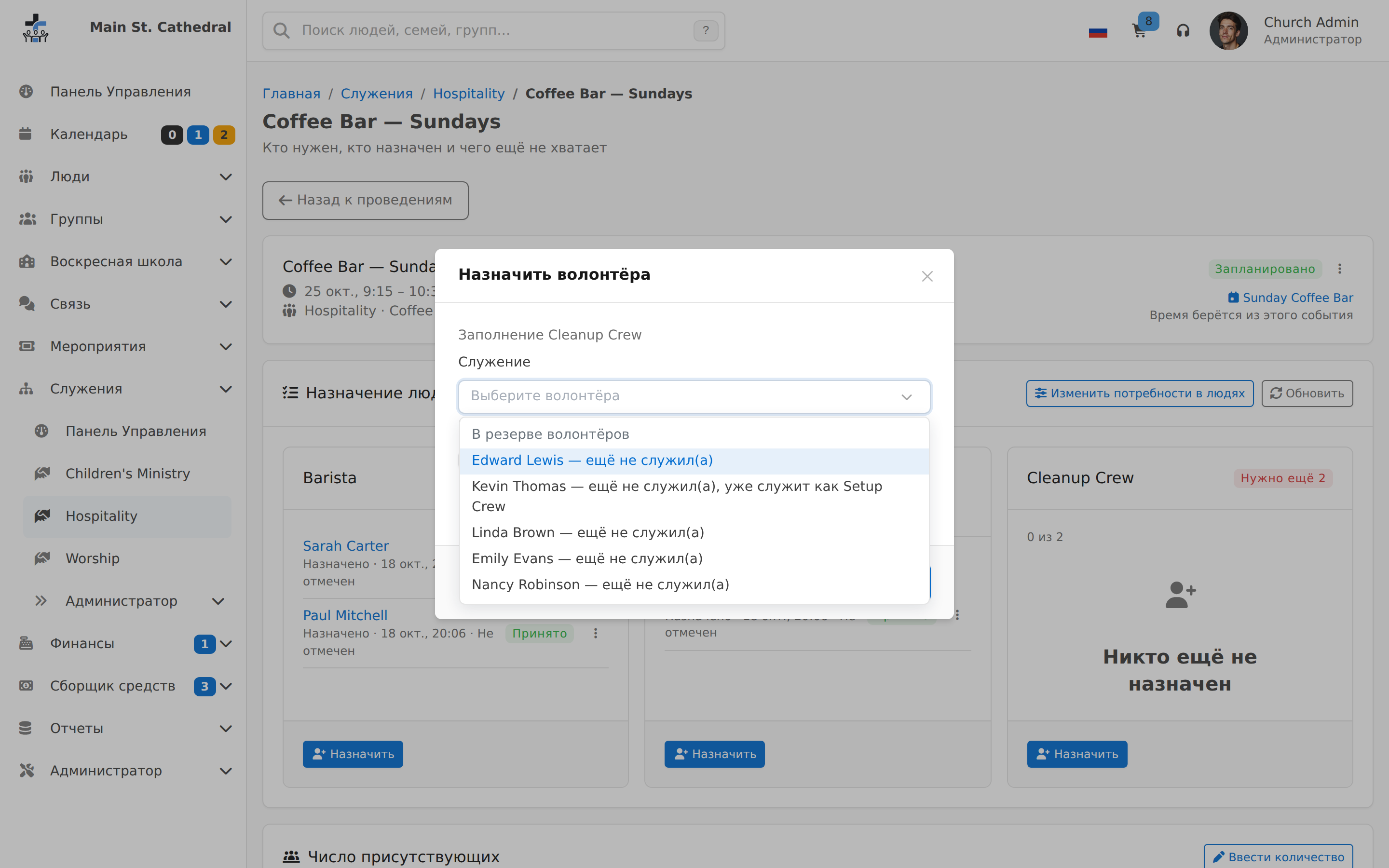
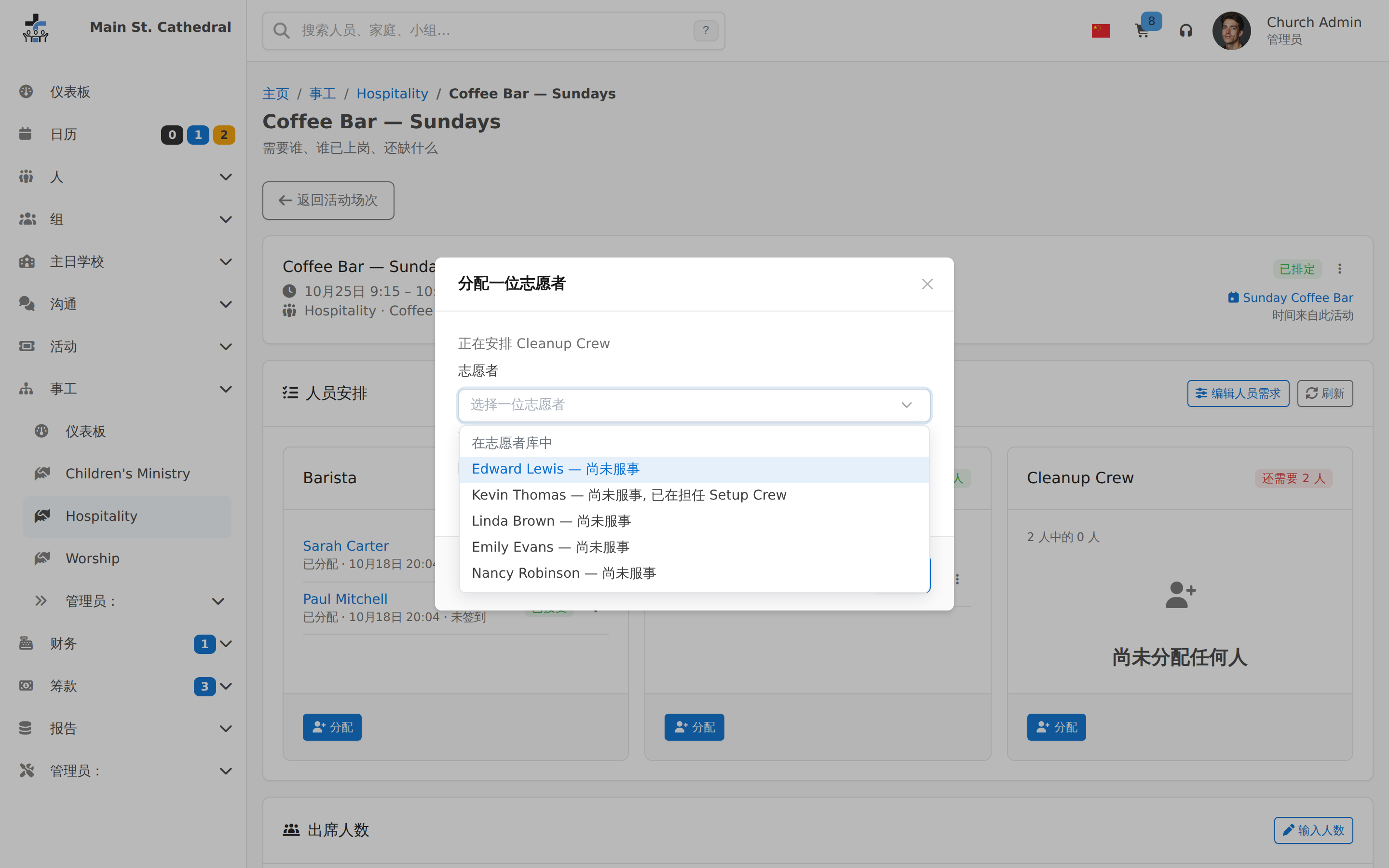
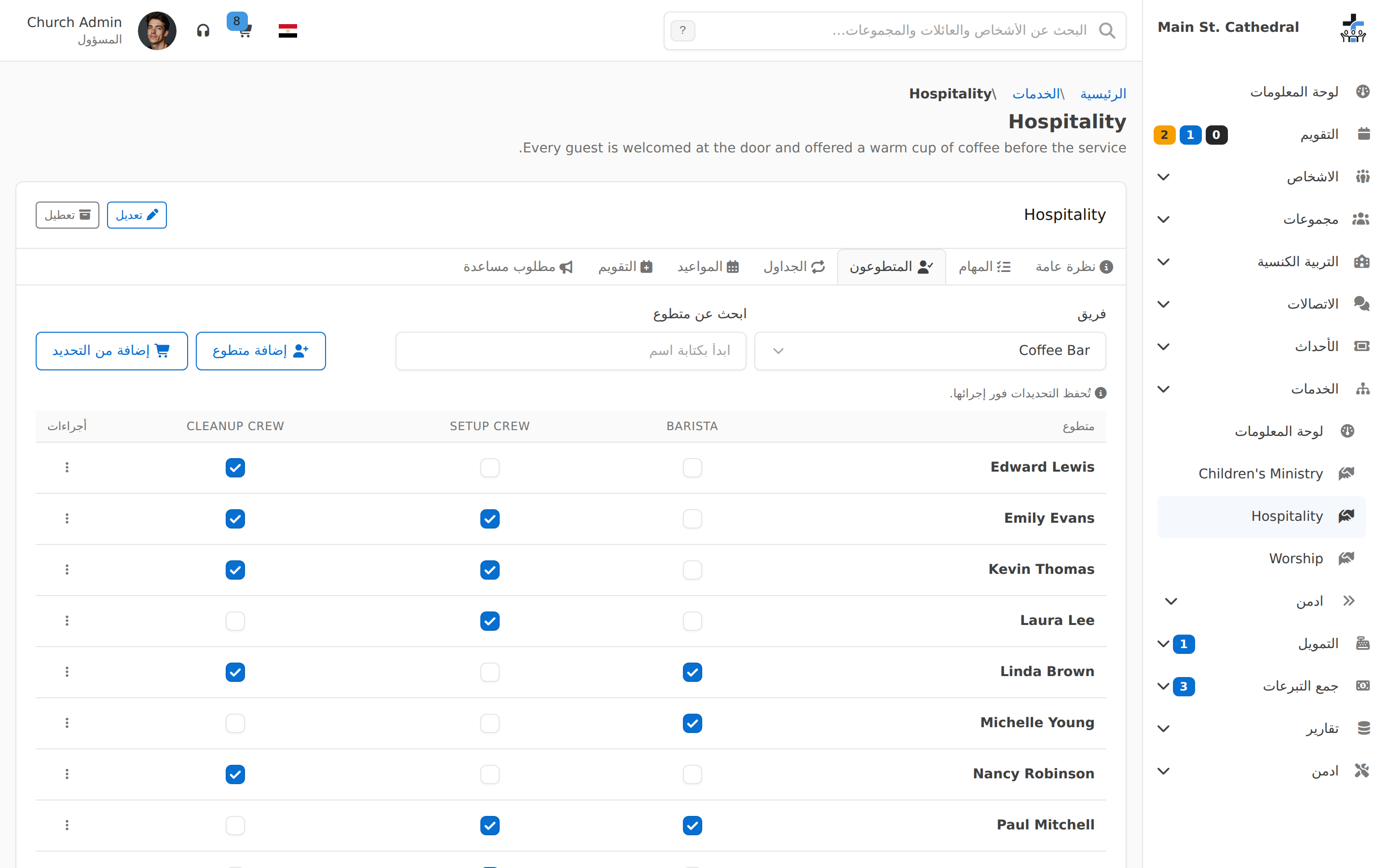
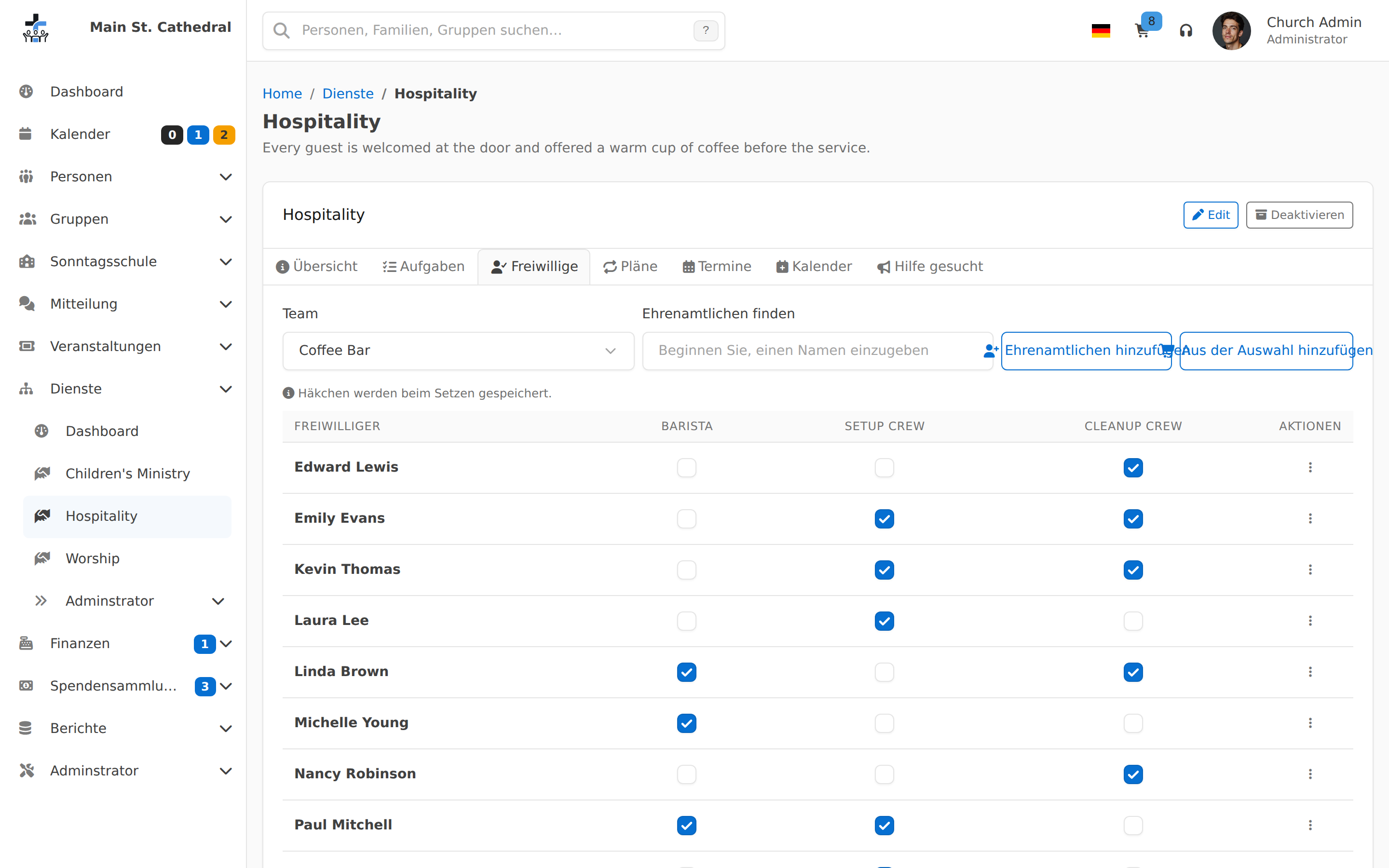
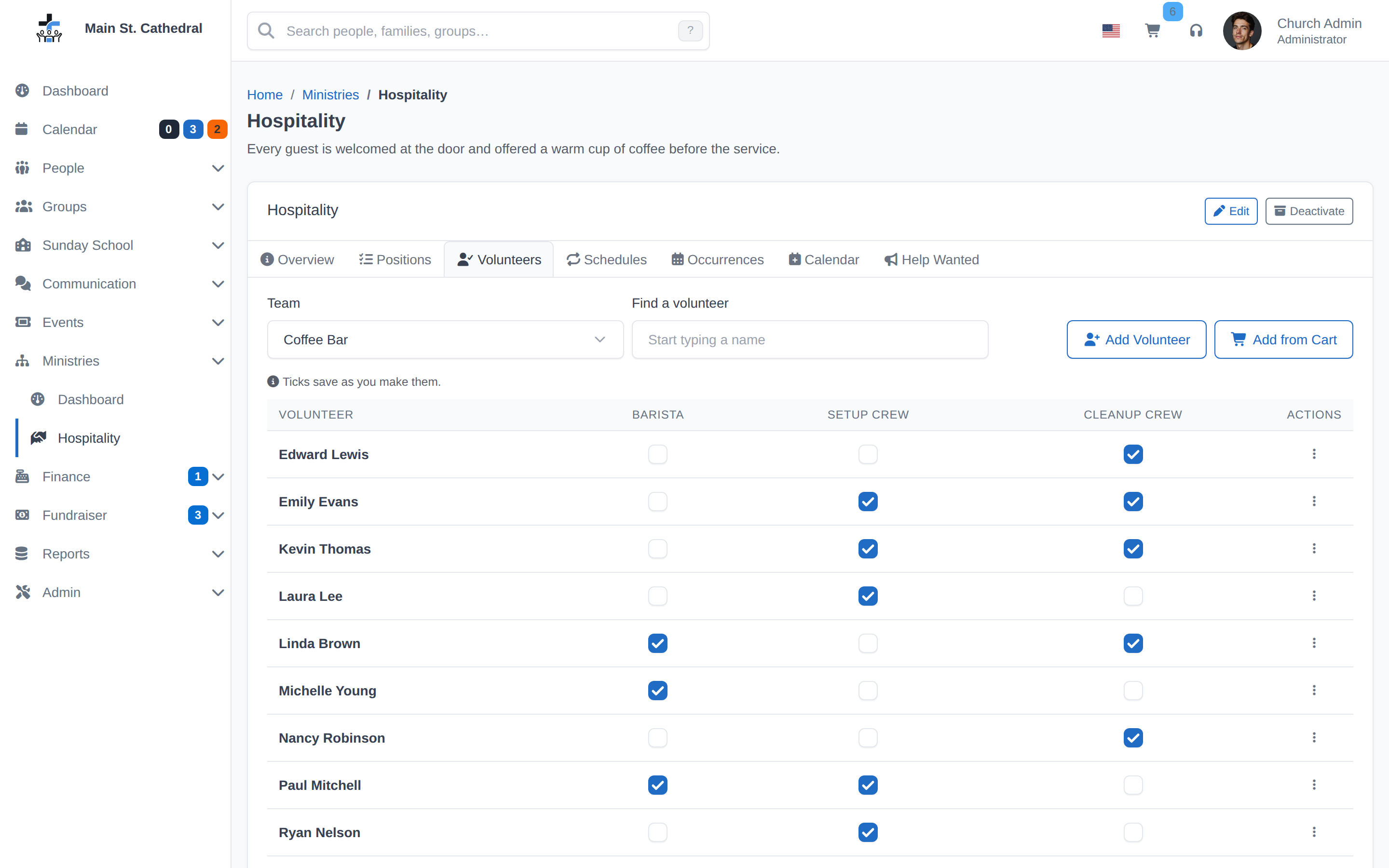
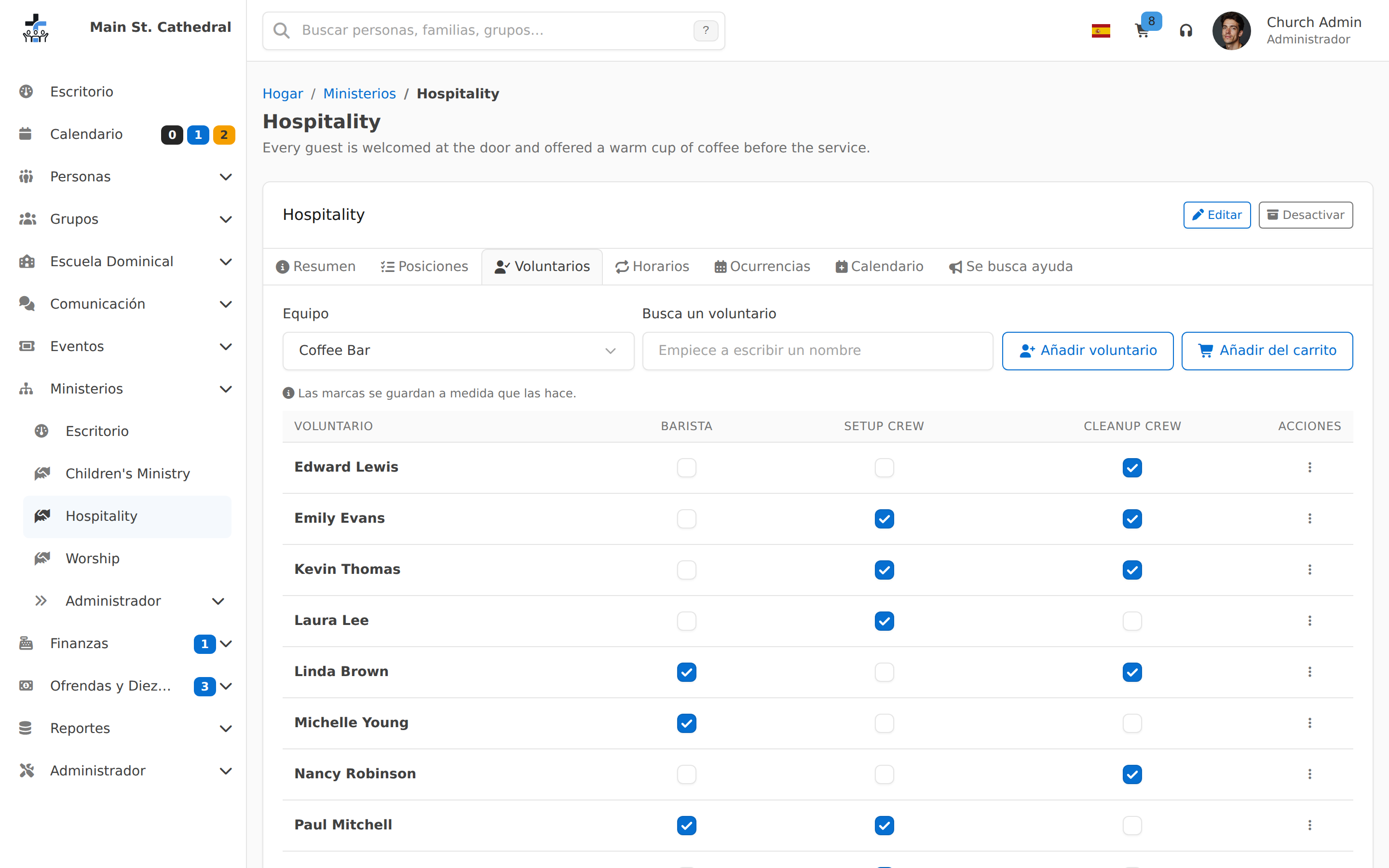
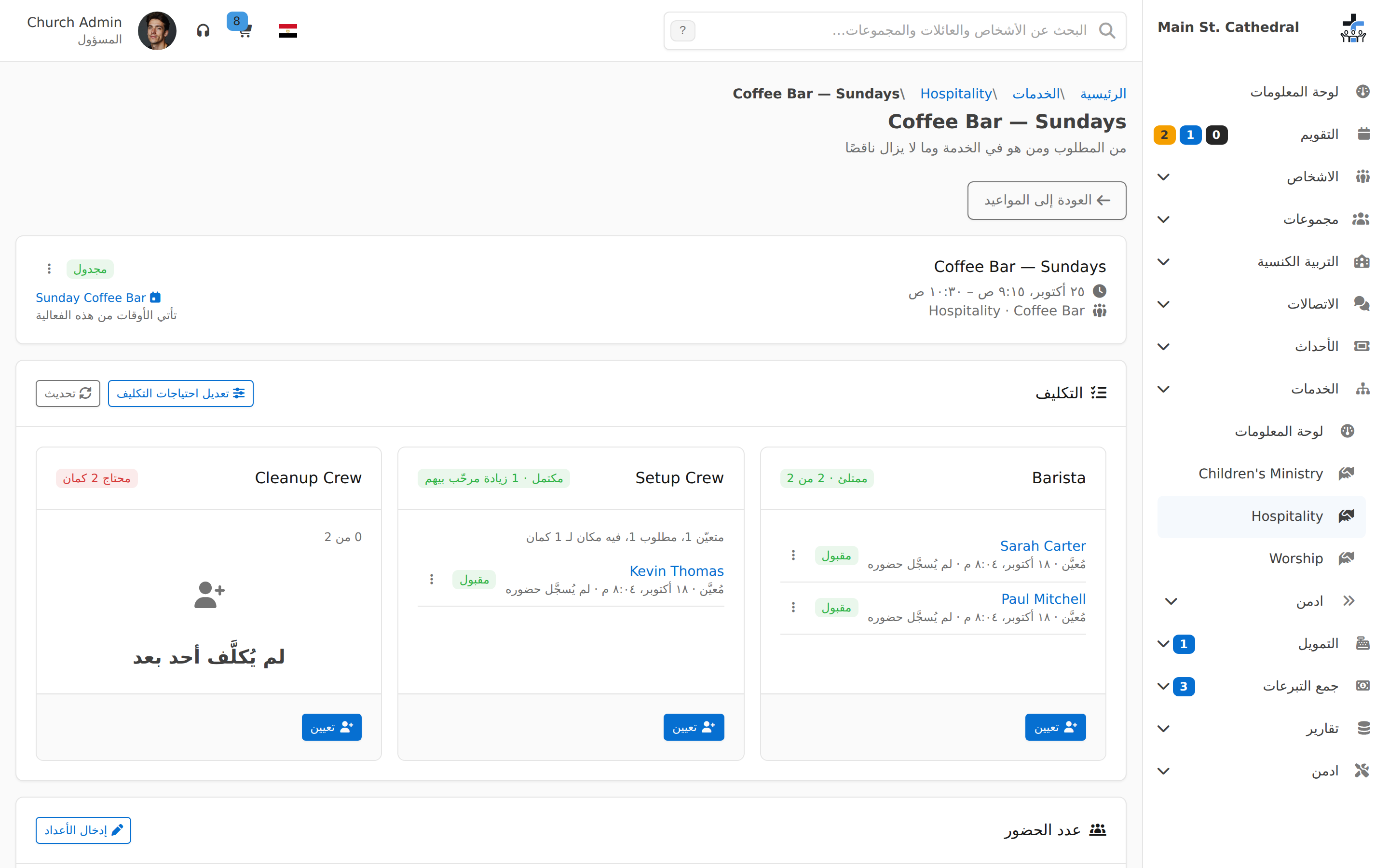
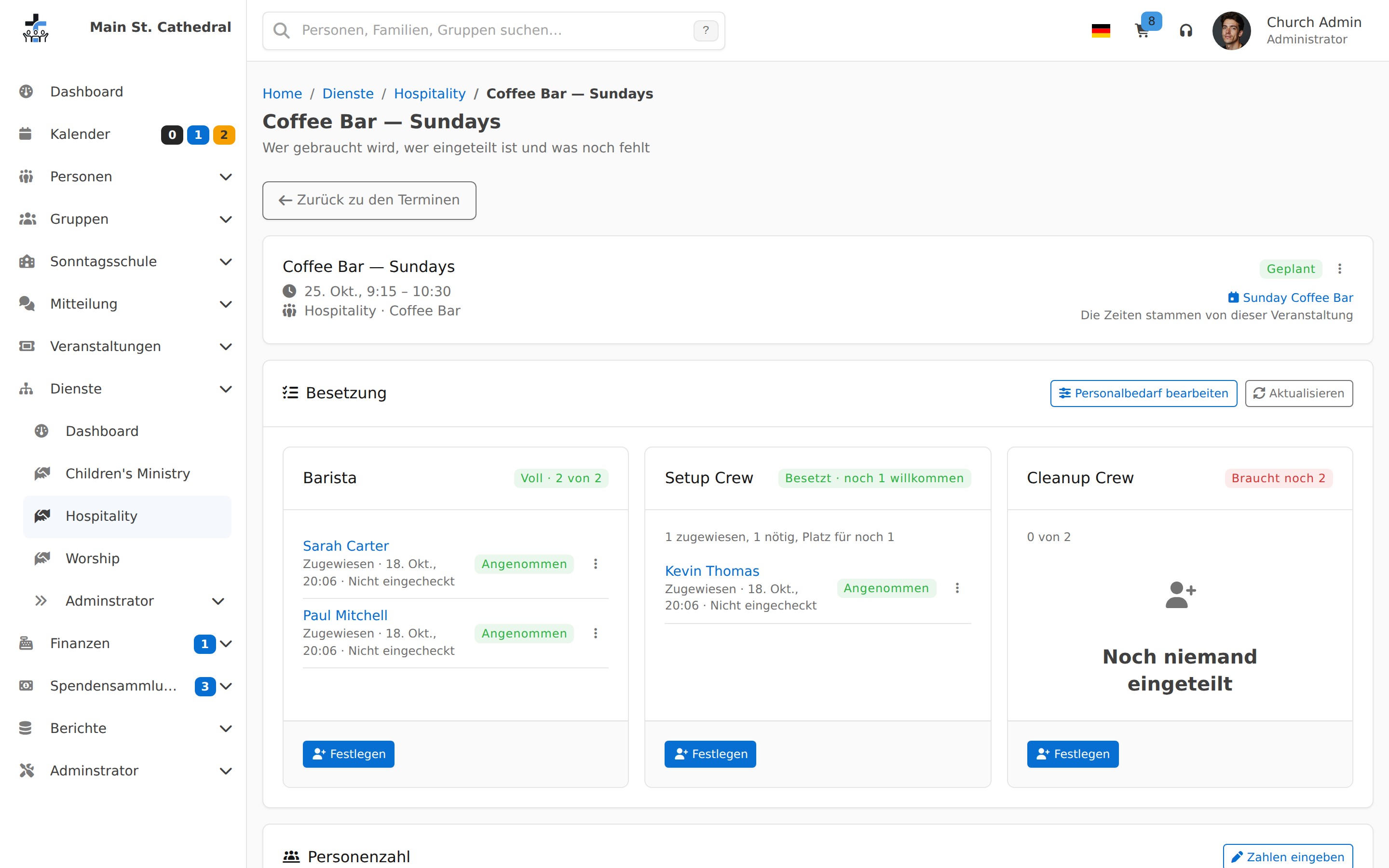
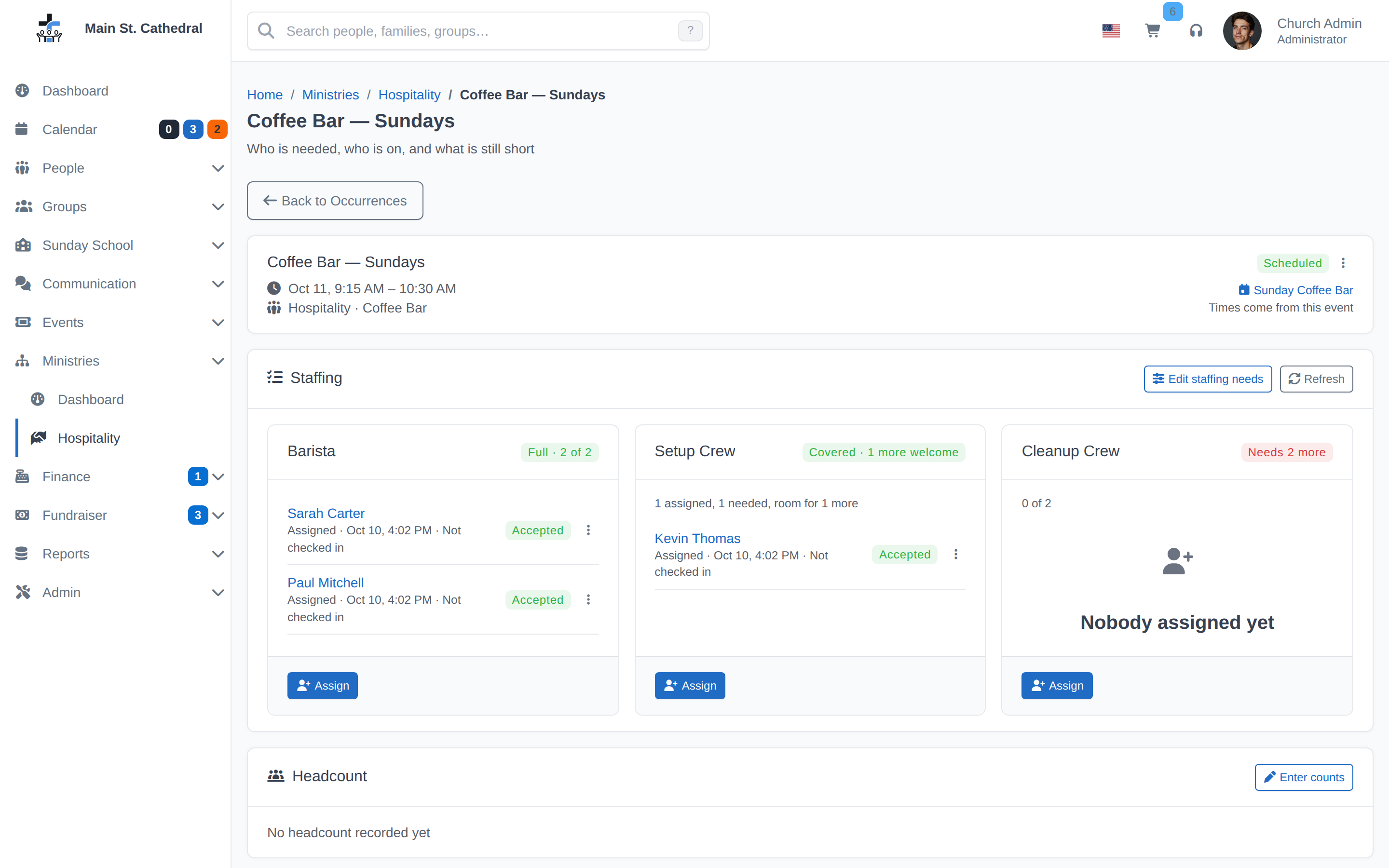
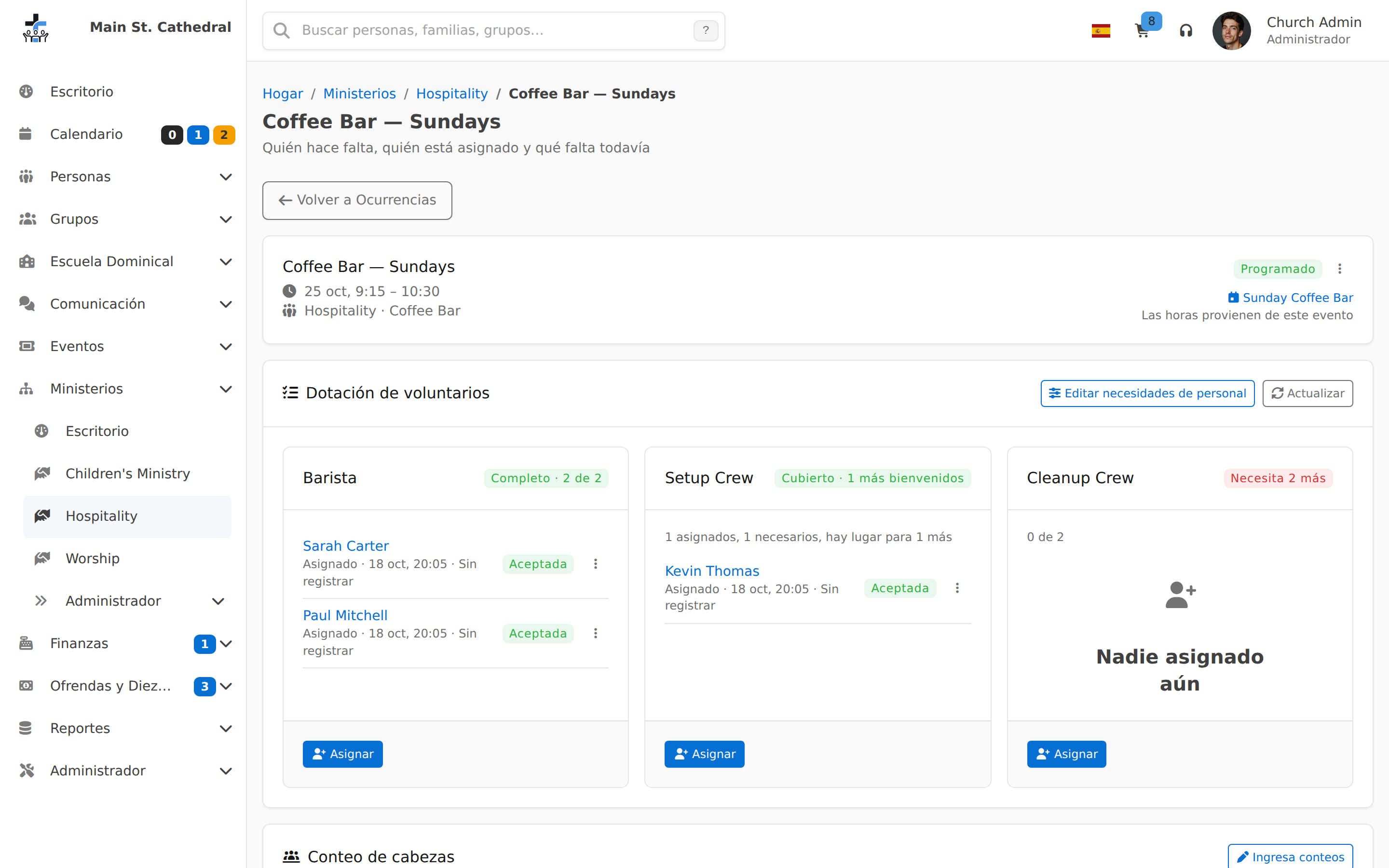
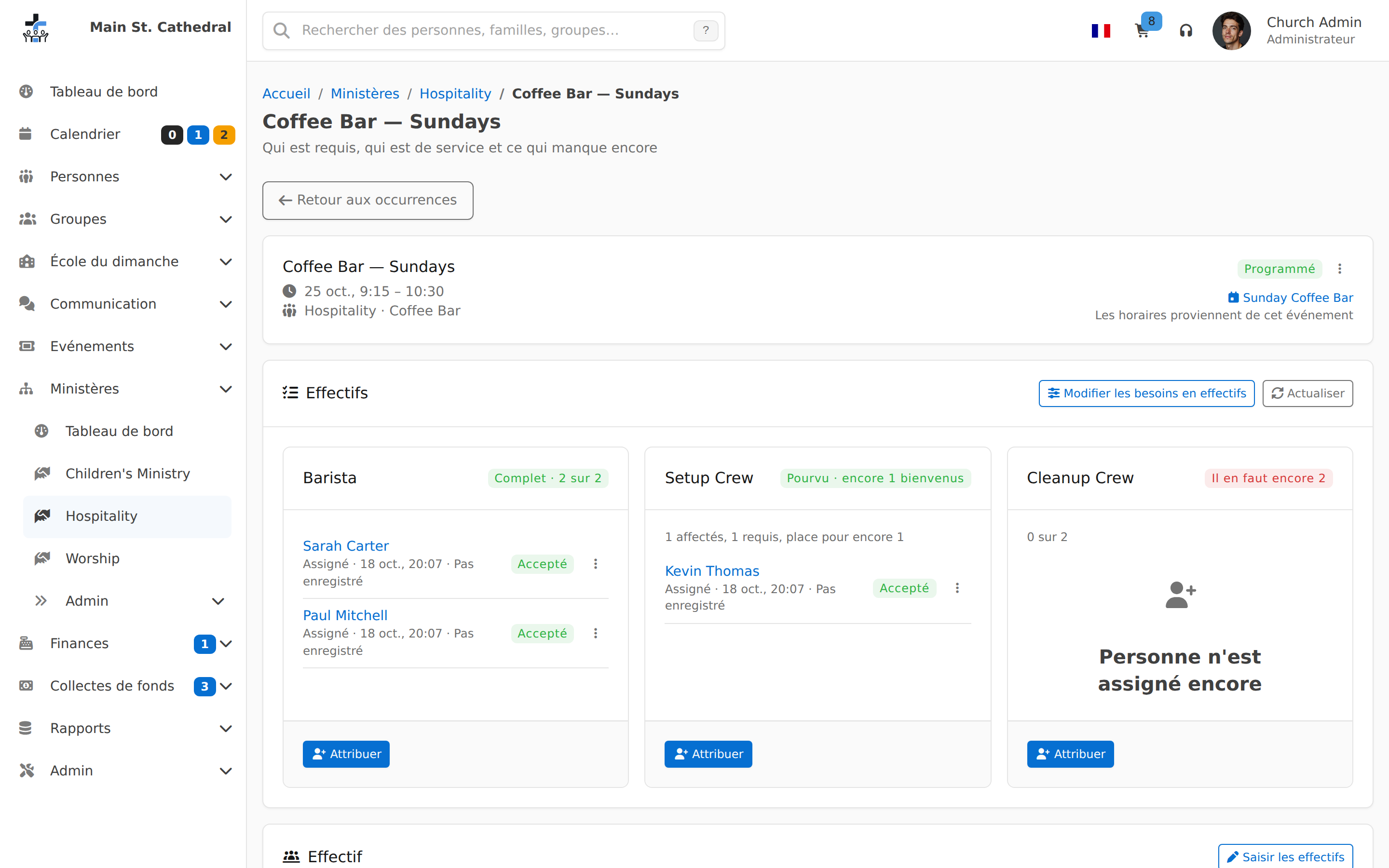
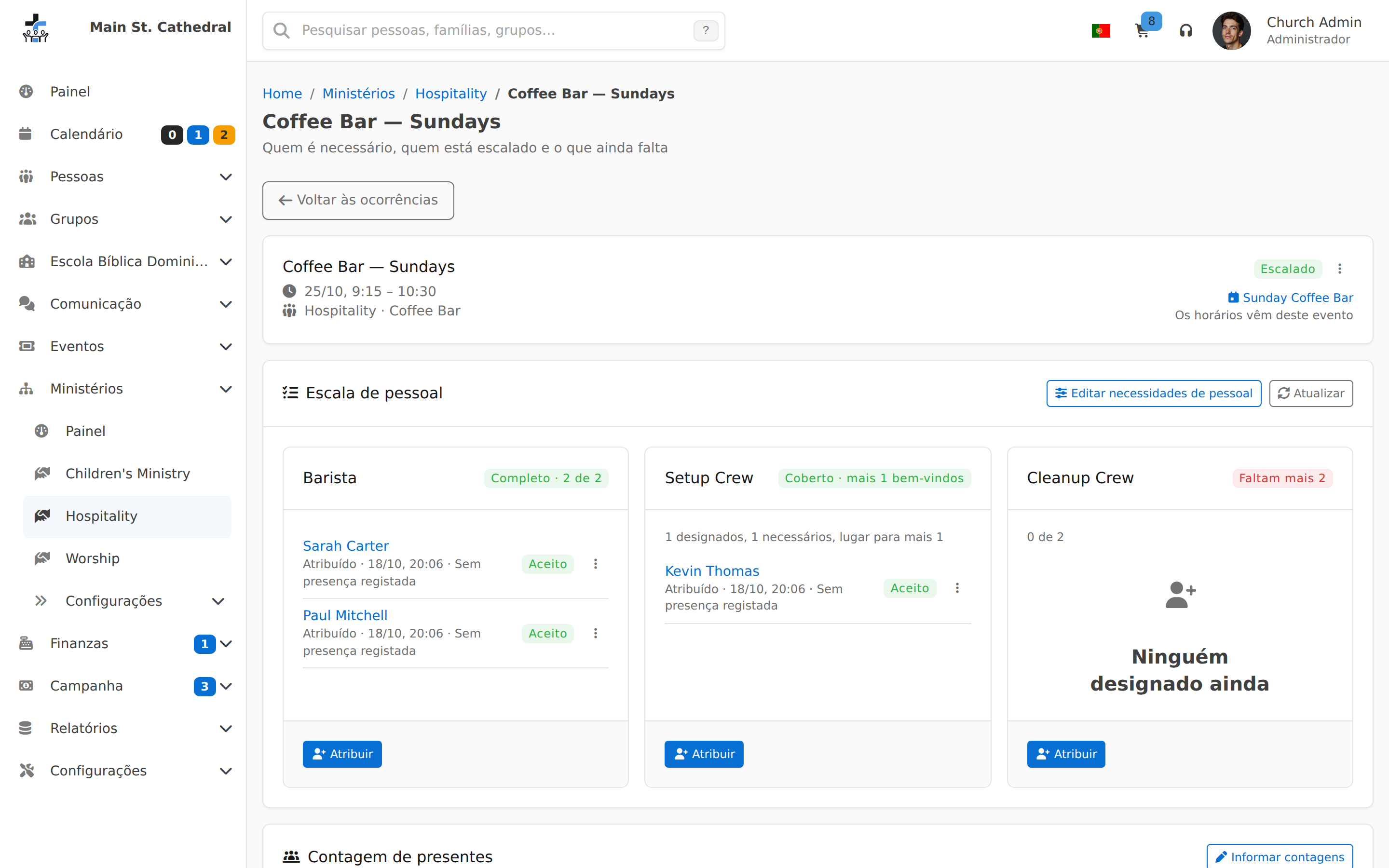
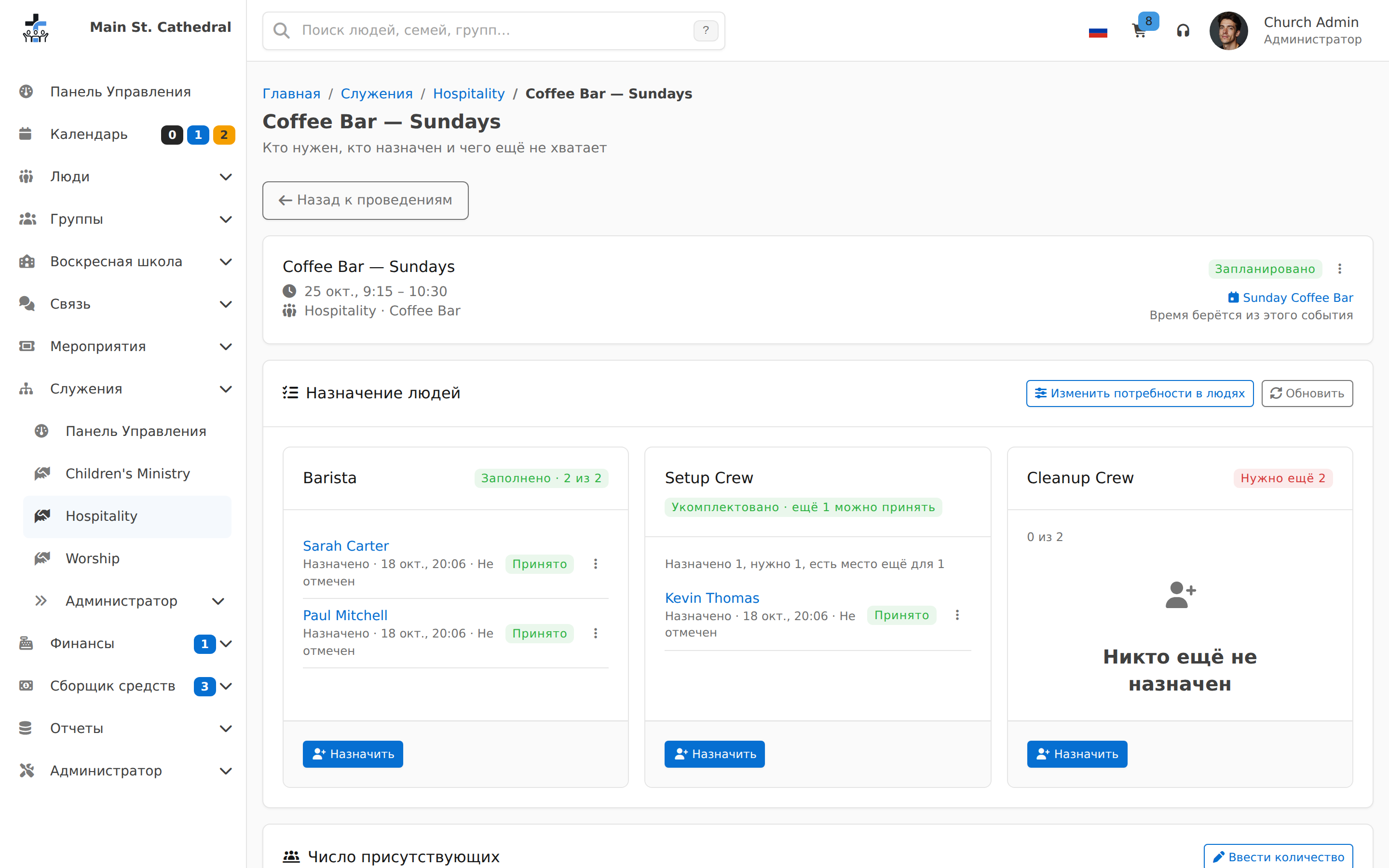
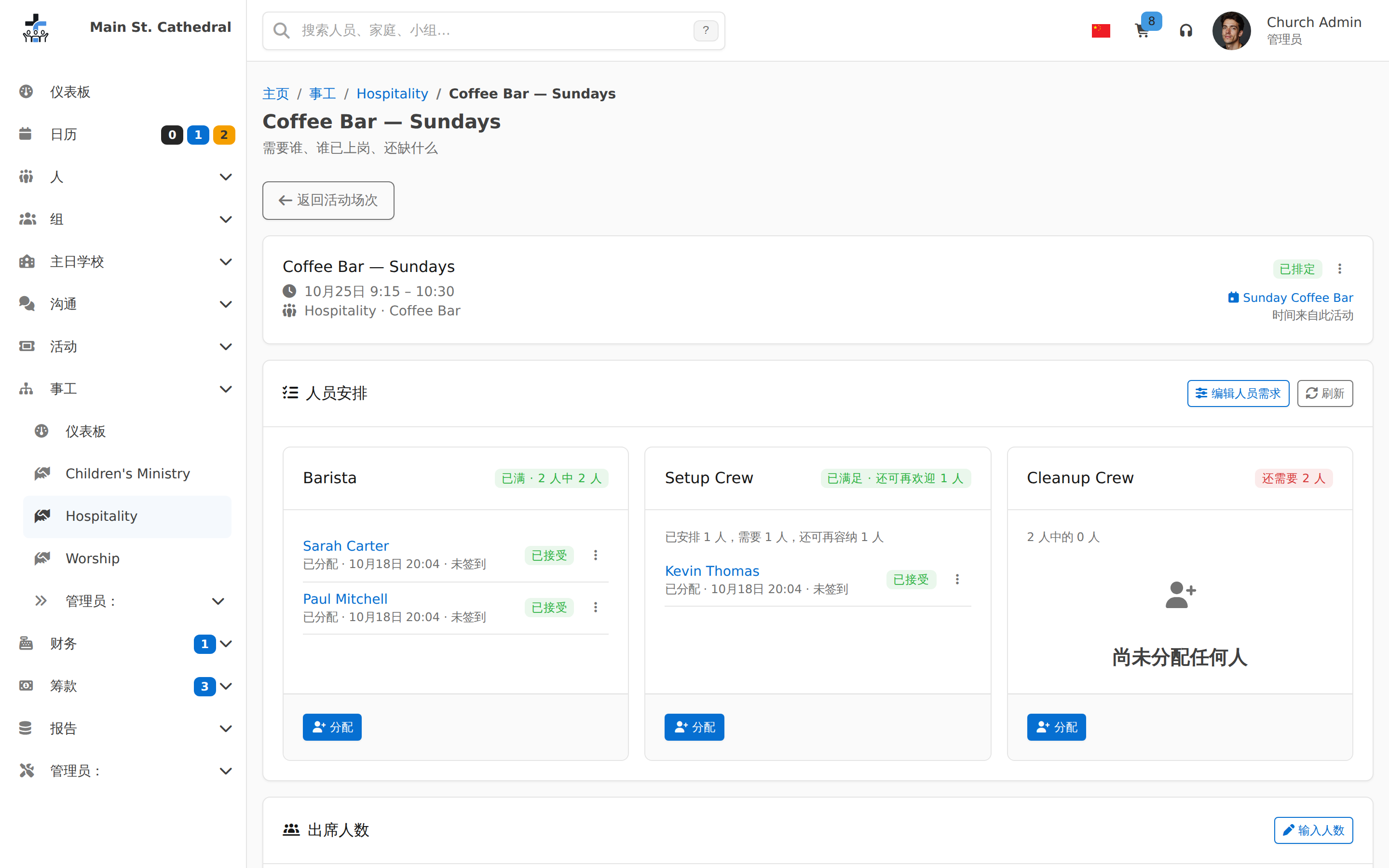
Events & Attendance
Finance & Giving
Communication
Admin & Settings
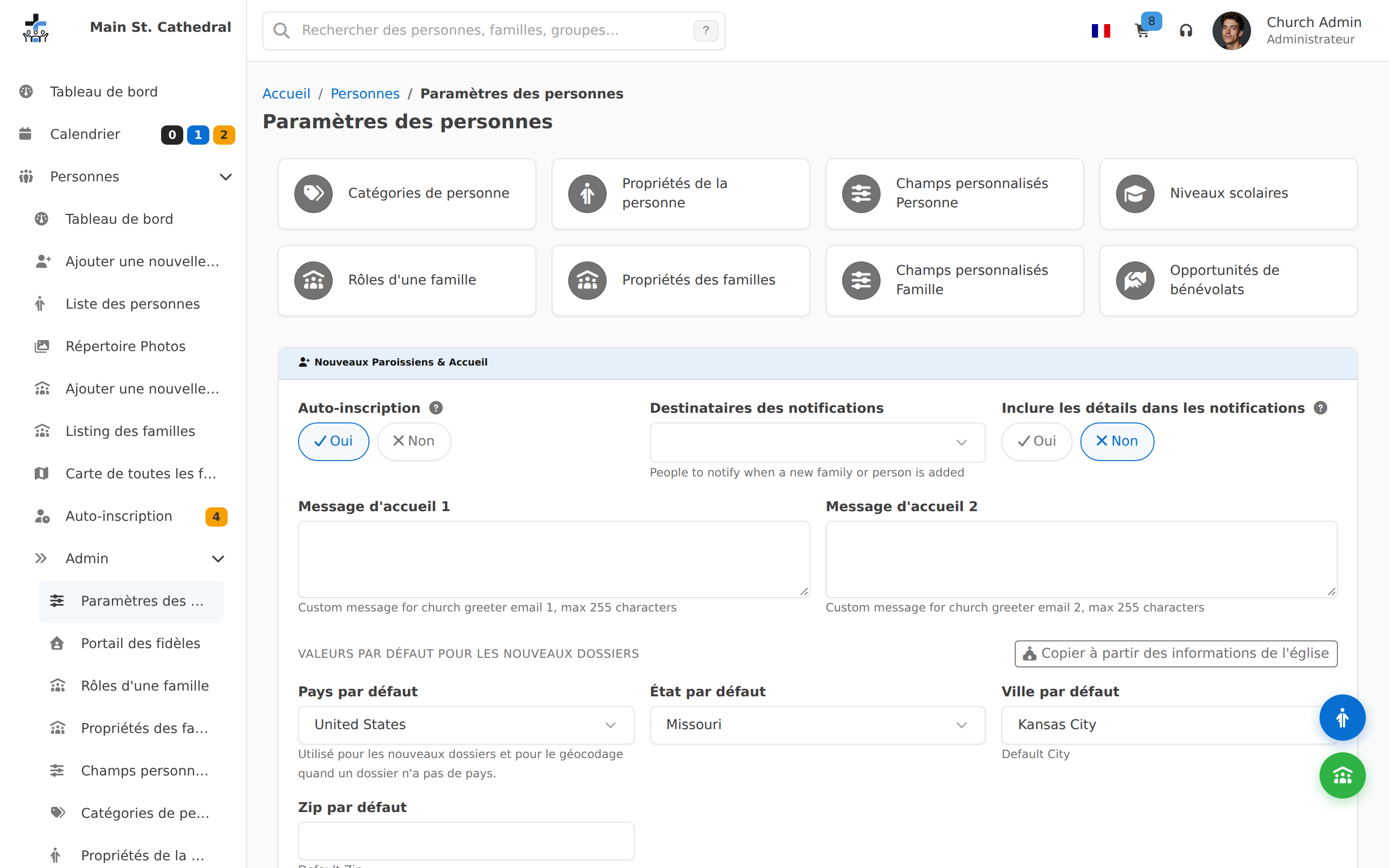
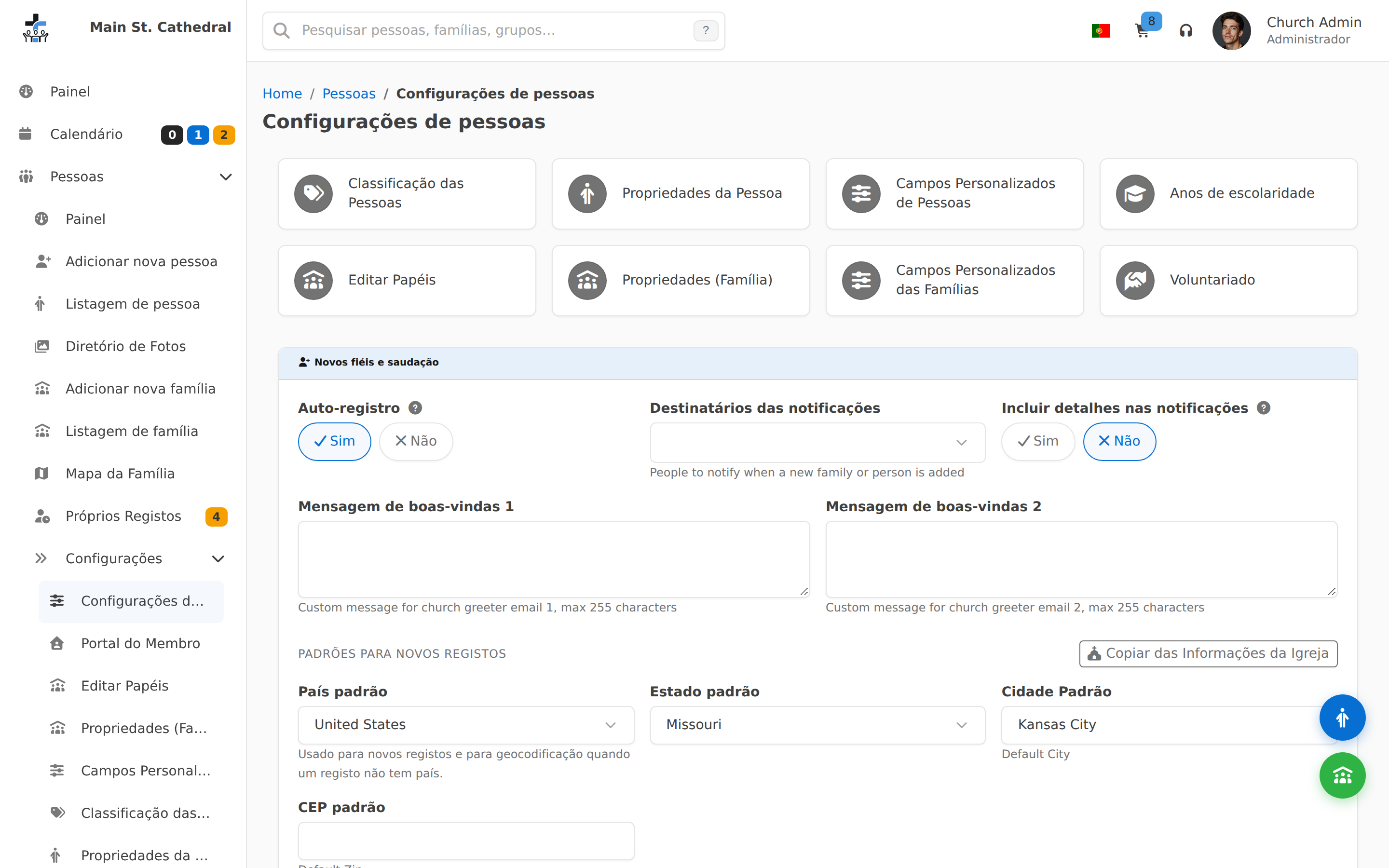
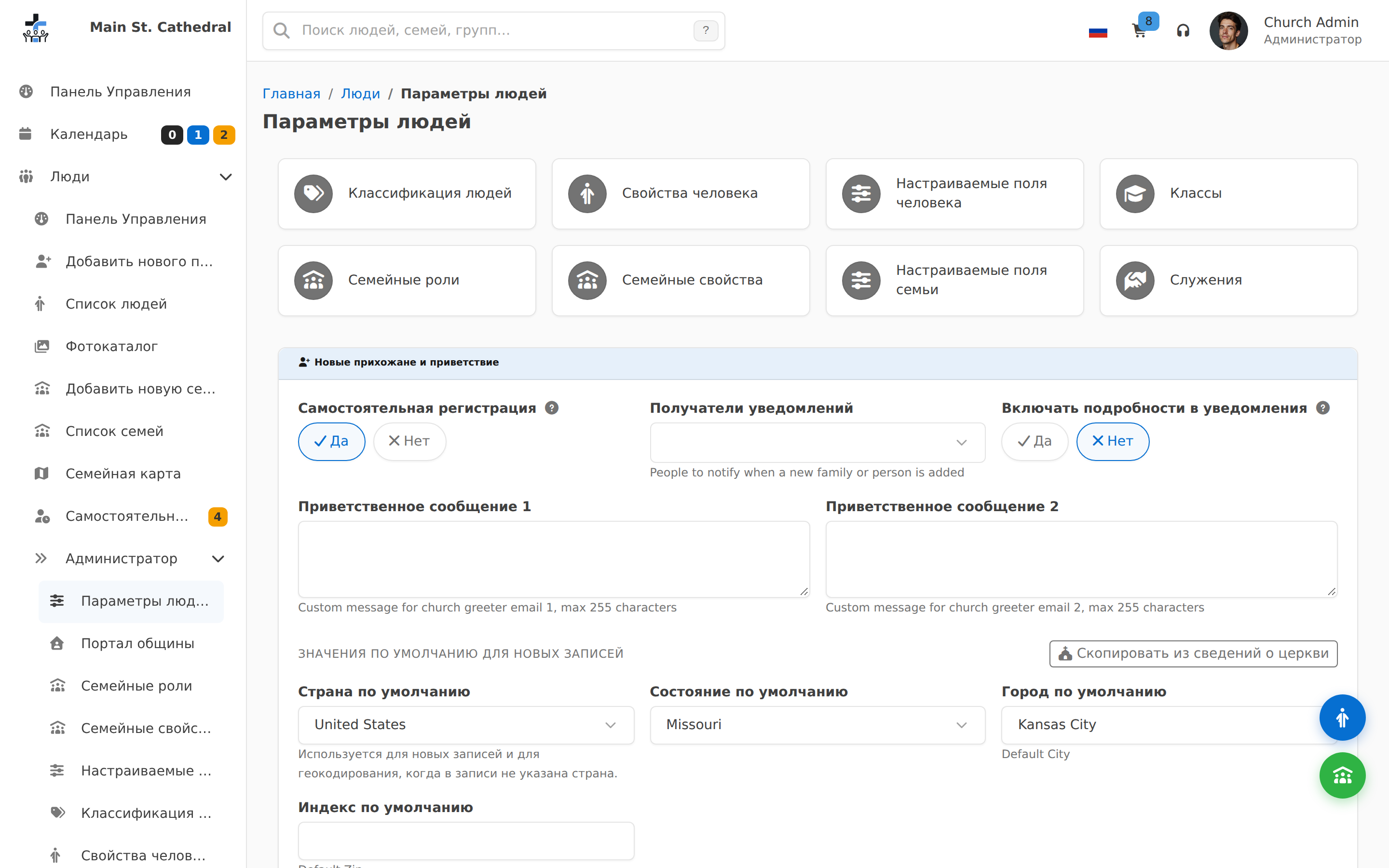
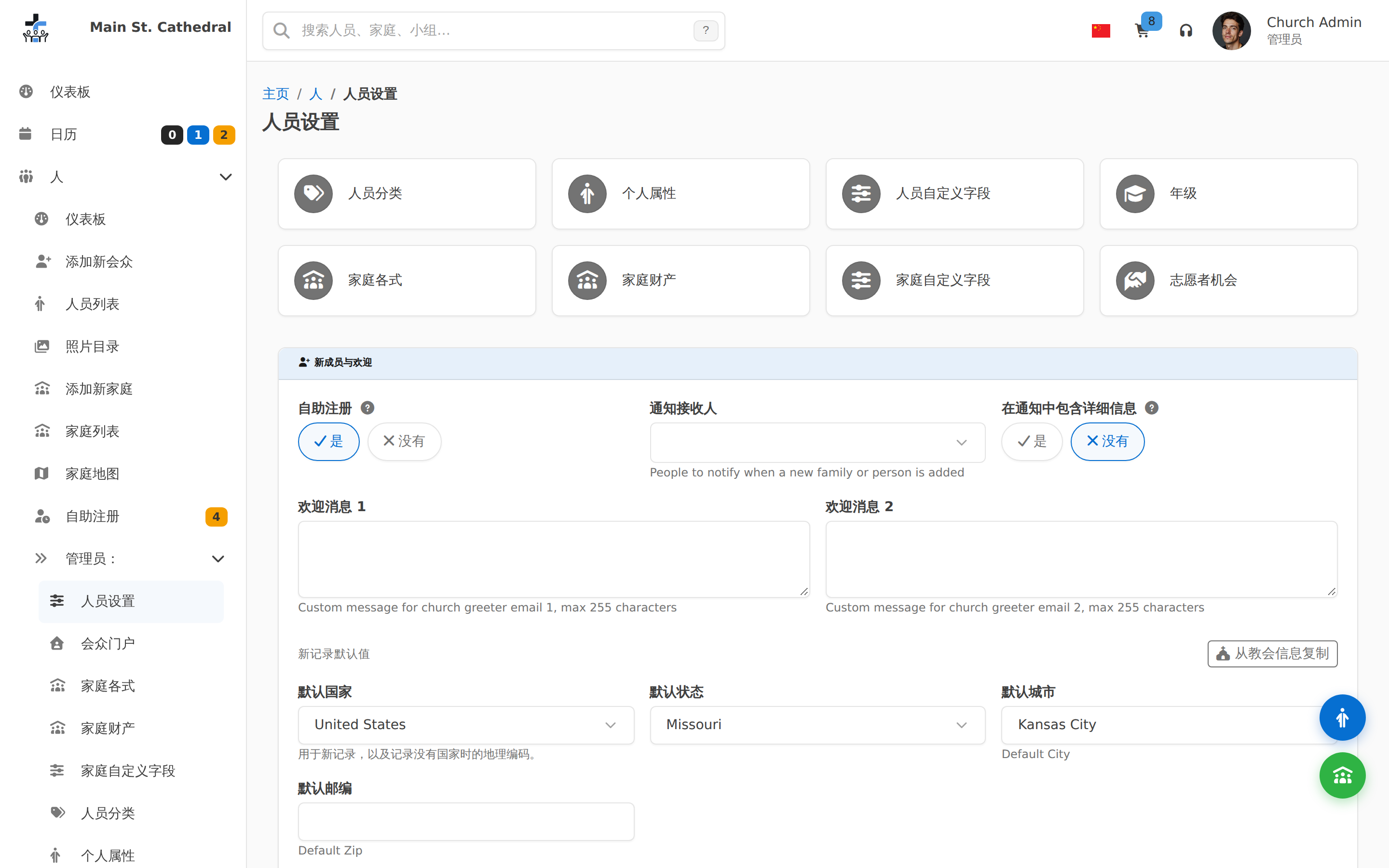
Setup
Recordings
Ready to try it yourself?
Screenshots only tell part of the story — the live demo runs the real application with sample data.