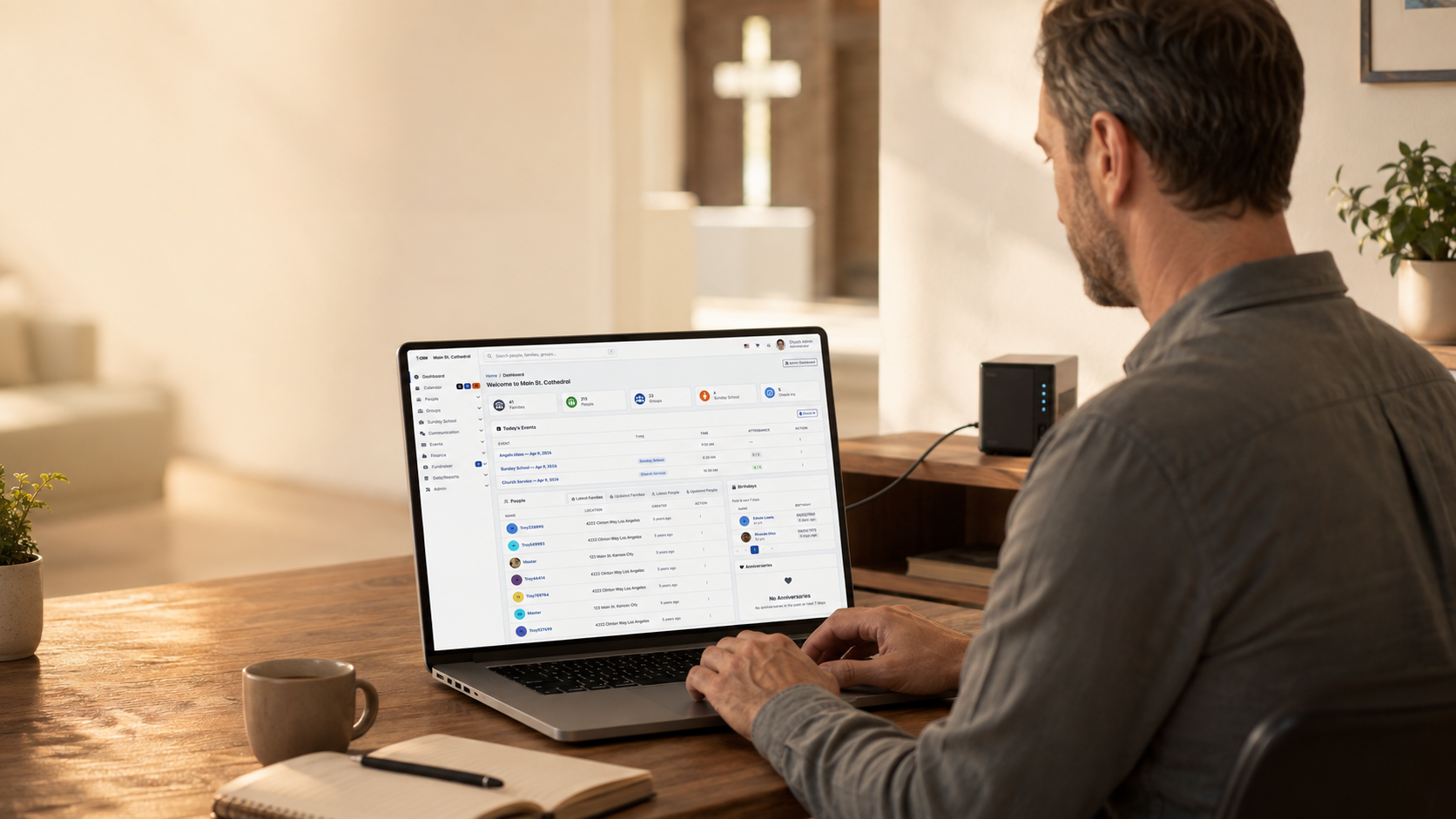
三个简单步骤 根据您的主机环境选择最适合的安装方式
Softaculous 自动安装 vs 手动 cPanel 安装 vs 从 GitHub 直接下载安装
系统要求
系统要求
- PHP 版本: 8.4+ (required for v7.0.0+)
- 数据库: 8.0.11+ or MariaDB 10.5+
- Web 服务器: 2.4+ with mod_rewrite
- Memory: 256MB minimum (512MB+ recommended)
- Execution Time: 30+ seconds minimum
- 磁盘空间: Minimum 500MB available
PHP Extensions
- php-bcmath, php-curl, php-exif, php-gd
- php-gettext, php-intl, php-json, php-mbstring
- php-mysqli, php-soap, php-sodium, php-xml, php-zip
Most hosting providers include these by default
Database User Permissions
The database user must have these permissions:
- CREATE: To create tables and indexes
- ALTER: To modify table structures during updates
- SELECT, INSERT, UPDATE, DELETE: To read and write data
- EXECUTE: To run stored procedures
- CREATE VIEW: To create database views
Tip: In cPanel, selecting ALL PRIVILEGES grants all permissions.
方式一:Softaculous 一键安装 / 方式二:手动 cPanel 安装 / 方式三:从 GitHub 直接安装
方式一:Softaculous 一键安装
Recommended if available - Easiest and fastest!
登录您的主机控制面板(cPanel)
- Log into your cPanel account
- Look for Softaculous or Application Installer in Software section
- If you see it, Softaculous is installed!
找到 Softaculous 或"安装软件"板块
- Click on Softaculous in cPanel
- In the search box, type ChurchCRM
- Click on the ChurchCRM icon to view details
搜索 ChurchCRM 并点击安装
- Click the green Install Now button
- You'll see the installation form
按照提示完成安装
- Installation URL: Select your primary domain
- Directory: Leave blank for root, or enter subdirectory name
- Admin Username: Create a secure username
- Admin Password: Create a strong password
- Admin Email: Enter the admin email
- Site Name: Enter your church name
- Click Install button
- Softaculous handles everything automatically
- Installation completes in 2-5 minutes
- Log in with your credentials
That's it! Softaculous automates everything. No technical knowledge required!
方式二:手动 cPanel 安装
If Softaculous isn't available, follow these manual steps.
通过 cPanel MySQL 数据库工具创建 MySQL 数据库
- In cPanel, find and click "MySQL Databases"
- Create a new database (e.g., churchcrm_db)
- Create a new MySQL user with a strong password
- Add the user to the database with ALL PRIVILEGES
- Note your database name, username, and password
从 GitHub 下载 ChurchCRM
- Download from GitHub Releases
- Unzip the file on your computer
- Get files ready to upload
通过文件管理器或 FTP 上传文件
- In cPanel, click "File Manager"
- Navigate to public_html directory
- Upload all ChurchCRM files
- Set file permissions to 644 (files) and 755 (folders)
访问安装地址并按照安装向导操作
- Open your browser and go to your ChurchCRM URL
- The installation wizard will load automatically
- Enter your database information
- Create your admin account
- Complete the wizard
需要更多帮助?请查阅 GitHub 文档。
方式三:从 GitHub 直接安装
For any web hosting with PHP and MySQL.
从 GitHub 克隆或下载:https://github.com/ChurchCRM/CRM
- Go to ChurchCRM Releases
- Download the latest zip file
- Unzip on your computer
在您的服务器上创建 MySQL 数据库
- Use your hosting control panel to create a MySQL database and user
- Note the database name, username, and password
通过 FTP 或 SFTP 将文件上传至 Web 服务器
- Connect via FTP or use your hosting's file manager
- Upload files to web root (public_html, www, or httpdocs)
- Set file permissions: files to 644, folders to 755
访问安装地址运行安装程序
- Visit your ChurchCRM URL in a browser
- The setup wizard will appear
- Enter your database credentials
- Complete the configuration
完整文档请见 GitHub Wiki