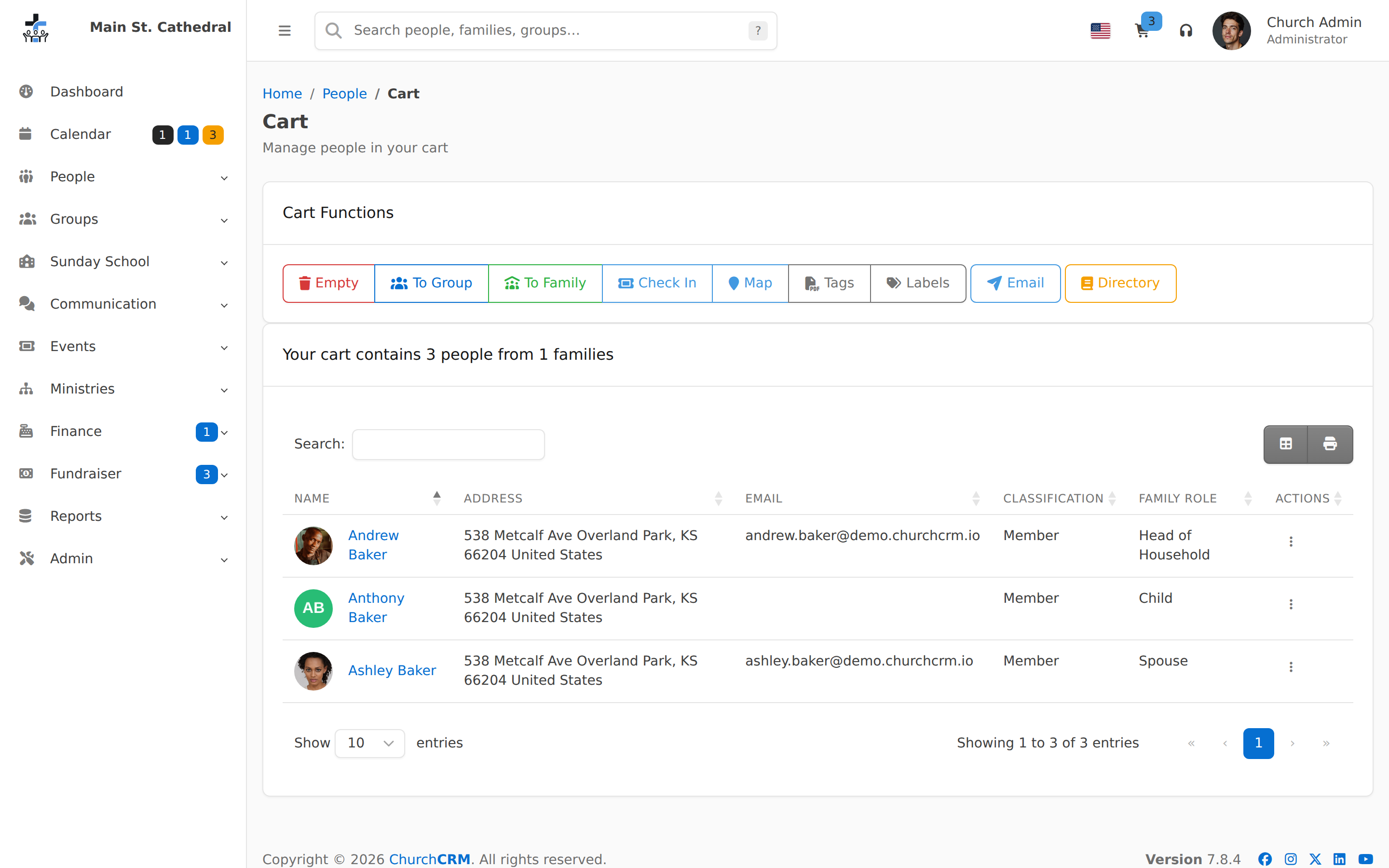
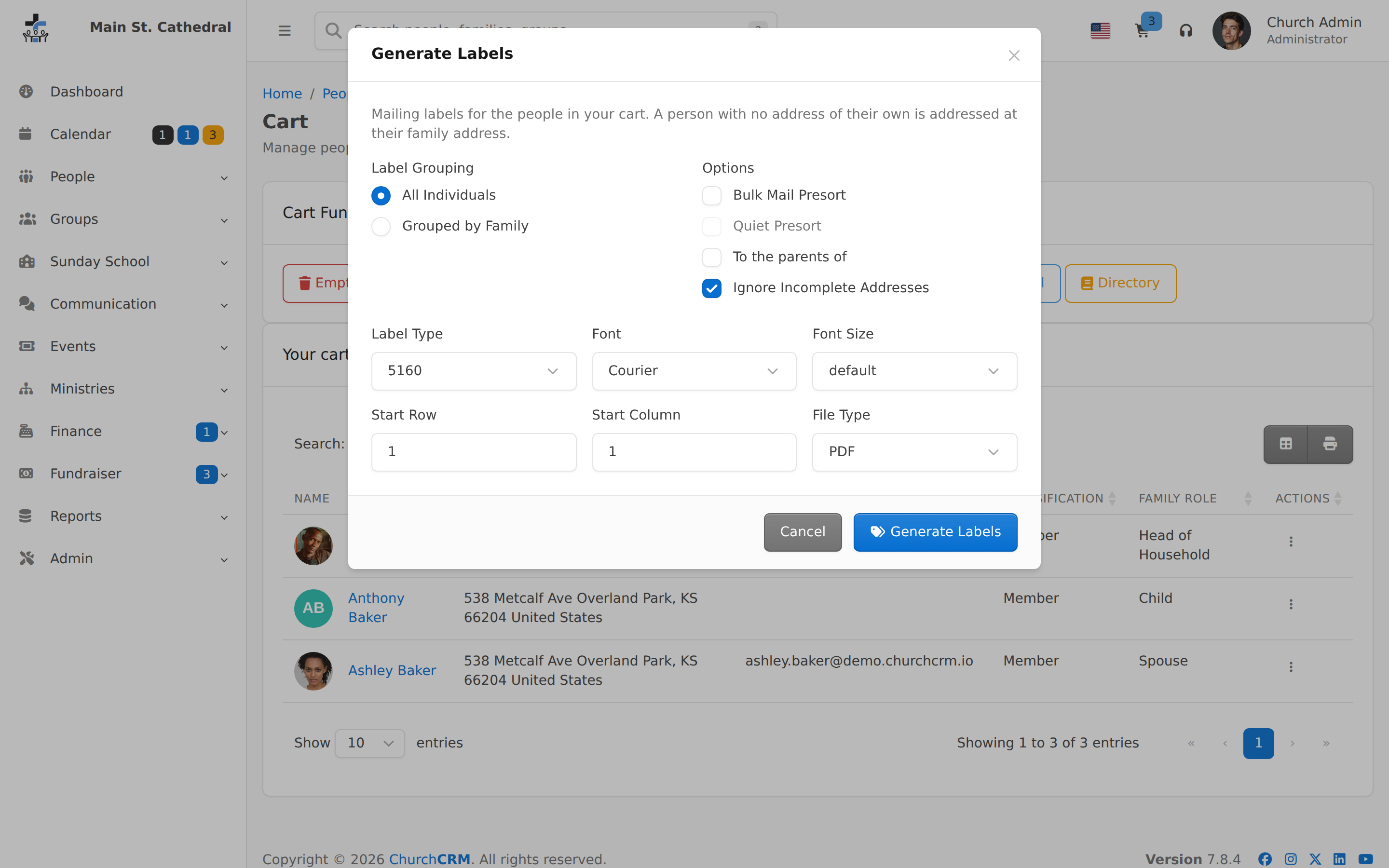
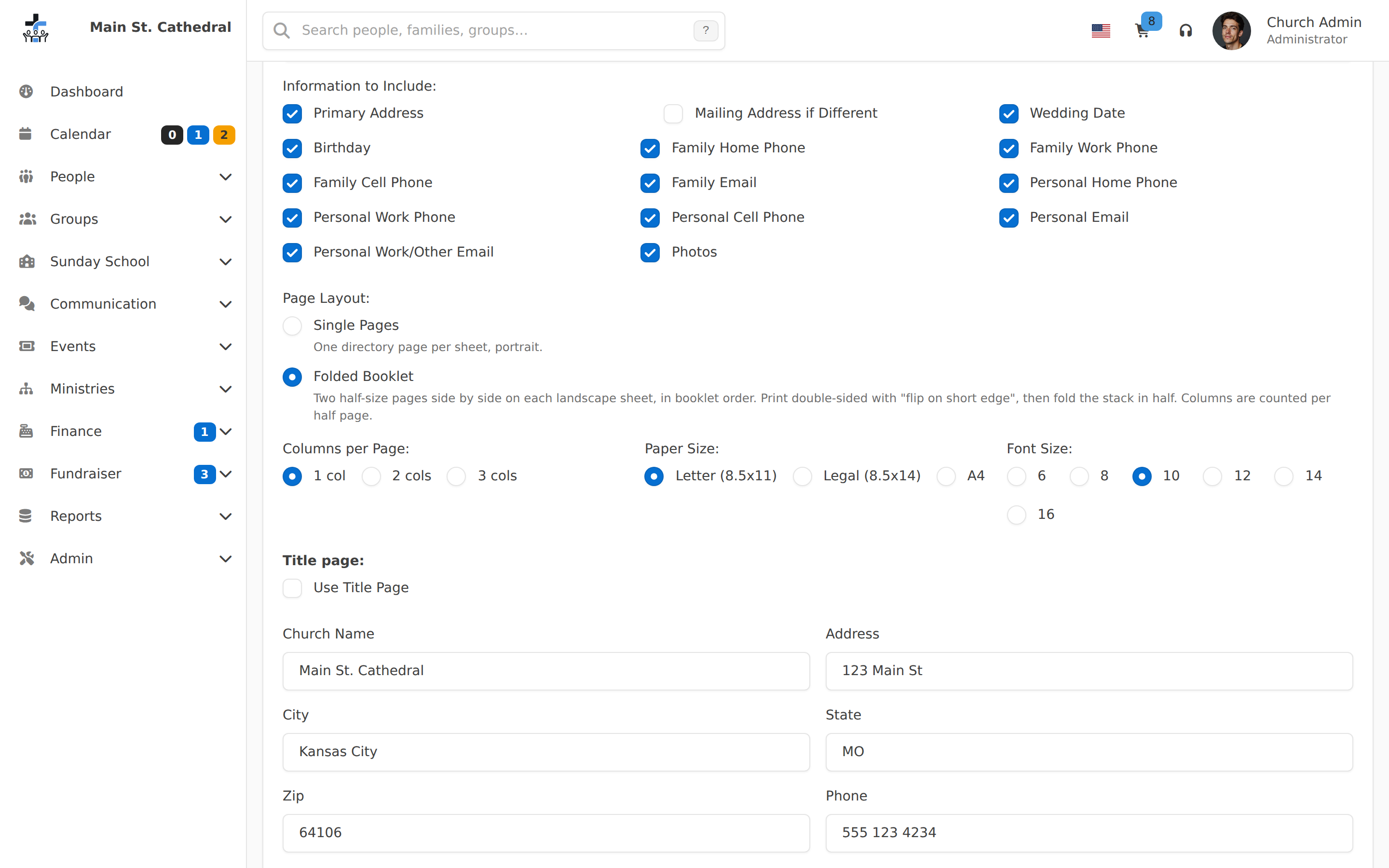
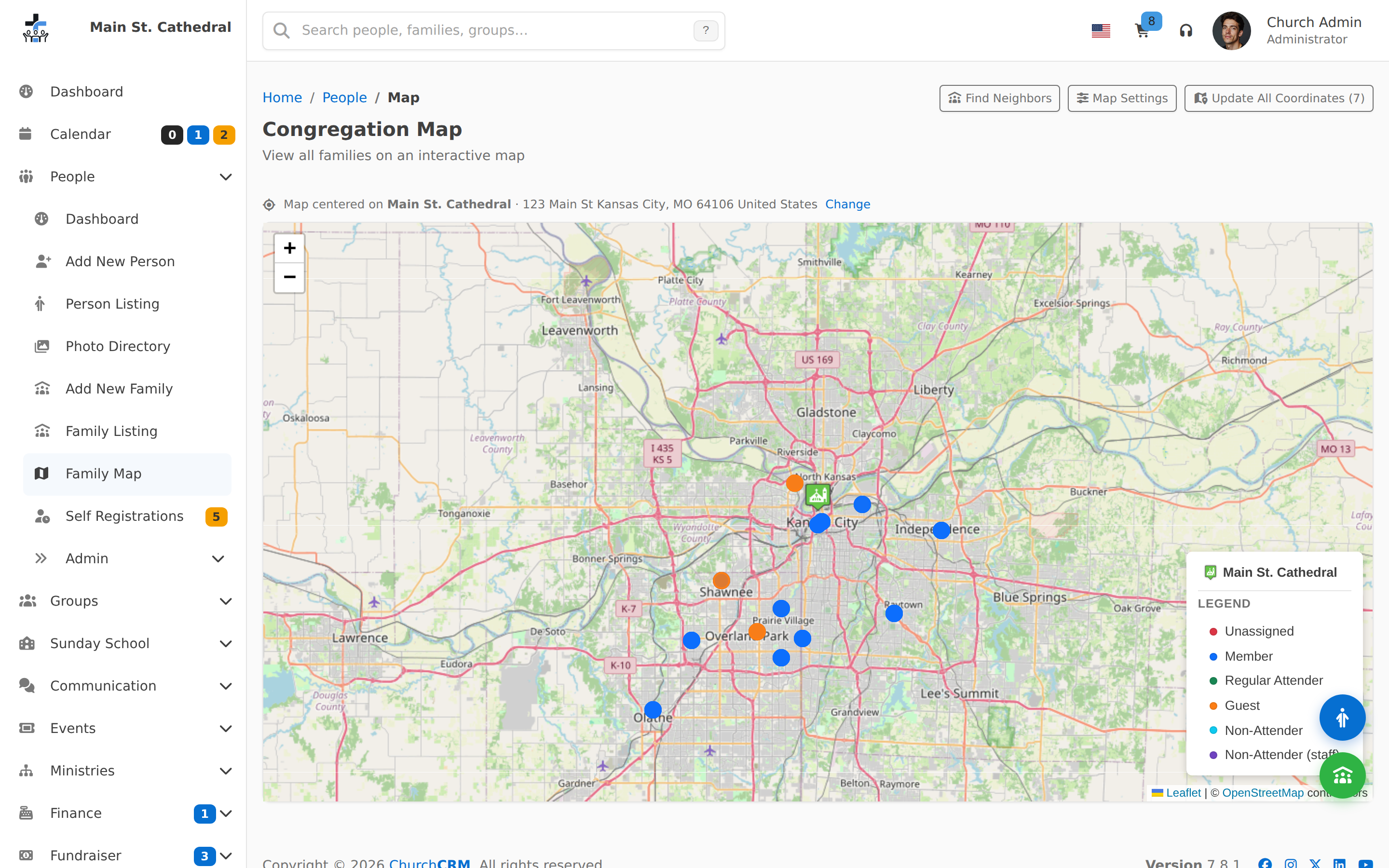
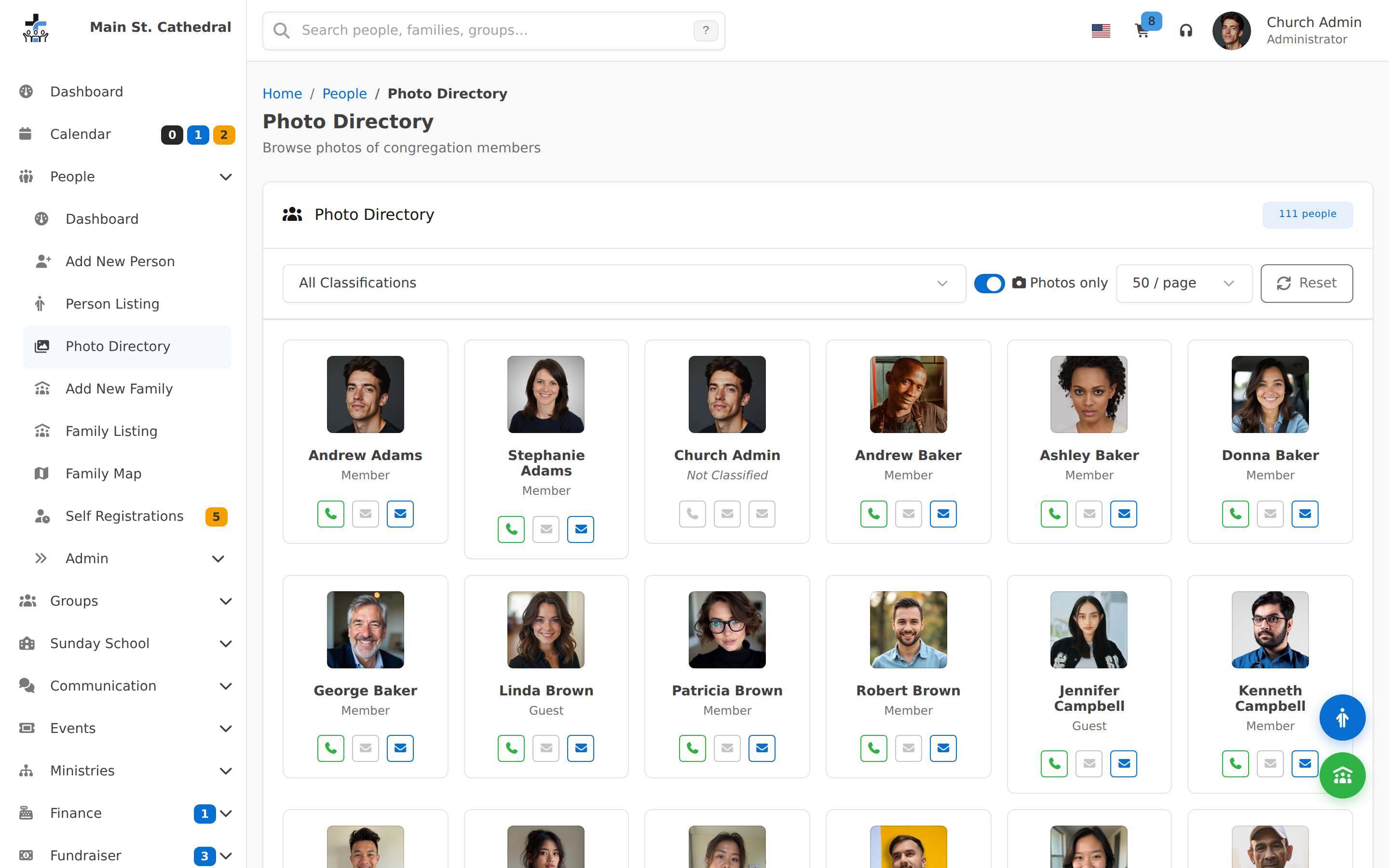
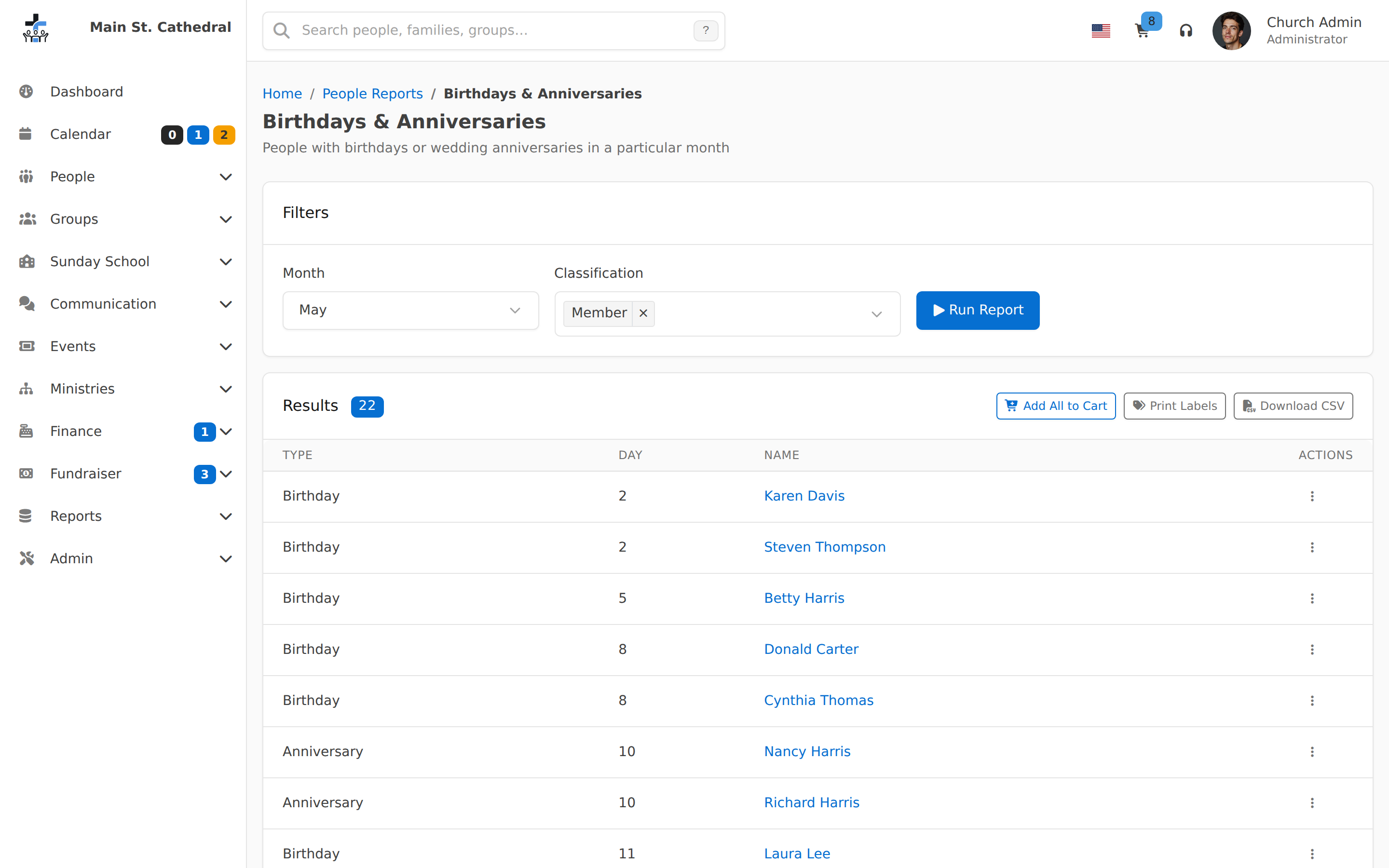
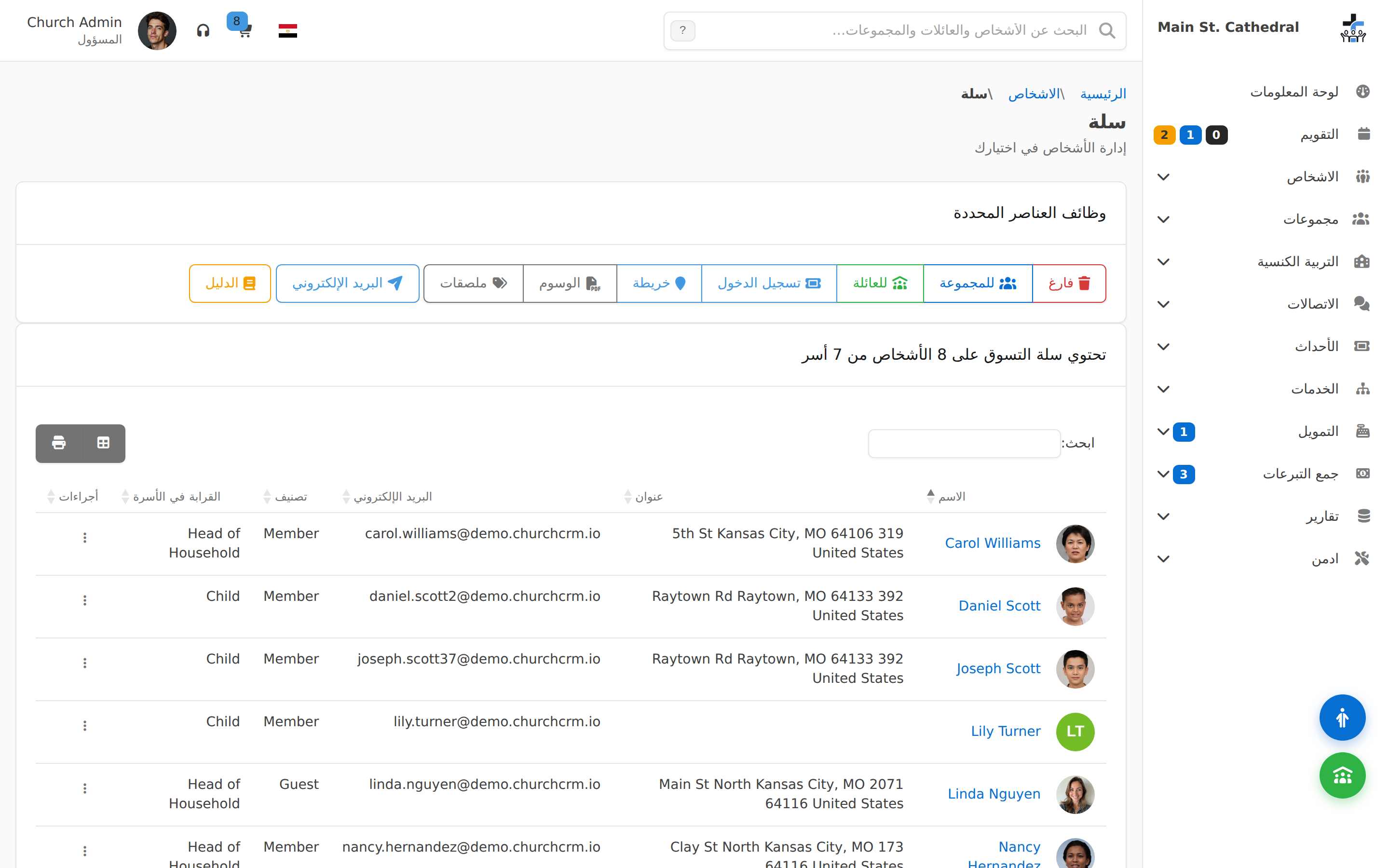
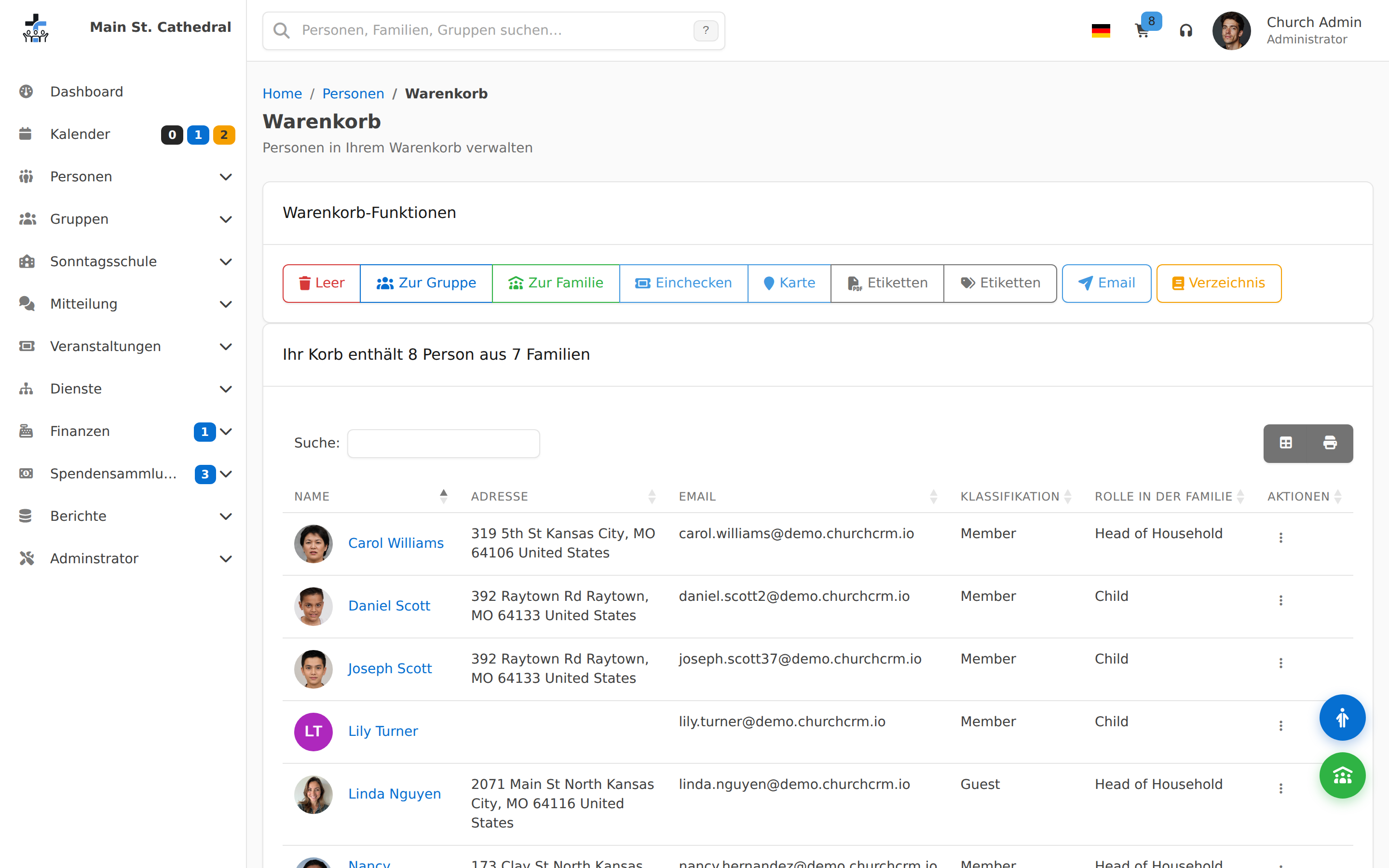
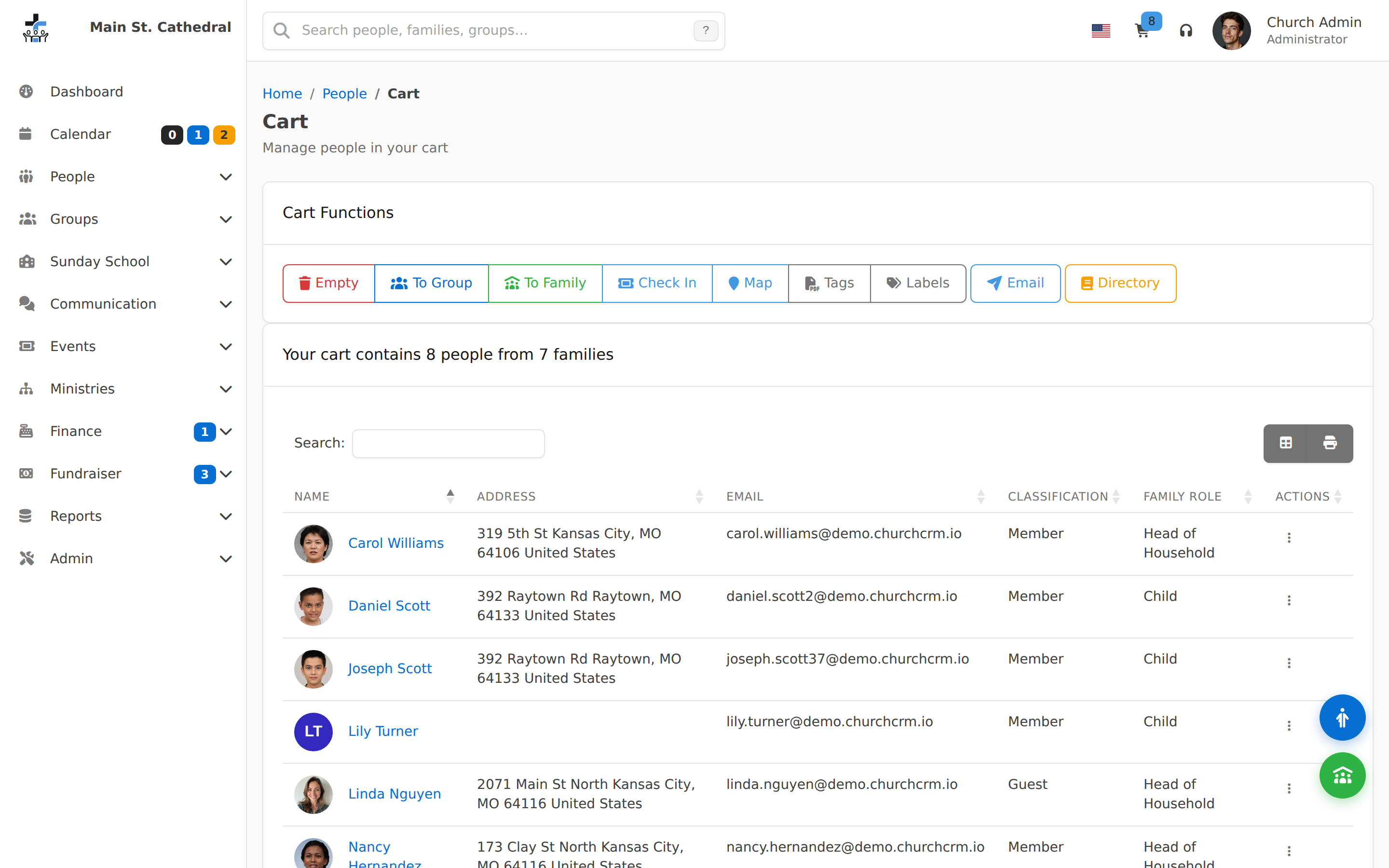
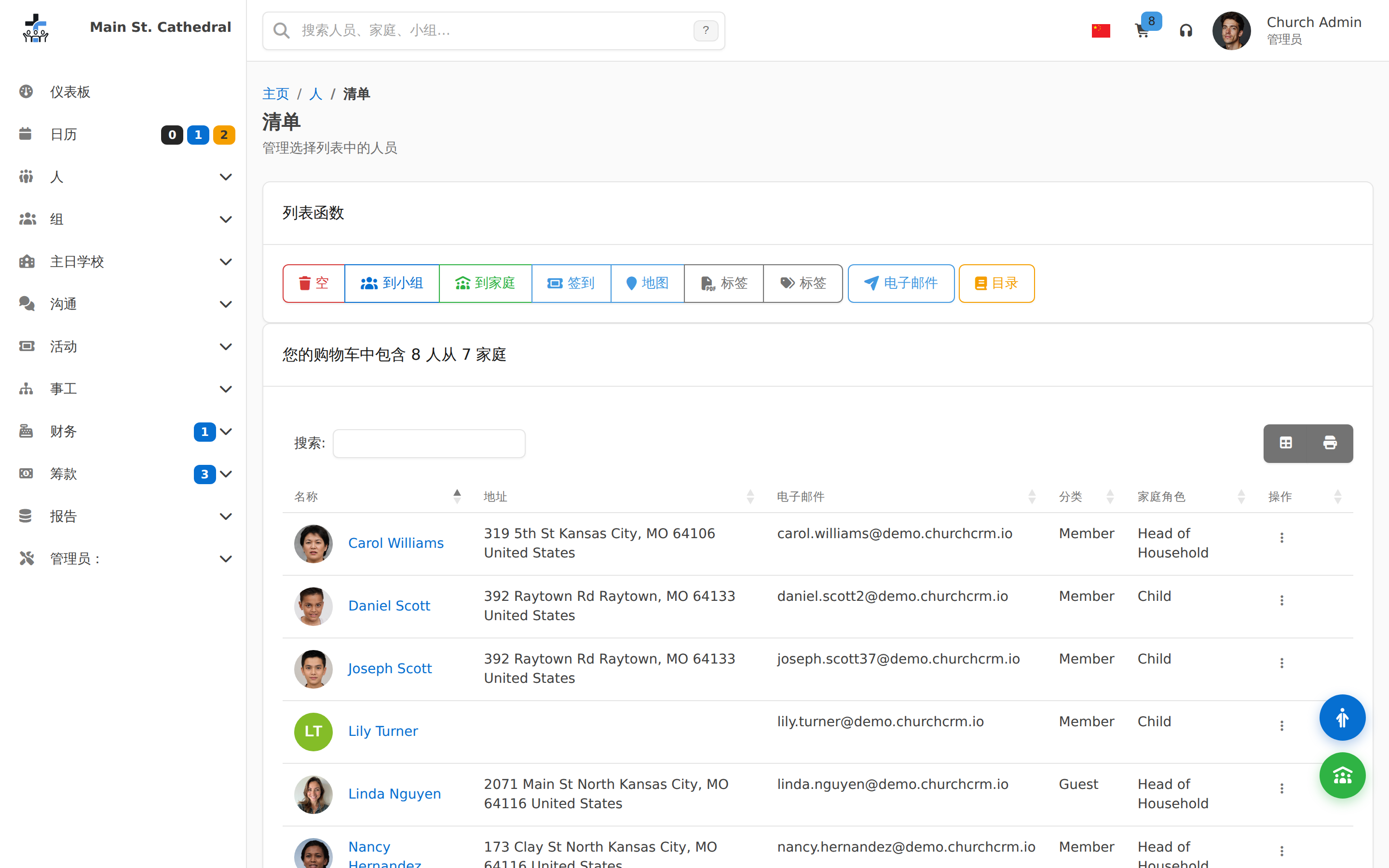
Generate Labels from the CartShow the Generate Labels dialog opened from the Cart, with grouping, presort, label type, font, start row and column, and file type
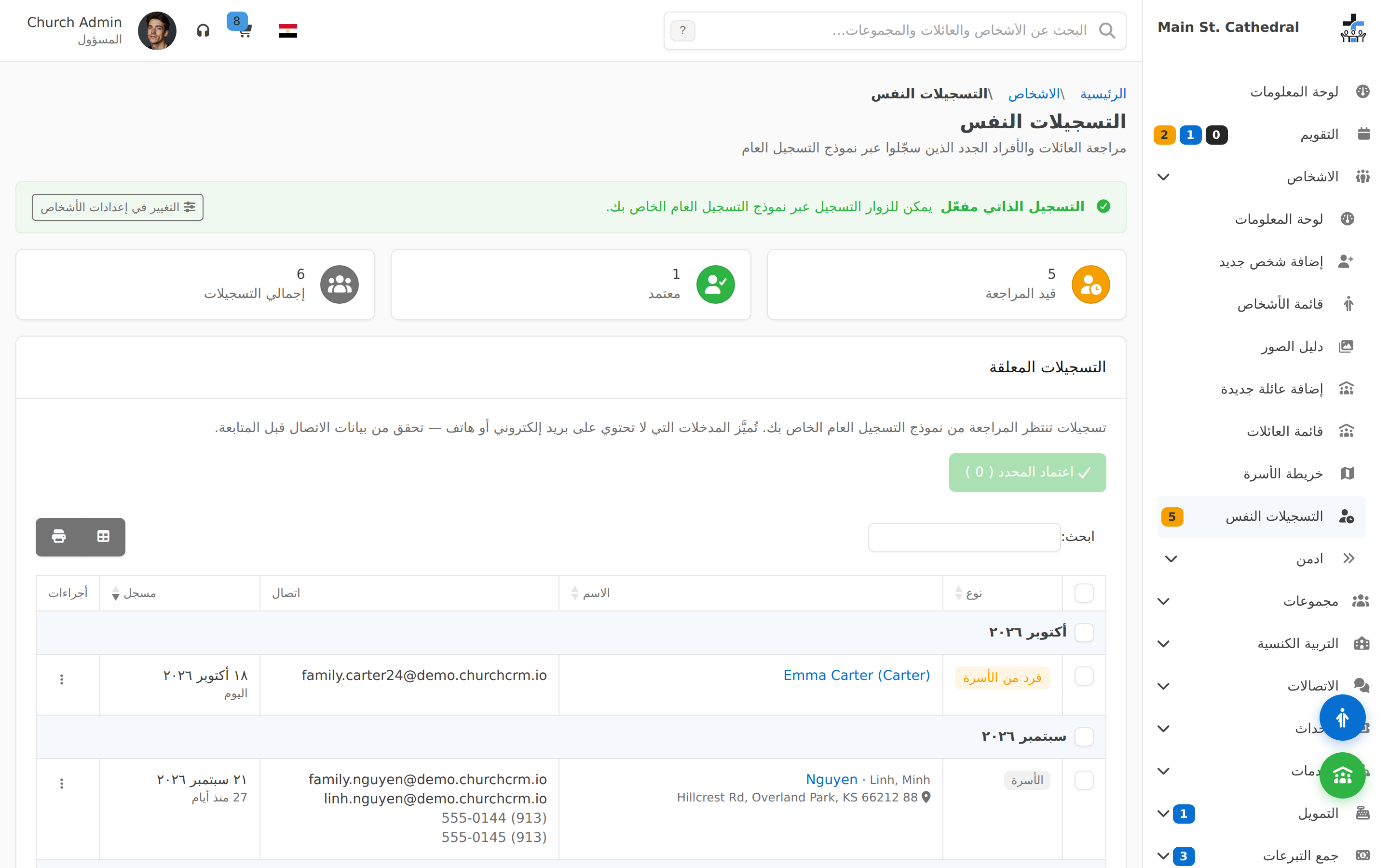
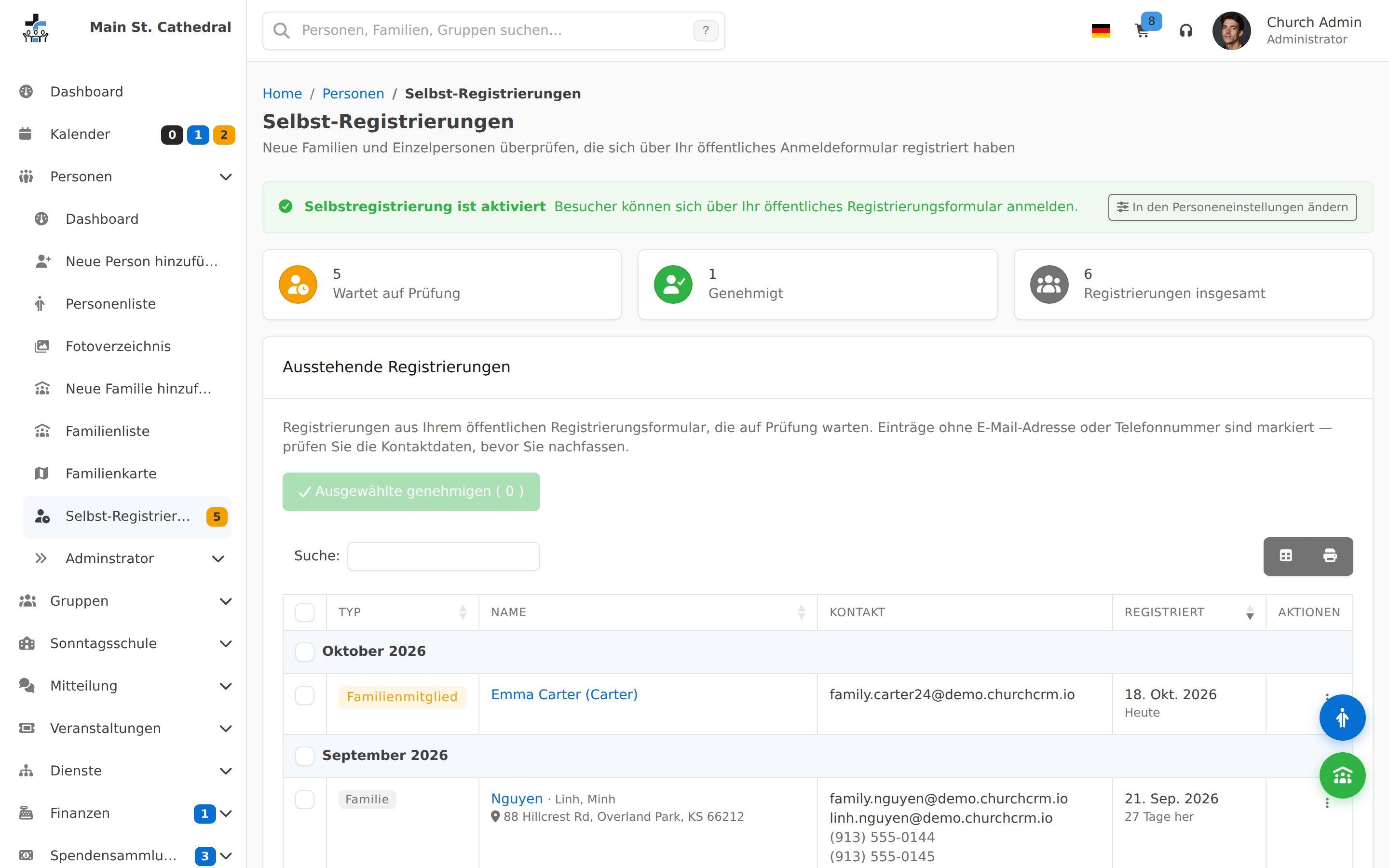
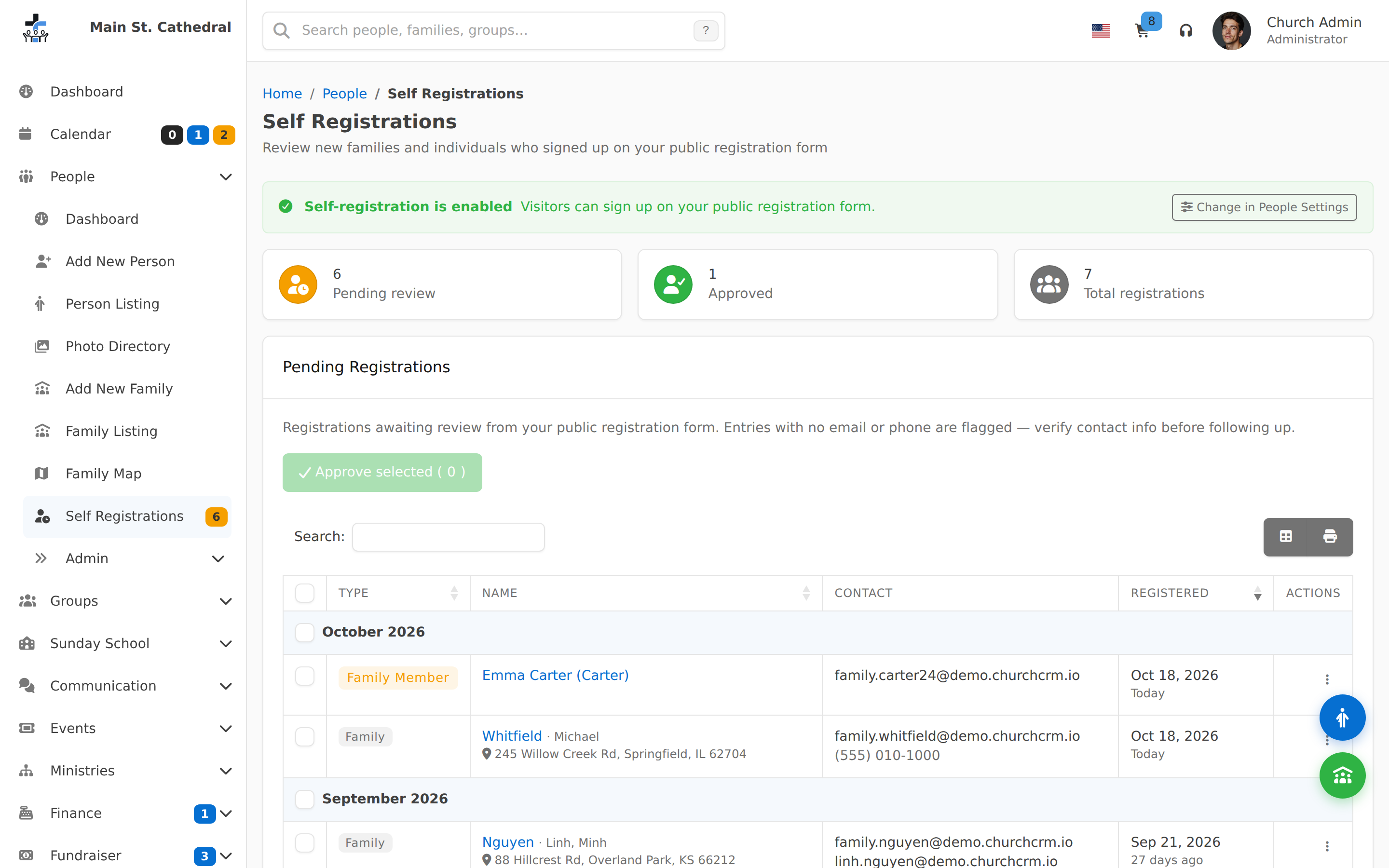
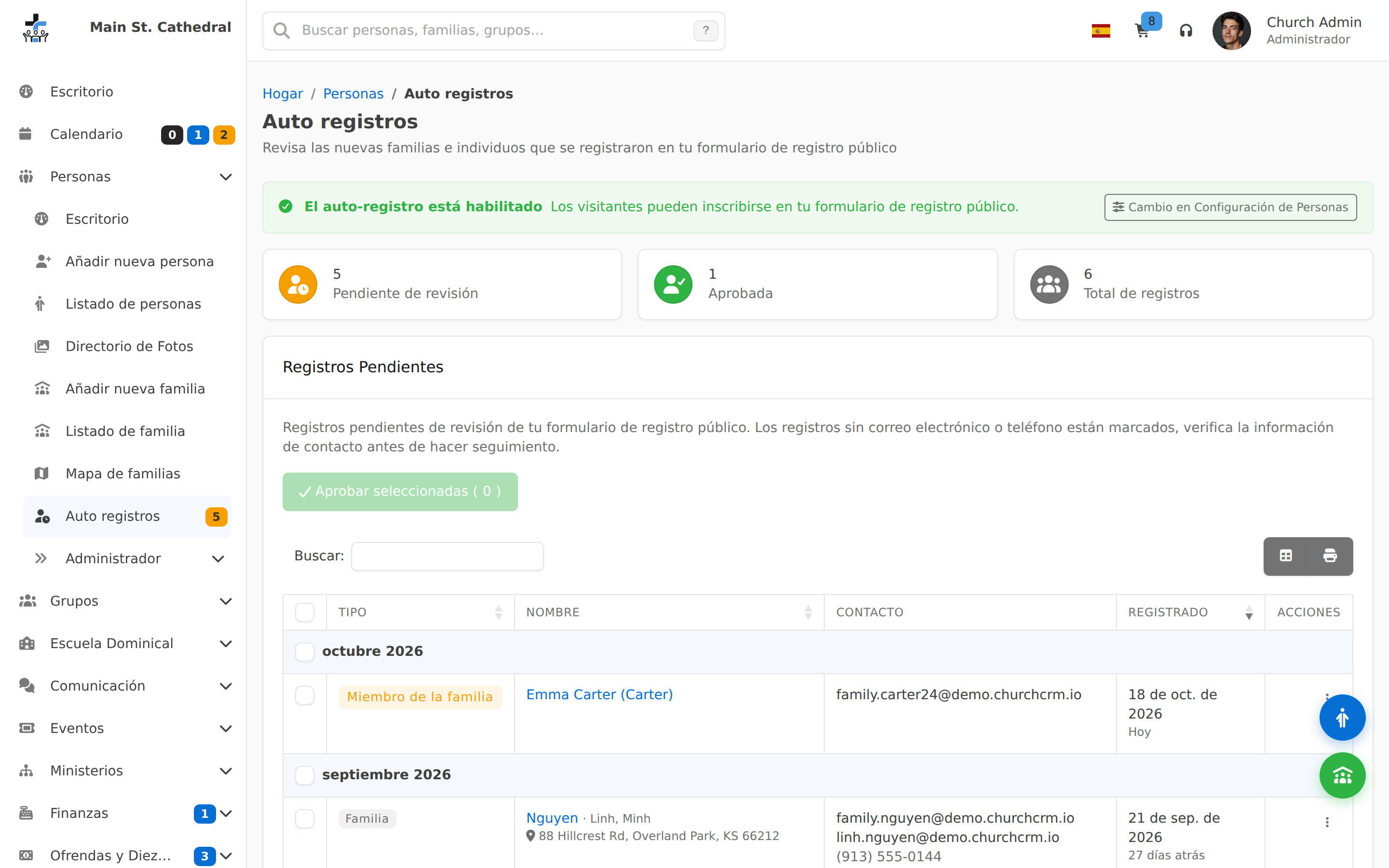
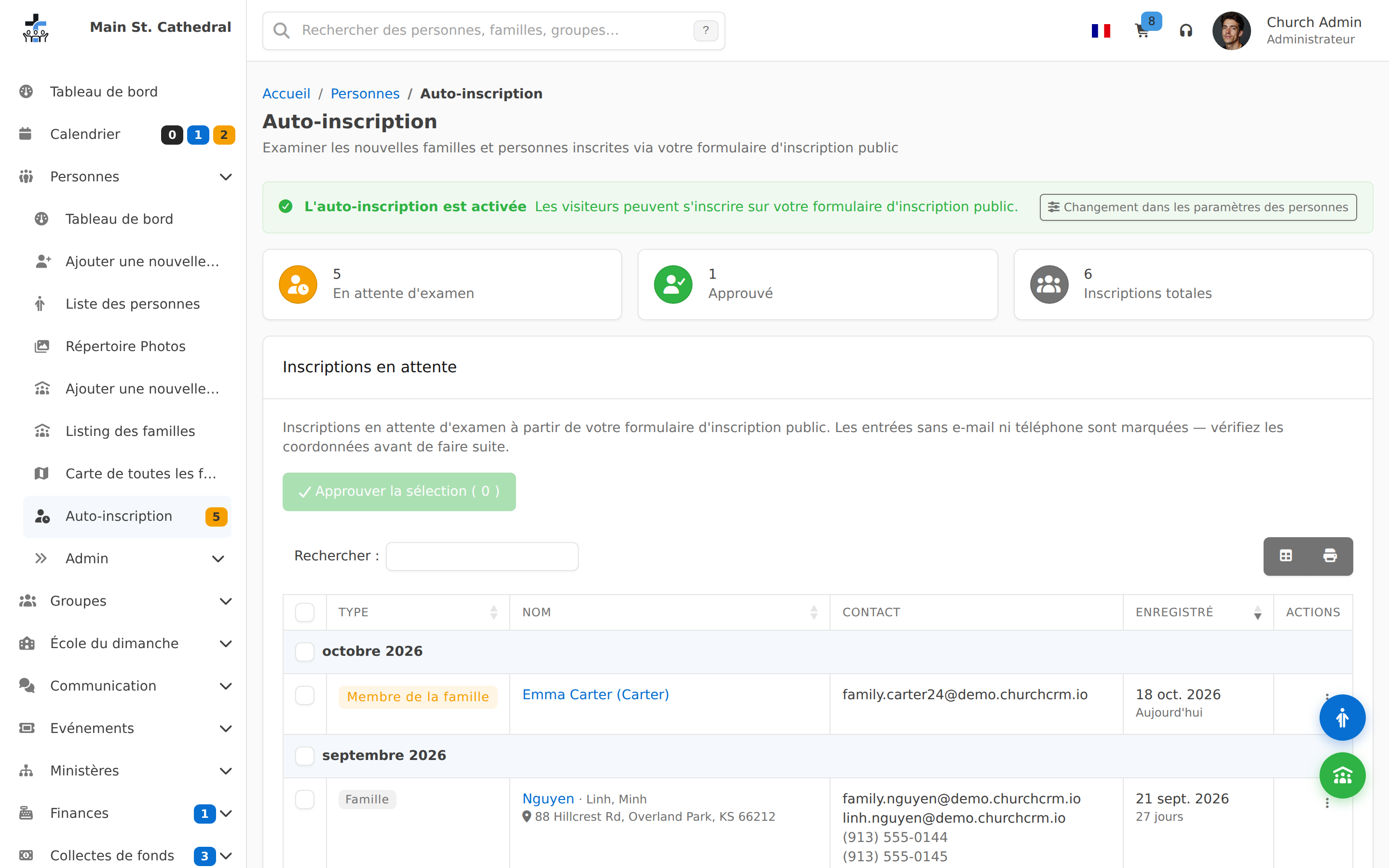
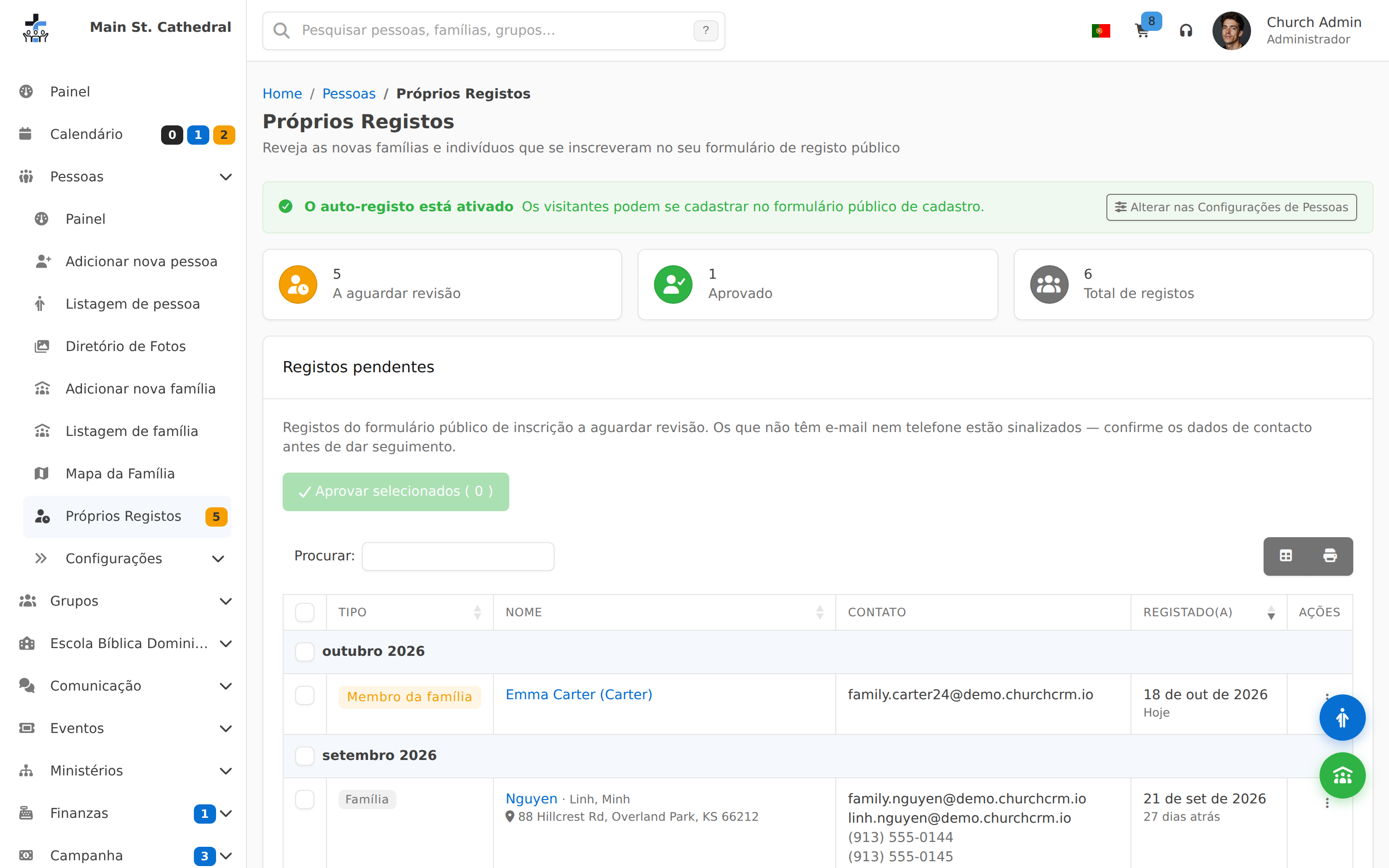
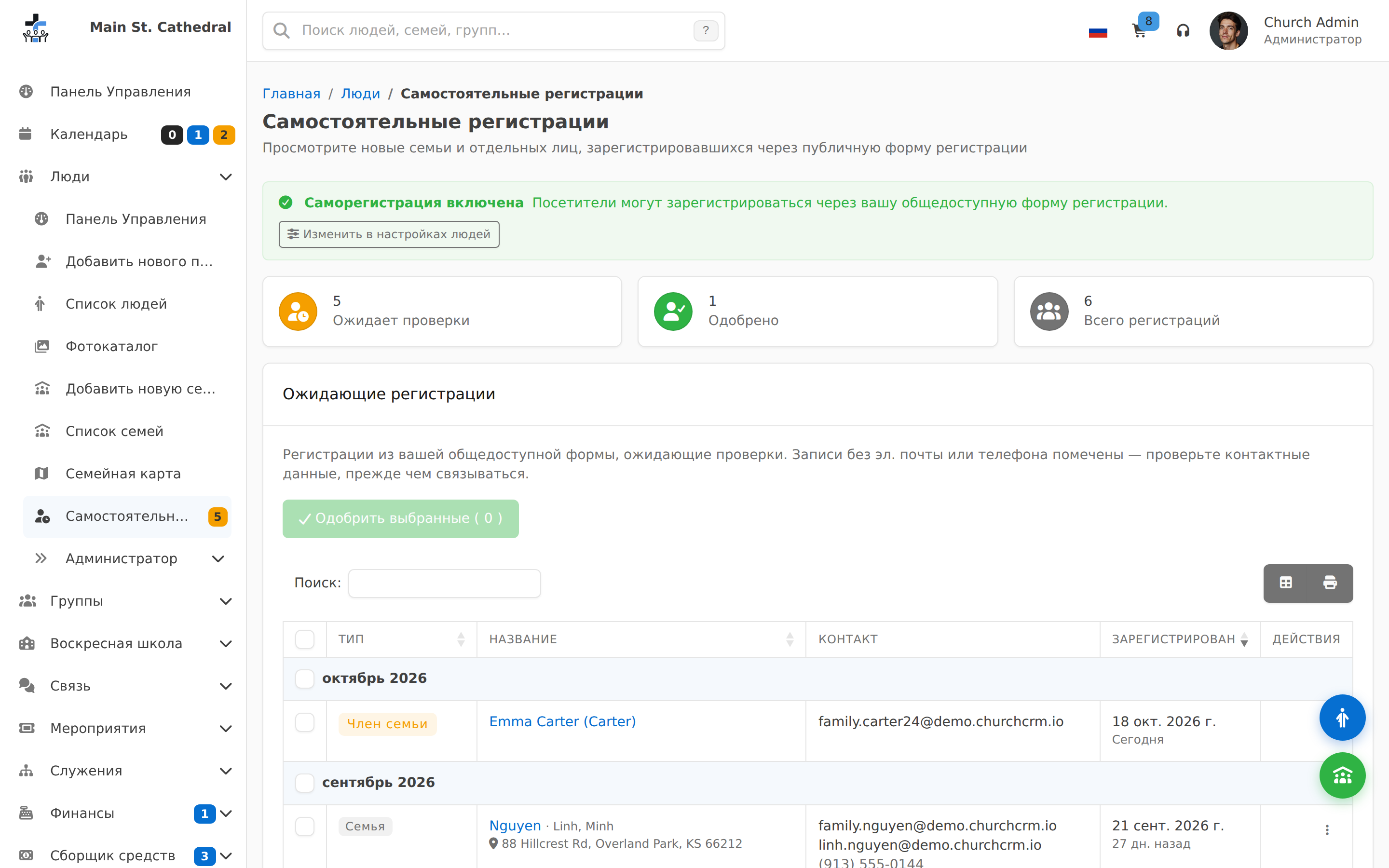
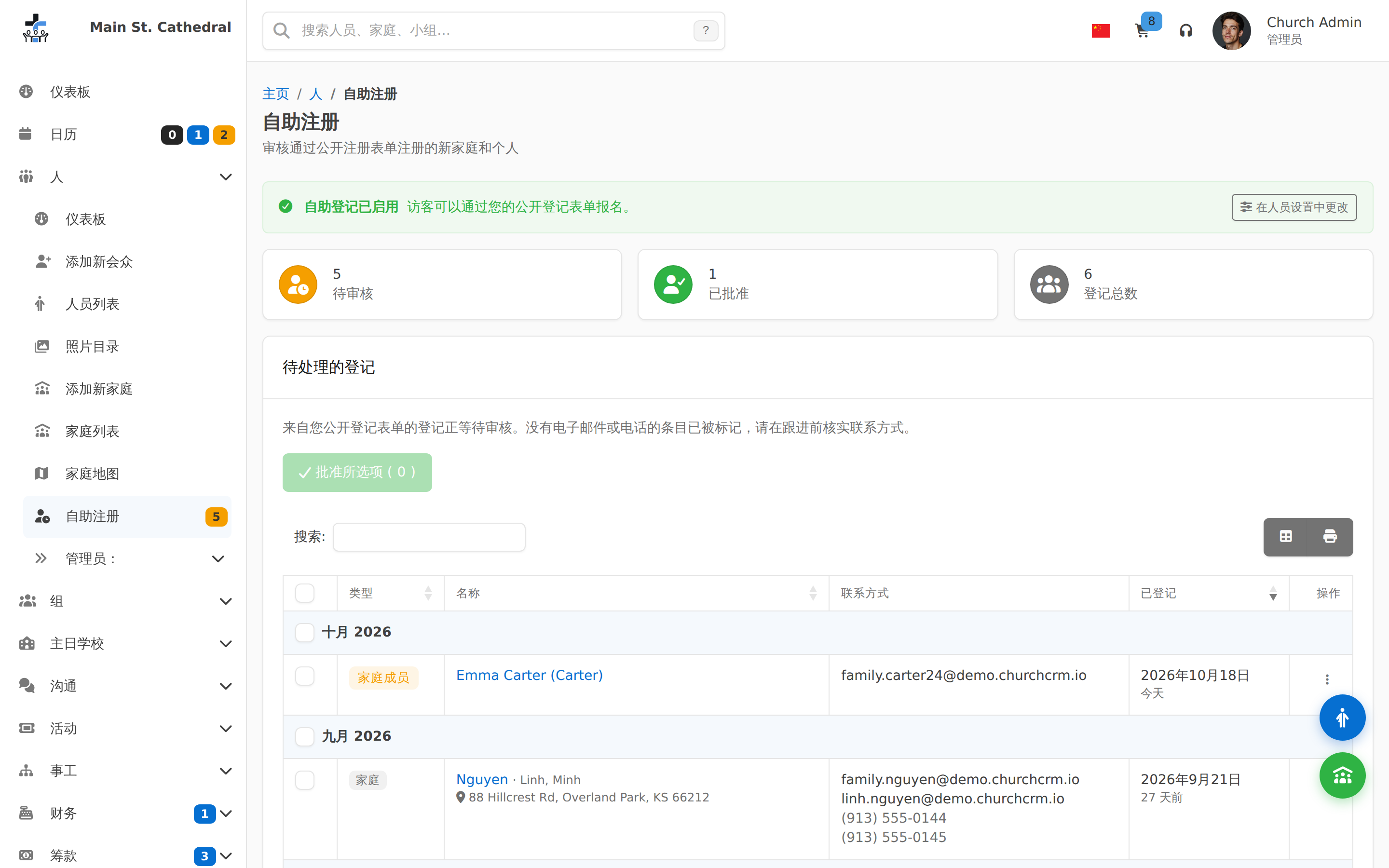
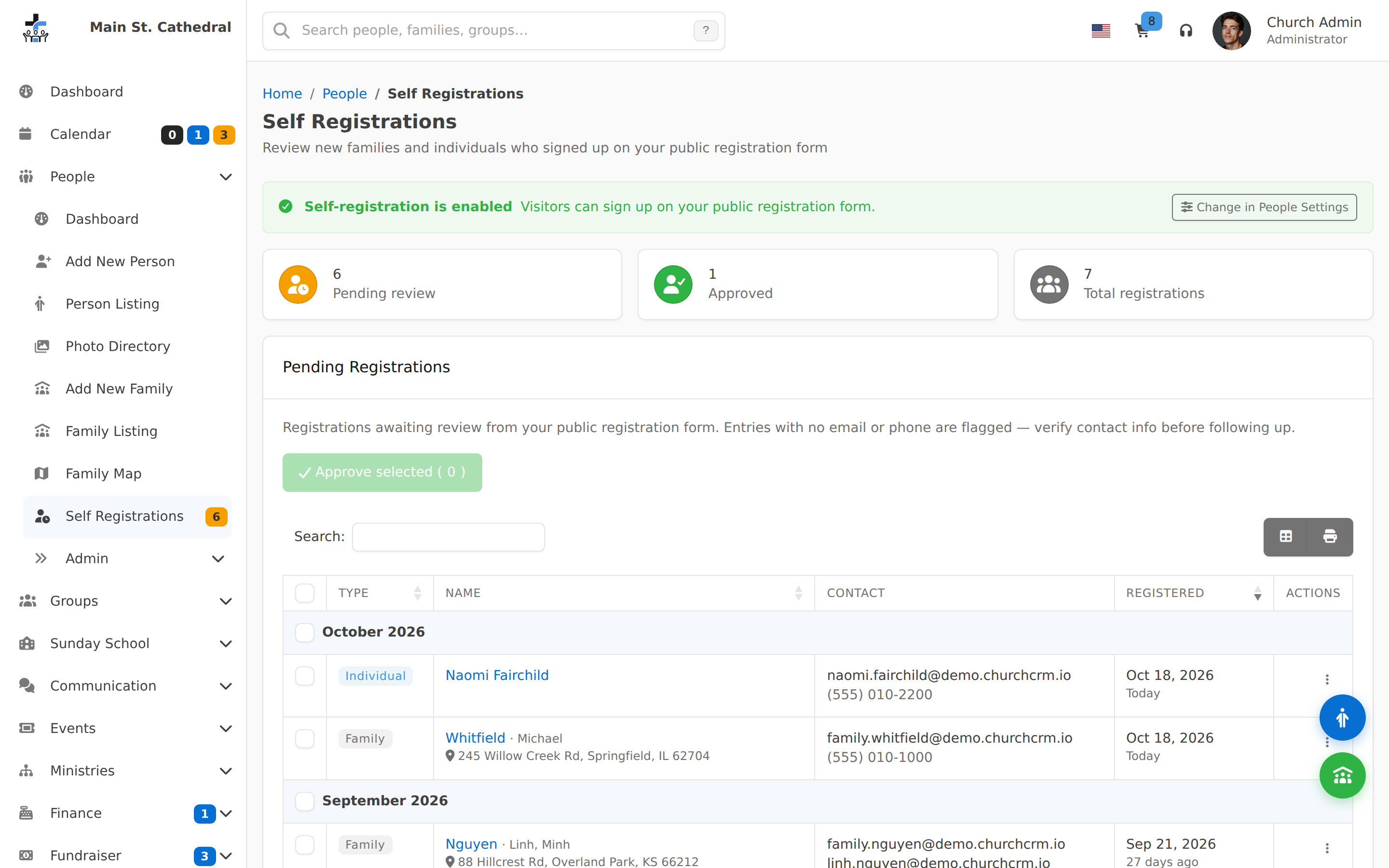
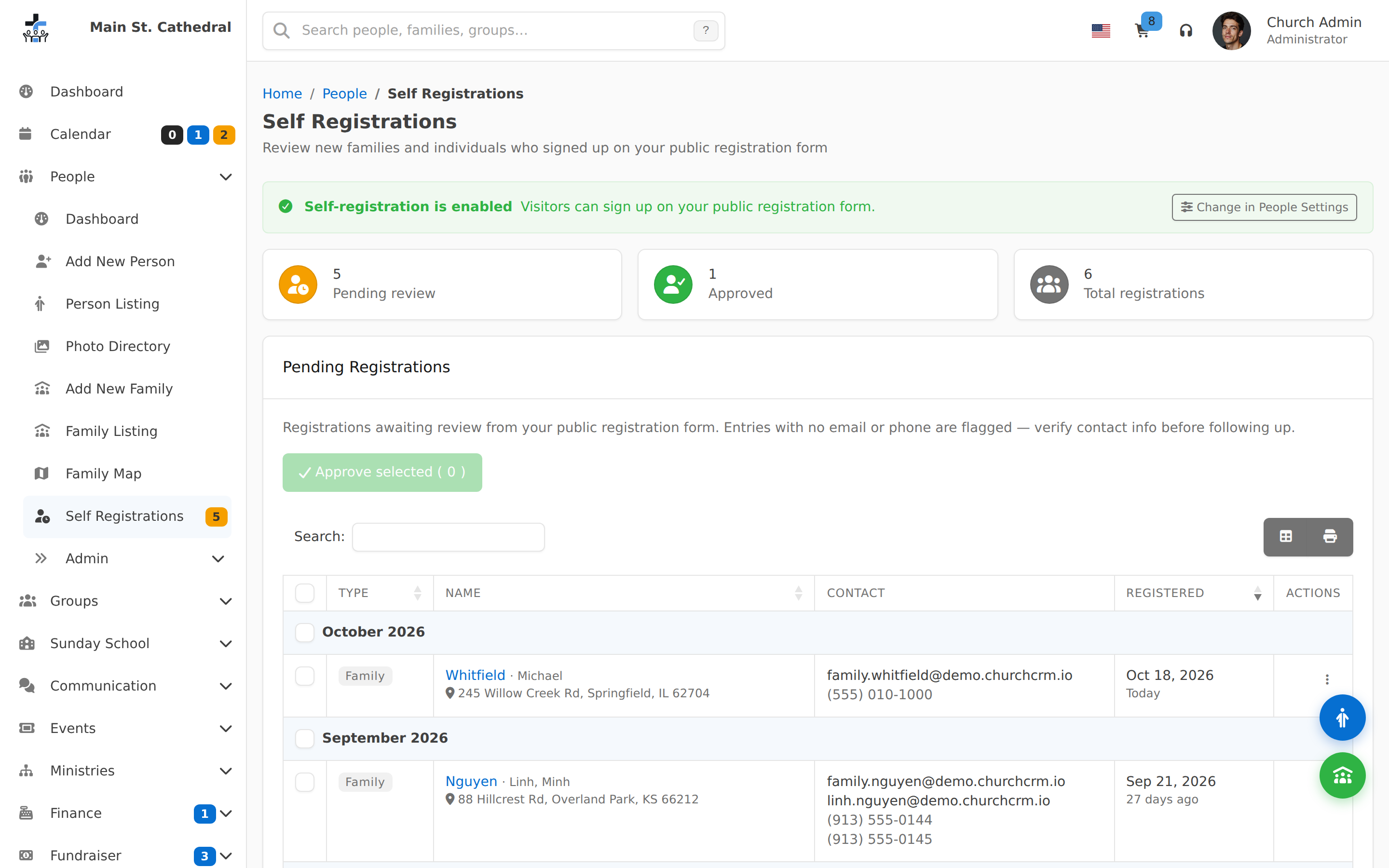
Self Registrations Review DashboardShow the Self Registrations dashboard — registration status, pending and approved counters, and the month-grouped list of new sign-ups to review and approve
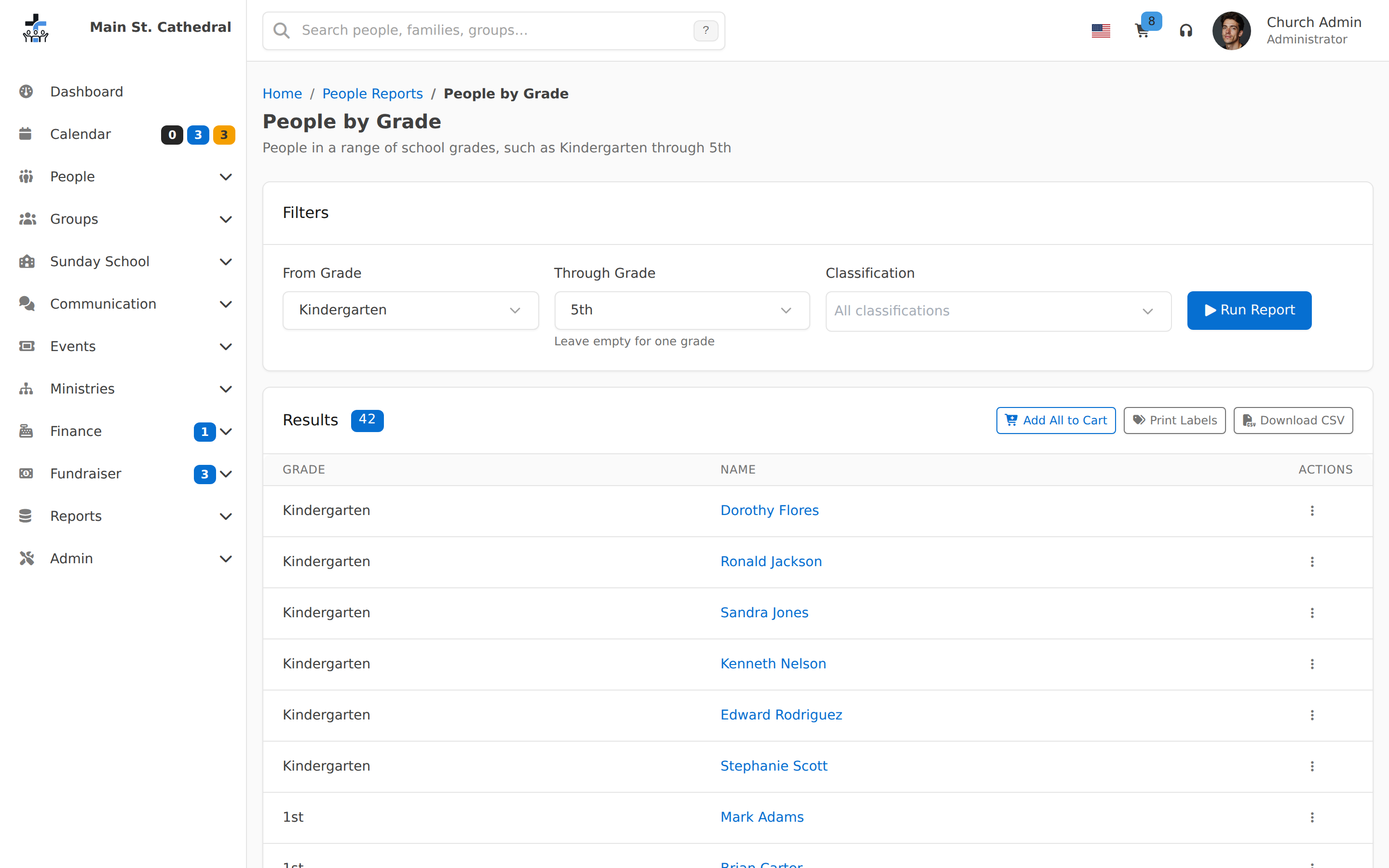
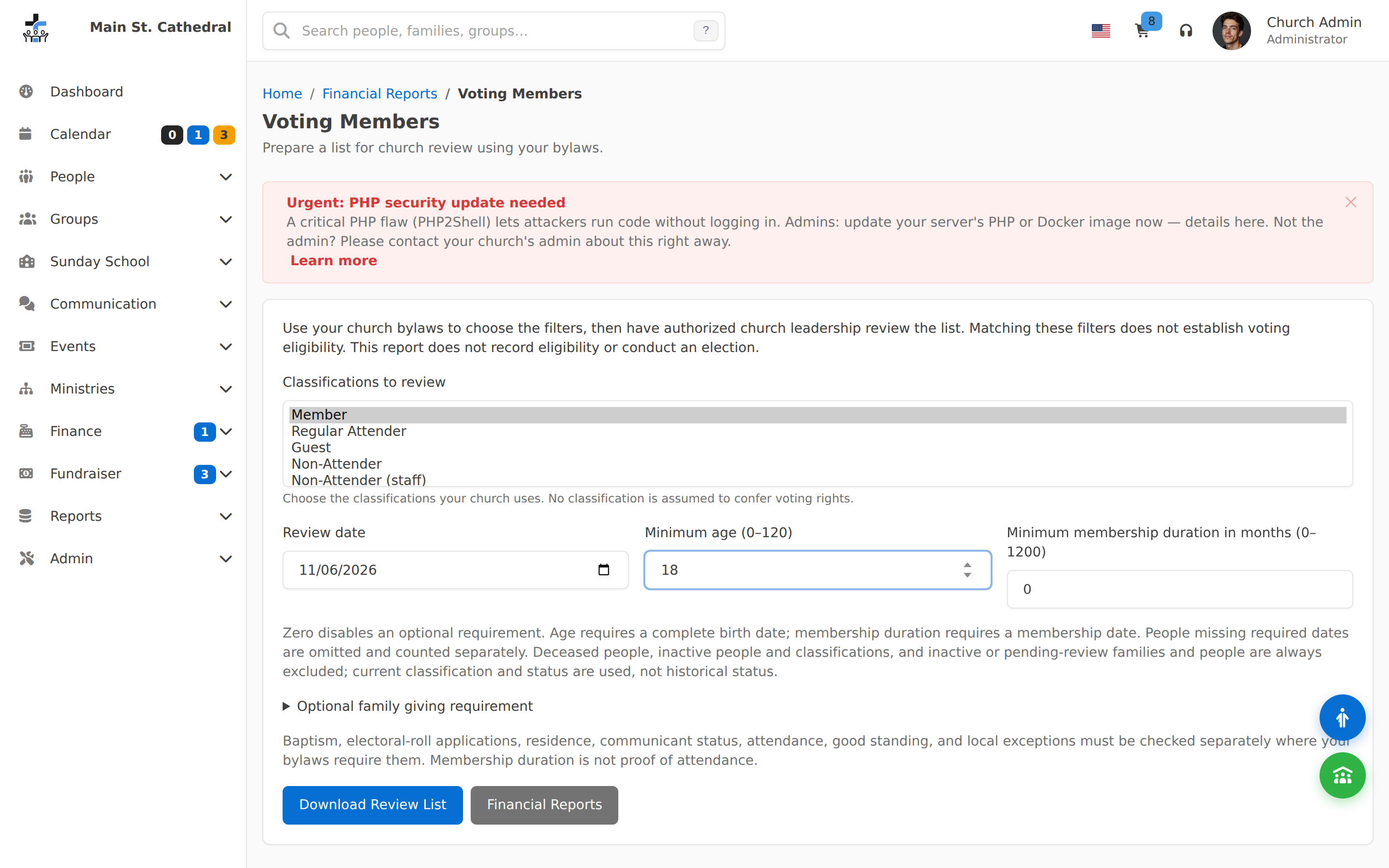
Prepare a voting review listHelp a treasurer choose church-specific criteria and prepare a list for leadership to review before a congregational meeting
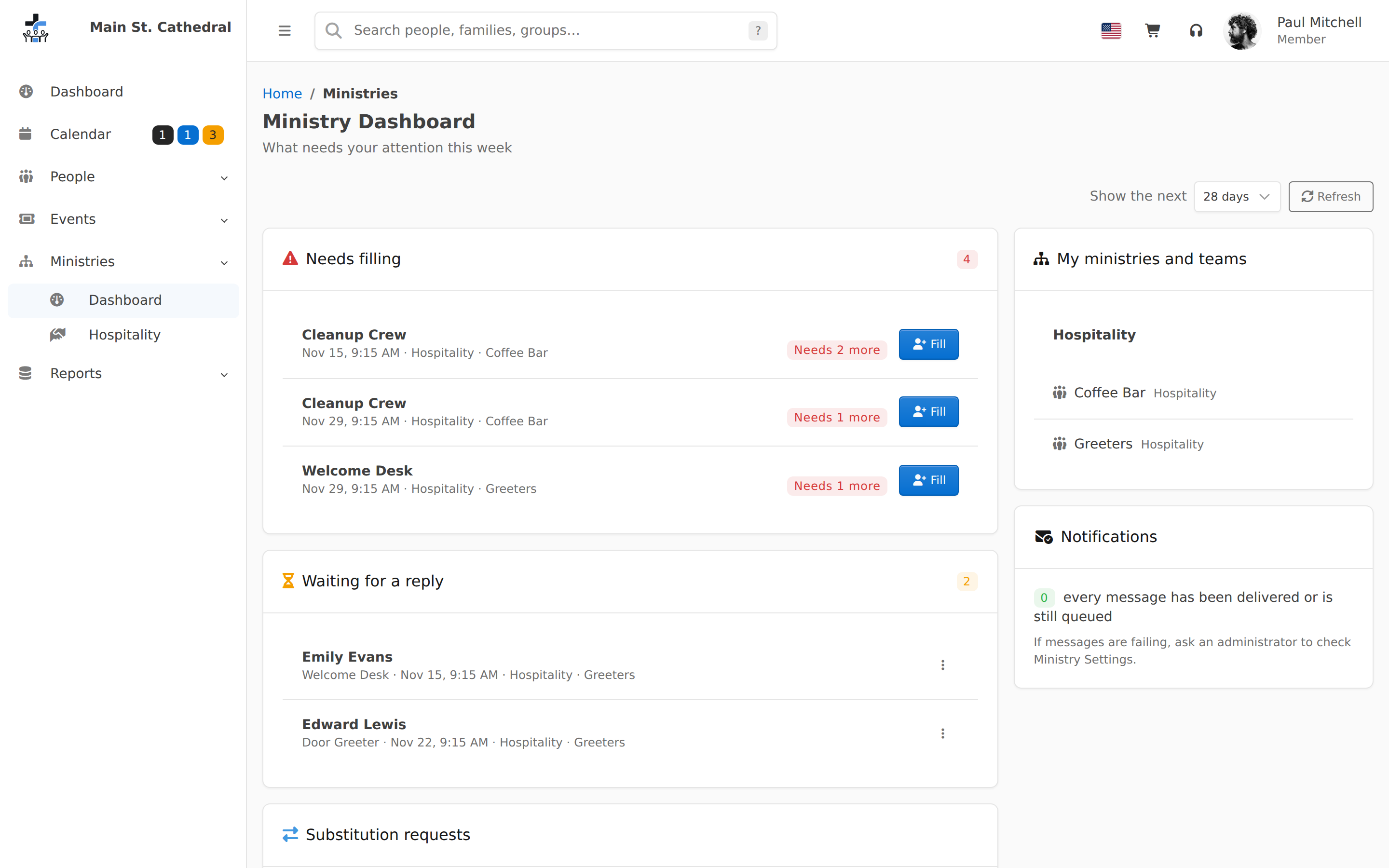
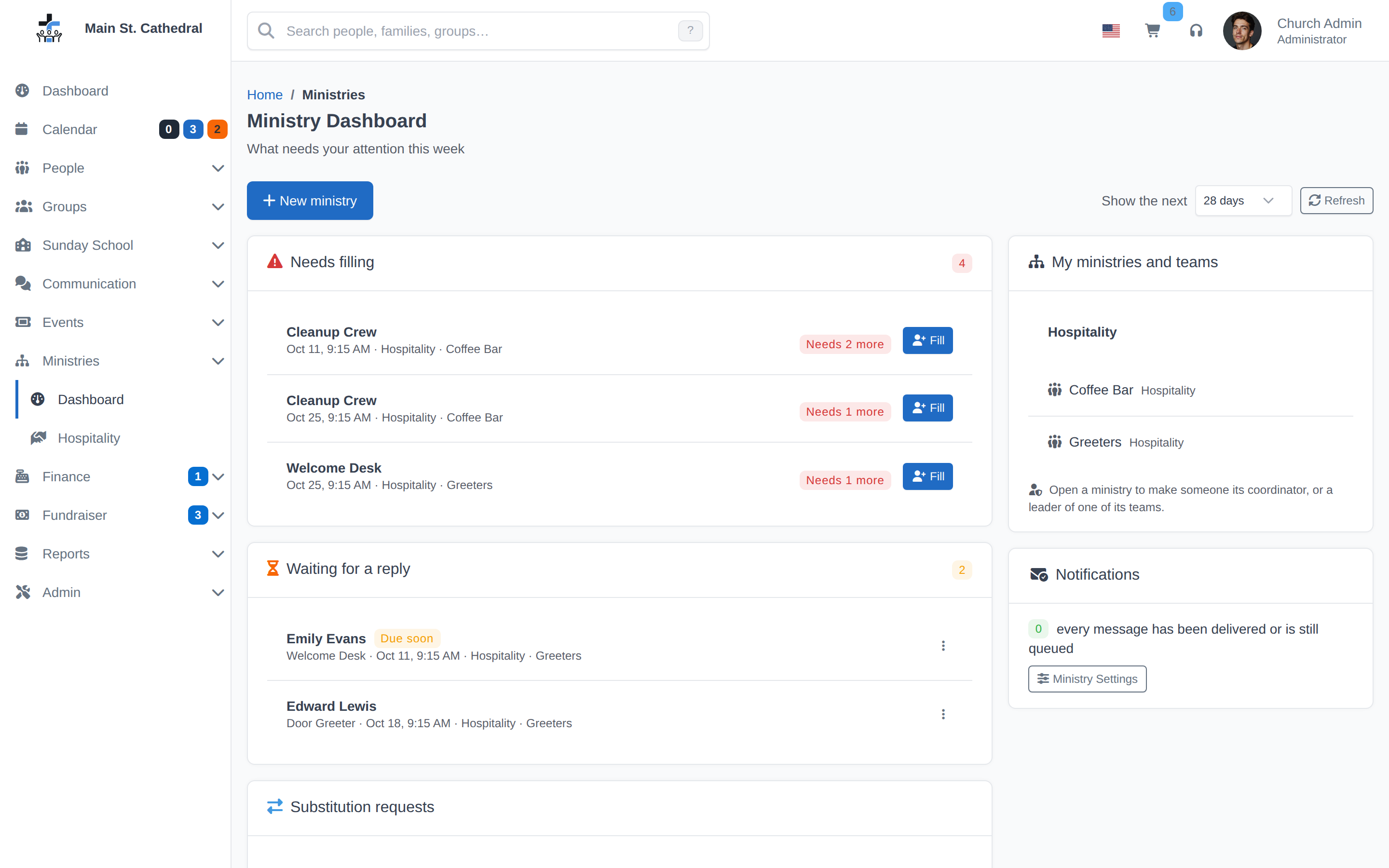
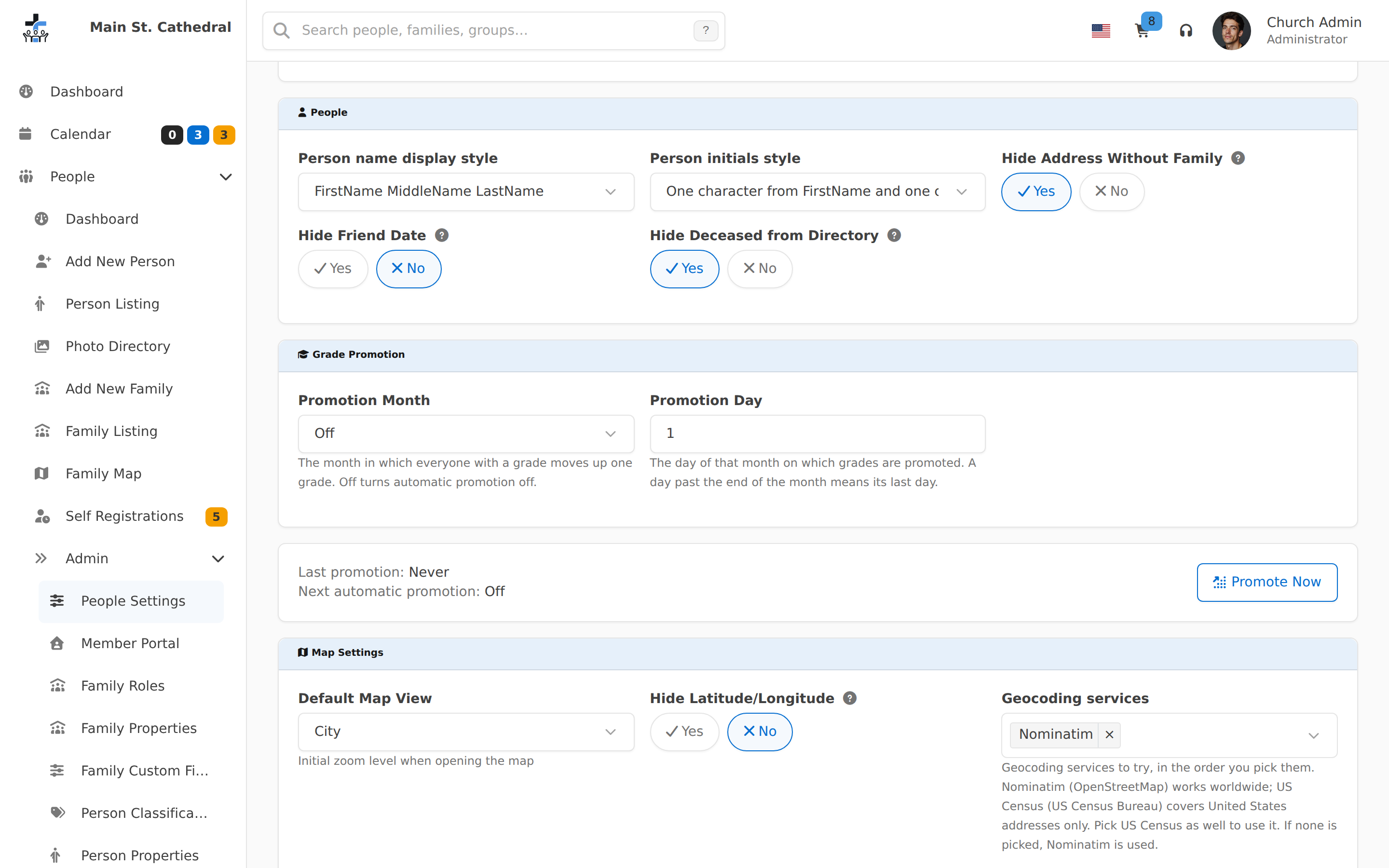
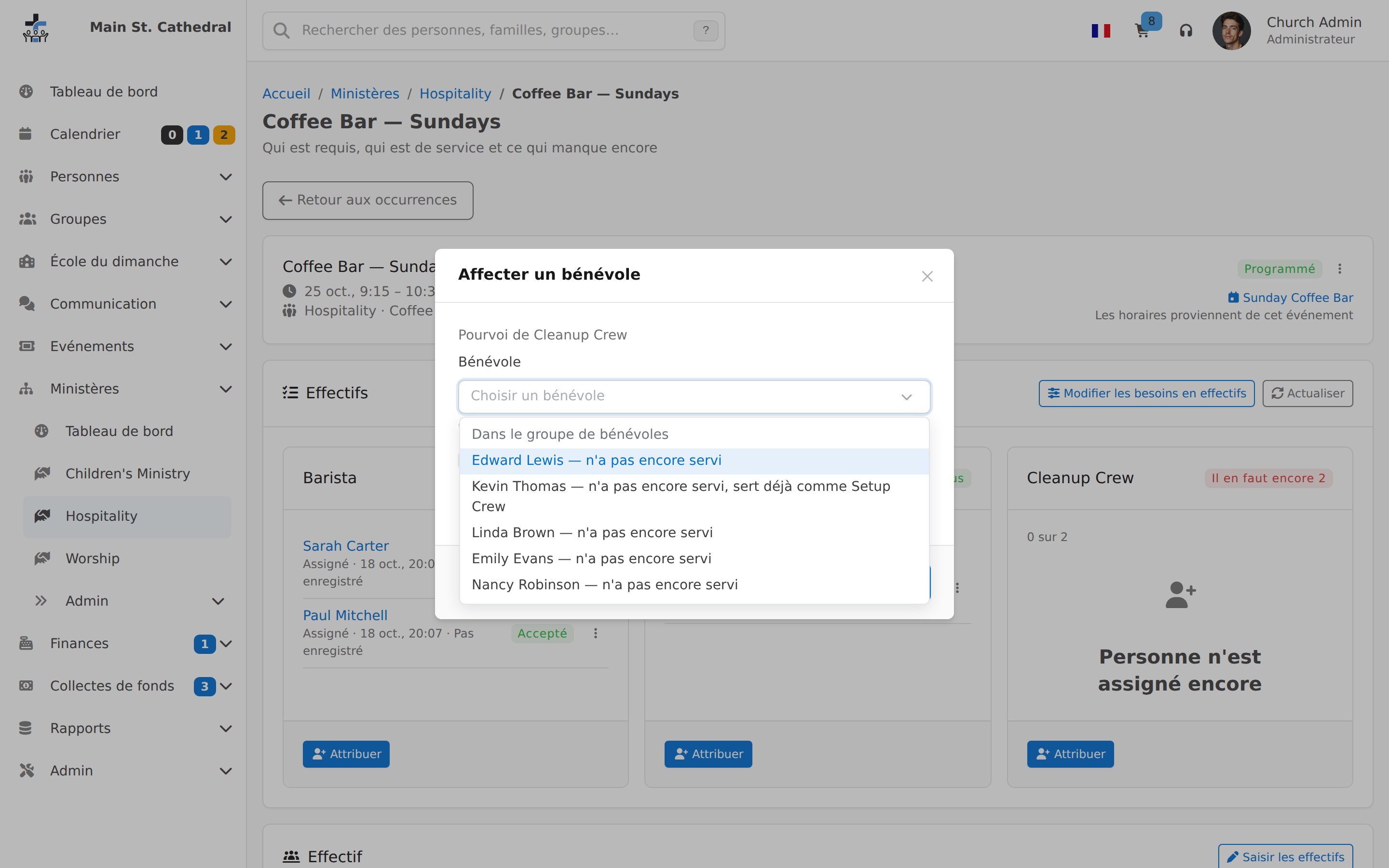
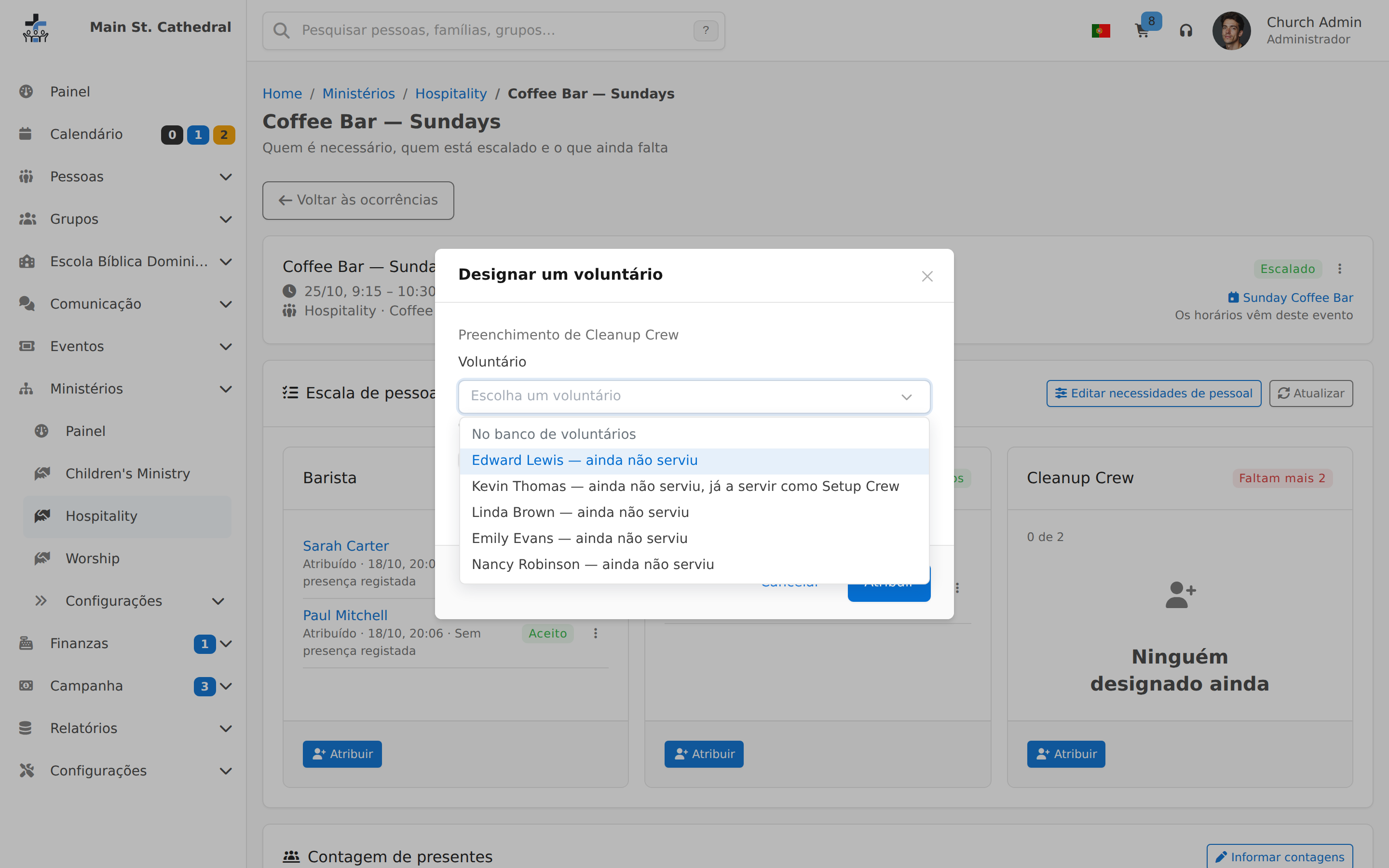
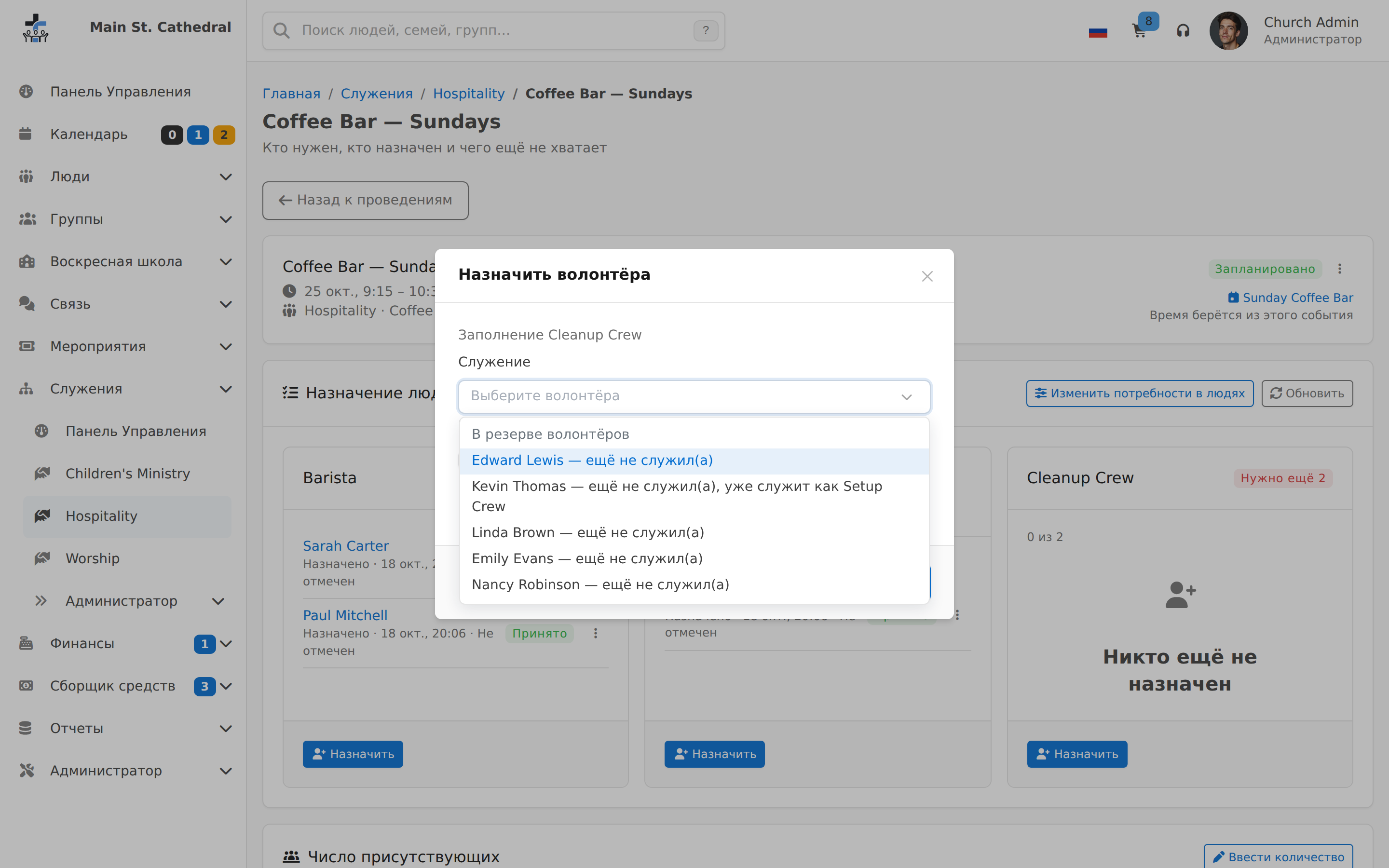
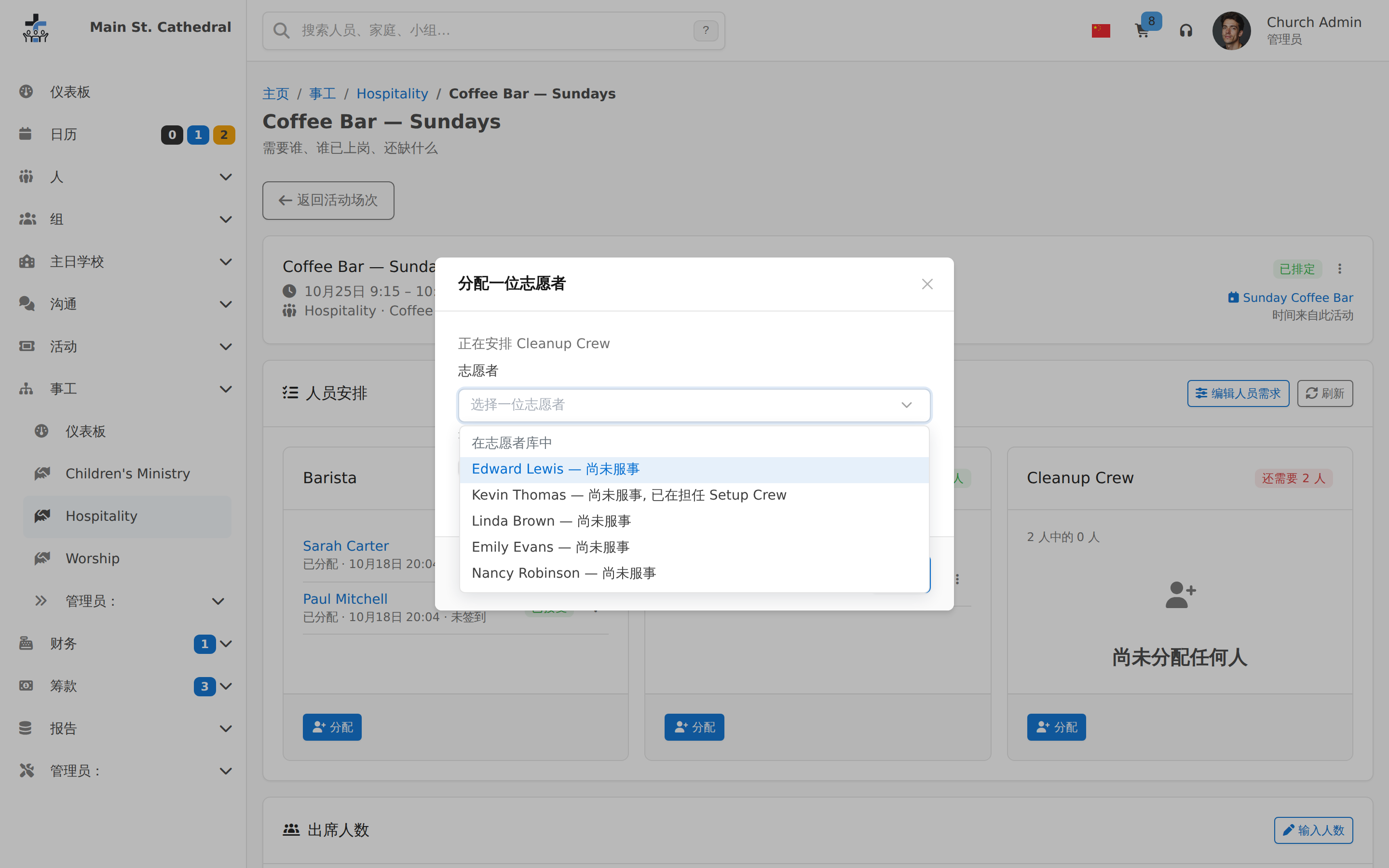
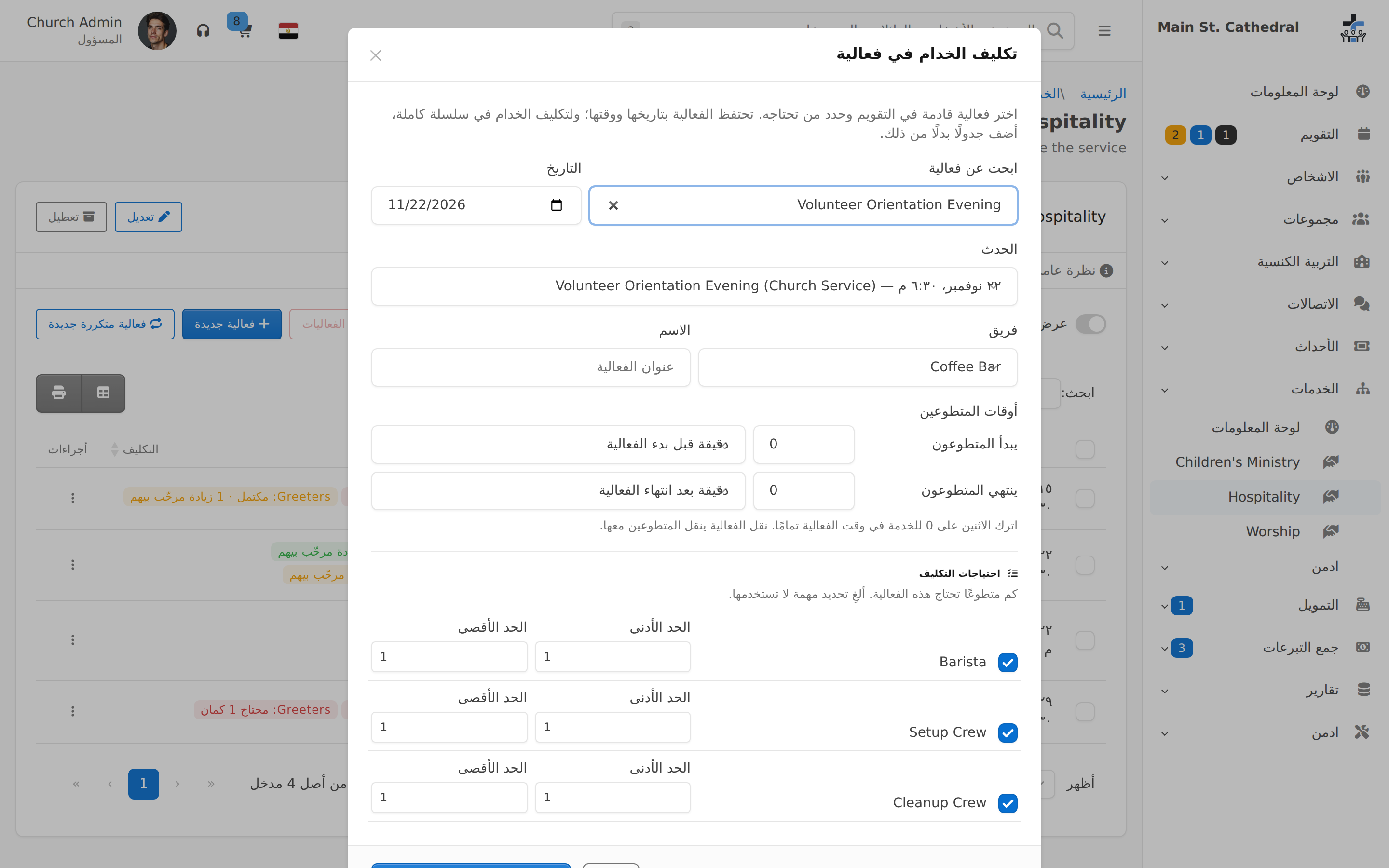
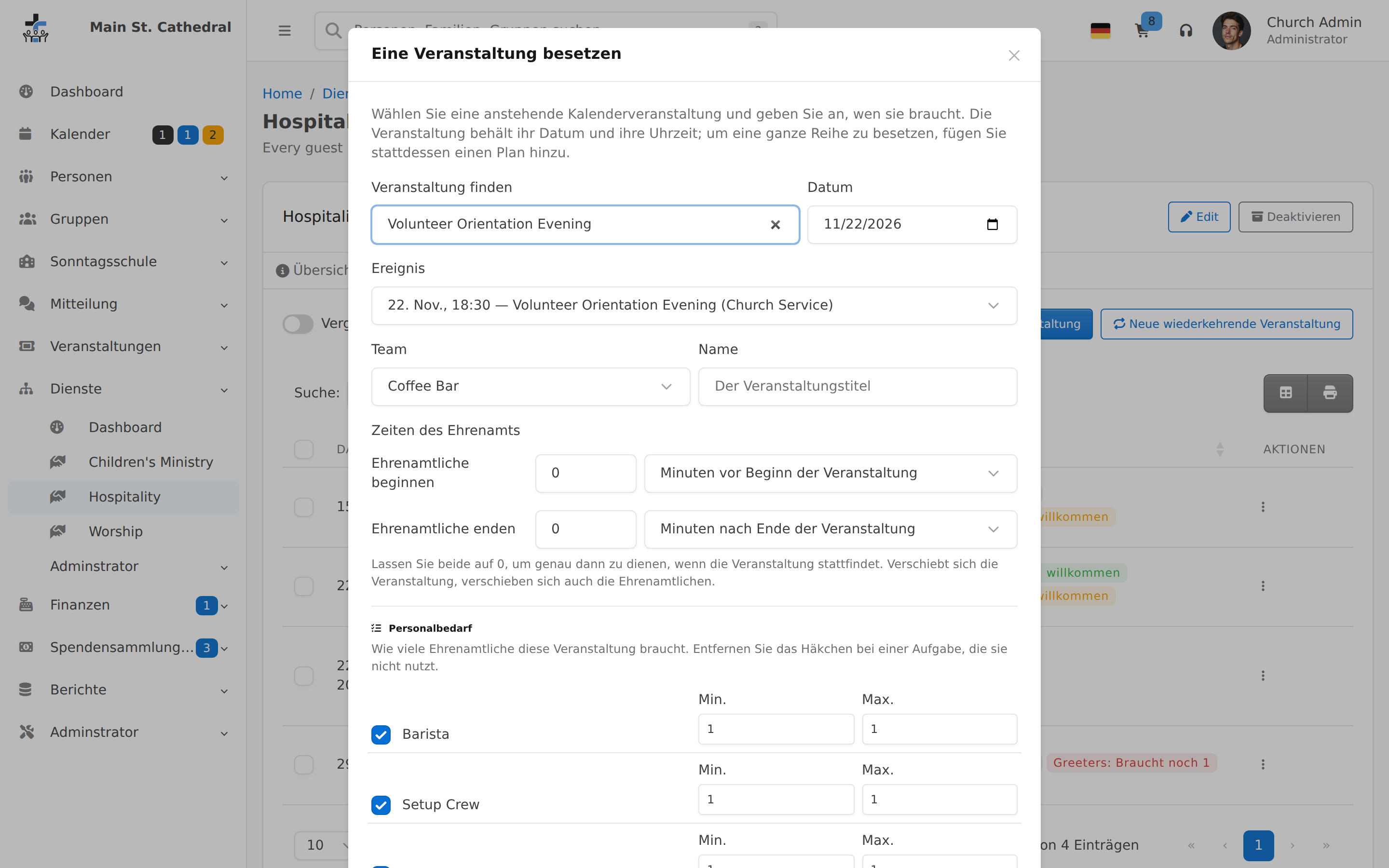
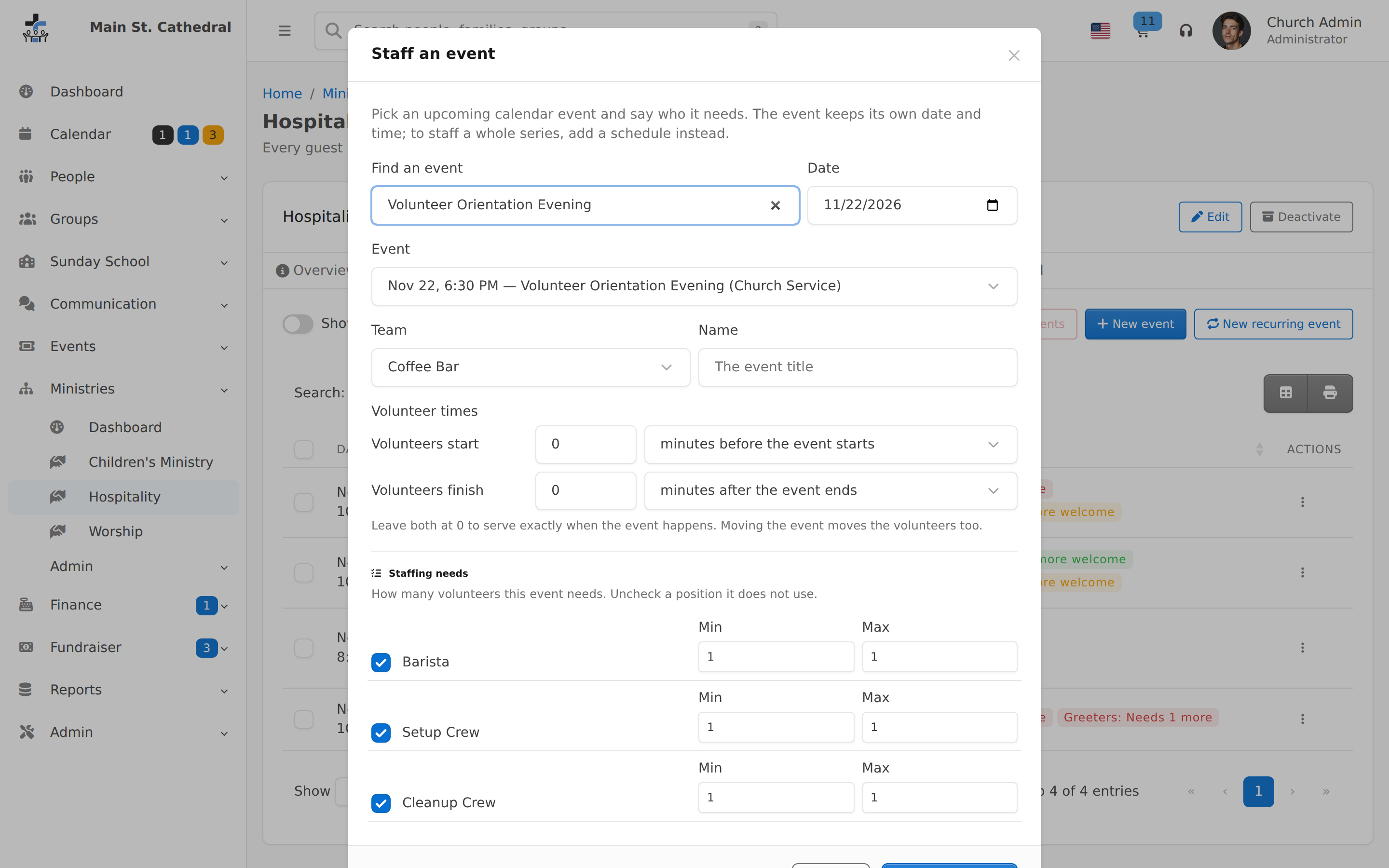
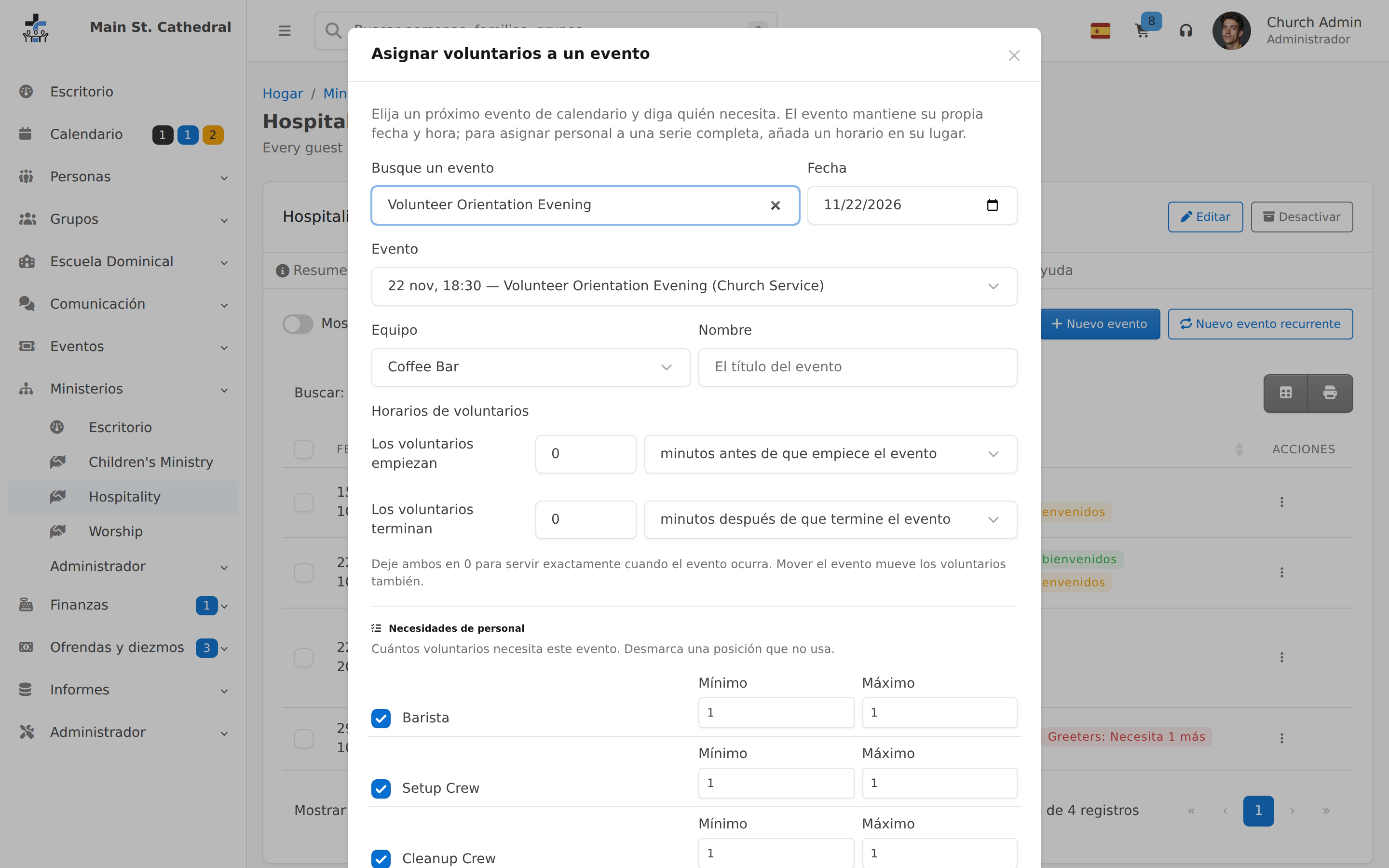
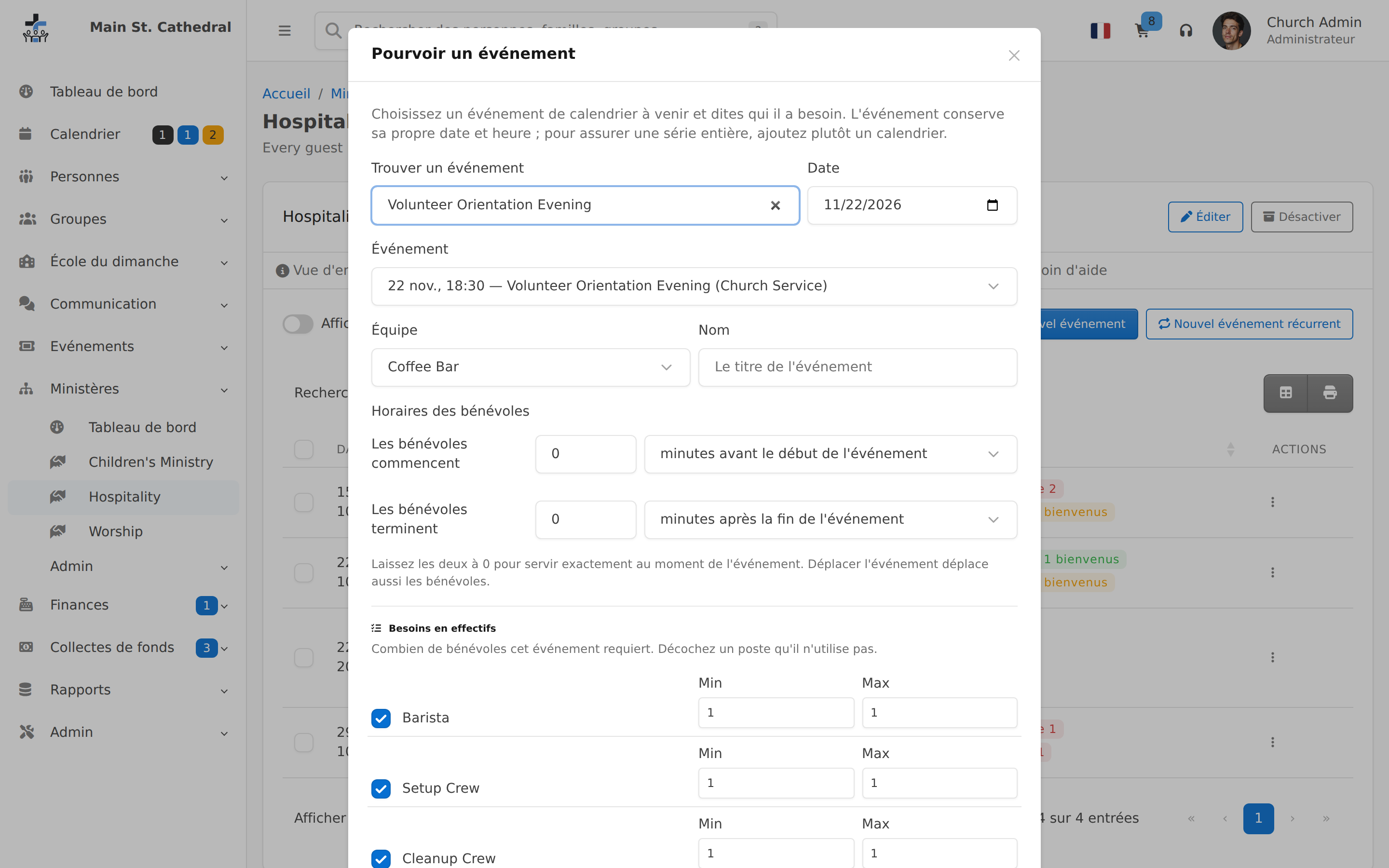
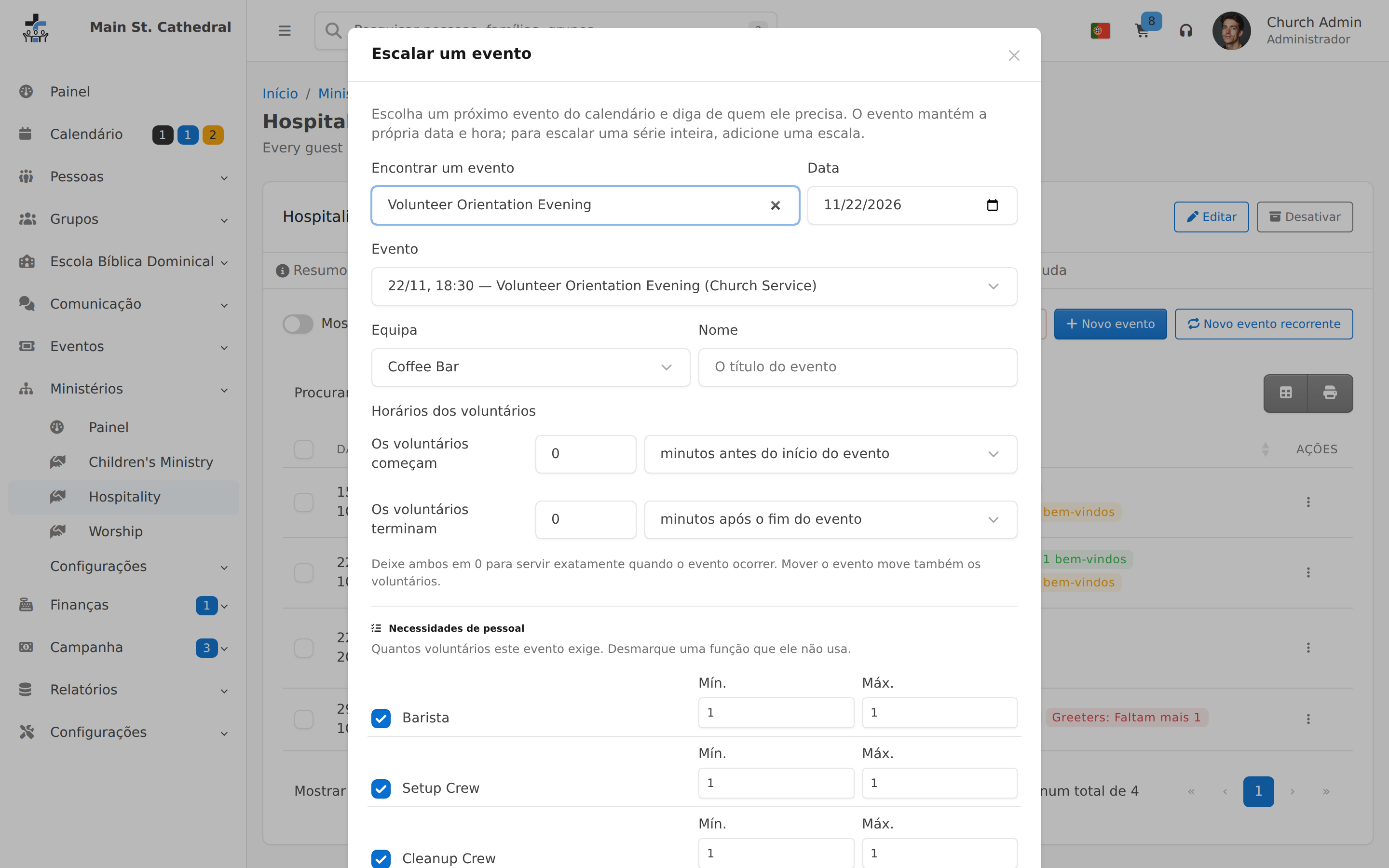
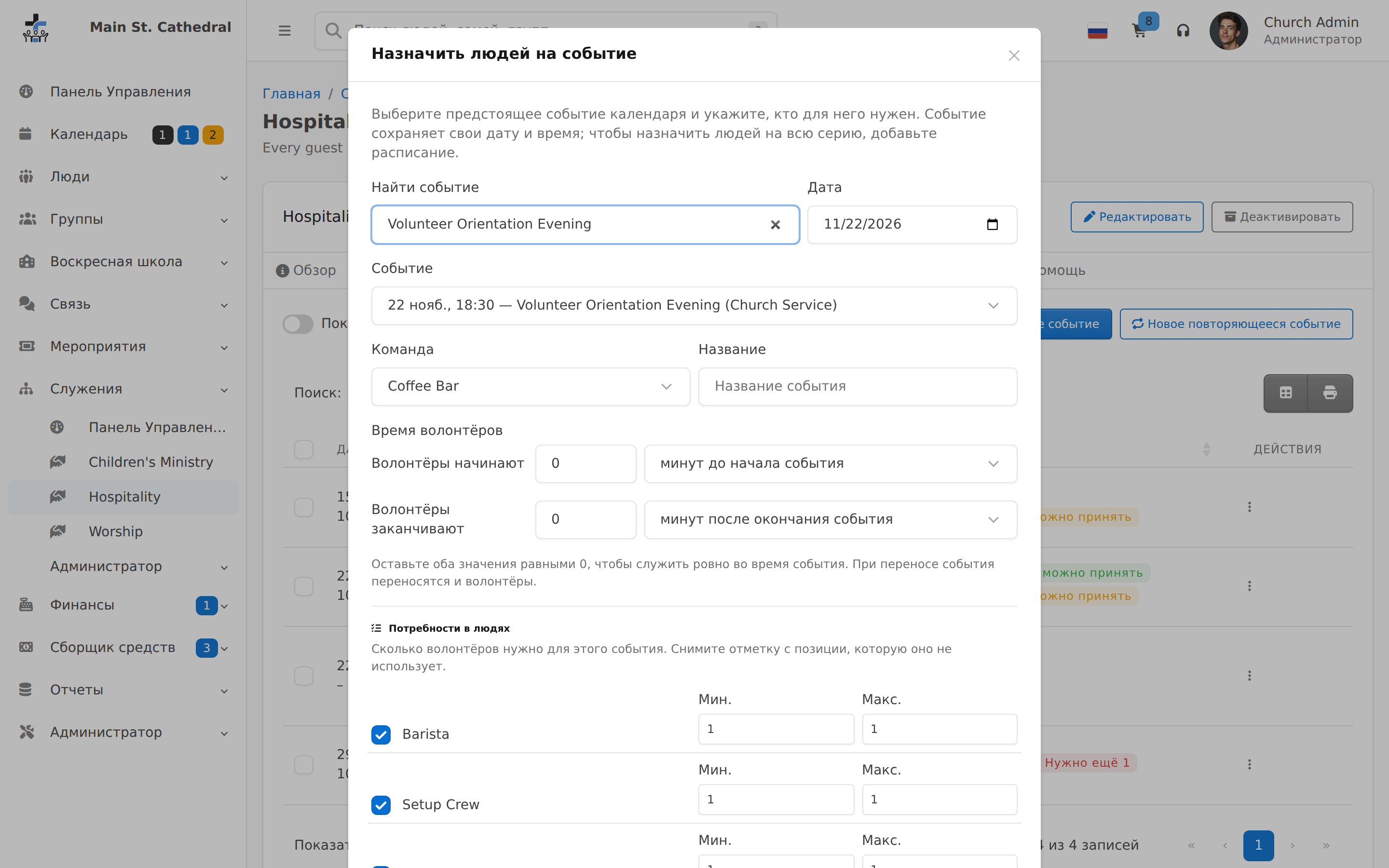
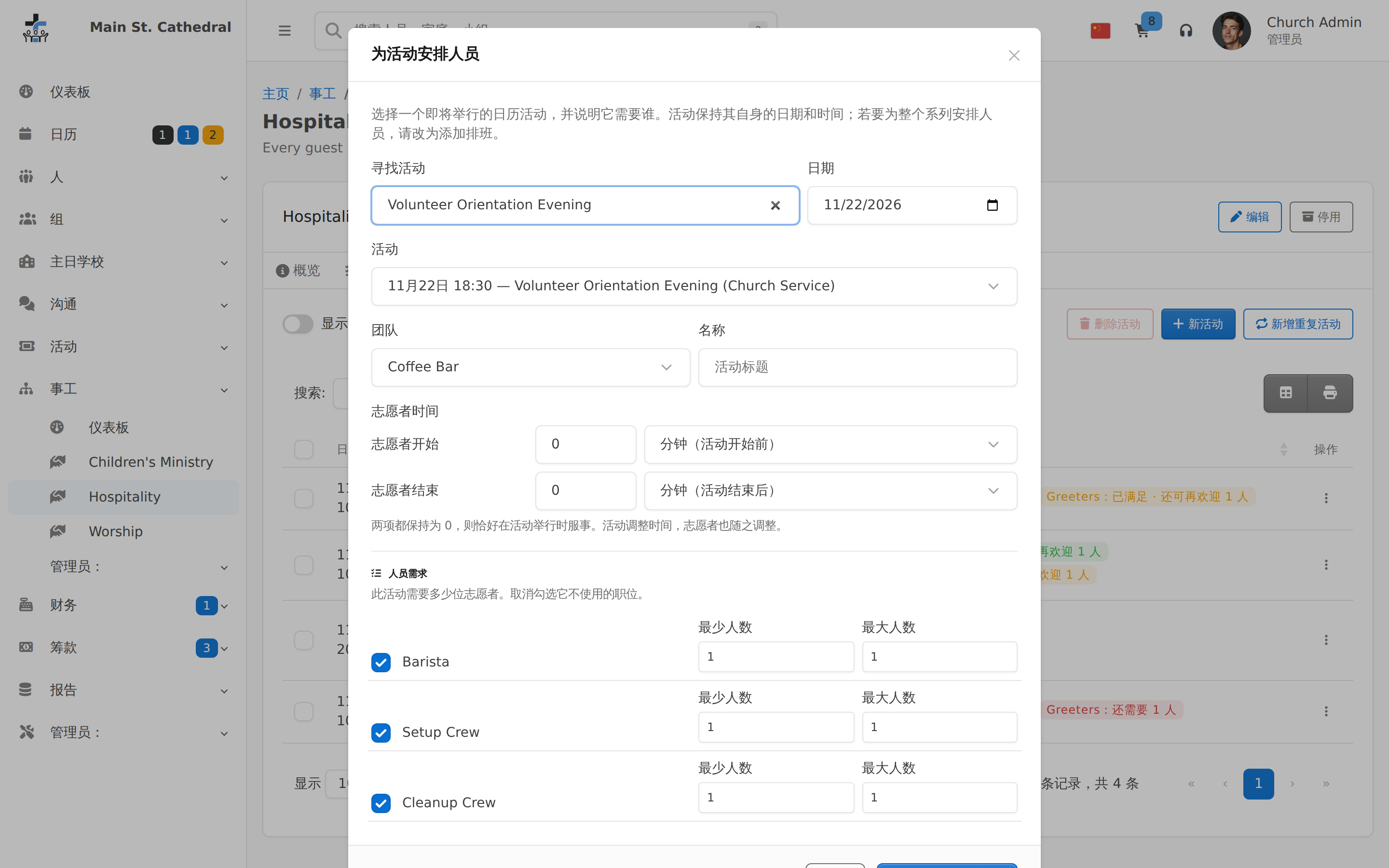
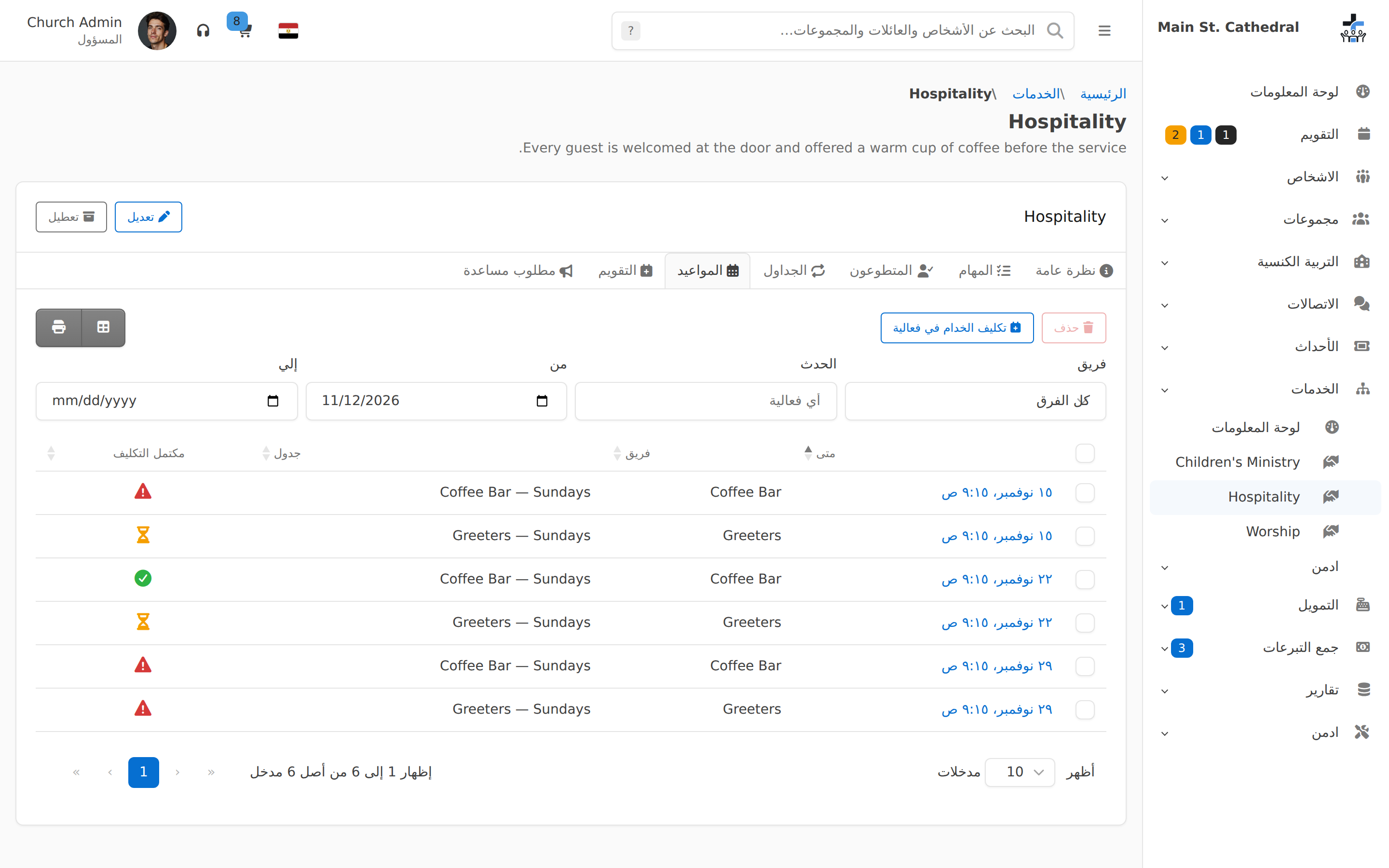
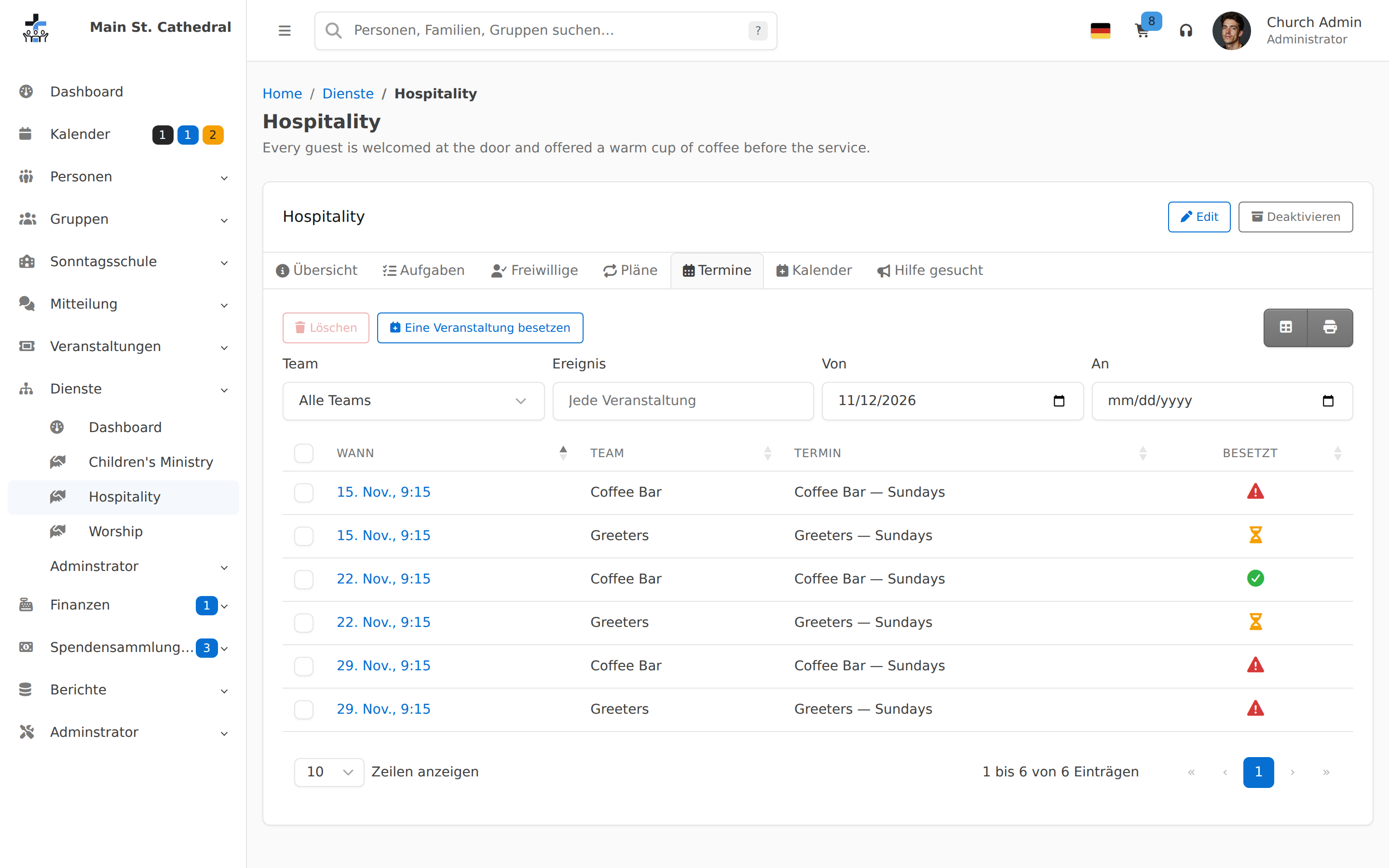
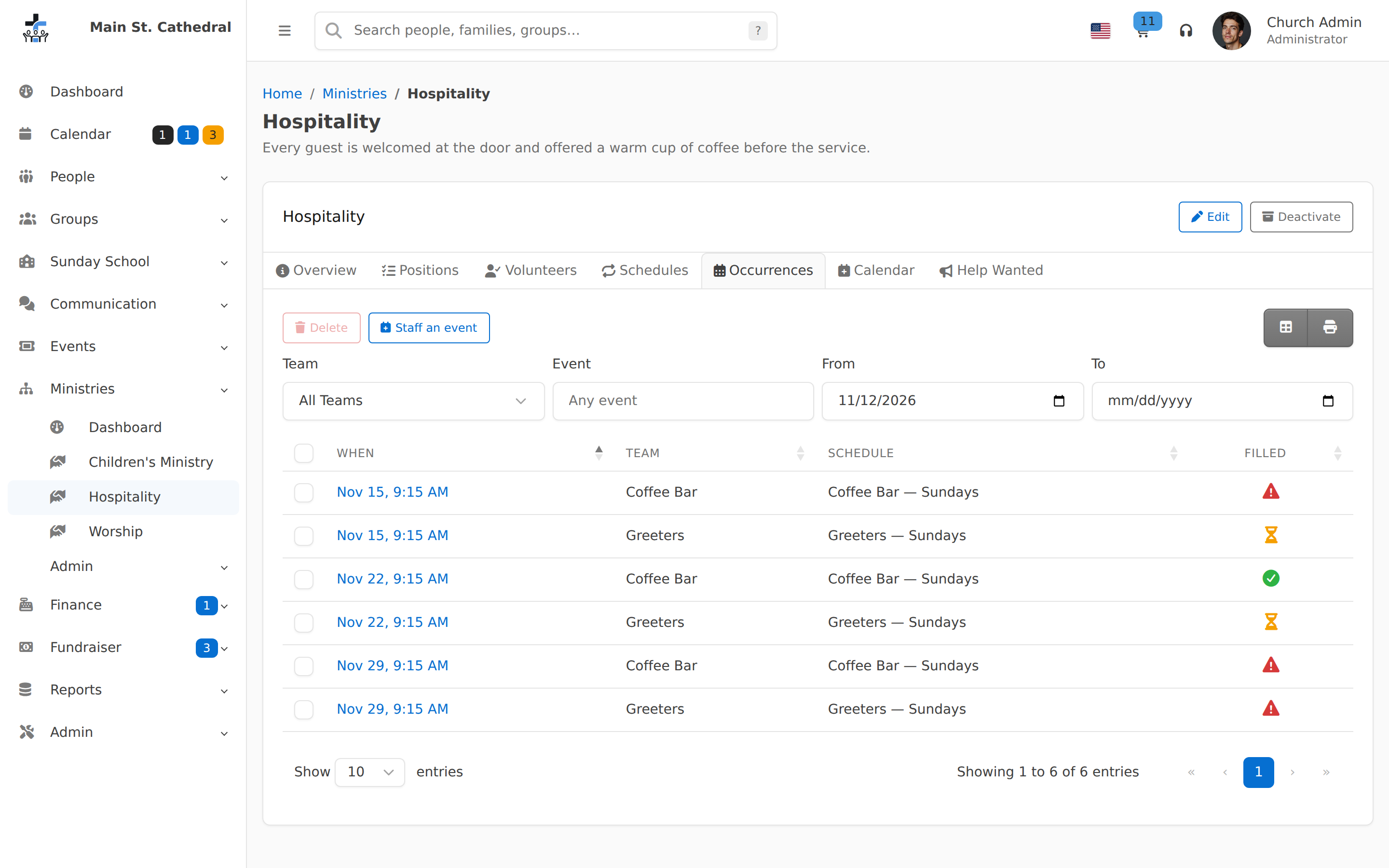
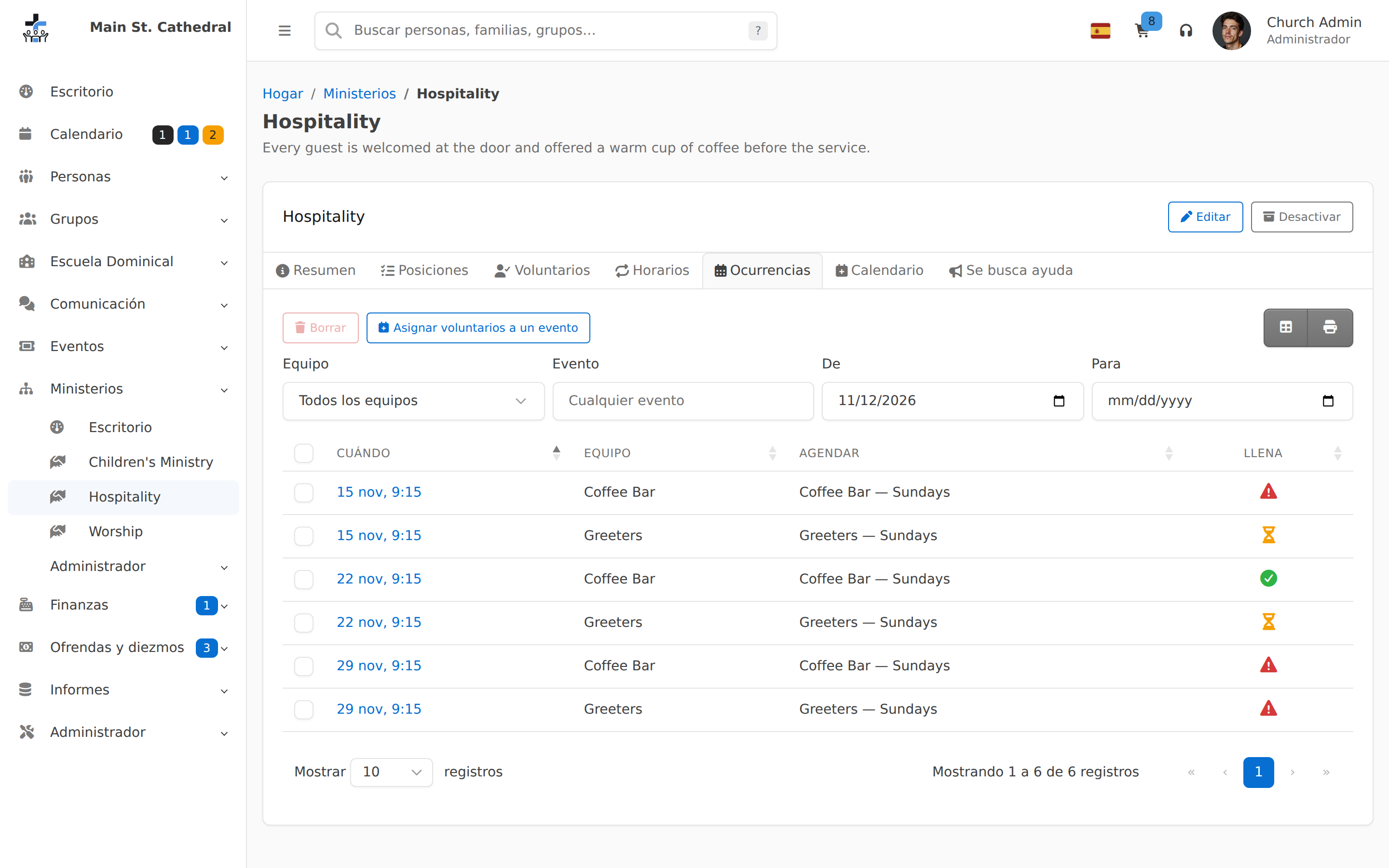
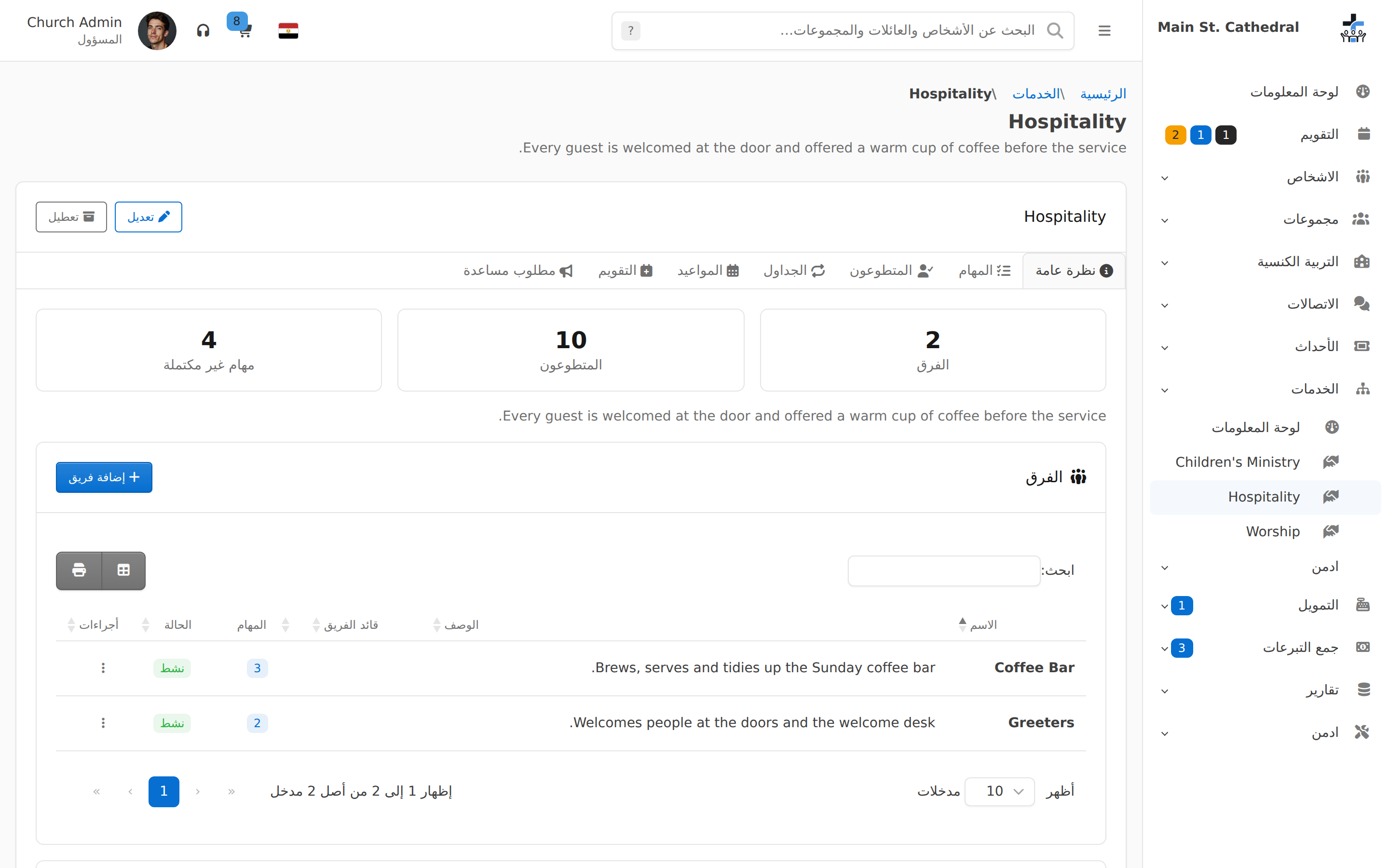
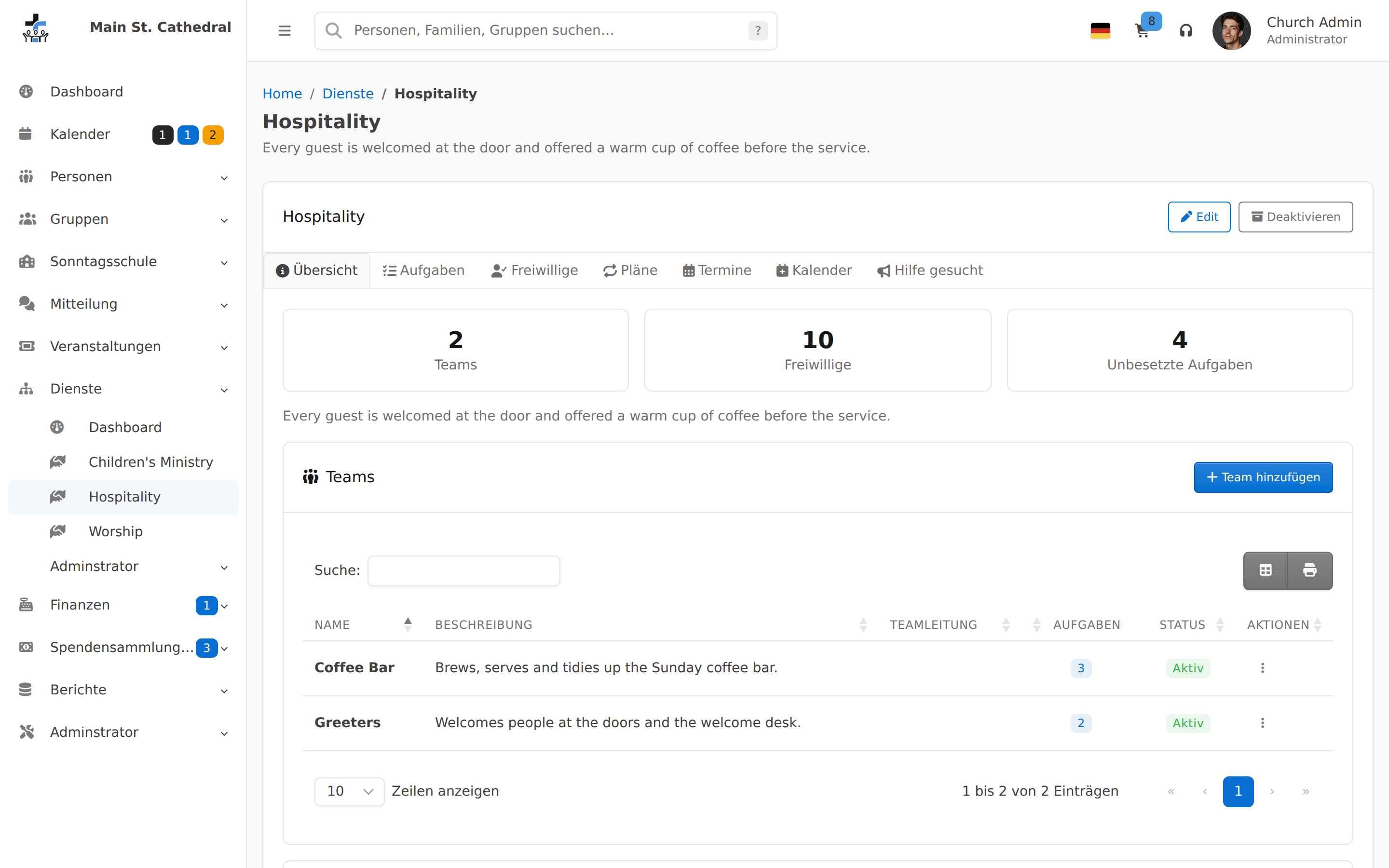
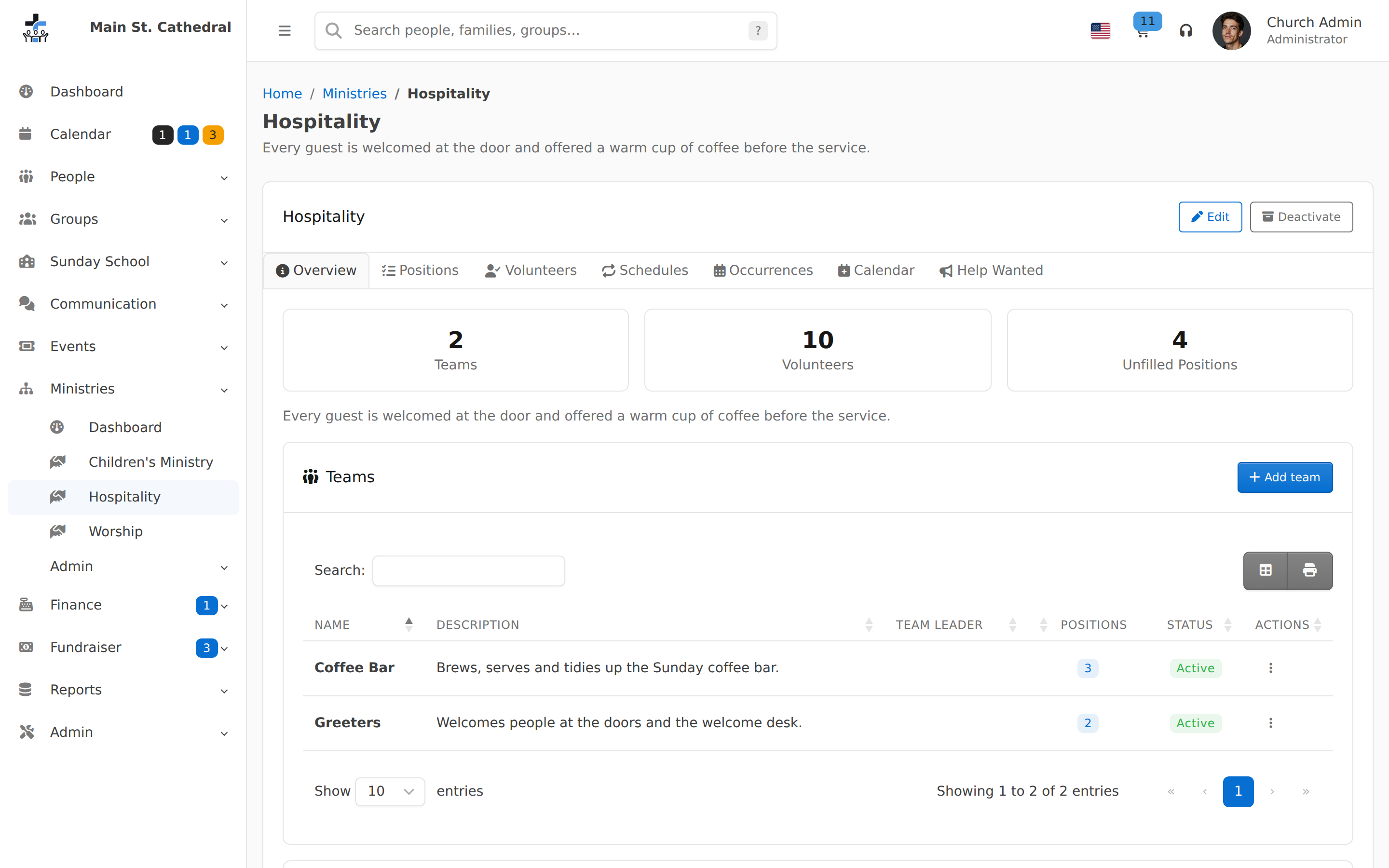
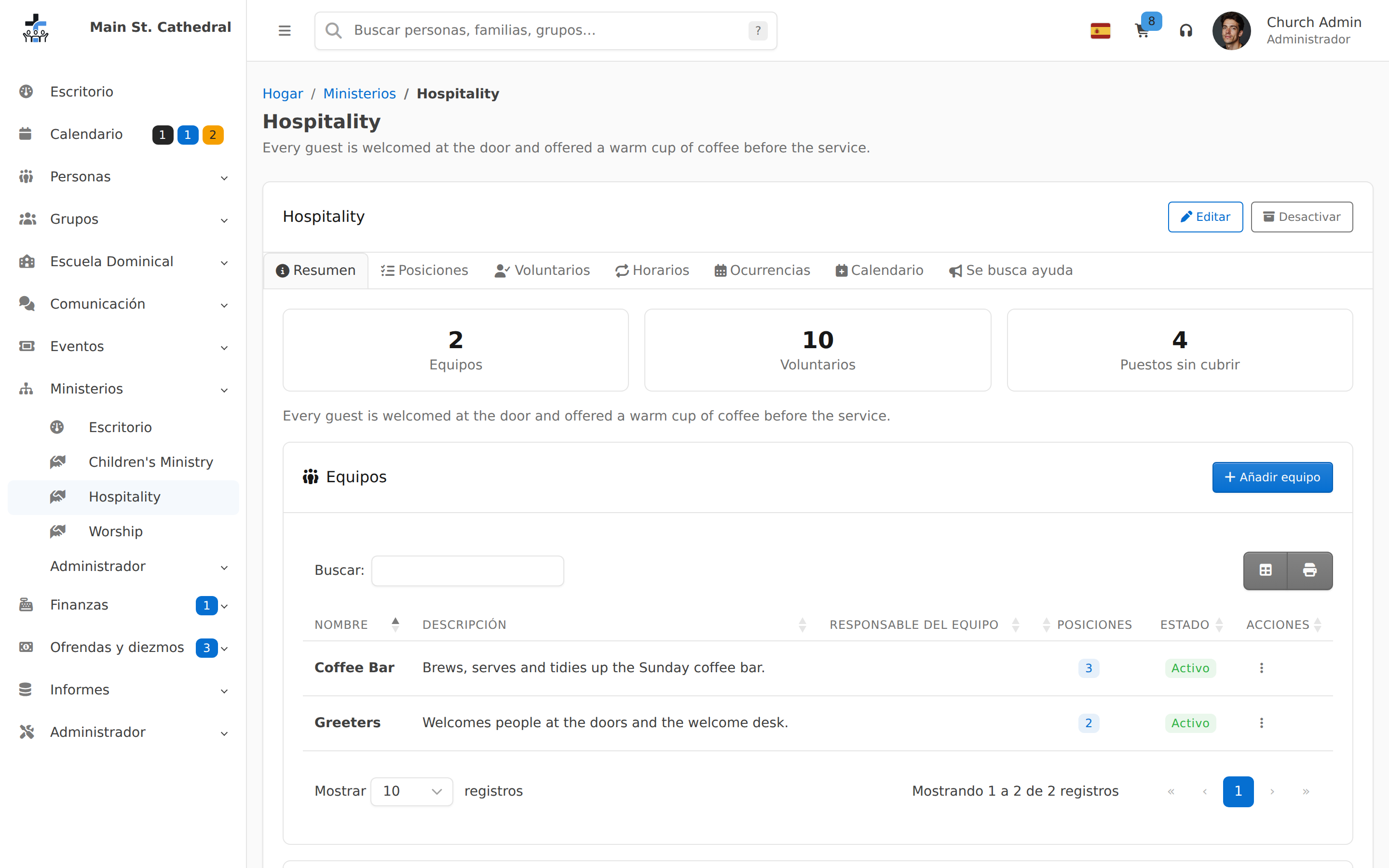
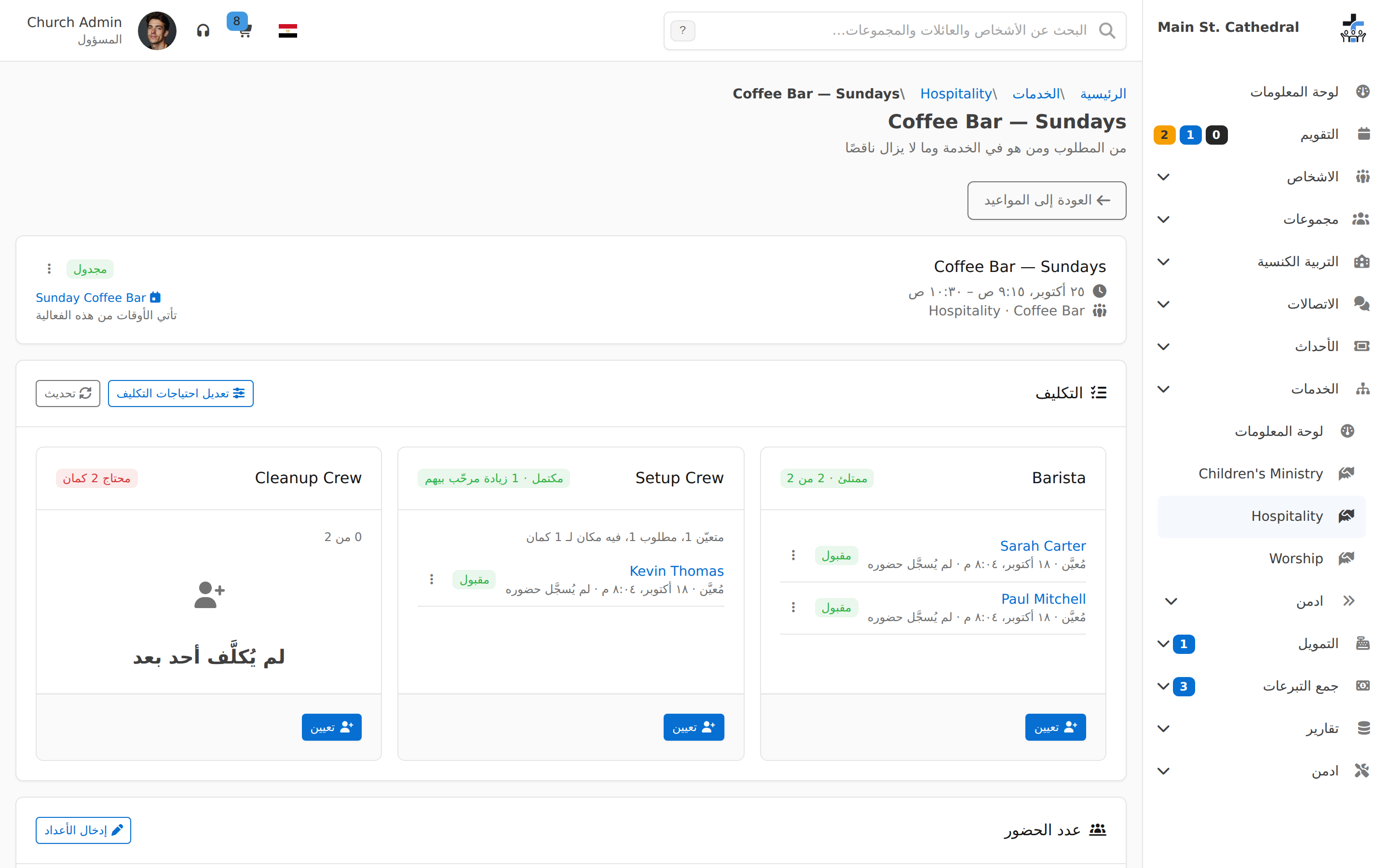
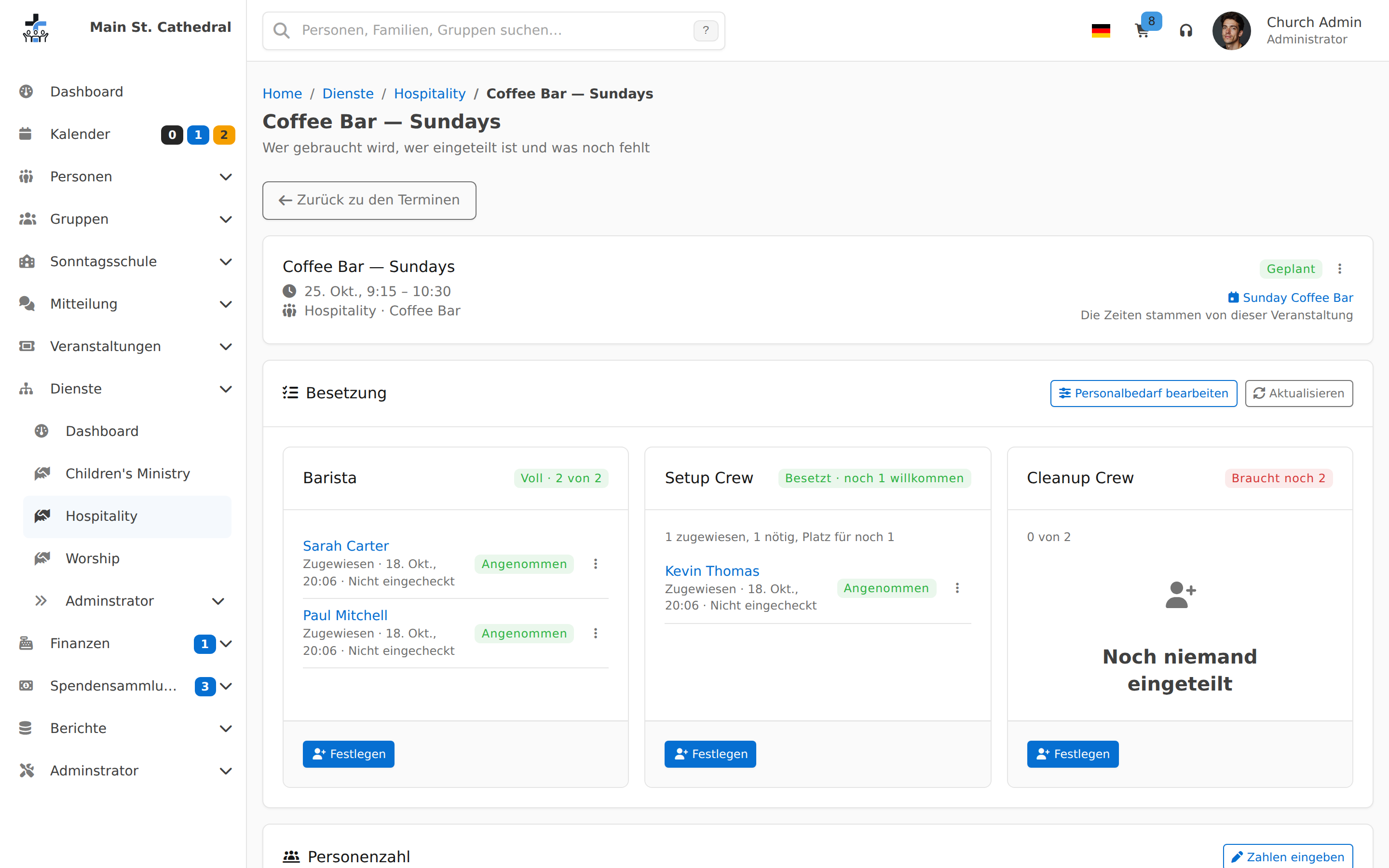
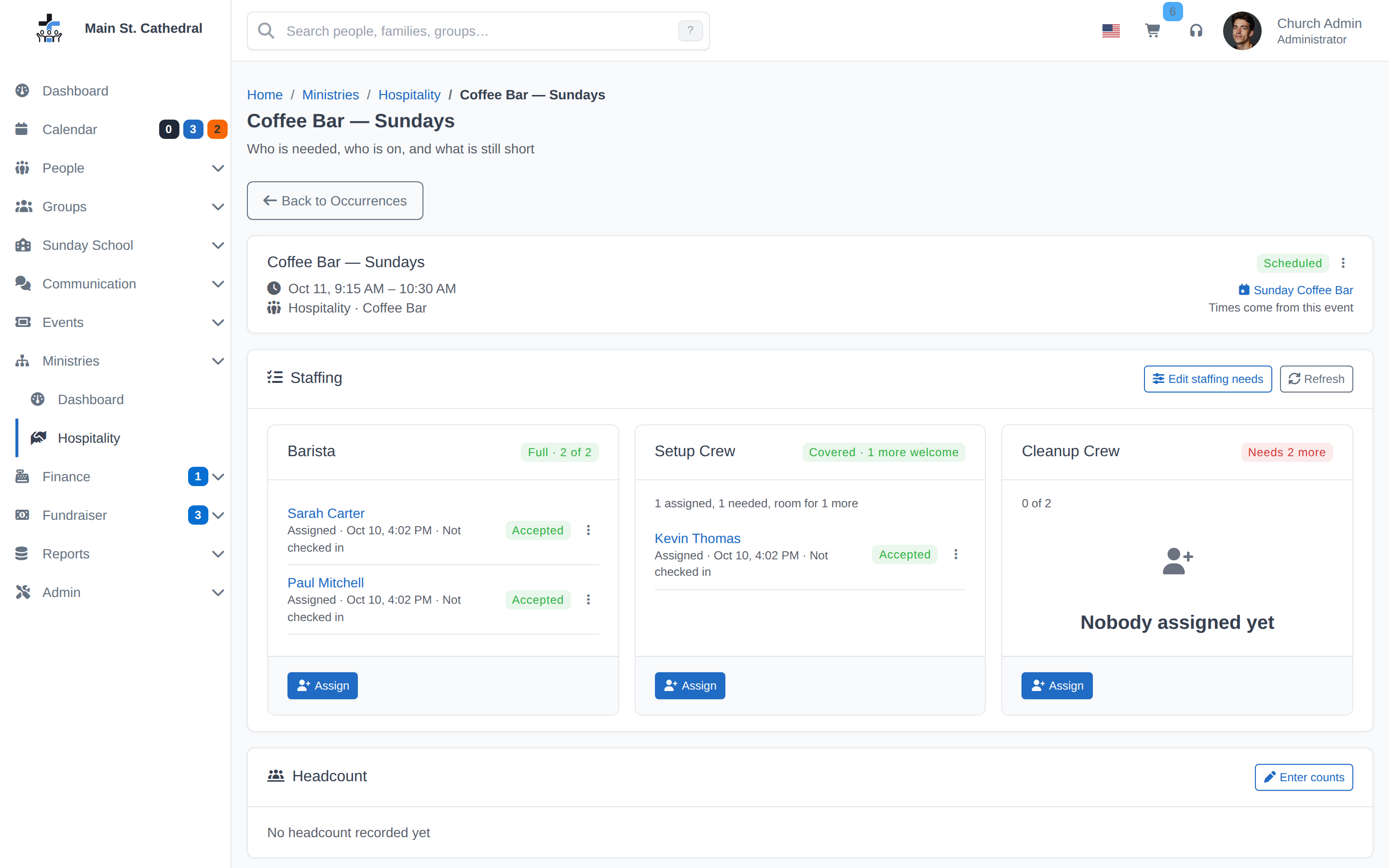
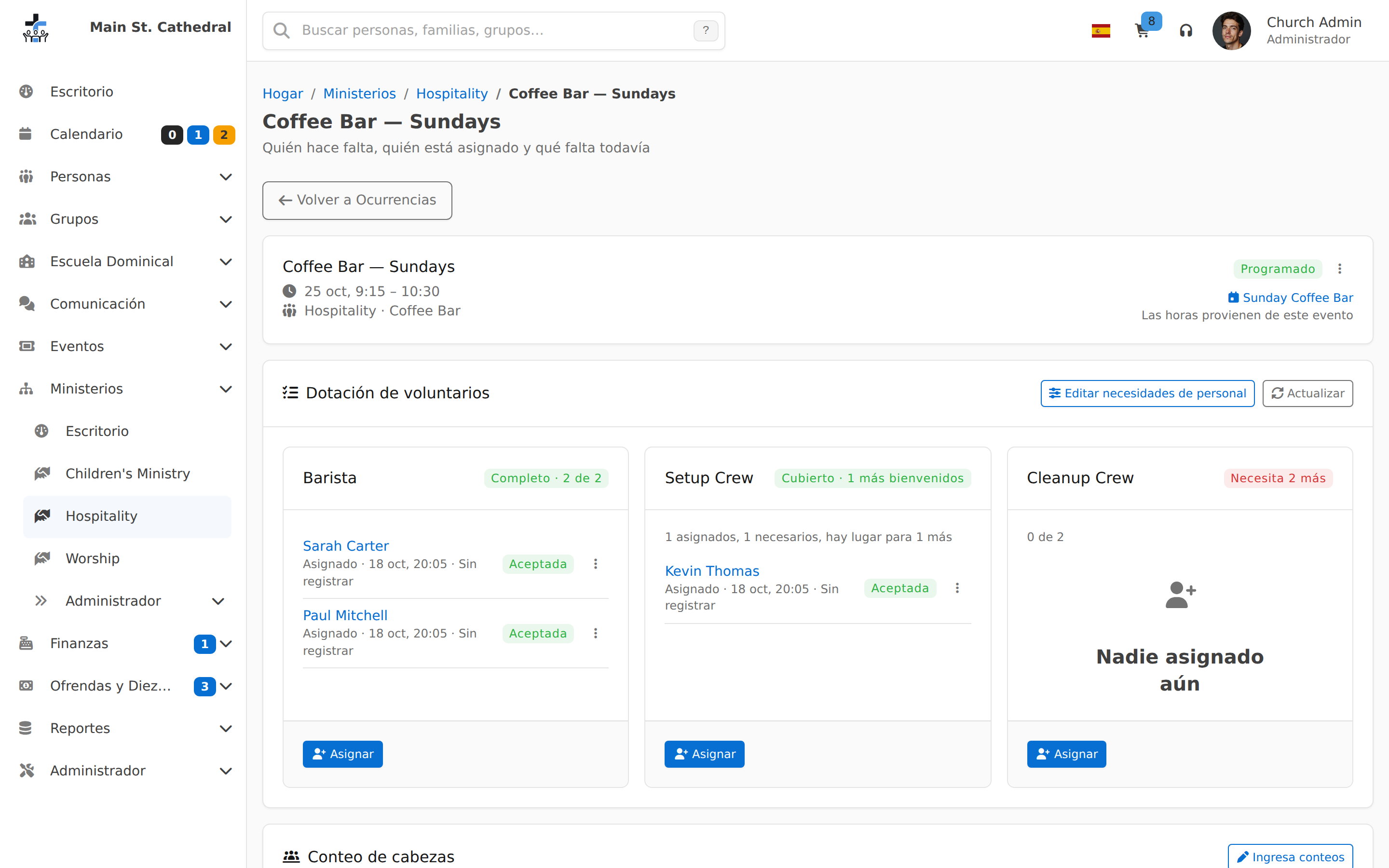
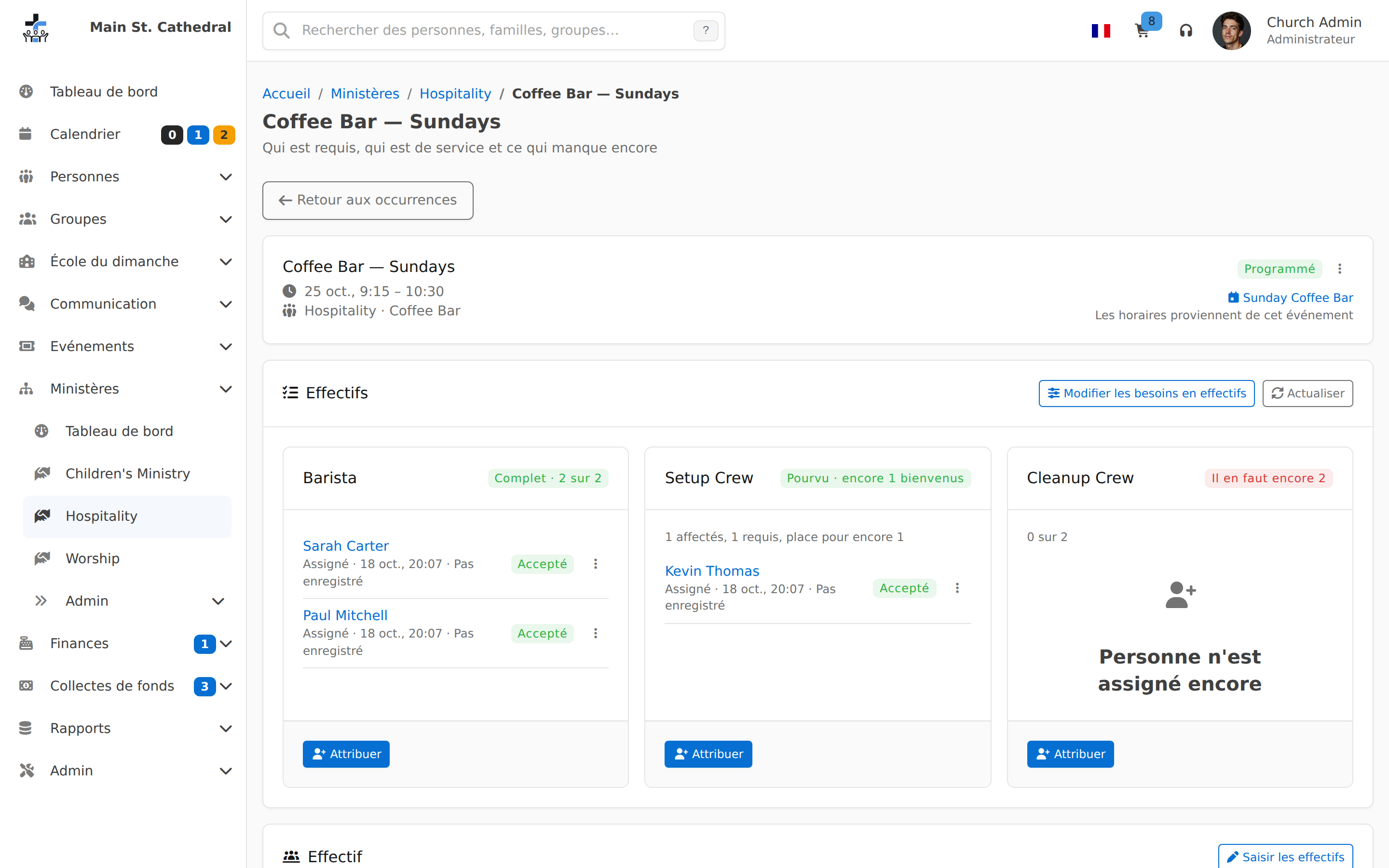
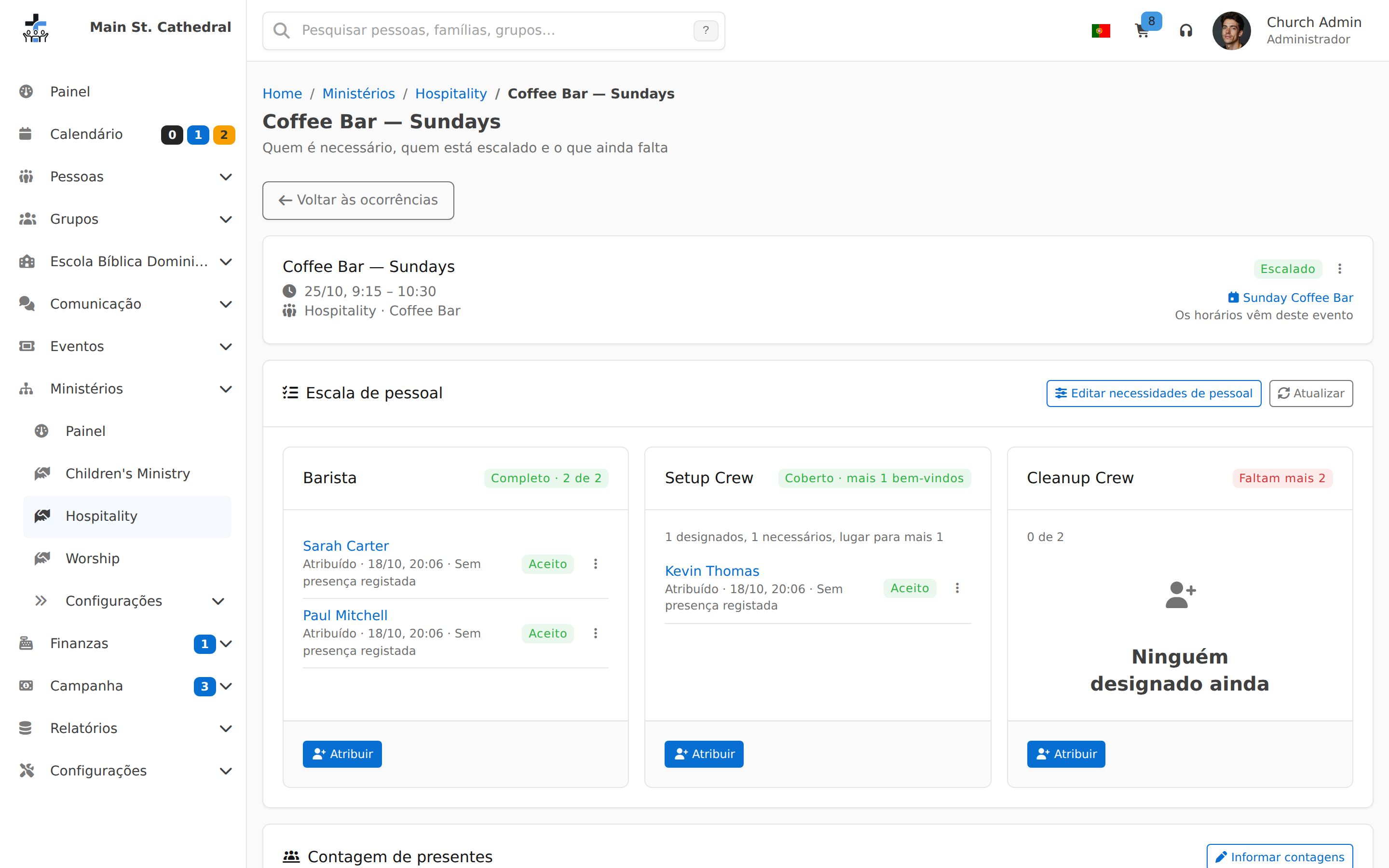
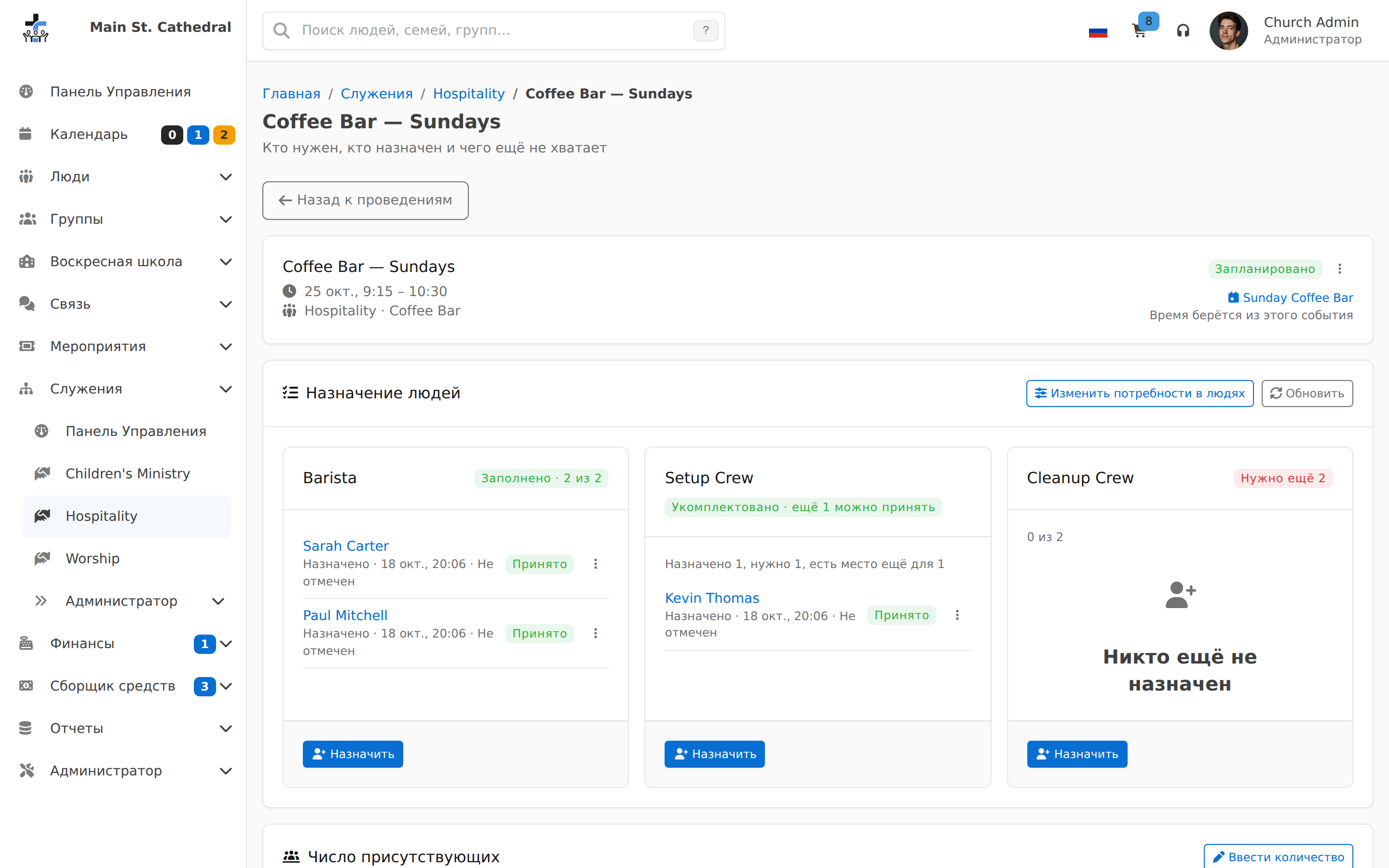
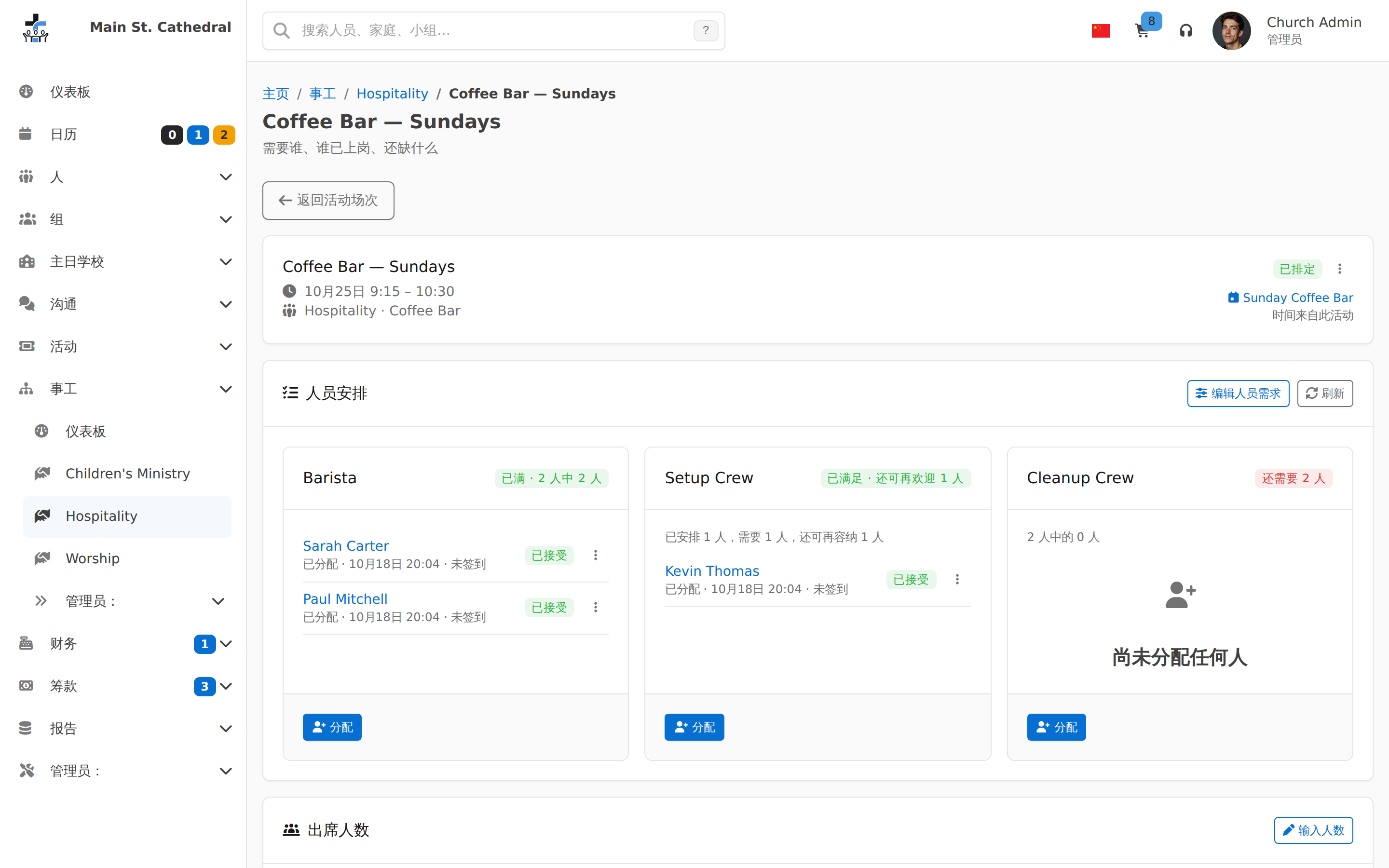
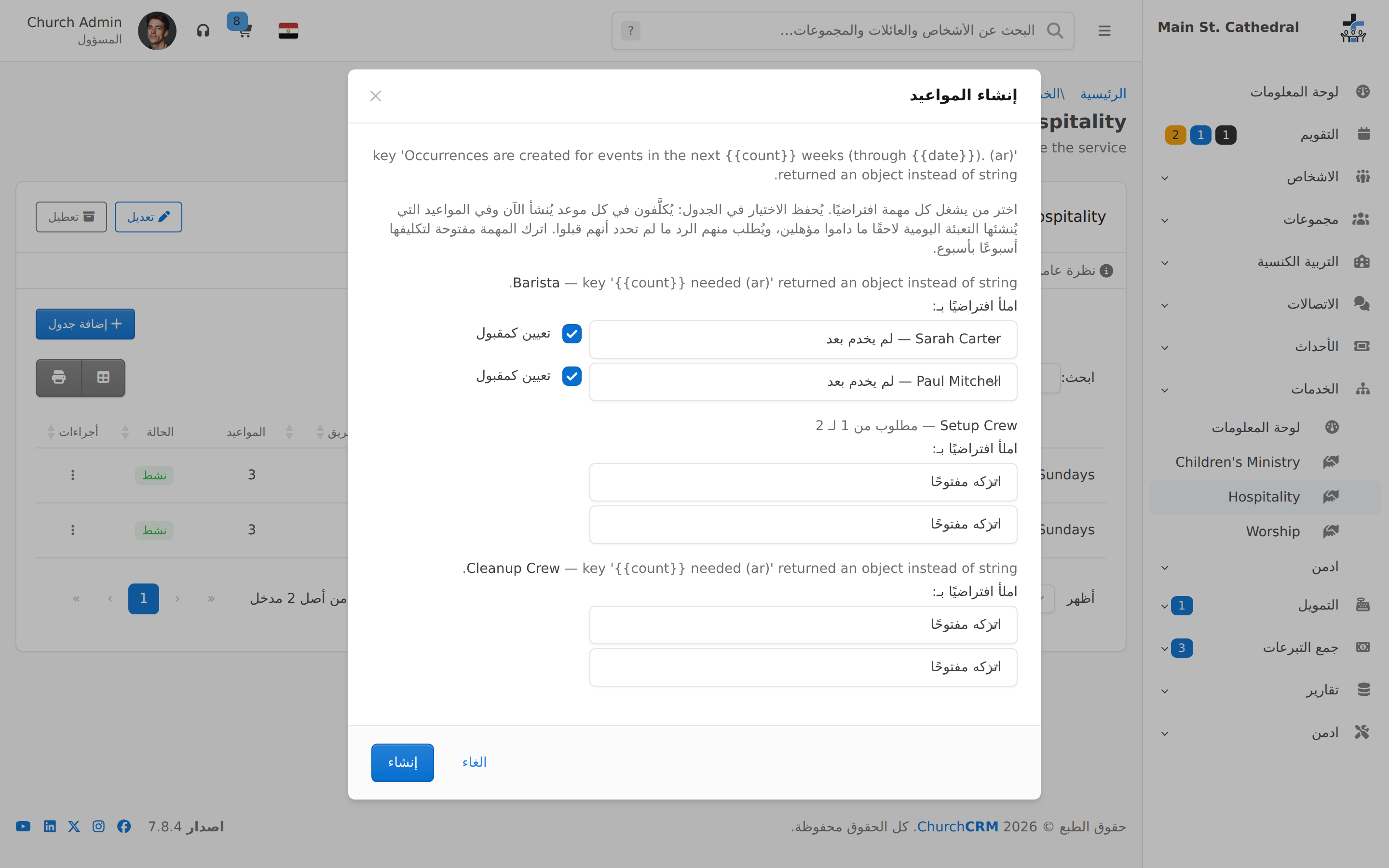
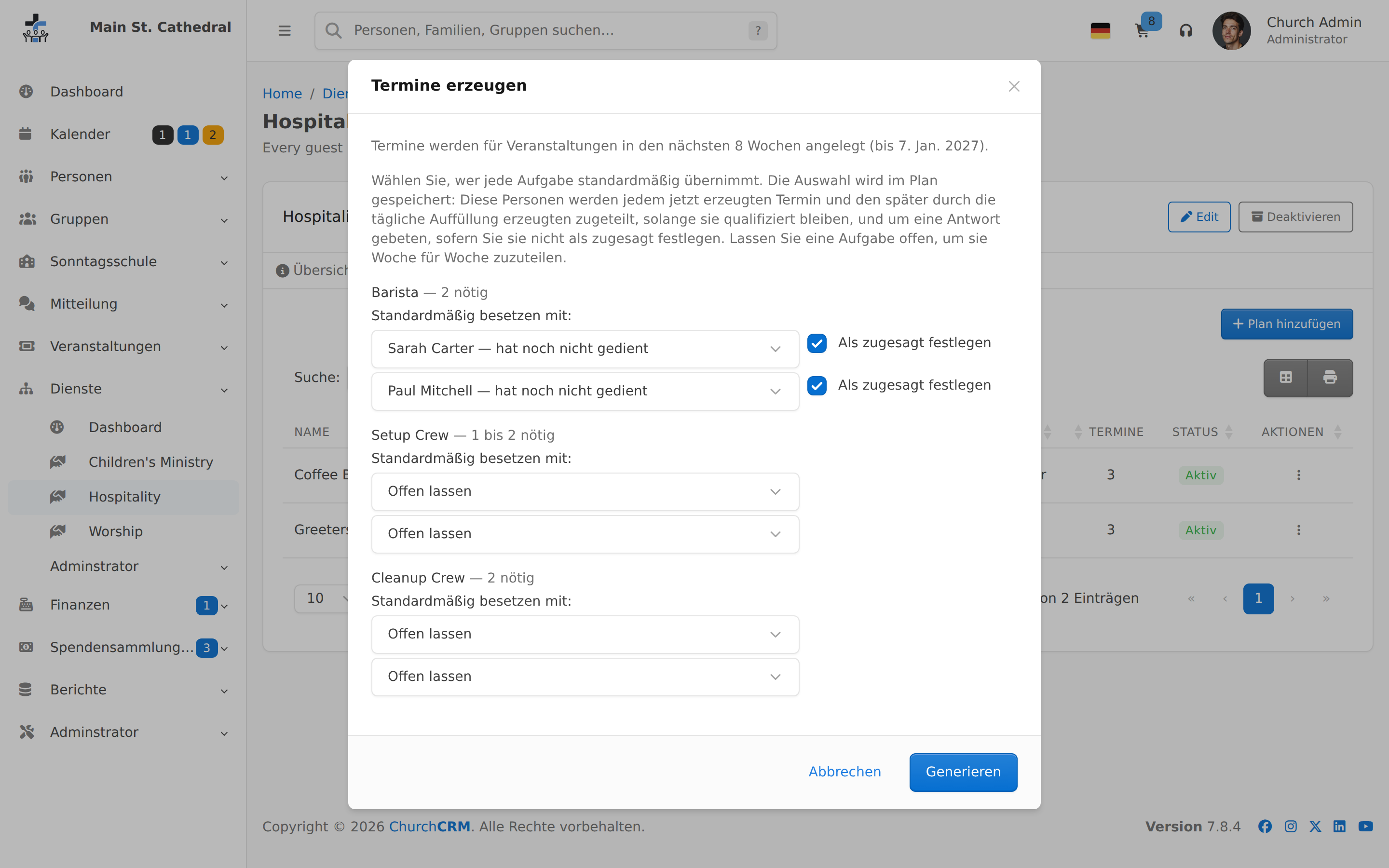
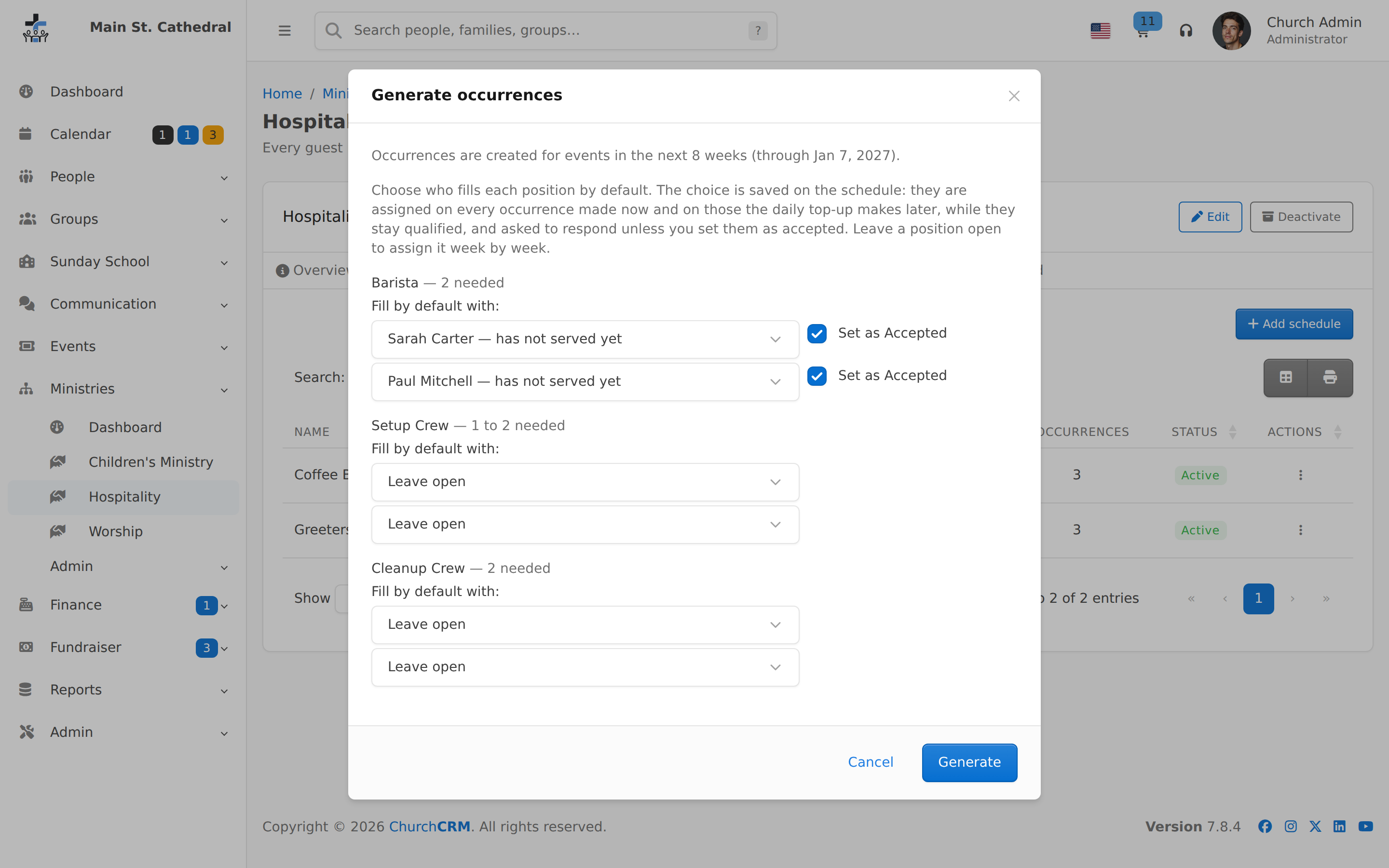
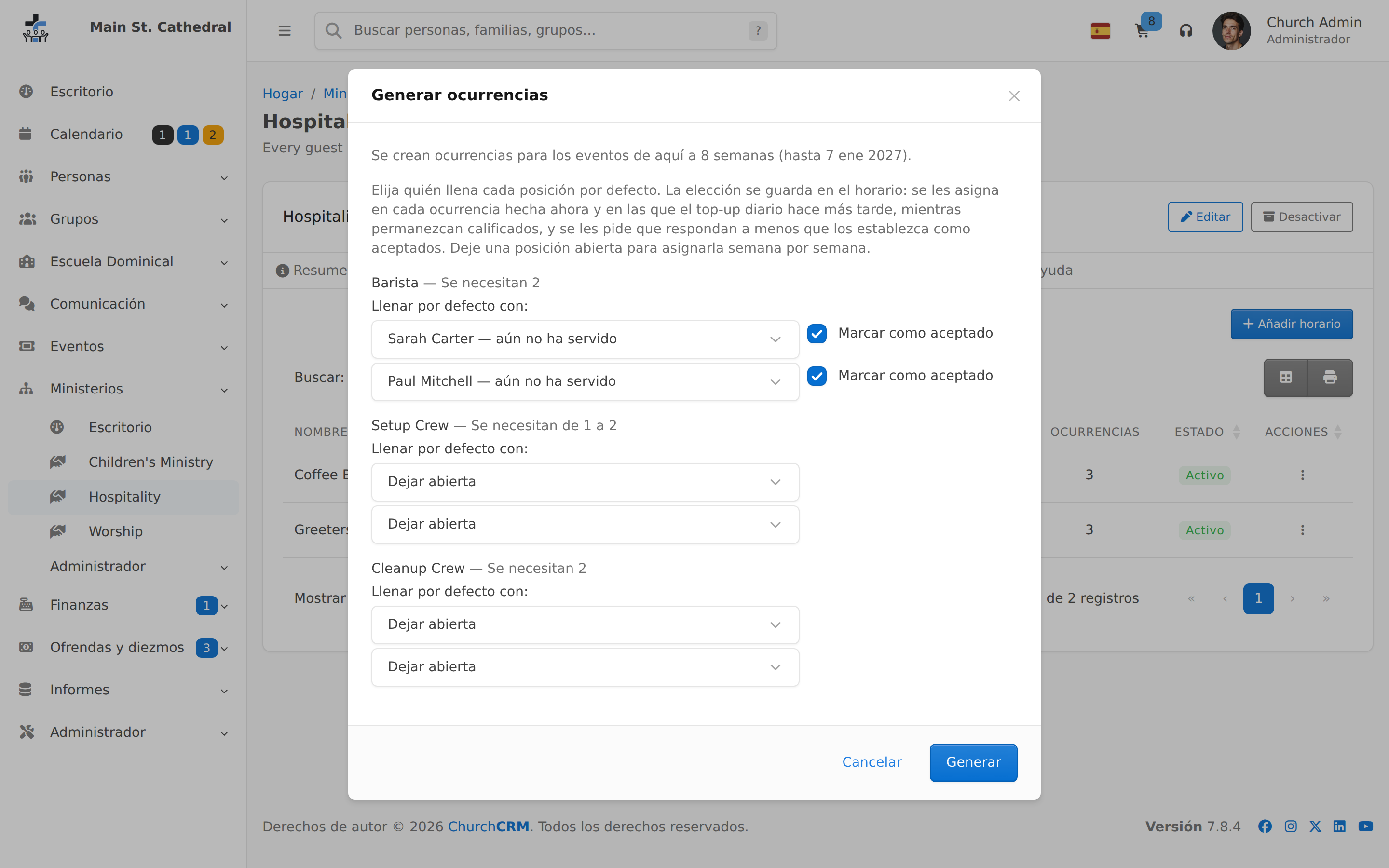
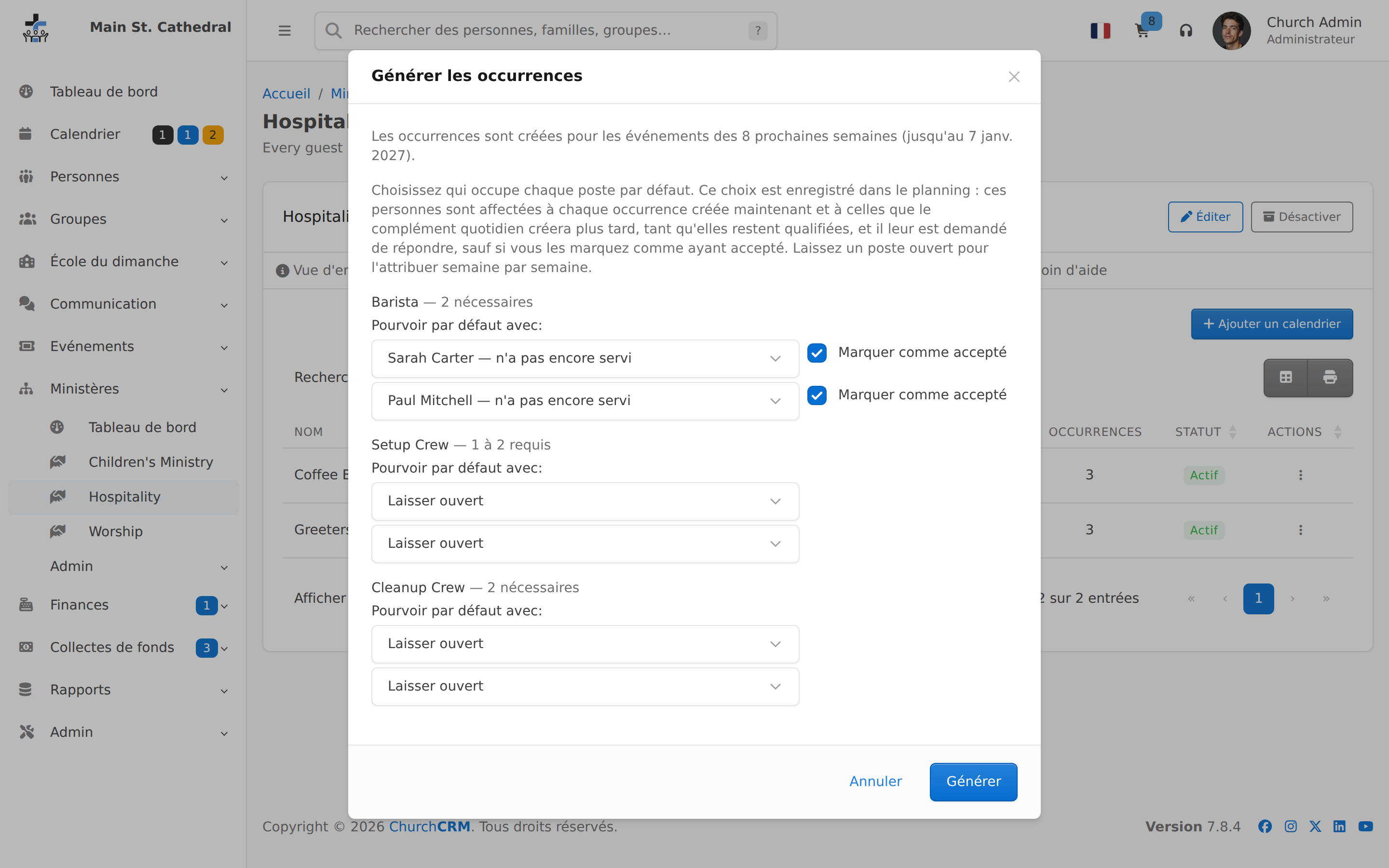
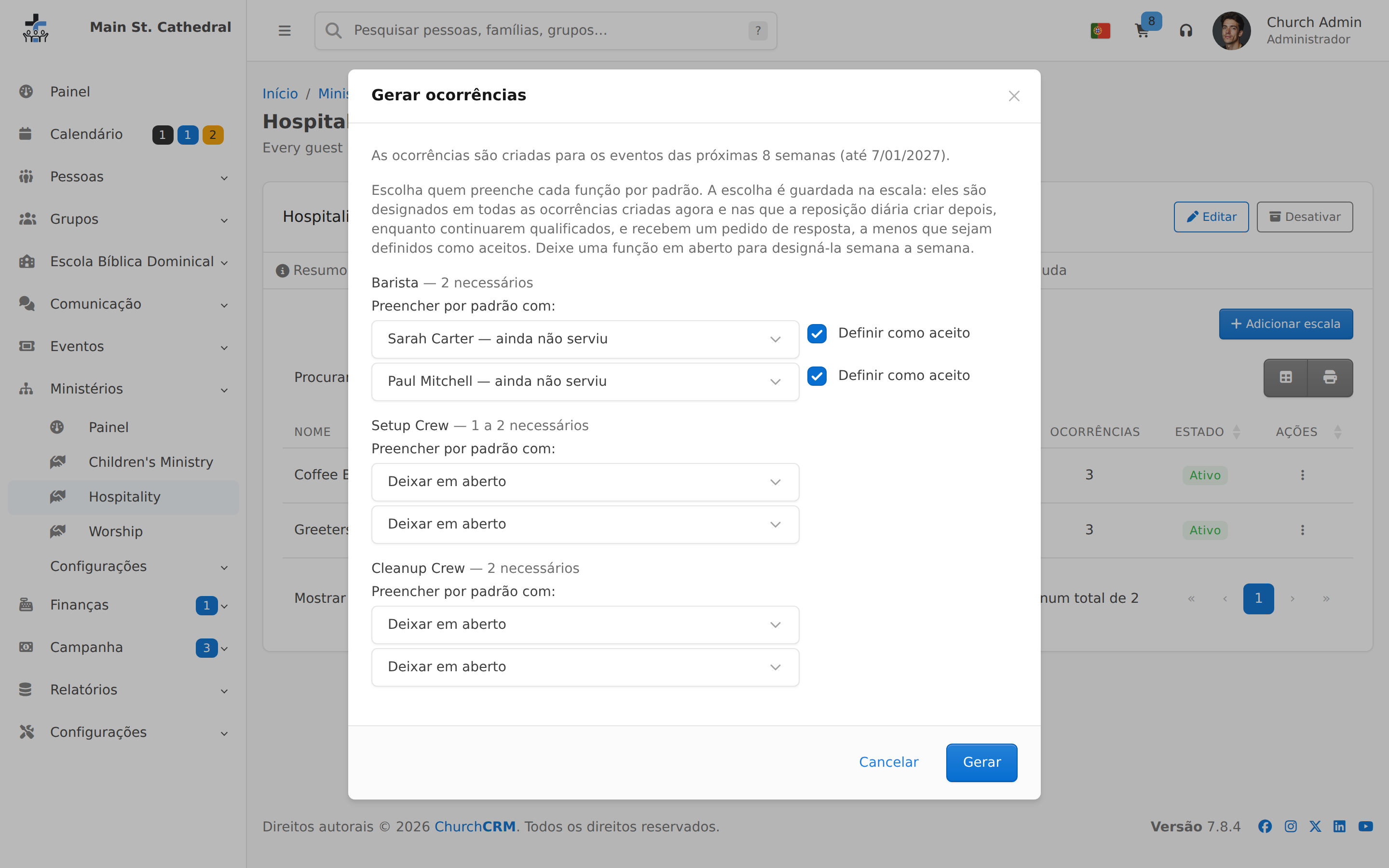
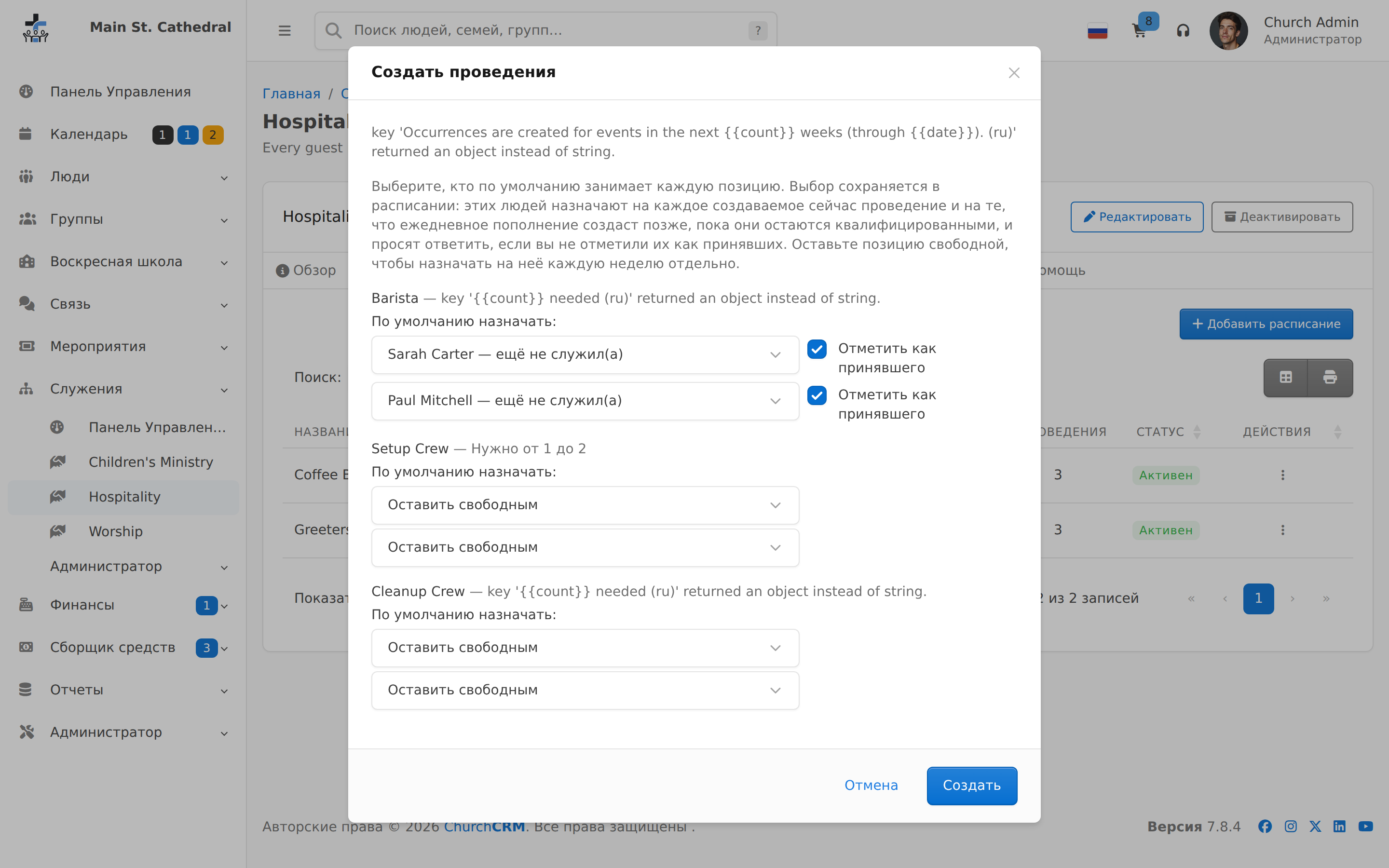
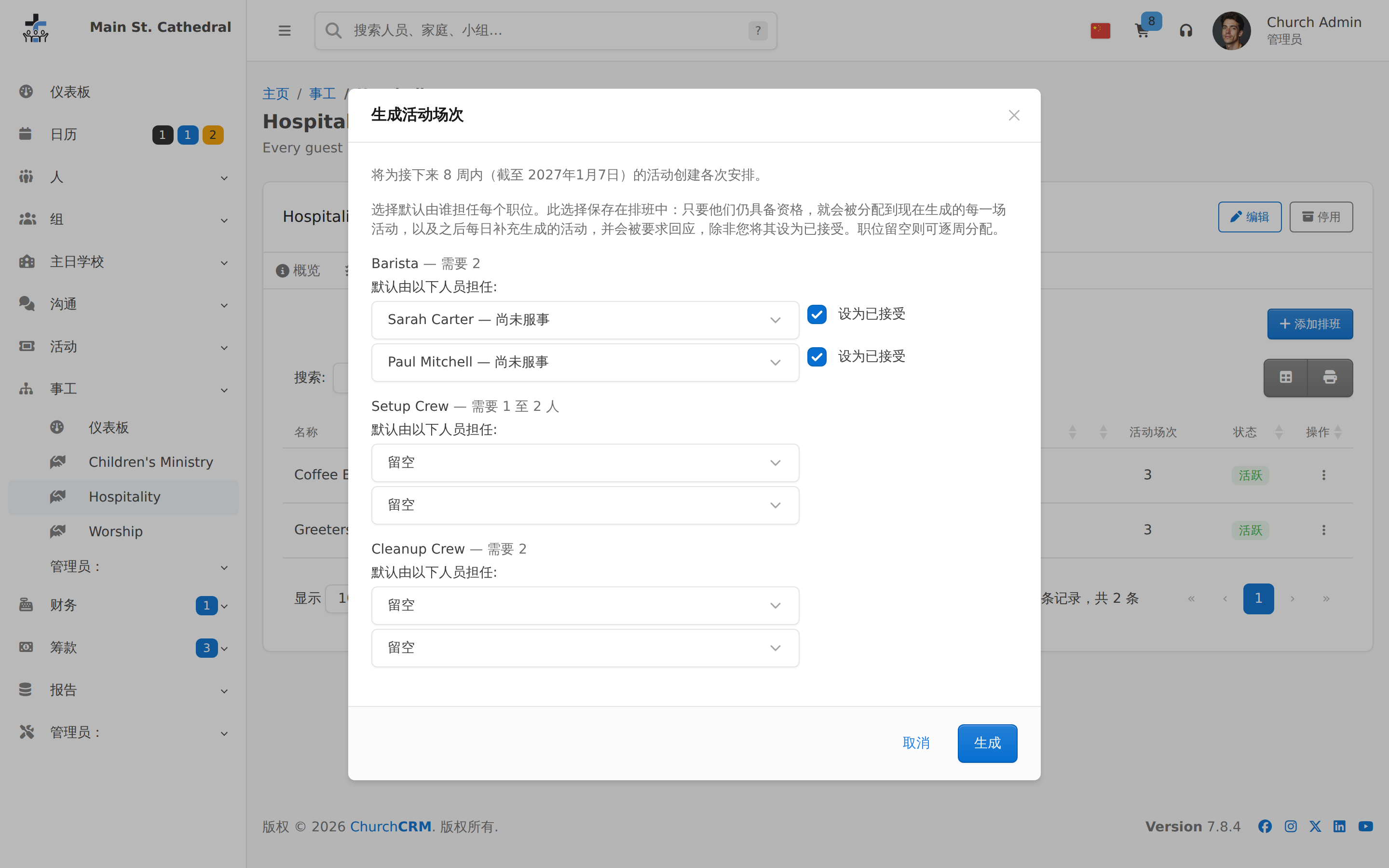
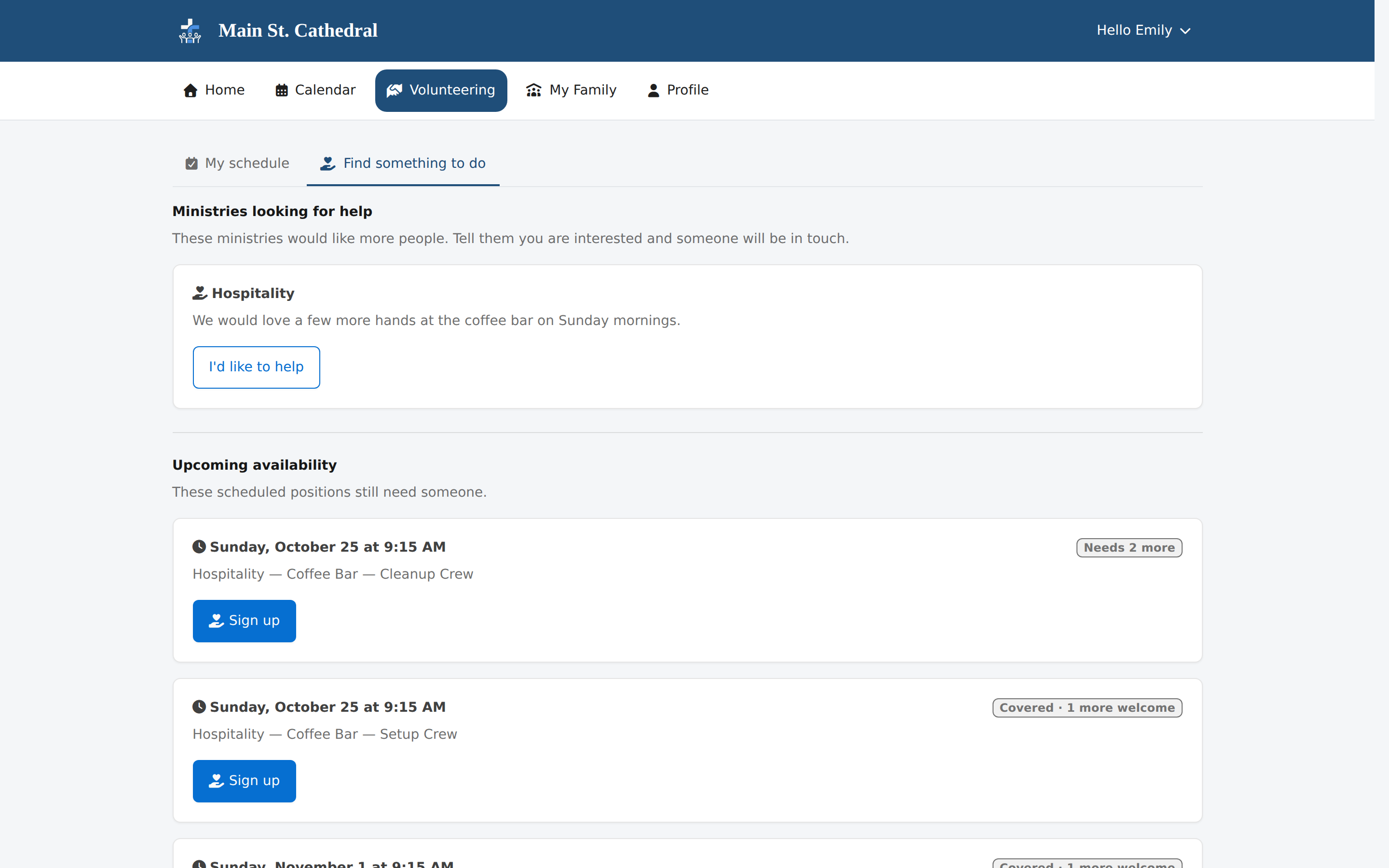
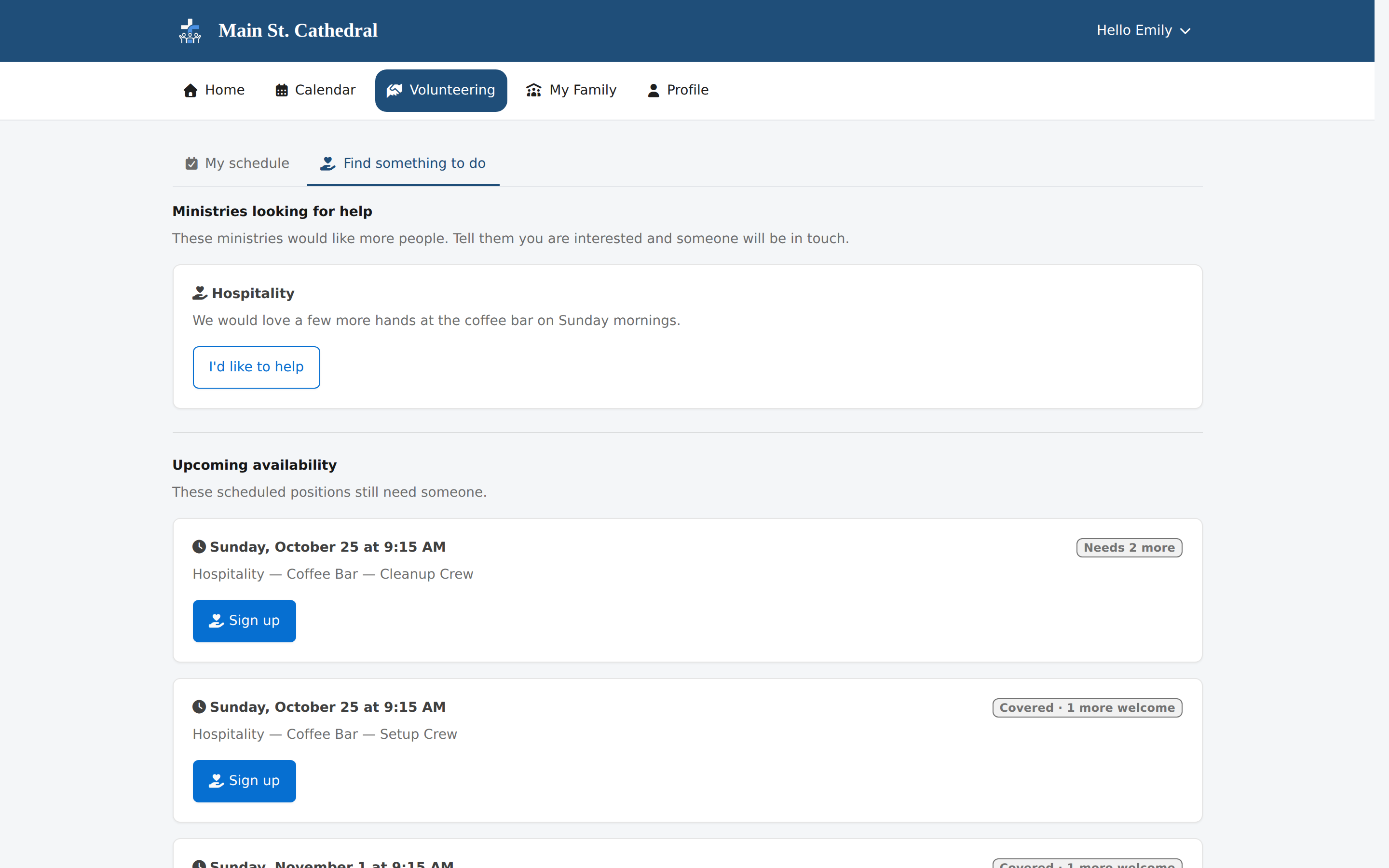
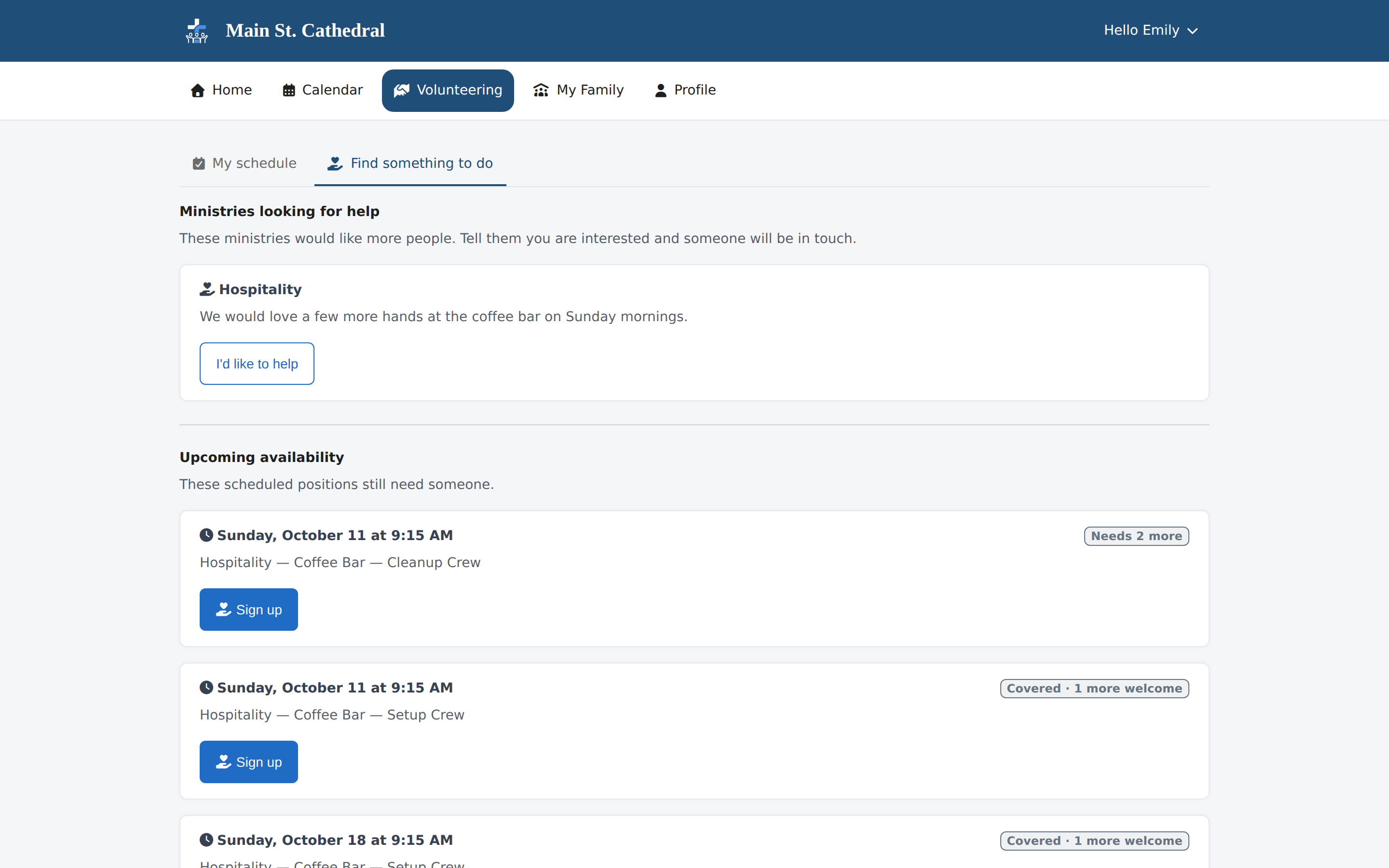
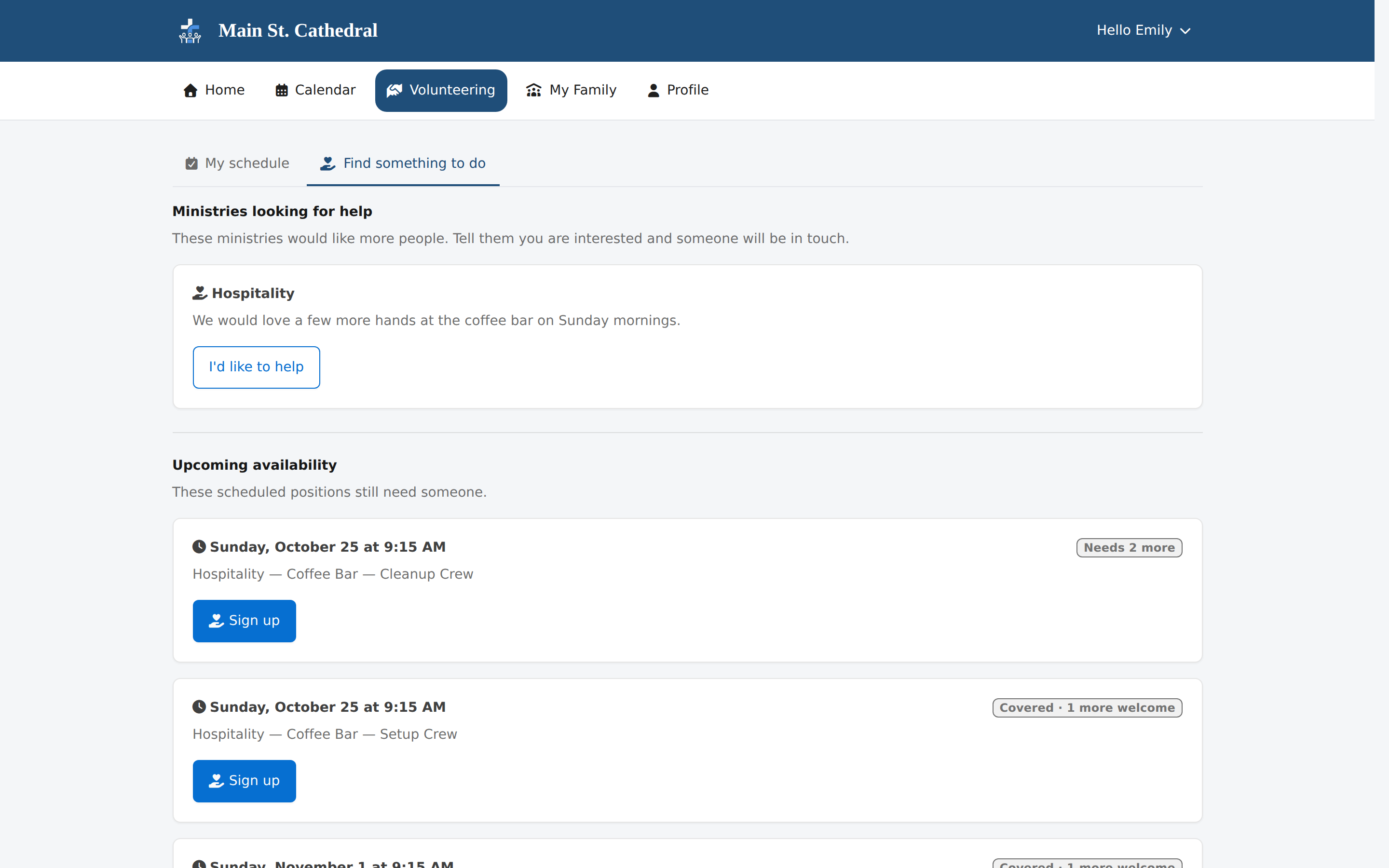
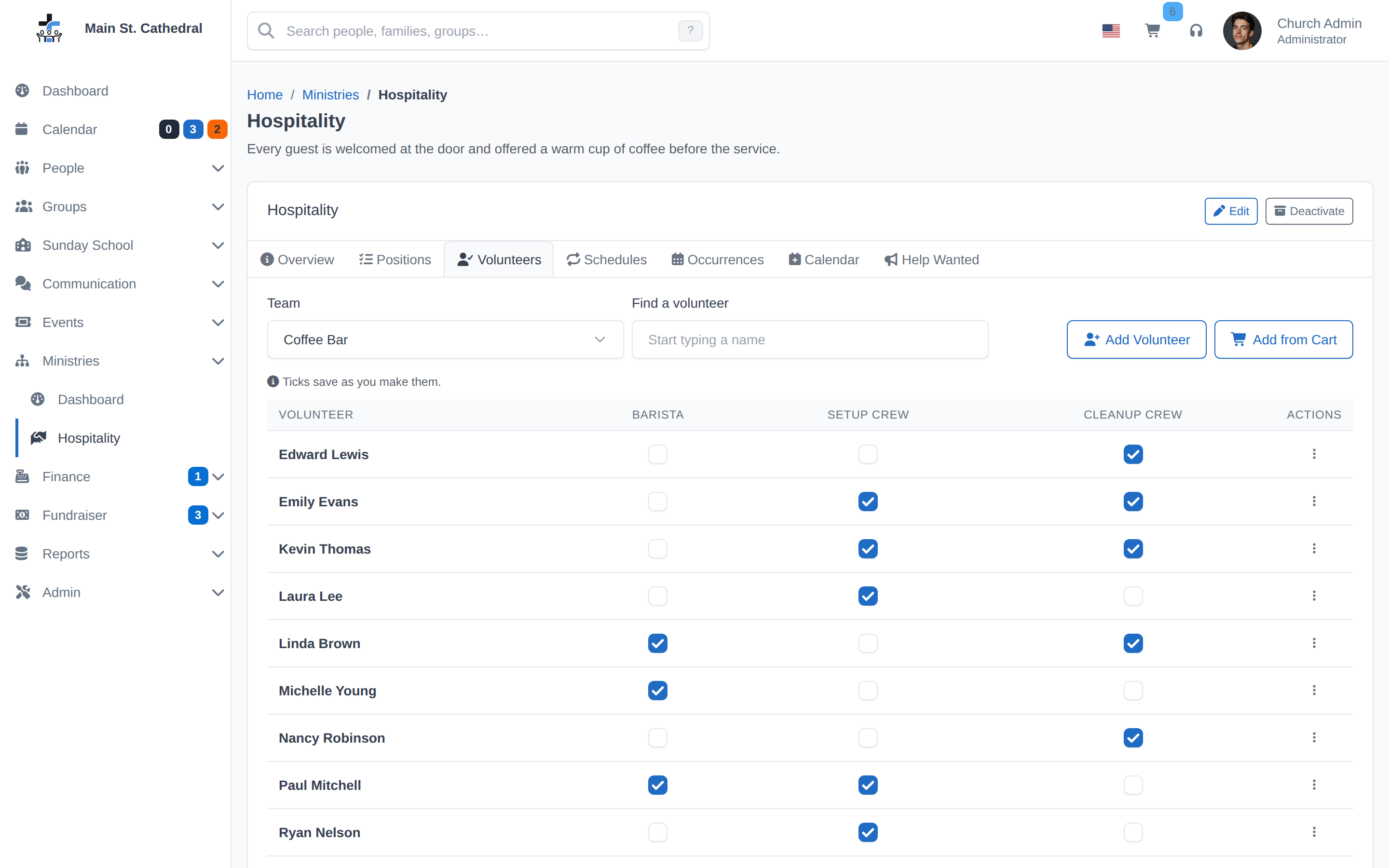
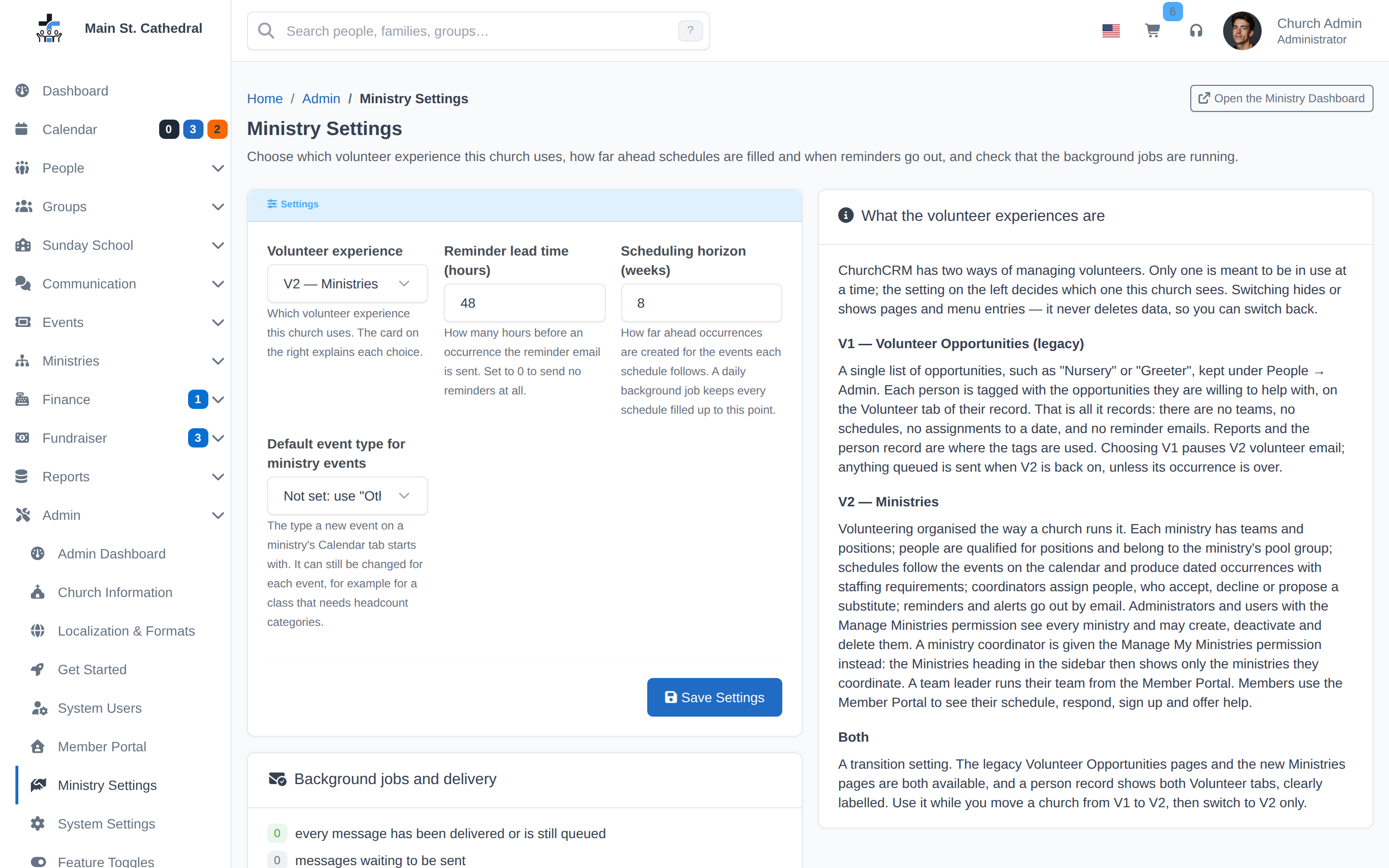
Volunteer Management SettingsShow the Ministry Settings page: reminder and alert timing, the scheduling horizon and the background-job and delivery status.
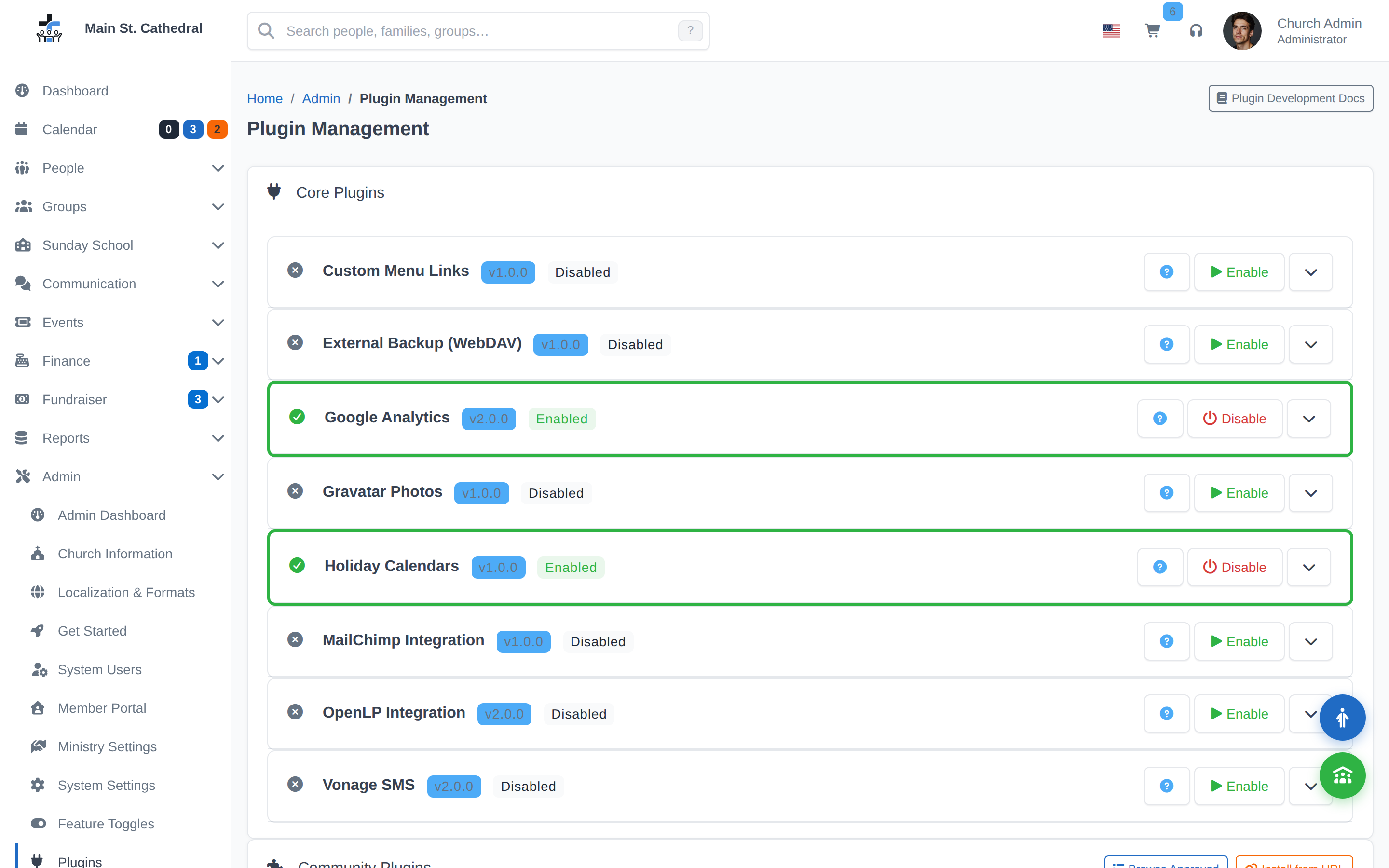
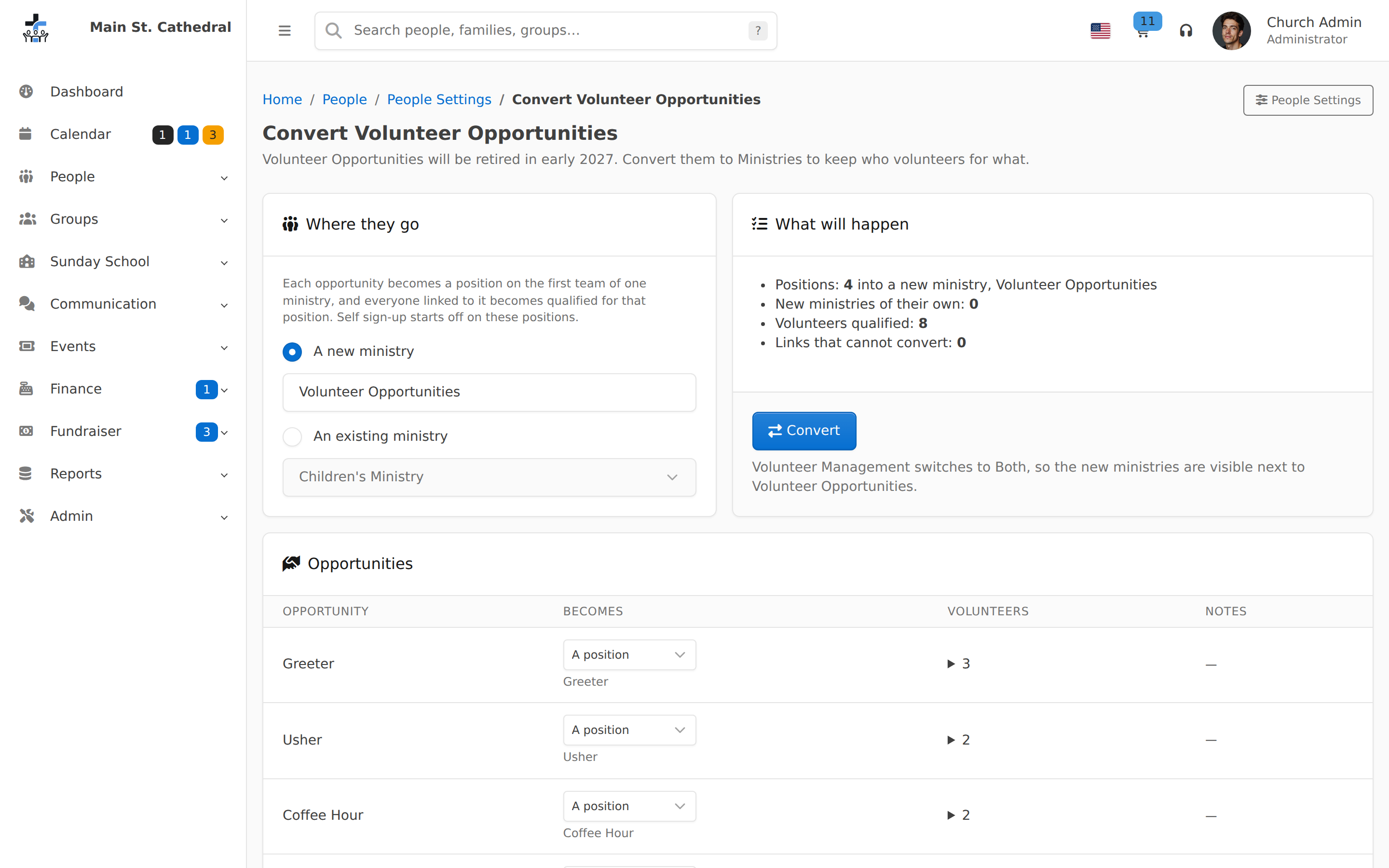
Convert Volunteer OpportunitiesShow the preview that converts legacy Volunteer Opportunities into positions on a ministry before anything changes.
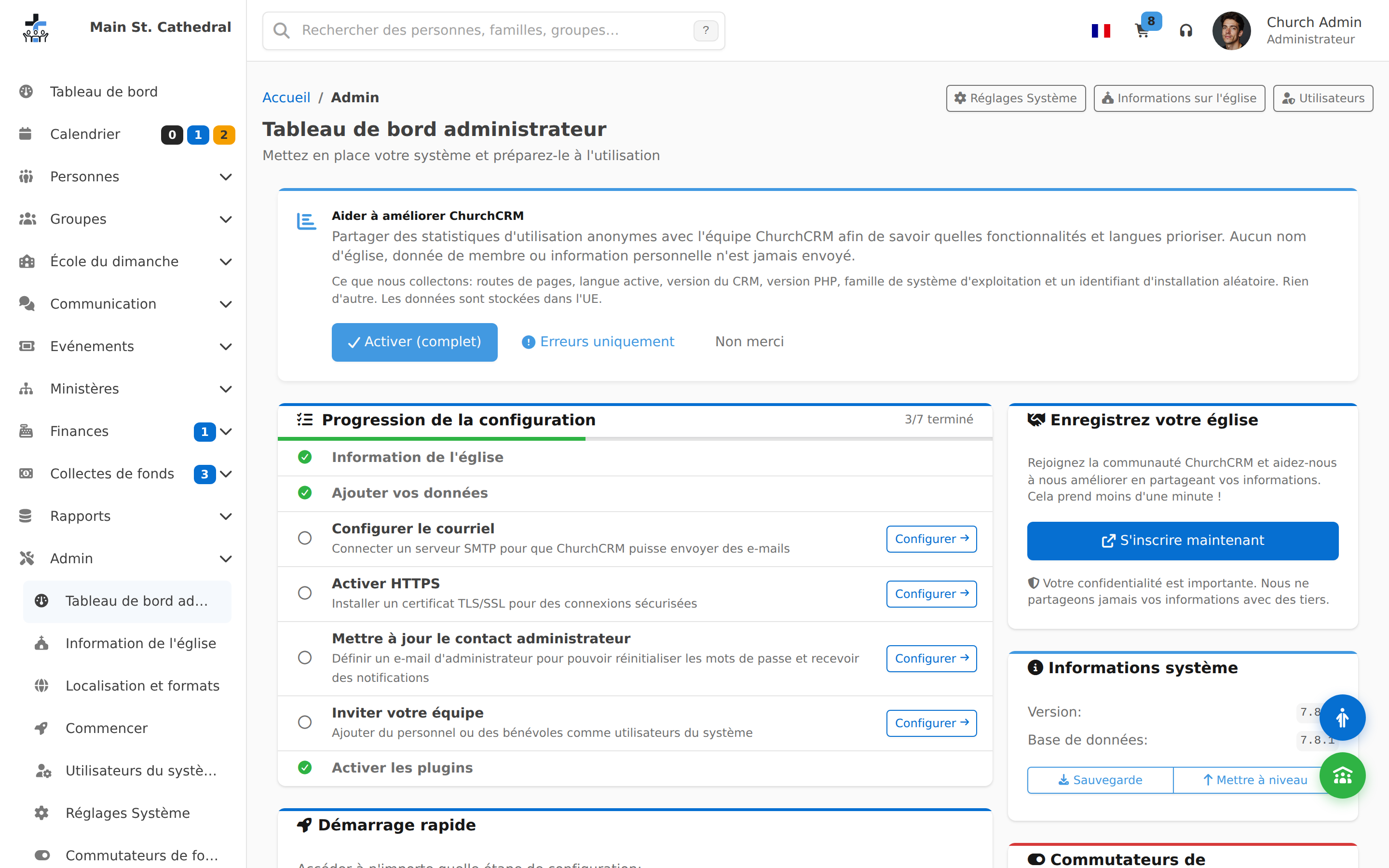
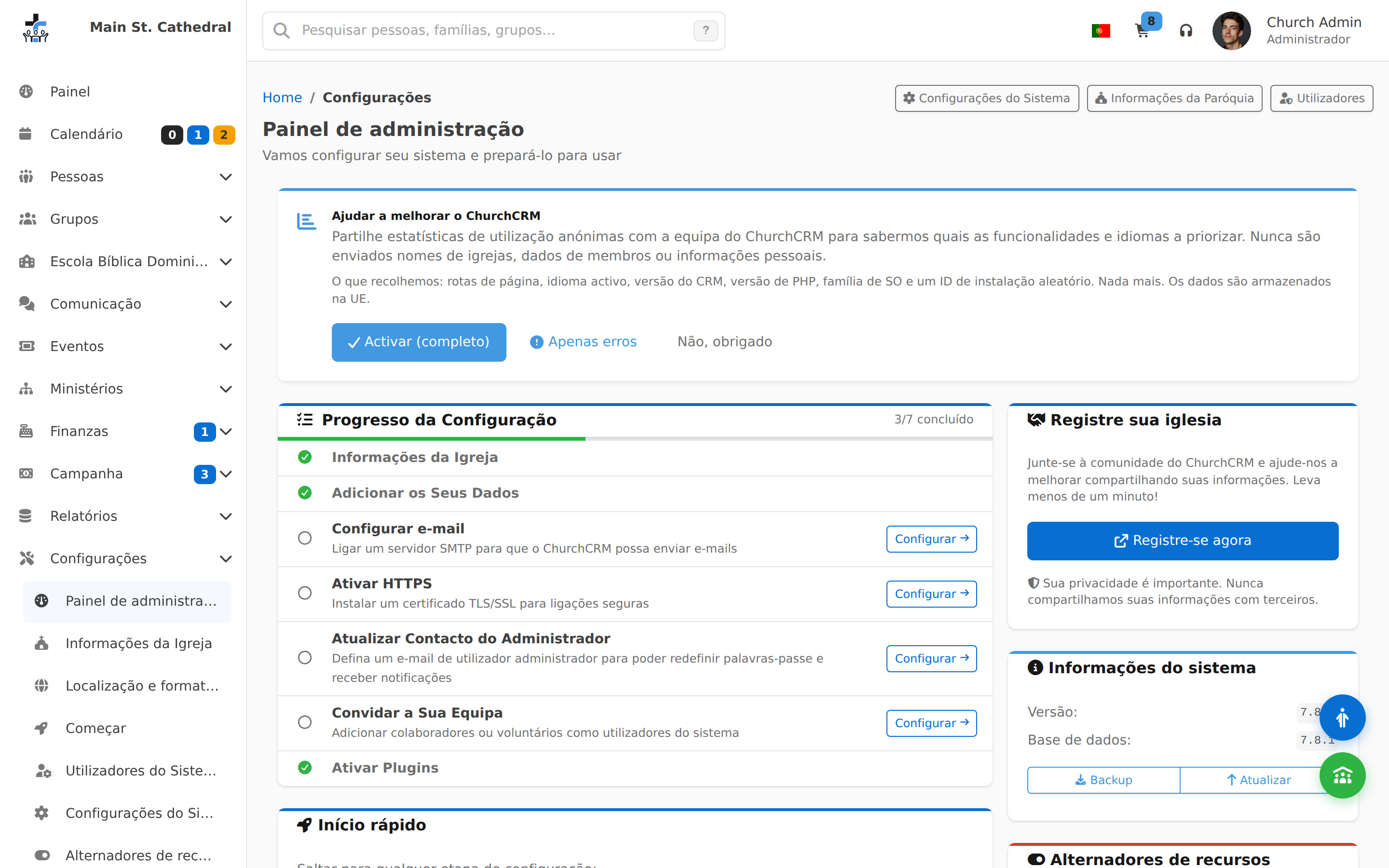
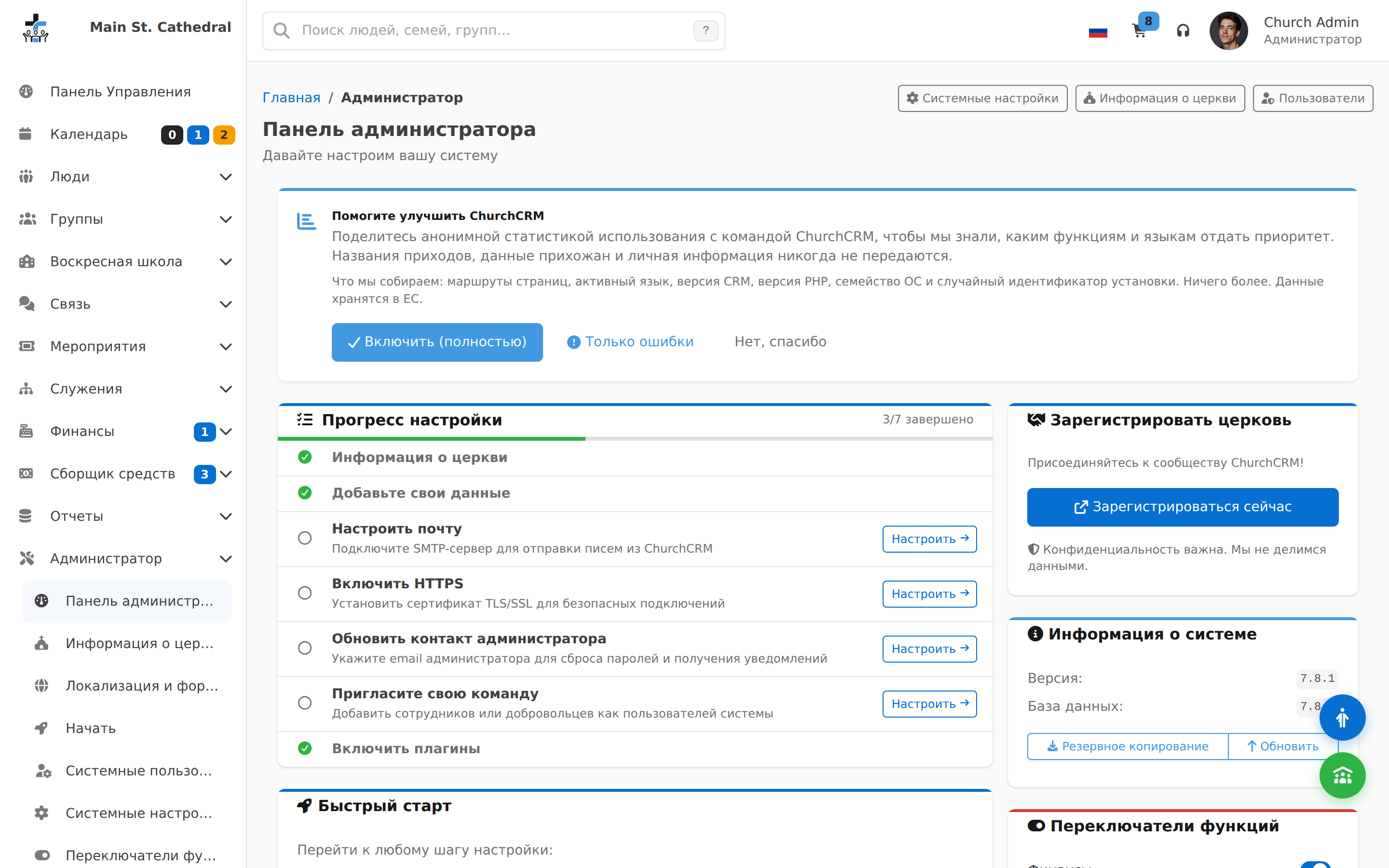
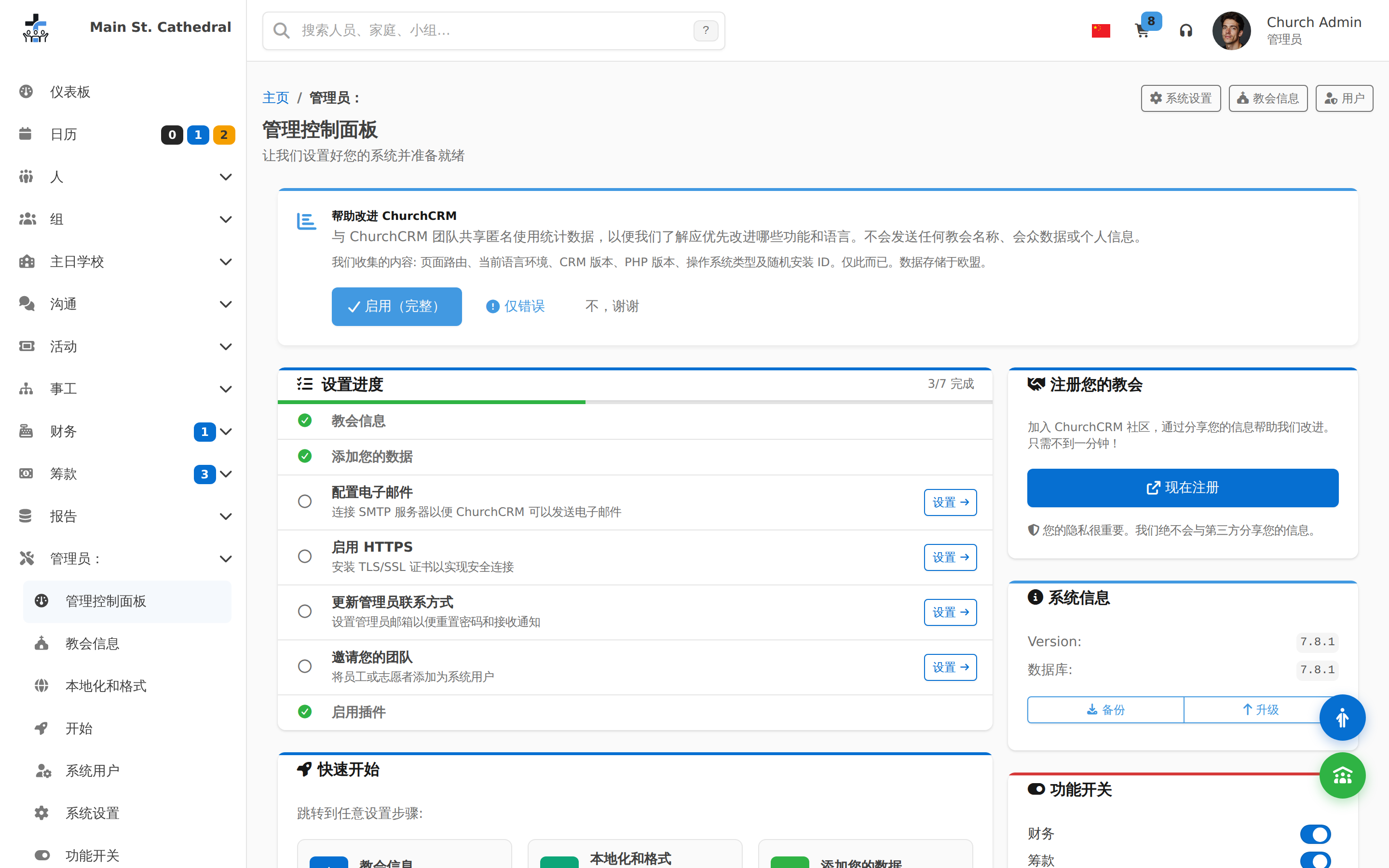
安装设置
录屏
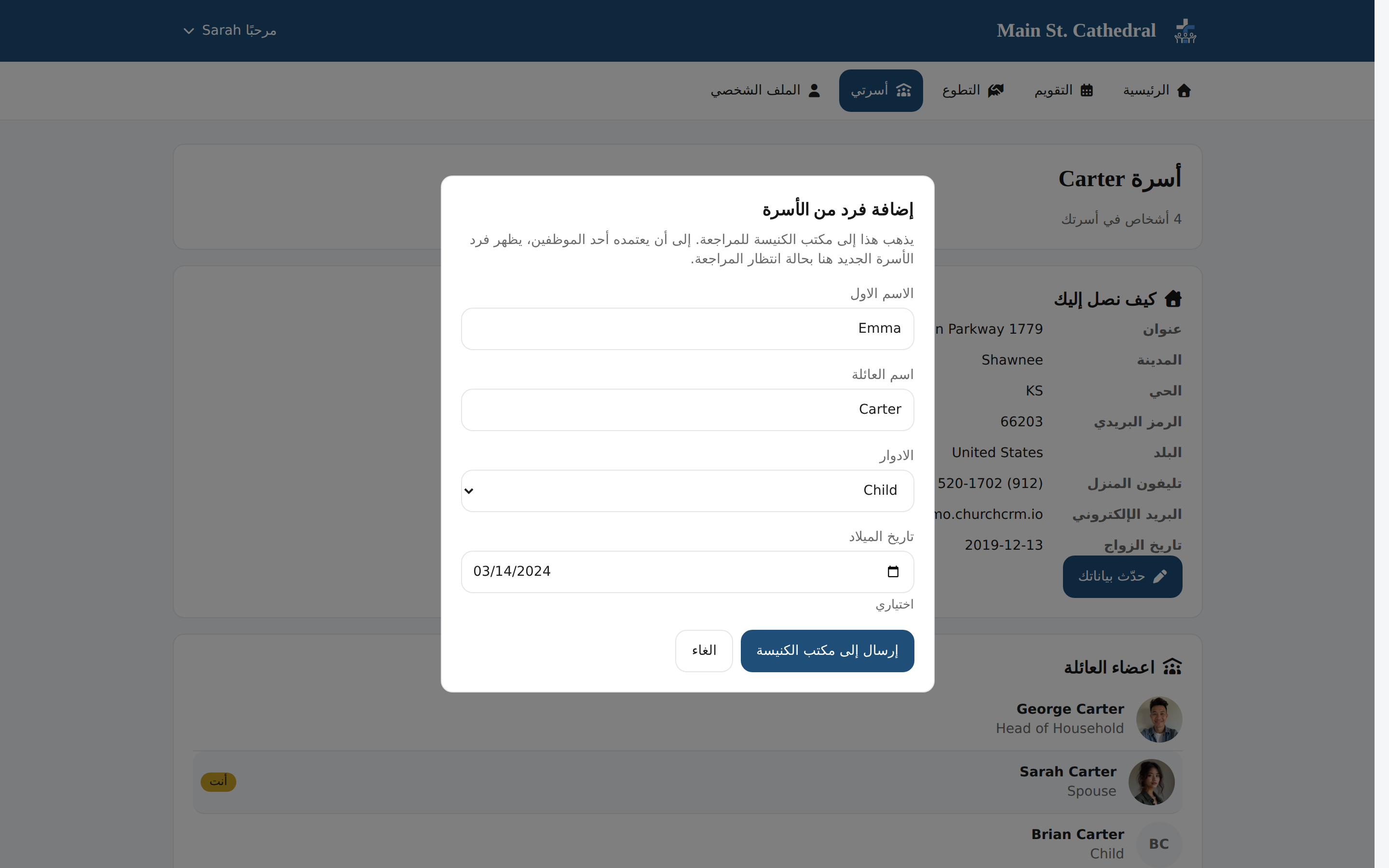
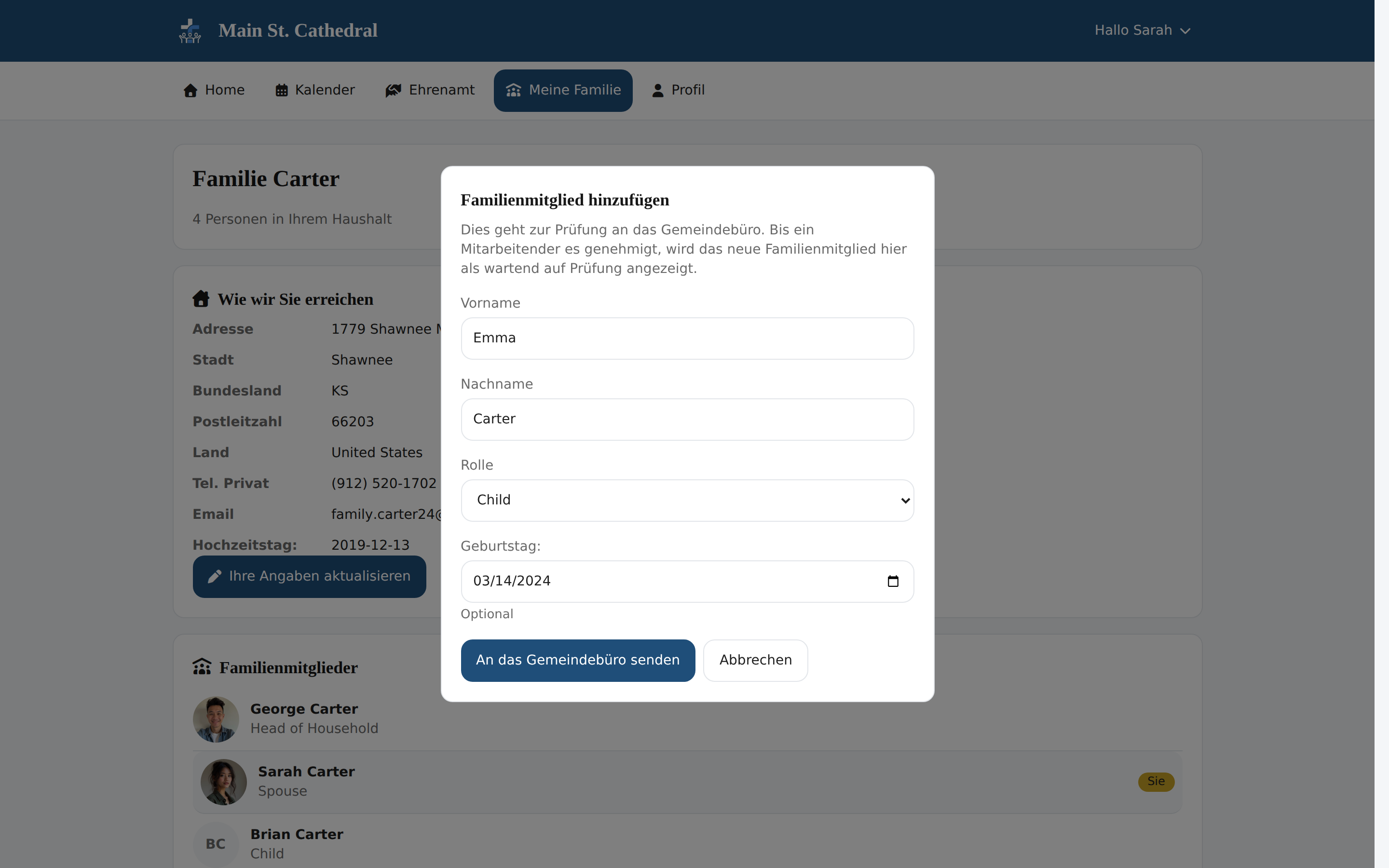
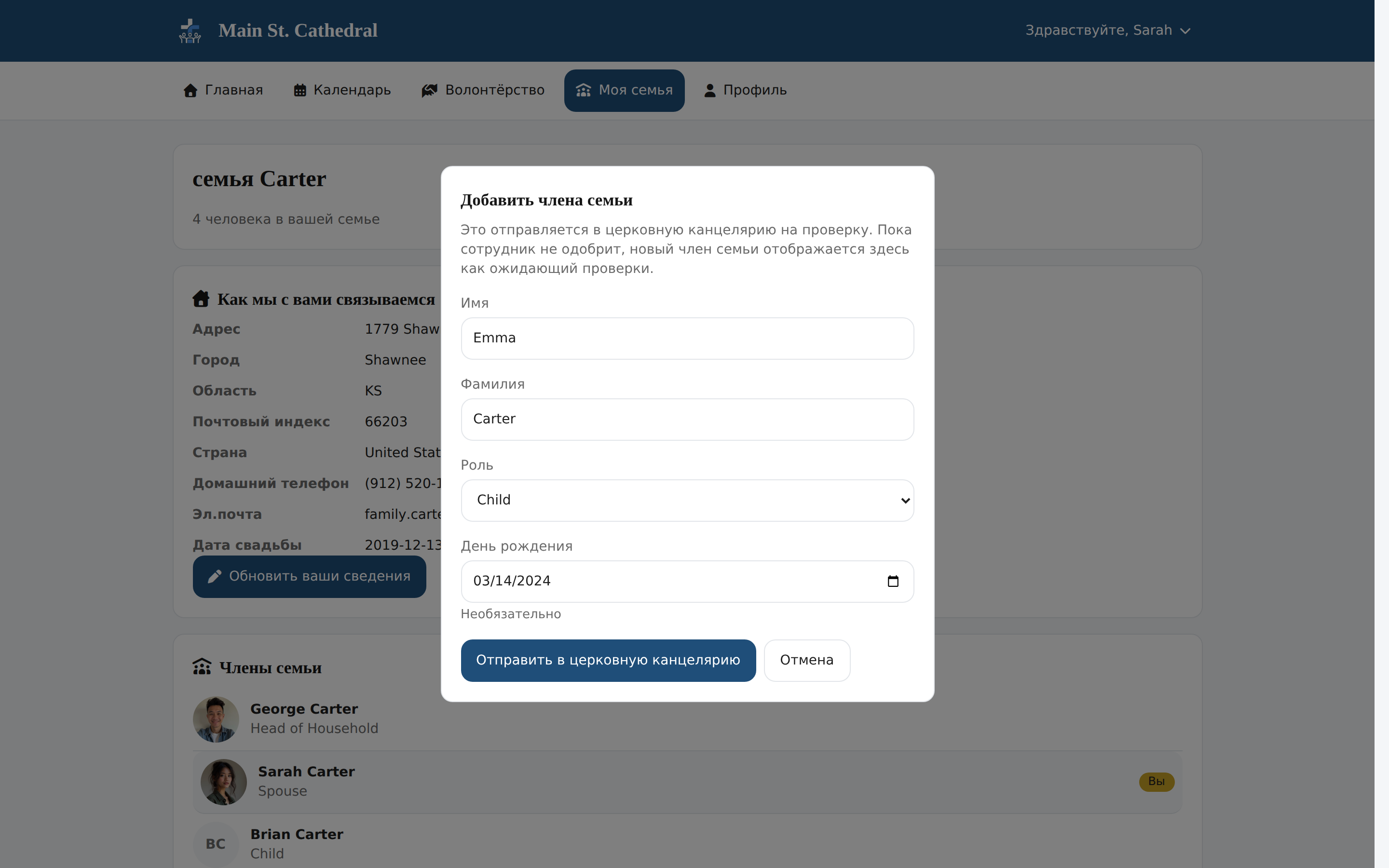
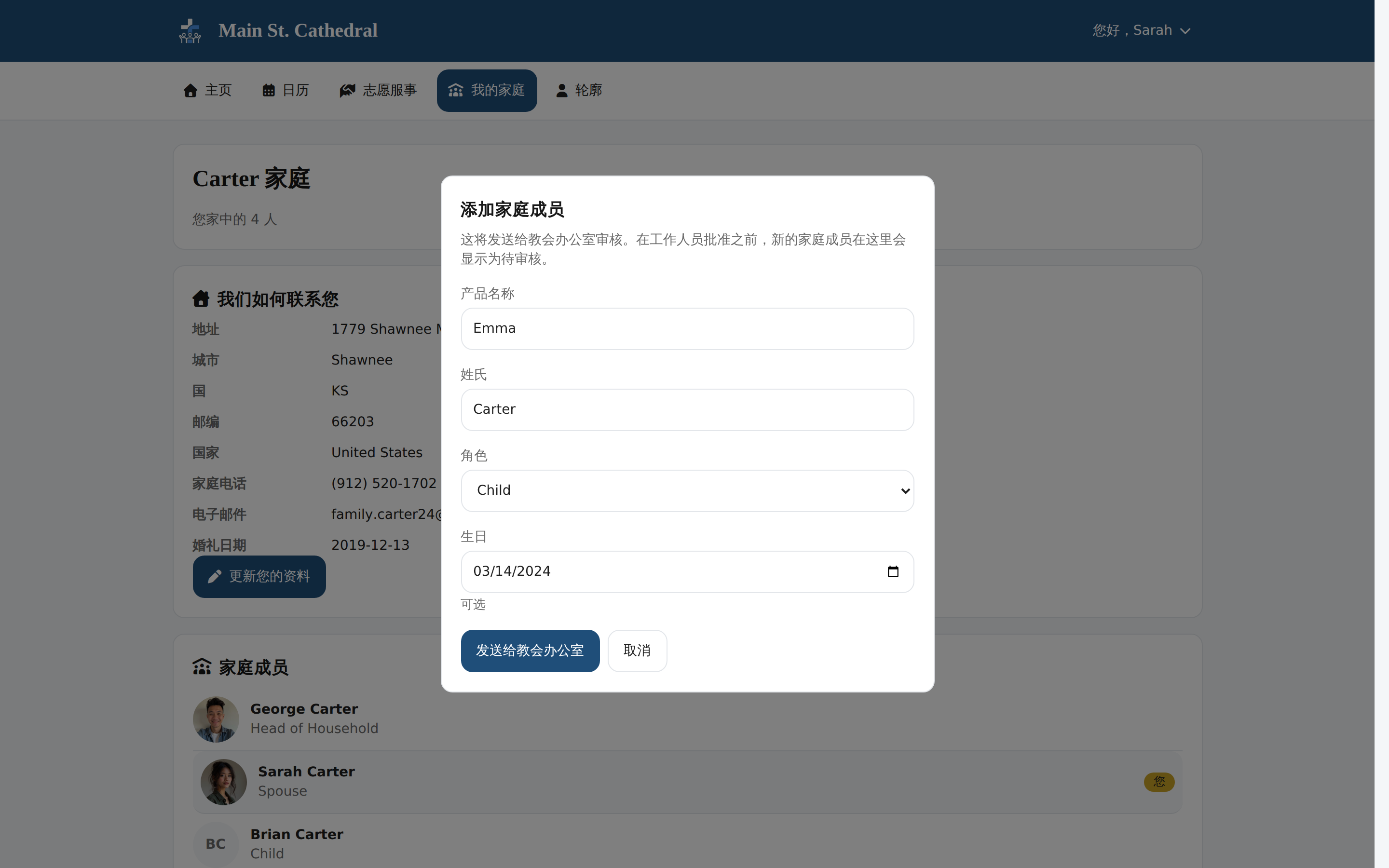
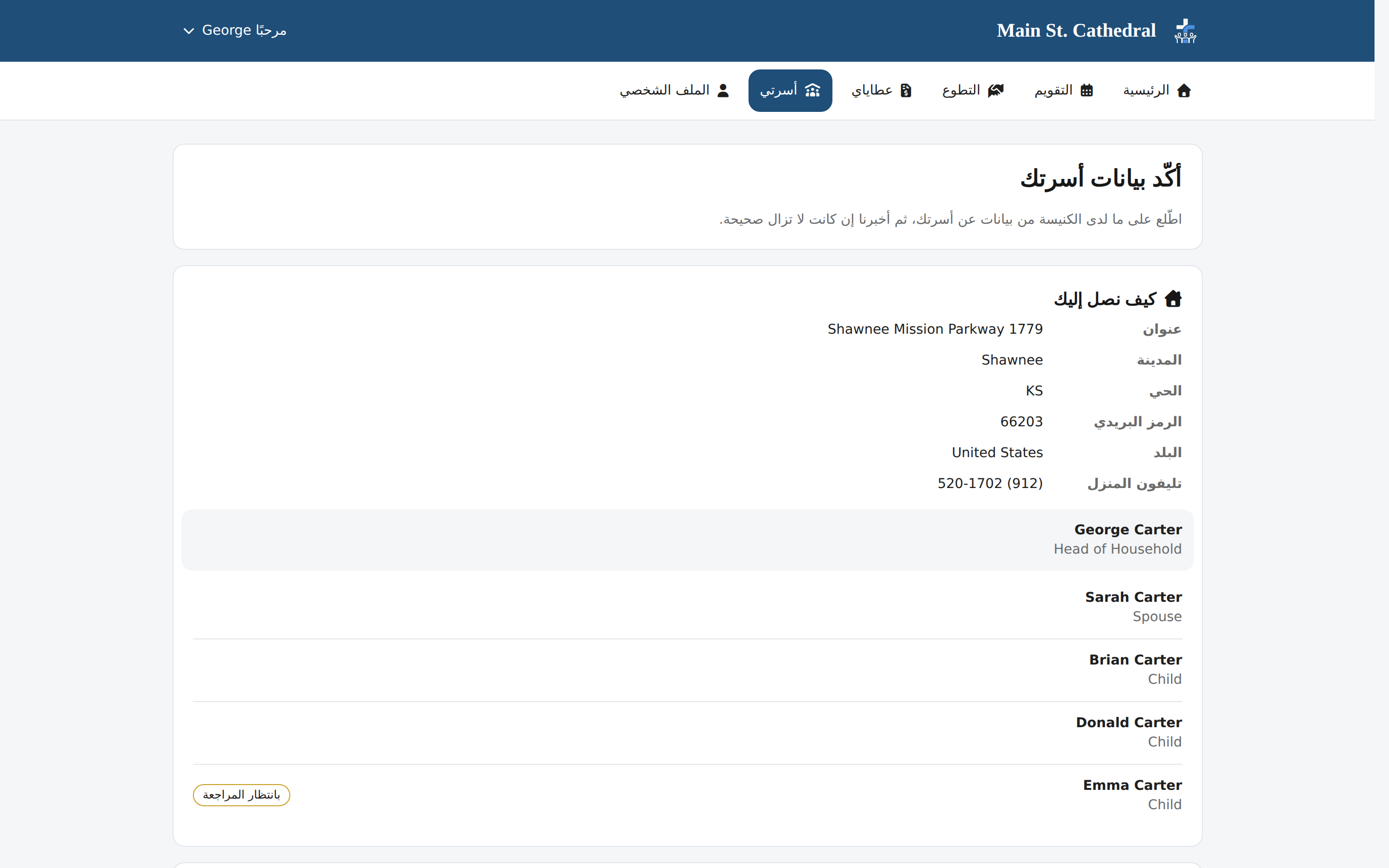
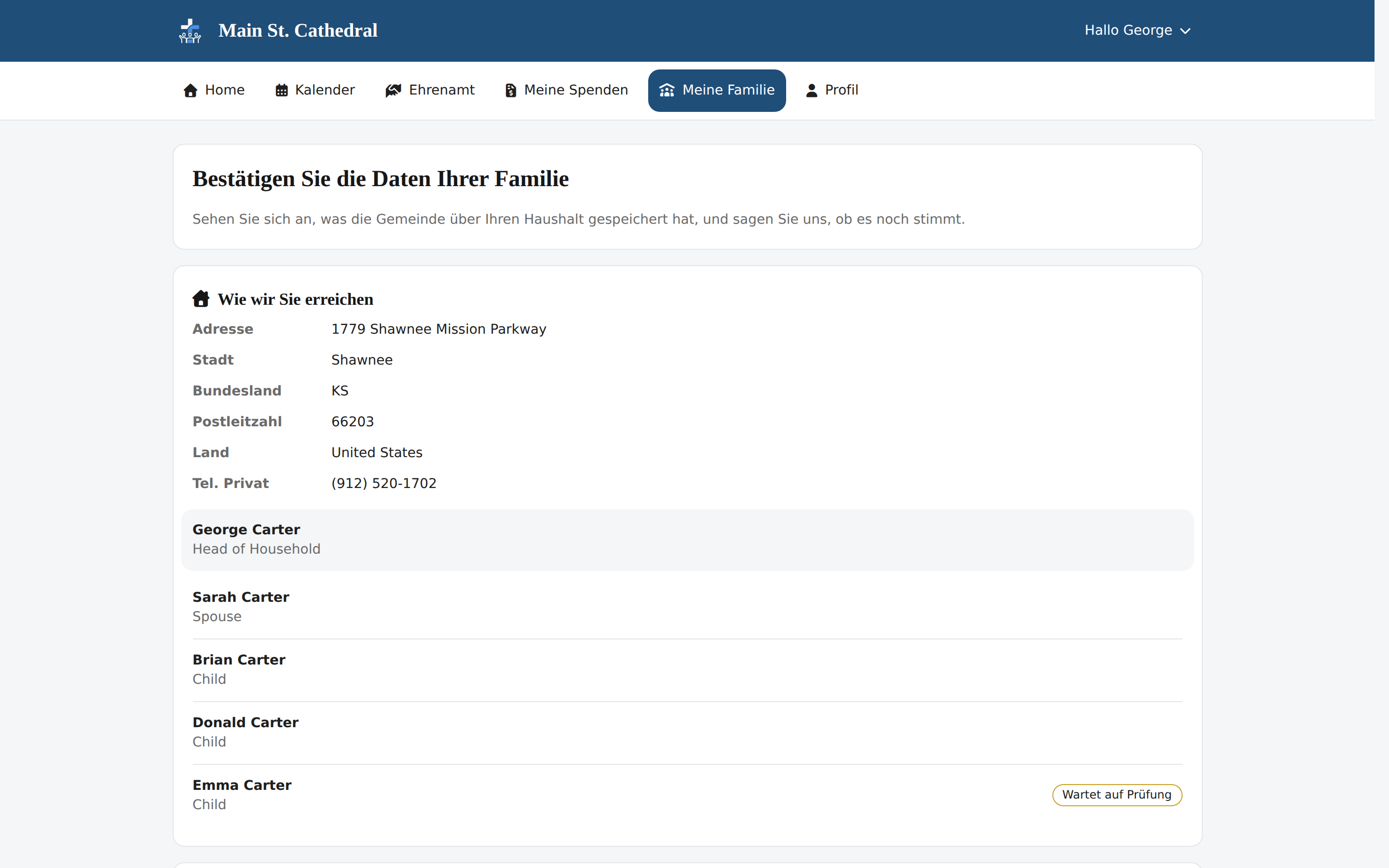
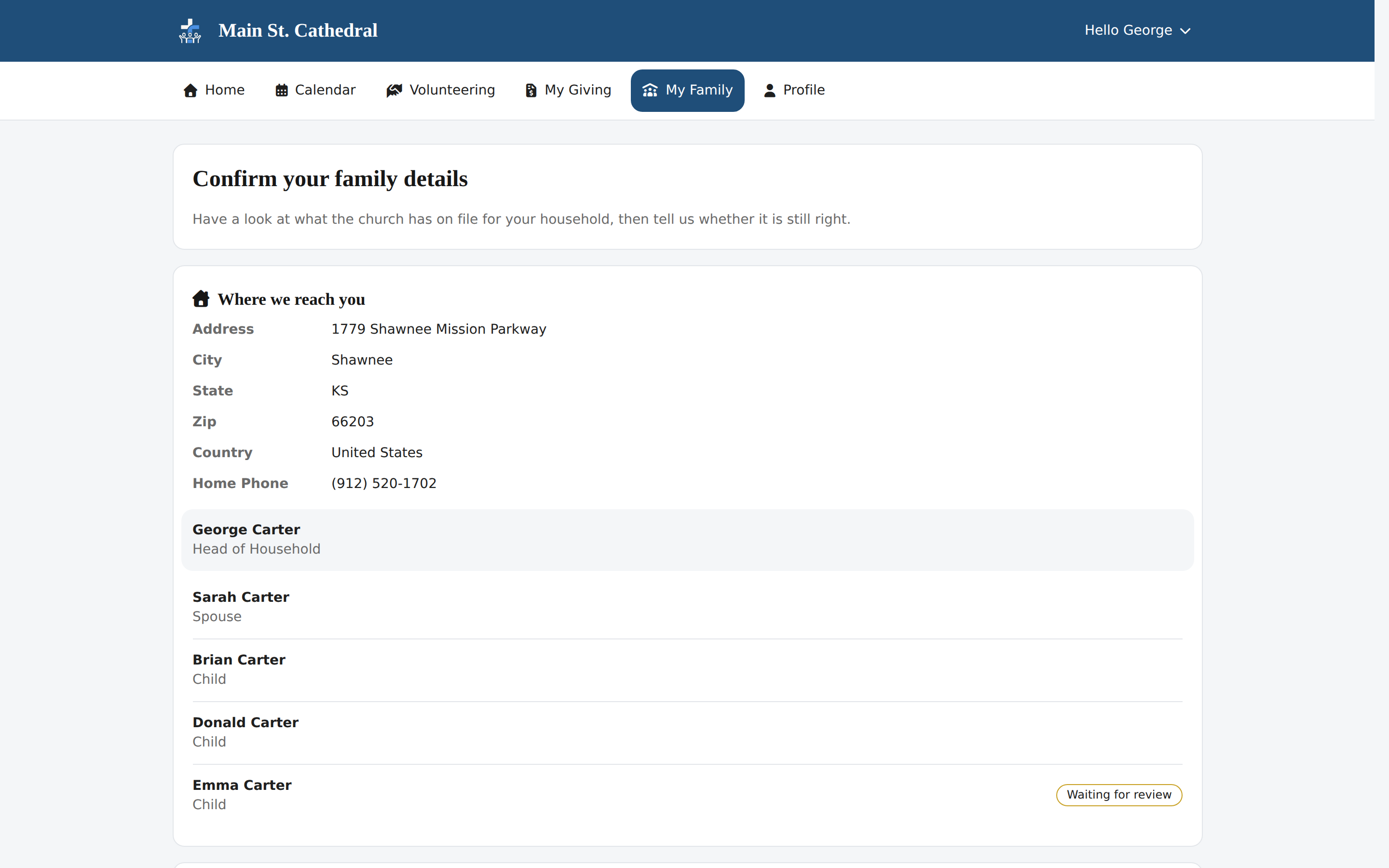
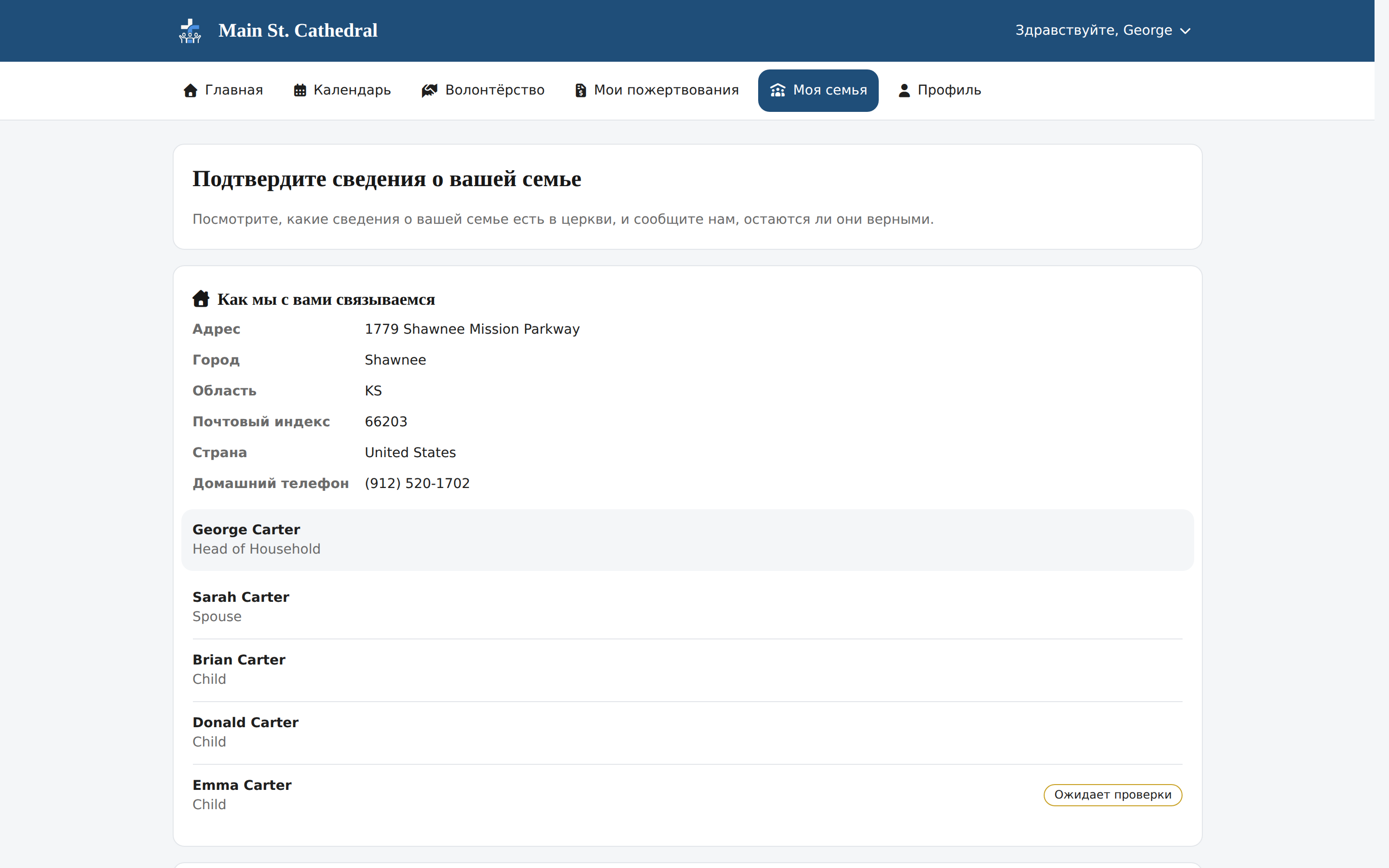
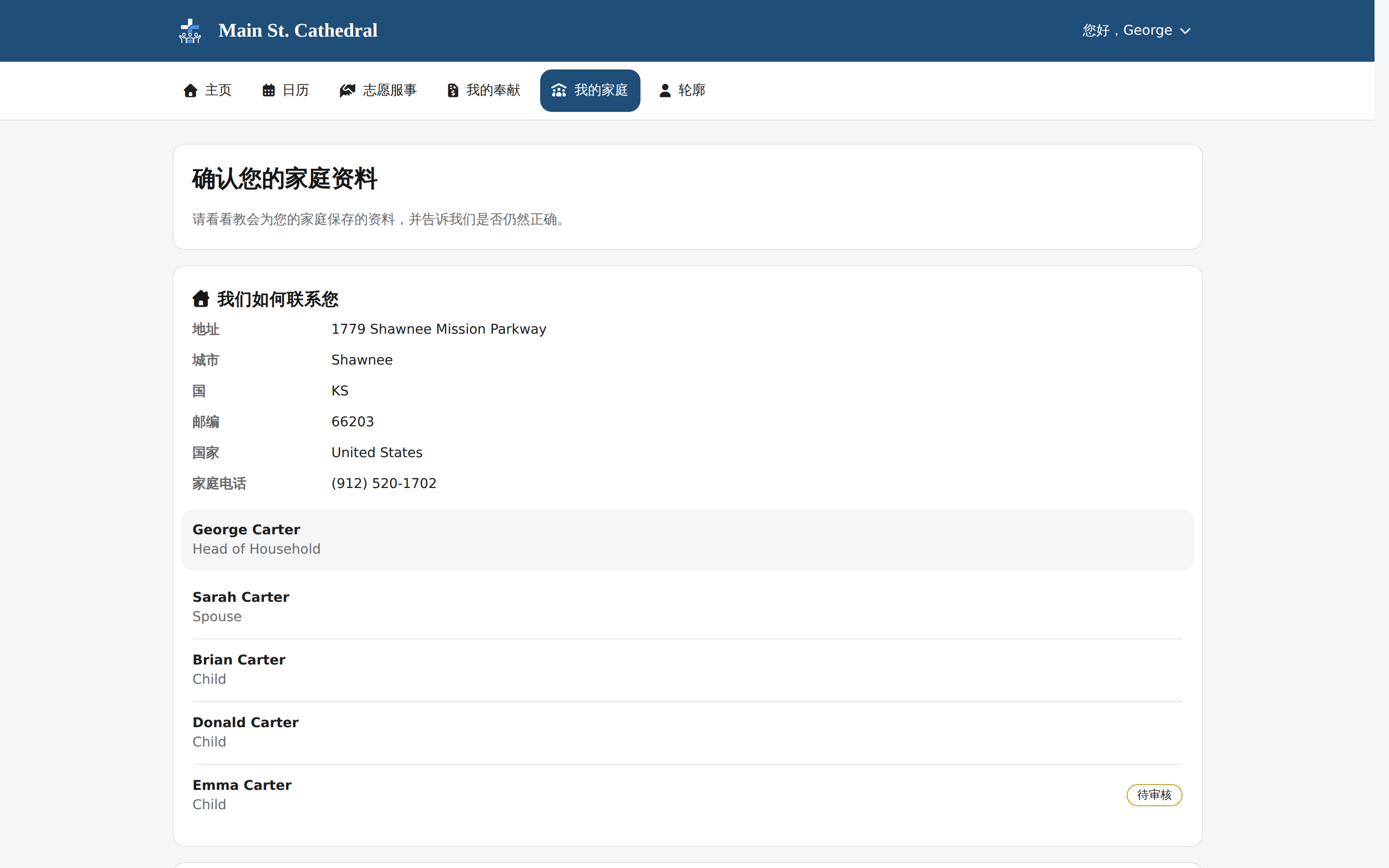
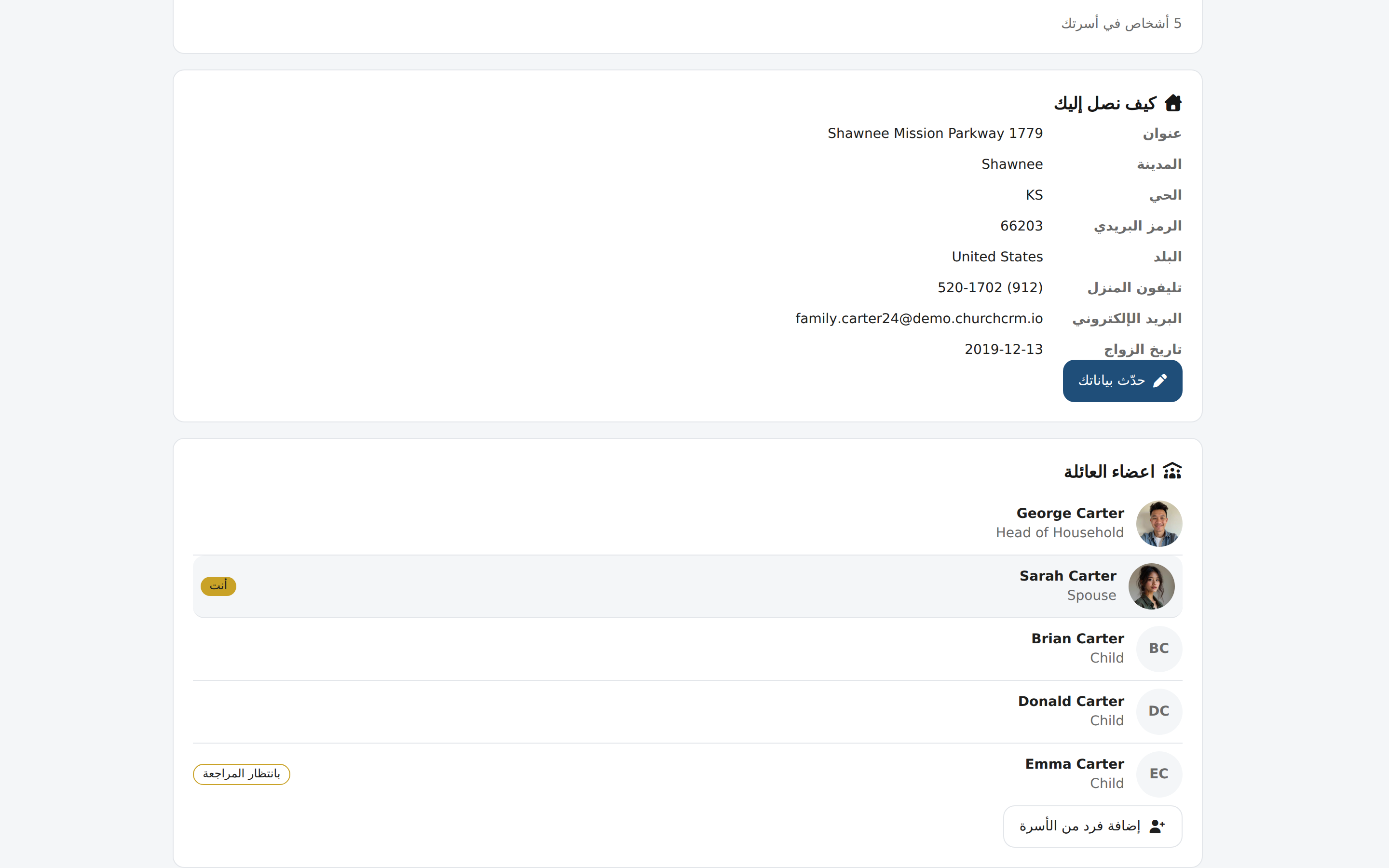
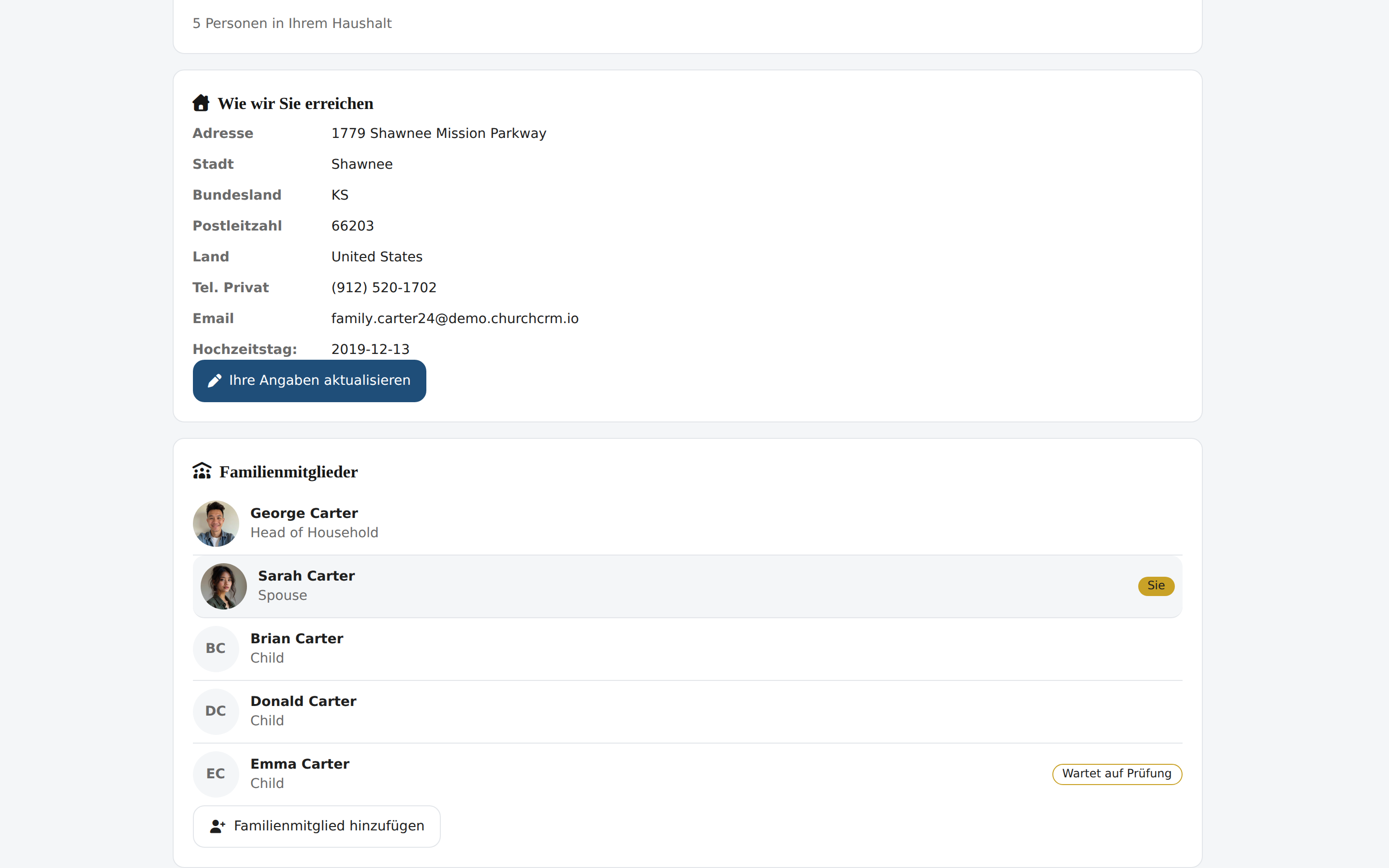
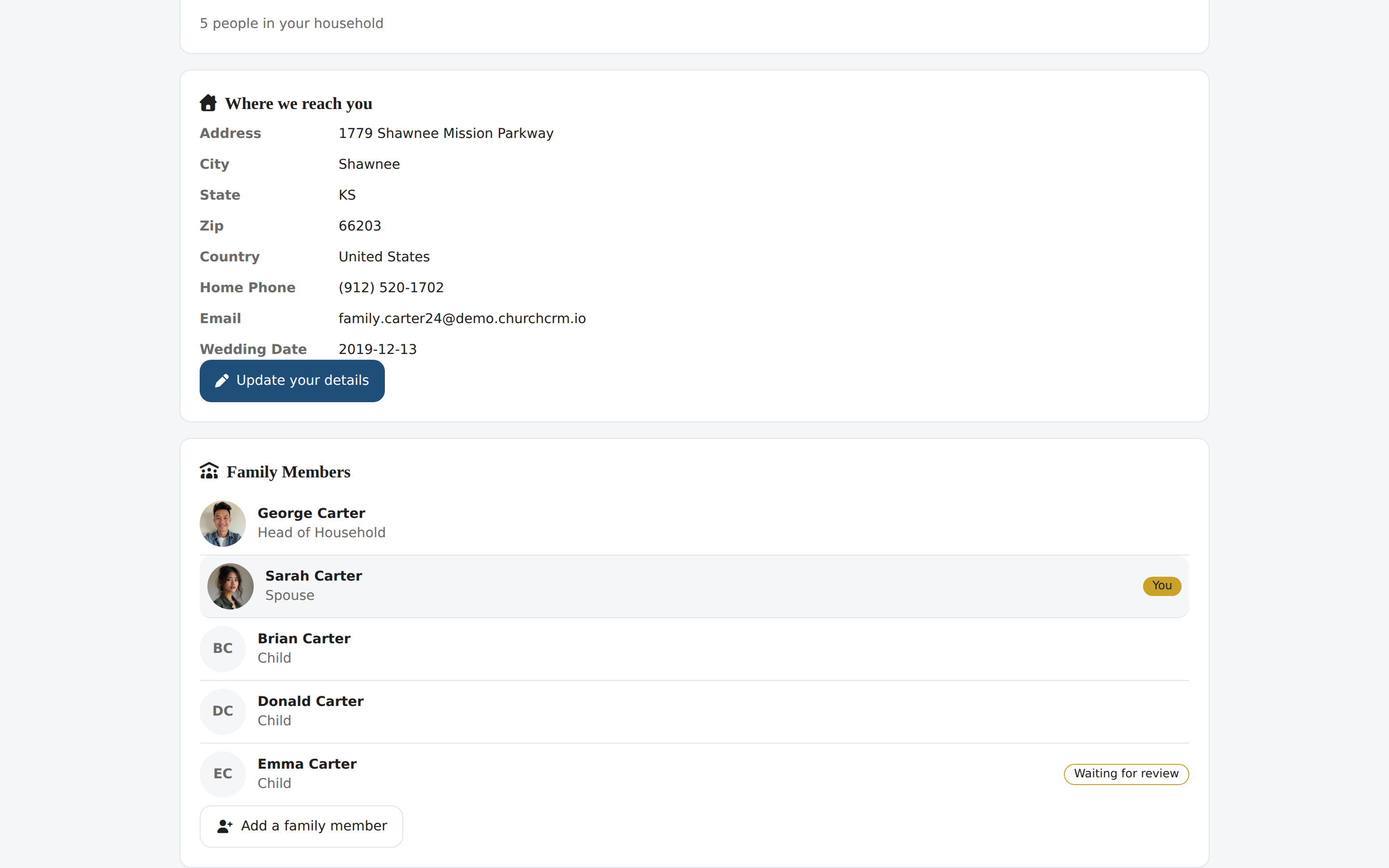
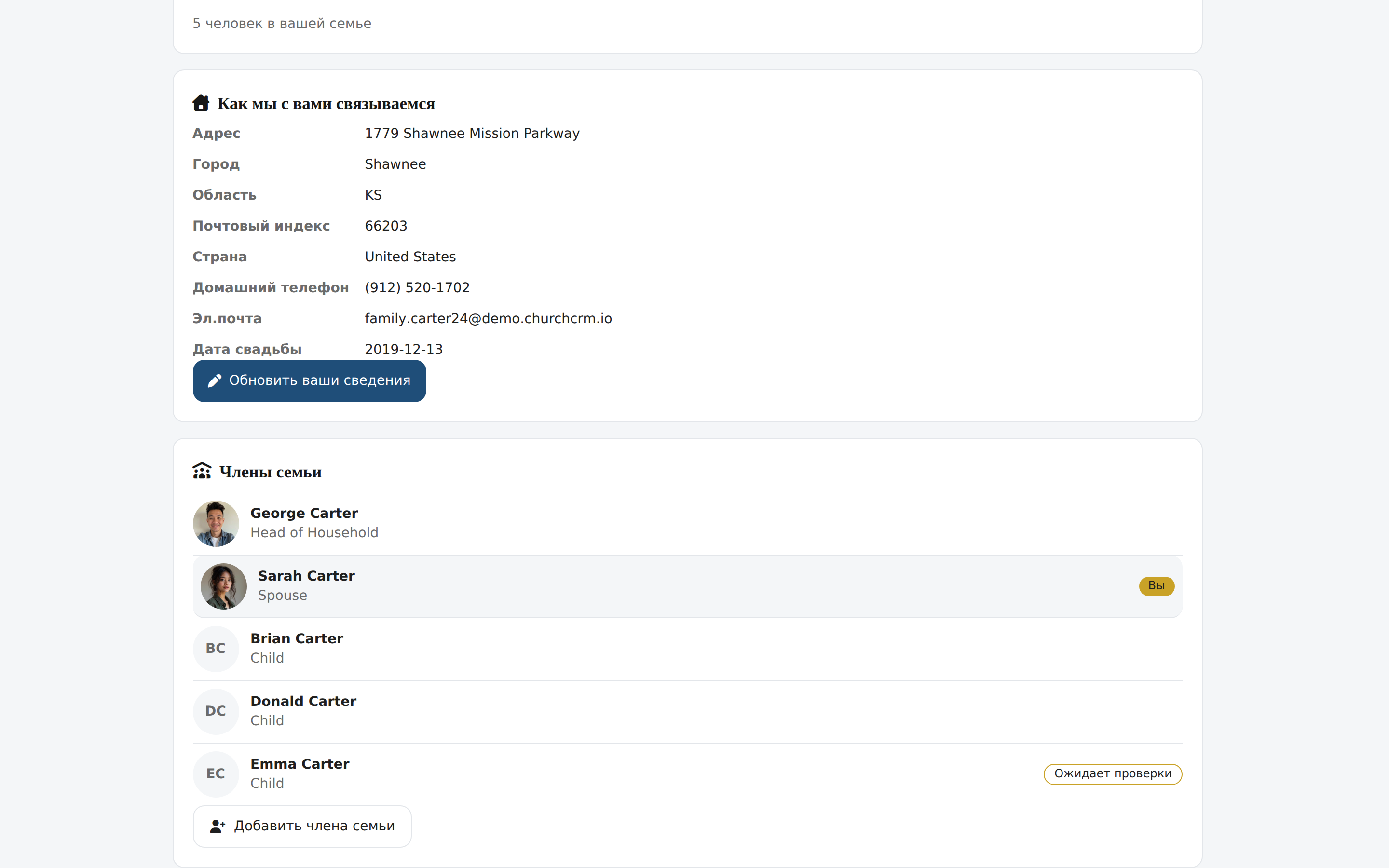
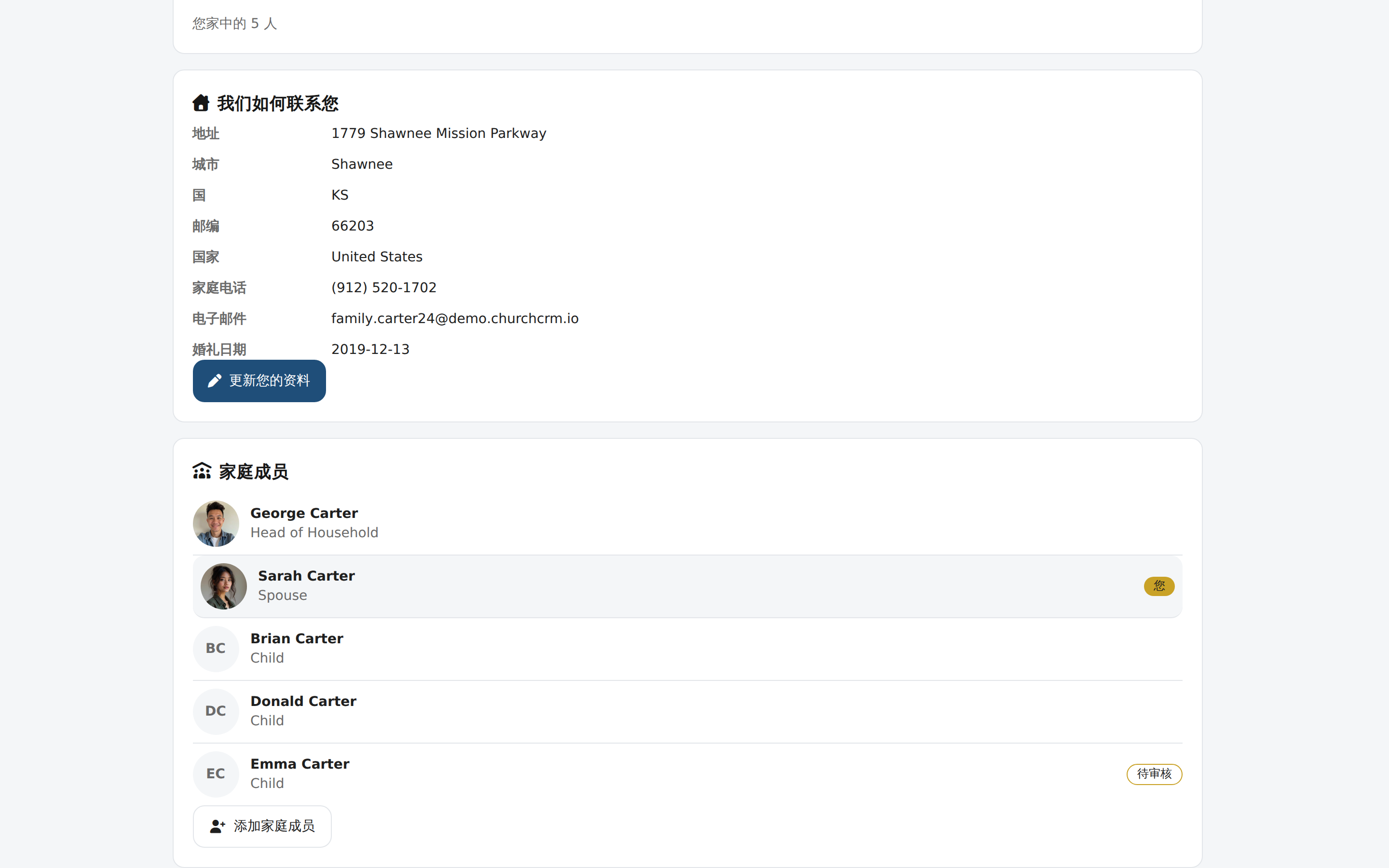
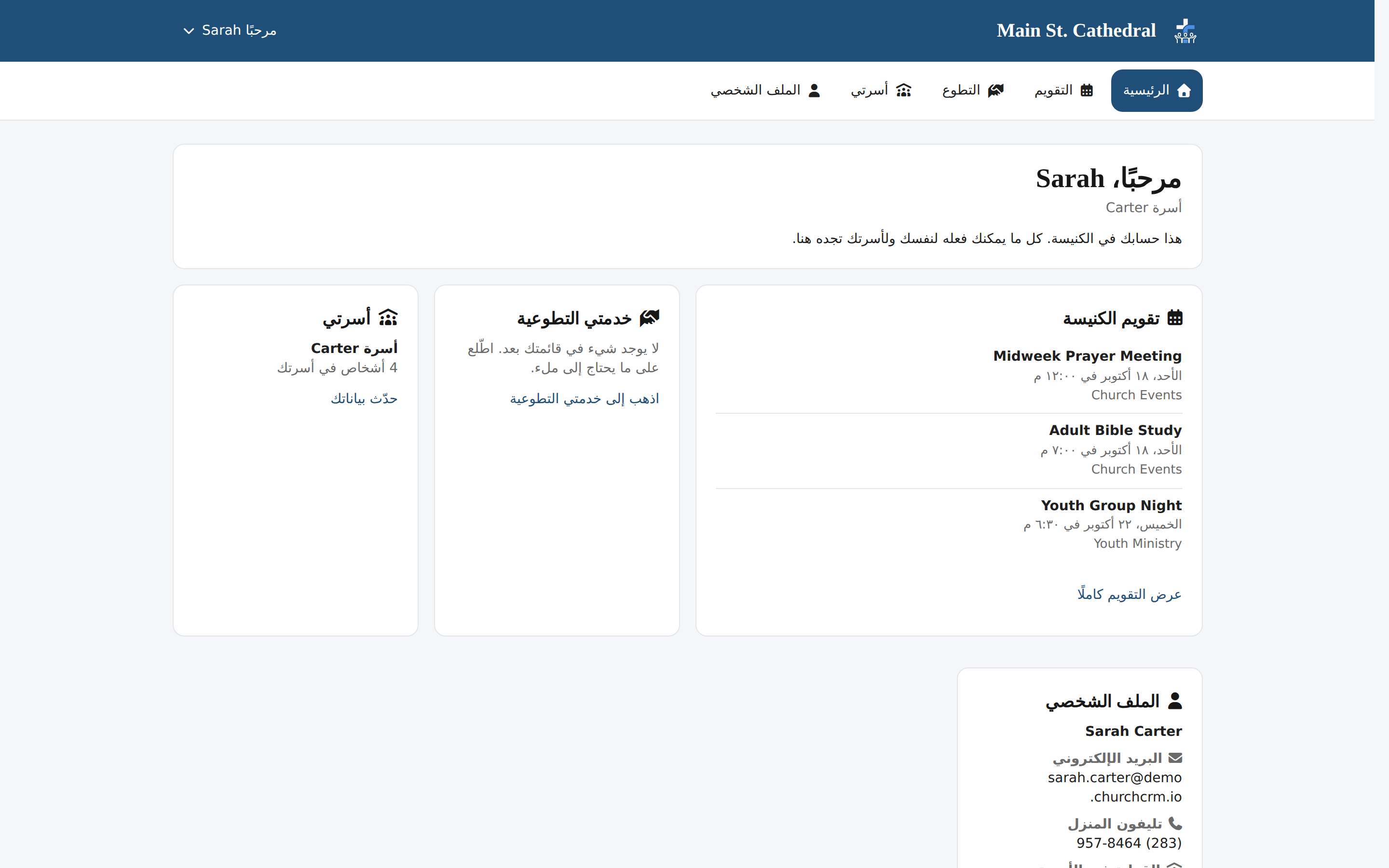
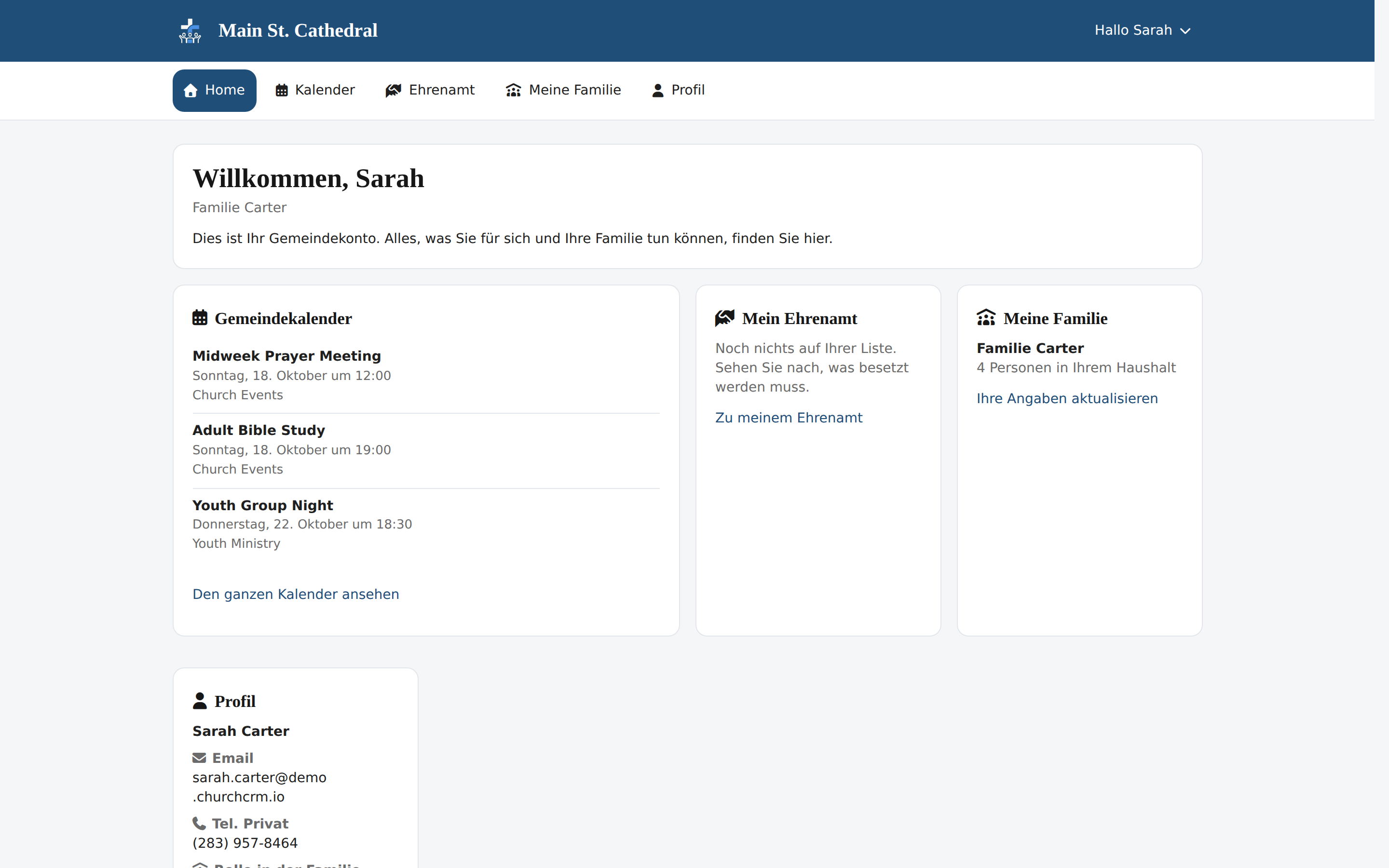
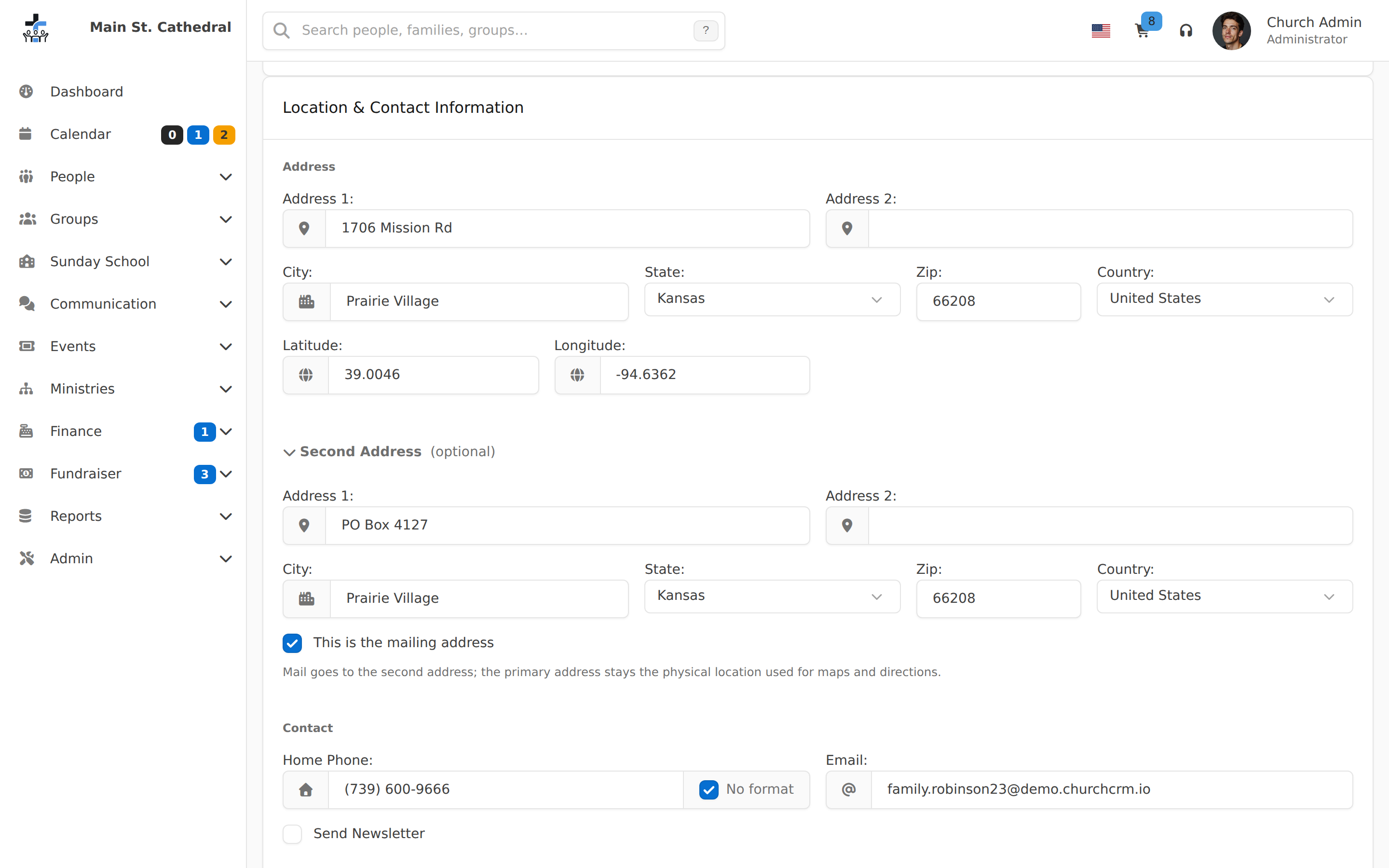
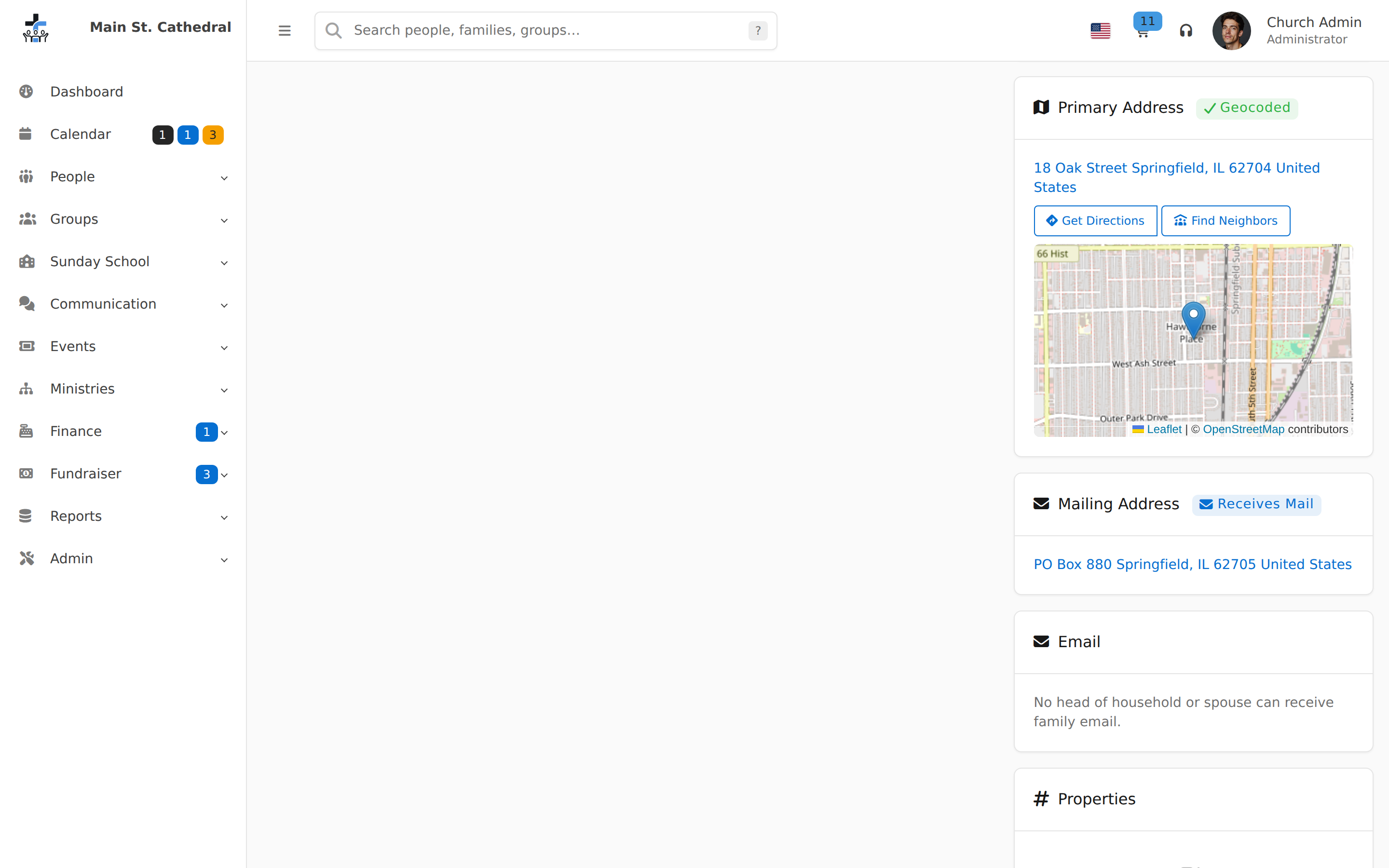
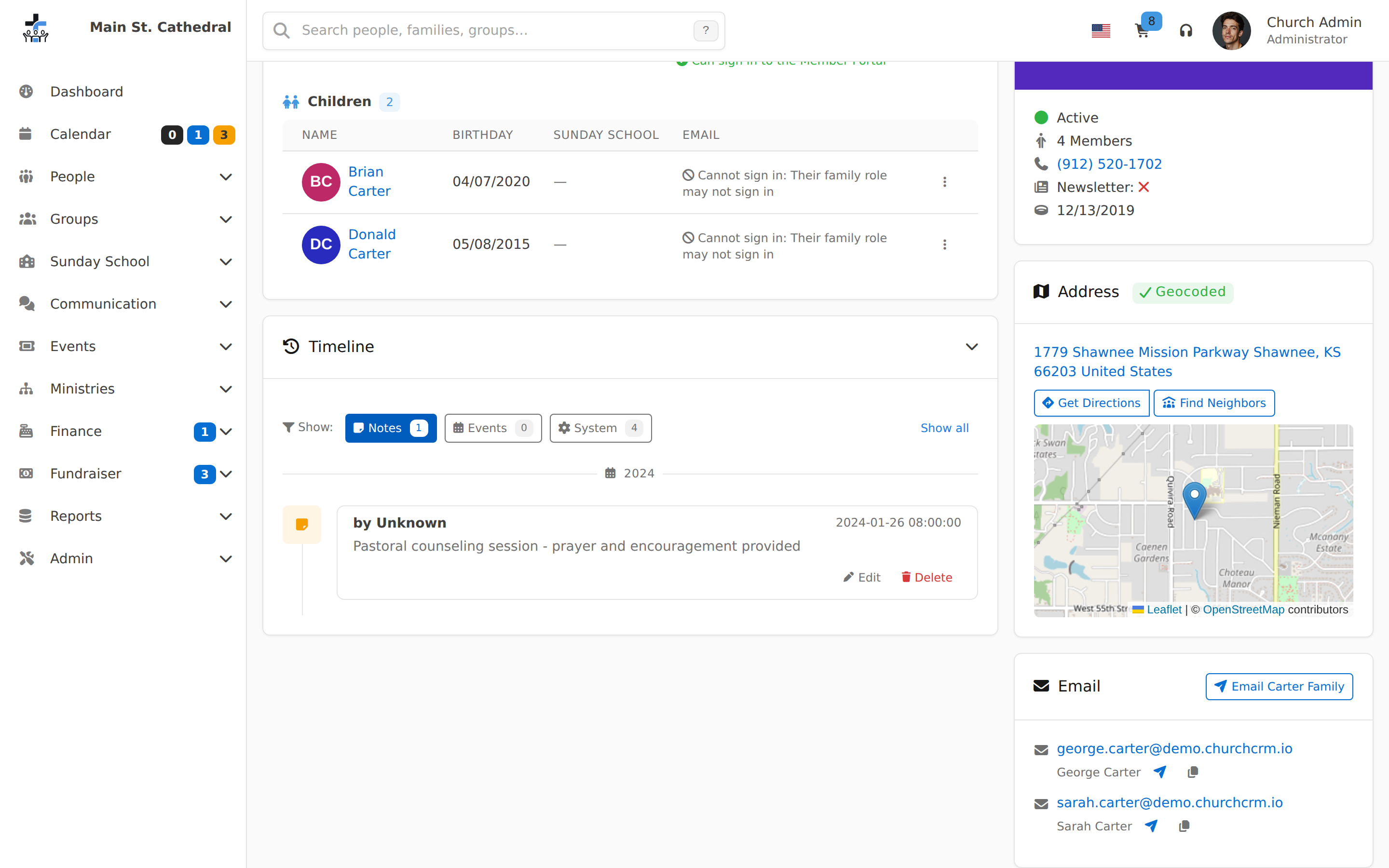
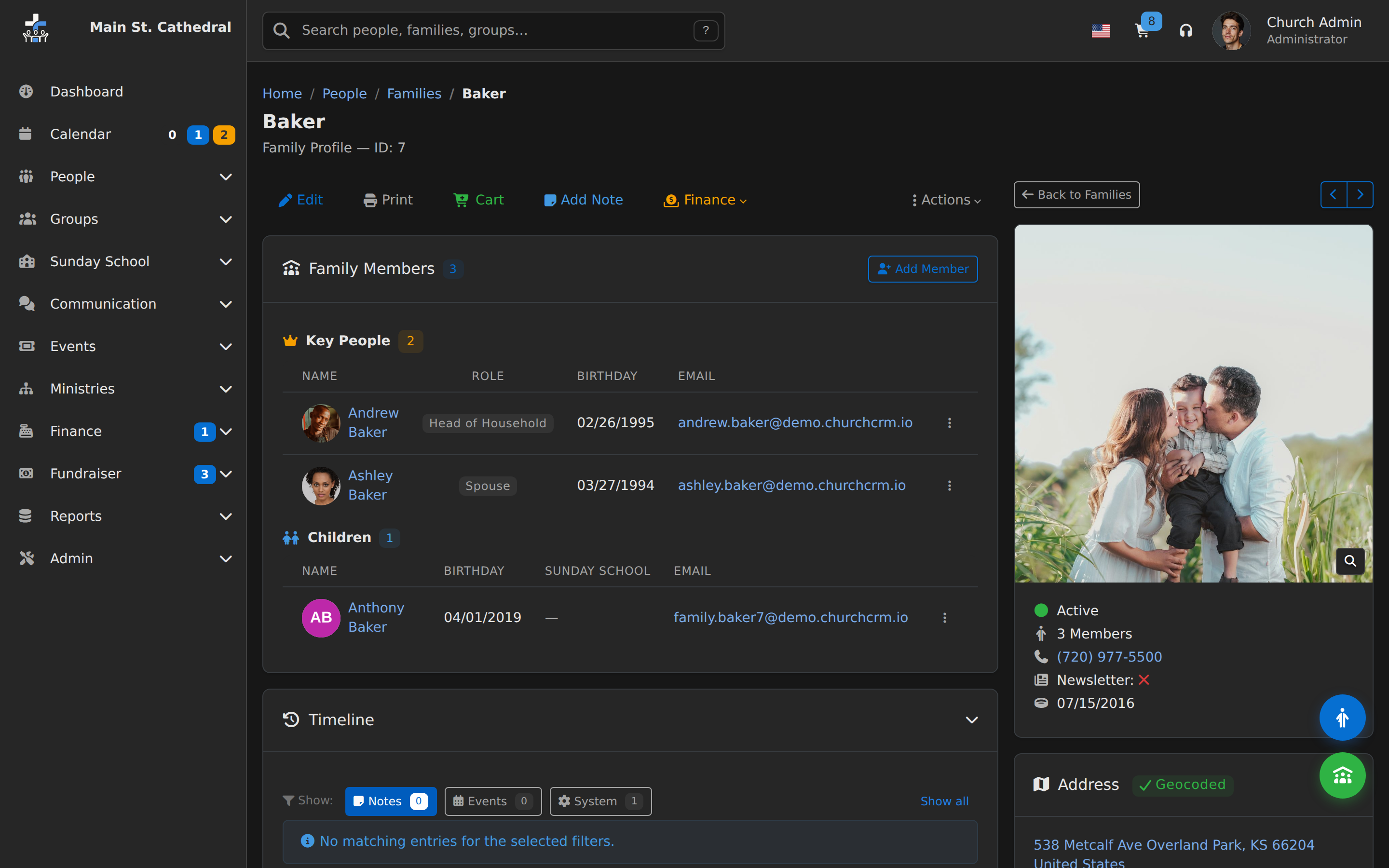
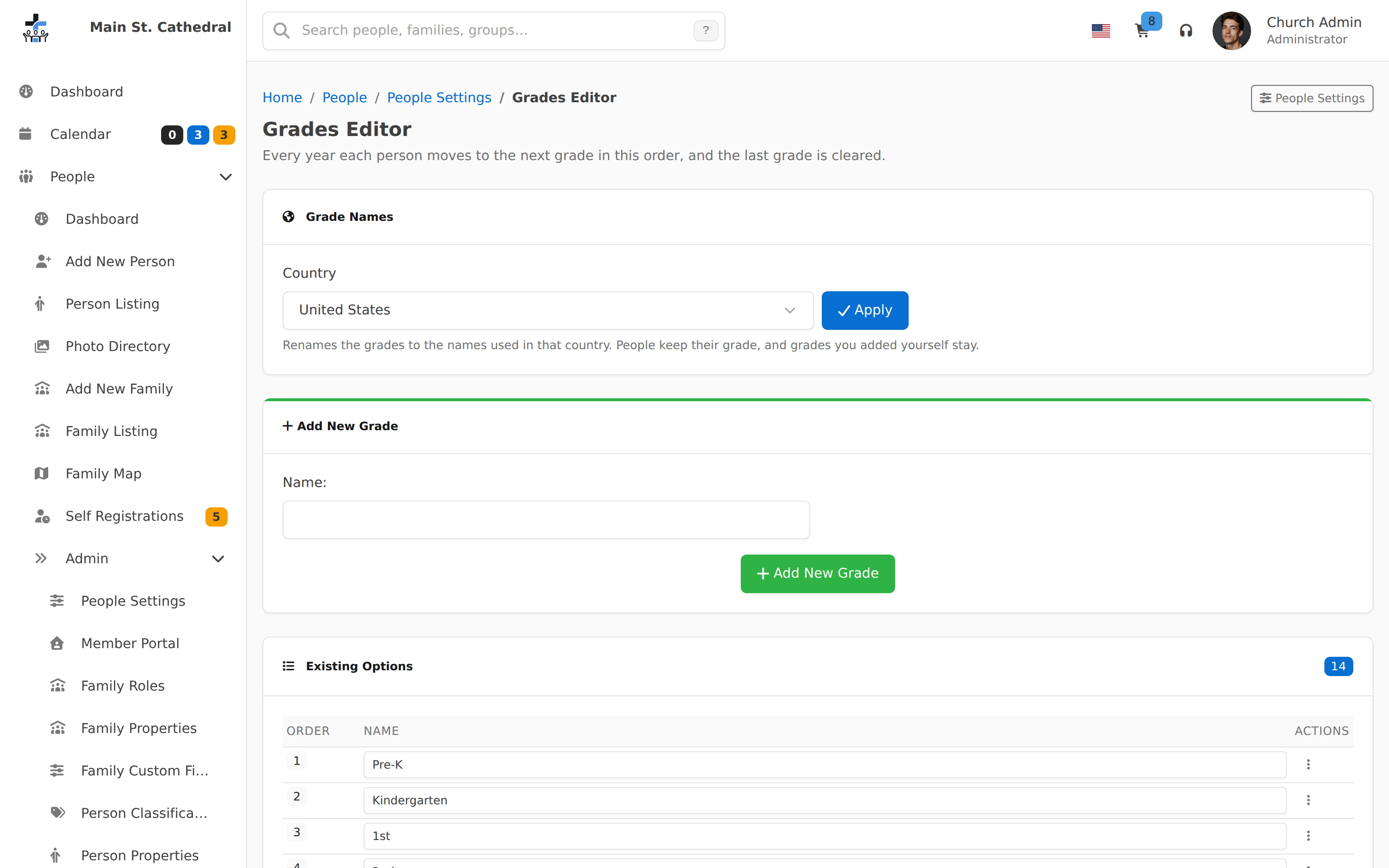
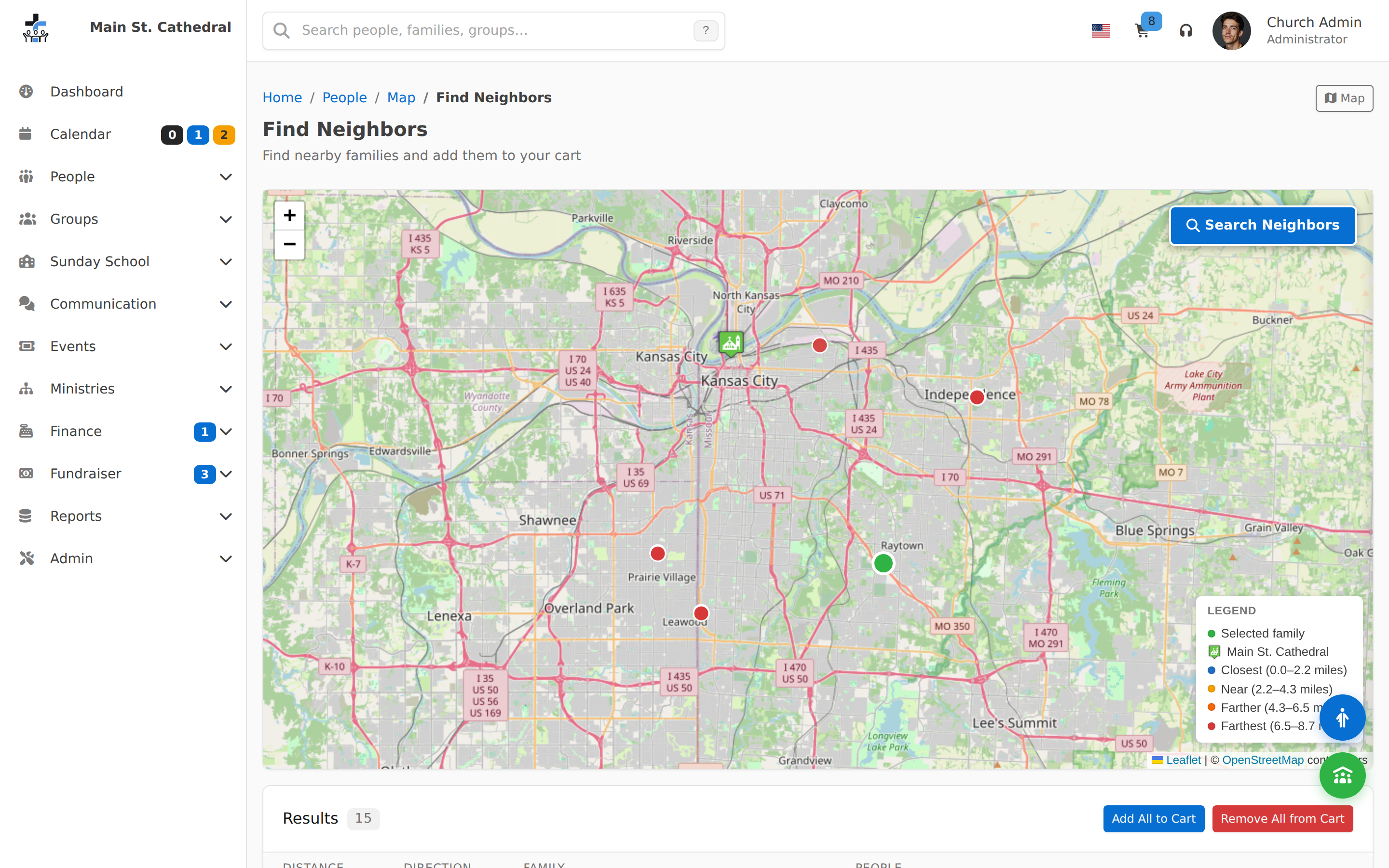
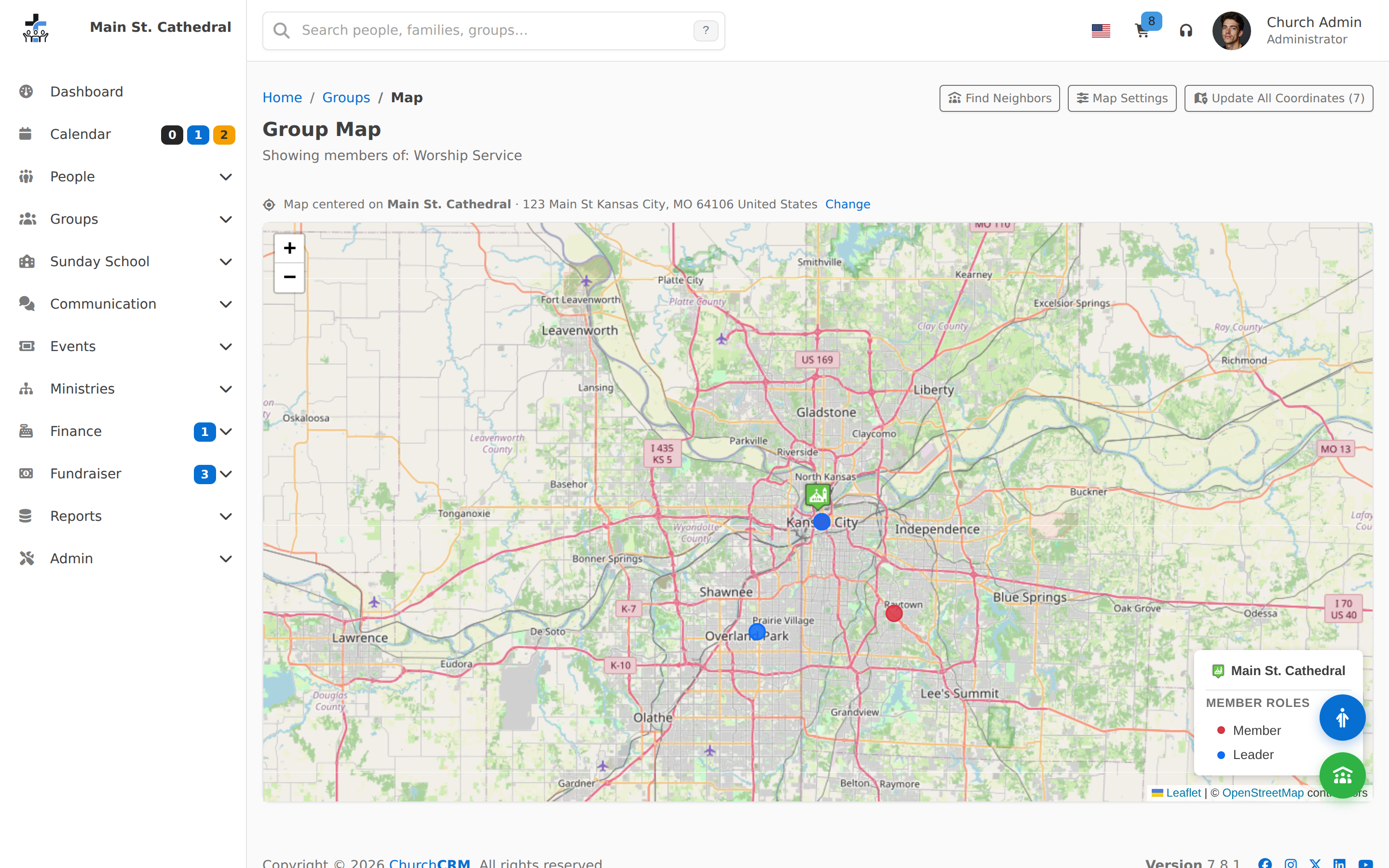
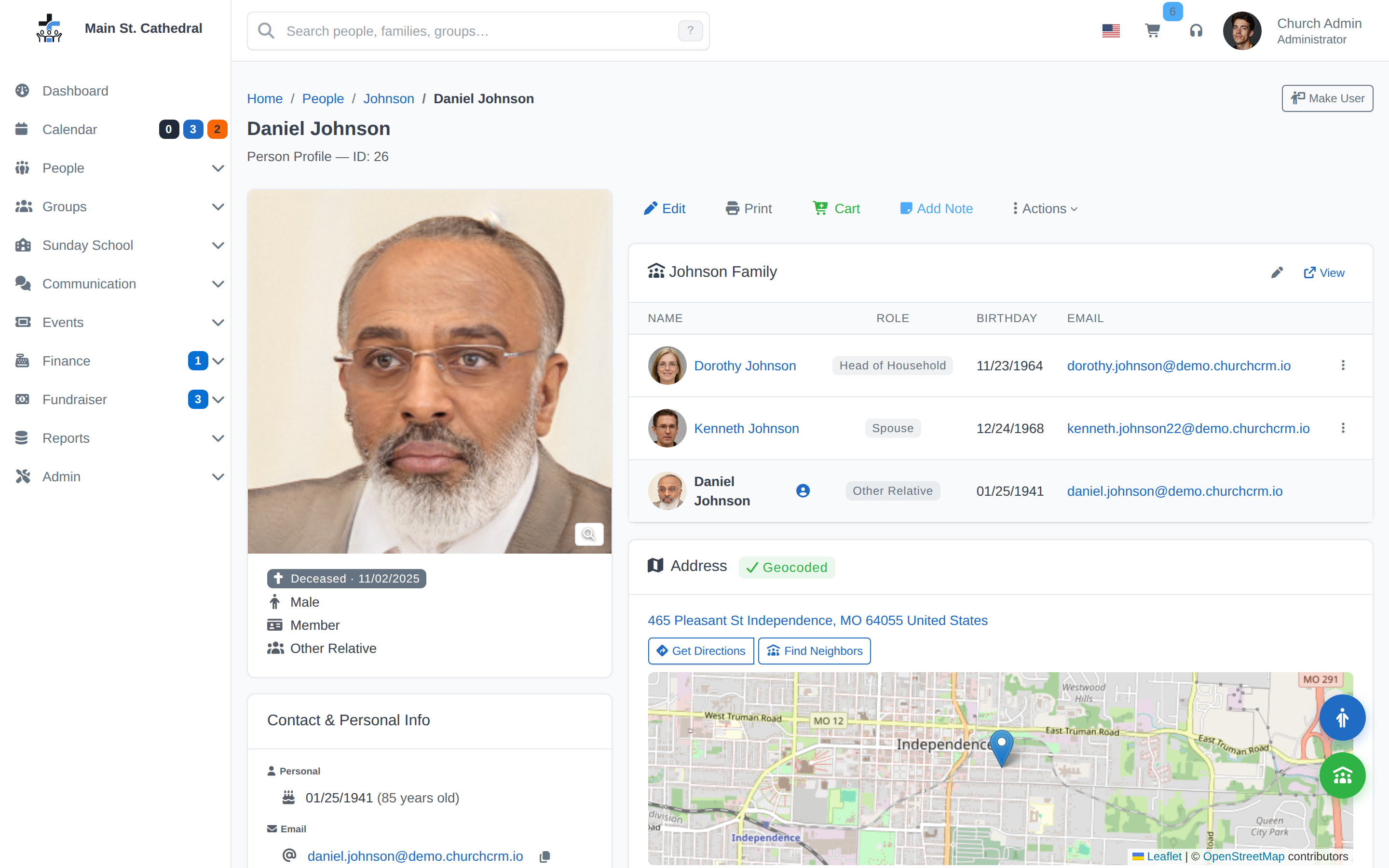
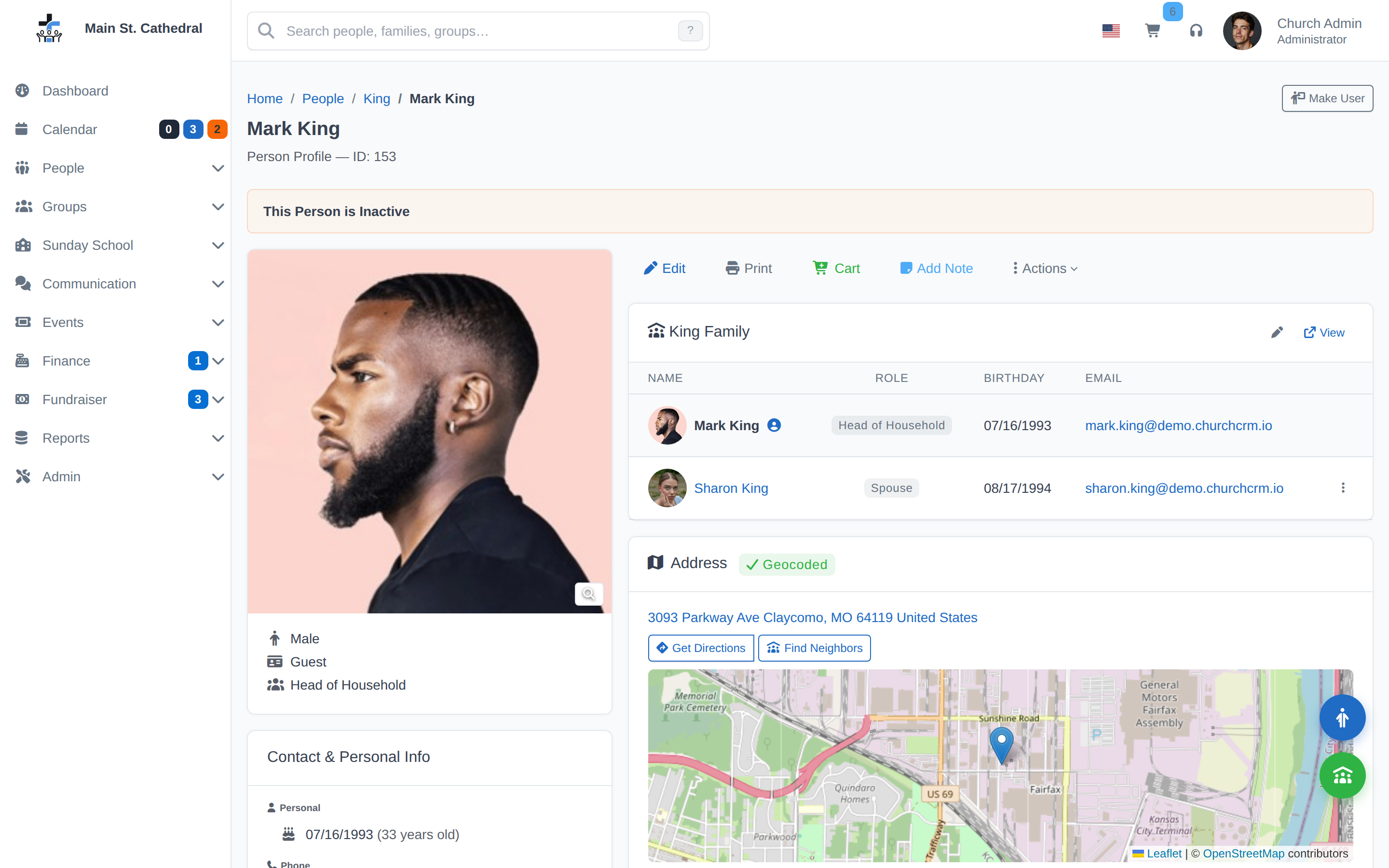
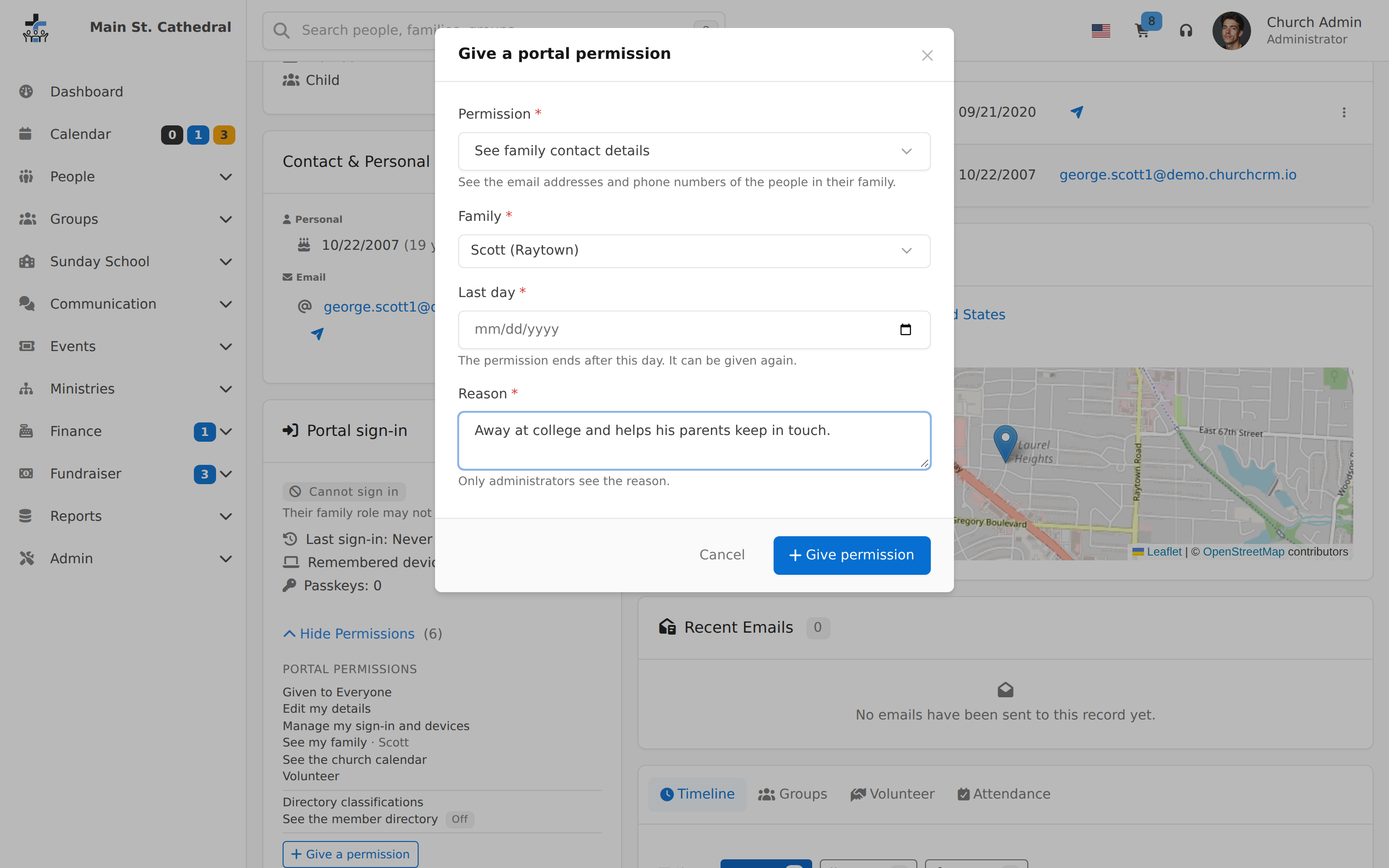
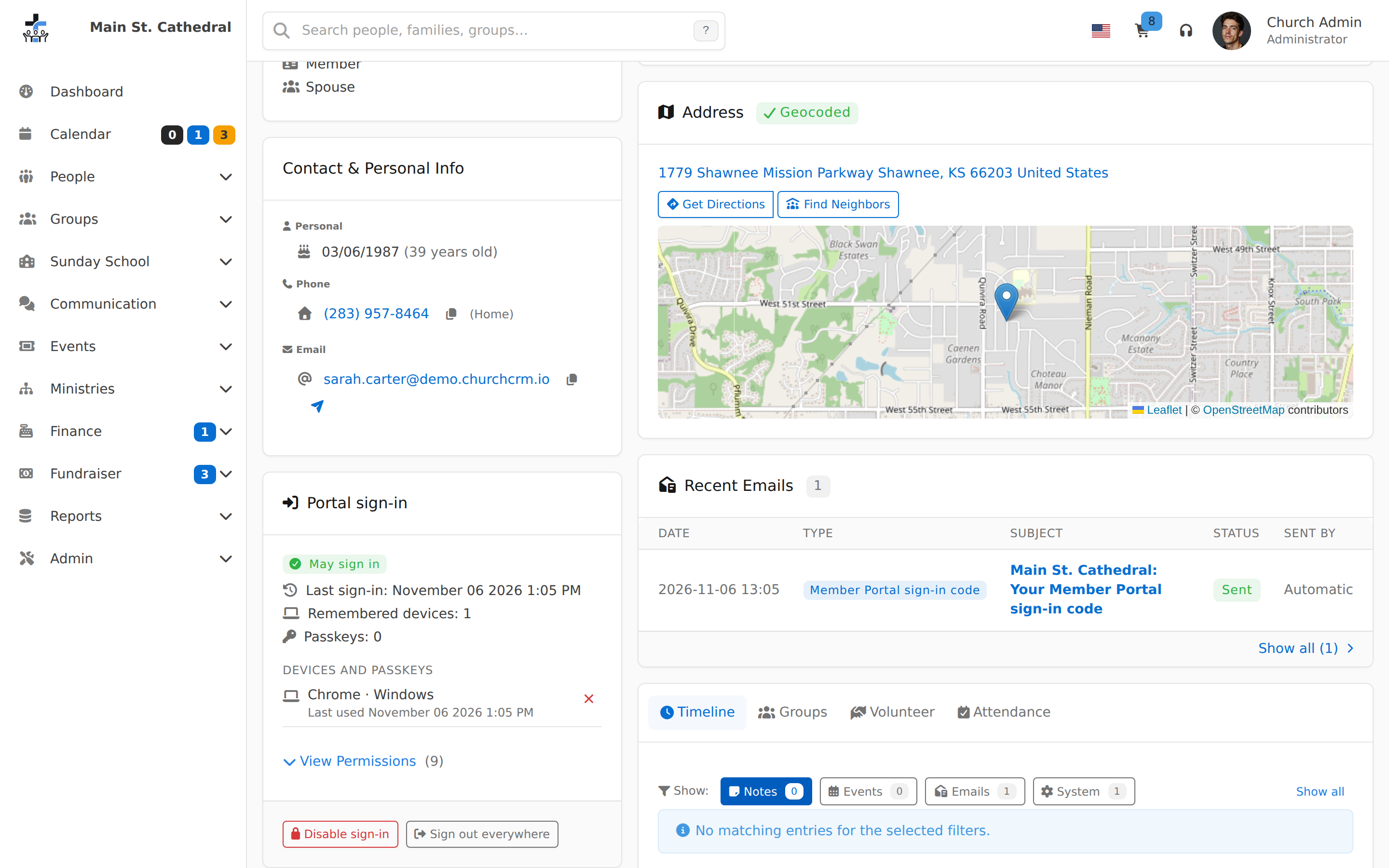
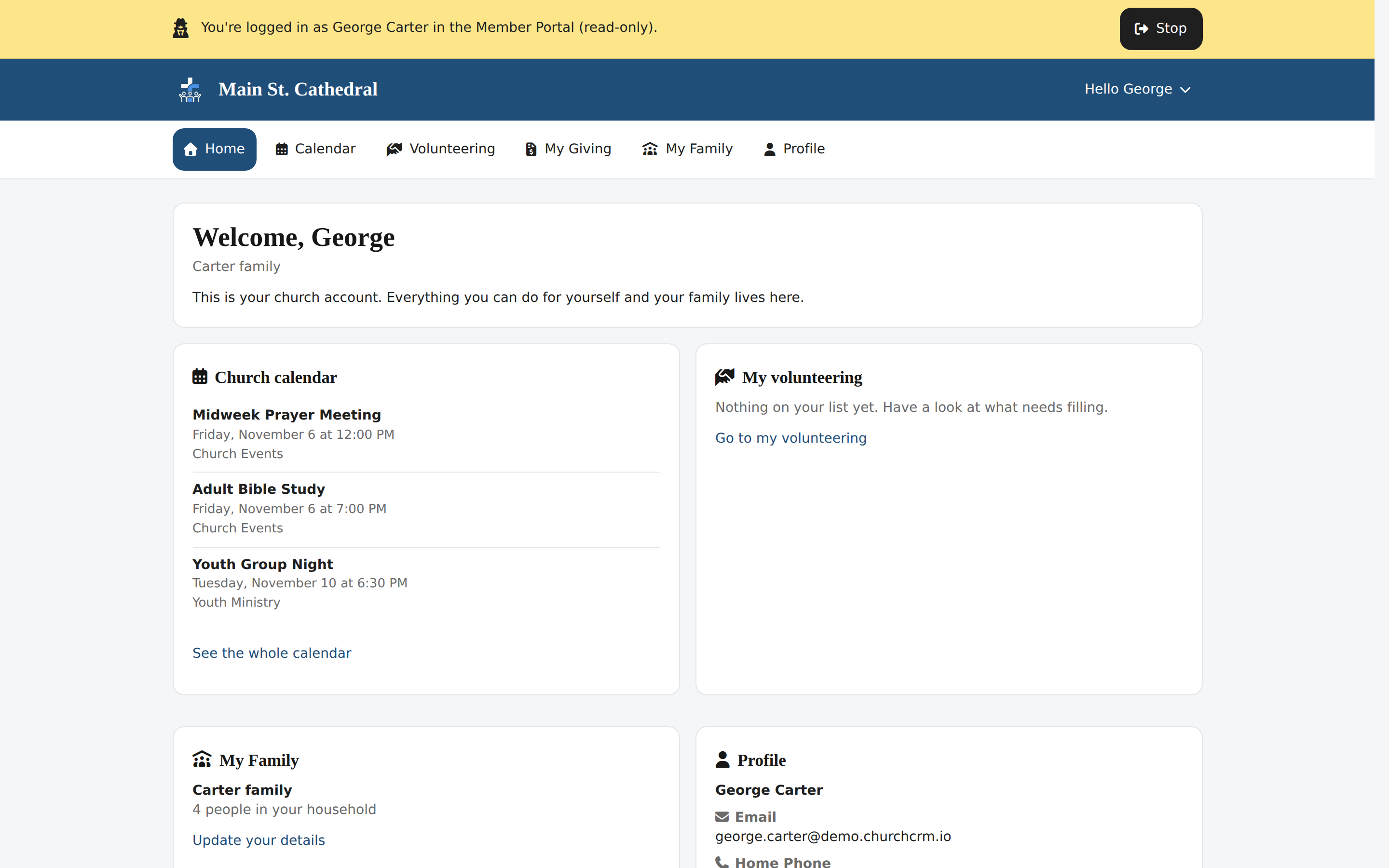
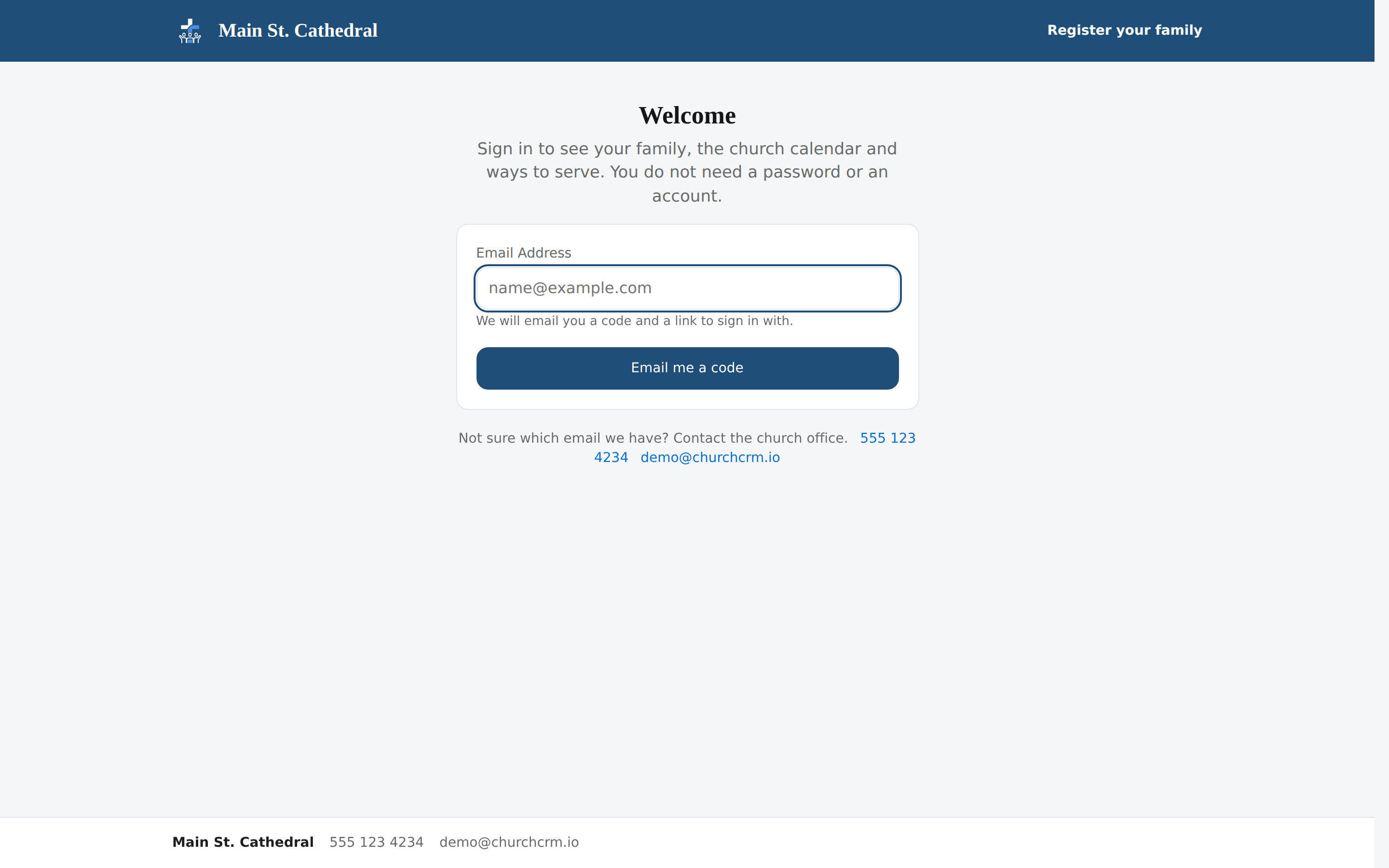
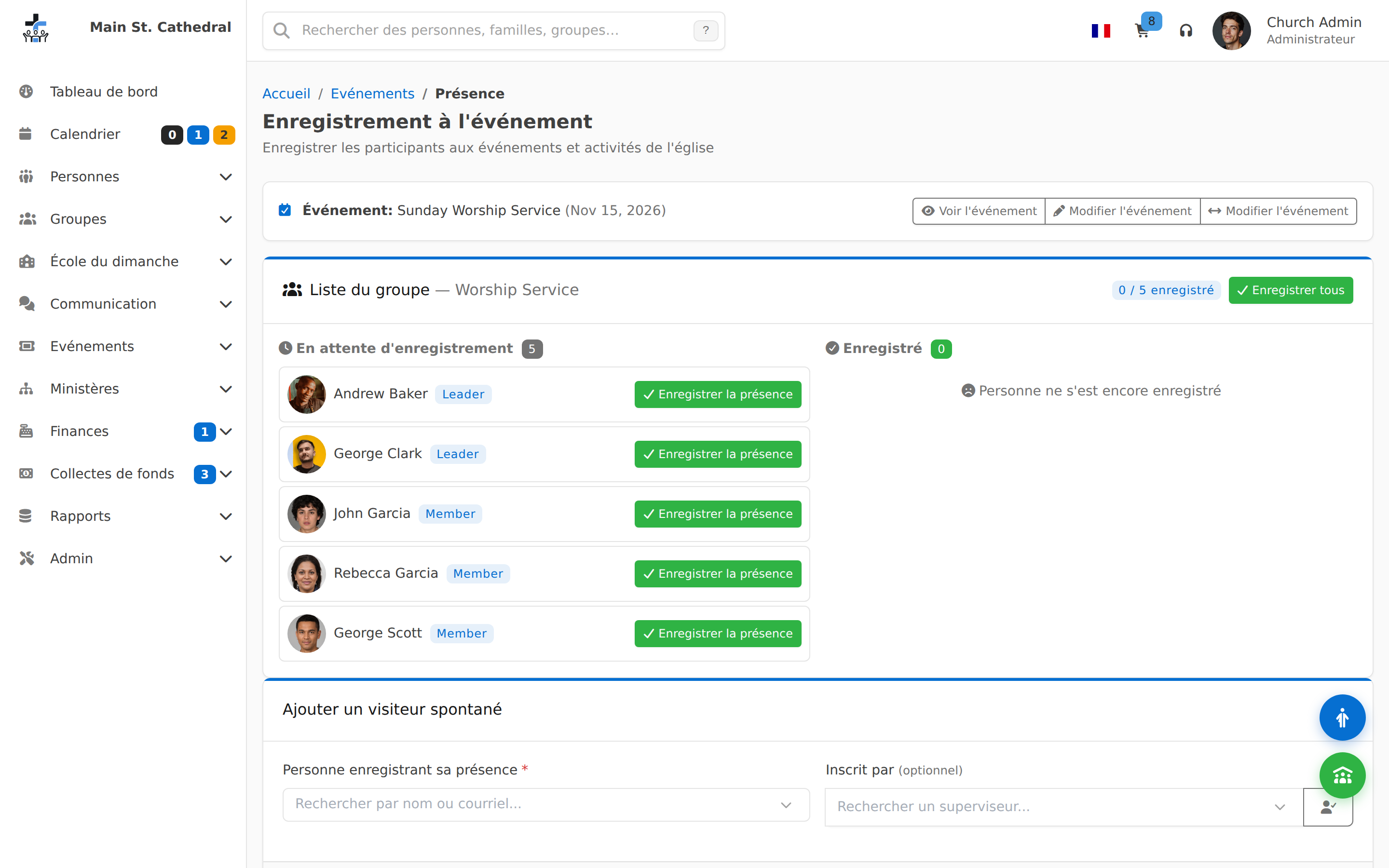
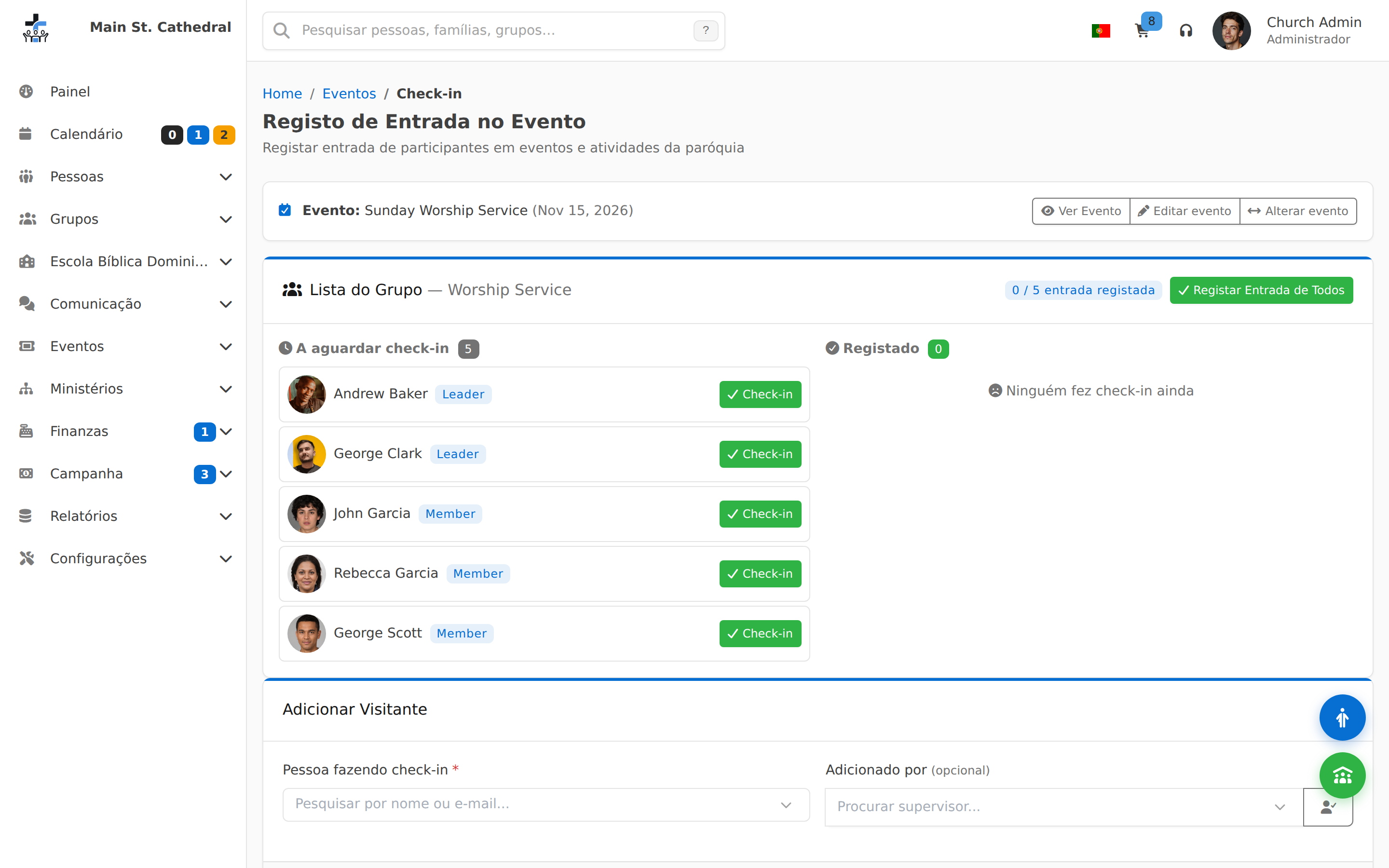
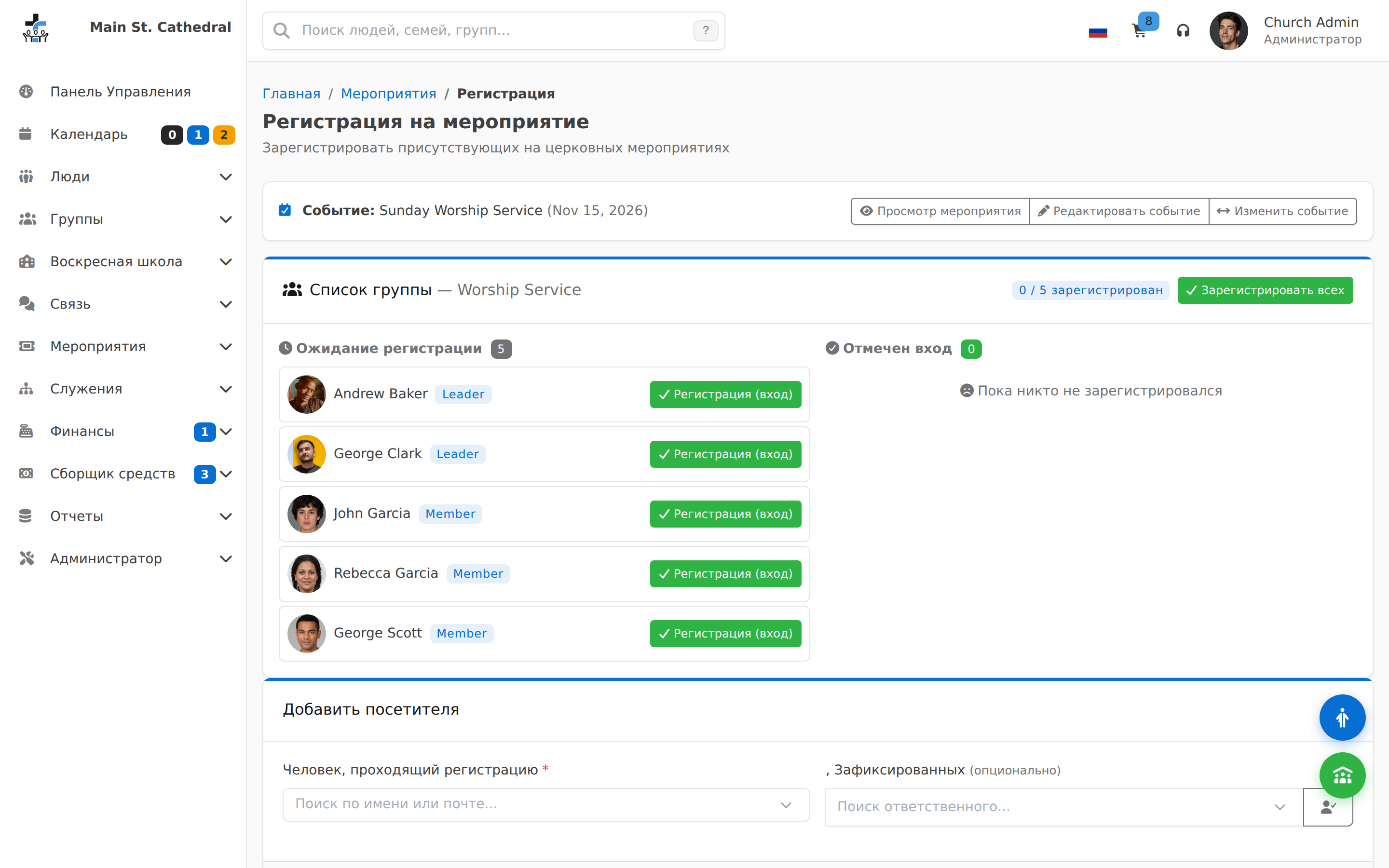
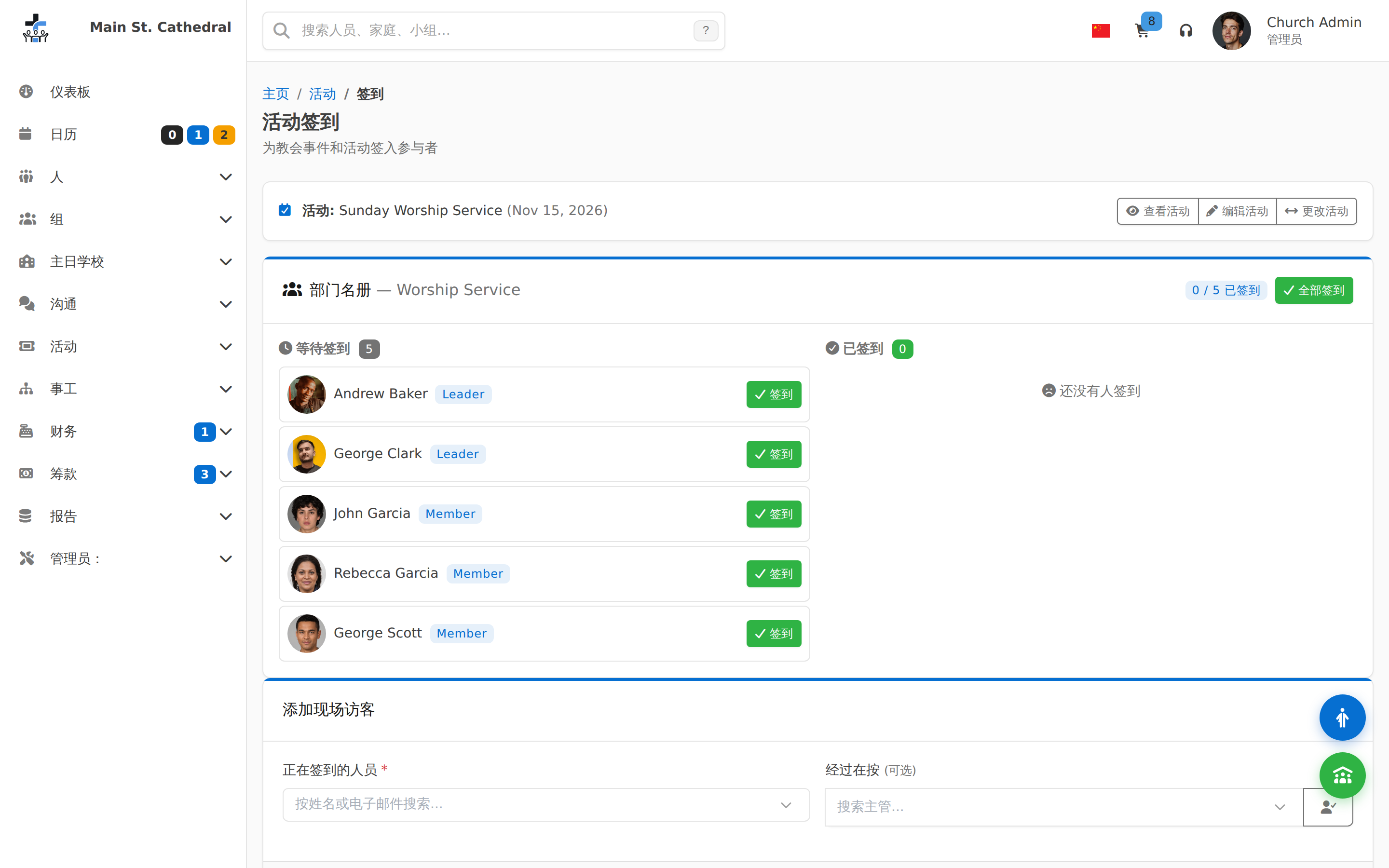
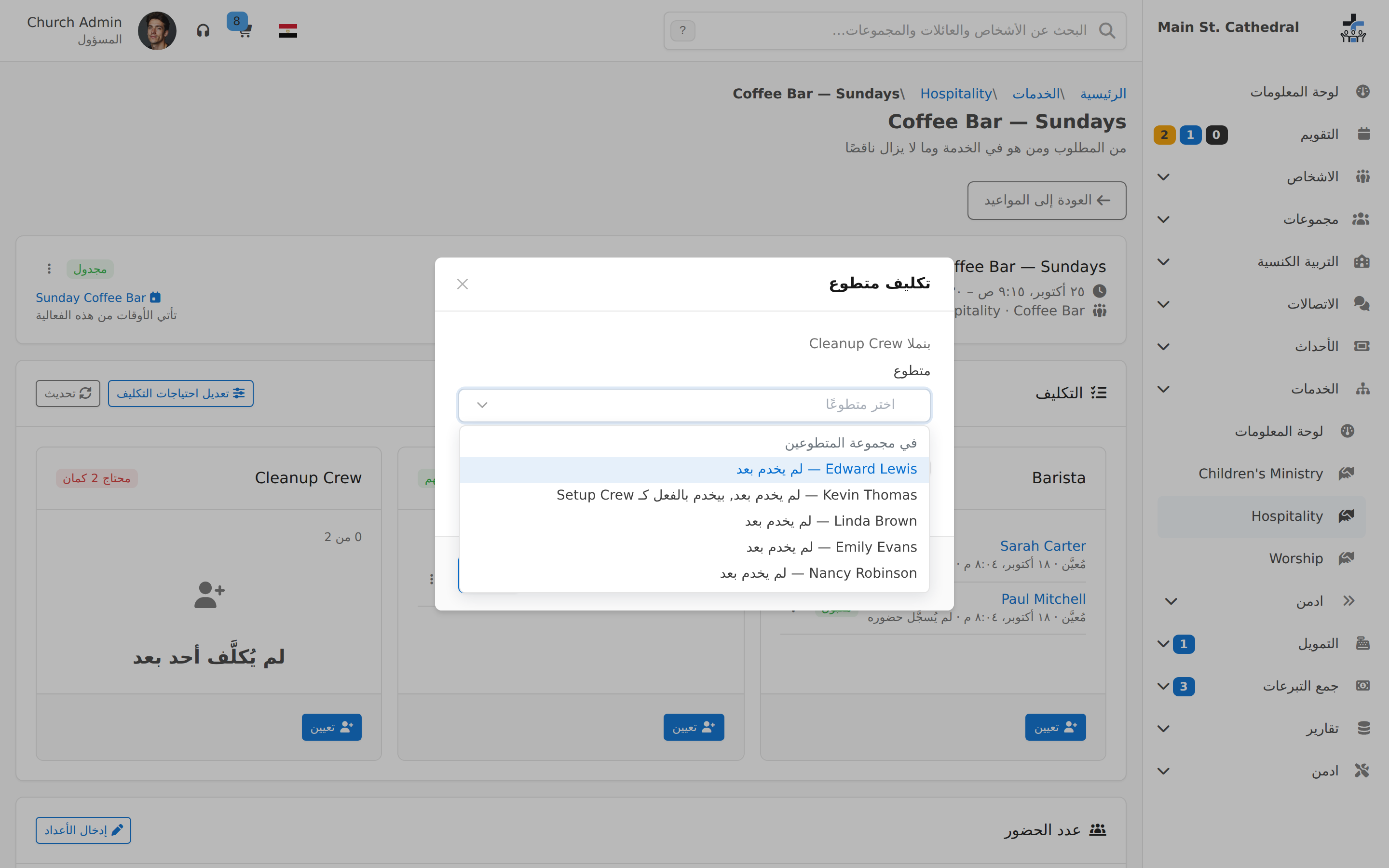
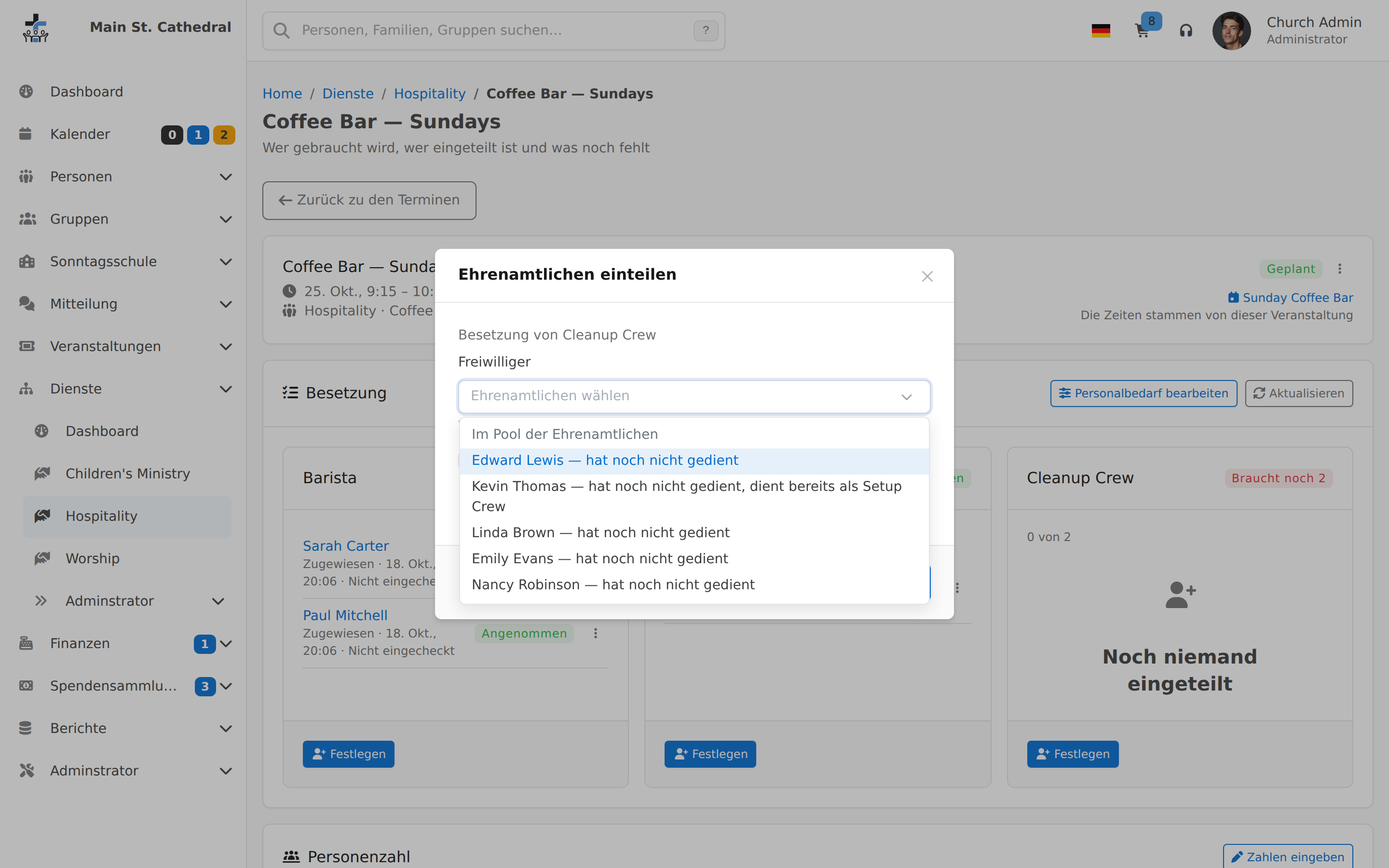
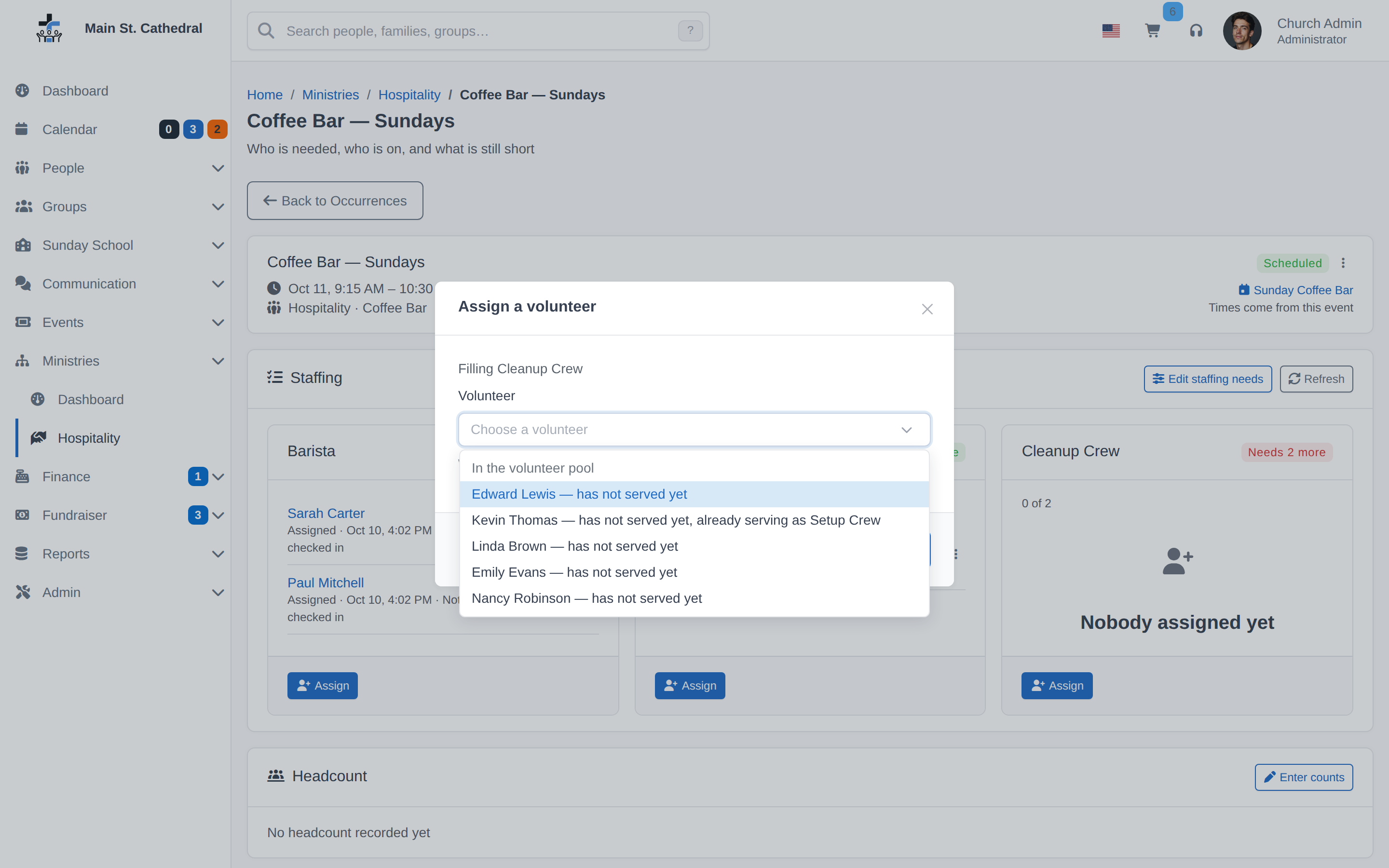
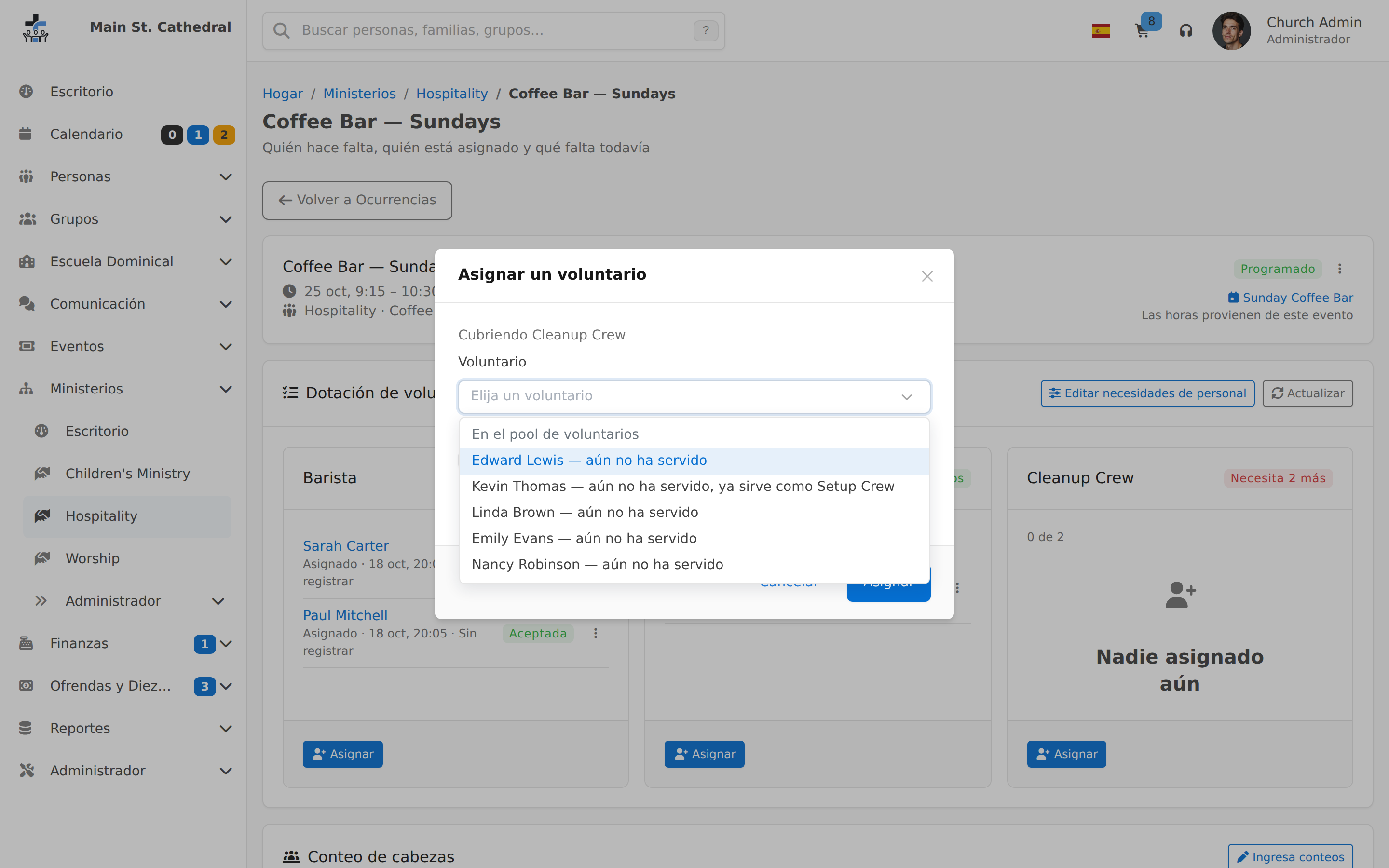
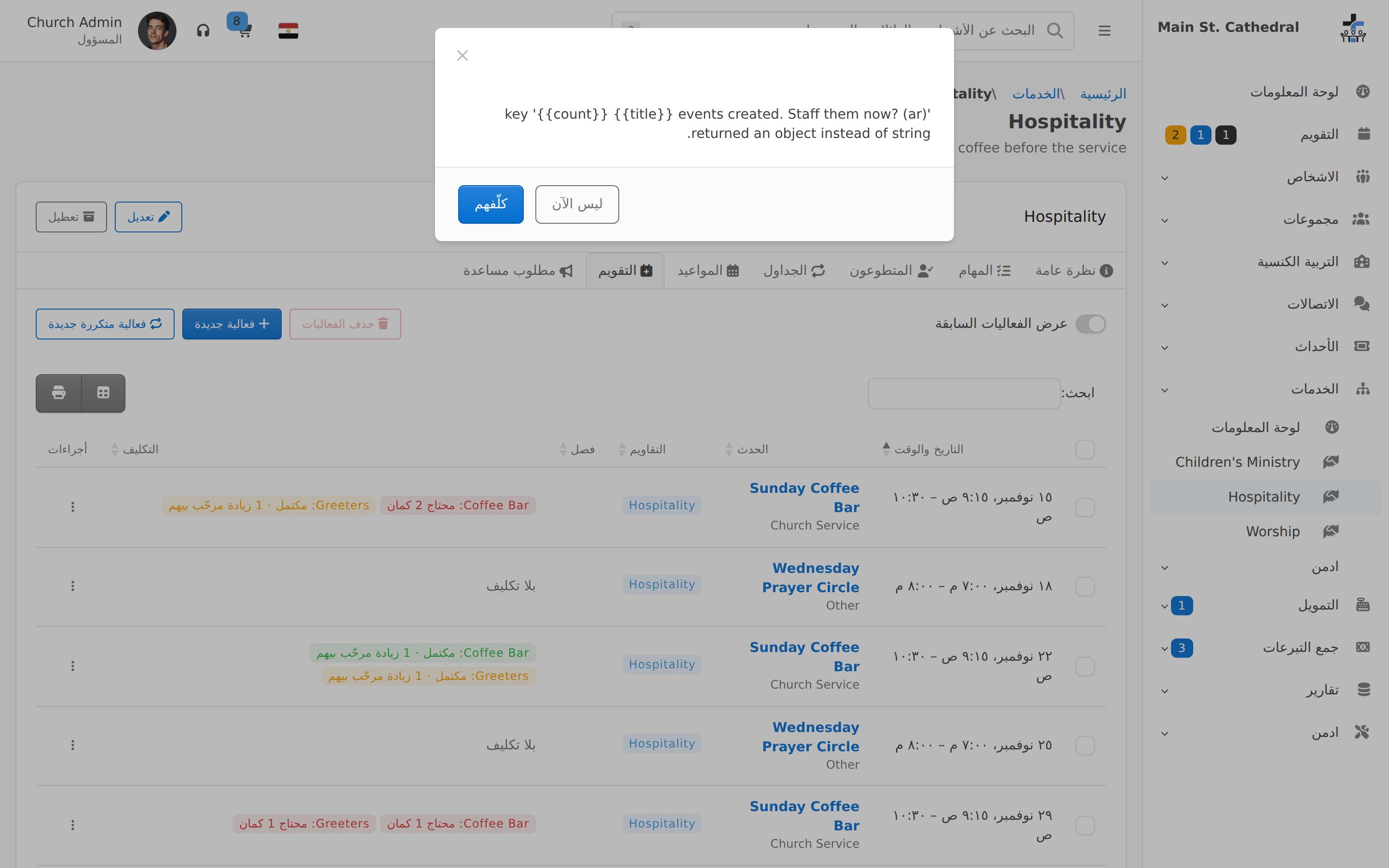
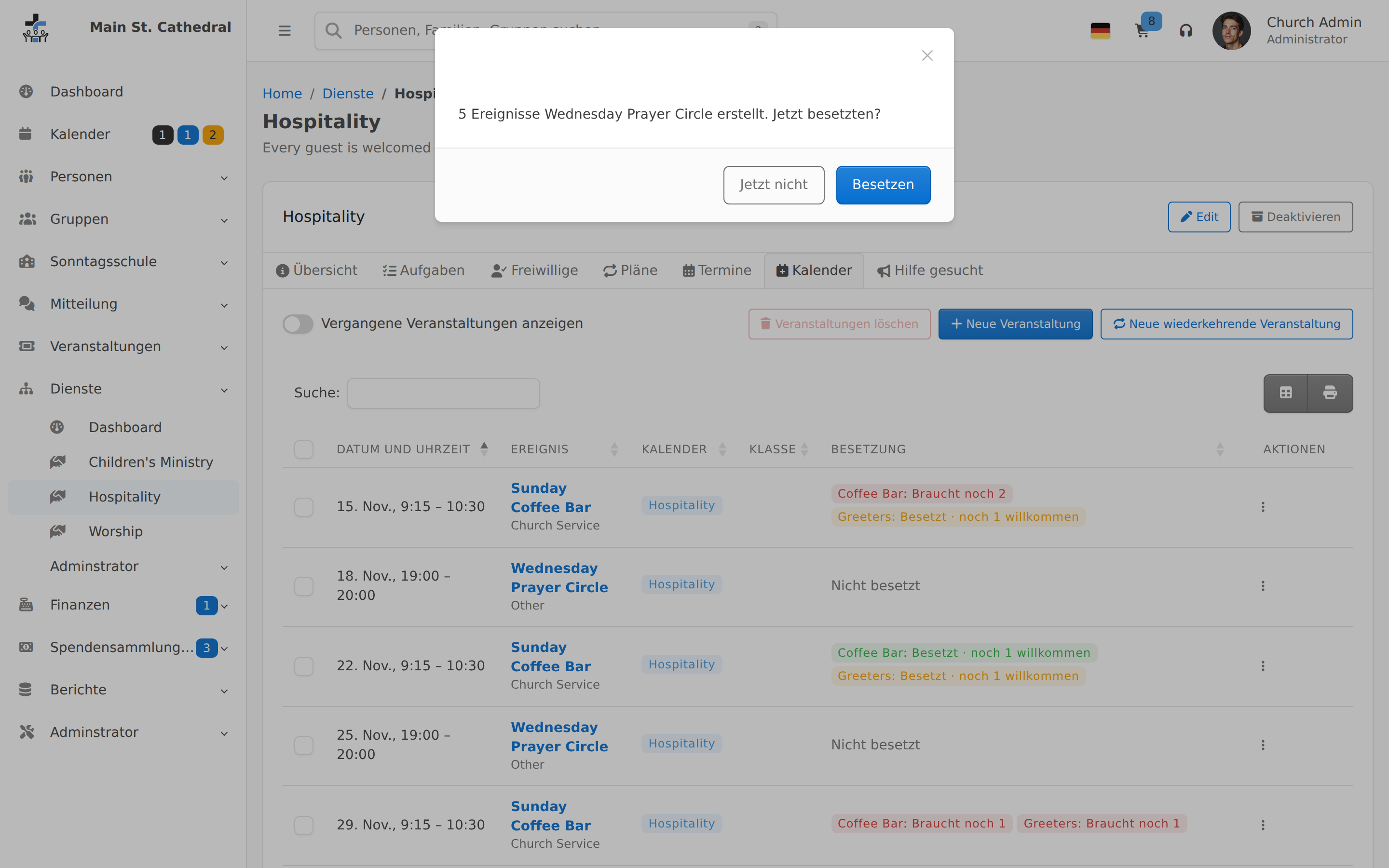
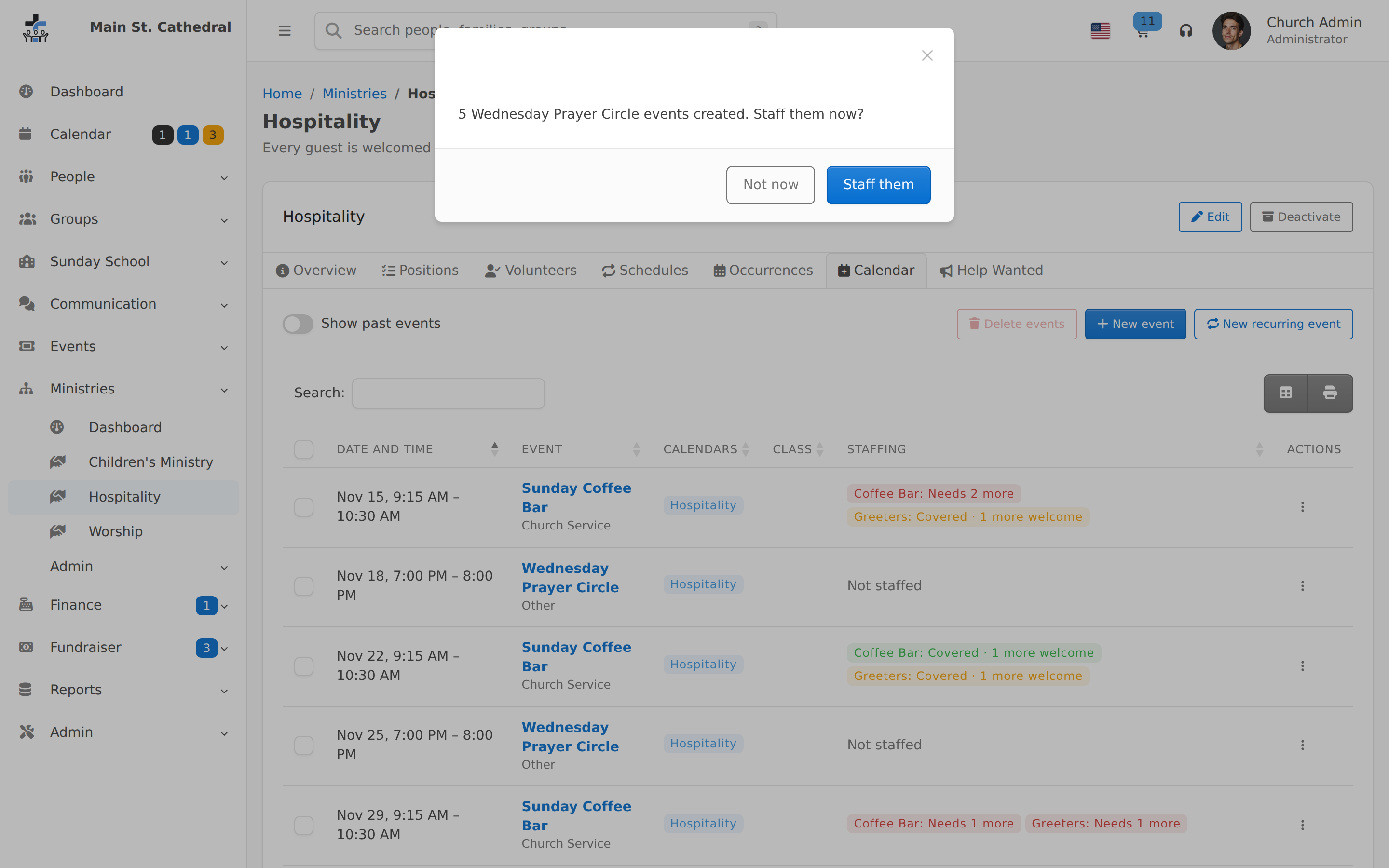
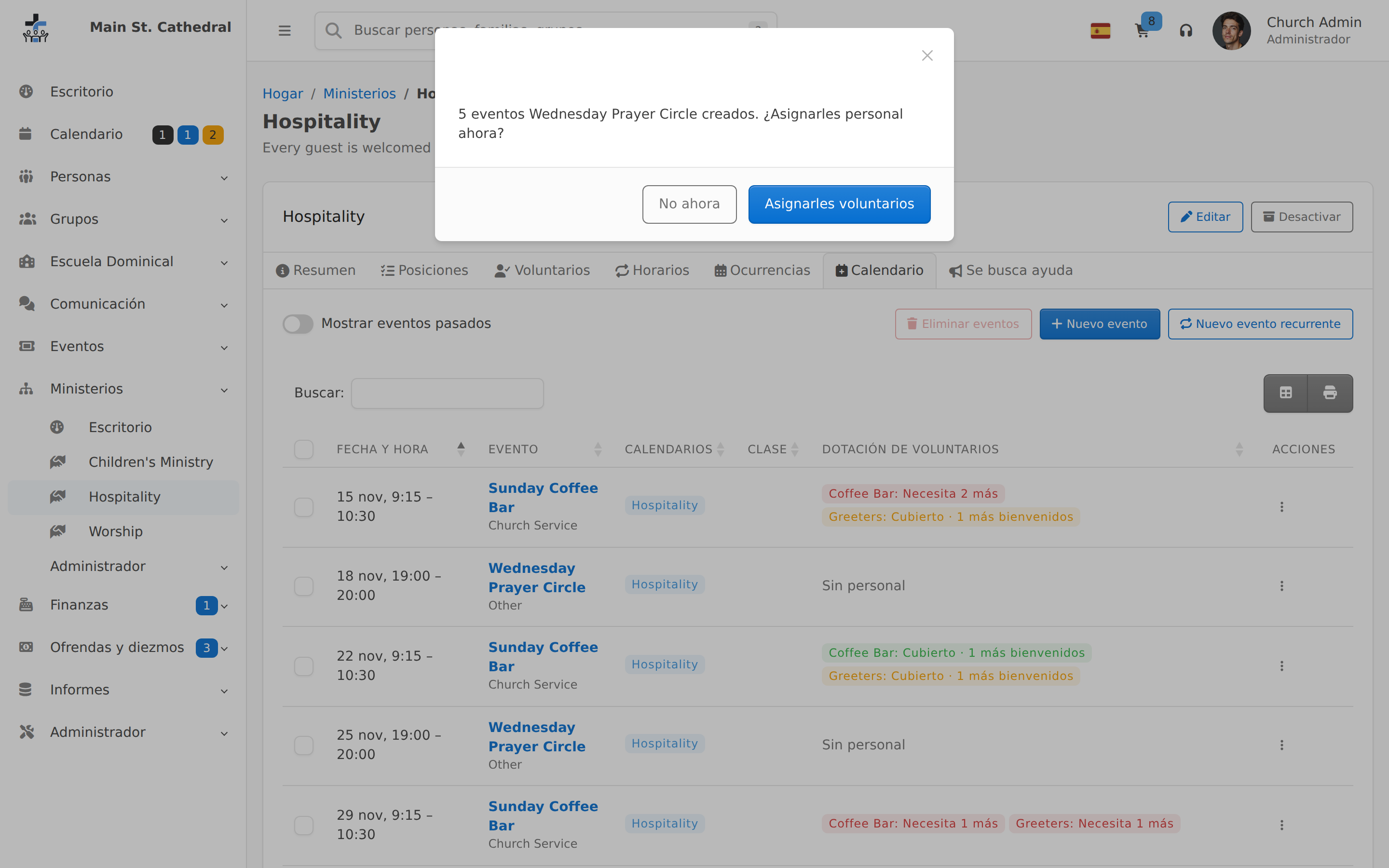
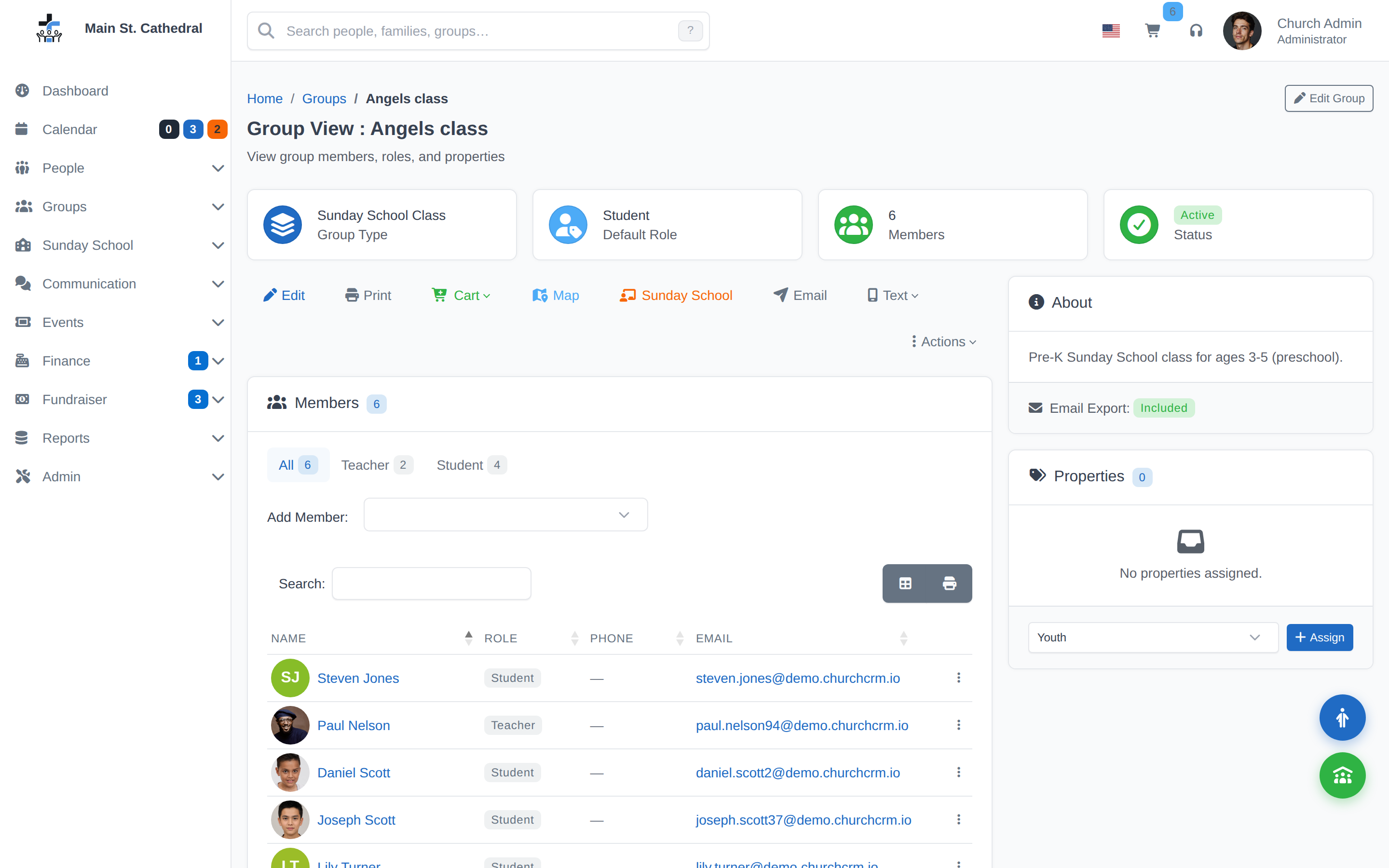
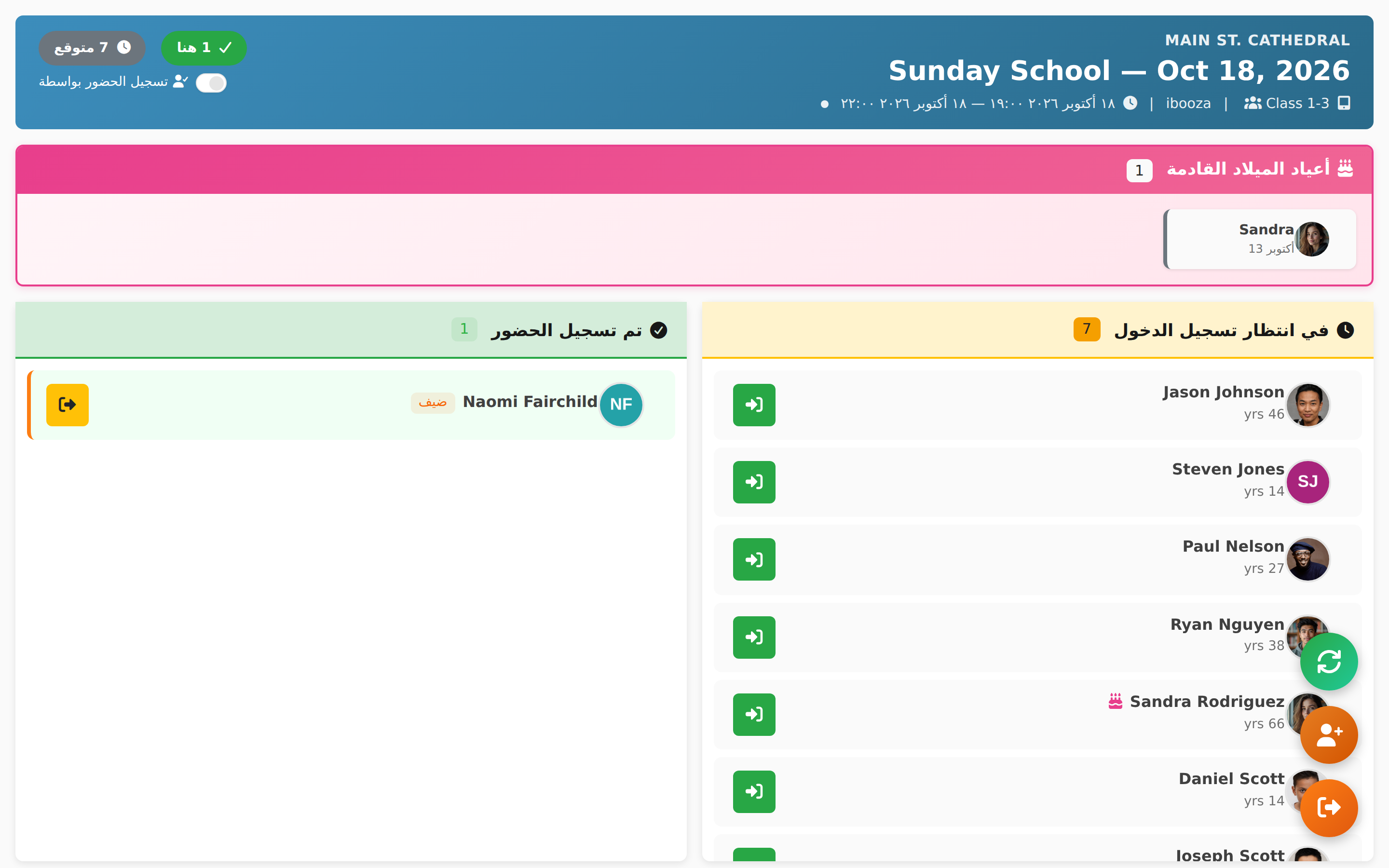
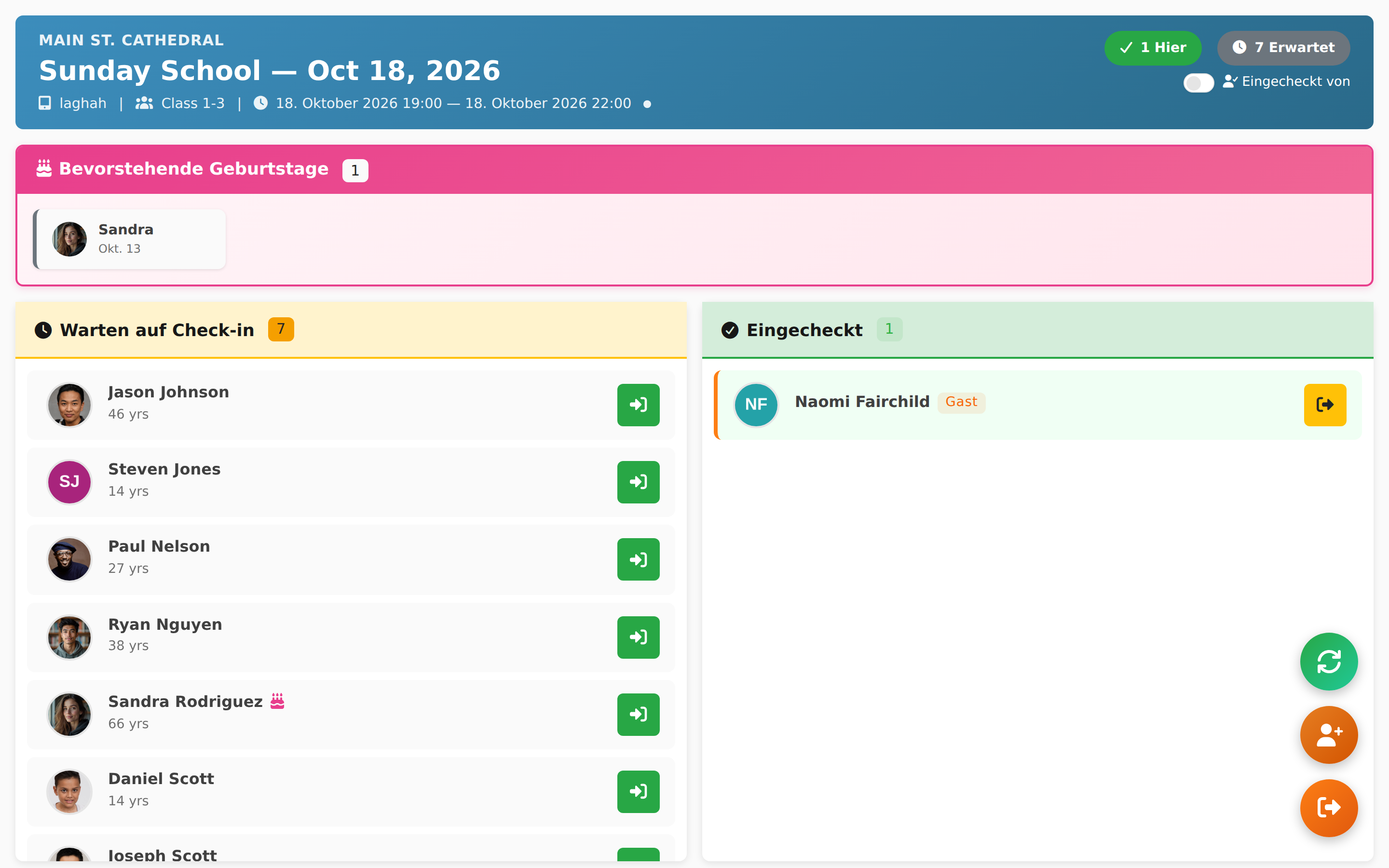
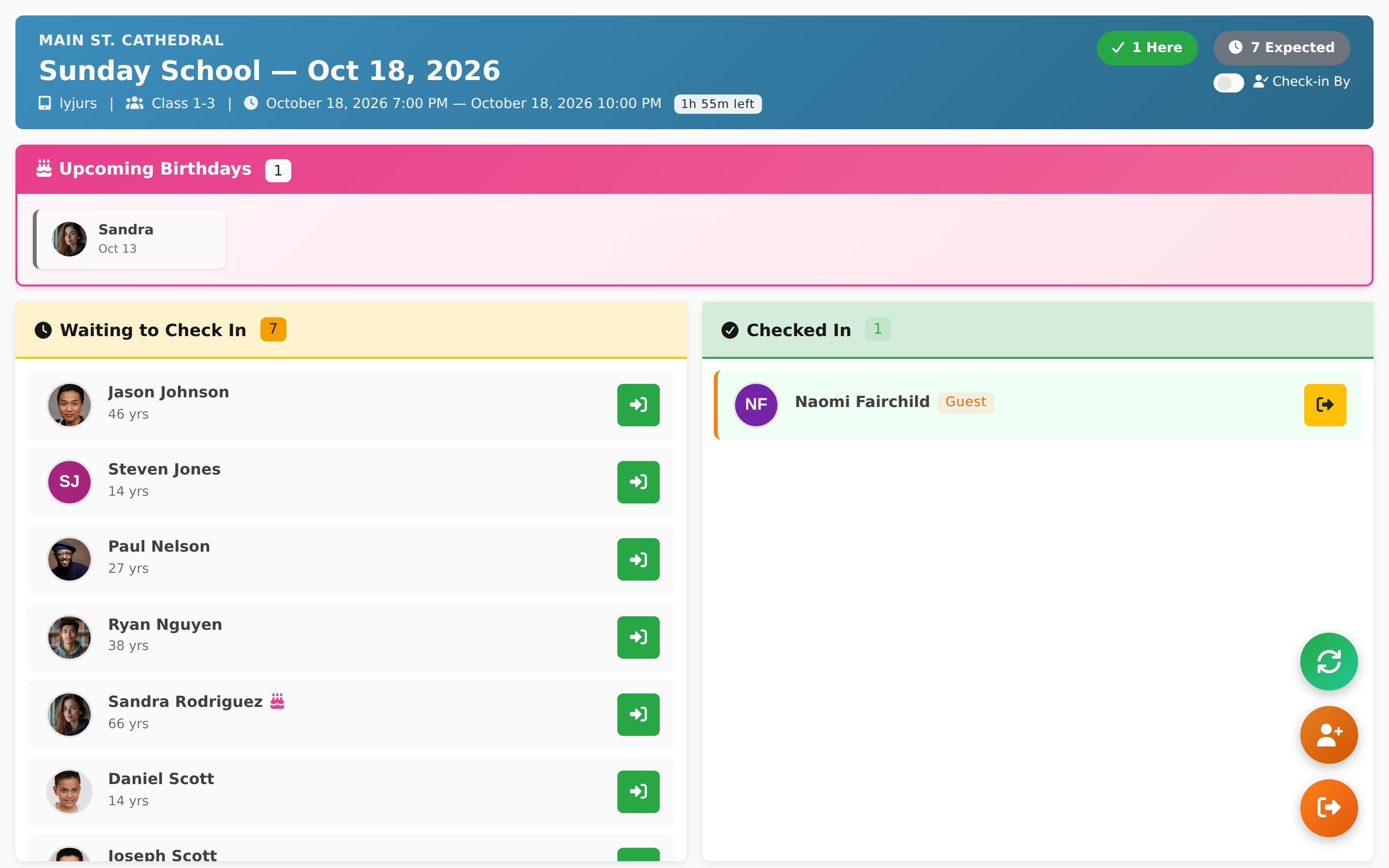
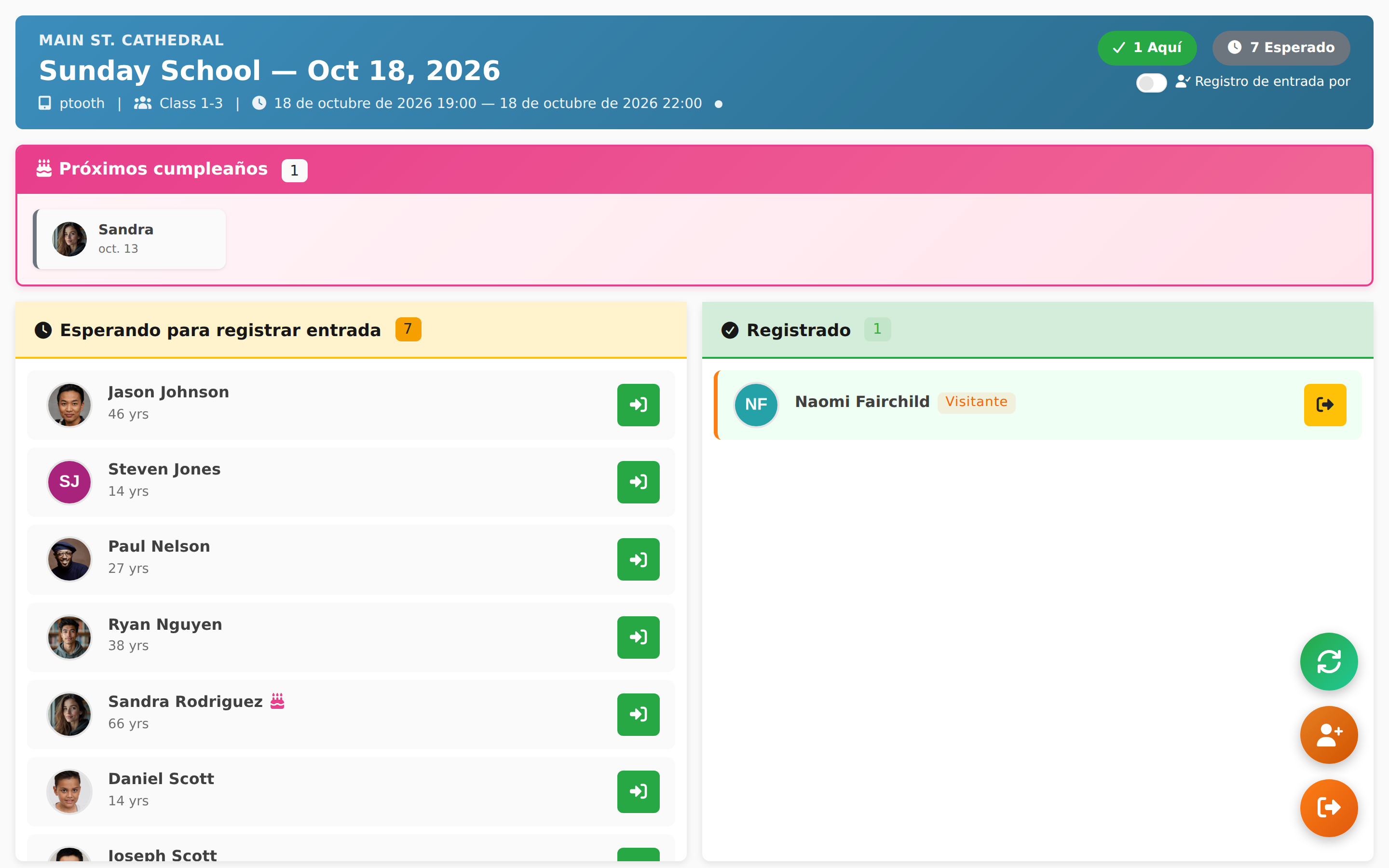
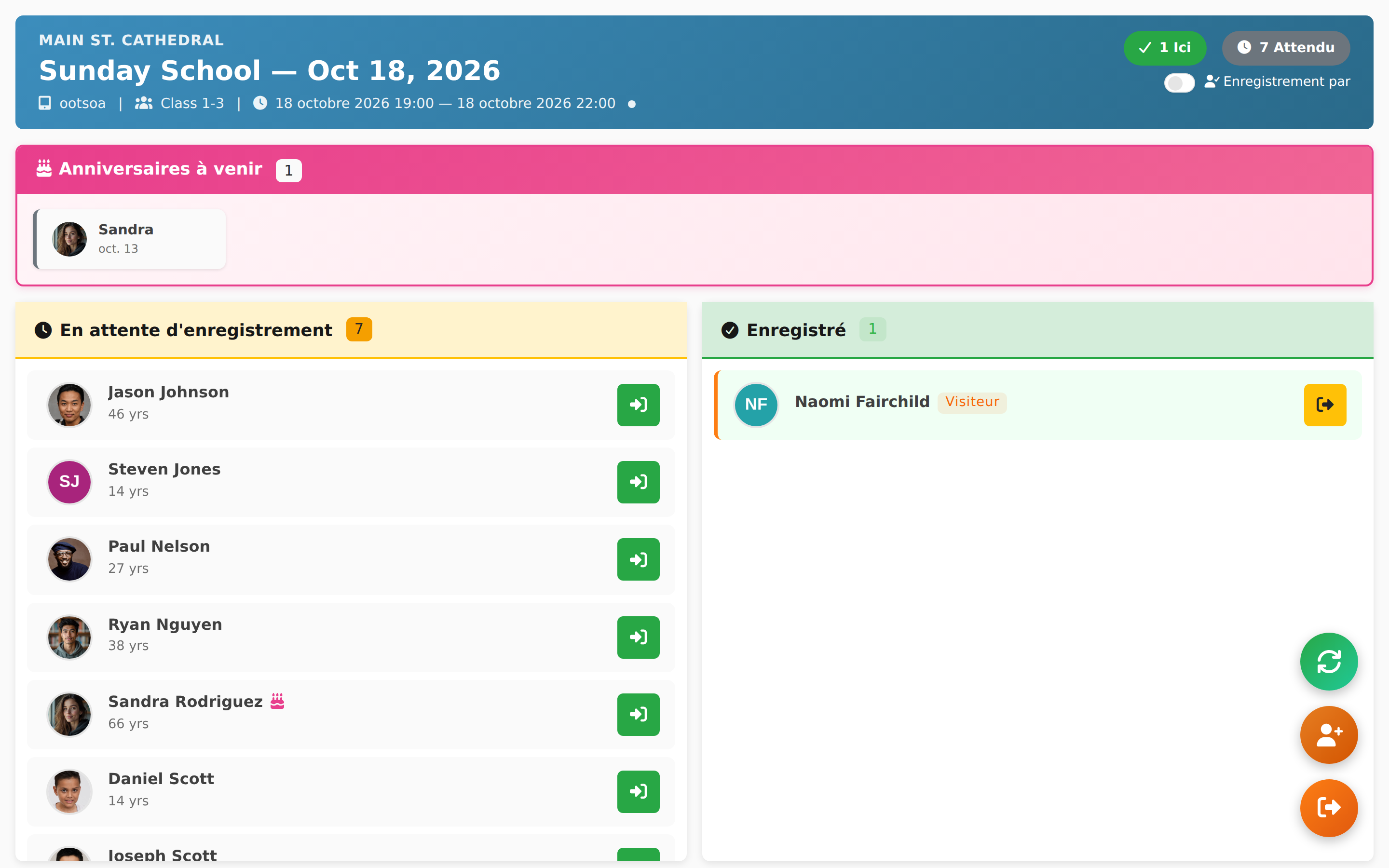
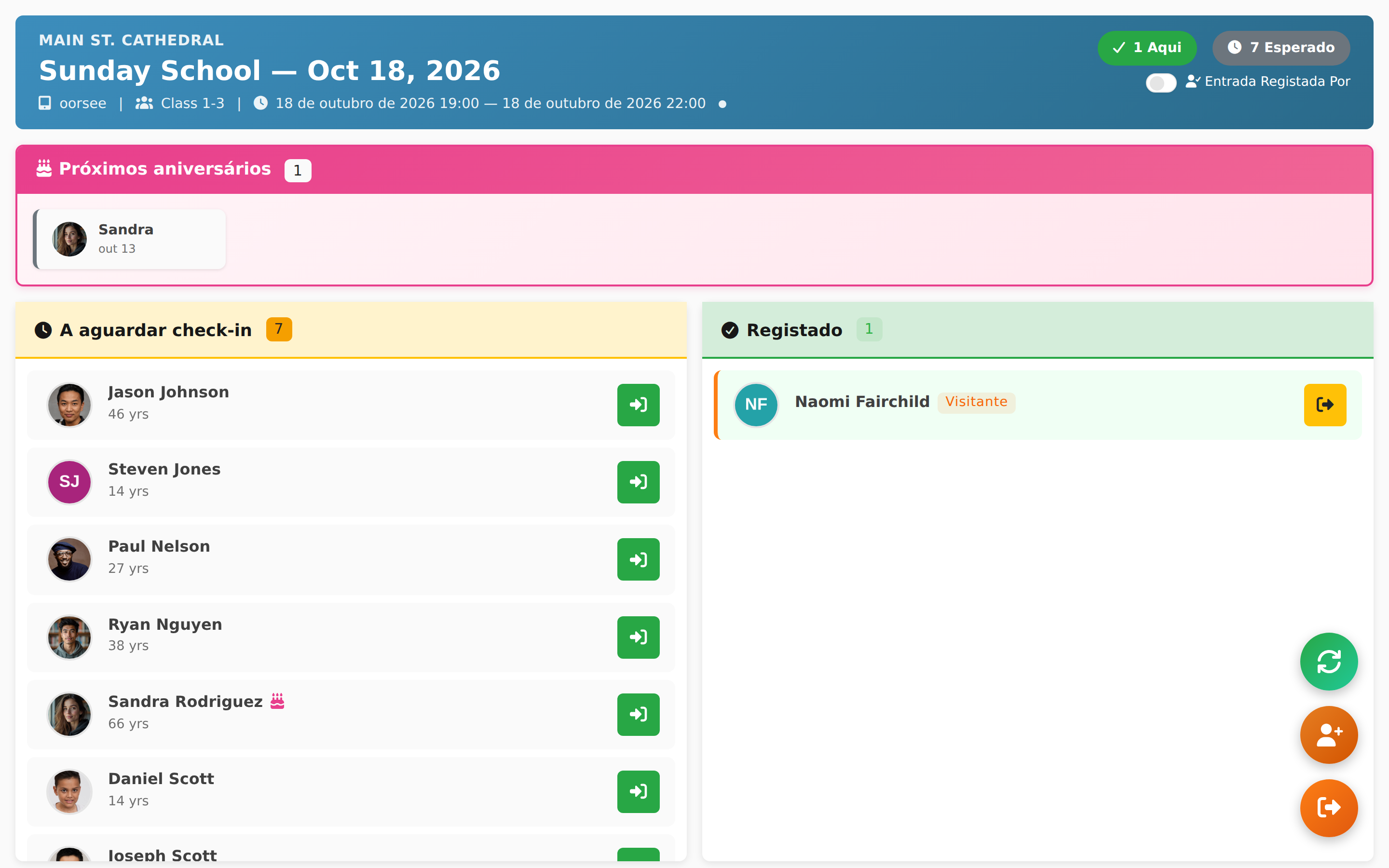
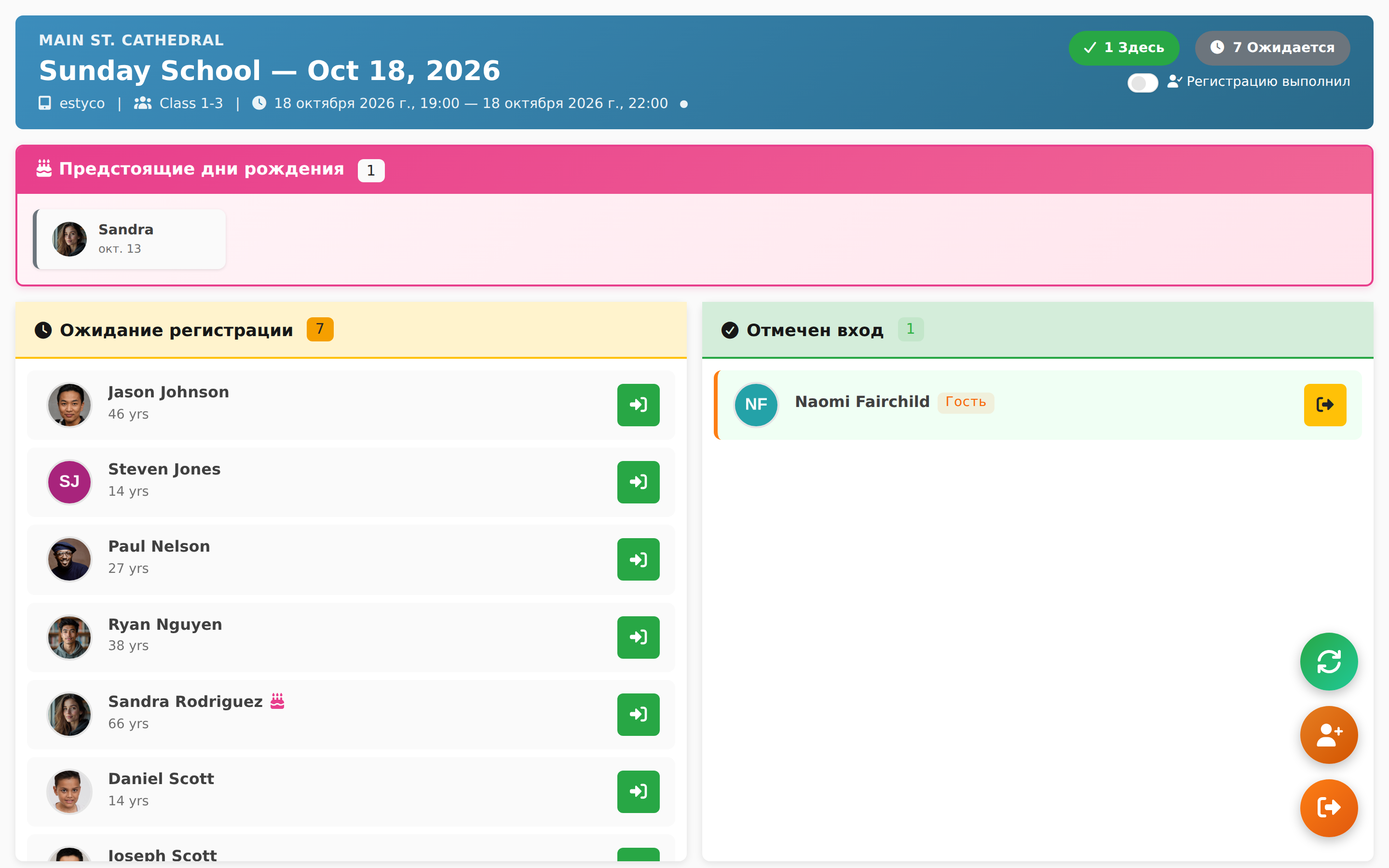
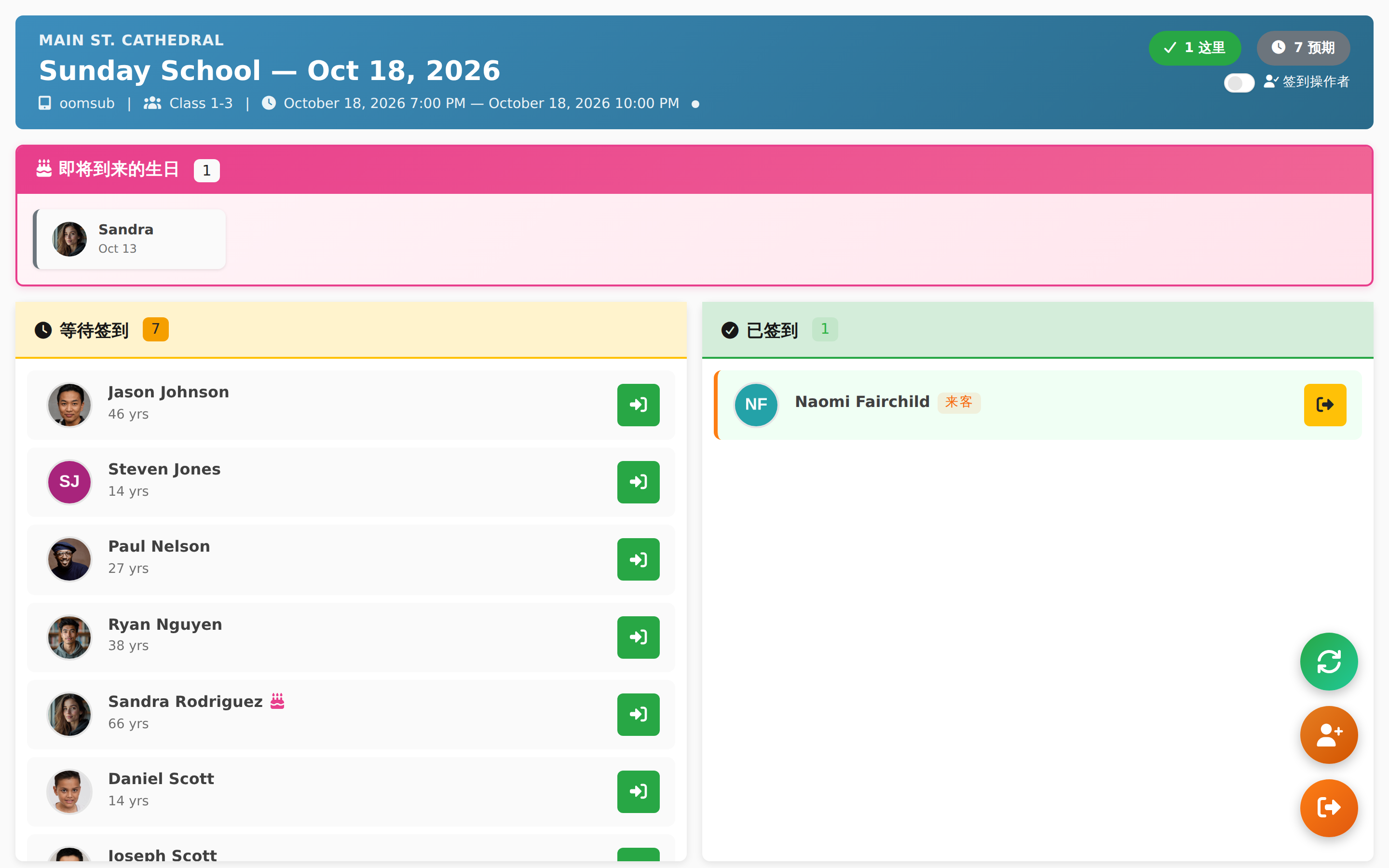
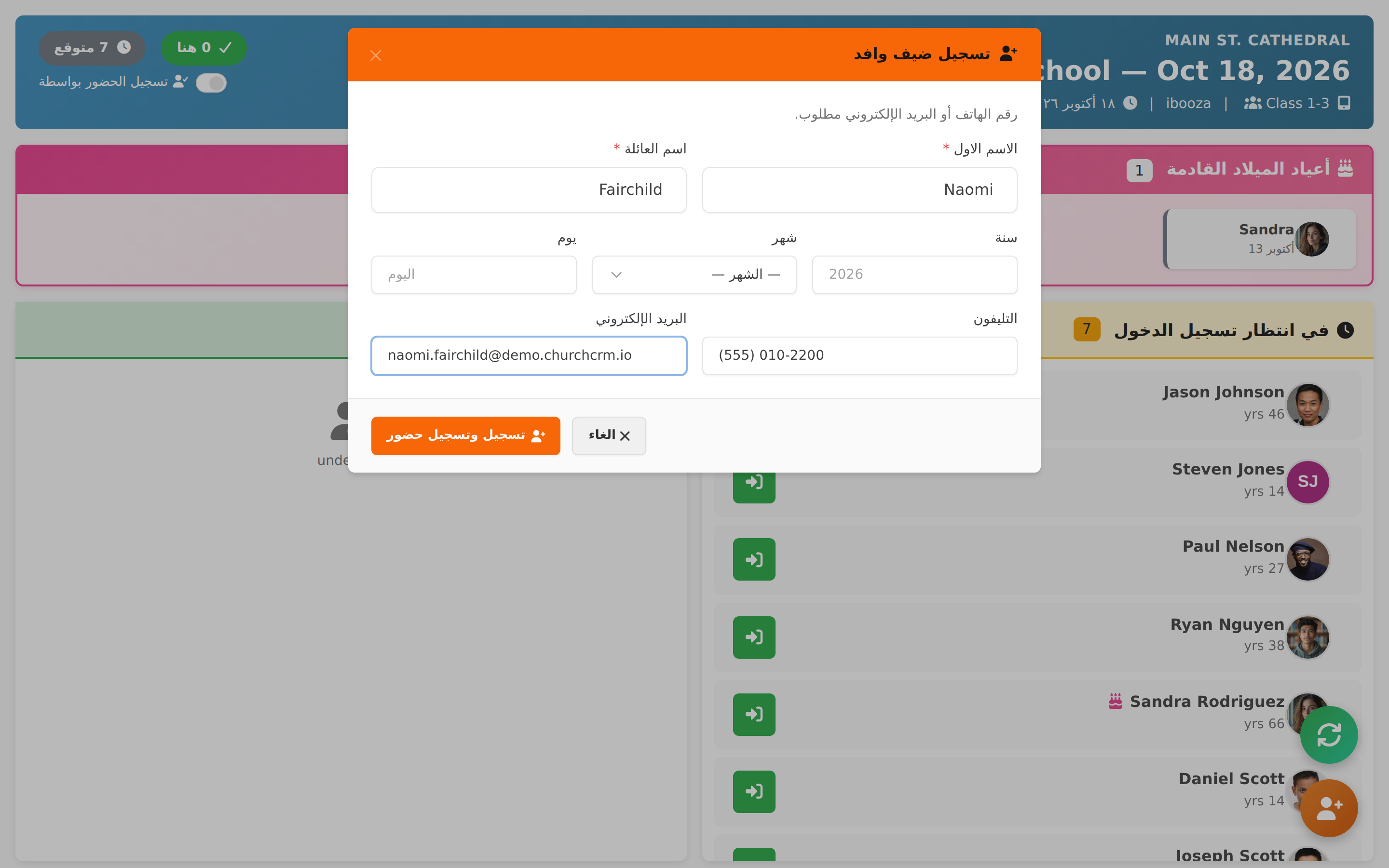
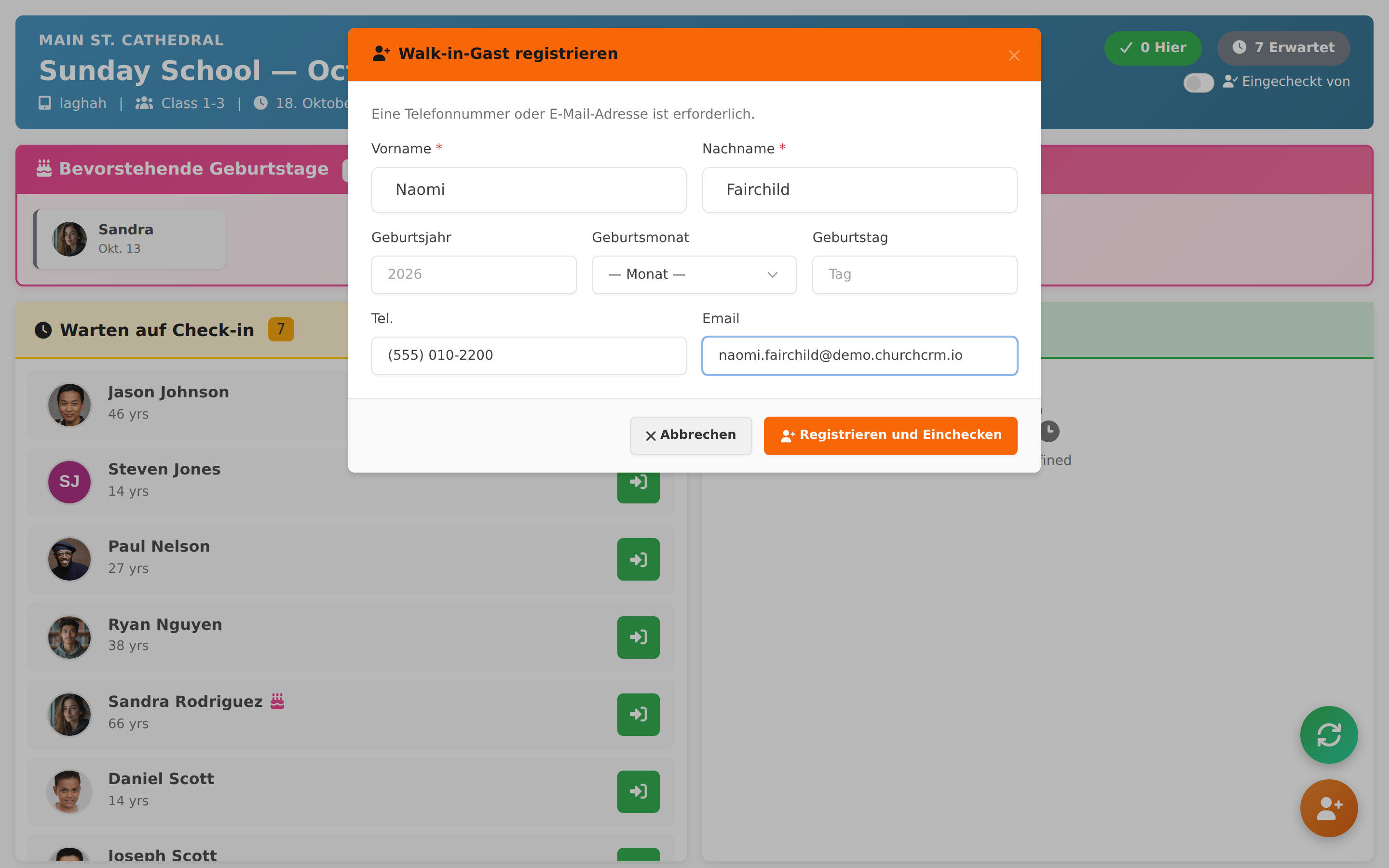
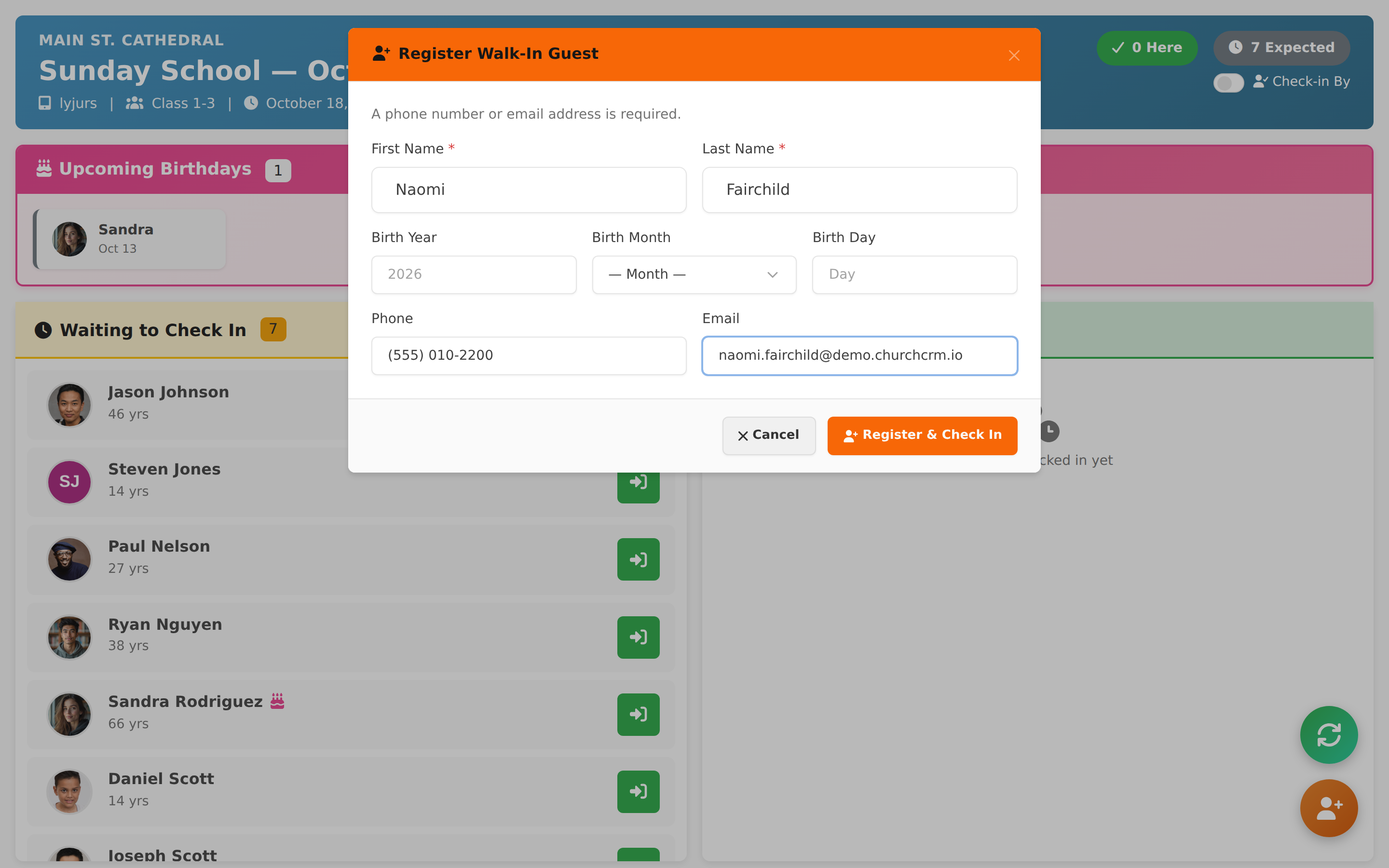
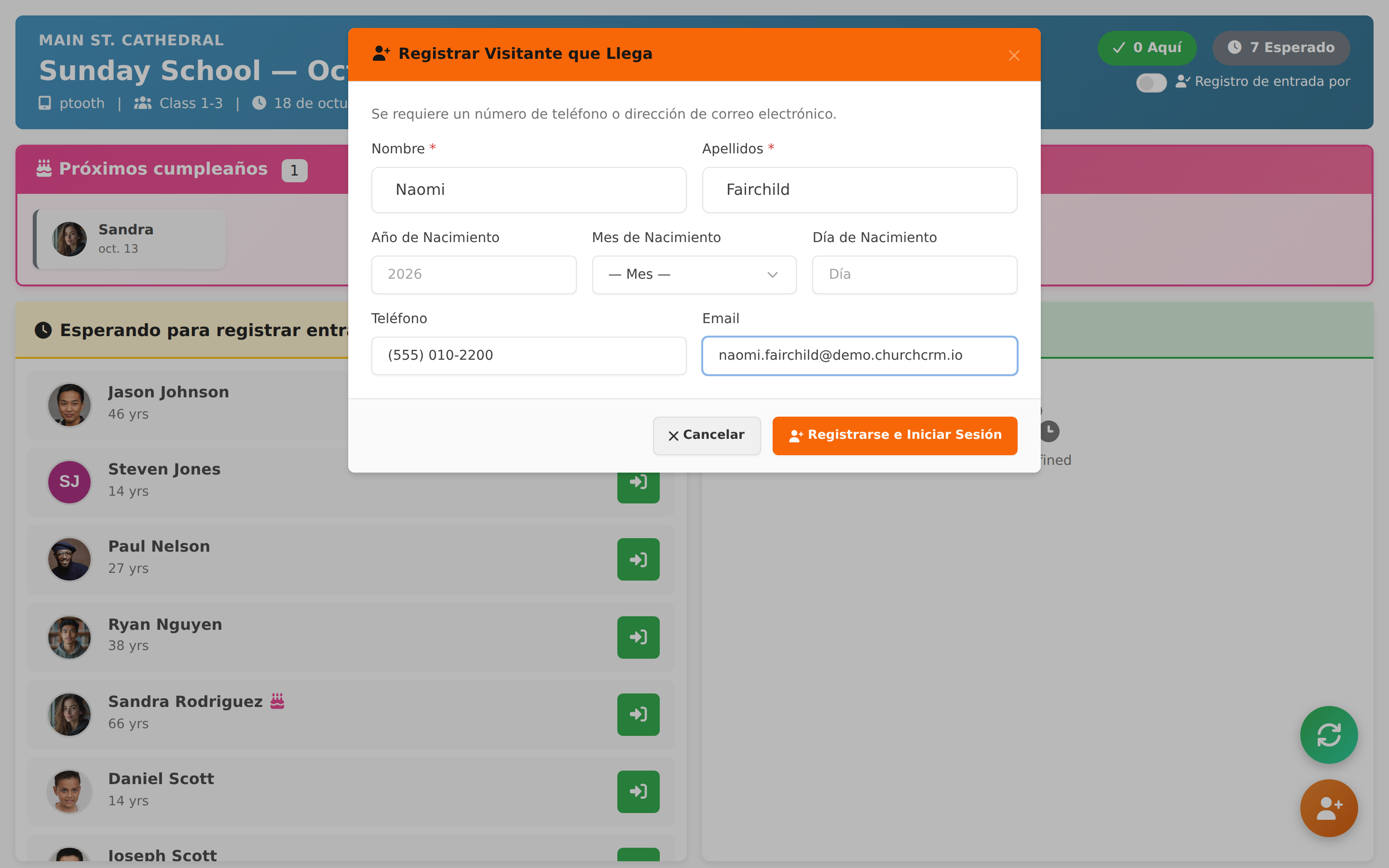
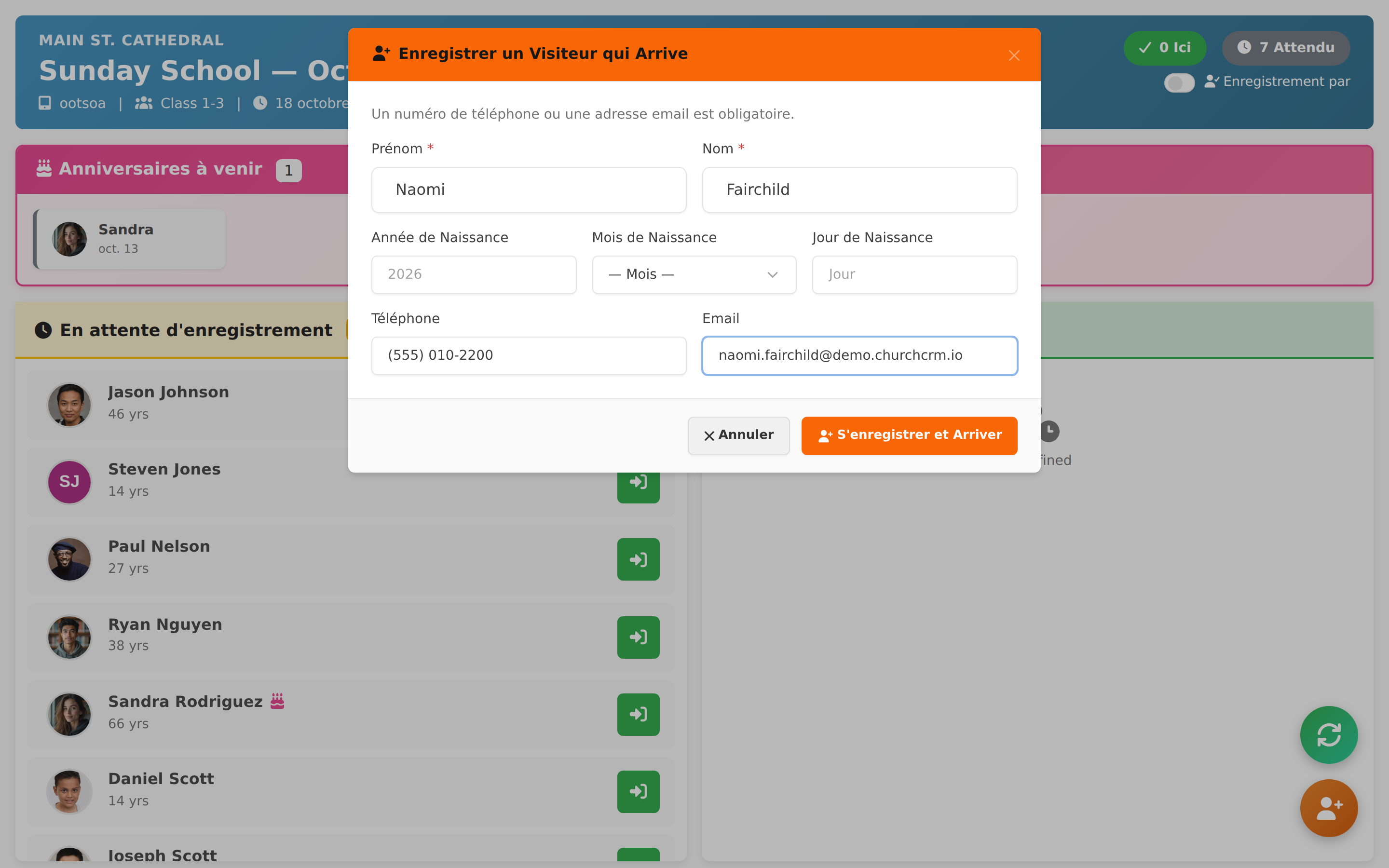
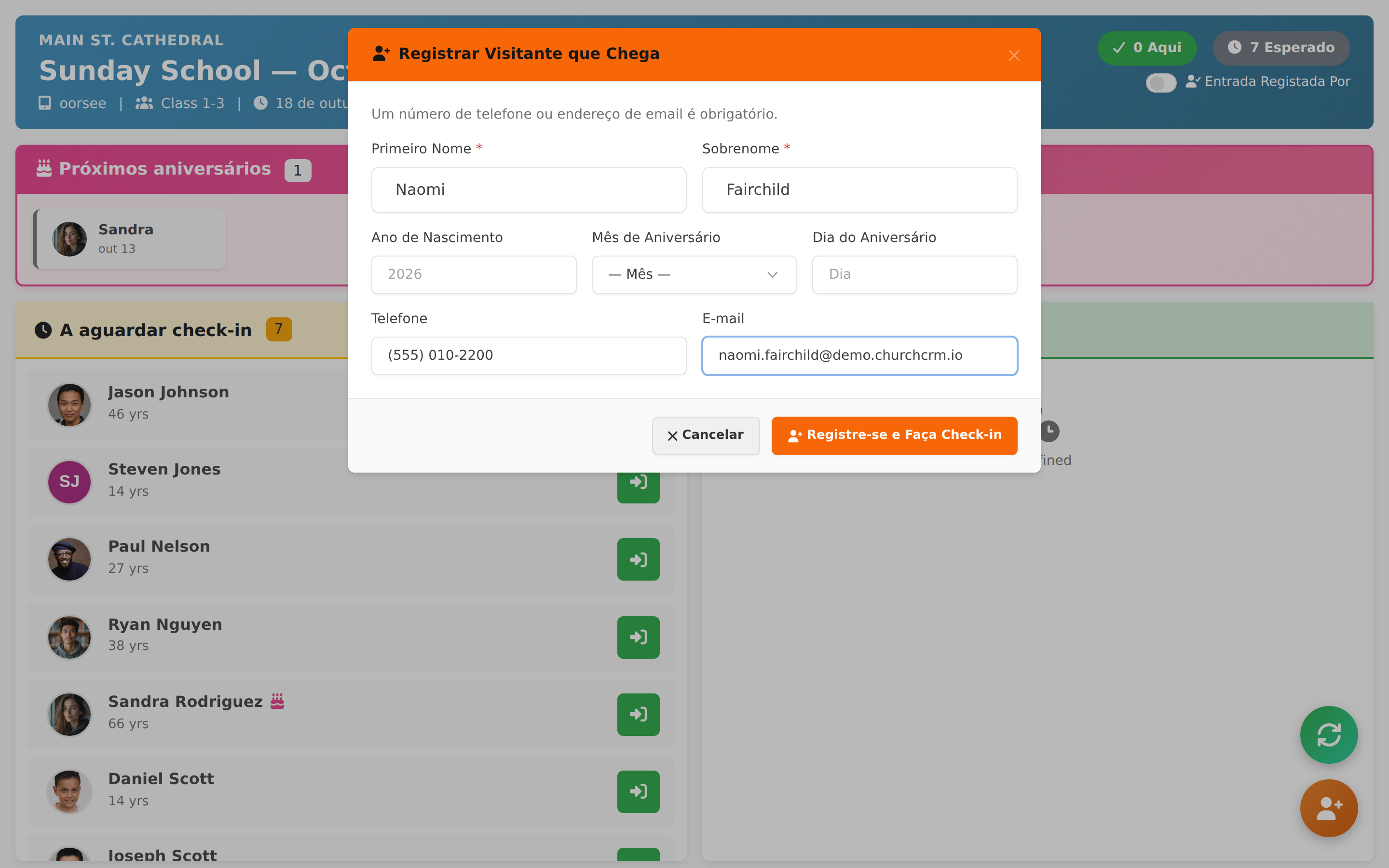
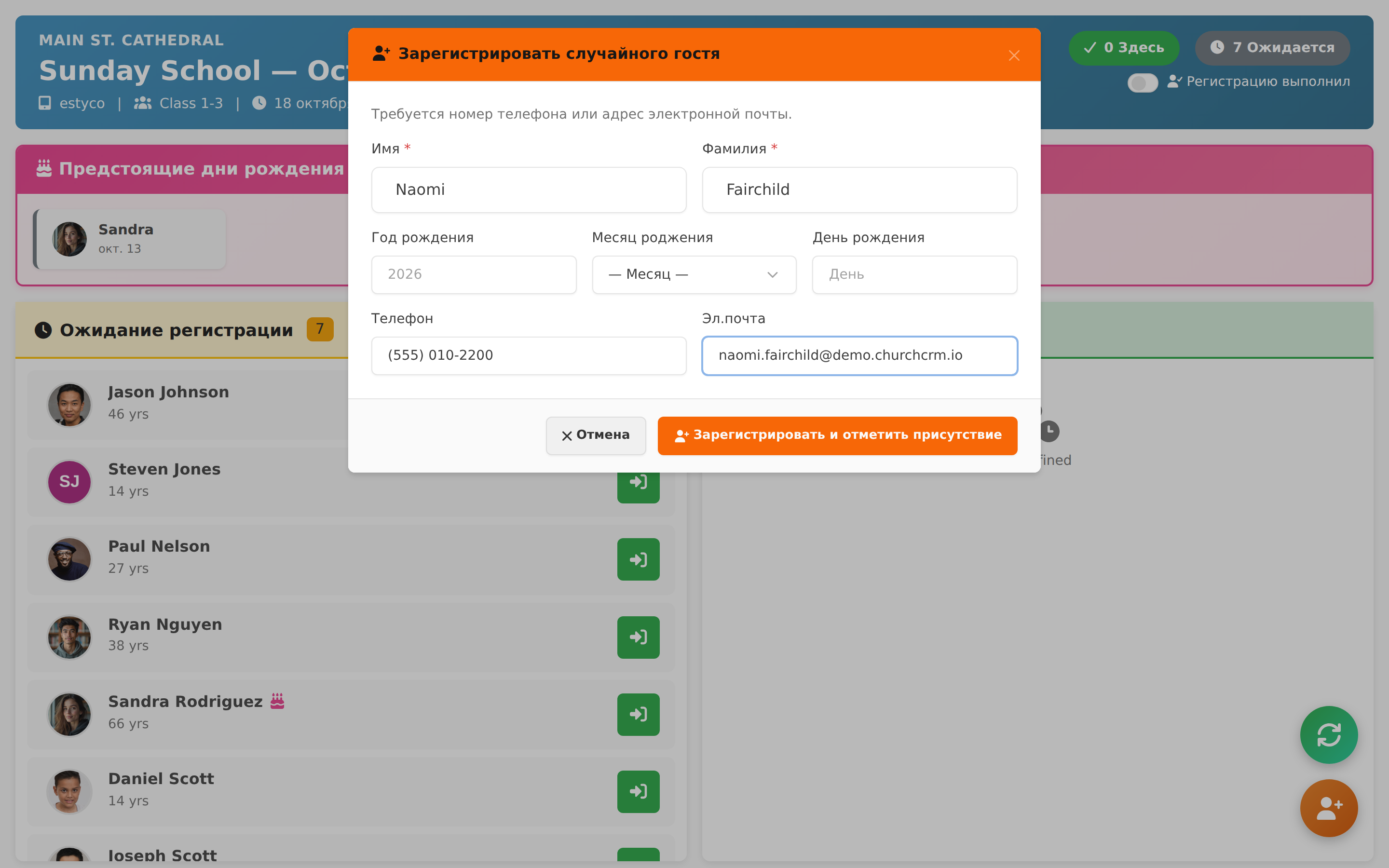
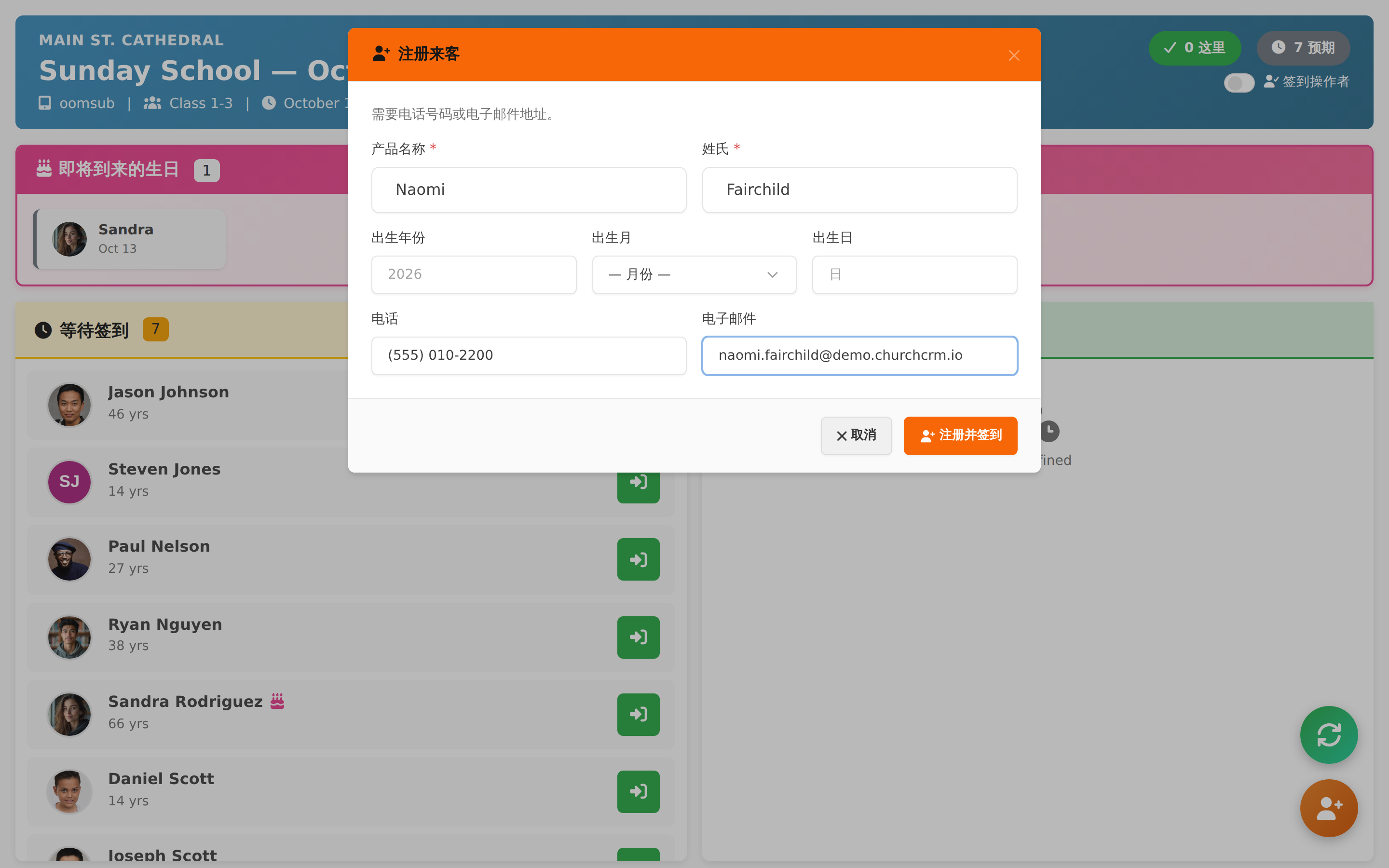
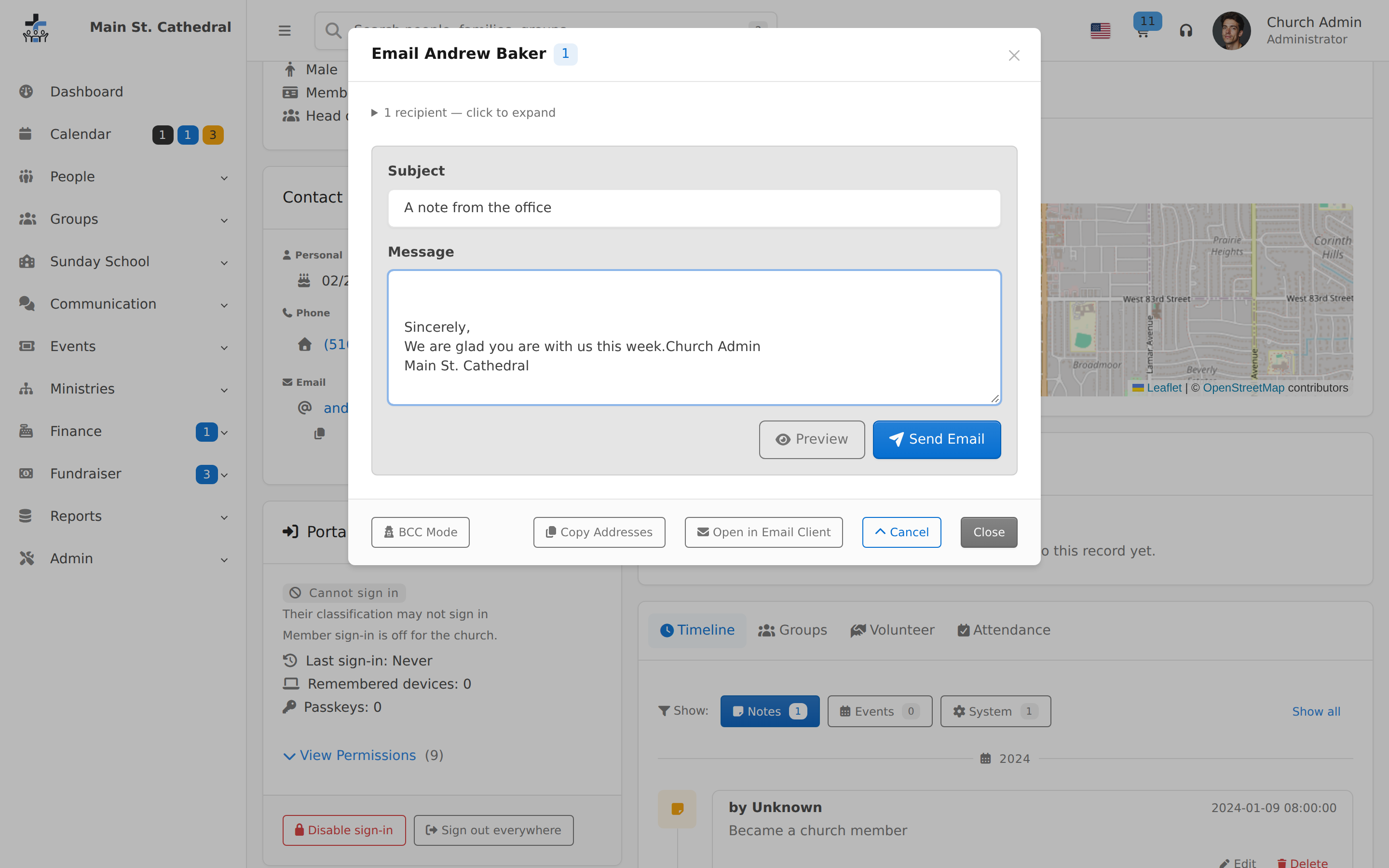
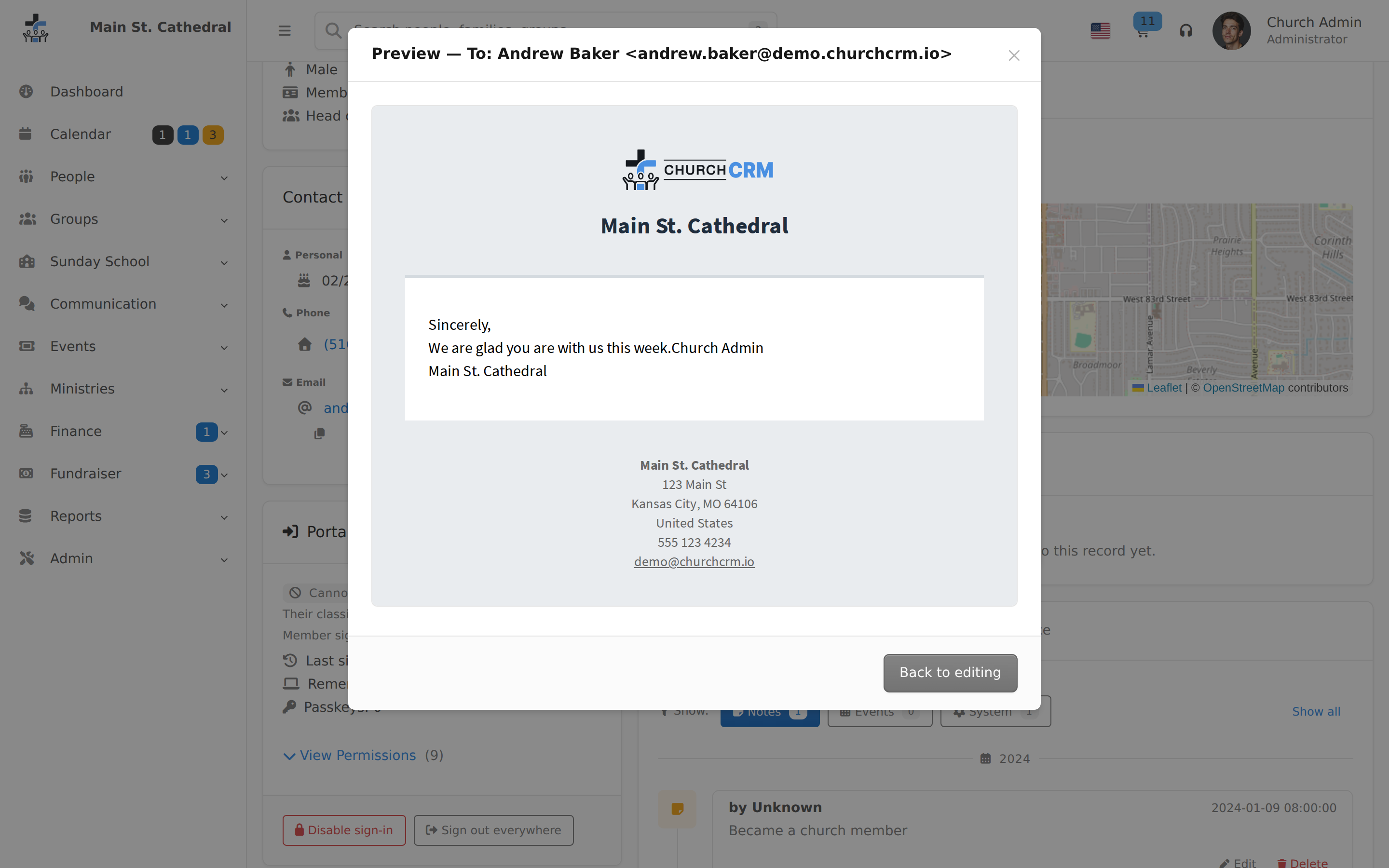
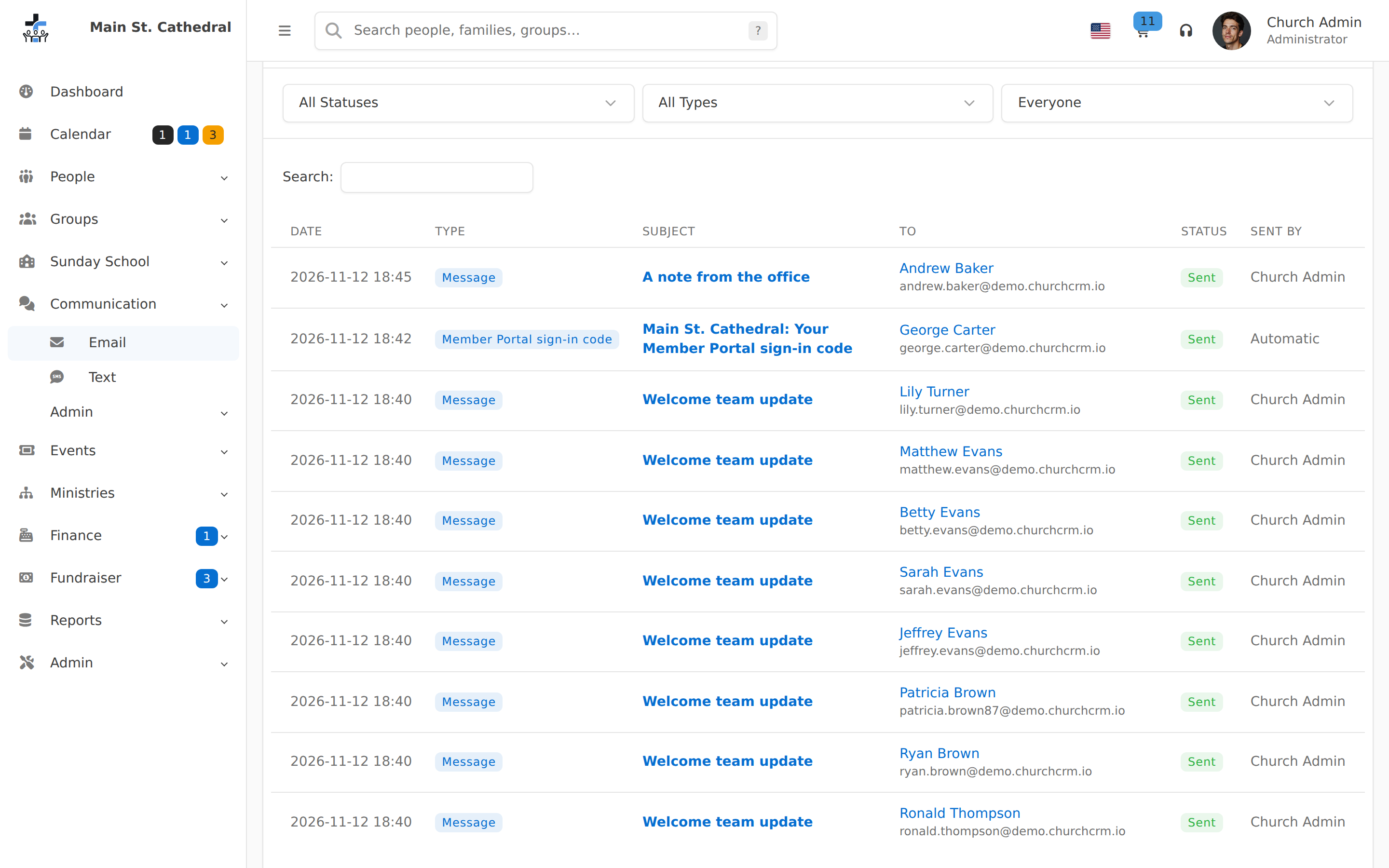
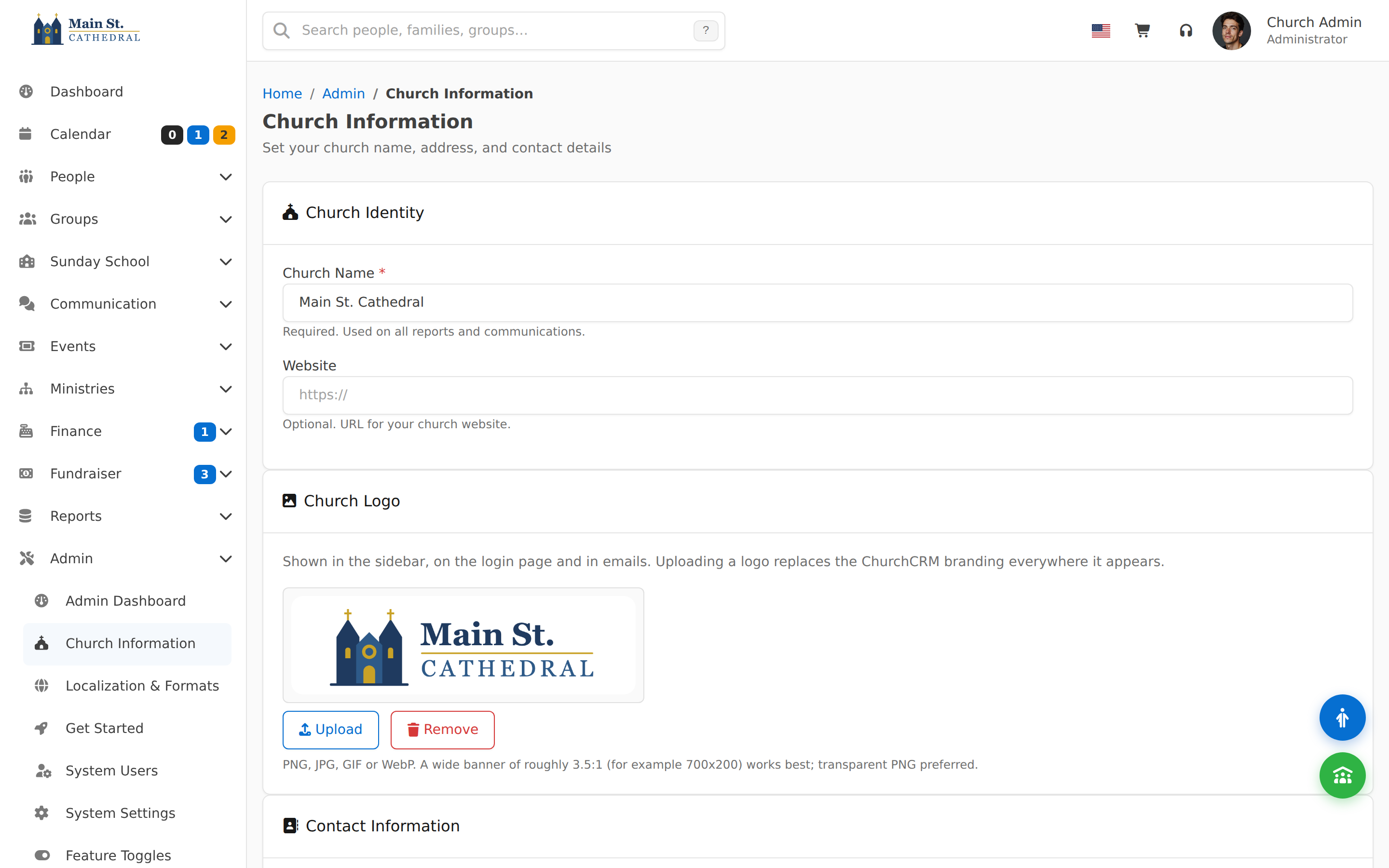
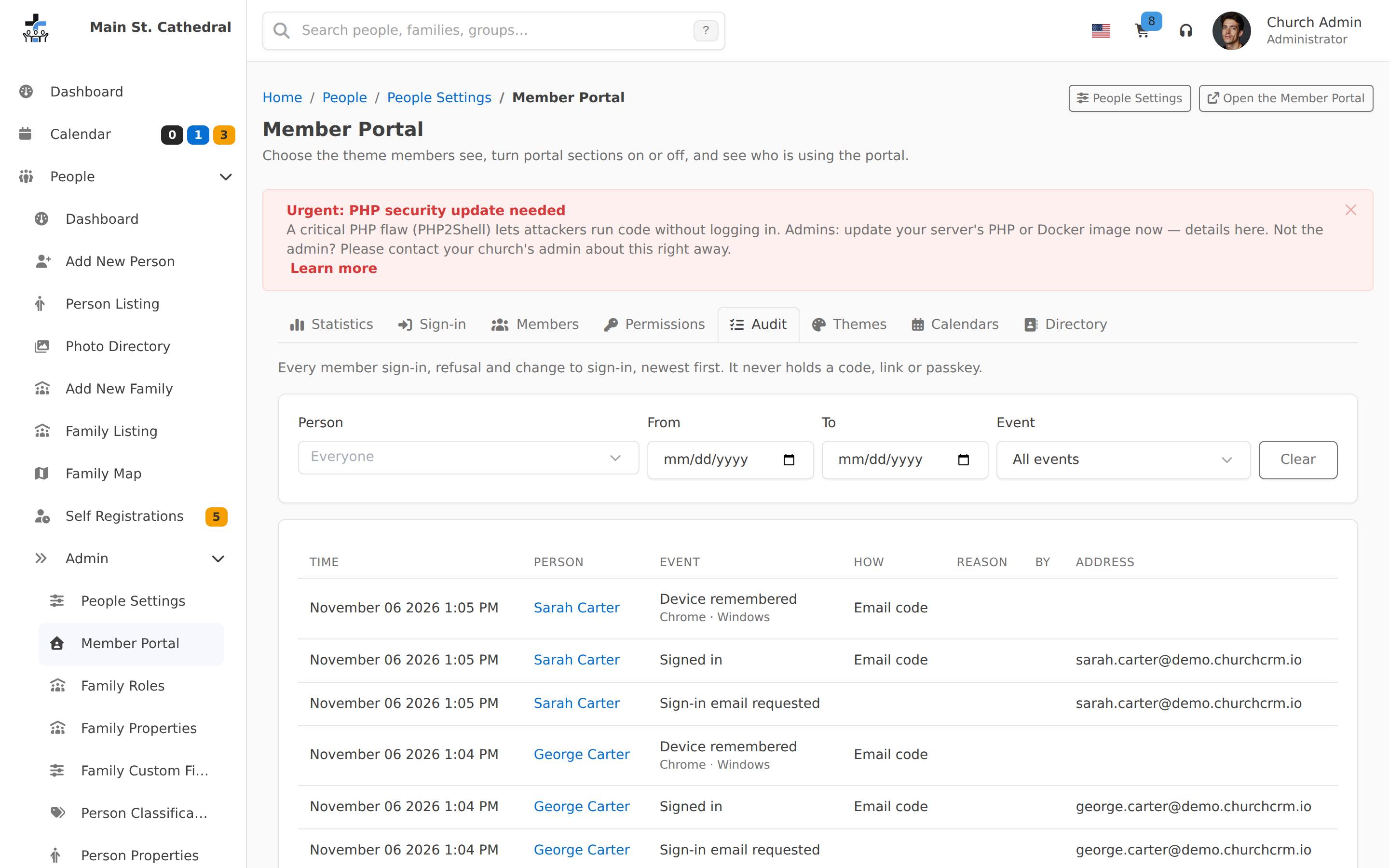
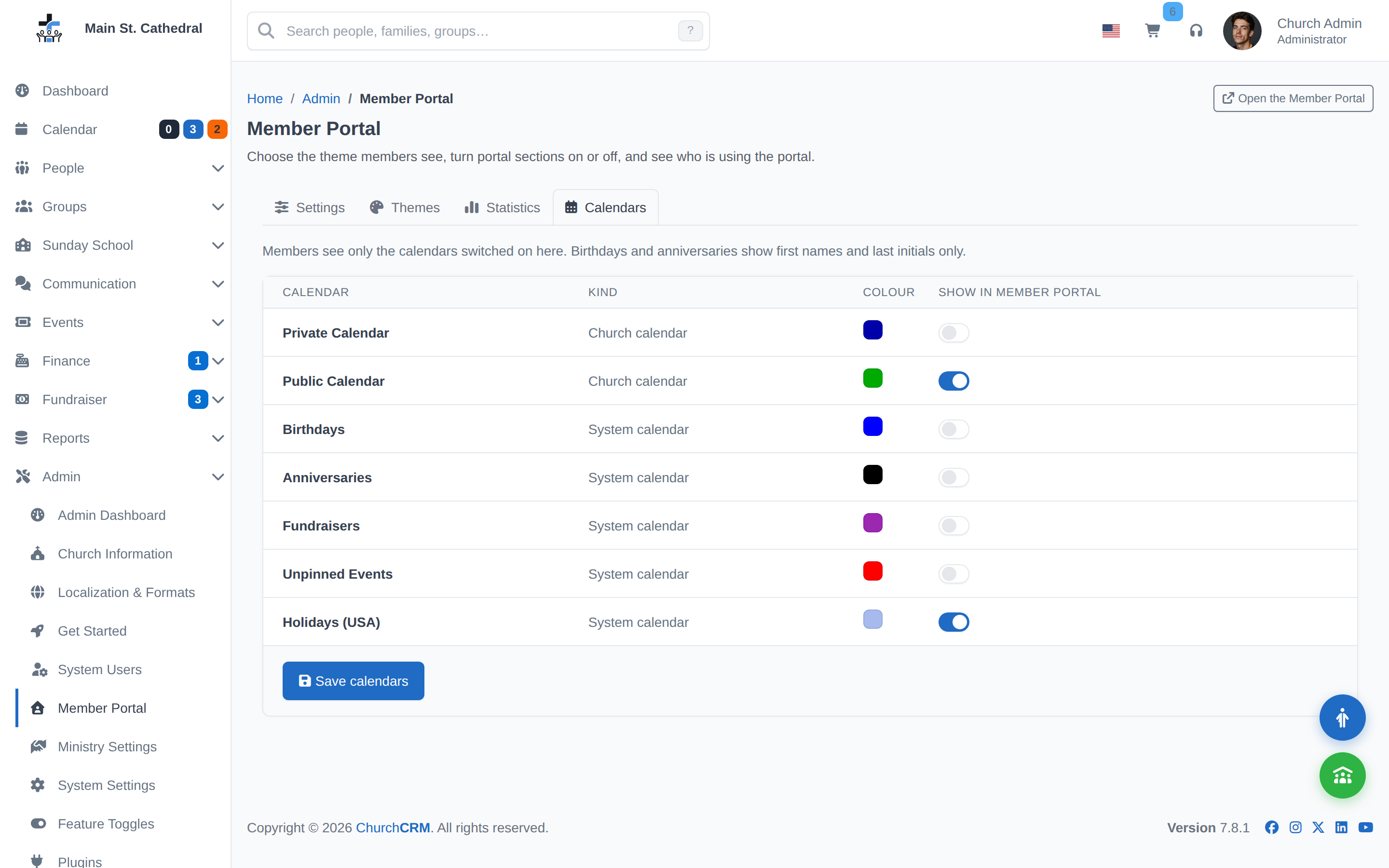
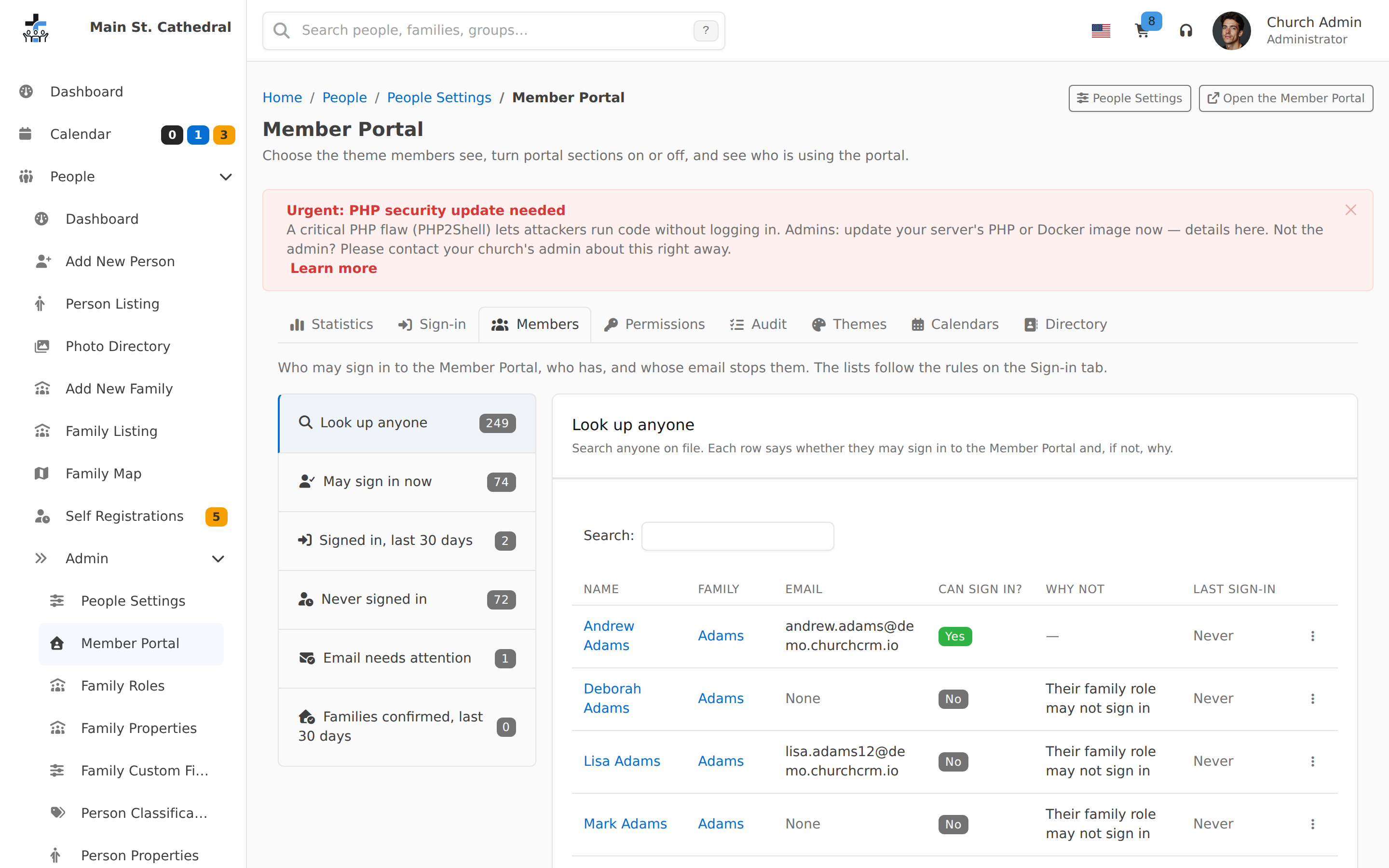
Plan a Class Event and Record AttendanceA Sunday School coordinator creates a group-linked event and records a class member as present.Self-Register FamilyShow a visitor self-registering their family without staff involvementFast Payment Entry with Ctrl+EnterShow three offering envelopes entered in a row, each saved with Ctrl+Enter into a fresh form.Plan a Visit to Nearby FamiliesPlan a visit by finding nearby families from a member’s family profile and adding the neighbors to the cartFind Someone in SecondsHelp a front-desk volunteer find a person by name and open their record to welcome themMessage a GroupShow a church admin moving group members into the People Cart and sending one message to the teamCheck a Child In and OutA parent checks a child in at the Sunday School kiosk and later checks them out, selecting the responsible family member when attribution is enabled.Register a Walk-In Guest at the KioskA walk-in guest is registered and checked in on the Sunday School kiosk, then appears on People > Self Registrations waiting for staff reviewMark a Member DeceasedShow recording a deceased date in the Person Editor, ending on the profile with the Deceased badgeMark a Member InactiveShow marking a member inactive from the profile Actions menu, ending on the Inactive bannerSet Up a Ministry GroupShow a church admin creating a ministry team, assigning a leader, adding a member, and keeping the roster currentMember Updates Family AddressA member signs in to the Member Portal and updates the family address.Welcome a First-Time VisitorHelp a front-desk volunteer register a visitor and save a welcome-team follow-up note on their recordStaff a Sunday ServiceShow a coordinator filling an open position from the Ministry Dashboard until it reads Full.Demo Data ImportShow importing the sample data set and the resulting seeded familiesSetup - Church InfoShow first-run setup: prerequisites, database configuration, and church info